
Therapy for your CMS:Improving the User ExperienceRachel VacekUniversity of Houston LibrariesJ. Boye ConferencePhiladelphia May 4, 2011
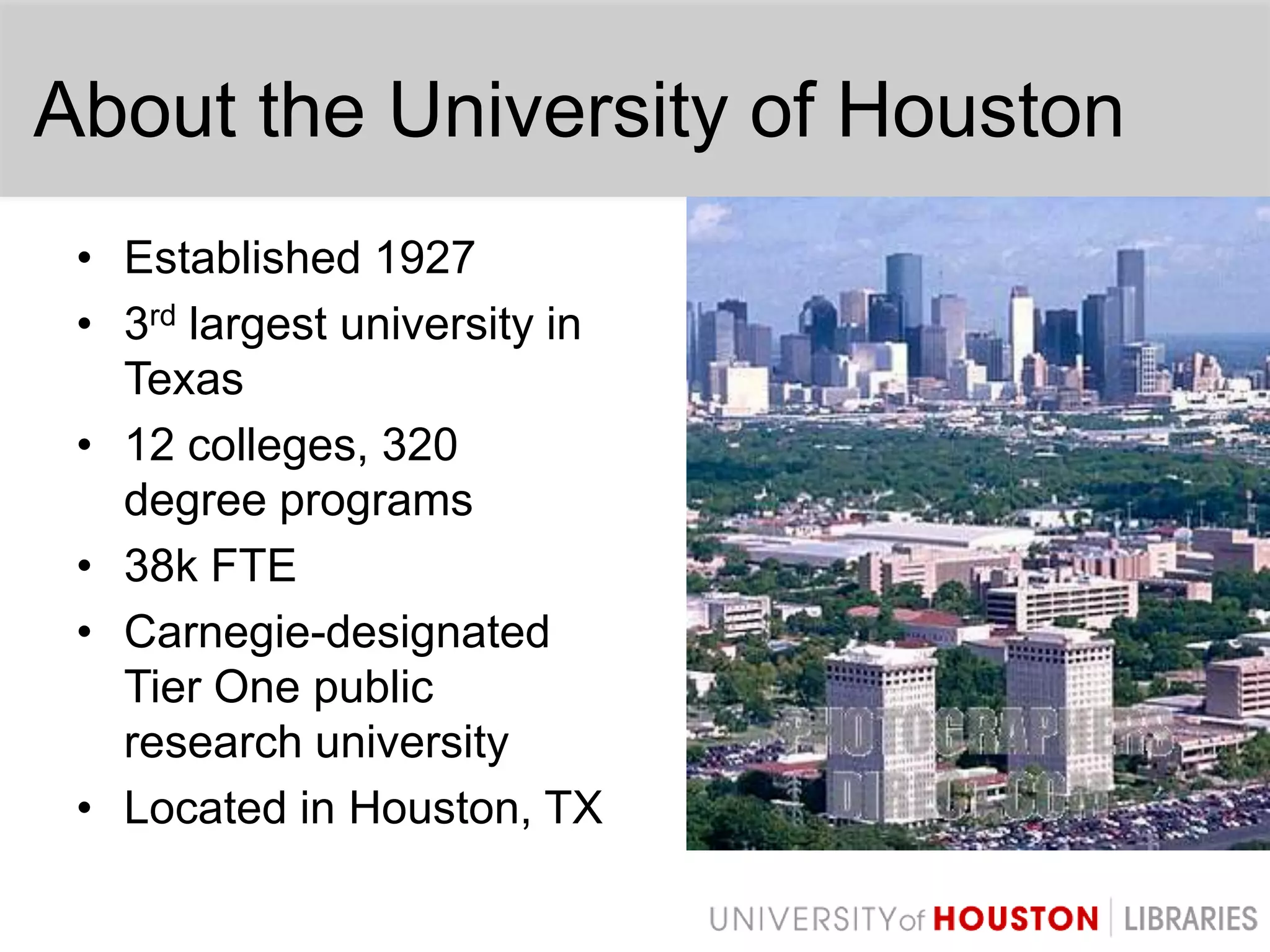
About the University of HoustonEstablished 19273rd largest university in Texas12 colleges, 320 degree programs38k FTECarnegie-designated Tier One public research universityLocated in Houston, TX
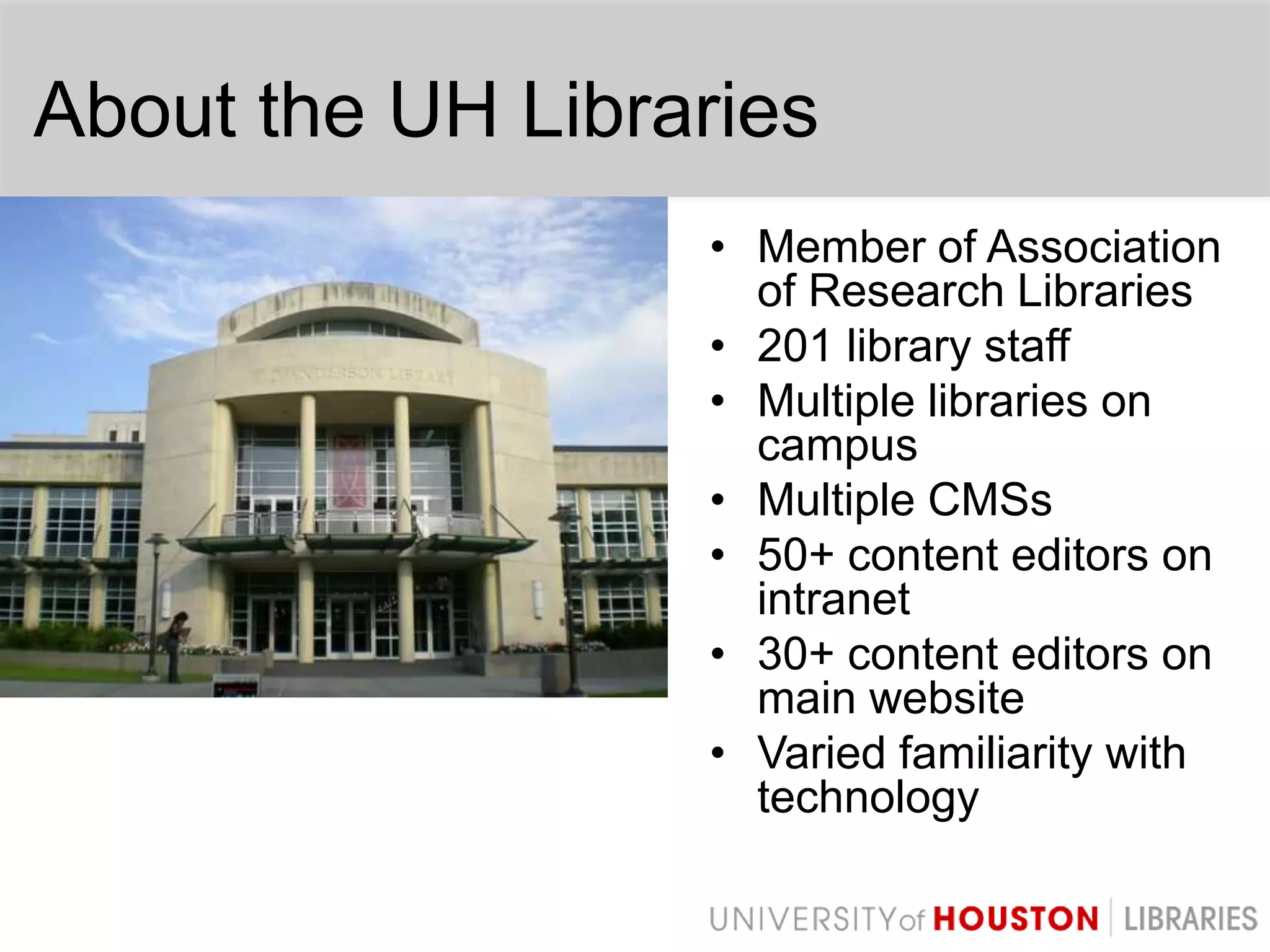
About the UH LibrariesMember of Association of Research Libraries201 library staffMultiple libraries on campusMultiple CMSs50+ content editors on intranet30+ content editors on main websiteVaried familiarity with technology
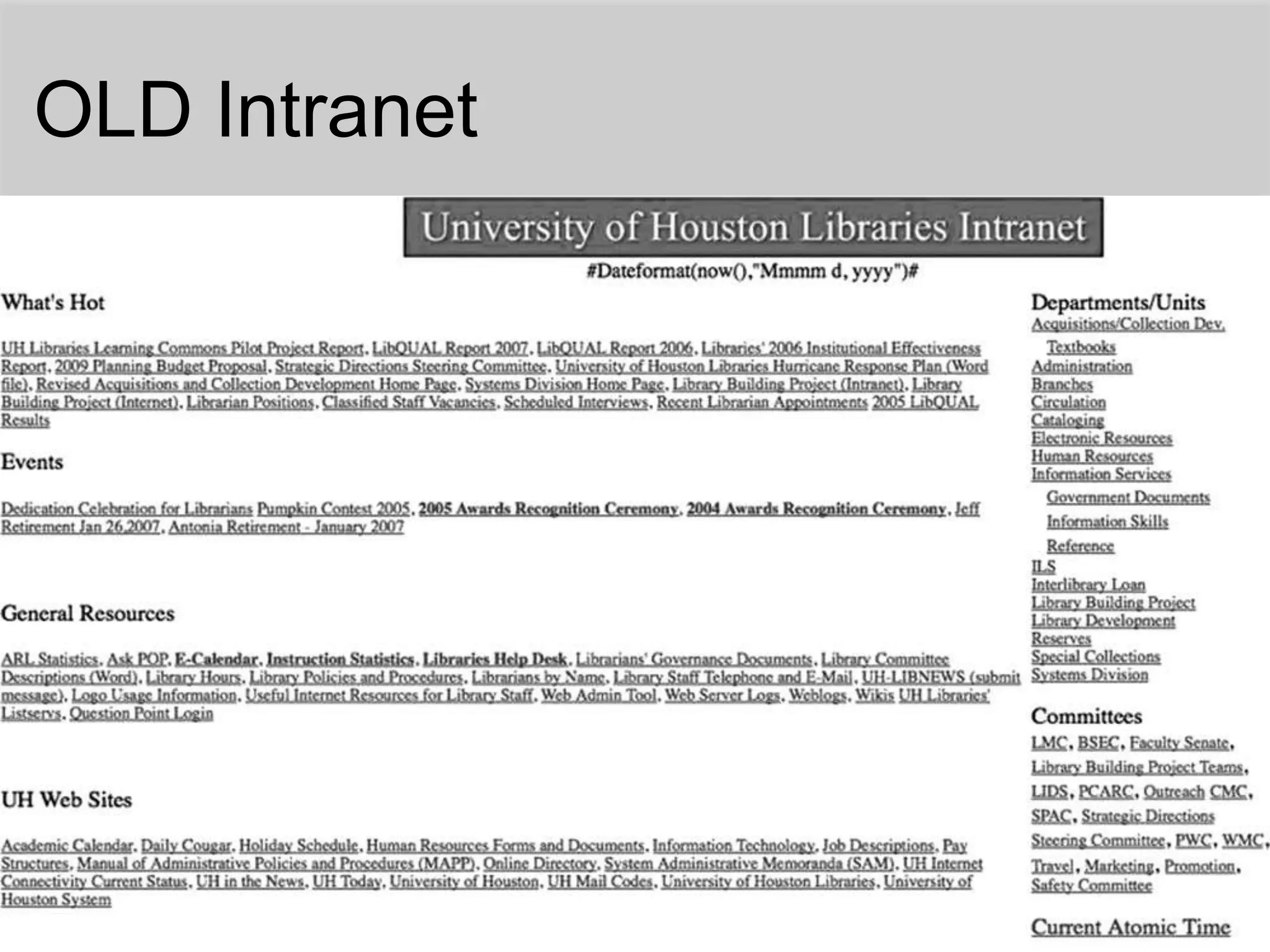
OLD Intranet
Intranet Redesign - 2008Chose DrupalPowerfulModularFlexibleActive user communityPeer institutions using Drupal
Planning & DevelopmentHad clear goalsConducted surveysUtilized focus groupsAdded needed functionalityBuilt what users wanted
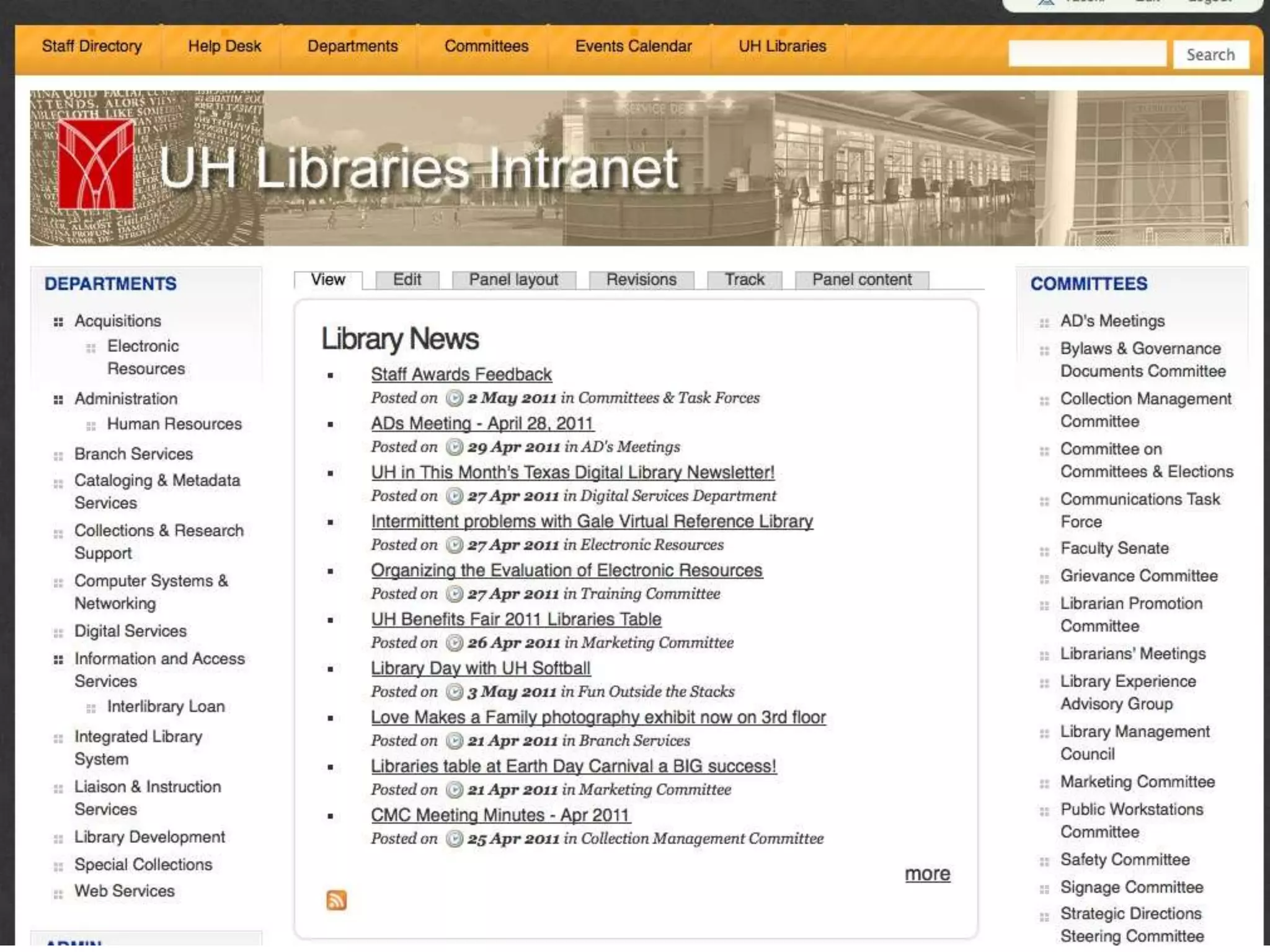
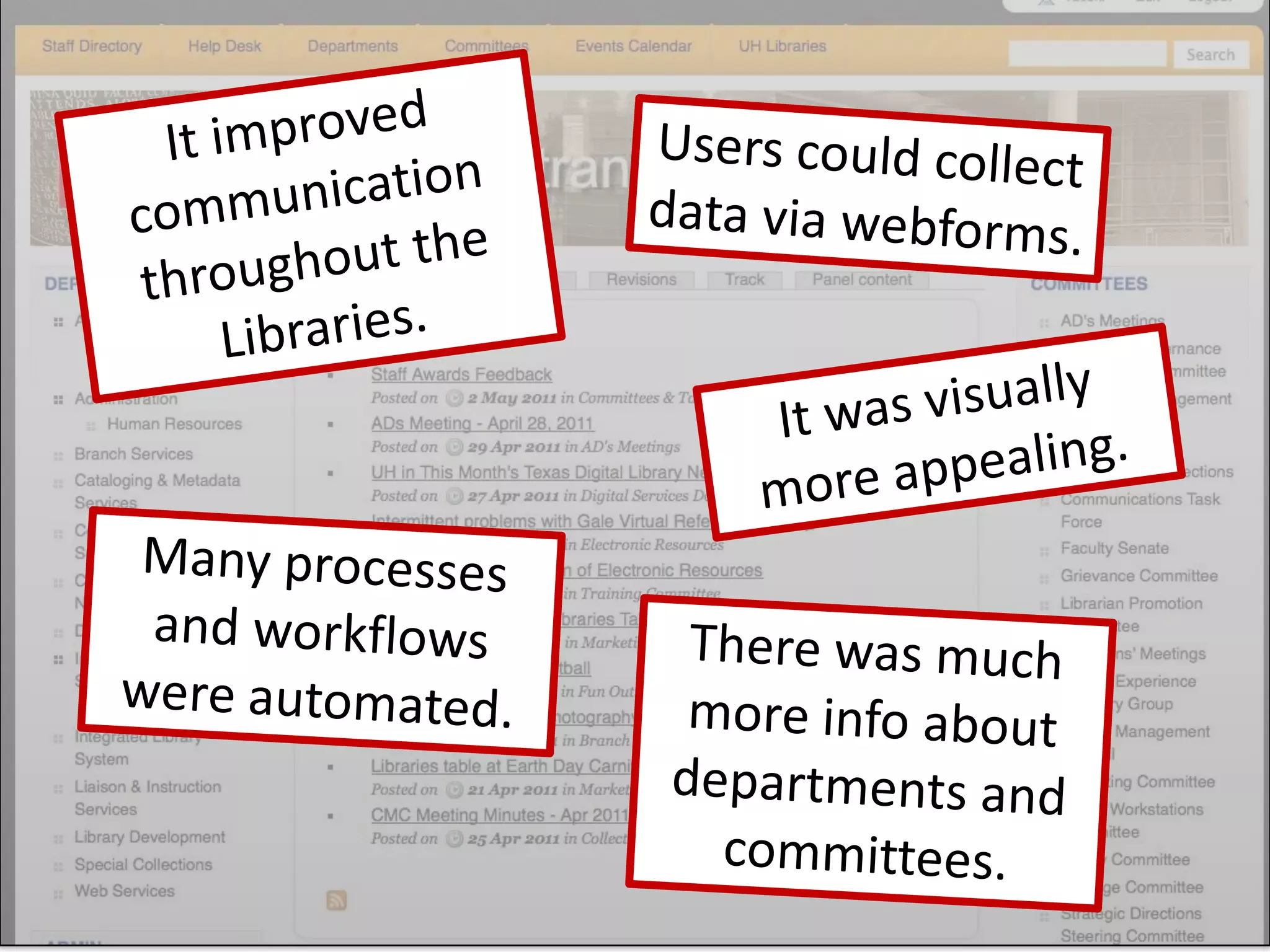
It improved communication throughout the Libraries.Users could collect data via webforms.It was visually more appealing.Many processes and workflows were automated.There was much more info about departments and committees.
But issues began to surface
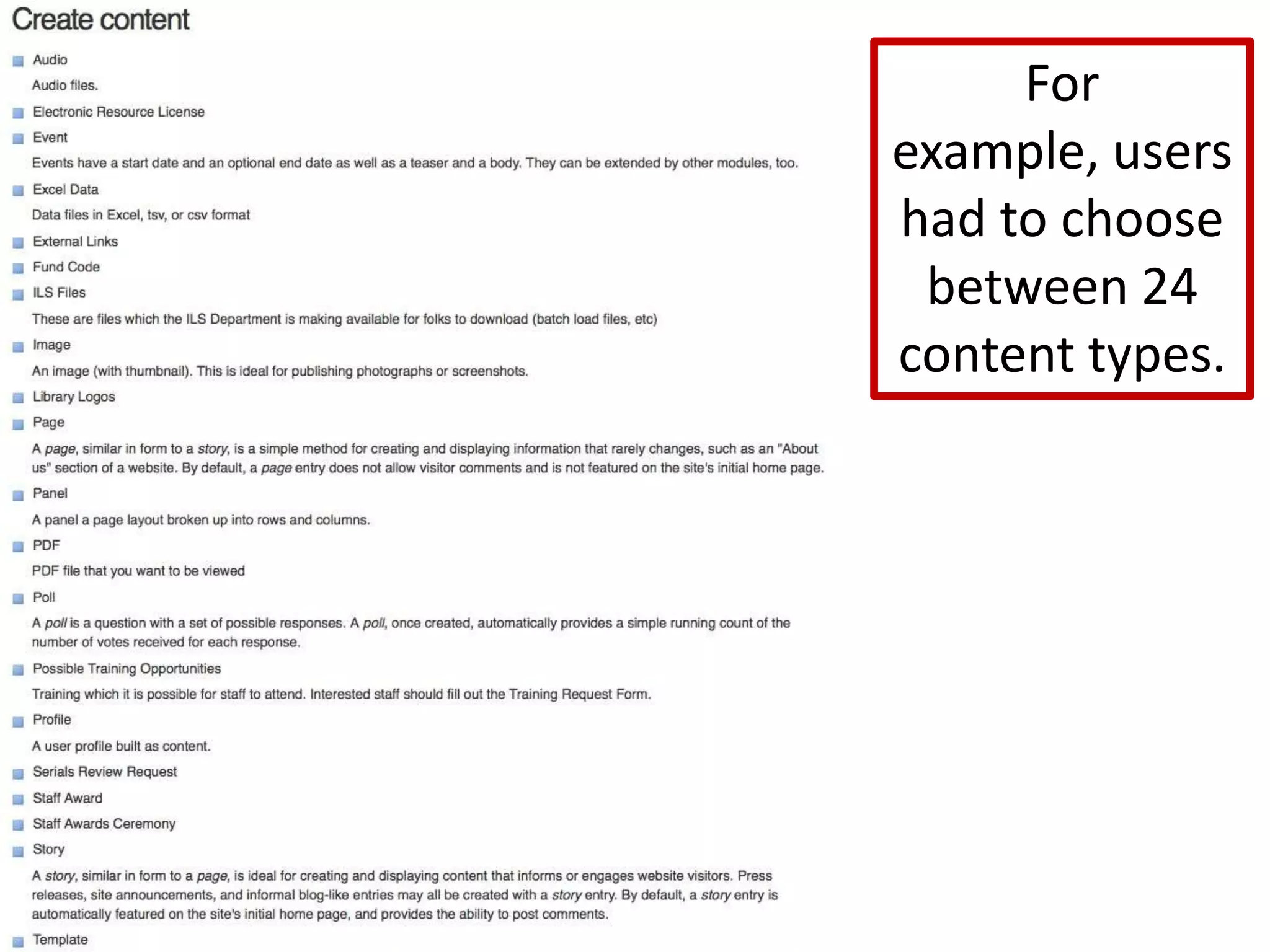
For example, users had to choose between 24 content types.
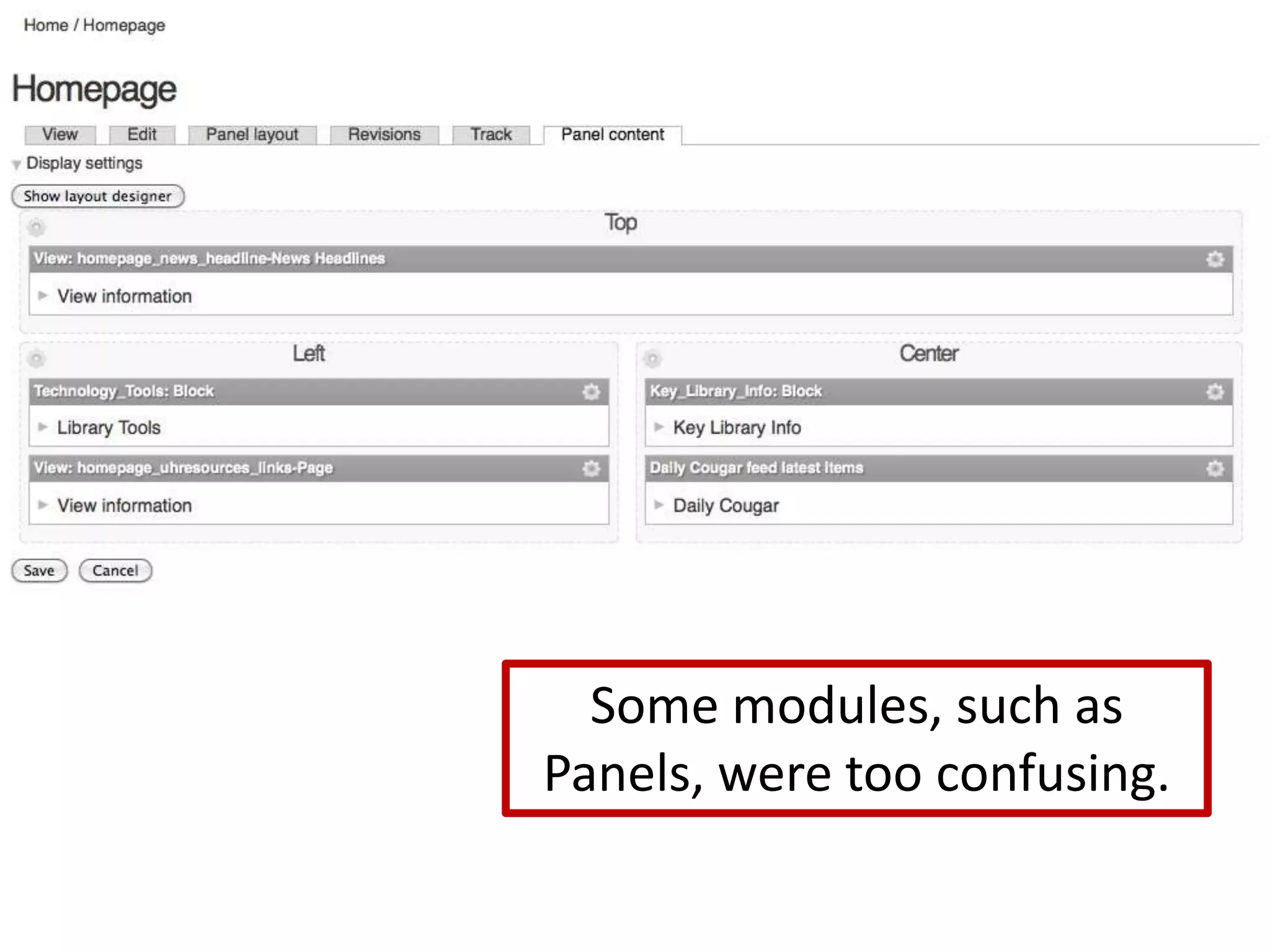
Some modules, such as Panels, were too confusing.
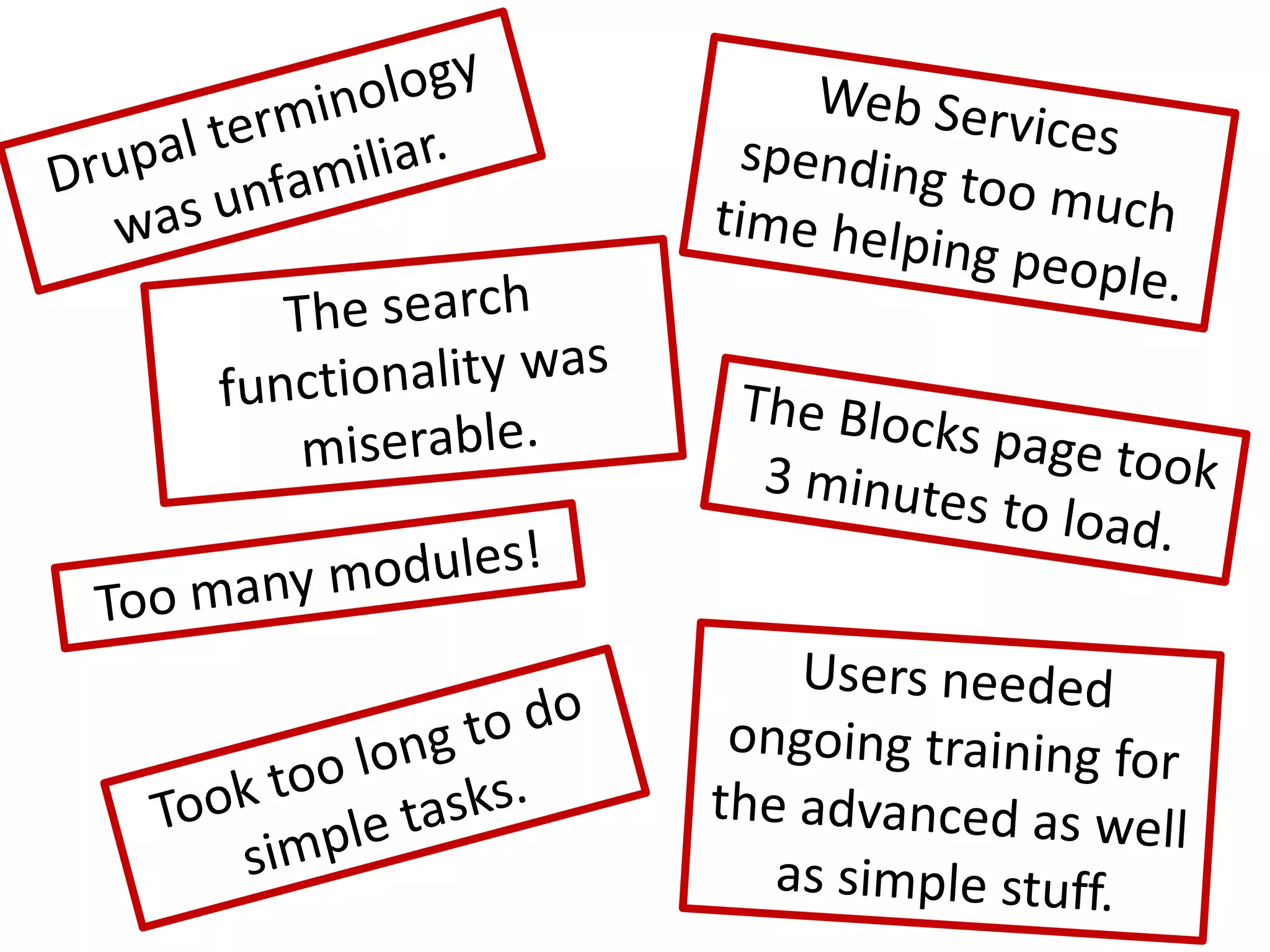
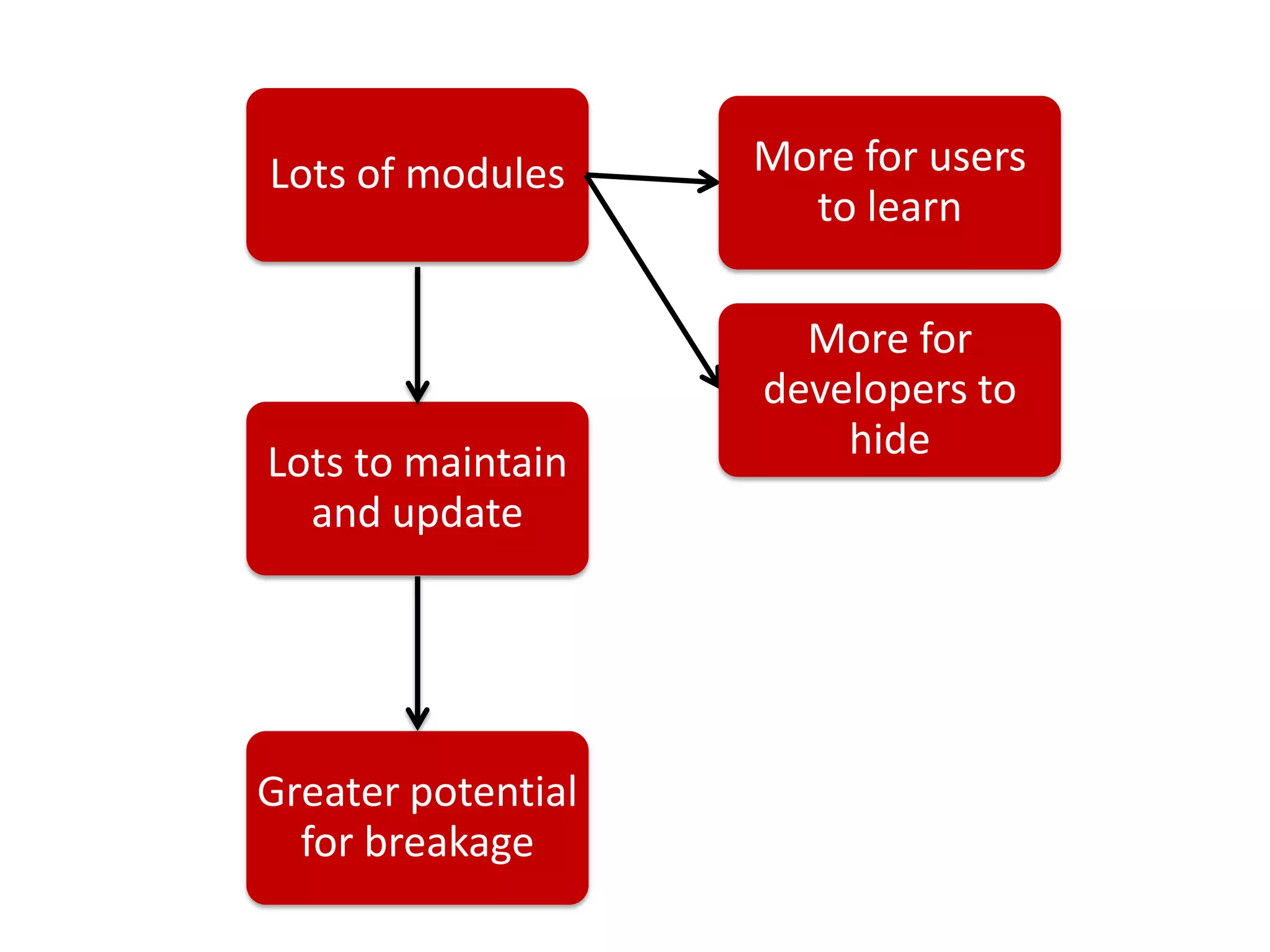
Web Services spending too much time helping people.Drupal terminology was unfamiliar.The search functionality was miserable.The Blocks page took 3 minutes to load.Too many modules!Users needed ongoing training for the advanced as well as simple stuff.Took too long to do simple tasks.
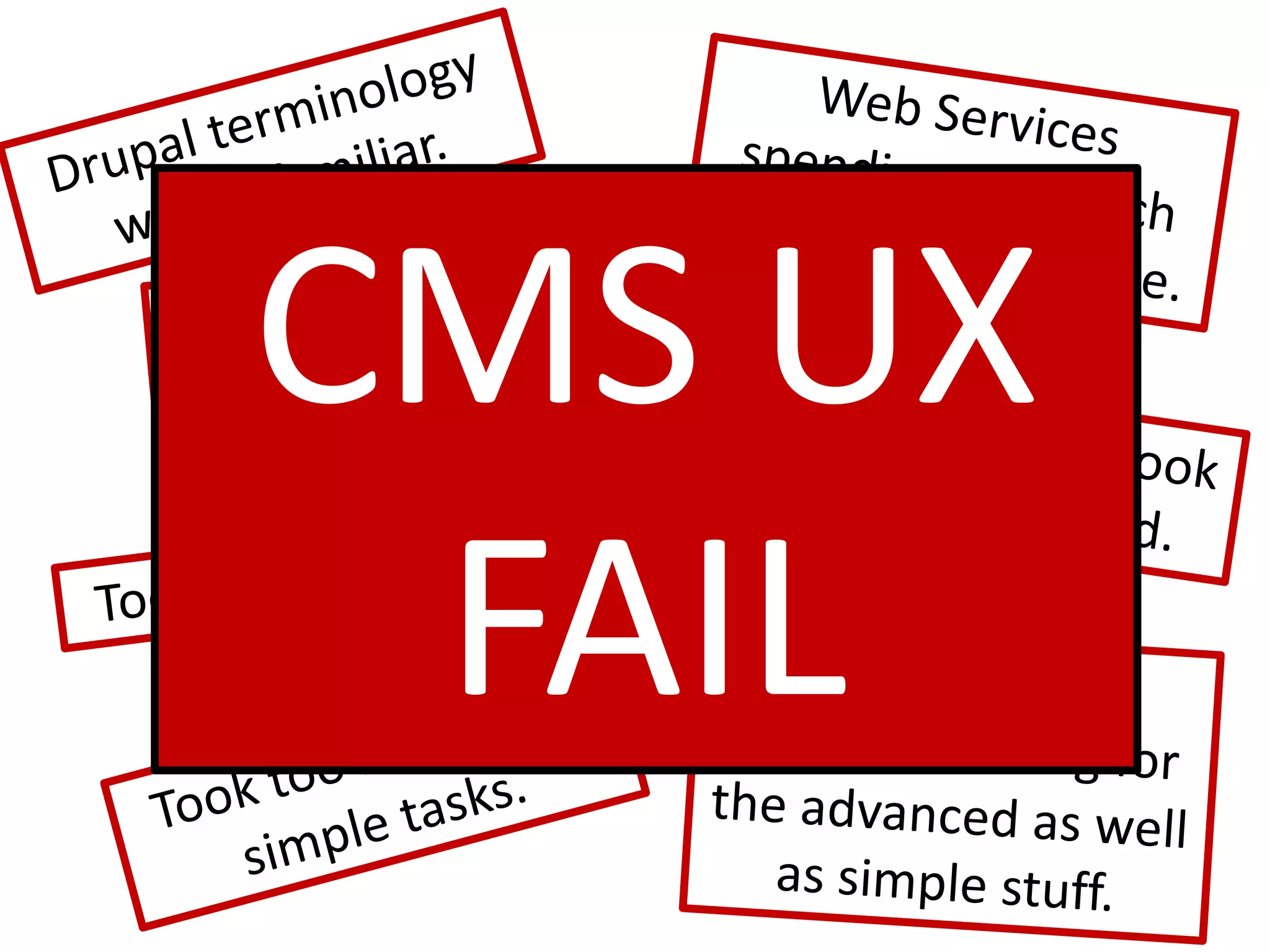
Web Services spending too much time helping people.Drupal terminology was unfamiliar.CMS UX FAILThe search functionality was miserable.The Blocks page took 3 minutes to load.Too many modules!Users needed ongoing training for the advanced as well as simple stuff.Took too long to do simple tasks.
Don’t the users of a CMS deserve a good user experience too?
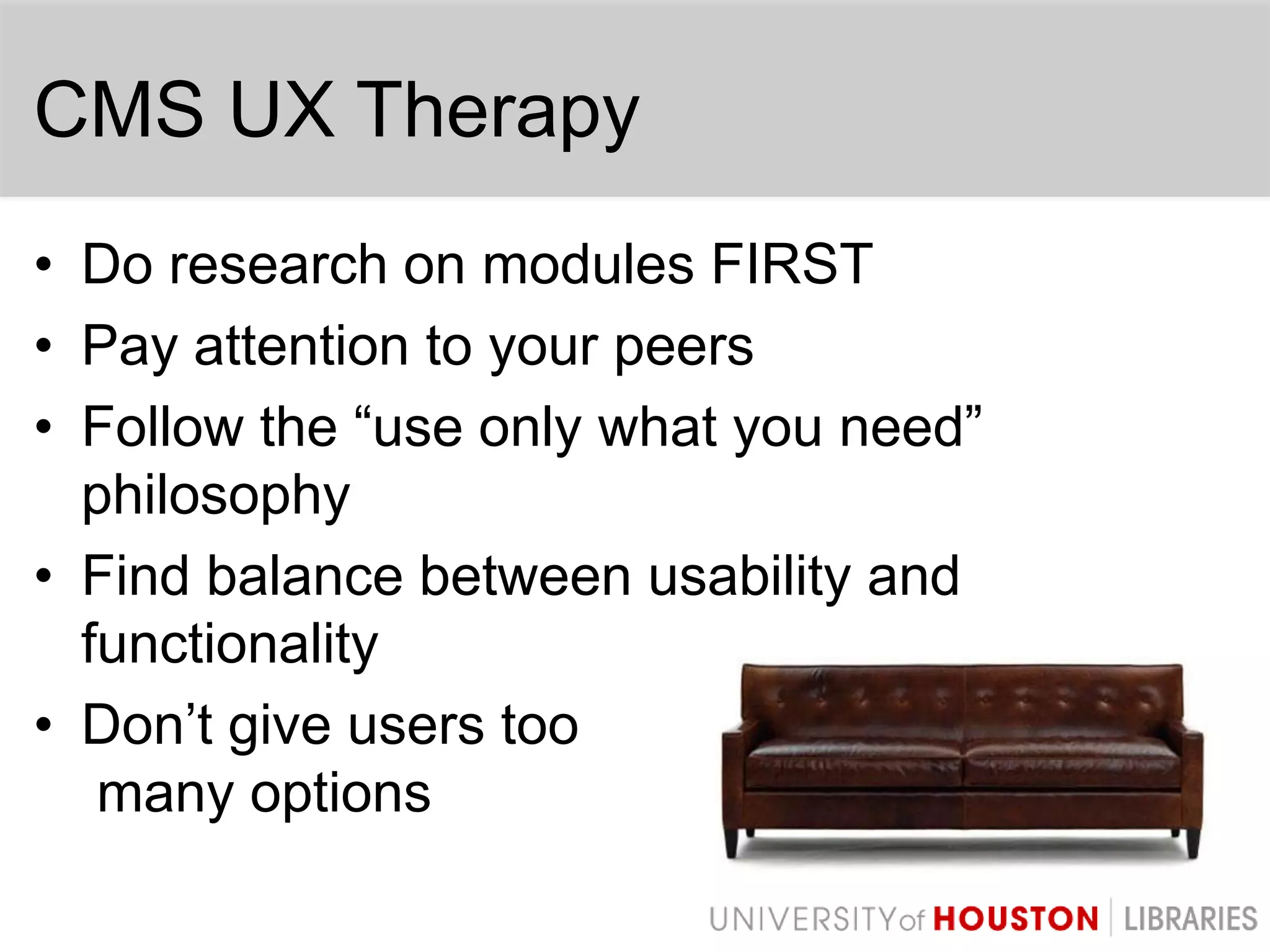
CMS UX TherapyDo research on modules FIRSTPay attention to your peersFollow the “use only what you need” philosophyFind balance between usability and functionalityDon’t give users toomany options
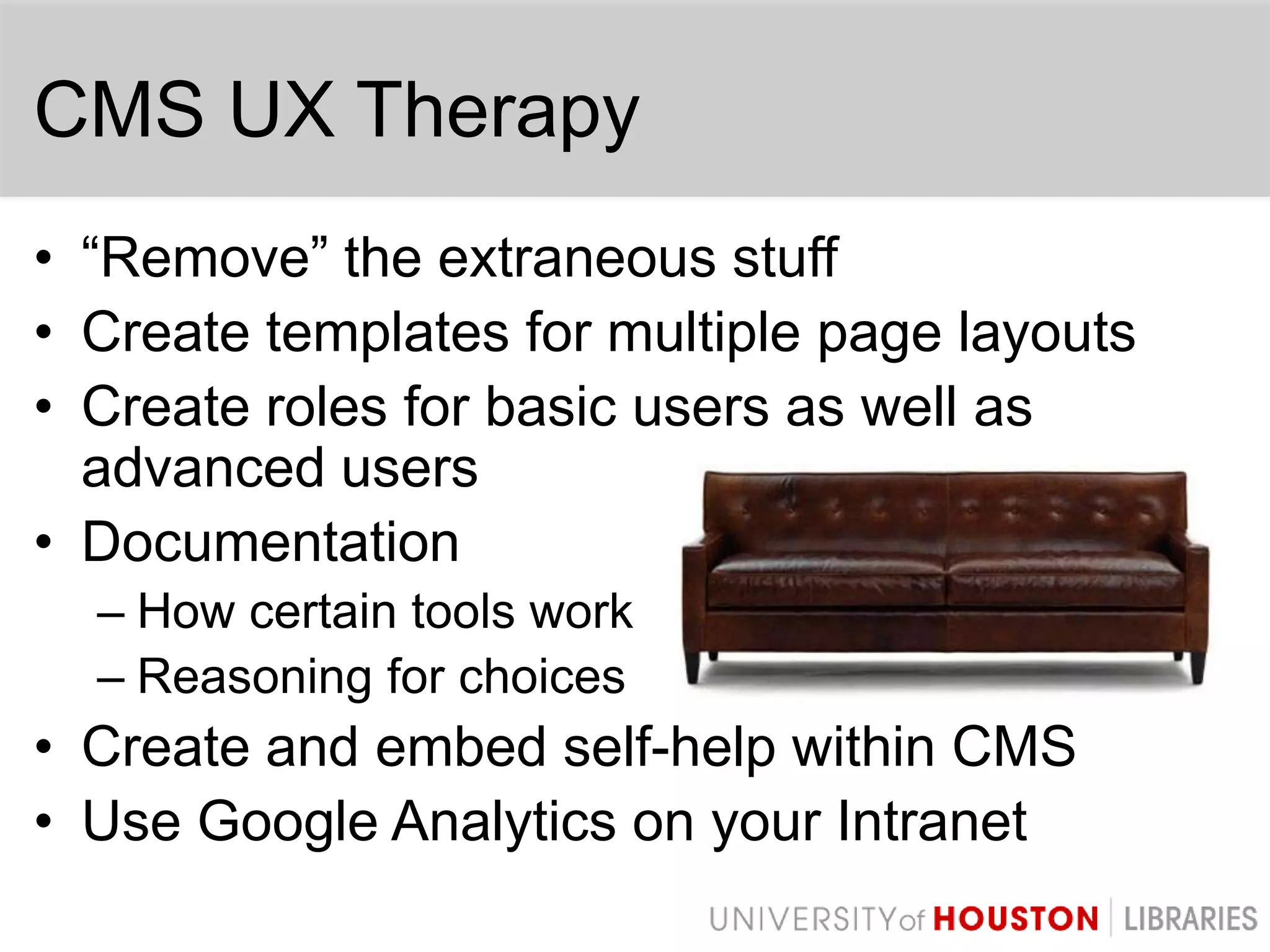
CMS UX Therapy“Remove” the extraneous stuffCreate templates for multiple page layoutsCreate roles for basic users as well as advanced usersDocumentationHow certain tools workReasoning for choicesCreate and embed self-help within CMSUse Google Analytics on your Intranet
CMS UX TherapyAn investment in CMS simplification and respect for the user experience can yield an extremely powerful system run by satisfied, happy users.
Main Website Redesign – 2010Applied lessons learned from Intranet CMS failureCreated help video tutorialsPicked more appropriate modules to help with creating a good UXAdmin moduleContent locking moduleWorkflow modulePathauto moduleCustom modulesWYSIWYG editor
Main Website Redesign – 2010Conducted continuous usability testing with content editors on the new CMS during developmentToday, content editors are more eager to use the CMS and are more interested in keeping their content current
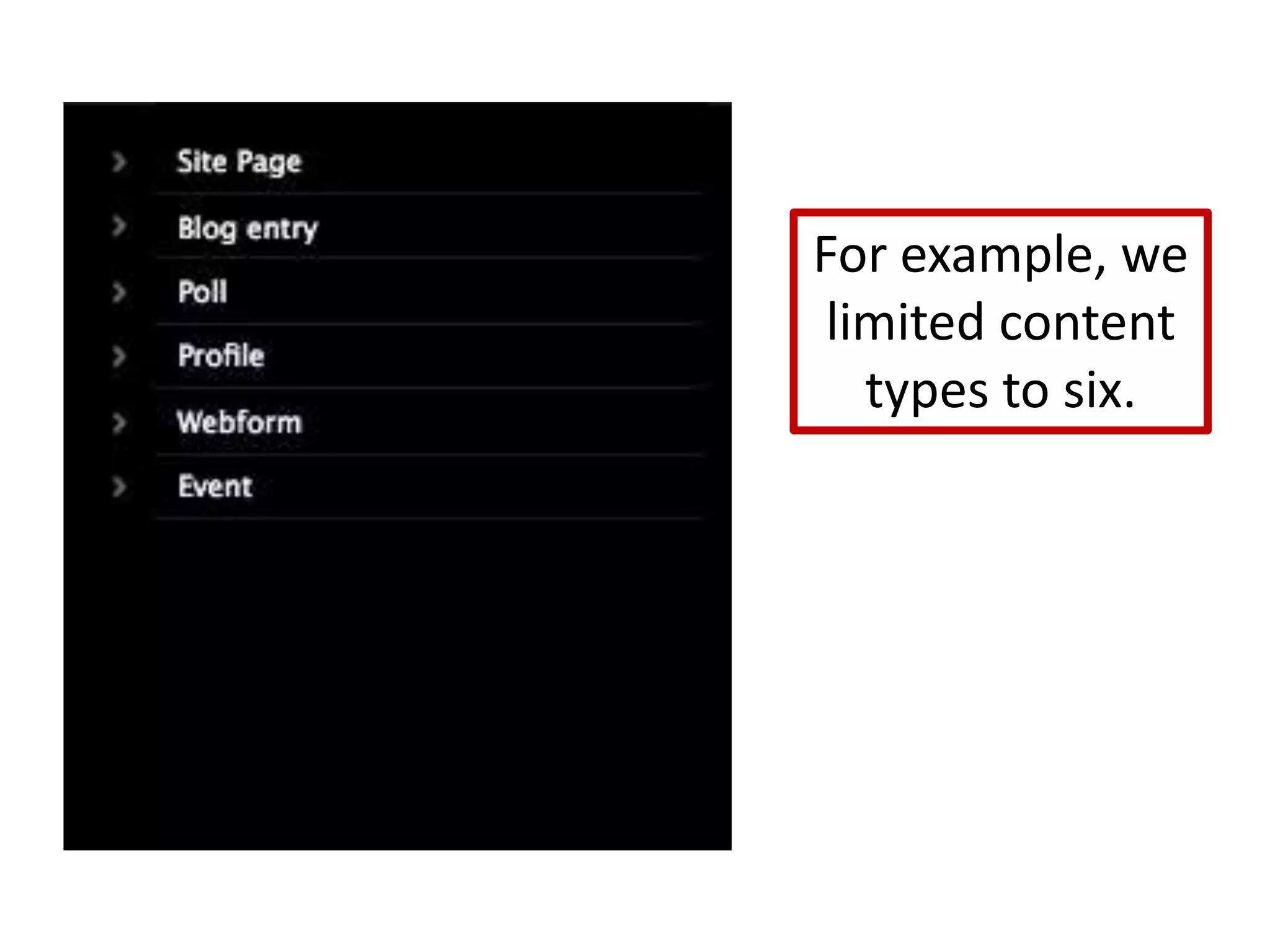
For example, we limited content types to six.
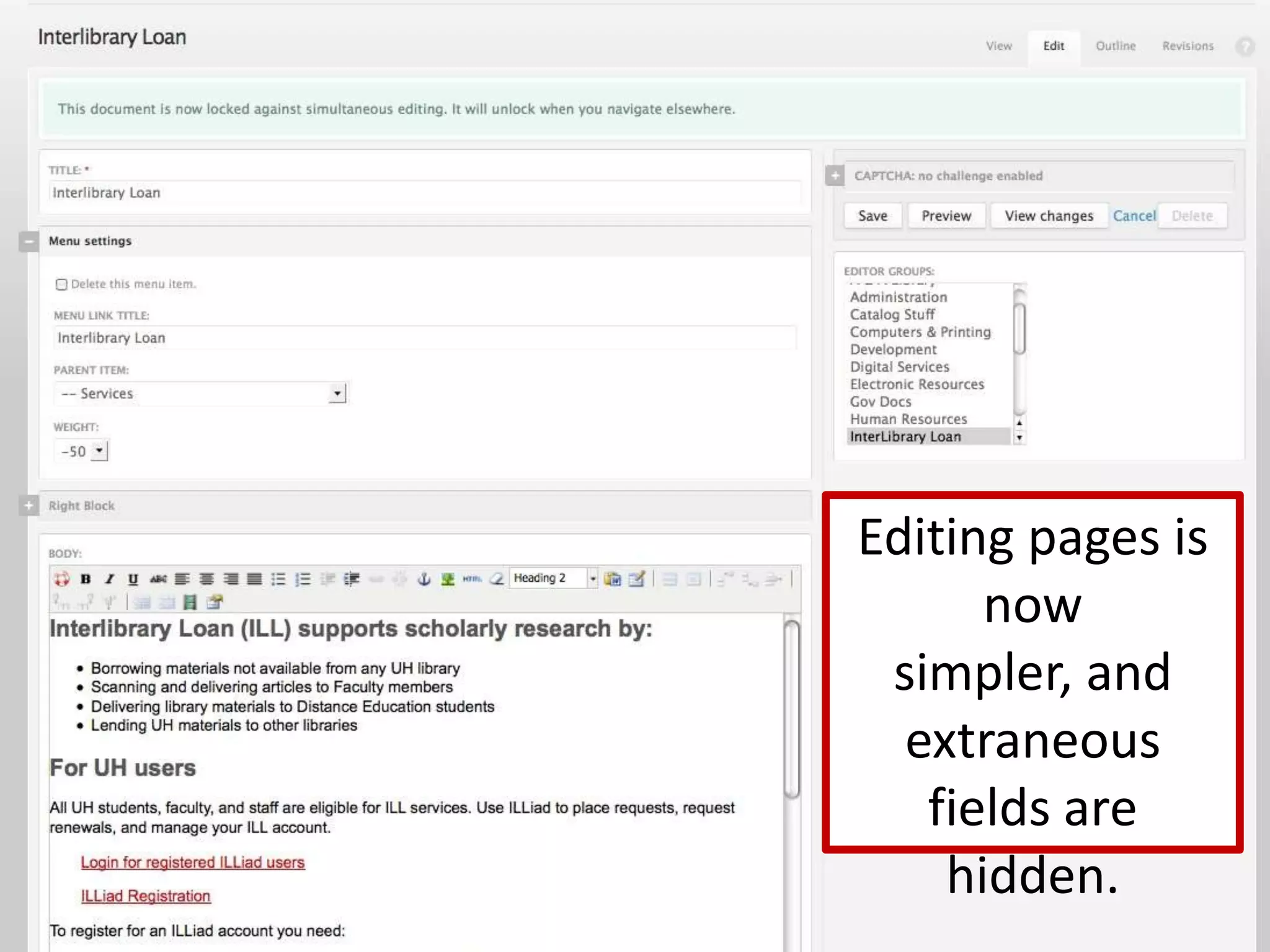
Editing pages is now simpler, and extraneous fields are hidden.
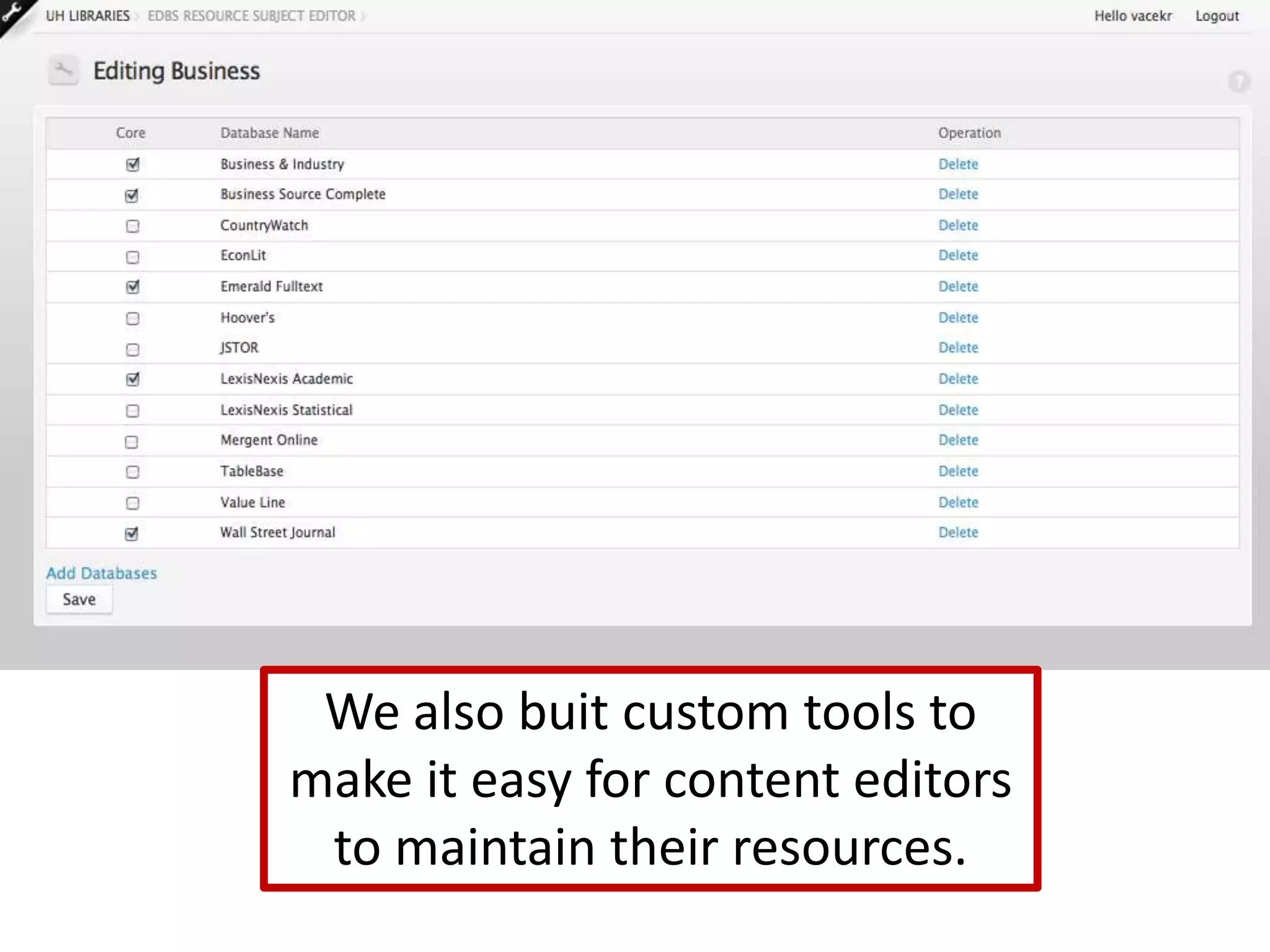
We also buit custom tools to make it easy for content editors to maintain their resources.
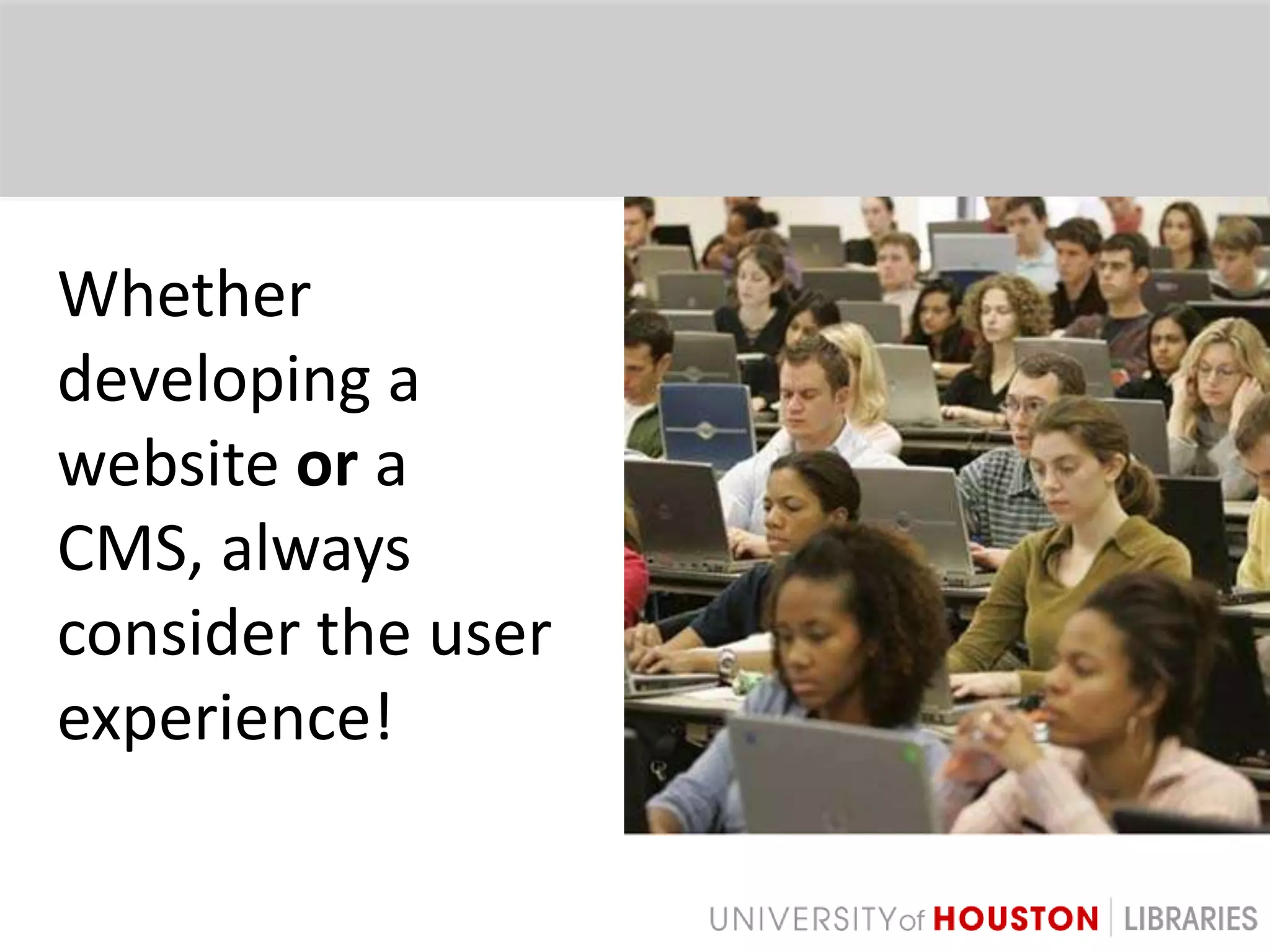
Whether developing a website or a CMS, always consider the user experience!
Thank You!Email: vacekrae@gmail.comTwitter: @vacekraePresentation available: http://slideshare.net/vacekraeBackground article: Improving the Drupal User Experience, http://journal.code4lib.org/articles/4578

Therapy for your CMS: Improving the User Experience

  • 1.
    Therapy for yourCMS:Improving the User ExperienceRachel VacekUniversity of Houston LibrariesJ. Boye ConferencePhiladelphia May 4, 2011
  • 2.
    About the Universityof HoustonEstablished 19273rd largest university in Texas12 colleges, 320 degree programs38k FTECarnegie-designated Tier One public research universityLocated in Houston, TX
  • 3.
    About the UHLibrariesMember of Association of Research Libraries201 library staffMultiple libraries on campusMultiple CMSs50+ content editors on intranet30+ content editors on main websiteVaried familiarity with technology
  • 4.
  • 5.
    Intranet Redesign -2008Chose DrupalPowerfulModularFlexibleActive user communityPeer institutions using Drupal
  • 6.
    Planning & DevelopmentHadclear goalsConducted surveysUtilized focus groupsAdded needed functionalityBuilt what users wanted
  • 8.
    It improved communicationthroughout the Libraries.Users could collect data via webforms.It was visually more appealing.Many processes and workflows were automated.There was much more info about departments and committees.
  • 9.
  • 10.
    For example, usershad to choose between 24 content types.
  • 11.
    Some modules, suchas Panels, were too confusing.
  • 12.
    Web Services spendingtoo much time helping people.Drupal terminology was unfamiliar.The search functionality was miserable.The Blocks page took 3 minutes to load.Too many modules!Users needed ongoing training for the advanced as well as simple stuff.Took too long to do simple tasks.
  • 13.
    Web Services spendingtoo much time helping people.Drupal terminology was unfamiliar.CMS UX FAILThe search functionality was miserable.The Blocks page took 3 minutes to load.Too many modules!Users needed ongoing training for the advanced as well as simple stuff.Took too long to do simple tasks.
  • 14.
    Don’t the usersof a CMS deserve a good user experience too?
  • 15.
    CMS UX TherapyDoresearch on modules FIRSTPay attention to your peersFollow the “use only what you need” philosophyFind balance between usability and functionalityDon’t give users toomany options
  • 16.
    CMS UX Therapy“Remove”the extraneous stuffCreate templates for multiple page layoutsCreate roles for basic users as well as advanced usersDocumentationHow certain tools workReasoning for choicesCreate and embed self-help within CMSUse Google Analytics on your Intranet
  • 18.
    CMS UX TherapyAninvestment in CMS simplification and respect for the user experience can yield an extremely powerful system run by satisfied, happy users.
  • 19.
    Main Website Redesign– 2010Applied lessons learned from Intranet CMS failureCreated help video tutorialsPicked more appropriate modules to help with creating a good UXAdmin moduleContent locking moduleWorkflow modulePathauto moduleCustom modulesWYSIWYG editor
  • 20.
    Main Website Redesign– 2010Conducted continuous usability testing with content editors on the new CMS during developmentToday, content editors are more eager to use the CMS and are more interested in keeping their content current
  • 21.
    For example, welimited content types to six.
  • 22.
    Editing pages isnow simpler, and extraneous fields are hidden.
  • 23.
    We also buitcustom tools to make it easy for content editors to maintain their resources.
  • 24.
    Whether developing awebsite or a CMS, always consider the user experience!
  • 25.
    Thank You!Email: vacekrae@gmail.comTwitter:@vacekraePresentation available: http://slideshare.net/vacekraeBackground article: Improving the Drupal User Experience, http://journal.code4lib.org/articles/4578