










CMS DESIGN & LAYOUT

BEST PRACTICES
KATIE SANTO

WEB TRAINING & CONTENT SUPPORT SPECIALIST
DIGITAL COMMUNICATIONS GROUP
LOGAN JOHNSON

WEB DESIGNER
DIGITAL COMMUNICATIONS GROUP
AGENDA
• User Experience & Usability
• Thoughtful Design
• Best Practices
• Activity
• Question & Answer
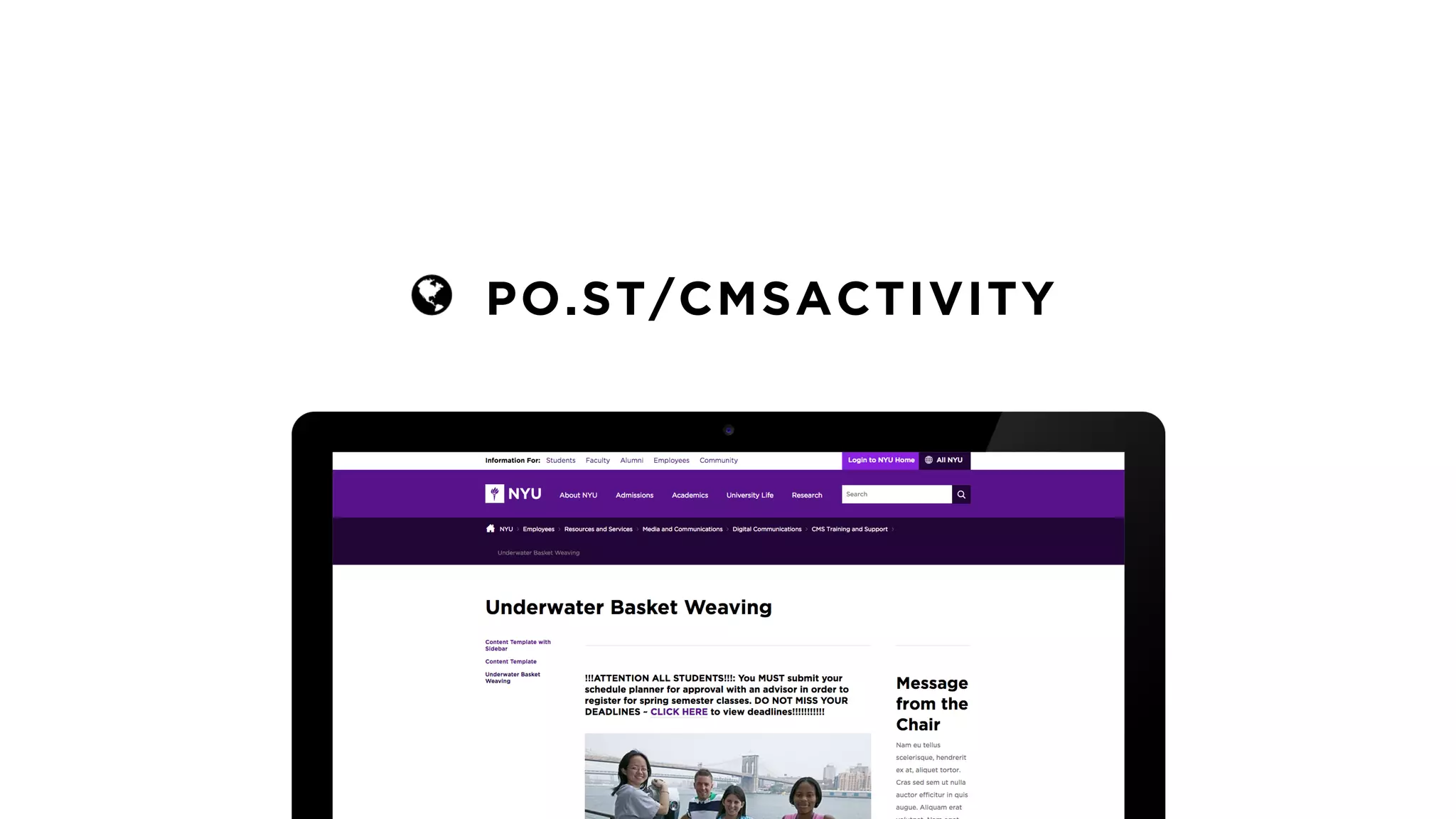
ACTIVITY
PO.ST/CMSACTIVITY
USER EXPERIENCE & USABILITY
User experience encompasses all aspects
of the end-user's interaction with the
company, its services, and its products.
Don Norman

Co-founder and Principal, Nielsen Norman Group
Usability is a quality attribute that assesses
how easy user interfaces are to use.
Jakob Nielsen

Co-founder and Principal, Nielsen Norman Group
You are not your
target audience.
THOUGHTFUL DESIGN
Design is the rendering of intent. The
designer imagines an outcome and puts
forth activities to make that outcome real.
Jared Spool

Founder, User Interface Engineering
It’s dancing before you can walk. It’s doing
all kinds of tricks just for the sake of doing
tricks, not the sake of solving the problem.
Paul Rand

Art Director and Graphic Designer
BEST PRACTICES
BEST PRACTICES
• Review your content to make sure it’s mobile-friendly; column
control goes a long way to help make your page dynamic
BEST PRACTICES
• Review your content to make sure it’s mobile-friendly; column
control goes a long way to help make your page dynamic
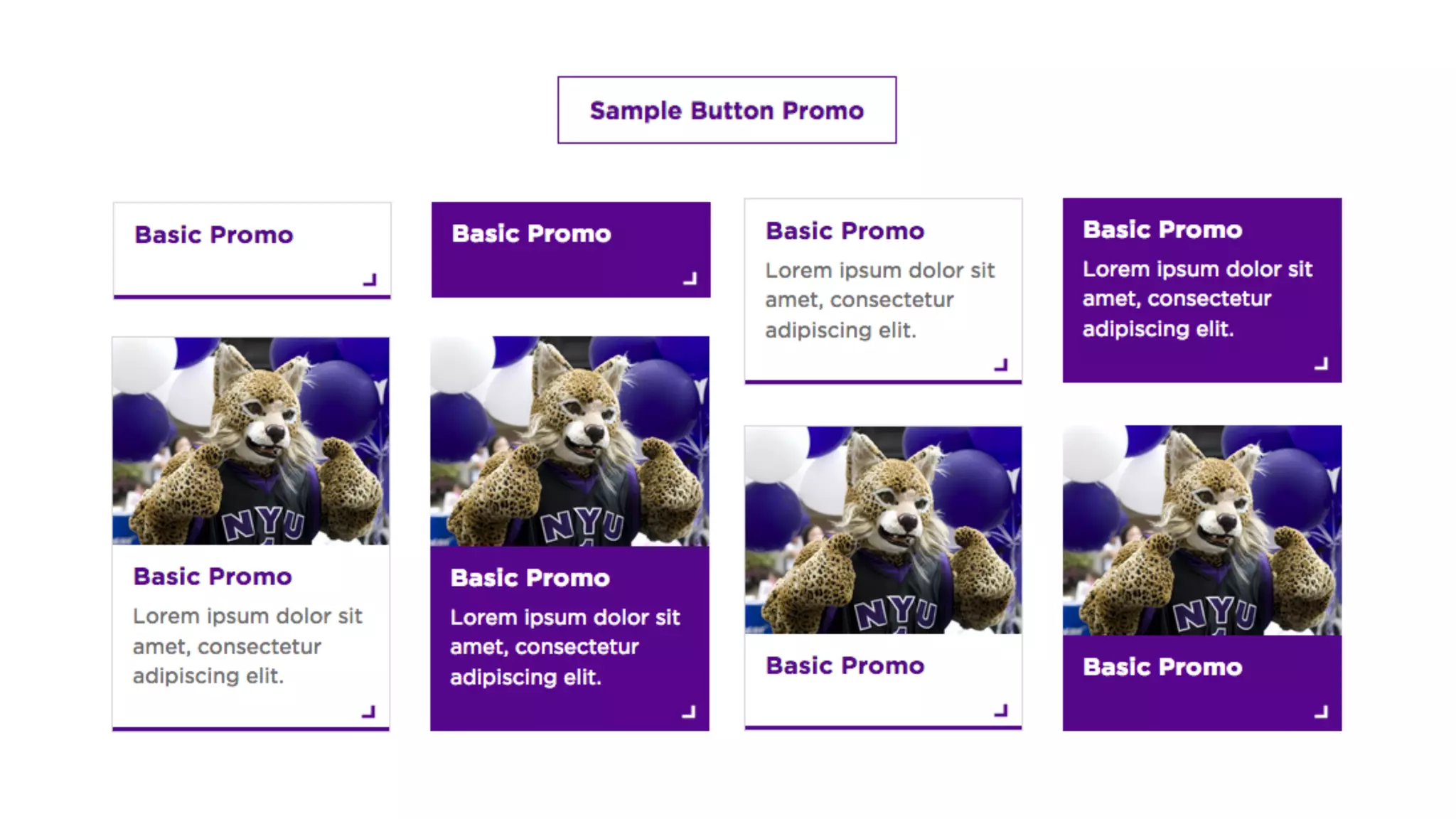
• Take advantage of the different promo style options available
BEST PRACTICES
• Review your content to make sure it’s mobile-friendly; column
control goes a long way to help make your page dynamic
• Take advantage of the different promo style options available
• Remember that images accent and enhance your content; avoid
embedding text like dates, email addresses, or phone numbers
BEST PRACTICES
• Review your content to make sure it’s mobile-friendly; column
control goes a long way to help make your page dynamic
• Take advantage of the different promo style options available
• Remember that images accent and enhance your content; avoid
embedding text like dates, email addresses, or phone numbers
• Use the header format to add a hierarchy to your content but be
careful not to skip any header levels in the process
BEST PRACTICES
• Review your content to make sure it’s mobile-friendly; column
control goes a long way to help make your page dynamic
• Take advantage of the different promo style options available
• Remember that images accent and enhance your content; avoid
embedding text like dates, email addresses, or phone numbers
• Use the header format to add a hierarchy to your content but be
careful not to skip any header levels in the process
• Remove any duplicated or outdated logos from your pages
BEST PRACTICES
• Review your content to make sure it’s mobile-friendly; column
control goes a long way to help make your page dynamic
• Take advantage of the different promo style options available
• Remember that images accent and enhance your content; avoid
embedding text like dates, email addresses, or phone numbers
• Use the header format to add a hierarchy to your content but be
careful not to skip any header levels in the process
• Remove any duplicated or outdated logos from your pages
ACTIVITY
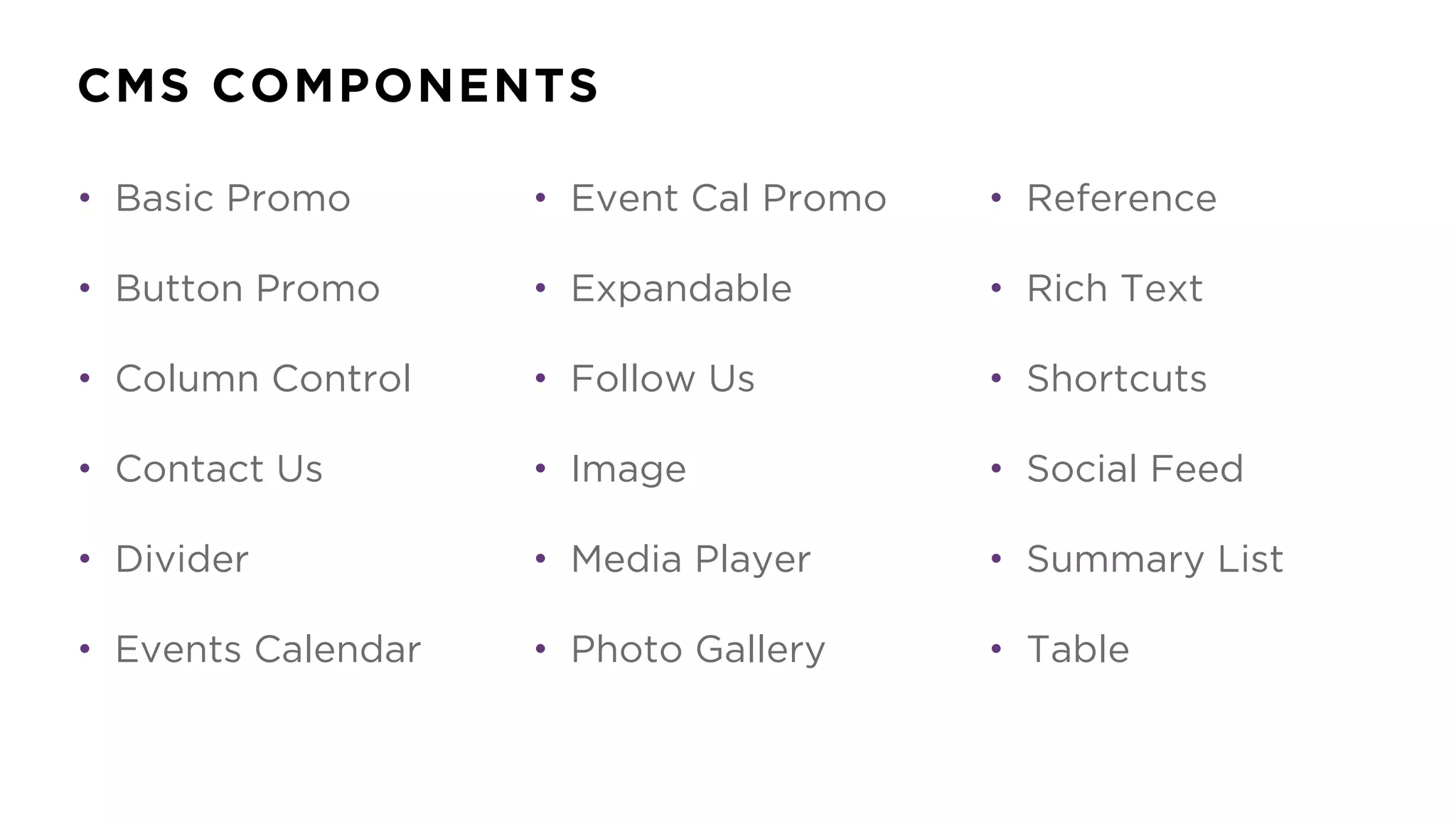
CMS COMPONENTS
• Basic Promo
• Button Promo
• Column Control
• Contact Us
• Divider
• Events Calendar
• Event Cal Promo
• Expandable
• Follow Us
• Image
• Media Player
• Photo Gallery
• Reference
• Rich Text
• Shortcuts
• Social Feed
• Summary List
• Table
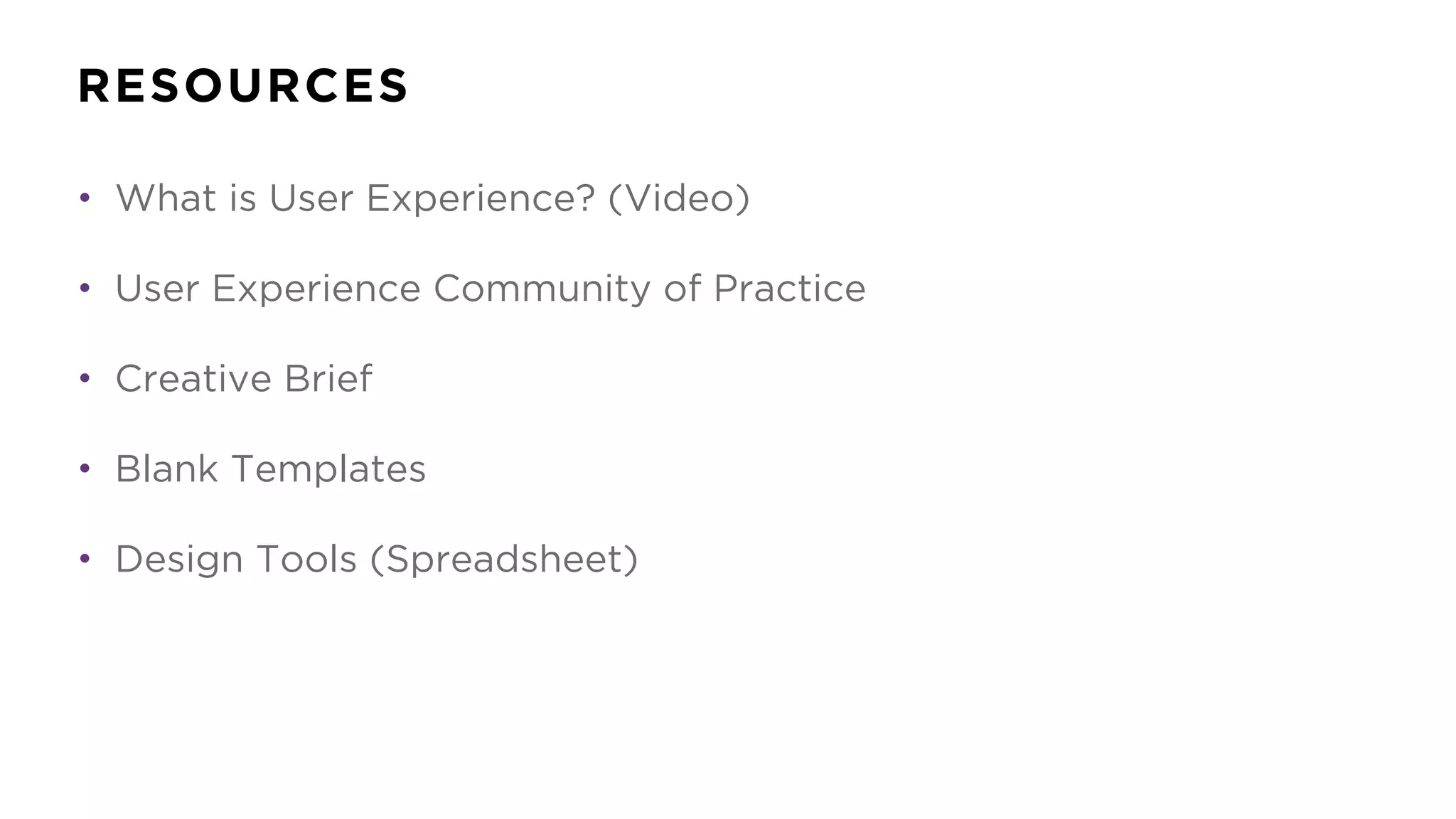
RESOURCES
RESOURCES
• What is User Experience? (Video)
• User Experience Community of Practice
• Creative Brief
• Blank Templates
• Design Tools (Spreadsheet)
QUESTION & ANSWER
NYU.EDU/CMS


PO.ST/DESIGNRESOURCES

ASKIT@NYU.EDU / 212-998-3333
CMS.TRAINING@NYU.EDU
@NYUDIGICOMM
THANK YOU

CMS Design and Layout Best Practices (v3)

  • 1.
    CMS DESIGN &LAYOUT
 BEST PRACTICES KATIE SANTO
 WEB TRAINING & CONTENT SUPPORT SPECIALIST DIGITAL COMMUNICATIONS GROUP LOGAN JOHNSON
 WEB DESIGNER DIGITAL COMMUNICATIONS GROUP
  • 2.
    AGENDA • User Experience& Usability • Thoughtful Design • Best Practices • Activity • Question & Answer
  • 3.
  • 4.
  • 5.
  • 6.
    User experience encompassesall aspects of the end-user's interaction with the company, its services, and its products. Don Norman
 Co-founder and Principal, Nielsen Norman Group
  • 7.
    Usability is aquality attribute that assesses how easy user interfaces are to use. Jakob Nielsen
 Co-founder and Principal, Nielsen Norman Group
  • 8.
    You are notyour target audience.
  • 10.
  • 11.
    Design is therendering of intent. The designer imagines an outcome and puts forth activities to make that outcome real. Jared Spool
 Founder, User Interface Engineering
  • 15.
    It’s dancing beforeyou can walk. It’s doing all kinds of tricks just for the sake of doing tricks, not the sake of solving the problem. Paul Rand
 Art Director and Graphic Designer
  • 16.
  • 17.
    BEST PRACTICES • Reviewyour content to make sure it’s mobile-friendly; column control goes a long way to help make your page dynamic
  • 18.
    BEST PRACTICES • Reviewyour content to make sure it’s mobile-friendly; column control goes a long way to help make your page dynamic • Take advantage of the different promo style options available
  • 20.
    BEST PRACTICES • Reviewyour content to make sure it’s mobile-friendly; column control goes a long way to help make your page dynamic • Take advantage of the different promo style options available • Remember that images accent and enhance your content; avoid embedding text like dates, email addresses, or phone numbers
  • 22.
    BEST PRACTICES • Reviewyour content to make sure it’s mobile-friendly; column control goes a long way to help make your page dynamic • Take advantage of the different promo style options available • Remember that images accent and enhance your content; avoid embedding text like dates, email addresses, or phone numbers • Use the header format to add a hierarchy to your content but be careful not to skip any header levels in the process
  • 23.
    BEST PRACTICES • Reviewyour content to make sure it’s mobile-friendly; column control goes a long way to help make your page dynamic • Take advantage of the different promo style options available • Remember that images accent and enhance your content; avoid embedding text like dates, email addresses, or phone numbers • Use the header format to add a hierarchy to your content but be careful not to skip any header levels in the process • Remove any duplicated or outdated logos from your pages
  • 24.
    BEST PRACTICES • Reviewyour content to make sure it’s mobile-friendly; column control goes a long way to help make your page dynamic • Take advantage of the different promo style options available • Remember that images accent and enhance your content; avoid embedding text like dates, email addresses, or phone numbers • Use the header format to add a hierarchy to your content but be careful not to skip any header levels in the process • Remove any duplicated or outdated logos from your pages
  • 25.
  • 26.
    CMS COMPONENTS • BasicPromo • Button Promo • Column Control • Contact Us • Divider • Events Calendar • Event Cal Promo • Expandable • Follow Us • Image • Media Player • Photo Gallery • Reference • Rich Text • Shortcuts • Social Feed • Summary List • Table
  • 27.
  • 28.
    RESOURCES • What isUser Experience? (Video) • User Experience Community of Practice • Creative Brief • Blank Templates • Design Tools (Spreadsheet)
  • 29.
  • 30.
  • 31.