Personal README Files
User Manuals for Library Staff
Josh Boyer, Ashley Brewer, Rachel Vacek
Designing for Digital
March 9, 2020
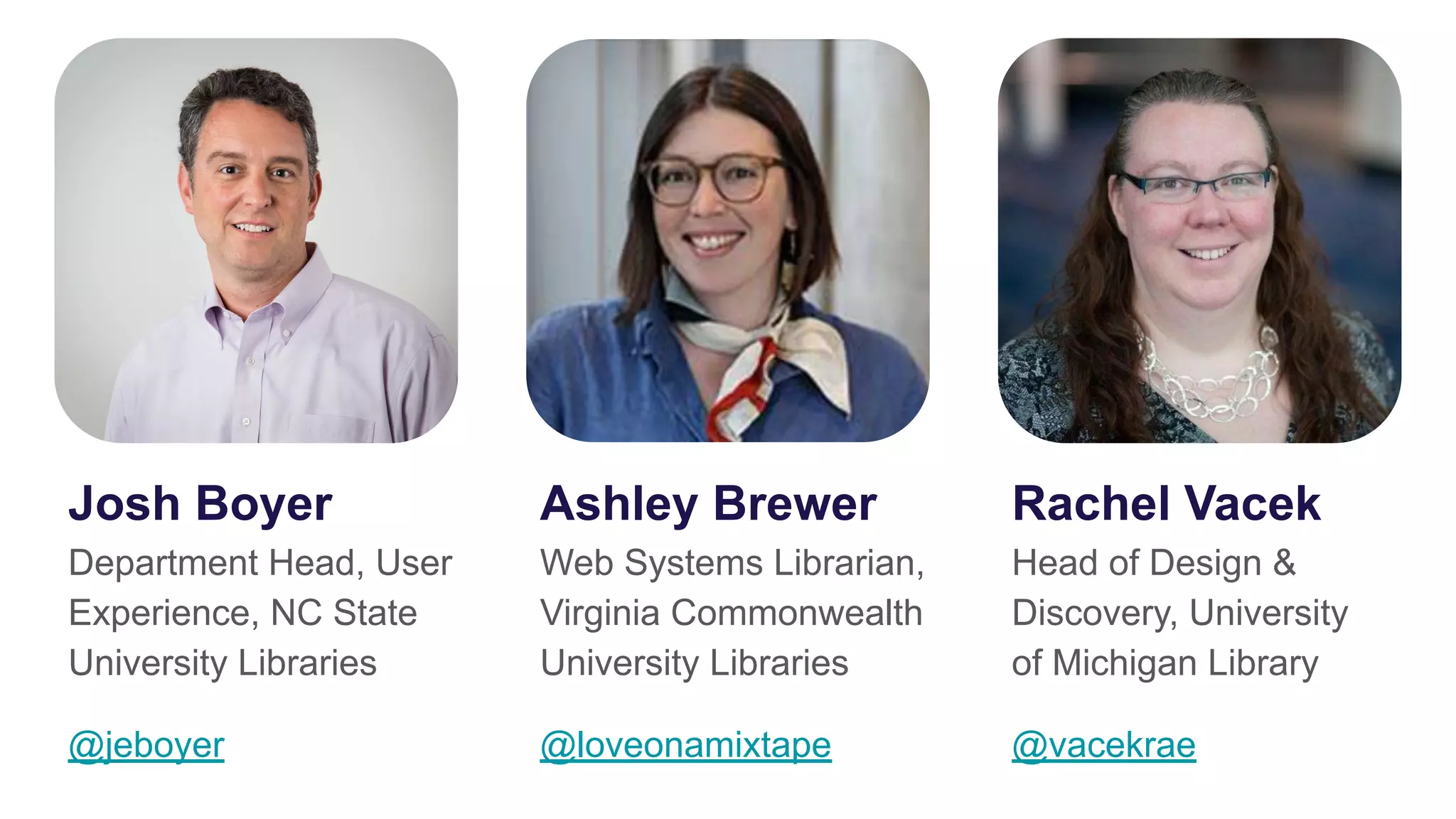
Josh Boyer
Department Head, User
Experience, NC State
University Libraries
@jeboyer
Ashley Brewer
Web Systems Librarian,
Virginia Commonwealth
University Libraries
@loveonamixtape
Rachel Vacek
Head of Design &
Discovery, University
of Michigan Library
@vacekrae
Outline
Traditional vs. personal README files
How we each picked up the idea
About our teams and how we’re using them
How personal README files have helped us
Discussion
Traditional README files
The contents typically include one or more of the following:
● Configuration instruction
● Installation instructions
● Operating instructions
● A file manifest (list of files included)
● Copyright and licensing information
● Contact information for the distributer or programmer
● Known bugs
● Troubleshooting
● Credits and acknowledgments
● A changelog (usually for programmers)
● A news section (usually for users)
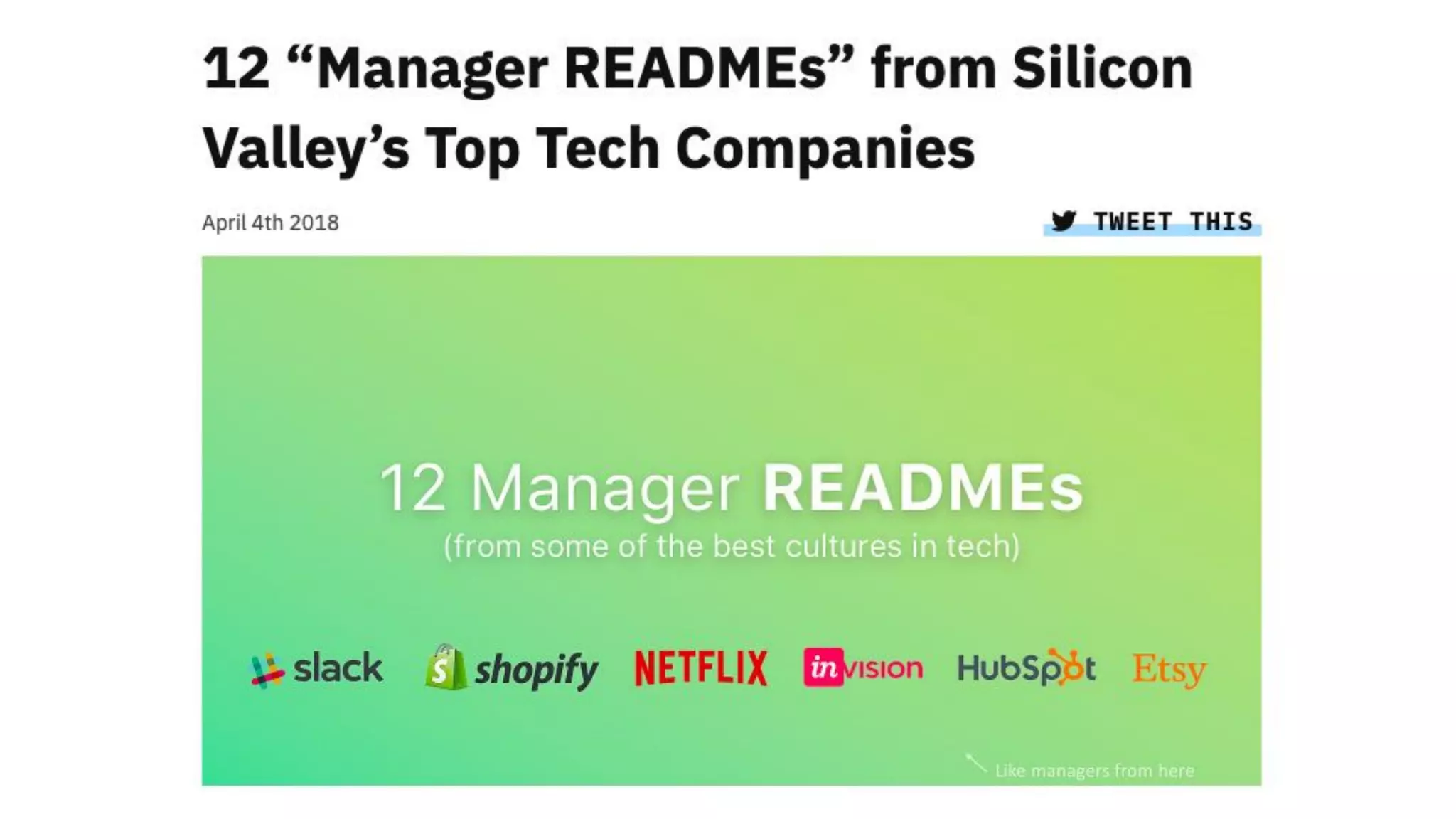
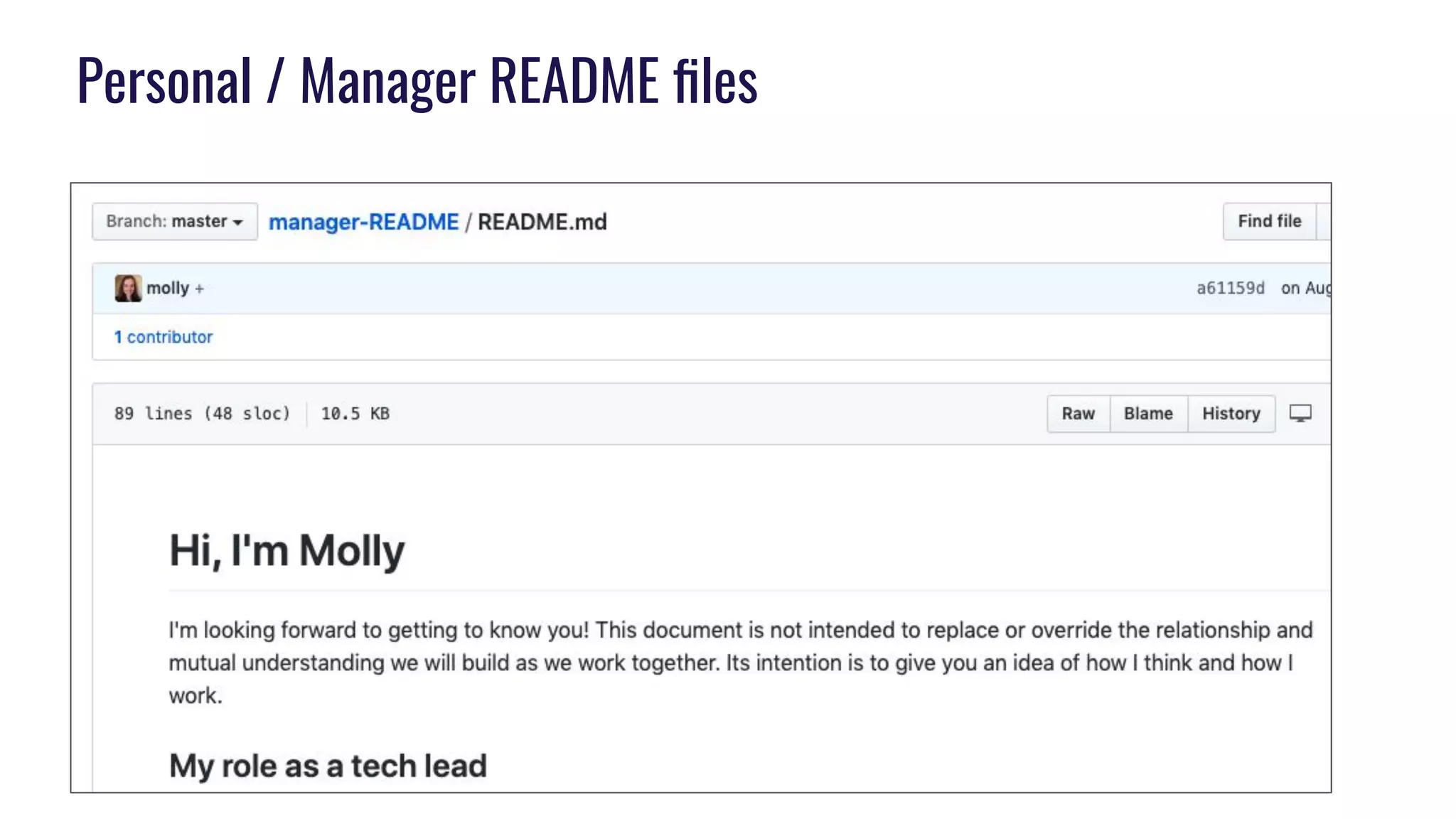
Personal / Manager README files
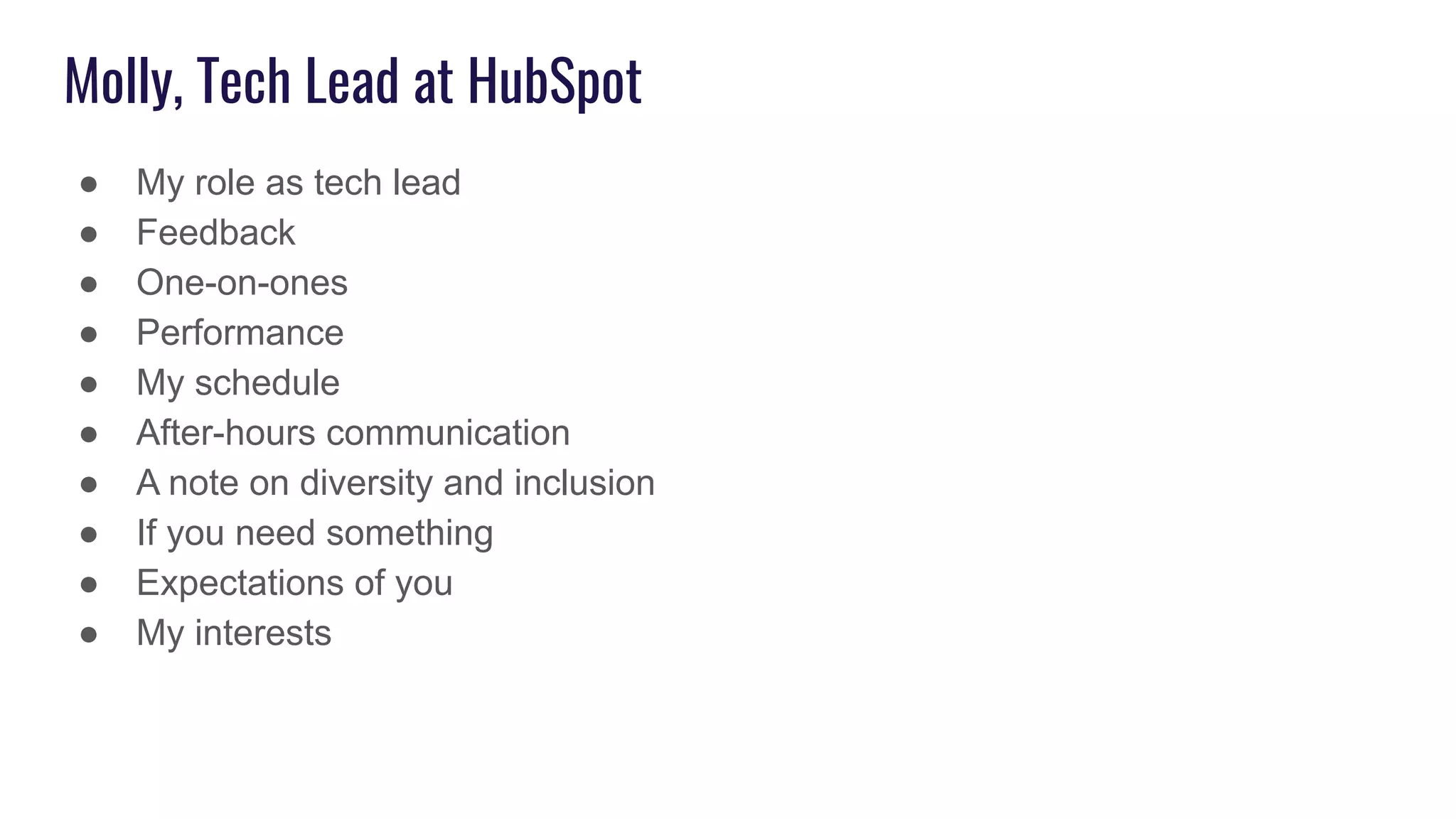
Molly, Tech Lead at HubSpot
● My role as tech lead
● Feedback
● One-on-ones
● Performance
● My schedule
● After-hours communication
● A note on diversity and inclusion
● If you need something
● Expectations of you
● My interests
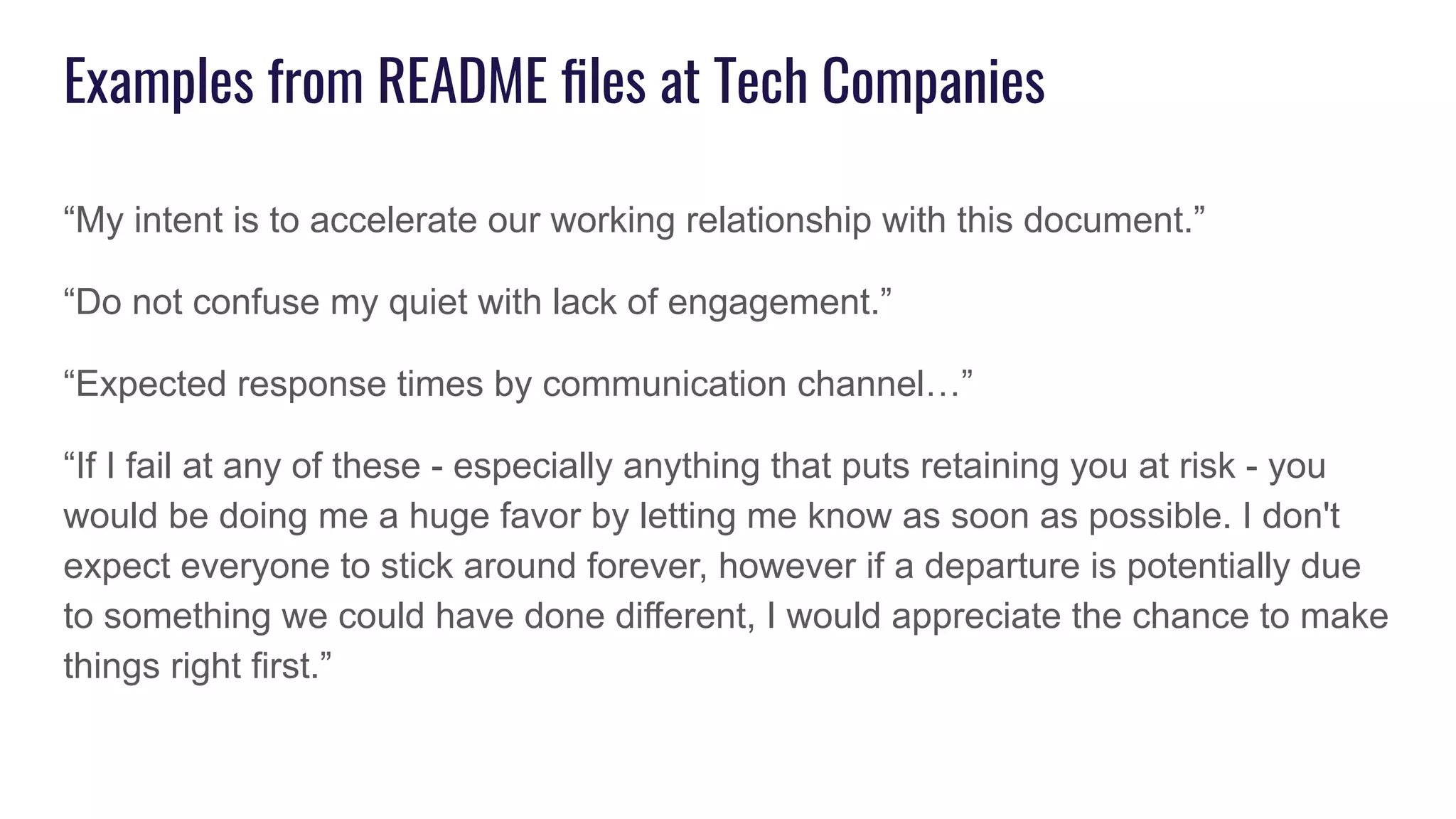
Examples from README files at Tech Companies
“My intent is to accelerate our working relationship with this document.”
“Do not confuse my quiet with lack of engagement.”
“Expected response times by communication channel…”
“If I fail at any of these - especially anything that puts retaining you at risk - you
would be doing me a huge favor by letting me know as soon as possible. I don't
expect everyone to stick around forever, however if a departure is potentially due
to something we could have done different, I would appreciate the chance to make
things right first.”
Use cases for README files
● New employee onboarding
● New team, committee, or
department formation
● Relationship management
○ Expectations
○ Personal preferences
● Norm creation
How we picked up the idea
of using personal README
files
I stole the idea from my boss
...who stole the idea from Big Tech.
Already were doing semi-yearly “Write the Docs” days
My boss shared the idea of personal READme files, and I
thought they sounded like a great idea (especially because
team communication was an ongoing area for improvement)
We thought Write the Docs Day + Readme files = profit!
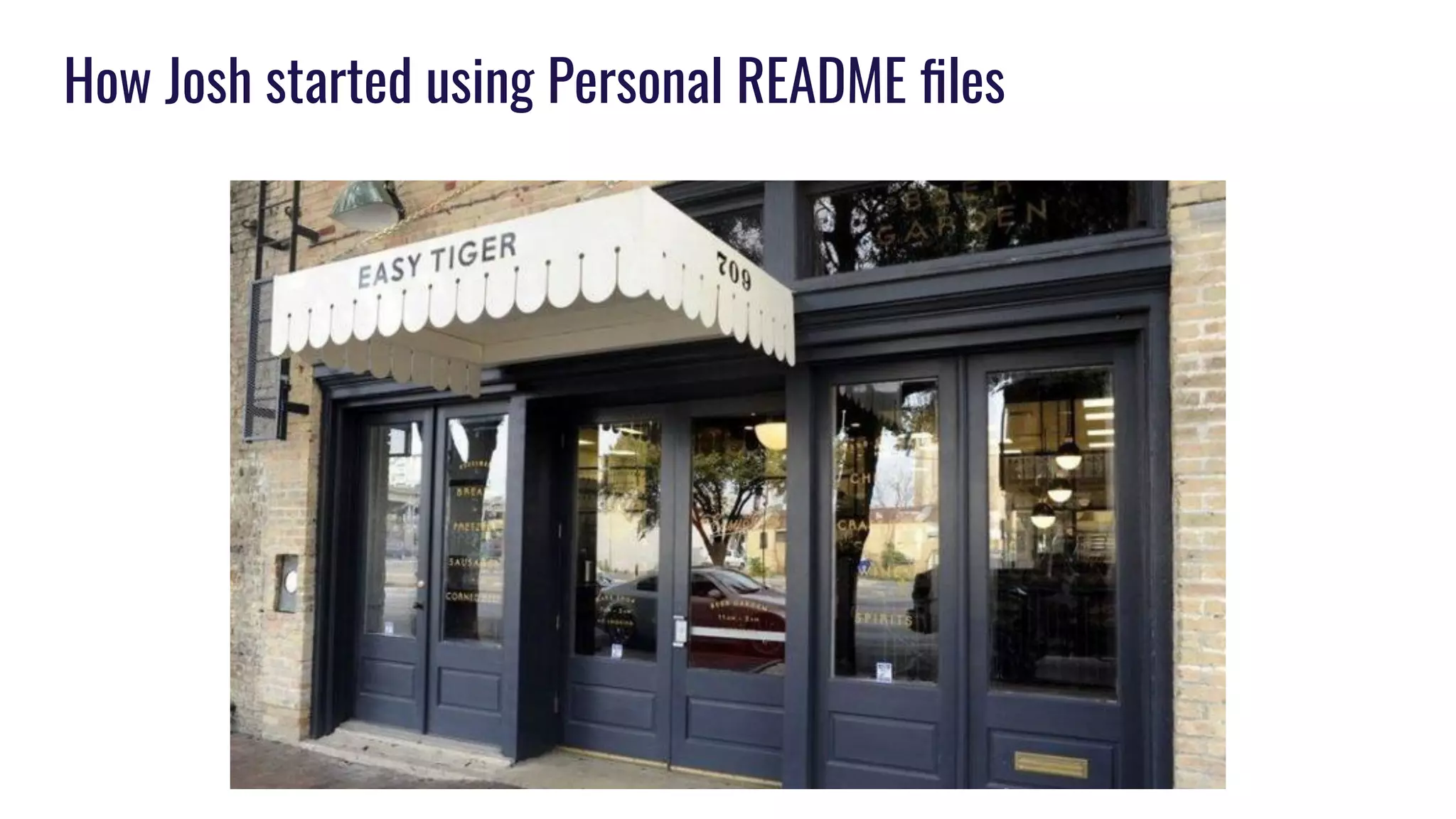
How Josh started using Personal README files
Rachel stole the idea from Ashley from D4D last year
More about our teams and
how we are using README
files
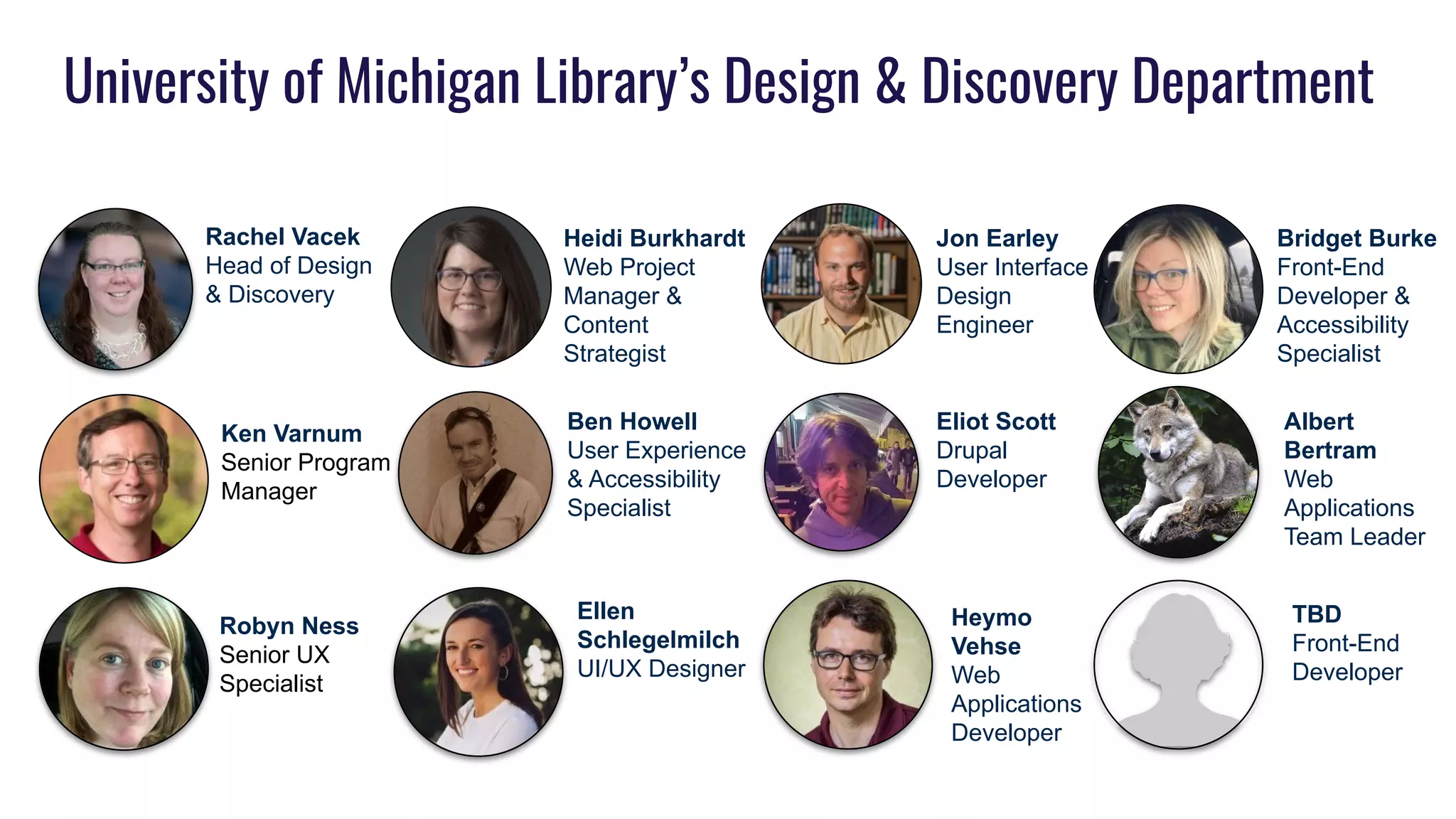
University of Michigan Library’s Design & Discovery Department
Robyn Ness
Senior UX
Specialist
Ken Varnum
Senior Program
Manager
Jon Earley
User Interface
Design
Engineer
Ellen
Schlegelmilch
UI/UX Designer
Eliot Scott
Drupal
Developer
Ben Howell
User Experience
& Accessibility
Specialist
Albert
Bertram
Web
Applications
Team Leader
Heidi Burkhardt
Web Project
Manager &
Content
Strategist
Rachel Vacek
Head of Design
& Discovery
TBD
Front-End
Developer
Bridget Burke
Front-End
Developer &
Accessibility
Specialist
Heymo
Vehse
Web
Applications
Developer
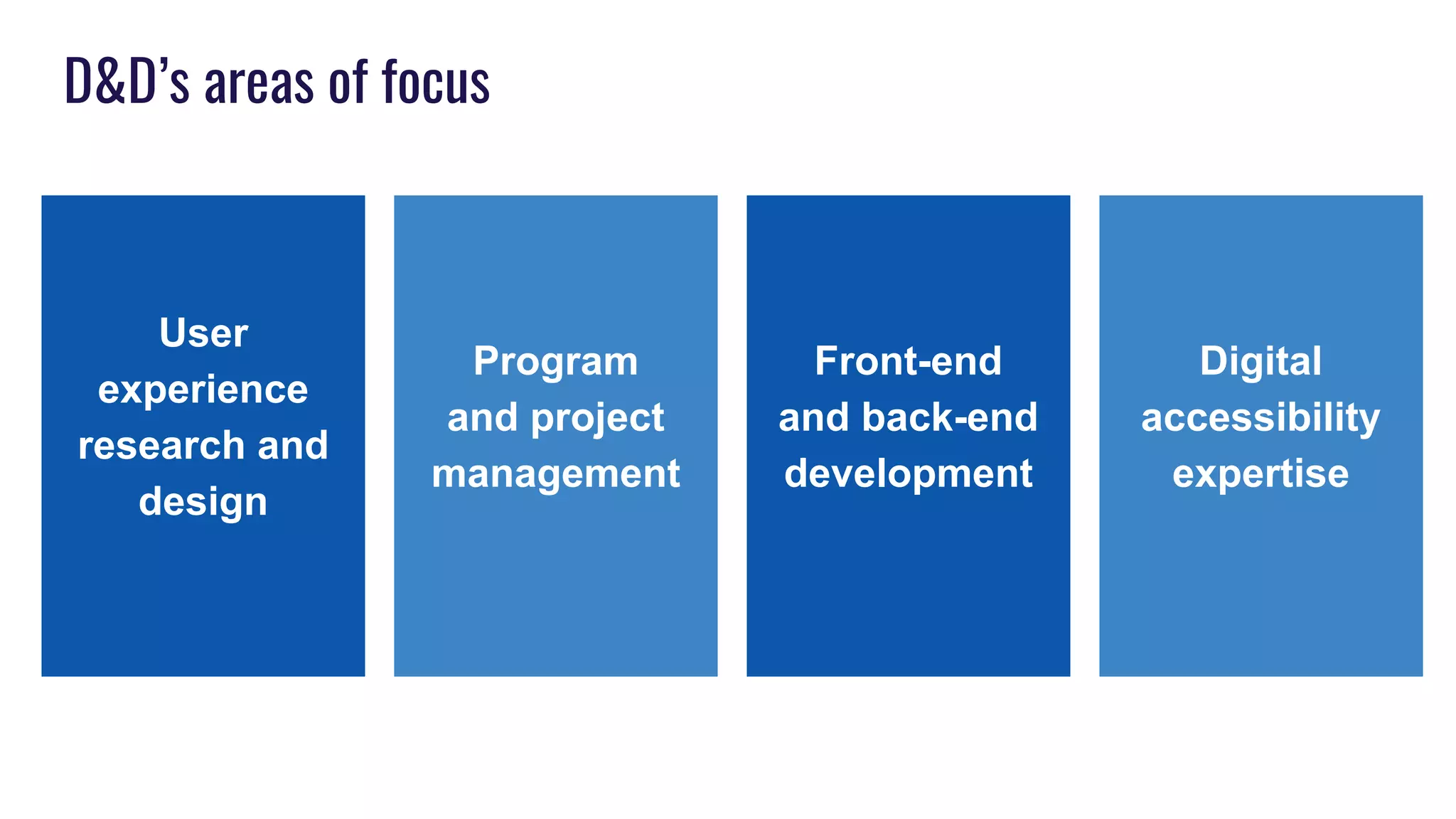
D&D’s areas of focus
User
experience
research and
design
Front-end
and back-end
development
Program
and project
management
Digital
accessibility
expertise
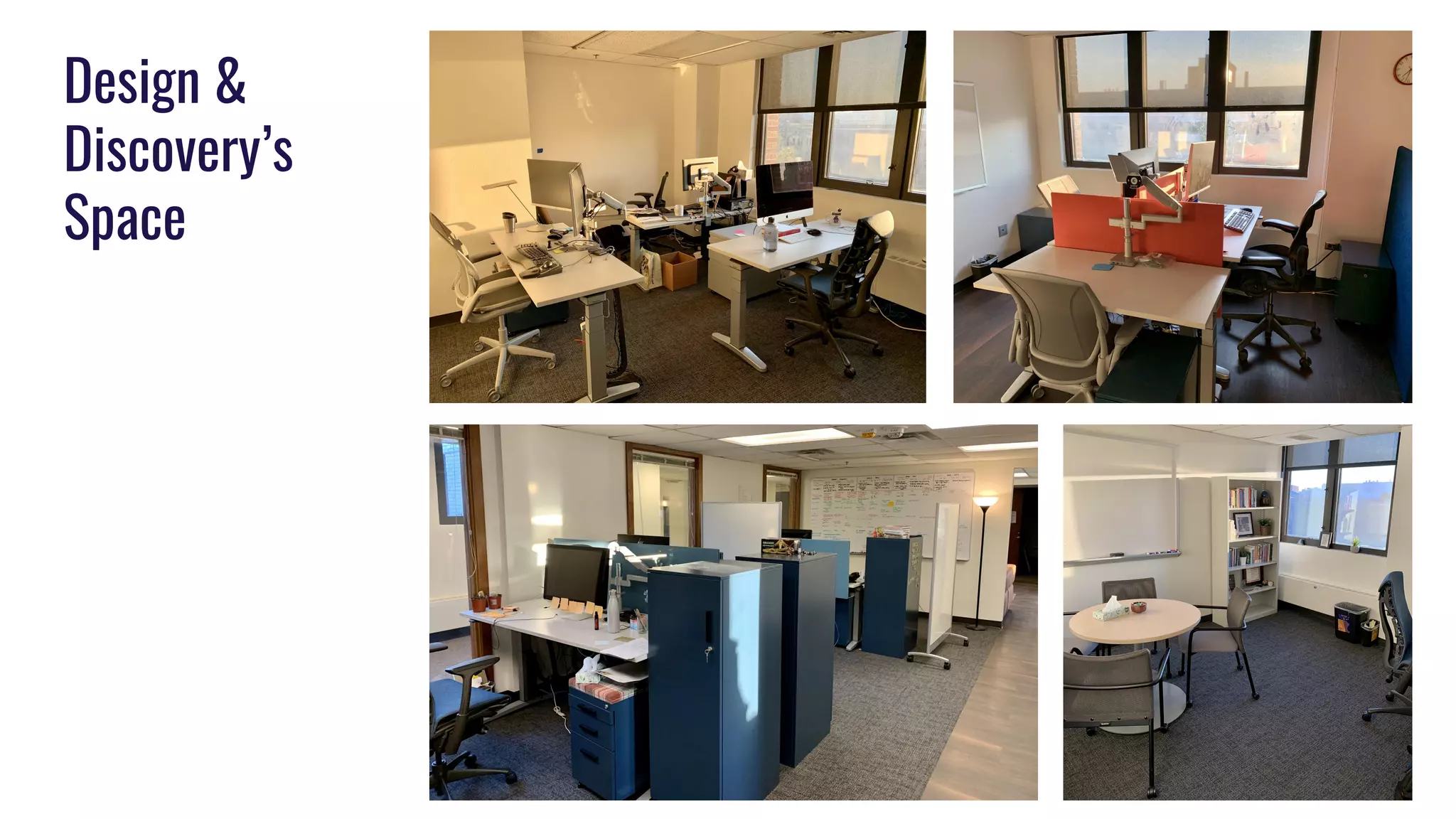
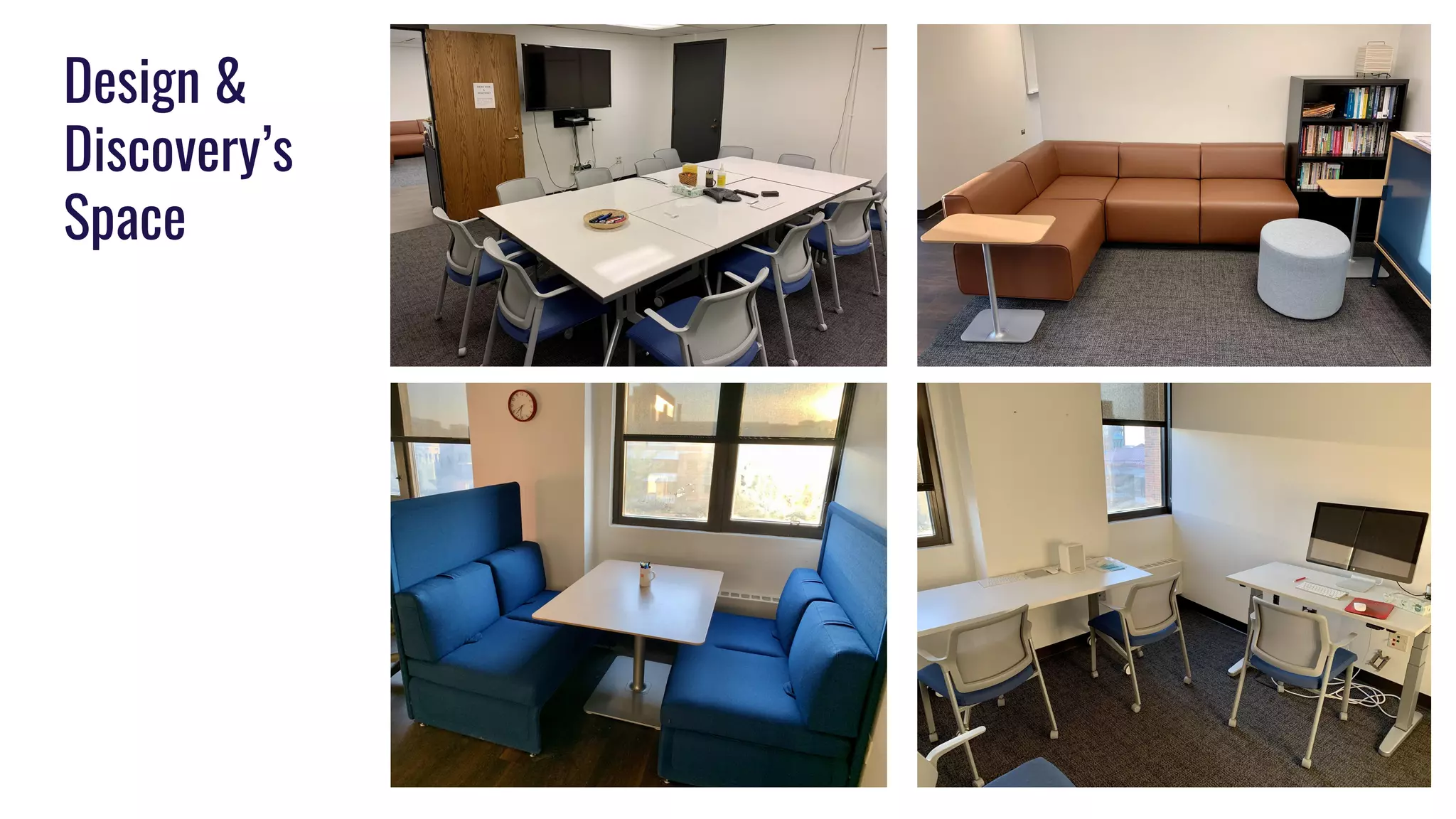
Design &
Discovery’s
Space
Design &
Discovery’s
Space
Why READMEs for my department?
● Two departments merged into D&D
● People who hadn’t previously worked together were now going to be on
multiple teams together
● Lots of staff change
○ New positions
○ Retirement
○ Promotions
○ Reclassifications
○ People moving on/filling vacant positions
● Balance of work/life
● Flexibility in schedules
● Renovation of space and everyone coming together
● Personal preferences for interaction
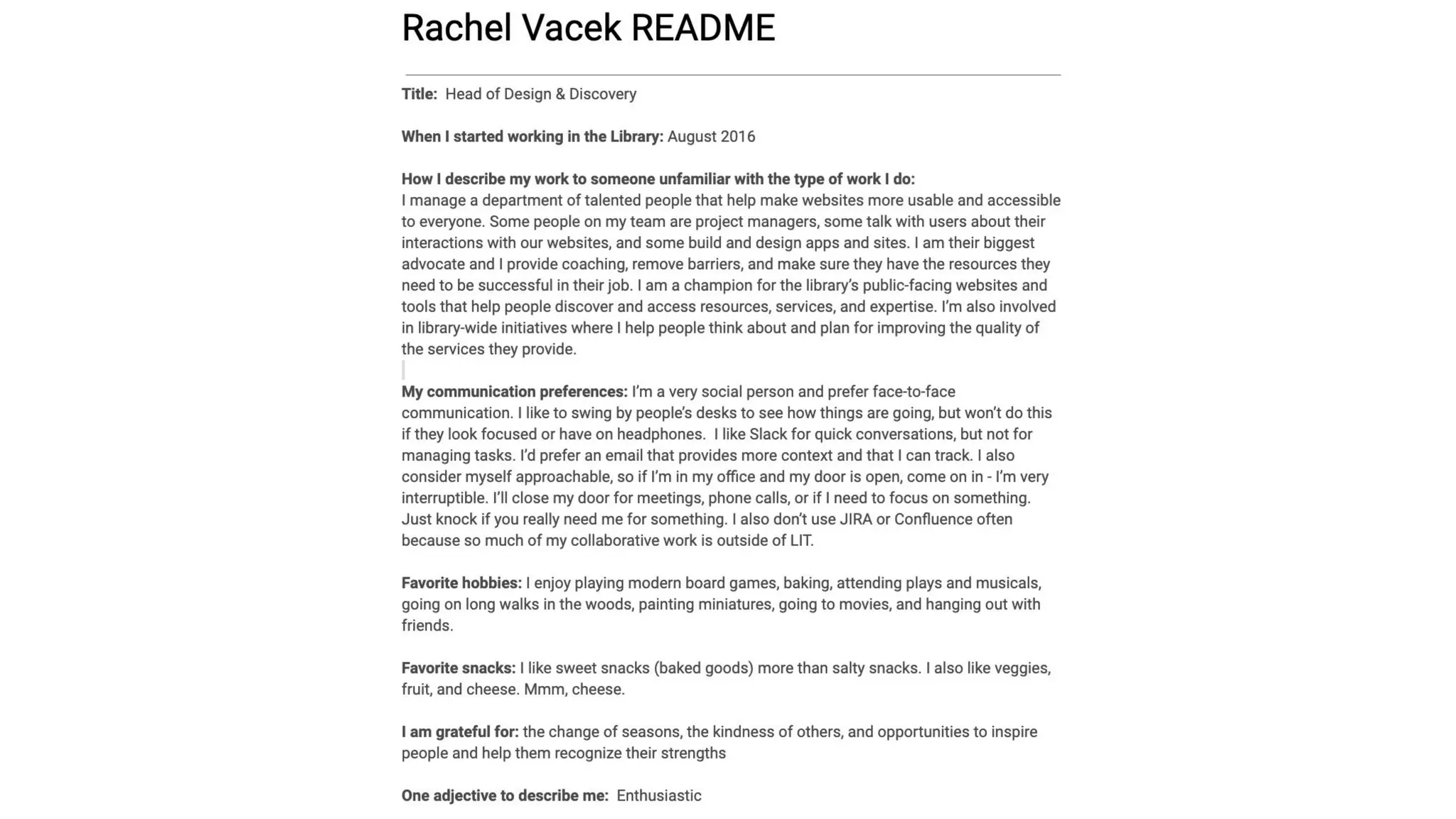
D&D’s README Template
● Name
● Title
● When I started working in the Library
● How I describe my work to someone unfamiliar with the type of work I do
● My communication preferences:
● Favorite hobbies
● Favorite snacks
● I am grateful for
● One adjective to describe you
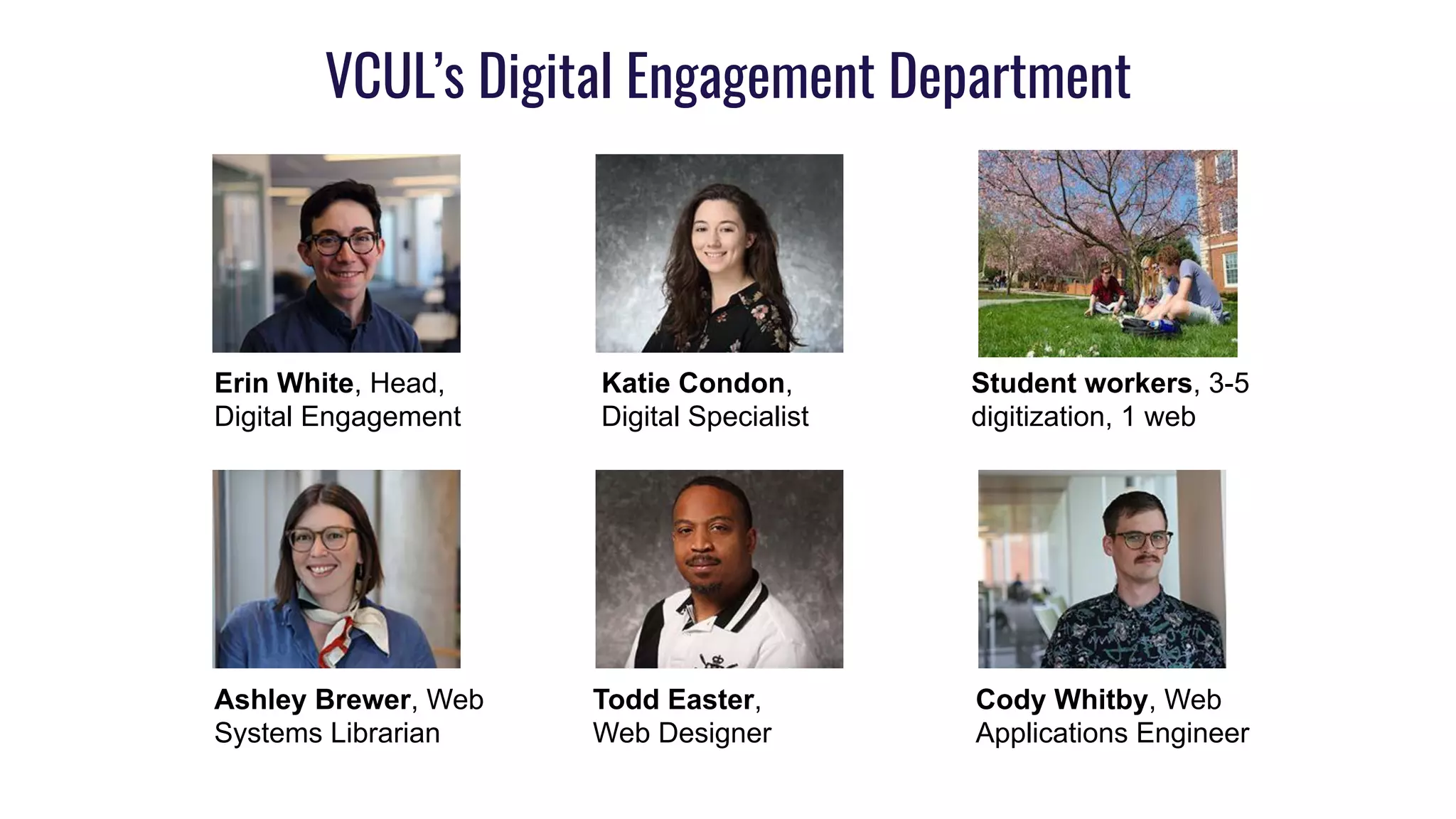
VCUL’s Digital Engagement Department
Erin White, Head,
Digital Engagement
Katie Condon,
Digital Specialist
Ashley Brewer, Web
Systems Librarian
Todd Easter,
Web Designer
Cody Whitby, Web
Applications Engineer
Student workers, 3-5
digitization, 1 web
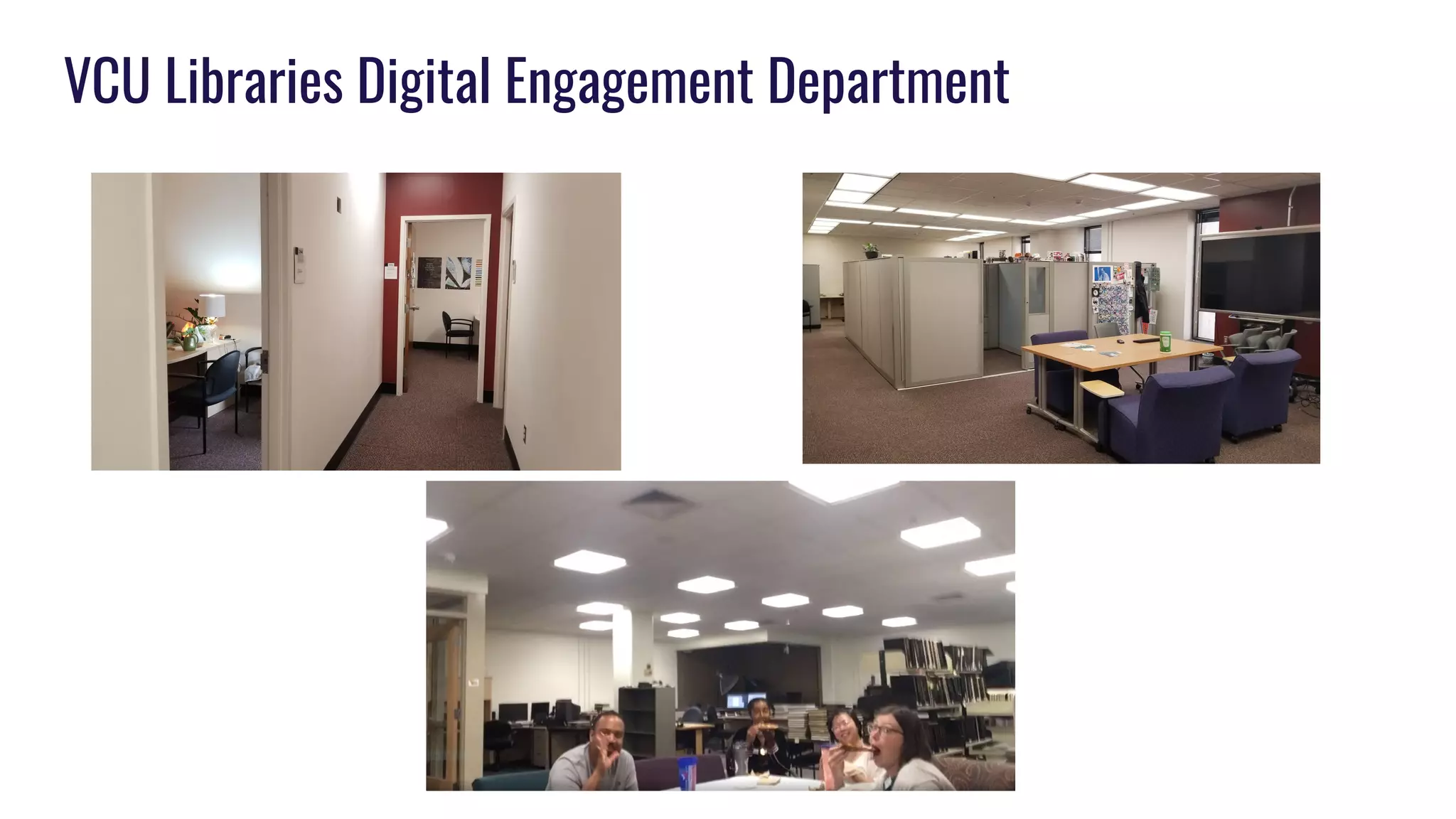
VCU Libraries Digital Engagement Department
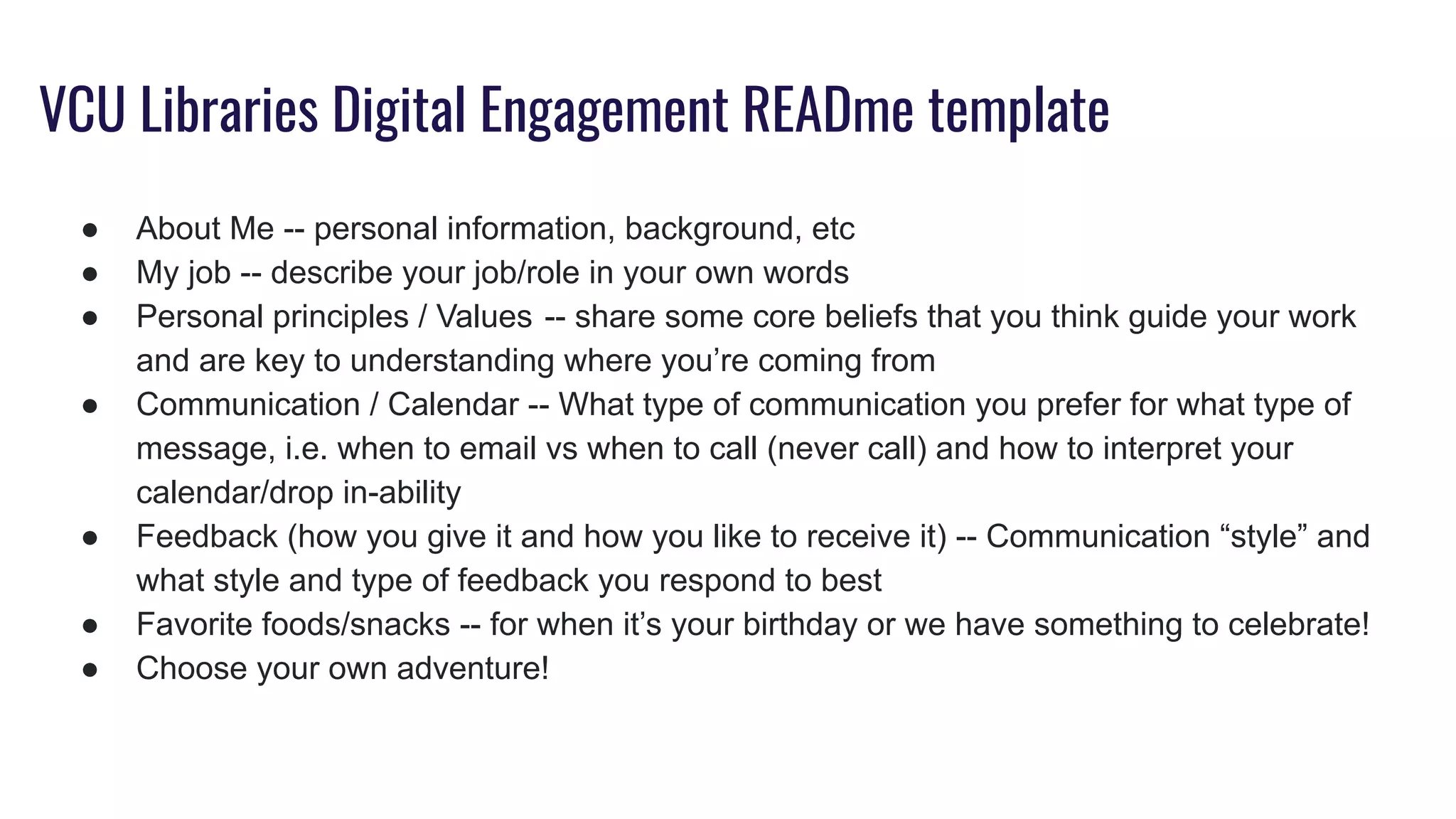
VCU Libraries Digital Engagement READme template
● About Me -- personal information, background, etc
● My job -- describe your job/role in your own words 
● Personal principles / Values  -- share some core beliefs that you think guide your work
and are key to understanding where you’re coming from
● Communication / Calendar -- What type of communication you prefer for what type of
message, i.e. when to email vs when to call (never call) and how to interpret your
calendar/drop in-ability
● Feedback (how you give it and how you like to receive it) -- Communication “style” and
what style and type of feedback you respond to best
● Favorite foods/snacks -- for when it’s your birthday or we have something to celebrate!
● Choose your own adventure!
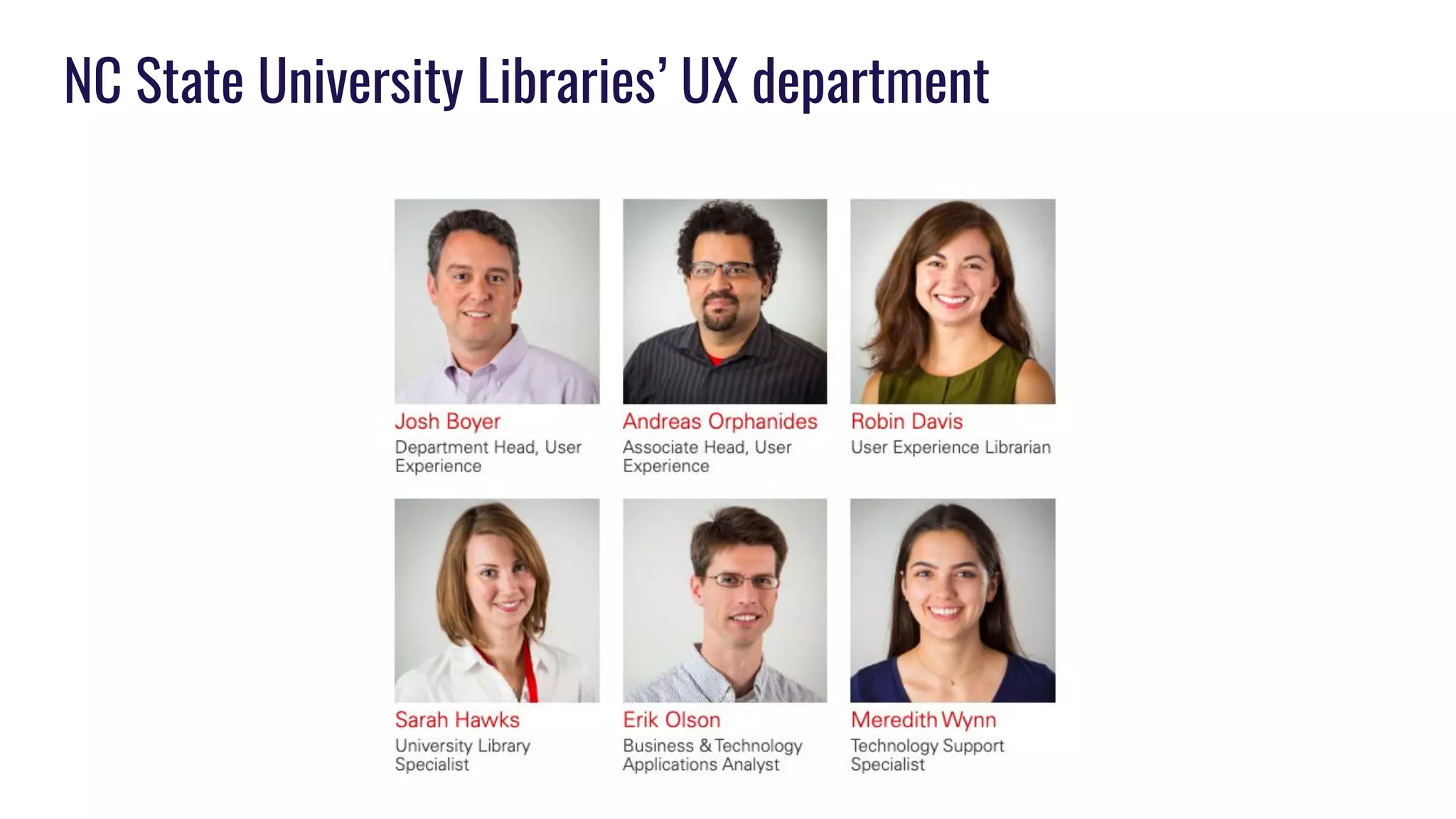
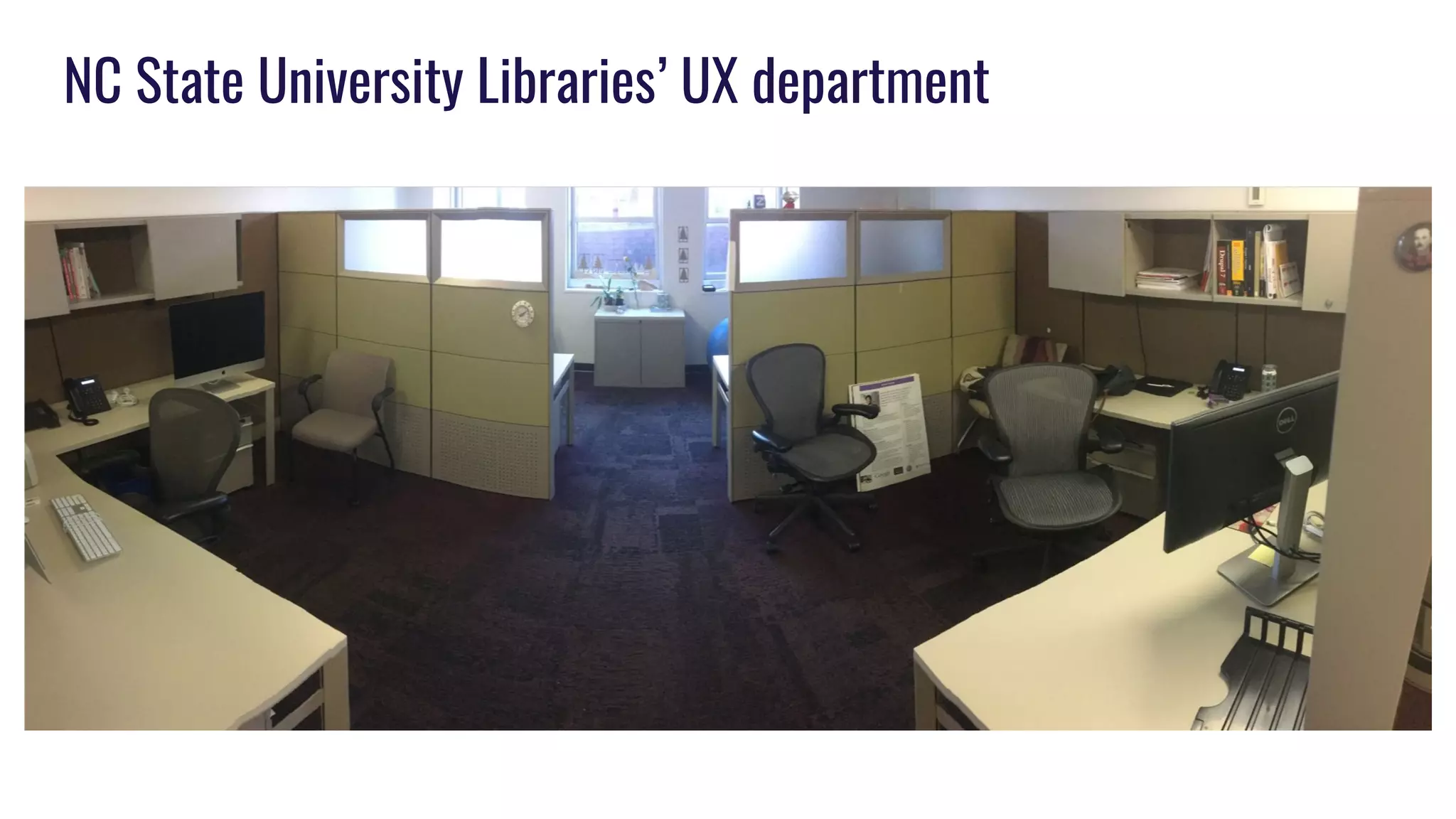
NC State University Libraries’ UX department
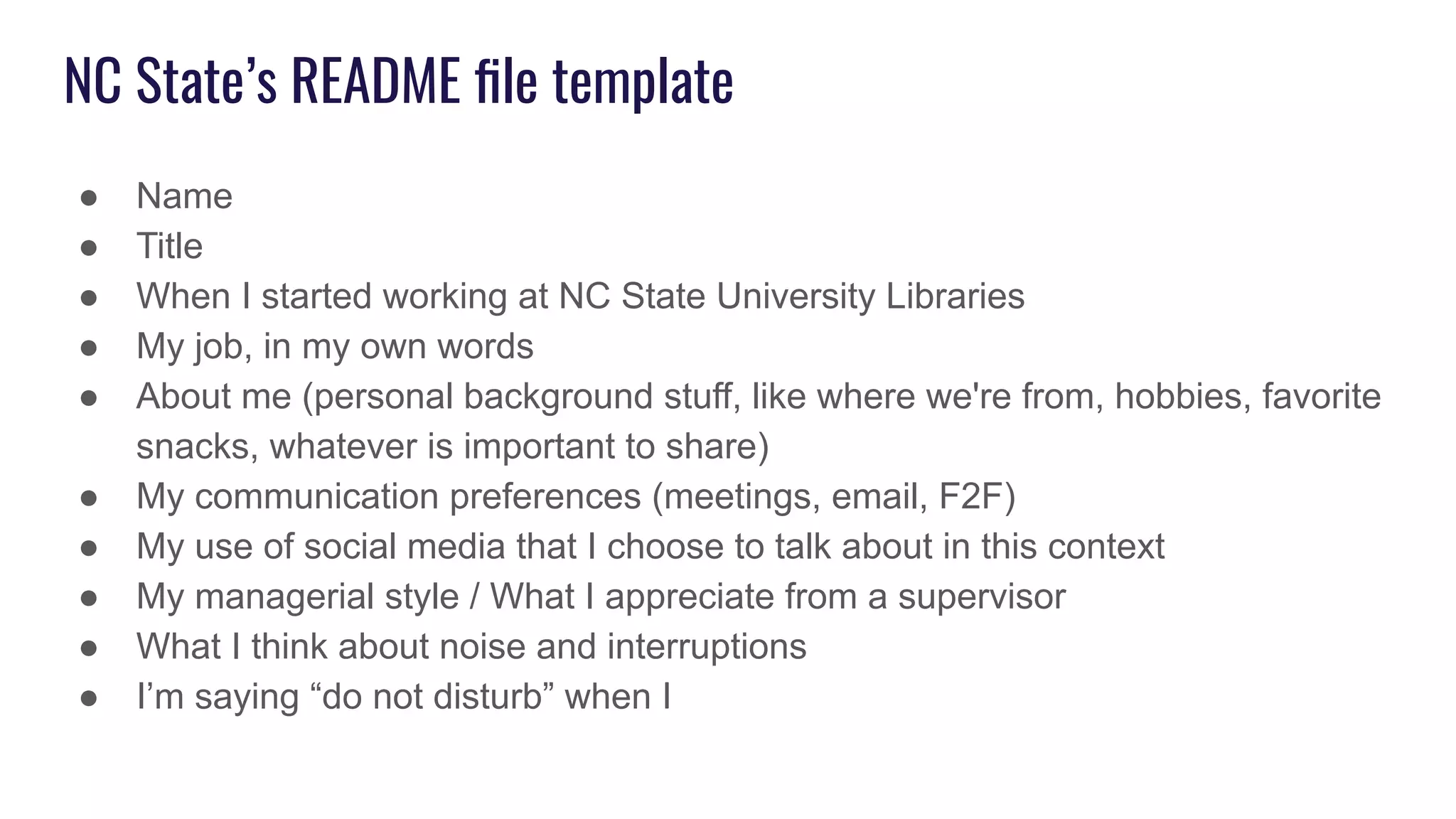
NC State’s README file template
● Name
● Title
● When I started working at NC State University Libraries
● My job, in my own words
● About me (personal background stuff, like where we're from, hobbies, favorite
snacks, whatever is important to share)
● My communication preferences (meetings, email, F2F)
● My use of social media that I choose to talk about in this context
● My managerial style / What I appreciate from a supervisor
● What I think about noise and interruptions
● I’m saying “do not disturb” when I
NC State’s README file template, continued
● When working with me, it’s good to know that
● My super power for getting things done
● The primary persona I think of as the audience for my work
● Other ways of describing me that may mean something to you (Myers-Briggs,
Leadership frame, Hogwarts house, Enneagram, Parks and Recreation, Birth
chart, etc.)
● A boring fact about me
● I am grateful for
● [Feel free to add prompts of your own]
How personal READMEs
have helped us
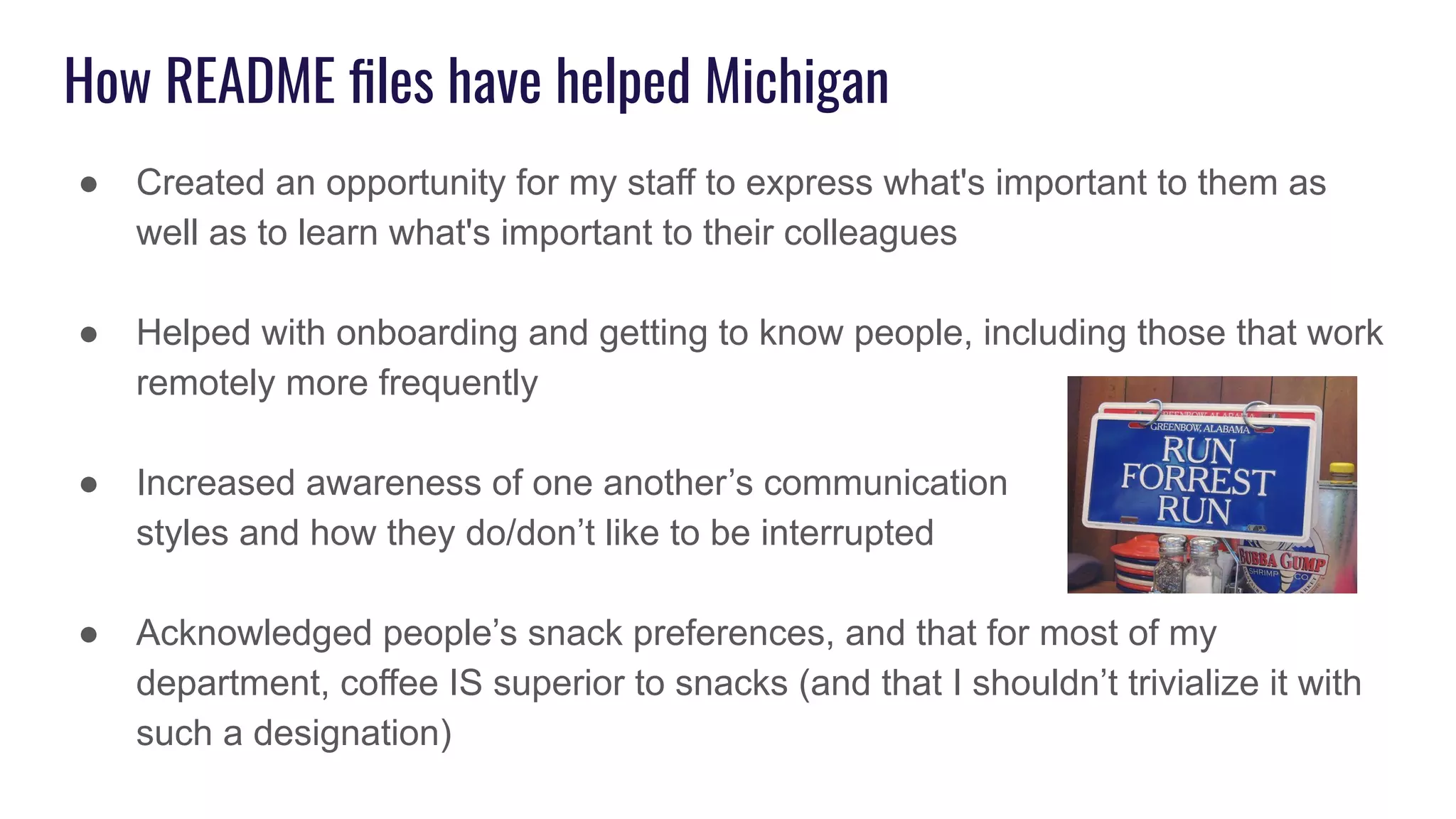
How README files have helped Michigan
● Created an opportunity for my staff to express what's important to them as
well as to learn what's important to their colleagues
● Helped with onboarding and getting to know people, including those that work
remotely more frequently
● Increased awareness of one another’s communication
styles and how they do/don’t like to be interrupted
● Acknowledged people’s snack preferences, and that for most of my
department, coffee IS superior to snacks (and that I shouldn’t trivialize it with
such a designation)
How README files have helped VCU
● Bagels > donuts, not @ me!
● Great onboarding tool.
● It allowed us to articulate things that are important but might be hard to say.
● Gives us something to refer back to and consider
● Writing them and reading each other’s helped us feel connected
How README files have helped VCU
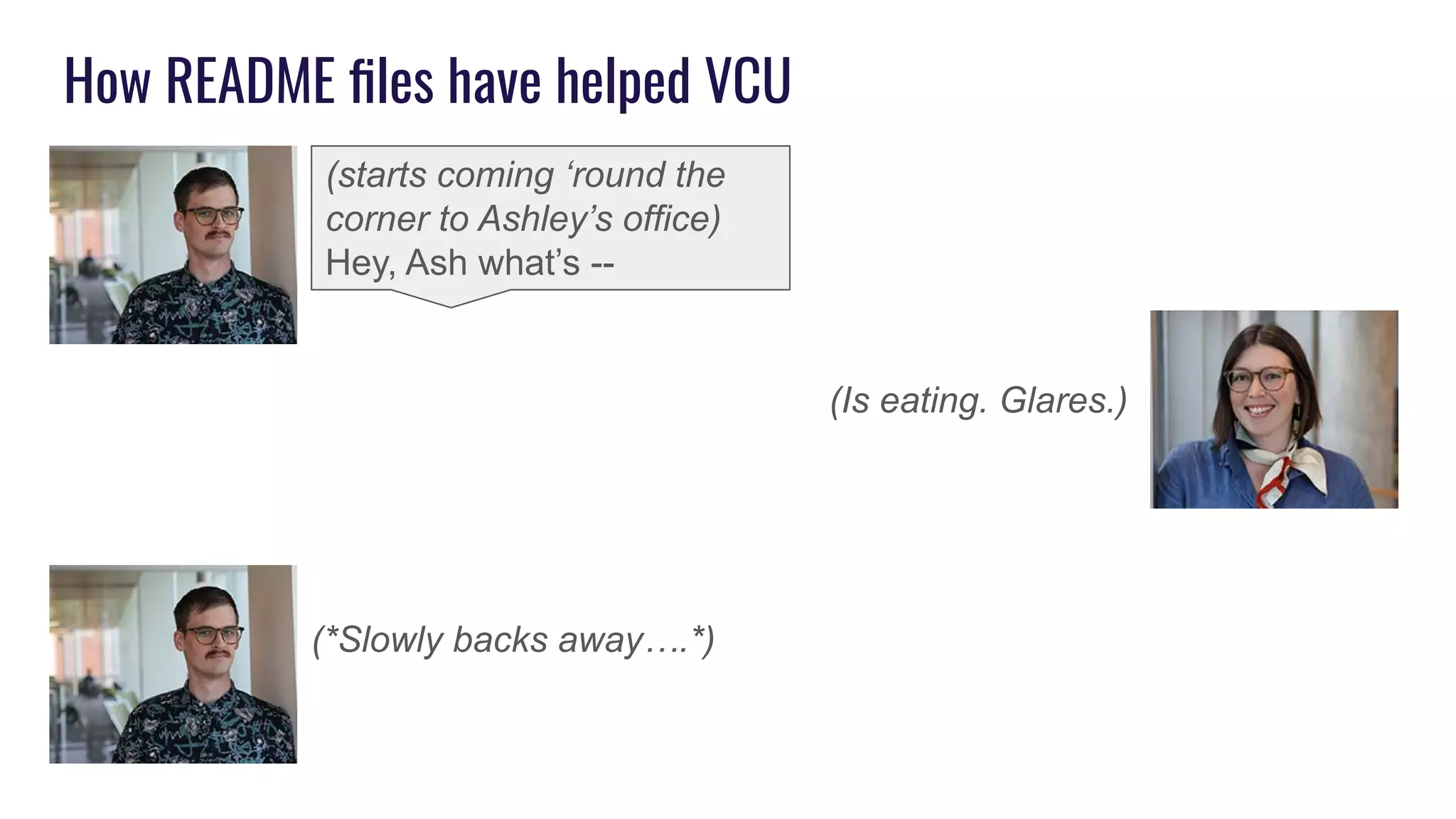
(*Slowly backs away….*)
(starts coming ‘round the
corner to Ashley’s office)
Hey, Ash what’s --
(Is eating. Glares.)
How README files have helped NC State
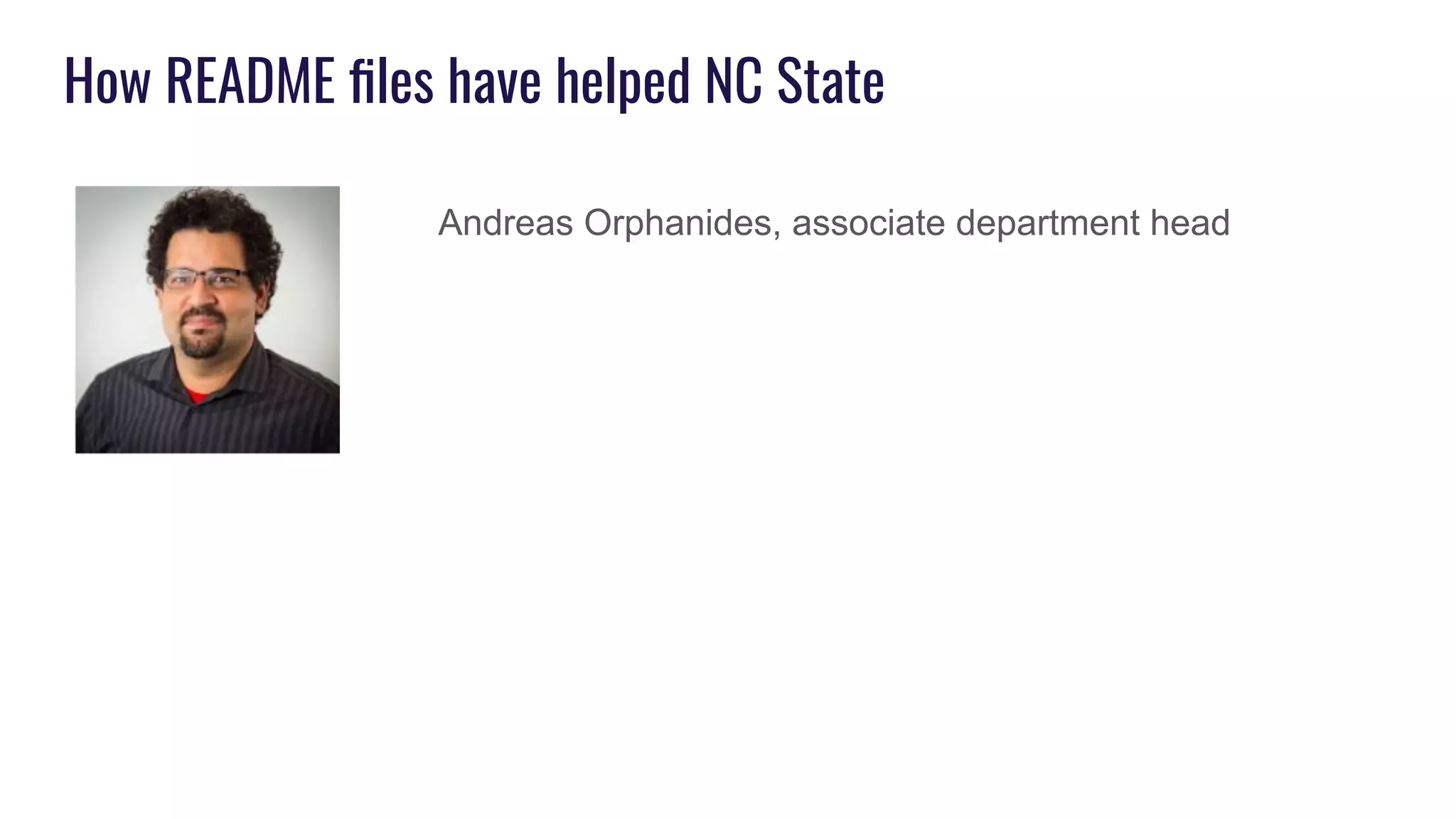
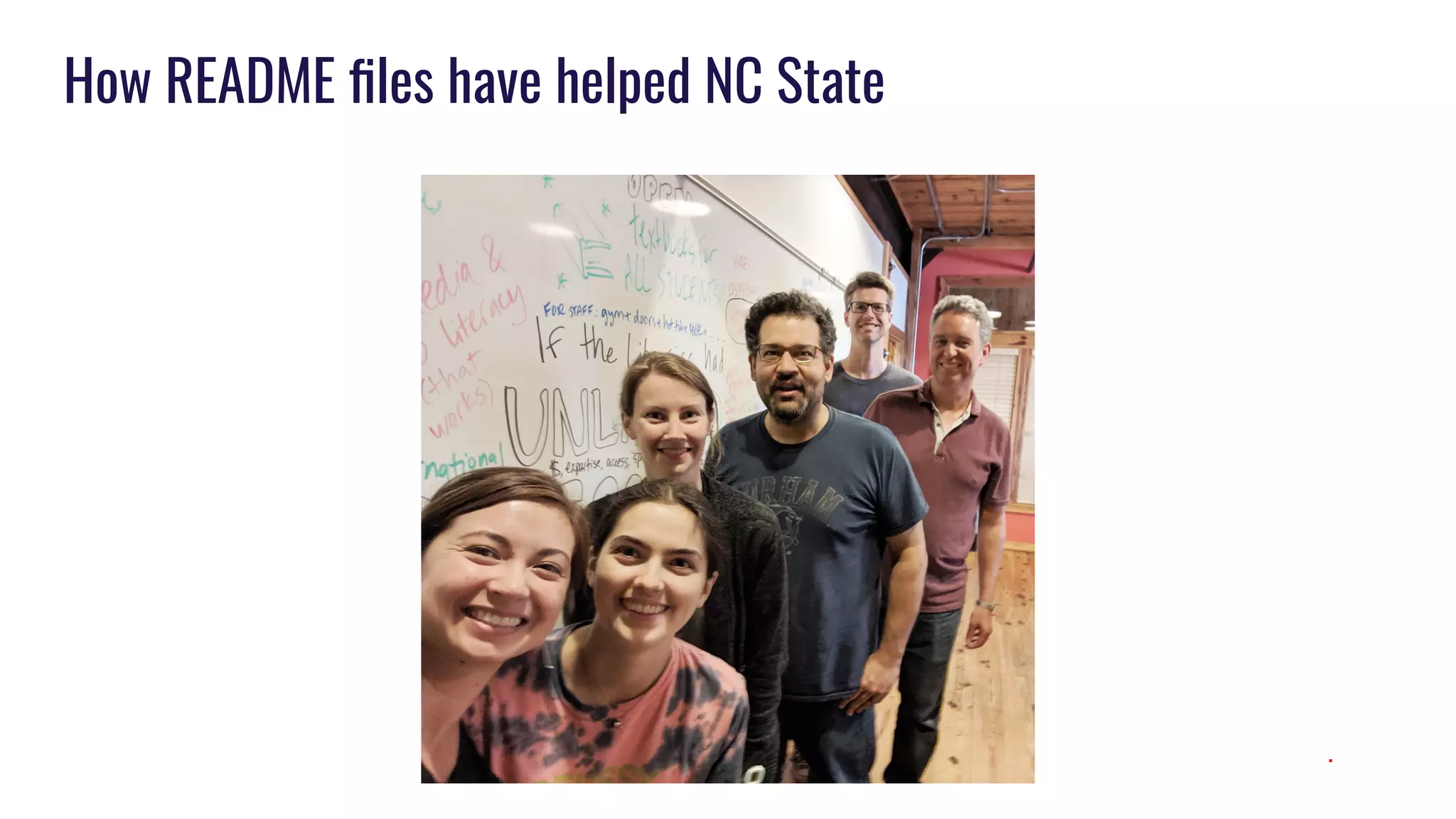
Andreas Orphanides, associate department head
How README files have helped NC State
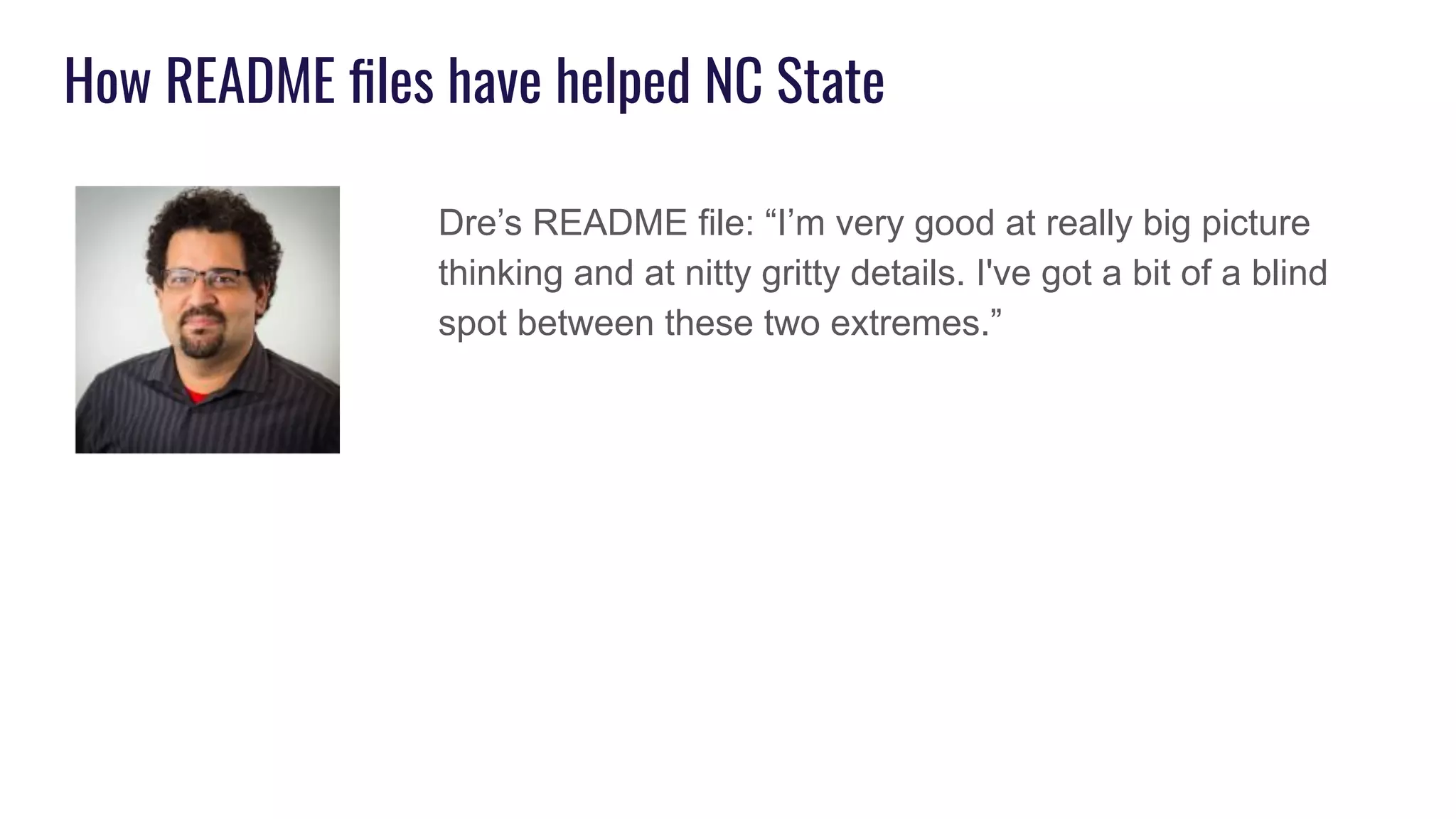
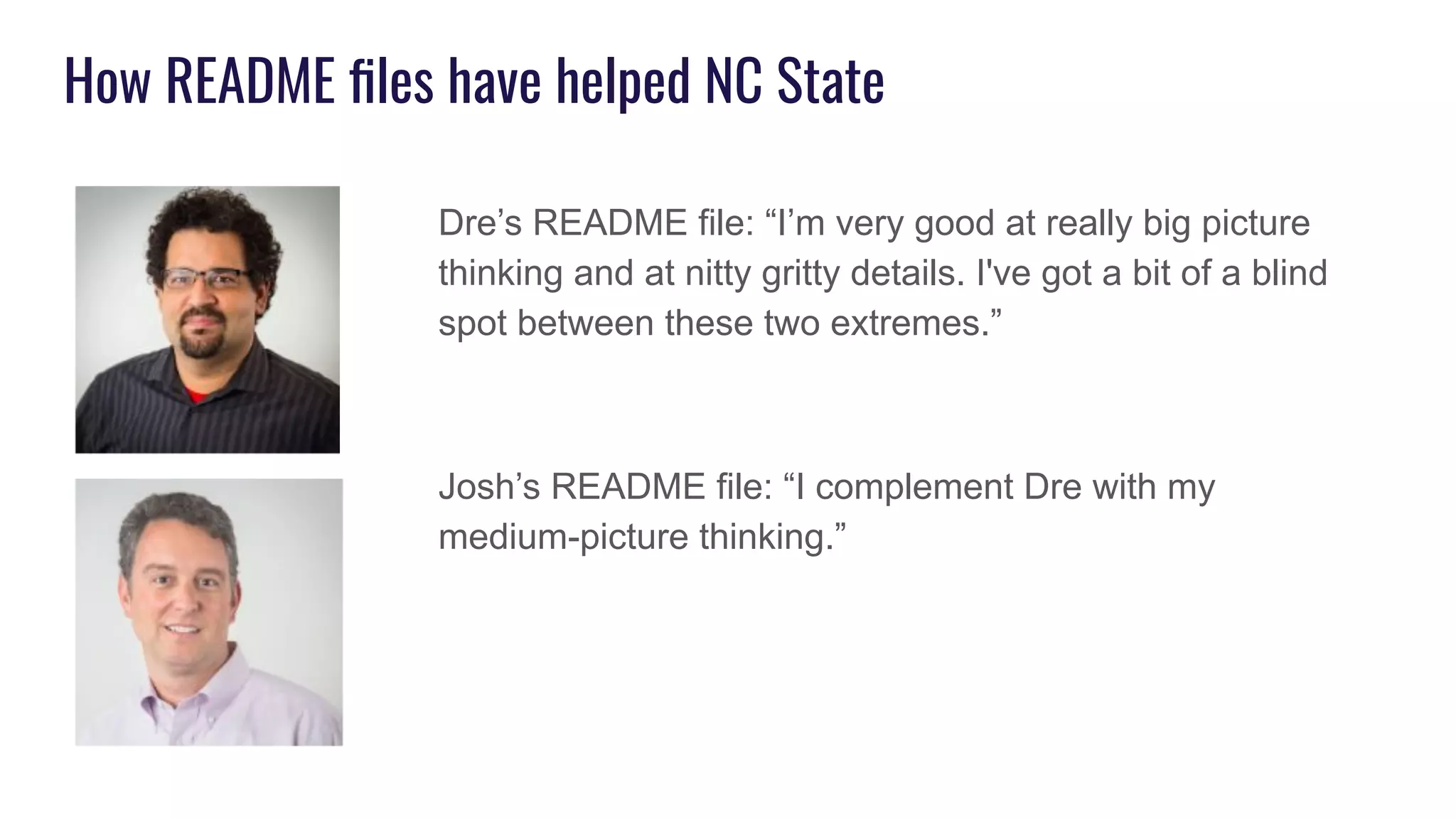
Dre’s README file: “I’m very good at really big picture
thinking and at nitty gritty details. I've got a bit of a blind
spot between these two extremes.”
How README files have helped NC State
Dre’s README file: “I’m very good at really big picture
thinking and at nitty gritty details. I've got a bit of a blind
spot between these two extremes.”
Josh’s README file: “I complement Dre with my
medium-picture thinking.”
How README files have helped NC State
● Onboarding new staff
● Allows us to say things we wouldn’t otherwise say, for example:
“I advise you to build a portfolio of work that is a mix of your
projects, projects that came from me and other supervisors, our
team’s projects, and ones we do to support our colleagues and the
Libraries.”
How README files have helped NC State
.
How README files have helped NC State
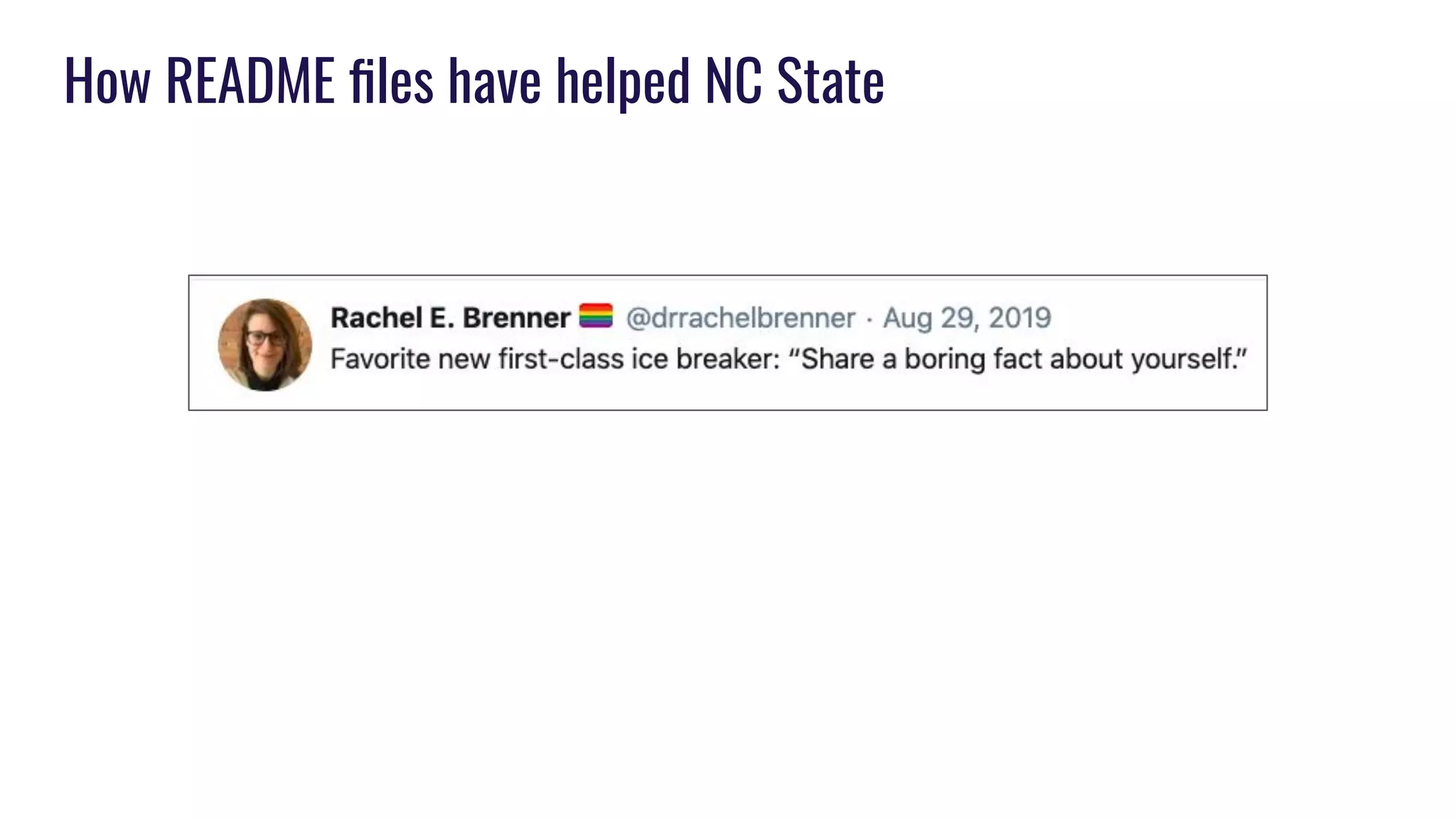
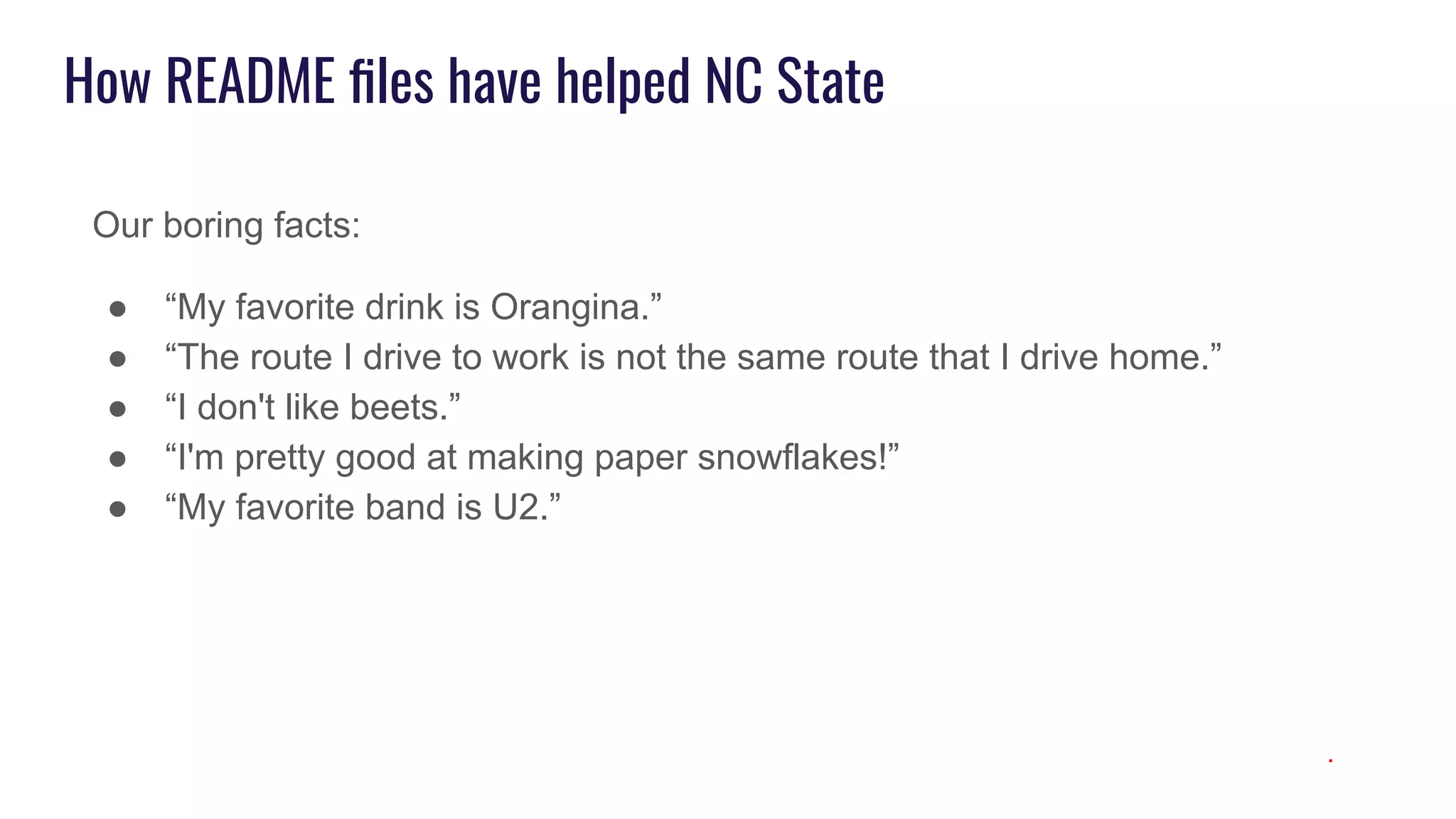
Our boring facts:
● “My favorite drink is Orangina.”
● “The route I drive to work is not the same route that I drive home.”
● “I don't like beets.”
● “I'm pretty good at making paper snowflakes!”
● “My favorite band is U2.”
.
Discussion
1. How have your you used tools like personal README files to help with
communication, onboarding, team formation, or relationship management?
2. What opportunities do you see with personal README files helping you, your
team, or your work environment?
3. What challenges do you think you might have with using personal README files
in your work environment?
4. What tacit understandings and misunderstandings among team members could be
improved if people wrote down how they work best?
5. What additional ideas do you have to add to the personal README file
template(s)?
Thanks!
Josh Boyer
Department Head, User Experience, North Carolina State University Libraries
jeboyer@ncsu.edu
Ashley Brewer
Web Systems Librarian, Virginia Commonwealth University Libraries
abrewer2@vcu.edu
Rachel Vacek
Head of Design & Discovery, University of Michigan Library
rvacek@umich.edu

Personal README Files: User Manuals for Library Staff

  • 1.
    Personal README Files UserManuals for Library Staff Josh Boyer, Ashley Brewer, Rachel Vacek Designing for Digital March 9, 2020
  • 2.
    Josh Boyer Department Head,User Experience, NC State University Libraries @jeboyer Ashley Brewer Web Systems Librarian, Virginia Commonwealth University Libraries @loveonamixtape Rachel Vacek Head of Design & Discovery, University of Michigan Library @vacekrae
  • 3.
    Outline Traditional vs. personalREADME files How we each picked up the idea About our teams and how we’re using them How personal README files have helped us Discussion
  • 4.
    Traditional README files Thecontents typically include one or more of the following: ● Configuration instruction ● Installation instructions ● Operating instructions ● A file manifest (list of files included) ● Copyright and licensing information ● Contact information for the distributer or programmer ● Known bugs ● Troubleshooting ● Credits and acknowledgments ● A changelog (usually for programmers) ● A news section (usually for users)
  • 6.
    Personal / ManagerREADME files
  • 7.
    Molly, Tech Leadat HubSpot ● My role as tech lead ● Feedback ● One-on-ones ● Performance ● My schedule ● After-hours communication ● A note on diversity and inclusion ● If you need something ● Expectations of you ● My interests
  • 8.
    Examples from READMEfiles at Tech Companies “My intent is to accelerate our working relationship with this document.” “Do not confuse my quiet with lack of engagement.” “Expected response times by communication channel…” “If I fail at any of these - especially anything that puts retaining you at risk - you would be doing me a huge favor by letting me know as soon as possible. I don't expect everyone to stick around forever, however if a departure is potentially due to something we could have done different, I would appreciate the chance to make things right first.”
  • 9.
    Use cases forREADME files ● New employee onboarding ● New team, committee, or department formation ● Relationship management ○ Expectations ○ Personal preferences ● Norm creation
  • 10.
    How we pickedup the idea of using personal README files
  • 11.
    I stole theidea from my boss ...who stole the idea from Big Tech. Already were doing semi-yearly “Write the Docs” days My boss shared the idea of personal READme files, and I thought they sounded like a great idea (especially because team communication was an ongoing area for improvement) We thought Write the Docs Day + Readme files = profit!
  • 12.
    How Josh startedusing Personal README files
  • 13.
    Rachel stole theidea from Ashley from D4D last year
  • 14.
    More about ourteams and how we are using README files
  • 15.
    University of MichiganLibrary’s Design & Discovery Department Robyn Ness Senior UX Specialist Ken Varnum Senior Program Manager Jon Earley User Interface Design Engineer Ellen Schlegelmilch UI/UX Designer Eliot Scott Drupal Developer Ben Howell User Experience & Accessibility Specialist Albert Bertram Web Applications Team Leader Heidi Burkhardt Web Project Manager & Content Strategist Rachel Vacek Head of Design & Discovery TBD Front-End Developer Bridget Burke Front-End Developer & Accessibility Specialist Heymo Vehse Web Applications Developer
  • 16.
    D&D’s areas offocus User experience research and design Front-end and back-end development Program and project management Digital accessibility expertise
  • 17.
  • 18.
  • 19.
    Why READMEs formy department? ● Two departments merged into D&D ● People who hadn’t previously worked together were now going to be on multiple teams together ● Lots of staff change ○ New positions ○ Retirement ○ Promotions ○ Reclassifications ○ People moving on/filling vacant positions ● Balance of work/life ● Flexibility in schedules ● Renovation of space and everyone coming together ● Personal preferences for interaction
  • 20.
    D&D’s README Template ●Name ● Title ● When I started working in the Library ● How I describe my work to someone unfamiliar with the type of work I do ● My communication preferences: ● Favorite hobbies ● Favorite snacks ● I am grateful for ● One adjective to describe you
  • 22.
    VCUL’s Digital EngagementDepartment Erin White, Head, Digital Engagement Katie Condon, Digital Specialist Ashley Brewer, Web Systems Librarian Todd Easter, Web Designer Cody Whitby, Web Applications Engineer Student workers, 3-5 digitization, 1 web
  • 23.
    VCU Libraries DigitalEngagement Department
  • 24.
    VCU Libraries DigitalEngagement READme template ● About Me -- personal information, background, etc ● My job -- describe your job/role in your own words  ● Personal principles / Values  -- share some core beliefs that you think guide your work and are key to understanding where you’re coming from ● Communication / Calendar -- What type of communication you prefer for what type of message, i.e. when to email vs when to call (never call) and how to interpret your calendar/drop in-ability ● Feedback (how you give it and how you like to receive it) -- Communication “style” and what style and type of feedback you respond to best ● Favorite foods/snacks -- for when it’s your birthday or we have something to celebrate! ● Choose your own adventure!
  • 25.
    NC State UniversityLibraries’ UX department
  • 26.
    NC State UniversityLibraries’ UX department
  • 27.
    NC State’s READMEfile template ● Name ● Title ● When I started working at NC State University Libraries ● My job, in my own words ● About me (personal background stuff, like where we're from, hobbies, favorite snacks, whatever is important to share) ● My communication preferences (meetings, email, F2F) ● My use of social media that I choose to talk about in this context ● My managerial style / What I appreciate from a supervisor ● What I think about noise and interruptions ● I’m saying “do not disturb” when I
  • 28.
    NC State’s READMEfile template, continued ● When working with me, it’s good to know that ● My super power for getting things done ● The primary persona I think of as the audience for my work ● Other ways of describing me that may mean something to you (Myers-Briggs, Leadership frame, Hogwarts house, Enneagram, Parks and Recreation, Birth chart, etc.) ● A boring fact about me ● I am grateful for ● [Feel free to add prompts of your own]
  • 29.
  • 30.
    How README fileshave helped Michigan ● Created an opportunity for my staff to express what's important to them as well as to learn what's important to their colleagues ● Helped with onboarding and getting to know people, including those that work remotely more frequently ● Increased awareness of one another’s communication styles and how they do/don’t like to be interrupted ● Acknowledged people’s snack preferences, and that for most of my department, coffee IS superior to snacks (and that I shouldn’t trivialize it with such a designation)
  • 31.
    How README fileshave helped VCU ● Bagels > donuts, not @ me! ● Great onboarding tool. ● It allowed us to articulate things that are important but might be hard to say. ● Gives us something to refer back to and consider ● Writing them and reading each other’s helped us feel connected
  • 32.
    How README fileshave helped VCU (*Slowly backs away….*) (starts coming ‘round the corner to Ashley’s office) Hey, Ash what’s -- (Is eating. Glares.)
  • 33.
    How README fileshave helped NC State Andreas Orphanides, associate department head
  • 34.
    How README fileshave helped NC State Dre’s README file: “I’m very good at really big picture thinking and at nitty gritty details. I've got a bit of a blind spot between these two extremes.”
  • 35.
    How README fileshave helped NC State Dre’s README file: “I’m very good at really big picture thinking and at nitty gritty details. I've got a bit of a blind spot between these two extremes.” Josh’s README file: “I complement Dre with my medium-picture thinking.”
  • 36.
    How README fileshave helped NC State ● Onboarding new staff ● Allows us to say things we wouldn’t otherwise say, for example: “I advise you to build a portfolio of work that is a mix of your projects, projects that came from me and other supervisors, our team’s projects, and ones we do to support our colleagues and the Libraries.”
  • 37.
    How README fileshave helped NC State .
  • 38.
    How README fileshave helped NC State
  • 39.
    How README fileshave helped NC State Our boring facts: ● “My favorite drink is Orangina.” ● “The route I drive to work is not the same route that I drive home.” ● “I don't like beets.” ● “I'm pretty good at making paper snowflakes!” ● “My favorite band is U2.” .
  • 40.
    Discussion 1. How haveyour you used tools like personal README files to help with communication, onboarding, team formation, or relationship management? 2. What opportunities do you see with personal README files helping you, your team, or your work environment? 3. What challenges do you think you might have with using personal README files in your work environment? 4. What tacit understandings and misunderstandings among team members could be improved if people wrote down how they work best? 5. What additional ideas do you have to add to the personal README file template(s)?
  • 41.
    Thanks! Josh Boyer Department Head,User Experience, North Carolina State University Libraries jeboyer@ncsu.edu Ashley Brewer Web Systems Librarian, Virginia Commonwealth University Libraries abrewer2@vcu.edu Rachel Vacek Head of Design & Discovery, University of Michigan Library rvacek@umich.edu