git
the fast version control system
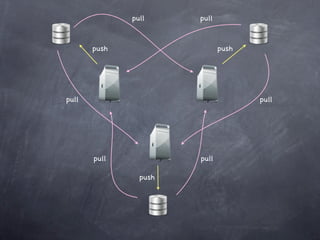
pull     pull


       push                   push


pull                                 pull


       pull            pull

                push
getting and creating
      projects
config
configuring your git environment
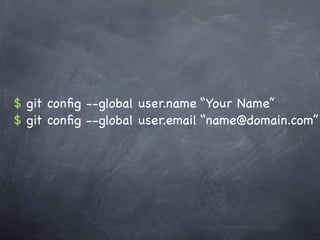
$ git config --global user.name “Your Name”
$ git config --global user.email “name@domain.com”
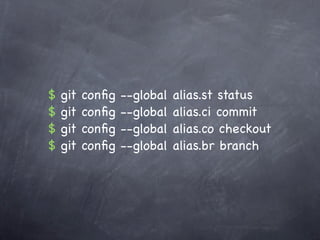
$   git   config   --global   alias.st status
$   git   config   --global   alias.ci commit
$   git   config   --global   alias.co checkout
$   git   config   --global   alias.br branch
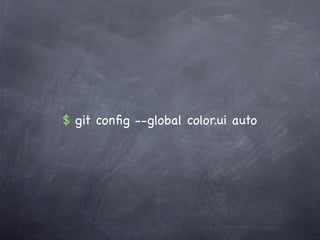
$ git config --global color.ui auto
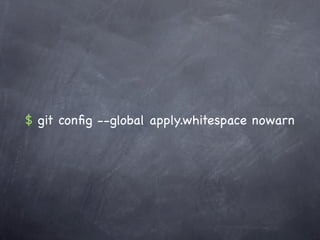
$ git config --global apply.whitespace nowarn
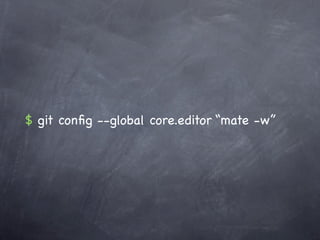
$ git config --global core.editor “mate -w”
~/.gitconfig
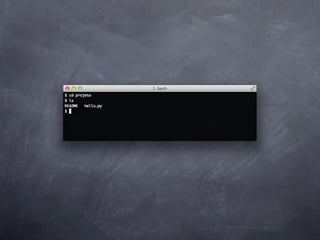
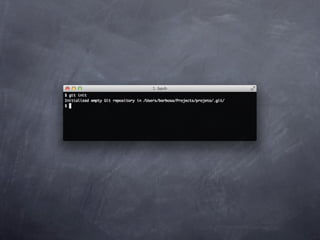
init
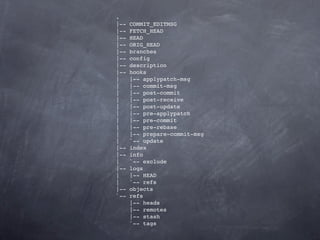
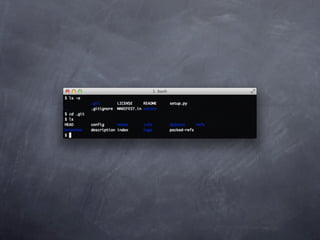
initializes a directory as a git repository
.
|--   COMMIT_EDITMSG
|--   FETCH_HEAD
|--   HEAD
|--   ORIG_HEAD
|--   branches
|--   config
|--   description
|--   hooks
|     |-- applypatch-msg
|     |-- commit-msg
|     |-- post-commit
|     |-- post-receive
|     |-- post-update
|     |-- pre-applypatch
|     |-- pre-commit
|     |-- pre-rebase
|     |-- prepare-commit-msg
|     `-- update
|--   index
|--   info
|     `-- exclude
|--   logs
|     |-- HEAD
|     `-- refs
|--   objects
`--   refs
      |-- heads
      |-- remotes
      |-- stash
      `-- tags
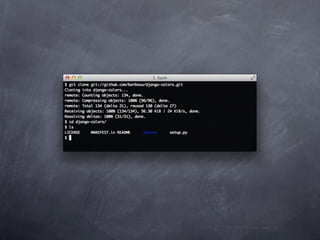
clone
copy a git repository
basic snapshotting
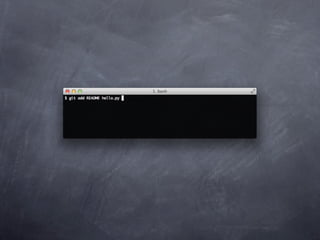
add
adds file contents to the staging area
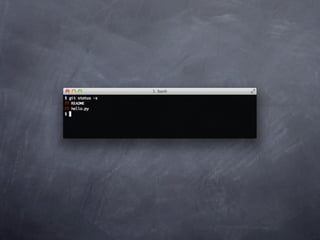
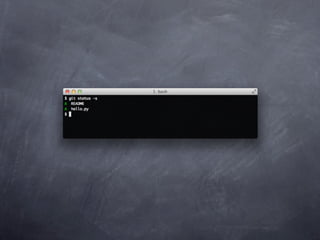
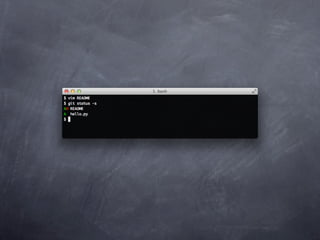
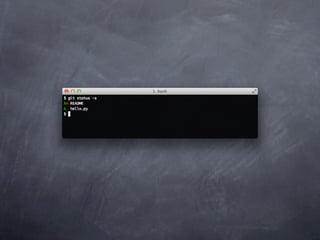
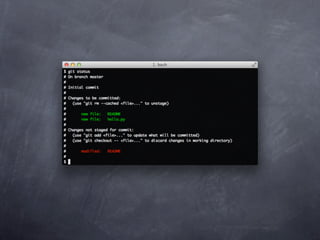
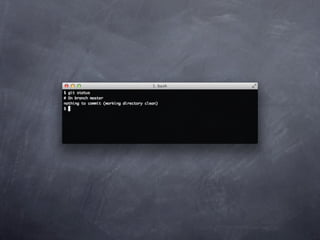
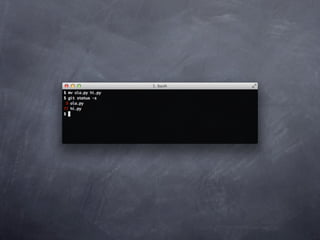
status
view the status of your files in the working directory and staging area
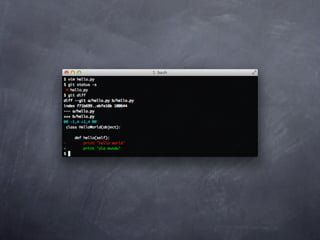
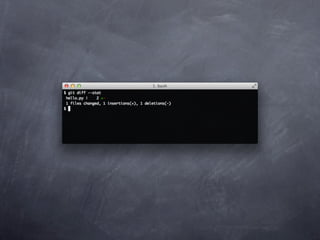
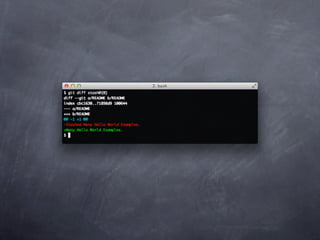
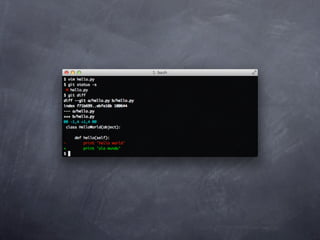
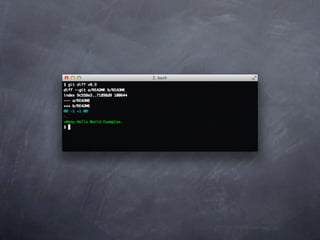
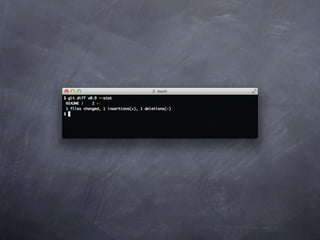
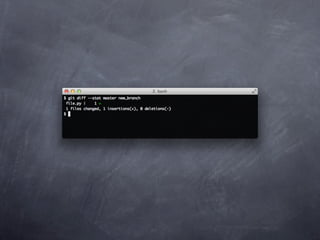
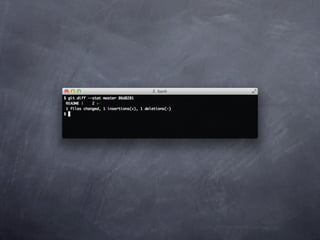
diff
shows diff of what is staged and what is modified but unstaged
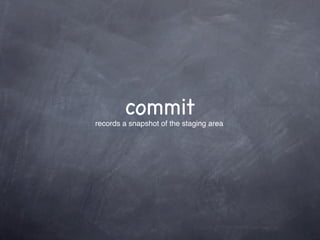
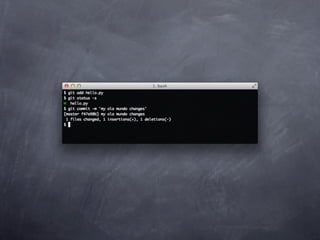
commit
records a snapshot of the staging area
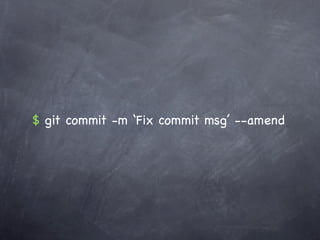
$ git commit -m ‘Fix commit msg’ --amend
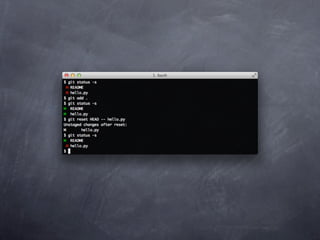
reset
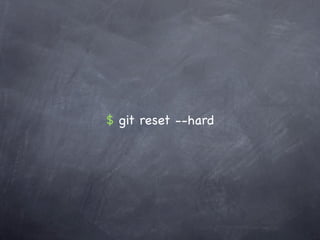
$ git reset --hard
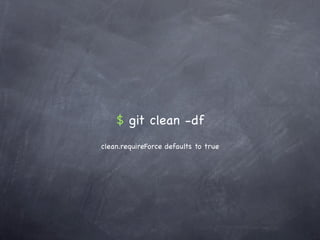
$ git clean -df
clean.requireForce defaults to true
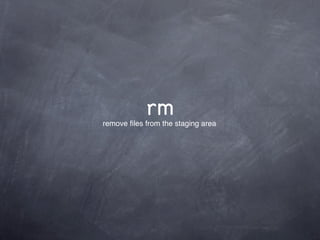
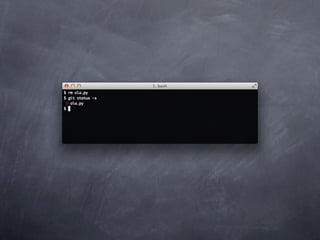
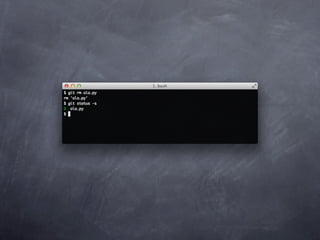
rm
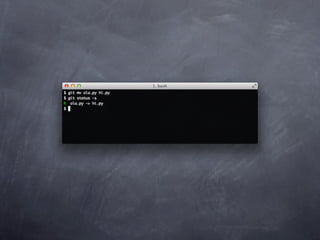
remove files from the staging area
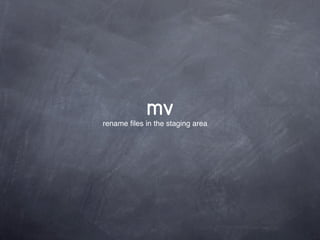
mv
rename files in the staging area
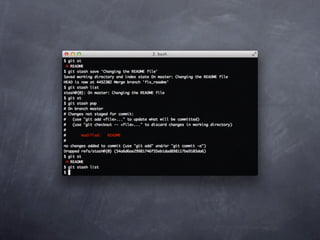
stash
saving temporarily local changes
branching and merging
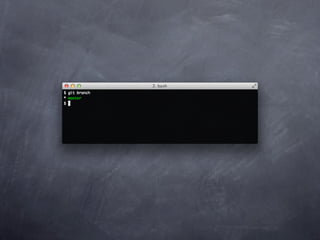
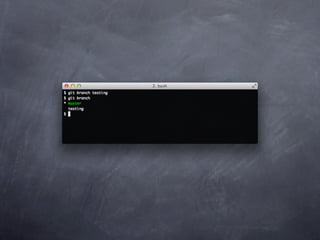
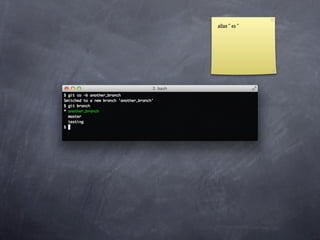
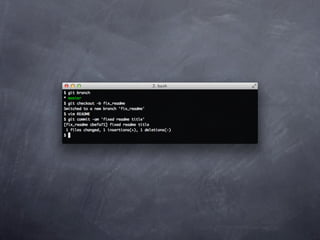
branch
list, create and manage working contexts
alias “ co “
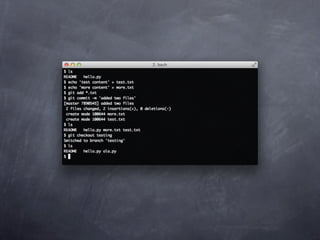
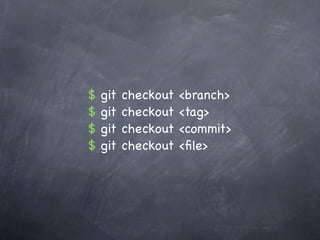
checkout
$   git   checkout   <branch>
$   git   checkout   <tag>
$   git   checkout   <commit>
$   git   checkout   <file>
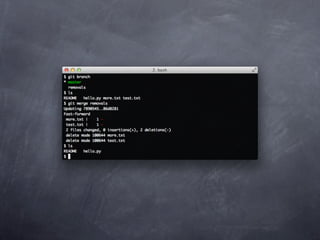
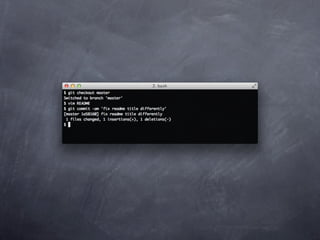
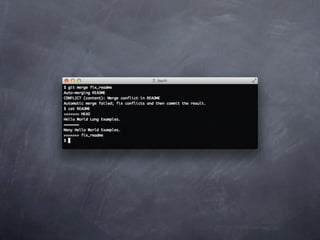
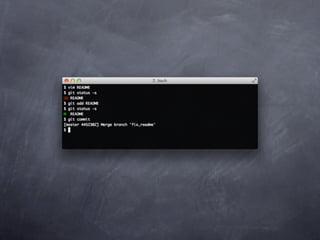
merge
merge a branch context into your current branch
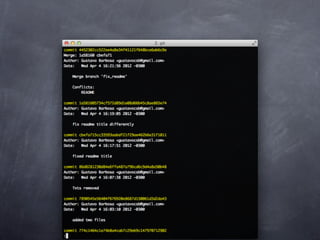
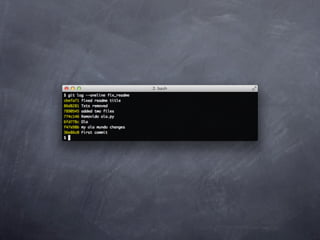
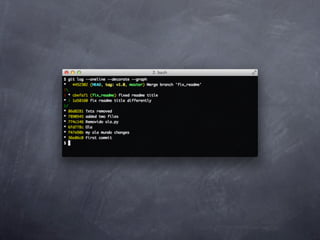
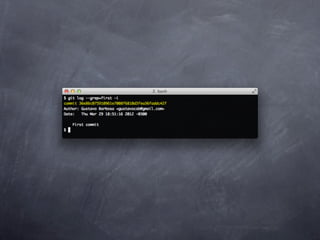
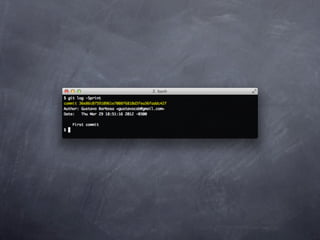
log
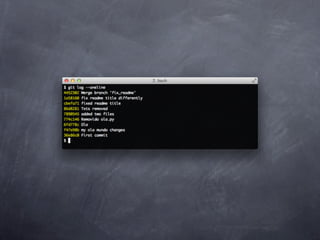
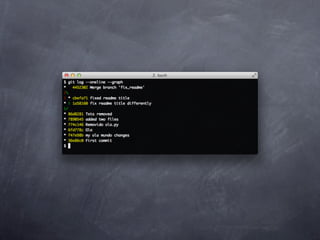
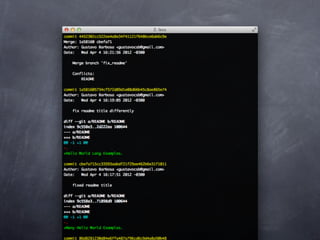
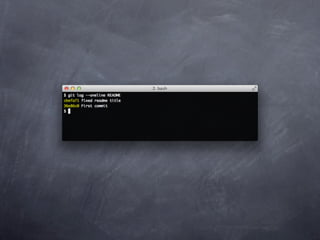
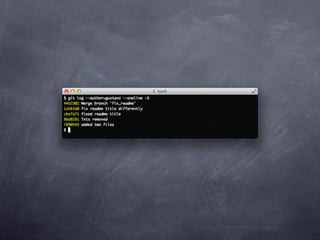
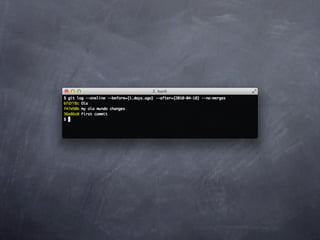
show commit history of a branch
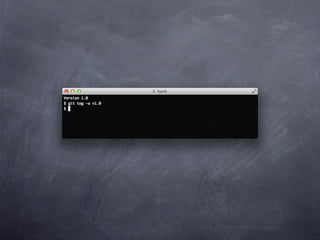
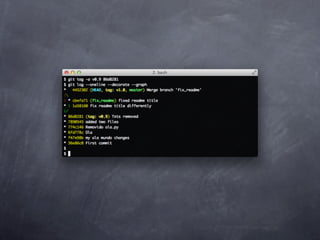
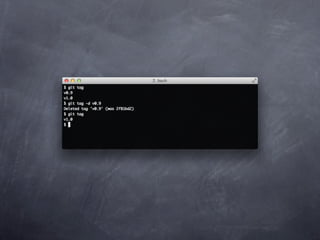
tag
tag a point in history as important
sharing and updating
      projects
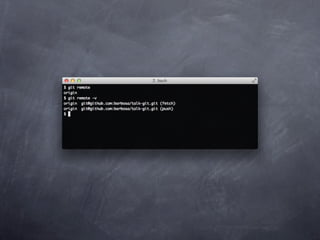
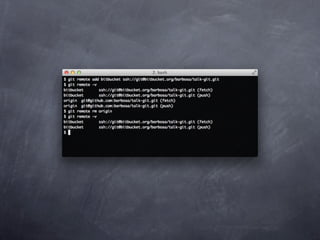
remote
list, add and delete remote repository aliases
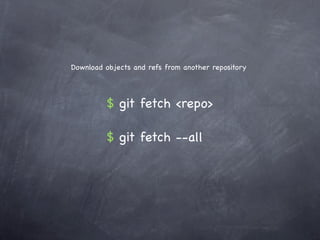
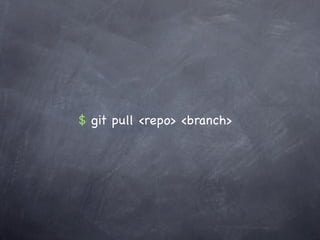
fetch, pull
Download objects and refs from another repository


         $ git fetch <repo>

         $ git fetch --all
$ git pull <repo> <branch>
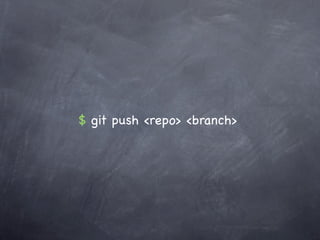
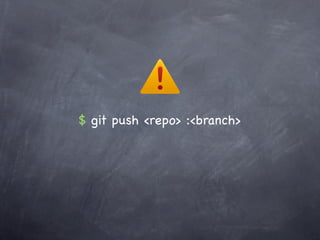
push
$ git push <repo> <branch>
$ git push <repo> :<branch>
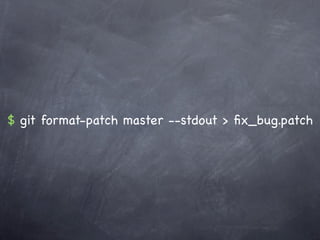
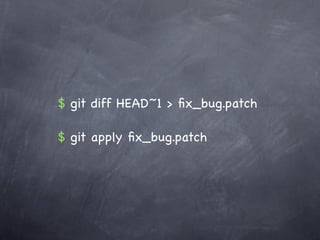
patch
$ git format-patch master --stdout > fix_bug.patch
$ git diff HEAD~1 > fix_bug.patch

$ git apply fix_bug.patch
rebase
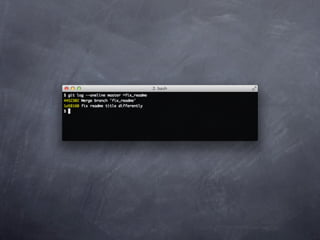
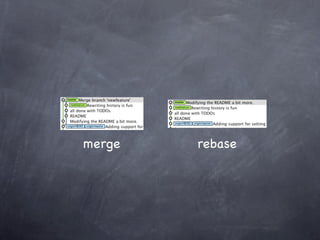
merge vs rebase
merge   rebase
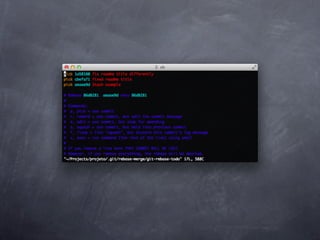
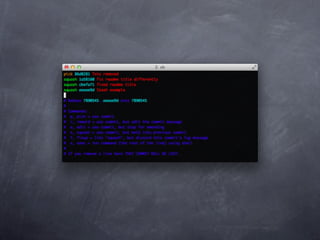
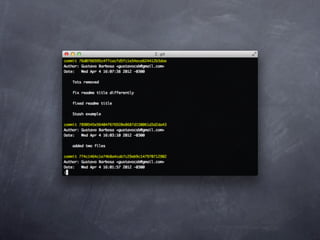
reordering commits
$ git rebase -i HEAD~3
$ git pull --rebase
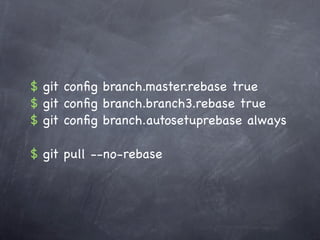
$ git config branch.master.rebase true
$ git config branch.branch3.rebase true
$ git config branch.autosetuprebase always

$ git pull --no-rebase
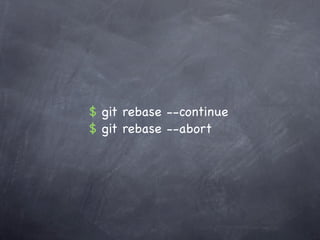
$ git rebase --continue
$ git rebase --abort
inspection and
  comparison
log
$ git rev-list
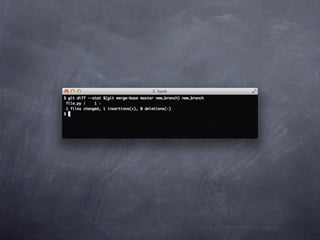
diff
git
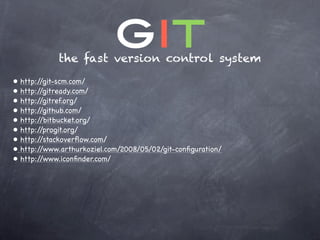
              the fast version control system
•   http://git-scm.com/
•   http://gitready.com/
•   http://gitref.org/
•   http://github.com/
•   http://bitbucket.org/
•   http://progit.org/
•   http://stackoverflow.com/
•   http://www.arthurkoziel.com/2008/05/02/git-configuration/
•   http://www.iconfinder.com/

Git