
1
Getting to grips with YouTube
2
Why Video?
2
3
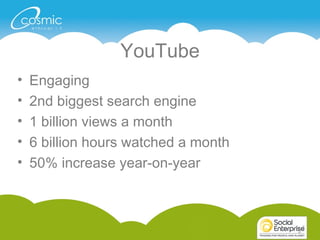
YouTube
• Engaging
• 2nd biggest search engine
• 1 billion views a month
• 6 billion hours watched a month
• 50% increase year-on-year
3
4
For Business
• Customer Engagement
• SEO
• Visual
4
5
Case Studies
5
66
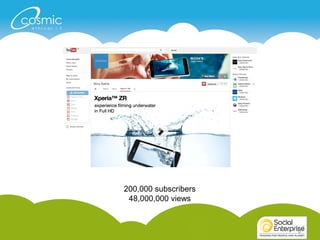
200,000 subscribers
48,000,000 views
77
88
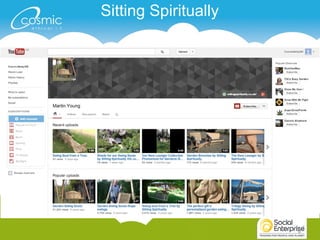
Sitting Spiritually
99
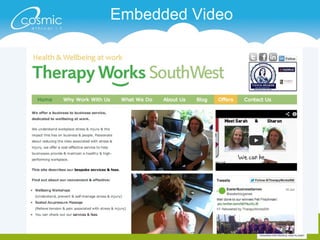
Embedded Video
1010
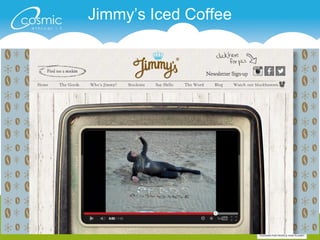
Jimmy’s Iced Coffee
1111
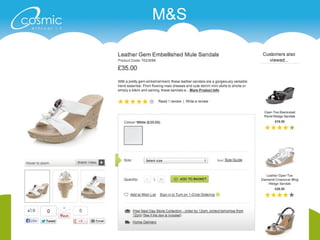
M&S
1212
1313
What makes a good video?
1414
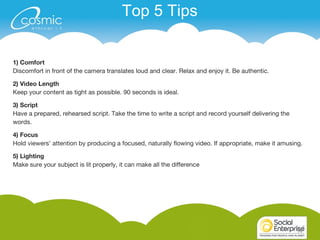
Top 5 Tips
1) Comfort
Discomfort in front of the camera translates loud and clear. Relax and enjoy it. Be authentic.
2) Video Length
Keep your content as tight as possible. 90 seconds is ideal.
3) Script
Have a prepared, rehearsed script. Take the time to write a script and record yourself delivering the
words.
4) Focus
Hold viewers' attention by producing a focused, naturally flowing video. If appropriate, make it amusing.
5) Lighting
Make sure your subject is lit properly, it can make all the difference
1515
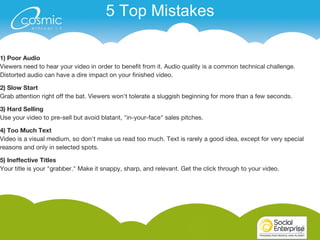
1) Poor Audio
Viewers need to hear your video in order to benefit from it. Audio quality is a common technical challenge.
Distorted audio can have a dire impact on your finished video.
2) Slow Start
Grab attention right off the bat. Viewers won't tolerate a sluggish beginning for more than a few seconds.
3) Hard Selling
Use your video to pre-sell but avoid blatant, "in-your-face" sales pitches.
4) Too Much Text
Video is a visual medium, so don't make us read too much. Text is rarely a good idea, except for very special
reasons and only in selected spots.
5) Ineffective Titles
Your title is your "grabber." Make it snappy, sharp, and relevant. Get the click through to your video.
5 Top Mistakes
16
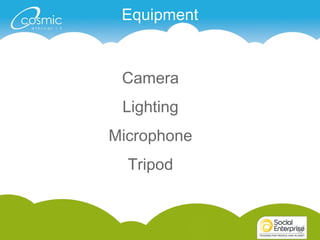
Equipment
16
Camera
Lighting
Microphone
Tripod
17
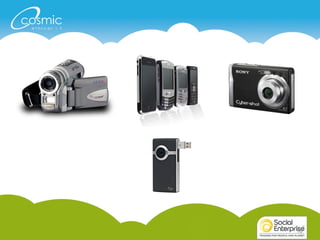
Camera
• Video camera
• smartphone
• Camera (digital)
• Flip camera
• Any others?
17
1818
19
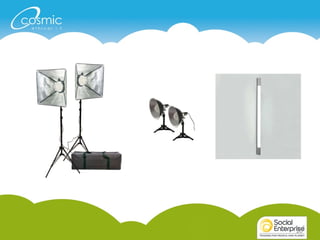
Lighting
• Small lights
• Reflectors
• Natural light
• What works best for you
19
2020
21
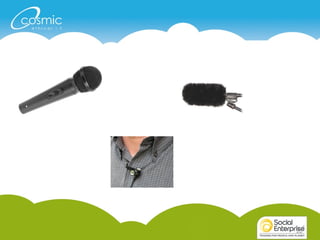
Microphone
• Device’s microphone
• handheld
21
2222
23
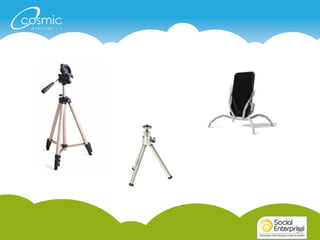
Tripod
• Professional
• Small
• Flexible
23
2424
25
Coffee?
25
26
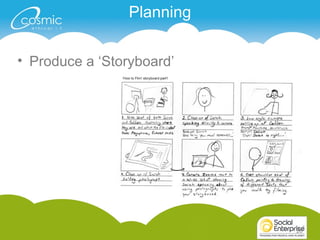
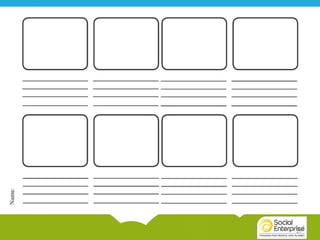
Planning
• Produce a ‘Storyboard’
26
2727
2828
Exercise time
2929
• Pair off
• Video interviews
• 2 or 3 takes
30
Lunch
30
3131
• Vine
• iMovie phone app
• YouTube Capture
32
The Anatomy of
32
33
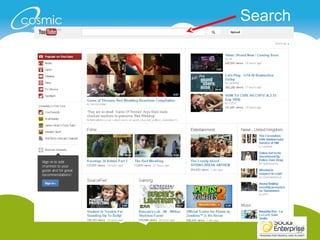
Search
3434
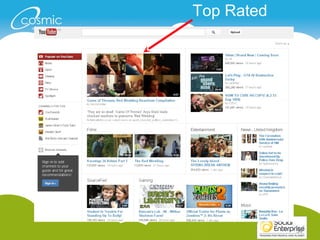
Top Rated
3535
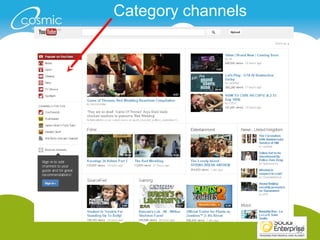
Category channels
3636
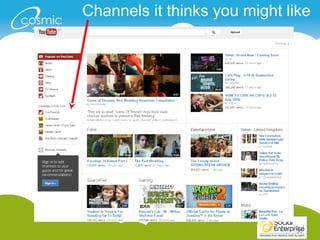
Channels it thinks you might like
3737
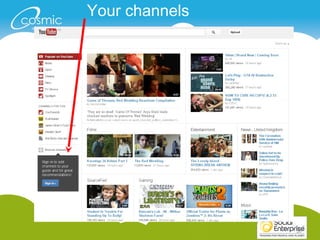
Your channels
3838
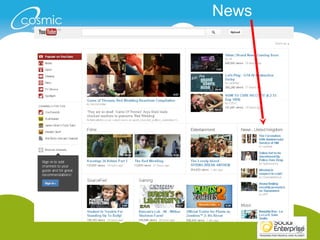
News
3939
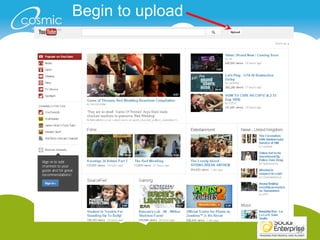
Begin to upload
4040
4141
4242
4343
44
4545
4646
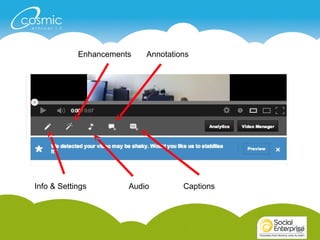
Enhancements
Info & Settings Audio
Annotations
Captions
4747
4848
4949
5050
5151
5252
53
Editor
53
5454
5555
5656
5757
5858
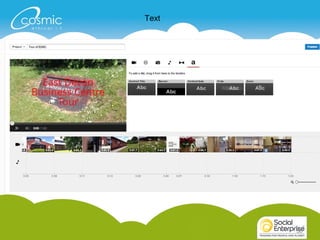
Text
5959
Your turn
60
Setting up your channel
60
61
62
63
64
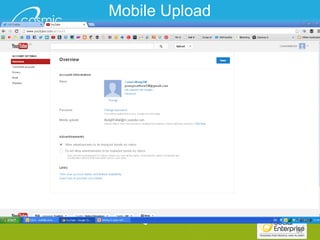
Mobile Upload
65

Getting to grips with YouTube

Editor's Notes

  • #6 Story behind SE?
  • #7 SE Home page
  • #8 Customer svc page How to guides Open up the page and have a look
  • #9 Small one-man-band. Lots of content, 1000’s of views
  • #10 Embedded YT video on to their homepage. Cleverly made film which was inexpensive to have made. Watch video
  • #11 Good fun videos. I want to be Jimmy, he’s a bit of a dude.
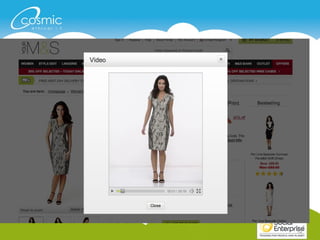
  • #12 50% spend increase with embedded video on their website
  • #14 Brad or Angelina? Neither actually...
  • #17 Add pics on next few slides
  • #20 Take our spotlights and reflectors (under my desk)
  • #30 Timings? Locations?
  • #34 2nd largest search engine around. Cats or quantum physics... it’s all there.
  • #35 YouTube selects the most popular video and shows it here.
  • #36 Faster way to find content in certain categories.
  • #38 These are channels that you have subscribed to. You’ll get regular updates from YT via email letting you know if there is any new content for you to view.
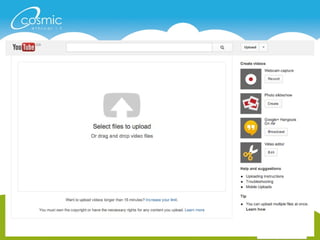
  • #41 Select the file from your computer (like attaching a file to an email) and the upload will begin automatically.
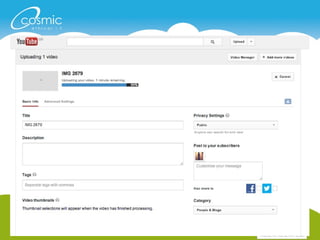
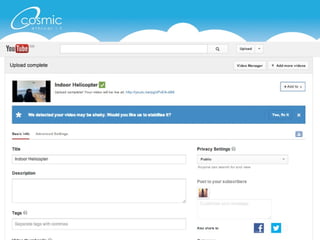
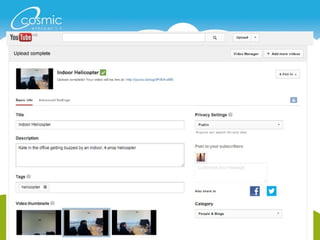
  • #42 Give it a good, catchy title (SEO friendly) Description of what takes place in the film Tags will add categories for your film to group them together and make them more easily found. Choose to auto share (FB & TW)
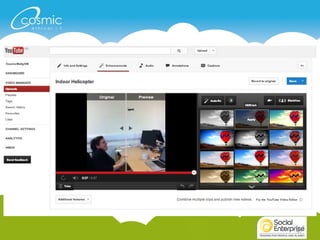
  • #43 Suggested edits. Experiment with these, sometimes good, sometimes not so good.
  • #44 Complete
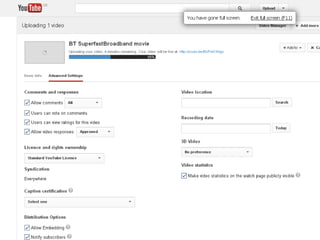
  • #45 Take a look at the advanced settings, it gives you a greater amount of control over what you and others can do on your channel.
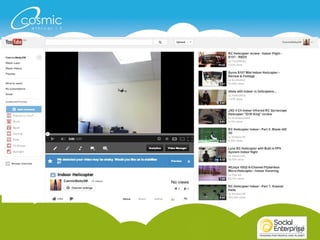
  • #46 Uploaded now, time to add the final touches. (again, it’s warning me about it being shaky!)
  • #48 Enhancements. Relatively new effects (Similar to uploads via Instagram, Twitter & Facebook mobile)
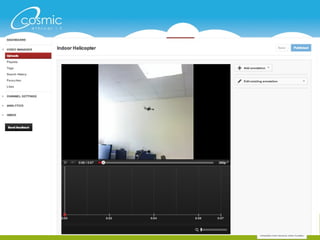
  • #49 Annotations, add text during the video (can be distracting but at the same time, useful)
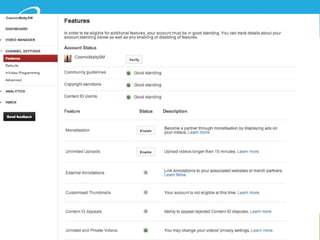
  • #50 Features: Take a look around this section to make sure you’re being good and behaving yourself. Monetisation (with ads) of your channel.
  • #51 Advanced but adding branding can work to raise awareness
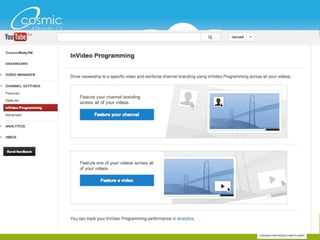
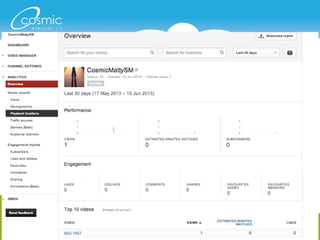
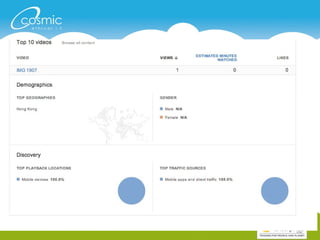
  • #52 Analytics. Study what works and doesn’t work and repeat the good stuff.
  • #53 Bottom half of the previous slide
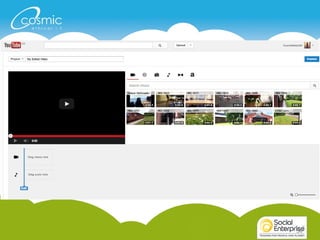
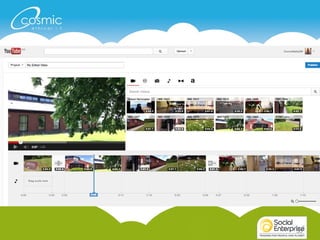
  • #55 Limited amount of editing on YT but worth investigating. Link videos together, add photos, music, transitions and text.
  • #56 All clips added to playline, with transitions shows. Text at the beginning and end too. Opportunity to add music here also. Sony Vegas Window live movie maker iMovie (mac) - Final cut
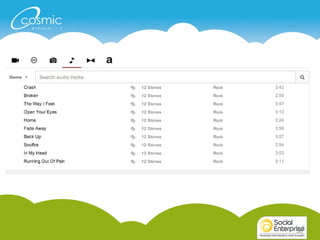
  • #57 Choice of ‘free’ music is limited but vital if you don’t want to break copyright laws.
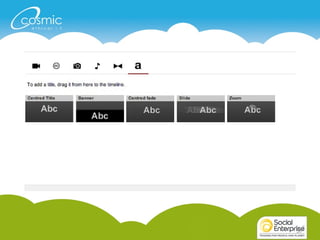
  • #58 Adding text. Various places it will appear and flow in/out.
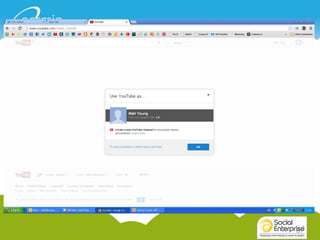
  • #60 Log-in to your accounts we’ve set
  • #62 Set up the custom name of your channel just here
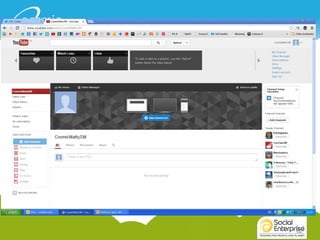
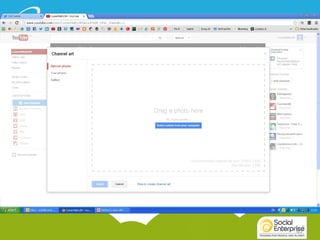
  • #63 Initially, your channel will look like this. Add ‘channel art’ or a cover image, list out some favourites (if you want to), follow some channels and see what they do.
  • #64 Really easy to add this.
  • #65 Set up your mobile phone so you can simply upload a video straight to YT without having to download it on to your computer first. Quite fast actually.
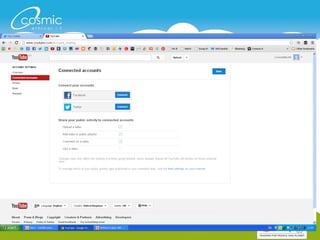
  • #66 Add sharing channels on social media. It is automatically connected up to Google plus, which has a massive potential audience (400,000,000 + accounts) but FB & TW are hugely important.