GainReal-TimeVisibility
withIntuitiveGanttCharts
GanttChartSoftware
WhyNeedforProjectManagement
In project management, task scheduling, project planning, resource allocation,
etc. are the critical aspects that need to be effectively carried out. To help
project managers succeed, Gantt charts are powerful tools that make
organizing projects easy and fast. Take a look at the points highlighting the
importance of Gantt Charts in Project Management.
Seamless
Communication
TaskManageability
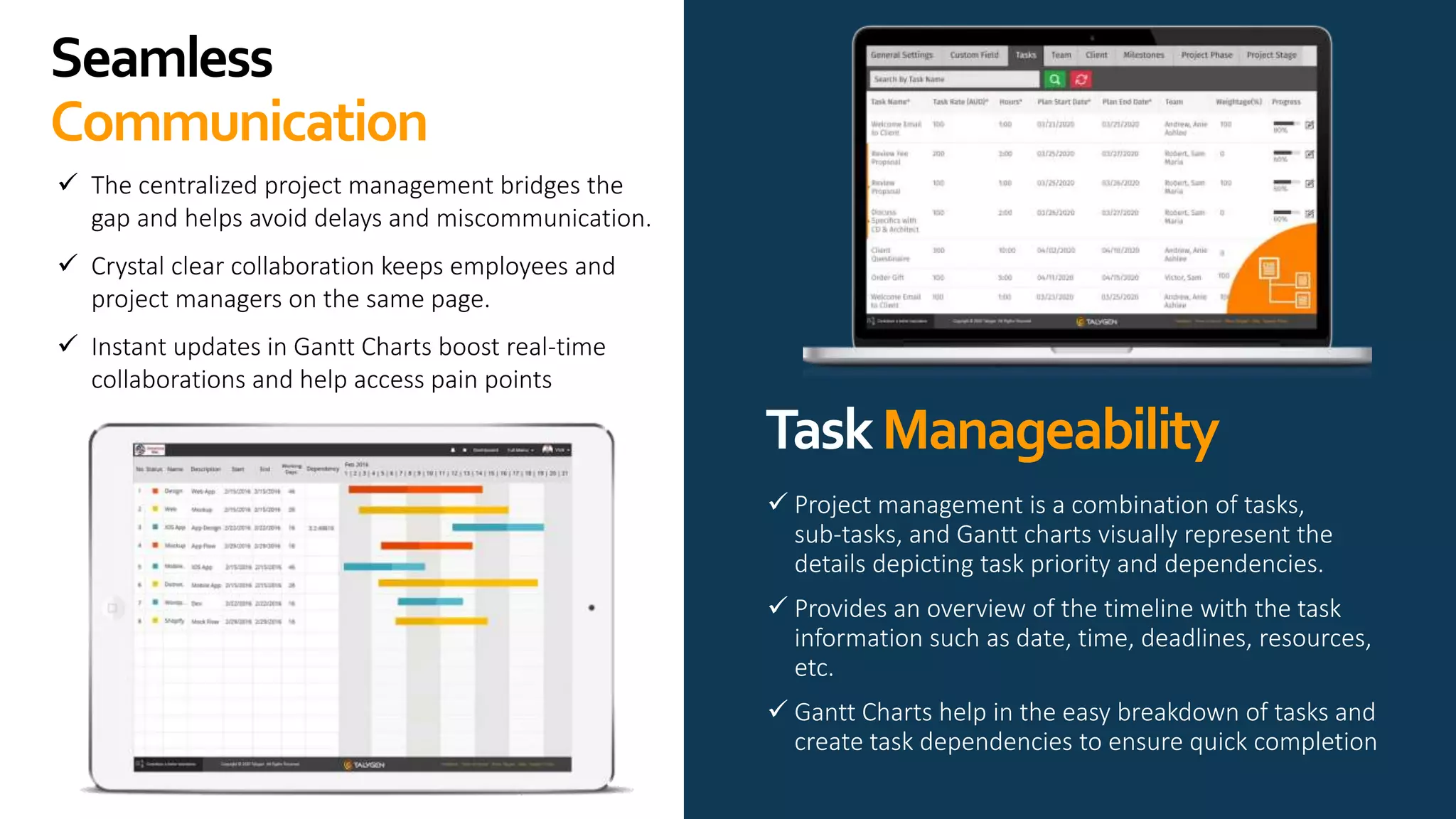
 The centralized project management bridges the
gap and helps avoid delays and miscommunication.
 Crystal clear collaboration keeps employees and
project managers on the same page.
 Instant updates in Gantt Charts boost real-time
collaborations and help access pain points
 Project management is a combination of tasks,
sub-tasks, and Gantt charts visually represent the
details depicting task priority and dependencies.
 Provides an overview of the timeline with the task
information such as date, time, deadlines, resources,
etc.
 Gantt Charts help in the easy breakdown of tasks and
create task dependencies to ensure quick completion
ProjectPlanning
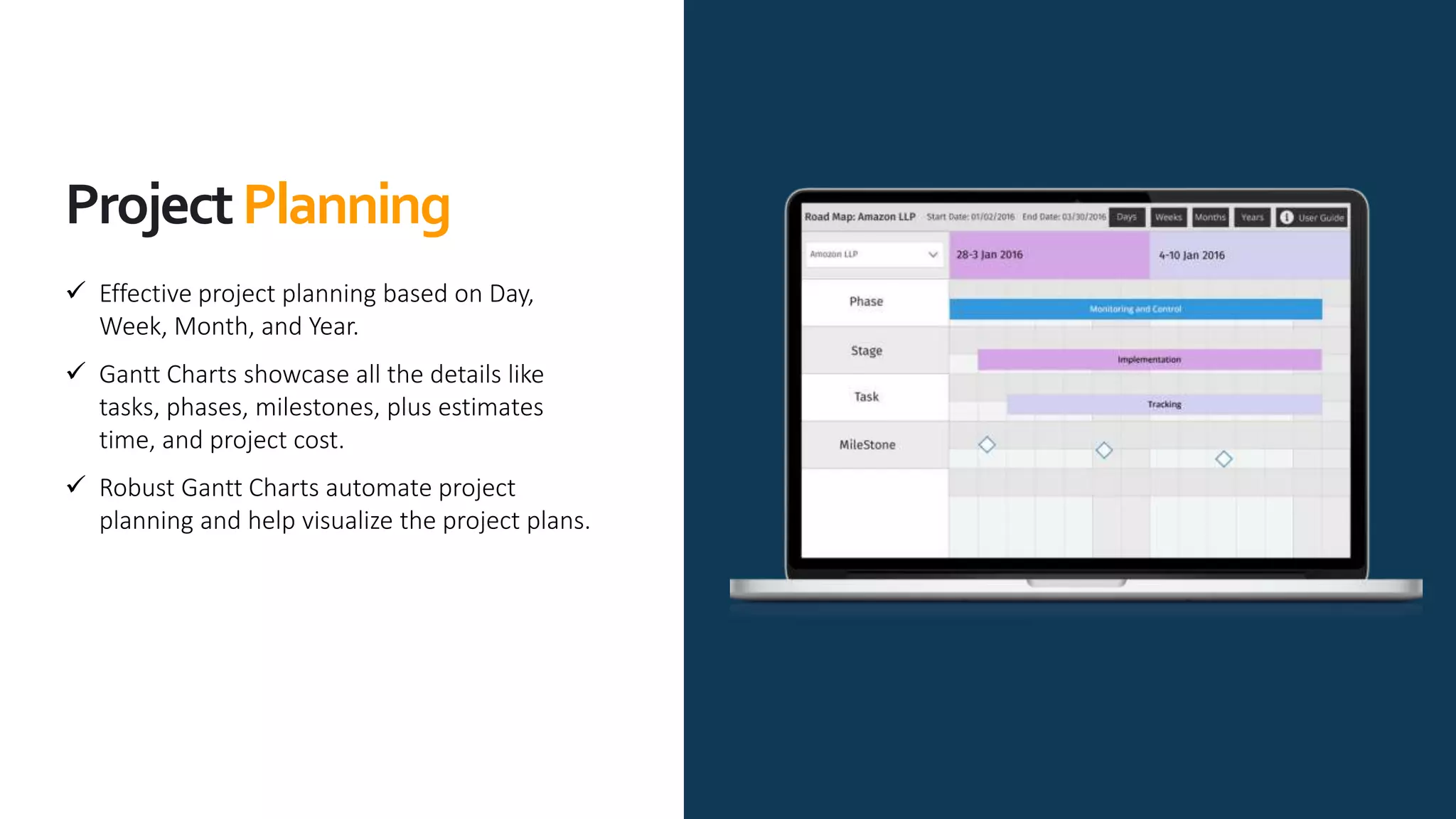
 Effective project planning based on Day,
Week, Month, and Year.
 Gantt Charts showcase all the details like
tasks, phases, milestones, plus estimates
time, and project cost.
 Robust Gantt Charts automate project
planning and help visualize the project plans.
ProjectProgress
Tracking
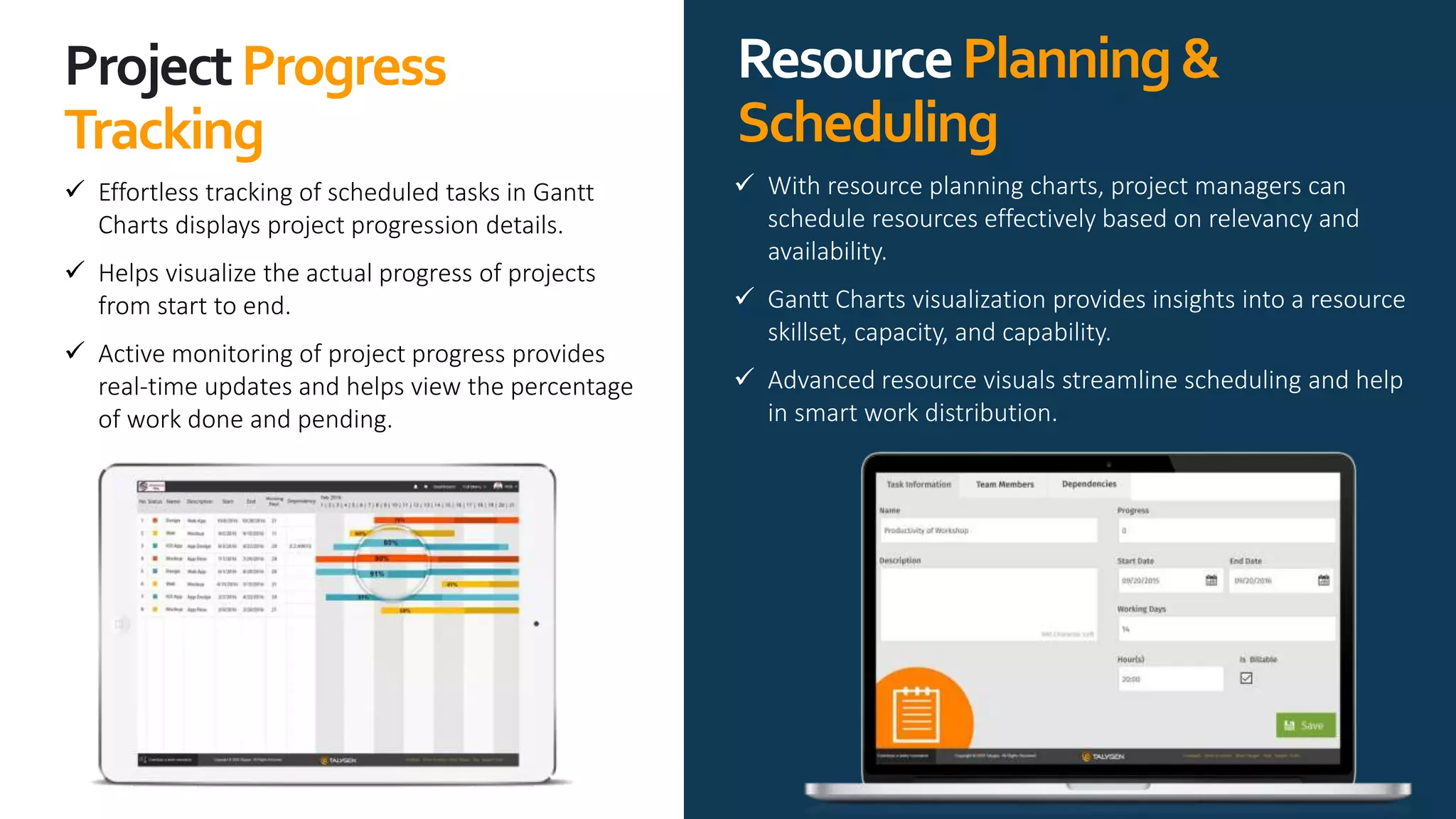
 Effortless tracking of scheduled tasks in Gantt
Charts displays project progression details.
 Helps visualize the actual progress of projects
from start to end.
 Active monitoring of project progress provides
real-time updates and helps view the percentage
of work done and pending.
ResourcePlanning&
Scheduling
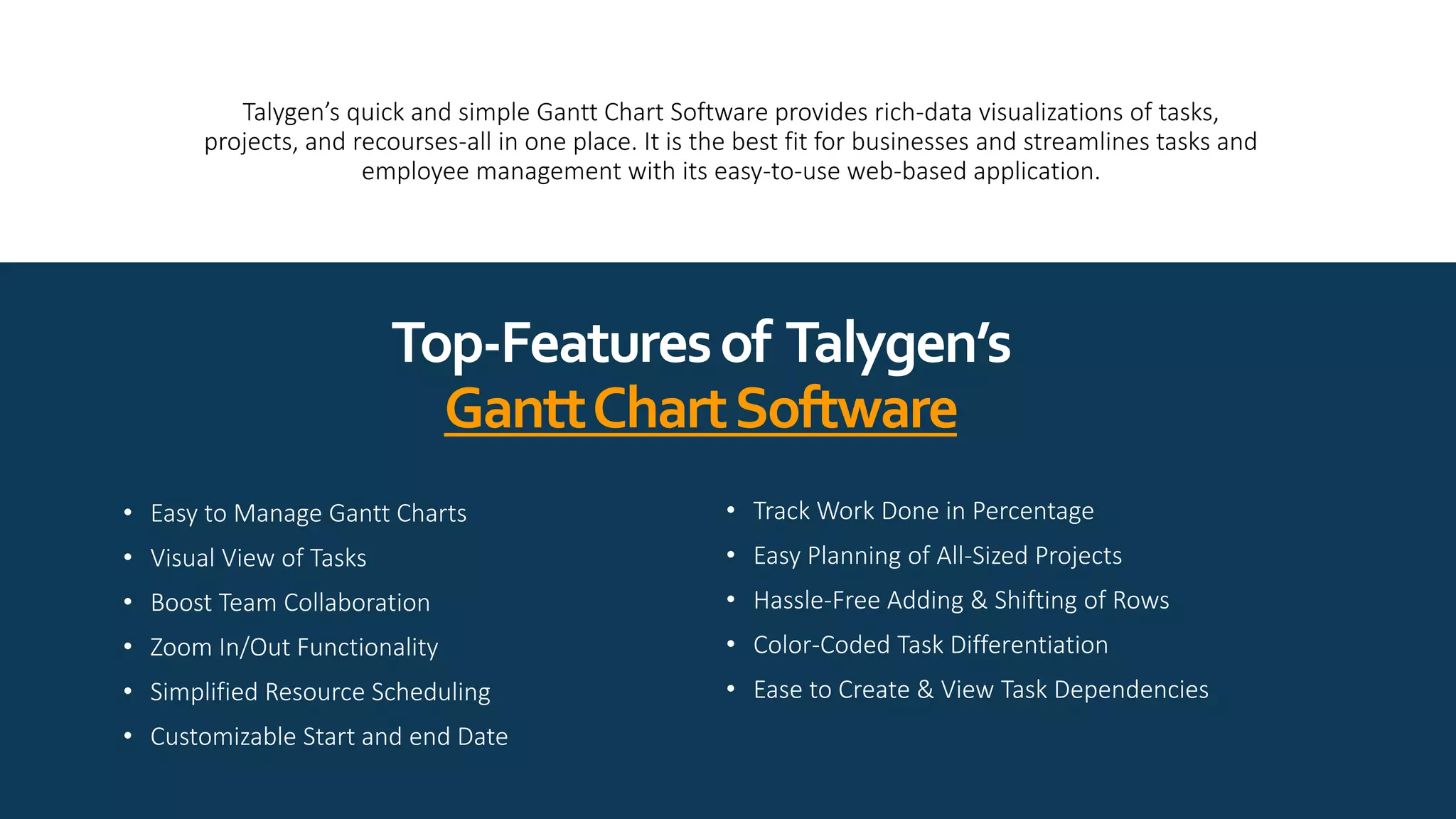
 With resource planning charts, project managers can
schedule resources effectively based on relevancy and
availability.
 Gantt Charts visualization provides insights into a resource
skillset, capacity, and capability.
 Advanced resource visuals streamline scheduling and help
in smart work distribution.
Talygen’s quick and simple Gantt Chart Software provides rich-data visualizations of tasks,
projects, and recourses-all in one place. It is the best fit for businesses and streamlines tasks and
employee management with its easy-to-use web-based application.
• Easy to Manage Gantt Charts
• Visual View of Tasks
• Boost Team Collaboration
• Zoom In/Out Functionality
• Simplified Resource Scheduling
• Customizable Start and end Date
Top-Featuresof Talygen’s
GanttChartSoftware
• Track Work Done in Percentage
• Easy Planning of All-Sized Projects
• Hassle-Free Adding & Shifting of Rows
• Color-Coded Task Differentiation
• Ease to Create & View Task Dependencies
228 Hamilton Ave, 3rd floor,
Palo Alto CA 94301
info@talygen.com
+1 (650) 800 3850
www.facebook.com/Talygen
www.twitter.com/TalygenInc
www.linkedin.com/company/talygen
www.youtube.com/user/Talygen

Gain Real-Time Visibility with Intuitive Gantt Charts

  • 1.
  • 2.
    GanttChartSoftware WhyNeedforProjectManagement In project management,task scheduling, project planning, resource allocation, etc. are the critical aspects that need to be effectively carried out. To help project managers succeed, Gantt charts are powerful tools that make organizing projects easy and fast. Take a look at the points highlighting the importance of Gantt Charts in Project Management.
  • 3.
    Seamless Communication TaskManageability  The centralizedproject management bridges the gap and helps avoid delays and miscommunication.  Crystal clear collaboration keeps employees and project managers on the same page.  Instant updates in Gantt Charts boost real-time collaborations and help access pain points  Project management is a combination of tasks, sub-tasks, and Gantt charts visually represent the details depicting task priority and dependencies.  Provides an overview of the timeline with the task information such as date, time, deadlines, resources, etc.  Gantt Charts help in the easy breakdown of tasks and create task dependencies to ensure quick completion
  • 4.
    ProjectPlanning  Effective projectplanning based on Day, Week, Month, and Year.  Gantt Charts showcase all the details like tasks, phases, milestones, plus estimates time, and project cost.  Robust Gantt Charts automate project planning and help visualize the project plans.
  • 5.
    ProjectProgress Tracking  Effortless trackingof scheduled tasks in Gantt Charts displays project progression details.  Helps visualize the actual progress of projects from start to end.  Active monitoring of project progress provides real-time updates and helps view the percentage of work done and pending. ResourcePlanning& Scheduling  With resource planning charts, project managers can schedule resources effectively based on relevancy and availability.  Gantt Charts visualization provides insights into a resource skillset, capacity, and capability.  Advanced resource visuals streamline scheduling and help in smart work distribution.
  • 6.
    Talygen’s quick andsimple Gantt Chart Software provides rich-data visualizations of tasks, projects, and recourses-all in one place. It is the best fit for businesses and streamlines tasks and employee management with its easy-to-use web-based application. • Easy to Manage Gantt Charts • Visual View of Tasks • Boost Team Collaboration • Zoom In/Out Functionality • Simplified Resource Scheduling • Customizable Start and end Date Top-Featuresof Talygen’s GanttChartSoftware • Track Work Done in Percentage • Easy Planning of All-Sized Projects • Hassle-Free Adding & Shifting of Rows • Color-Coded Task Differentiation • Ease to Create & View Task Dependencies
  • 7.
    228 Hamilton Ave,3rd floor, Palo Alto CA 94301 info@talygen.com +1 (650) 800 3850 www.facebook.com/Talygen www.twitter.com/TalygenInc www.linkedin.com/company/talygen www.youtube.com/user/Talygen