Functional Units of Digital
System &
their
Interconnection
UNIT 1 :- Lecture-1
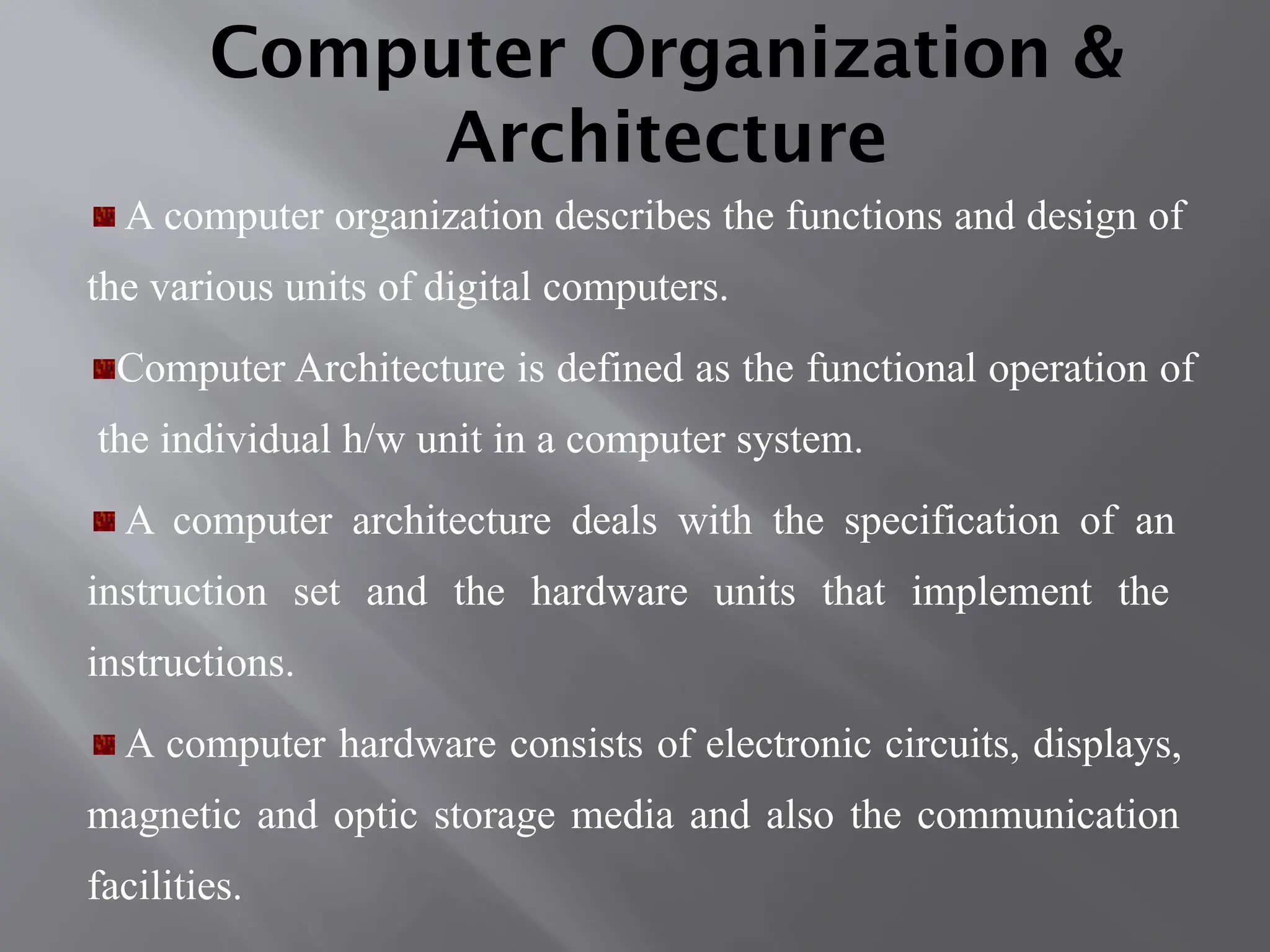
Computer Organization &
Architecture
A computer organization describes the functions and design of
the various units of digital computers.
Computer Architecture is defined as the functional operation of
the individual h/w unit in a computer system.
A computer architecture deals with the specification of an
instruction set and the hardware units that implement the
instructions.
A computer hardware consists of electronic circuits, displays,
magnetic and optic storage media and also the communication
facilities.
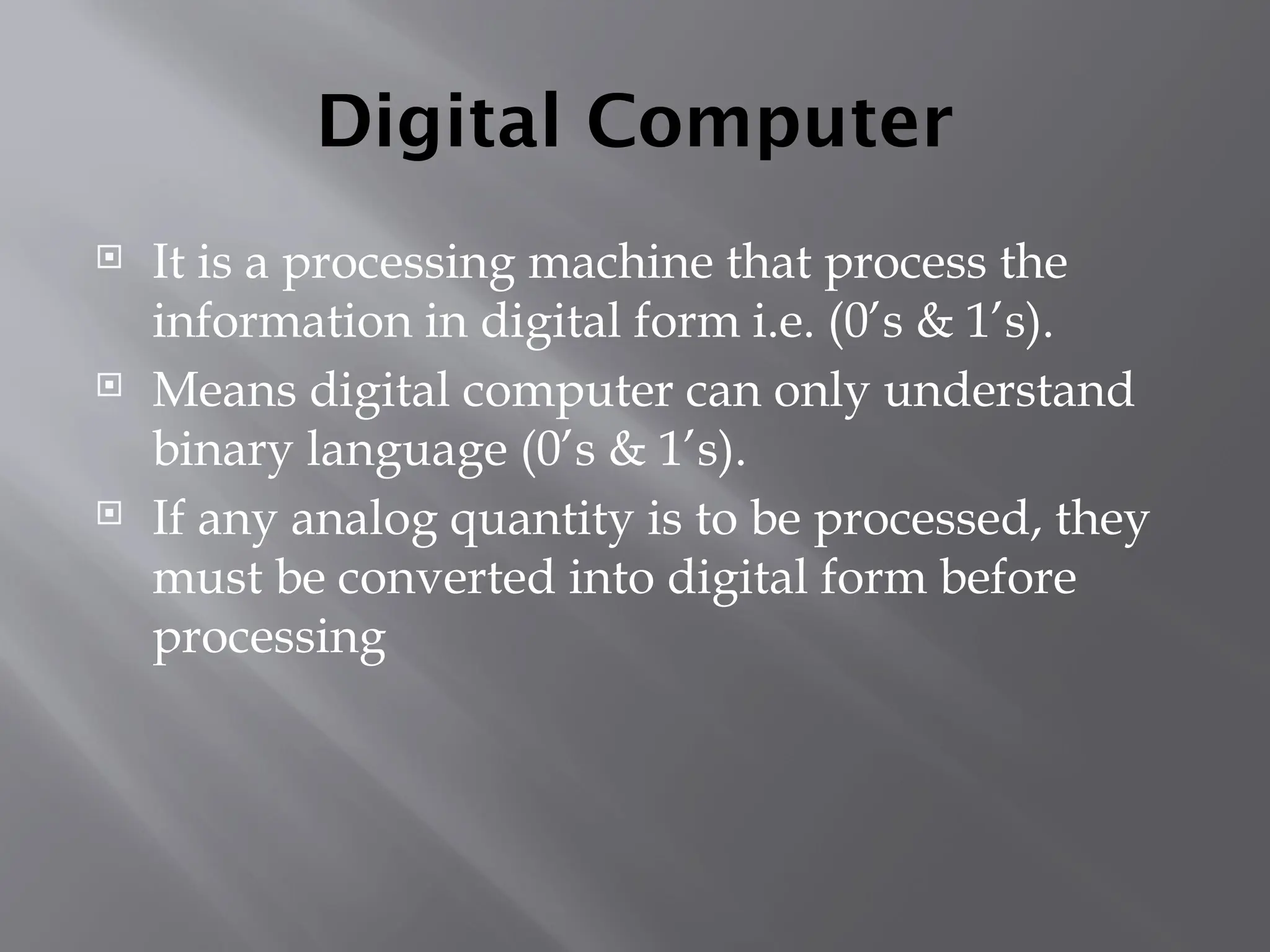
Digital Computer
 It is a processing machine that process the
information in digital form i.e. (0’s & 1’s).
 Means digital computer can only understand
binary language (0’s & 1’s).
 If any analog quantity is to be processed, they
must be converted into digital form before
processing
Mr. Mukul Varshney
Digital computer Process
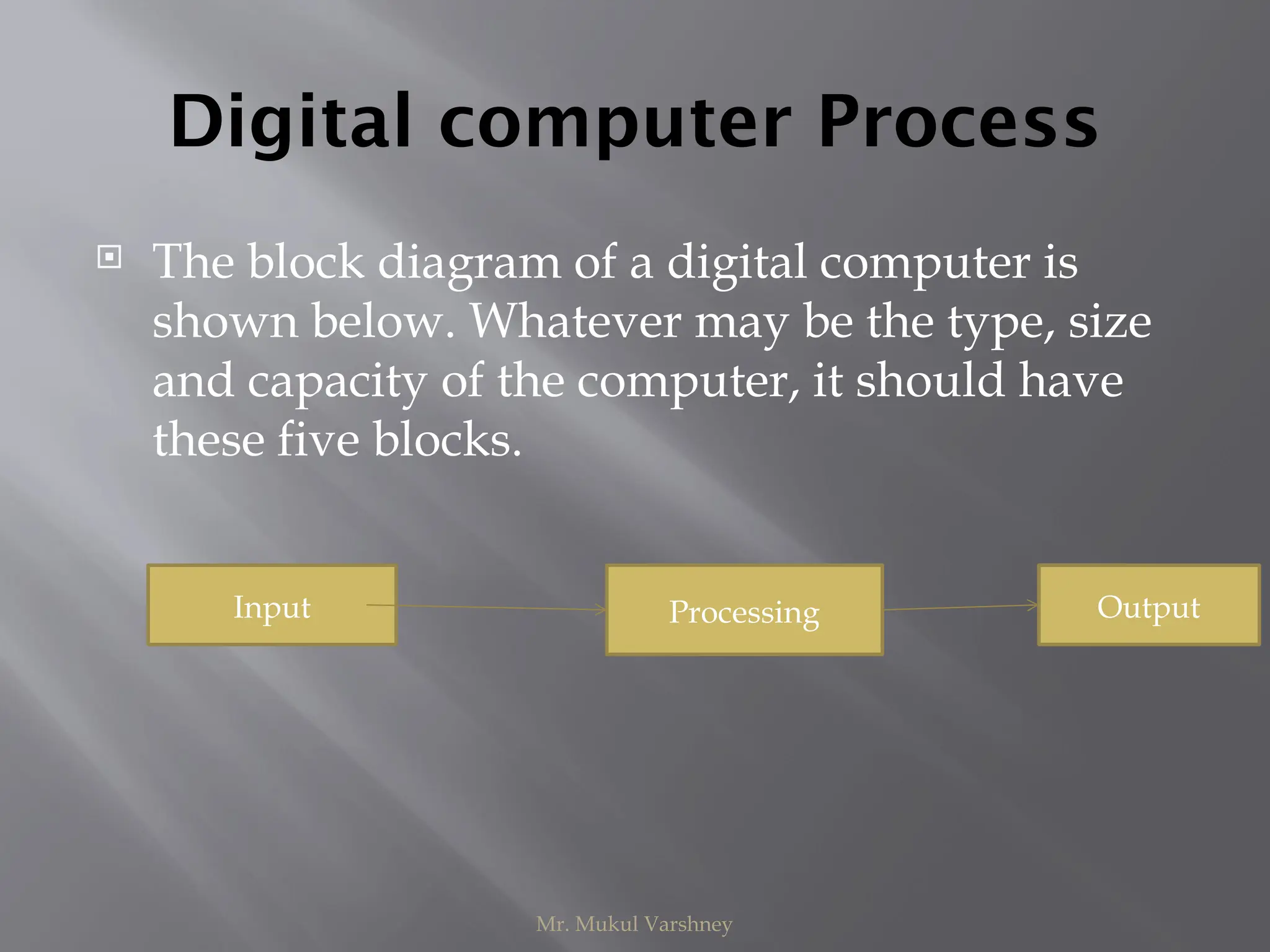
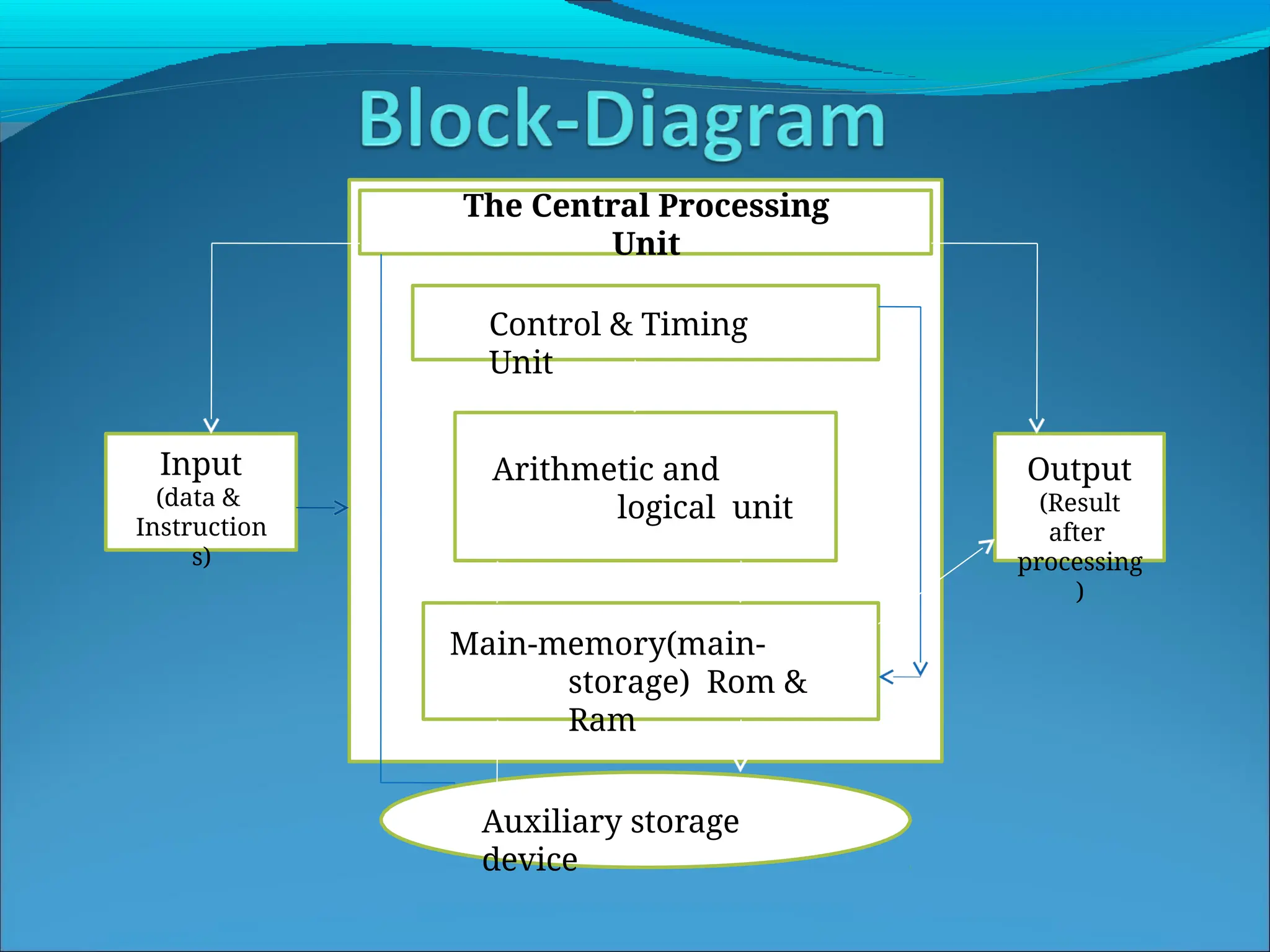
 The block diagram of a digital computer is
shown below. Whatever may be the type, size
and capacity of the computer, it should have
these five blocks.
Input Processing Output
Input
(data &
Instruction
s)
Control & Timing
Unit
The Central Processing
Unit
Arithmetic and
logical unit
Main-memory(main-
storage) Rom &
Ram
Output
(Result
after
processing
)
Auxiliary storage
device
Functional units
Functional units is a part of a CPU that performs the
operations and calculations called for by the computer
program.
Computer consists of five main parts namely,
Input unit,
Central Processing Unit
•Memory unit
•Arithmetic & logical unit
•Control unit
Output unit
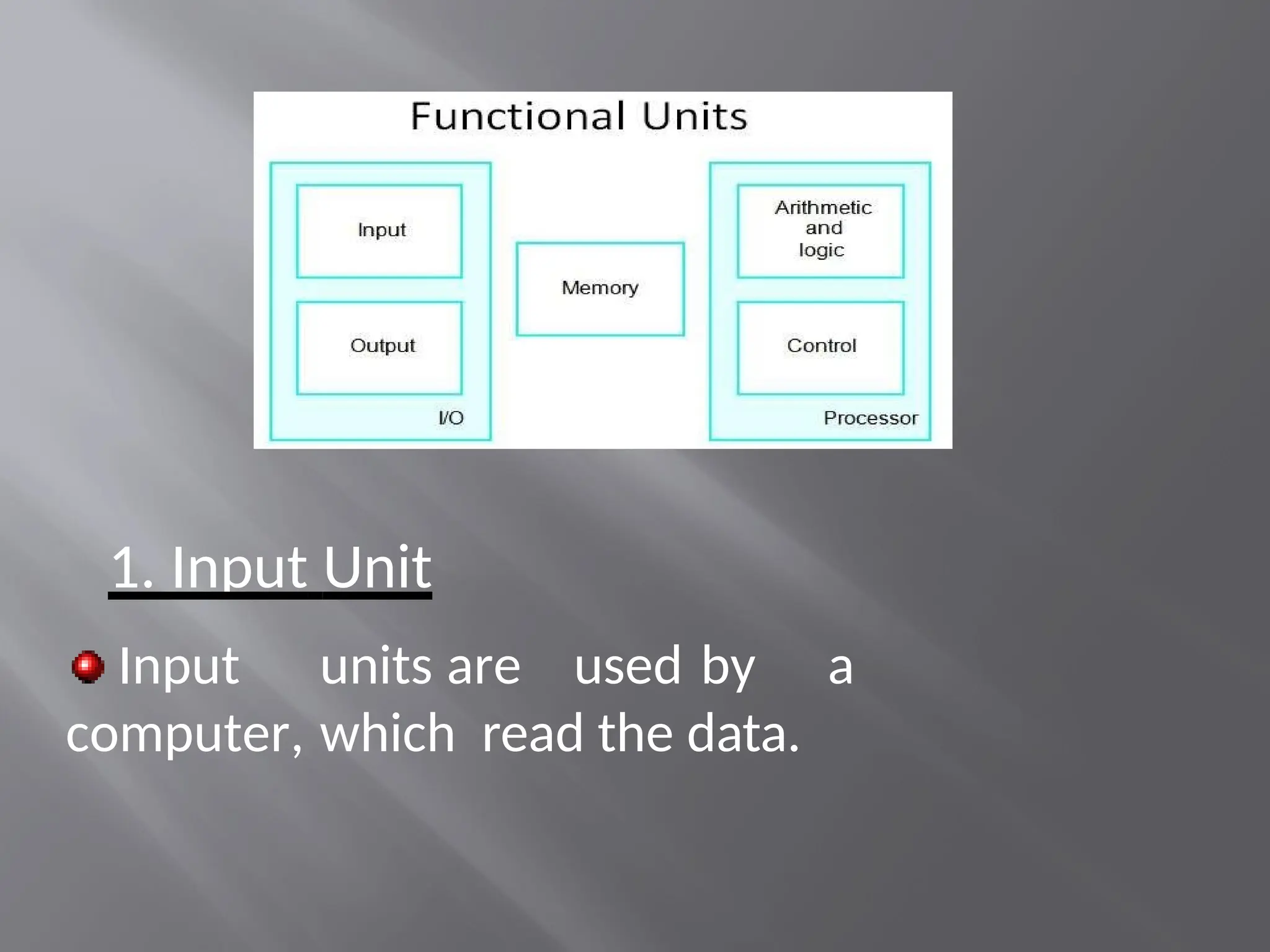
1. Input Unit
Input units are used by a
computer, which read the data.
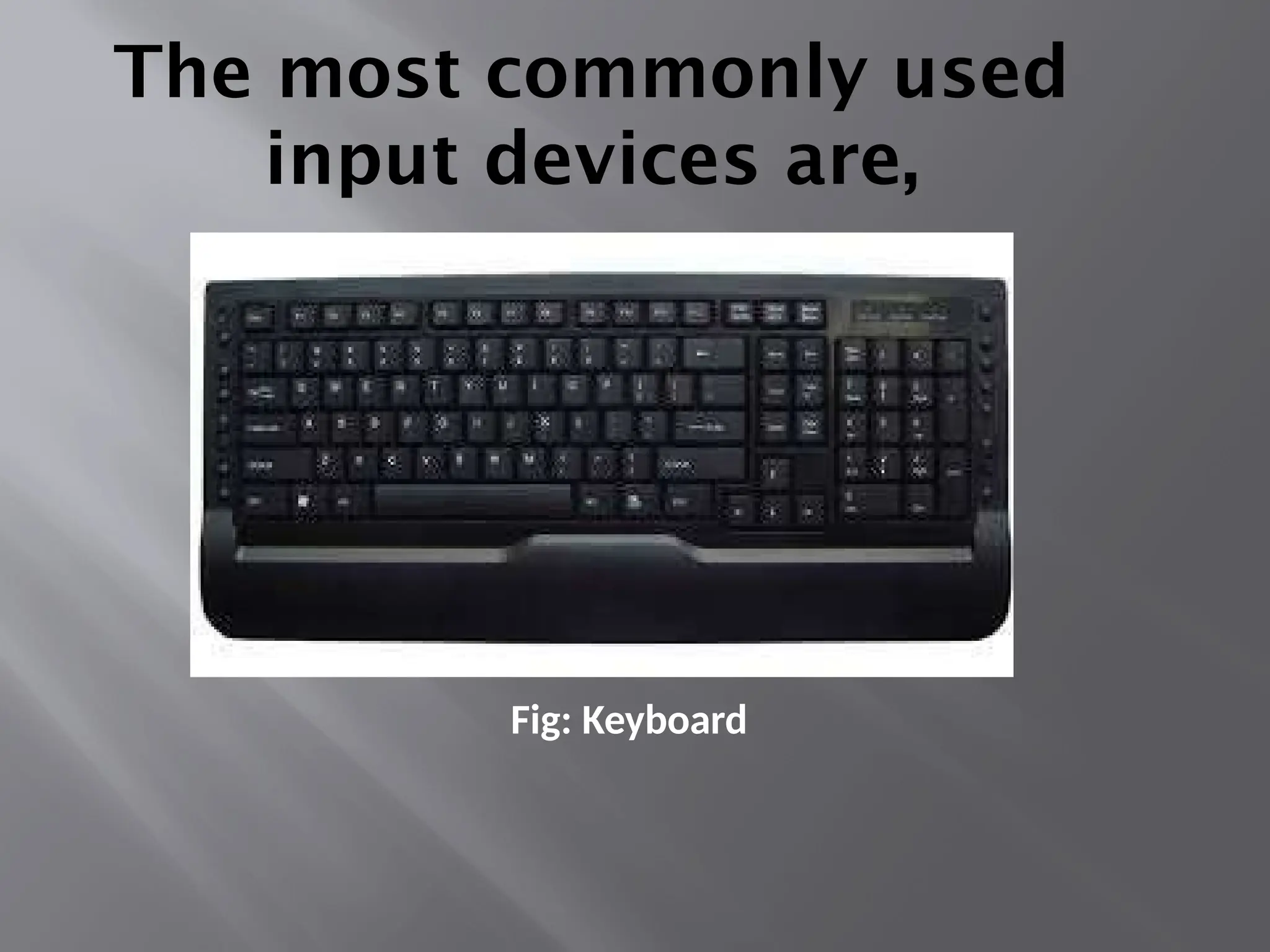
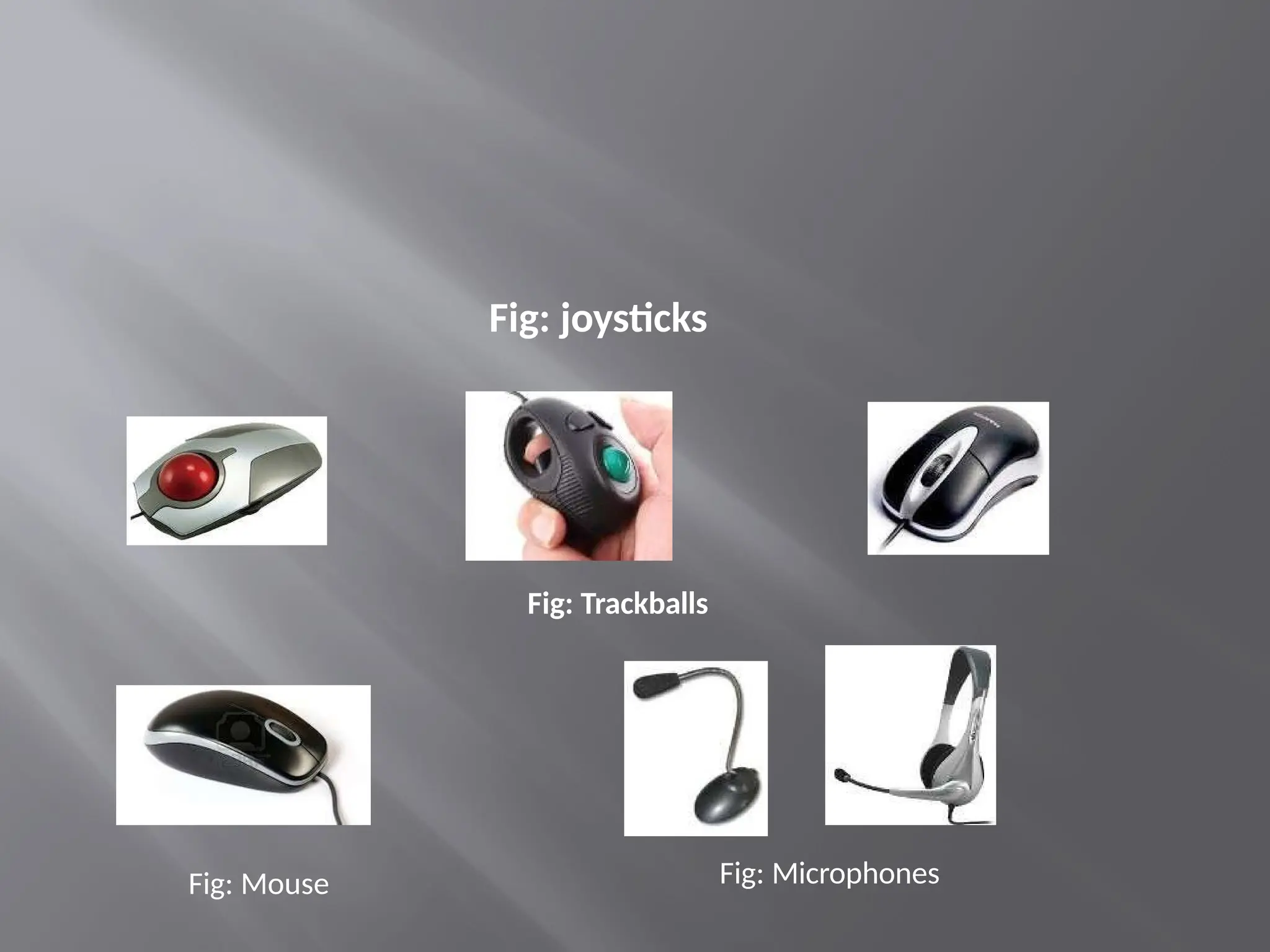
The most commonly used
input devices are,
Fig: Keyboard
Fig: joysticks
Fig: Trackballs
Fig: Mouse Fig: Microphones
The ALU and the CU of a computer system are jointly known as the central processing unit.
You may
call CPU as the brain of any computer system. It is just like brain that takes all major
decisions, makes all sorts of calculations and directs different parts of the computer
functions by activating and controlling the operations.
FUNCTIONAL UNITS
Arithmetic Logical Unit (ALU)
Logical Unit :After you enter data through the input device it is stored in the primary
storage unit. The actual processing of the data and instruction are performed by
Arithmetic Logical Unit. The major operations performed by the ALU are addition,
subtraction, multiplication, division, logic and comparison. Data is transferred to ALU from
storage unit when required. After processing the output is returned back to storage unit
for further processing or getting stored.
Control Unit (CU)
The next component of computer is the Control Unit, which acts like the supervisor seeing
that things are done in proper fashion. Control Unit is responsible for co ordinating
various operations using time signal. The control unit determines the sequence in which
computer programs and instructions are executed. Things like processing of programs
stored in the main memory, interpretation of the instructions and issuing of signals for
other units of the computer to execute them. It also acts as a switch board operator when
several users access the computer simultaneously. Thereby it coordinates the activities of
computer’s peripheral equipment as they perform the input and output.
Central Processing Unit (CPU)
Memory unit
Two types of memory exist. they are,
Primary storage, and
Secondary storage
Primary storage:
Primary memory contains a large number of semiconductor storage
cells, capable of storing a bit of information.
The bits of information are grouped into fixed size
words. The word length of a computer is between 16-64
bits.
Addresses are used to access the words from
The memory is know as main memory in which program must resides.
Cache is also a kind of memory which is used to access the data very
soon. they are highly coupled with the processor.
Example: RAM,ROM.
Advantages:
Small, and
Fast
Disadvantag
es:
less storage capacity, and
costly
Secondary storage:
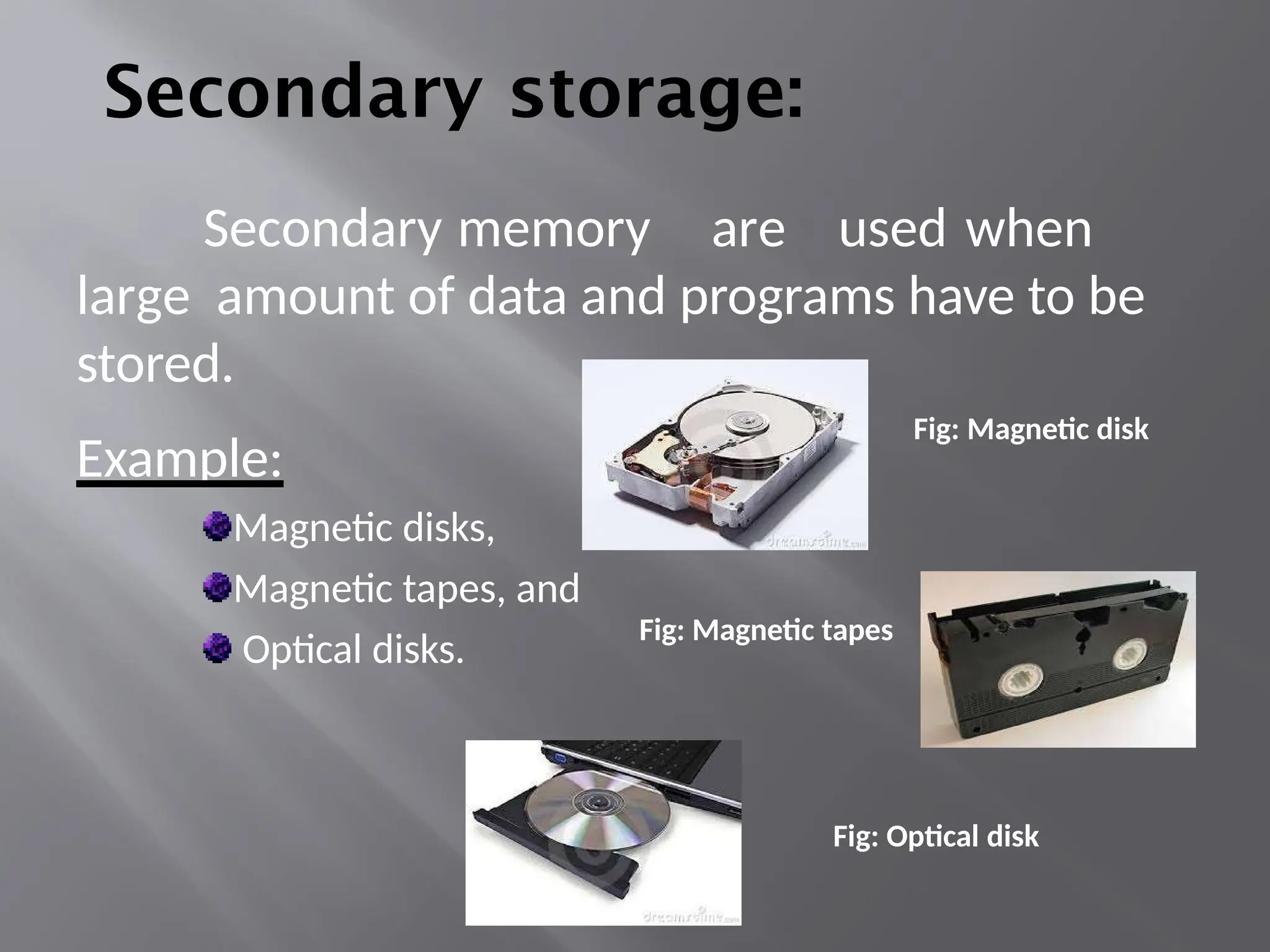
Secondary memory are used when
large amount of data and programs have to be
stored.
Example:
Magnetic disks,
Magnetic tapes, and
Optical disks.
Fig: Magnetic disk
Fig: Magnetic tapes
Fig: Optical disk
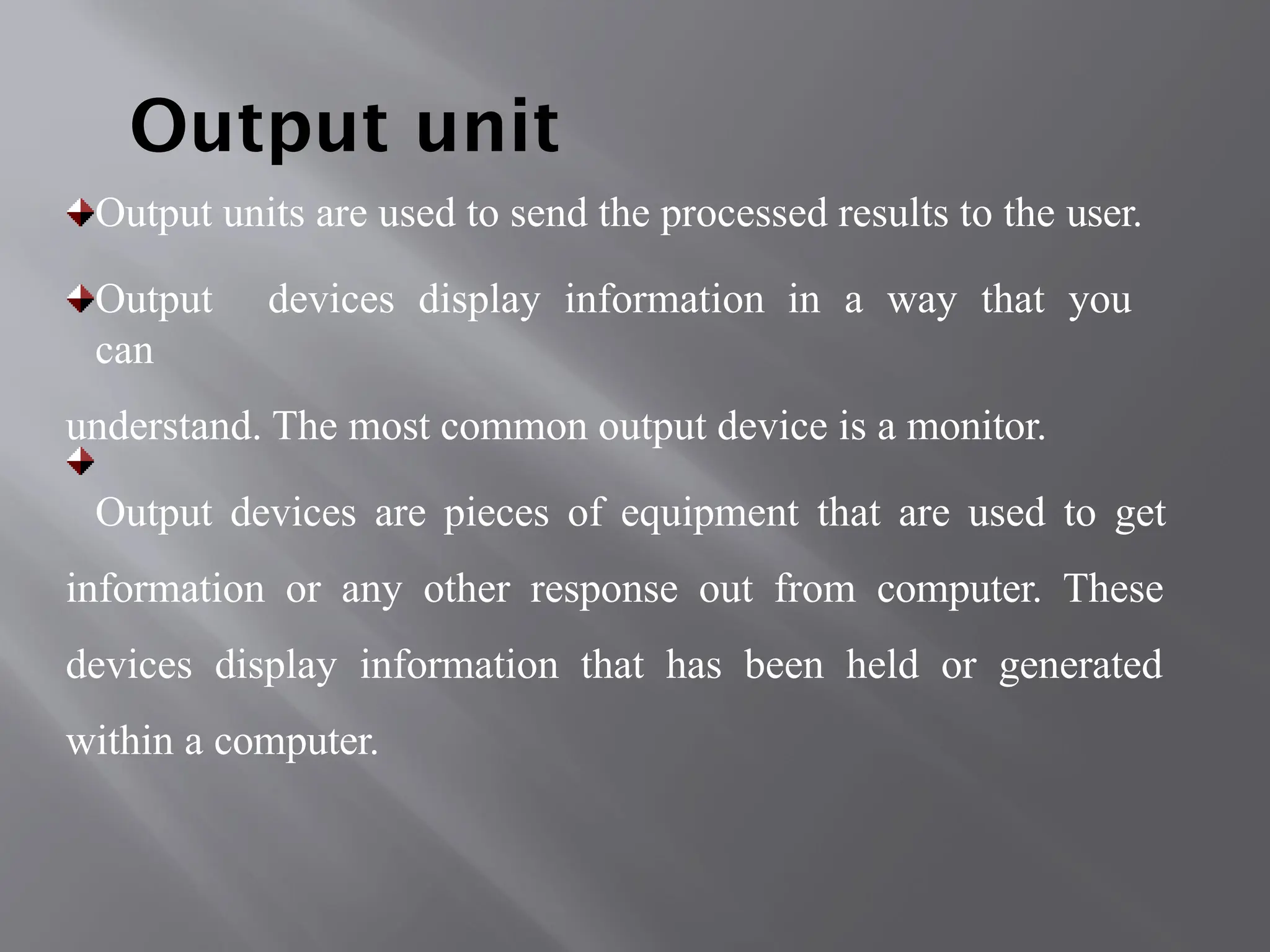
Output unit
Output units are used to send the processed results to the user.
Output devices display information in a way that you
can
understand. The most common output device is a monitor.
Output devices are pieces of equipment that are used to get
information or any other response out from computer. These
devices display information that has been held or generated
within a computer.
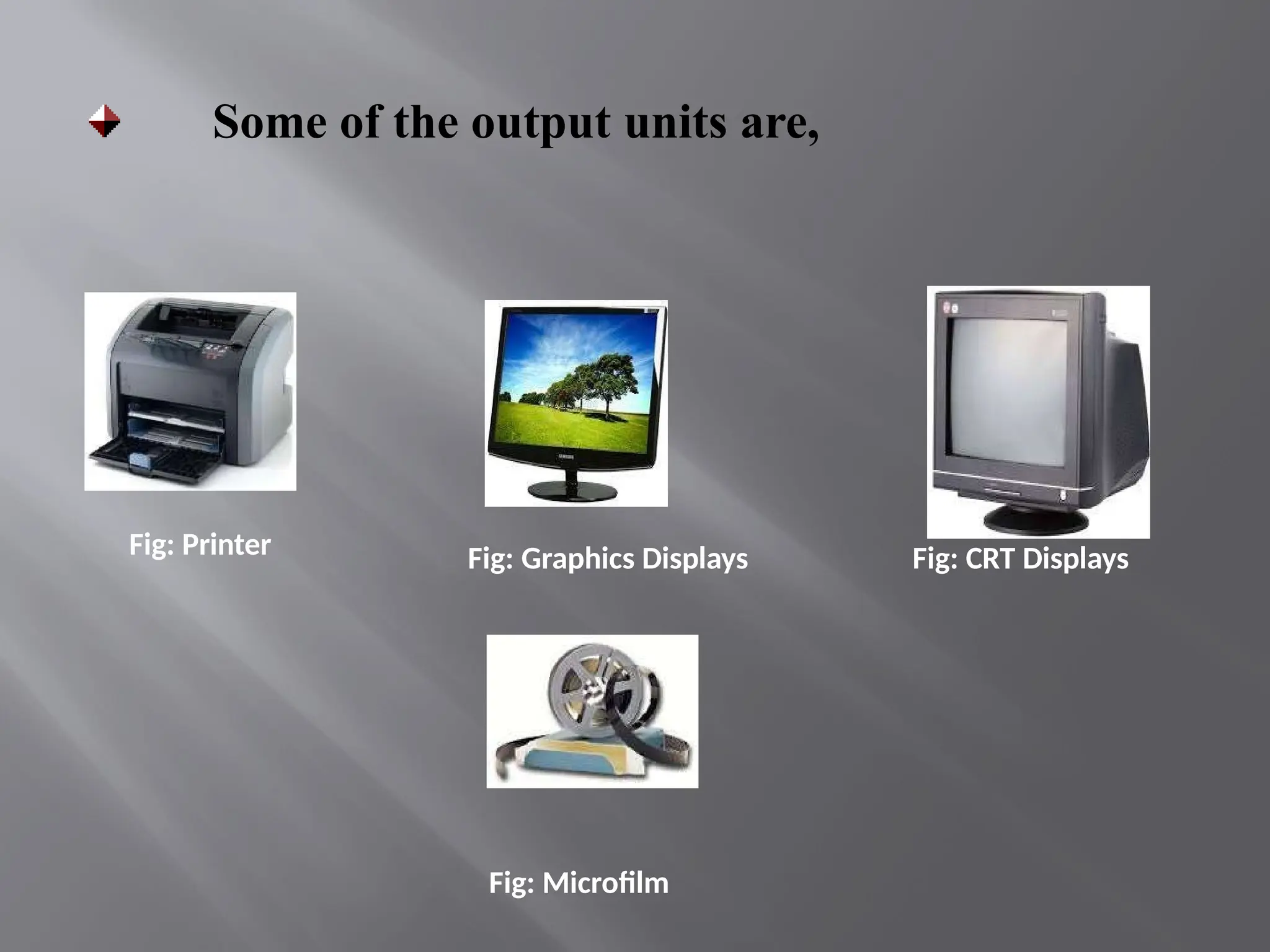
Fig: Printer Fig: Graphics Displays Fig: CRT Displays
Some of the output units are,
Fig: Microfilm

Functional Units of Digital System & Their Interconnection.pptx

  • 1.
    Functional Units ofDigital System & their Interconnection UNIT 1 :- Lecture-1
  • 2.
    Computer Organization & Architecture Acomputer organization describes the functions and design of the various units of digital computers. Computer Architecture is defined as the functional operation of the individual h/w unit in a computer system. A computer architecture deals with the specification of an instruction set and the hardware units that implement the instructions. A computer hardware consists of electronic circuits, displays, magnetic and optic storage media and also the communication facilities.
  • 3.
    Digital Computer  Itis a processing machine that process the information in digital form i.e. (0’s & 1’s).  Means digital computer can only understand binary language (0’s & 1’s).  If any analog quantity is to be processed, they must be converted into digital form before processing
  • 4.
    Mr. Mukul Varshney Digitalcomputer Process  The block diagram of a digital computer is shown below. Whatever may be the type, size and capacity of the computer, it should have these five blocks. Input Processing Output
  • 5.
    Input (data & Instruction s) Control &Timing Unit The Central Processing Unit Arithmetic and logical unit Main-memory(main- storage) Rom & Ram Output (Result after processing ) Auxiliary storage device
  • 6.
    Functional units Functional unitsis a part of a CPU that performs the operations and calculations called for by the computer program. Computer consists of five main parts namely, Input unit, Central Processing Unit •Memory unit •Arithmetic & logical unit •Control unit Output unit
  • 7.
    1. Input Unit Inputunits are used by a computer, which read the data.
  • 8.
    The most commonlyused input devices are, Fig: Keyboard
  • 9.
  • 10.
    The ALU andthe CU of a computer system are jointly known as the central processing unit. You may call CPU as the brain of any computer system. It is just like brain that takes all major decisions, makes all sorts of calculations and directs different parts of the computer functions by activating and controlling the operations. FUNCTIONAL UNITS Arithmetic Logical Unit (ALU) Logical Unit :After you enter data through the input device it is stored in the primary storage unit. The actual processing of the data and instruction are performed by Arithmetic Logical Unit. The major operations performed by the ALU are addition, subtraction, multiplication, division, logic and comparison. Data is transferred to ALU from storage unit when required. After processing the output is returned back to storage unit for further processing or getting stored. Control Unit (CU) The next component of computer is the Control Unit, which acts like the supervisor seeing that things are done in proper fashion. Control Unit is responsible for co ordinating various operations using time signal. The control unit determines the sequence in which computer programs and instructions are executed. Things like processing of programs stored in the main memory, interpretation of the instructions and issuing of signals for other units of the computer to execute them. It also acts as a switch board operator when several users access the computer simultaneously. Thereby it coordinates the activities of computer’s peripheral equipment as they perform the input and output. Central Processing Unit (CPU)
  • 11.
    Memory unit Two typesof memory exist. they are, Primary storage, and Secondary storage Primary storage: Primary memory contains a large number of semiconductor storage cells, capable of storing a bit of information. The bits of information are grouped into fixed size words. The word length of a computer is between 16-64 bits. Addresses are used to access the words from
  • 12.
    The memory isknow as main memory in which program must resides. Cache is also a kind of memory which is used to access the data very soon. they are highly coupled with the processor. Example: RAM,ROM. Advantages: Small, and Fast Disadvantag es: less storage capacity, and costly
  • 13.
    Secondary storage: Secondary memoryare used when large amount of data and programs have to be stored. Example: Magnetic disks, Magnetic tapes, and Optical disks. Fig: Magnetic disk Fig: Magnetic tapes Fig: Optical disk
  • 14.
    Output unit Output unitsare used to send the processed results to the user. Output devices display information in a way that you can understand. The most common output device is a monitor. Output devices are pieces of equipment that are used to get information or any other response out from computer. These devices display information that has been held or generated within a computer.
  • 15.
    Fig: Printer Fig:Graphics Displays Fig: CRT Displays Some of the output units are, Fig: Microfilm