FRAMEWORKS AND MODELS
OF DIGITAL COMPETENCE
Mart Laanpere
Senior researcher @Tallinn University
Centre for EducationalTechnology
TECHNOLOGY GENERATIONS
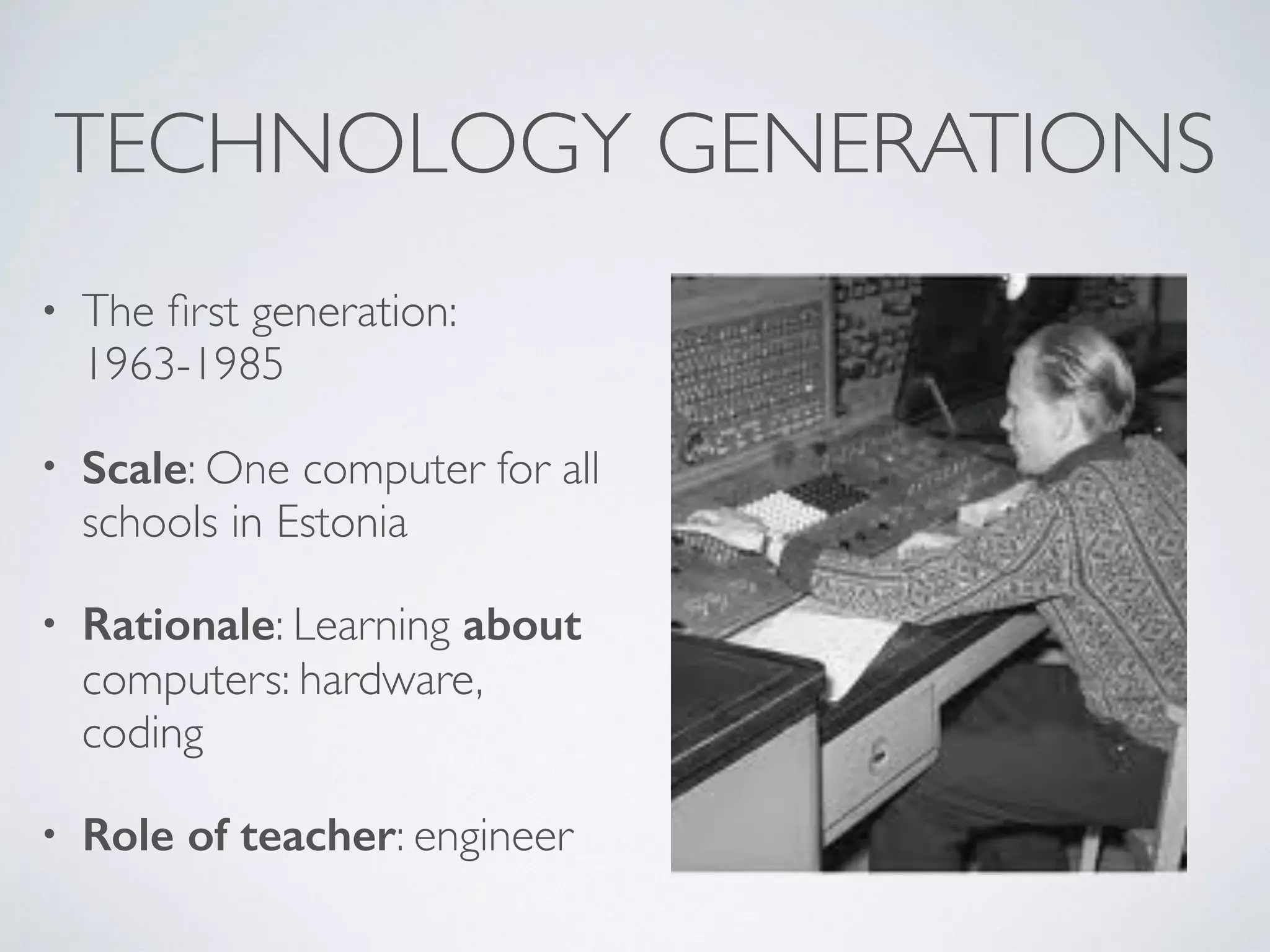
• The first generation:
1963-1985
• Scale: One computer for all
schools in Estonia
• Rationale: Learning about
computers: hardware,
coding
• Role of teacher: engineer
TECHNOLOGY GENERATIONS
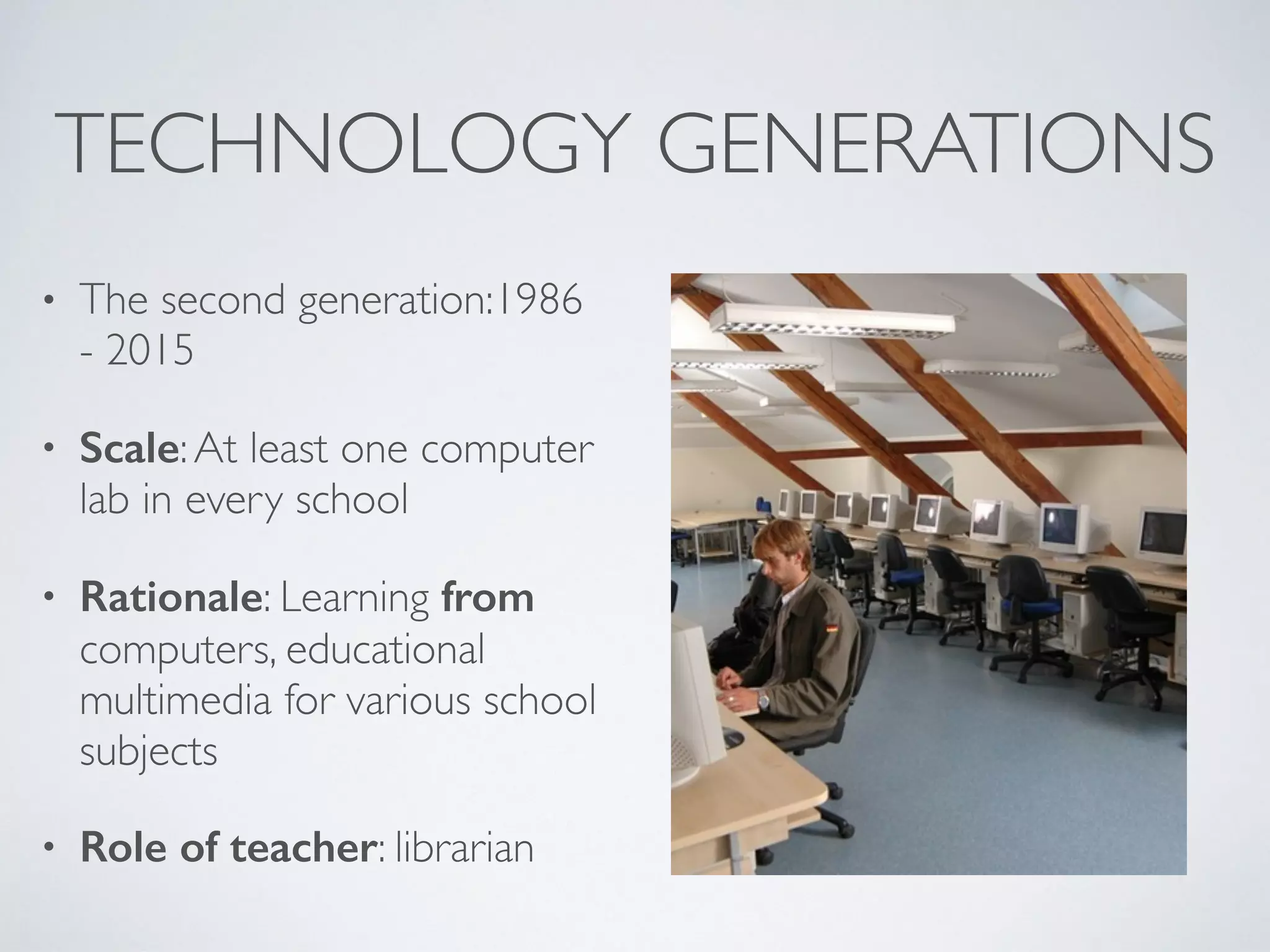
• The second generation:1986
- 2015
• Scale:At least one computer
lab in every school
• Rationale: Learning from
computers, educational
multimedia for various school
subjects
• Role of teacher: librarian
TECHNOLOGY GENERATIONS
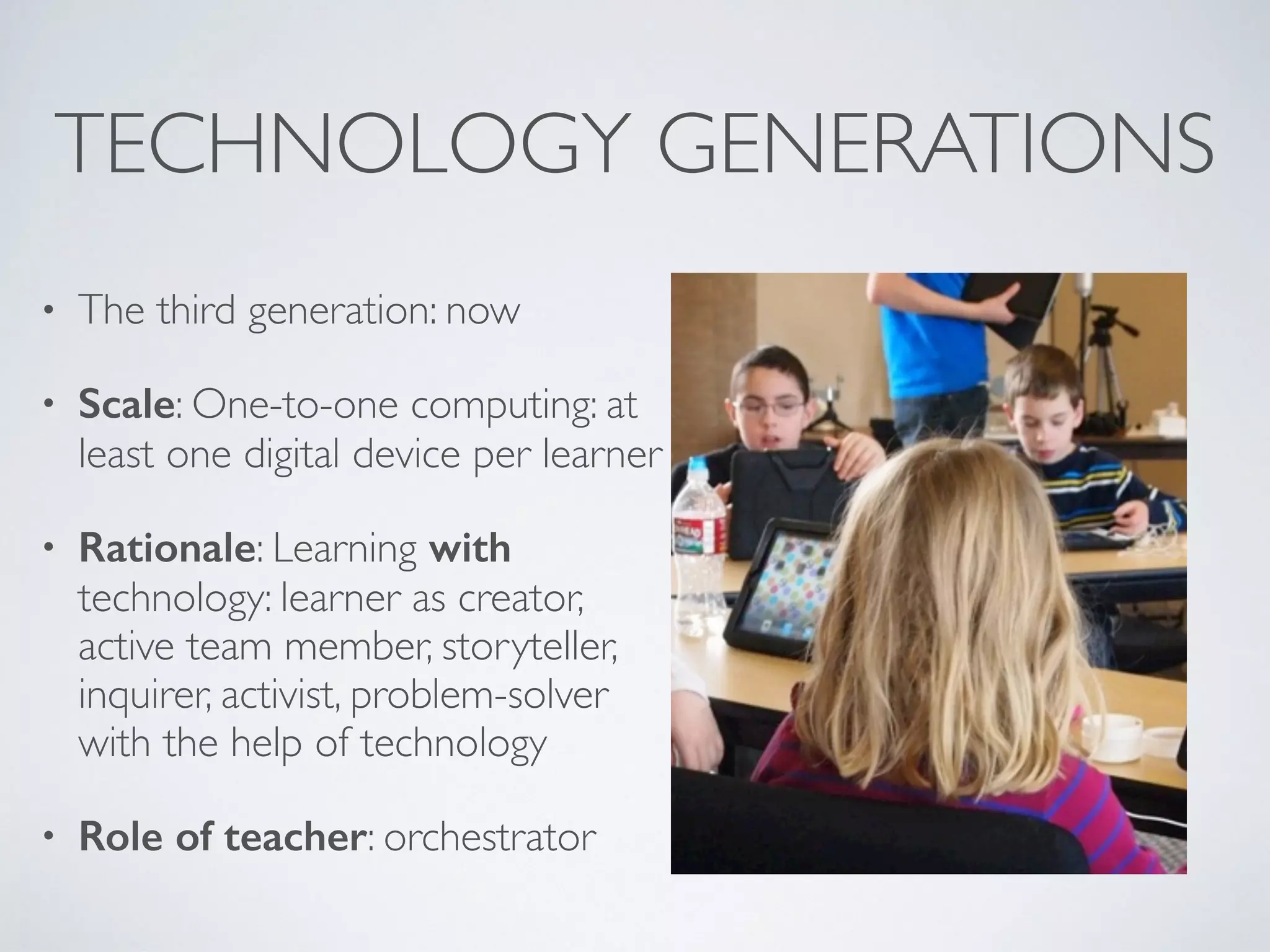
• The third generation: now
• Scale: One-to-one computing: at
least one digital device per learner
• Rationale: Learning with
technology: learner as creator,
active team member, storyteller,
inquirer, activist, problem-solver
with the help of technology
• Role of teacher: orchestrator
WHAT DO WE MEAN BY
‘DIGITAL COMPETENCE’?
DIGITAL COMPETENCE AS…
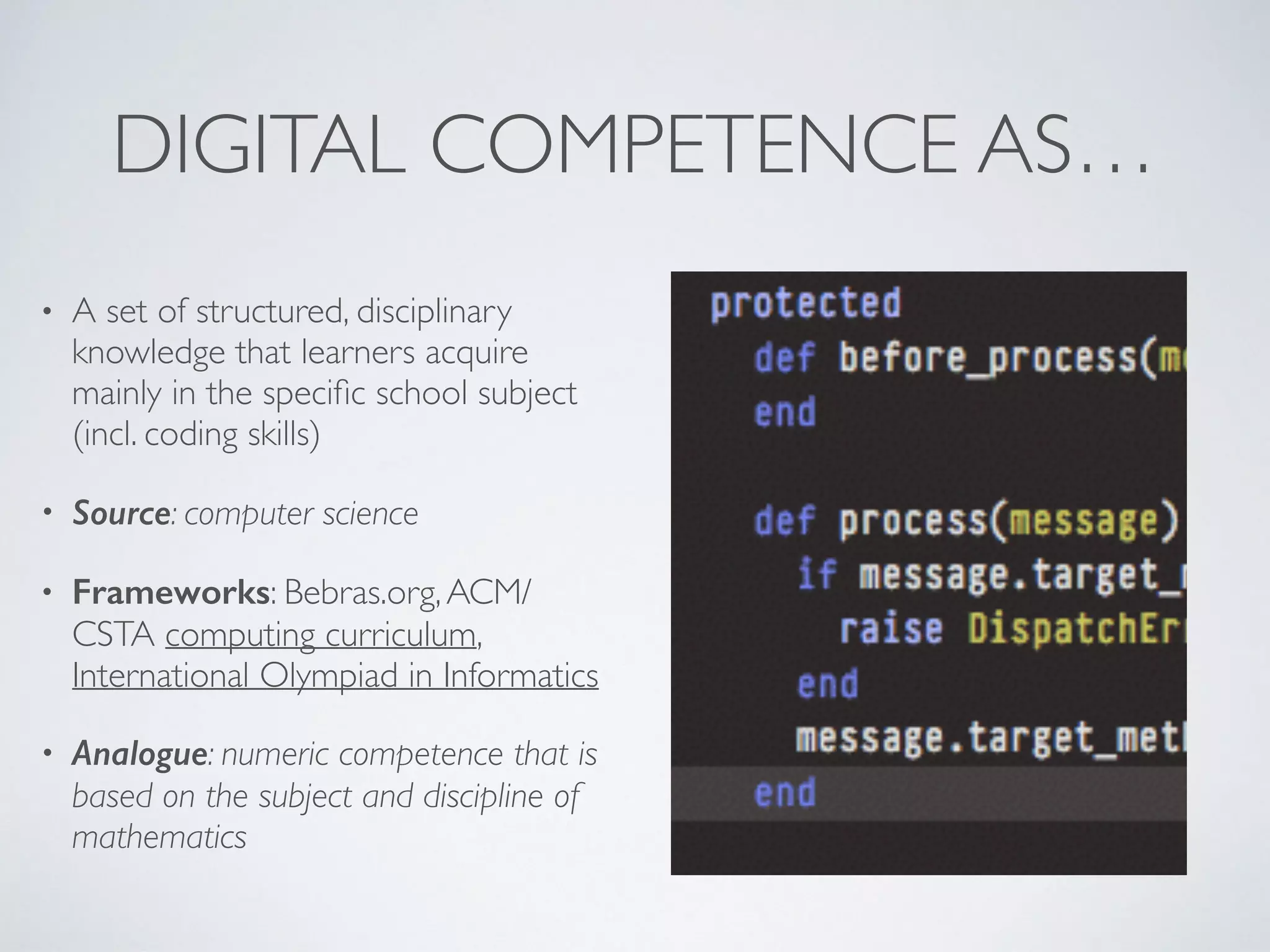
• A set of structured, disciplinary
knowledge that learners acquire
mainly in the specific school subject
(incl. coding skills)
• Source: computer science
• Frameworks: Bebras.org,ACM/
CSTA computing curriculum,
International Olympiad in Informatics
• Analogue: numeric competence that is
based on the subject and discipline of
mathematics
PROJECT IDEAS
• Coding competition/challenge
• Girls who code
• Teach coding to your teachers/peers
• Hour/week of code
DIGITAL COMPETENCE AS…
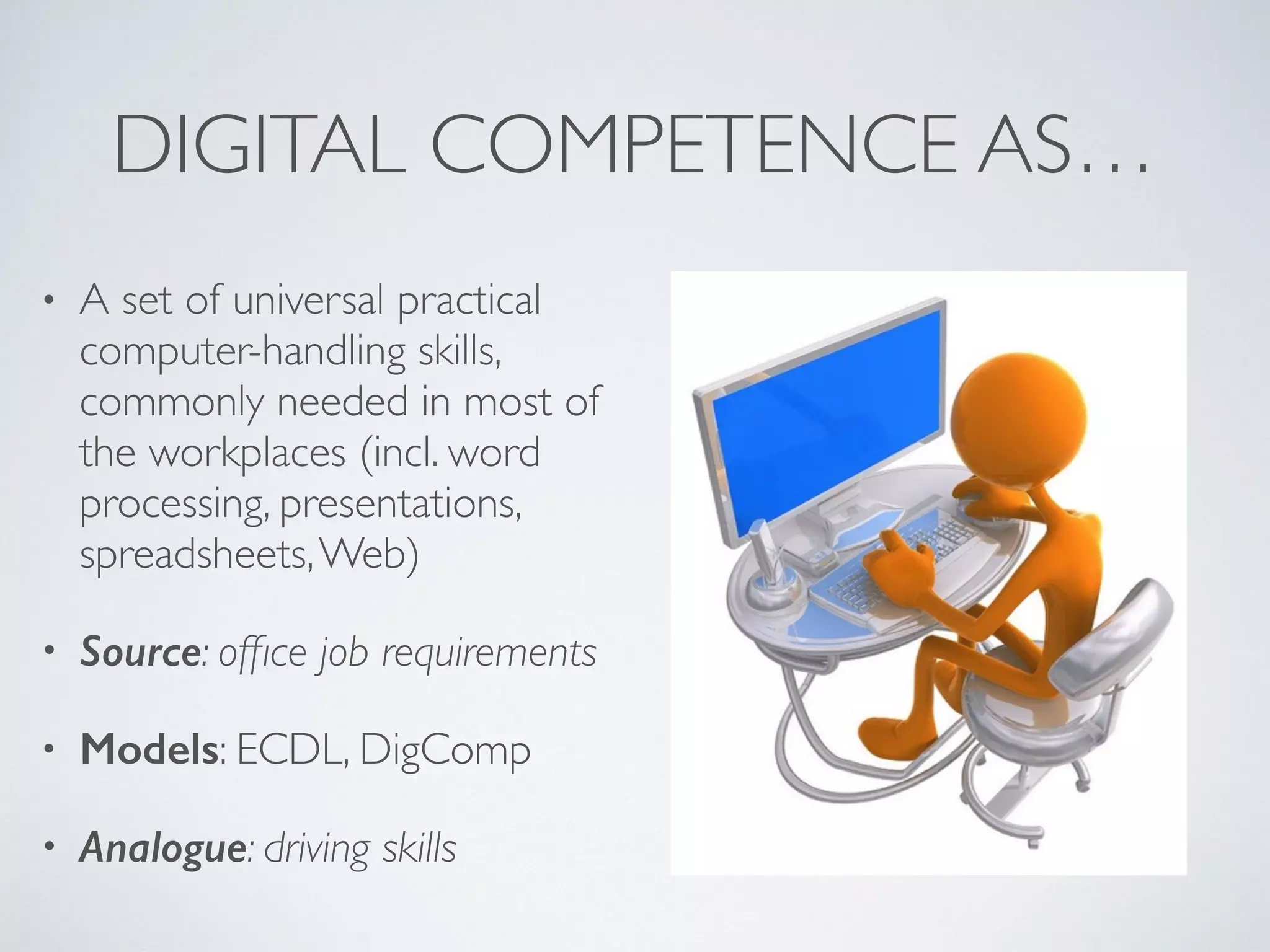
• A set of universal practical
computer-handling skills,
commonly needed in most of
the workplaces (incl. word
processing, presentations,
spreadsheets,Web)
• Source: office job requirements
• Models: ECDL, DigComp
• Analogue: driving skills
PROJECT IDEAS
• Teach your grandparents how to use computer
• Learn to build Web sites
• Digital safety in school
• Teaching and learning through videoconferencing
DIGITAL COMPETENCE AS…
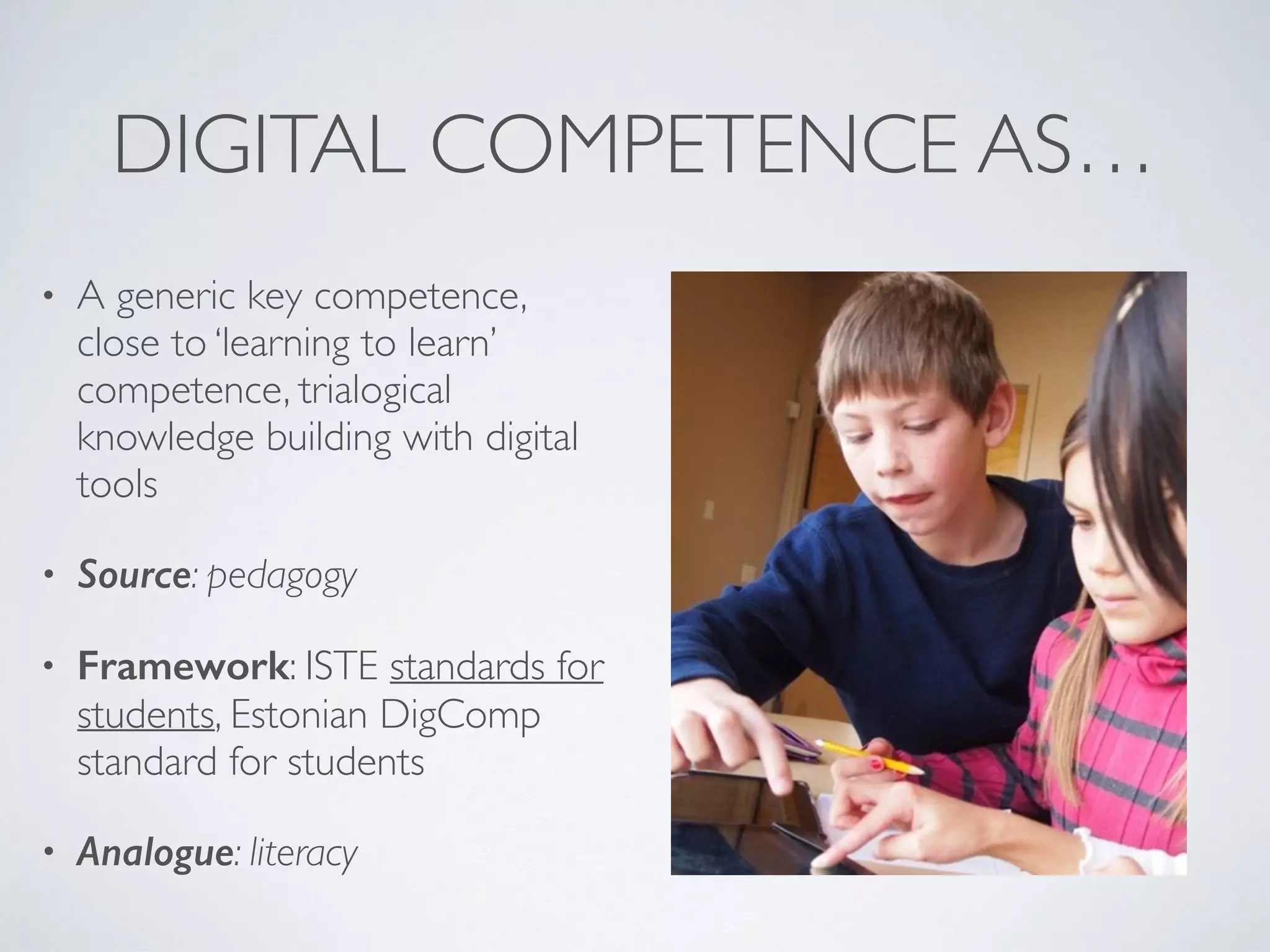
• A generic key competence,
close to ‘learning to learn’
competence, trialogical
knowledge building with digital
tools
• Source: pedagogy
• Framework: ISTE standards for
students, Estonian DigComp
standard for students
• Analogue: literacy
PROJECT IDEAS
• Digital storytelling
• Digital nature trails
• Design and develop educational games, open badges
• Intercultural online encyclopaedia (wiki)
• Using e-portfolios in assessment for learning
• Inquiry learning with smartphones and sensors
RECOMMENDATIONS
• When planning a new ErasmusPlus project on digital competence
development, focus on:
• Digital competence as a key competence that helps student to
learn other things than computers or software
• Learning with technology (personal smart devices)
• Learner as creator or teacher, teamwork, gamification of
learning, problem-based learning, connecting to the world of
work, innovative pedagogies
But what was the question?
Technology is the answer!
SOME RIGHTS RESERVED
• This work is licensed under the Creative Commons Attribution
Share Alike 3.0 International License.
• To view a copy of this license, visit 

http://creativecommons.org/licenses/by-sa/3.0/.
• The images are taken from Wikimedia Commons (slide 3),
Wikipedia (slide 6), Koolielu.ee (slide 7) and Flickr (slides 5 & 8, by
Michael Surran)

Frameworks and models of digital competence

  • 1.
    FRAMEWORKS AND MODELS OFDIGITAL COMPETENCE Mart Laanpere Senior researcher @Tallinn University Centre for EducationalTechnology
  • 2.
    TECHNOLOGY GENERATIONS • Thefirst generation: 1963-1985 • Scale: One computer for all schools in Estonia • Rationale: Learning about computers: hardware, coding • Role of teacher: engineer
  • 3.
    TECHNOLOGY GENERATIONS • Thesecond generation:1986 - 2015 • Scale:At least one computer lab in every school • Rationale: Learning from computers, educational multimedia for various school subjects • Role of teacher: librarian
  • 4.
    TECHNOLOGY GENERATIONS • Thethird generation: now • Scale: One-to-one computing: at least one digital device per learner • Rationale: Learning with technology: learner as creator, active team member, storyteller, inquirer, activist, problem-solver with the help of technology • Role of teacher: orchestrator
  • 5.
    WHAT DO WEMEAN BY ‘DIGITAL COMPETENCE’?
  • 6.
    DIGITAL COMPETENCE AS… •A set of structured, disciplinary knowledge that learners acquire mainly in the specific school subject (incl. coding skills) • Source: computer science • Frameworks: Bebras.org,ACM/ CSTA computing curriculum, International Olympiad in Informatics • Analogue: numeric competence that is based on the subject and discipline of mathematics
  • 7.
    PROJECT IDEAS • Codingcompetition/challenge • Girls who code • Teach coding to your teachers/peers • Hour/week of code
  • 8.
    DIGITAL COMPETENCE AS… •A set of universal practical computer-handling skills, commonly needed in most of the workplaces (incl. word processing, presentations, spreadsheets,Web) • Source: office job requirements • Models: ECDL, DigComp • Analogue: driving skills
  • 9.
    PROJECT IDEAS • Teachyour grandparents how to use computer • Learn to build Web sites • Digital safety in school • Teaching and learning through videoconferencing
  • 10.
    DIGITAL COMPETENCE AS… •A generic key competence, close to ‘learning to learn’ competence, trialogical knowledge building with digital tools • Source: pedagogy • Framework: ISTE standards for students, Estonian DigComp standard for students • Analogue: literacy
  • 11.
    PROJECT IDEAS • Digitalstorytelling • Digital nature trails • Design and develop educational games, open badges • Intercultural online encyclopaedia (wiki) • Using e-portfolios in assessment for learning • Inquiry learning with smartphones and sensors
  • 12.
    RECOMMENDATIONS • When planninga new ErasmusPlus project on digital competence development, focus on: • Digital competence as a key competence that helps student to learn other things than computers or software • Learning with technology (personal smart devices) • Learner as creator or teacher, teamwork, gamification of learning, problem-based learning, connecting to the world of work, innovative pedagogies
  • 13.
    But what wasthe question? Technology is the answer!
  • 14.
    SOME RIGHTS RESERVED •This work is licensed under the Creative Commons Attribution Share Alike 3.0 International License. • To view a copy of this license, visit 
 http://creativecommons.org/licenses/by-sa/3.0/. • The images are taken from Wikimedia Commons (slide 3), Wikipedia (slide 6), Koolielu.ee (slide 7) and Flickr (slides 5 & 8, by Michael Surran)