Download to read offline
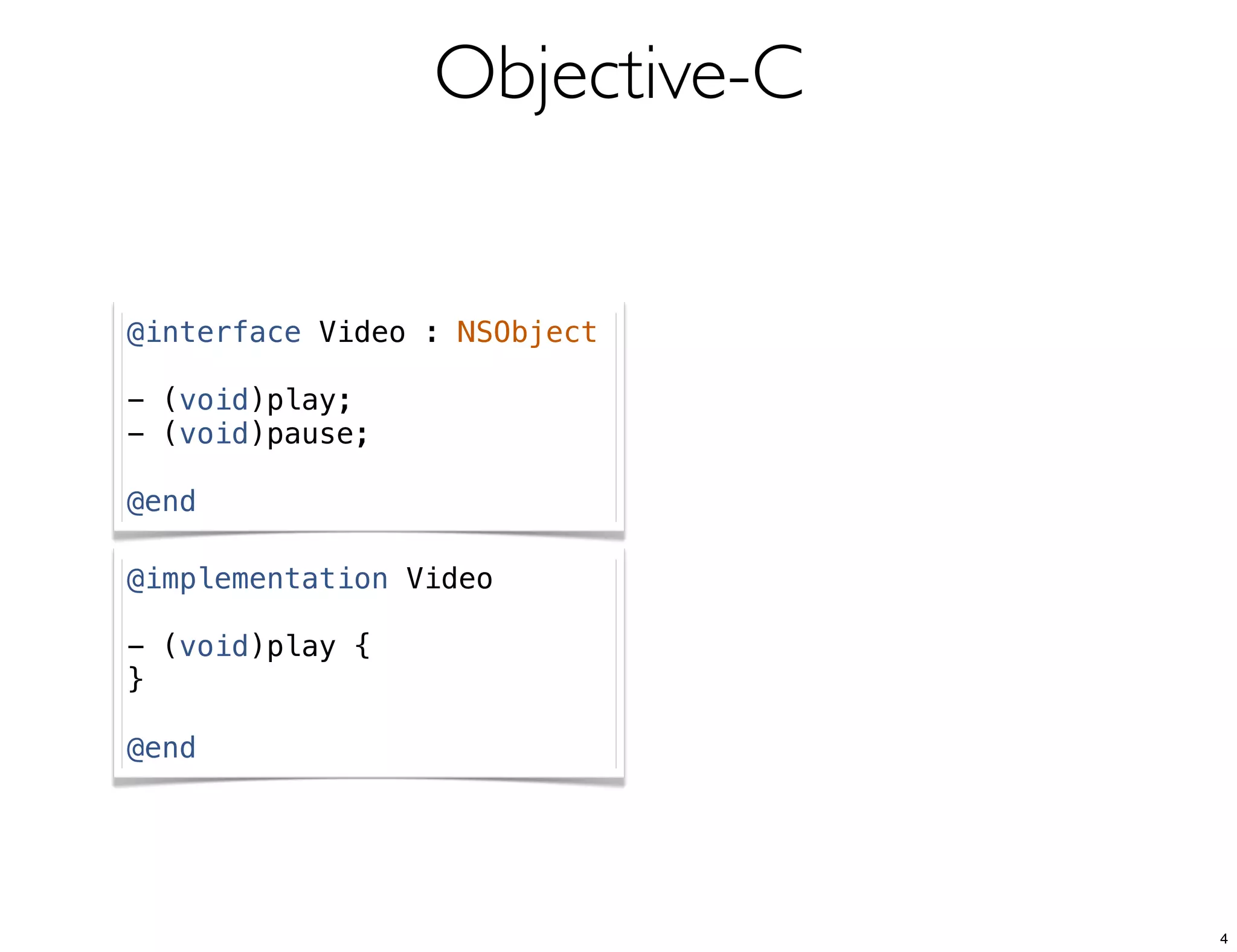
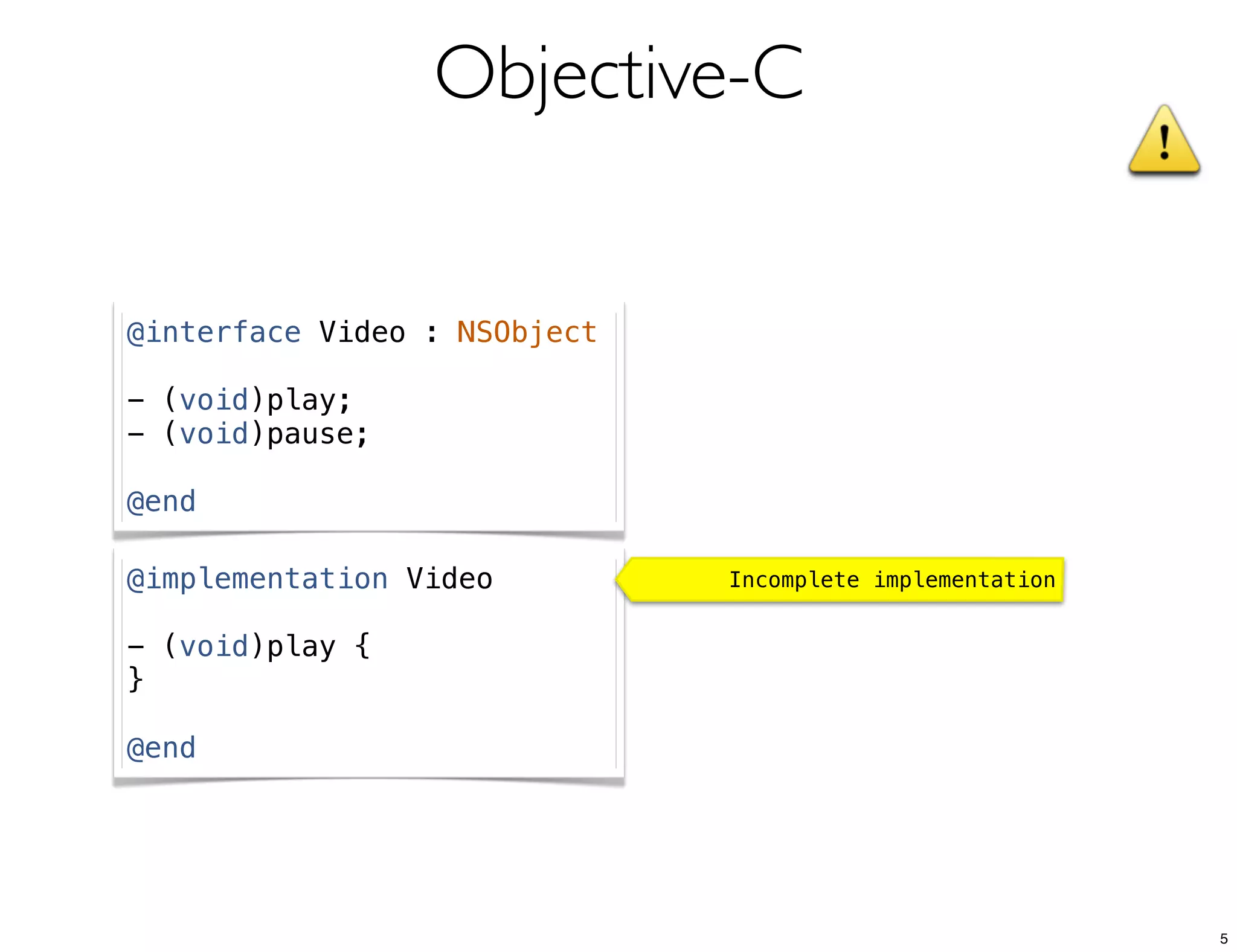
![Objective-C
[myVideo play];
[myVideo pause];
6](https://image.slidesharecdn.com/formaciontv3iosmayo2013sesion1-130605033820-phpapp02/75/Formacion-en-movilidad-Conceptos-de-desarrollo-en-iOS-I-6-2048.jpg)
![Objective-C
Terminating app due to uncaught exception 'NSInvalidArgumentException', reason:
'-[Video pause]: unrecognized selector sent to instance 0x8334620'
[myVideo play];
[myVideo pause]; Thread 1: signal SIGABRT
7](https://image.slidesharecdn.com/formaciontv3iosmayo2013sesion1-130605033820-phpapp02/75/Formacion-en-movilidad-Conceptos-de-desarrollo-en-iOS-I-7-2048.jpg)
![Objective-C
Terminating app due to uncaught exception 'NSInvalidArgumentException', reason:
'-[Video pause]: unrecognized selector sent to instance 0x8334620'
[myVideo play];
[myVideo pause]; Thread 1: signal SIGABRT
“un objeto puede enviar un mensaje sin temor a
producir errores en tiempo de ejecución”
Wikipedia
8](https://image.slidesharecdn.com/formaciontv3iosmayo2013sesion1-130605033820-phpapp02/75/Formacion-en-movilidad-Conceptos-de-desarrollo-en-iOS-I-8-2048.jpg)
![Objective-C
Terminating app due to uncaught exception 'NSInvalidArgumentException', reason:
'-[Video pause]: unrecognized selector sent to instance 0x8334620'
[myVideo play];
[myVideo pause]; Thread 1: signal SIGABRT
“un objeto puede enviar un mensaje sin temor a
producir errores en tiempo de ejecución”
No en la runtime library de iOS
9](https://image.slidesharecdn.com/formaciontv3iosmayo2013sesion1-130605033820-phpapp02/75/Formacion-en-movilidad-Conceptos-de-desarrollo-en-iOS-I-9-2048.jpg)
![Objective-C
Initializers
Video *myVideo = [[Video alloc] init];
// Es equivalente a:
Video *myVideo = [Video new];
11](https://image.slidesharecdn.com/formaciontv3iosmayo2013sesion1-130605033820-phpapp02/75/Formacion-en-movilidad-Conceptos-de-desarrollo-en-iOS-I-11-2048.jpg)
![Objective-C
Initializers
Video *myVideo = [[Video alloc] init];
// Es equivalente a:
Video *myVideo = [Video new];
Video *myVideo = [[Video alloc] initWithURL:theURL];
12](https://image.slidesharecdn.com/formaciontv3iosmayo2013sesion1-130605033820-phpapp02/75/Formacion-en-movilidad-Conceptos-de-desarrollo-en-iOS-I-12-2048.jpg)
![Objective-C
Initializers
Video *myVideo = [[Video alloc] init];
// Es equivalente a:
Video *myVideo = [Video new];
NSString *theURL = @"http://youtu.be/THERgYM8gBM";
Video *myVideo = [[Video alloc] initWithURL:theURL];
13](https://image.slidesharecdn.com/formaciontv3iosmayo2013sesion1-130605033820-phpapp02/75/Formacion-en-movilidad-Conceptos-de-desarrollo-en-iOS-I-13-2048.jpg)
![Objective-C
Initializers
Video *myVideo = [[Video alloc] init];
// Es equivalente a:
Video *myVideo = [Video new];
NSString *theURL = @"http://youtu.be/THERgYM8gBM";
Video *myVideo = [[Video alloc] initWithURL:theURL];
- (id)initWithURL:(NSString *)url {
! self = [super init];
! if(self) {
! ! _url = url;
! }
! return self;
}
14](https://image.slidesharecdn.com/formaciontv3iosmayo2013sesion1-130605033820-phpapp02/75/Formacion-en-movilidad-Conceptos-de-desarrollo-en-iOS-I-14-2048.jpg)
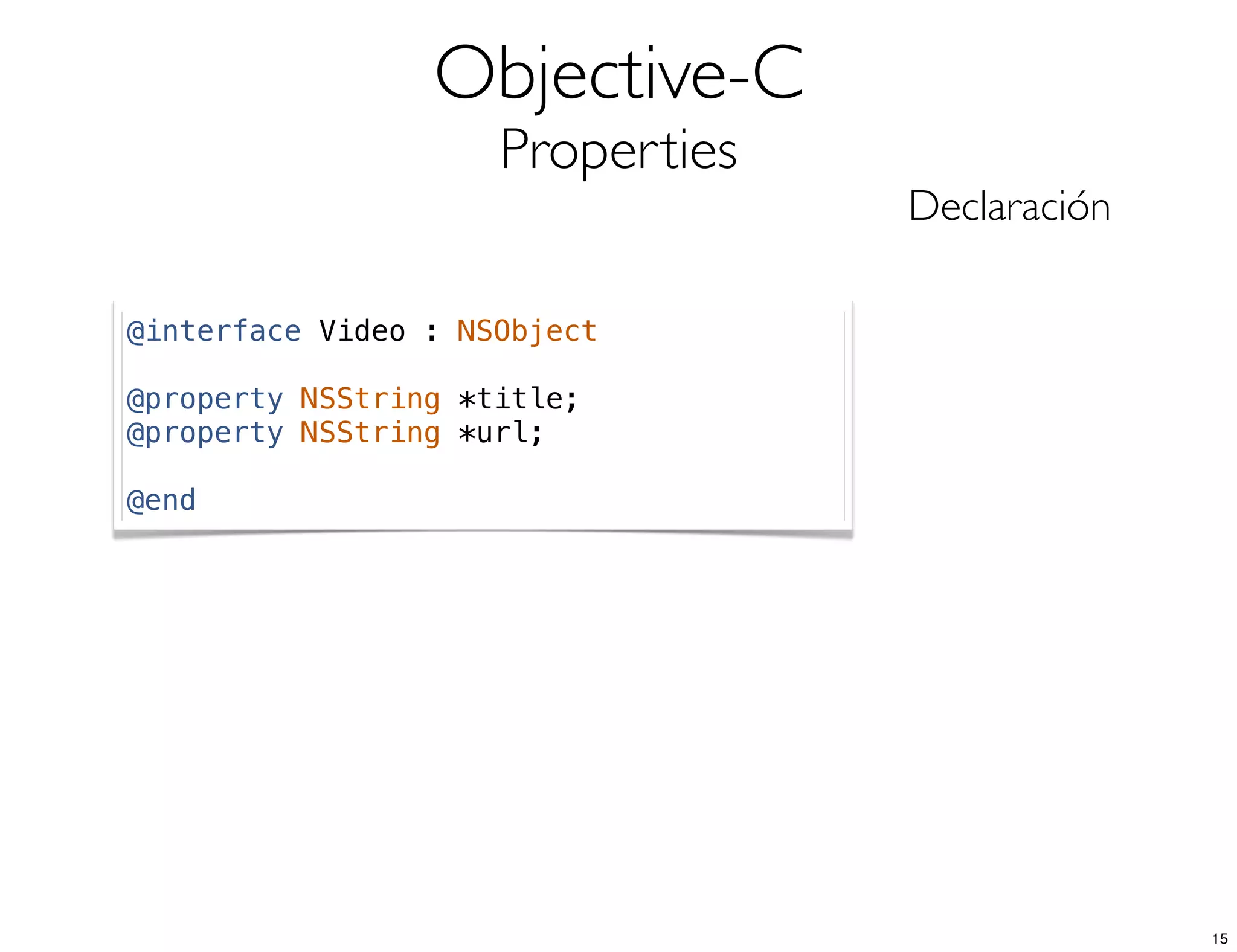
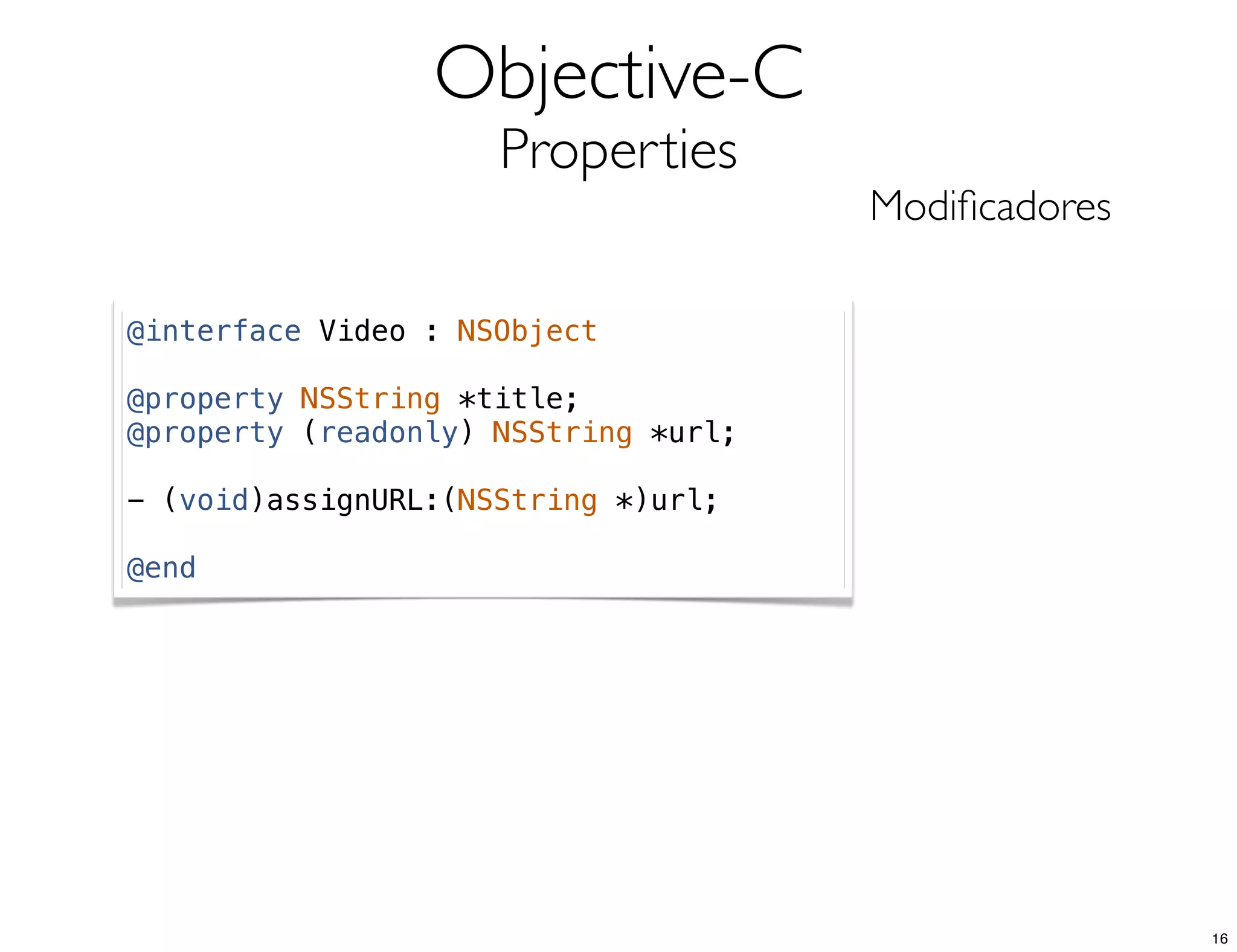
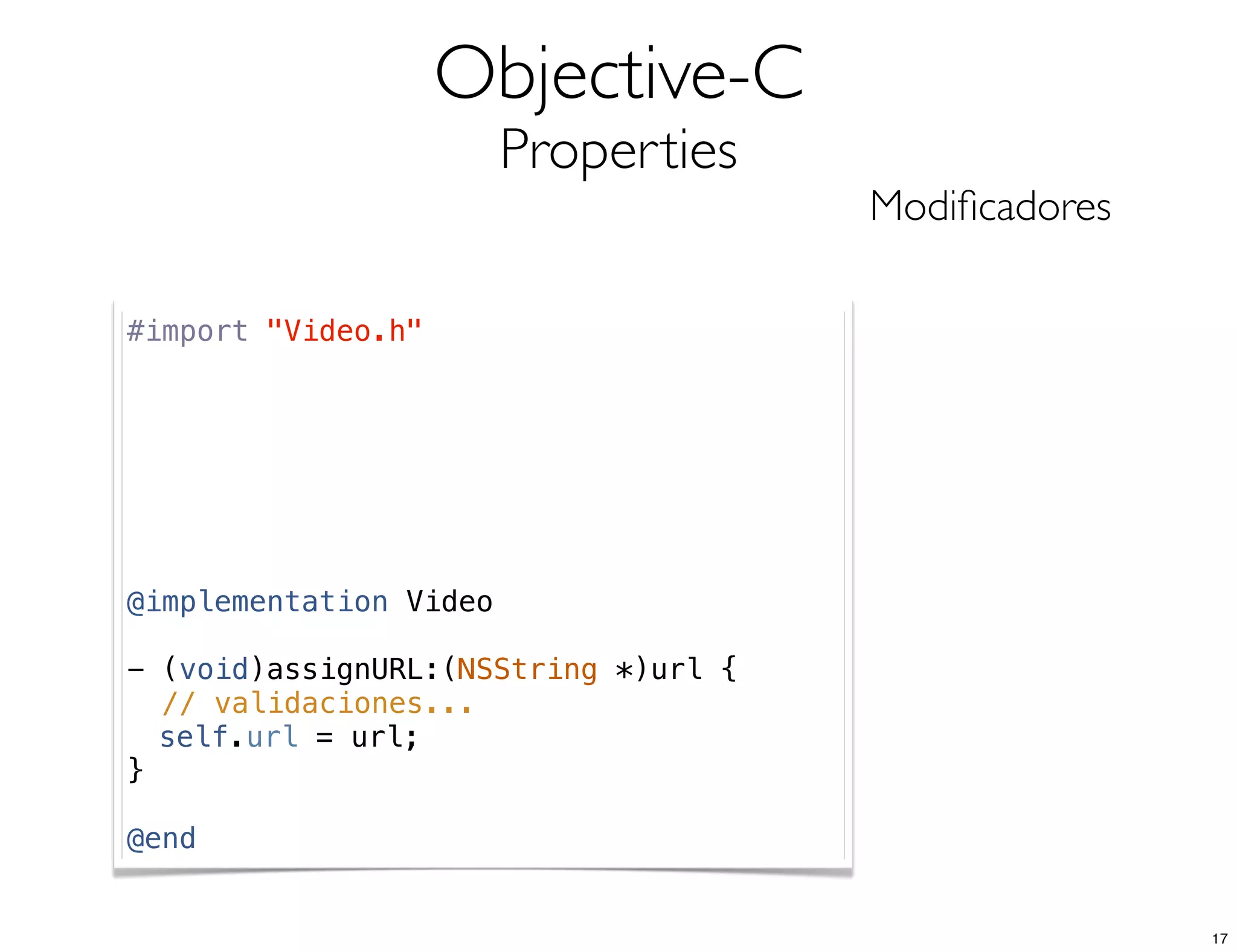
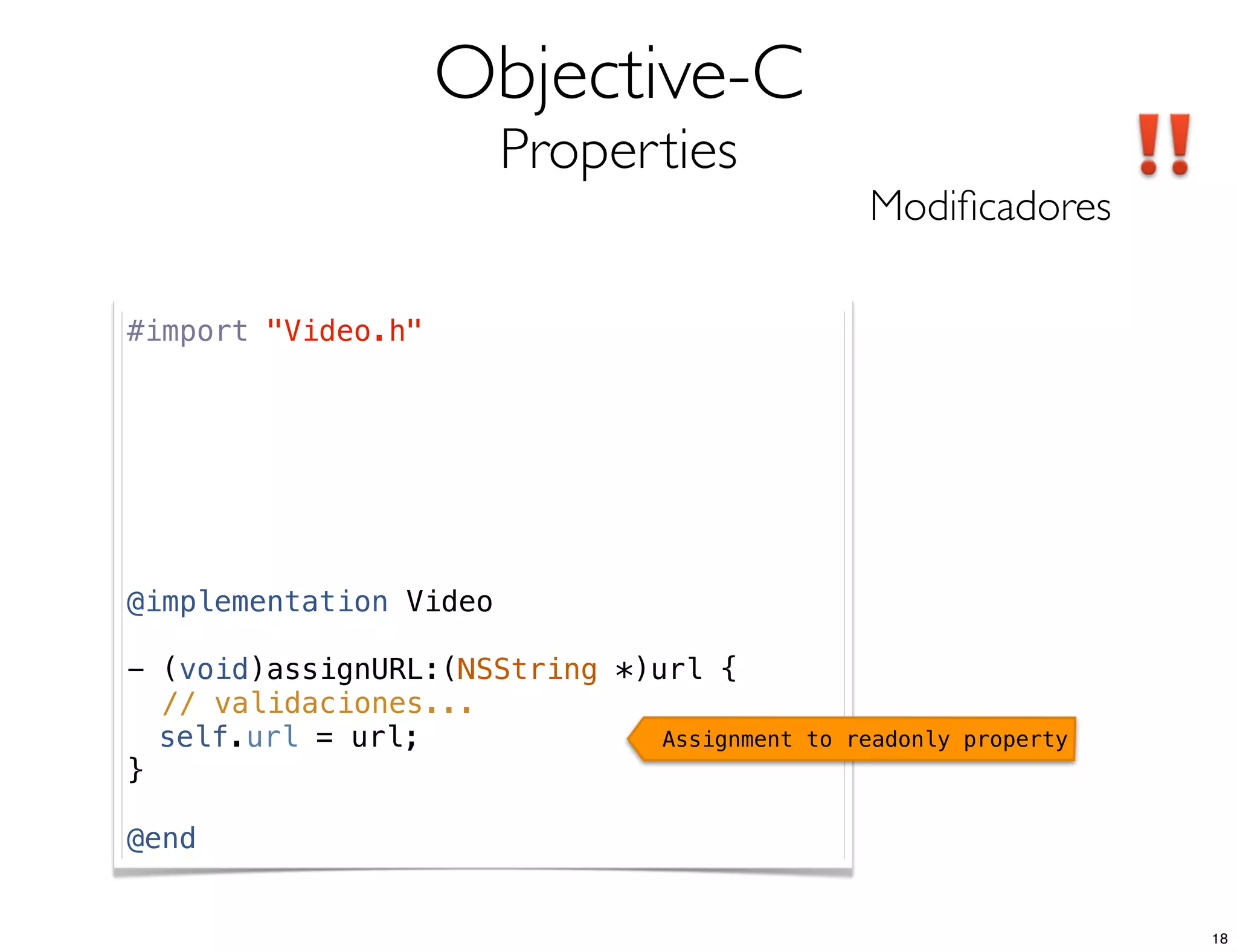
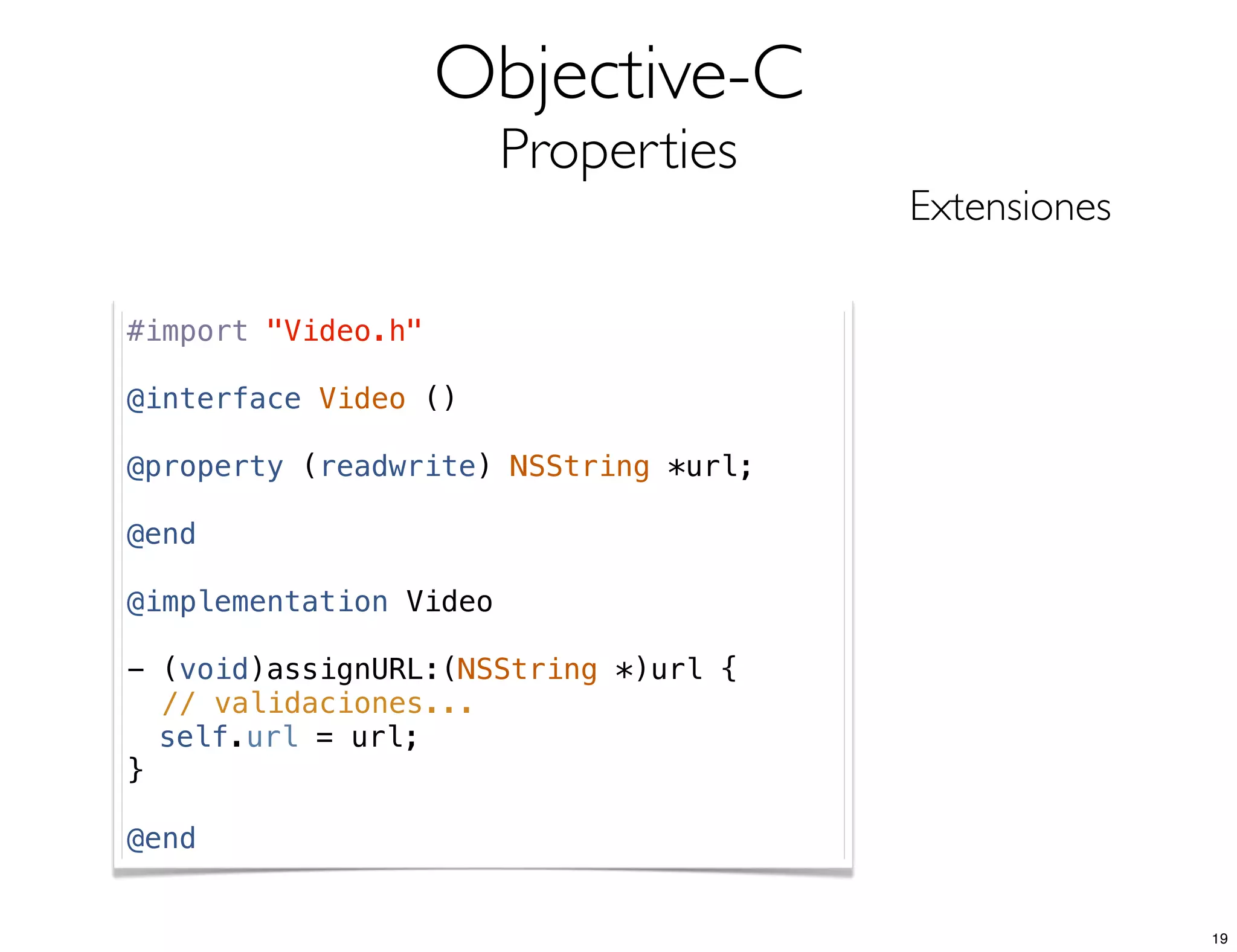
![Objective-C
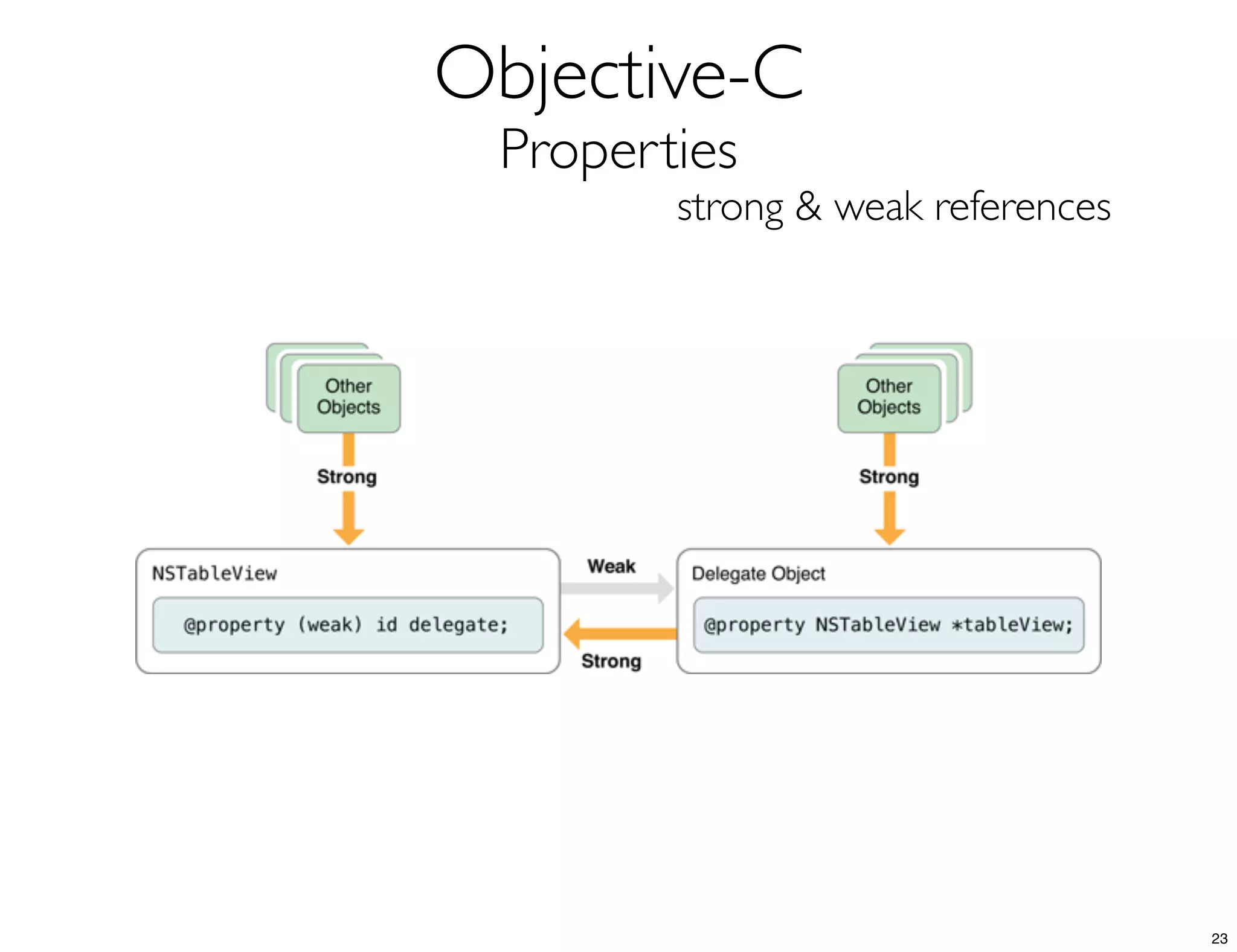
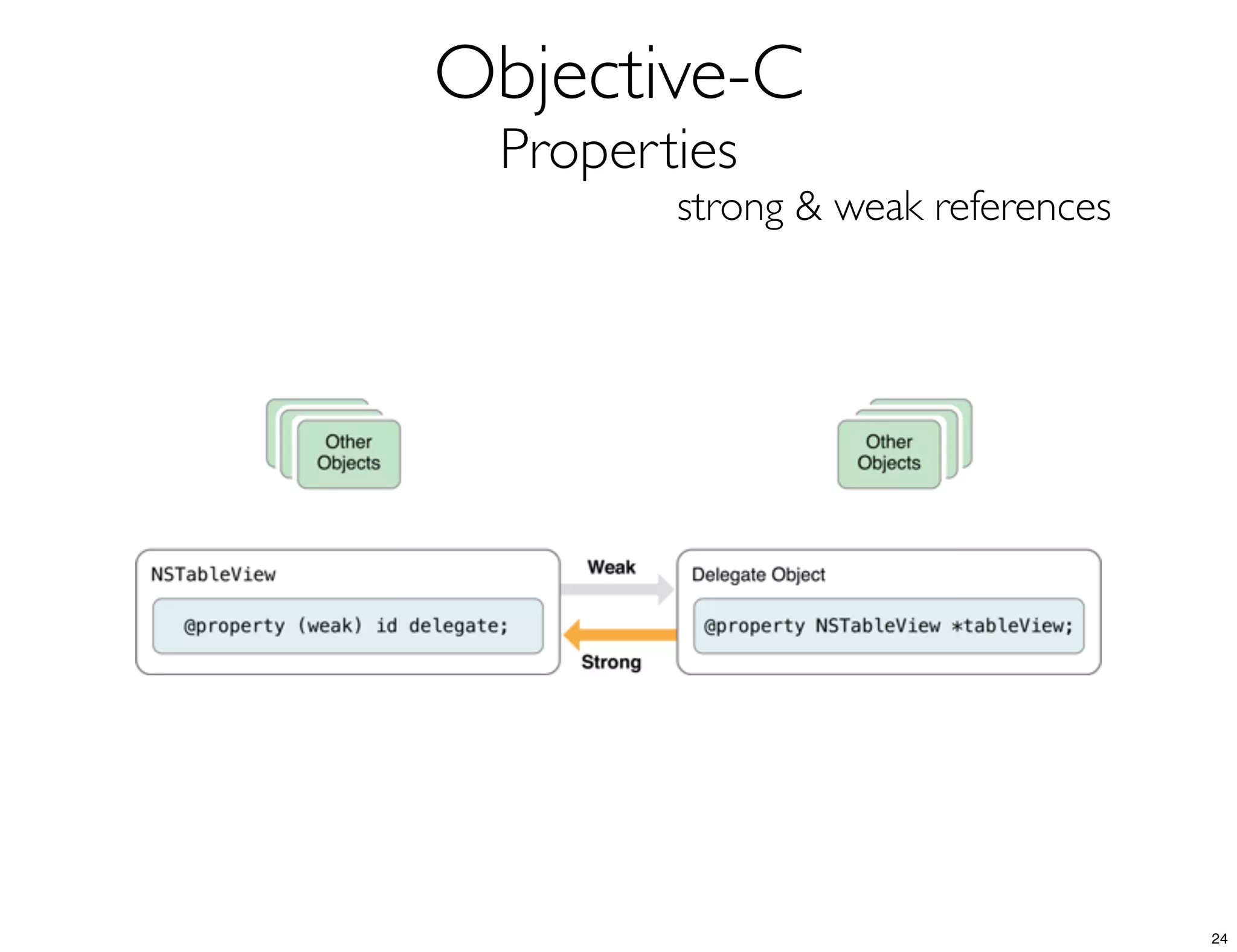
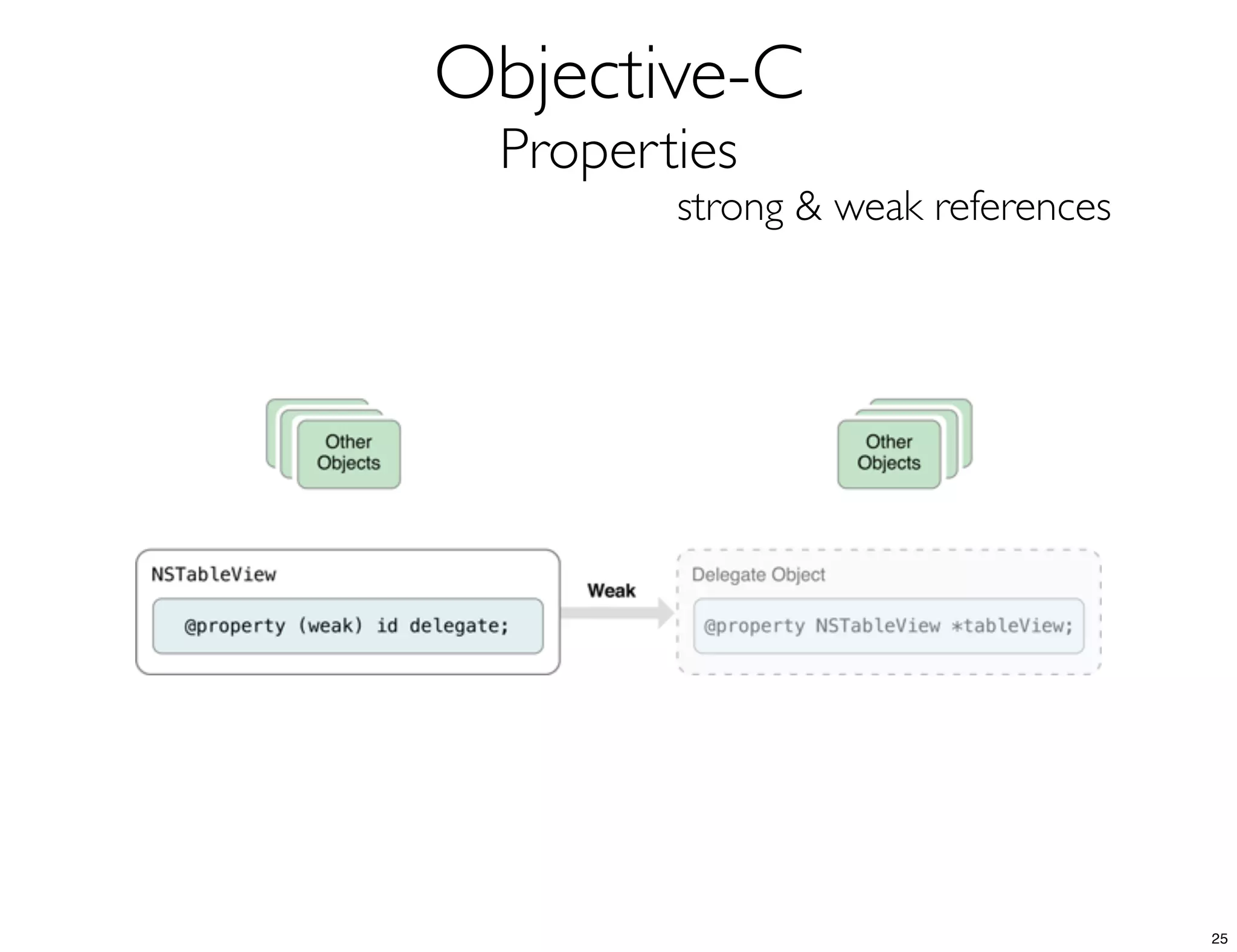
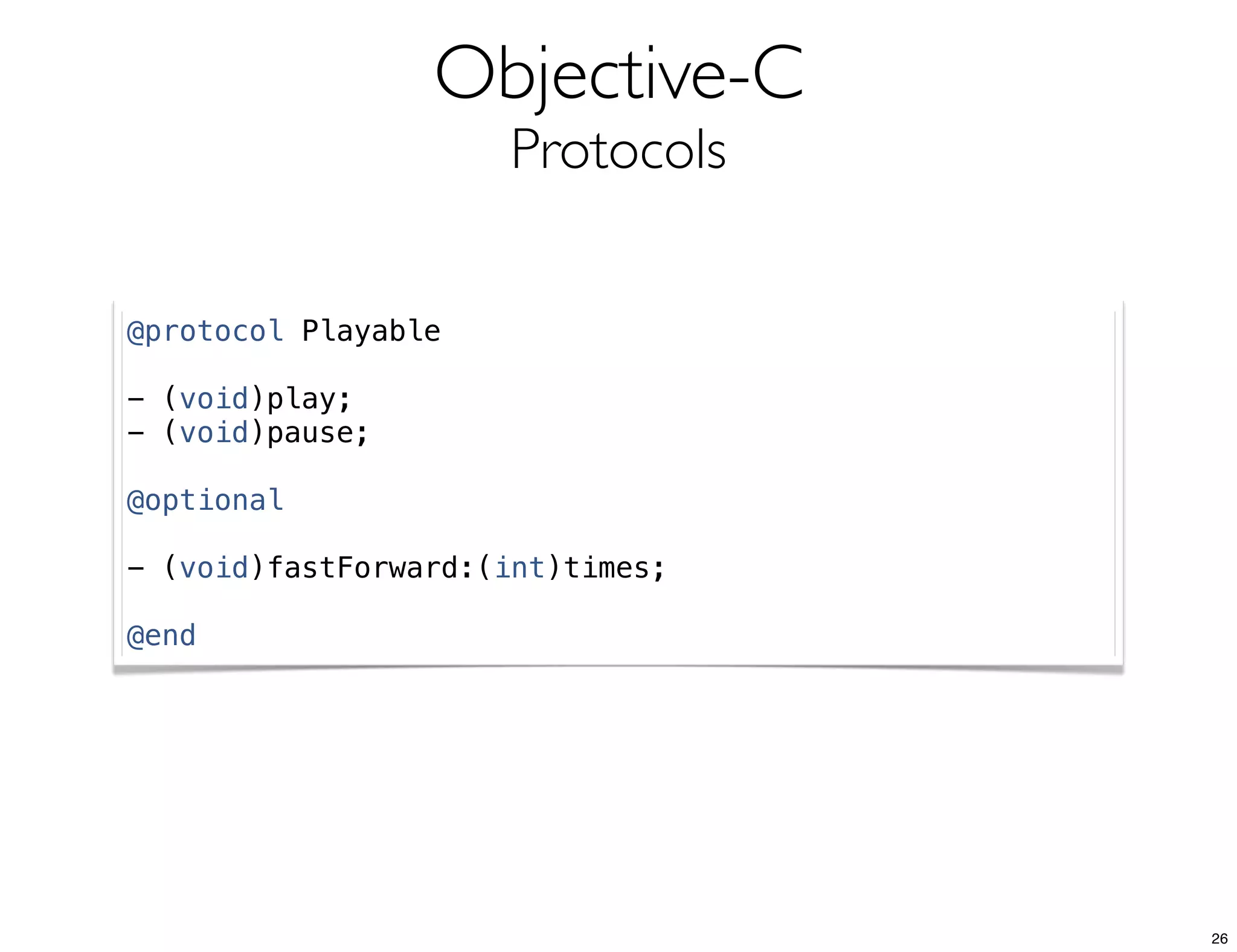
Properties
Modificadores cool
@interface Video : NSObject
@property (readonly) BOOL ready;
@end
if([myVideo ready]) {
}
20](https://image.slidesharecdn.com/formaciontv3iosmayo2013sesion1-130605033820-phpapp02/75/Formacion-en-movilidad-Conceptos-de-desarrollo-en-iOS-I-20-2048.jpg)
![Objective-C
Properties
Modificadores cool
@interface Video : NSObject
@property (readonly, getter = isReady) BOOL ready;
@end
if([myVideo isReady]) {
}
21](https://image.slidesharecdn.com/formaciontv3iosmayo2013sesion1-130605033820-phpapp02/75/Formacion-en-movilidad-Conceptos-de-desarrollo-en-iOS-I-21-2048.jpg)
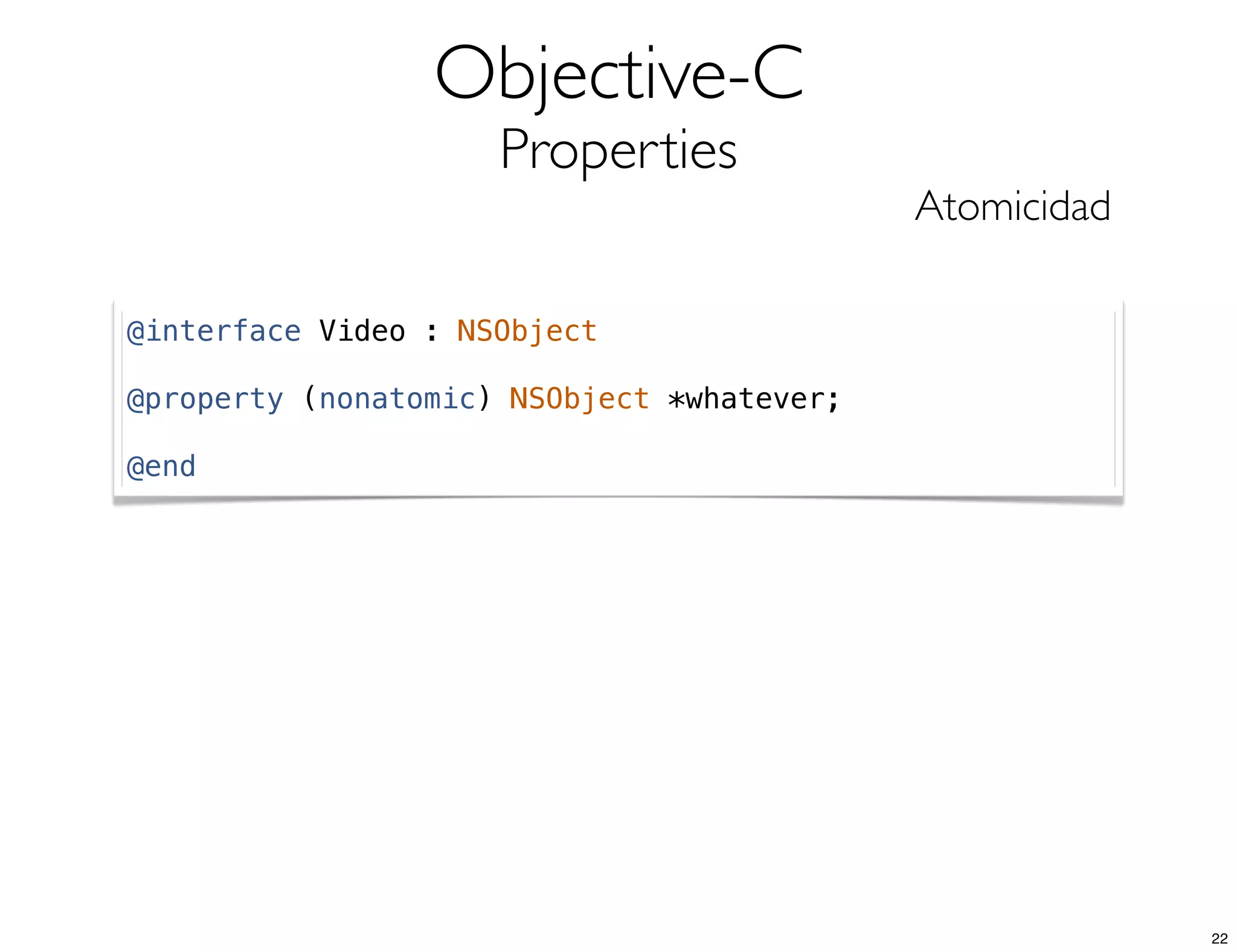
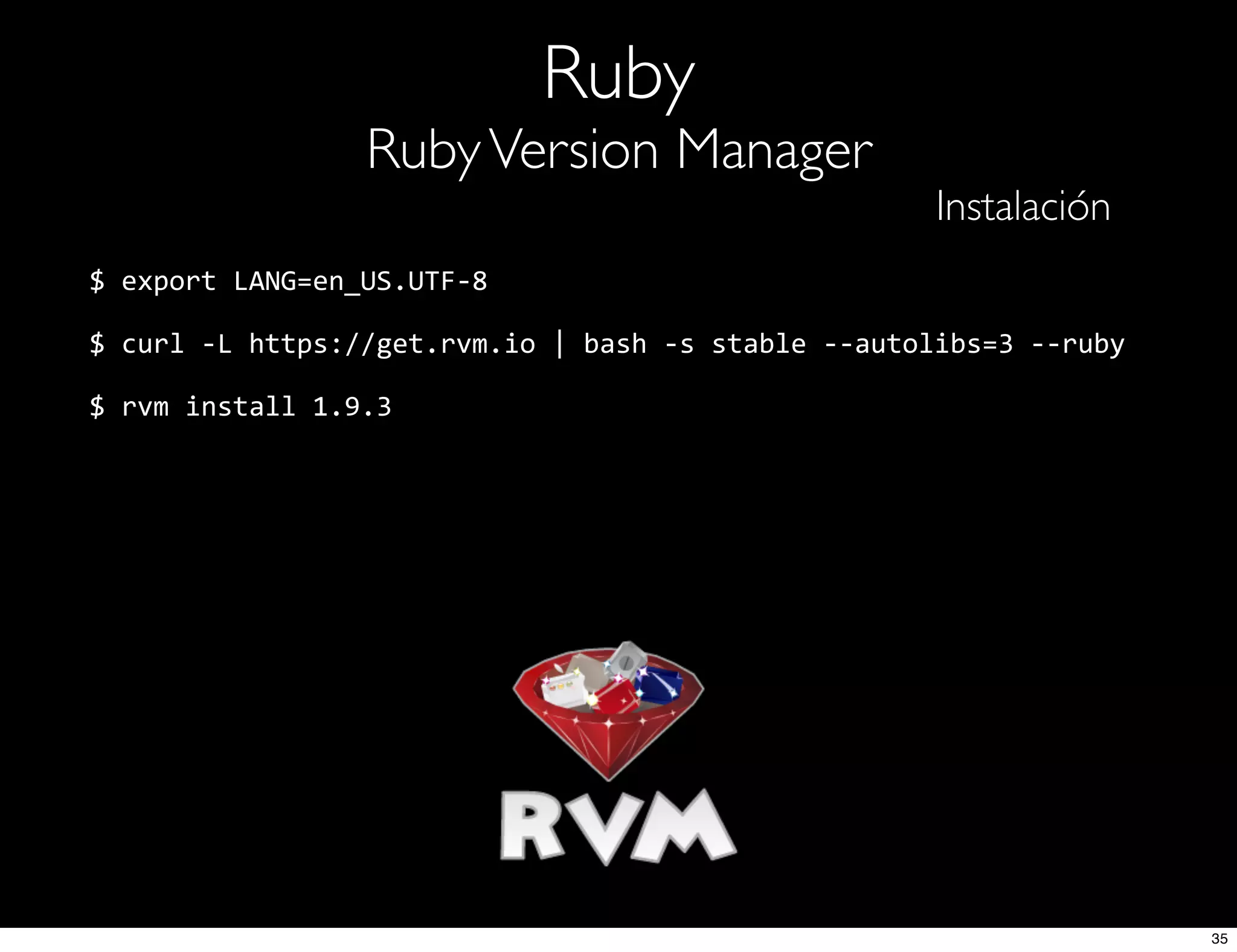

![Ruby
RubyVersion Manager
Instalación
$ rvm use 1.9.3-‐p392
$ ruby -‐v
ruby 1.9.3p392 (2013-‐02-‐22 revision 39386) [x86_64-‐darwin12.3.0]
37](https://image.slidesharecdn.com/formaciontv3iosmayo2013sesion1-130605033820-phpapp02/75/Formacion-en-movilidad-Conceptos-de-desarrollo-en-iOS-I-37-2048.jpg)
![Ruby + Xcode
CocoaPods
Instalación
$ gem install cocoapods
$ pod setup
...
Setup completed (read-‐only access)
$ echo 'platform :ios' > Podfile
$ pod install
...
[!] From now on use `Workshop.xcworkspace`.
38](https://image.slidesharecdn.com/formaciontv3iosmayo2013sesion1-130605033820-phpapp02/75/Formacion-en-movilidad-Conceptos-de-desarrollo-en-iOS-I-38-2048.jpg)
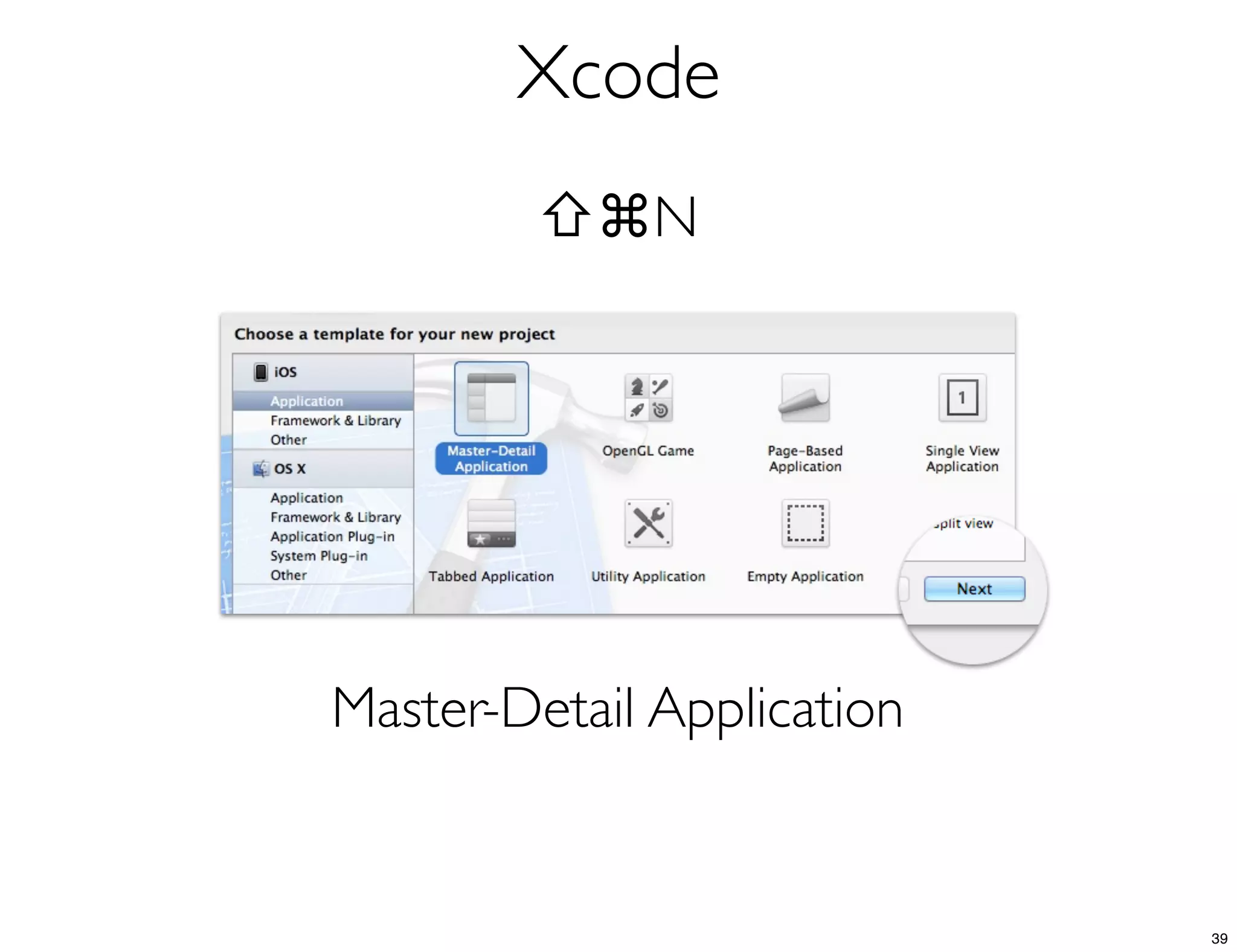
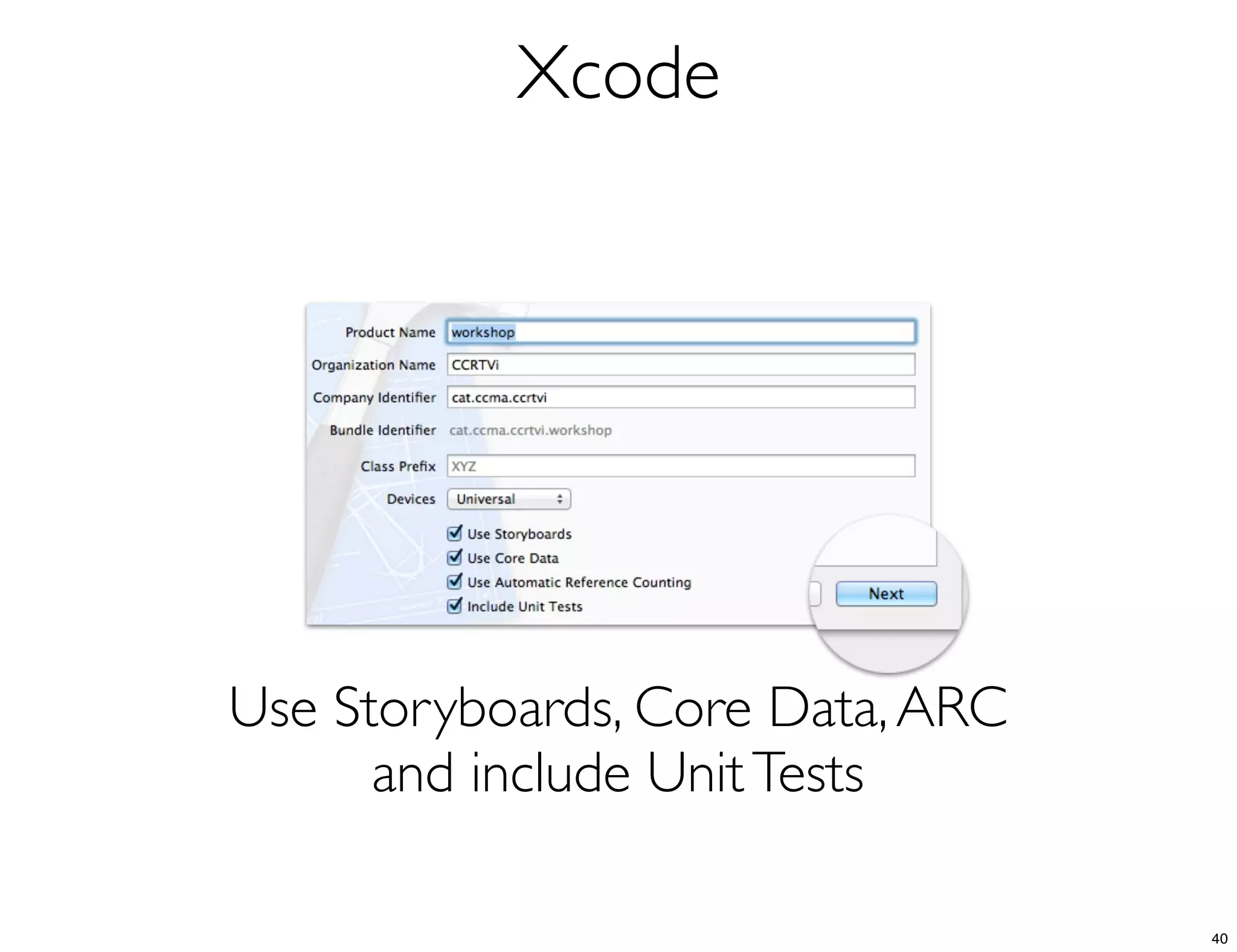
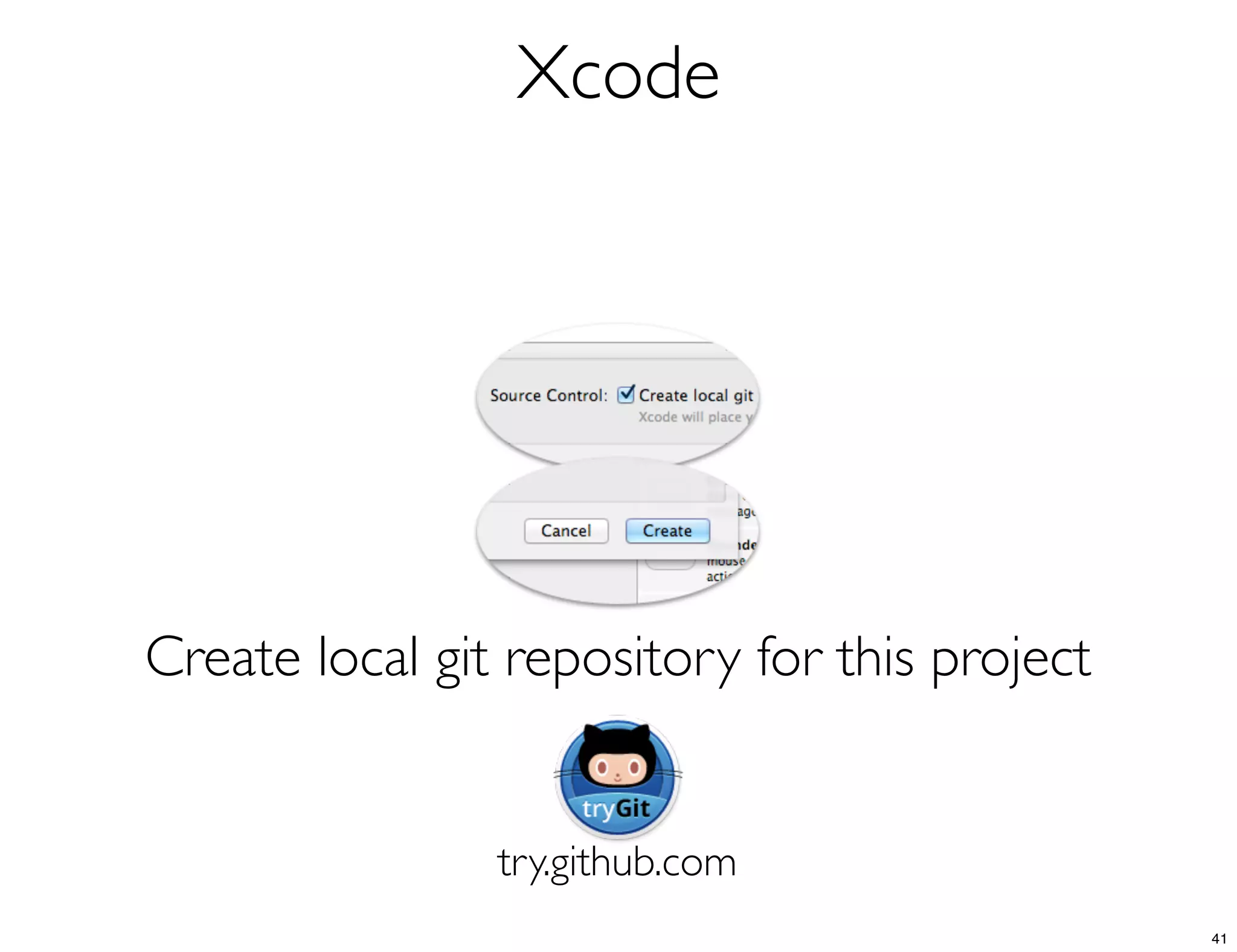
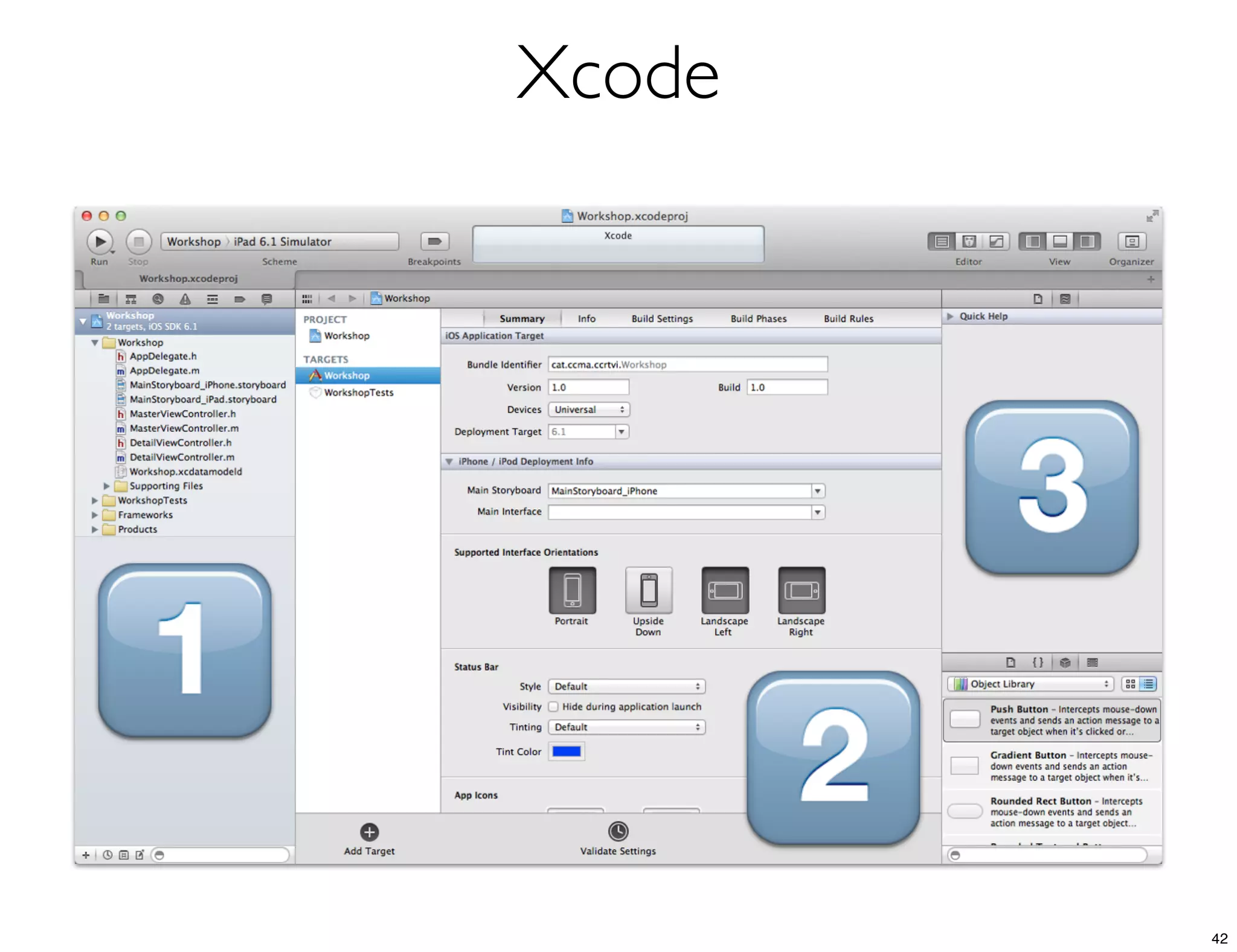
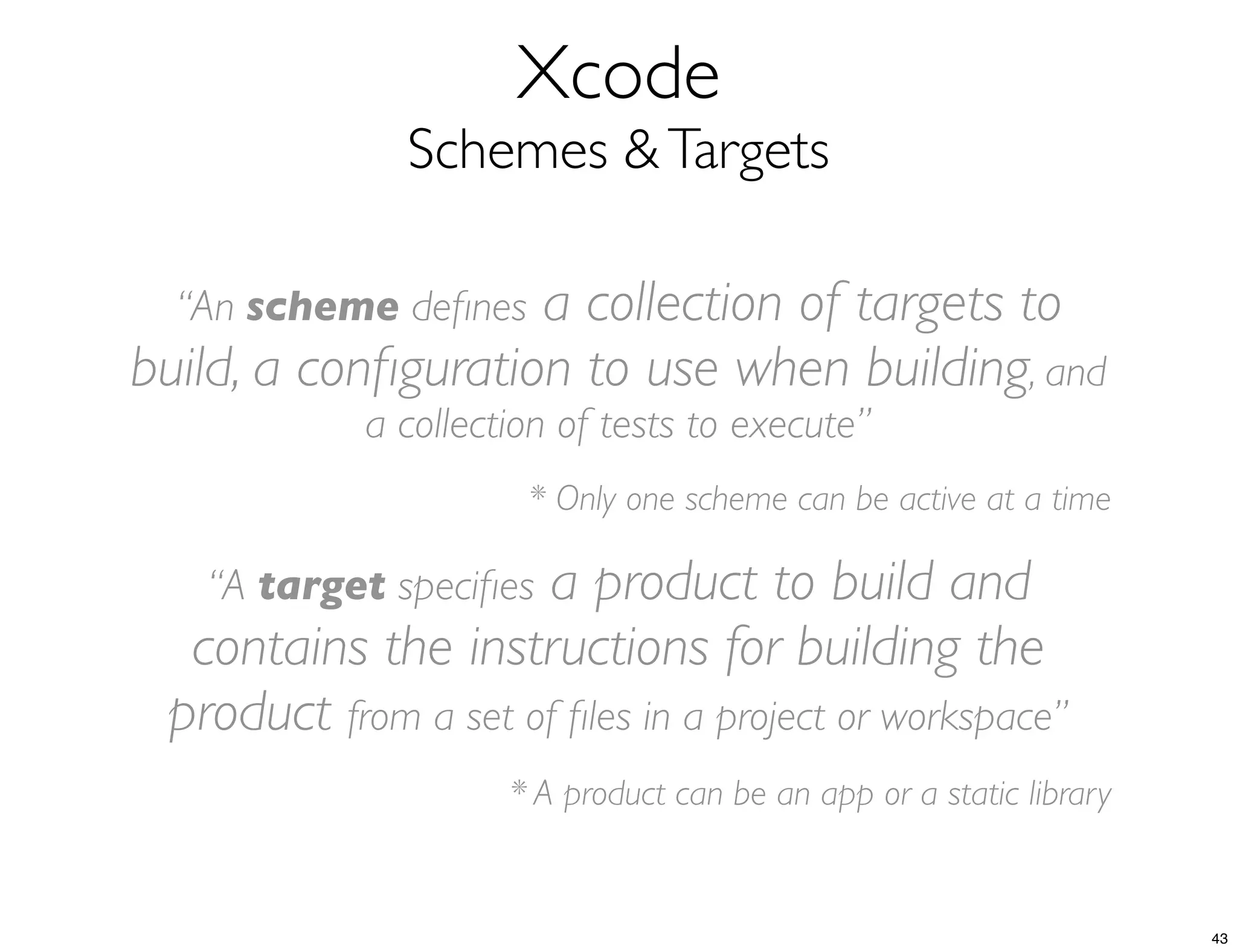
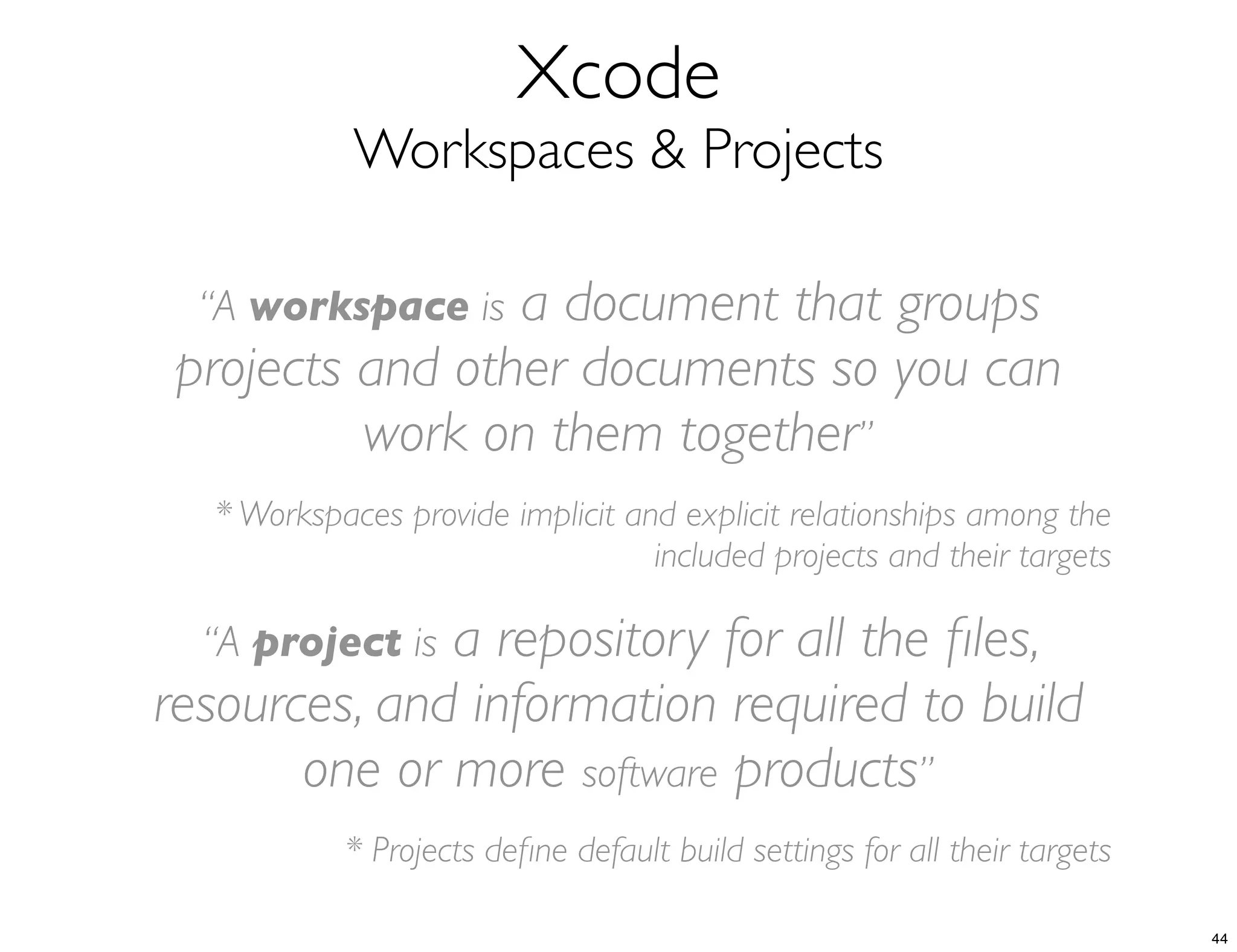
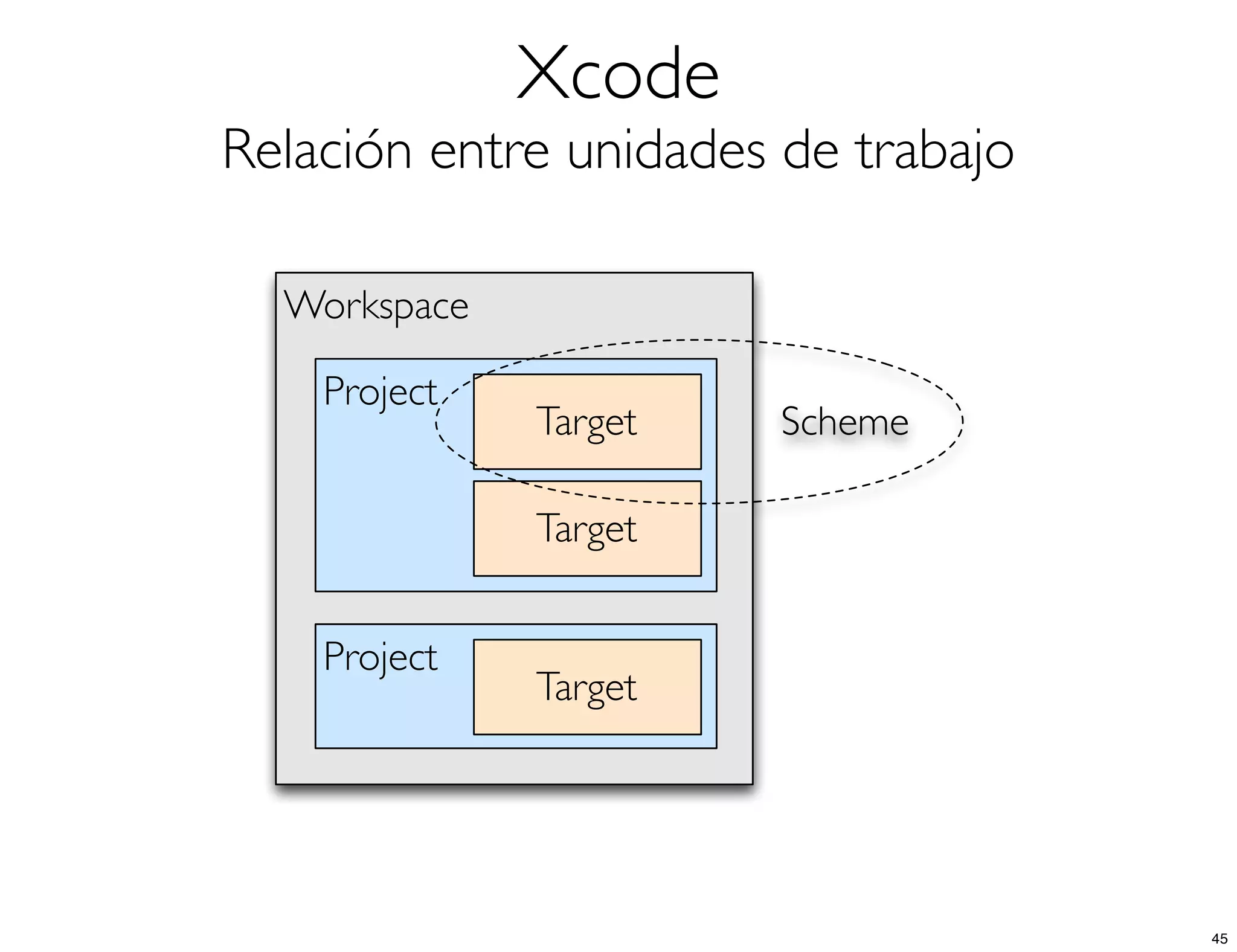
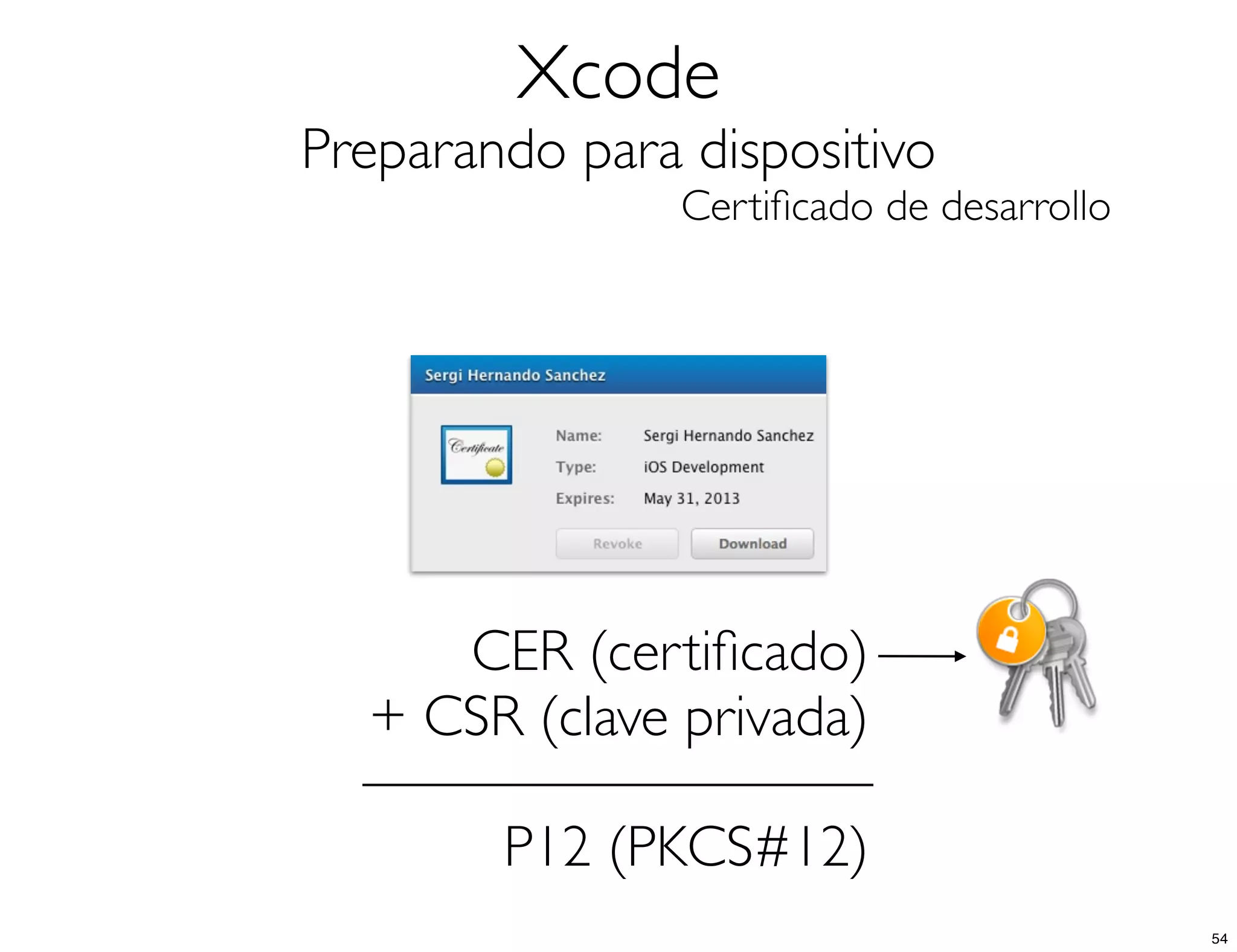
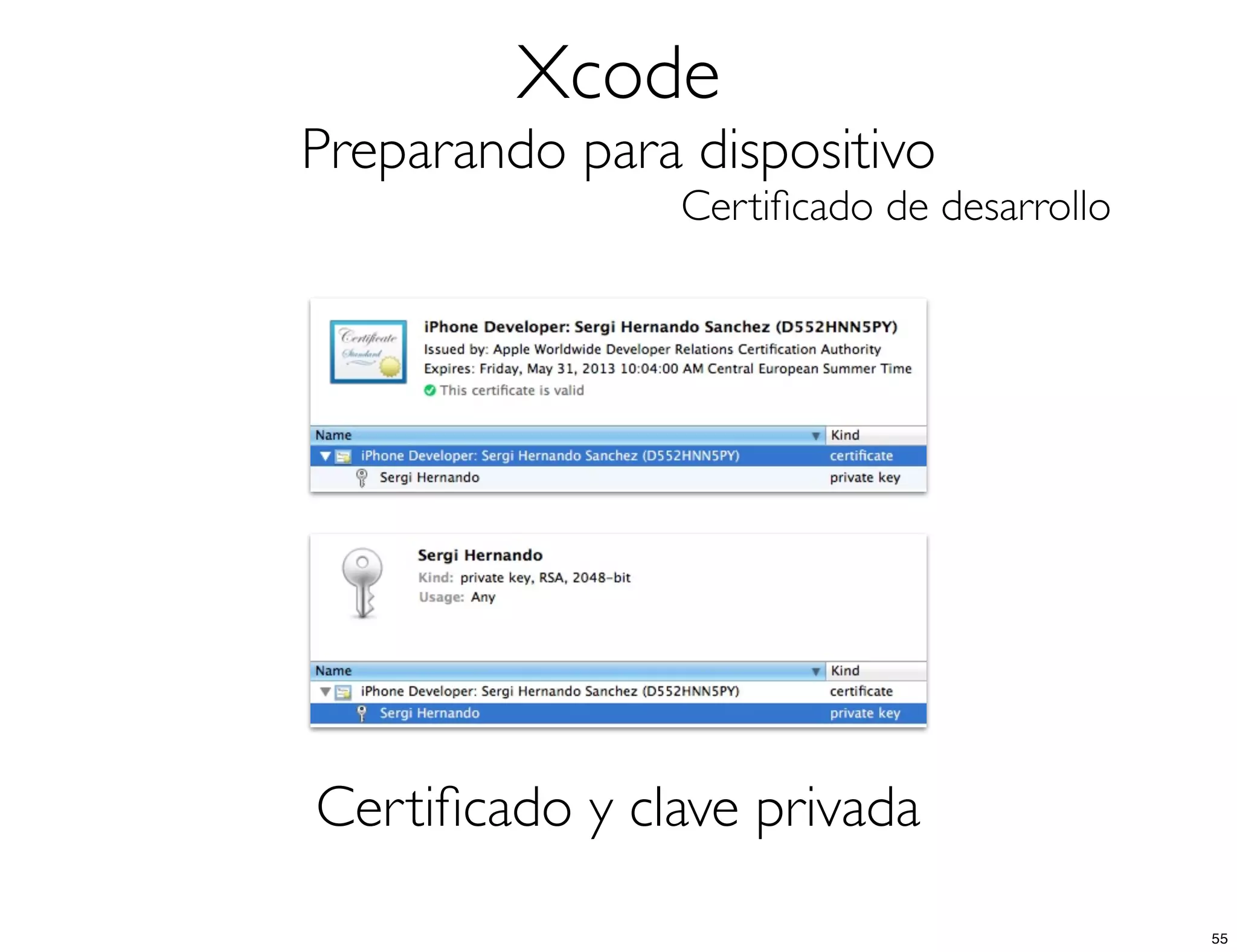
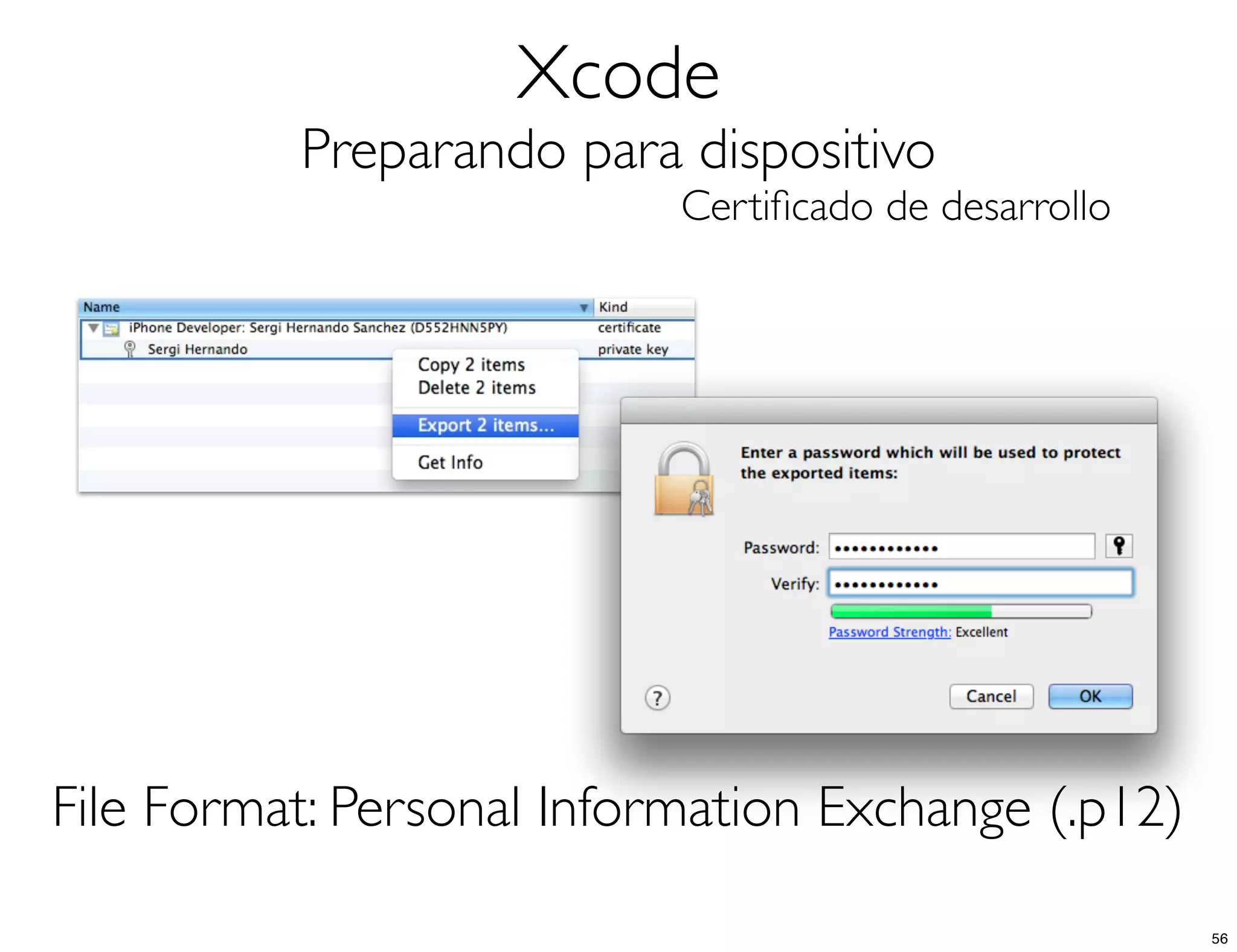
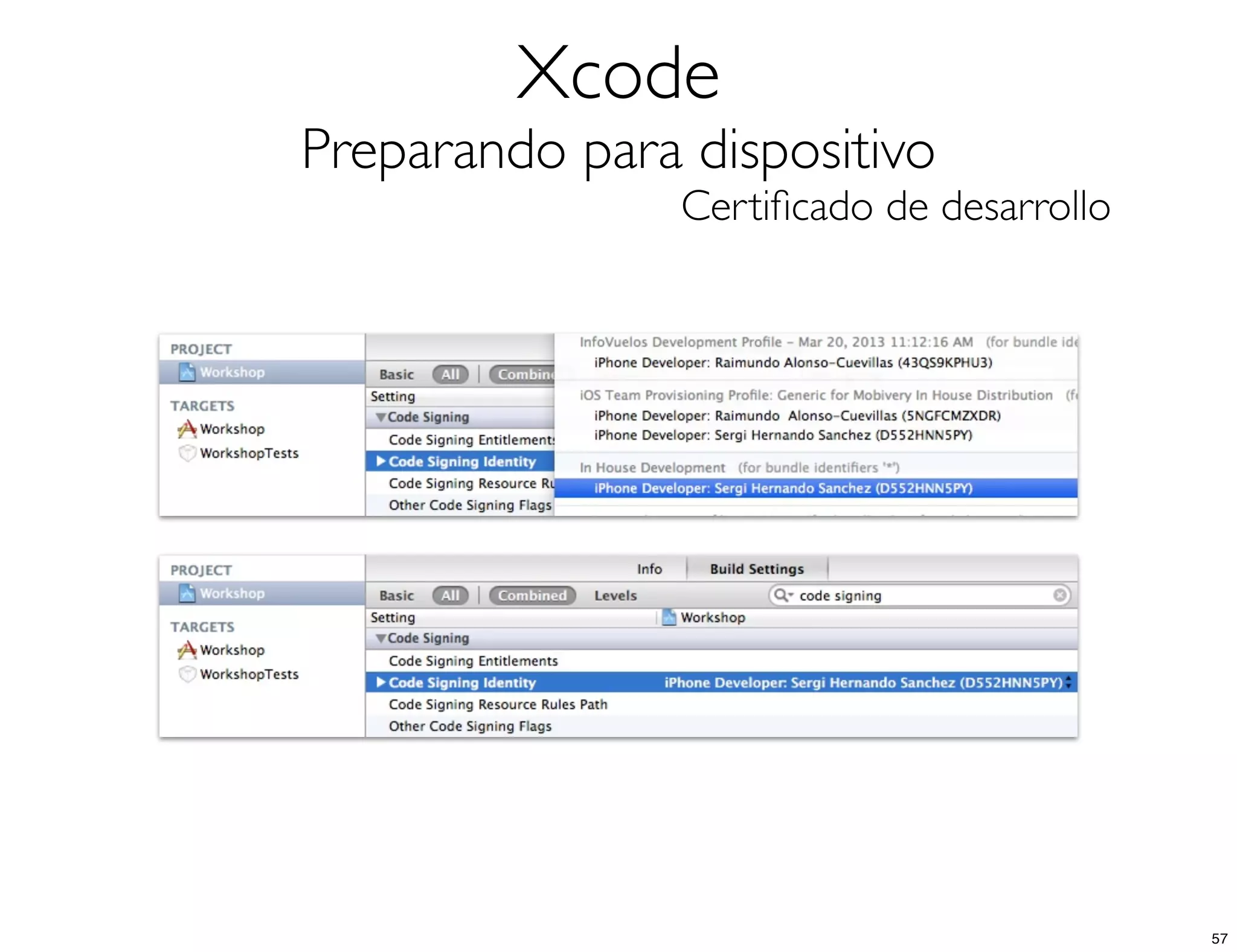

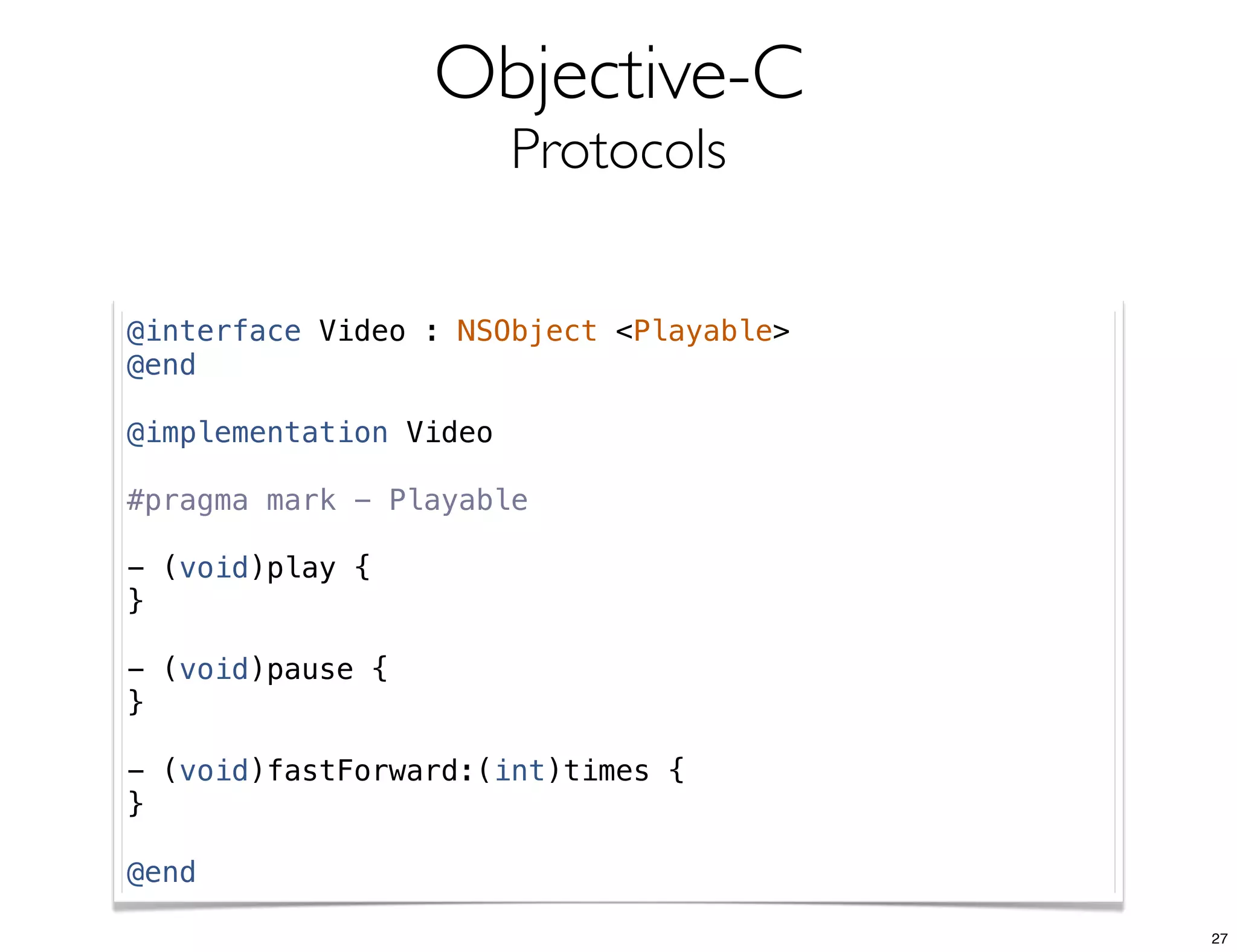
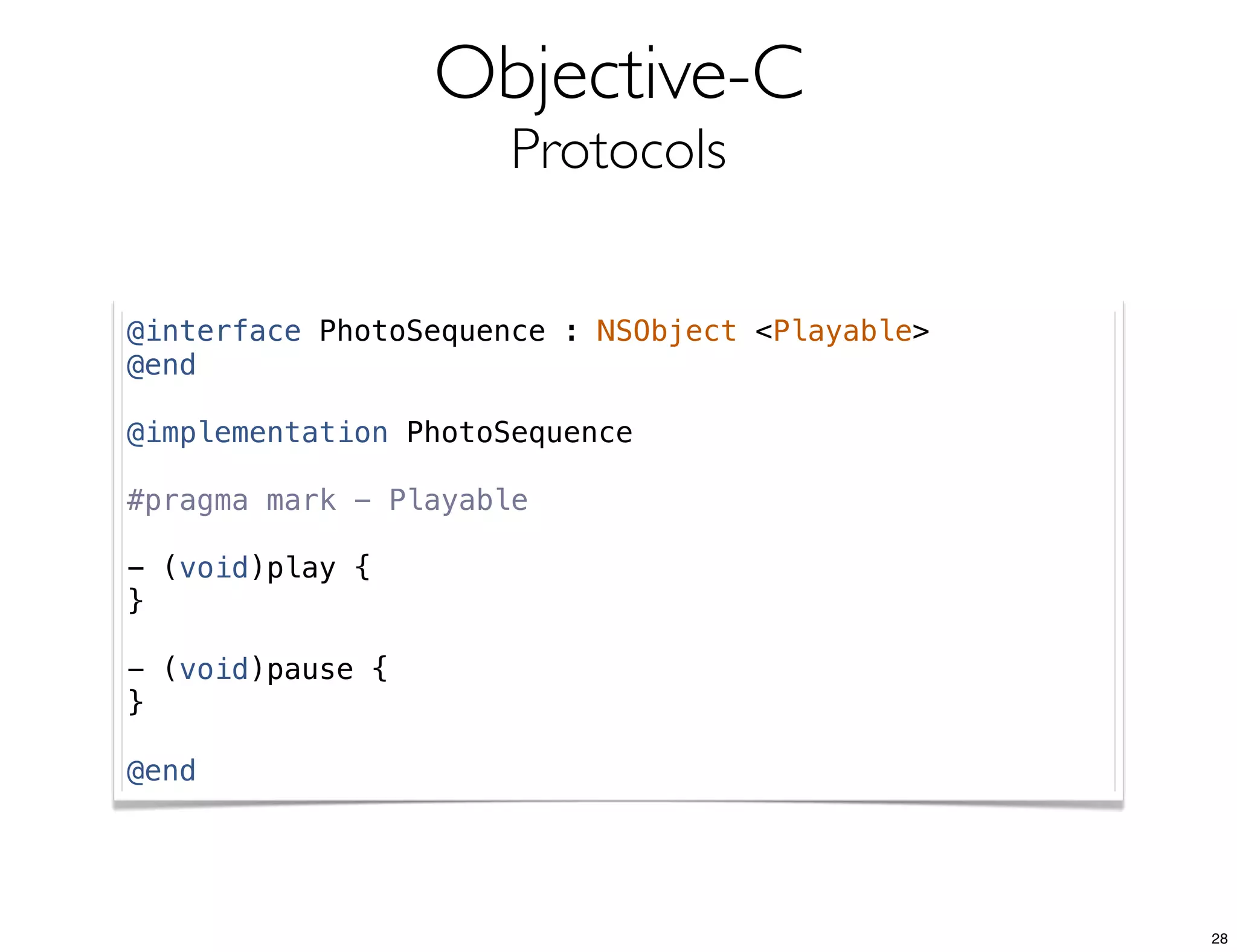
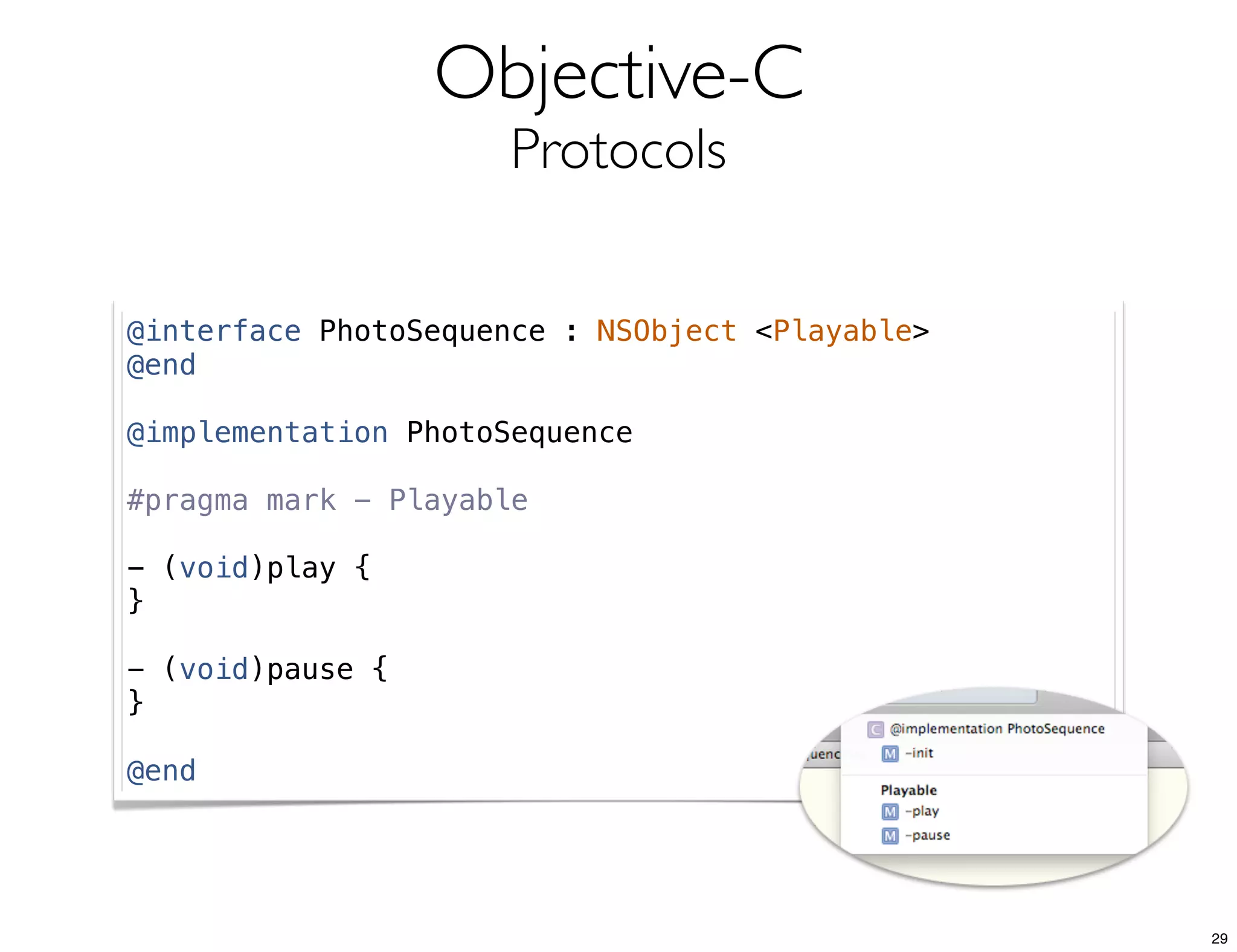
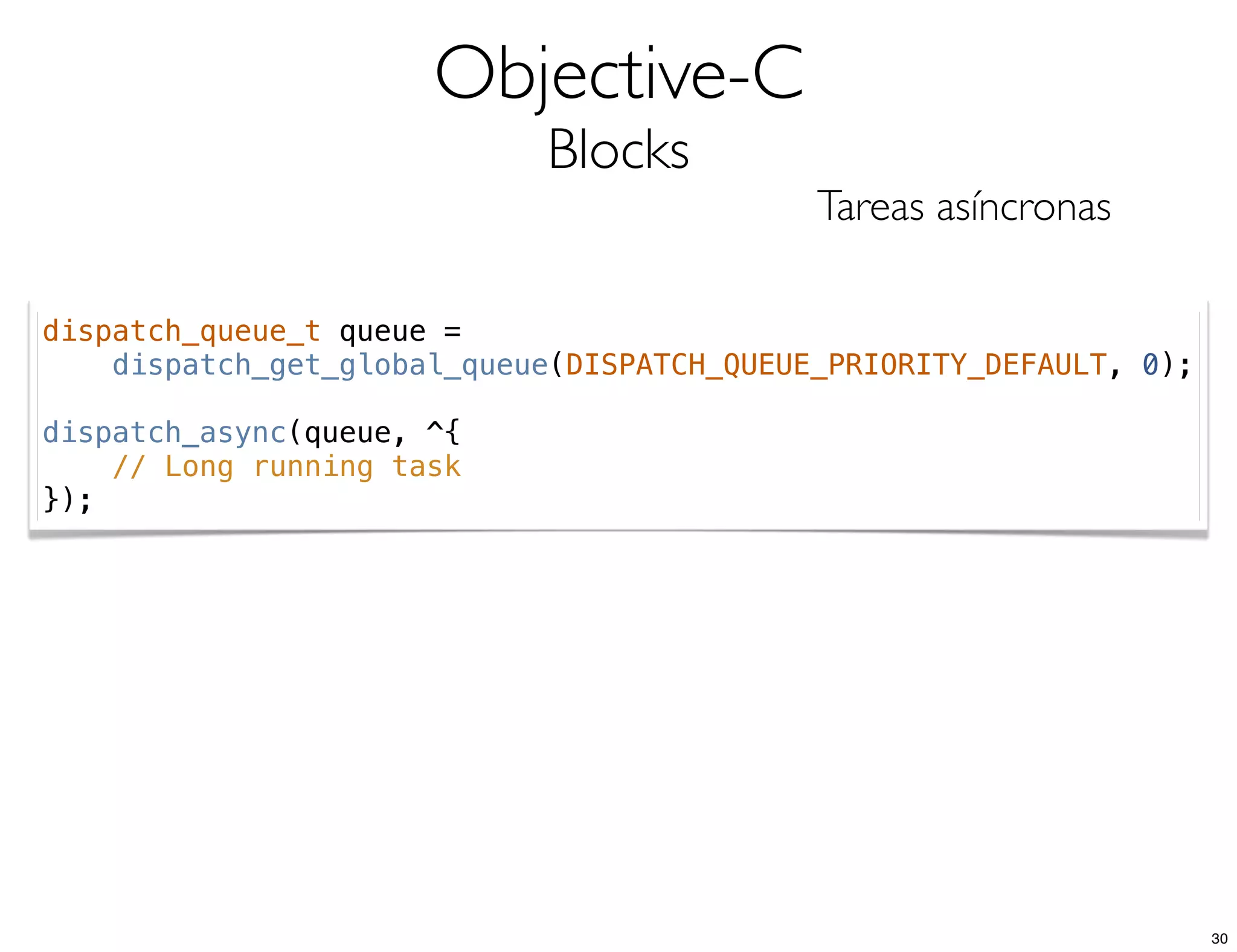
The document covers key concepts of mobile development in iOS, focusing on Objective-C programming including object creation, properties, protocols, and asynchronous tasks with blocks. It includes various examples of code implementations, error handling, and configuration of development environments such as Xcode with Ruby and CocoaPods. Xcode project management details like schemes, targets, and workspaces are also highlighted.


