FME - The Tool to Use
When Standing Up a New
Fiber Utility
Ryan Smith and Sarah Rose
Loveland Pulse
Loveland Pulse is one of the newest
community-owned broadband utility
start-ups in Colorado.
Municipal broadband utilities present unique opportunities,
for data processing and workflows.
Why FME?
FME is the Swiss Army Knife, to help with
the buildout data sources.
1. Why for Broadband?
2. Survey123
3. Shapefile to GDB
4. QAQC
Calming the data
storm
FME Data Spa
Channeling our inner data gurus
Why FME for Broadband?
Internet access is quickly becoming a critical
infrastructure. We are creating a new utility to
better serve constituents, and to provide the
same world class customer service as the rest of
our critical infrastructure utilities.
This means we are creating and curating new
data sources and new data flows, and need to
optimize our efficiency with processing the raw
data.
Because we are dealing with a variety of data
sources, and working with specific data model
dependencies, we needed something much more
robust than “copy/paste” or “append.”
Enter FME.
FME: The tool to use
FME is the ideal tool to use for a new utility start-up.
It provides:
● ETL functionality and tools, without the aid of a developer
● Systems: GIS, CIS, OSS/BSS, online apps
● Allows a quick start for data processing, to keep up with the
design build and as-build processes pace
● Daily editors’ sanity saver
I believe there are 6 different ways to accomplish any task.
With FME, we were able to hit the ground running, sooner.
What did we do with
FME?
We used different workbenches to accomplish
different workflows.
● Processing ArcGIS Survey123 results
● Creating ArcFM Fiber Manager data from
Esri shapefiles
● QAQC splicing connections from
spreadsheet reports
Who wants internet?
● Marketing needs: Early Interest Survey (ArcGIS Survey
123)
● Auto-response email notifications, for new responses,
in a timely manner
● No duplicates
● Make them feel good!
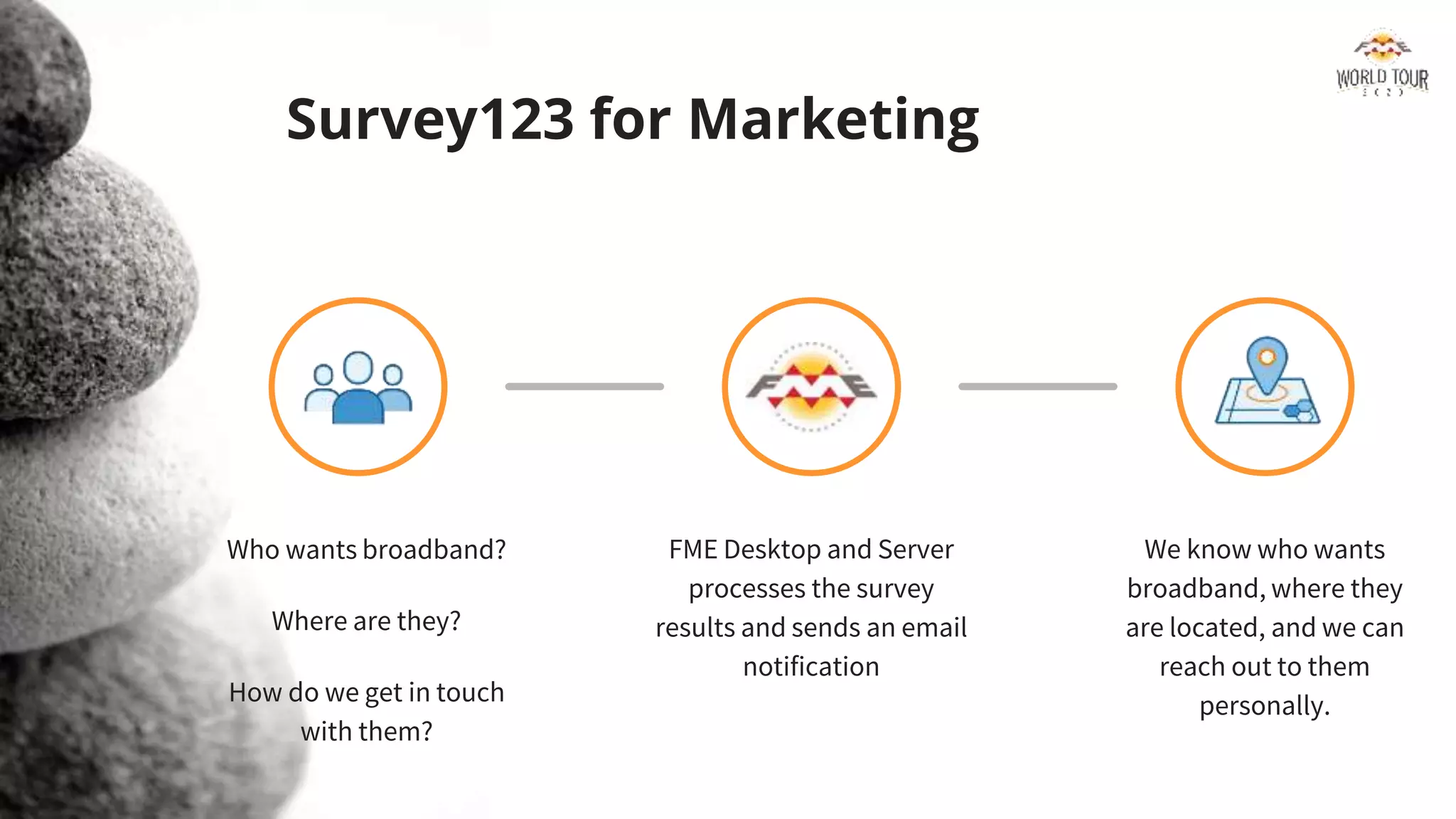
Survey123 for Marketing
Who wants broadband?
Where are they?
How do we get in touch
with them?
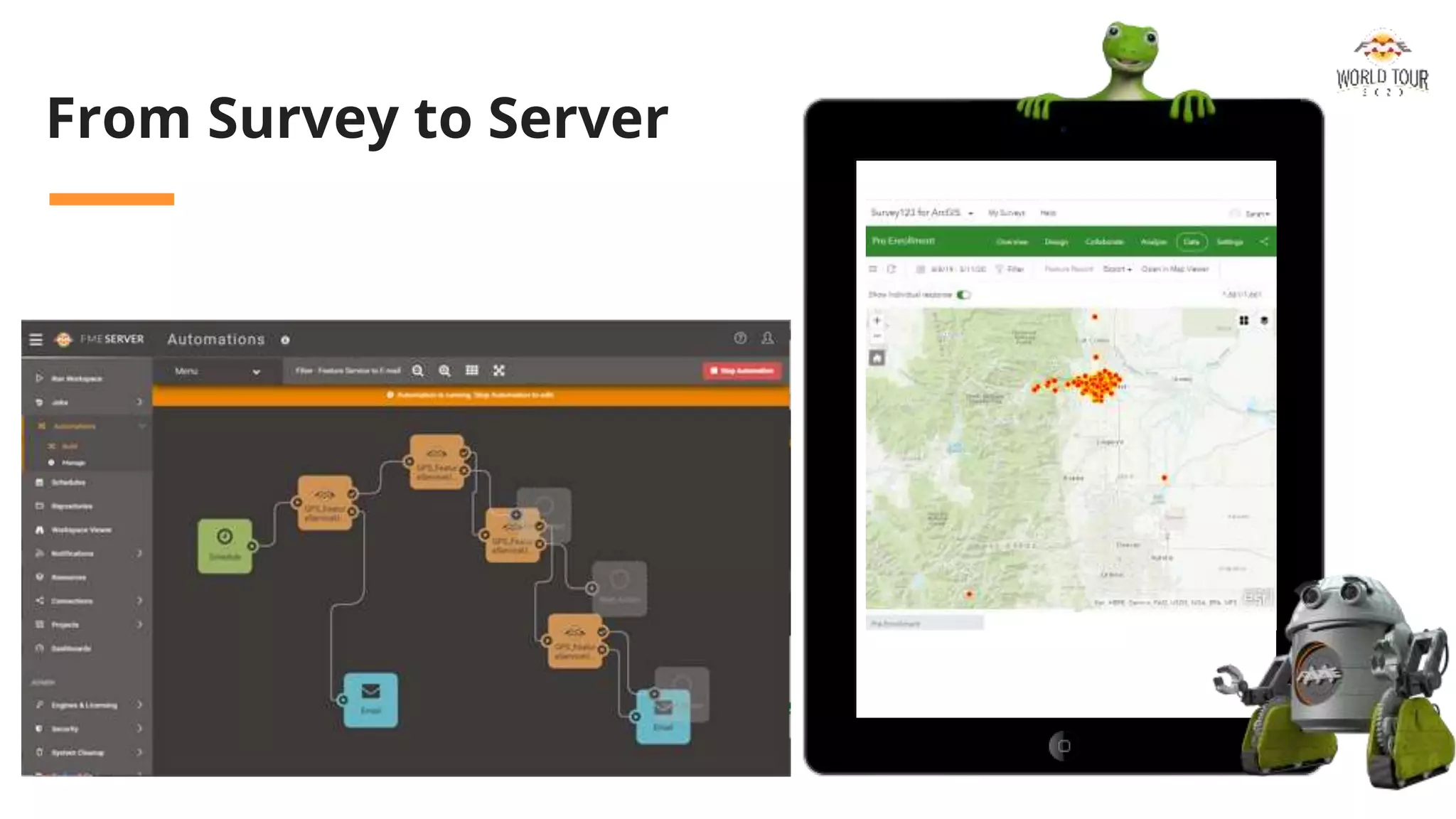
FME Desktop and Server
processes the survey
results and sends an email
notification
We know who wants
broadband, where they
are located, and we can
reach out to them
personally.
From Survey to Server
Save the editors’ sanity!
ArcFM Fiber Manager Data Entry
A. Use a series of workbenches to build the GIS
data out
B. Work with ArcFM functionality intact
C. QAQC Splicing Details
D. Special thanks to Erik Bodewitz, FME guru!!
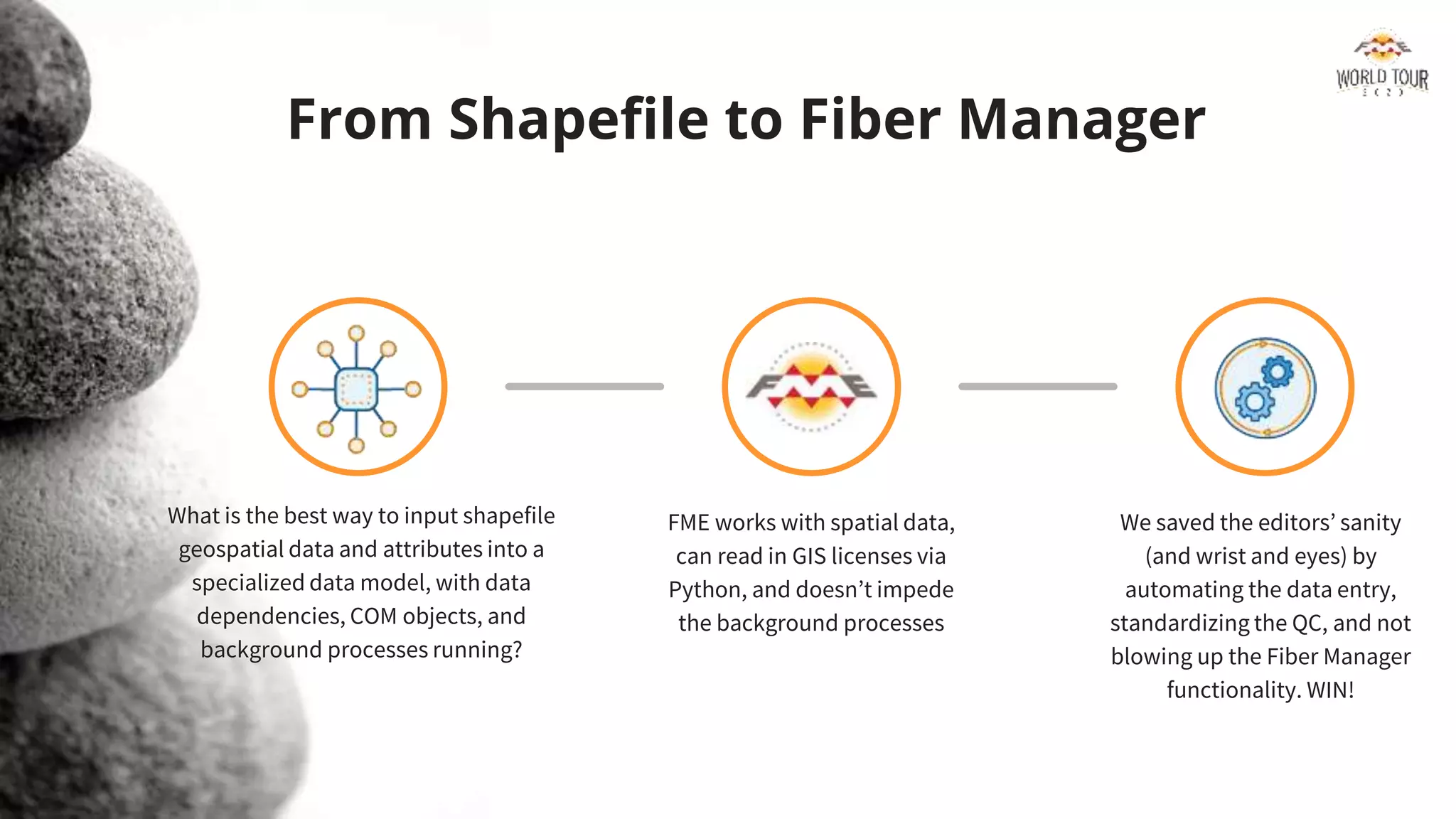
From Shapefile to Fiber Manager
What is the best way to input shapefile
geospatial data and attributes into a
specialized data model, with data
dependencies, COM objects, and
background processes running?
FME works with spatial data,
can read in GIS licenses via
Python, and doesn’t impede
the background processes
We saved the editors’ sanity
(and wrist and eyes) by
automating the data entry,
standardizing the QC, and not
blowing up the Fiber Manager
functionality. WIN!
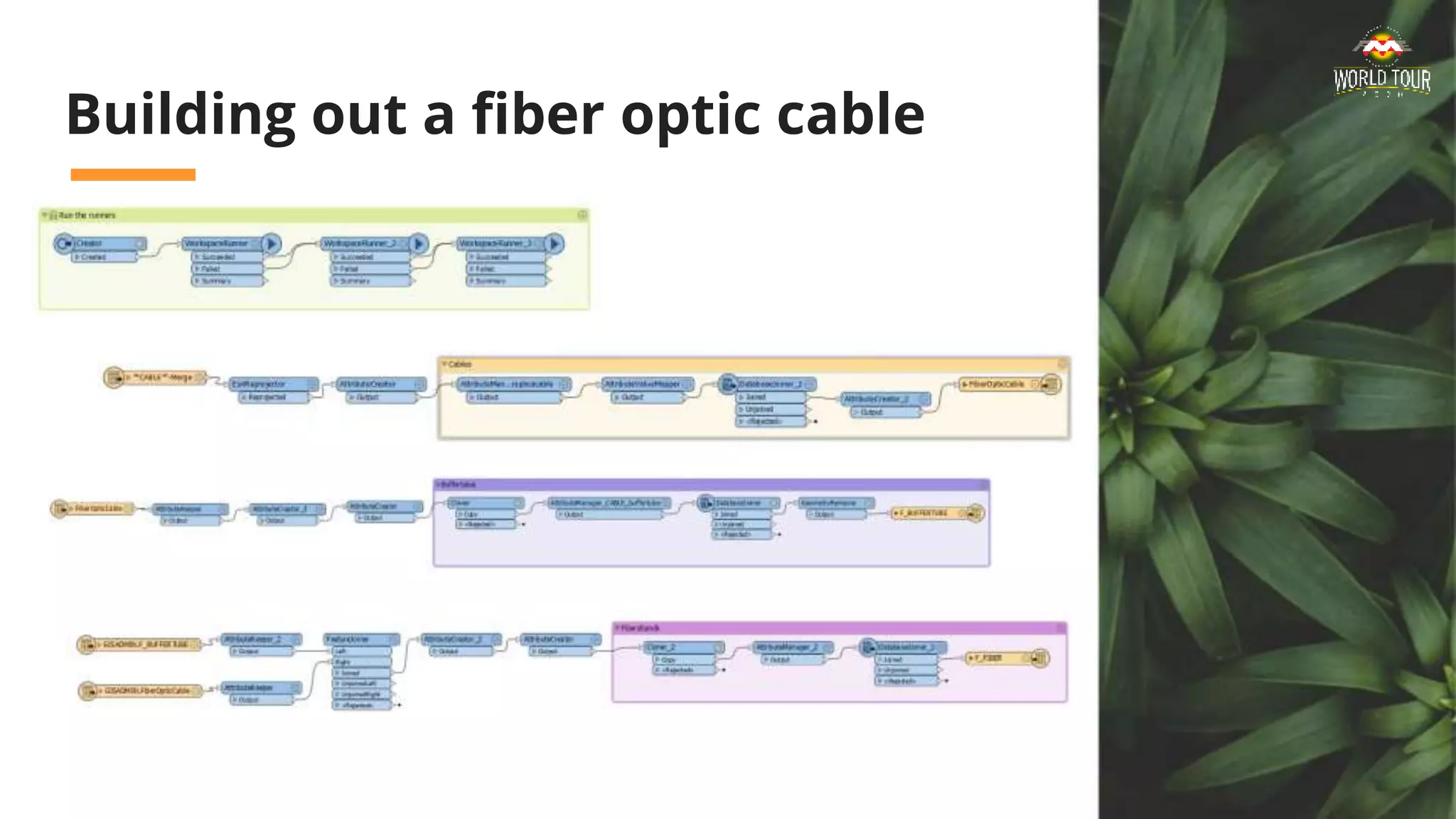
Building out a fiber optic cable
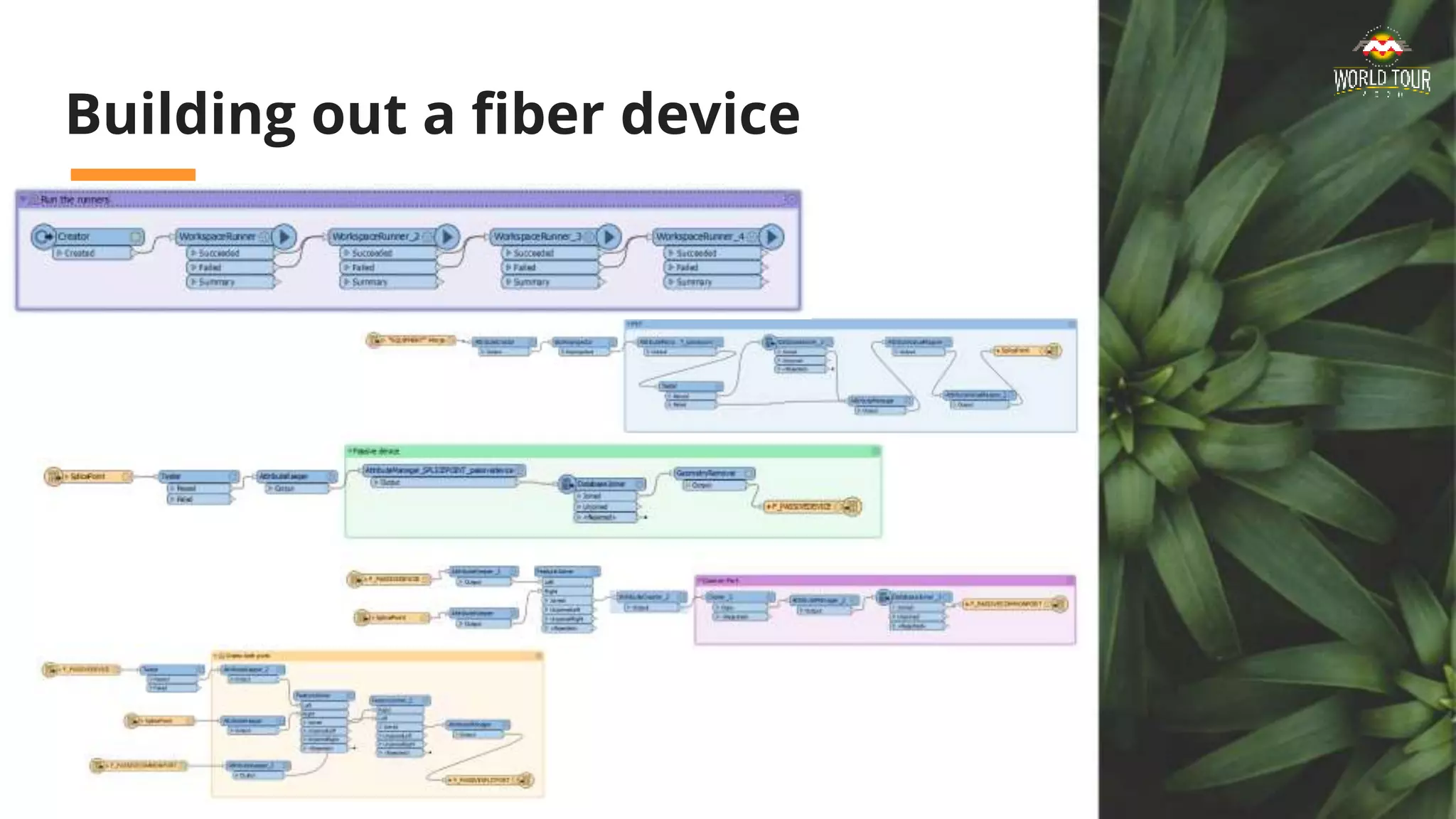
Building out a fiber device
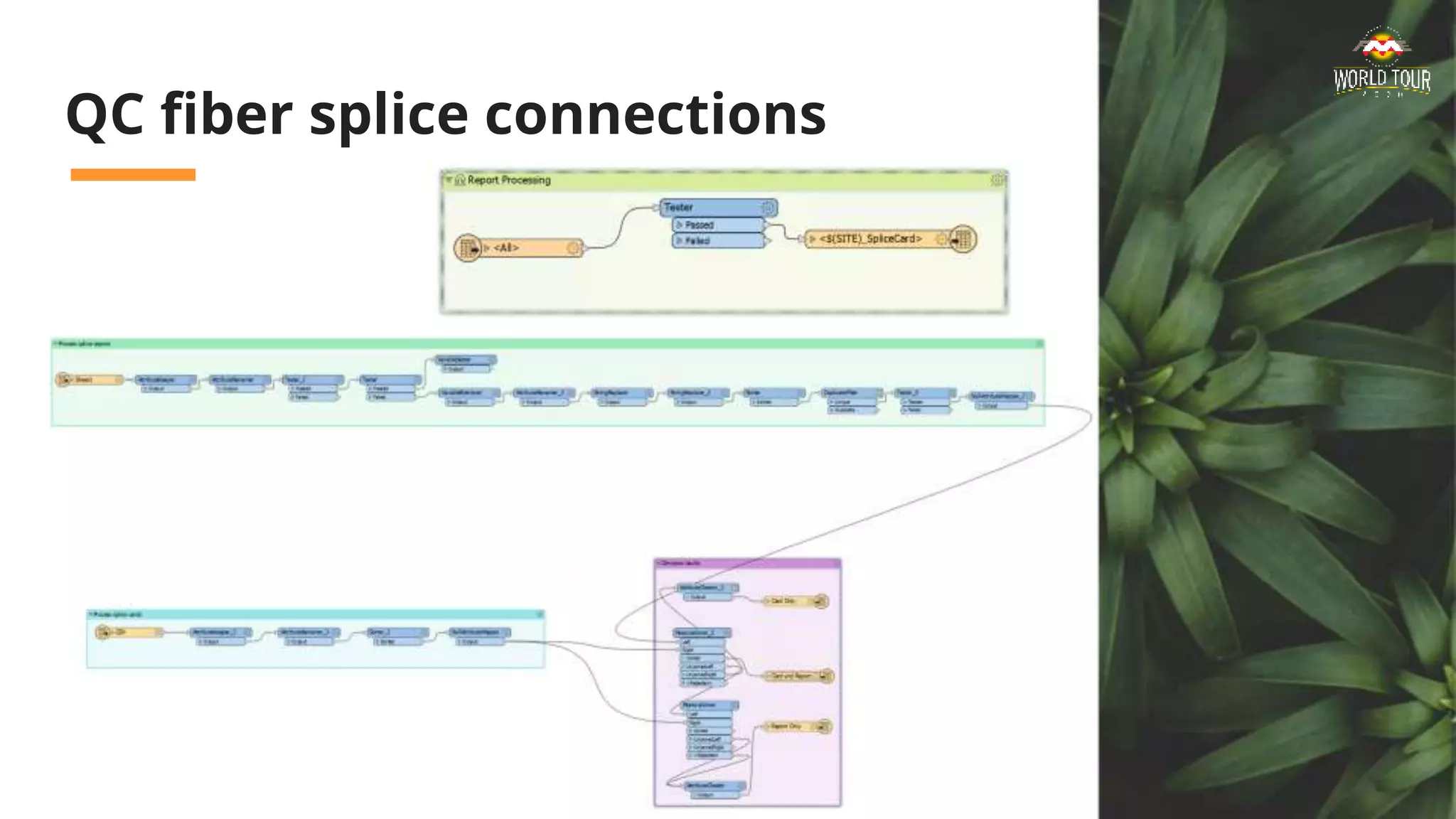
QC fiber splice connections
FME is the tool to use in standing up a
new fiber utility.
Thank you!
ryan.smith@cityofloveland.org
sarah.rose@cityofloveland.org

FME, The Tool to Use When Standing Up a New Fiber Utility

  • 1.
    FME - TheTool to Use When Standing Up a New Fiber Utility Ryan Smith and Sarah Rose Loveland Pulse
  • 2.
    Loveland Pulse isone of the newest community-owned broadband utility start-ups in Colorado. Municipal broadband utilities present unique opportunities, for data processing and workflows.
  • 3.
    Why FME? FME isthe Swiss Army Knife, to help with the buildout data sources. 1. Why for Broadband? 2. Survey123 3. Shapefile to GDB 4. QAQC Calming the data storm
  • 4.
    FME Data Spa Channelingour inner data gurus Why FME for Broadband? Internet access is quickly becoming a critical infrastructure. We are creating a new utility to better serve constituents, and to provide the same world class customer service as the rest of our critical infrastructure utilities. This means we are creating and curating new data sources and new data flows, and need to optimize our efficiency with processing the raw data. Because we are dealing with a variety of data sources, and working with specific data model dependencies, we needed something much more robust than “copy/paste” or “append.” Enter FME.
  • 5.
    FME: The toolto use FME is the ideal tool to use for a new utility start-up. It provides: ● ETL functionality and tools, without the aid of a developer ● Systems: GIS, CIS, OSS/BSS, online apps ● Allows a quick start for data processing, to keep up with the design build and as-build processes pace ● Daily editors’ sanity saver I believe there are 6 different ways to accomplish any task. With FME, we were able to hit the ground running, sooner.
  • 6.
    What did wedo with FME? We used different workbenches to accomplish different workflows. ● Processing ArcGIS Survey123 results ● Creating ArcFM Fiber Manager data from Esri shapefiles ● QAQC splicing connections from spreadsheet reports
  • 7.
    Who wants internet? ●Marketing needs: Early Interest Survey (ArcGIS Survey 123) ● Auto-response email notifications, for new responses, in a timely manner ● No duplicates ● Make them feel good!
  • 8.
    Survey123 for Marketing Whowants broadband? Where are they? How do we get in touch with them? FME Desktop and Server processes the survey results and sends an email notification We know who wants broadband, where they are located, and we can reach out to them personally.
  • 9.
  • 10.
    Save the editors’sanity! ArcFM Fiber Manager Data Entry A. Use a series of workbenches to build the GIS data out B. Work with ArcFM functionality intact C. QAQC Splicing Details D. Special thanks to Erik Bodewitz, FME guru!!
  • 11.
    From Shapefile toFiber Manager What is the best way to input shapefile geospatial data and attributes into a specialized data model, with data dependencies, COM objects, and background processes running? FME works with spatial data, can read in GIS licenses via Python, and doesn’t impede the background processes We saved the editors’ sanity (and wrist and eyes) by automating the data entry, standardizing the QC, and not blowing up the Fiber Manager functionality. WIN!
  • 12.
    Building out afiber optic cable
  • 13.
    Building out afiber device
  • 14.
    QC fiber spliceconnections
  • 15.
    FME is thetool to use in standing up a new fiber utility.
  • 16.

Editor's Notes

  • #3 Ryan
  • #5 Ryan
  • #6 Provide a single sentence that states your belief about the subject and offers a debate.
  • #7 Hint at how you are going to prove your message, by telling the audience how your info will flow.
  • #8 Ryan We needed a way to find out early interest in signing up for municipal broadband. A: Survey123 proved to be a complete solution for collecting early interest subscriptions, for both the geospatial component (are they in the service territory?) B: C: Main point (and sub-points)
  • #9 Proof/Point 1: A: B: C: Main point (and sub-points)
  • #10 Survey123 allows potential subscribers to drop a pin and enter their contact info. FME Safe sees the new survey response and generates a response email, thanking the potential subscriber for their interest, and provides additional URL links for more information. FME Server automates the process, and notifies the GIS team in the event of an error. A: B: C: Main point (and sub-points)
  • #11 Save the editor’s sanity! Use different tools to speed up data hand entry A: Use a series of workbenches to complete the initial data entry. We started at the top level (feature class), and then built upon those features to create the related records. We went down three relationship levels in some cases. B: We worked with ArcFM functionality intact, meaning we worked a versioned geodatabase, that has its Geometric Network built, and honored the registered COM components in the geodatabase. Since we are backending the geospatial data, we had to make use different transformers to handle the model names and attribute formatting. C: Once data creation was complete, we created another workbench to compare splice reports, to ensure the connections were created correctly per the original design.
  • #12 Working with ArcFM Fiber Manager meant we had to honor model names, use favorites to match or populate predefined attributes and components, and work with an existing geometric network. A: B: C: Main point (and sub-points)
  • #13 Proof/Point 1: A: B: C: Main point (and sub-points)
  • #14 Proof/Point 1: A: B: C: Main point (and sub-points)
  • #15 Proof/Point 1: A: B: C: Main point (and sub-points)
  • #16 Repeat your message you started with