Interactive Media Design                                                                                                                             Page 1 of 1


      INTERACTIVE MEDIA DESIGN

    Flash Basics     ActionScript Basics    Animation     Advanced ActionScript

 FLASH BASICS
                                                                              Exercise 1 - The Flash Interface

  The Flash Interface             A Simple Animation
   Symbols, Instances &
 the Library
  Vector Graphics

  Vector Graphics - Trace
 Bitmap


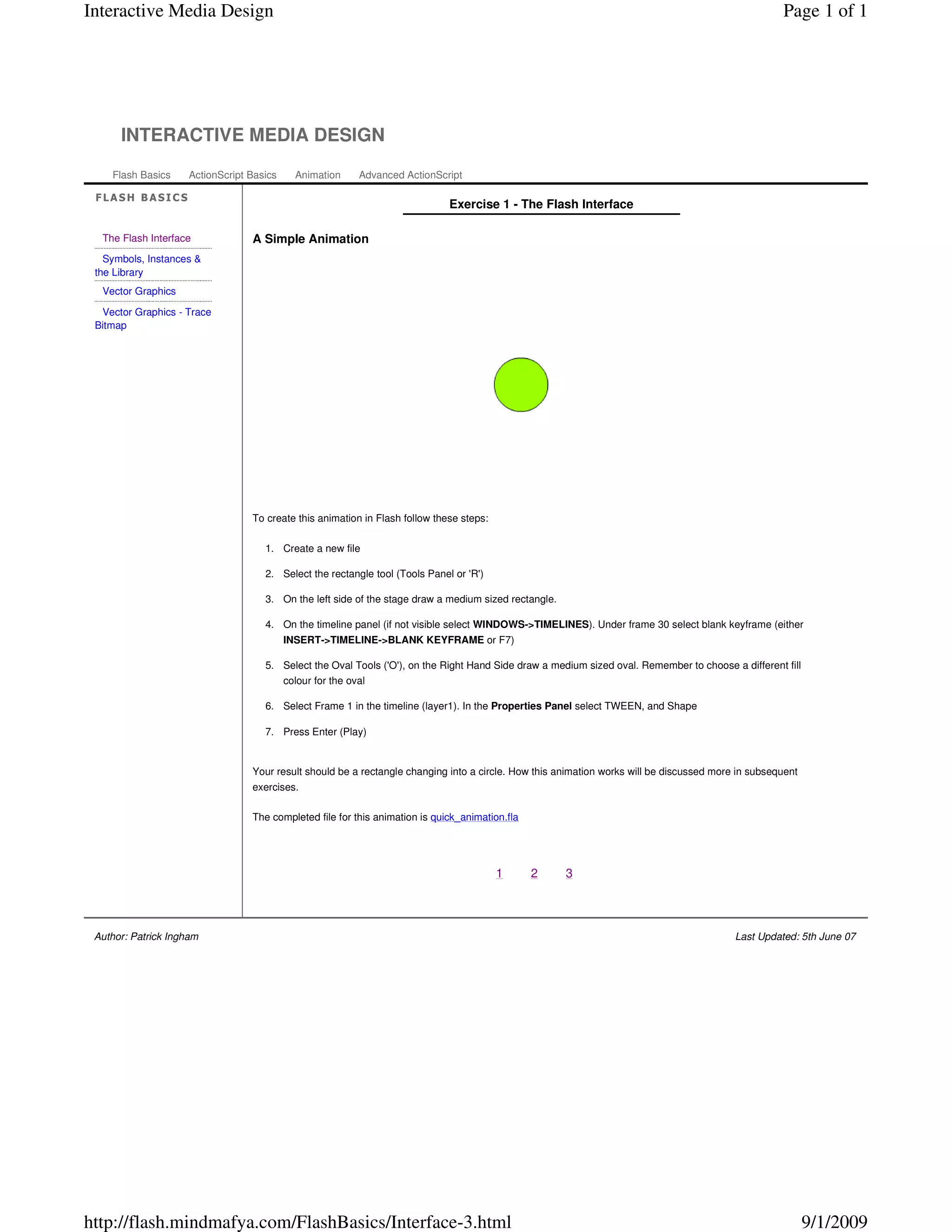
                                  To create this animation in Flash follow these steps:

                                     1. Create a new file

                                     2. Select the rectangle tool (Tools Panel or 'R')

                                     3. On the left side of the stage draw a medium sized rectangle.

                                     4. On the timeline panel (if not visible select WINDOWS->TIMELINES). Under frame 30 select blank keyframe (either
                                           INSERT->TIMELINE->BLANK KEYFRAME or F7)

                                     5. Select the Oval Tools ('O'), on the Right Hand Side draw a medium sized oval. Remember to choose a different fill
                                        colour for the oval

                                     6. Select Frame 1 in the timeline (layer1). In the Properties Panel select TWEEN, and Shape

                                     7. Press Enter (Play)


                                  Your result should be a rectangle changing into a circle. How this animation works will be discussed more in subsequent
                                  exercises.

                                  The completed file for this animation is quick_animation.fla


                                                                                          1      2     3


 Author: Patrick Ingham                                                                                                                    Last Updated: 5th June 07


http://flash.mindmafya.com/FlashBasics/Interface-3.html                                                                                                     9/1/2009

Flash 5 interface 3 shape tween

  • 1.
    Interactive Media Design Page 1 of 1 INTERACTIVE MEDIA DESIGN Flash Basics ActionScript Basics Animation Advanced ActionScript FLASH BASICS Exercise 1 - The Flash Interface The Flash Interface A Simple Animation Symbols, Instances & the Library Vector Graphics Vector Graphics - Trace Bitmap To create this animation in Flash follow these steps: 1. Create a new file 2. Select the rectangle tool (Tools Panel or 'R') 3. On the left side of the stage draw a medium sized rectangle. 4. On the timeline panel (if not visible select WINDOWS->TIMELINES). Under frame 30 select blank keyframe (either INSERT->TIMELINE->BLANK KEYFRAME or F7) 5. Select the Oval Tools ('O'), on the Right Hand Side draw a medium sized oval. Remember to choose a different fill colour for the oval 6. Select Frame 1 in the timeline (layer1). In the Properties Panel select TWEEN, and Shape 7. Press Enter (Play) Your result should be a rectangle changing into a circle. How this animation works will be discussed more in subsequent exercises. The completed file for this animation is quick_animation.fla 1 2 3 Author: Patrick Ingham Last Updated: 5th June 07 http://flash.mindmafya.com/FlashBasics/Interface-3.html 9/1/2009