Finding the annotation needs
of the botanical community in
a digital library
William Ulate
Trish Rose-Sandler
Marcela Mora
Center of Biodiversity Informatics
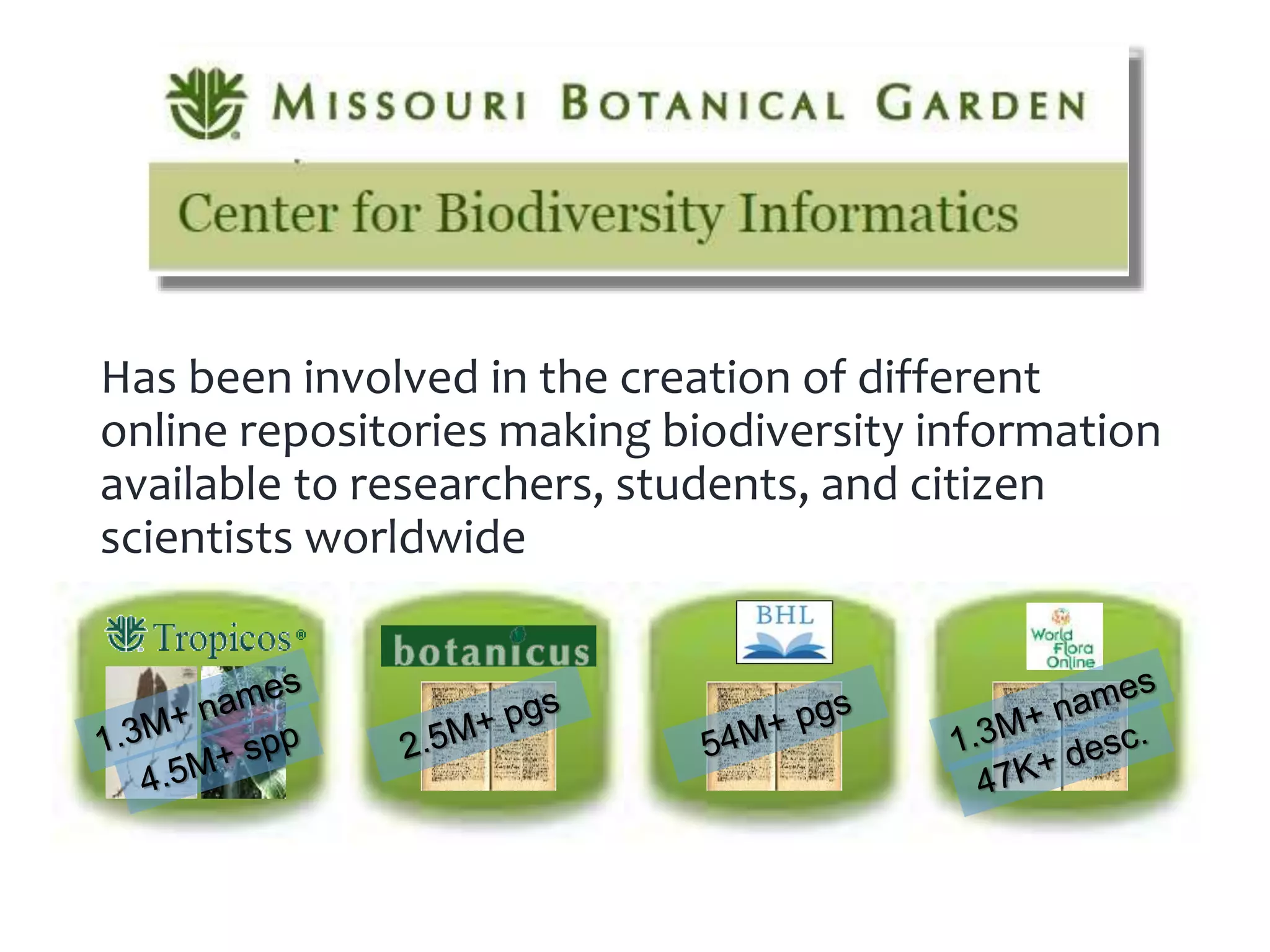
Has been involved in the creation of different
online repositories making biodiversity information
available to researchers, students, and citizen
scientists worldwide
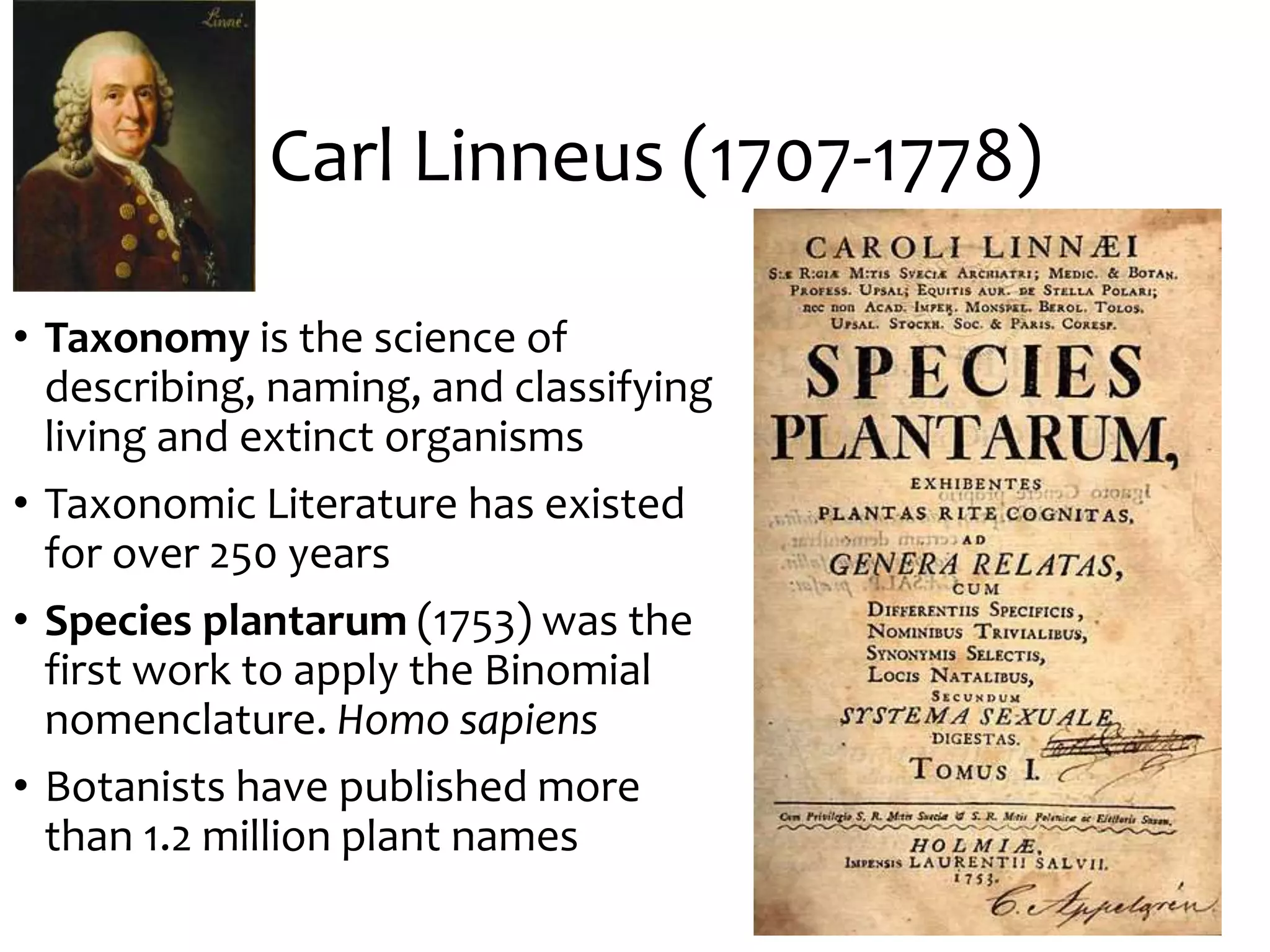
Carl Linneus (1707-1778)
• Taxonomy is the science of
describing, naming, and classifying
living and extinct organisms
• Taxonomic Literature has existed
for over 250 years
• Species plantarum (1753) was the
first work to apply the Binomial
nomenclature. Homo sapiens
• Botanists have published more
than 1.2 million plant names
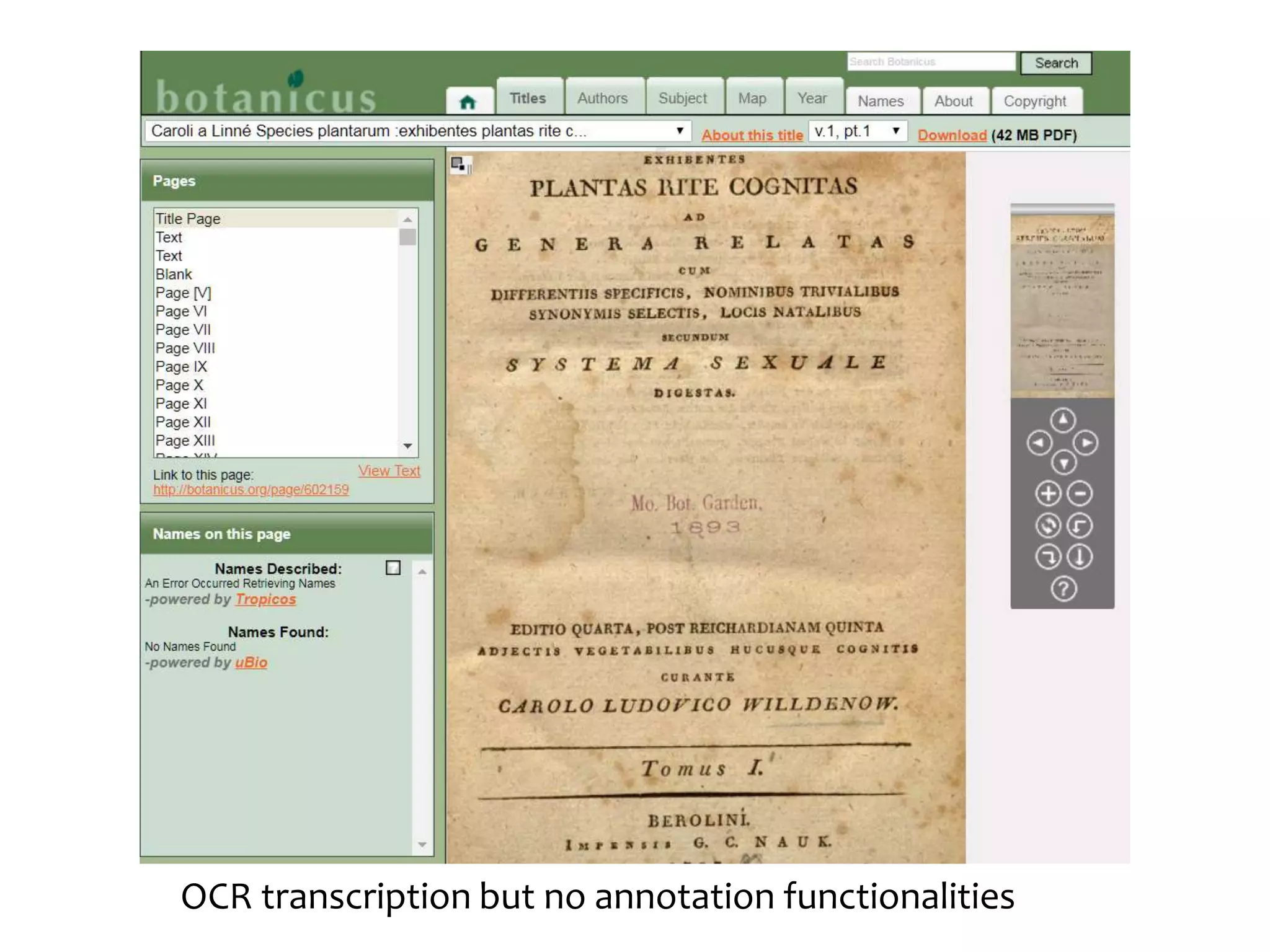
Botanicus.org
• A freely accessible, Web- based encyclopedia of
digitized botanical literature from the Peter H.
Raven Library
• 2,000 + titles (books/journals)
• 2,500,000 + pages
• 8,700 + volumes,
•245,000 links to protologues
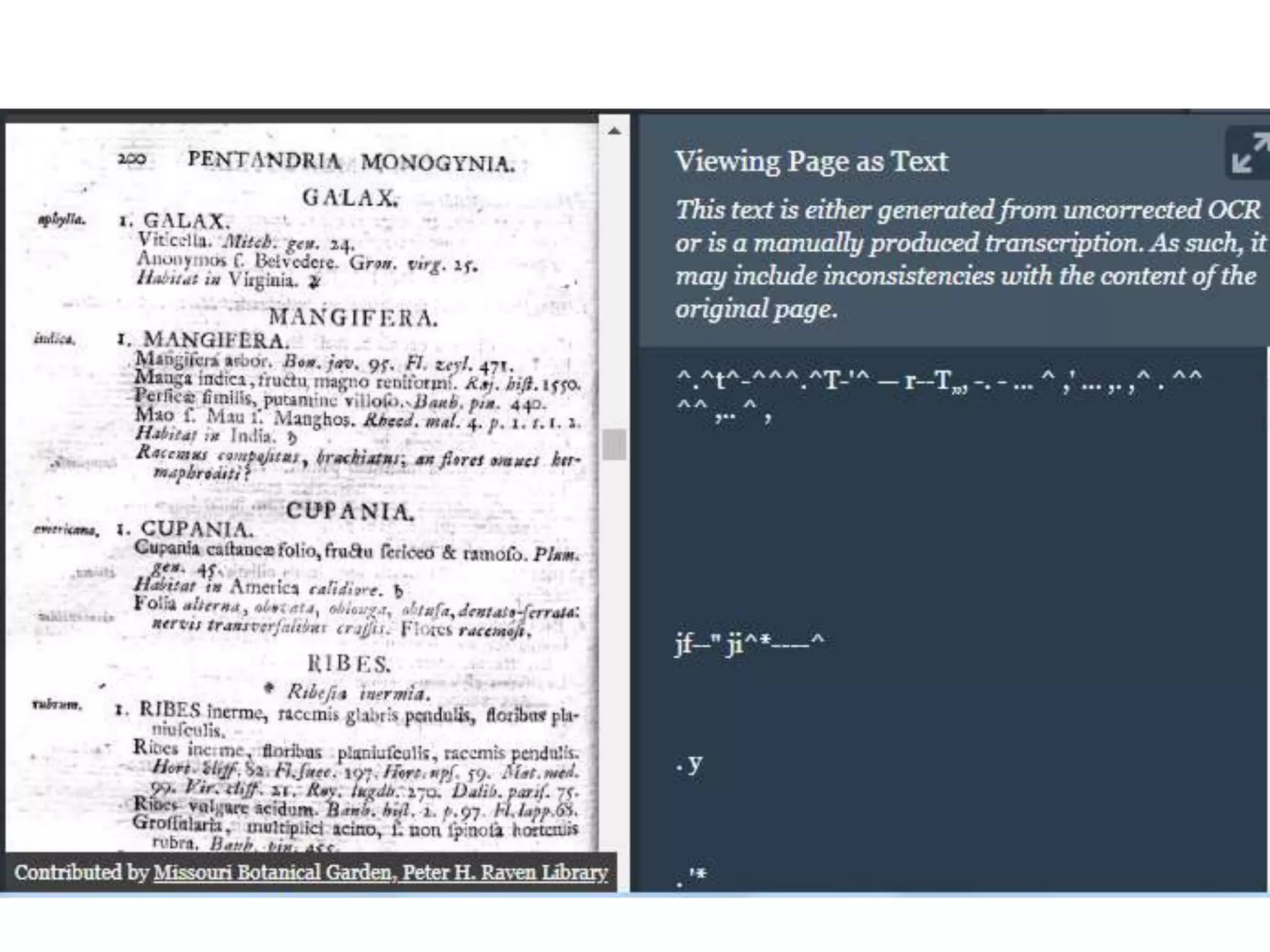
OCR transcription but no annotation functionalities
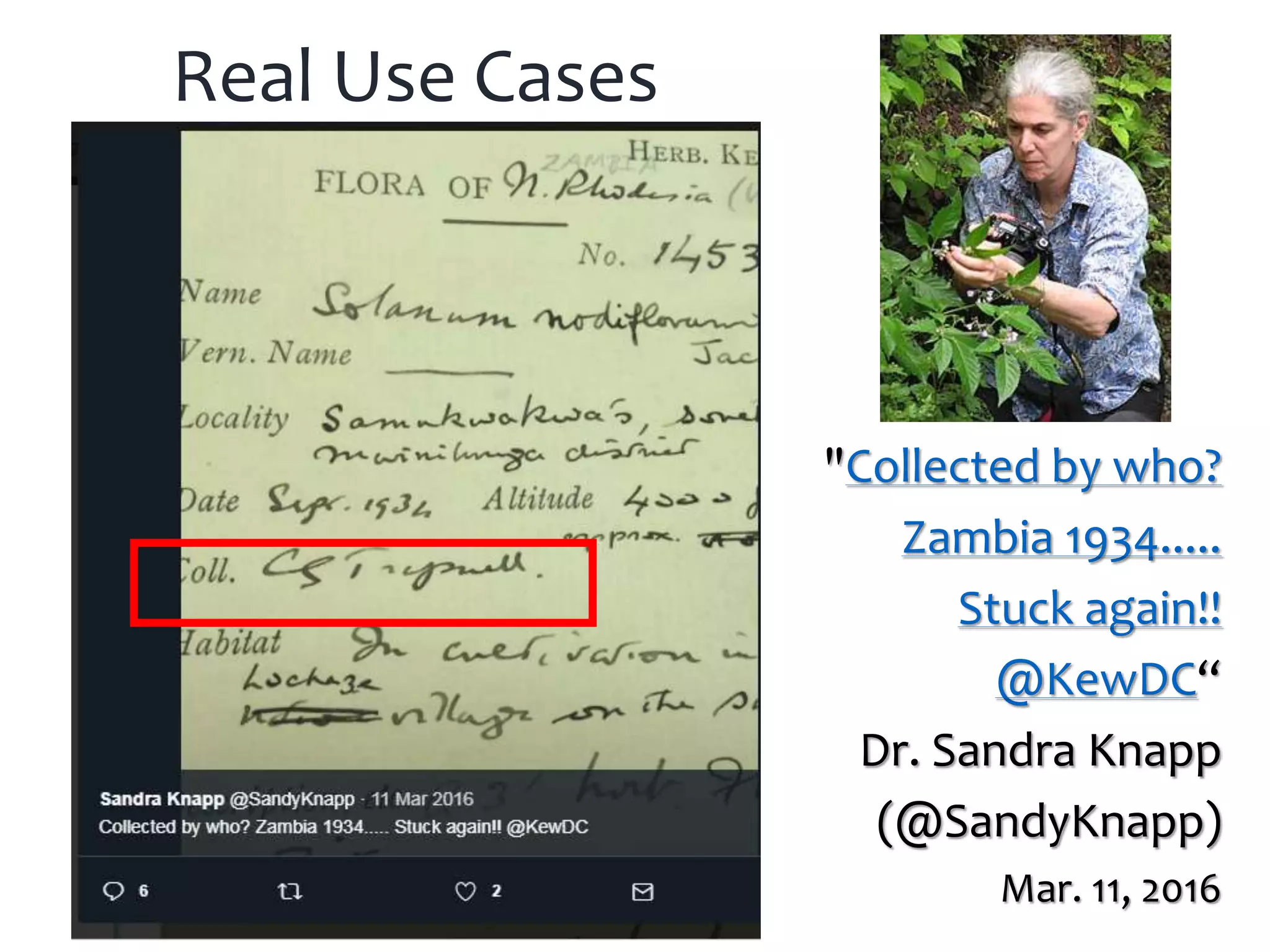
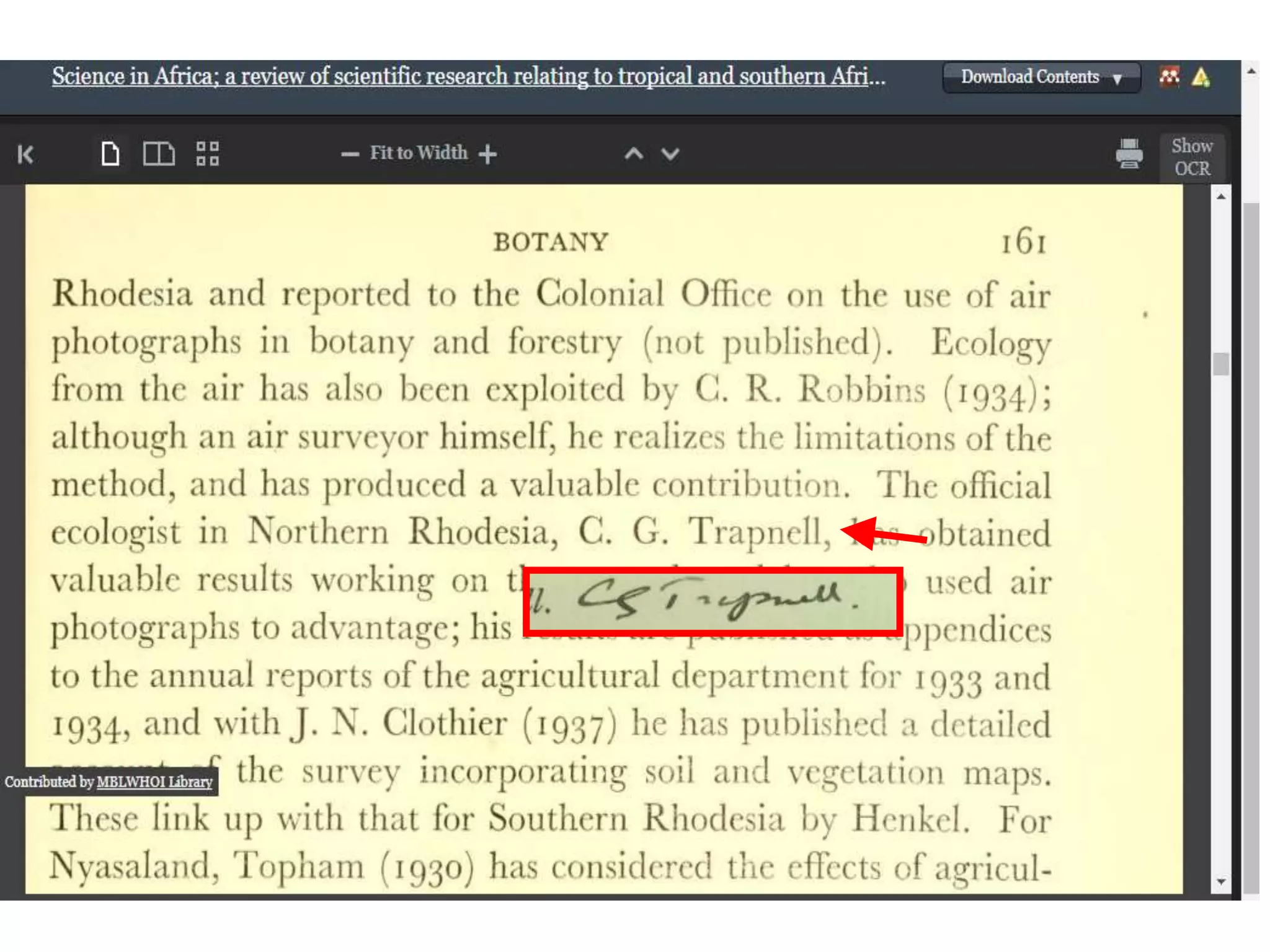
Real Use Cases
"Collected by who?
Zambia 1934.....
Stuck again!!
@KewDC“
Dr. Sandra Knapp
(@SandyKnapp)
Mar. 11, 2016
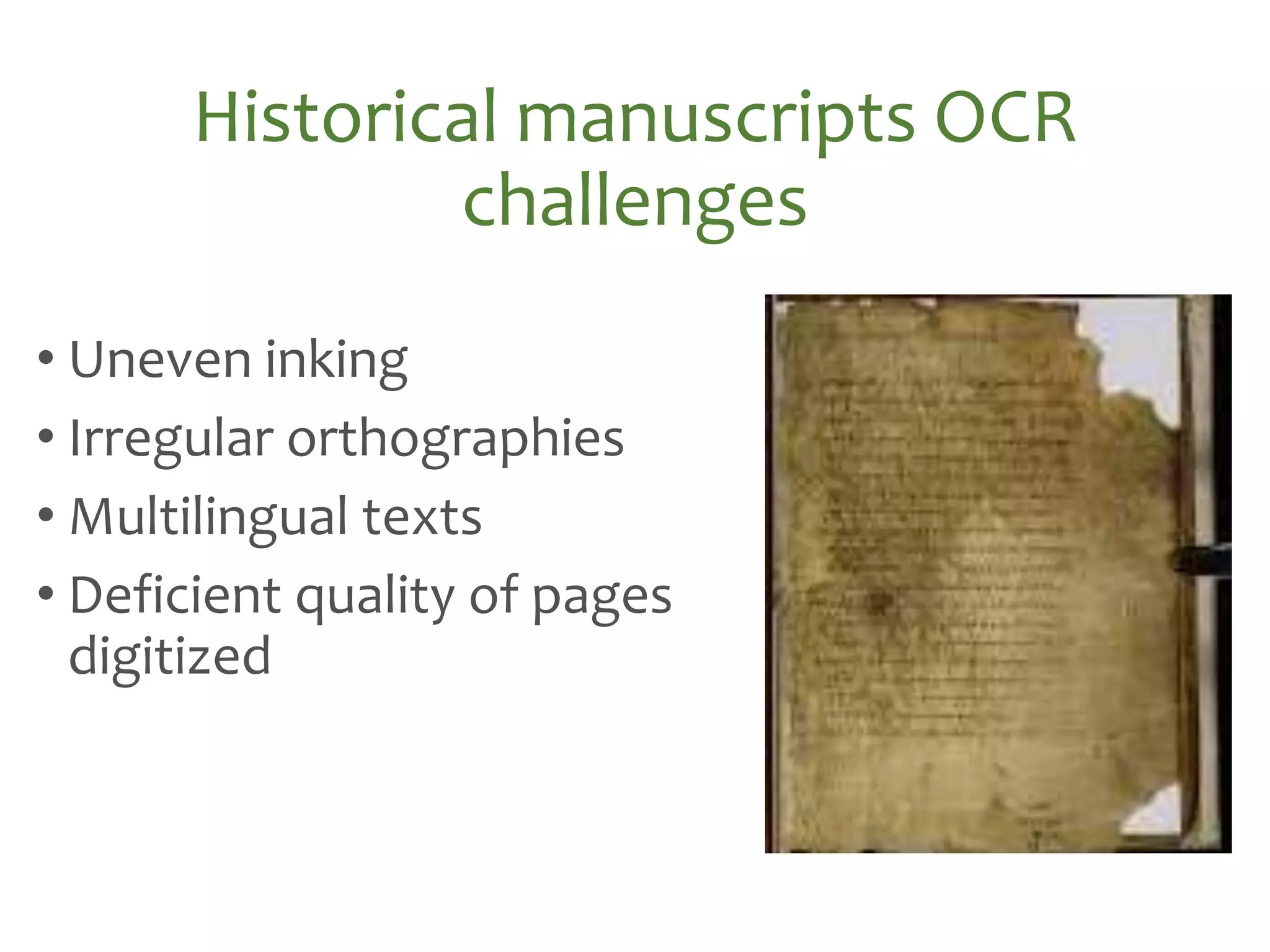
• Uneven inking
• Irregular orthographies
• Multilingual texts
• Deficient quality of pages
digitized
Historical manuscripts OCR
challenges
Historical manuscripts OCR
challenges
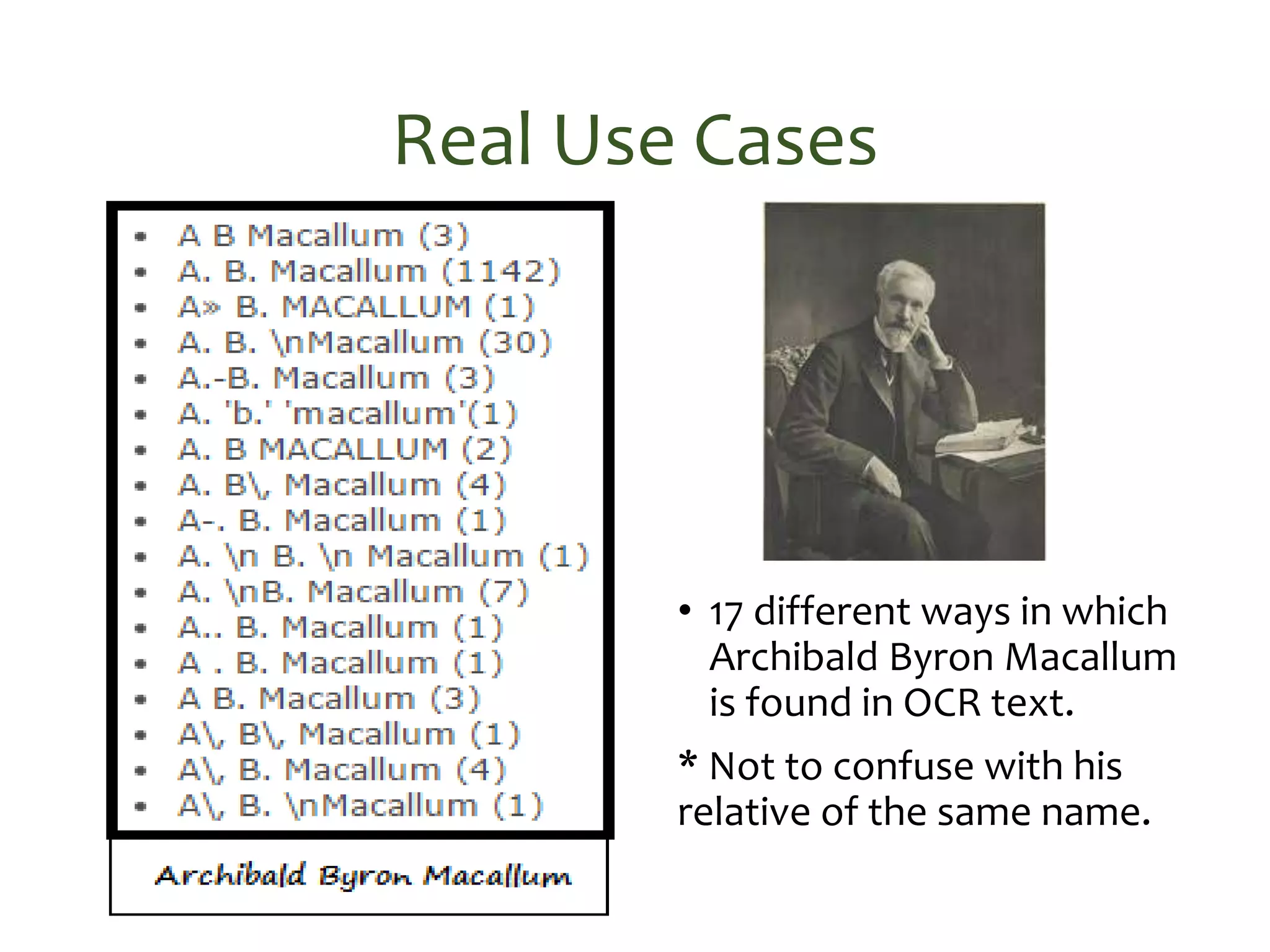
Real Use Cases
• 17 different ways in which
Archibald Byron Macallum
is found in OCR text.
* Not to confuse with his
relative of the same name.
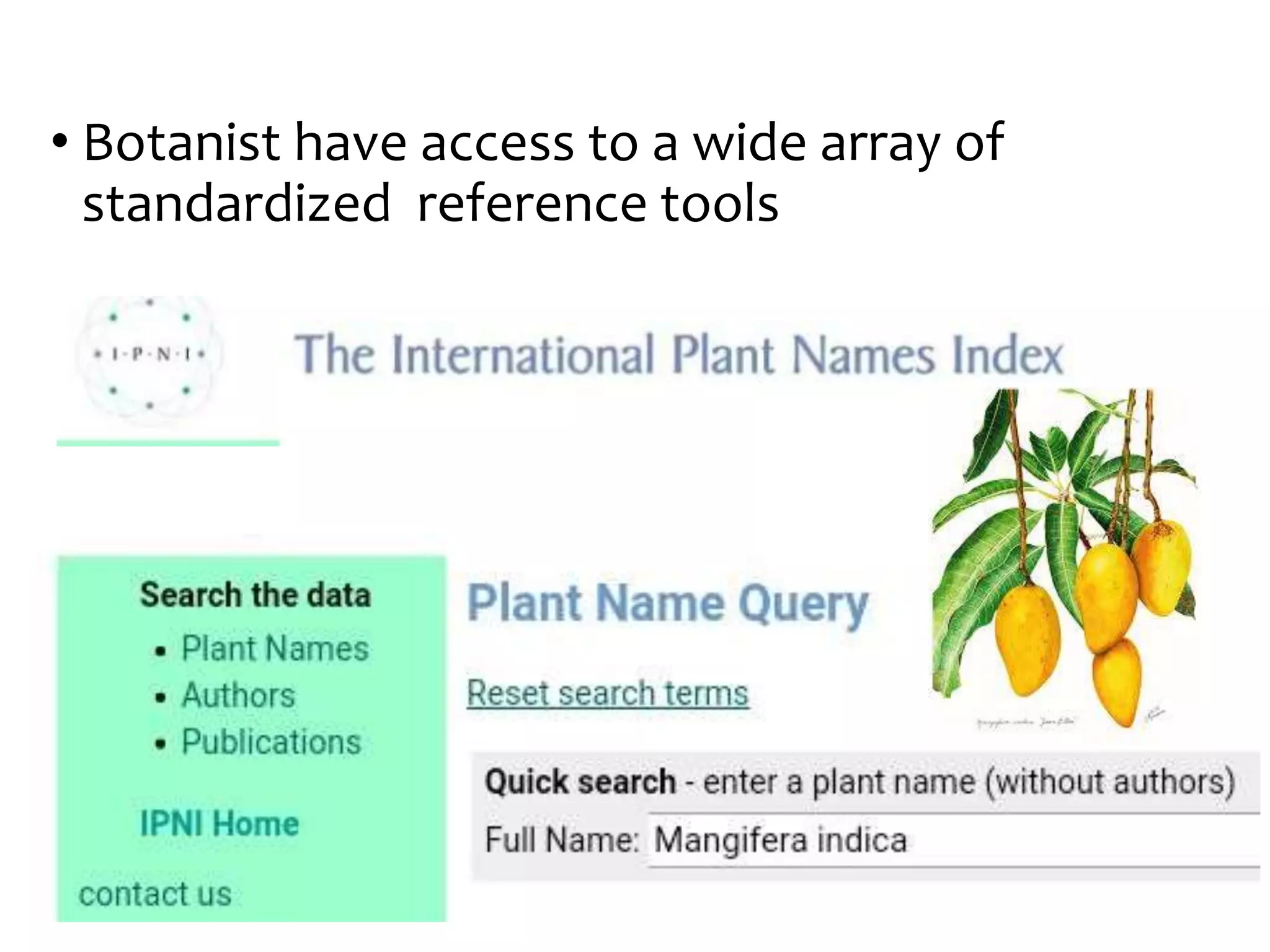
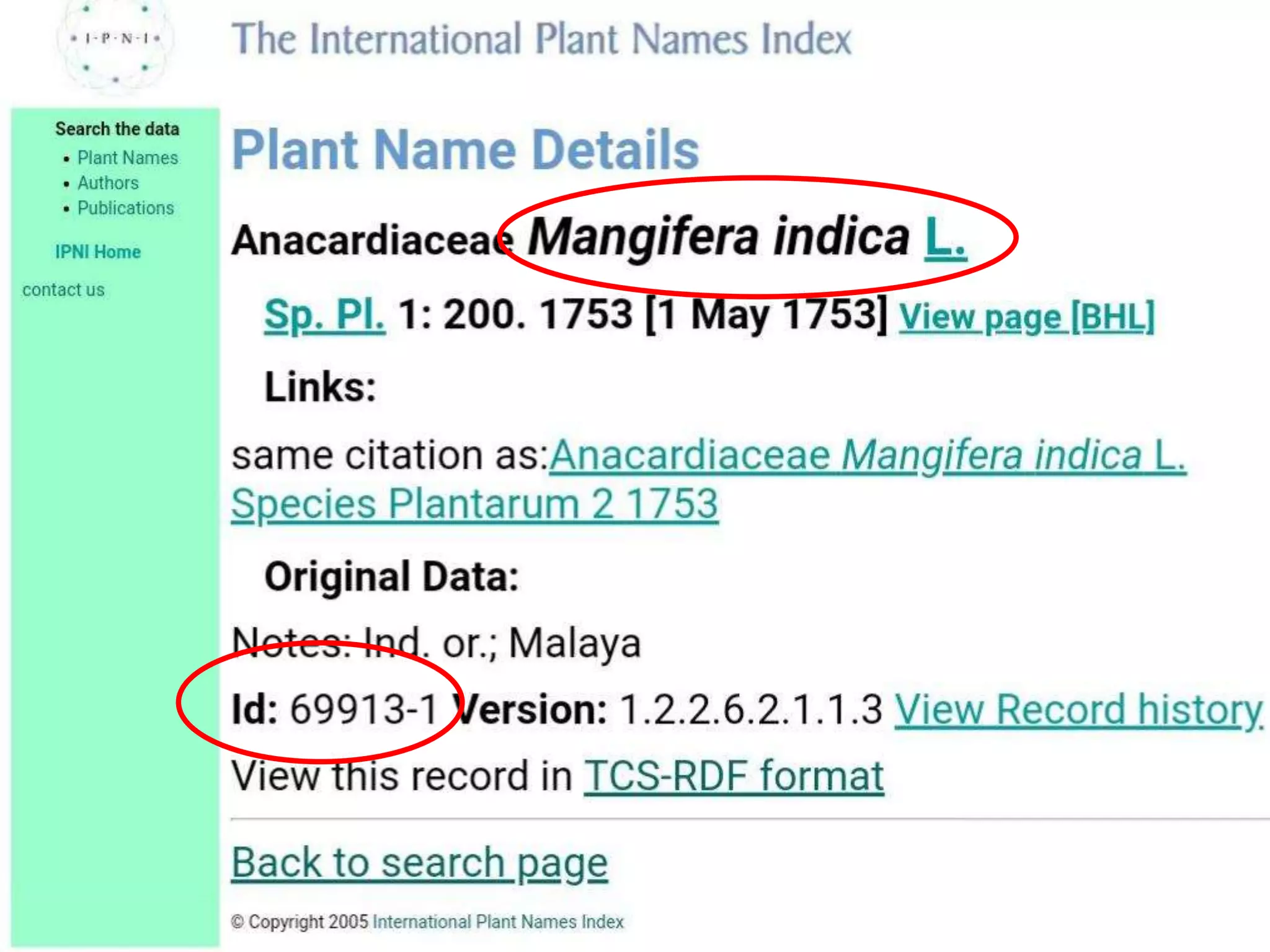
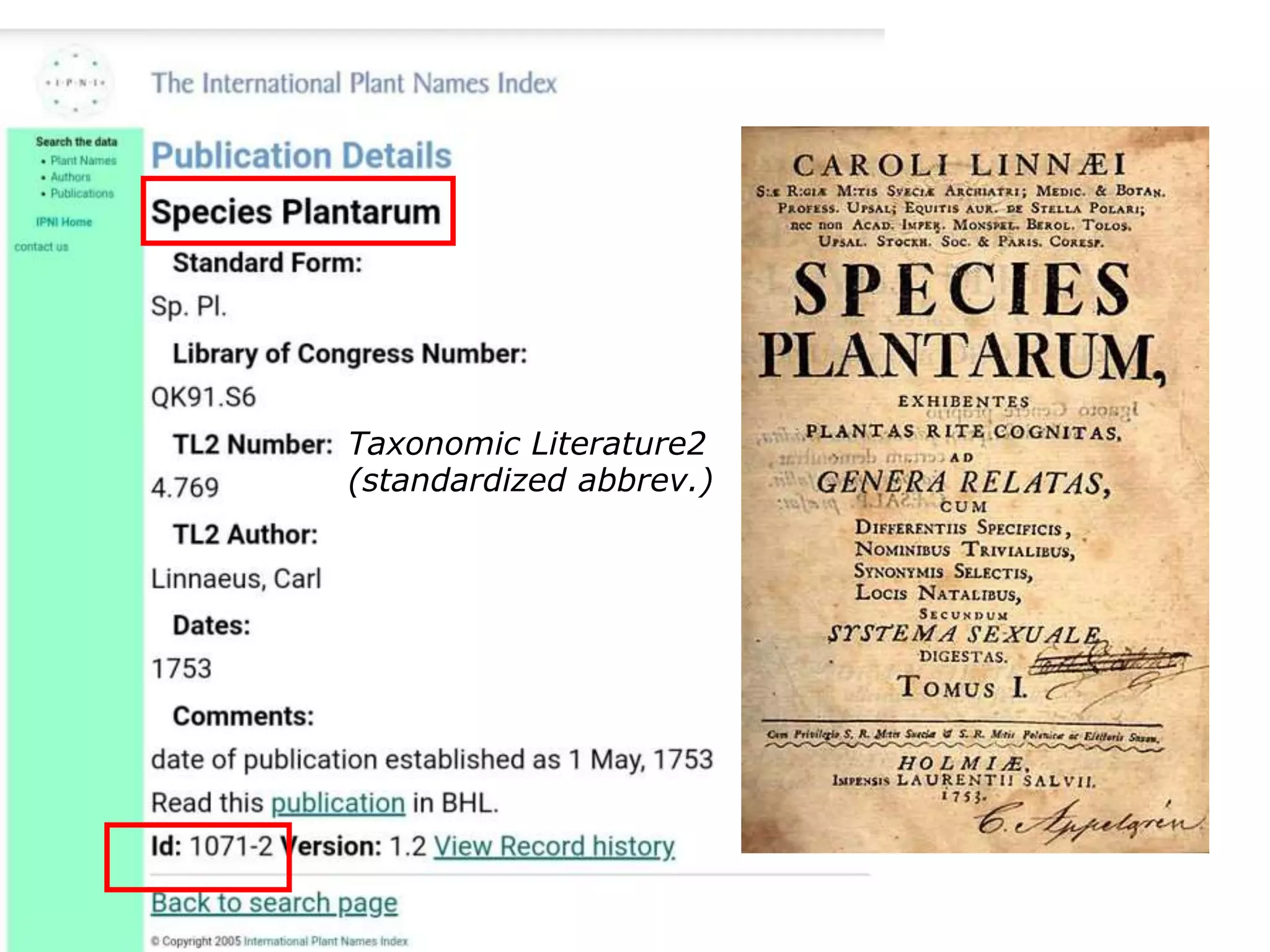
• Botanist have access to a wide array of
standardized reference tools
Taxonomic Literature2
(standardized abbrev.)
• However when some of the products of Mining
Biodiversity were evaluated by the potential
users, they did not show strong indication of
whether the features were really wanted
Consumers As Creators
Planning grant (2018-2019)
• Peter H. Raven Library
• Center for Biodiversity
Informatics
• The Ong Center for Digital
Humanities
Hypotheses
• Maybe the tools or the technologies required are not
ready yet, the effort required to employ them
outweighs the benefits or the learning curve may
be too steep.
• Perhaps it’s a matter of technology adoption, users
may not be familiar with their options or it could be a
digital divide due to age or any other social variable.
• Possibly the appropriate profile for annotations is
more that of a communicator or some sort of citizen
scientist that translates and adapts scientific content
to other type of audiences, rather than botanists.
Background
• Most taxonomists we interviewed could recognize
the potential value in some of the tools available or
proposed but many wouldn't see themselves as users
of such tools for their work.
• During a previous test case with a proprietary
solution we found that several Digital Library users,
with the tool available, would annotate images with
authors or current identifications, point
out type specimens, relate texts of different books,
associate page images to their transcription, and
other interesting uses of annotations.
Use Cases
1. Finding the original description (taxonomic research).
2. Finding host plants, for example (ecological research).
3. Finding illustrations and plates.
4. Finding taxon name usage instances (taxonomic
treatment, nomenclatural act).
5. Capturing spelling variants (orthographic variants).
6. Marking errors on versions of OCR/transcribed text.
7. Exposing semantic metadata (as a SPARQL endpoint).
8. Being able to access through APIs search functionalities.
9. Allowing users to highlight in text (keywords).
10. Allowing users to annotate concepts if incorrectly
recognized or missed.
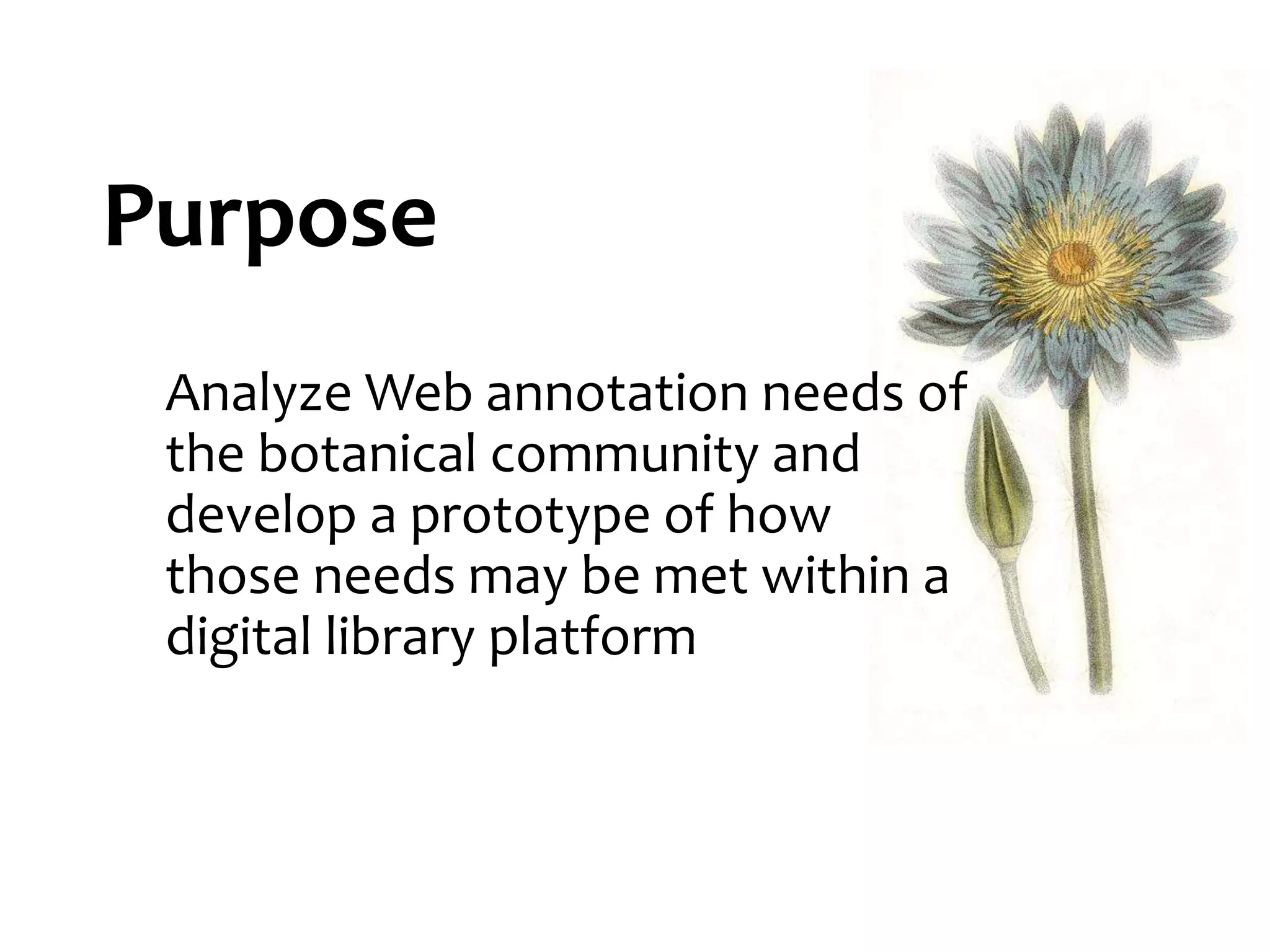
Purpose
Analyze Web annotation needs of
the botanical community and
develop a prototype of how
those needs may be met within a
digital library platform
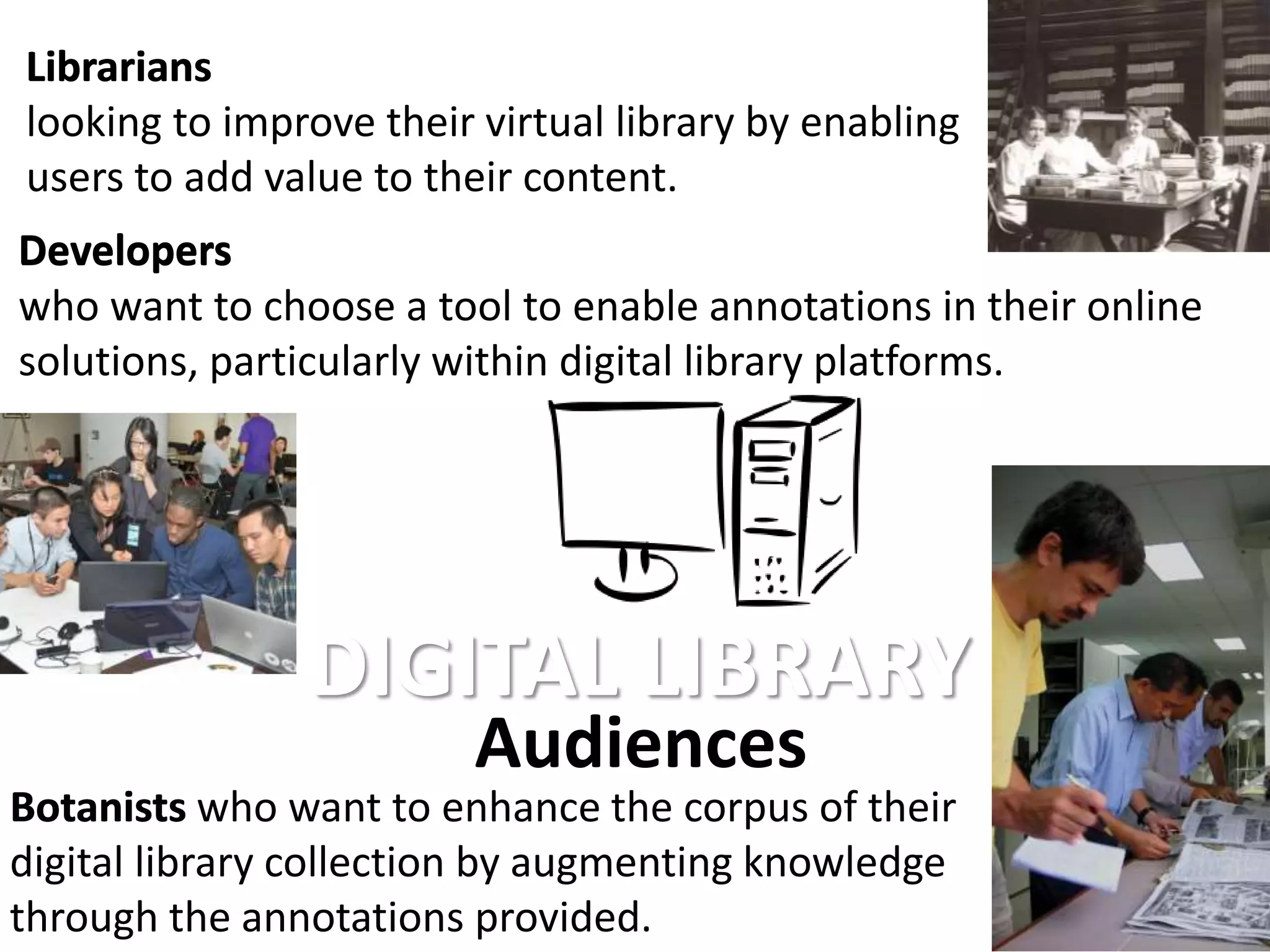
Audiences
Librarians
looking to improve their virtual library by enabling
users to add value to their content.
Botanists who want to enhance the corpus of their
digital library collection by augmenting knowledge
through the annotations provided.
Developers
who want to choose a tool to enable annotations in their online
solutions, particularly within digital library platforms.
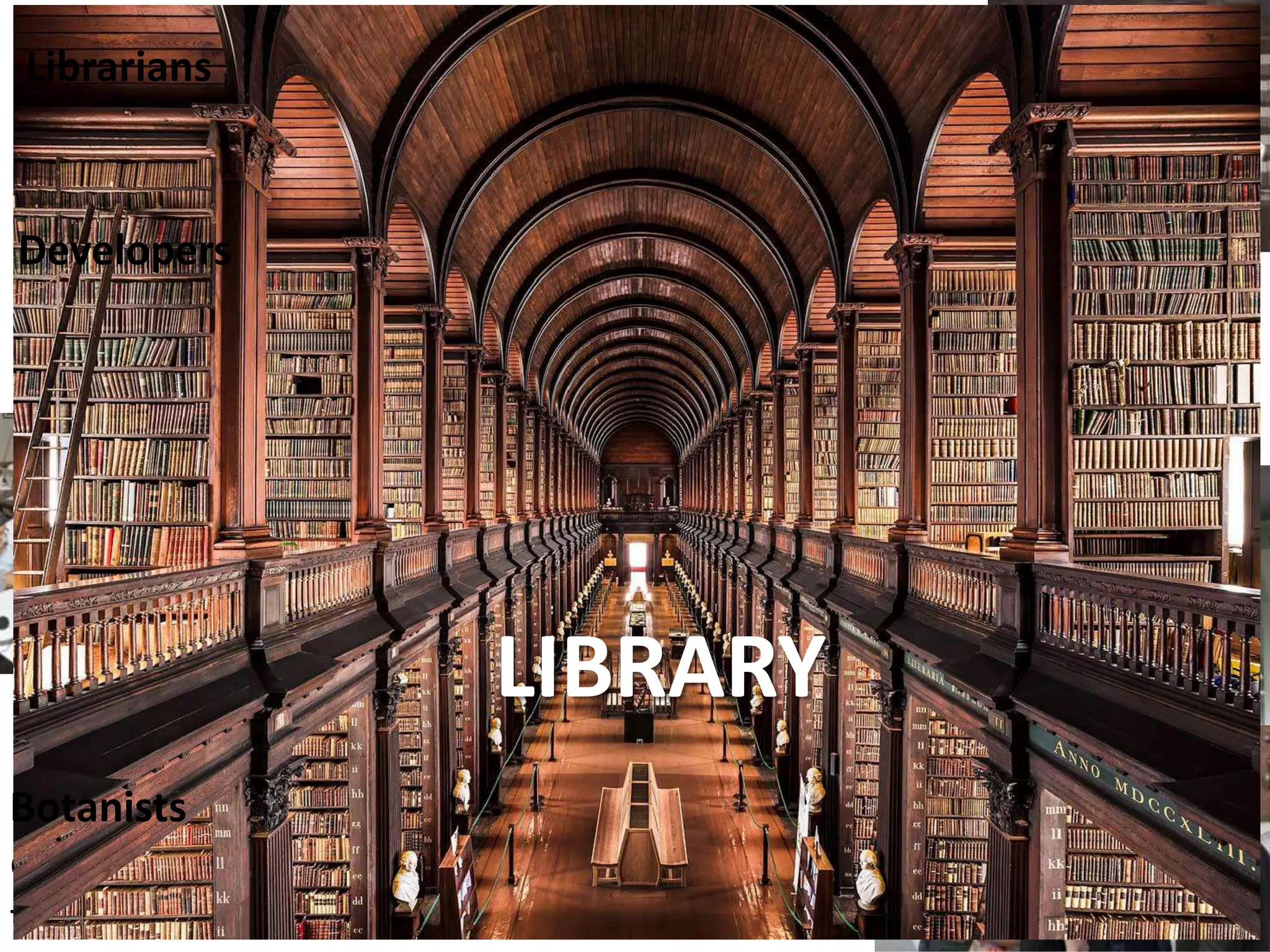
DIGITAL LIBRARYLIBRARY
Librarians
Developers
Botanists
Botanists who want to enhance the corpus of their
digital library collection by augmenting knowledge
through the annotations provided.
Audiences
Librarians
looking to improve their virtual library by enabling
users to add value to their content.
Developers
who want to choose a tool to enable annotations in their online
solutions, particularly within digital library platforms.
DIGITAL LIBRARY
Librarians
Developers
Botanists
Deliverables:
• Needs Analysis Report
• Feasibility Study
• Proof of concept prototype
• Outcomes Assessment
Needs analysis report
• 14 members of the botanical and scientific communities
from 10 different institutions from 9 countries.
• Got a diverse representation sample:
• 50% described themselves as non-white,
• 2/3 identified themselves as females.
• Half of the people had a botanical background
• The rest included entomologists, ecologists, a librarian and
even an ex-lawyer.
• Included both, those who currently annotate online and
those who don’t.
Survey
Needs analysis report
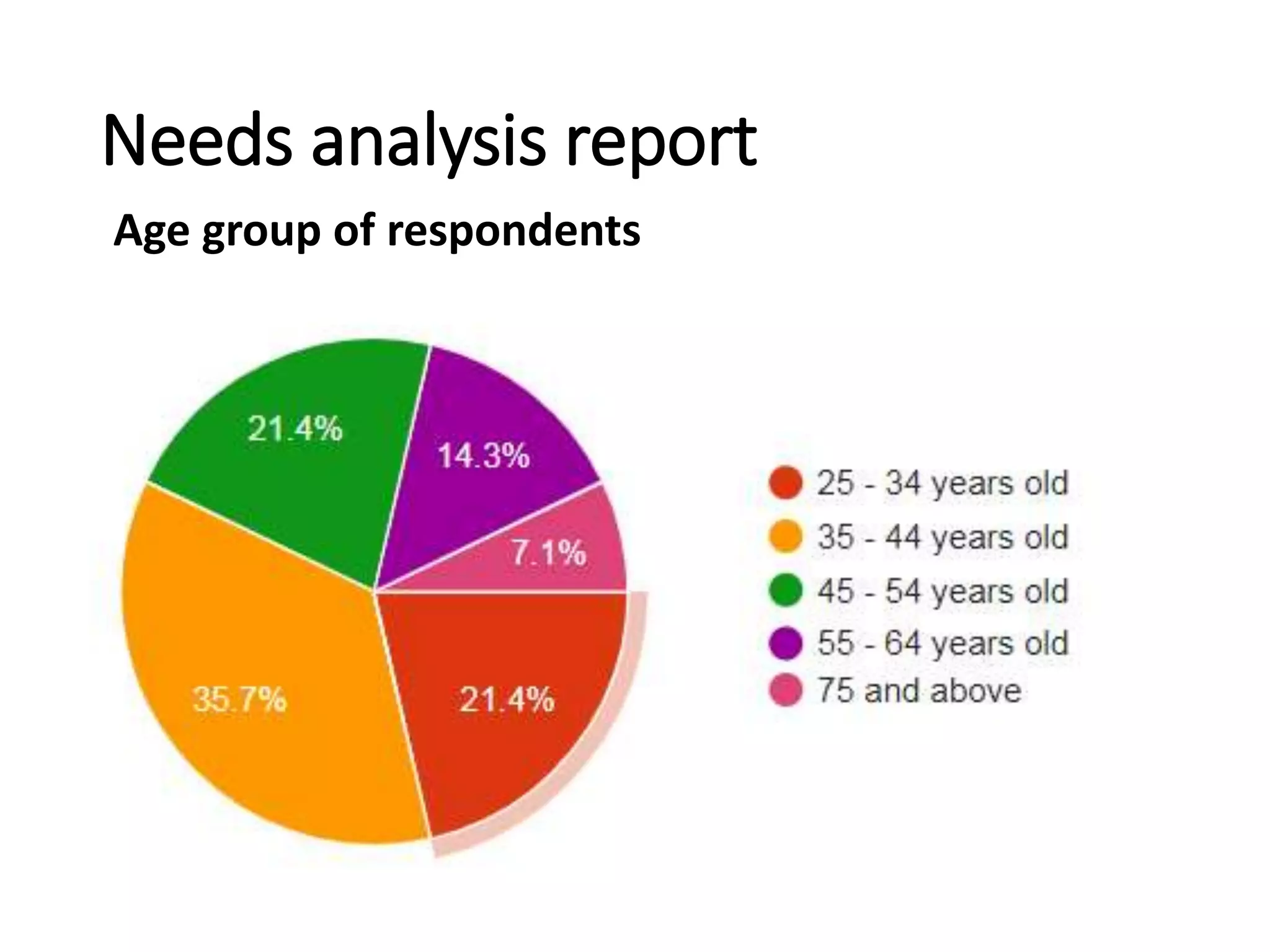
Age group of respondents
Needs analysis report
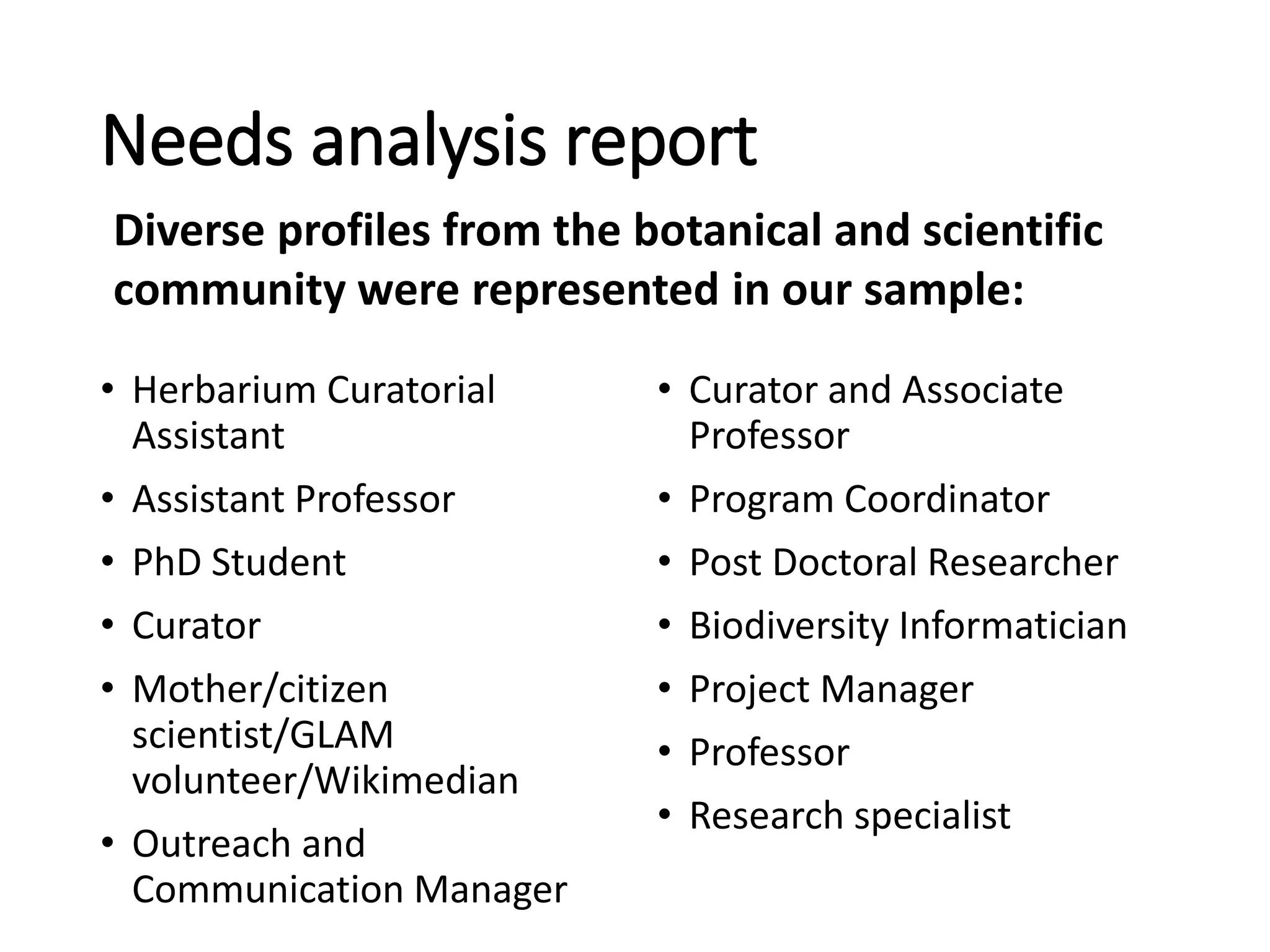
• Herbarium Curatorial
Assistant
• Assistant Professor
• PhD Student
• Curator
• Mother/citizen
scientist/GLAM
volunteer/Wikimedian
• Outreach and
Communication Manager
• Curator and Associate
Professor
• Program Coordinator
• Post Doctoral Researcher
• Biodiversity Informatician
• Project Manager
• Professor
• Research specialist
Diverse profiles from the botanical and scientific
community were represented in our sample:
Needs analysis report
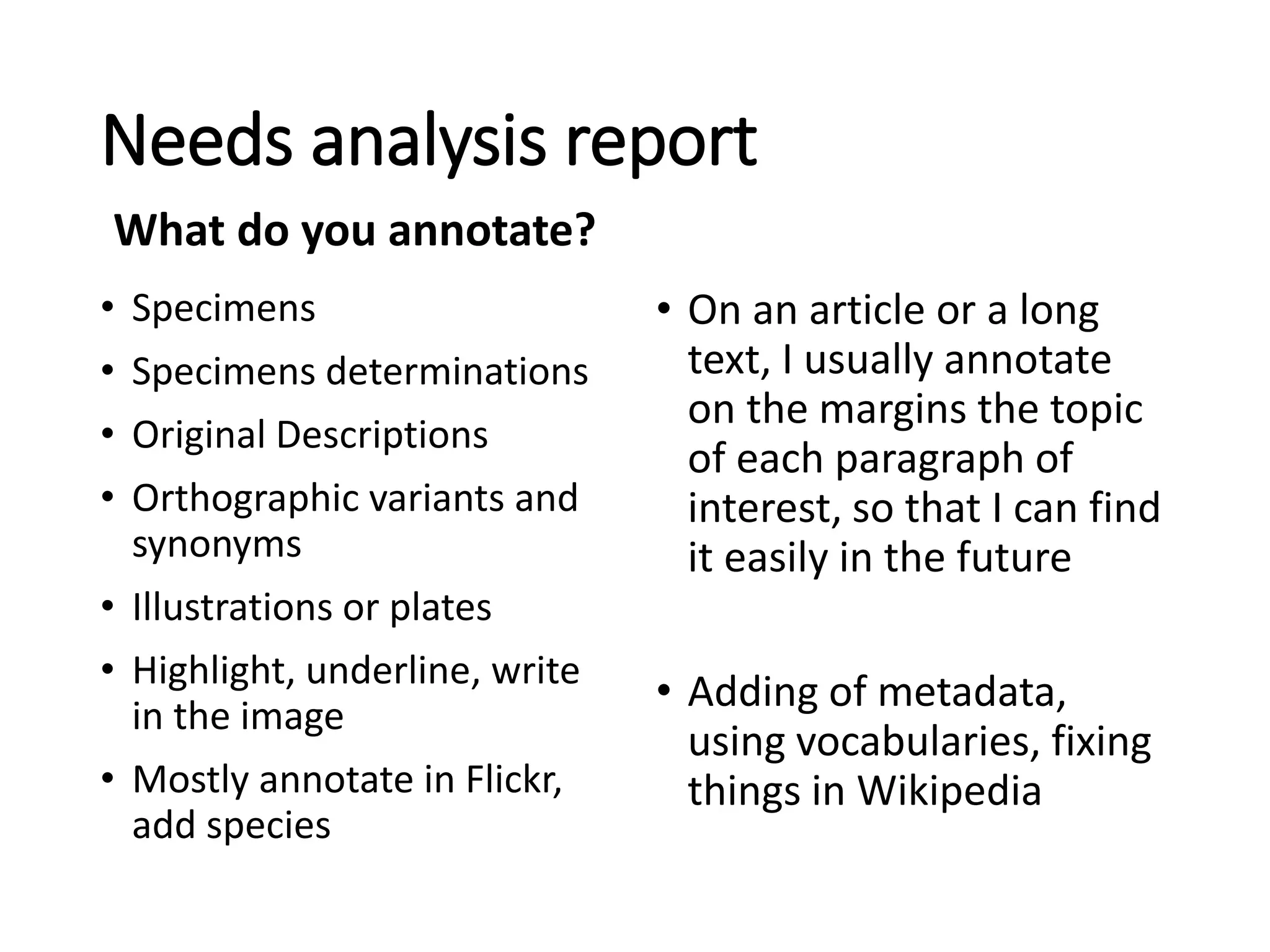
• Specimens
• Specimens determinations
• Original Descriptions
• Orthographic variants and
synonyms
• Illustrations or plates
• Highlight, underline, write
in the image
• Mostly annotate in Flickr,
add species
• On an article or a long
text, I usually annotate
on the margins the topic
of each paragraph of
interest, so that I can find
it easily in the future
• Adding of metadata,
using vocabularies, fixing
things in Wikipedia
What do you annotate?
Needs analysis report
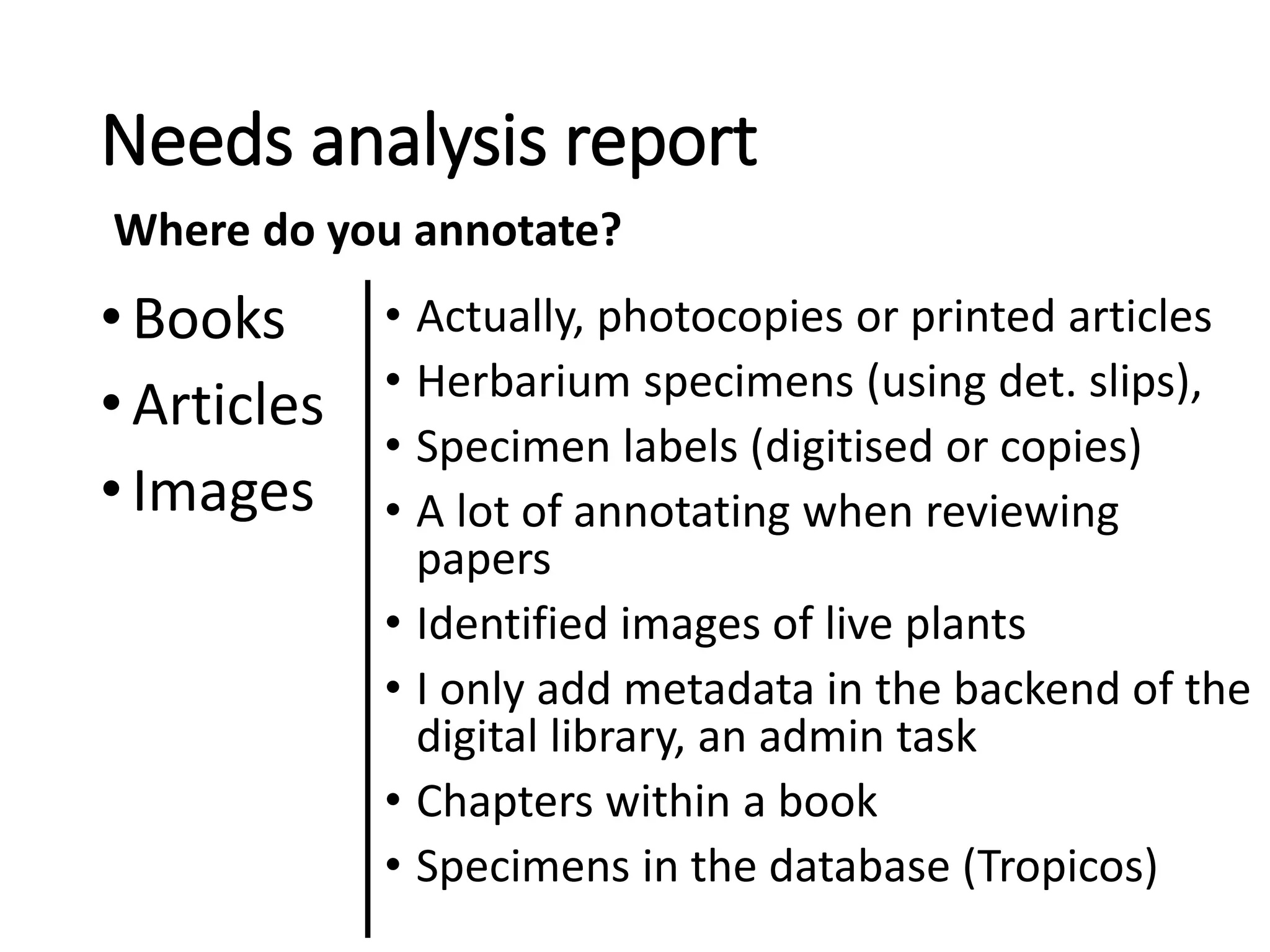
•Books
•Articles
•Images
• Actually, photocopies or printed articles
• Herbarium specimens (using det. slips),
• Specimen labels (digitised or copies)
• A lot of annotating when reviewing
papers
• Identified images of live plants
• I only add metadata in the backend of the
digital library, an admin task
• Chapters within a book
• Specimens in the database (Tropicos)
Where do you annotate?
Needs analysis report
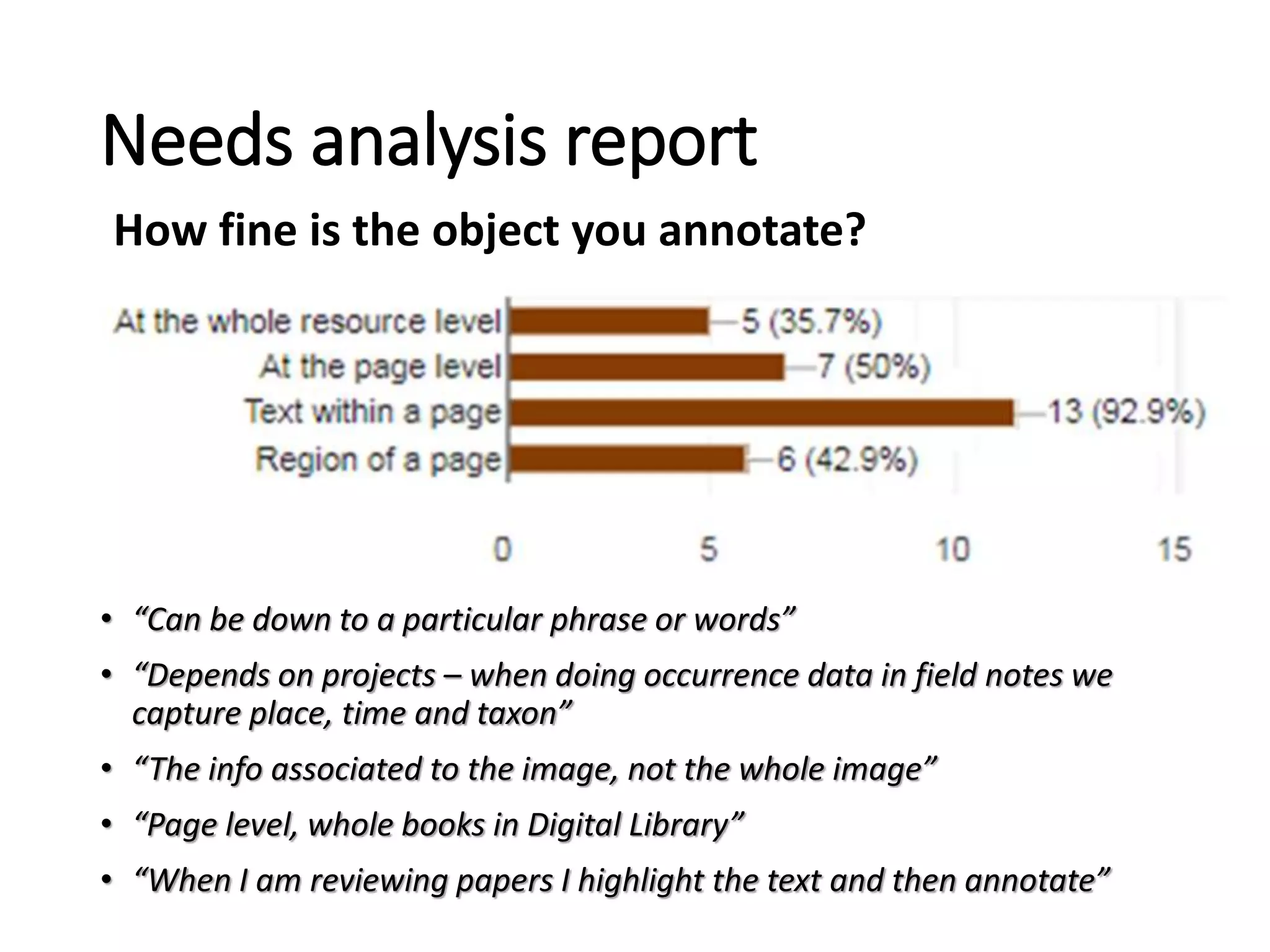
• “Can be down to a particular phrase or words”
• “Depends on projects – when doing occurrence data in field notes we
capture place, time and taxon”
• “The info associated to the image, not the whole image”
• “Page level, whole books in Digital Library”
• “When I am reviewing papers I highlight the text and then annotate”
How fine is the object you annotate?
Work
• Tend to share more
Personal
• Tend to keep to themselves
Needs analysis report
Why do you annotate?
General
• Comprehension
• Highlight an important idea
• Memory recall
• Corrections
• Improve access for others – findability
• Helps in building an article or topic
• Generate online discussions & dialog
• Manage & share information
Needs analysis report
Why do you annotate?
• Collocate similar info (e.g. bringing together data
from single author or collector)
• Linking
• Peer Review
• Refining ideas – annotate my papers as I write it.
• Citation
• Image tagging
• To create a linked network of knowledge
Needs analysis report
Why do you annotate?
Specific to field
• Georeferences
• Batch specimen re-identifications
• Note morphological features
• Habit descriptions (categorization: tree, grass, shrub)
• Correcting names in IPNI
Needs analysis report
Why do you annotate?
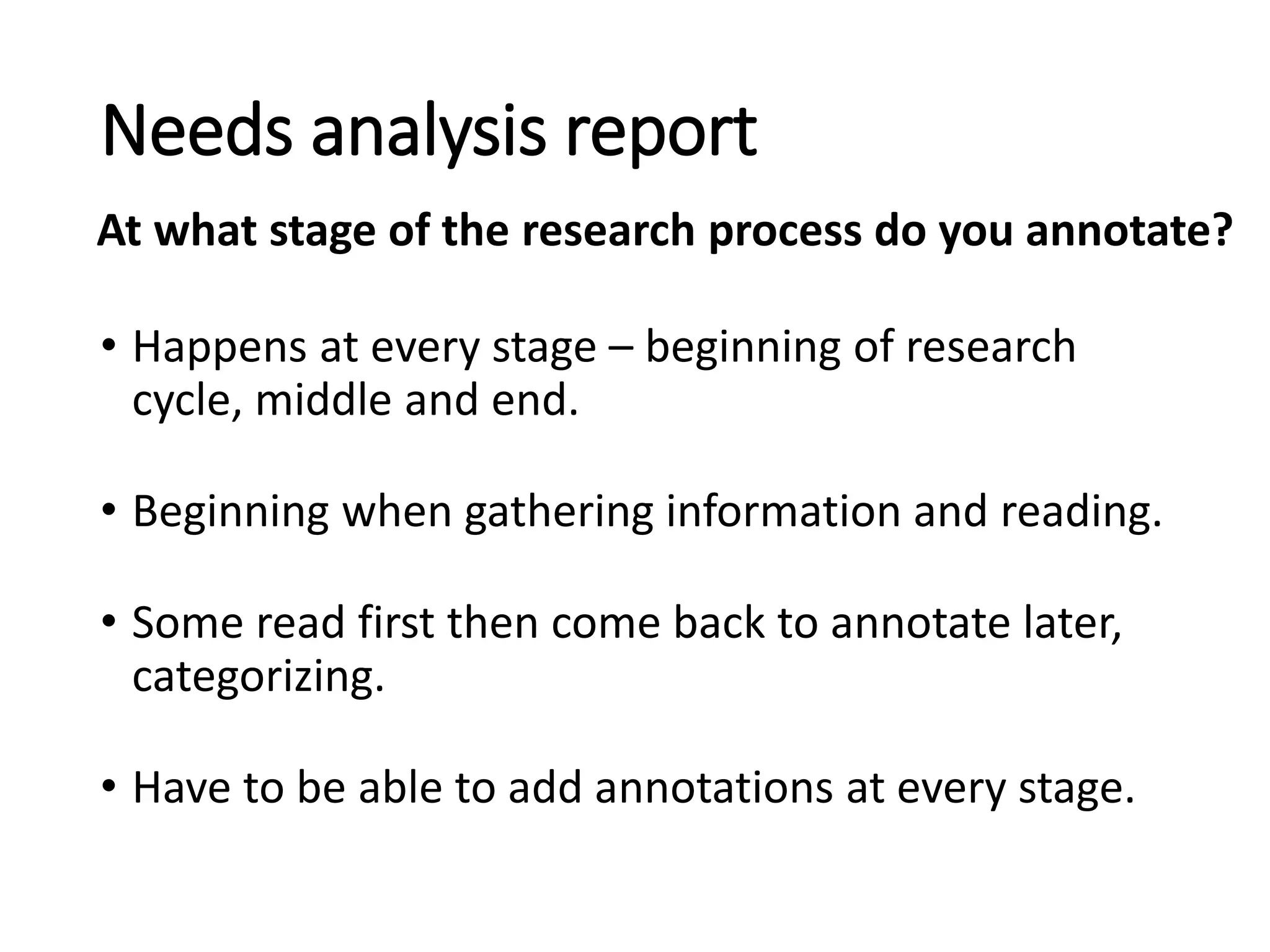
• Happens at every stage – beginning of research
cycle, middle and end.
• Beginning when gathering information and reading.
• Some read first then come back to annotate later,
categorizing.
• Have to be able to add annotations at every stage.
Needs analysis report
At what stage of the research process do you annotate?
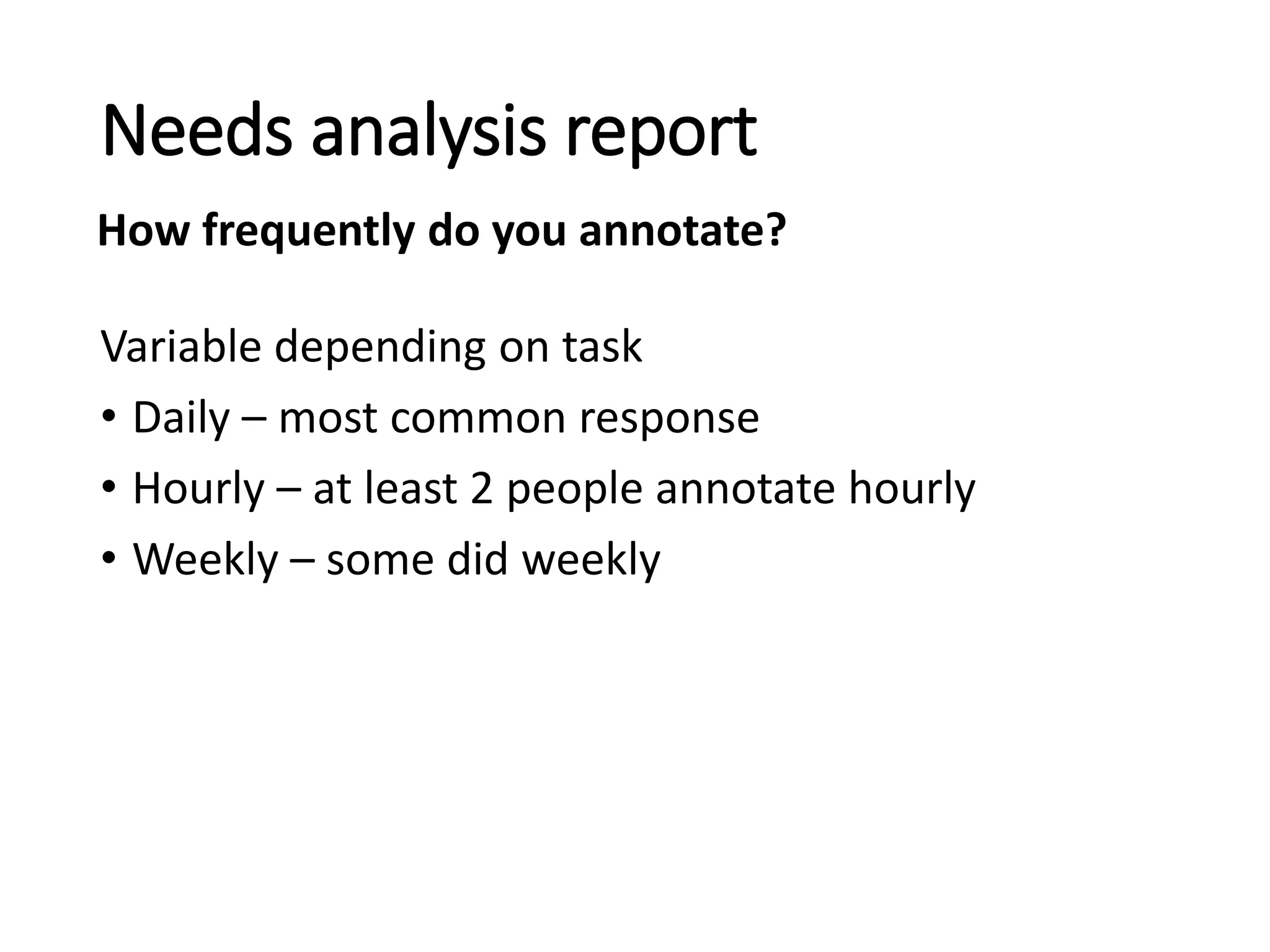
Variable depending on task
• Daily – most common response
• Hourly – at least 2 people annotate hourly
• Weekly – some did weekly
Needs analysis report
How frequently do you annotate?
General
• Print out on Paper –pencil, colored coded
highlights, post-its
• PDFs, Email, MS Word review tools
• Google docs, Docs in shared drive, Google Drive
• Online: tag, hashtags, comments (add info or links)
• Screenshots (would consider those targets –put it
in a doc or email with explanatory text)
• Kindle, Wikipedia, Flickr, Disqus, Wordpress,
Pinterest, Zotero, Wordpress, Google Refine
Needs analysis report
What methods or tools do you use?
Specific to field
• Physical specimen labels, classify specimens in a
folder with new identification needed.
• Proprietary software to make measurements and
annotations on microscopy photographs.
• Trove, Digital New Zealand, Smithsonian
Transcription Center, Notes from Nature, VertNet,
EOL, iNaturalist, AnnoSys, Tropicos, ADAM
• Vocabularies/checklists – The Plant List, WORMS,
Catalog of Life, ITIS
Needs analysis report
What methods or tools do you use?
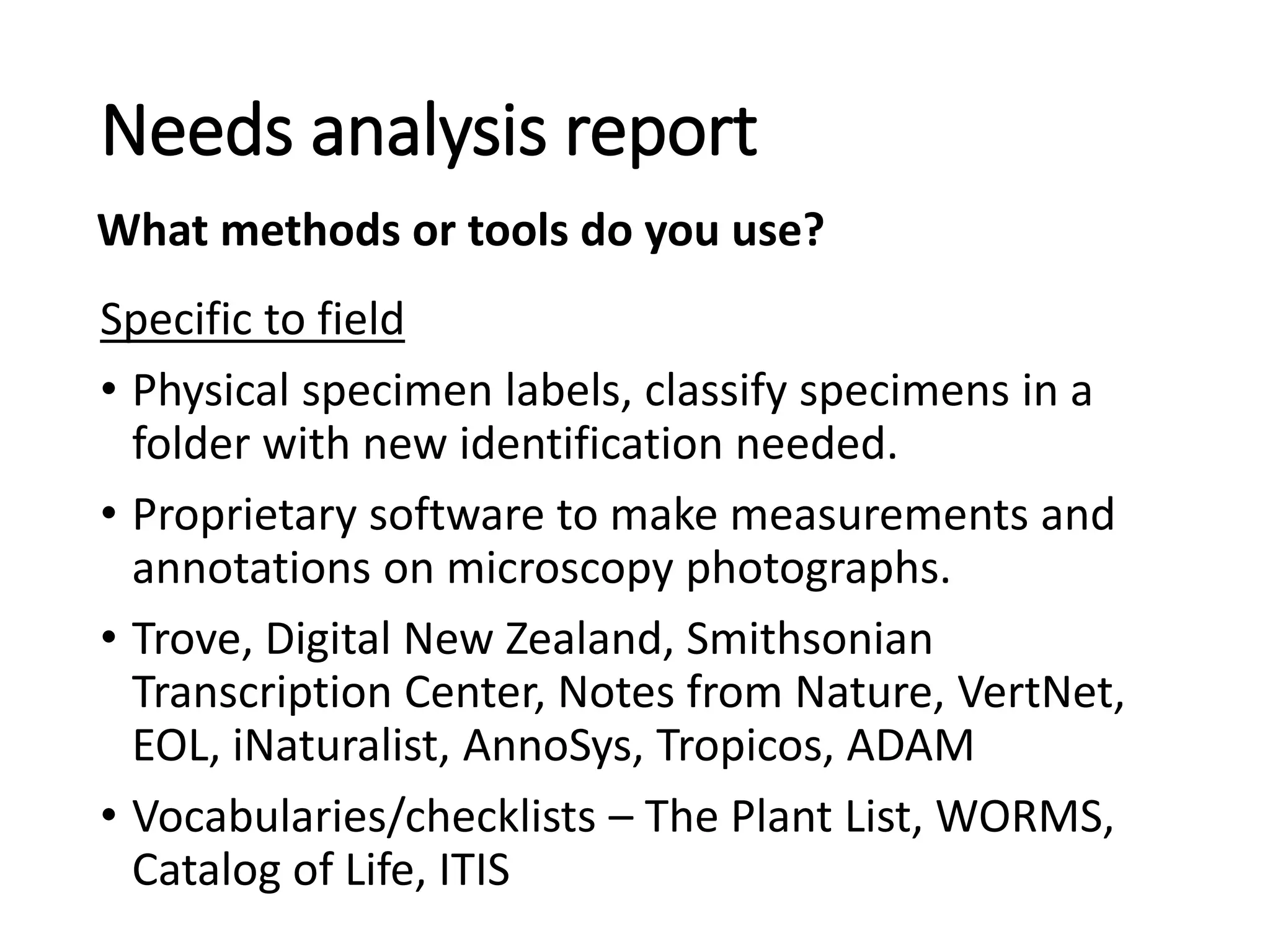
• Quick comprehension – “Color highlighting helps
me differentiate the type of annotation”
• Way you were taught
• Interoperability – integrates well with other
technologies
• Habit, comfort
• Flexibility, Simplicity, Shareability
• Easy to quickly write thoughts on paper
• Pragmatic – limited time to learn new tools
Needs analysis report
Why do you prefer these methods or tools indicated?
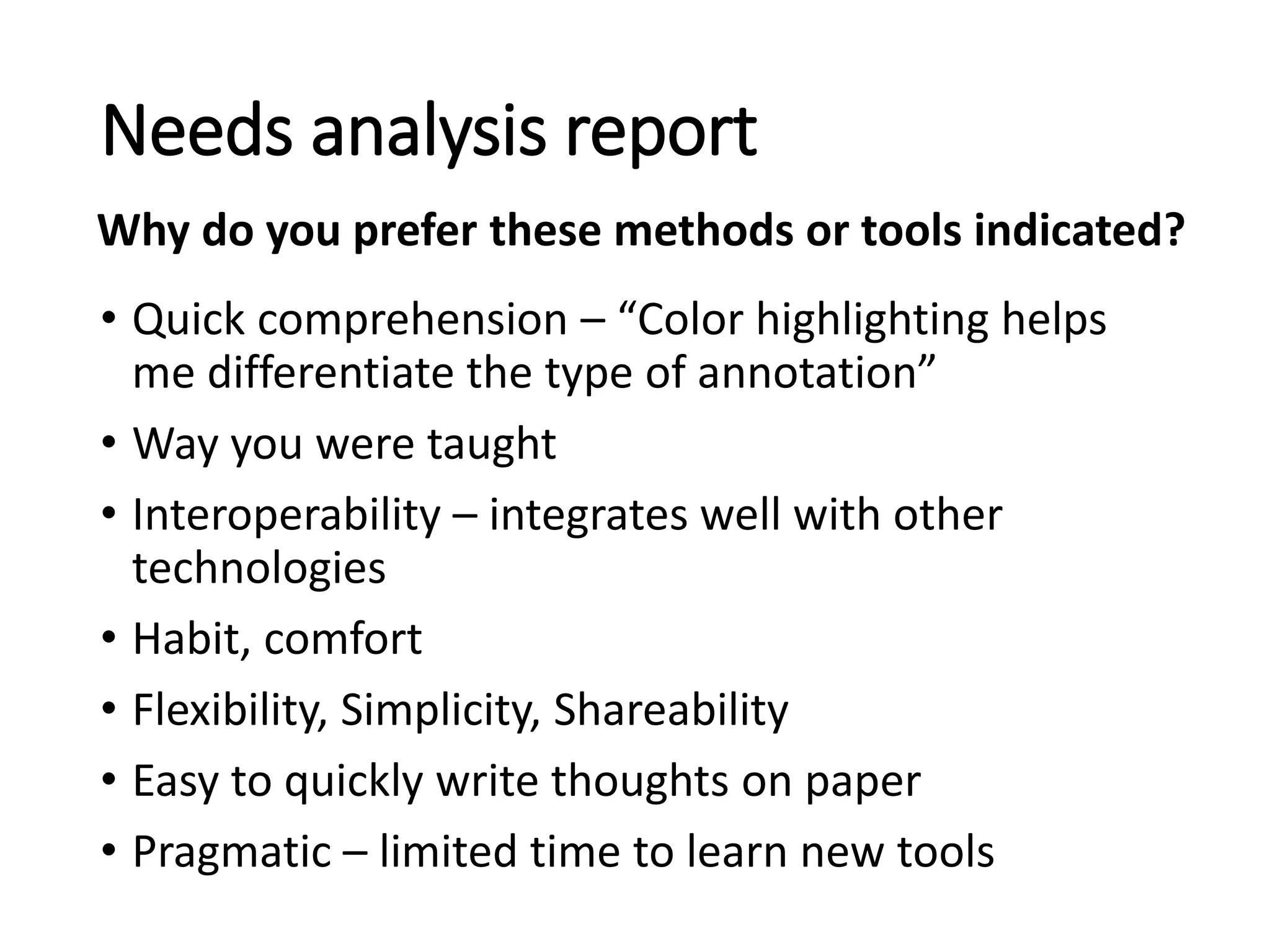
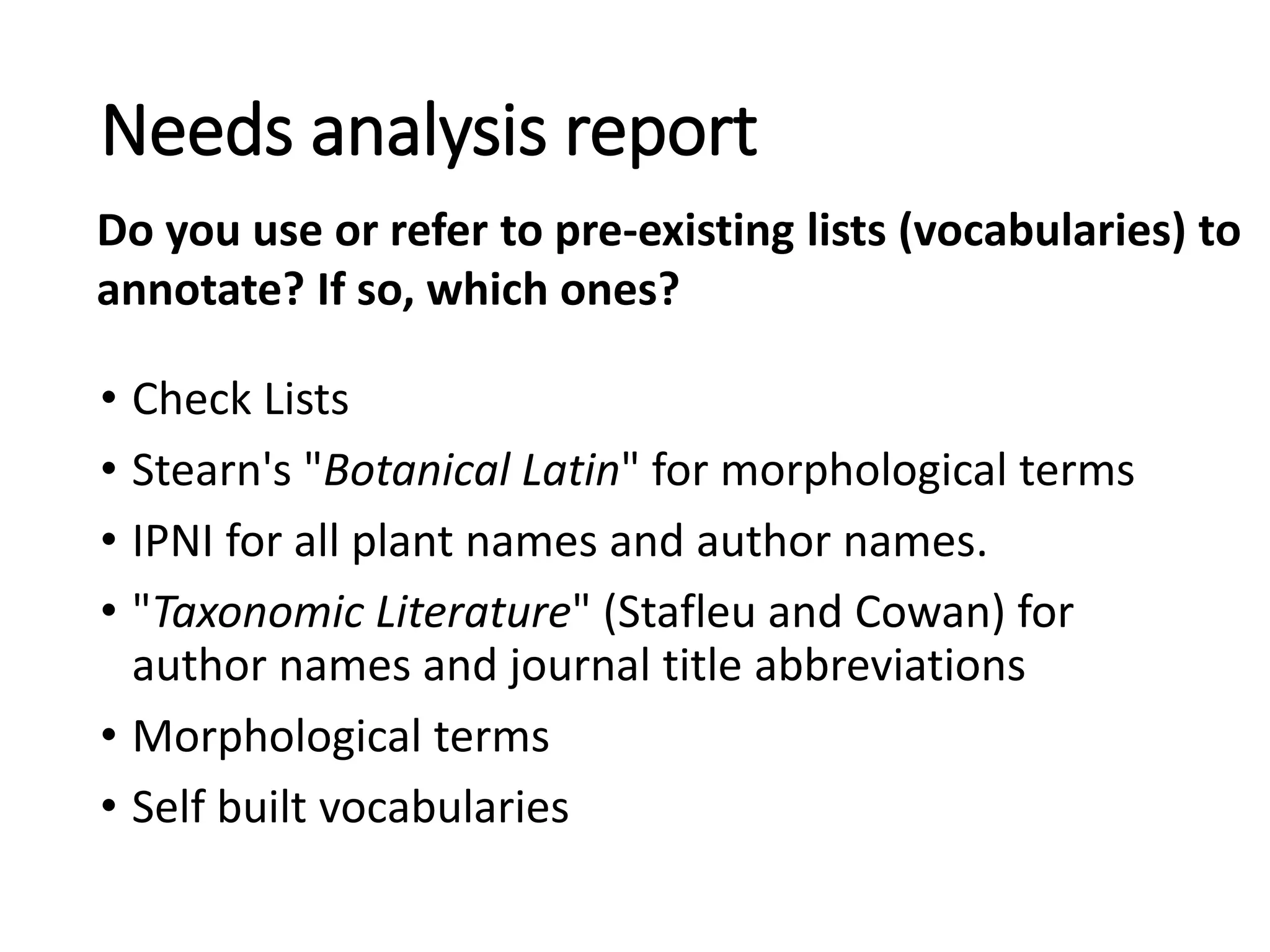
• Check Lists
• Stearn's "Botanical Latin" for morphological terms
• IPNI for all plant names and author names.
• "Taxonomic Literature" (Stafleu and Cowan) for
author names and journal title abbreviations
• Morphological terms
• Self built vocabularies
Needs analysis report
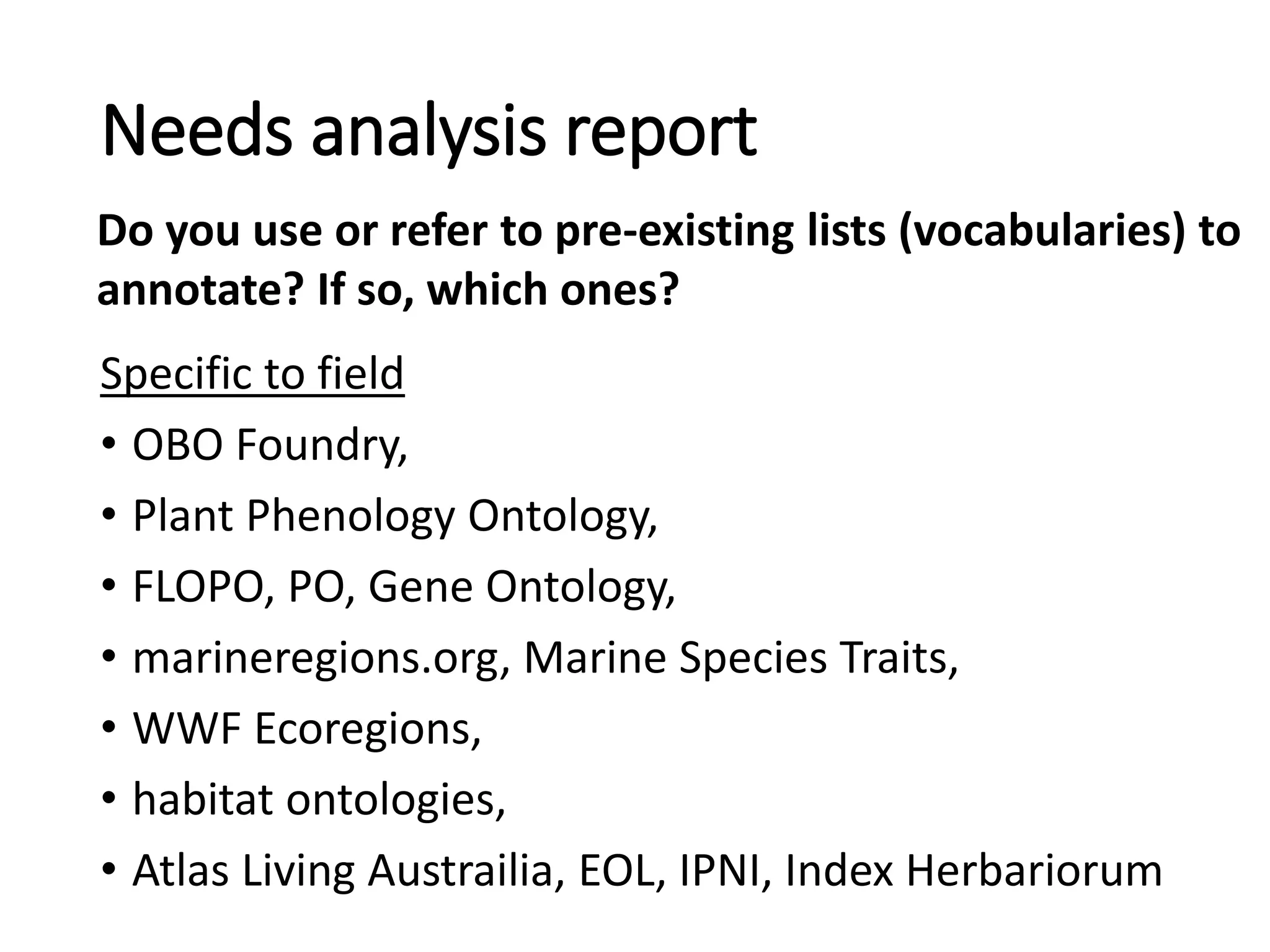
Do you use or refer to pre-existing lists (vocabularies) to
annotate? If so, which ones?
Specific to field
• OBO Foundry,
• Plant Phenology Ontology,
• FLOPO, PO, Gene Ontology,
• marineregions.org, Marine Species Traits,
• WWF Ecoregions,
• habitat ontologies,
• Atlas Living Austrailia, EOL, IPNI, Index Herbariorum
Needs analysis report
Do you use or refer to pre-existing lists (vocabularies) to
annotate? If so, which ones?
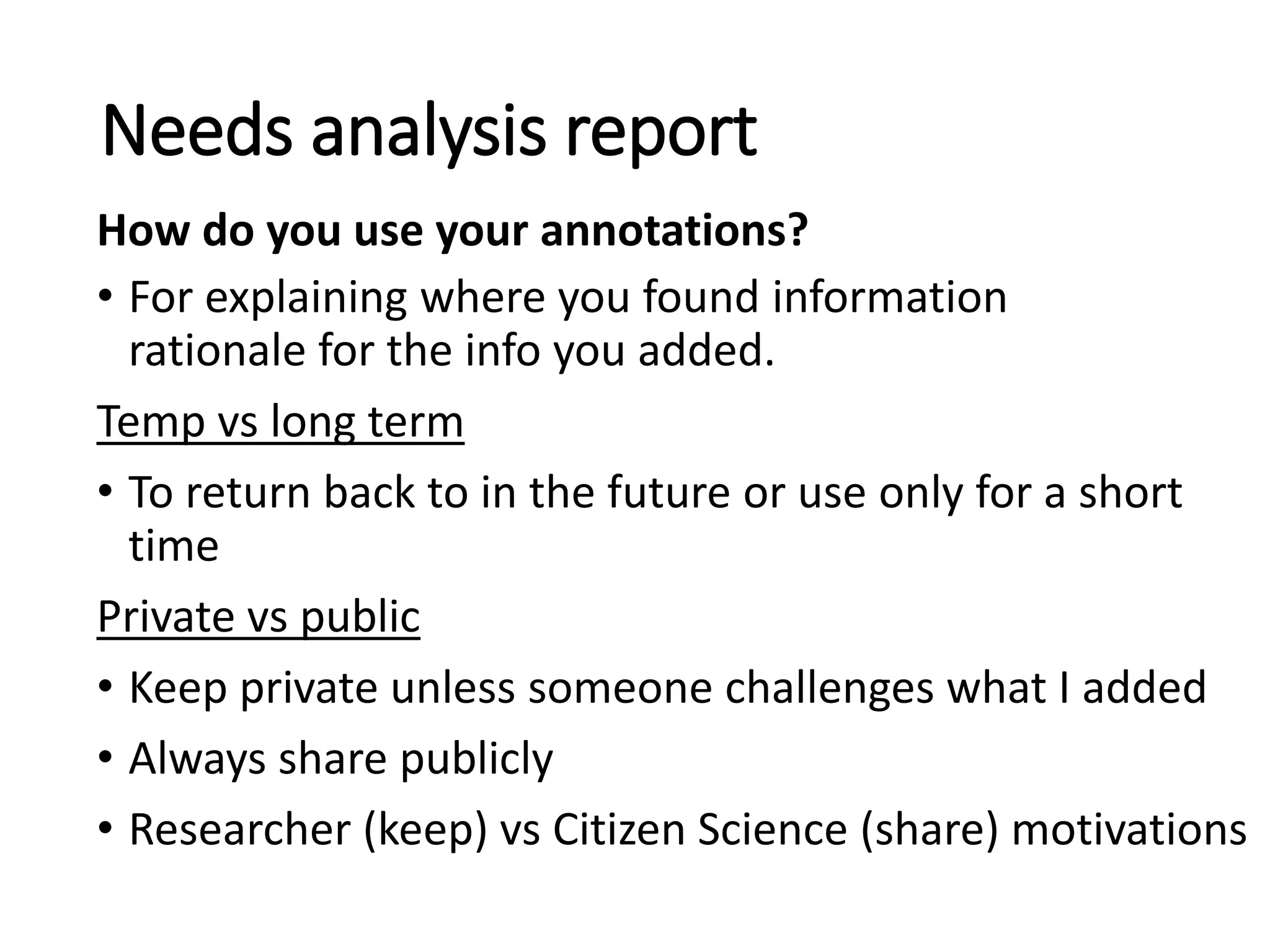
• For explaining where you found information
rationale for the info you added.
Temp vs long term
• To return back to in the future or use only for a short
time
Private vs public
• Keep private unless someone challenges what I added
• Always share publicly
• Researcher (keep) vs Citizen Science (share) motivations
Needs analysis report
How do you use your annotations?
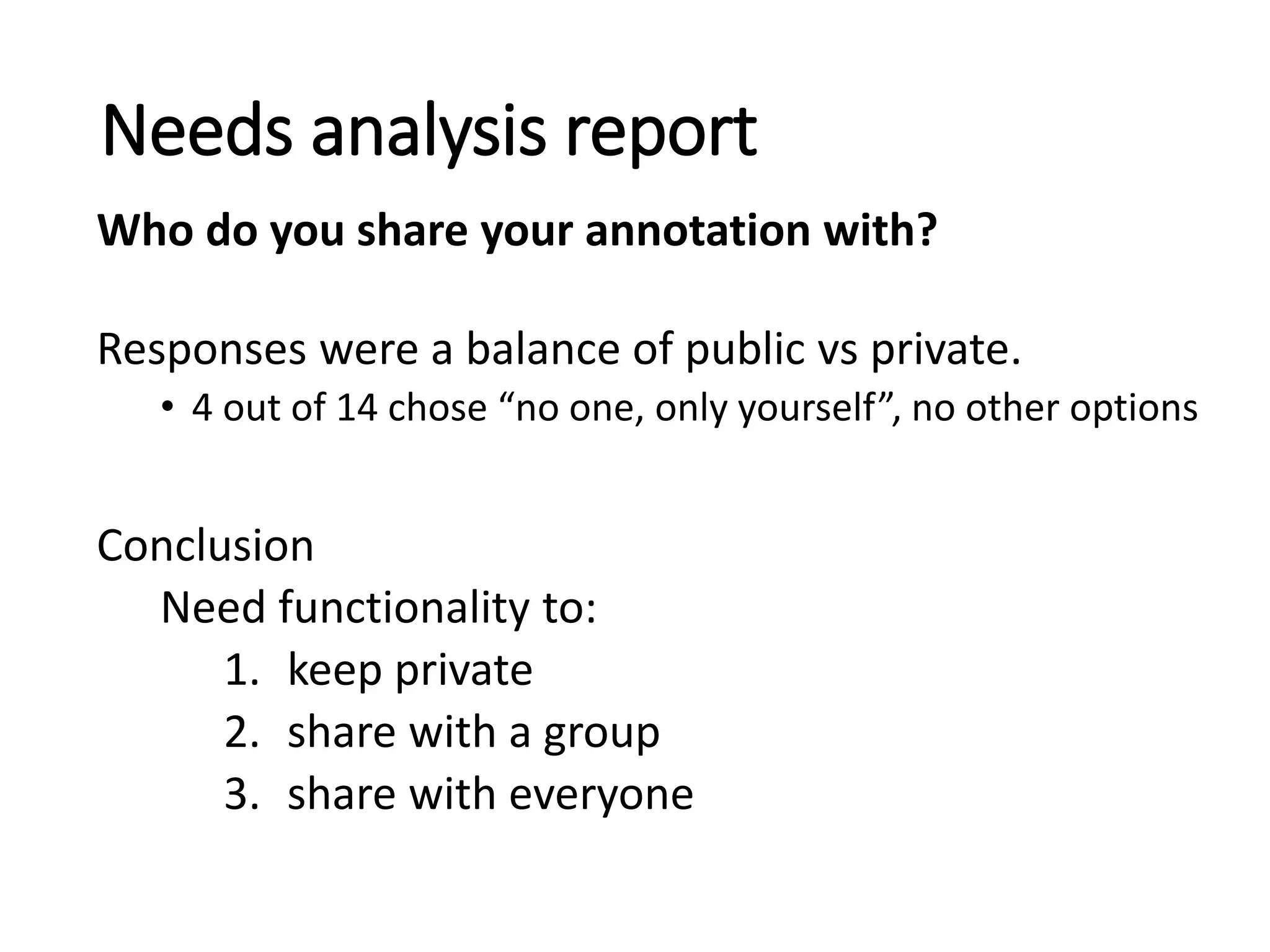
Responses were a balance of public vs private.
• 4 out of 14 chose “no one, only yourself”, no other options
Conclusion
Need functionality to:
1. keep private
2. share with a group
3. share with everyone
Needs analysis report
Who do you share your annotation with?
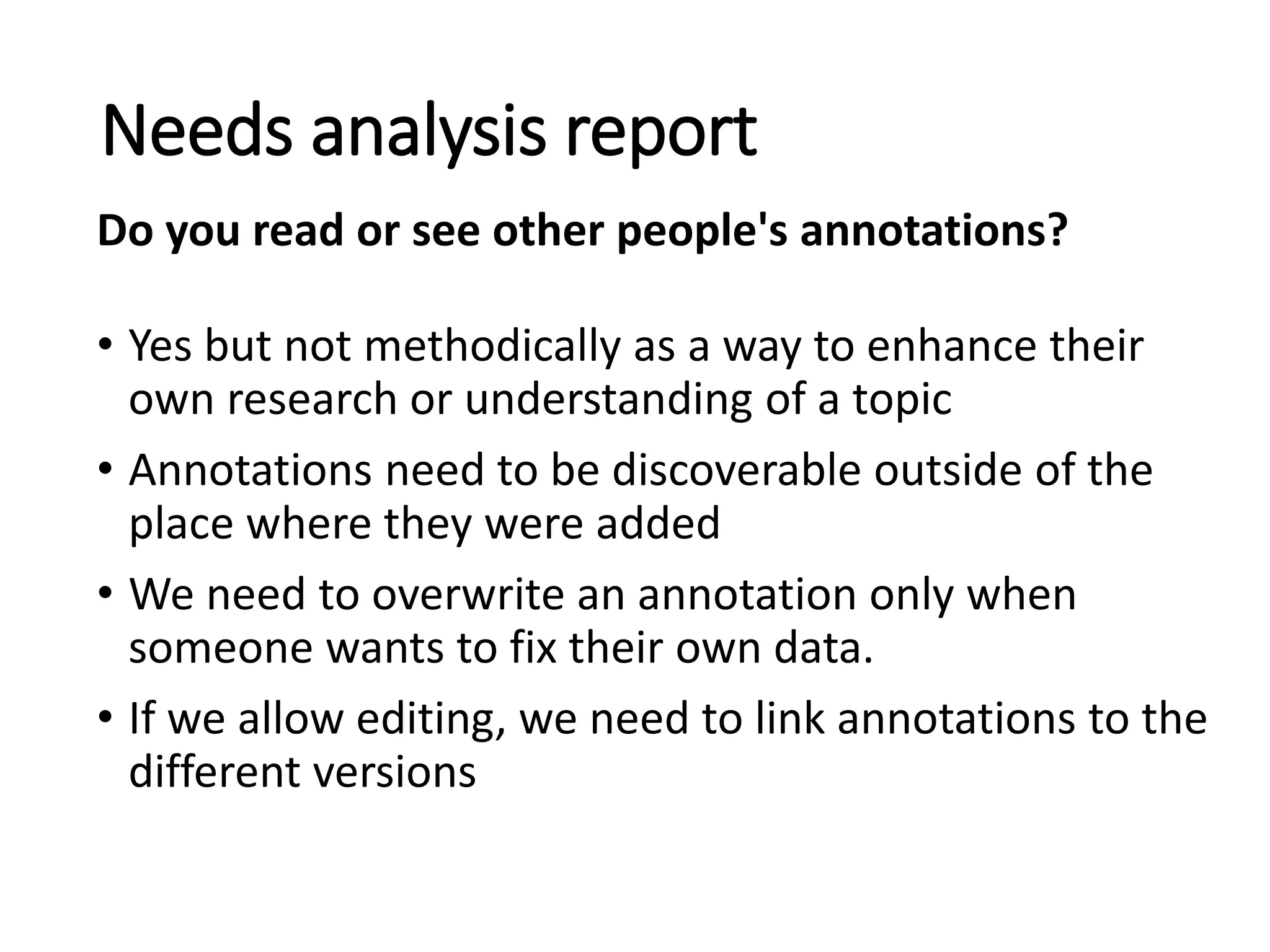
• Yes but not methodically as a way to enhance their
own research or understanding of a topic
• Annotations need to be discoverable outside of the
place where they were added
• We need to overwrite an annotation only when
someone wants to fix their own data.
• If we allow editing, we need to link annotations to the
different versions
Needs analysis report
Do you read or see other people's annotations?
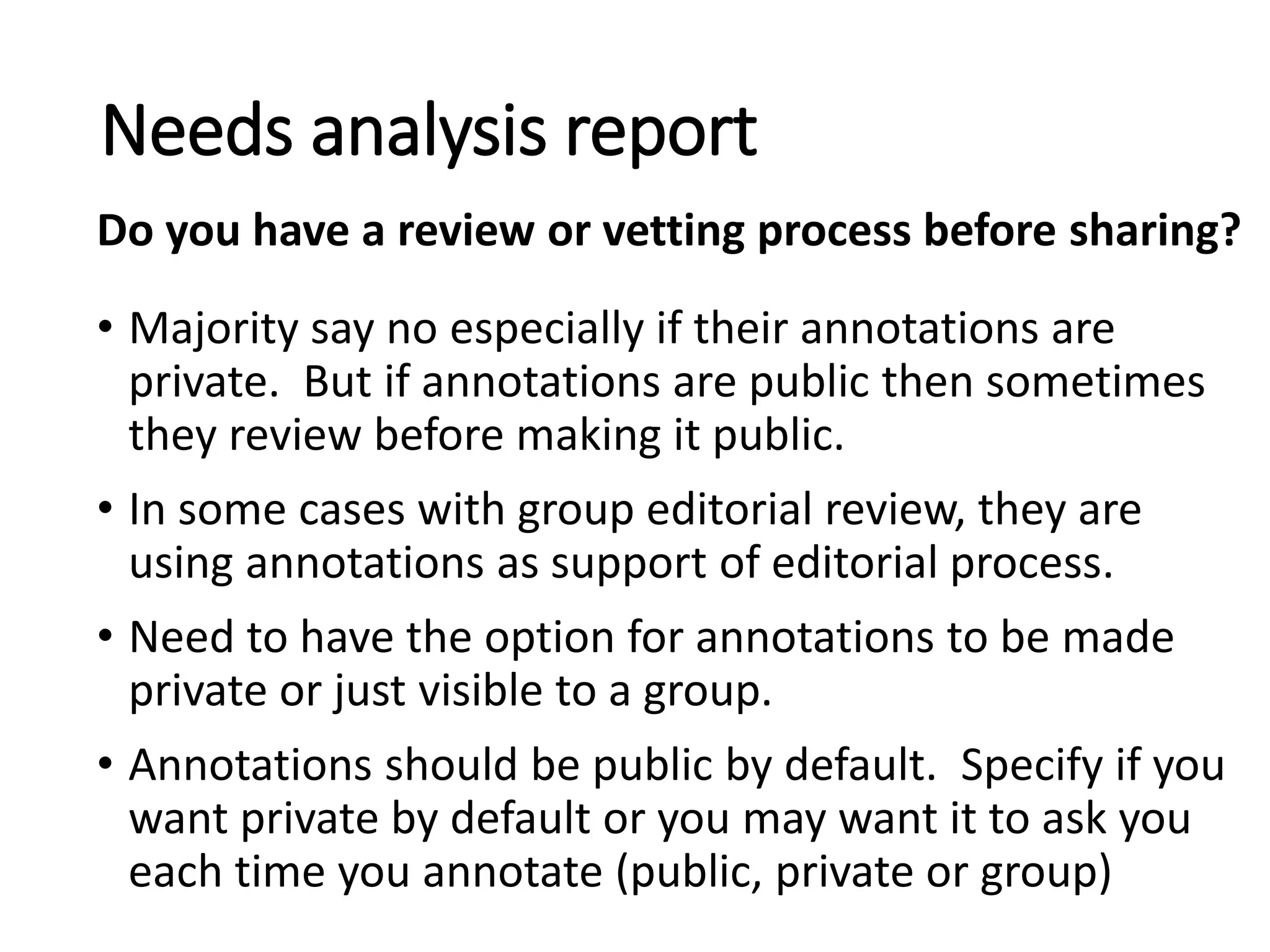
• Majority say no especially if their annotations are
private. But if annotations are public then sometimes
they review before making it public.
• In some cases with group editorial review, they are
using annotations as support of editorial process.
• Need to have the option for annotations to be made
private or just visible to a group.
• Annotations should be public by default. Specify if you
want private by default or you may want it to ask you
each time you annotate (public, private or group)
Needs analysis report
Do you have a review or vetting process before sharing?
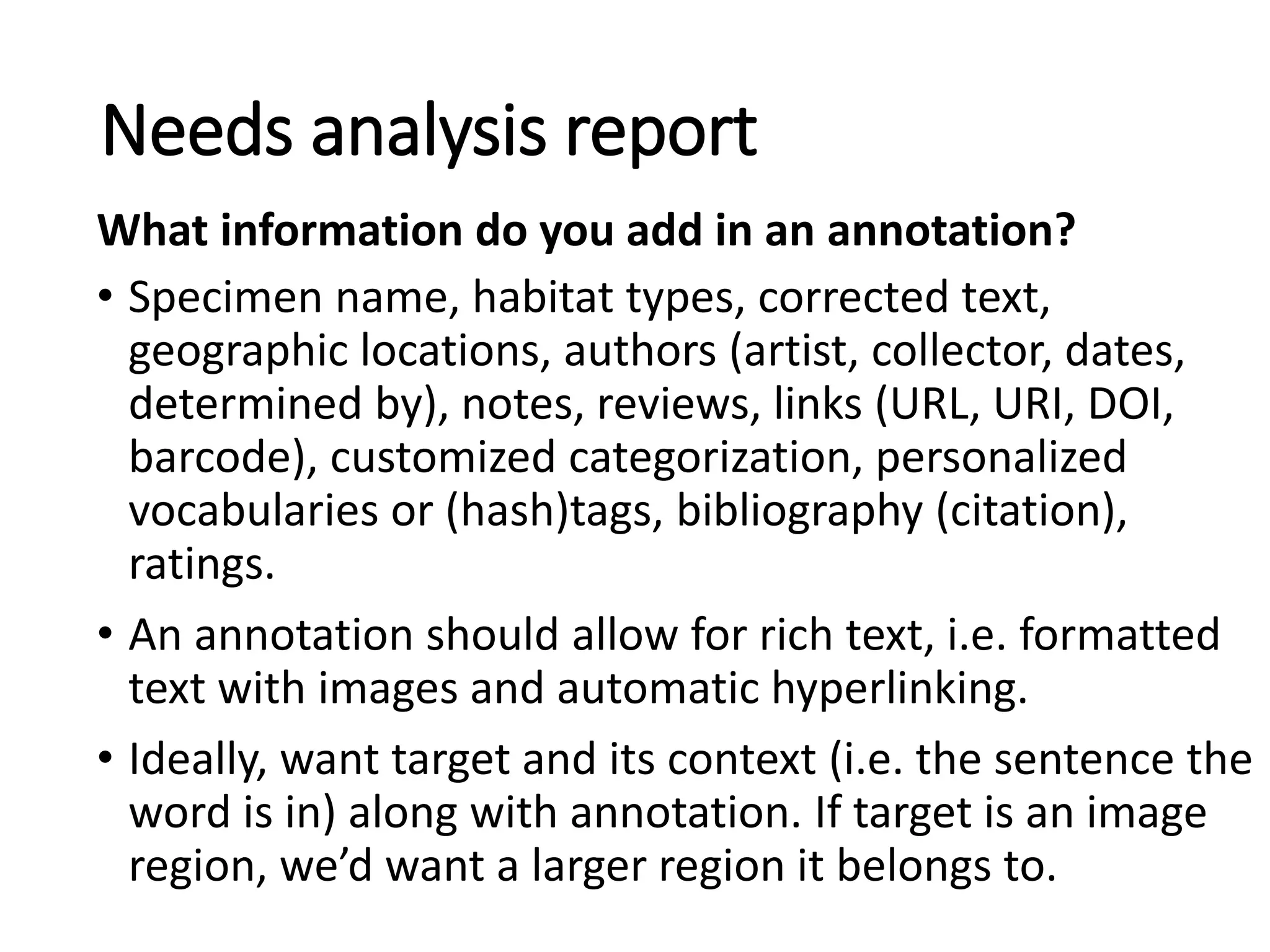
• Specimen name, habitat types, corrected text,
geographic locations, authors (artist, collector, dates,
determined by), notes, reviews, links (URL, URI, DOI,
barcode), customized categorization, personalized
vocabularies or (hash)tags, bibliography (citation),
ratings.
• An annotation should allow for rich text, i.e. formatted
text with images and automatic hyperlinking.
• Ideally, want target and its context (i.e. the sentence the
word is in) along with annotation. If target is an image
region, we’d want a larger region it belongs to.
Needs analysis report
What information do you add in an annotation?
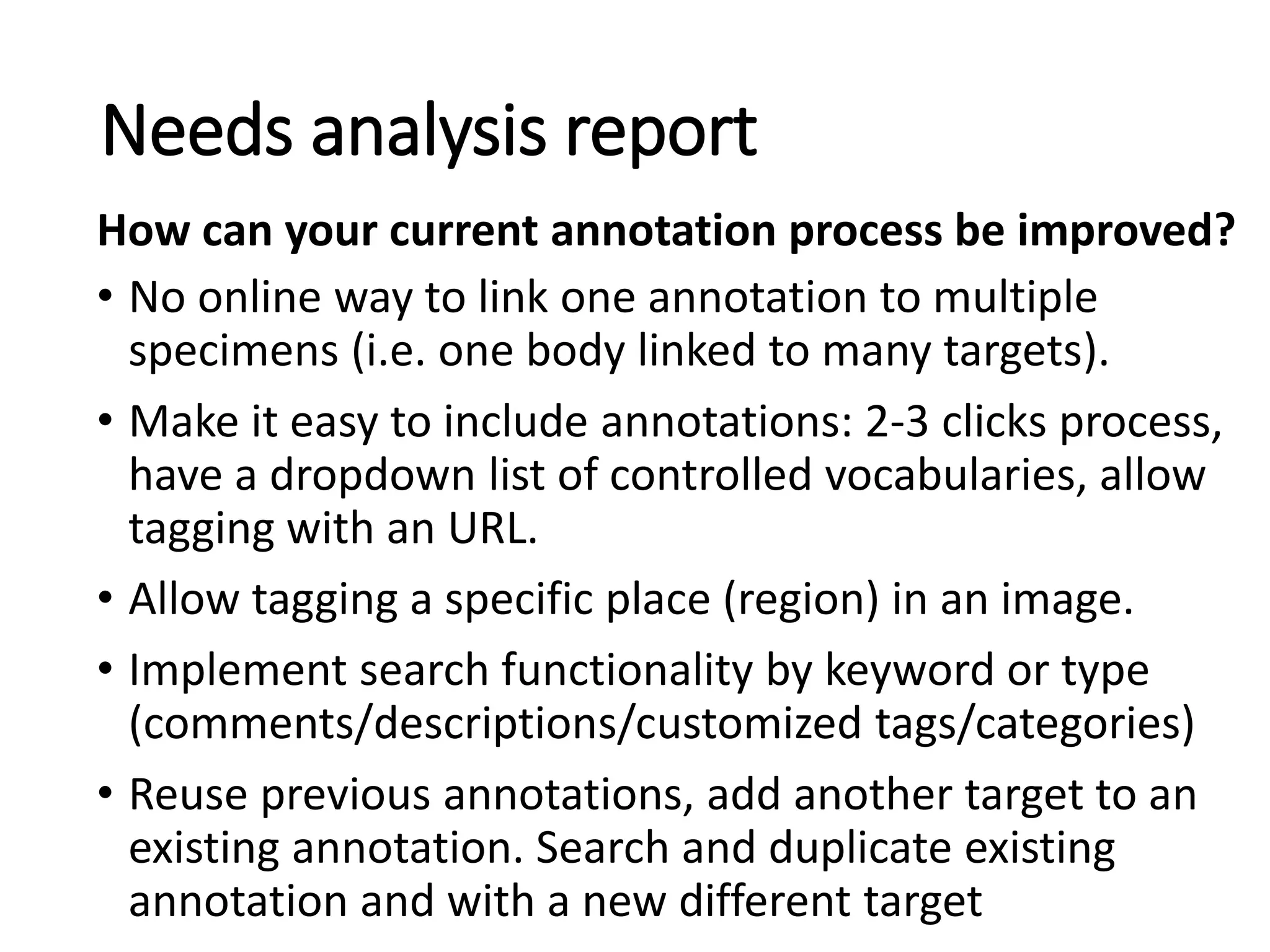
• No online way to link one annotation to multiple
specimens (i.e. one body linked to many targets).
• Make it easy to include annotations: 2-3 clicks process,
have a dropdown list of controlled vocabularies, allow
tagging with an URL.
• Allow tagging a specific place (region) in an image.
• Implement search functionality by keyword or type
(comments/descriptions/customized tags/categories)
• Reuse previous annotations, add another target to an
existing annotation. Search and duplicate existing
annotation and with a new different target
Needs analysis report
How can your current annotation process be improved?
• Functionality for vetting annotations. Have some sort of
administrative vetting. This requires user roles.
• Autofill functionality (suggests words based on what
was typed before)
• Users of our tool need to agree to make their public
annotations available under a CCO license or something
similar
• Does the annotation model allow for annotations of
annotations? (Eg .replying to another annotation or
identifying which best practice you used when you
wrote an annotation.)
Needs analysis report
How can your current annotation process be improved?
• Keep a simple tool integrate (with a click of a button)
with Zotero, Hypothes.is and other tools and visible for
non-users.
• Annotations should be visible even without login in.
• Provide feedback/statistics on the
reading/modification/impact of an annotation.
• Being able to see my annotations, click on one and open
the environment where the annotation was done.
Needs analysis report
How can your current annotation process be improved?
• Allow for talk page. Wiki’mize more.
-----------------
• No anonymous login. Every annotation with ID,
Timestamp, Motivation
• Privacy: private, group, everyone.
• Support workflow (like editorial process of a publisher)
• Where to store? Agreement: Not stored locally only.
• Interface. Default is to see all annotations, but being
able to hide them or filter by author.
Needs analysis report
Any comments related to annotations you want to add?
Prioritized list of Annotation Needs
• Answers were analyzed to develop a prioritized list
of annotation needs for users of a botanical virtual
library.
• 40 requirements prioritized:
• 19 Must
• 15 Should
• 10 Could
• 15 assumptions
• 5 questions
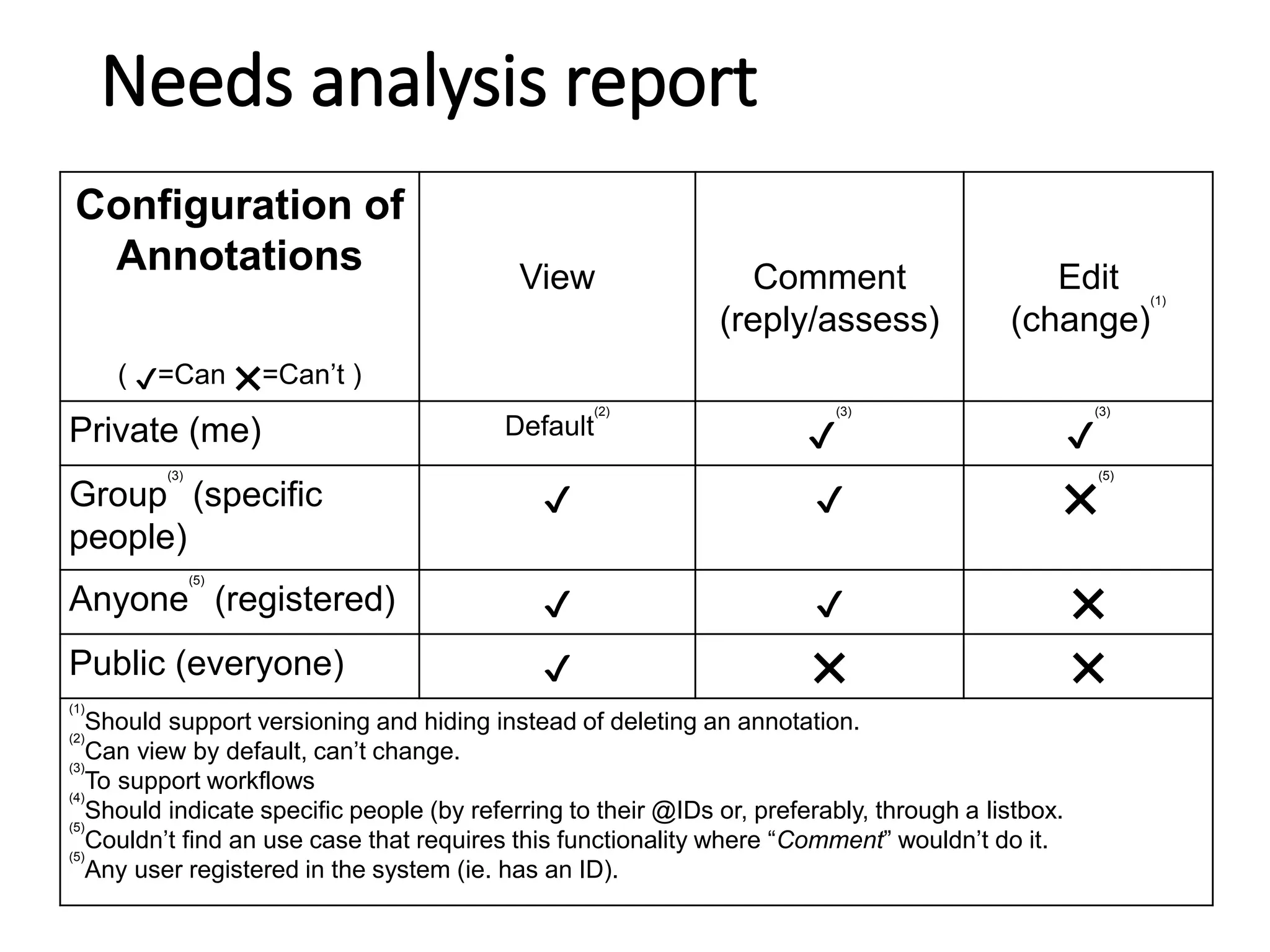
Configuration of
Annotations
( ✔=Can ❌=Can’t )
View Comment
(reply/assess)
Edit
(change)
(1)
Private (me) Default
(2)
✔
(3)
✔
(3)
Group
(3)
(specific
people)
✔ ✔ ❌
(5)
Anyone
(5)
(registered) ✔ ✔ ❌
Public (everyone) ✔ ❌ ❌
(1)
Should support versioning and hiding instead of deleting an annotation.
(2)
Can view by default, can’t change.
(3)
To support workflows
(4)
Should indicate specific people (by referring to their @IDs or, preferably, through a listbox.
(5)
Couldn’t find an use case that requires this functionality where “Comment” wouldn’t do it.
(5)
Any user registered in the system (ie. has an ID).
Needs analysis report
Feasibility study
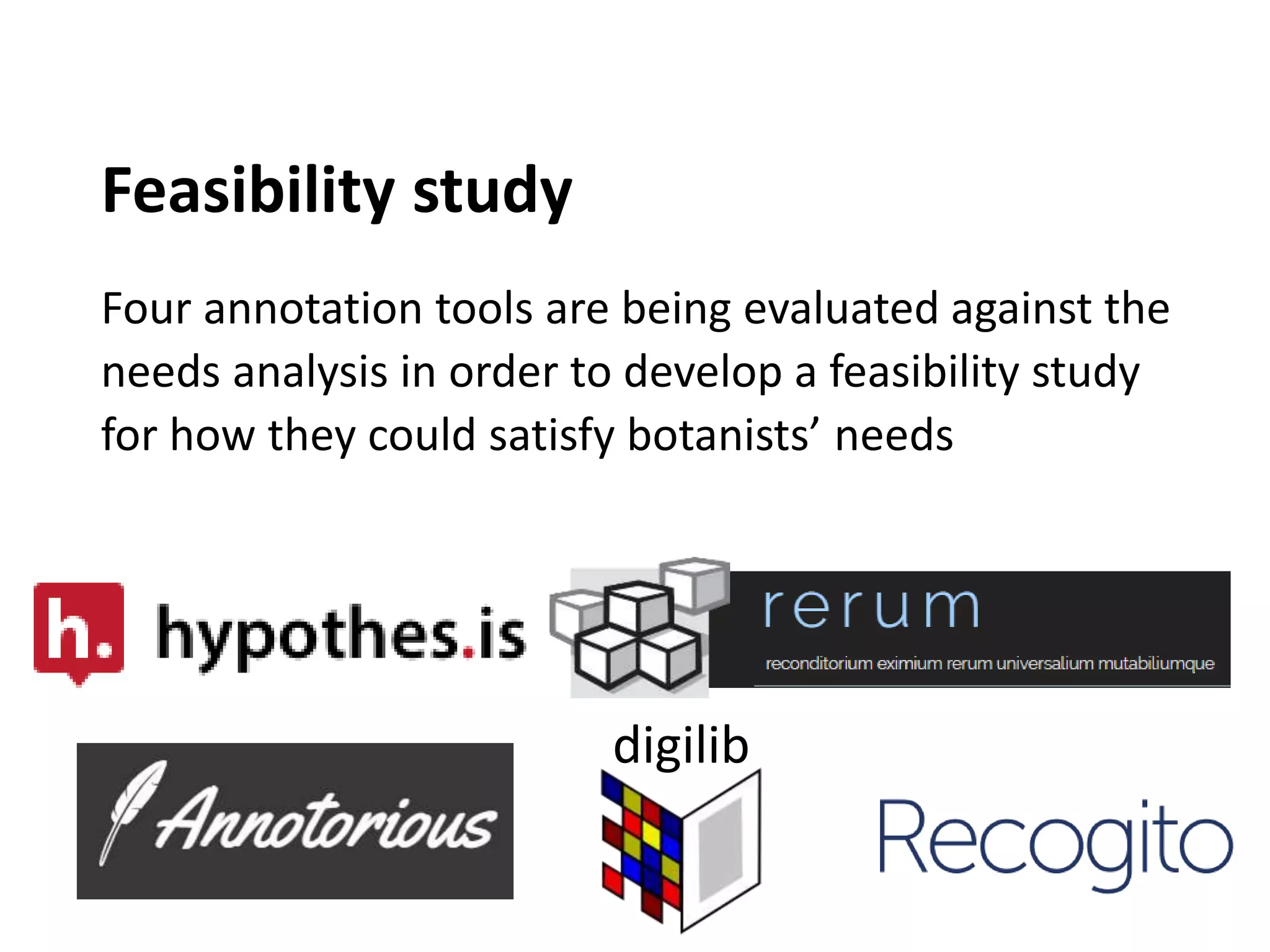
Four annotation tools are being evaluated against the
needs analysis in order to develop a feasibility study
for how they could satisfy botanists’ needs
digilib
Proof of concept prototype
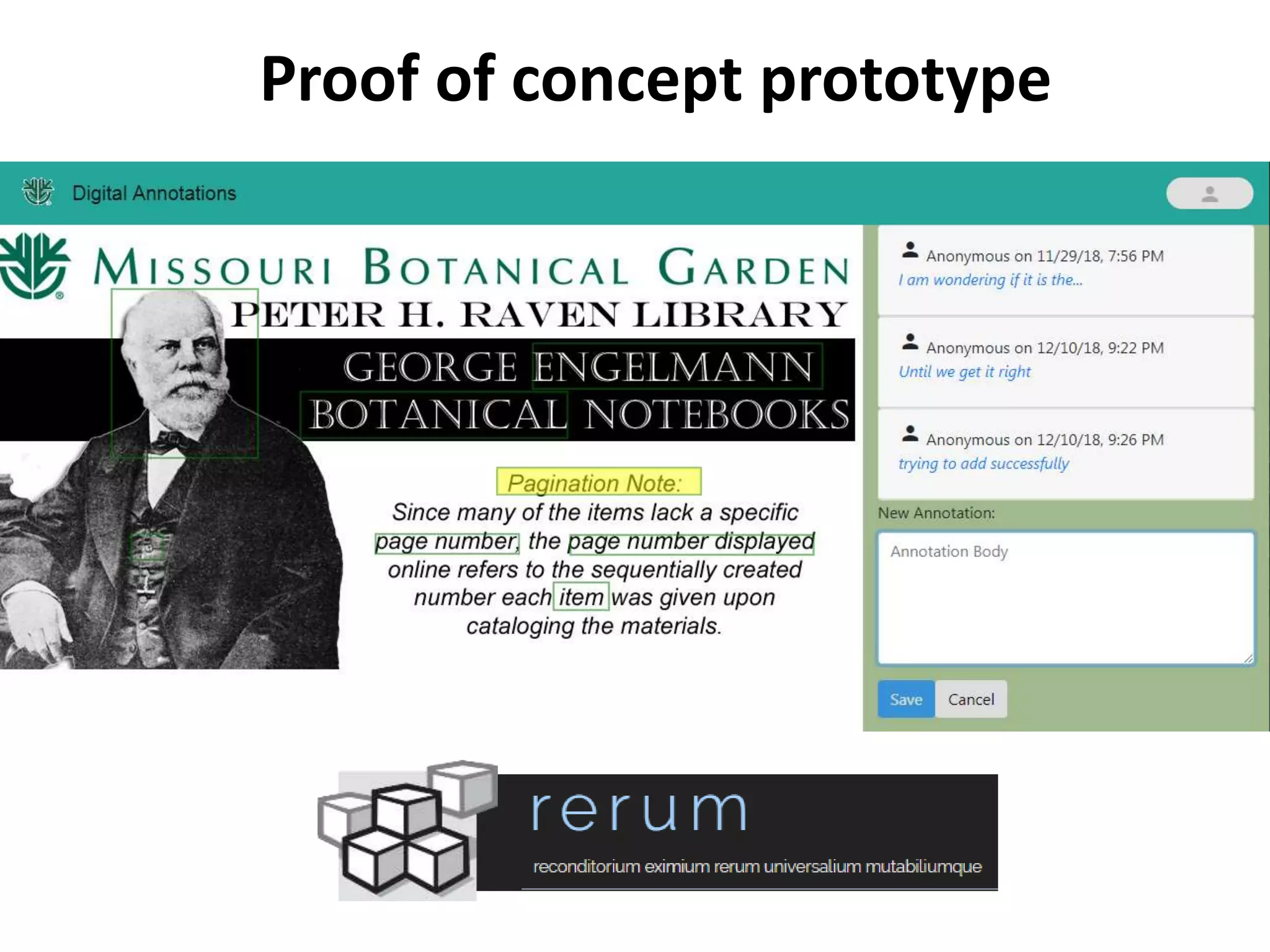
RERUM is being integrated within a digital
library platform as proof-of-concept to
serve as a IIIF-compliant storage of images
and annotations.
Outcomes assessment and next steps
• Identify requisites, best practices, and
further developments for a full-scale project
proposal to adopt an annotation tool as part
of a scientific virtual library.
• Involve appropriate partners to achieve these
goals.
We are interested in partnering
with you…
Please contact:
William Ulate william.ulate@mobot.org
Photograph: Corcovado National Park, Costa Rica by W. Ulate

Finding the annotation needs of the botanical community in a digital library

  • 1.
    Finding the annotationneeds of the botanical community in a digital library William Ulate Trish Rose-Sandler Marcela Mora Center of Biodiversity Informatics
  • 2.
    Has been involvedin the creation of different online repositories making biodiversity information available to researchers, students, and citizen scientists worldwide
  • 3.
    Carl Linneus (1707-1778) •Taxonomy is the science of describing, naming, and classifying living and extinct organisms • Taxonomic Literature has existed for over 250 years • Species plantarum (1753) was the first work to apply the Binomial nomenclature. Homo sapiens • Botanists have published more than 1.2 million plant names
  • 4.
    Botanicus.org • A freelyaccessible, Web- based encyclopedia of digitized botanical literature from the Peter H. Raven Library • 2,000 + titles (books/journals) • 2,500,000 + pages • 8,700 + volumes, •245,000 links to protologues
  • 5.
    OCR transcription butno annotation functionalities
  • 6.
    Real Use Cases "Collectedby who? Zambia 1934..... Stuck again!! @KewDC“ Dr. Sandra Knapp (@SandyKnapp) Mar. 11, 2016
  • 8.
    • Uneven inking •Irregular orthographies • Multilingual texts • Deficient quality of pages digitized Historical manuscripts OCR challenges Historical manuscripts OCR challenges
  • 10.
    Real Use Cases •17 different ways in which Archibald Byron Macallum is found in OCR text. * Not to confuse with his relative of the same name.
  • 11.
    • Botanist haveaccess to a wide array of standardized reference tools
  • 13.
  • 14.
    • However whensome of the products of Mining Biodiversity were evaluated by the potential users, they did not show strong indication of whether the features were really wanted
  • 15.
    Consumers As Creators Planninggrant (2018-2019) • Peter H. Raven Library • Center for Biodiversity Informatics • The Ong Center for Digital Humanities
  • 16.
    Hypotheses • Maybe thetools or the technologies required are not ready yet, the effort required to employ them outweighs the benefits or the learning curve may be too steep. • Perhaps it’s a matter of technology adoption, users may not be familiar with their options or it could be a digital divide due to age or any other social variable. • Possibly the appropriate profile for annotations is more that of a communicator or some sort of citizen scientist that translates and adapts scientific content to other type of audiences, rather than botanists.
  • 17.
    Background • Most taxonomistswe interviewed could recognize the potential value in some of the tools available or proposed but many wouldn't see themselves as users of such tools for their work. • During a previous test case with a proprietary solution we found that several Digital Library users, with the tool available, would annotate images with authors or current identifications, point out type specimens, relate texts of different books, associate page images to their transcription, and other interesting uses of annotations.
  • 18.
    Use Cases 1. Findingthe original description (taxonomic research). 2. Finding host plants, for example (ecological research). 3. Finding illustrations and plates. 4. Finding taxon name usage instances (taxonomic treatment, nomenclatural act). 5. Capturing spelling variants (orthographic variants). 6. Marking errors on versions of OCR/transcribed text. 7. Exposing semantic metadata (as a SPARQL endpoint). 8. Being able to access through APIs search functionalities. 9. Allowing users to highlight in text (keywords). 10. Allowing users to annotate concepts if incorrectly recognized or missed.
  • 19.
    Purpose Analyze Web annotationneeds of the botanical community and develop a prototype of how those needs may be met within a digital library platform
  • 20.
    Audiences Librarians looking to improvetheir virtual library by enabling users to add value to their content. Botanists who want to enhance the corpus of their digital library collection by augmenting knowledge through the annotations provided. Developers who want to choose a tool to enable annotations in their online solutions, particularly within digital library platforms. DIGITAL LIBRARYLIBRARY Librarians Developers Botanists
  • 21.
    Botanists who wantto enhance the corpus of their digital library collection by augmenting knowledge through the annotations provided. Audiences Librarians looking to improve their virtual library by enabling users to add value to their content. Developers who want to choose a tool to enable annotations in their online solutions, particularly within digital library platforms. DIGITAL LIBRARY Librarians Developers Botanists
  • 22.
    Deliverables: • Needs AnalysisReport • Feasibility Study • Proof of concept prototype • Outcomes Assessment
  • 23.
    Needs analysis report •14 members of the botanical and scientific communities from 10 different institutions from 9 countries. • Got a diverse representation sample: • 50% described themselves as non-white, • 2/3 identified themselves as females. • Half of the people had a botanical background • The rest included entomologists, ecologists, a librarian and even an ex-lawyer. • Included both, those who currently annotate online and those who don’t. Survey
  • 24.
    Needs analysis report Agegroup of respondents
  • 25.
    Needs analysis report •Herbarium Curatorial Assistant • Assistant Professor • PhD Student • Curator • Mother/citizen scientist/GLAM volunteer/Wikimedian • Outreach and Communication Manager • Curator and Associate Professor • Program Coordinator • Post Doctoral Researcher • Biodiversity Informatician • Project Manager • Professor • Research specialist Diverse profiles from the botanical and scientific community were represented in our sample:
  • 26.
    Needs analysis report •Specimens • Specimens determinations • Original Descriptions • Orthographic variants and synonyms • Illustrations or plates • Highlight, underline, write in the image • Mostly annotate in Flickr, add species • On an article or a long text, I usually annotate on the margins the topic of each paragraph of interest, so that I can find it easily in the future • Adding of metadata, using vocabularies, fixing things in Wikipedia What do you annotate?
  • 27.
    Needs analysis report •Books •Articles •Images •Actually, photocopies or printed articles • Herbarium specimens (using det. slips), • Specimen labels (digitised or copies) • A lot of annotating when reviewing papers • Identified images of live plants • I only add metadata in the backend of the digital library, an admin task • Chapters within a book • Specimens in the database (Tropicos) Where do you annotate?
  • 28.
    Needs analysis report •“Can be down to a particular phrase or words” • “Depends on projects – when doing occurrence data in field notes we capture place, time and taxon” • “The info associated to the image, not the whole image” • “Page level, whole books in Digital Library” • “When I am reviewing papers I highlight the text and then annotate” How fine is the object you annotate?
  • 29.
    Work • Tend toshare more Personal • Tend to keep to themselves Needs analysis report Why do you annotate?
  • 30.
    General • Comprehension • Highlightan important idea • Memory recall • Corrections • Improve access for others – findability • Helps in building an article or topic • Generate online discussions & dialog • Manage & share information Needs analysis report Why do you annotate?
  • 31.
    • Collocate similarinfo (e.g. bringing together data from single author or collector) • Linking • Peer Review • Refining ideas – annotate my papers as I write it. • Citation • Image tagging • To create a linked network of knowledge Needs analysis report Why do you annotate?
  • 32.
    Specific to field •Georeferences • Batch specimen re-identifications • Note morphological features • Habit descriptions (categorization: tree, grass, shrub) • Correcting names in IPNI Needs analysis report Why do you annotate?
  • 33.
    • Happens atevery stage – beginning of research cycle, middle and end. • Beginning when gathering information and reading. • Some read first then come back to annotate later, categorizing. • Have to be able to add annotations at every stage. Needs analysis report At what stage of the research process do you annotate?
  • 34.
    Variable depending ontask • Daily – most common response • Hourly – at least 2 people annotate hourly • Weekly – some did weekly Needs analysis report How frequently do you annotate?
  • 35.
    General • Print outon Paper –pencil, colored coded highlights, post-its • PDFs, Email, MS Word review tools • Google docs, Docs in shared drive, Google Drive • Online: tag, hashtags, comments (add info or links) • Screenshots (would consider those targets –put it in a doc or email with explanatory text) • Kindle, Wikipedia, Flickr, Disqus, Wordpress, Pinterest, Zotero, Wordpress, Google Refine Needs analysis report What methods or tools do you use?
  • 36.
    Specific to field •Physical specimen labels, classify specimens in a folder with new identification needed. • Proprietary software to make measurements and annotations on microscopy photographs. • Trove, Digital New Zealand, Smithsonian Transcription Center, Notes from Nature, VertNet, EOL, iNaturalist, AnnoSys, Tropicos, ADAM • Vocabularies/checklists – The Plant List, WORMS, Catalog of Life, ITIS Needs analysis report What methods or tools do you use?
  • 37.
    • Quick comprehension– “Color highlighting helps me differentiate the type of annotation” • Way you were taught • Interoperability – integrates well with other technologies • Habit, comfort • Flexibility, Simplicity, Shareability • Easy to quickly write thoughts on paper • Pragmatic – limited time to learn new tools Needs analysis report Why do you prefer these methods or tools indicated?
  • 38.
    • Check Lists •Stearn's "Botanical Latin" for morphological terms • IPNI for all plant names and author names. • "Taxonomic Literature" (Stafleu and Cowan) for author names and journal title abbreviations • Morphological terms • Self built vocabularies Needs analysis report Do you use or refer to pre-existing lists (vocabularies) to annotate? If so, which ones?
  • 39.
    Specific to field •OBO Foundry, • Plant Phenology Ontology, • FLOPO, PO, Gene Ontology, • marineregions.org, Marine Species Traits, • WWF Ecoregions, • habitat ontologies, • Atlas Living Austrailia, EOL, IPNI, Index Herbariorum Needs analysis report Do you use or refer to pre-existing lists (vocabularies) to annotate? If so, which ones?
  • 40.
    • For explainingwhere you found information rationale for the info you added. Temp vs long term • To return back to in the future or use only for a short time Private vs public • Keep private unless someone challenges what I added • Always share publicly • Researcher (keep) vs Citizen Science (share) motivations Needs analysis report How do you use your annotations?
  • 41.
    Responses were abalance of public vs private. • 4 out of 14 chose “no one, only yourself”, no other options Conclusion Need functionality to: 1. keep private 2. share with a group 3. share with everyone Needs analysis report Who do you share your annotation with?
  • 42.
    • Yes butnot methodically as a way to enhance their own research or understanding of a topic • Annotations need to be discoverable outside of the place where they were added • We need to overwrite an annotation only when someone wants to fix their own data. • If we allow editing, we need to link annotations to the different versions Needs analysis report Do you read or see other people's annotations?
  • 43.
    • Majority sayno especially if their annotations are private. But if annotations are public then sometimes they review before making it public. • In some cases with group editorial review, they are using annotations as support of editorial process. • Need to have the option for annotations to be made private or just visible to a group. • Annotations should be public by default. Specify if you want private by default or you may want it to ask you each time you annotate (public, private or group) Needs analysis report Do you have a review or vetting process before sharing?
  • 44.
    • Specimen name,habitat types, corrected text, geographic locations, authors (artist, collector, dates, determined by), notes, reviews, links (URL, URI, DOI, barcode), customized categorization, personalized vocabularies or (hash)tags, bibliography (citation), ratings. • An annotation should allow for rich text, i.e. formatted text with images and automatic hyperlinking. • Ideally, want target and its context (i.e. the sentence the word is in) along with annotation. If target is an image region, we’d want a larger region it belongs to. Needs analysis report What information do you add in an annotation?
  • 45.
    • No onlineway to link one annotation to multiple specimens (i.e. one body linked to many targets). • Make it easy to include annotations: 2-3 clicks process, have a dropdown list of controlled vocabularies, allow tagging with an URL. • Allow tagging a specific place (region) in an image. • Implement search functionality by keyword or type (comments/descriptions/customized tags/categories) • Reuse previous annotations, add another target to an existing annotation. Search and duplicate existing annotation and with a new different target Needs analysis report How can your current annotation process be improved?
  • 46.
    • Functionality forvetting annotations. Have some sort of administrative vetting. This requires user roles. • Autofill functionality (suggests words based on what was typed before) • Users of our tool need to agree to make their public annotations available under a CCO license or something similar • Does the annotation model allow for annotations of annotations? (Eg .replying to another annotation or identifying which best practice you used when you wrote an annotation.) Needs analysis report How can your current annotation process be improved?
  • 47.
    • Keep asimple tool integrate (with a click of a button) with Zotero, Hypothes.is and other tools and visible for non-users. • Annotations should be visible even without login in. • Provide feedback/statistics on the reading/modification/impact of an annotation. • Being able to see my annotations, click on one and open the environment where the annotation was done. Needs analysis report How can your current annotation process be improved?
  • 48.
    • Allow fortalk page. Wiki’mize more. ----------------- • No anonymous login. Every annotation with ID, Timestamp, Motivation • Privacy: private, group, everyone. • Support workflow (like editorial process of a publisher) • Where to store? Agreement: Not stored locally only. • Interface. Default is to see all annotations, but being able to hide them or filter by author. Needs analysis report Any comments related to annotations you want to add?
  • 49.
    Prioritized list ofAnnotation Needs • Answers were analyzed to develop a prioritized list of annotation needs for users of a botanical virtual library. • 40 requirements prioritized: • 19 Must • 15 Should • 10 Could • 15 assumptions • 5 questions
  • 50.
    Configuration of Annotations ( ✔=Can❌=Can’t ) View Comment (reply/assess) Edit (change) (1) Private (me) Default (2) ✔ (3) ✔ (3) Group (3) (specific people) ✔ ✔ ❌ (5) Anyone (5) (registered) ✔ ✔ ❌ Public (everyone) ✔ ❌ ❌ (1) Should support versioning and hiding instead of deleting an annotation. (2) Can view by default, can’t change. (3) To support workflows (4) Should indicate specific people (by referring to their @IDs or, preferably, through a listbox. (5) Couldn’t find an use case that requires this functionality where “Comment” wouldn’t do it. (5) Any user registered in the system (ie. has an ID). Needs analysis report
  • 51.
    Feasibility study Four annotationtools are being evaluated against the needs analysis in order to develop a feasibility study for how they could satisfy botanists’ needs digilib
  • 52.
    Proof of conceptprototype RERUM is being integrated within a digital library platform as proof-of-concept to serve as a IIIF-compliant storage of images and annotations.
  • 53.
    Outcomes assessment andnext steps • Identify requisites, best practices, and further developments for a full-scale project proposal to adopt an annotation tool as part of a scientific virtual library. • Involve appropriate partners to achieve these goals.
  • 54.
    We are interestedin partnering with you… Please contact: William Ulate william.ulate@mobot.org Photograph: Corcovado National Park, Costa Rica by W. Ulate