Module XI – Windows, Linux,
Macintosh Boot Process
EC-Council
Copyright © by EC-Council
All Rights Reserved. Reproduction is Strictly Prohibited
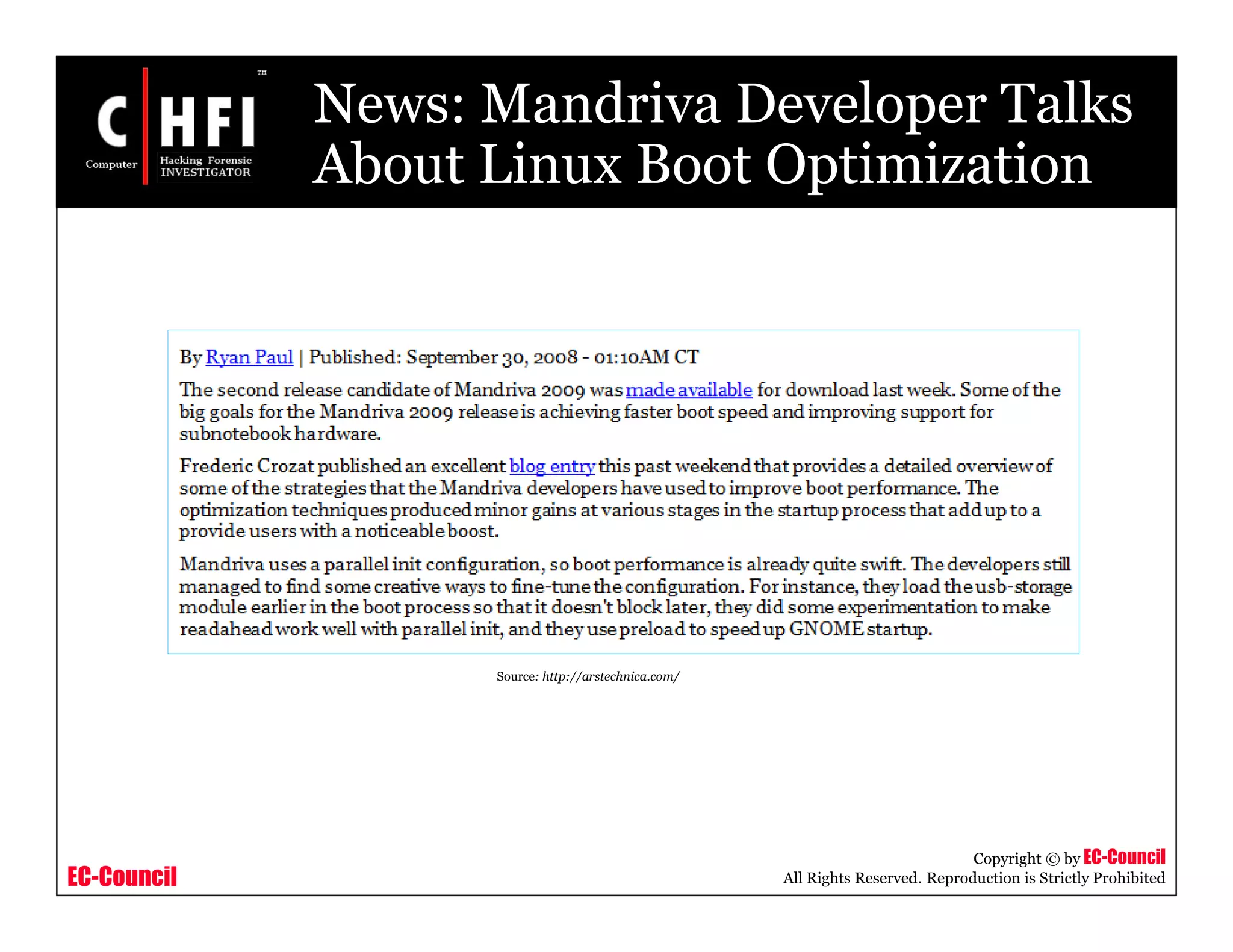
News: Mandriva Developer Talks
About Linux Boot Optimization
Source: http://arstechnica.com/
EC-Council
Copyright © by EC-Council
All Rights Reserved. Reproduction is Strictly Prohibited
Module Objective
• Terminologies related to Windows, Linux, and
Macintosh Boot Process
• Boot loaders
• Boot sectors
• Basic system boot process
• Windows XP boot process
• Linux boot process
• Macintosh boot process
This module will familiarize you with:
EC-Council
Copyright © by EC-Council
All Rights Reserved. Reproduction is Strictly Prohibited
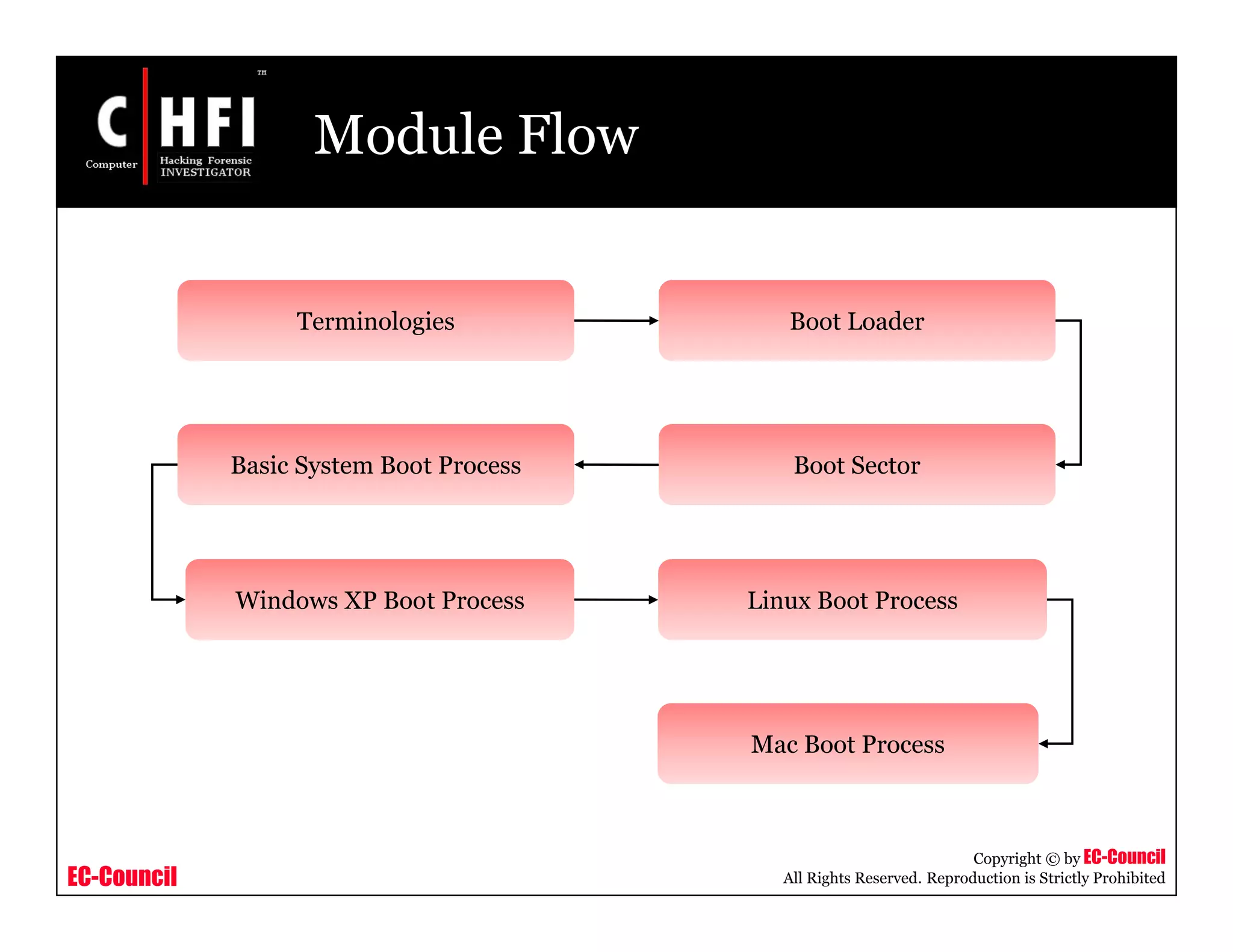
Module Flow
Terminologies
Basic System Boot Process Boot Sector
Mac Boot Process
Linux Boot ProcessWindows XP Boot Process
Boot Loader
EC-Council
Copyright © by EC-Council
All Rights Reserved. Reproduction is Strictly Prohibited
Terminologies
Booting:
• Booting is a process that starts operating systems when the user turns on a
computer system
Bootstrap:
• Bootstrap may be defined as a simple program that actually initializes the
computer's operating system
BIOS:
• Basic Input/Output System or Basic Integrated Operating System
• Performs booting process
CMOS:
• Complementary metal oxide semiconductor (CMOS) is a widely used type of
semiconductor
• Computers contain a small amount of battery-powered CMOS memory to hold
the date, time, and system setup parameters
EC-Council
Copyright © by EC-Council
All Rights Reserved. Reproduction is Strictly Prohibited
Terminologies (cont’d)
Boot Sequence:
• The set of operations the computer performs when it is
switched on which load an operating system
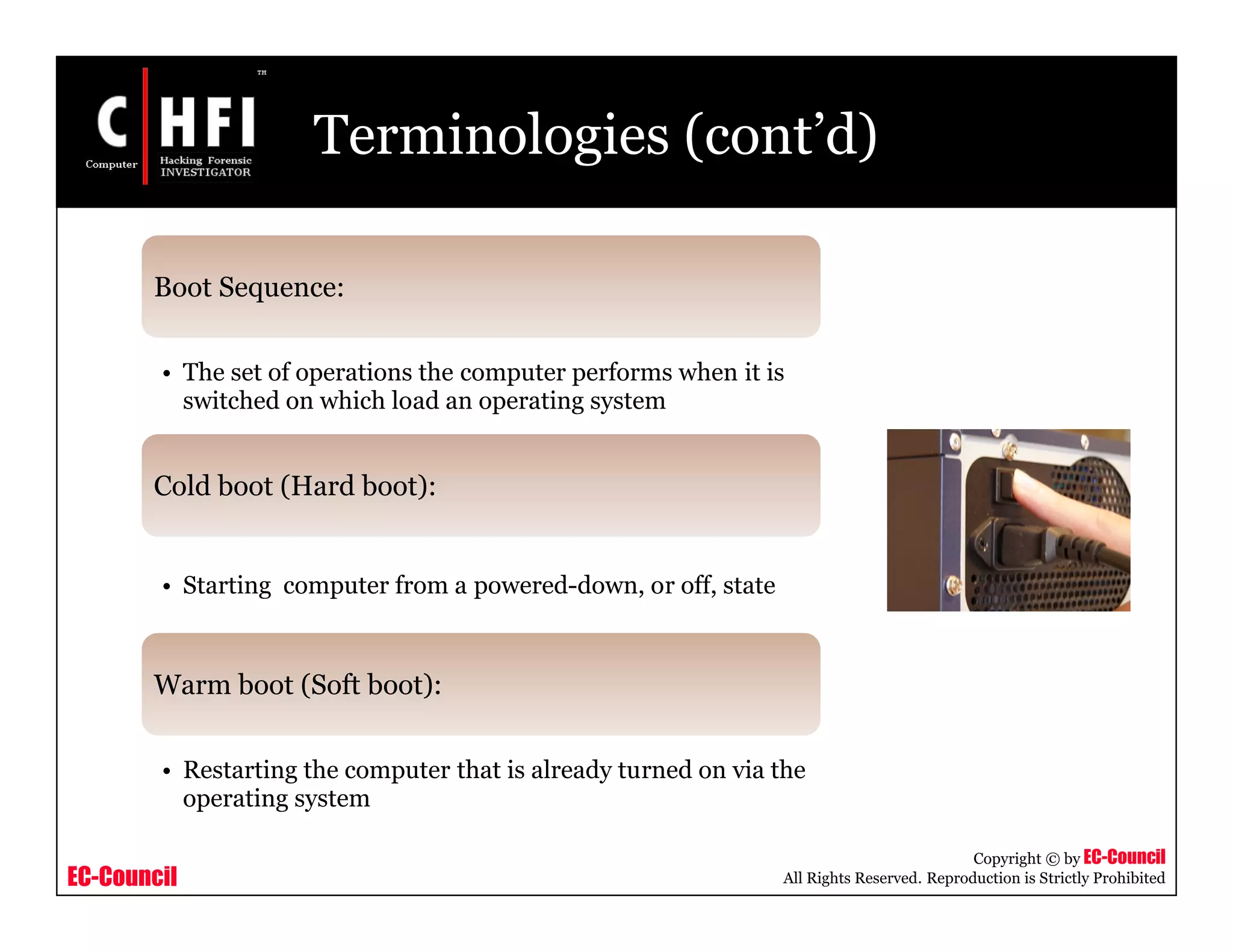
Cold boot (Hard boot):
• Starting computer from a powered-down, or off, state
Warm boot (Soft boot):
• Restarting the computer that is already turned on via the
operating system
EC-Council
Copyright © by EC-Council
All Rights Reserved. Reproduction is Strictly Prohibited
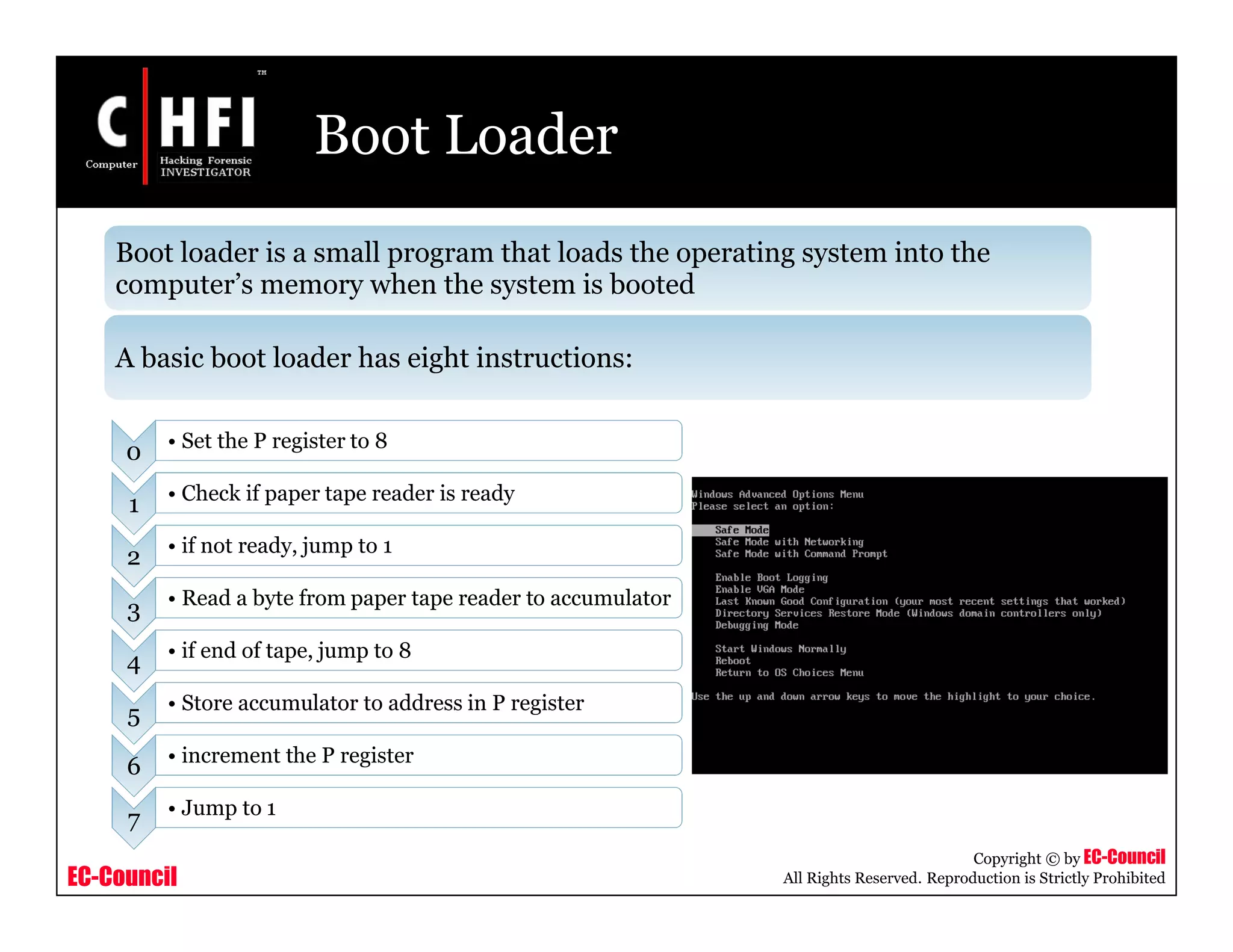
Boot Loader
Boot loader is a small program that loads the operating system into the
computer’s memory when the system is booted
A basic boot loader has eight instructions:
0 • Set the P register to 8
1 • Check if paper tape reader is ready
2 • if not ready, jump to 1
3 • Read a byte from paper tape reader to accumulator
4 • if end of tape, jump to 8
5 • Store accumulator to address in P register
6 • increment the P register
7 • Jump to 1
EC-Council
Copyright © by EC-Council
All Rights Reserved. Reproduction is Strictly Prohibited
Boot Sector
Boot sector is a sector of a hard disk, floppy disk, or similar data storage
device that contains the code for bootstrapping programs
Each valid boot sector has two bytes (0x55AA), called boot sector signature
at the end of the sector
There are two major kinds of boot sectors:
• Volume Boot Record
• Master Boot Record (MBR)
EC-Council
Copyright © by EC-Council
All Rights Reserved. Reproduction is Strictly Prohibited
Boot Sector (cont’d)
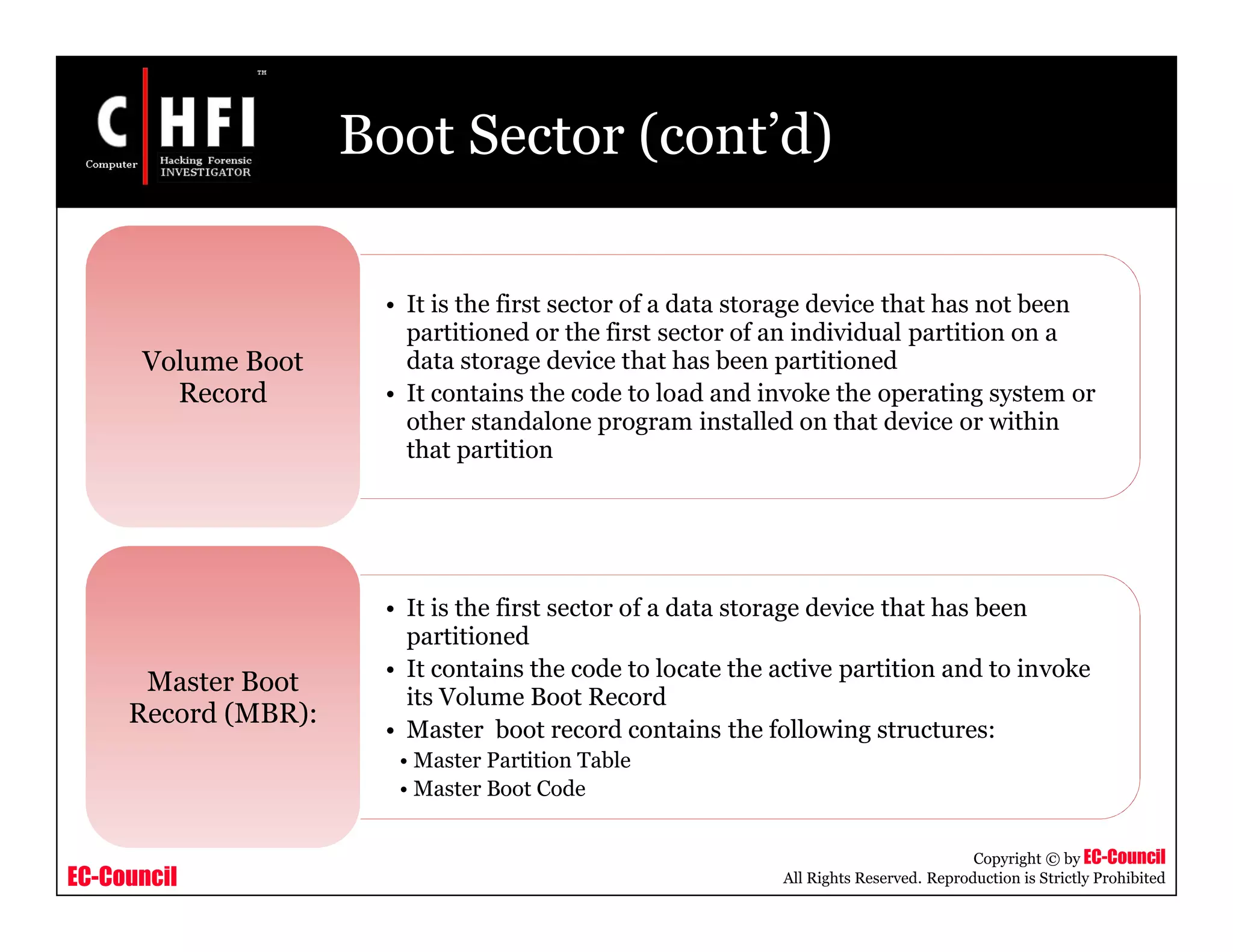
• It is the first sector of a data storage device that has not been
partitioned or the first sector of an individual partition on a
data storage device that has been partitioned
• It contains the code to load and invoke the operating system or
other standalone program installed on that device or within
that partition
Volume Boot
Record
• It is the first sector of a data storage device that has been
partitioned
• It contains the code to locate the active partition and to invoke
its Volume Boot Record
• Master boot record contains the following structures:
• Master Partition Table
• Master Boot Code
Master Boot
Record (MBR):
EC-Council
Copyright © by EC-Council
All Rights Reserved. Reproduction is Strictly Prohibited
Boot Sector (cont’d)
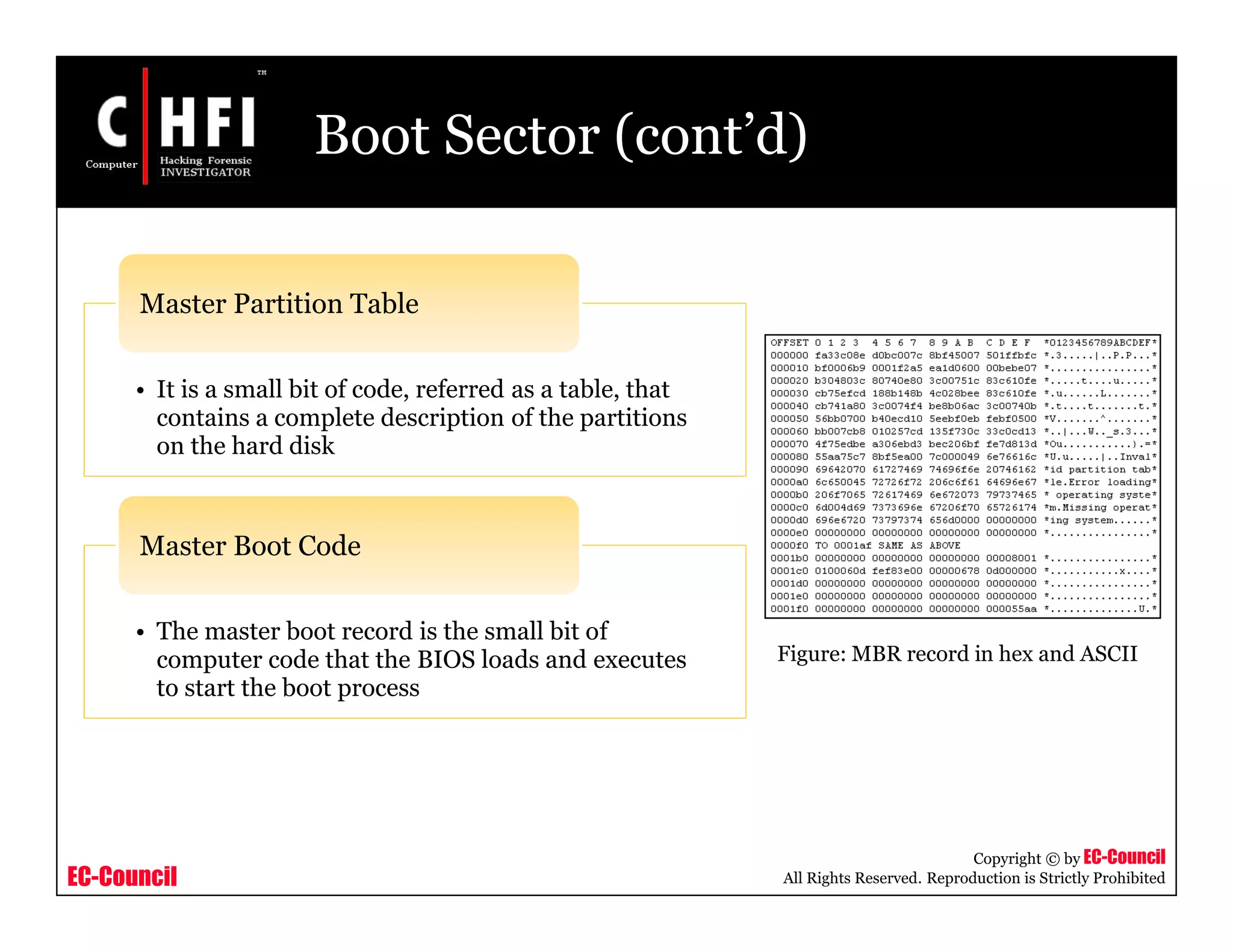
• It is a small bit of code, referred as a table, that
contains a complete description of the partitions
on the hard disk
Master Partition Table
• The master boot record is the small bit of
computer code that the BIOS loads and executes
to start the boot process
Master Boot Code
Figure: MBR record in hex and ASCII
EC-Council
Copyright © by EC-Council
All Rights Reserved. Reproduction is Strictly Prohibited
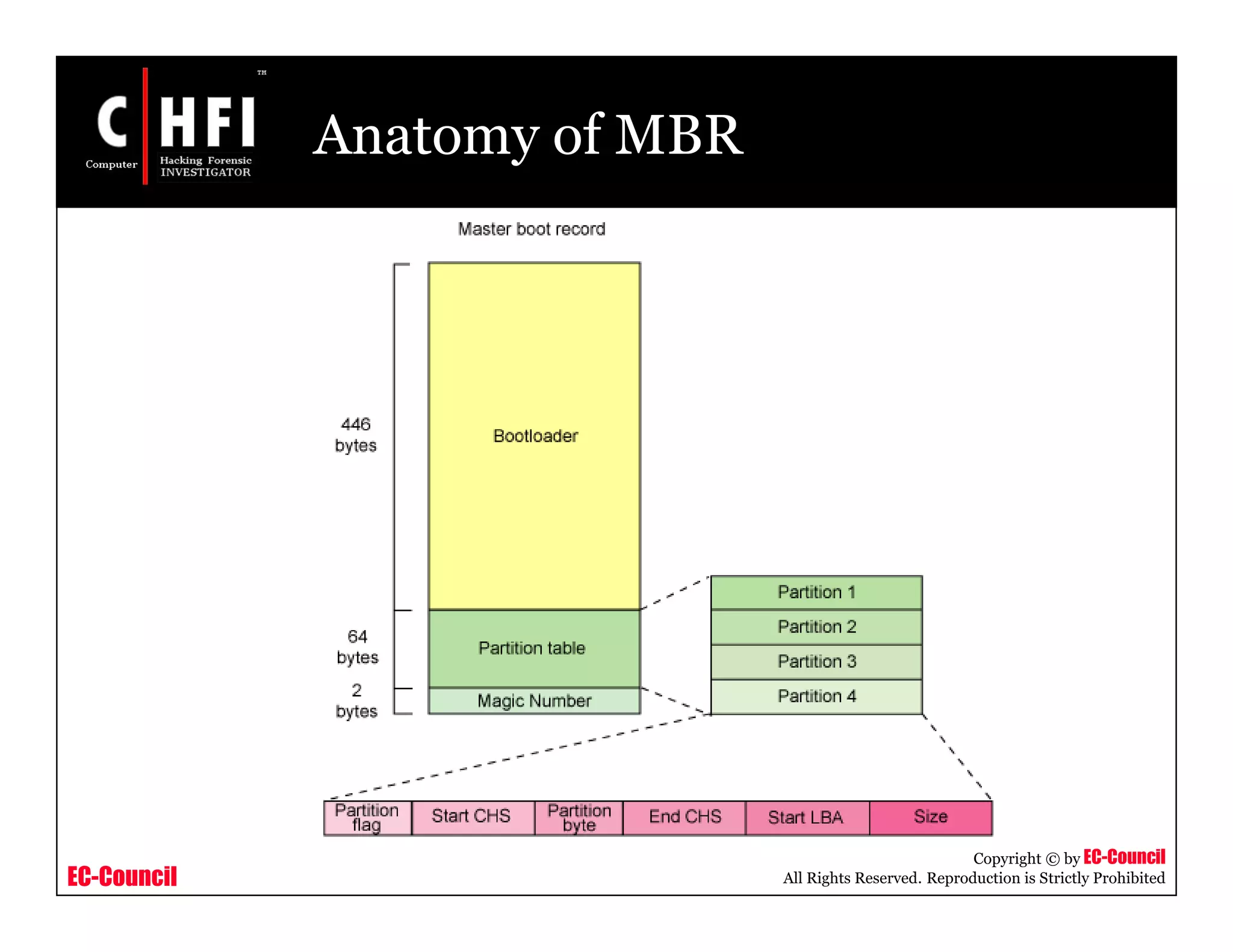
Anatomy of MBR
EC-Council
Copyright © by EC-Council
All Rights Reserved. Reproduction is Strictly Prohibited
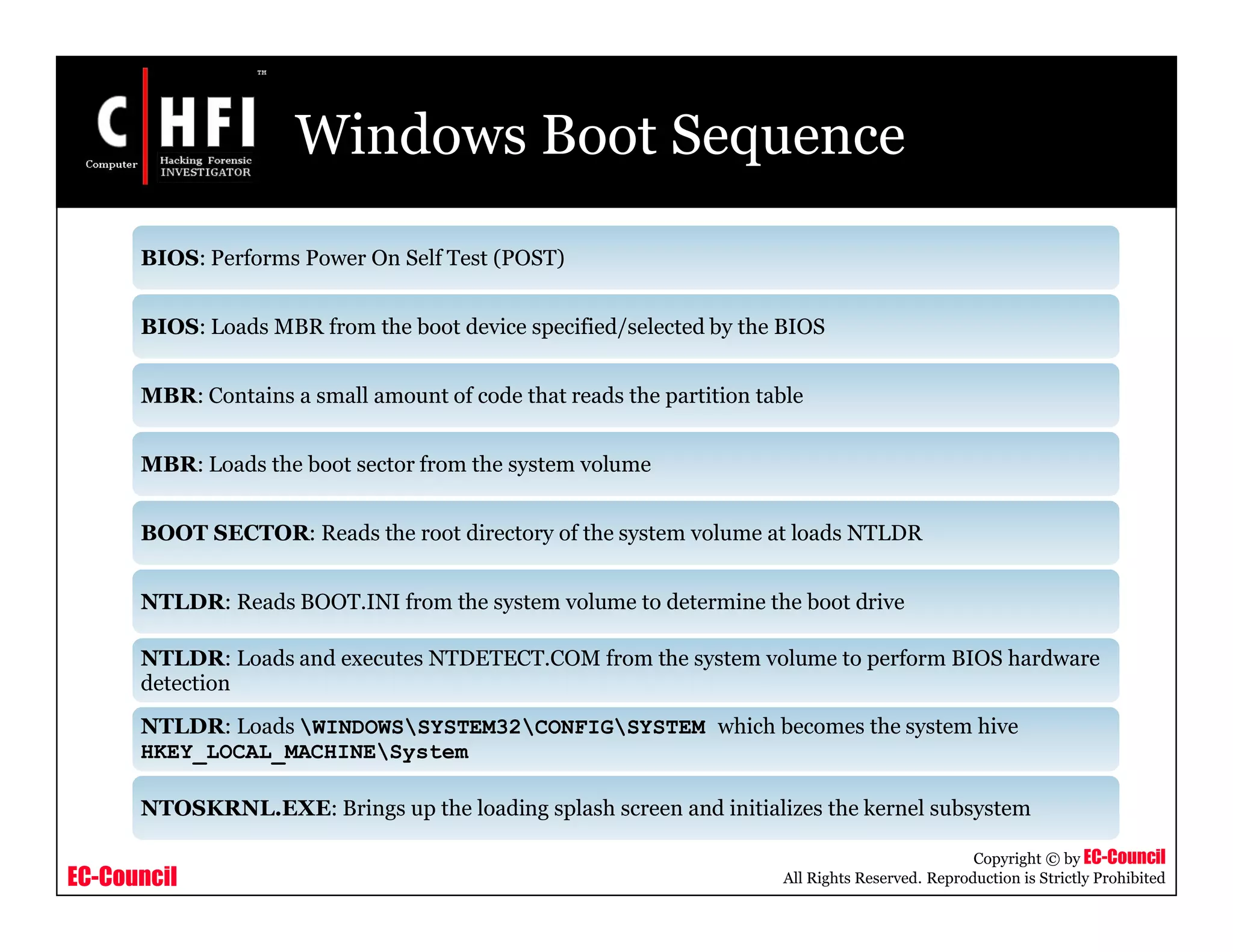
Windows Boot Sequence
BIOS: Performs Power On Self Test (POST)
BIOS: Loads MBR from the boot device specified/selected by the BIOS
MBR: Contains a small amount of code that reads the partition table
MBR: Loads the boot sector from the system volume
BOOT SECTOR: Reads the root directory of the system volume at loads NTLDR
NTLDR: Reads BOOT.INI from the system volume to determine the boot drive
NTLDR: Loads and executes NTDETECT.COM from the system volume to perform BIOS hardware
detection
NTLDR: Loads WINDOWSSYSTEM32CONFIGSYSTEM which becomes the system hive
HKEY_LOCAL_MACHINESystem
NTOSKRNL.EXE: Brings up the loading splash screen and initializes the kernel subsystem
EC-Council
Copyright © by EC-Council
All Rights Reserved. Reproduction is Strictly Prohibited
Windows Boot Sequence (cont’d)
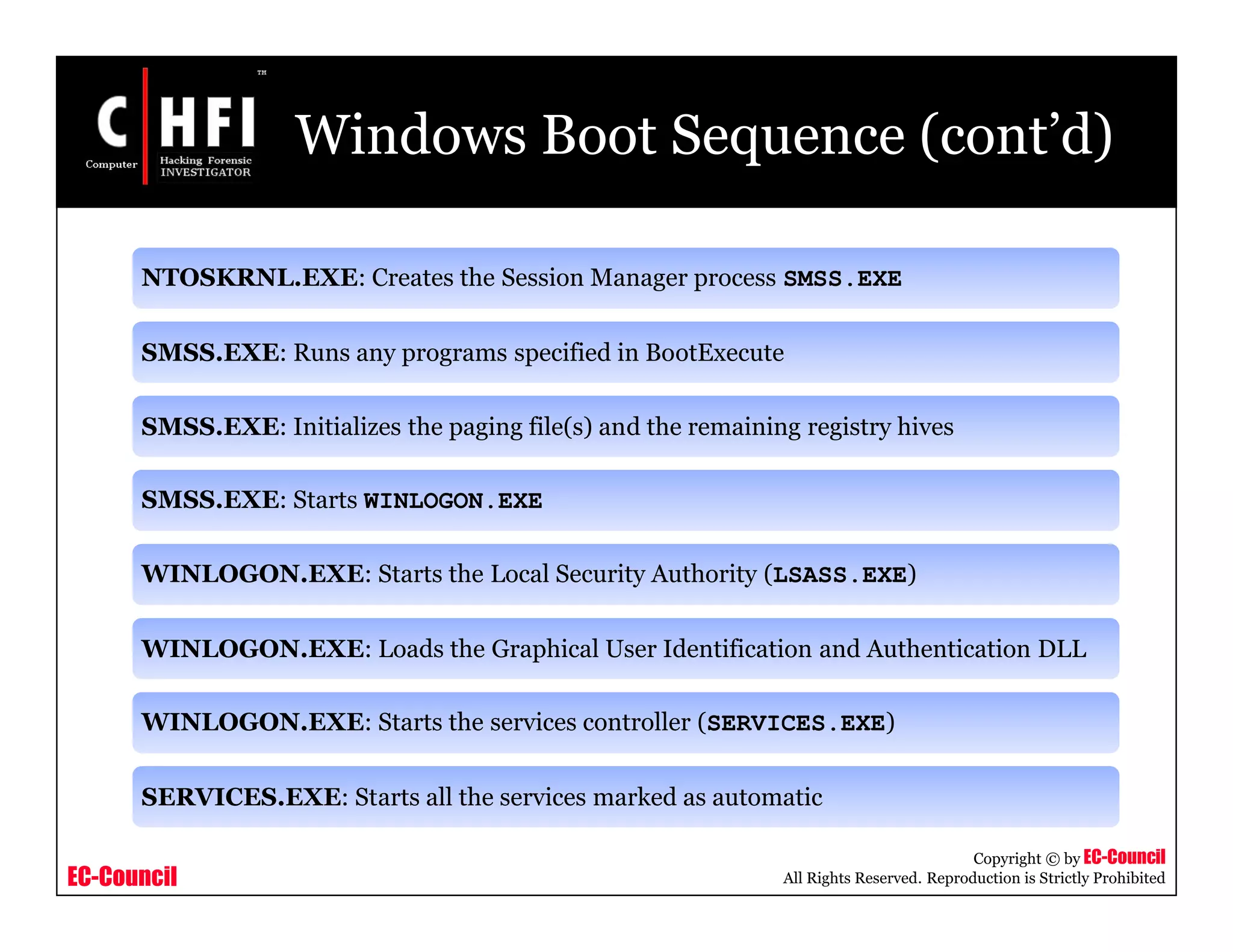
NTOSKRNL.EXE: Creates the Session Manager process SMSS.EXE
SMSS.EXE: Runs any programs specified in BootExecute
SMSS.EXE: Initializes the paging file(s) and the remaining registry hives
SMSS.EXE: Starts WINLOGON.EXE
WINLOGON.EXE: Starts the Local Security Authority (LSASS.EXE)
WINLOGON.EXE: Loads the Graphical User Identification and Authentication DLL
WINLOGON.EXE: Starts the services controller (SERVICES.EXE)
SERVICES.EXE: Starts all the services marked as automatic
EC-Council
Copyright © by EC-Council
All Rights Reserved. Reproduction is Strictly Prohibited
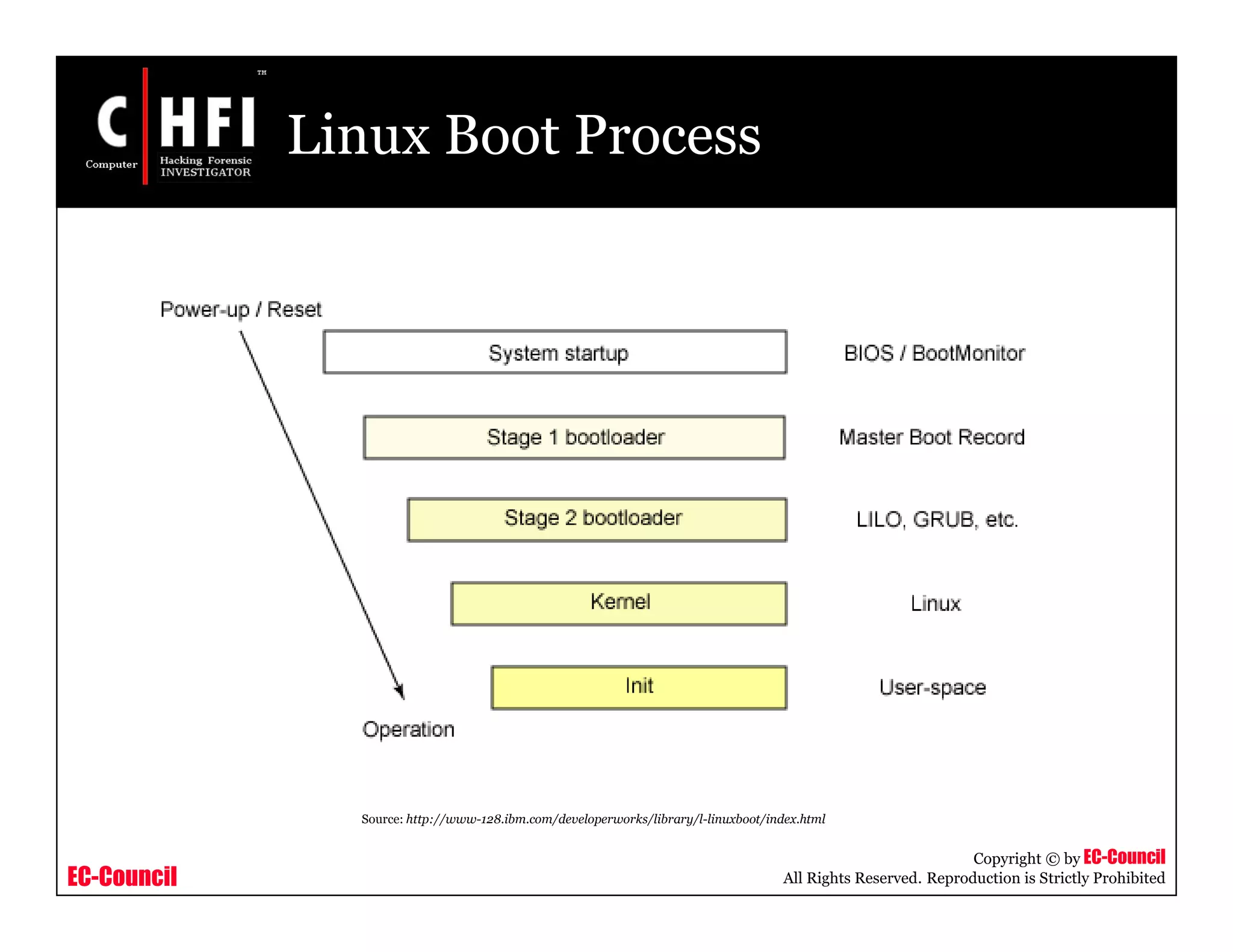
Linux Boot Sequence
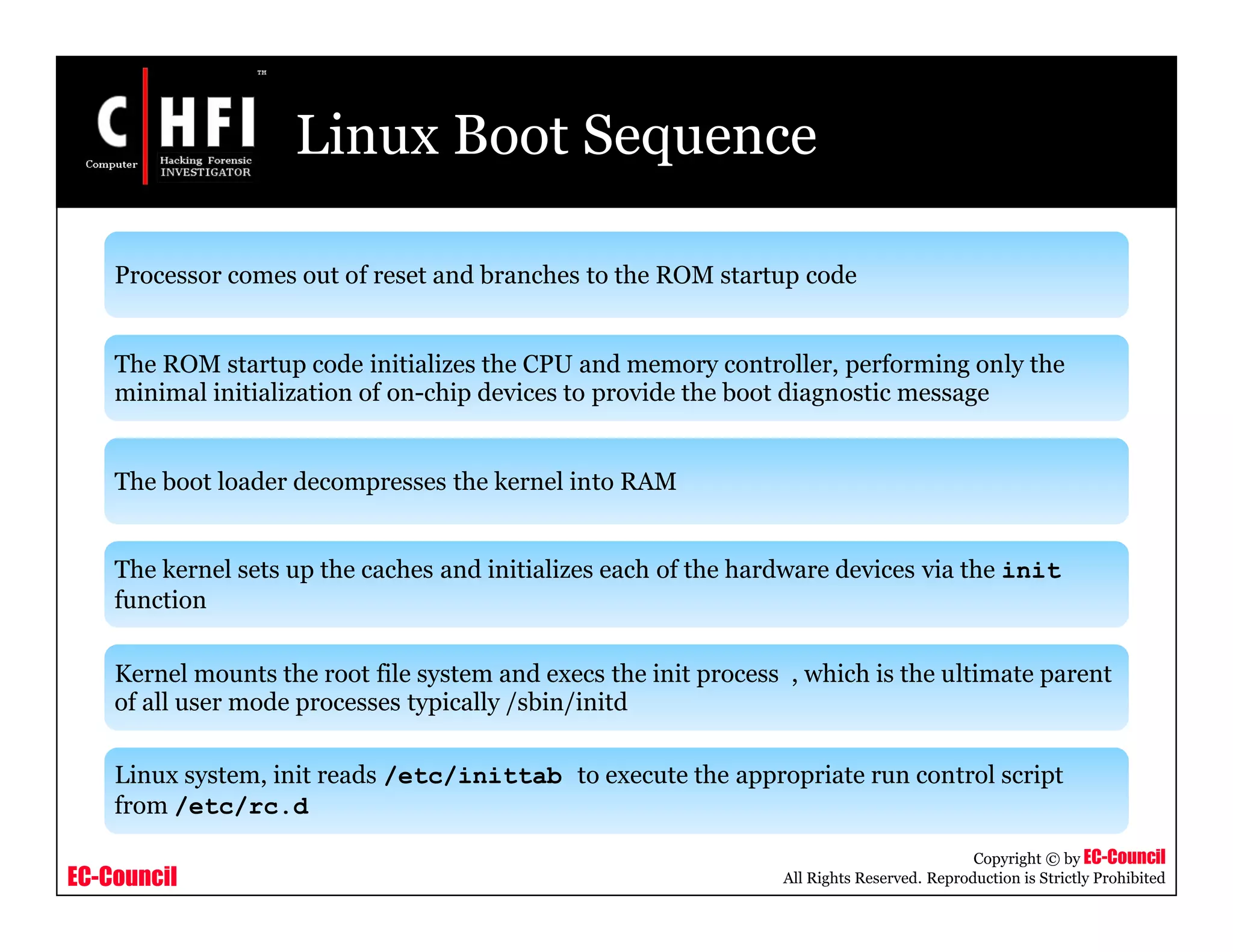
Processor comes out of reset and branches to the ROM startup code
The ROM startup code initializes the CPU and memory controller, performing only the
minimal initialization of on-chip devices to provide the boot diagnostic message
The boot loader decompresses the kernel into RAM
The kernel sets up the caches and initializes each of the hardware devices via the init
function
Kernel mounts the root file system and execs the init process , which is the ultimate parent
of all user mode processes typically /sbin/initd
Linux system, init reads /etc/inittab to execute the appropriate run control script
from /etc/rc.d
EC-Council
Copyright © by EC-Council
All Rights Reserved. Reproduction is Strictly Prohibited
Macintosh Boot Sequence
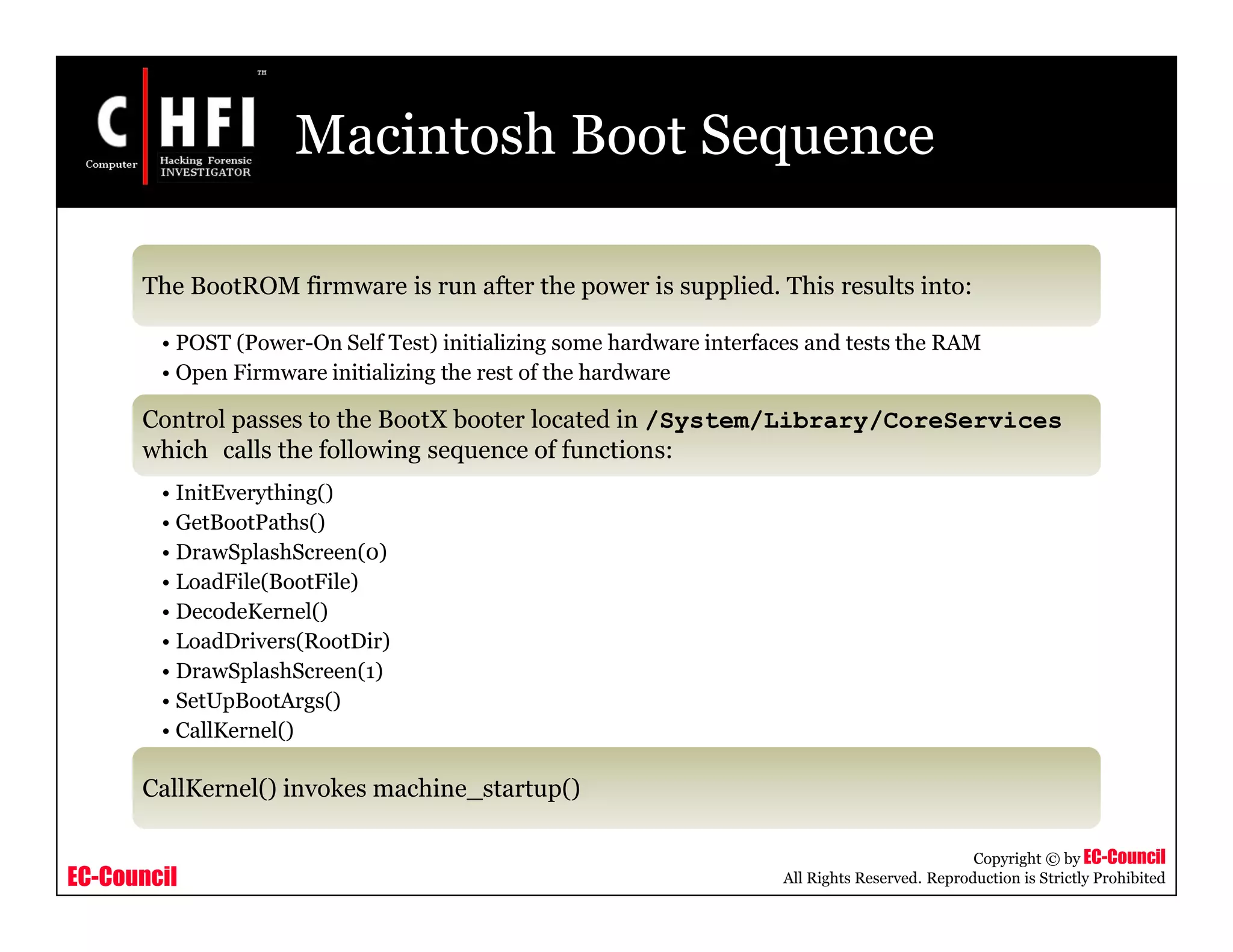
The BootROM firmware is run after the power is supplied. This results into:
• POST (Power-On Self Test) initializing some hardware interfaces and tests the RAM
• Open Firmware initializing the rest of the hardware
Control passes to the BootX booter located in /System/Library/CoreServices
which calls the following sequence of functions:
• InitEverything()
• GetBootPaths()
• DrawSplashScreen(0)
• LoadFile(BootFile)
• DecodeKernel()
• LoadDrivers(RootDir)
• DrawSplashScreen(1)
• SetUpBootArgs()
• CallKernel()
CallKernel() invokes machine_startup()
EC-Council
Copyright © by EC-Council
All Rights Reserved. Reproduction is Strictly Prohibited
Windows XP Boot Process
EC-Council
Copyright © by EC-Council
All Rights Reserved. Reproduction is Strictly Prohibited
Windows XP Boot Process
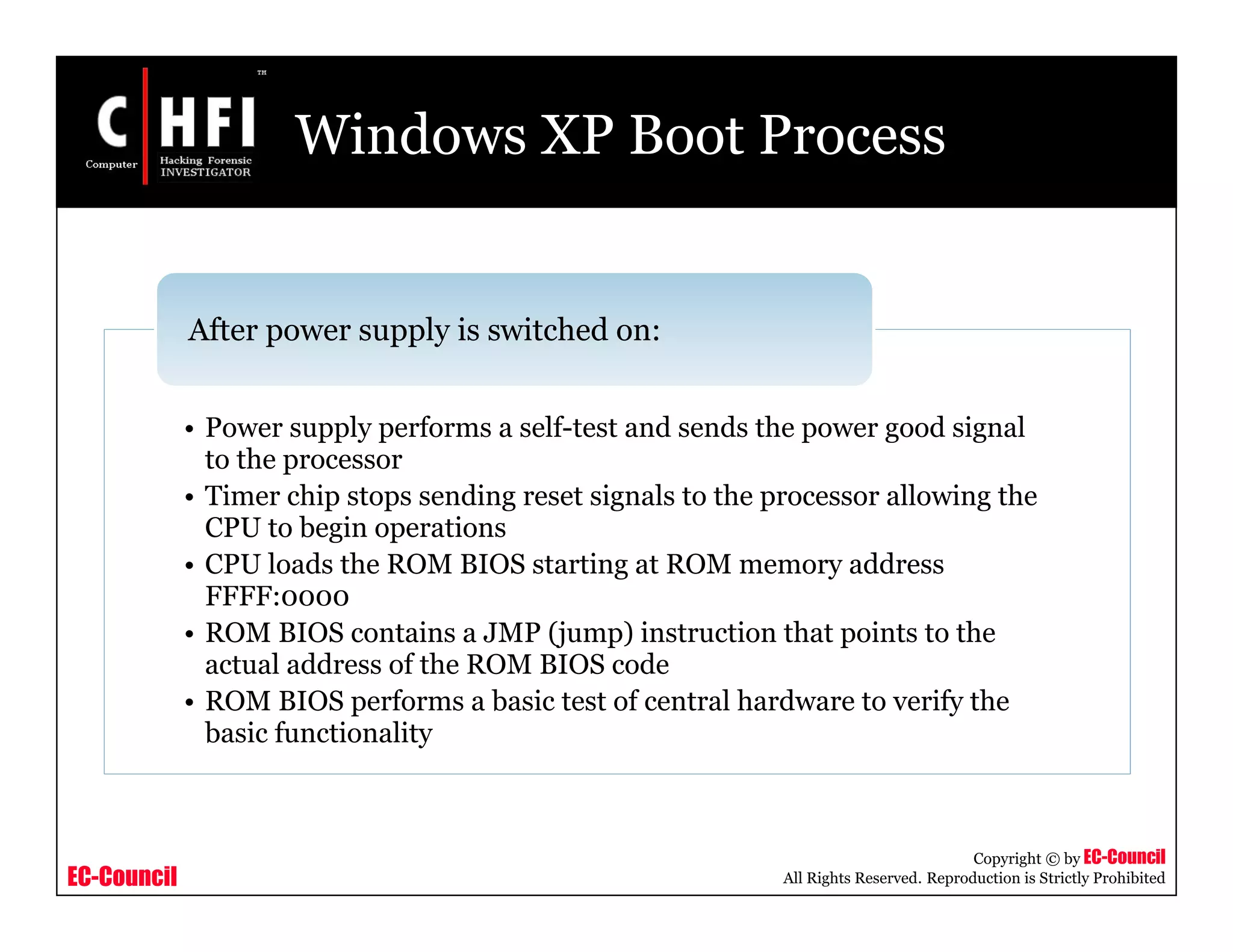
• Power supply performs a self-test and sends the power good signal
to the processor
• Timer chip stops sending reset signals to the processor allowing the
CPU to begin operations
• CPU loads the ROM BIOS starting at ROM memory address
FFFF:0000
• ROM BIOS contains a JMP (jump) instruction that points to the
actual address of the ROM BIOS code
• ROM BIOS performs a basic test of central hardware to verify the
basic functionality
After power supply is switched on:
EC-Council
Copyright © by EC-Council
All Rights Reserved. Reproduction is Strictly Prohibited
Windows XP Boot Process (cont’d)
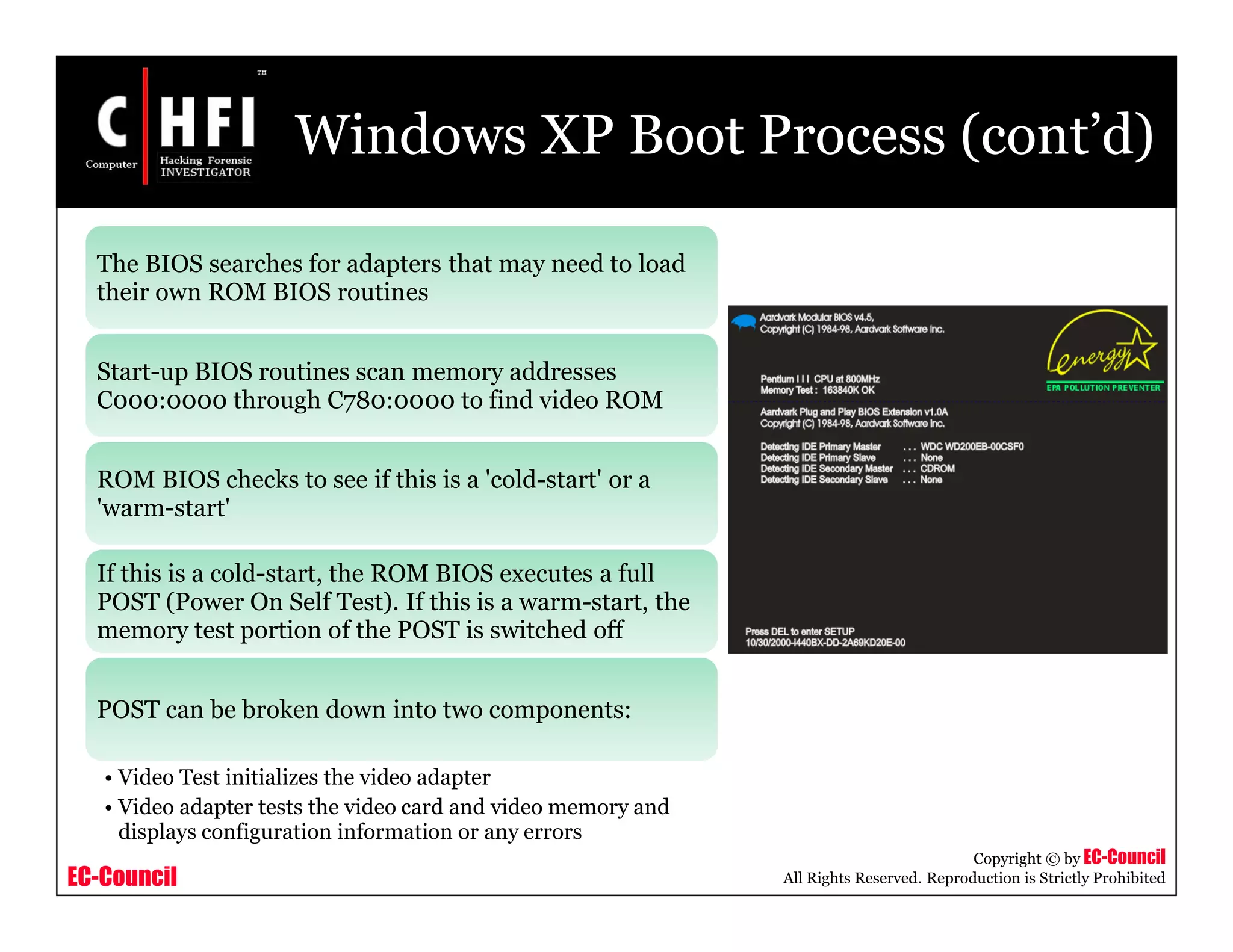
The BIOS searches for adapters that may need to load
their own ROM BIOS routines
Start-up BIOS routines scan memory addresses
C000:0000 through C780:0000 to find video ROM
ROM BIOS checks to see if this is a 'cold-start' or a
'warm-start'
If this is a cold-start, the ROM BIOS executes a full
POST (Power On Self Test). If this is a warm-start, the
memory test portion of the POST is switched off
POST can be broken down into two components:
• Video Test initializes the video adapter
• Video adapter tests the video card and video memory and
displays configuration information or any errors
EC-Council
Copyright © by EC-Council
All Rights Reserved. Reproduction is Strictly Prohibited
Windows XP Boot Process (cont’d)
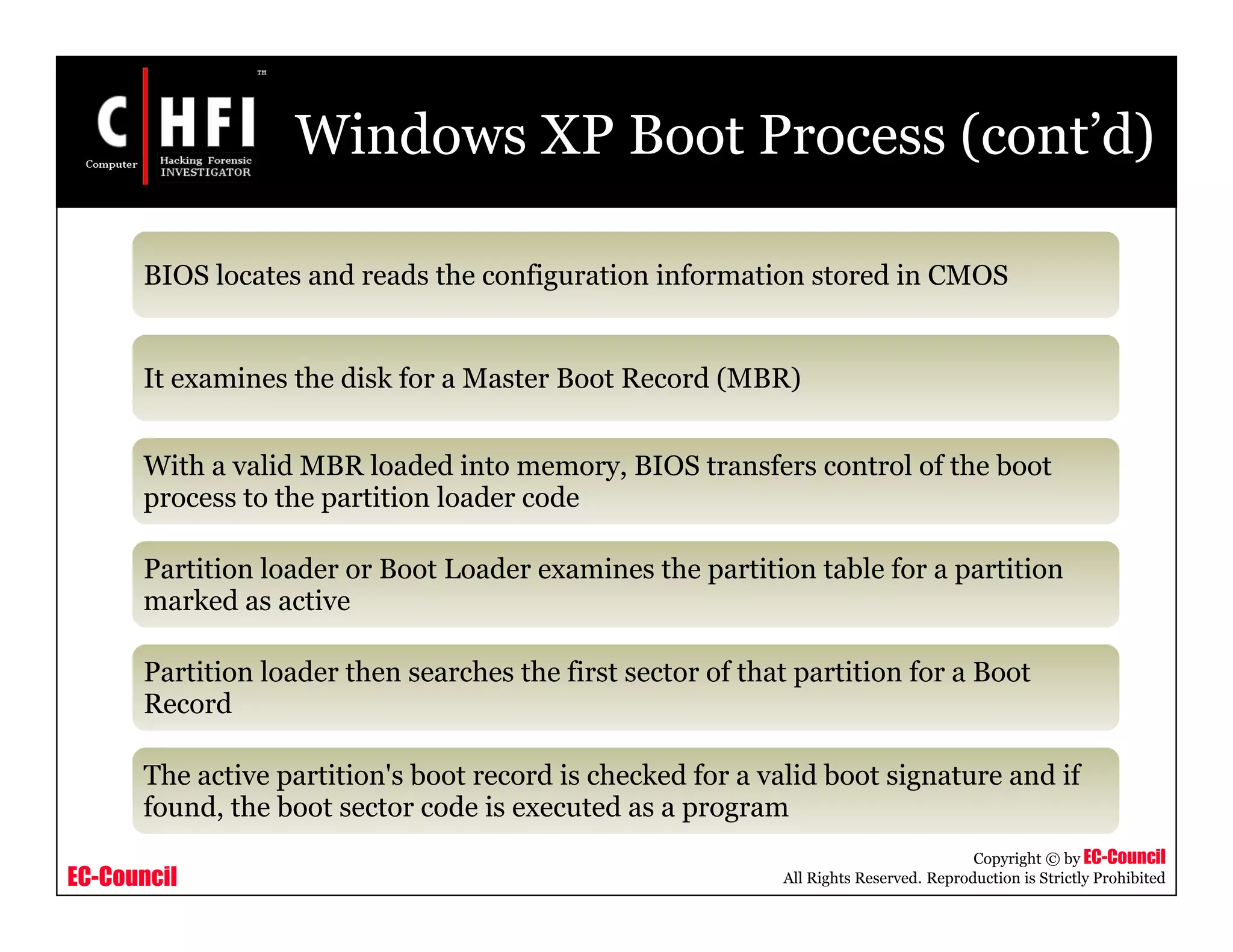
BIOS locates and reads the configuration information stored in CMOS
It examines the disk for a Master Boot Record (MBR)
With a valid MBR loaded into memory, BIOS transfers control of the boot
process to the partition loader code
Partition loader or Boot Loader examines the partition table for a partition
marked as active
Partition loader then searches the first sector of that partition for a Boot
Record
The active partition's boot record is checked for a valid boot signature and if
found, the boot sector code is executed as a program
EC-Council
Copyright © by EC-Council
All Rights Reserved. Reproduction is Strictly Prohibited
Windows XP Boot Process (cont’d)
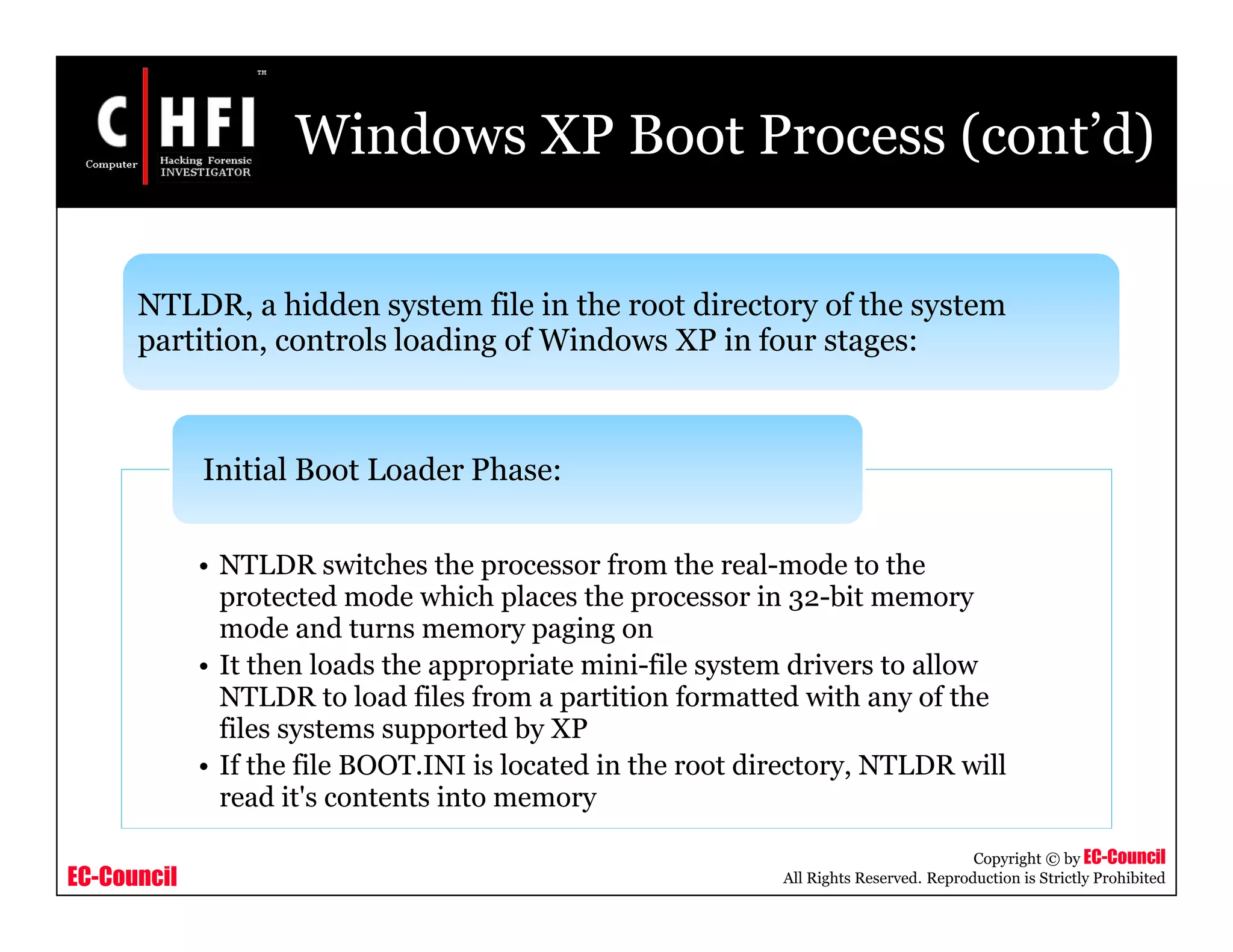
NTLDR, a hidden system file in the root directory of the system
partition, controls loading of Windows XP in four stages:
• NTLDR switches the processor from the real-mode to the
protected mode which places the processor in 32-bit memory
mode and turns memory paging on
• It then loads the appropriate mini-file system drivers to allow
NTLDR to load files from a partition formatted with any of the
files systems supported by XP
• If the file BOOT.INI is located in the root directory, NTLDR will
read it's contents into memory
Initial Boot Loader Phase:
EC-Council
Copyright © by EC-Council
All Rights Reserved. Reproduction is Strictly Prohibited
Windows XP Boot Process (cont’d)
• If BOOT.INI contains entries for more
than one operating system, NTLDR will
stop the boot sequence at this point,
display a menu of choices, and wait for a
specified period of time for the user to
make a selection
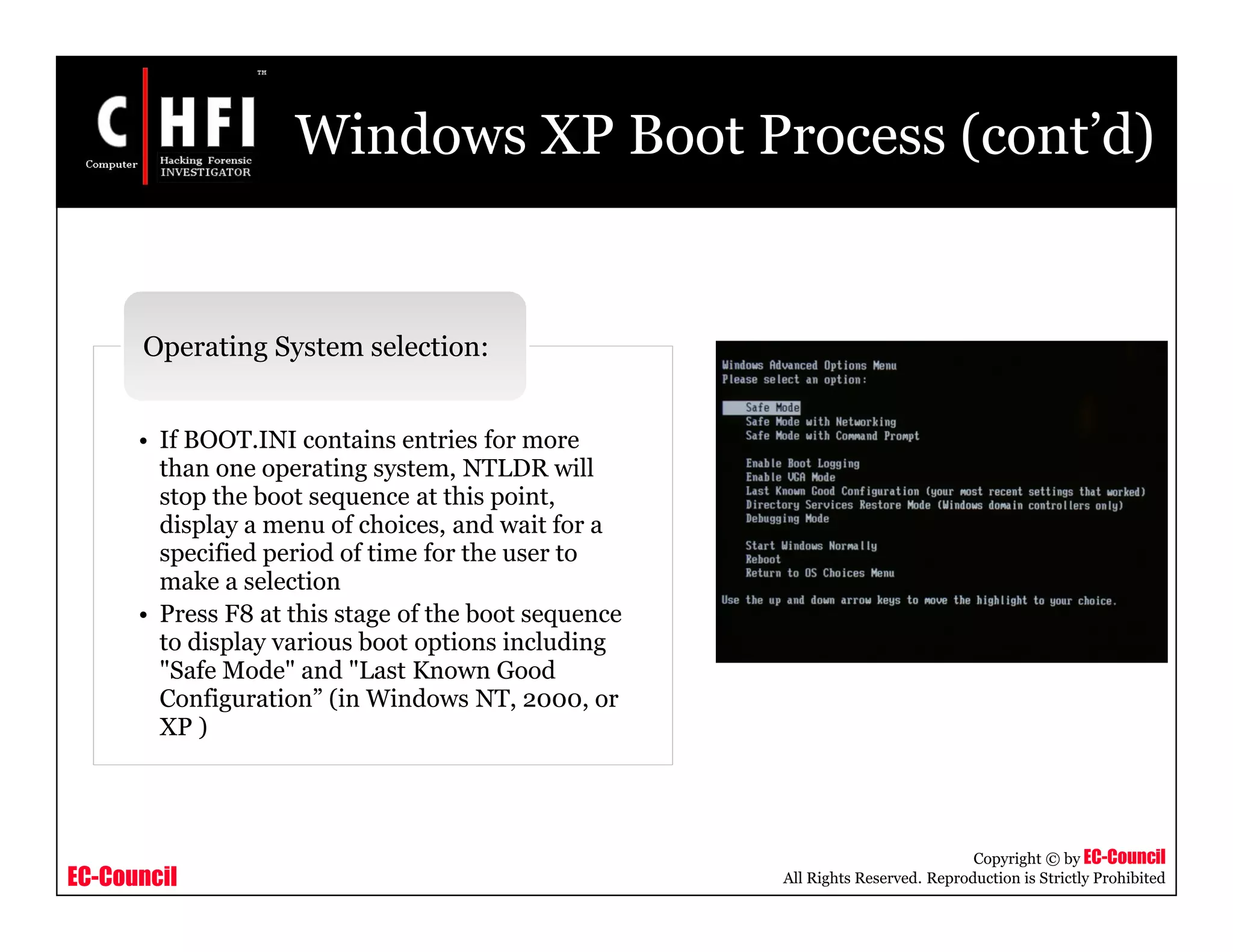
• Press F8 at this stage of the boot sequence
to display various boot options including
"Safe Mode" and "Last Known Good
Configuration” (in Windows NT, 2000, or
XP )
Operating System selection:
EC-Council
Copyright © by EC-Council
All Rights Reserved. Reproduction is Strictly Prohibited
Windows XP Boot Process (cont’d)
• If the selected operating system is XP, NTLDR locates and
loads the DOS based NTDETECT.COM program to perform
hardware detection
• If this computer has more than one defined Hardware Profile,
NTLDR will stop at this point and display the Hardware
Profiles/Configuration Recovery menu
• After selecting a hardware configuration, NTLDR begins
loading the XP kernel (NTOSKRNL.EXE)
Hardware Detection:
EC-Council
Copyright © by EC-Council
All Rights Reserved. Reproduction is Strictly Prohibited
Windows XP Boot Process (cont’d)
Configuration Selection
• NTLDR now loads device drivers that are marked as boot devices. After these drives
are loaded, NTLDR relinquishes control of the computer
NTOSKRNL goes through two phases in its boot process
phase 0: phase 1:
XP disables interrupts during phase 0 and
enables them before phase 1
All executive subsystems are reinitialized in the
following order:
The HAL is called to prepare the interrupt
controller
 Object Manager
 Executive
 Microkernel
 Security Reference Monitor
 Memory Manager
 Cache Manager
 LPCS
 I/O Manager
 Process Manager
EC-Council
Copyright © by EC-Council
All Rights Reserved. Reproduction is Strictly Prohibited
Windows XP Boot Process (cont’d)
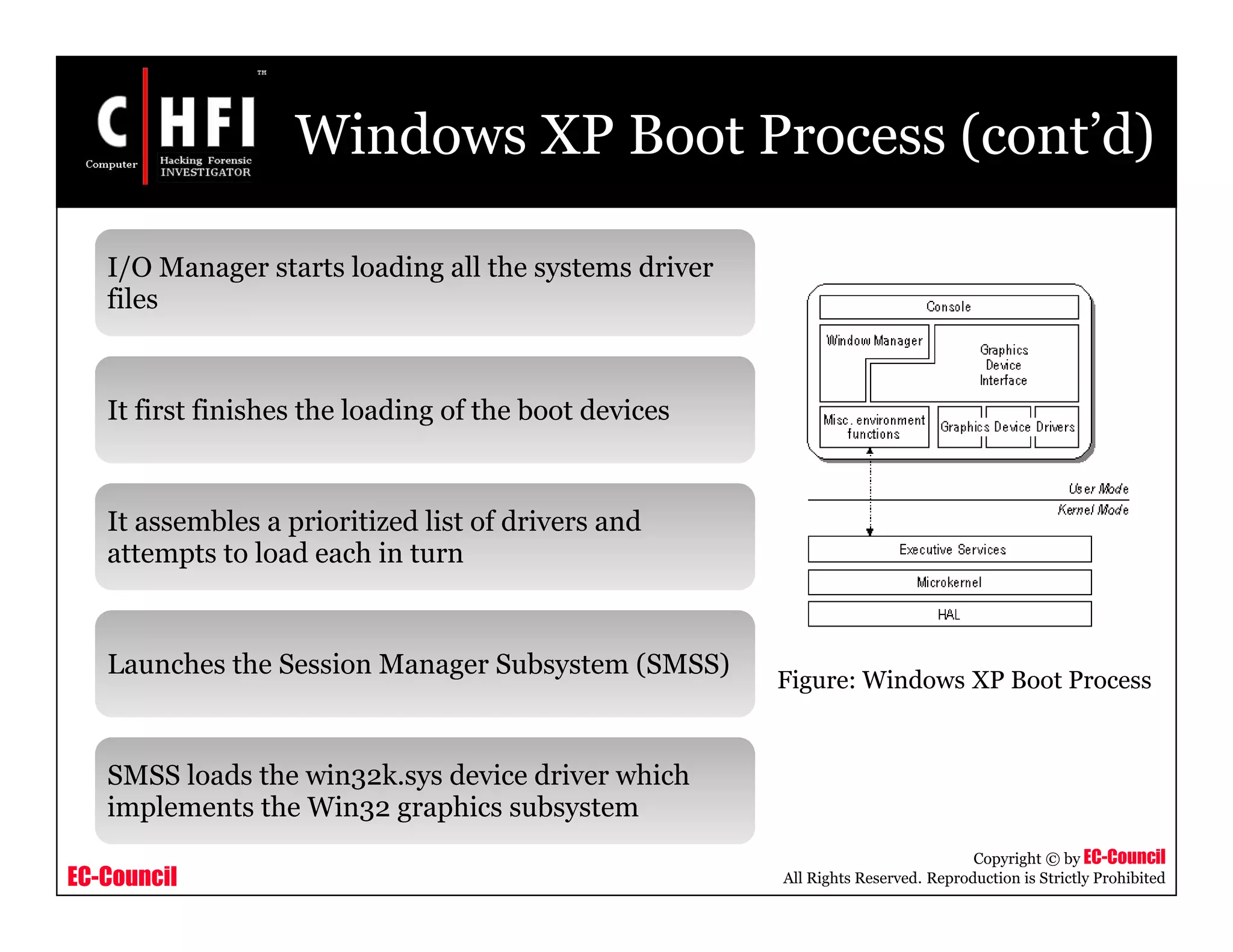
I/O Manager starts loading all the systems driver
files
It first finishes the loading of the boot devices
It assembles a prioritized list of drivers and
attempts to load each in turn
Launches the Session Manager Subsystem (SMSS)
SMSS loads the win32k.sys device driver which
implements the Win32 graphics subsystem
Figure: Windows XP Boot Process
EC-Council
Copyright © by EC-Council
All Rights Reserved. Reproduction is Strictly Prohibited
Windows XP Boot Process (cont’d)
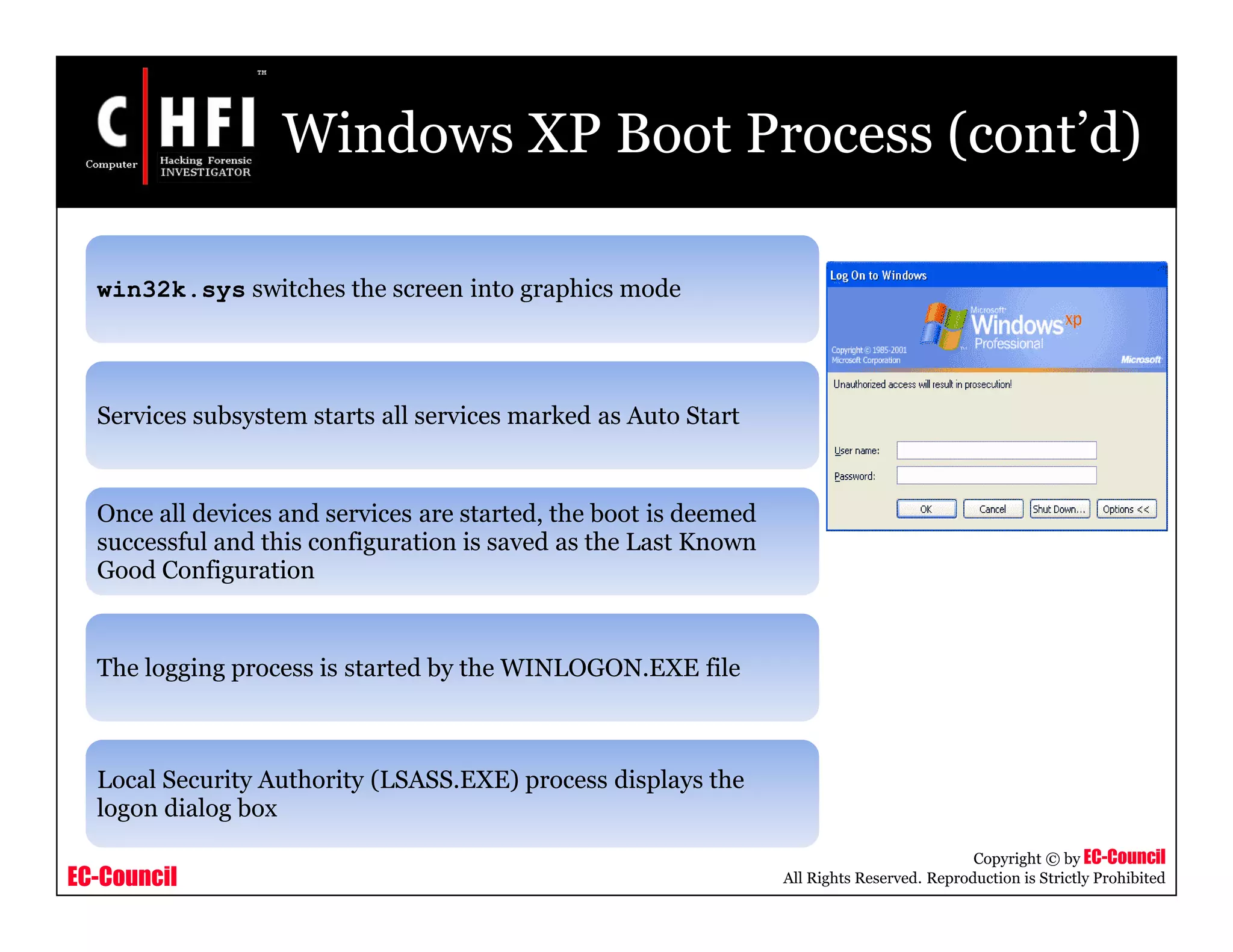
win32k.sys switches the screen into graphics mode
Services subsystem starts all services marked as Auto Start
Once all devices and services are started, the boot is deemed
successful and this configuration is saved as the Last Known
Good Configuration
The logging process is started by the WINLOGON.EXE file
Local Security Authority (LSASS.EXE) process displays the
logon dialog box
EC-Council
Copyright © by EC-Council
All Rights Reserved. Reproduction is Strictly Prohibited
Linux Boot Process
EC-Council
Copyright © by EC-Council
All Rights Reserved. Reproduction is Strictly Prohibited
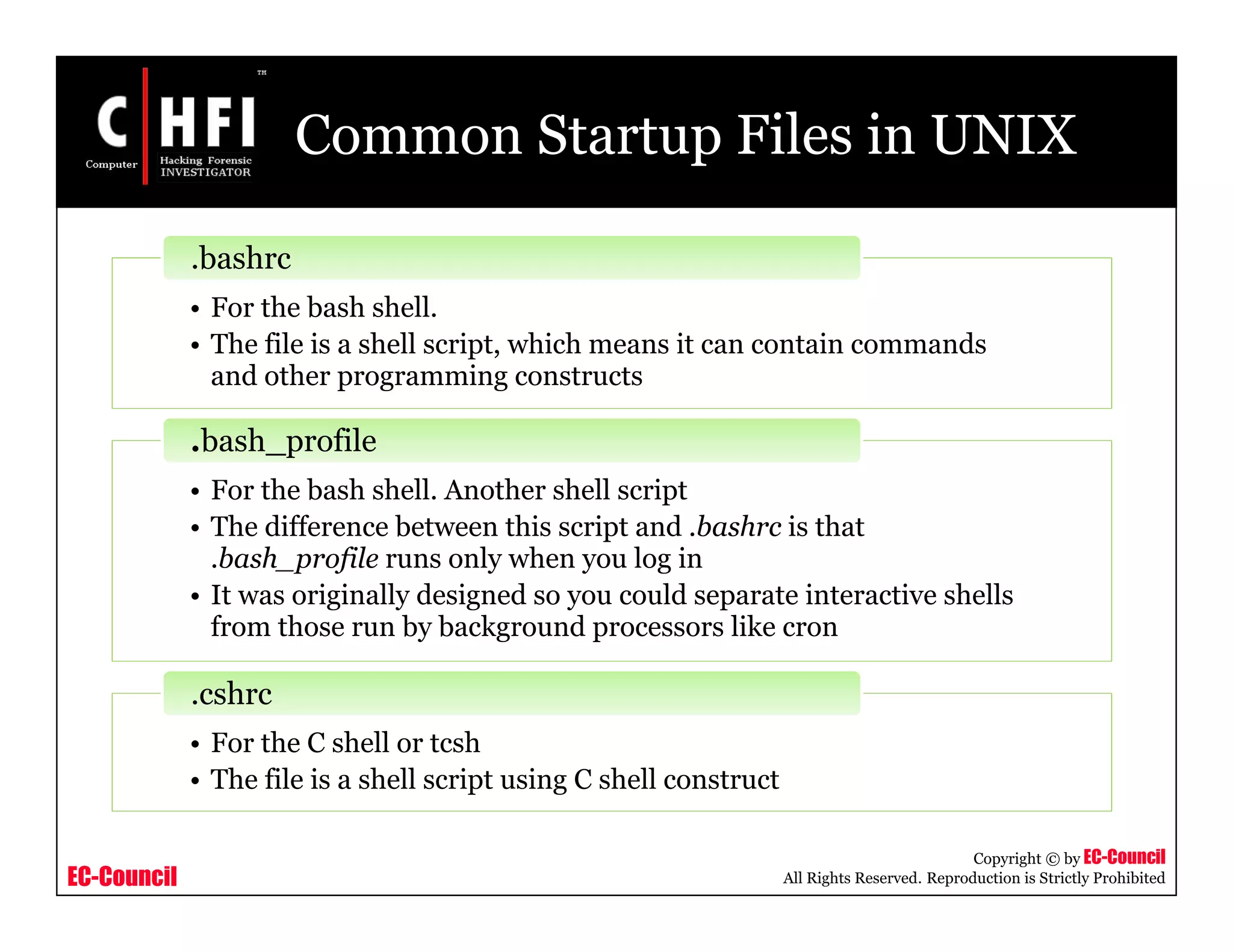
Common Startup Files in UNIX
• For the bash shell.
• The file is a shell script, which means it can contain commands
and other programming constructs
.bashrc
• For the bash shell. Another shell script
• The difference between this script and .bashrc is that
.bash_profile runs only when you log in
• It was originally designed so you could separate interactive shells
from those run by background processors like cron
.bash_profile
• For the C shell or tcsh
• The file is a shell script using C shell construct
.cshrc
EC-Council
Copyright © by EC-Council
All Rights Reserved. Reproduction is Strictly Prohibited
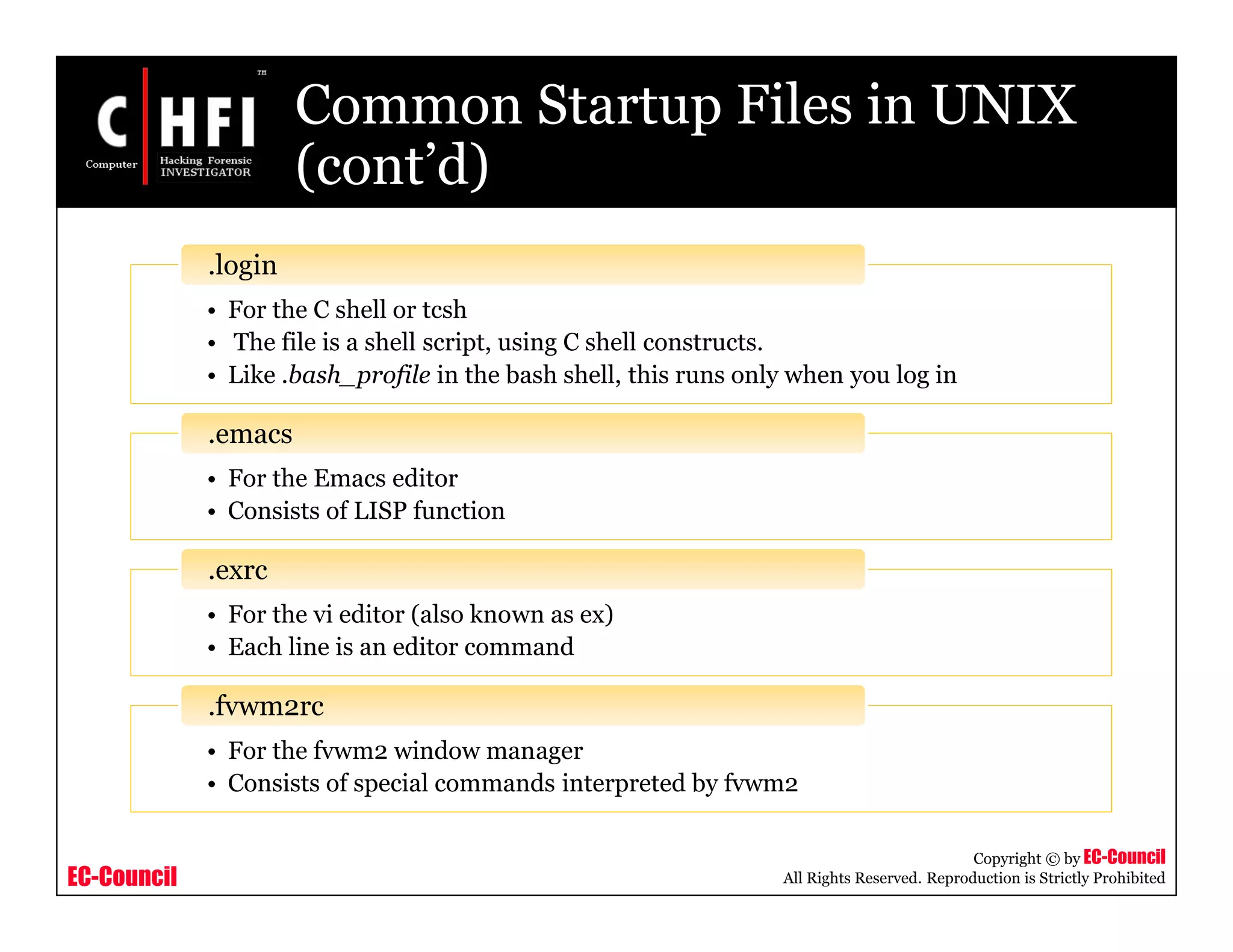
Common Startup Files in UNIX
(cont’d)
• For the C shell or tcsh
• The file is a shell script, using C shell constructs.
• Like .bash_profile in the bash shell, this runs only when you log in
.login
• For the Emacs editor
• Consists of LISP function
.emacs
• For the vi editor (also known as ex)
• Each line is an editor command
.exrc
• For the fvwm2 window manager
• Consists of special commands interpreted by fvwm2
.fvwm2rc
EC-Council
Copyright © by EC-Council
All Rights Reserved. Reproduction is Strictly Prohibited
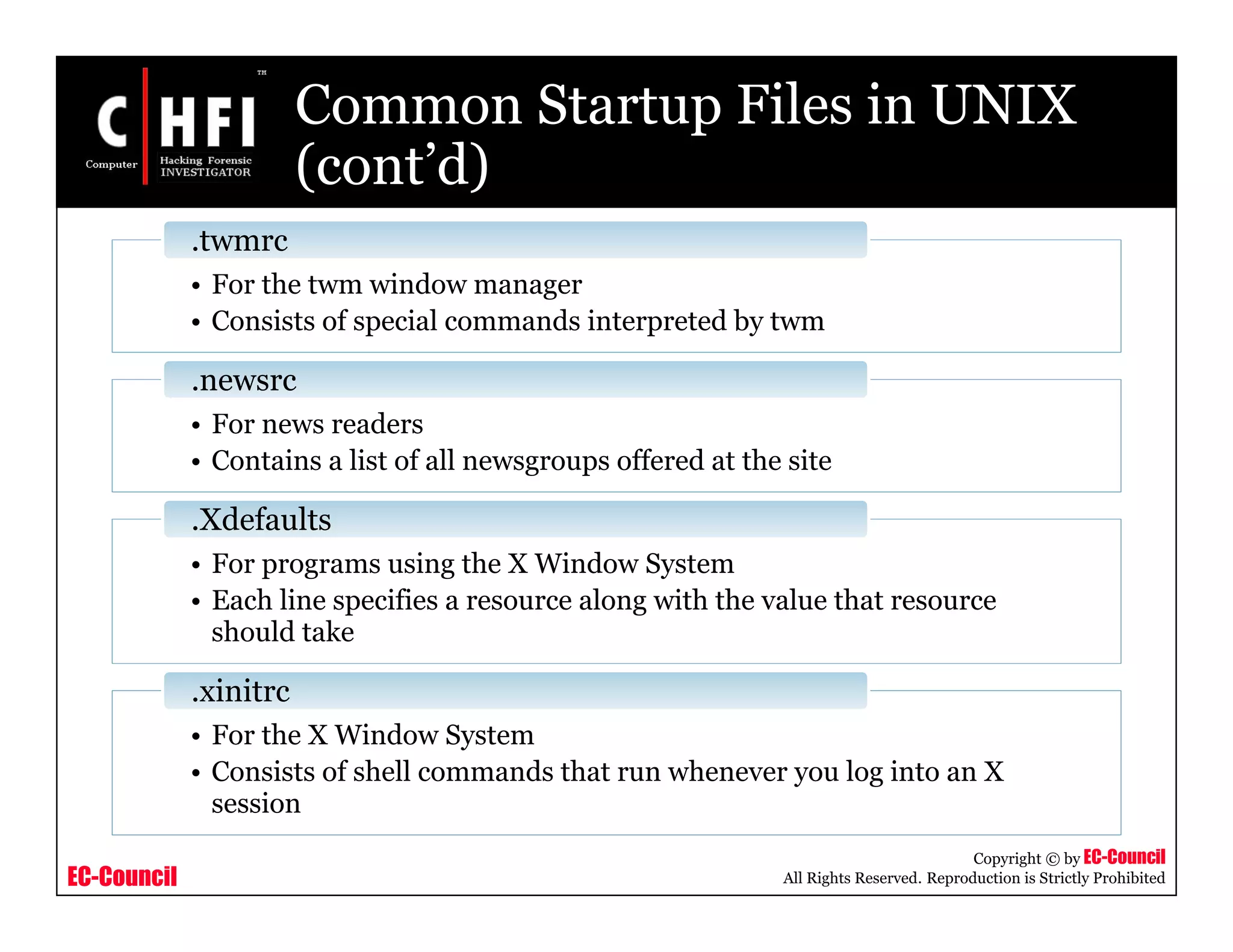
Common Startup Files in UNIX
(cont’d)
• For the twm window manager
• Consists of special commands interpreted by twm
.twmrc
• For news readers
• Contains a list of all newsgroups offered at the site
.newsrc
• For programs using the X Window System
• Each line specifies a resource along with the value that resource
should take
.Xdefaults
• For the X Window System
• Consists of shell commands that run whenever you log into an X
session
.xinitrc
EC-Council
Copyright © by EC-Council
All Rights Reserved. Reproduction is Strictly Prohibited
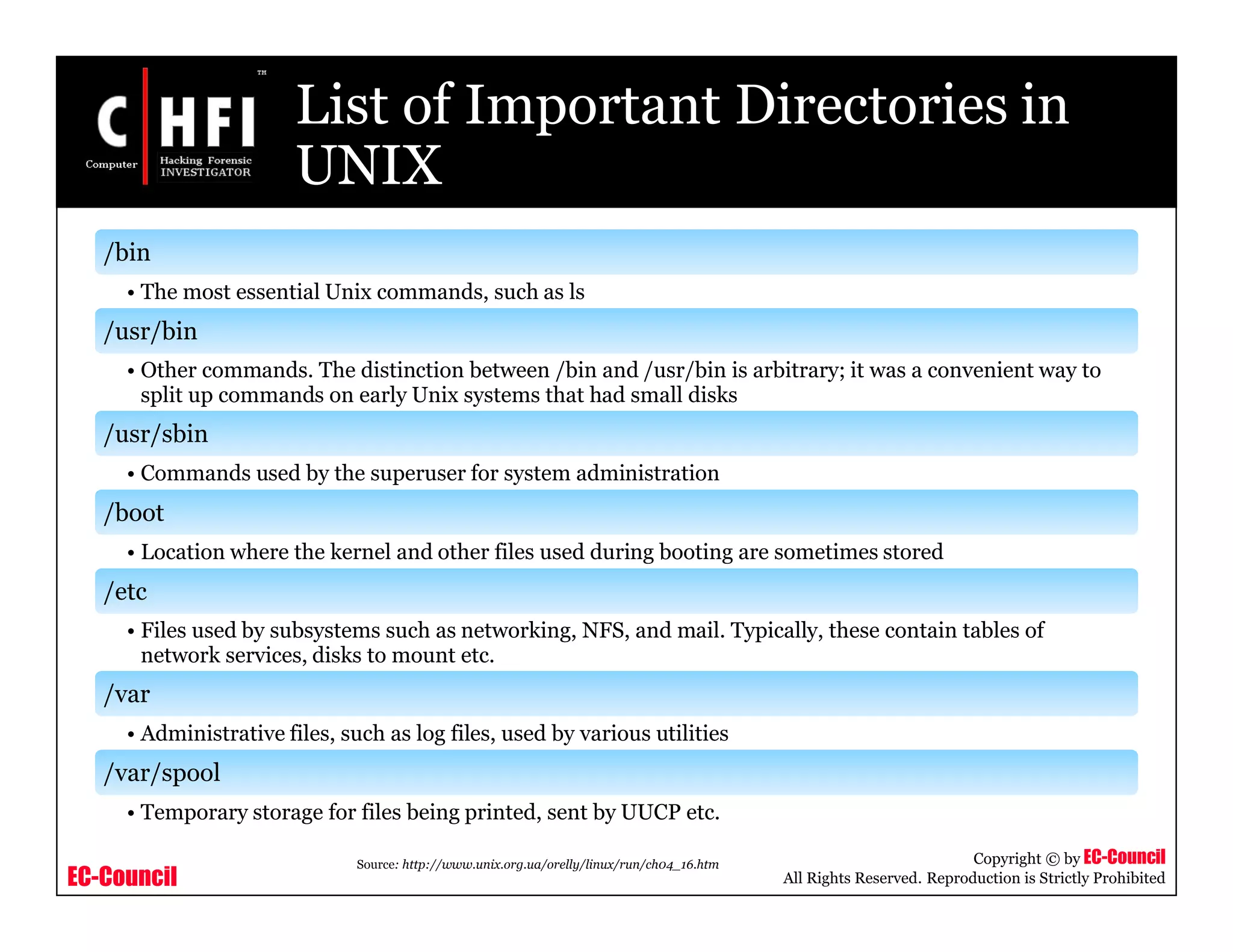
List of Important Directories in
UNIX
/bin
• The most essential Unix commands, such as ls
/usr/bin
• Other commands. The distinction between /bin and /usr/bin is arbitrary; it was a convenient way to
split up commands on early Unix systems that had small disks
/usr/sbin
• Commands used by the superuser for system administration
/boot
• Location where the kernel and other files used during booting are sometimes stored
/etc
• Files used by subsystems such as networking, NFS, and mail. Typically, these contain tables of
network services, disks to mount etc.
/var
• Administrative files, such as log files, used by various utilities
/var/spool
• Temporary storage for files being printed, sent by UUCP etc.
Source: http://www.unix.org.ua/orelly/linux/run/ch04_16.htm
EC-Council
Copyright © by EC-Council
All Rights Reserved. Reproduction is Strictly Prohibited
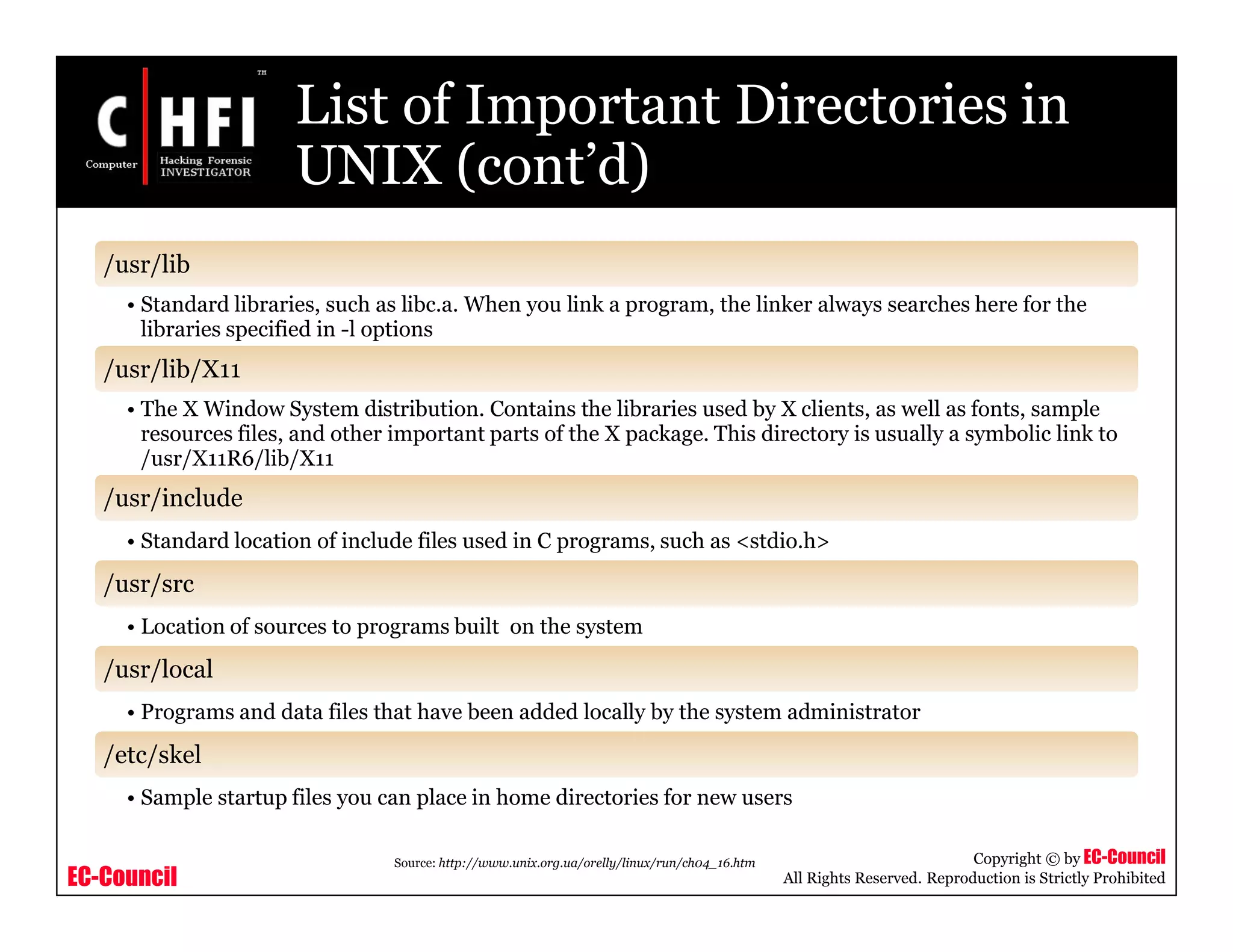
List of Important Directories in
UNIX (cont’d)
/usr/lib
• Standard libraries, such as libc.a. When you link a program, the linker always searches here for the
libraries specified in -l options
/usr/lib/X11
• The X Window System distribution. Contains the libraries used by X clients, as well as fonts, sample
resources files, and other important parts of the X package. This directory is usually a symbolic link to
/usr/X11R6/lib/X11
/usr/include
• Standard location of include files used in C programs, such as <stdio.h>
/usr/src
• Location of sources to programs built on the system
/usr/local
• Programs and data files that have been added locally by the system administrator
/etc/skel
• Sample startup files you can place in home directories for new users
Source: http://www.unix.org.ua/orelly/linux/run/ch04_16.htm
EC-Council
Copyright © by EC-Council
All Rights Reserved. Reproduction is Strictly Prohibited
Linux Boot Process
Source: http://www-128.ibm.com/developerworks/library/l-linuxboot/index.html
EC-Council
Copyright © by EC-Council
All Rights Reserved. Reproduction is Strictly Prohibited
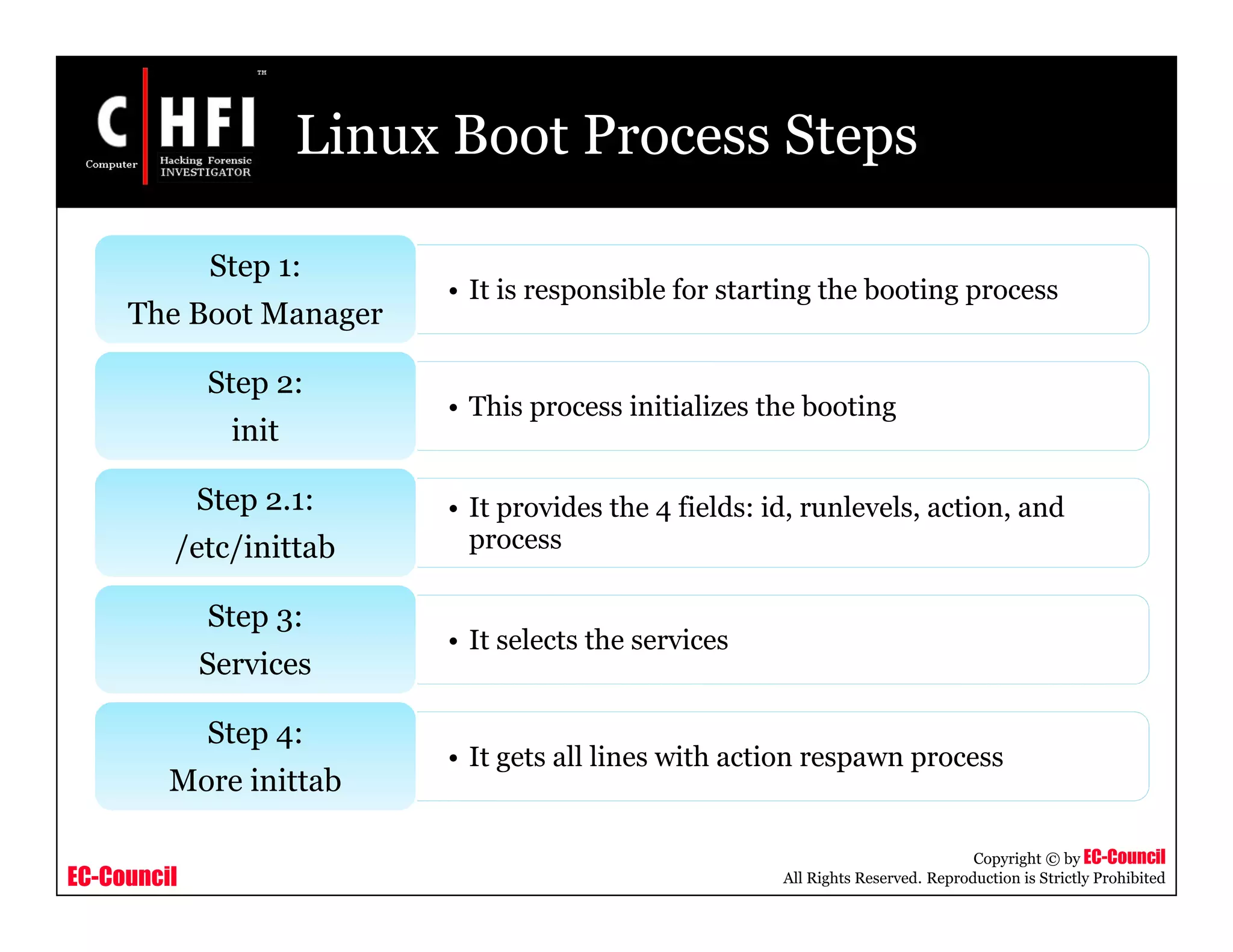
Linux Boot Process Steps
• It is responsible for starting the booting process
Step 1:
The Boot Manager
• This process initializes the booting
Step 2:
init
• It provides the 4 fields: id, runlevels, action, and
process
Step 2.1:
/etc/inittab
• It selects the services
Step 3:
Services
• It gets all lines with action respawn process
Step 4:
More inittab
EC-Council
Copyright © by EC-Council
All Rights Reserved. Reproduction is Strictly Prohibited
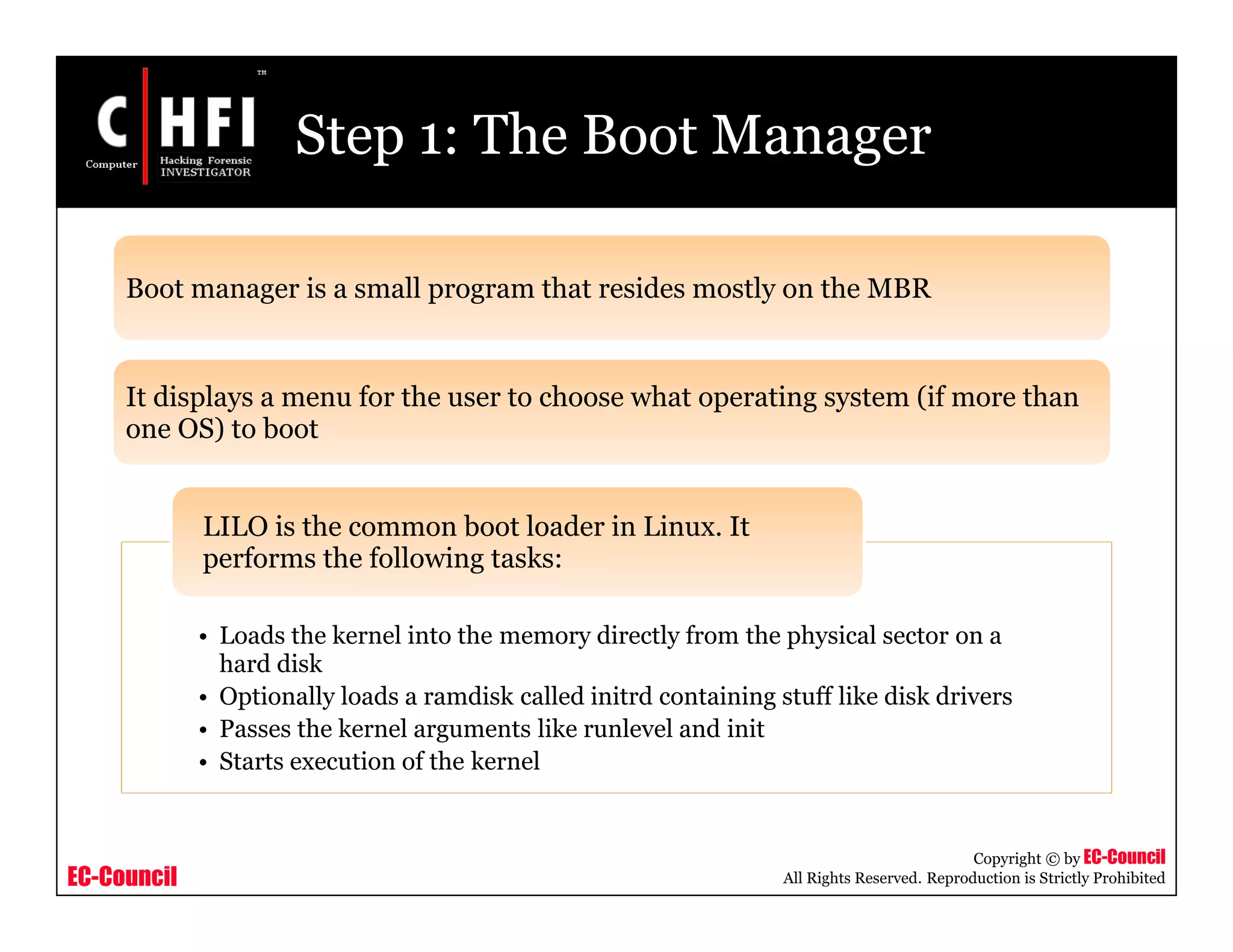
Step 1: The Boot Manager
Boot manager is a small program that resides mostly on the MBR
It displays a menu for the user to choose what operating system (if more than
one OS) to boot
• Loads the kernel into the memory directly from the physical sector on a
hard disk
• Optionally loads a ramdisk called initrd containing stuff like disk drivers
• Passes the kernel arguments like runlevel and init
• Starts execution of the kernel
LILO is the common boot loader in Linux. It
performs the following tasks:
EC-Council
Copyright © by EC-Council
All Rights Reserved. Reproduction is Strictly Prohibited
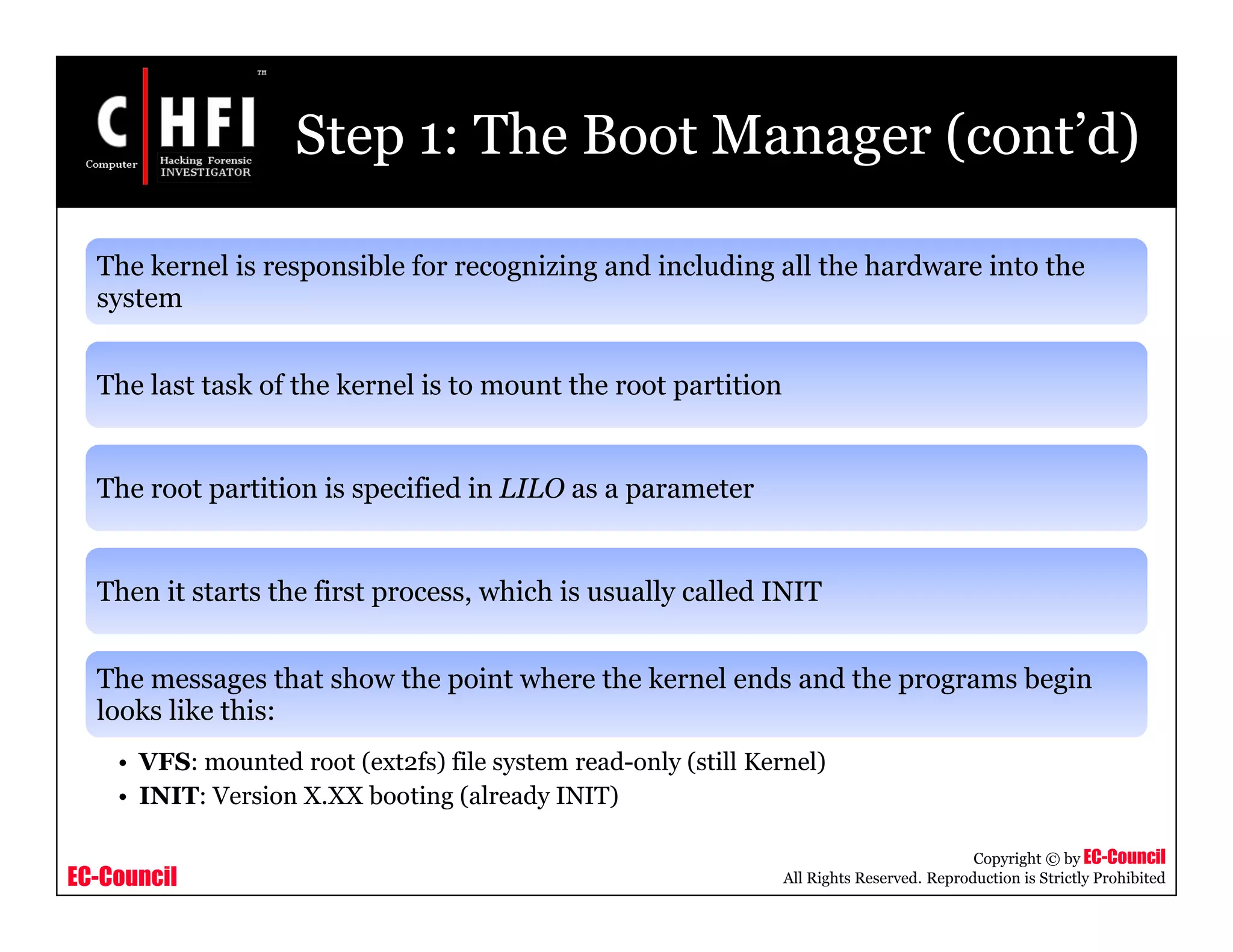
Step 1: The Boot Manager (cont’d)
The kernel is responsible for recognizing and including all the hardware into the
system
The last task of the kernel is to mount the root partition
The root partition is specified in LILO as a parameter
Then it starts the first process, which is usually called INIT
The messages that show the point where the kernel ends and the programs begin
looks like this:
• VFS: mounted root (ext2fs) file system read-only (still Kernel)
• INIT: Version X.XX booting (already INIT)
EC-Council
Copyright © by EC-Council
All Rights Reserved. Reproduction is Strictly Prohibited
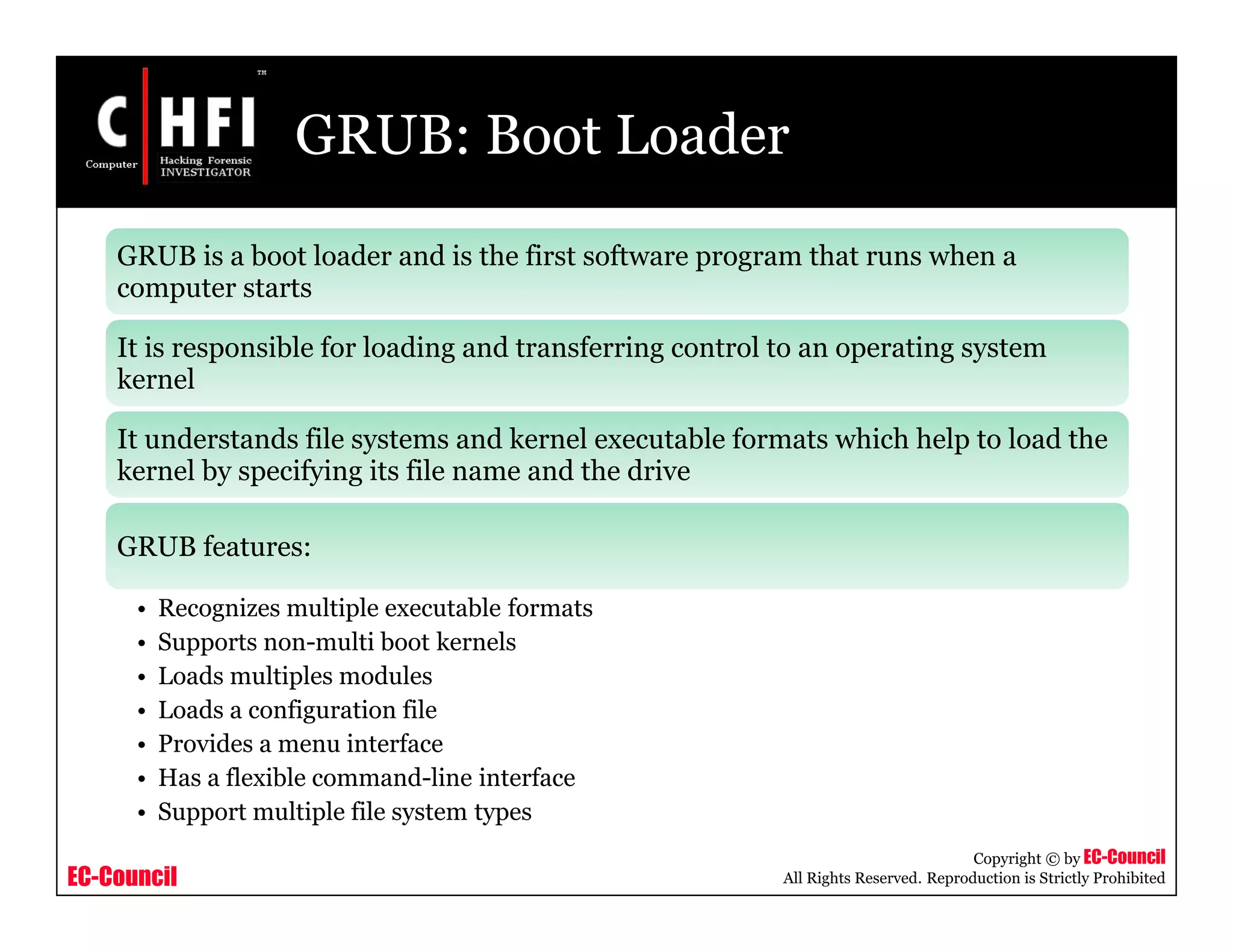
GRUB: Boot Loader
GRUB is a boot loader and is the first software program that runs when a
computer starts
It is responsible for loading and transferring control to an operating system
kernel
It understands file systems and kernel executable formats which help to load the
kernel by specifying its file name and the drive
GRUB features:
• Recognizes multiple executable formats
• Supports non-multi boot kernels
• Loads multiples modules
• Loads a configuration file
• Provides a menu interface
• Has a flexible command-line interface
• Support multiple file system types
EC-Council
Copyright © by EC-Council
All Rights Reserved. Reproduction is Strictly Prohibited
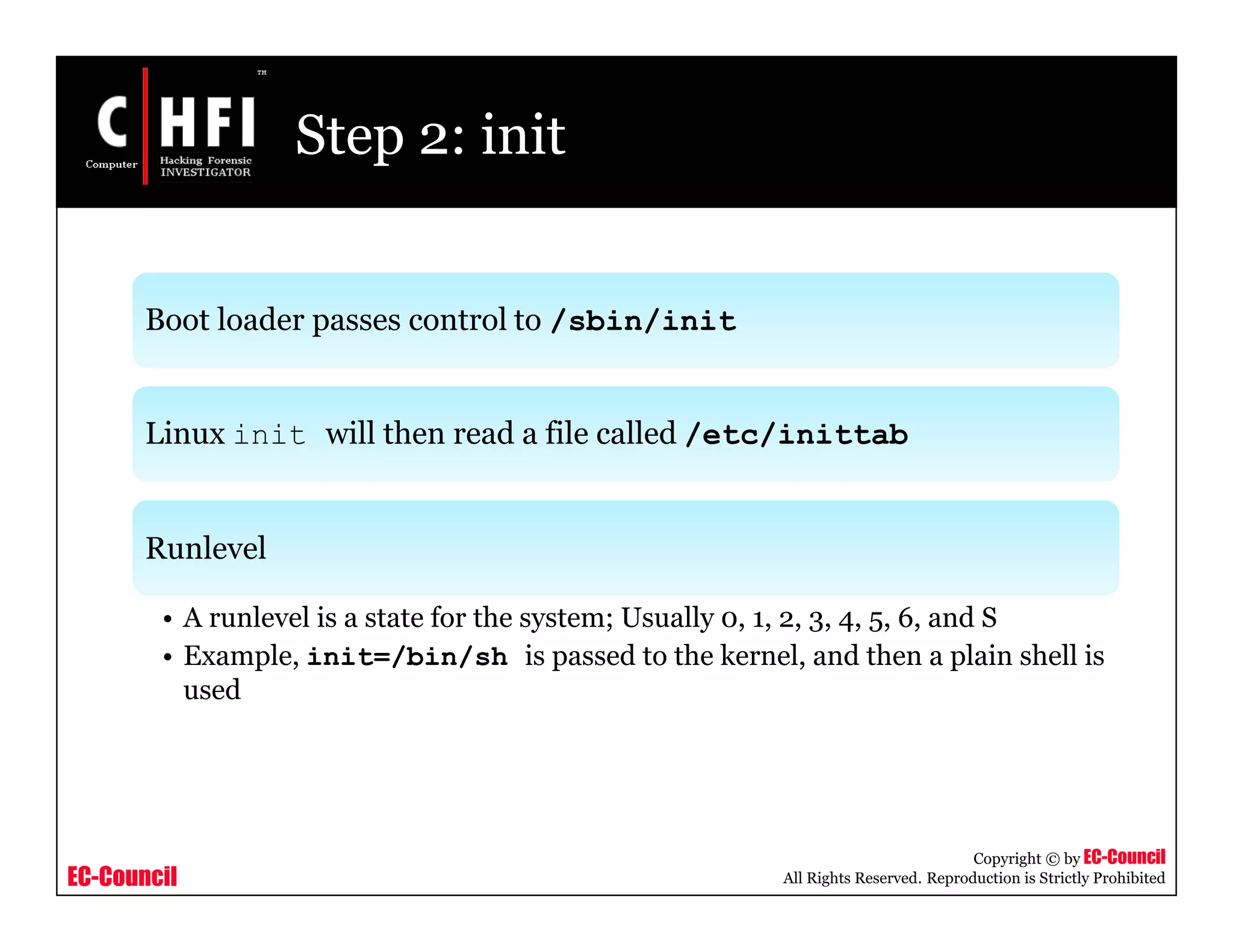
Step 2: init
Boot loader passes control to /sbin/init
Linux init will then read a file called /etc/inittab
Runlevel
• A runlevel is a state for the system; Usually 0, 1, 2, 3, 4, 5, 6, and S
• Example, init=/bin/sh is passed to the kernel, and then a plain shell is
used
EC-Council
Copyright © by EC-Council
All Rights Reserved. Reproduction is Strictly Prohibited
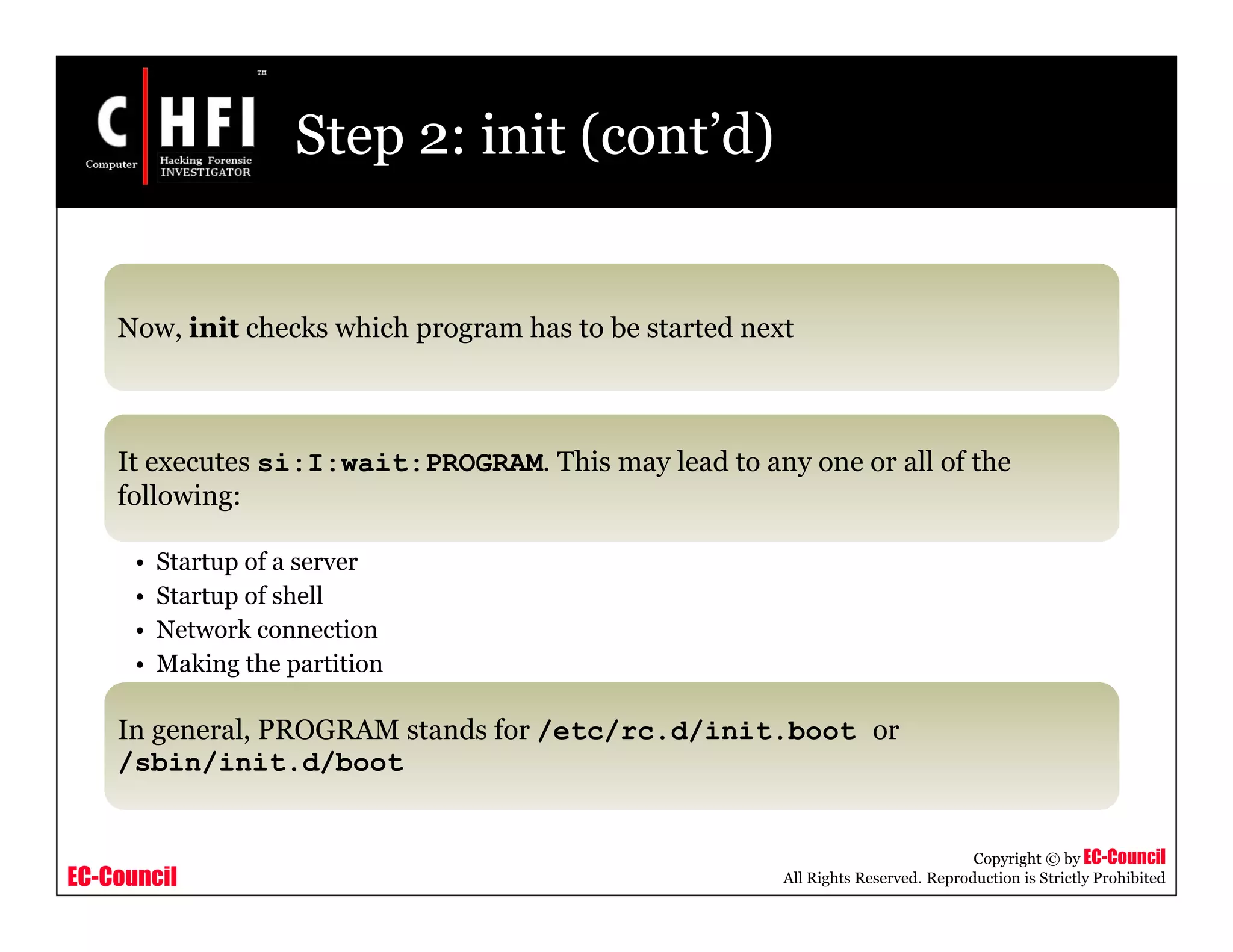
Step 2: init (cont’d)
Now, init checks which program has to be started next
It executes si:I:wait:PROGRAM. This may lead to any one or all of the
following:
• Startup of a server
• Startup of shell
• Network connection
• Making the partition
In general, PROGRAM stands for /etc/rc.d/init.boot or
/sbin/init.d/boot
EC-Council
Copyright © by EC-Council
All Rights Reserved. Reproduction is Strictly Prohibited
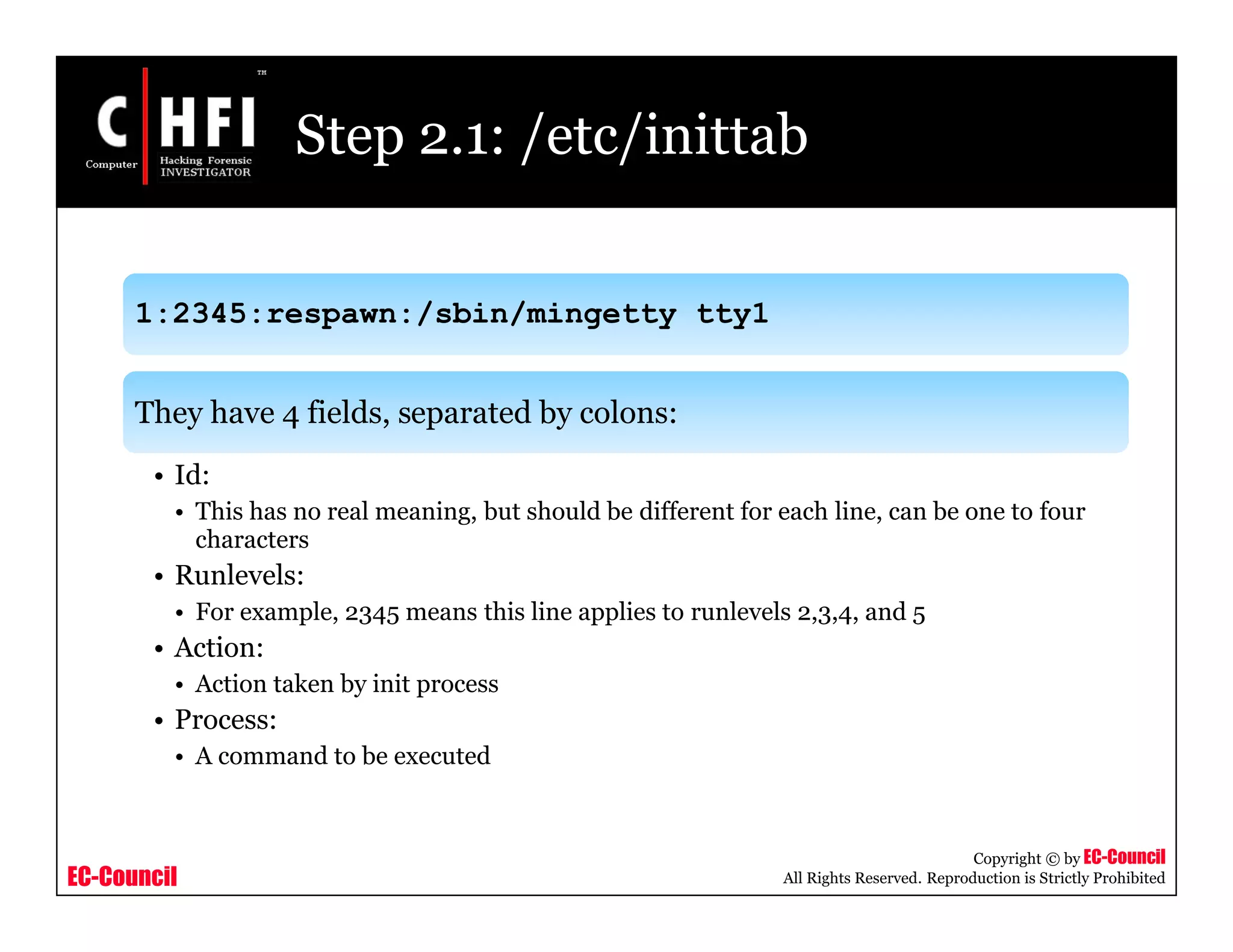
Step 2.1: /etc/inittab
1:2345:respawn:/sbin/mingetty tty1
They have 4 fields, separated by colons:
• Id:
• This has no real meaning, but should be different for each line, can be one to four
characters
• Runlevels:
• For example, 2345 means this line applies to runlevels 2,3,4, and 5
• Action:
• Action taken by init process
• Process:
• A command to be executed
EC-Council
Copyright © by EC-Council
All Rights Reserved. Reproduction is Strictly Prohibited
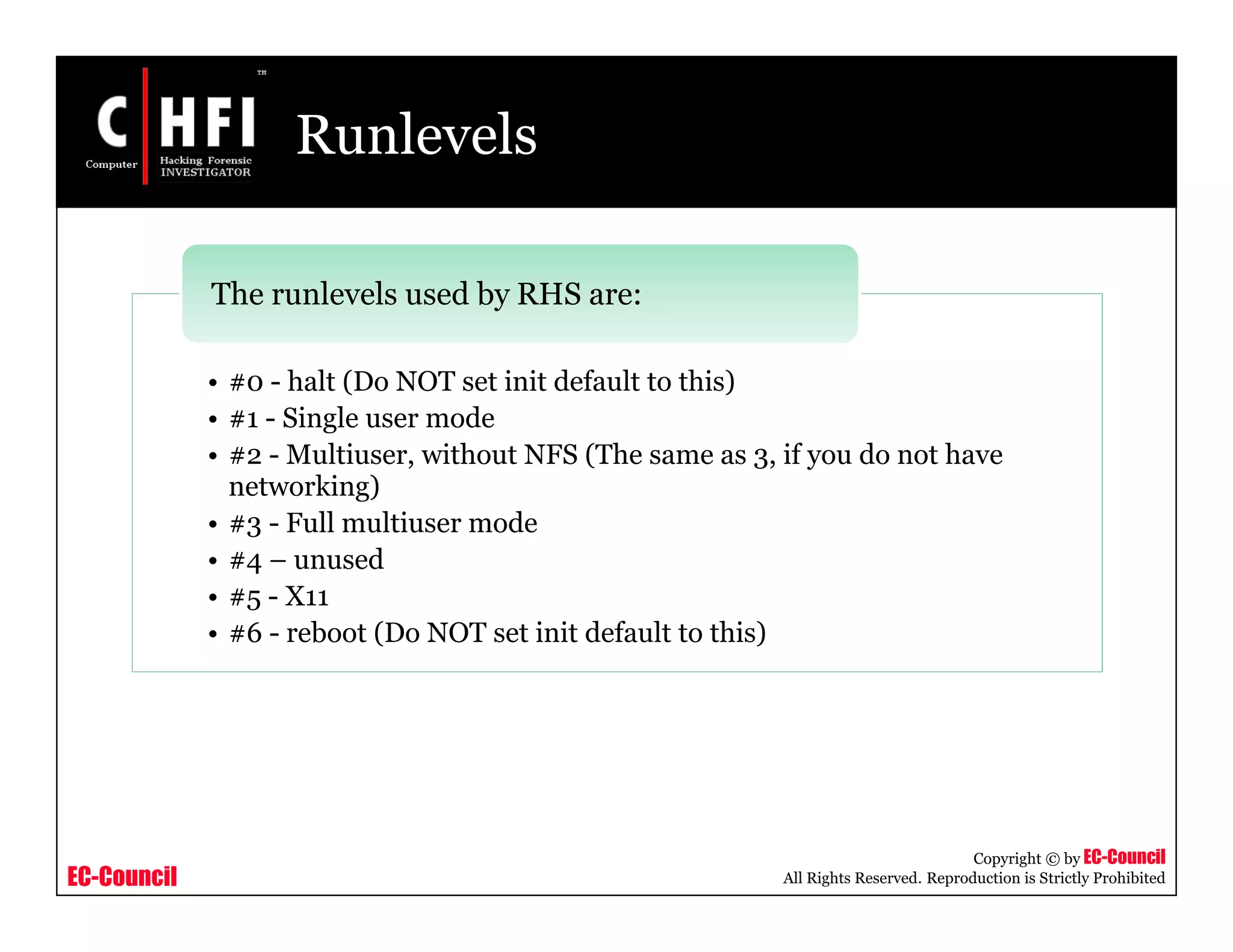
Runlevels
• #0 - halt (Do NOT set init default to this)
• #1 - Single user mode
• #2 - Multiuser, without NFS (The same as 3, if you do not have
networking)
• #3 - Full multiuser mode
• #4 – unused
• #5 - X11
• #6 - reboot (Do NOT set init default to this)
The runlevels used by RHS are:
EC-Council
Copyright © by EC-Council
All Rights Reserved. Reproduction is Strictly Prohibited
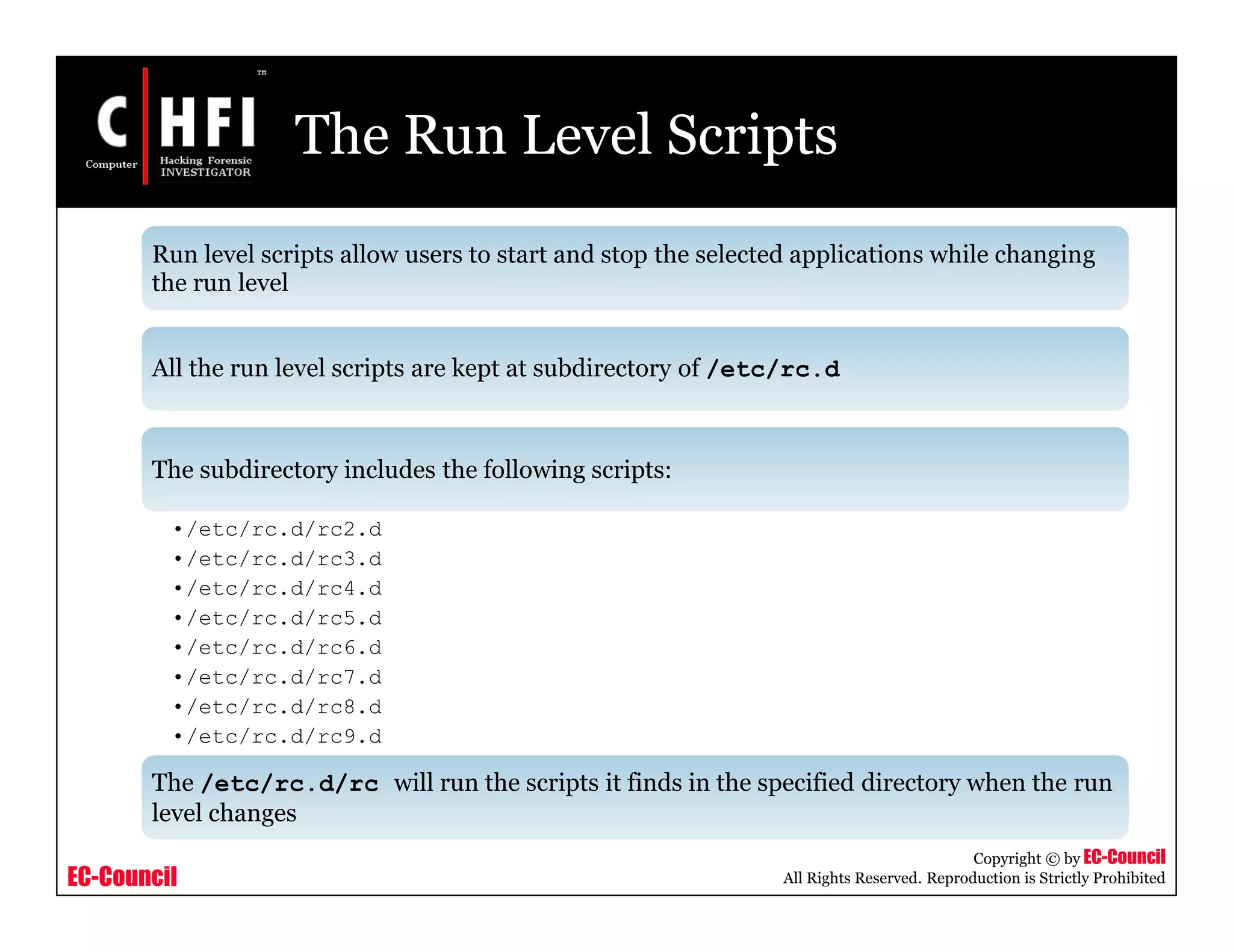
The Run Level Scripts
Run level scripts allow users to start and stop the selected applications while changing
the run level
All the run level scripts are kept at subdirectory of /etc/rc.d
The subdirectory includes the following scripts:
•/etc/rc.d/rc2.d
•/etc/rc.d/rc3.d
•/etc/rc.d/rc4.d
•/etc/rc.d/rc5.d
•/etc/rc.d/rc6.d
•/etc/rc.d/rc7.d
•/etc/rc.d/rc8.d
•/etc/rc.d/rc9.d
The /etc/rc.d/rc will run the scripts it finds in the specified directory when the run
level changes
EC-Council
Copyright © by EC-Council
All Rights Reserved. Reproduction is Strictly Prohibited
How Processes Start at Run Level
Kernel will start a program called init
The init process reads the file "/etc/inittab" and uses this file to
determine how to create processes
"/etc/inittab" file tells init which runlevel to start
Inittab file has the following format:
• id: runlevels: action: process
EC-Council
Copyright © by EC-Council
All Rights Reserved. Reproduction is Strictly Prohibited
Run Level Actions
• Respawn - The process will be restarted whenever it terminates
• Wait - The process will be started once when the specified runlevel is
entered and init will wait for its termination
• Once - The process will be executed once when the specified runlevel is
entered
• Boot - The process will be executed during system boot
• Ondemand - This process will be executed whenever the specified
ondemand runlevel is called
• Sysinit - The process will be executed during the system’s boot
• Powerwait - The process will be executed when init receives the SIGPWR
signal
The run level actions are as follows:
Action - Describes which action should be taken
EC-Council
Copyright © by EC-Council
All Rights Reserved. Reproduction is Strictly Prohibited
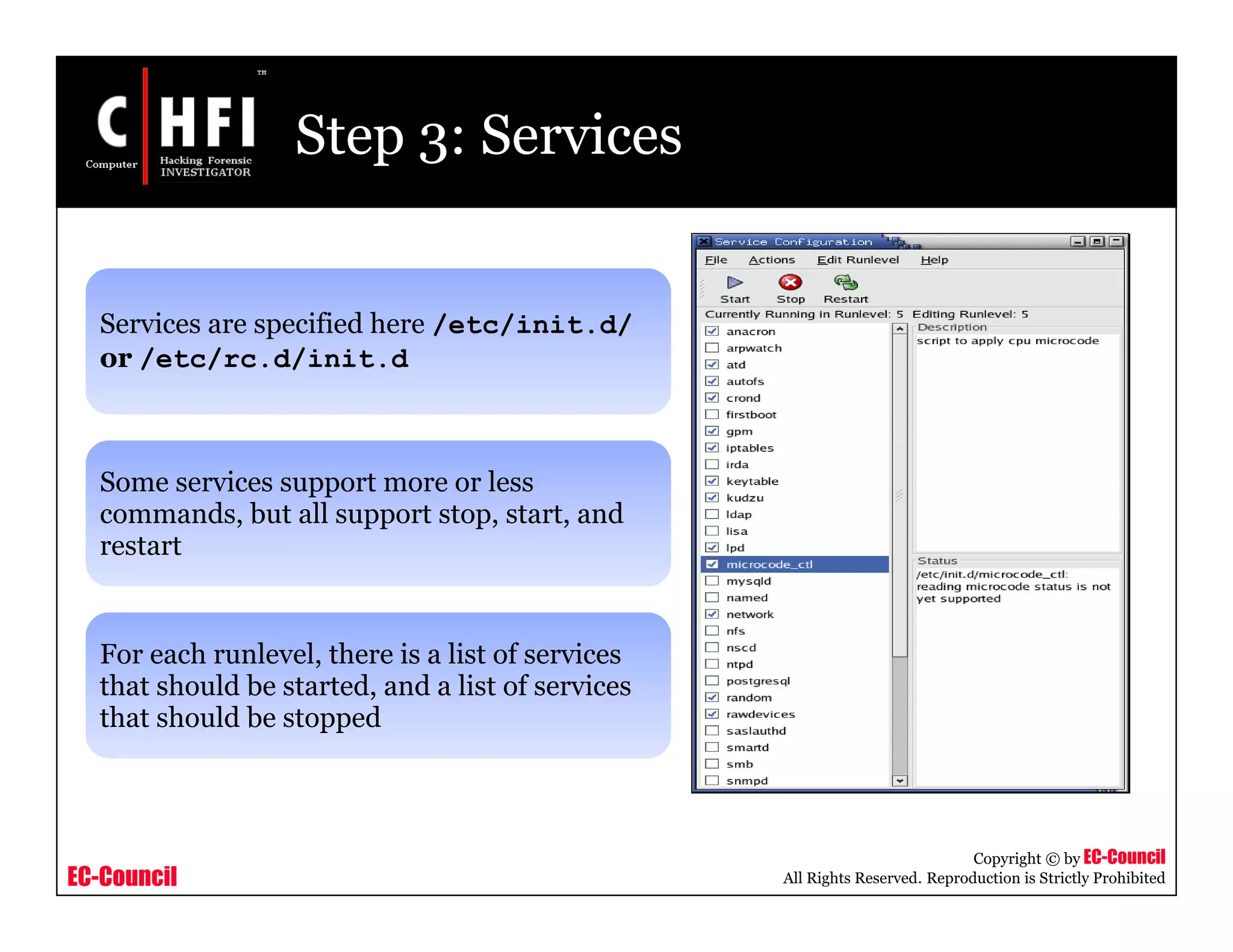
Step 3: Services
Services are specified here /etc/init.d/
or /etc/rc.d/init.d
Some services support more or less
commands, but all support stop, start, and
restart
For each runlevel, there is a list of services
that should be started, and a list of services
that should be stopped
EC-Council
Copyright © by EC-Council
All Rights Reserved. Reproduction is Strictly Prohibited
Step 4: More inittab
Now init will get all lines with action respawn for the desired
runlevel and start its processes
respawn commands are restarted automatically so that they will be
running all the time as long as you are in runlevel 5
Finally, system is booted and ready to login
EC-Council
Copyright © by EC-Council
All Rights Reserved. Reproduction is Strictly Prohibited
Operating Modes
• Single-user mode is the first interactive operating mode for a
Linux system
• Some maintenance utilities like fsck are required for a single-
user mode
• Linux in single-user mode can be booted using the lilo as boot
manager and running ‘linux single’ command
• GRUB can append the operating mode number on the kernel
command line such as:
• Kernel (hd0,0)/boot/vmlinuz-2.6.4 root=/dev/hda1 1
Single User Mode:
• Multi user mode in Linux can be started with the use of the
following command:
• id:3:initdefault:
Multi User Mode:
EC-Council
Copyright © by EC-Council
All Rights Reserved. Reproduction is Strictly Prohibited
Macintosh Boot Process
EC-Council
Copyright © by EC-Council
All Rights Reserved. Reproduction is Strictly Prohibited
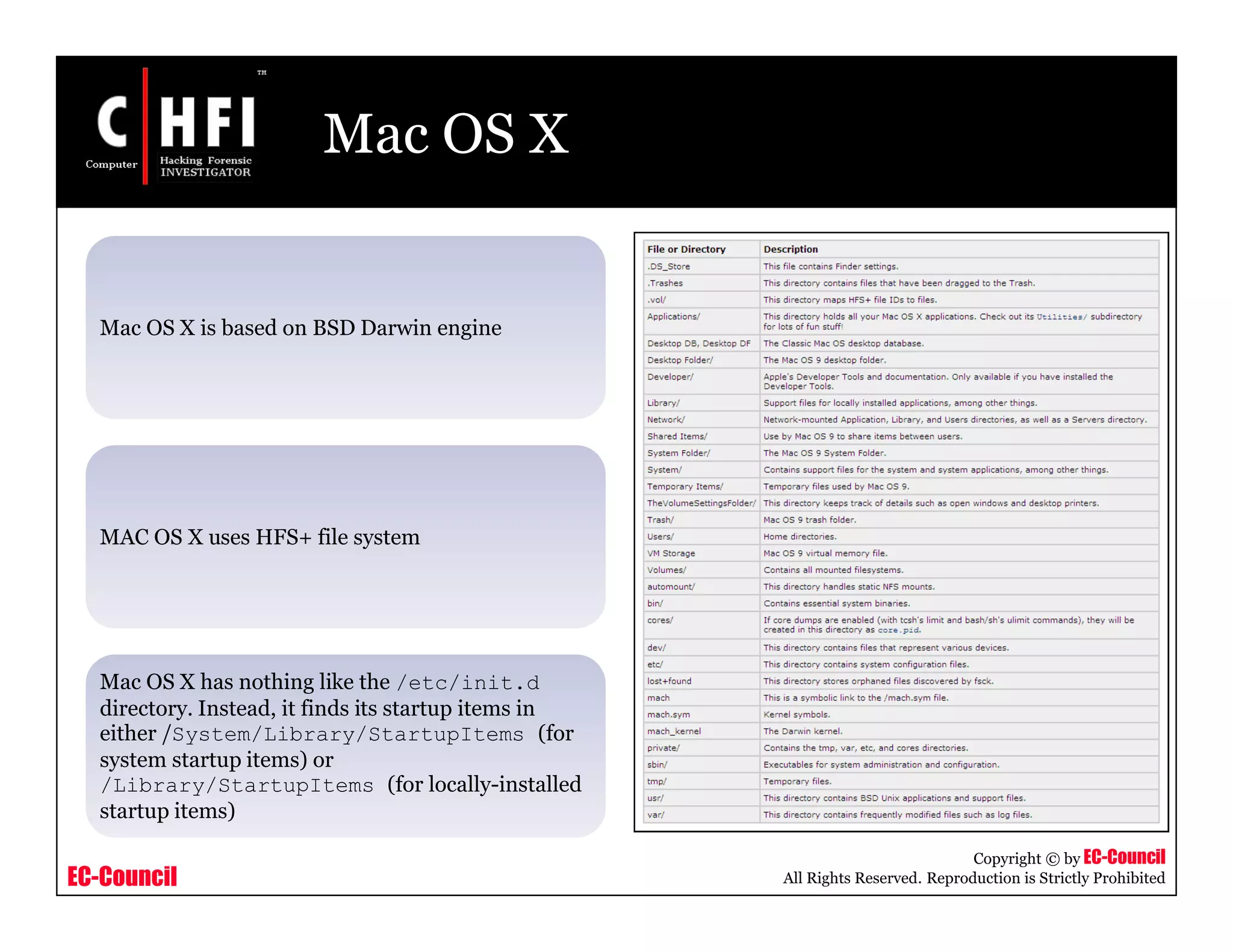
Mac OS X
Mac OS X is based on BSD Darwin engine
MAC OS X uses HFS+ file system
Mac OS X has nothing like the /etc/init.d
directory. Instead, it finds its startup items in
either /System/Library/StartupItems (for
system startup items) or
/Library/StartupItems (for locally-installed
startup items)
EC-Council
Copyright © by EC-Council
All Rights Reserved. Reproduction is Strictly Prohibited
Mac OS X Hidden Files
In Unix, a file can be made invisible by prefixing its name with a .,
as in /.vol
HFS+ (a file system used by Mac OS) files and directories have a
hidden attribute that can be set using SetFile command
• SetFile -a V SomeFile
EC-Council
Copyright © by EC-Council
All Rights Reserved. Reproduction is Strictly Prohibited
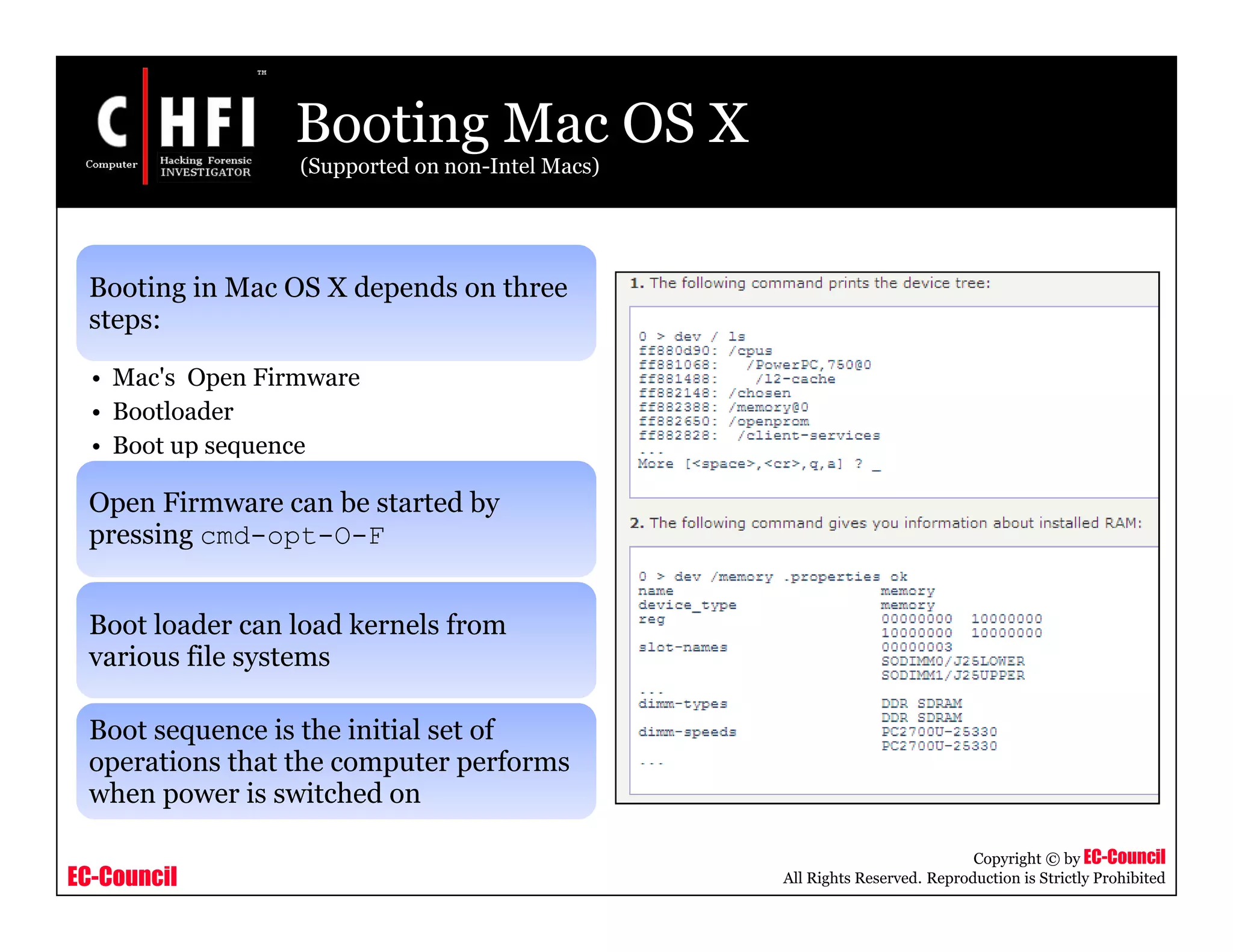
Booting Mac OS X
(Supported on non-Intel Macs)
Booting in Mac OS X depends on three
steps:
• Mac's Open Firmware
• Bootloader
• Boot up sequence
Open Firmware can be started by
pressing cmd-opt-O-F
Boot loader can load kernels from
various file systems
Boot sequence is the initial set of
operations that the computer performs
when power is switched on
EC-Council
Copyright © by EC-Council
All Rights Reserved. Reproduction is Strictly Prohibited
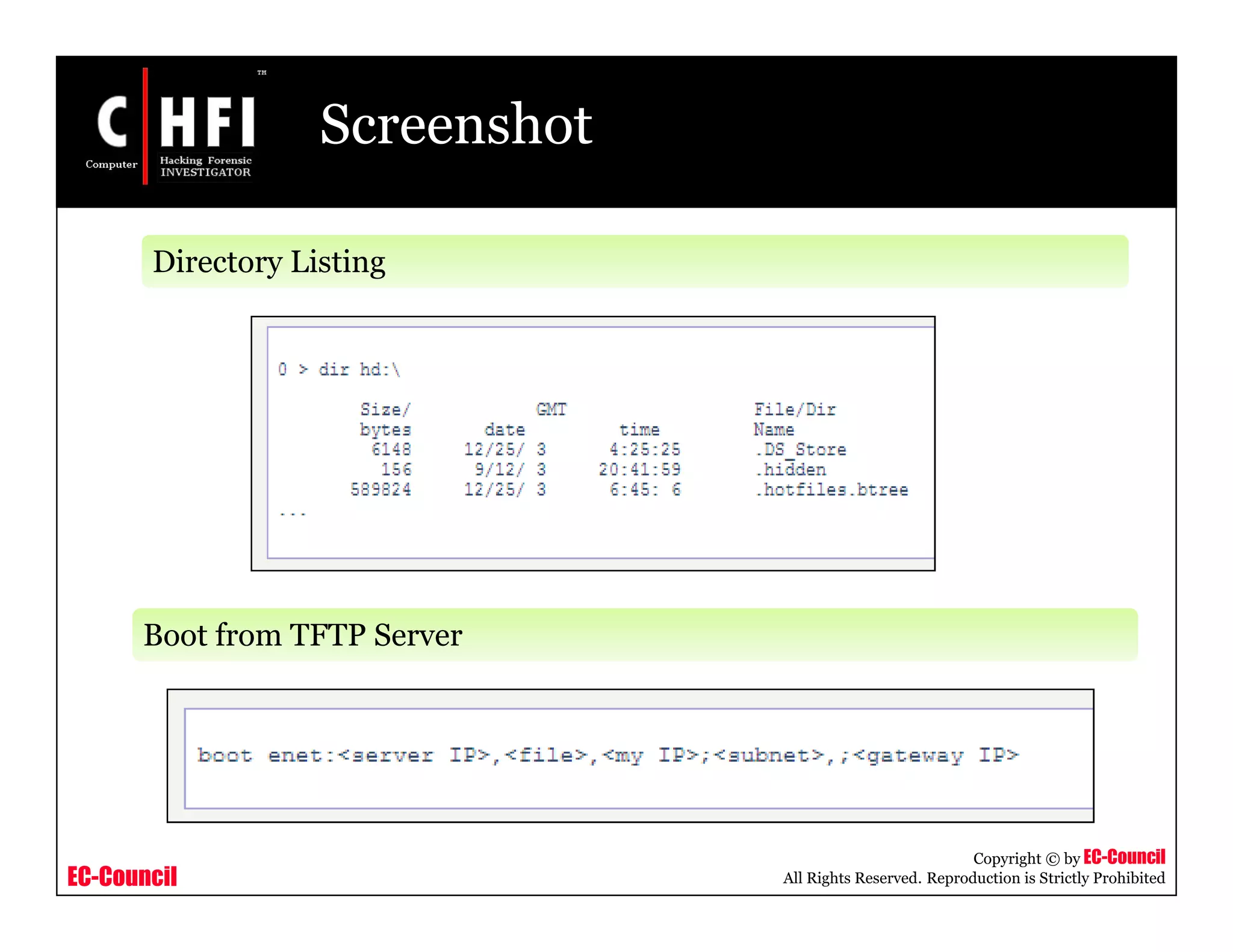
Screenshot
Directory Listing
Boot from TFTP Server
EC-Council
Copyright © by EC-Council
All Rights Reserved. Reproduction is Strictly Prohibited
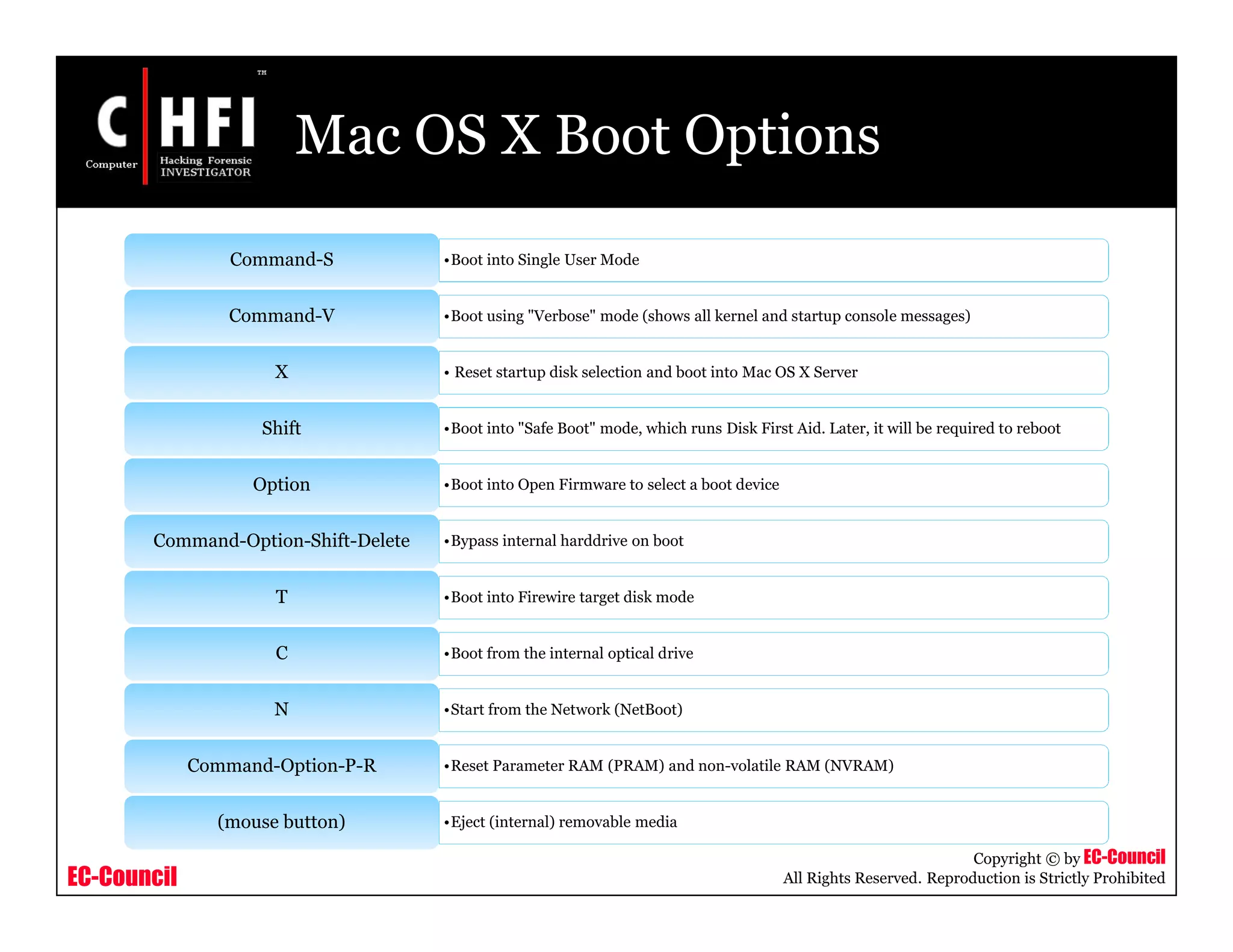
Mac OS X Boot Options
•Boot into Single User ModeCommand-S
•Boot using "Verbose" mode (shows all kernel and startup console messages)Command-V
• Reset startup disk selection and boot into Mac OS X ServerX
•Boot into "Safe Boot" mode, which runs Disk First Aid. Later, it will be required to rebootShift
•Boot into Open Firmware to select a boot deviceOption
•Bypass internal harddrive on bootCommand-Option-Shift-Delete
•Boot into Firewire target disk modeT
•Boot from the internal optical driveC
•Start from the Network (NetBoot)N
•Reset Parameter RAM (PRAM) and non-volatile RAM (NVRAM)Command-Option-P-R
•Eject (internal) removable media(mouse button)
EC-Council
Copyright © by EC-Council
All Rights Reserved. Reproduction is Strictly Prohibited
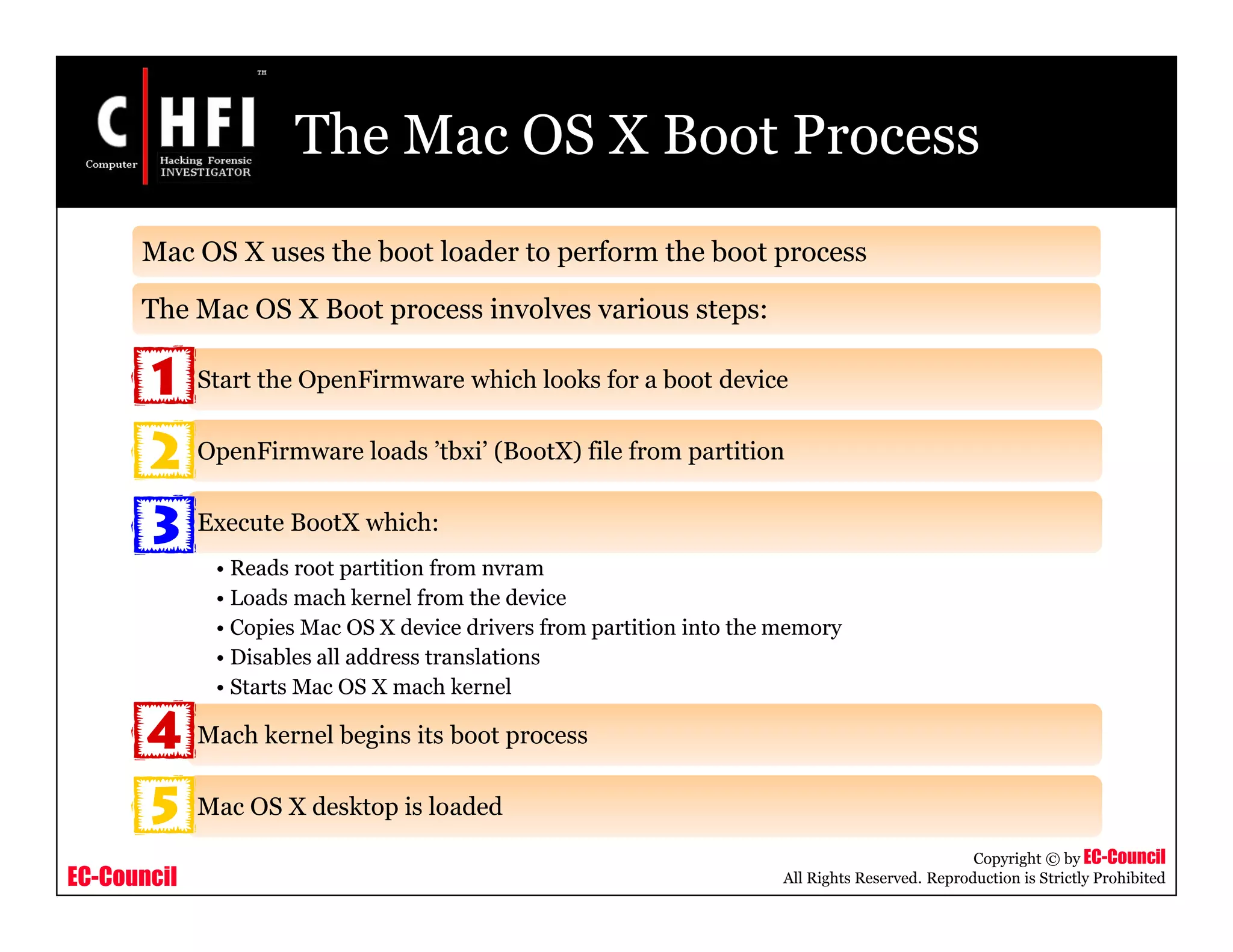
The Mac OS X Boot Process
Mac OS X uses the boot loader to perform the boot process
The Mac OS X Boot process involves various steps:
Start the OpenFirmware which looks for a boot device
OpenFirmware loads ’tbxi’ (BootX) file from partition
Execute BootX which:
• Reads root partition from nvram
• Loads mach kernel from the device
• Copies Mac OS X device drivers from partition into the memory
• Disables all address translations
• Starts Mac OS X mach kernel
Mach kernel begins its boot process
Mac OS X desktop is loaded
EC-Council
Copyright © by EC-Council
All Rights Reserved. Reproduction is Strictly Prohibited
Summary
Booting is a process that starts operating systems when the user turns on a
computer
Boot loader is a small program that loads the operating system into the
computer’s memory when the system is booted
Boot sector is a sector of a hard disk, floppy disk, or similar data storage device
that contains code for bootstrapping programs
Master Boot Record is the first sector of a data storage device that has been
partitioned
Mac OS X is based on the BSD Darwin engine
EC-Council
Copyright © by EC-Council
All Rights Reserved. Reproduction is Strictly Prohibited
EC-Council
Copyright © by EC-Council
All Rights Reserved. Reproduction is Strictly Prohibited
EC-Council
Copyright © by EC-Council
All Rights Reserved. Reproduction is Strictly Prohibited

File000124

  • 1.
    Module XI –Windows, Linux, Macintosh Boot Process
  • 2.
    EC-Council Copyright © byEC-Council All Rights Reserved. Reproduction is Strictly Prohibited News: Mandriva Developer Talks About Linux Boot Optimization Source: http://arstechnica.com/
  • 3.
    EC-Council Copyright © byEC-Council All Rights Reserved. Reproduction is Strictly Prohibited Module Objective • Terminologies related to Windows, Linux, and Macintosh Boot Process • Boot loaders • Boot sectors • Basic system boot process • Windows XP boot process • Linux boot process • Macintosh boot process This module will familiarize you with:
  • 4.
    EC-Council Copyright © byEC-Council All Rights Reserved. Reproduction is Strictly Prohibited Module Flow Terminologies Basic System Boot Process Boot Sector Mac Boot Process Linux Boot ProcessWindows XP Boot Process Boot Loader
  • 5.
    EC-Council Copyright © byEC-Council All Rights Reserved. Reproduction is Strictly Prohibited Terminologies Booting: • Booting is a process that starts operating systems when the user turns on a computer system Bootstrap: • Bootstrap may be defined as a simple program that actually initializes the computer's operating system BIOS: • Basic Input/Output System or Basic Integrated Operating System • Performs booting process CMOS: • Complementary metal oxide semiconductor (CMOS) is a widely used type of semiconductor • Computers contain a small amount of battery-powered CMOS memory to hold the date, time, and system setup parameters
  • 6.
    EC-Council Copyright © byEC-Council All Rights Reserved. Reproduction is Strictly Prohibited Terminologies (cont’d) Boot Sequence: • The set of operations the computer performs when it is switched on which load an operating system Cold boot (Hard boot): • Starting computer from a powered-down, or off, state Warm boot (Soft boot): • Restarting the computer that is already turned on via the operating system
  • 7.
    EC-Council Copyright © byEC-Council All Rights Reserved. Reproduction is Strictly Prohibited Boot Loader Boot loader is a small program that loads the operating system into the computer’s memory when the system is booted A basic boot loader has eight instructions: 0 • Set the P register to 8 1 • Check if paper tape reader is ready 2 • if not ready, jump to 1 3 • Read a byte from paper tape reader to accumulator 4 • if end of tape, jump to 8 5 • Store accumulator to address in P register 6 • increment the P register 7 • Jump to 1
  • 8.
    EC-Council Copyright © byEC-Council All Rights Reserved. Reproduction is Strictly Prohibited Boot Sector Boot sector is a sector of a hard disk, floppy disk, or similar data storage device that contains the code for bootstrapping programs Each valid boot sector has two bytes (0x55AA), called boot sector signature at the end of the sector There are two major kinds of boot sectors: • Volume Boot Record • Master Boot Record (MBR)
  • 9.
    EC-Council Copyright © byEC-Council All Rights Reserved. Reproduction is Strictly Prohibited Boot Sector (cont’d) • It is the first sector of a data storage device that has not been partitioned or the first sector of an individual partition on a data storage device that has been partitioned • It contains the code to load and invoke the operating system or other standalone program installed on that device or within that partition Volume Boot Record • It is the first sector of a data storage device that has been partitioned • It contains the code to locate the active partition and to invoke its Volume Boot Record • Master boot record contains the following structures: • Master Partition Table • Master Boot Code Master Boot Record (MBR):
  • 10.
    EC-Council Copyright © byEC-Council All Rights Reserved. Reproduction is Strictly Prohibited Boot Sector (cont’d) • It is a small bit of code, referred as a table, that contains a complete description of the partitions on the hard disk Master Partition Table • The master boot record is the small bit of computer code that the BIOS loads and executes to start the boot process Master Boot Code Figure: MBR record in hex and ASCII
  • 11.
    EC-Council Copyright © byEC-Council All Rights Reserved. Reproduction is Strictly Prohibited Anatomy of MBR
  • 12.
    EC-Council Copyright © byEC-Council All Rights Reserved. Reproduction is Strictly Prohibited Windows Boot Sequence BIOS: Performs Power On Self Test (POST) BIOS: Loads MBR from the boot device specified/selected by the BIOS MBR: Contains a small amount of code that reads the partition table MBR: Loads the boot sector from the system volume BOOT SECTOR: Reads the root directory of the system volume at loads NTLDR NTLDR: Reads BOOT.INI from the system volume to determine the boot drive NTLDR: Loads and executes NTDETECT.COM from the system volume to perform BIOS hardware detection NTLDR: Loads WINDOWSSYSTEM32CONFIGSYSTEM which becomes the system hive HKEY_LOCAL_MACHINESystem NTOSKRNL.EXE: Brings up the loading splash screen and initializes the kernel subsystem
  • 13.
    EC-Council Copyright © byEC-Council All Rights Reserved. Reproduction is Strictly Prohibited Windows Boot Sequence (cont’d) NTOSKRNL.EXE: Creates the Session Manager process SMSS.EXE SMSS.EXE: Runs any programs specified in BootExecute SMSS.EXE: Initializes the paging file(s) and the remaining registry hives SMSS.EXE: Starts WINLOGON.EXE WINLOGON.EXE: Starts the Local Security Authority (LSASS.EXE) WINLOGON.EXE: Loads the Graphical User Identification and Authentication DLL WINLOGON.EXE: Starts the services controller (SERVICES.EXE) SERVICES.EXE: Starts all the services marked as automatic
  • 14.
    EC-Council Copyright © byEC-Council All Rights Reserved. Reproduction is Strictly Prohibited Linux Boot Sequence Processor comes out of reset and branches to the ROM startup code The ROM startup code initializes the CPU and memory controller, performing only the minimal initialization of on-chip devices to provide the boot diagnostic message The boot loader decompresses the kernel into RAM The kernel sets up the caches and initializes each of the hardware devices via the init function Kernel mounts the root file system and execs the init process , which is the ultimate parent of all user mode processes typically /sbin/initd Linux system, init reads /etc/inittab to execute the appropriate run control script from /etc/rc.d
  • 15.
    EC-Council Copyright © byEC-Council All Rights Reserved. Reproduction is Strictly Prohibited Macintosh Boot Sequence The BootROM firmware is run after the power is supplied. This results into: • POST (Power-On Self Test) initializing some hardware interfaces and tests the RAM • Open Firmware initializing the rest of the hardware Control passes to the BootX booter located in /System/Library/CoreServices which calls the following sequence of functions: • InitEverything() • GetBootPaths() • DrawSplashScreen(0) • LoadFile(BootFile) • DecodeKernel() • LoadDrivers(RootDir) • DrawSplashScreen(1) • SetUpBootArgs() • CallKernel() CallKernel() invokes machine_startup()
  • 16.
    EC-Council Copyright © byEC-Council All Rights Reserved. Reproduction is Strictly Prohibited Windows XP Boot Process
  • 17.
    EC-Council Copyright © byEC-Council All Rights Reserved. Reproduction is Strictly Prohibited Windows XP Boot Process • Power supply performs a self-test and sends the power good signal to the processor • Timer chip stops sending reset signals to the processor allowing the CPU to begin operations • CPU loads the ROM BIOS starting at ROM memory address FFFF:0000 • ROM BIOS contains a JMP (jump) instruction that points to the actual address of the ROM BIOS code • ROM BIOS performs a basic test of central hardware to verify the basic functionality After power supply is switched on:
  • 18.
    EC-Council Copyright © byEC-Council All Rights Reserved. Reproduction is Strictly Prohibited Windows XP Boot Process (cont’d) The BIOS searches for adapters that may need to load their own ROM BIOS routines Start-up BIOS routines scan memory addresses C000:0000 through C780:0000 to find video ROM ROM BIOS checks to see if this is a 'cold-start' or a 'warm-start' If this is a cold-start, the ROM BIOS executes a full POST (Power On Self Test). If this is a warm-start, the memory test portion of the POST is switched off POST can be broken down into two components: • Video Test initializes the video adapter • Video adapter tests the video card and video memory and displays configuration information or any errors
  • 19.
    EC-Council Copyright © byEC-Council All Rights Reserved. Reproduction is Strictly Prohibited Windows XP Boot Process (cont’d) BIOS locates and reads the configuration information stored in CMOS It examines the disk for a Master Boot Record (MBR) With a valid MBR loaded into memory, BIOS transfers control of the boot process to the partition loader code Partition loader or Boot Loader examines the partition table for a partition marked as active Partition loader then searches the first sector of that partition for a Boot Record The active partition's boot record is checked for a valid boot signature and if found, the boot sector code is executed as a program
  • 20.
    EC-Council Copyright © byEC-Council All Rights Reserved. Reproduction is Strictly Prohibited Windows XP Boot Process (cont’d) NTLDR, a hidden system file in the root directory of the system partition, controls loading of Windows XP in four stages: • NTLDR switches the processor from the real-mode to the protected mode which places the processor in 32-bit memory mode and turns memory paging on • It then loads the appropriate mini-file system drivers to allow NTLDR to load files from a partition formatted with any of the files systems supported by XP • If the file BOOT.INI is located in the root directory, NTLDR will read it's contents into memory Initial Boot Loader Phase:
  • 21.
    EC-Council Copyright © byEC-Council All Rights Reserved. Reproduction is Strictly Prohibited Windows XP Boot Process (cont’d) • If BOOT.INI contains entries for more than one operating system, NTLDR will stop the boot sequence at this point, display a menu of choices, and wait for a specified period of time for the user to make a selection • Press F8 at this stage of the boot sequence to display various boot options including "Safe Mode" and "Last Known Good Configuration” (in Windows NT, 2000, or XP ) Operating System selection:
  • 22.
    EC-Council Copyright © byEC-Council All Rights Reserved. Reproduction is Strictly Prohibited Windows XP Boot Process (cont’d) • If the selected operating system is XP, NTLDR locates and loads the DOS based NTDETECT.COM program to perform hardware detection • If this computer has more than one defined Hardware Profile, NTLDR will stop at this point and display the Hardware Profiles/Configuration Recovery menu • After selecting a hardware configuration, NTLDR begins loading the XP kernel (NTOSKRNL.EXE) Hardware Detection:
  • 23.
    EC-Council Copyright © byEC-Council All Rights Reserved. Reproduction is Strictly Prohibited Windows XP Boot Process (cont’d) Configuration Selection • NTLDR now loads device drivers that are marked as boot devices. After these drives are loaded, NTLDR relinquishes control of the computer NTOSKRNL goes through two phases in its boot process phase 0: phase 1: XP disables interrupts during phase 0 and enables them before phase 1 All executive subsystems are reinitialized in the following order: The HAL is called to prepare the interrupt controller  Object Manager  Executive  Microkernel  Security Reference Monitor  Memory Manager  Cache Manager  LPCS  I/O Manager  Process Manager
  • 24.
    EC-Council Copyright © byEC-Council All Rights Reserved. Reproduction is Strictly Prohibited Windows XP Boot Process (cont’d) I/O Manager starts loading all the systems driver files It first finishes the loading of the boot devices It assembles a prioritized list of drivers and attempts to load each in turn Launches the Session Manager Subsystem (SMSS) SMSS loads the win32k.sys device driver which implements the Win32 graphics subsystem Figure: Windows XP Boot Process
  • 25.
    EC-Council Copyright © byEC-Council All Rights Reserved. Reproduction is Strictly Prohibited Windows XP Boot Process (cont’d) win32k.sys switches the screen into graphics mode Services subsystem starts all services marked as Auto Start Once all devices and services are started, the boot is deemed successful and this configuration is saved as the Last Known Good Configuration The logging process is started by the WINLOGON.EXE file Local Security Authority (LSASS.EXE) process displays the logon dialog box
  • 26.
    EC-Council Copyright © byEC-Council All Rights Reserved. Reproduction is Strictly Prohibited Linux Boot Process
  • 27.
    EC-Council Copyright © byEC-Council All Rights Reserved. Reproduction is Strictly Prohibited Common Startup Files in UNIX • For the bash shell. • The file is a shell script, which means it can contain commands and other programming constructs .bashrc • For the bash shell. Another shell script • The difference between this script and .bashrc is that .bash_profile runs only when you log in • It was originally designed so you could separate interactive shells from those run by background processors like cron .bash_profile • For the C shell or tcsh • The file is a shell script using C shell construct .cshrc
  • 28.
    EC-Council Copyright © byEC-Council All Rights Reserved. Reproduction is Strictly Prohibited Common Startup Files in UNIX (cont’d) • For the C shell or tcsh • The file is a shell script, using C shell constructs. • Like .bash_profile in the bash shell, this runs only when you log in .login • For the Emacs editor • Consists of LISP function .emacs • For the vi editor (also known as ex) • Each line is an editor command .exrc • For the fvwm2 window manager • Consists of special commands interpreted by fvwm2 .fvwm2rc
  • 29.
    EC-Council Copyright © byEC-Council All Rights Reserved. Reproduction is Strictly Prohibited Common Startup Files in UNIX (cont’d) • For the twm window manager • Consists of special commands interpreted by twm .twmrc • For news readers • Contains a list of all newsgroups offered at the site .newsrc • For programs using the X Window System • Each line specifies a resource along with the value that resource should take .Xdefaults • For the X Window System • Consists of shell commands that run whenever you log into an X session .xinitrc
  • 30.
    EC-Council Copyright © byEC-Council All Rights Reserved. Reproduction is Strictly Prohibited List of Important Directories in UNIX /bin • The most essential Unix commands, such as ls /usr/bin • Other commands. The distinction between /bin and /usr/bin is arbitrary; it was a convenient way to split up commands on early Unix systems that had small disks /usr/sbin • Commands used by the superuser for system administration /boot • Location where the kernel and other files used during booting are sometimes stored /etc • Files used by subsystems such as networking, NFS, and mail. Typically, these contain tables of network services, disks to mount etc. /var • Administrative files, such as log files, used by various utilities /var/spool • Temporary storage for files being printed, sent by UUCP etc. Source: http://www.unix.org.ua/orelly/linux/run/ch04_16.htm
  • 31.
    EC-Council Copyright © byEC-Council All Rights Reserved. Reproduction is Strictly Prohibited List of Important Directories in UNIX (cont’d) /usr/lib • Standard libraries, such as libc.a. When you link a program, the linker always searches here for the libraries specified in -l options /usr/lib/X11 • The X Window System distribution. Contains the libraries used by X clients, as well as fonts, sample resources files, and other important parts of the X package. This directory is usually a symbolic link to /usr/X11R6/lib/X11 /usr/include • Standard location of include files used in C programs, such as <stdio.h> /usr/src • Location of sources to programs built on the system /usr/local • Programs and data files that have been added locally by the system administrator /etc/skel • Sample startup files you can place in home directories for new users Source: http://www.unix.org.ua/orelly/linux/run/ch04_16.htm
  • 32.
    EC-Council Copyright © byEC-Council All Rights Reserved. Reproduction is Strictly Prohibited Linux Boot Process Source: http://www-128.ibm.com/developerworks/library/l-linuxboot/index.html
  • 33.
    EC-Council Copyright © byEC-Council All Rights Reserved. Reproduction is Strictly Prohibited Linux Boot Process Steps • It is responsible for starting the booting process Step 1: The Boot Manager • This process initializes the booting Step 2: init • It provides the 4 fields: id, runlevels, action, and process Step 2.1: /etc/inittab • It selects the services Step 3: Services • It gets all lines with action respawn process Step 4: More inittab
  • 34.
    EC-Council Copyright © byEC-Council All Rights Reserved. Reproduction is Strictly Prohibited Step 1: The Boot Manager Boot manager is a small program that resides mostly on the MBR It displays a menu for the user to choose what operating system (if more than one OS) to boot • Loads the kernel into the memory directly from the physical sector on a hard disk • Optionally loads a ramdisk called initrd containing stuff like disk drivers • Passes the kernel arguments like runlevel and init • Starts execution of the kernel LILO is the common boot loader in Linux. It performs the following tasks:
  • 35.
    EC-Council Copyright © byEC-Council All Rights Reserved. Reproduction is Strictly Prohibited Step 1: The Boot Manager (cont’d) The kernel is responsible for recognizing and including all the hardware into the system The last task of the kernel is to mount the root partition The root partition is specified in LILO as a parameter Then it starts the first process, which is usually called INIT The messages that show the point where the kernel ends and the programs begin looks like this: • VFS: mounted root (ext2fs) file system read-only (still Kernel) • INIT: Version X.XX booting (already INIT)
  • 36.
    EC-Council Copyright © byEC-Council All Rights Reserved. Reproduction is Strictly Prohibited GRUB: Boot Loader GRUB is a boot loader and is the first software program that runs when a computer starts It is responsible for loading and transferring control to an operating system kernel It understands file systems and kernel executable formats which help to load the kernel by specifying its file name and the drive GRUB features: • Recognizes multiple executable formats • Supports non-multi boot kernels • Loads multiples modules • Loads a configuration file • Provides a menu interface • Has a flexible command-line interface • Support multiple file system types
  • 37.
    EC-Council Copyright © byEC-Council All Rights Reserved. Reproduction is Strictly Prohibited Step 2: init Boot loader passes control to /sbin/init Linux init will then read a file called /etc/inittab Runlevel • A runlevel is a state for the system; Usually 0, 1, 2, 3, 4, 5, 6, and S • Example, init=/bin/sh is passed to the kernel, and then a plain shell is used
  • 38.
    EC-Council Copyright © byEC-Council All Rights Reserved. Reproduction is Strictly Prohibited Step 2: init (cont’d) Now, init checks which program has to be started next It executes si:I:wait:PROGRAM. This may lead to any one or all of the following: • Startup of a server • Startup of shell • Network connection • Making the partition In general, PROGRAM stands for /etc/rc.d/init.boot or /sbin/init.d/boot
  • 39.
    EC-Council Copyright © byEC-Council All Rights Reserved. Reproduction is Strictly Prohibited Step 2.1: /etc/inittab 1:2345:respawn:/sbin/mingetty tty1 They have 4 fields, separated by colons: • Id: • This has no real meaning, but should be different for each line, can be one to four characters • Runlevels: • For example, 2345 means this line applies to runlevels 2,3,4, and 5 • Action: • Action taken by init process • Process: • A command to be executed
  • 40.
    EC-Council Copyright © byEC-Council All Rights Reserved. Reproduction is Strictly Prohibited Runlevels • #0 - halt (Do NOT set init default to this) • #1 - Single user mode • #2 - Multiuser, without NFS (The same as 3, if you do not have networking) • #3 - Full multiuser mode • #4 – unused • #5 - X11 • #6 - reboot (Do NOT set init default to this) The runlevels used by RHS are:
  • 41.
    EC-Council Copyright © byEC-Council All Rights Reserved. Reproduction is Strictly Prohibited The Run Level Scripts Run level scripts allow users to start and stop the selected applications while changing the run level All the run level scripts are kept at subdirectory of /etc/rc.d The subdirectory includes the following scripts: •/etc/rc.d/rc2.d •/etc/rc.d/rc3.d •/etc/rc.d/rc4.d •/etc/rc.d/rc5.d •/etc/rc.d/rc6.d •/etc/rc.d/rc7.d •/etc/rc.d/rc8.d •/etc/rc.d/rc9.d The /etc/rc.d/rc will run the scripts it finds in the specified directory when the run level changes
  • 42.
    EC-Council Copyright © byEC-Council All Rights Reserved. Reproduction is Strictly Prohibited How Processes Start at Run Level Kernel will start a program called init The init process reads the file "/etc/inittab" and uses this file to determine how to create processes "/etc/inittab" file tells init which runlevel to start Inittab file has the following format: • id: runlevels: action: process
  • 43.
    EC-Council Copyright © byEC-Council All Rights Reserved. Reproduction is Strictly Prohibited Run Level Actions • Respawn - The process will be restarted whenever it terminates • Wait - The process will be started once when the specified runlevel is entered and init will wait for its termination • Once - The process will be executed once when the specified runlevel is entered • Boot - The process will be executed during system boot • Ondemand - This process will be executed whenever the specified ondemand runlevel is called • Sysinit - The process will be executed during the system’s boot • Powerwait - The process will be executed when init receives the SIGPWR signal The run level actions are as follows: Action - Describes which action should be taken
  • 44.
    EC-Council Copyright © byEC-Council All Rights Reserved. Reproduction is Strictly Prohibited Step 3: Services Services are specified here /etc/init.d/ or /etc/rc.d/init.d Some services support more or less commands, but all support stop, start, and restart For each runlevel, there is a list of services that should be started, and a list of services that should be stopped
  • 45.
    EC-Council Copyright © byEC-Council All Rights Reserved. Reproduction is Strictly Prohibited Step 4: More inittab Now init will get all lines with action respawn for the desired runlevel and start its processes respawn commands are restarted automatically so that they will be running all the time as long as you are in runlevel 5 Finally, system is booted and ready to login
  • 46.
    EC-Council Copyright © byEC-Council All Rights Reserved. Reproduction is Strictly Prohibited Operating Modes • Single-user mode is the first interactive operating mode for a Linux system • Some maintenance utilities like fsck are required for a single- user mode • Linux in single-user mode can be booted using the lilo as boot manager and running ‘linux single’ command • GRUB can append the operating mode number on the kernel command line such as: • Kernel (hd0,0)/boot/vmlinuz-2.6.4 root=/dev/hda1 1 Single User Mode: • Multi user mode in Linux can be started with the use of the following command: • id:3:initdefault: Multi User Mode:
  • 47.
    EC-Council Copyright © byEC-Council All Rights Reserved. Reproduction is Strictly Prohibited Macintosh Boot Process
  • 48.
    EC-Council Copyright © byEC-Council All Rights Reserved. Reproduction is Strictly Prohibited Mac OS X Mac OS X is based on BSD Darwin engine MAC OS X uses HFS+ file system Mac OS X has nothing like the /etc/init.d directory. Instead, it finds its startup items in either /System/Library/StartupItems (for system startup items) or /Library/StartupItems (for locally-installed startup items)
  • 49.
    EC-Council Copyright © byEC-Council All Rights Reserved. Reproduction is Strictly Prohibited Mac OS X Hidden Files In Unix, a file can be made invisible by prefixing its name with a ., as in /.vol HFS+ (a file system used by Mac OS) files and directories have a hidden attribute that can be set using SetFile command • SetFile -a V SomeFile
  • 50.
    EC-Council Copyright © byEC-Council All Rights Reserved. Reproduction is Strictly Prohibited Booting Mac OS X (Supported on non-Intel Macs) Booting in Mac OS X depends on three steps: • Mac's Open Firmware • Bootloader • Boot up sequence Open Firmware can be started by pressing cmd-opt-O-F Boot loader can load kernels from various file systems Boot sequence is the initial set of operations that the computer performs when power is switched on
  • 51.
    EC-Council Copyright © byEC-Council All Rights Reserved. Reproduction is Strictly Prohibited Screenshot Directory Listing Boot from TFTP Server
  • 52.
    EC-Council Copyright © byEC-Council All Rights Reserved. Reproduction is Strictly Prohibited Mac OS X Boot Options •Boot into Single User ModeCommand-S •Boot using "Verbose" mode (shows all kernel and startup console messages)Command-V • Reset startup disk selection and boot into Mac OS X ServerX •Boot into "Safe Boot" mode, which runs Disk First Aid. Later, it will be required to rebootShift •Boot into Open Firmware to select a boot deviceOption •Bypass internal harddrive on bootCommand-Option-Shift-Delete •Boot into Firewire target disk modeT •Boot from the internal optical driveC •Start from the Network (NetBoot)N •Reset Parameter RAM (PRAM) and non-volatile RAM (NVRAM)Command-Option-P-R •Eject (internal) removable media(mouse button)
  • 53.
    EC-Council Copyright © byEC-Council All Rights Reserved. Reproduction is Strictly Prohibited The Mac OS X Boot Process Mac OS X uses the boot loader to perform the boot process The Mac OS X Boot process involves various steps: Start the OpenFirmware which looks for a boot device OpenFirmware loads ’tbxi’ (BootX) file from partition Execute BootX which: • Reads root partition from nvram • Loads mach kernel from the device • Copies Mac OS X device drivers from partition into the memory • Disables all address translations • Starts Mac OS X mach kernel Mach kernel begins its boot process Mac OS X desktop is loaded
  • 54.
    EC-Council Copyright © byEC-Council All Rights Reserved. Reproduction is Strictly Prohibited Summary Booting is a process that starts operating systems when the user turns on a computer Boot loader is a small program that loads the operating system into the computer’s memory when the system is booted Boot sector is a sector of a hard disk, floppy disk, or similar data storage device that contains code for bootstrapping programs Master Boot Record is the first sector of a data storage device that has been partitioned Mac OS X is based on the BSD Darwin engine
  • 55.
    EC-Council Copyright © byEC-Council All Rights Reserved. Reproduction is Strictly Prohibited
  • 56.
    EC-Council Copyright © byEC-Council All Rights Reserved. Reproduction is Strictly Prohibited
  • 57.
    EC-Council Copyright © byEC-Council All Rights Reserved. Reproduction is Strictly Prohibited