Chapter – 9 File Management
 File
• File is a place in the disk where a group of related data is stored.
 File Operations
• naming a file
• opening a file
• reading data from file
• writing data to a file
• closing a file.
 Naming of File
• String of characters that make up a valid filename for OS
• May contain two parts
• Primary
• Optional period with extension
• Examples: a.out, prog.c, temp, text.out
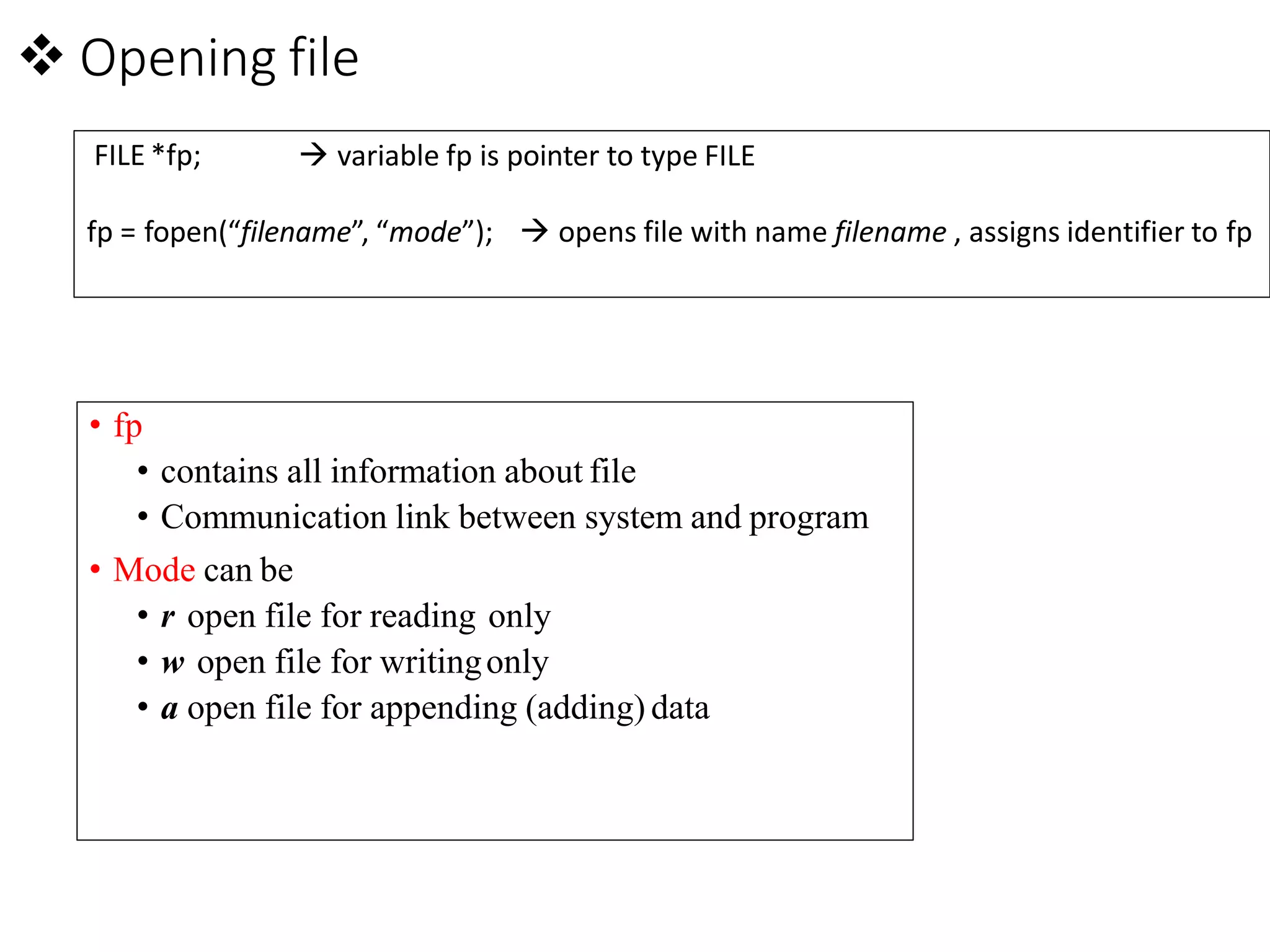
 Opening file
• fp
• contains all information about file
• Communication link between system and program
• Mode can be
• r open file for reading only
• w open file for writingonly
• a open file for appending (adding) data
FILE *fp;  variable fp is pointer to type FILE
fp = fopen(“filename”, “mode”);  opens file with name filename , assigns identifier to fp
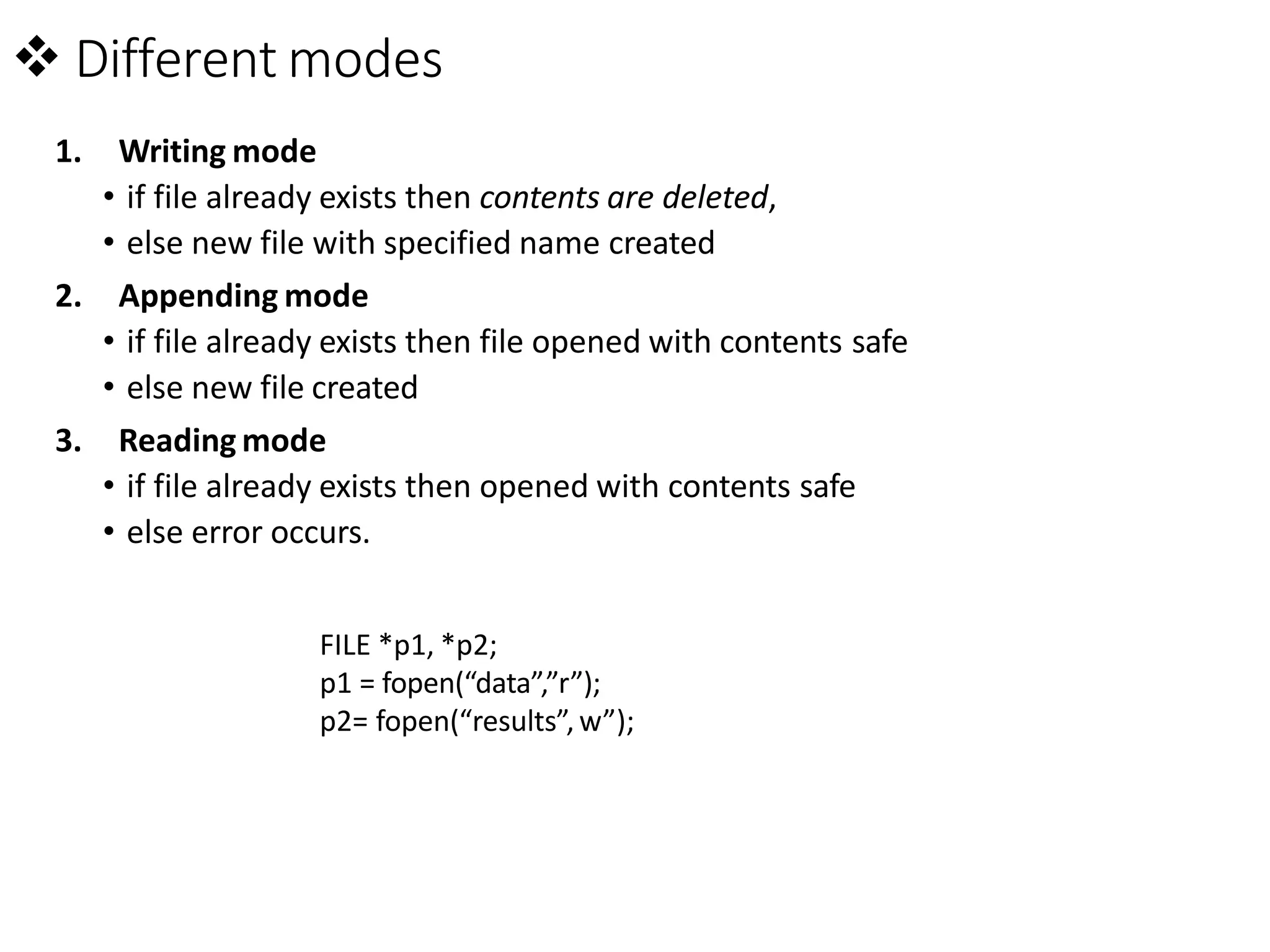
 Different modes
1. Writing mode
• if file already exists then contents are deleted,
• else new file with specified name created
2. Appending mode
• if file already exists then file opened with contents safe
• else new file created
3. Reading mode
• if file already exists then opened with contents safe
• else error occurs.
FILE *p1, *p2;
p1 = fopen(“data”,”r”);
p2= fopen(“results”, w”);
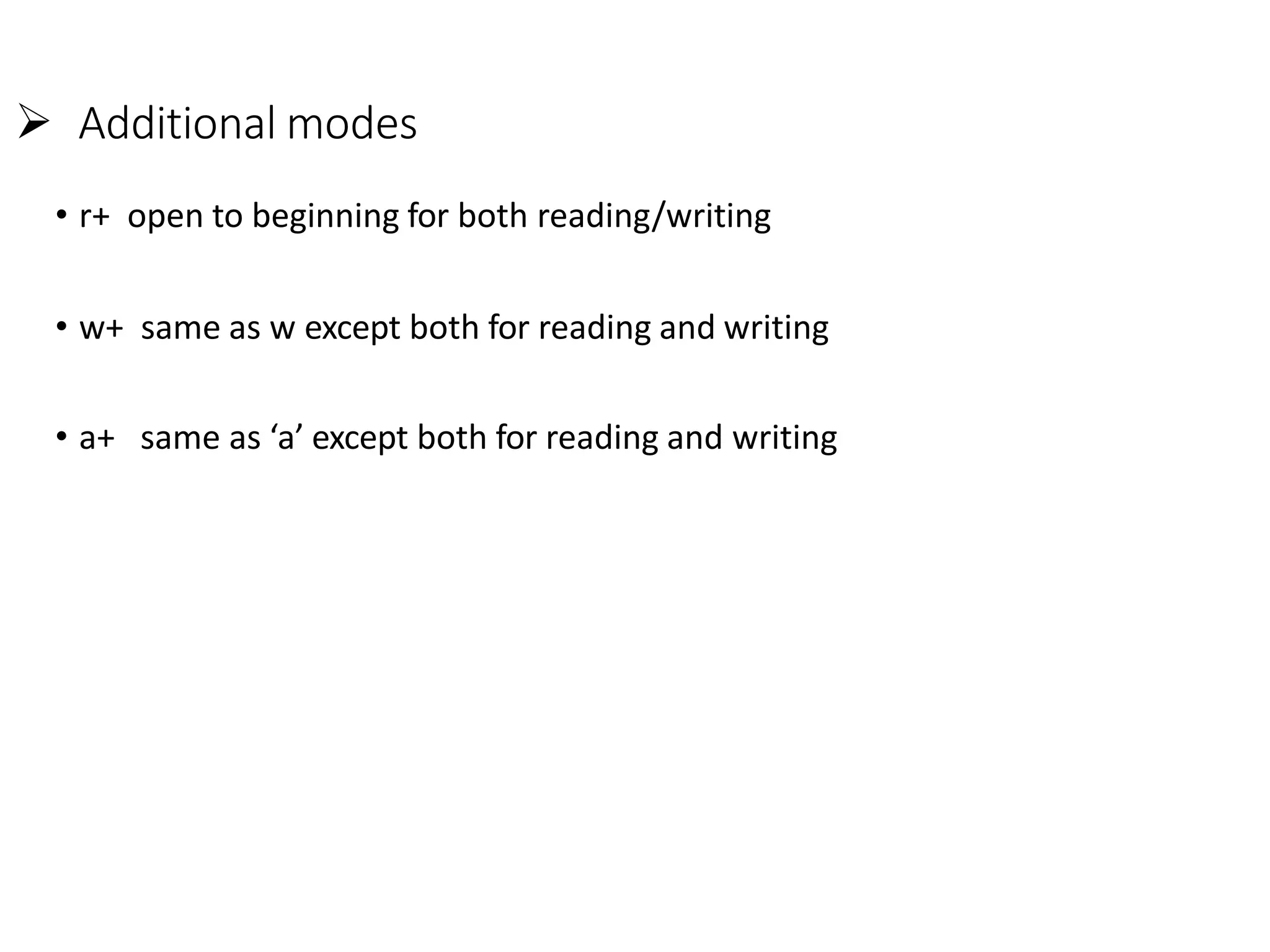
 Additional modes
• r+ open to beginning for both reading/writing
• w+ same as w except both for reading and writing
• a+ same as ‘a’ except both for reading and writing
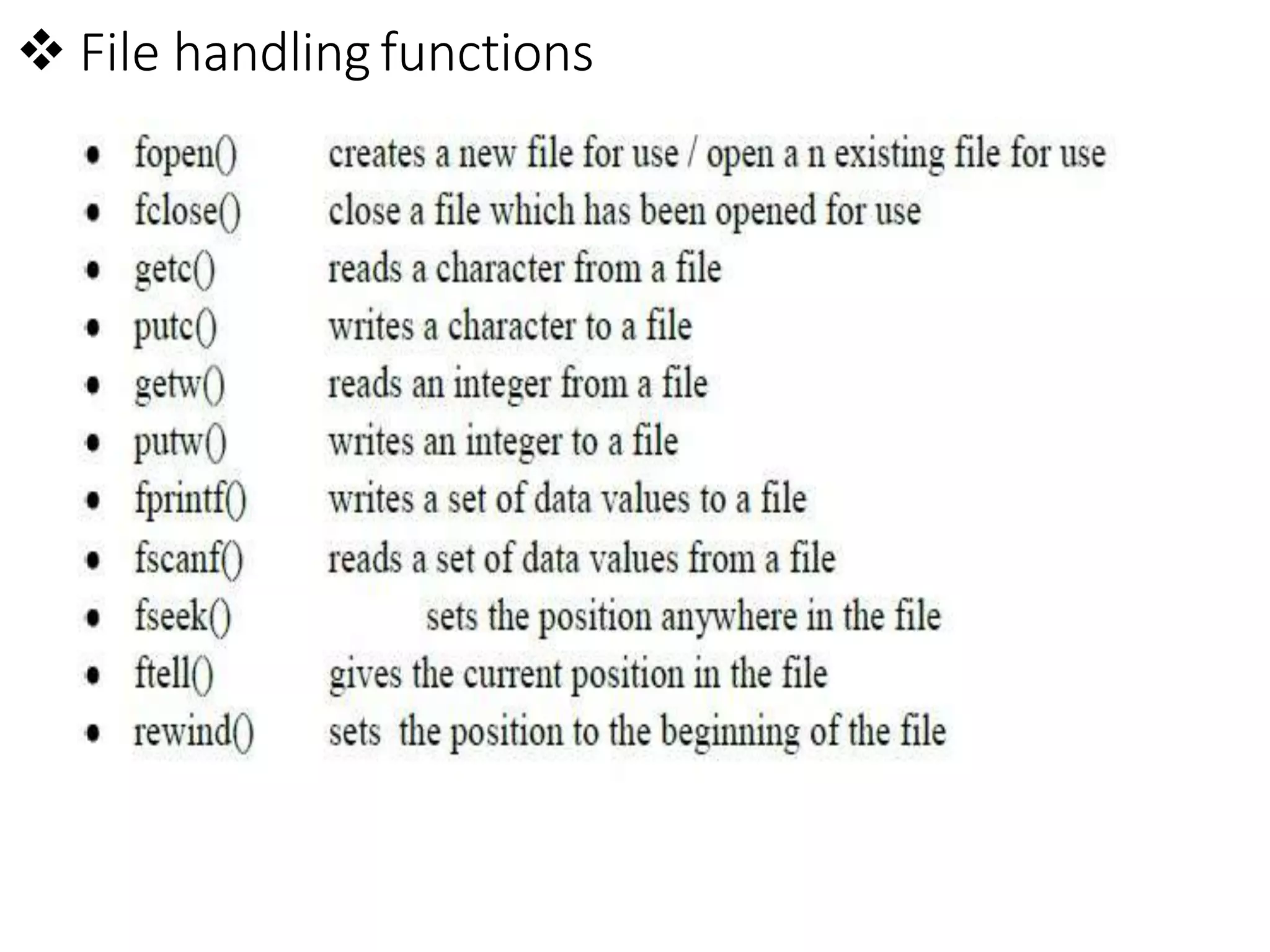
 File handling functions
program to illustrate reading files contents
#include<stdio.h>
#include<conio.h>
void main()
{
FILE *fp;
char ch,fname[50];
printf("enter the file name");
gets(fname);
if((fp= fopen(fname,"r")) == NULL){
printf("can't open file");}
do{
ch = getc(fp);
putchar(ch);
}while(ch != EOF);
fclose(fp);
getch();
}
program to illustrate the use of fgets( )
#include<stdio.h>
#include<stdlib.h>
int main()
{
FILE *fp;
char str[80],fname[50];
printf("enter the name");
gets(fname);
if((fp=fopen(fname,"r"))==NULL)
{
printf("cant open file");
}
if(fgets(str,12,fp)!=NULL)
printf("%s",str);
fclose(fp);
getch();
}
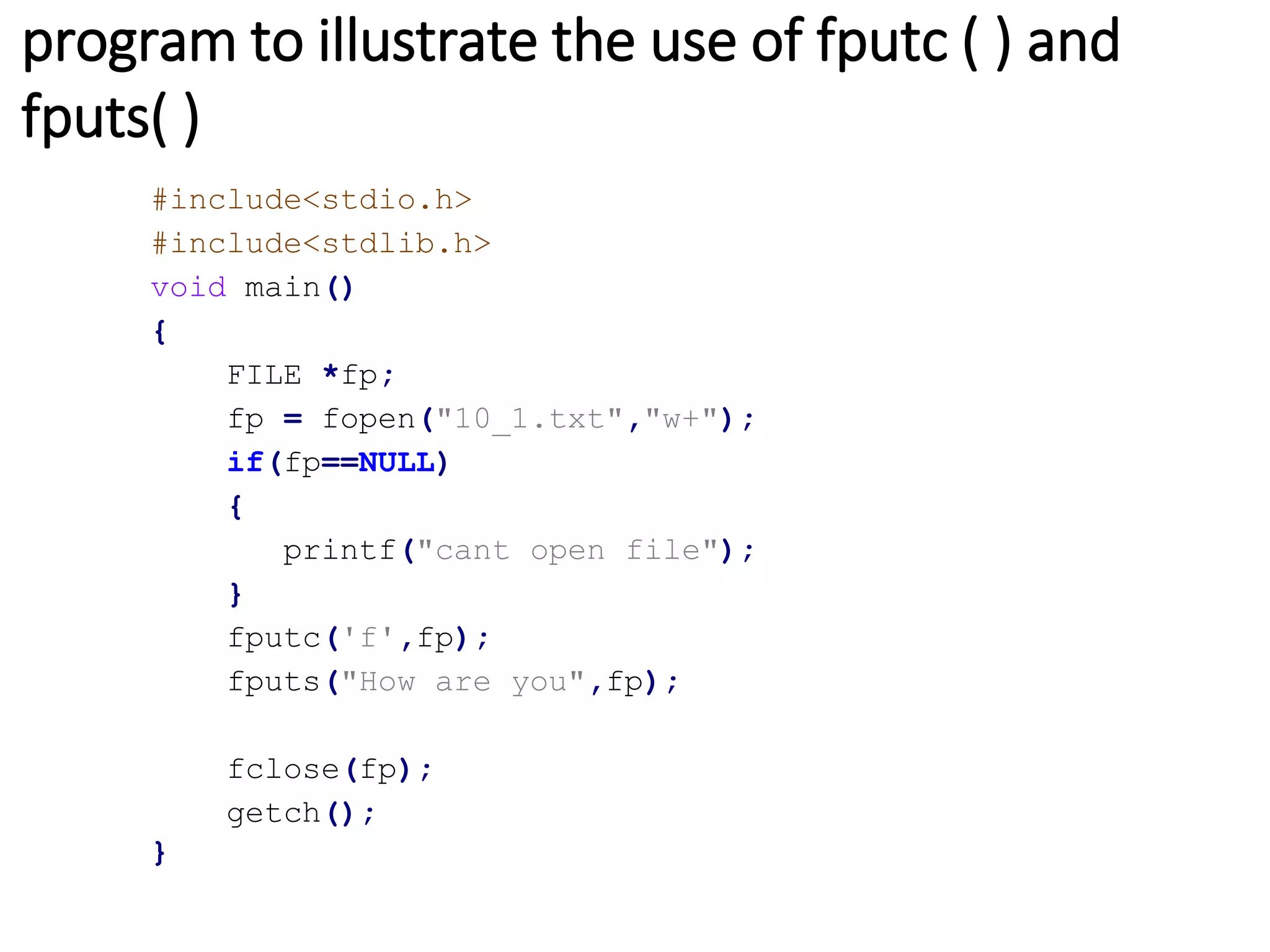
program to illustrate the use of fputc ( ) and
fputs( )
#include<stdio.h>
#include<stdlib.h>
void main()
{
FILE *fp;
fp = fopen("10_1.txt","w+");
if(fp==NULL)
{
printf("cant open file");
}
fputc('f',fp);
fputs("How are you",fp);
fclose(fp);
getch();
}

file management in c language

  • 1.
    Chapter – 9File Management
  • 2.
     File • Fileis a place in the disk where a group of related data is stored.  File Operations • naming a file • opening a file • reading data from file • writing data to a file • closing a file.
  • 3.
     Naming ofFile • String of characters that make up a valid filename for OS • May contain two parts • Primary • Optional period with extension • Examples: a.out, prog.c, temp, text.out
  • 4.
     Opening file •fp • contains all information about file • Communication link between system and program • Mode can be • r open file for reading only • w open file for writingonly • a open file for appending (adding) data FILE *fp;  variable fp is pointer to type FILE fp = fopen(“filename”, “mode”);  opens file with name filename , assigns identifier to fp
  • 5.
     Different modes 1.Writing mode • if file already exists then contents are deleted, • else new file with specified name created 2. Appending mode • if file already exists then file opened with contents safe • else new file created 3. Reading mode • if file already exists then opened with contents safe • else error occurs. FILE *p1, *p2; p1 = fopen(“data”,”r”); p2= fopen(“results”, w”);
  • 6.
     Additional modes •r+ open to beginning for both reading/writing • w+ same as w except both for reading and writing • a+ same as ‘a’ except both for reading and writing
  • 7.
  • 8.
    program to illustratereading files contents #include<stdio.h> #include<conio.h> void main() { FILE *fp; char ch,fname[50]; printf("enter the file name"); gets(fname); if((fp= fopen(fname,"r")) == NULL){ printf("can't open file");} do{ ch = getc(fp); putchar(ch); }while(ch != EOF); fclose(fp); getch(); }
  • 9.
    program to illustratethe use of fgets( ) #include<stdio.h> #include<stdlib.h> int main() { FILE *fp; char str[80],fname[50]; printf("enter the name"); gets(fname); if((fp=fopen(fname,"r"))==NULL) { printf("cant open file"); } if(fgets(str,12,fp)!=NULL) printf("%s",str); fclose(fp); getch(); }
  • 10.
    program to illustratethe use of fputc ( ) and fputs( ) #include<stdio.h> #include<stdlib.h> void main() { FILE *fp; fp = fopen("10_1.txt","w+"); if(fp==NULL) { printf("cant open file"); } fputc('f',fp); fputs("How are you",fp); fclose(fp); getch(); }