+
Web Technologies
File Formats
+
File Formats
 The extension at the end of a file name may not be important
when using files on your local computer but they are important
when naming files to be placed on a web server.
 The Web server will look at the extension name of the file and
add to the HTTP request the type of file that is being sent so
the browser knows how to handle that file type.
 Example a file with .php at the end may not display properly when
you open the file of link to it locally on your own hard drive. Where
as the file will be processed differently if you were to surf to the file
+
Local Development Formats
 Some file formats are not supported in web browsers. These
are usually formats that are proprietary to individual software
manufacturers or are too complex in how to interpret the output.
 Illustrator and Photoshop formats are good examples of
formats that a web browser will not display.
+
Common Browser Formats for Text
 HTML
 XML
 SVG
 Text
 JSON
+
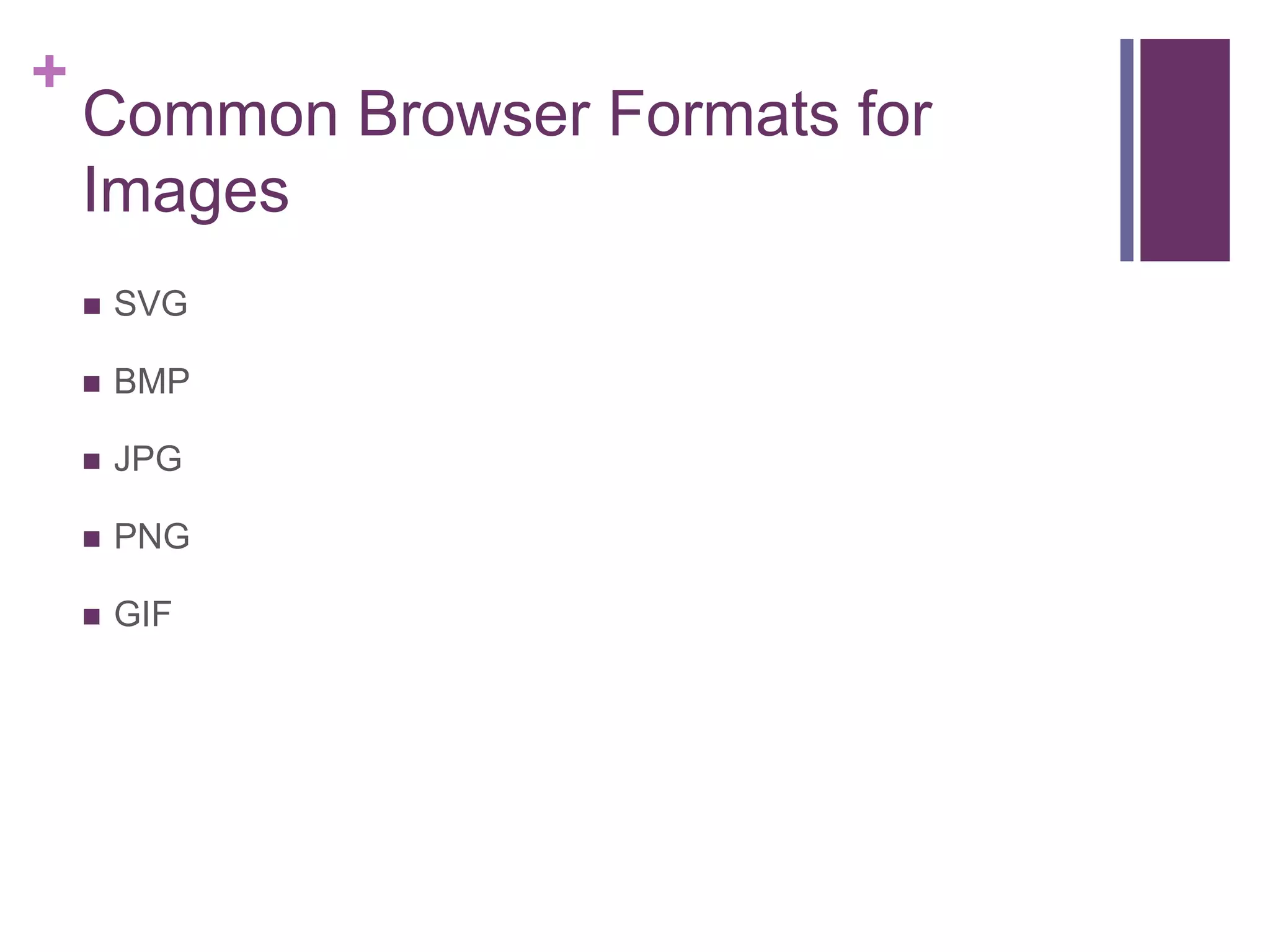
Common Browser Formats for
Images
 SVG
 BMP
 JPG
 PNG
 GIF
+
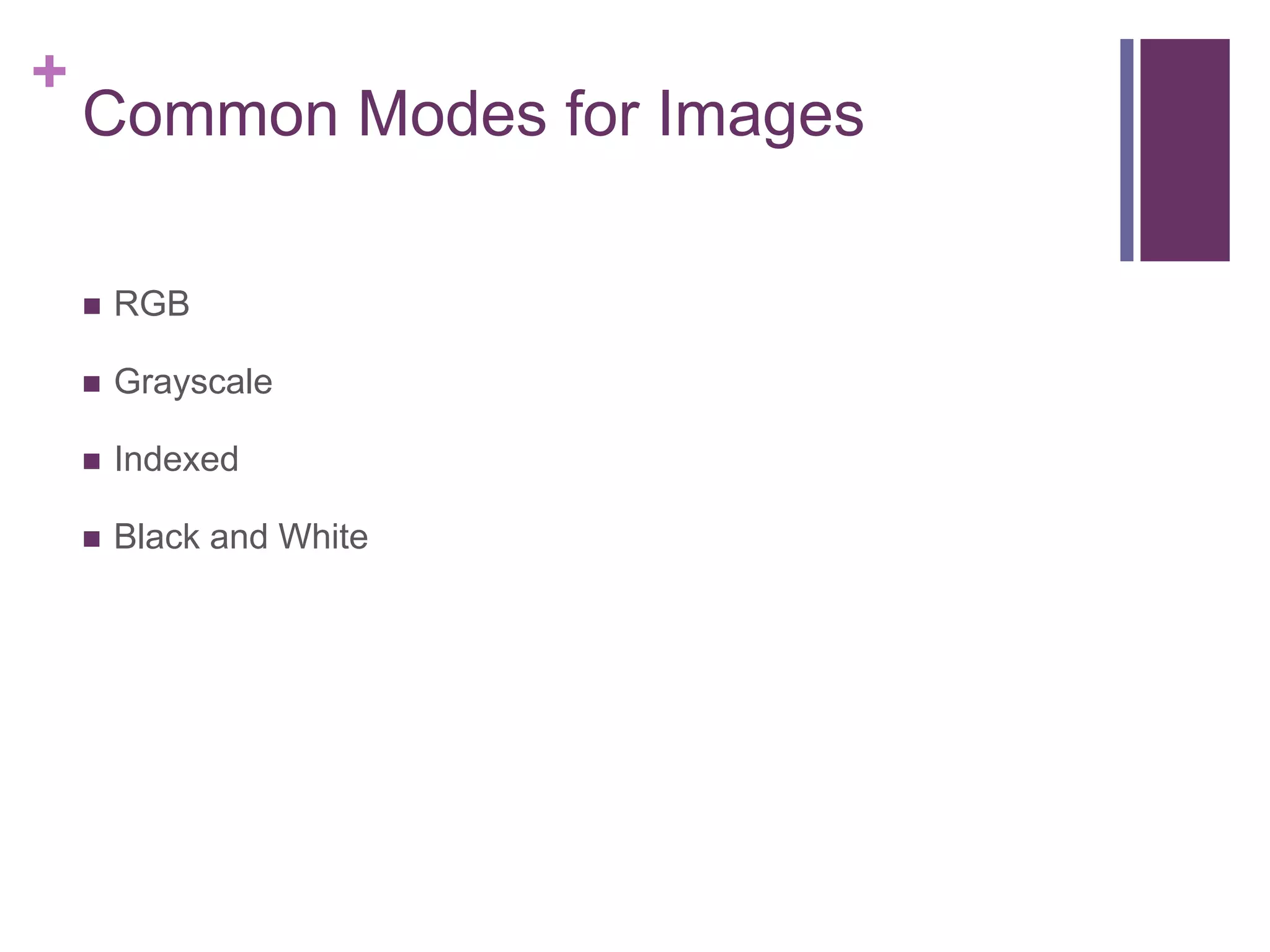
Common Modes for Images
 RGB
 Grayscale
 Indexed
 Black and White
+
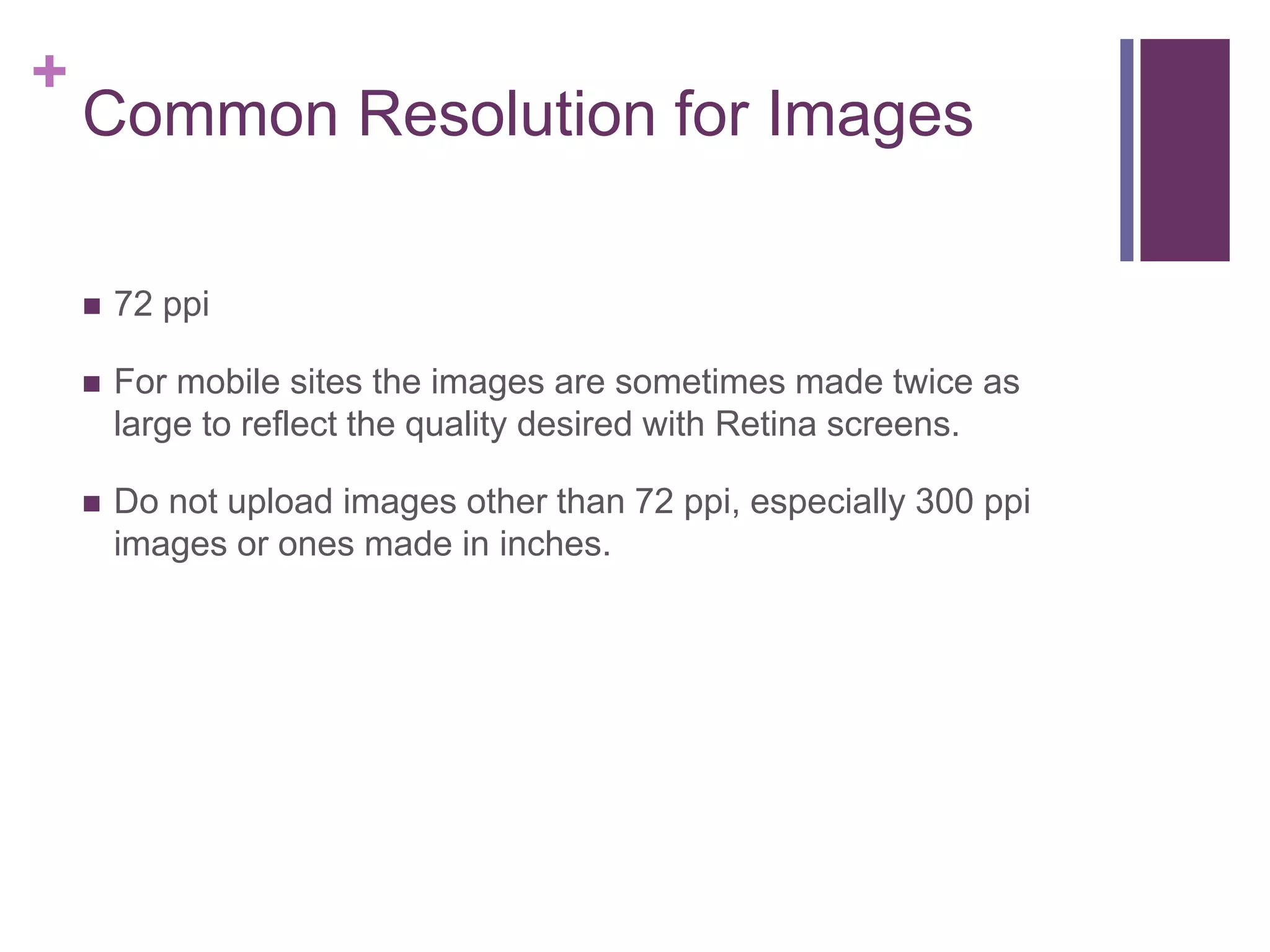
Common Resolution for Images
 72 ppi
 For mobile sites the images are sometimes made twice as
large to reflect the quality desired with Retina screens.
 Do not upload images other than 72 ppi, especially 300 ppi
images or ones made in inches.
+
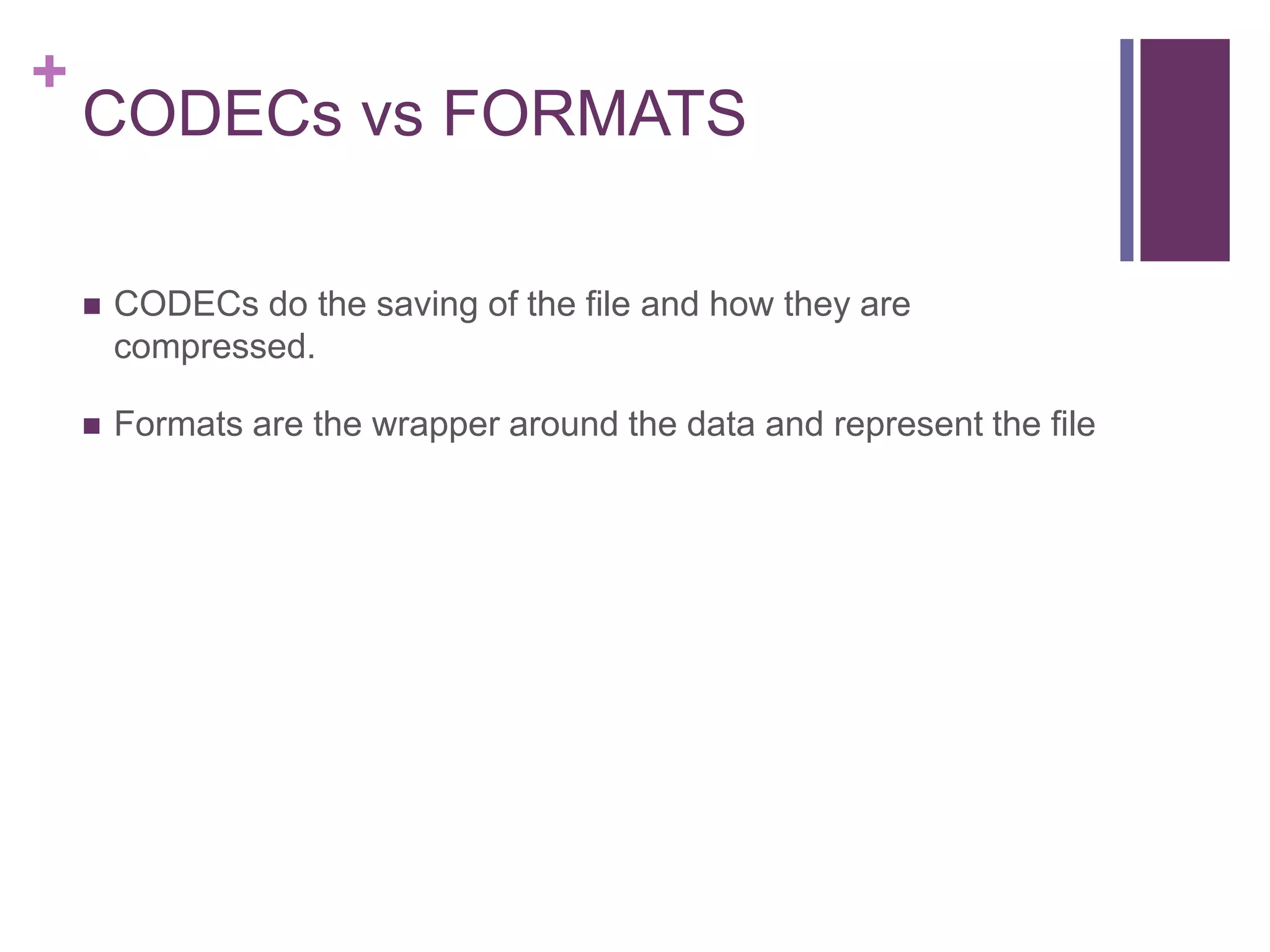
CODECs vs FORMATS
 CODECs do the saving of the file and how they are
compressed.
 Formats are the wrapper around the data and represent the file
+
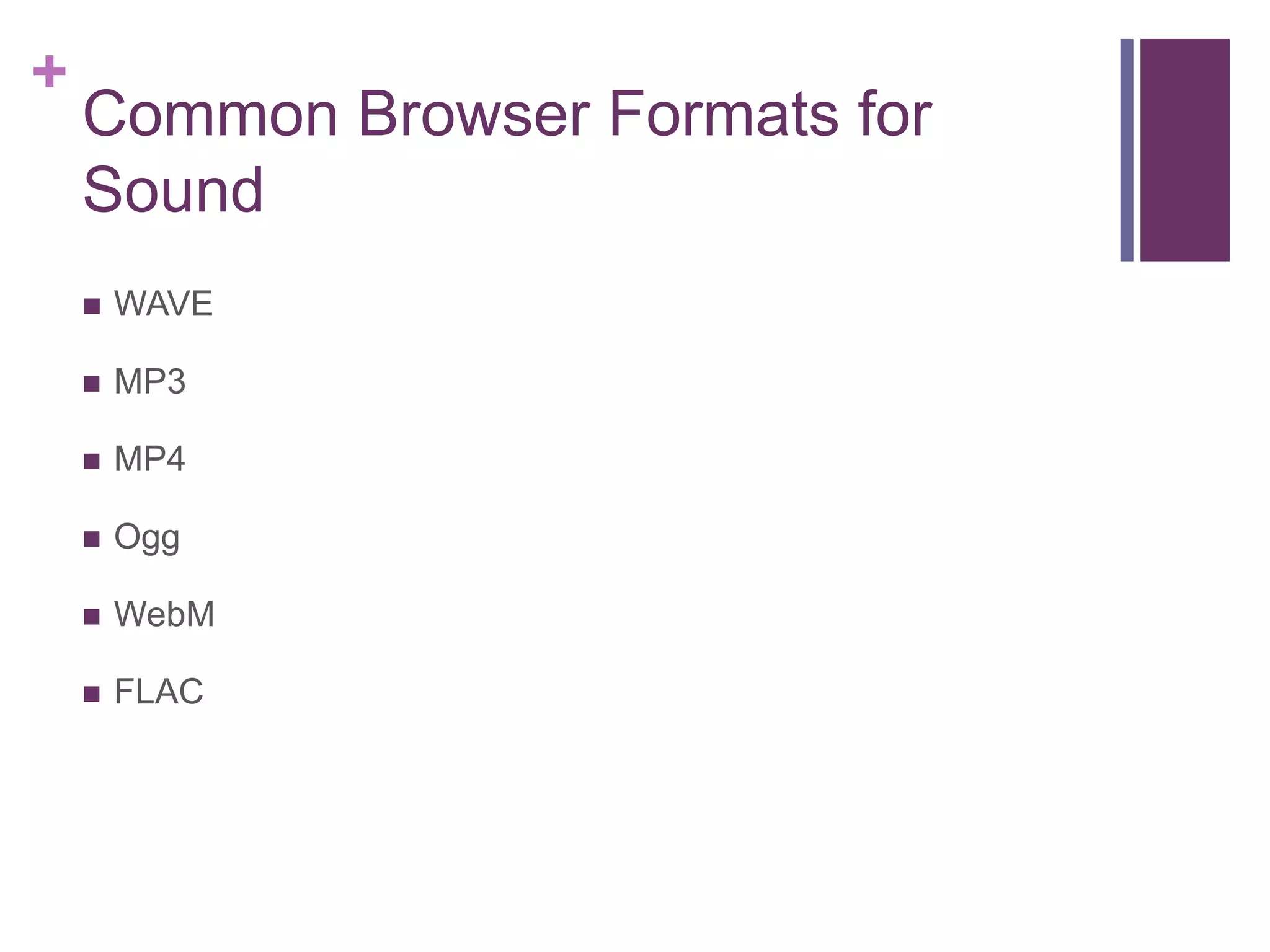
Common Browser Formats for
Sound
 WAVE
 MP3
 MP4
 Ogg
 WebM
 FLAC
+
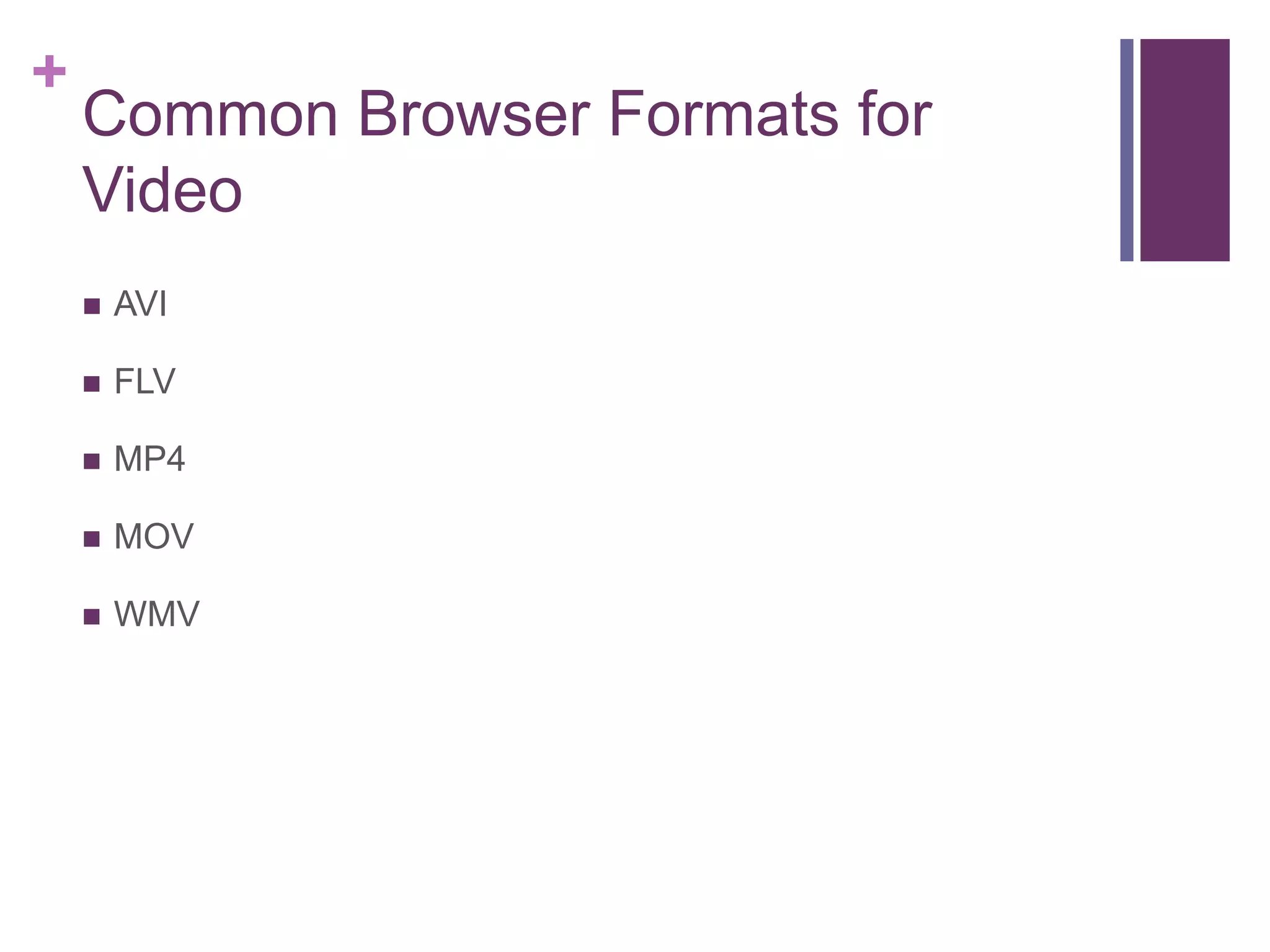
Common Browser Formats for
Video
 AVI
 FLV
 MP4
 MOV
 WMV
+
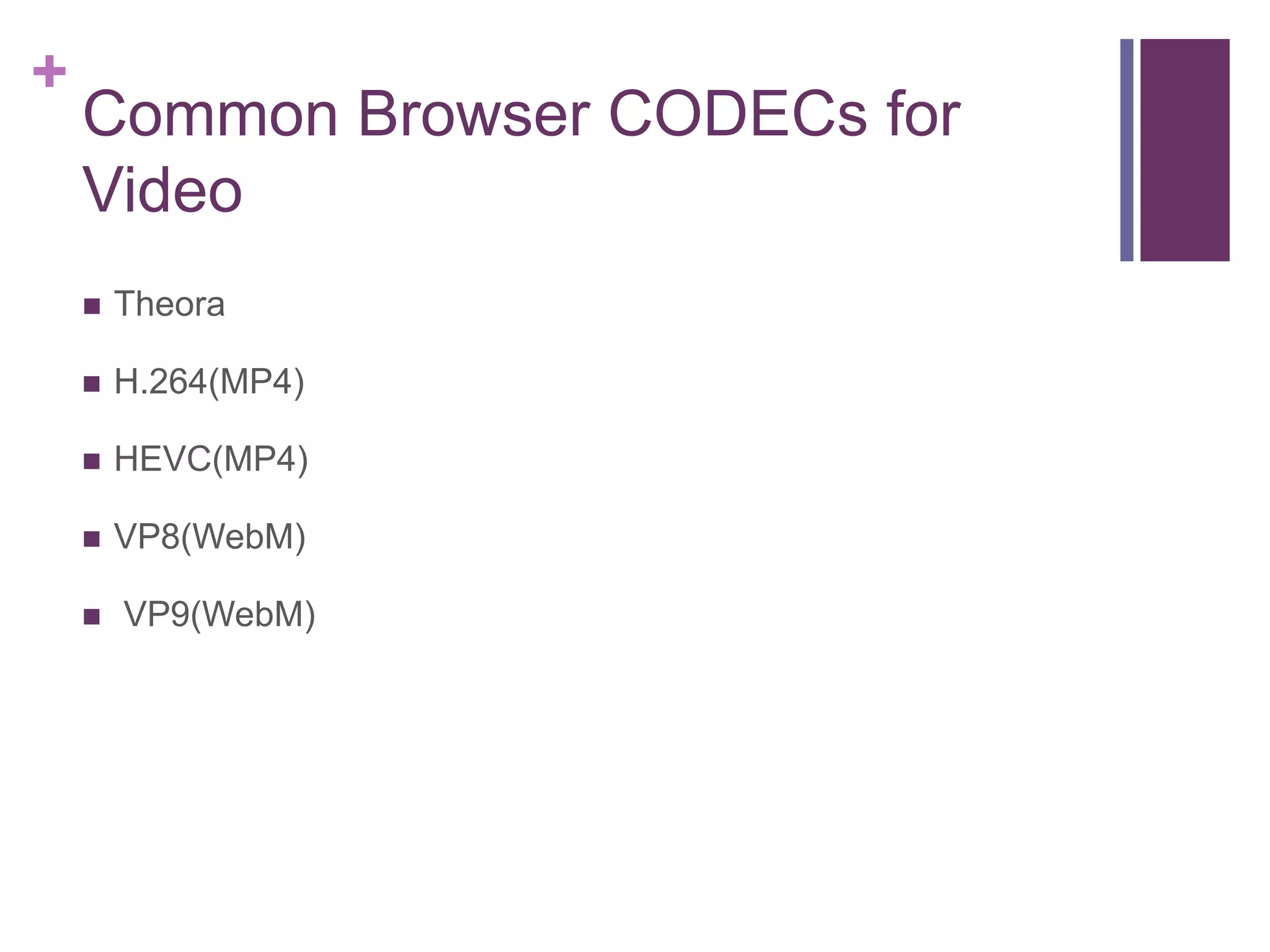
Common Browser CODECs for
Video
 Theora
 H.264(MP4)
 HEVC(MP4)
 VP8(WebM)
 VP9(WebM)

File formats

  • 1.
  • 2.
    + File Formats  Theextension at the end of a file name may not be important when using files on your local computer but they are important when naming files to be placed on a web server.  The Web server will look at the extension name of the file and add to the HTTP request the type of file that is being sent so the browser knows how to handle that file type.  Example a file with .php at the end may not display properly when you open the file of link to it locally on your own hard drive. Where as the file will be processed differently if you were to surf to the file
  • 3.
    + Local Development Formats Some file formats are not supported in web browsers. These are usually formats that are proprietary to individual software manufacturers or are too complex in how to interpret the output.  Illustrator and Photoshop formats are good examples of formats that a web browser will not display.
  • 4.
    + Common Browser Formatsfor Text  HTML  XML  SVG  Text  JSON
  • 5.
    + Common Browser Formatsfor Images  SVG  BMP  JPG  PNG  GIF
  • 6.
    + Common Modes forImages  RGB  Grayscale  Indexed  Black and White
  • 7.
    + Common Resolution forImages  72 ppi  For mobile sites the images are sometimes made twice as large to reflect the quality desired with Retina screens.  Do not upload images other than 72 ppi, especially 300 ppi images or ones made in inches.
  • 8.
    + CODECs vs FORMATS CODECs do the saving of the file and how they are compressed.  Formats are the wrapper around the data and represent the file
  • 9.
    + Common Browser Formatsfor Sound  WAVE  MP3  MP4  Ogg  WebM  FLAC
  • 10.
    + Common Browser Formatsfor Video  AVI  FLV  MP4  MOV  WMV
  • 11.
    + Common Browser CODECsfor Video  Theora  H.264(MP4)  HEVC(MP4)  VP8(WebM)  VP9(WebM)