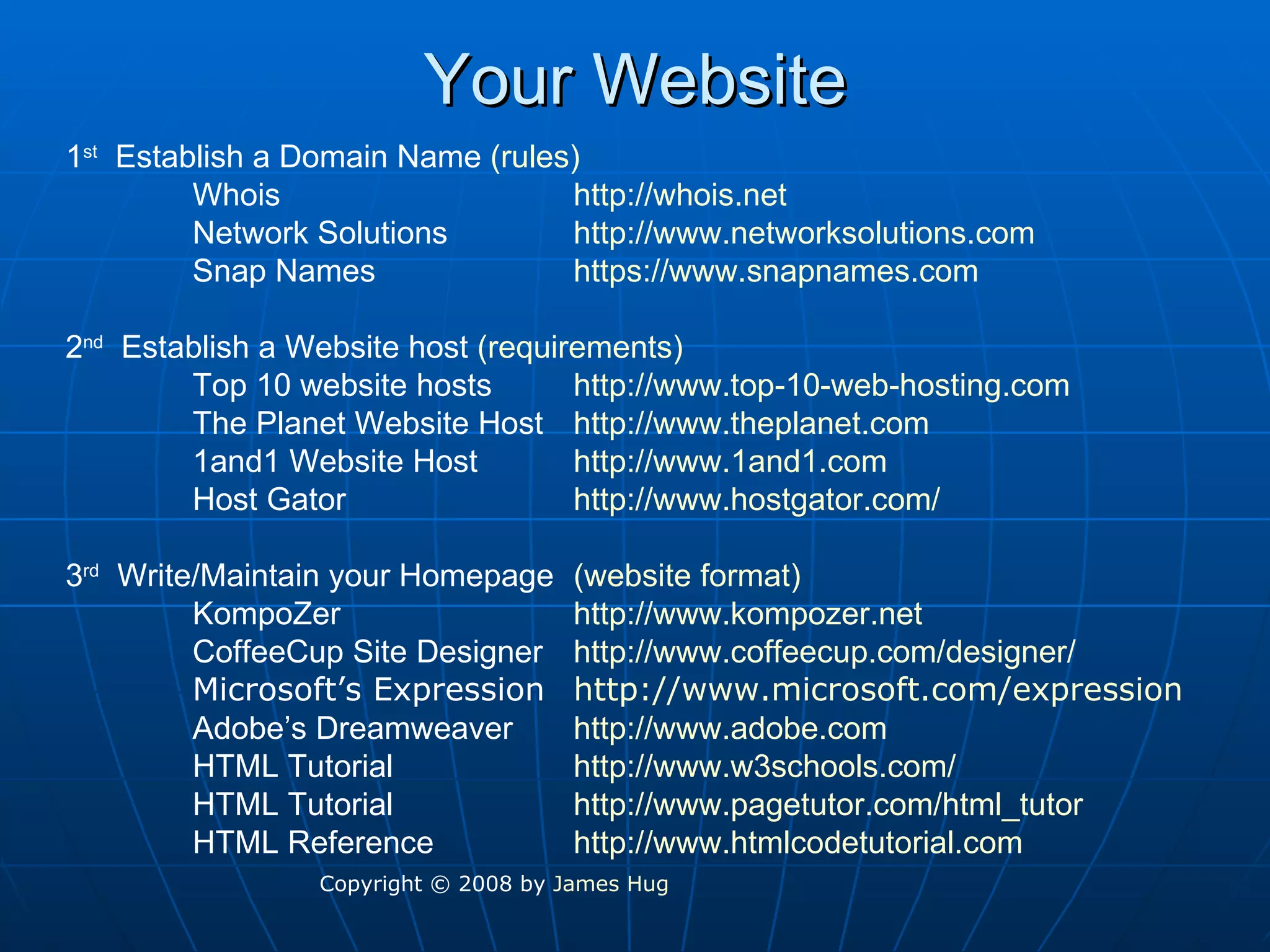
Your Website 1 st   Establish a Domain Name  (rules) Whois http://whois.net Network Solutions http://www.networksolutions.com Snap Names https://www.snapnames.com 2 nd   Establish a Website host  (requirements) Top 10 website hosts http://www.top-10-web-hosting.com The Planet Website Host http://www.theplanet.com 1and1 Website Host http://www.1and1.com Host Gator http://www.hostgator.com/ 3 rd   Write/Maintain your Homepage (website format) KompoZer http://www.kompozer.net CoffeeCup Site Designer http:// www.coffeecup.com /designer/ Microsoft’s Expression http:// www.microsoft.com /expression Adobe’s Dreamweaver http://www.adobe.com HTML Tutorial http://www.w3schools.com/ HTML Tutorial http://www.pagetutor.com/html_tutor HTML Reference  http://www.htmlcodetutorial.com Copyright © 2008 by  James Hug
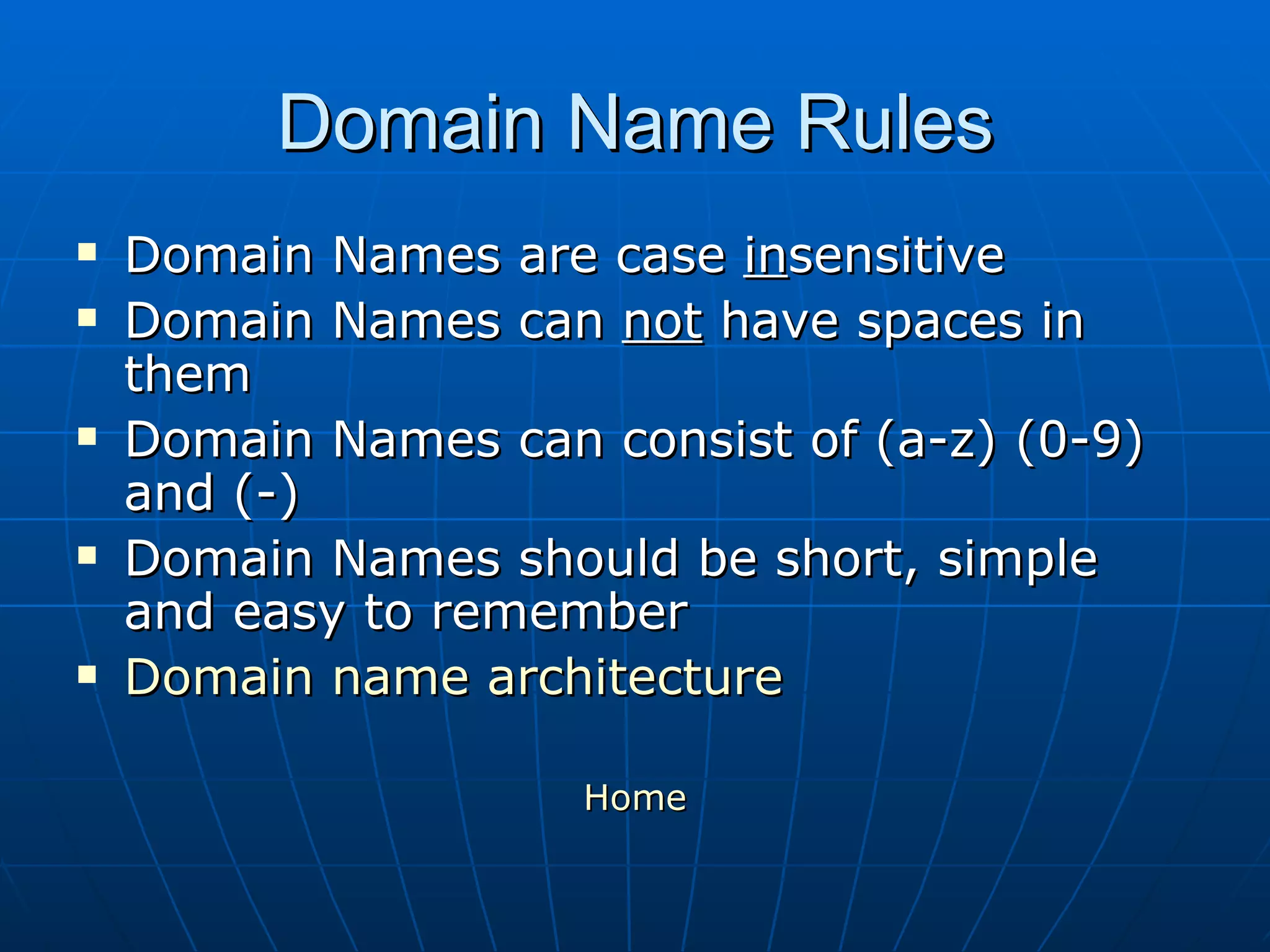
Domain Name Rules Domain Names are case  in sensitive Domain Names can  not  have spaces in them Domain Names can consist of (a-z) (0-9) and (-) Domain Names should be short, simple and easy to remember Domain name architecture Home
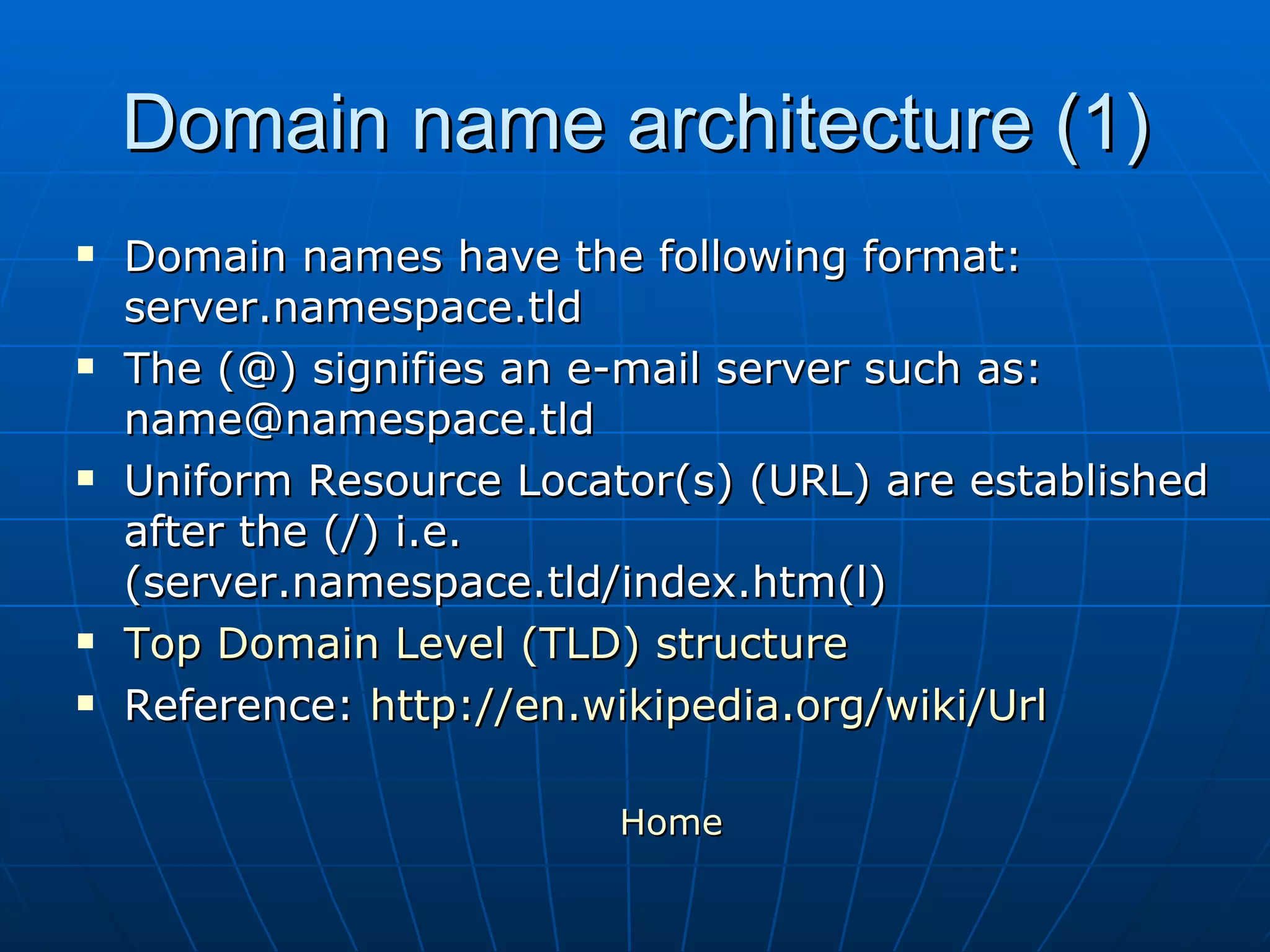
Domain name architecture (1) Domain names have the following format: server.namespace.tld The (@) signifies an e-mail server such as: name@namespace.tld Uniform Resource Locator(s) (URL) are established after the (/) i.e. (server.namespace.tld/index.htm(l) Top Domain Level (TLD) structure Reference:  http://en.wikipedia.org/wiki/Url Home
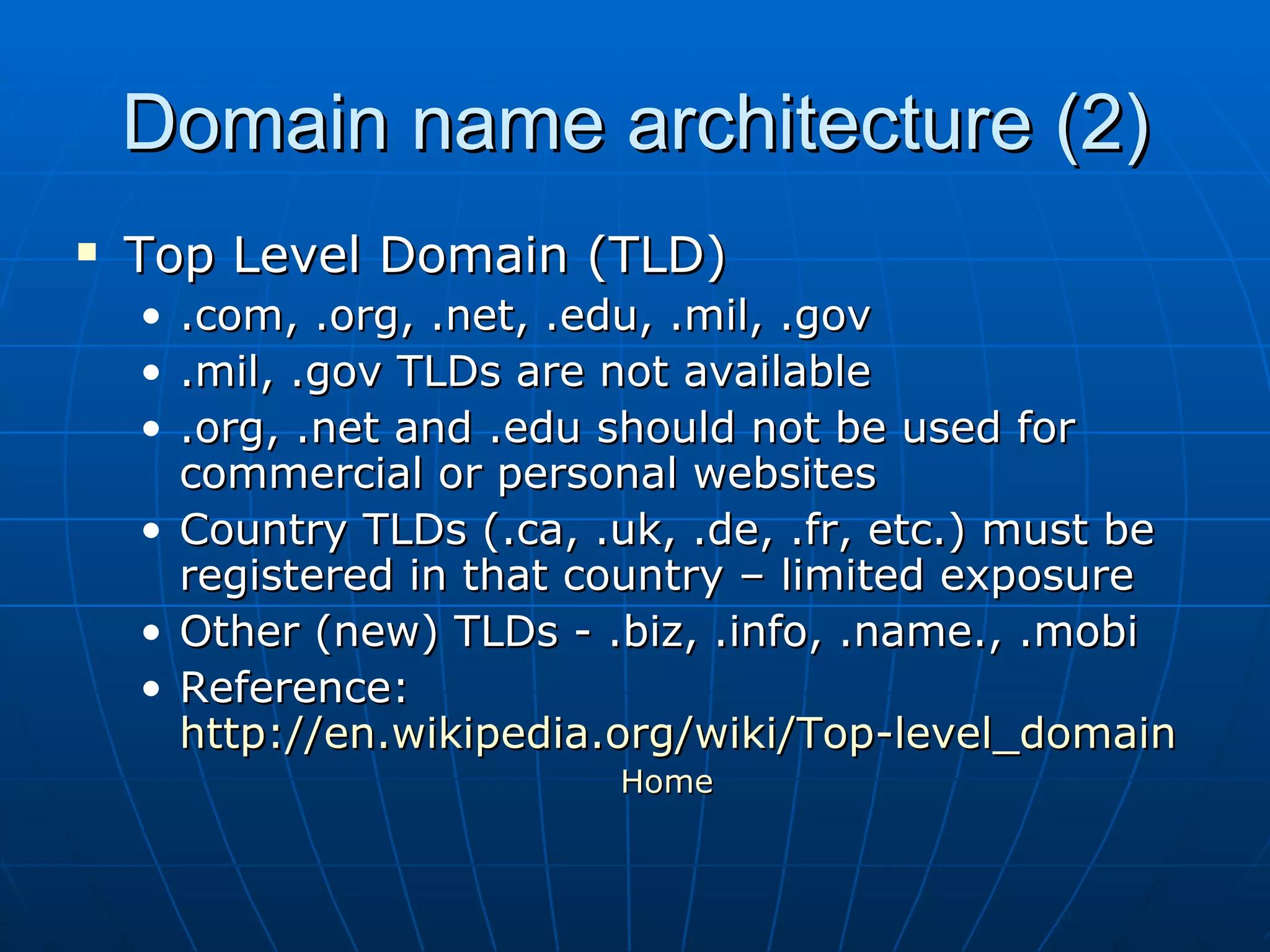
Domain name architecture (2) Top Level Domain (TLD) .com, .org, .net, .edu, .mil, .gov .mil, .gov TLDs are not available .org, .net and .edu should not be used for commercial or personal websites Country TLDs (.ca, .uk, .de, .fr, etc.) must be registered in that country – limited exposure Other (new) TLDs - .biz, .info, .name., .mobi  Reference:  http://en.wikipedia.org/wiki/Top-level_domain Home
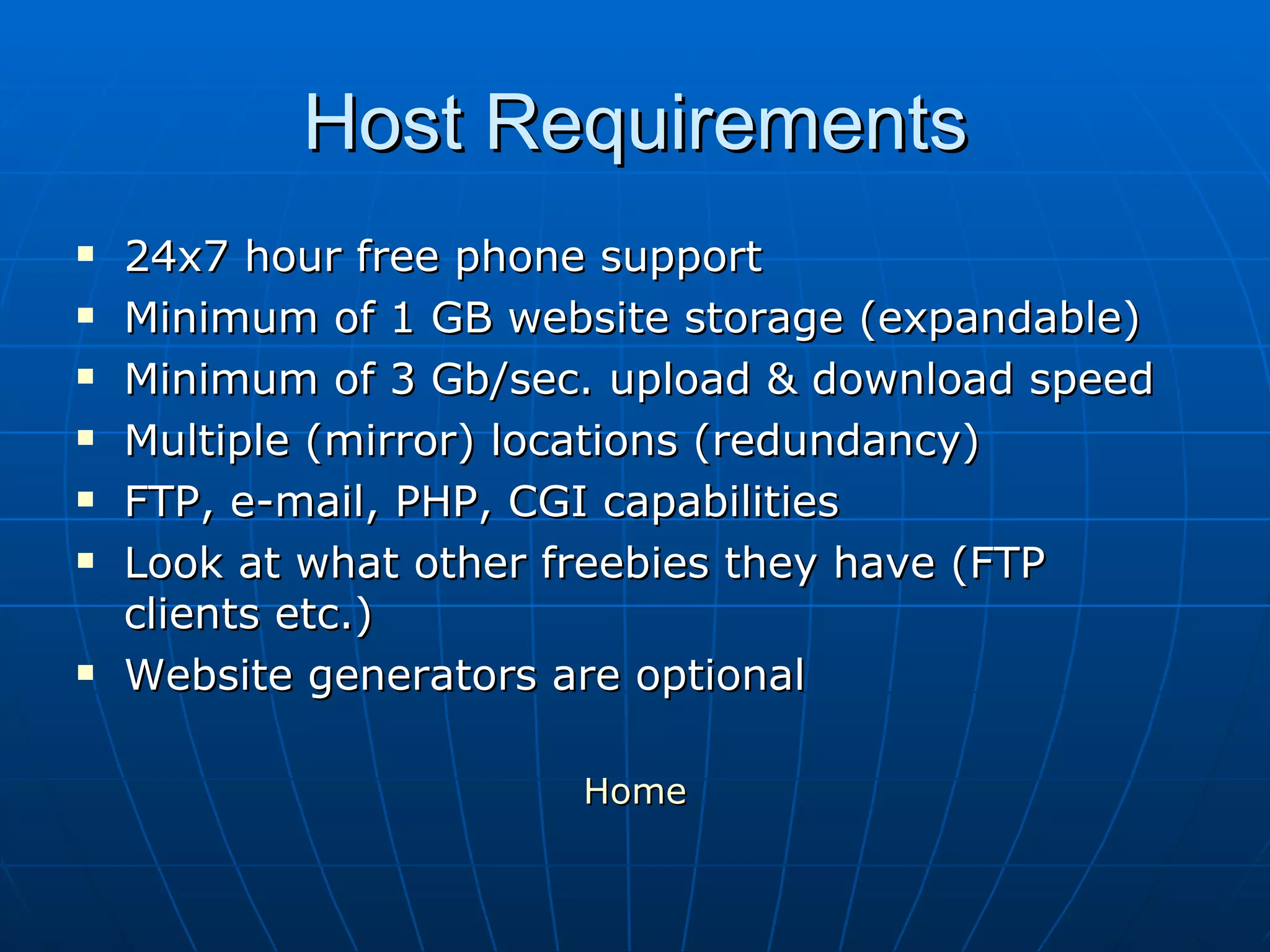
Host Requirements 24x7 hour free phone support Minimum of 1 GB website storage (expandable) Minimum of 3 Gb/sec. upload & download speed Multiple (mirror) locations (redundancy)  FTP, e-mail, PHP, CGI capabilities Look at what other freebies they have (FTP clients etc.) Website generators are optional Home
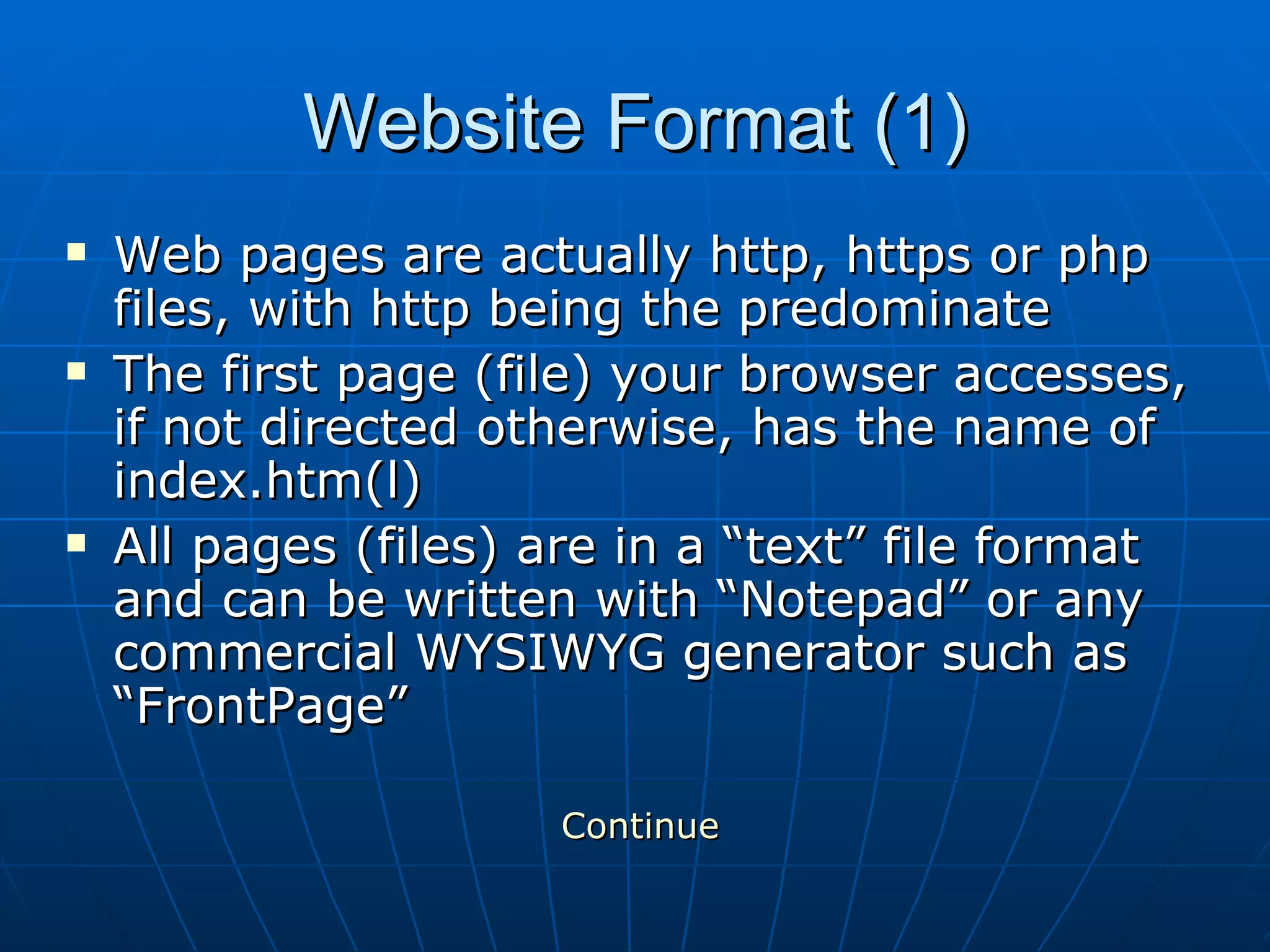
Website Format (1) Web pages are actually http, https or php files, with http being the predominate  The first page (file) your browser accesses, if not directed otherwise, has the name of index.htm(l) All pages (files) are in a “text” file format and can be written with “Notepad” or any commercial WYSIWYG generator such as “FrontPage” Continue
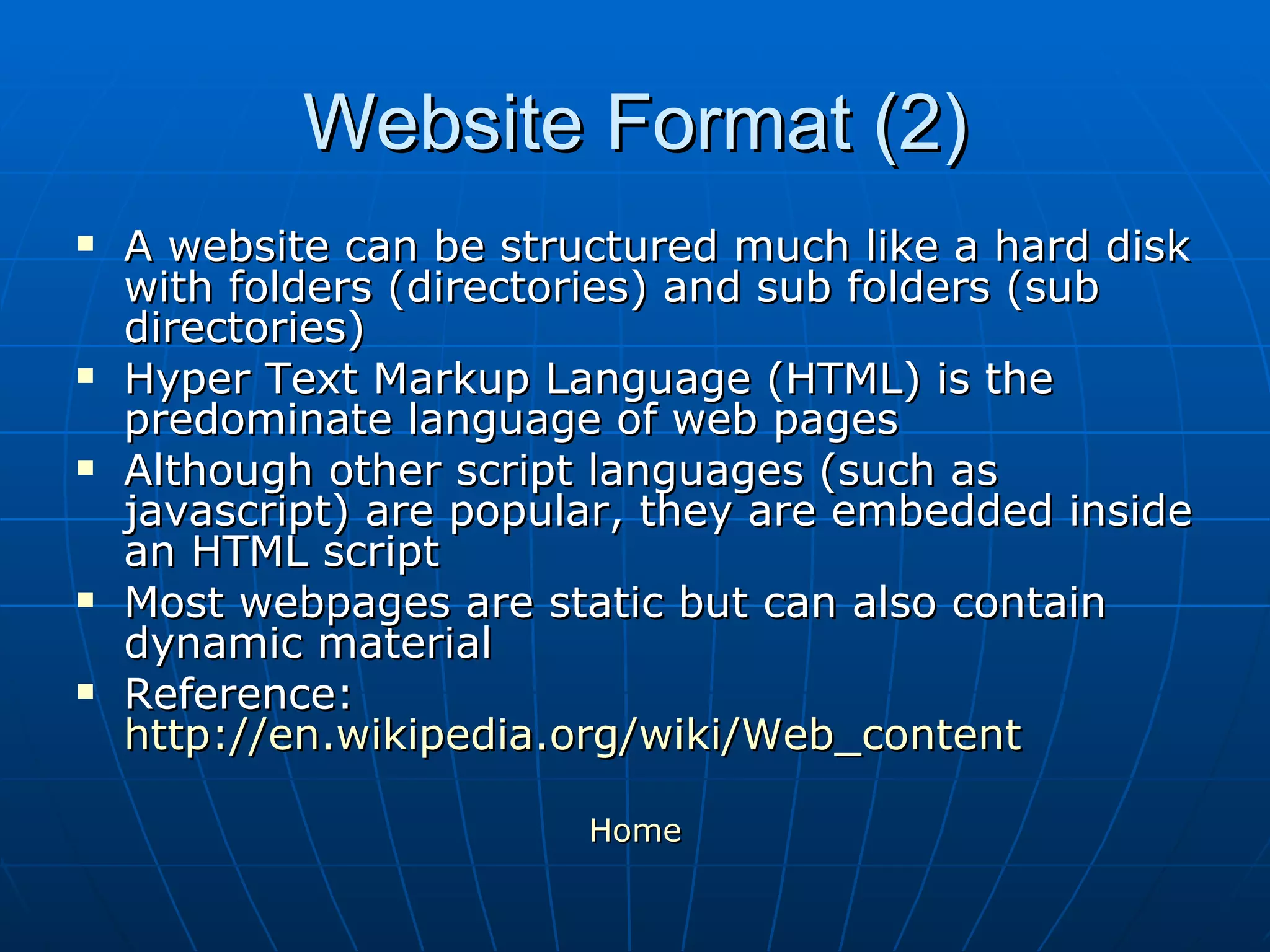
Website Format (2) A website can be structured much like a hard disk with folders (directories) and sub folders (sub directories)  Hyper Text Markup Language (HTML) is the predominate language of web pages Although other script languages (such as javascript) are popular, they are embedded inside an HTML script Most webpages are static but can also contain dynamic material Reference:  http://en.wikipedia.org/wiki/Web_content Home

Create your on personal website - PowerPoint Presentation

  • 1.
    Your Website 1st Establish a Domain Name (rules) Whois http://whois.net Network Solutions http://www.networksolutions.com Snap Names https://www.snapnames.com 2 nd Establish a Website host (requirements) Top 10 website hosts http://www.top-10-web-hosting.com The Planet Website Host http://www.theplanet.com 1and1 Website Host http://www.1and1.com Host Gator http://www.hostgator.com/ 3 rd Write/Maintain your Homepage (website format) KompoZer http://www.kompozer.net CoffeeCup Site Designer http:// www.coffeecup.com /designer/ Microsoft’s Expression http:// www.microsoft.com /expression Adobe’s Dreamweaver http://www.adobe.com HTML Tutorial http://www.w3schools.com/ HTML Tutorial http://www.pagetutor.com/html_tutor HTML Reference http://www.htmlcodetutorial.com Copyright © 2008 by James Hug
  • 2.
    Domain Name RulesDomain Names are case in sensitive Domain Names can not have spaces in them Domain Names can consist of (a-z) (0-9) and (-) Domain Names should be short, simple and easy to remember Domain name architecture Home
  • 3.
    Domain name architecture(1) Domain names have the following format: server.namespace.tld The (@) signifies an e-mail server such as: name@namespace.tld Uniform Resource Locator(s) (URL) are established after the (/) i.e. (server.namespace.tld/index.htm(l) Top Domain Level (TLD) structure Reference: http://en.wikipedia.org/wiki/Url Home
  • 4.
    Domain name architecture(2) Top Level Domain (TLD) .com, .org, .net, .edu, .mil, .gov .mil, .gov TLDs are not available .org, .net and .edu should not be used for commercial or personal websites Country TLDs (.ca, .uk, .de, .fr, etc.) must be registered in that country – limited exposure Other (new) TLDs - .biz, .info, .name., .mobi Reference: http://en.wikipedia.org/wiki/Top-level_domain Home
  • 5.
    Host Requirements 24x7hour free phone support Minimum of 1 GB website storage (expandable) Minimum of 3 Gb/sec. upload & download speed Multiple (mirror) locations (redundancy) FTP, e-mail, PHP, CGI capabilities Look at what other freebies they have (FTP clients etc.) Website generators are optional Home
  • 6.
    Website Format (1)Web pages are actually http, https or php files, with http being the predominate The first page (file) your browser accesses, if not directed otherwise, has the name of index.htm(l) All pages (files) are in a “text” file format and can be written with “Notepad” or any commercial WYSIWYG generator such as “FrontPage” Continue
  • 7.
    Website Format (2)A website can be structured much like a hard disk with folders (directories) and sub folders (sub directories) Hyper Text Markup Language (HTML) is the predominate language of web pages Although other script languages (such as javascript) are popular, they are embedded inside an HTML script Most webpages are static but can also contain dynamic material Reference: http://en.wikipedia.org/wiki/Web_content Home