„A Year of Blogging‟


    Eoghan Evesson @NewEnglishBlog
Topics
- What is a Blog?
- Why start blogging?
- How to start blogging.
- Apps and software to integrate
into blogging and the teaching of
English.
Section I
What is a Blog?
             Some definitions from @ProBlogger
„A weblog is a hierarchy of text, images, media objects and data,
arranged chronologically, that can be viewed in an HTML browser.‟

„A frequent, chronological publication of personal thoughts and Web
links.‟

„From “Web log.” A blog is basically a journal that is available on the
web. The activity of updating a blog is “blogging” and someone who
keeps a blog is a “blogger.”„

„A weblog is kind of a continual tour, with a human guide who you
get to know. There are many guides to choose from, each develops
an audience, and there‟s also camaraderie and politics between the
people who run weblogs, they point to each other, in all kinds of
structures, graphs, loops, etc.
„A blog is basically a journal that is
available on the web. The activity of
updating a blog is “blogging” and
someone who keeps a blog is a
“blogger.” Blogs are typically updated
daily using software that allows people
with little or no technical background
to update and maintain the blog.
Postings on a blog are almost always
arranged in chronological order with
the most recent additions featured
most prominently.‟
Eoghan Evesson
@NewEnglishBlog
A Blog is like a digital archive. It is
a way to make ideas and content
digital for the purpose of logging,
sharing and improving the
idea/content.
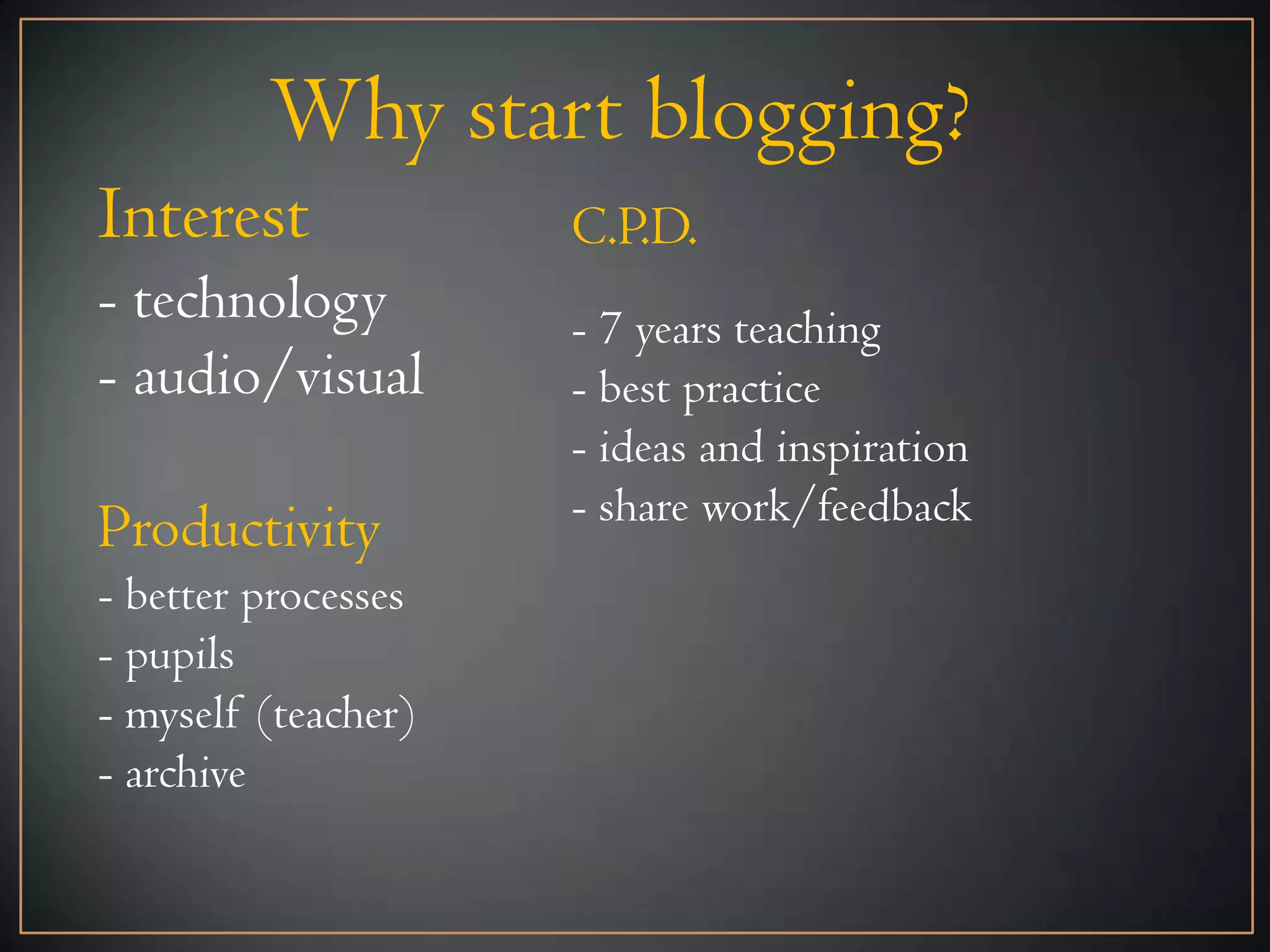
Why start blogging?
Interest             C.P.D.
- technology         - 7 years teaching
- audio/visual       - best practice
                     - ideas and inspiration
                     - share work/feedback
Productivity
- better processes
- pupils
- myself (teacher)
- archive
How to start blogging
1. Want to start!
It’s like taking on a hobby that you are never really going
to give up, especially if you start a Blog for your school. If
you plan on starting a personal or teacher Blog there is
certainly less pressure. You own all the work. If you decide
to pack up and close it down overnight that’s your
prerogative. If you start a department or school Blog it
becomes part of the makeup of the department. Archived
work, examples and experiences will have to be maintained.
Want to start. Have at least one person you can share and
console with about all matters Blogging!
How to start blogging
2. Virtual Personality
- What is the name of your Blog? Is it personal or
departmental ? Whether it is a personal or departmental
Blog I would suggest it is best to think of the Blog as
something that is once removed from you personally. It’s
certainly part of a healthy work/life balance. When I’m
Blogging I’m Blogging. When I’m me, I’m me.
- You will need a new e-mail address. I would highly
recommend setting up a Gmail account. It can really help
with sharing documents further down the line.
- Pick an email address that bears at least a resemblance to
your Blog.
Nota bene
- Password and Username → Have a
username and try to stick with it. You
will be joining multiple sites and
apps. Having the same username is
very helpful. Have a ‘password
system’. You obviously shouldn’t use
the same password for every site. I use
a mix of 4/5.
How to start blogging
3.Pick a Blog provider
There are many many free Blogging providers. In my
opinion, you should choose either:


Wordpress.com -


Blogger -
Wordpress.com
This video might be all you need from today…
Blogger
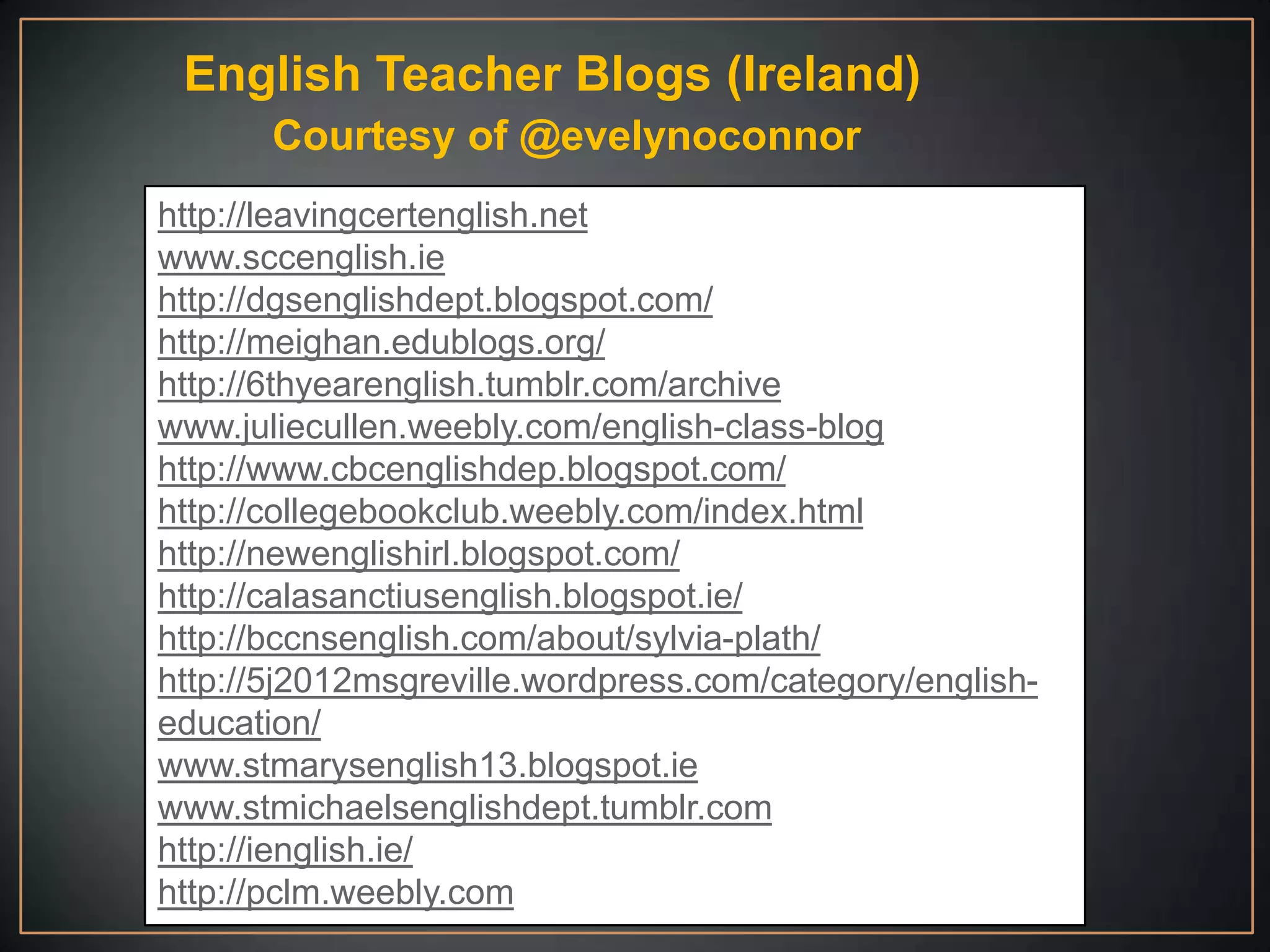
English Teacher Blogs (Ireland)
       Courtesy of @evelynoconnor
http://leavingcertenglish.net
www.sccenglish.ie
http://dgsenglishdept.blogspot.com/
http://meighan.edublogs.org/
http://6thyearenglish.tumblr.com/archive
www.juliecullen.weebly.com/english-class-blog
http://www.cbcenglishdep.blogspot.com/
http://collegebookclub.weebly.com/index.html
http://newenglishirl.blogspot.com/
http://calasanctiusenglish.blogspot.ie/
http://bccnsenglish.com/about/sylvia-plath/
http://5j2012msgreville.wordpress.com/category/english-
education/
www.stmarysenglish13.blogspot.ie
www.stmichaelsenglishdept.tumblr.com
http://ienglish.ie/
http://pclm.weebly.com
Section II
Edmodo


    Available: (Online/Multiple OS)
- Class organiser
- Keep results
- Collect assignments
- Embed videos
- Give badges
- Post links
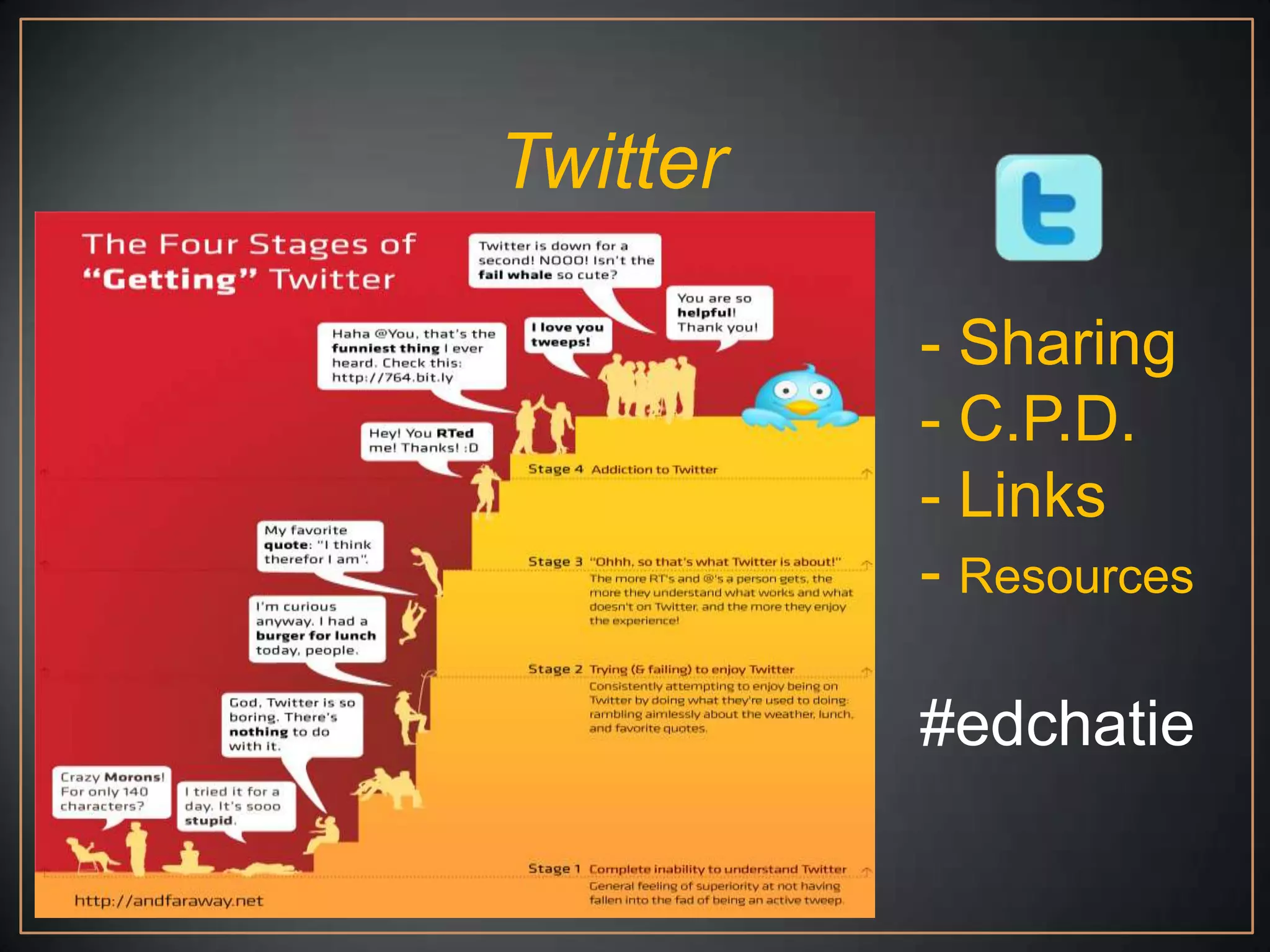
Twitter

          - Sharing
          - C.P.D.
          - Links
          - Resources

          #edchatie
YouTube


- Resources
- Upload        Learn

- Embed Code    Create

- YouTube EDU   Teach


                YouTube for Schools
Google Docs


Keep large Documents off your Blog

I mainly use it for creating an http address for my documents.
When I upload document to Google Docs I can then use that
address to create a hyperlink on my Blog. You can also set
preferences about whether that document can be shared or
downloaded.

Google Docs does have so many more applications though.
See Edudemic.com and 50 Little Known Uses for Google
Docs for 49 more!
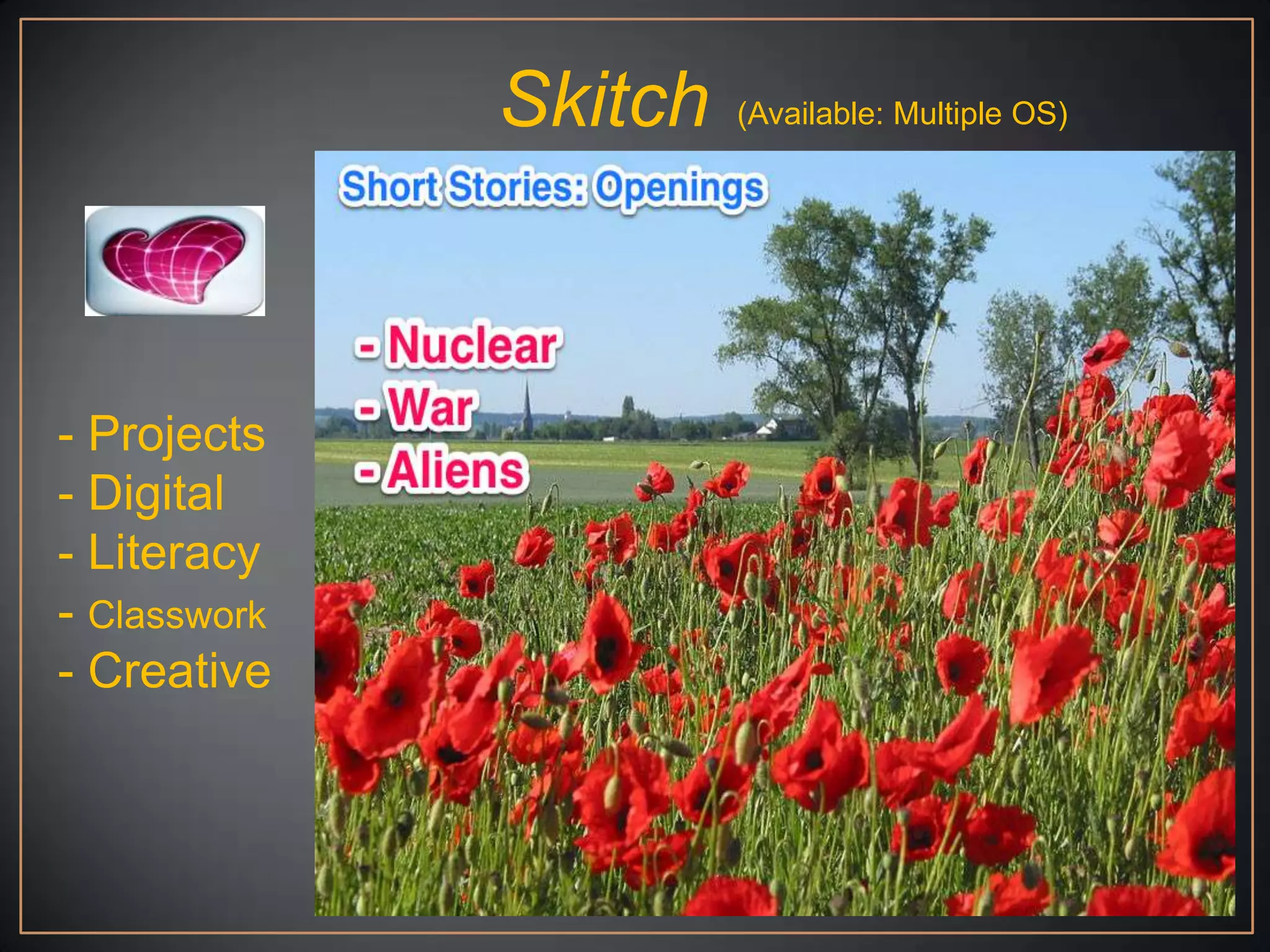
Skitch   (Available: Multiple OS)


- Projects
- Digital
- Literacy
- Classwork
- Creative
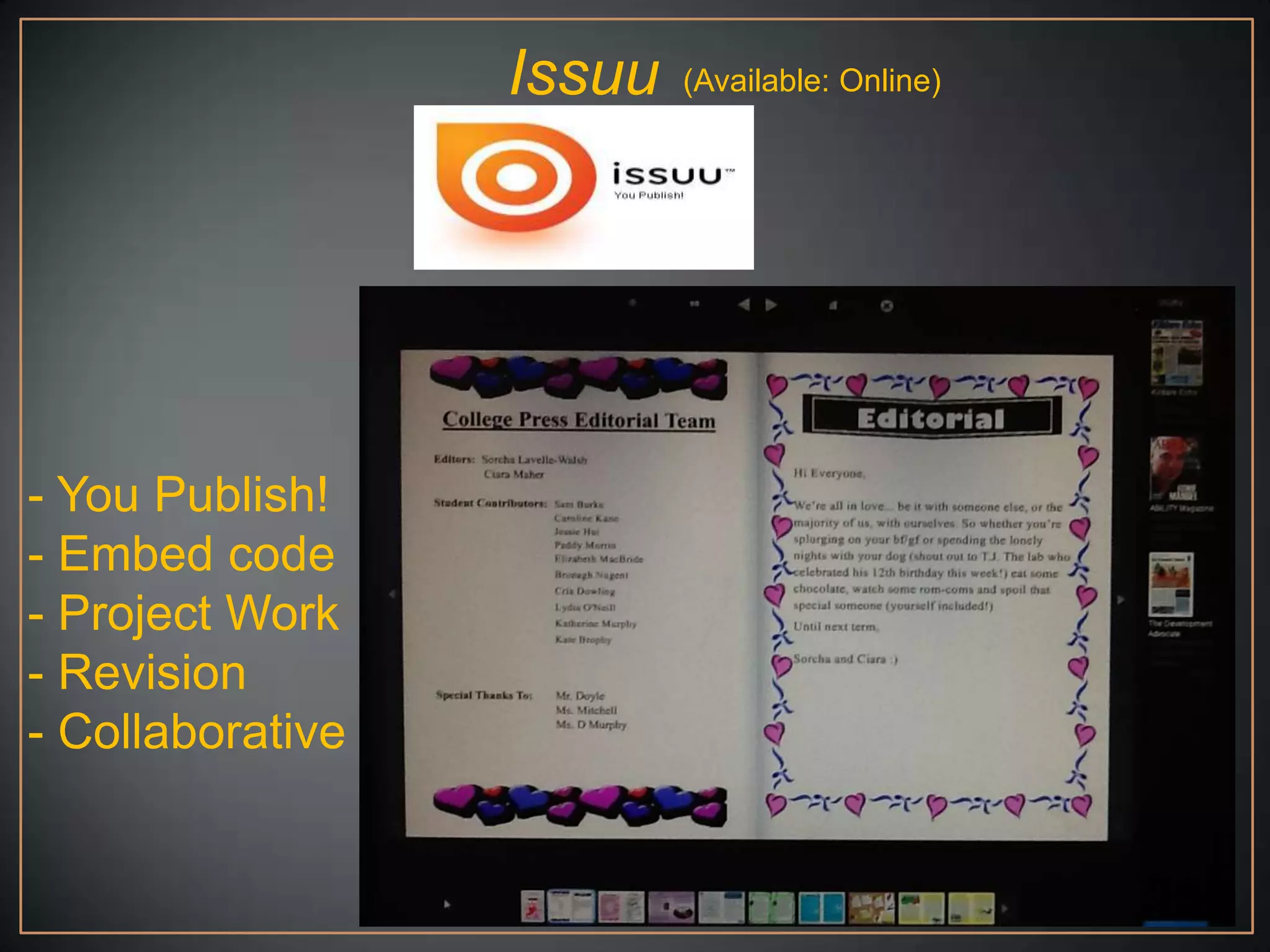
Issuu   (Available: Online)


- You Publish!
- Embed code
- Project Work
- Revision
- Collaborative
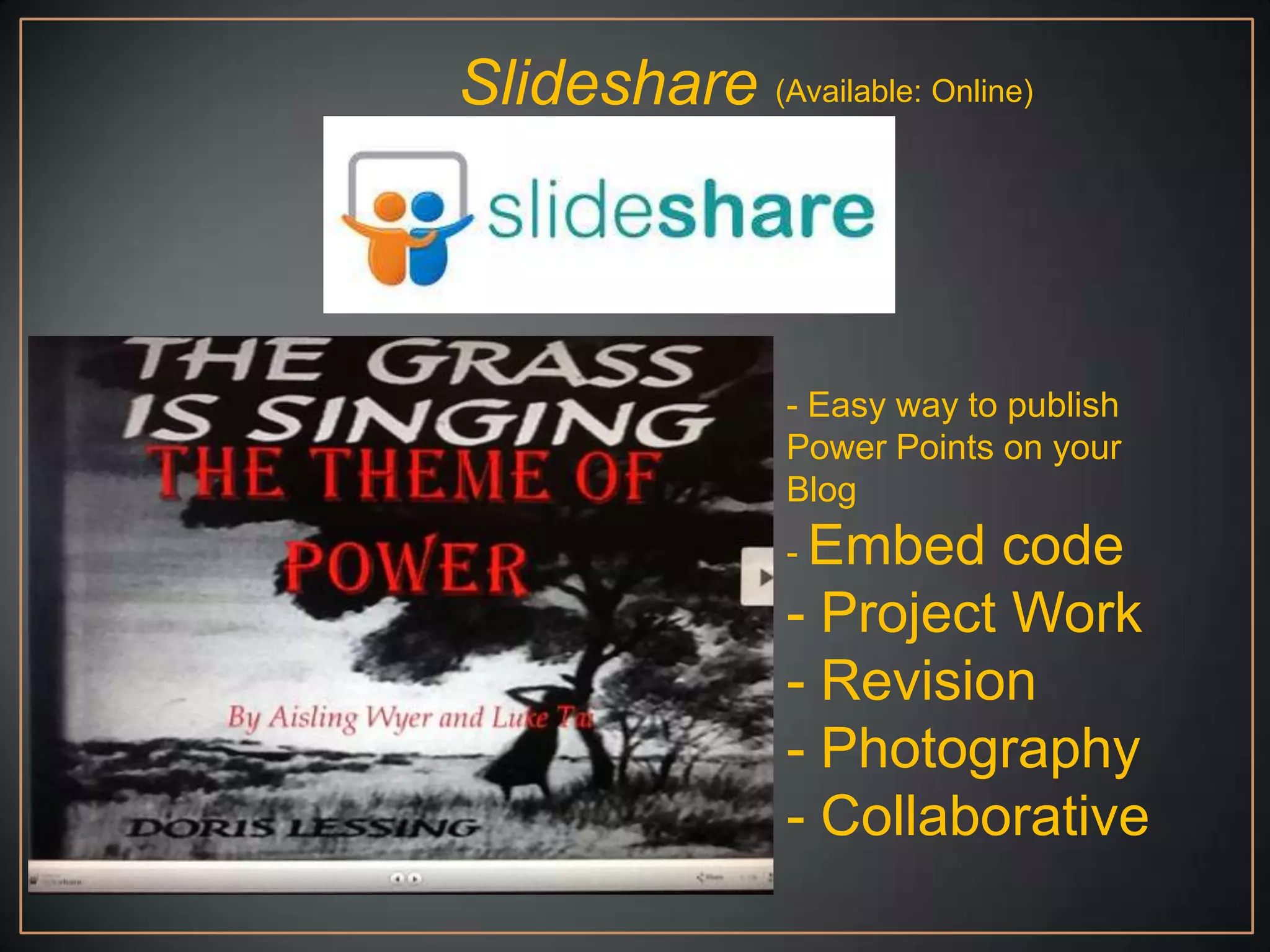
Slideshare (Available: Online)


                 - Easy way to publish
                 Power Points on your
                 Blog
                 - Embed  code
                 - Project Work
                 - Revision
                 - Photography
                 - Collaborative
Audacity and/or Buzzsprout


Audacity
Audacity is a great way to record audio. It is free to download.
It has great features for layering multiple sounds if you are
feeling brave!

Buzzsprout
Once I have recorded on Audacity I publish the track on
Buzzsprout. It‟s not difficult. Once you have finished recording
on Audacity save the sound file. Then when you are in
Buzzsprout find the file and publish it. This will then give you
a nice embedding code for your Blog/Edmodo.
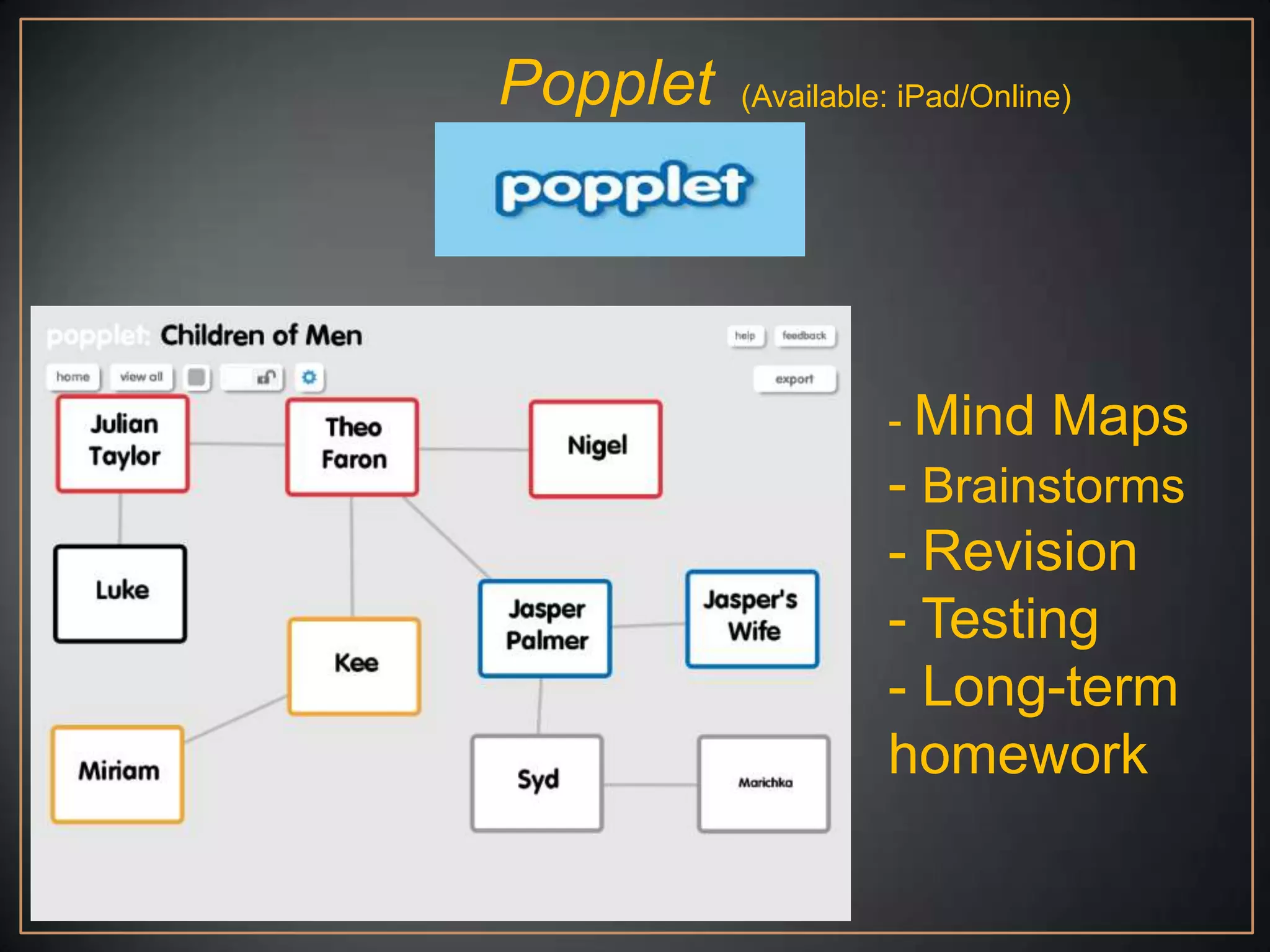
Popplet   (Available: iPad/Online)


                    - Mind      Maps
                    - Brainstorms
                    - Revision
                    - Testing
                    - Long-term
                    homework
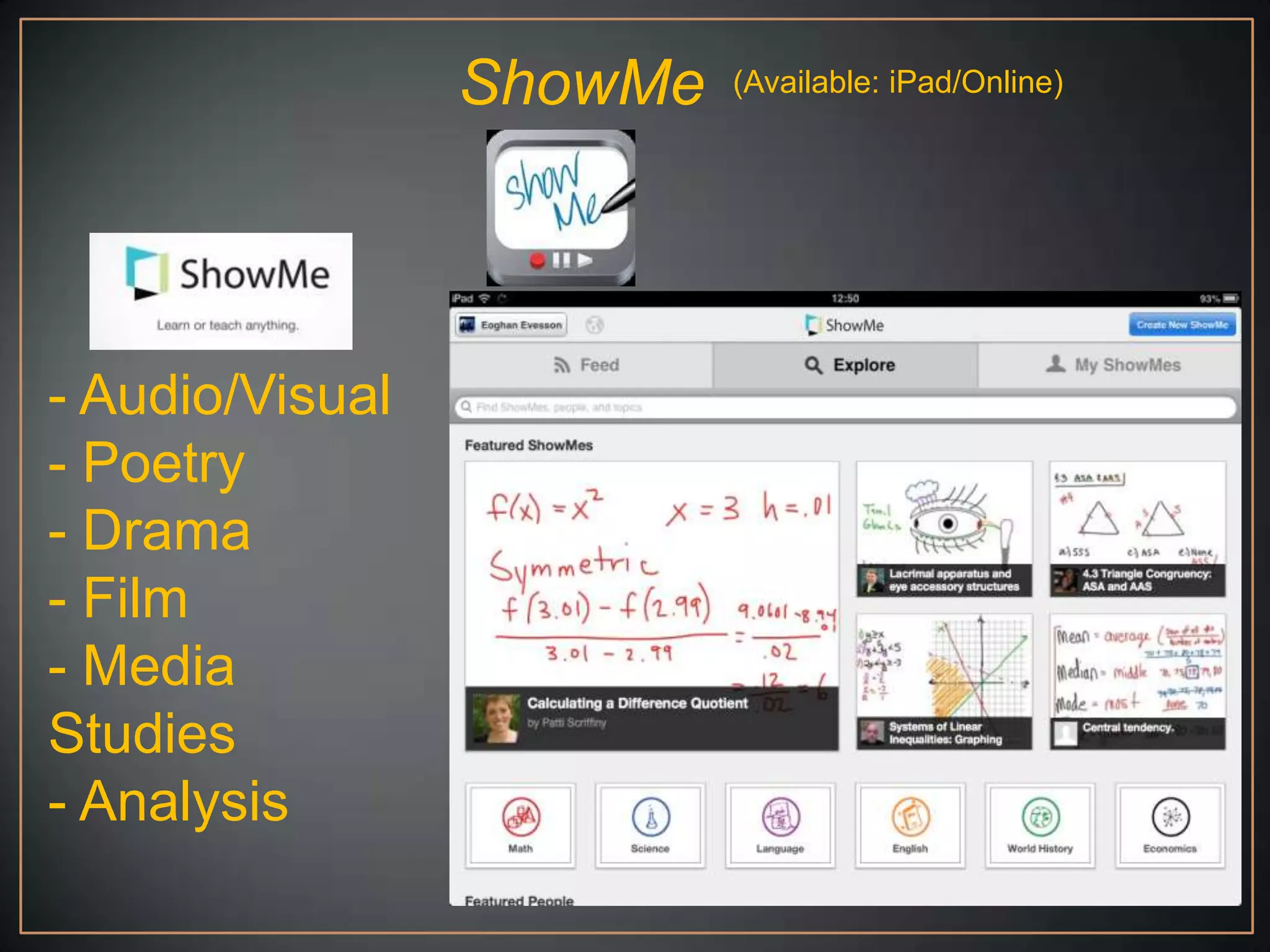
ShowMe   (Available: iPad/Online)


- Audio/Visual
- Poetry
- Drama
- Film
- Media
Studies
- Analysis
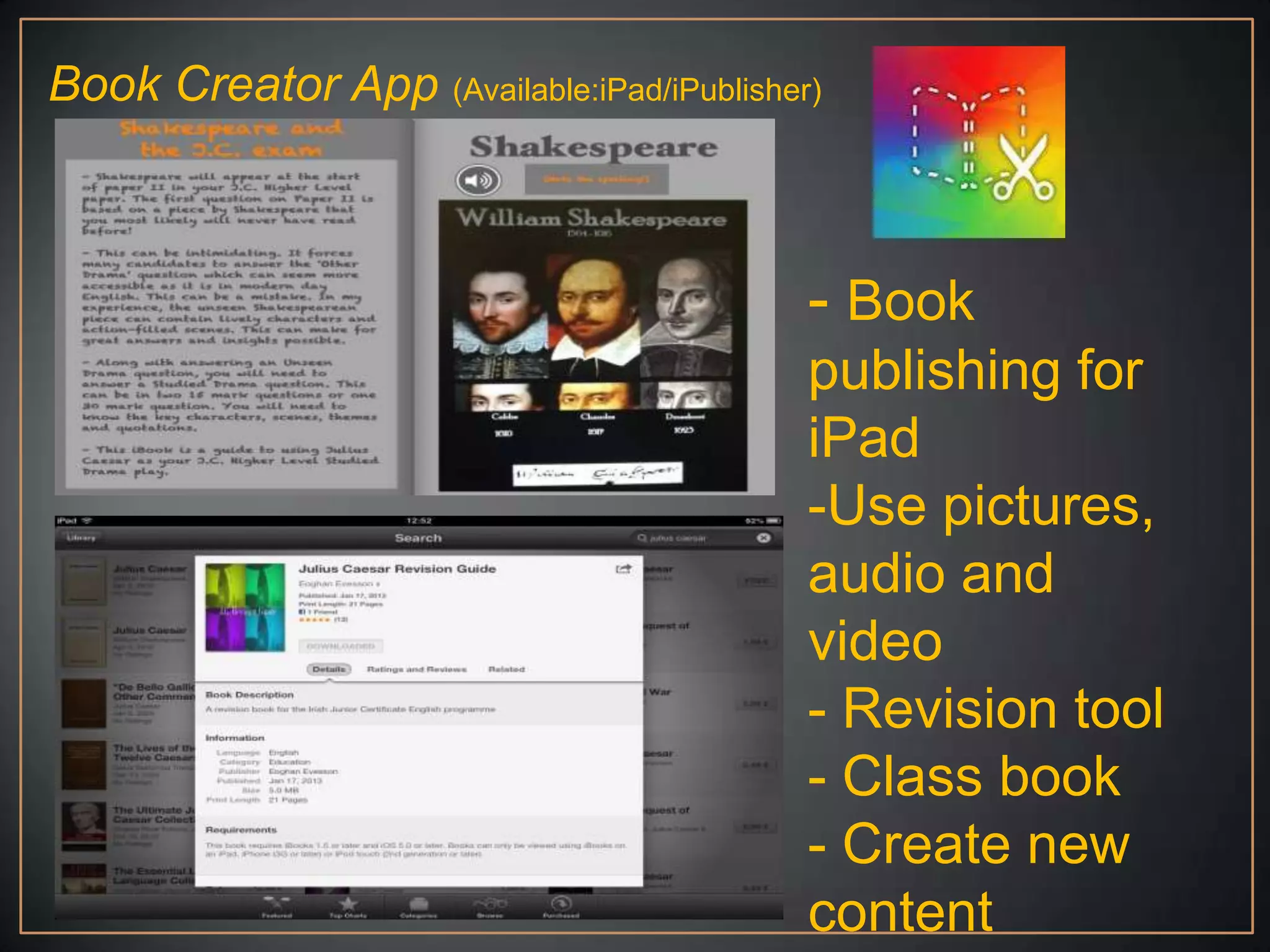
Book Creator App (Available:iPad/iPublisher)


                                           - Book
                                           publishing for
                                           iPad
                                           -Use pictures,
                                           audio and
                                           video
                                           - Revision tool
                                           - Class book
                                           - Create new
                                           content
Questions!?

    And/or


Thank You!

A Year of Blogging

  • 1.
    „A Year ofBlogging‟ Eoghan Evesson @NewEnglishBlog
  • 2.
    Topics - What isa Blog? - Why start blogging? - How to start blogging. - Apps and software to integrate into blogging and the teaching of English.
  • 3.
  • 4.
    What is aBlog? Some definitions from @ProBlogger „A weblog is a hierarchy of text, images, media objects and data, arranged chronologically, that can be viewed in an HTML browser.‟ „A frequent, chronological publication of personal thoughts and Web links.‟ „From “Web log.” A blog is basically a journal that is available on the web. The activity of updating a blog is “blogging” and someone who keeps a blog is a “blogger.”„ „A weblog is kind of a continual tour, with a human guide who you get to know. There are many guides to choose from, each develops an audience, and there‟s also camaraderie and politics between the people who run weblogs, they point to each other, in all kinds of structures, graphs, loops, etc.
  • 5.
    „A blog isbasically a journal that is available on the web. The activity of updating a blog is “blogging” and someone who keeps a blog is a “blogger.” Blogs are typically updated daily using software that allows people with little or no technical background to update and maintain the blog. Postings on a blog are almost always arranged in chronological order with the most recent additions featured most prominently.‟
  • 6.
    Eoghan Evesson @NewEnglishBlog A Blogis like a digital archive. It is a way to make ideas and content digital for the purpose of logging, sharing and improving the idea/content.
  • 8.
    Why start blogging? Interest C.P.D. - technology - 7 years teaching - audio/visual - best practice - ideas and inspiration - share work/feedback Productivity - better processes - pupils - myself (teacher) - archive
  • 9.
    How to startblogging 1. Want to start! It’s like taking on a hobby that you are never really going to give up, especially if you start a Blog for your school. If you plan on starting a personal or teacher Blog there is certainly less pressure. You own all the work. If you decide to pack up and close it down overnight that’s your prerogative. If you start a department or school Blog it becomes part of the makeup of the department. Archived work, examples and experiences will have to be maintained. Want to start. Have at least one person you can share and console with about all matters Blogging!
  • 10.
    How to startblogging 2. Virtual Personality - What is the name of your Blog? Is it personal or departmental ? Whether it is a personal or departmental Blog I would suggest it is best to think of the Blog as something that is once removed from you personally. It’s certainly part of a healthy work/life balance. When I’m Blogging I’m Blogging. When I’m me, I’m me. - You will need a new e-mail address. I would highly recommend setting up a Gmail account. It can really help with sharing documents further down the line. - Pick an email address that bears at least a resemblance to your Blog.
  • 11.
    Nota bene - Passwordand Username → Have a username and try to stick with it. You will be joining multiple sites and apps. Having the same username is very helpful. Have a ‘password system’. You obviously shouldn’t use the same password for every site. I use a mix of 4/5.
  • 12.
    How to startblogging 3.Pick a Blog provider There are many many free Blogging providers. In my opinion, you should choose either: Wordpress.com - Blogger -
  • 13.
    Wordpress.com This video mightbe all you need from today…
  • 14.
  • 15.
    English Teacher Blogs(Ireland) Courtesy of @evelynoconnor http://leavingcertenglish.net www.sccenglish.ie http://dgsenglishdept.blogspot.com/ http://meighan.edublogs.org/ http://6thyearenglish.tumblr.com/archive www.juliecullen.weebly.com/english-class-blog http://www.cbcenglishdep.blogspot.com/ http://collegebookclub.weebly.com/index.html http://newenglishirl.blogspot.com/ http://calasanctiusenglish.blogspot.ie/ http://bccnsenglish.com/about/sylvia-plath/ http://5j2012msgreville.wordpress.com/category/english- education/ www.stmarysenglish13.blogspot.ie www.stmichaelsenglishdept.tumblr.com http://ienglish.ie/ http://pclm.weebly.com
  • 16.
  • 17.
    Edmodo Available: (Online/Multiple OS) - Class organiser - Keep results - Collect assignments - Embed videos - Give badges - Post links
  • 18.
    Twitter - Sharing - C.P.D. - Links - Resources #edchatie
  • 19.
    YouTube - Resources - Upload Learn - Embed Code Create - YouTube EDU Teach YouTube for Schools
  • 20.
    Google Docs Keep largeDocuments off your Blog I mainly use it for creating an http address for my documents. When I upload document to Google Docs I can then use that address to create a hyperlink on my Blog. You can also set preferences about whether that document can be shared or downloaded. Google Docs does have so many more applications though. See Edudemic.com and 50 Little Known Uses for Google Docs for 49 more!
  • 21.
    Skitch (Available: Multiple OS) - Projects - Digital - Literacy - Classwork - Creative
  • 22.
    Issuu (Available: Online) - You Publish! - Embed code - Project Work - Revision - Collaborative
  • 23.
    Slideshare (Available: Online) - Easy way to publish Power Points on your Blog - Embed code - Project Work - Revision - Photography - Collaborative
  • 24.
    Audacity and/or Buzzsprout Audacity Audacityis a great way to record audio. It is free to download. It has great features for layering multiple sounds if you are feeling brave! Buzzsprout Once I have recorded on Audacity I publish the track on Buzzsprout. It‟s not difficult. Once you have finished recording on Audacity save the sound file. Then when you are in Buzzsprout find the file and publish it. This will then give you a nice embedding code for your Blog/Edmodo.
  • 25.
    Popplet (Available: iPad/Online) - Mind Maps - Brainstorms - Revision - Testing - Long-term homework
  • 26.
    ShowMe (Available: iPad/Online) - Audio/Visual - Poetry - Drama - Film - Media Studies - Analysis
  • 27.
    Book Creator App(Available:iPad/iPublisher) - Book publishing for iPad -Use pictures, audio and video - Revision tool - Class book - Create new content
  • 28.
    Questions!? And/or Thank You!

Editor's Notes

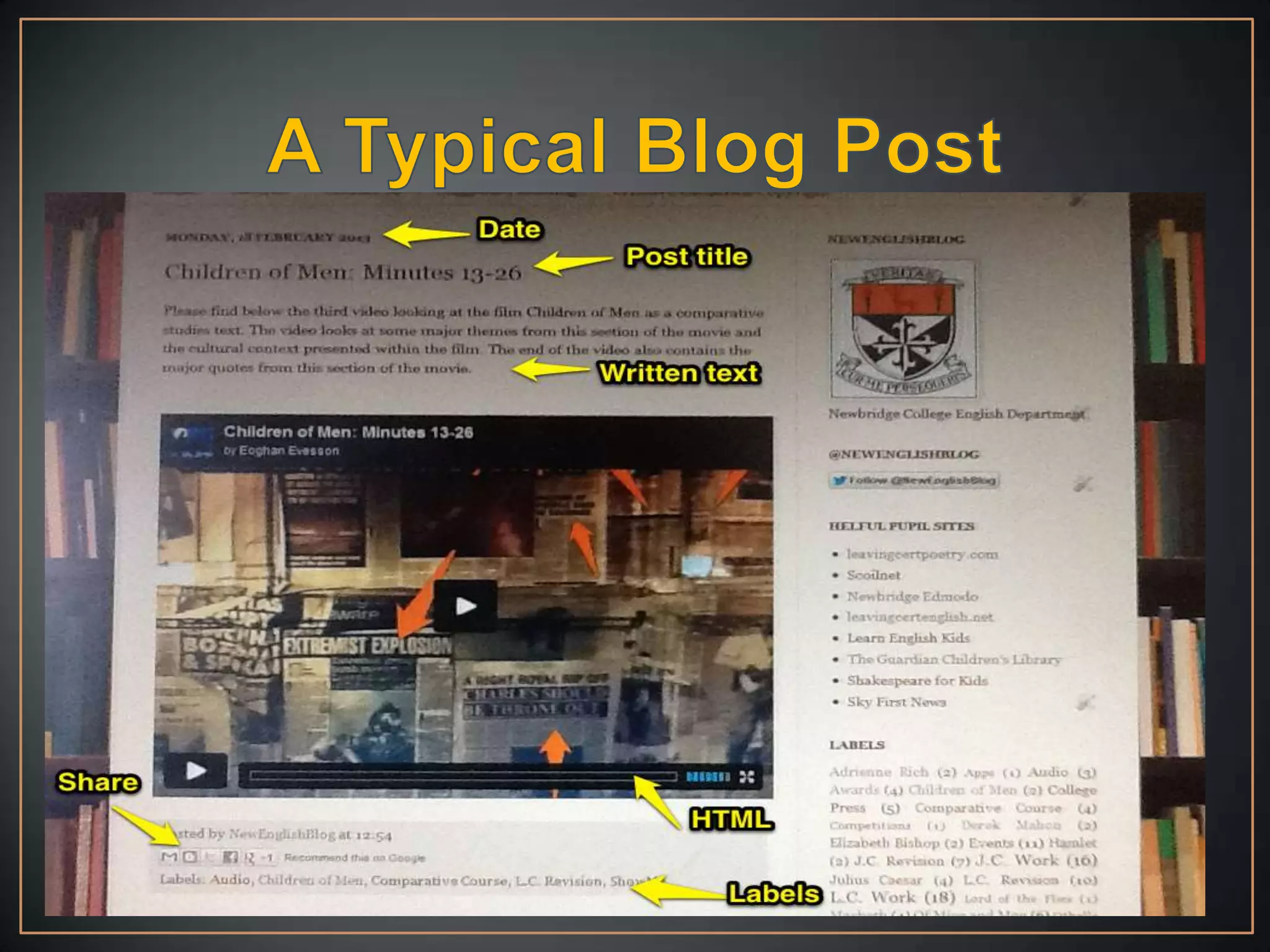
  • #8 This is a typical Blog post. The Blog provider, Blogger, has automatically recorded the date it was published. I have given it a title and some written text. I’ve inserted some multi-media/HTML content (more on Hyper Text Markup Language soon!). I have given the Blog post labels for archive convenience and the post can be easily shared.