Susan Bloom, MLIS, MS
 What is turnitin?
 Setting up an account
 Creating a class
 Enrolling students
 Generating assignments
 Using the software
 Helps detect plagiarism
 Allows for better reviewing and
grading
 Tracks student progress
Turnitin helps to ensure originality in student
writing by comparing papers with over 150 million
assignments and billions of web pages. It tells the
professor the percentage of the student’s
assignment that was found in these other papers and
can also show the original work where the lifted
section was found. The professor always has final
say over the analysis of a paper.
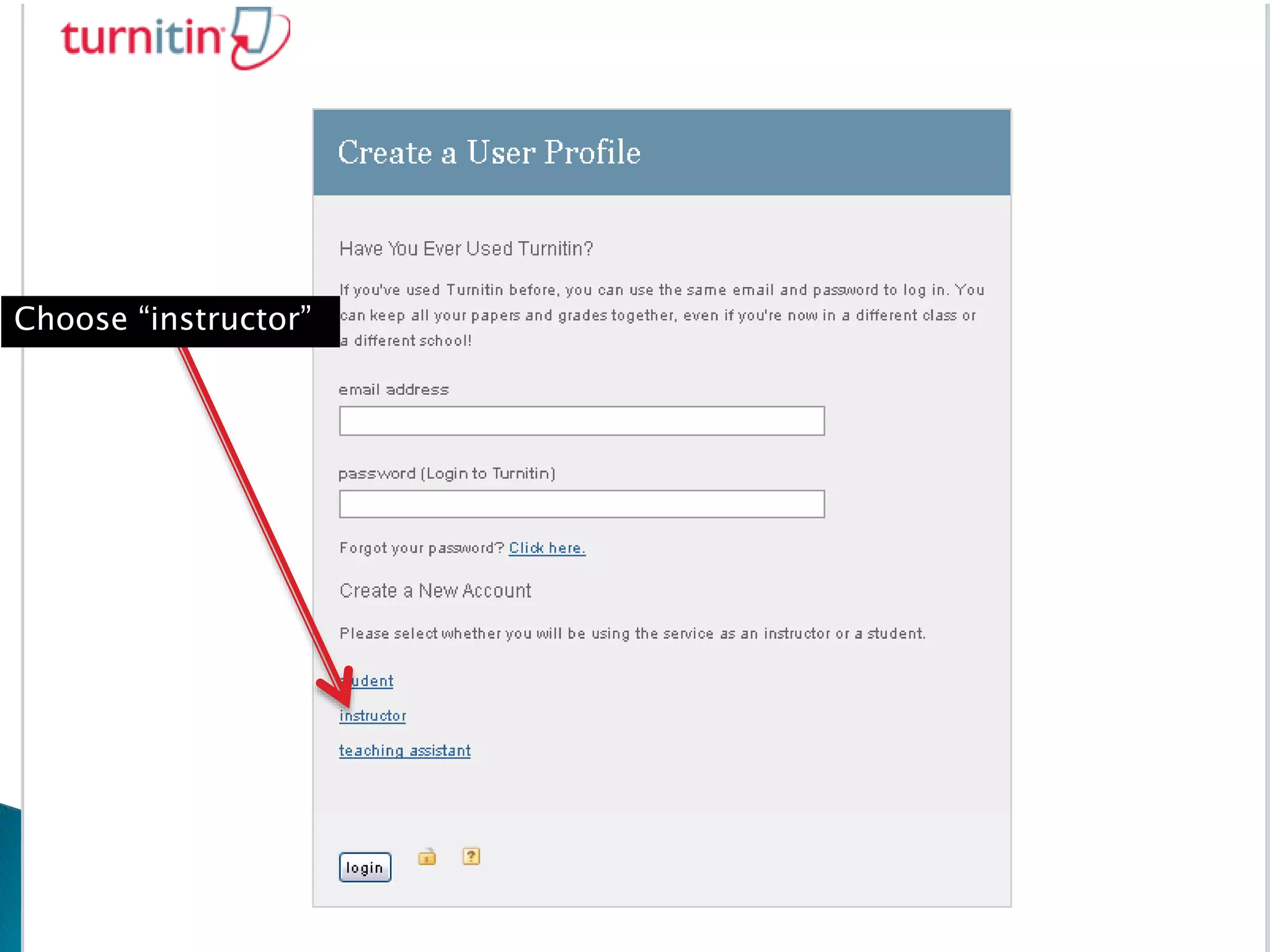
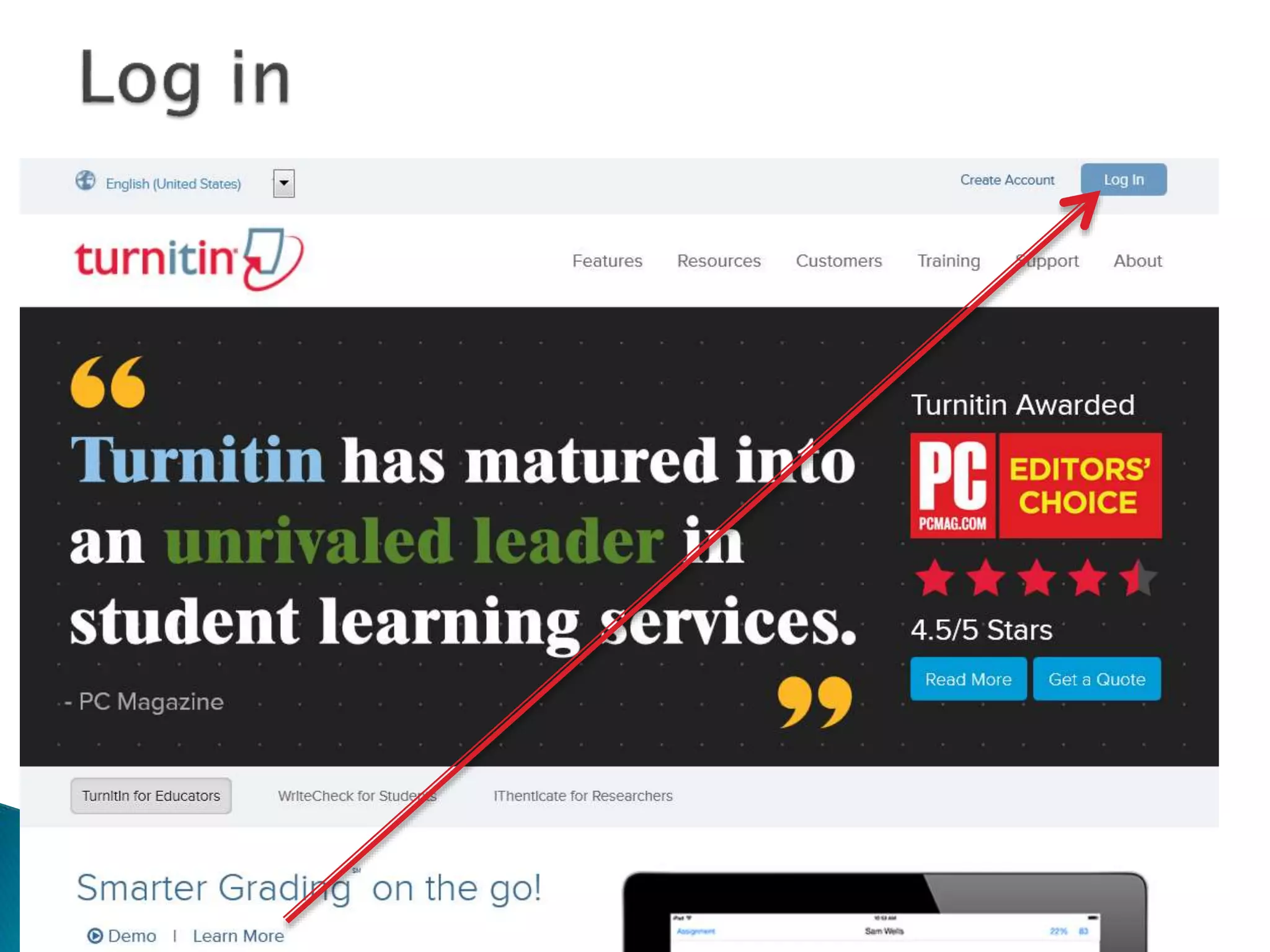
Click on “Create
an account”
Choose “instructor”
Add the account
information you
received in the
confirmation
email here
Create a new
password here
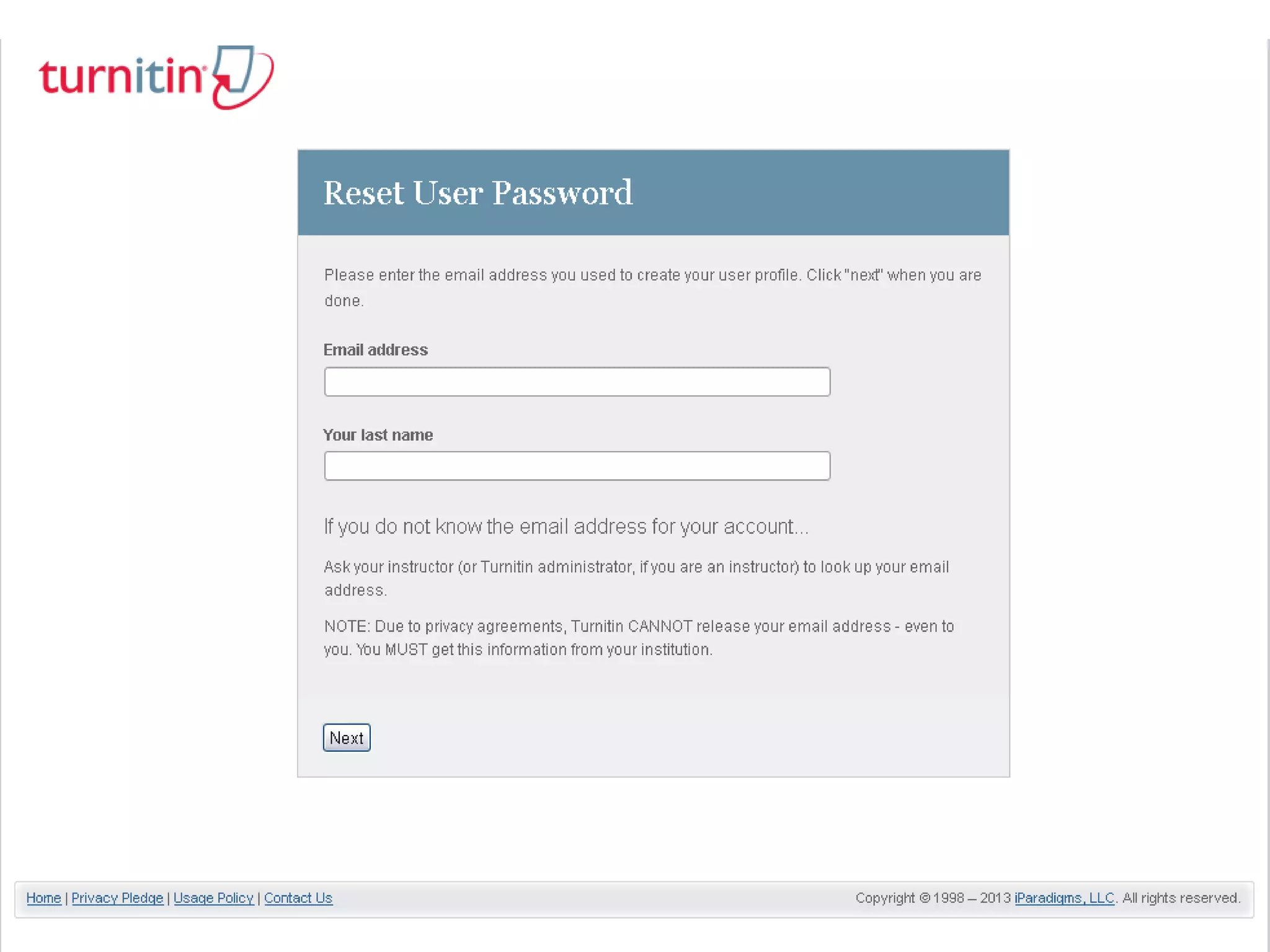
Choose reset your password, even
if you are sure you did not set up a
password
Use the log in information you
created here
Everyone should now
set up an account
Click in the empty box
Quick snapshot of
similarity report
Click to open Turnitin
and/or grade
Download
originally
submitted file
Delete
Choose one of
these options
Click on a source to get more
information about the match
Words in color are exact matches, the
color and number will correspond to
the source
Click here to see the full
text of the source
Student papers will display matched
words only, you cannot see the full text
of the work due to copyright issues
Enter grade
for paper here
This feature allows professors to grade
work and make comments digitally. These
comments can be made available for
students to see or not at your discretion.
Comments in purple
are auto-generated by
the system
Comments in
blue are
either
chosen from
this
repository or
generated by
the professor
Written
by
turnitin
Add custom
comments here
Enter grade here
Grade automatically carried over
www.molloy.edu/library

Faculty Turnitin for Canvas