XSLT
XSLT
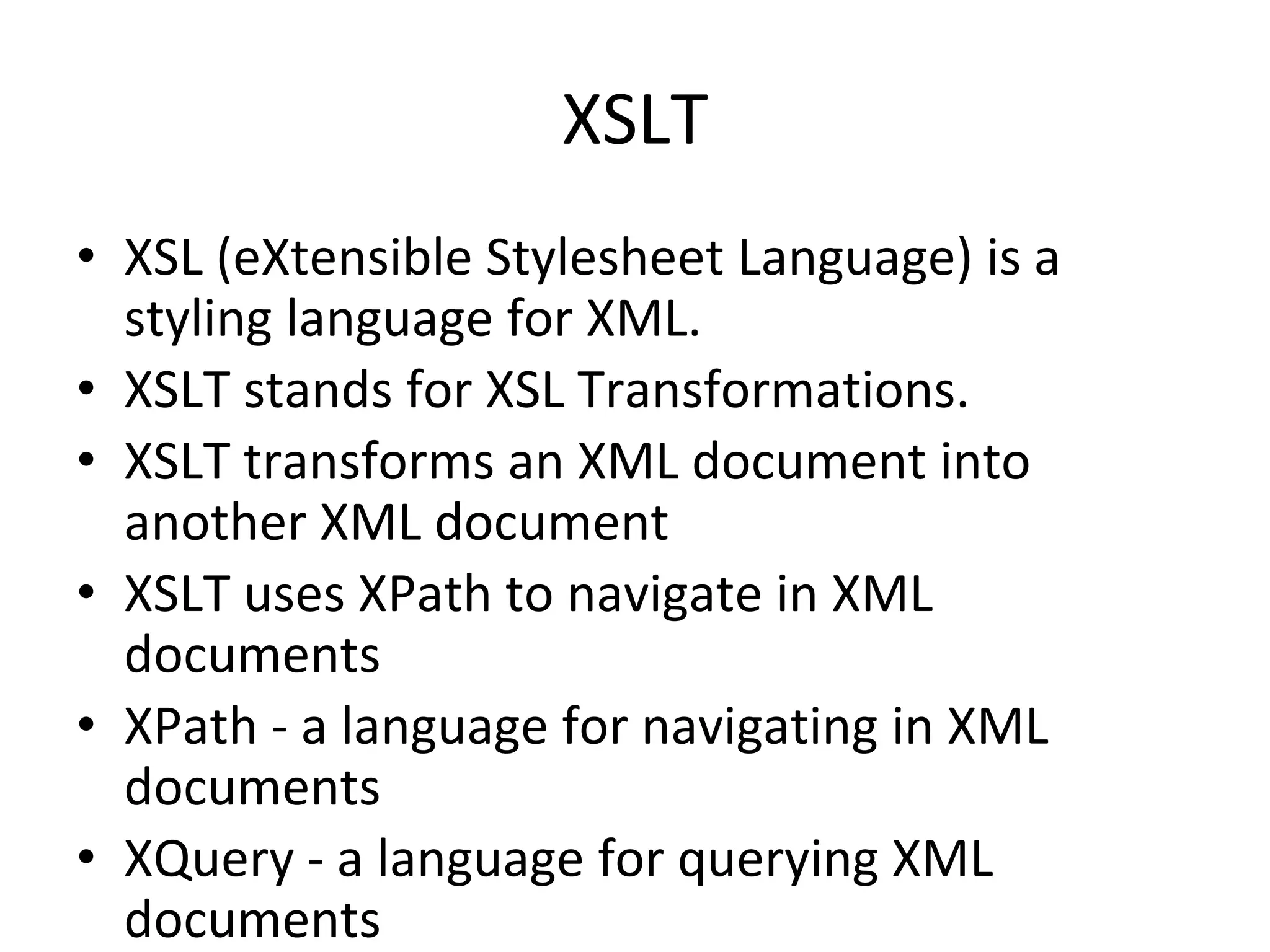
• XSL (eXtensible Stylesheet Language) is a
styling language for XML.
• XSLT stands for XSL Transformations.
• XSLT transforms an XML document into
another XML document
• XSLT uses XPath to navigate in XML
documents
• XPath - a language for navigating in XML
documents
• XQuery - a language for querying XML
documents
Correct Style Sheet Declaration
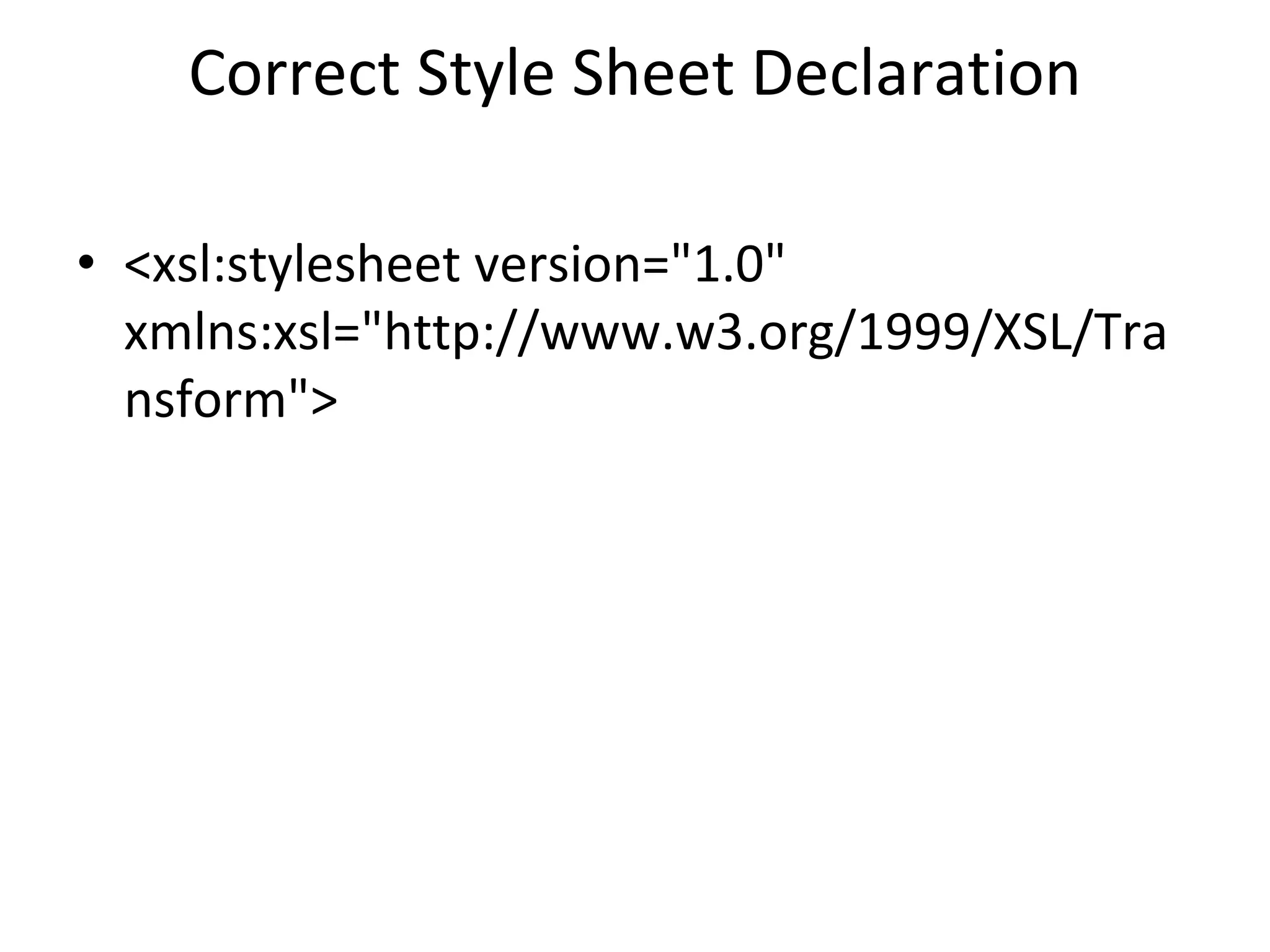
• <xsl:stylesheet version="1.0"
xmlns:xsl="http://www.w3.org/1999/XSL/Tra
nsform">
XSLT <xsl:template> Element
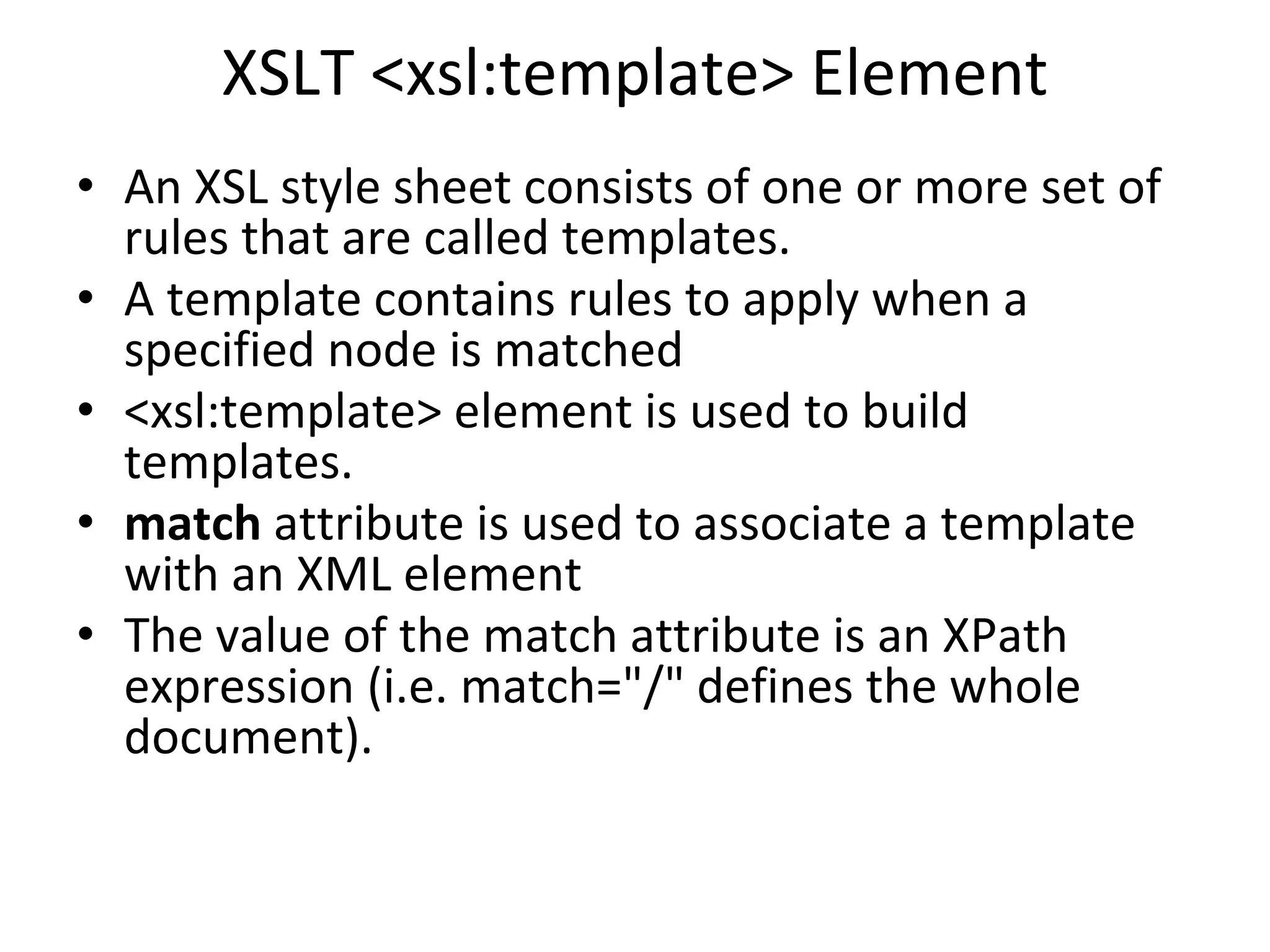
• An XSL style sheet consists of one or more set of
rules that are called templates.
• A template contains rules to apply when a
specified node is matched
• <xsl:template> element is used to build
templates.
• match attribute is used to associate a template
with an XML element
• The value of the match attribute is an XPath
expression (i.e. match="/" defines the whole
document).
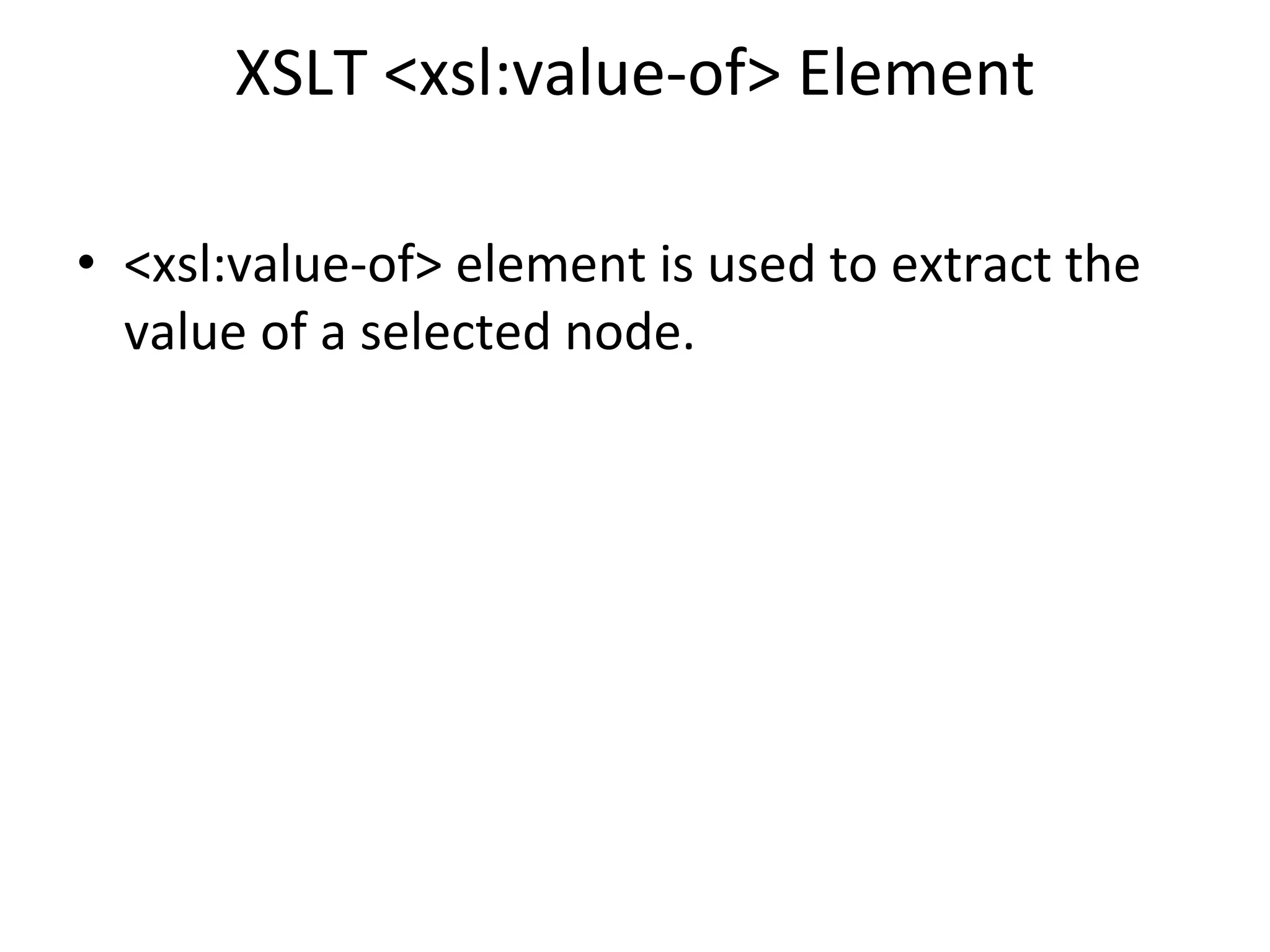
XSLT <xsl:value-of> Element
• <xsl:value-of> element is used to extract the
value of a selected node.
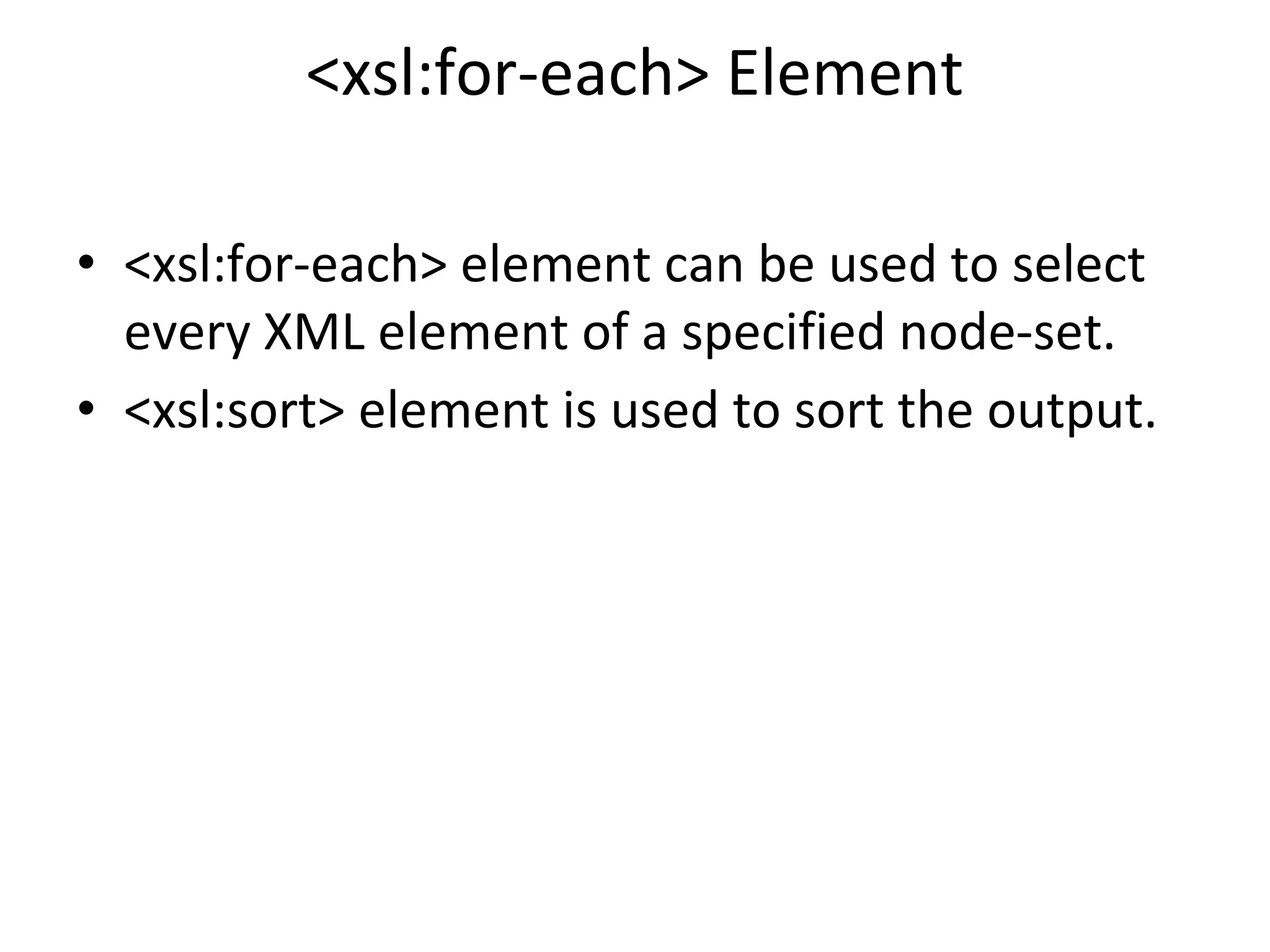
<xsl:for-each> Element
• <xsl:for-each> element can be used to select
every XML element of a specified node-set.
• <xsl:sort> element is used to sort the output.
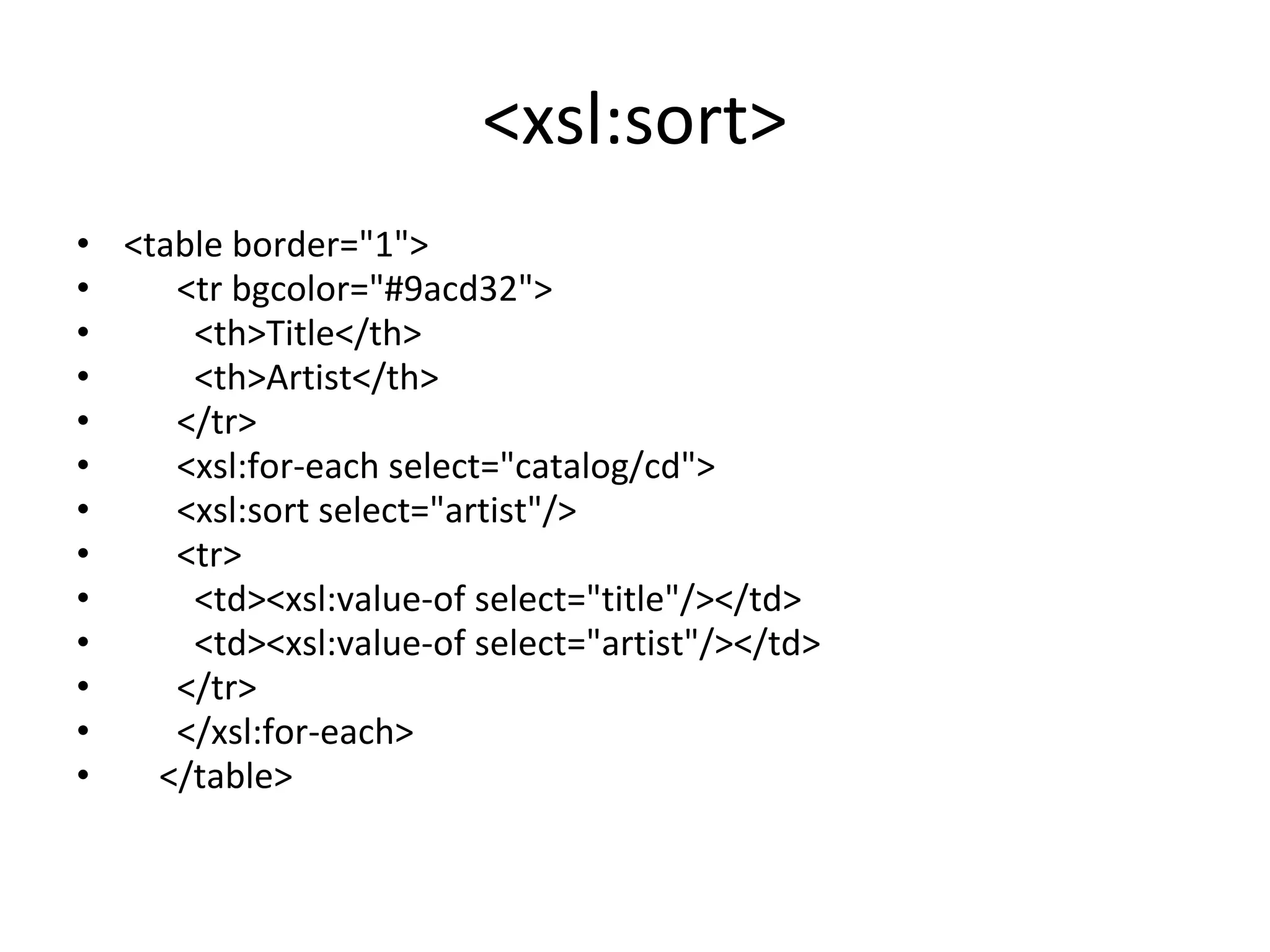
<xsl:sort>
• <table border="1">
• <tr bgcolor="#9acd32">
• <th>Title</th>
• <th>Artist</th>
• </tr>
• <xsl:for-each select="catalog/cd">
• <xsl:sort select="artist"/>
• <tr>
• <td><xsl:value-of select="title"/></td>
• <td><xsl:value-of select="artist"/></td>
• </tr>
• </xsl:for-each>
• </table>
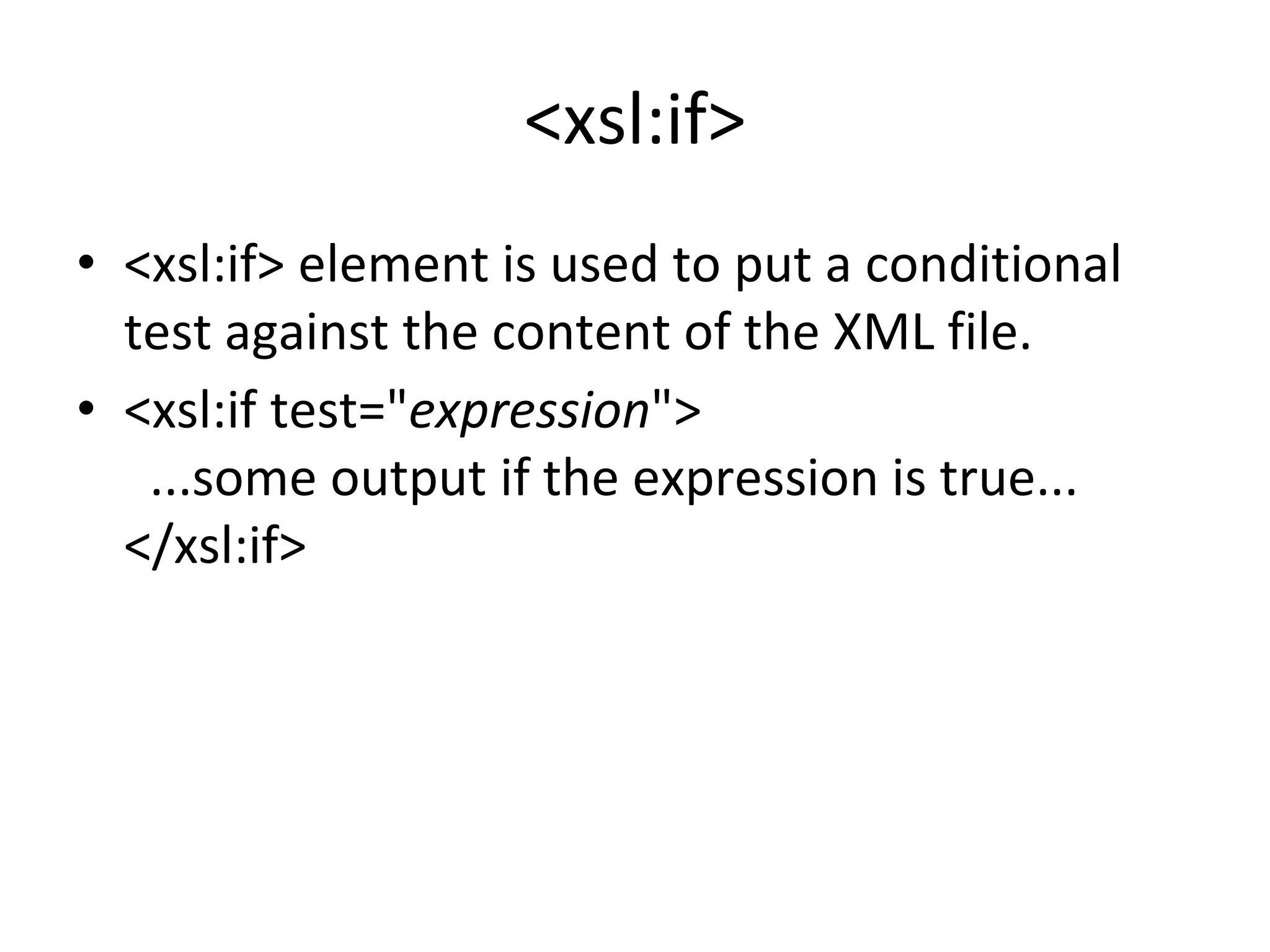
<xsl:if>
• <xsl:if> element is used to put a conditional
test against the content of the XML file.
• <xsl:if test="expression">
...some output if the expression is true...
</xsl:if>
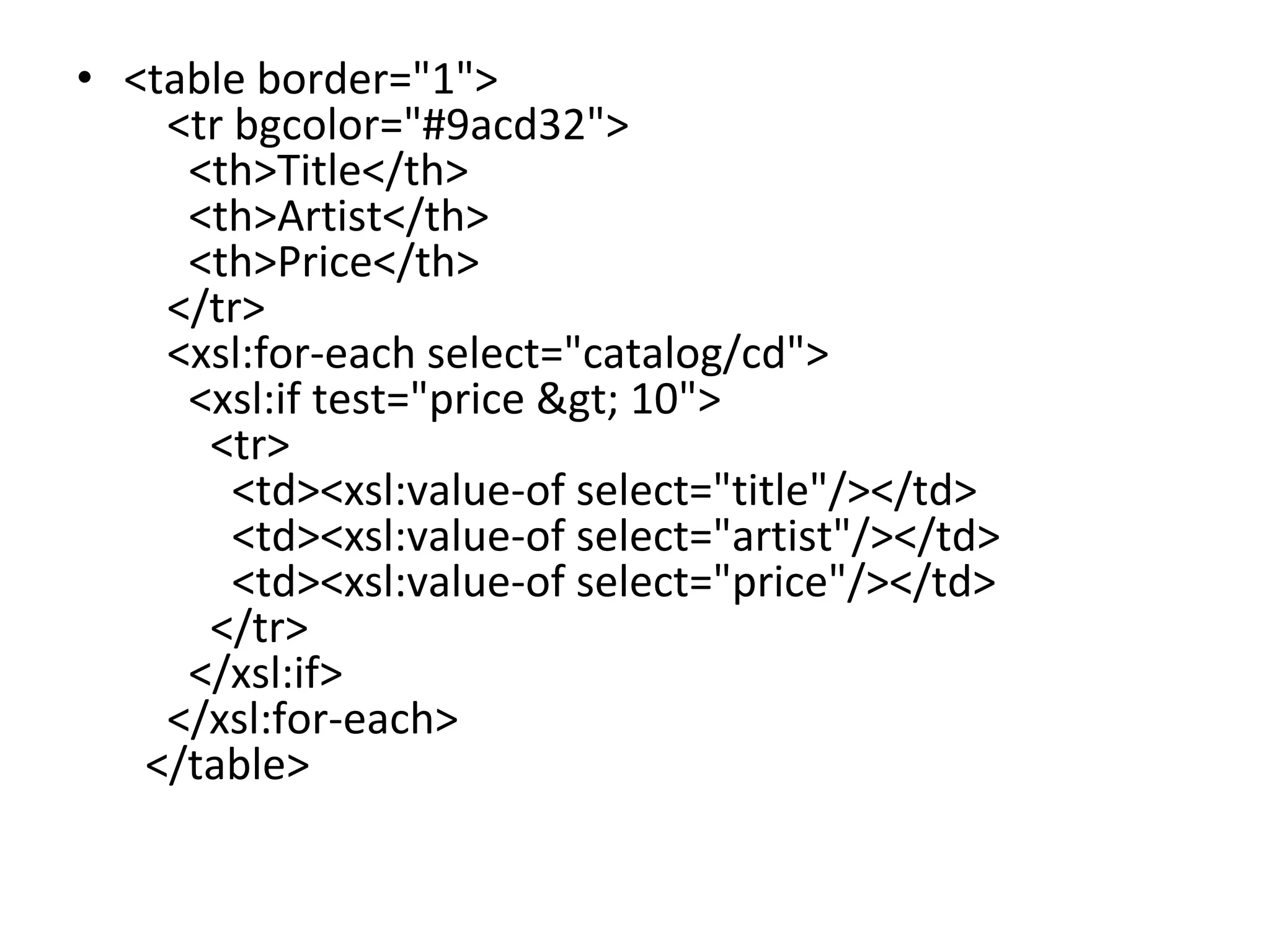
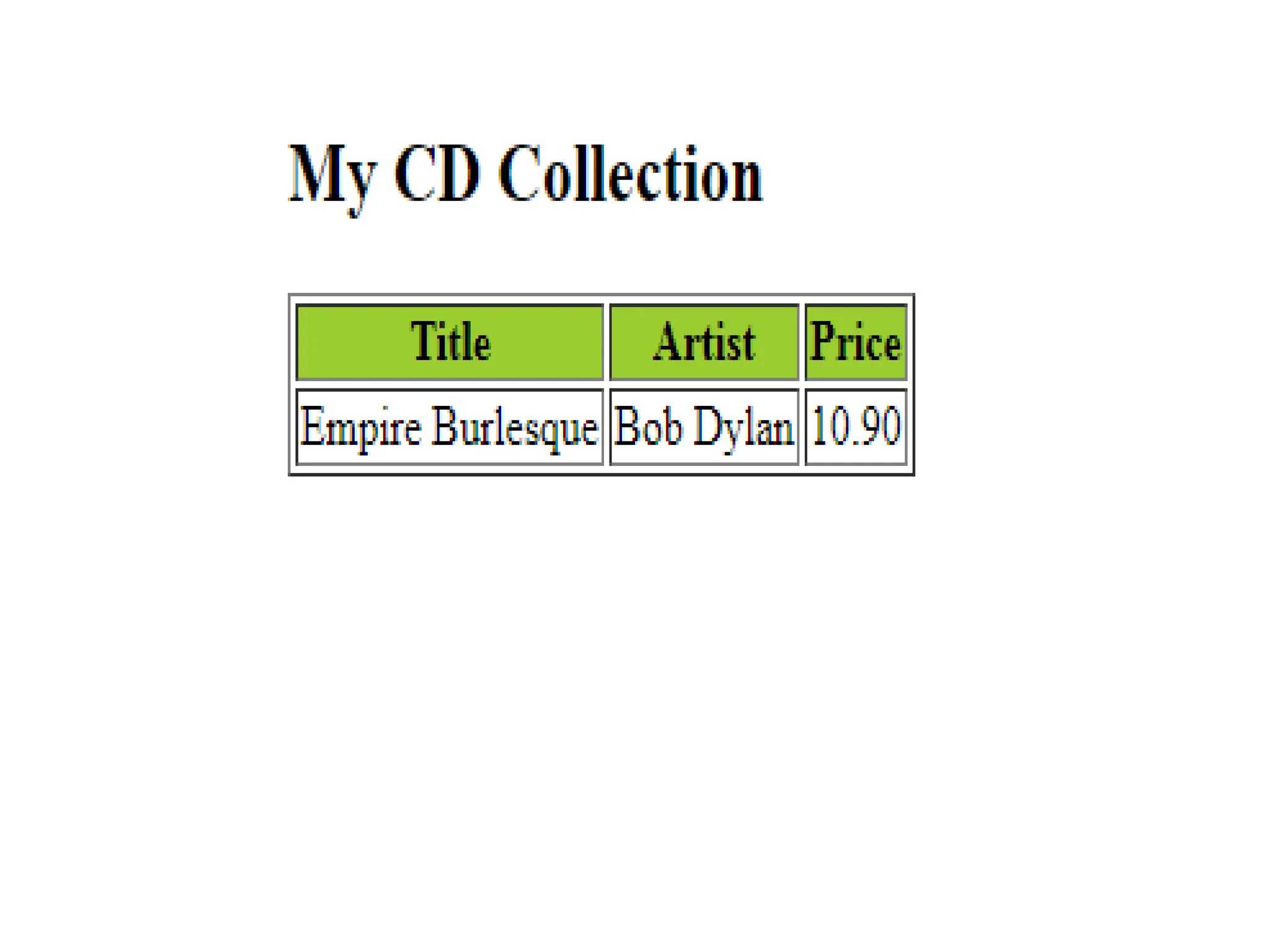
• <table border="1">
<tr bgcolor="#9acd32">
<th>Title</th>
<th>Artist</th>
<th>Price</th>
</tr>
<xsl:for-each select="catalog/cd">
<xsl:if test="price &gt; 10">
<tr>
<td><xsl:value-of select="title"/></td>
<td><xsl:value-of select="artist"/></td>
<td><xsl:value-of select="price"/></td>
</tr>
</xsl:if>
</xsl:for-each>
</table>
XSLT <xsl:choose> Element
• The <xsl:choose> element is used in conjunction
with <xsl:when> and <xsl:otherwise> to express
multiple conditional tests.
• <xsl:choose>
<xsl:when test="expression">
... some output ...
</xsl:when>
<xsl:otherwise>
... some output ....
</xsl:otherwise>
</xsl:choose>
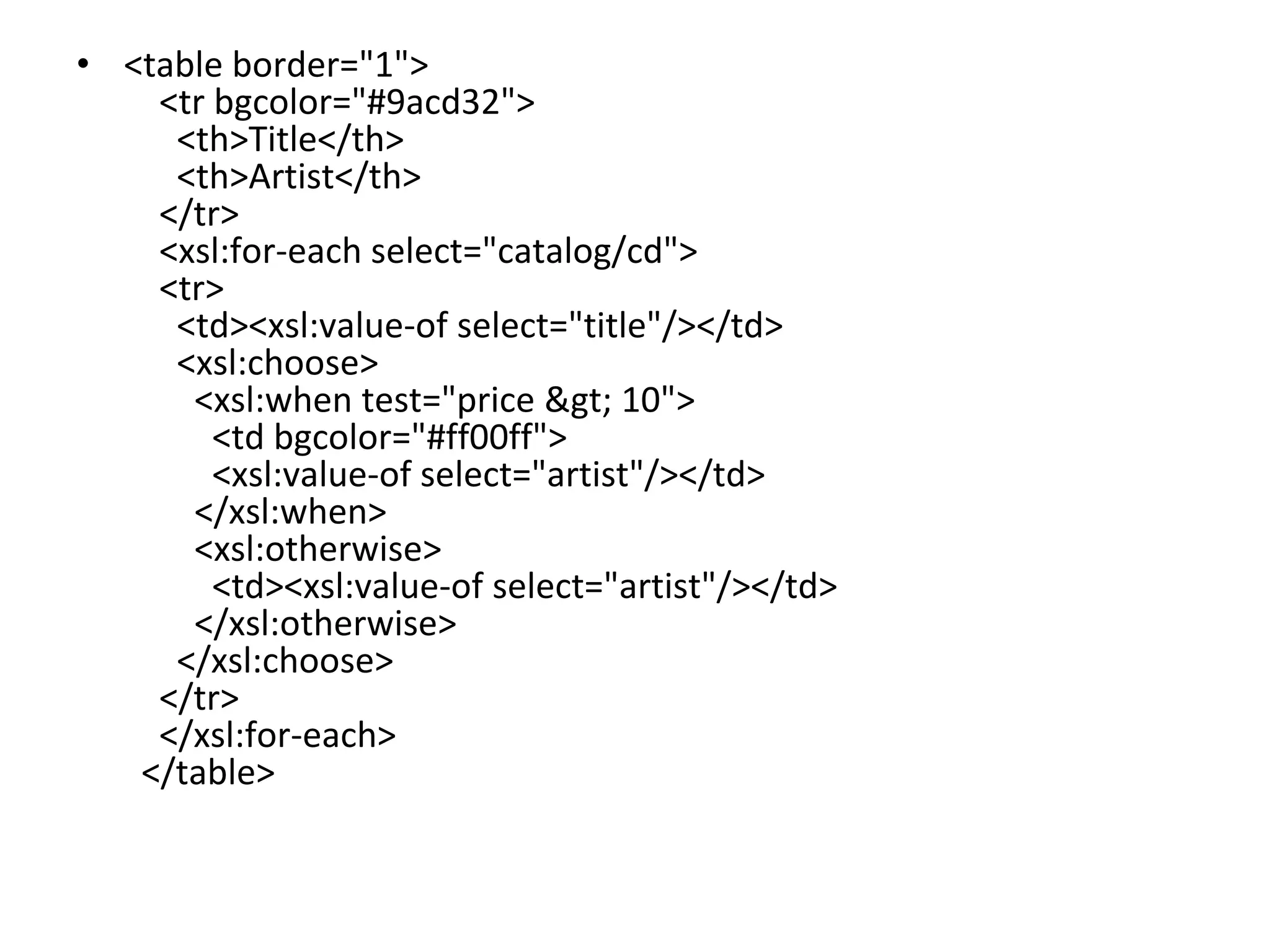
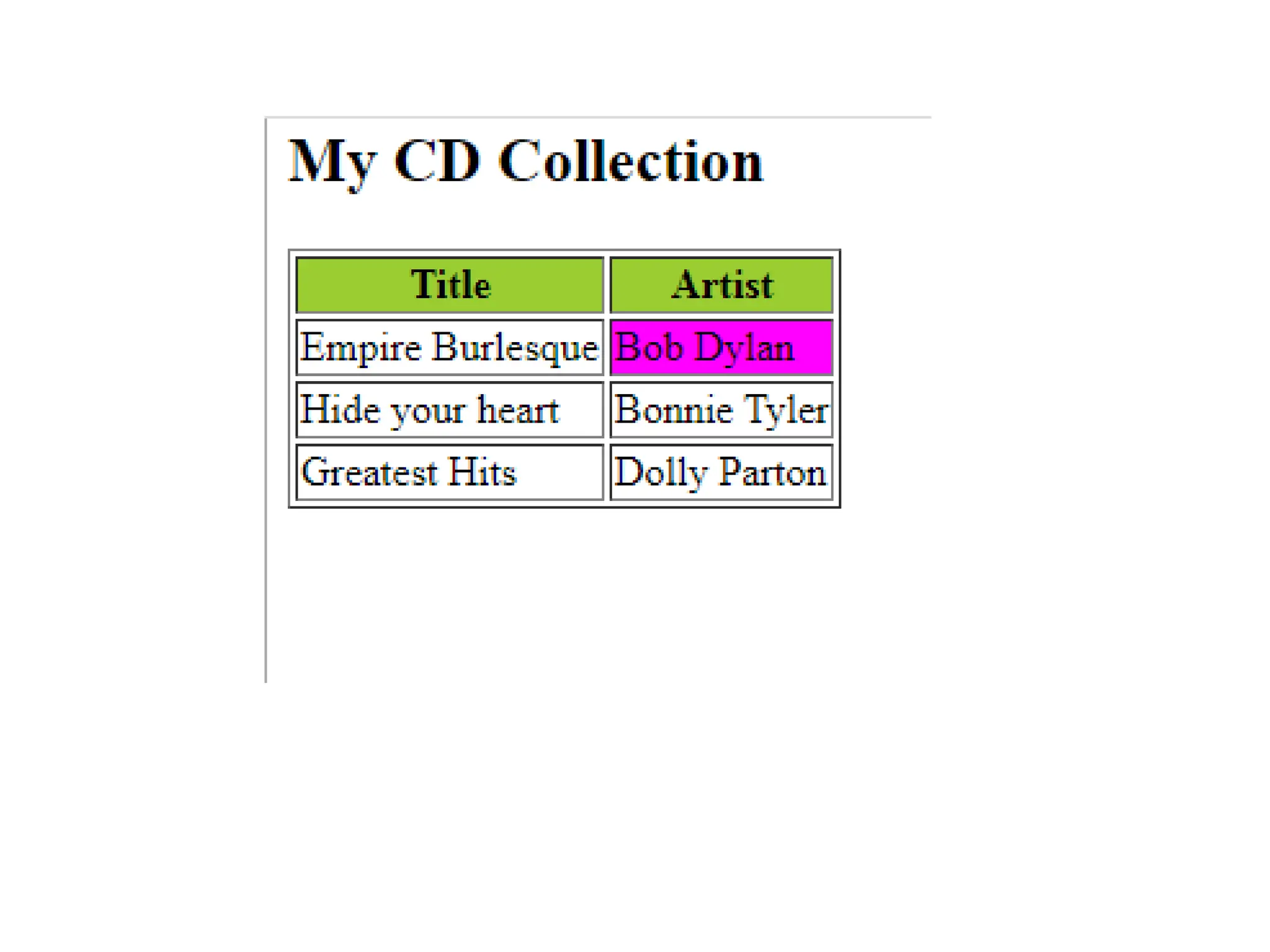
• <table border="1">
<tr bgcolor="#9acd32">
<th>Title</th>
<th>Artist</th>
</tr>
<xsl:for-each select="catalog/cd">
<tr>
<td><xsl:value-of select="title"/></td>
<xsl:choose>
<xsl:when test="price &gt; 10">
<td bgcolor="#ff00ff">
<xsl:value-of select="artist"/></td>
</xsl:when>
<xsl:otherwise>
<td><xsl:value-of select="artist"/></td>
</xsl:otherwise>
</xsl:choose>
</tr>
</xsl:for-each>
</table>
XPath
• XPath stands for XML Path Language
• XPath uses path expressions to select nodes
or node-sets in an XML document.
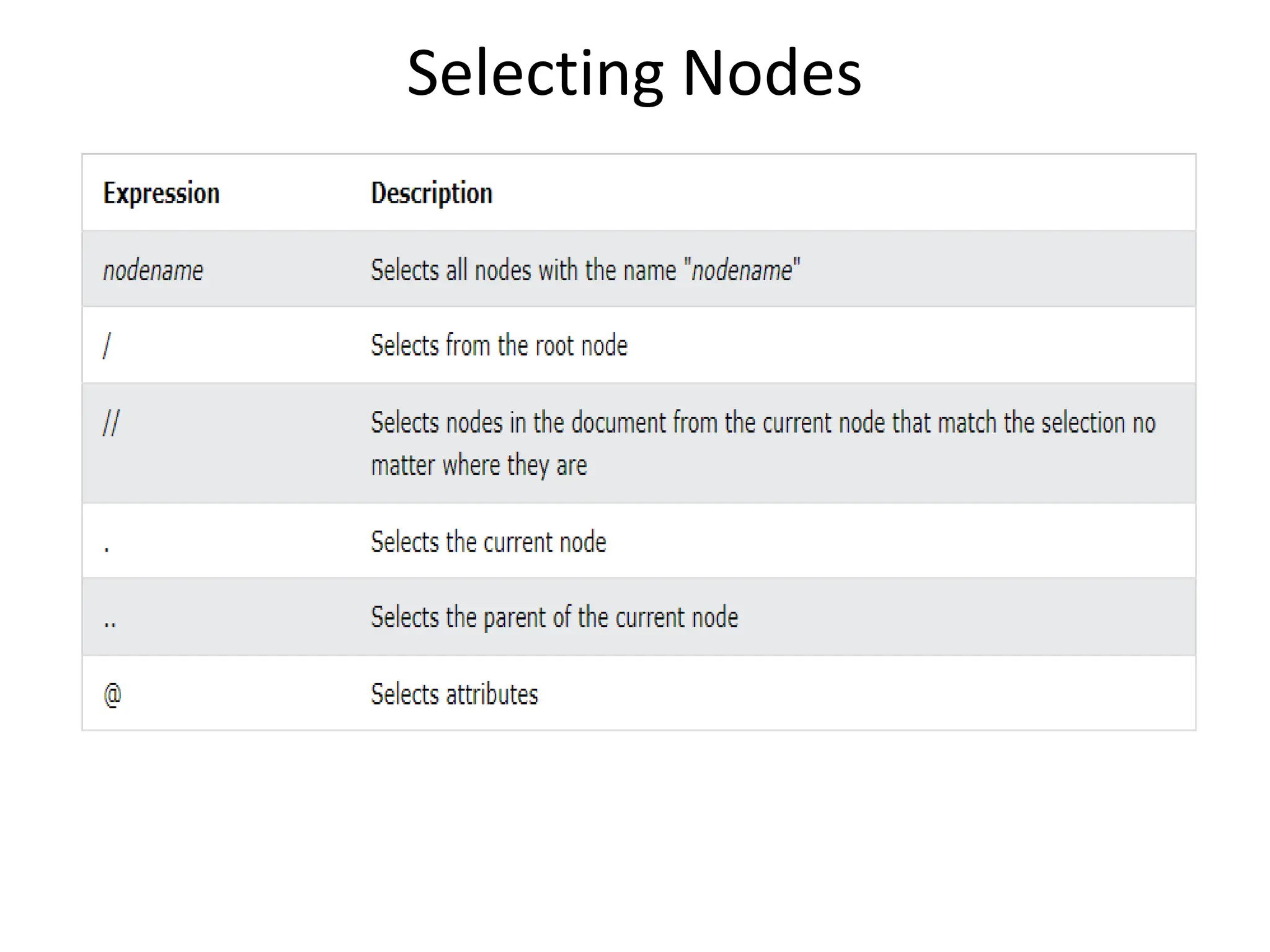
Selecting Nodes

eXstensible Sylesheet Language_simple.pptx

  • 1.
  • 2.
    XSLT • XSL (eXtensibleStylesheet Language) is a styling language for XML. • XSLT stands for XSL Transformations. • XSLT transforms an XML document into another XML document • XSLT uses XPath to navigate in XML documents • XPath - a language for navigating in XML documents • XQuery - a language for querying XML documents
  • 3.
    Correct Style SheetDeclaration • <xsl:stylesheet version="1.0" xmlns:xsl="http://www.w3.org/1999/XSL/Tra nsform">
  • 4.
    XSLT <xsl:template> Element •An XSL style sheet consists of one or more set of rules that are called templates. • A template contains rules to apply when a specified node is matched • <xsl:template> element is used to build templates. • match attribute is used to associate a template with an XML element • The value of the match attribute is an XPath expression (i.e. match="/" defines the whole document).
  • 5.
    XSLT <xsl:value-of> Element •<xsl:value-of> element is used to extract the value of a selected node.
  • 6.
    <xsl:for-each> Element • <xsl:for-each>element can be used to select every XML element of a specified node-set. • <xsl:sort> element is used to sort the output.
  • 7.
    <xsl:sort> • <table border="1"> •<tr bgcolor="#9acd32"> • <th>Title</th> • <th>Artist</th> • </tr> • <xsl:for-each select="catalog/cd"> • <xsl:sort select="artist"/> • <tr> • <td><xsl:value-of select="title"/></td> • <td><xsl:value-of select="artist"/></td> • </tr> • </xsl:for-each> • </table>
  • 8.
    <xsl:if> • <xsl:if> elementis used to put a conditional test against the content of the XML file. • <xsl:if test="expression"> ...some output if the expression is true... </xsl:if>
  • 9.
    • <table border="1"> <trbgcolor="#9acd32"> <th>Title</th> <th>Artist</th> <th>Price</th> </tr> <xsl:for-each select="catalog/cd"> <xsl:if test="price &gt; 10"> <tr> <td><xsl:value-of select="title"/></td> <td><xsl:value-of select="artist"/></td> <td><xsl:value-of select="price"/></td> </tr> </xsl:if> </xsl:for-each> </table>
  • 11.
    XSLT <xsl:choose> Element •The <xsl:choose> element is used in conjunction with <xsl:when> and <xsl:otherwise> to express multiple conditional tests. • <xsl:choose> <xsl:when test="expression"> ... some output ... </xsl:when> <xsl:otherwise> ... some output .... </xsl:otherwise> </xsl:choose>
  • 12.
    • <table border="1"> <trbgcolor="#9acd32"> <th>Title</th> <th>Artist</th> </tr> <xsl:for-each select="catalog/cd"> <tr> <td><xsl:value-of select="title"/></td> <xsl:choose> <xsl:when test="price &gt; 10"> <td bgcolor="#ff00ff"> <xsl:value-of select="artist"/></td> </xsl:when> <xsl:otherwise> <td><xsl:value-of select="artist"/></td> </xsl:otherwise> </xsl:choose> </tr> </xsl:for-each> </table>
  • 14.
    XPath • XPath standsfor XML Path Language • XPath uses path expressions to select nodes or node-sets in an XML document.
  • 15.