XS
LT
Extensible StyleSheet
Transformations
Presented By :
Mahesh Tiria , 205121054
MD Akil Alam , 205121056
Mohit Banke, 205121058
Nayan Gupta, 205121060
XML A QUICK RECAP
 XML (eXtensible Markup Language) adds information to text
files, using tags and attributes [example1], [example2]
Tag names are defined for a specific document type.
Uses the Unicode character set
Designed to be easily processed by machine while remaining
readable.
WHAT IS XSL?
XSL (Extensible StyleSheet
Language)is a W3C specification
that describes a method for
visually presenting XML
documents.
PRESENTATION OF
XML
Two solutions for styling: CSS (Cascading Style Sheets and
html) and
XSLT (eXtensible Stylesheet Transformation).
Required that presentation is separate.
HOW XSL HELPS IN
PRESENTATION?
XSL is an alternative to CSS that
allows greater control over the
presentation of the XML data.
WHAT CAN IT DO?
like CSS allow changing presentation
without changing the XML source, and
display documents on various media.
features (writing modes, text
alignment, hyphenation), complex
page layout, footnotes, automatic
generation of content (index)
WHO IS IT FOR?
Applications that require high-level
quality formatting.
Publishing industry (books, technical
documentation)
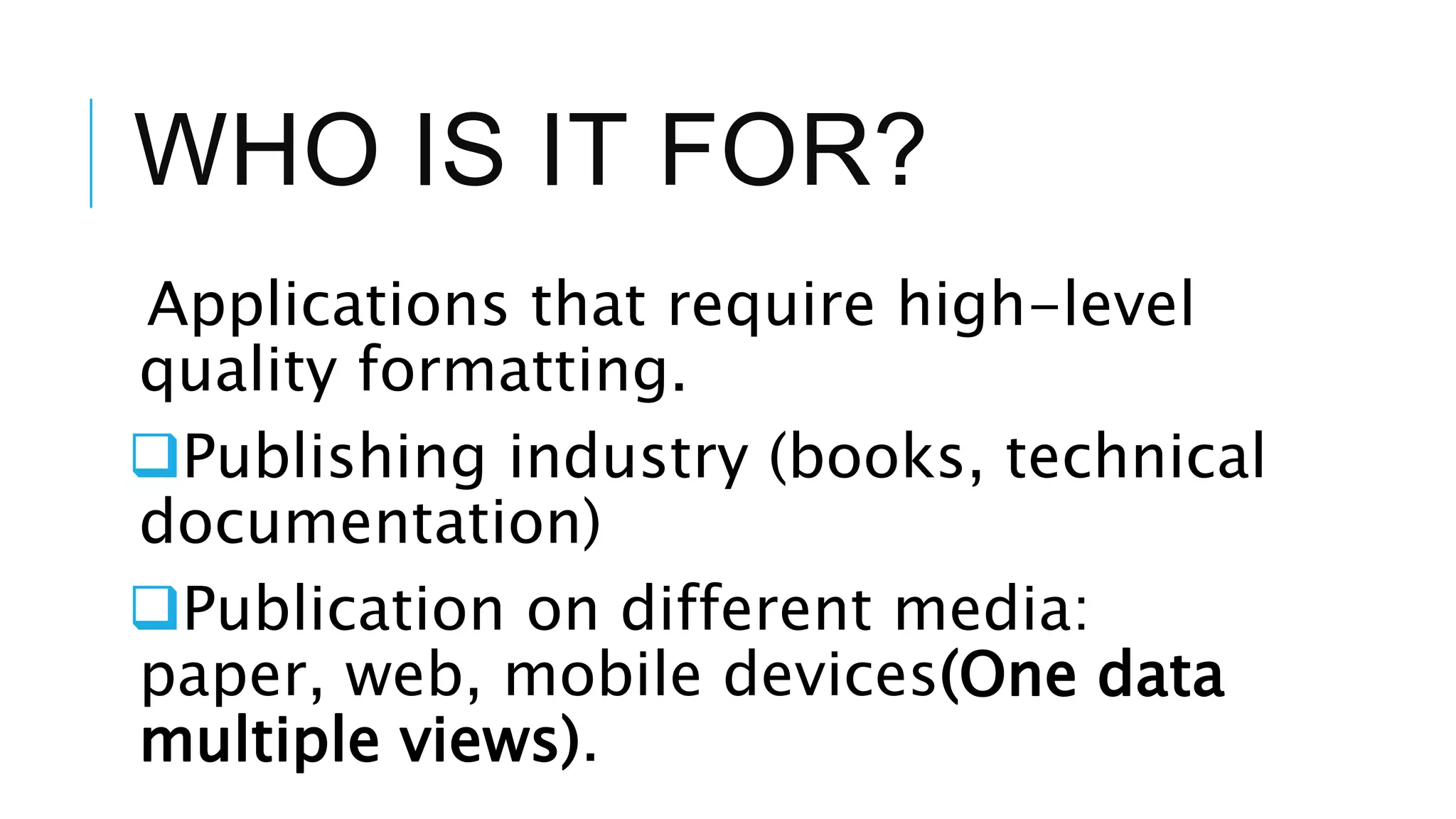
Publication on different media:
paper, web, mobile devices(One data
multiple views).
HOW XML DATA CAN BE
TRANSFORMED USING
XSLT?
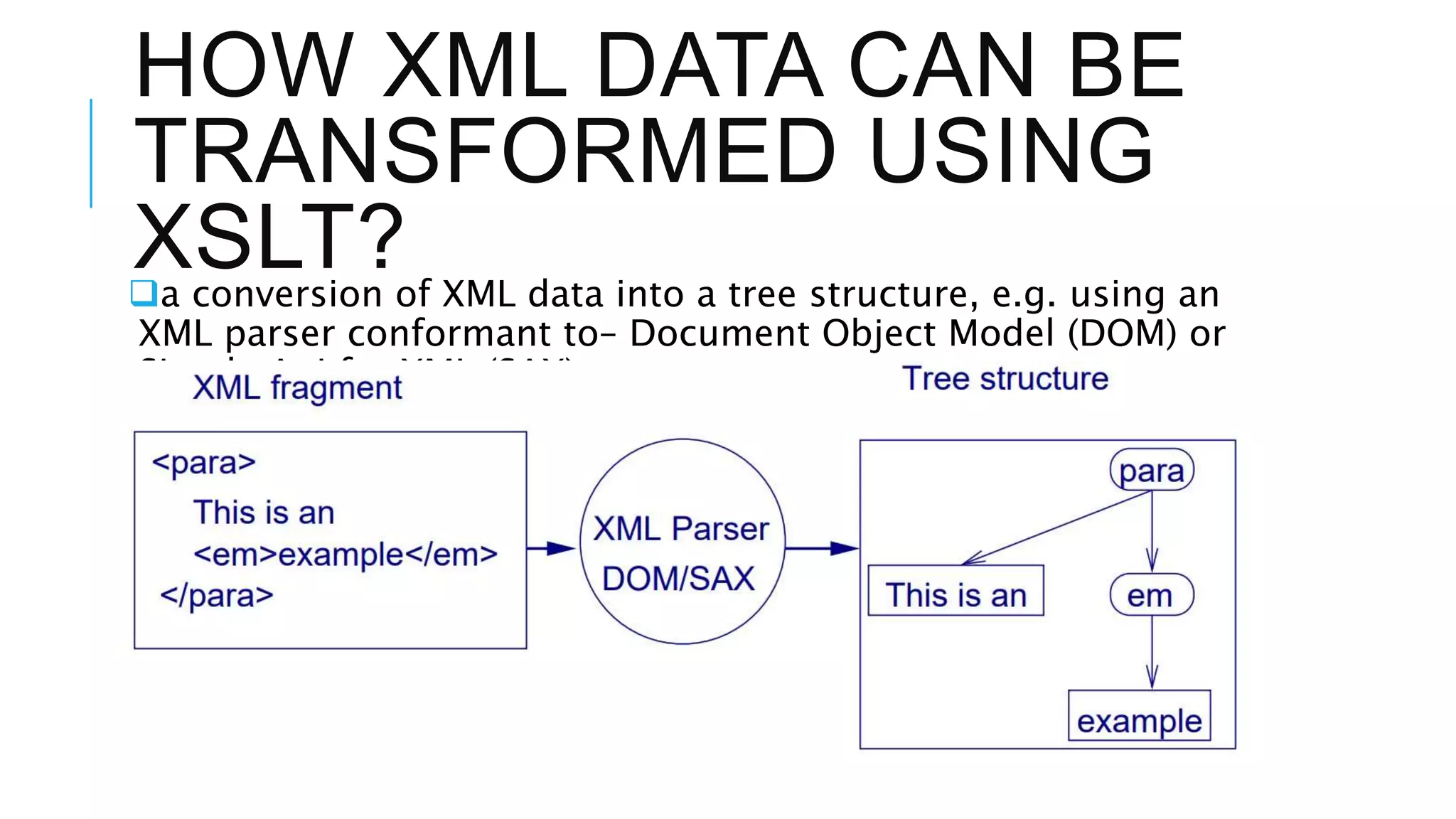
a conversion of XML data into a tree structure, e.g. using an
XML parser conformant to– Document Object Model (DOM) or
Simple Api for XML (SAX).
HOW XML DATA CAN BE
TRANSFORMED USING
XSLT?
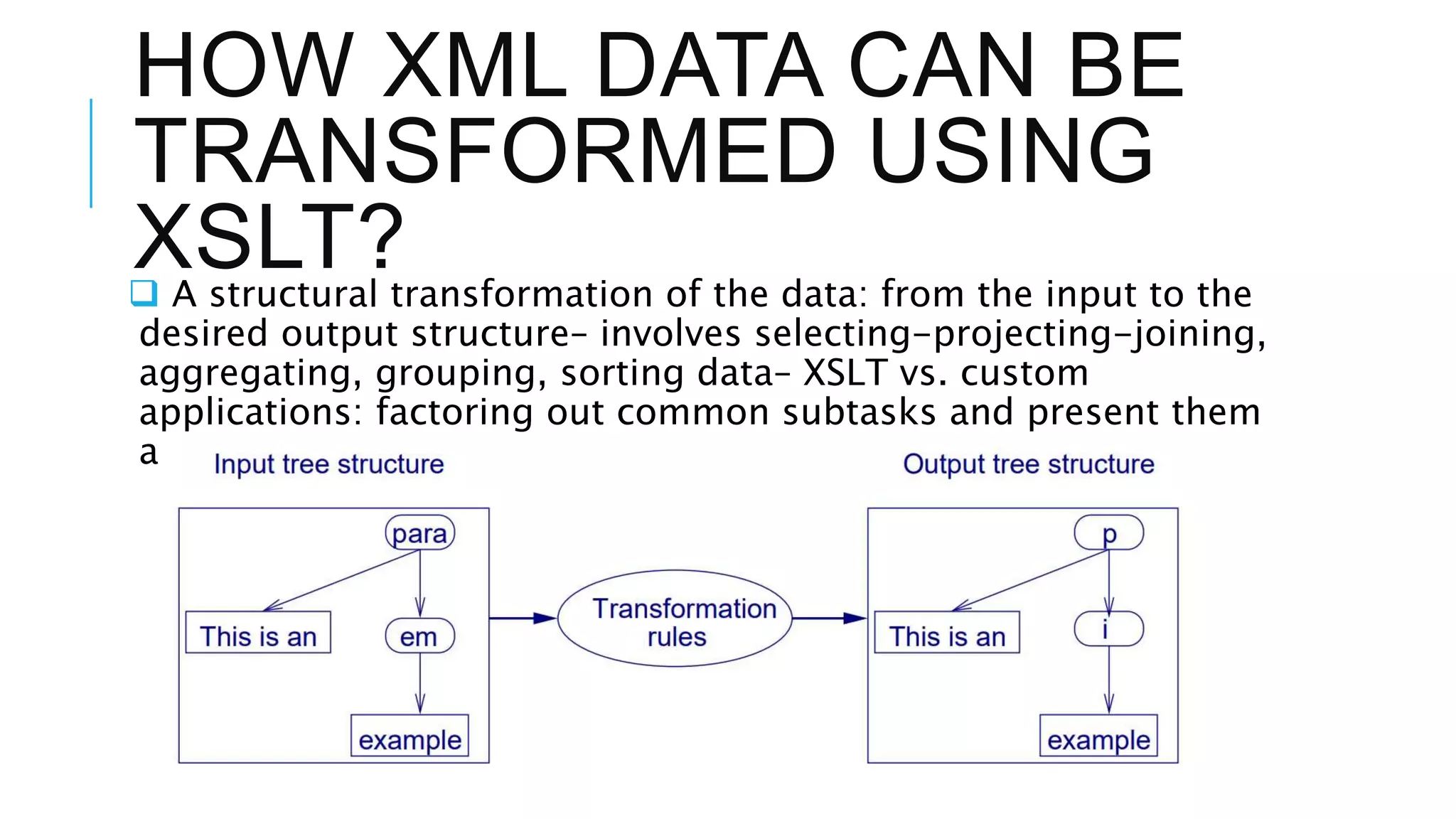
 A structural transformation of the data: from the input to the
desired output structure– involves selecting-projecting-joining,
aggregating, grouping, sorting data– XSLT vs. custom
applications: factoring out common subtasks and present them
astransformation rules in a high-level declarative language.
XSLT PROCESS
XSLT PROCESS
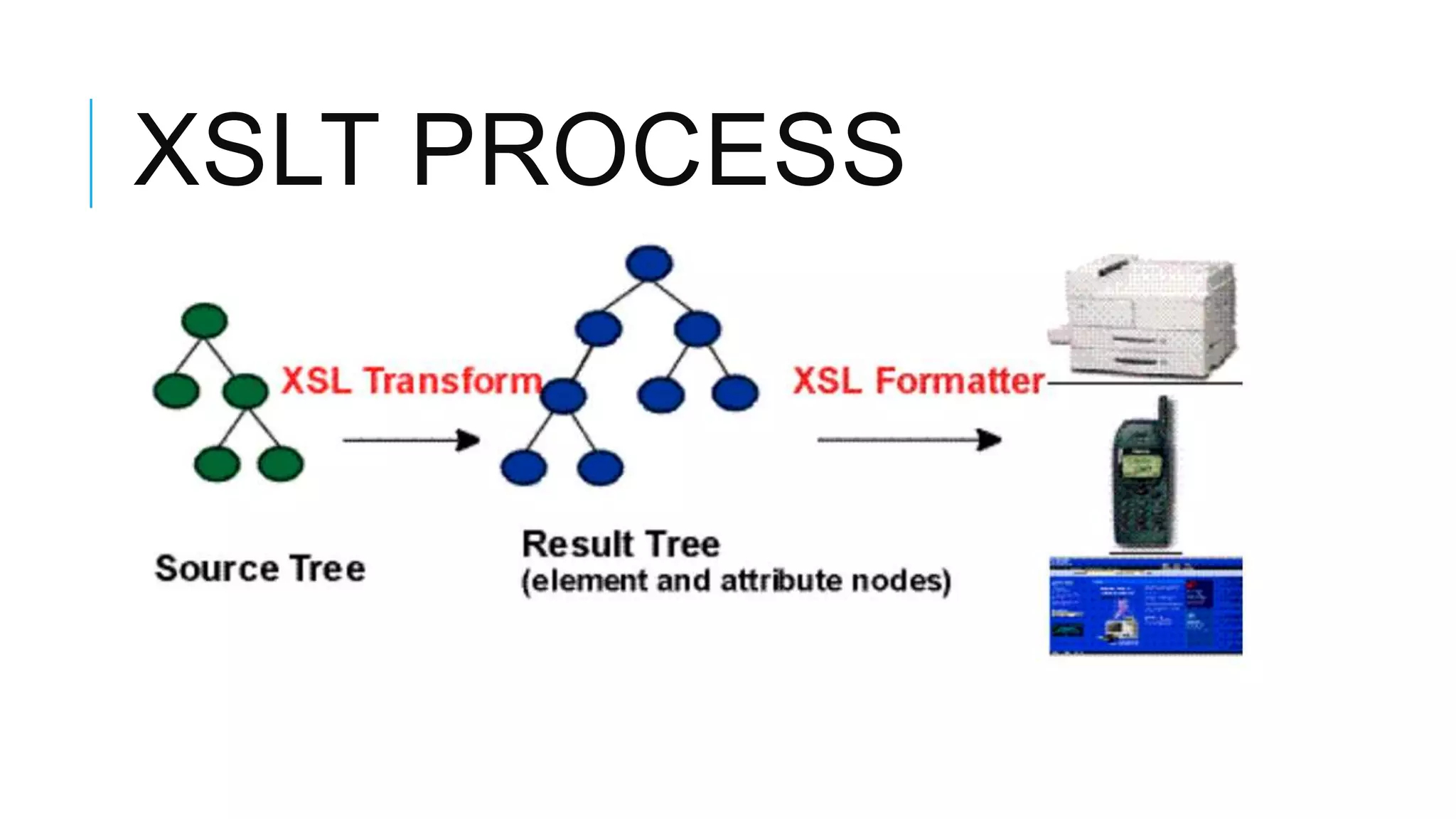
Source tree
 Original XML file
Result tree
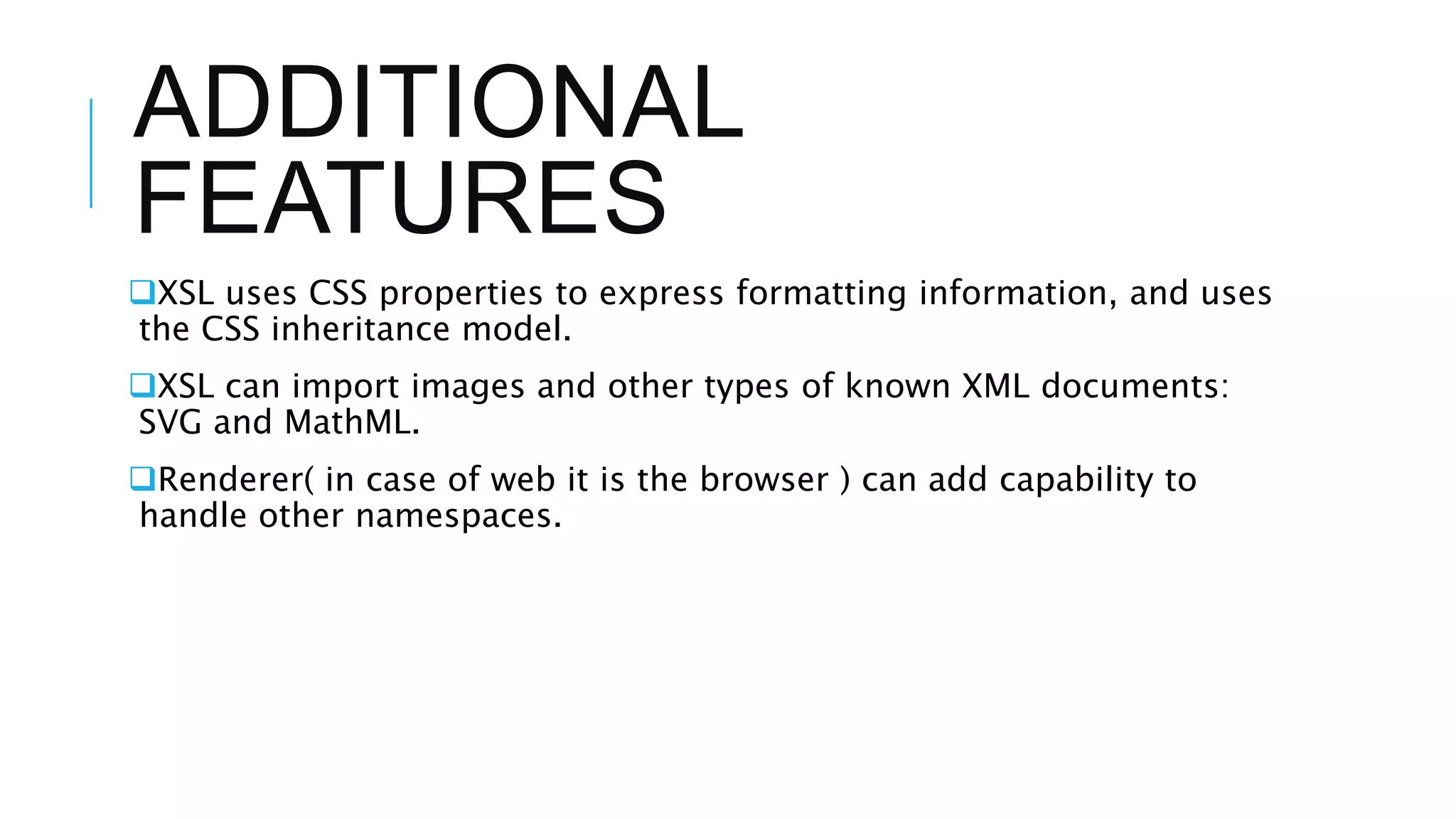
The result tree is an XML
document in which the markup
has information about how to
display the document: what font
to use, the size of a page, etc.
ADDITIONAL
FEATURES
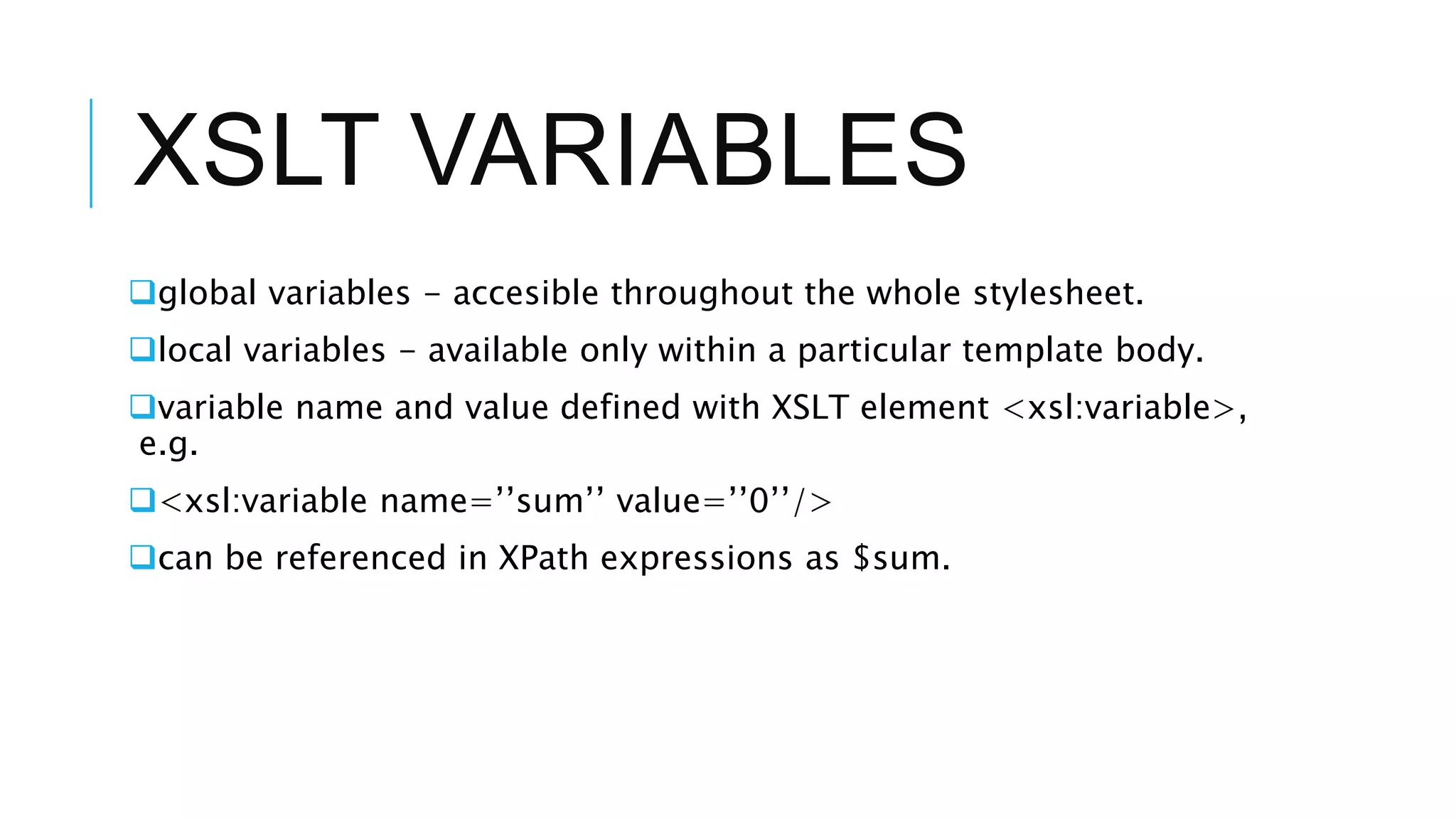
XSL uses CSS properties to express formatting information, and uses
the CSS inheritance model.
XSL can import images and other types of known XML documents:
SVG and MathML.
Renderer( in case of web it is the browser ) can add capability to
handle other namespaces.
XSLT VARIABLES
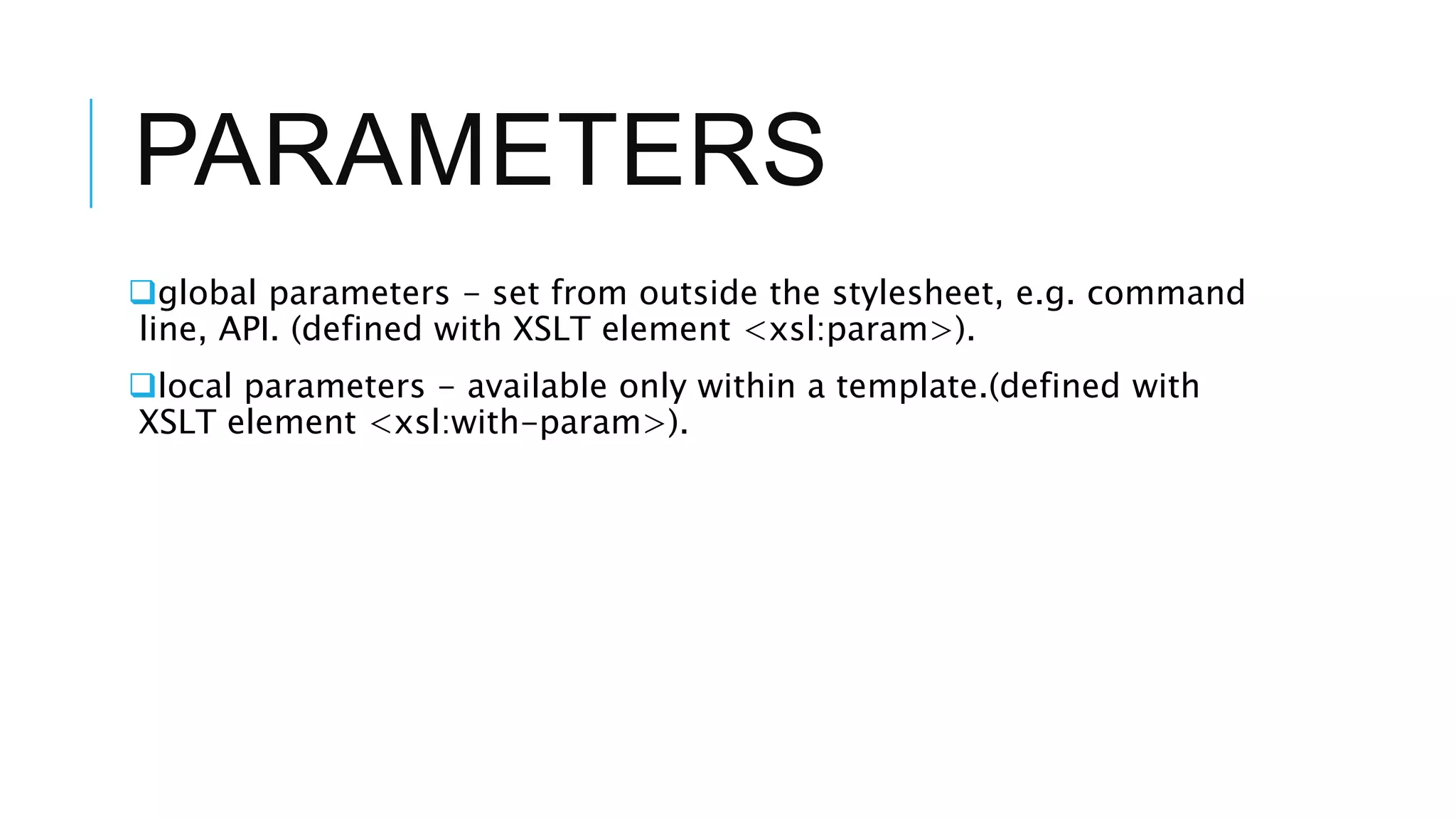
global variables - accesible throughout the whole stylesheet.
local variables - available only within a particular template body.
variable name and value defined with XSLT element <xsl:variable>,
e.g.
<xsl:variable name=’’sum’’ value=’’0’’/>
can be referenced in XPath expressions as $sum.
PARAMETERS
global parameters - set from outside the stylesheet, e.g. command
line, API. (defined with XSLT element <xsl:param>).
local parameters - available only within a template.(defined with
XSLT element <xsl:with-param>).
EXPRESSIONS
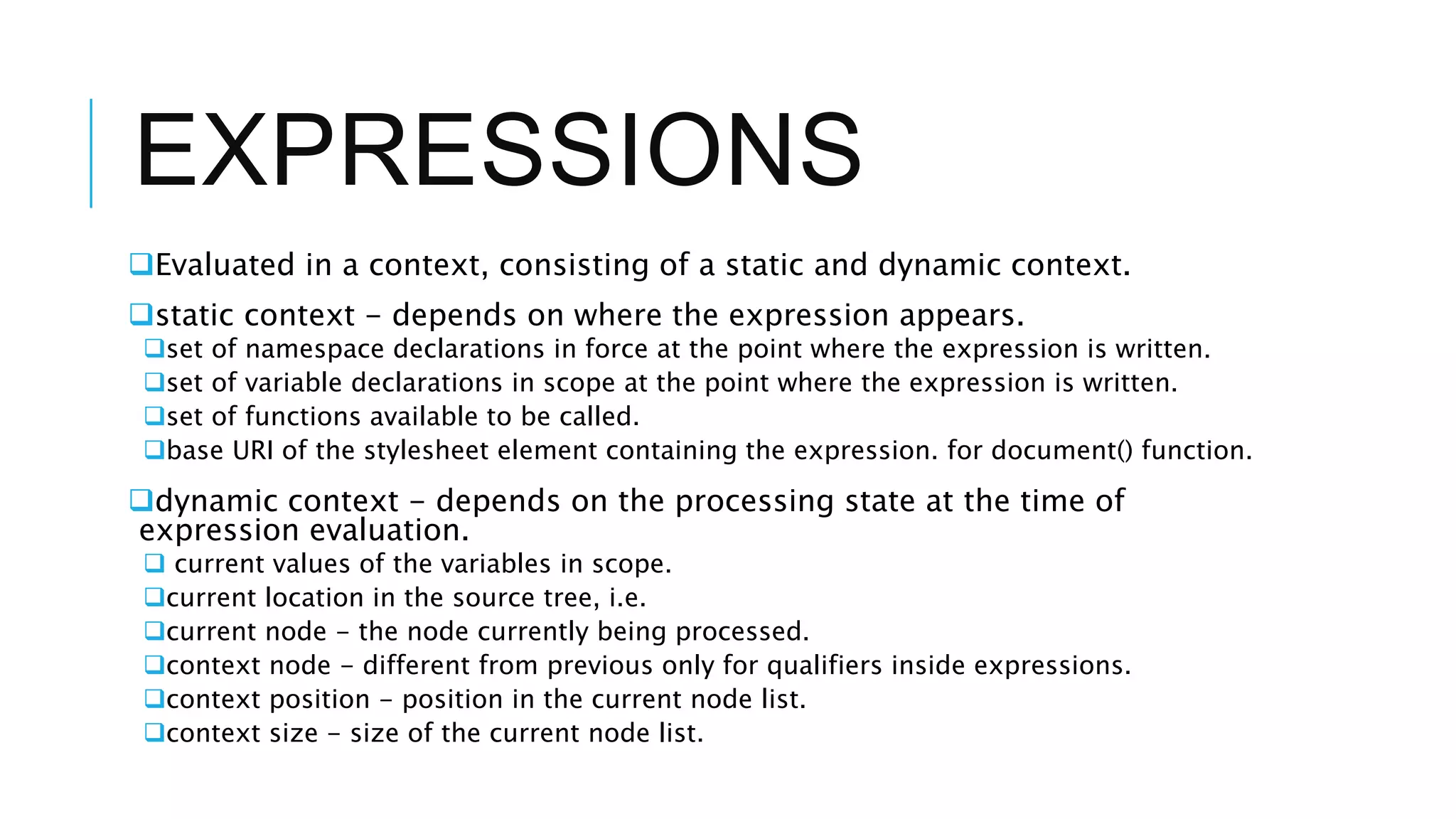
Evaluated in a context, consisting of a static and dynamic context.
static context - depends on where the expression appears.
set of namespace declarations in force at the point where the expression is written.
set of variable declarations in scope at the point where the expression is written.
set of functions available to be called.
base URI of the stylesheet element containing the expression. for document() function.
dynamic context - depends on the processing state at the time of
expression evaluation.
 current values of the variables in scope.
current location in the source tree, i.e.
current node - the node currently being processed.
context node - different from previous only for qualifiers inside expressions.
context position - position in the current node list.
context size - size of the current node list.
STRUCTURE
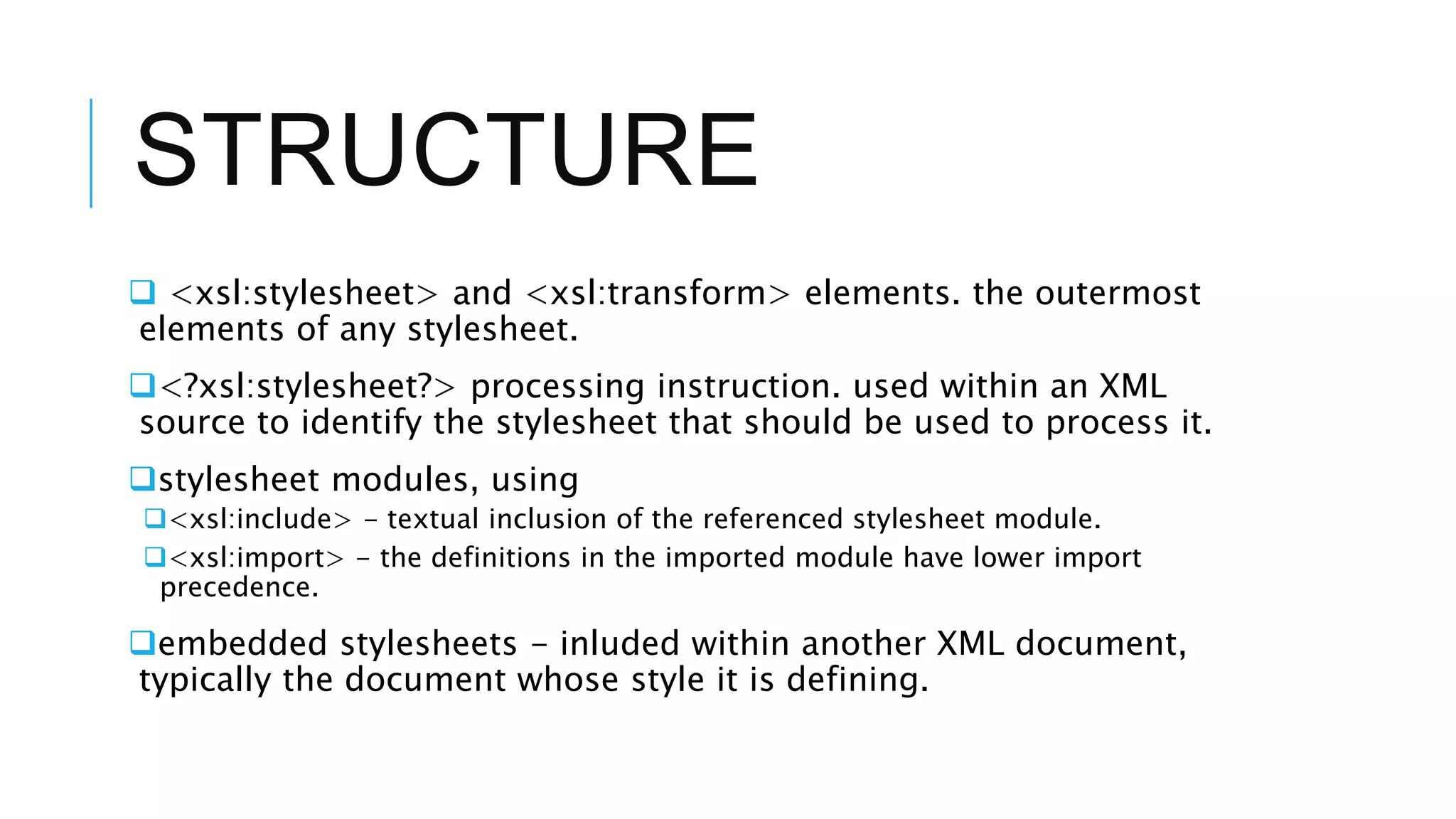
 <xsl:stylesheet> and <xsl:transform> elements. the outermost
elements of any stylesheet.
<?xsl:stylesheet?> processing instruction. used within an XML
source to identify the stylesheet that should be used to process it.
stylesheet modules, using
<xsl:include> - textual inclusion of the referenced stylesheet module.
<xsl:import> - the definitions in the imported module have lower import
precedence.
embedded stylesheets - inluded within another XML document,
typically the document whose style it is defining.
ELEMENTS
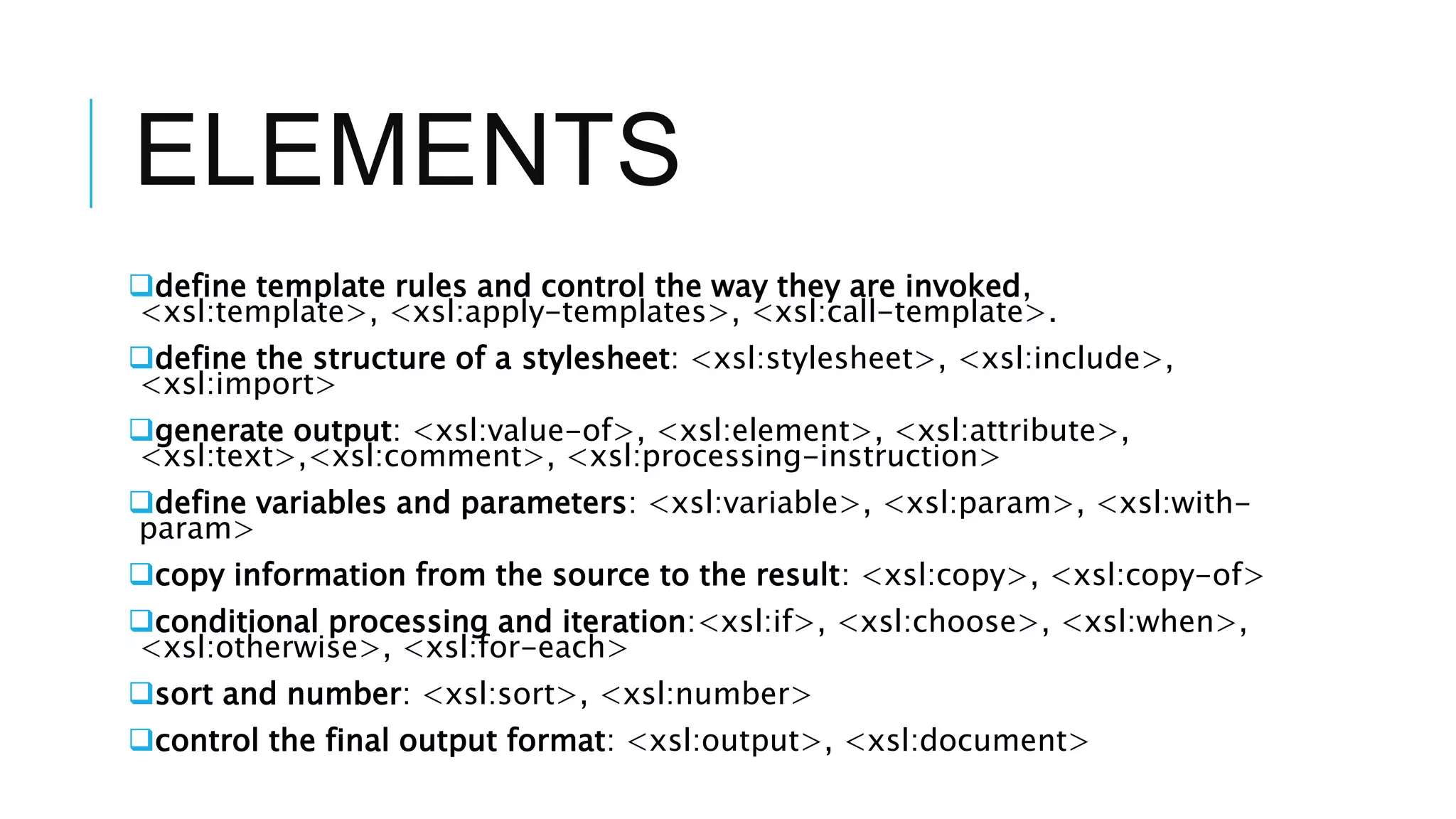
define template rules and control the way they are invoked,
<xsl:template>, <xsl:apply-templates>, <xsl:call-template>.
define the structure of a stylesheet: <xsl:stylesheet>, <xsl:include>,
<xsl:import>
generate output: <xsl:value-of>, <xsl:element>, <xsl:attribute>,
<xsl:text>,<xsl:comment>, <xsl:processing-instruction>
define variables and parameters: <xsl:variable>, <xsl:param>, <xsl:with-
param>
copy information from the source to the result: <xsl:copy>, <xsl:copy-of>
conditional processing and iteration:<xsl:if>, <xsl:choose>, <xsl:when>,
<xsl:otherwise>, <xsl:for-each>
sort and number: <xsl:sort>, <xsl:number>
control the final output format: <xsl:output>, <xsl:document>
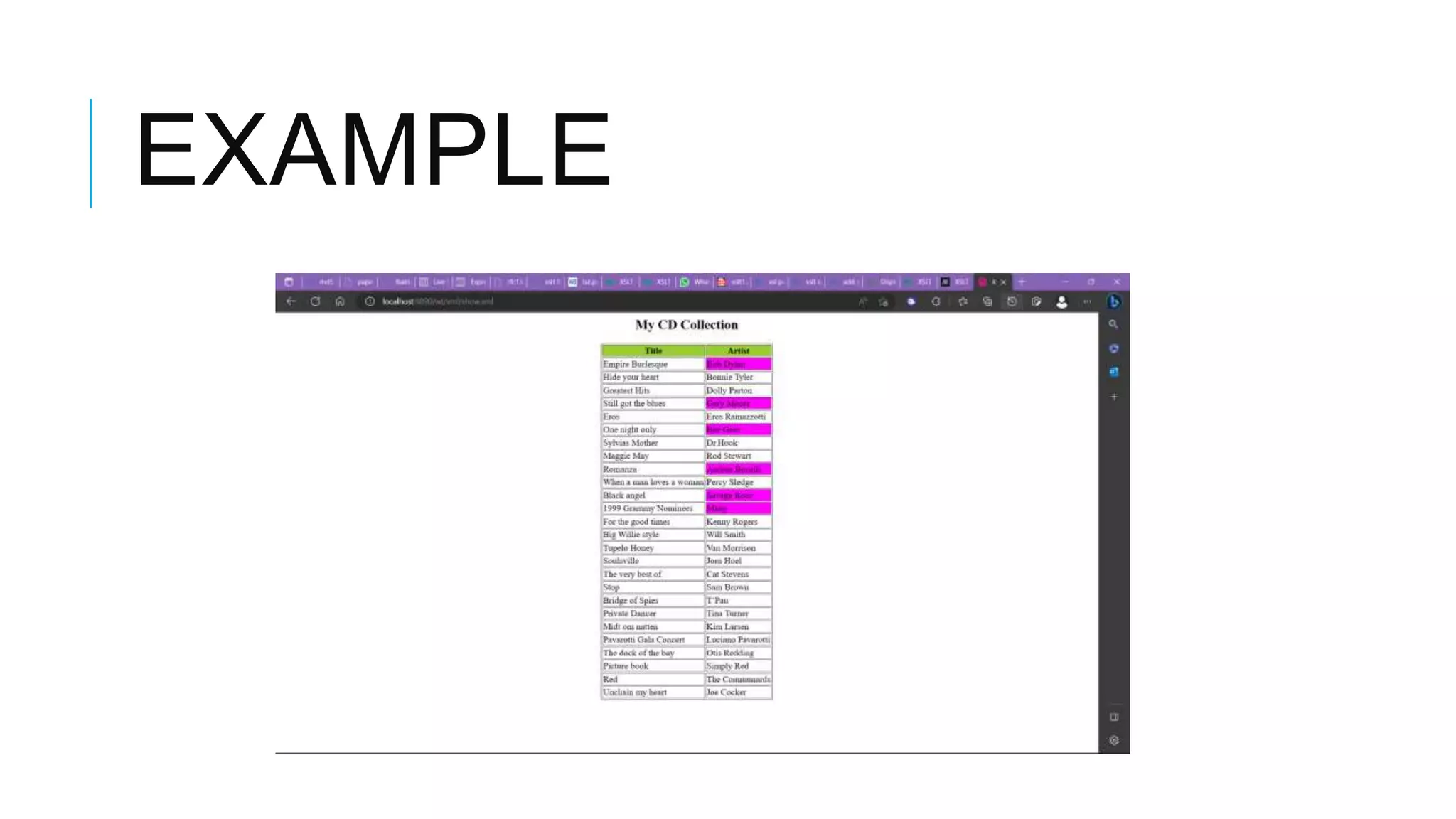
EXAMPLE
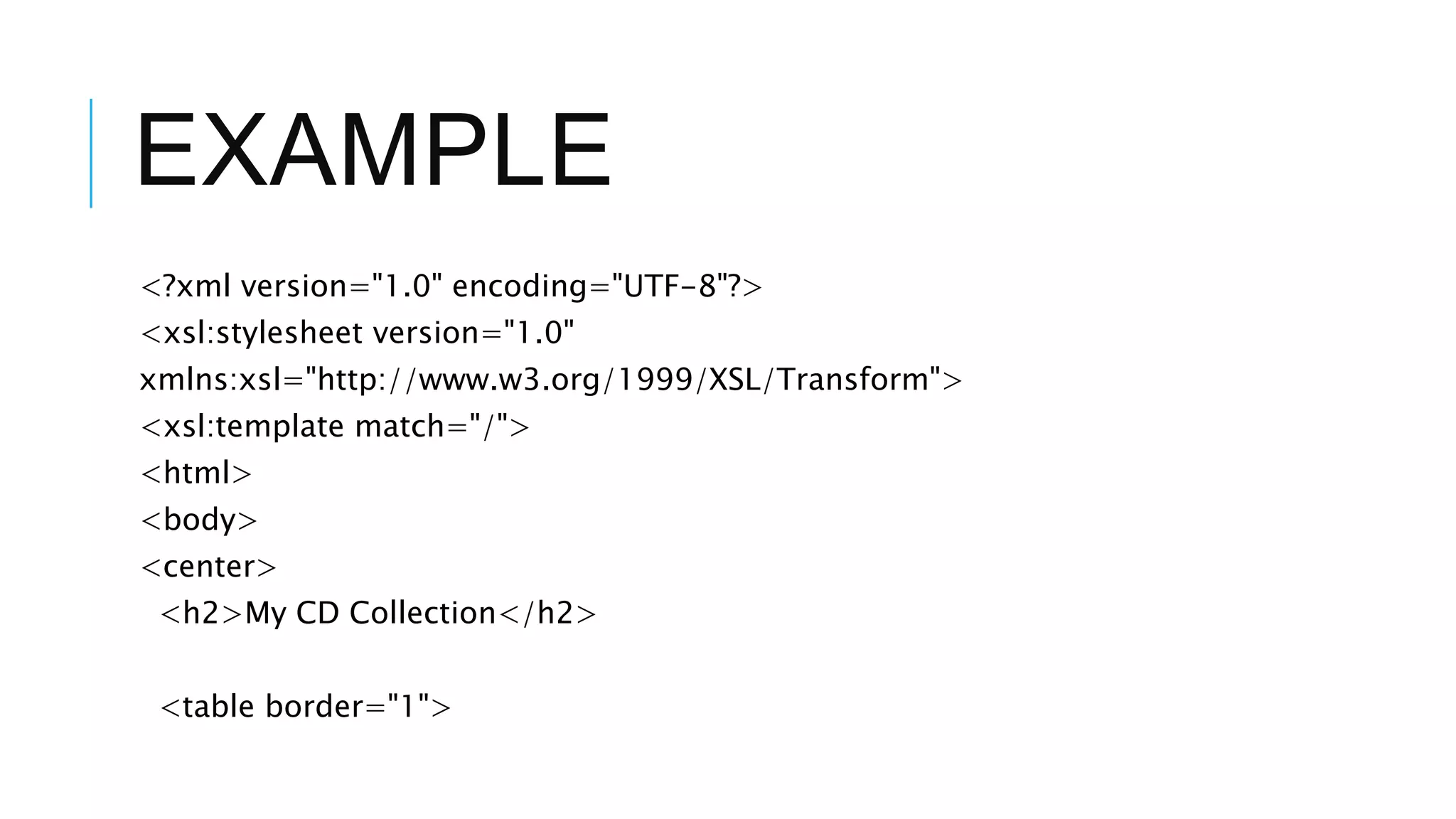
<?xml version="1.0" encoding="UTF-8"?>
<xsl:stylesheet version="1.0"
xmlns:xsl="http://www.w3.org/1999/XSL/Transform">
<xsl:template match="/">
<html>
<body>
<center>
<h2>My CD Collection</h2>
<table border="1">
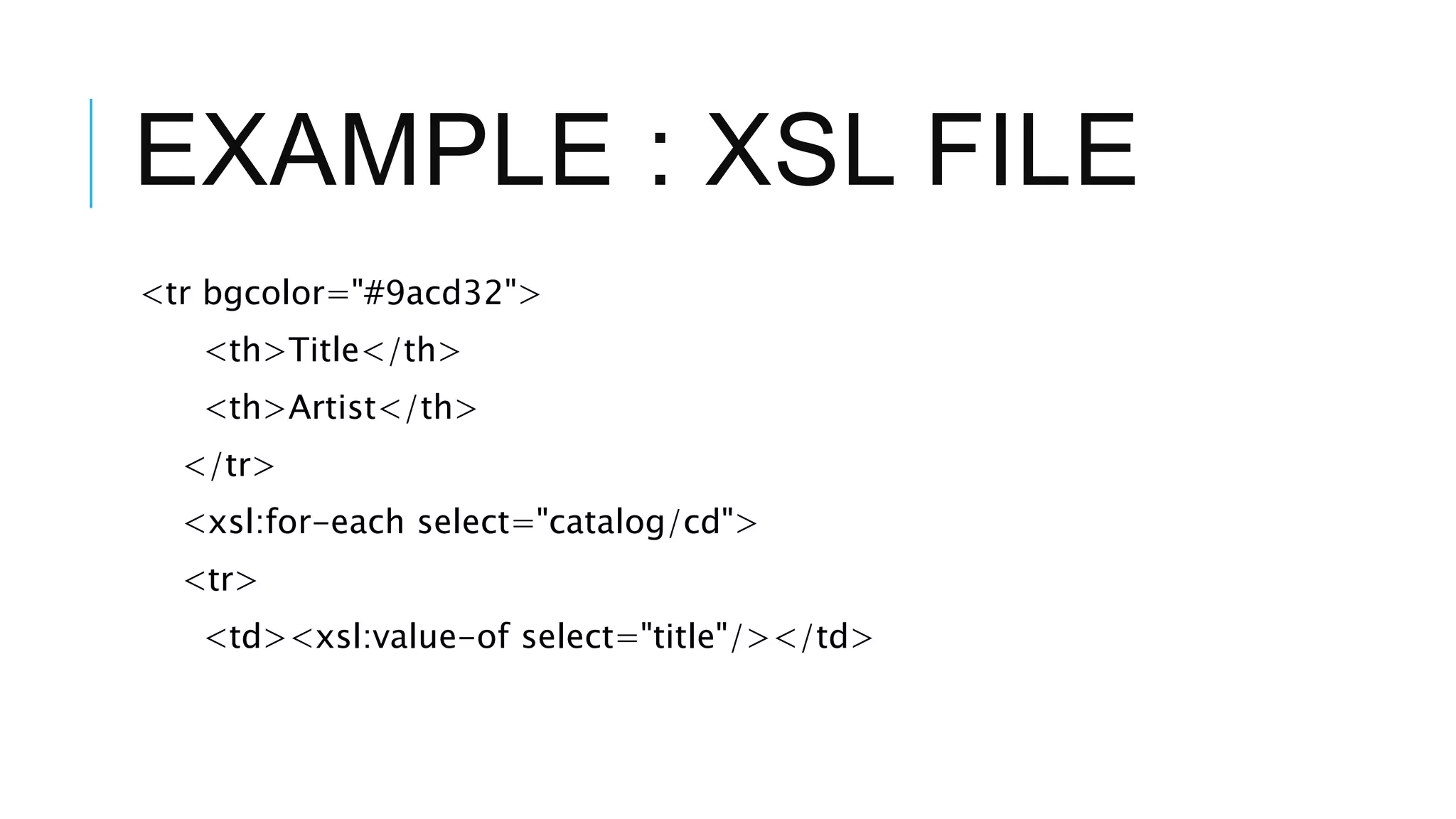
EXAMPLE : XSL FILE
<tr bgcolor="#9acd32">
<th>Title</th>
<th>Artist</th>
</tr>
<xsl:for-each select="catalog/cd">
<tr>
<td><xsl:value-of select="title"/></td>
EXAMPLE
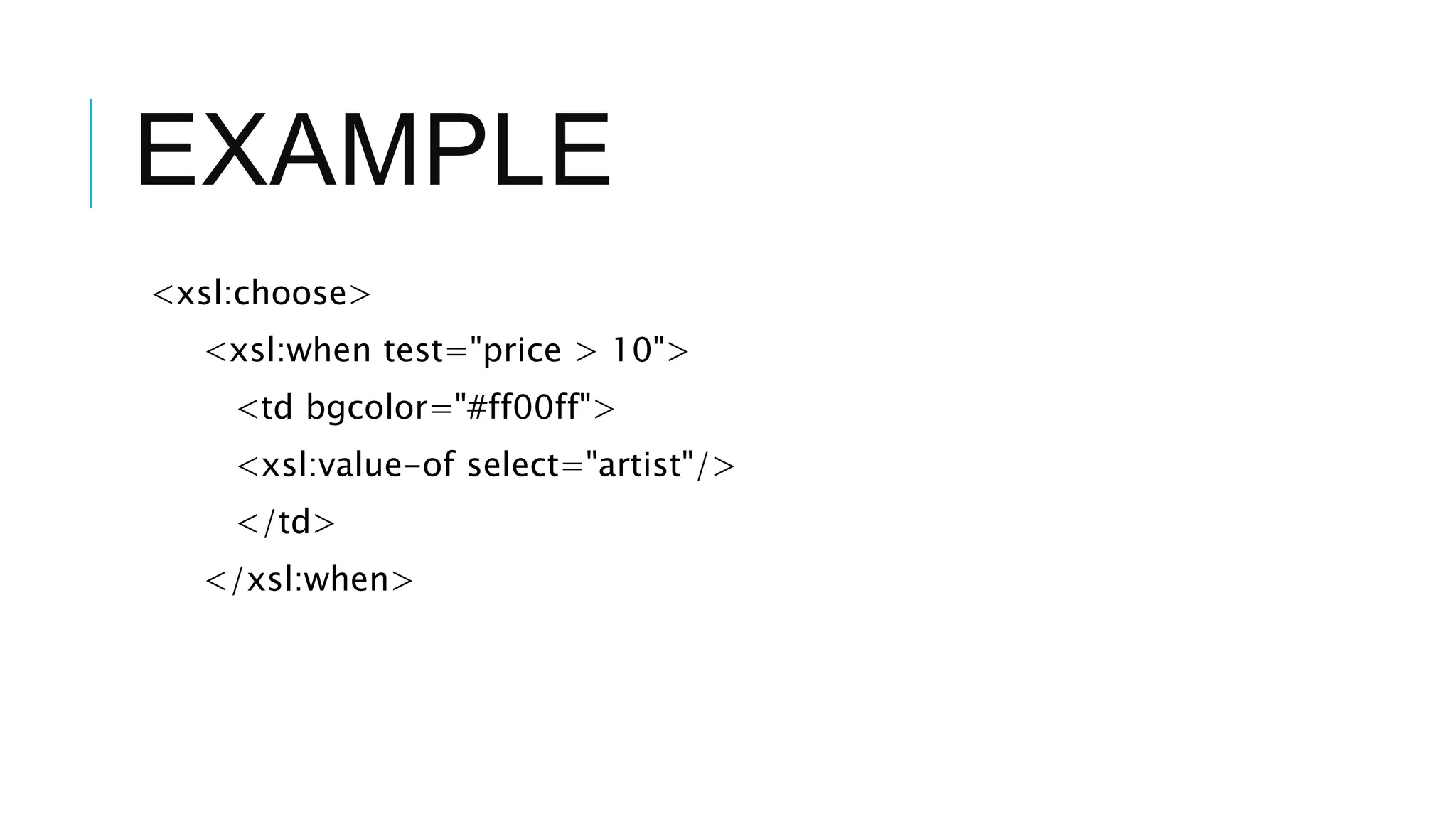
<xsl:choose>
<xsl:when test="price > 10">
<td bgcolor="#ff00ff">
<xsl:value-of select="artist"/>
</td>
</xsl:when>
EXAMPLE
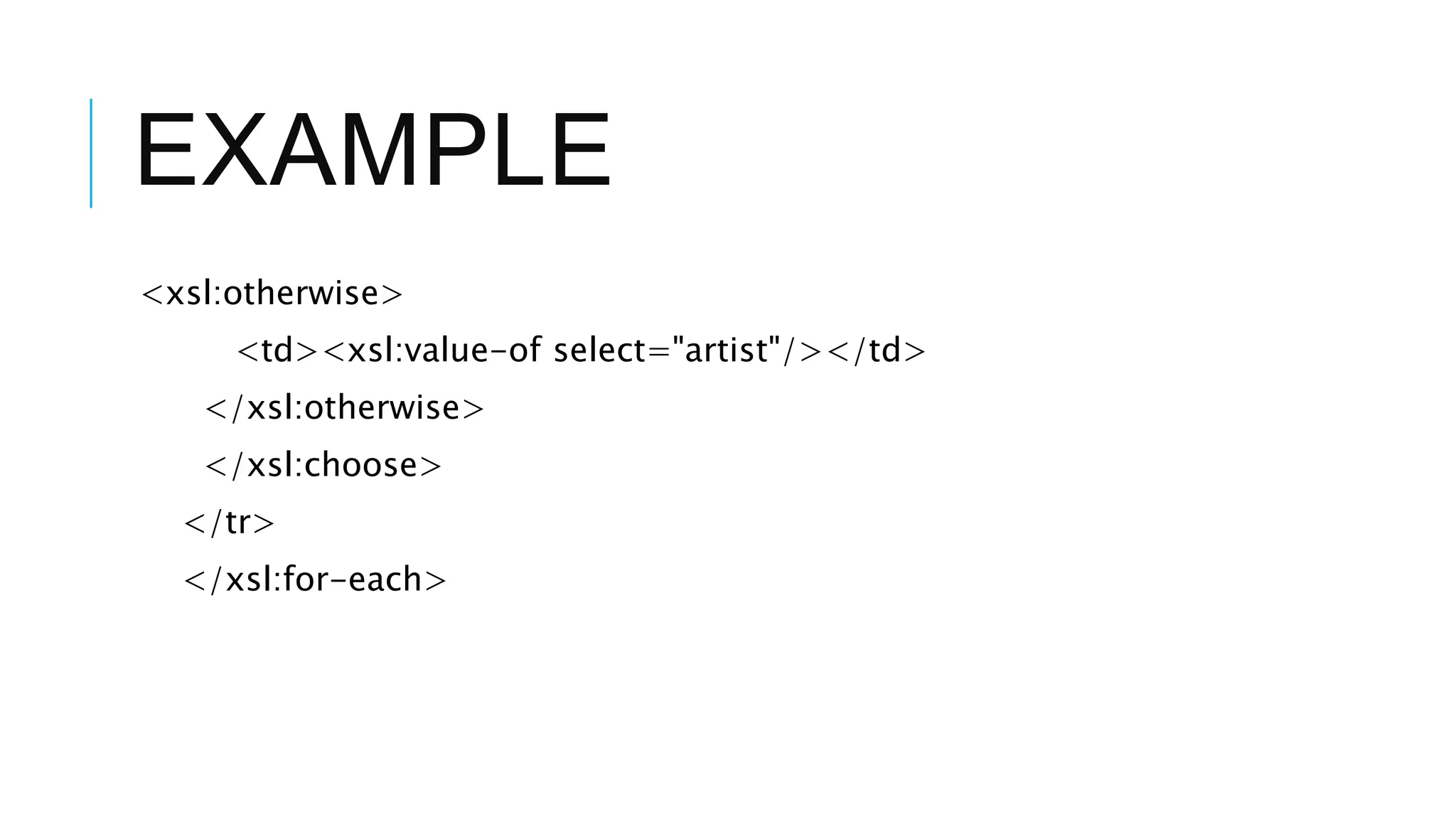
<xsl:otherwise>
<td><xsl:value-of select="artist"/></td>
</xsl:otherwise>
</xsl:choose>
</tr>
</xsl:for-each>
EXAMPLE
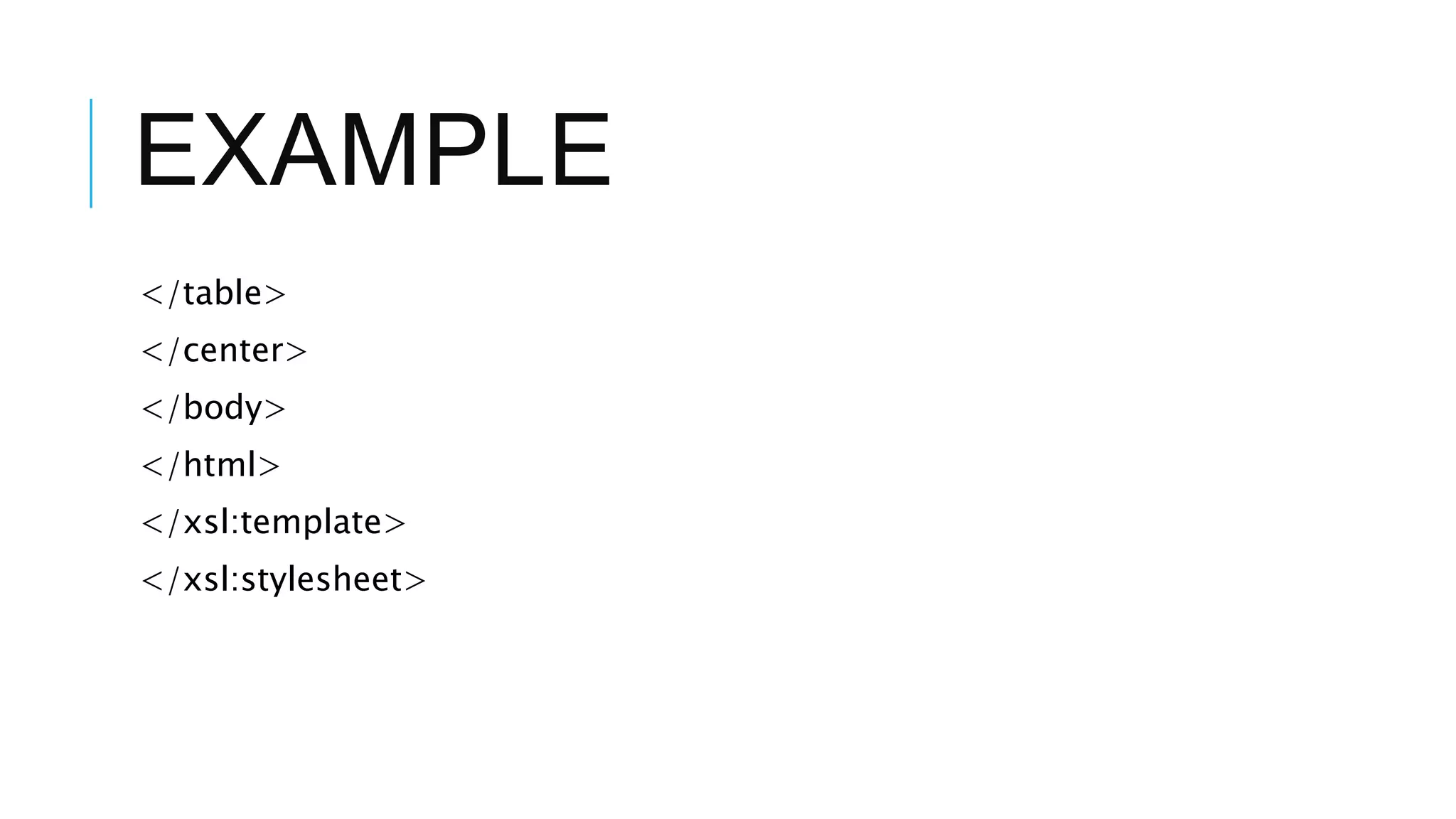
</table>
</center>
</body>
</html>
</xsl:template>
</xsl:stylesheet>
EXAMPLE
XPATH
WHAT IS XPATH?
A language designed to be used by both
XSL Transformations (XSLT) and XPointer.
Provides common syntax and semantics for
functionality shared between XSLT and
XPointer.
Primary purpose: Address ‘parts’ of an
XML document, and provide basic facilities
for manipulation of strings, numbers and
booleans.
W3C Recommendation. November 16,
1999
Latest version:
http://www.w3.org/TR/xpath
XPATH
Introduction
Data Model
Expressions
Location Paths
Core Function Library
Conclusion
INTRODUCTION
XPath uses a compact, string-based, rather than XML element-based
syntax.
Operates on the abstract, logical structure of an XML document (tree
of nodes) rather than its surface syntax.
Uses a path notation (like URLs) to navigate through this hierarchical
tree structure.
Introductio
n
INTRODUCTION CONT.
Defines a way to compute a string-value for each type of node:
element, attribute, text.
Supports Namespaces.
Name of a node (a pair consisting of a local part and namespace
URI).
Expression (Expr) is the primary syntactic construct.
Introductio
n
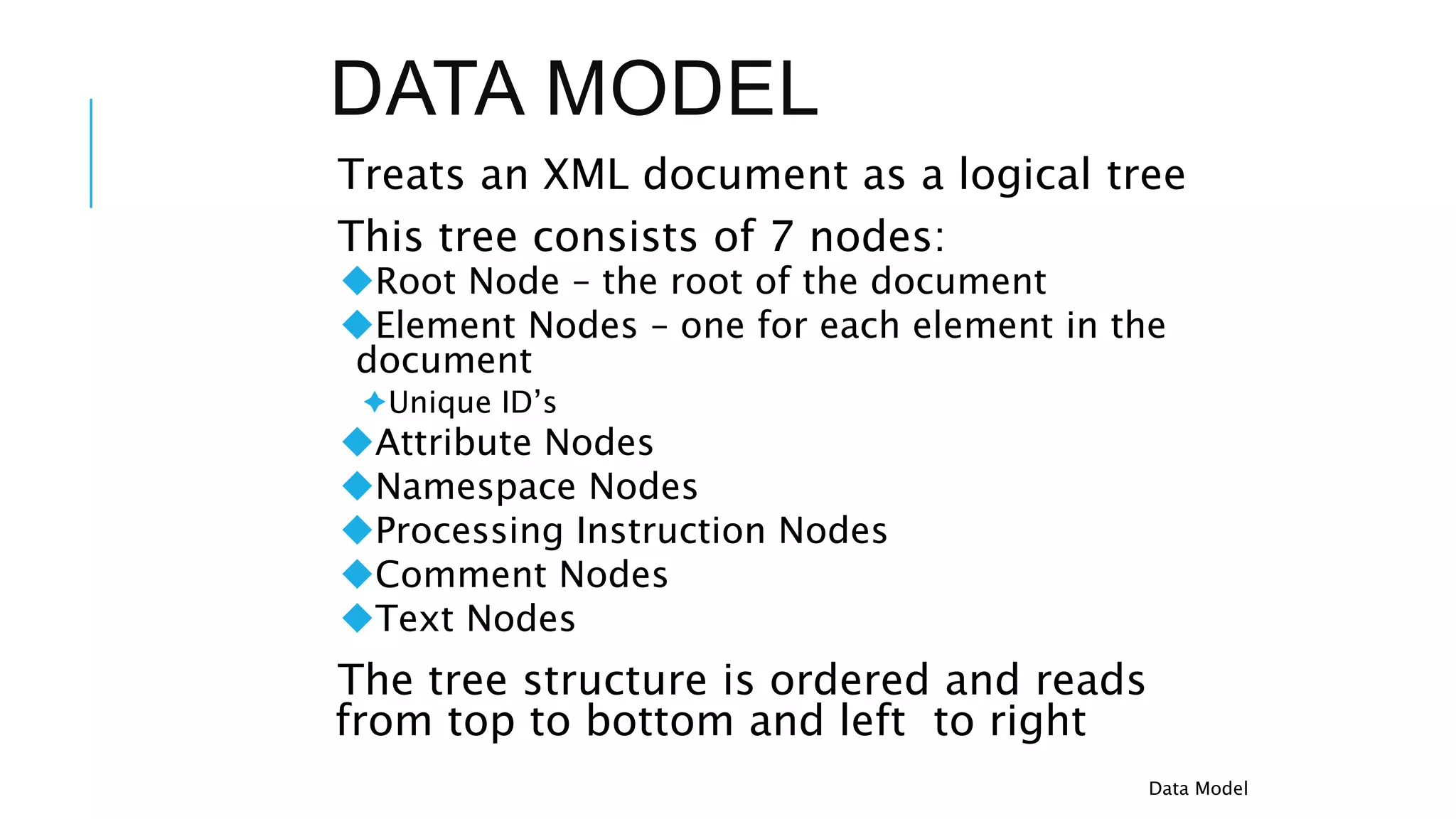
DATA MODEL
Treats an XML document as a logical tree
This tree consists of 7 nodes:
Root Node – the root of the document
Element Nodes – one for each element in the
document
Unique ID’s
Attribute Nodes
Namespace Nodes
Processing Instruction Nodes
Comment Nodes
Text Nodes
The tree structure is ordered and reads
from top to bottom and left to right
Data Model
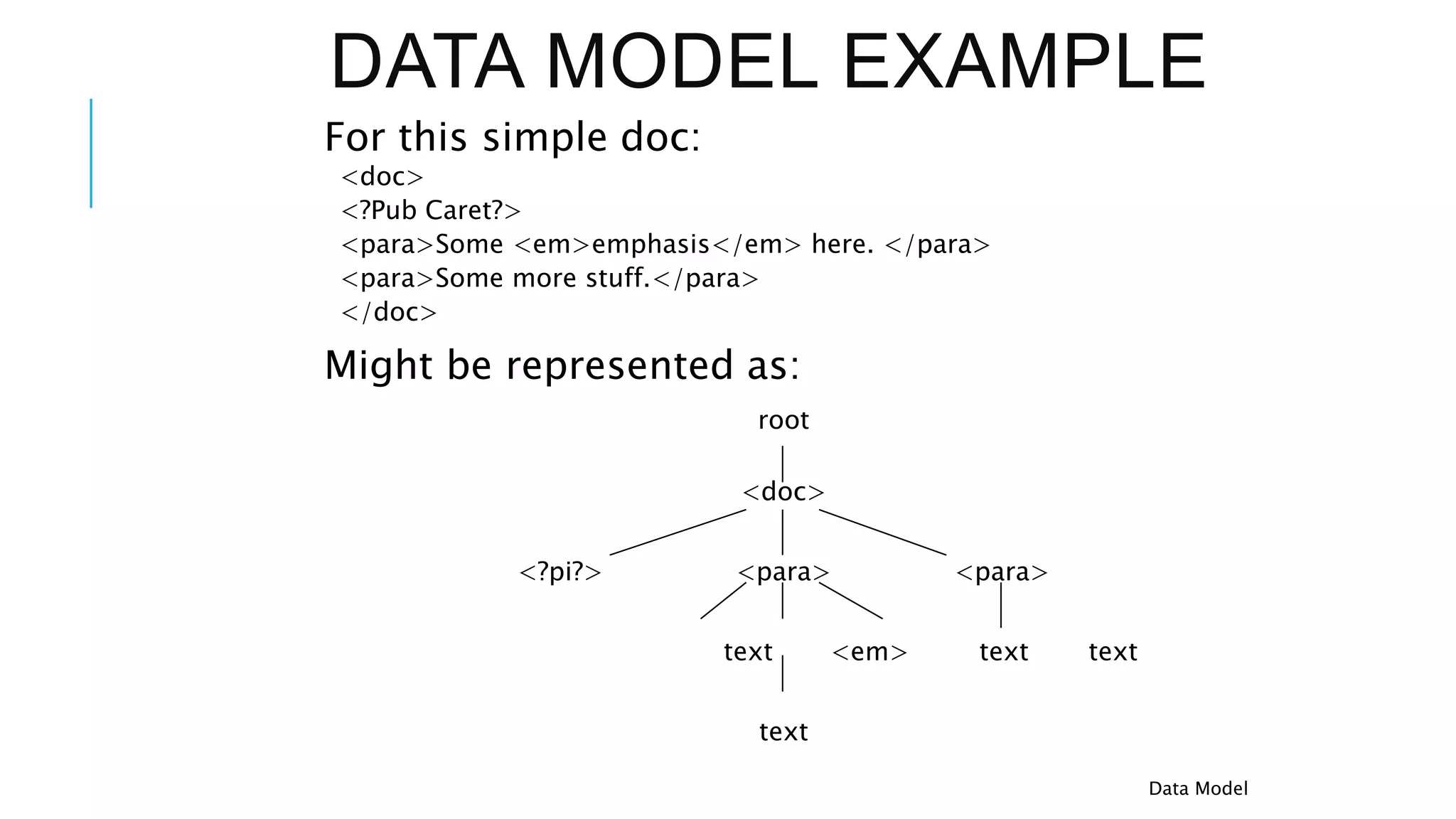
DATA MODEL EXAMPLE
For this simple doc:
<doc>
<?Pub Caret?>
<para>Some <em>emphasis</em> here. </para>
<para>Some more stuff.</para>
</doc>
Might be represented as:
root
<doc>
<?pi?> <para> <para>
text <em> text text
text
Data Model
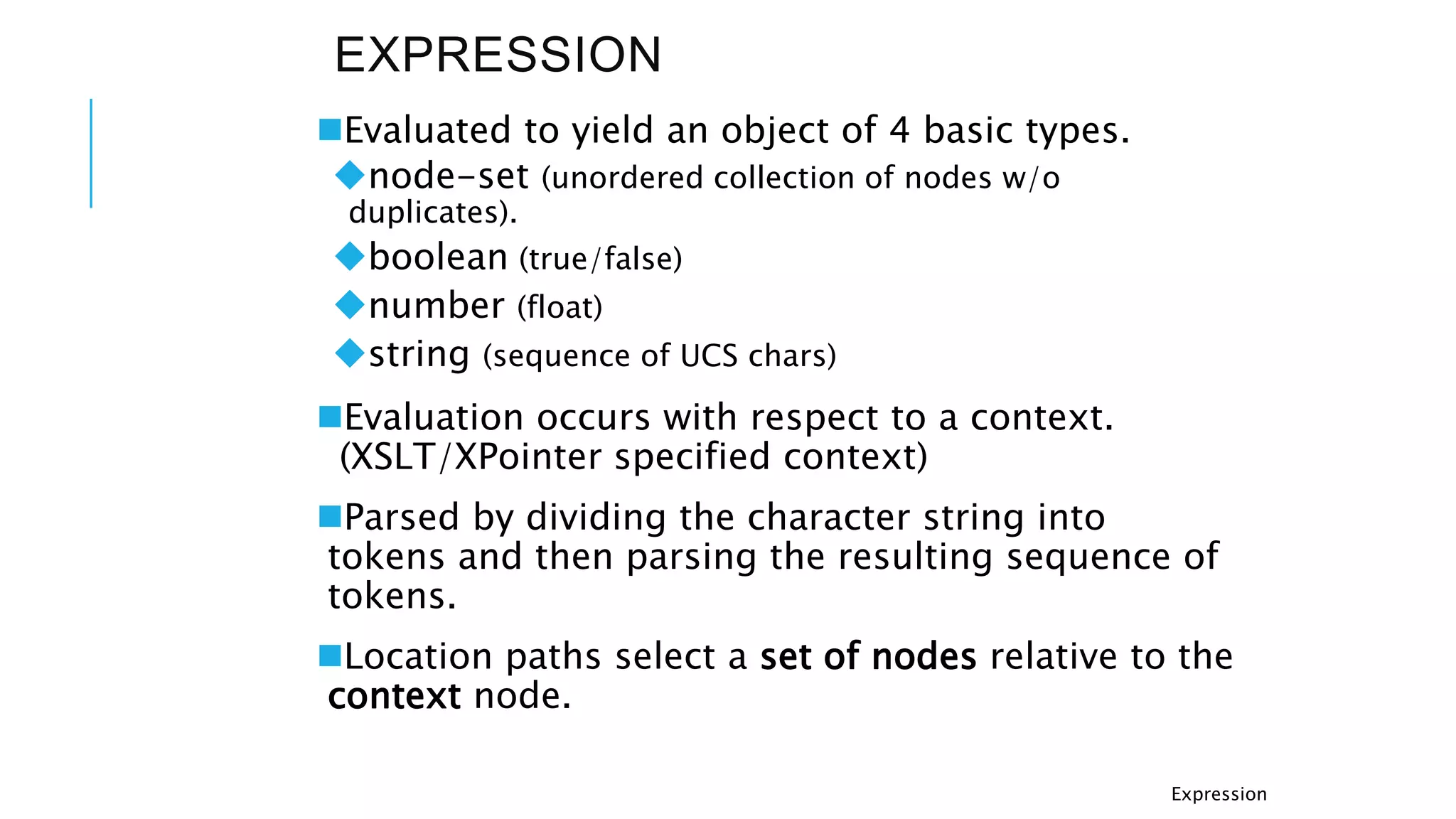
EXPRESSION
Evaluated to yield an object of 4 basic types.
node-set (unordered collection of nodes w/o
duplicates).
boolean (true/false)
number (float)
string (sequence of UCS chars)
Evaluation occurs with respect to a context.
(XSLT/XPointer specified context)
Parsed by dividing the character string into
tokens and then parsing the resulting sequence of
tokens.
Location paths select a set of nodes relative to the
context node.
Expression
LOCATION PATHS
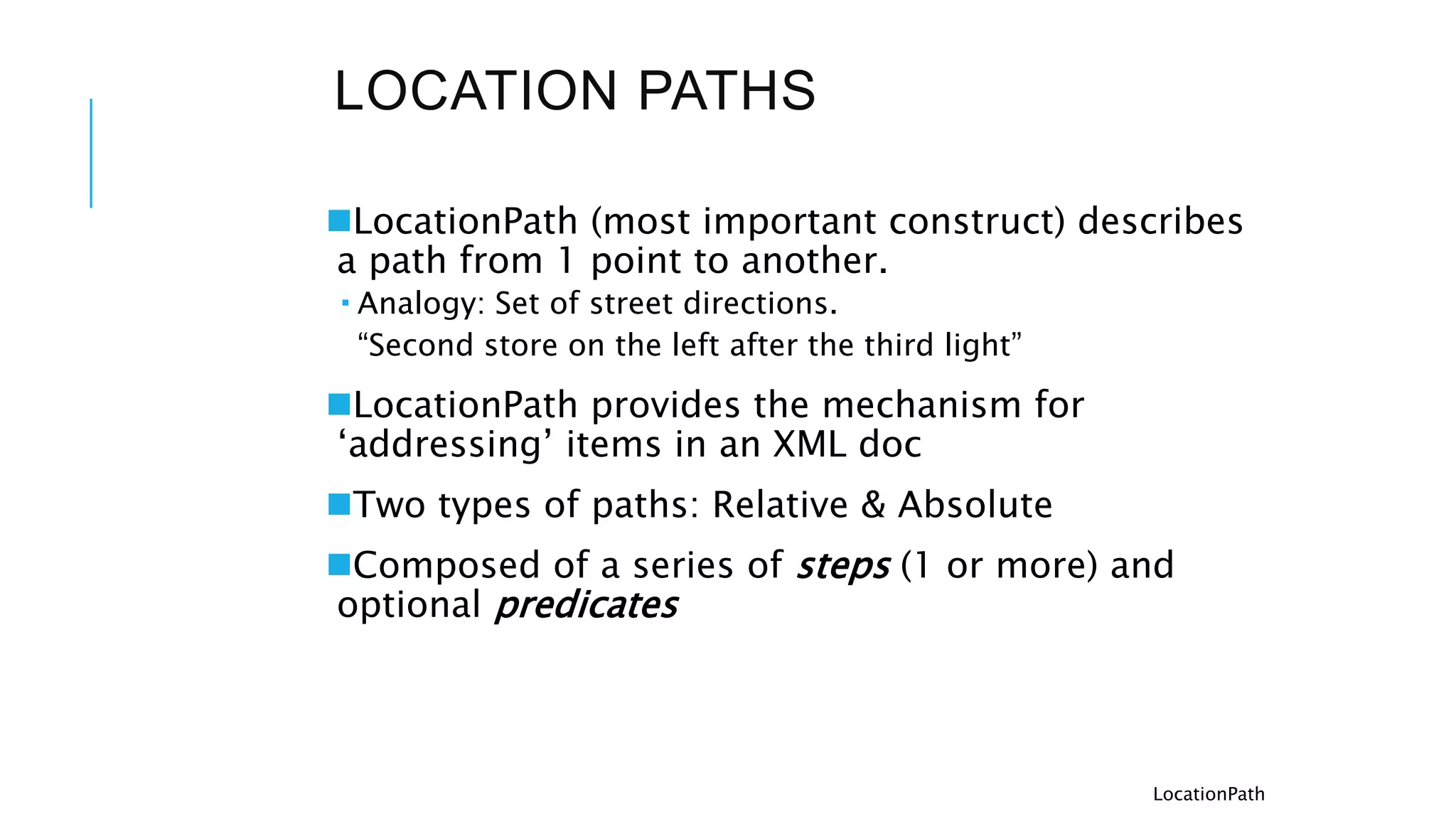
LocationPath (most important construct) describes
a path from 1 point to another.
 Analogy: Set of street directions.
“Second store on the left after the third light”
LocationPath provides the mechanism for
‘addressing’ items in an XML doc
Two types of paths: Relative & Absolute
Composed of a series of steps (1 or more) and
optional predicates
LocationPath
LOCATION PATHS
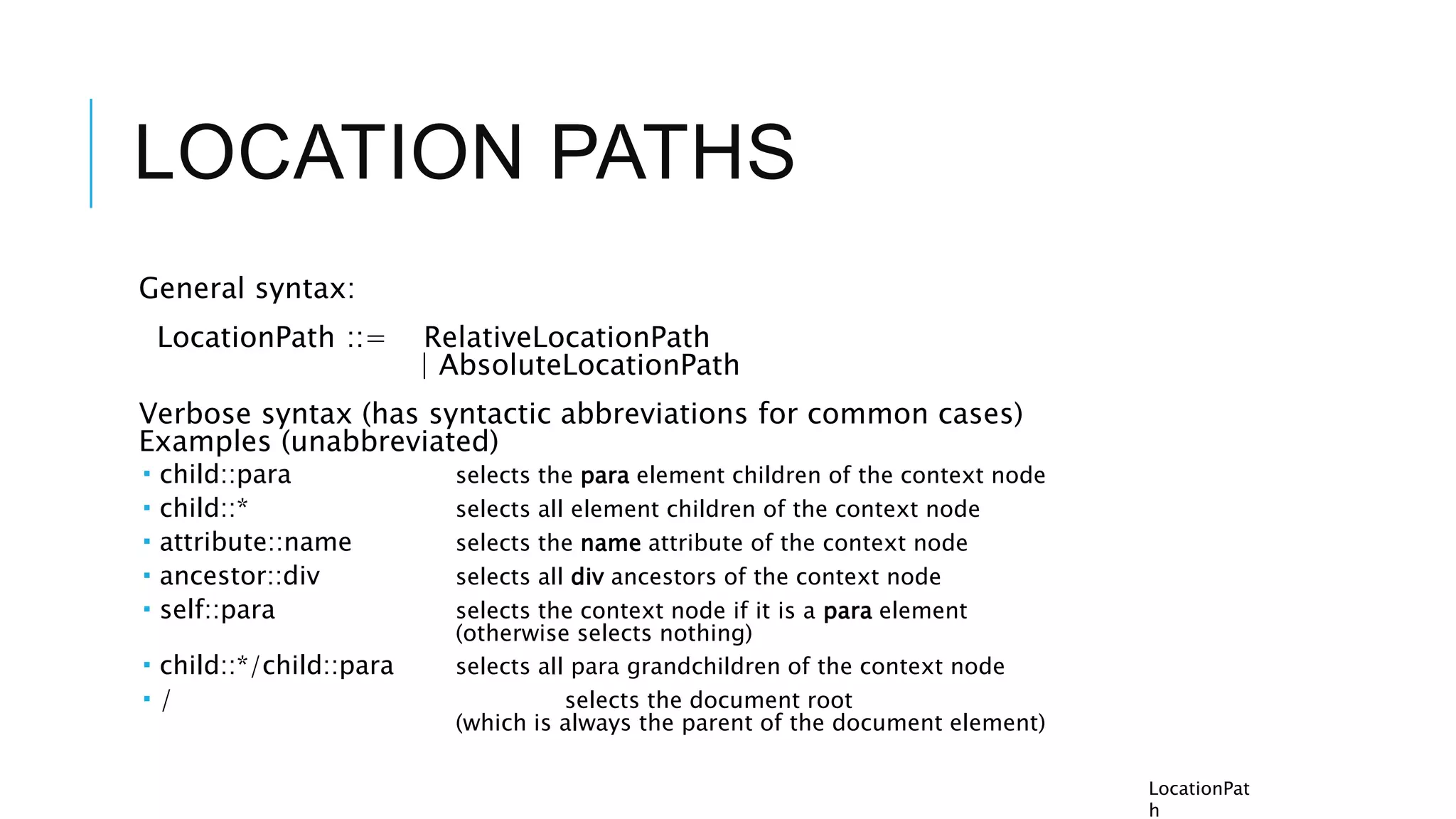
General syntax:
LocationPath ::= RelativeLocationPath
| AbsoluteLocationPath
Verbose syntax (has syntactic abbreviations for common cases)
Examples (unabbreviated)
 child::para selects the para element children of the context node
 child::* selects all element children of the context node
 attribute::name selects the name attribute of the context node
 ancestor::div selects all div ancestors of the context node
 self::para selects the context node if it is a para element
(otherwise selects nothing)
 child::*/child::para selects all para grandchildren of the context node
 / selects the document root
(which is always the parent of the document element)
LocationPat
h
LOCATION STEPS
3 parts
 axis (specifies relationship btwn selected nodes and the context node)
 node test (specifies the node type and expanded-name)
 0 or more predicates (arbitrary expressions to refine the selected set of
nodes)
Syntax:
Step ::= Axis Specifier NodeTest Predicate*
| AbbreviatedStep
Axis Specifier ::= AxisName ‘::’
|AbbreviatedAxisSpecifier
ex: child::para[position( )=1]
=>child is the name of the axis, para is the node test, and [position()=1] is
a predicate
Generate an initial node-set from axis (relationship to context node) and
node-test (node-type and expanded-name), then filter that node-set by
each of the predicates.
ex: descendant::para
=>selects the para element descendants of the context node.
LocationPath
LOCATION STEPS
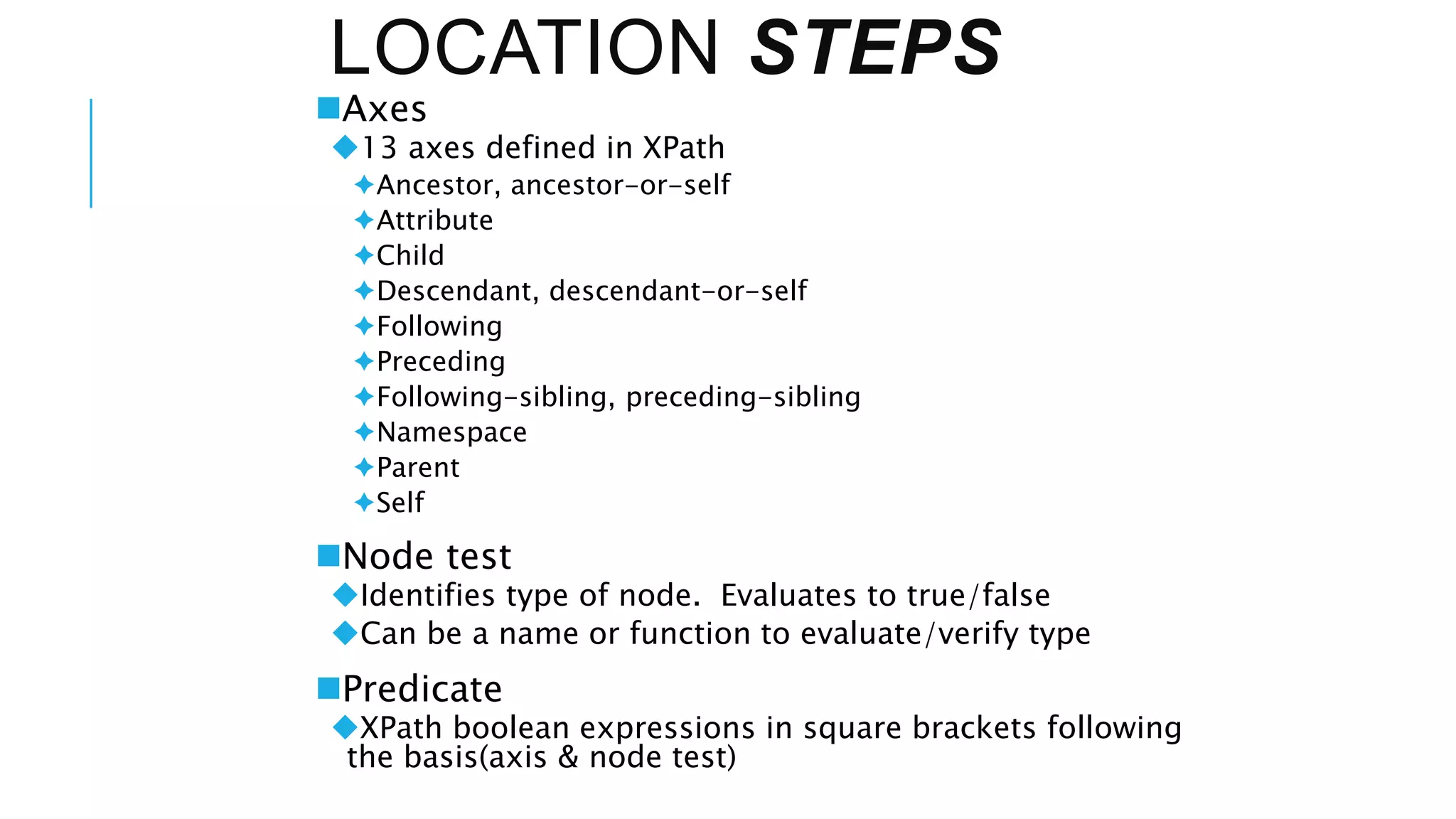
Axes
13 axes defined in XPath
Ancestor, ancestor-or-self
Attribute
Child
Descendant, descendant-or-self
Following
Preceding
Following-sibling, preceding-sibling
Namespace
Parent
Self
Node test
Identifies type of node. Evaluates to true/false
Can be a name or function to evaluate/verify type
Predicate
XPath boolean expressions in square brackets following
the basis(axis & node test)
EXAMPLES
Axis and Node Test:
child::para selects the para elements that are children of the
context node
preceding-sibling::para selects the preceding para
elements that are siblings to the context node
Basis and Predicate:
child::para[3] selects the 3rd para of the children of the
context node
child::para[attribute::type=“warning”] selects all para
children of the context node that have a type attribute with value
warning
Para[@type=“warning”][5] selects the fifth para child of
the context node that has a type attribute with value warning
LocationPath
ABBREVIATED SYNTAX
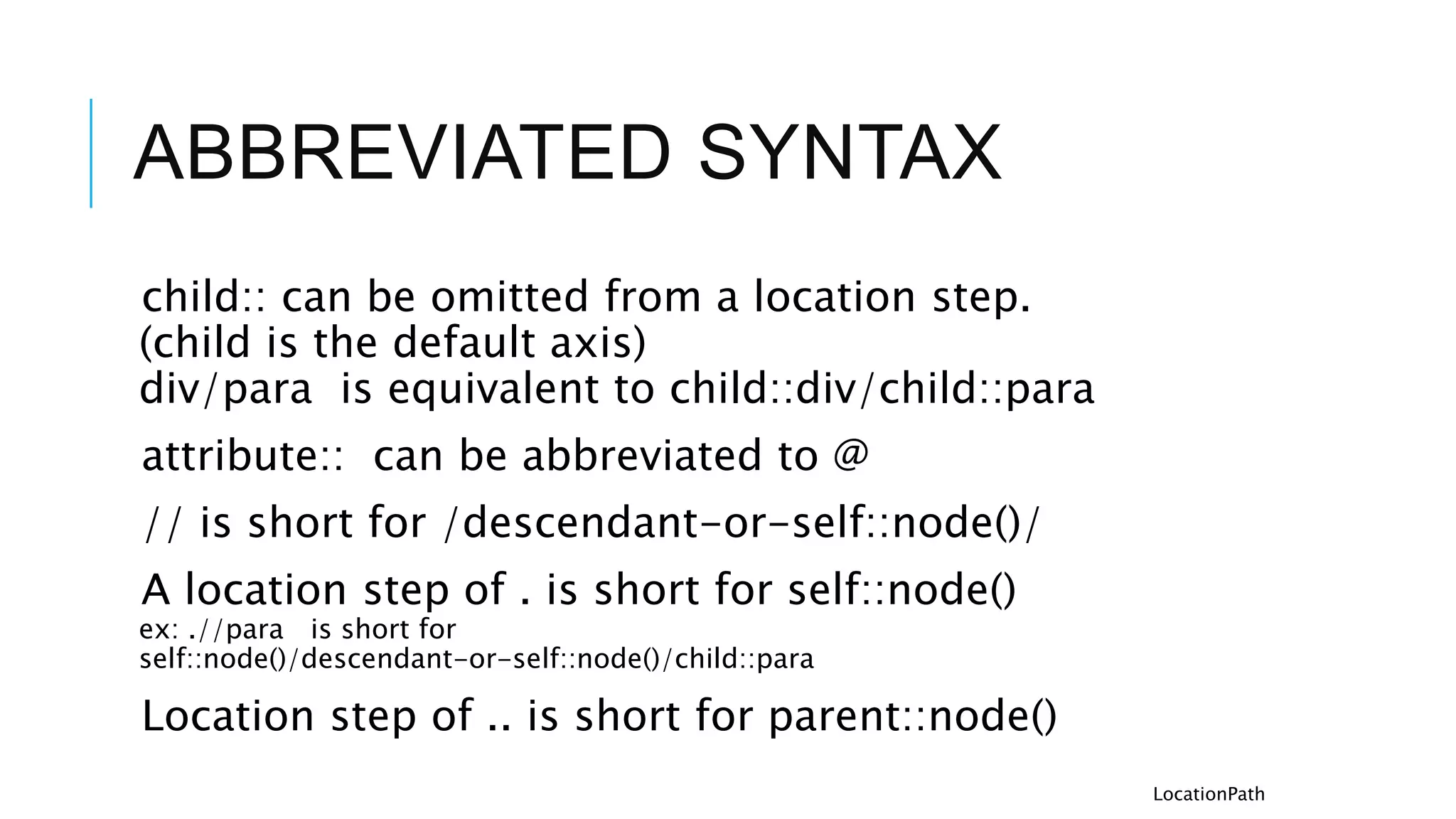
child:: can be omitted from a location step.
(child is the default axis)
div/para is equivalent to child::div/child::para
attribute:: can be abbreviated to @
// is short for /descendant-or-self::node()/
A location step of . is short for self::node()
ex: .//para is short for
self::node()/descendant-or-self::node()/child::para
Location step of .. is short for parent::node()
LocationPath
CORE FUNCTION
LIBRARY
XPath defines a core set of functions and operators
All implementations of XPath must implement the core
function library
Node Set Functions
last()
According to the XPath specification, the last() function is a node-set function
that returns the size for the current (context) node. In reality, this function selects
the last child node of the context node.
Arguments: None
Return Type: Number
Example:
child::para[position()=last()]
String Functions
substring(“12345”, 0, 3) returns “12”
Boolean Functions
boolean true() returns “true”
Number Functions
number sum(node-set) returns the sum of the nodes
Core
Library
CONCLUSION
XPath provides a concise and intuitive way to address into XML
documents
Standard part of the XSLT and XPointer specifications
Implementing XPath basically requires learning the abbreviated
syntax of location path expressions and the functions of the core
library
Conclusion
THANK YOU

XPATH_XSLT-1.pptx

  • 1.
    XS LT Extensible StyleSheet Transformations Presented By: Mahesh Tiria , 205121054 MD Akil Alam , 205121056 Mohit Banke, 205121058 Nayan Gupta, 205121060
  • 2.
    XML A QUICKRECAP  XML (eXtensible Markup Language) adds information to text files, using tags and attributes [example1], [example2] Tag names are defined for a specific document type. Uses the Unicode character set Designed to be easily processed by machine while remaining readable.
  • 3.
    WHAT IS XSL? XSL(Extensible StyleSheet Language)is a W3C specification that describes a method for visually presenting XML documents.
  • 4.
    PRESENTATION OF XML Two solutionsfor styling: CSS (Cascading Style Sheets and html) and XSLT (eXtensible Stylesheet Transformation). Required that presentation is separate.
  • 5.
    HOW XSL HELPSIN PRESENTATION? XSL is an alternative to CSS that allows greater control over the presentation of the XML data.
  • 6.
    WHAT CAN ITDO? like CSS allow changing presentation without changing the XML source, and display documents on various media. features (writing modes, text alignment, hyphenation), complex page layout, footnotes, automatic generation of content (index)
  • 7.
    WHO IS ITFOR? Applications that require high-level quality formatting. Publishing industry (books, technical documentation) Publication on different media: paper, web, mobile devices(One data multiple views).
  • 8.
    HOW XML DATACAN BE TRANSFORMED USING XSLT? a conversion of XML data into a tree structure, e.g. using an XML parser conformant to– Document Object Model (DOM) or Simple Api for XML (SAX).
  • 9.
    HOW XML DATACAN BE TRANSFORMED USING XSLT?  A structural transformation of the data: from the input to the desired output structure– involves selecting-projecting-joining, aggregating, grouping, sorting data– XSLT vs. custom applications: factoring out common subtasks and present them astransformation rules in a high-level declarative language.
  • 10.
  • 11.
    XSLT PROCESS Source tree Original XML file Result tree The result tree is an XML document in which the markup has information about how to display the document: what font to use, the size of a page, etc.
  • 12.
    ADDITIONAL FEATURES XSL uses CSSproperties to express formatting information, and uses the CSS inheritance model. XSL can import images and other types of known XML documents: SVG and MathML. Renderer( in case of web it is the browser ) can add capability to handle other namespaces.
  • 13.
    XSLT VARIABLES global variables- accesible throughout the whole stylesheet. local variables - available only within a particular template body. variable name and value defined with XSLT element <xsl:variable>, e.g. <xsl:variable name=’’sum’’ value=’’0’’/> can be referenced in XPath expressions as $sum.
  • 14.
    PARAMETERS global parameters -set from outside the stylesheet, e.g. command line, API. (defined with XSLT element <xsl:param>). local parameters - available only within a template.(defined with XSLT element <xsl:with-param>).
  • 15.
    EXPRESSIONS Evaluated in acontext, consisting of a static and dynamic context. static context - depends on where the expression appears. set of namespace declarations in force at the point where the expression is written. set of variable declarations in scope at the point where the expression is written. set of functions available to be called. base URI of the stylesheet element containing the expression. for document() function. dynamic context - depends on the processing state at the time of expression evaluation.  current values of the variables in scope. current location in the source tree, i.e. current node - the node currently being processed. context node - different from previous only for qualifiers inside expressions. context position - position in the current node list. context size - size of the current node list.
  • 16.
    STRUCTURE  <xsl:stylesheet> and<xsl:transform> elements. the outermost elements of any stylesheet. <?xsl:stylesheet?> processing instruction. used within an XML source to identify the stylesheet that should be used to process it. stylesheet modules, using <xsl:include> - textual inclusion of the referenced stylesheet module. <xsl:import> - the definitions in the imported module have lower import precedence. embedded stylesheets - inluded within another XML document, typically the document whose style it is defining.
  • 17.
    ELEMENTS define template rulesand control the way they are invoked, <xsl:template>, <xsl:apply-templates>, <xsl:call-template>. define the structure of a stylesheet: <xsl:stylesheet>, <xsl:include>, <xsl:import> generate output: <xsl:value-of>, <xsl:element>, <xsl:attribute>, <xsl:text>,<xsl:comment>, <xsl:processing-instruction> define variables and parameters: <xsl:variable>, <xsl:param>, <xsl:with- param> copy information from the source to the result: <xsl:copy>, <xsl:copy-of> conditional processing and iteration:<xsl:if>, <xsl:choose>, <xsl:when>, <xsl:otherwise>, <xsl:for-each> sort and number: <xsl:sort>, <xsl:number> control the final output format: <xsl:output>, <xsl:document>
  • 18.
    EXAMPLE <?xml version="1.0" encoding="UTF-8"?> <xsl:stylesheetversion="1.0" xmlns:xsl="http://www.w3.org/1999/XSL/Transform"> <xsl:template match="/"> <html> <body> <center> <h2>My CD Collection</h2> <table border="1">
  • 19.
    EXAMPLE : XSLFILE <tr bgcolor="#9acd32"> <th>Title</th> <th>Artist</th> </tr> <xsl:for-each select="catalog/cd"> <tr> <td><xsl:value-of select="title"/></td>
  • 20.
    EXAMPLE <xsl:choose> <xsl:when test="price >10"> <td bgcolor="#ff00ff"> <xsl:value-of select="artist"/> </td> </xsl:when>
  • 21.
  • 22.
  • 23.
  • 24.
  • 25.
    WHAT IS XPATH? Alanguage designed to be used by both XSL Transformations (XSLT) and XPointer. Provides common syntax and semantics for functionality shared between XSLT and XPointer. Primary purpose: Address ‘parts’ of an XML document, and provide basic facilities for manipulation of strings, numbers and booleans. W3C Recommendation. November 16, 1999 Latest version: http://www.w3.org/TR/xpath
  • 26.
  • 27.
    INTRODUCTION XPath uses acompact, string-based, rather than XML element-based syntax. Operates on the abstract, logical structure of an XML document (tree of nodes) rather than its surface syntax. Uses a path notation (like URLs) to navigate through this hierarchical tree structure. Introductio n
  • 28.
    INTRODUCTION CONT. Defines away to compute a string-value for each type of node: element, attribute, text. Supports Namespaces. Name of a node (a pair consisting of a local part and namespace URI). Expression (Expr) is the primary syntactic construct. Introductio n
  • 29.
    DATA MODEL Treats anXML document as a logical tree This tree consists of 7 nodes: Root Node – the root of the document Element Nodes – one for each element in the document Unique ID’s Attribute Nodes Namespace Nodes Processing Instruction Nodes Comment Nodes Text Nodes The tree structure is ordered and reads from top to bottom and left to right Data Model
  • 30.
    DATA MODEL EXAMPLE Forthis simple doc: <doc> <?Pub Caret?> <para>Some <em>emphasis</em> here. </para> <para>Some more stuff.</para> </doc> Might be represented as: root <doc> <?pi?> <para> <para> text <em> text text text Data Model
  • 31.
    EXPRESSION Evaluated to yieldan object of 4 basic types. node-set (unordered collection of nodes w/o duplicates). boolean (true/false) number (float) string (sequence of UCS chars) Evaluation occurs with respect to a context. (XSLT/XPointer specified context) Parsed by dividing the character string into tokens and then parsing the resulting sequence of tokens. Location paths select a set of nodes relative to the context node. Expression
  • 32.
    LOCATION PATHS LocationPath (mostimportant construct) describes a path from 1 point to another.  Analogy: Set of street directions. “Second store on the left after the third light” LocationPath provides the mechanism for ‘addressing’ items in an XML doc Two types of paths: Relative & Absolute Composed of a series of steps (1 or more) and optional predicates LocationPath
  • 33.
    LOCATION PATHS General syntax: LocationPath::= RelativeLocationPath | AbsoluteLocationPath Verbose syntax (has syntactic abbreviations for common cases) Examples (unabbreviated)  child::para selects the para element children of the context node  child::* selects all element children of the context node  attribute::name selects the name attribute of the context node  ancestor::div selects all div ancestors of the context node  self::para selects the context node if it is a para element (otherwise selects nothing)  child::*/child::para selects all para grandchildren of the context node  / selects the document root (which is always the parent of the document element) LocationPat h
  • 34.
    LOCATION STEPS 3 parts axis (specifies relationship btwn selected nodes and the context node)  node test (specifies the node type and expanded-name)  0 or more predicates (arbitrary expressions to refine the selected set of nodes) Syntax: Step ::= Axis Specifier NodeTest Predicate* | AbbreviatedStep Axis Specifier ::= AxisName ‘::’ |AbbreviatedAxisSpecifier ex: child::para[position( )=1] =>child is the name of the axis, para is the node test, and [position()=1] is a predicate Generate an initial node-set from axis (relationship to context node) and node-test (node-type and expanded-name), then filter that node-set by each of the predicates. ex: descendant::para =>selects the para element descendants of the context node. LocationPath
  • 35.
    LOCATION STEPS Axes 13 axesdefined in XPath Ancestor, ancestor-or-self Attribute Child Descendant, descendant-or-self Following Preceding Following-sibling, preceding-sibling Namespace Parent Self Node test Identifies type of node. Evaluates to true/false Can be a name or function to evaluate/verify type Predicate XPath boolean expressions in square brackets following the basis(axis & node test)
  • 36.
    EXAMPLES Axis and NodeTest: child::para selects the para elements that are children of the context node preceding-sibling::para selects the preceding para elements that are siblings to the context node Basis and Predicate: child::para[3] selects the 3rd para of the children of the context node child::para[attribute::type=“warning”] selects all para children of the context node that have a type attribute with value warning Para[@type=“warning”][5] selects the fifth para child of the context node that has a type attribute with value warning LocationPath
  • 37.
    ABBREVIATED SYNTAX child:: canbe omitted from a location step. (child is the default axis) div/para is equivalent to child::div/child::para attribute:: can be abbreviated to @ // is short for /descendant-or-self::node()/ A location step of . is short for self::node() ex: .//para is short for self::node()/descendant-or-self::node()/child::para Location step of .. is short for parent::node() LocationPath
  • 38.
    CORE FUNCTION LIBRARY XPath definesa core set of functions and operators All implementations of XPath must implement the core function library Node Set Functions last() According to the XPath specification, the last() function is a node-set function that returns the size for the current (context) node. In reality, this function selects the last child node of the context node. Arguments: None Return Type: Number Example: child::para[position()=last()] String Functions substring(“12345”, 0, 3) returns “12” Boolean Functions boolean true() returns “true” Number Functions number sum(node-set) returns the sum of the nodes Core Library
  • 39.
    CONCLUSION XPath provides aconcise and intuitive way to address into XML documents Standard part of the XSLT and XPointer specifications Implementing XPath basically requires learning the abbreviated syntax of location path expressions and the functions of the core library Conclusion
  • 40.

Editor's Notes

  • #27 Because Xpaht is cooperation between XSL and Xpointer working groups it has a broader definition so that both groups can use it. Different implementations specific to each language are defined within that language so that Xpath can be used across several languages. Xpath is used because we needed a way to point to a specific thing or a set of things in an XML doc.
  • #30 Namespace portion if the name of a node is optional, NULL if not specified
  • #32 Children of DOC are a processing-instruciton node and two para element nodes Four nodes comprise the descendents of the 1st <para> node: 2 text nodes, and <em>node >>Children <em> has child text node >> Grandchild of <para> ?Pub Caret?: Pub Caret is the xml declaration and contains special info for the xml processor. Tree order is top to bottom and left to right. Is possible to count nodes and select them by ordinal position w/respect to document order. Ex. Address and select 2nd <para> child of doc.
  • #33 node (the context node) pair of non-zero positive integers (context position and context size) set of variable bindings (mapping from variable names to variable values) function library (mapping function names to functions) XPath implementations support a core Function Library. XSLT/XPointer extend XPath by defining additional functions set of namespace declarations (mapping from prefixes to namespace URIs)
  • #34 (special case of an Expr) Location Path: describes path from 1pt to another in XML doc RelativeLocationPath ::= Step | RelativeLocationPath ‘/’ Step | AbbreviatedRelativeLocationPath =>The initial sequence of steps selects a set of nodes relative to a context node. Each node in that set is used as a context node for the following step. The set of nodes identified by the composition of the steps is this union. ex: child::div/child::para selects the para element children of the div element children of the context node para element grandchildren that have div parents AbsoluteLocationPath ::= ‘/’ RelativeLocationPath? | AbbreviatedAbsoluteLocationPath AbbreviatedAbsoluteLocationPath => / by itself selects the root node of the document containing the context node. If followed by a relative location path, then the location path selects the set of nodes relative to the root node of the document containing the context node.
  • #37 Node Tests Every Axis has a principal node type. Principal node type is the type of the nodes that the axis can contain. attribute axis (principal node type is attribute) In relation to CONTEXT NODE Ancestor, ancestor–or-self //Ancestors of context node…or-self includes context node Attribute //Specific attribute of the context node Child //children of the context node Descsndant, descendant-or-self //descendants of …or-self includes context node Following //all elements that com after the context node excluding descentants //elements whose start tags come AFTER the end tag of the context node in doc order Preceding //elements coming before ContextNode excluding ancestors Folling-dibling, preceding-sibling //any sibling preceding(before)or following(after) contextnode LtoR order // in tree structure Namespace //all open namespaces at context node Empty if ContextNode is NOT an element Parent //parent of context node Self //context node itself
  • #38 Basis: axis & nodetest