Downloaded 52 times


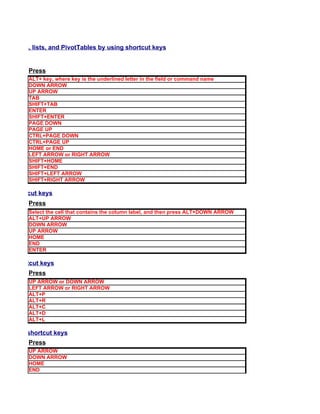
![books by using shortcut keys
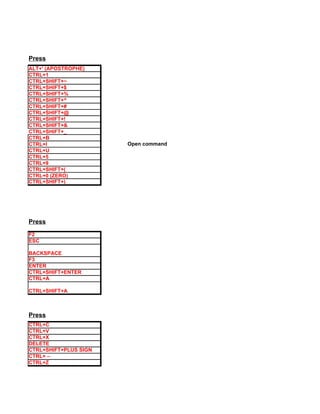
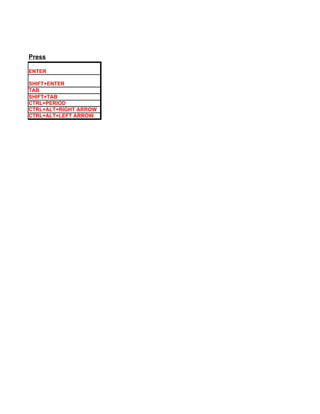
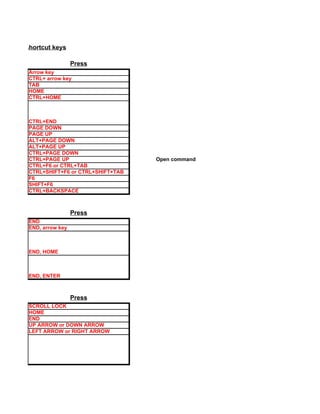
Press
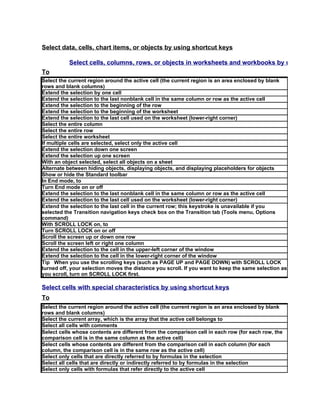
CTRL+SHIFT+* (ASTERISK)
SHIFT+ arrow key
CTRL+SHIFT+ arrow key
SHIFT+HOME
CTRL+SHIFT+HOME
CTRL+SHIFT+END
CTRL+SPACEBAR
SHIFT+SPACEBAR
CTRL+A
SHIFT+BACKSPACE
SHIFT+PAGE DOWN Open command
SHIFT+PAGE UP
CTRL+SHIFT+SPACEBAR
CTRL+6
CTRL+7
Press
END
END, SHIFT+ arrow key
END, SHIFT+HOME
END, SHIFT+ENTER
Press
SCROLL LOCK
UP ARROW or DOWN ARROW
LEFT ARROW or RIGHT ARROW
SHIFT+HOME
SHIFT+END
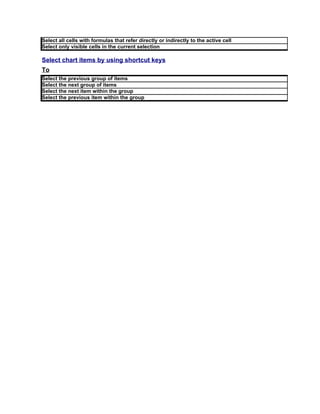
Press
CTRL+SHIFT+* (ASTERISK)
CTRL+/
CTRL+SHIFT+O (the letter O)
CTRL+
CTRL+SHIFT+|
CTRL+[
CTRL+SHIFT+{
CTRL+]](https://image.slidesharecdn.com/excelshortcutkeys-100704114959-phpapp01/85/Excel-shortcut-keys-13-320.jpg)
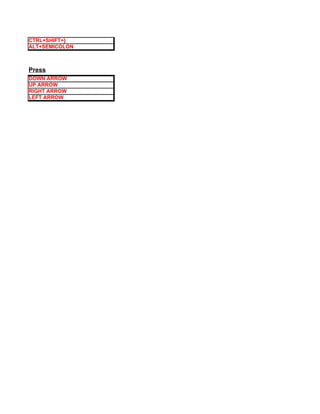
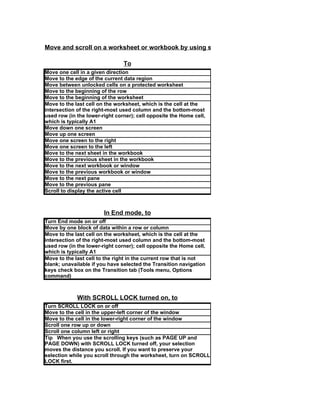
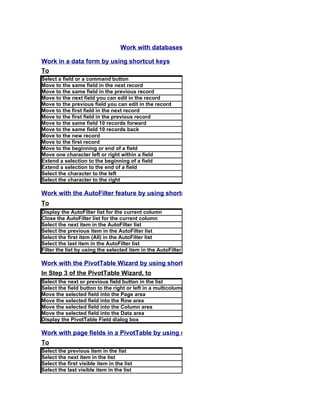
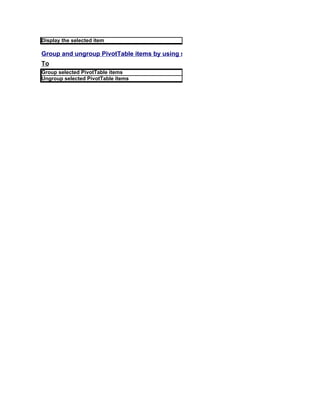



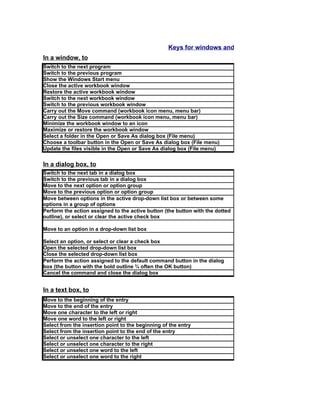
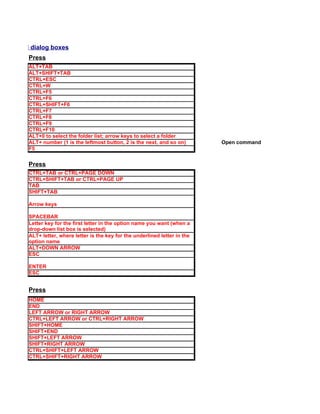
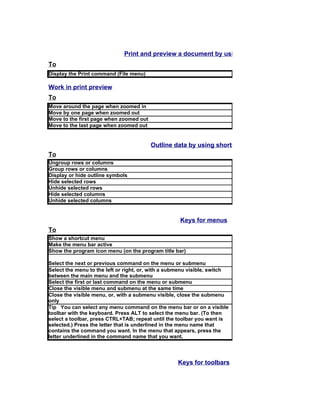
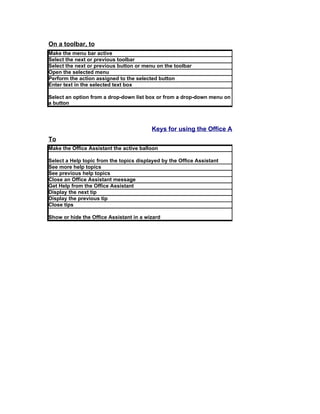
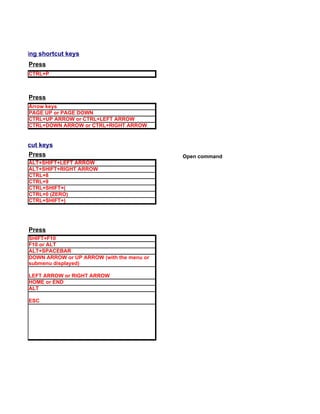
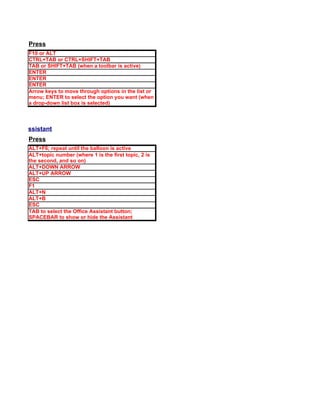

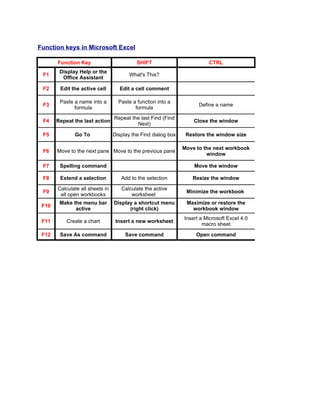
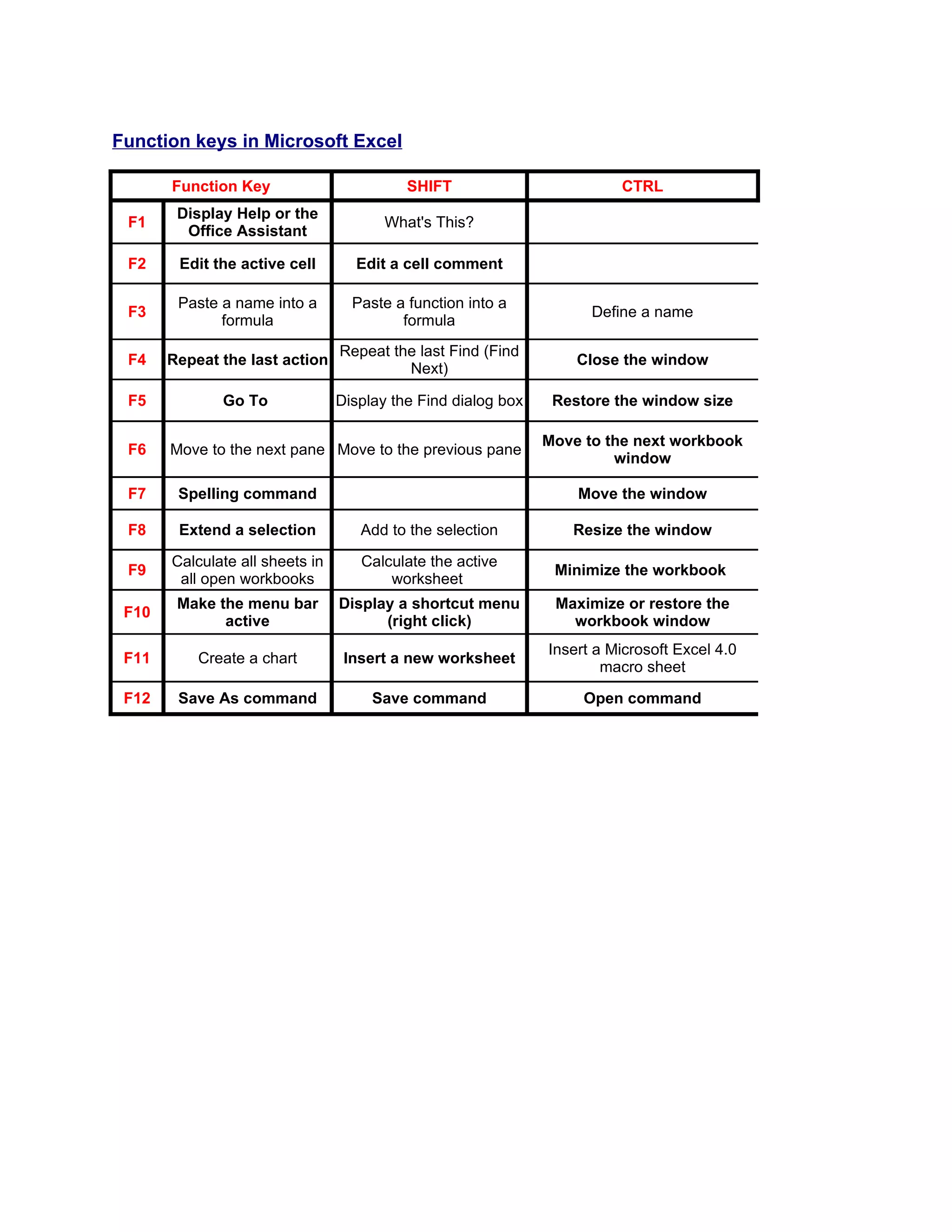
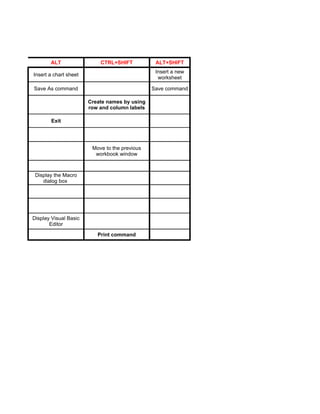
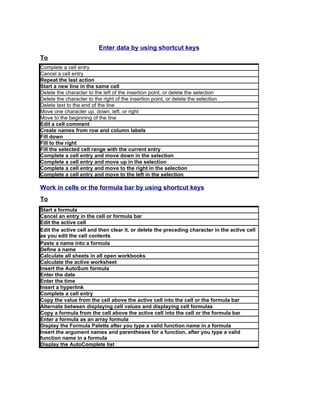
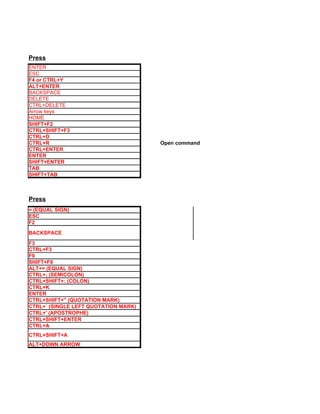
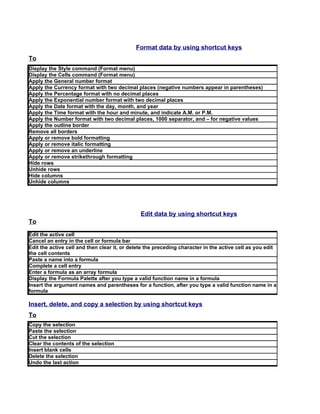
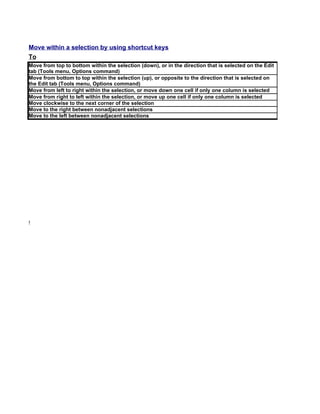
This document provides a summary of function keys and their associated actions in Microsoft Excel. F1 displays help or the Office assistant. F2-F12 perform various actions like editing cells, calculating worksheets, formatting data, inserting sheets and charts, saving files and more. Keyboard shortcuts allow selecting cells, copying/pasting data, entering formulas, and navigating/editing spreadsheets. Special keys like END, SCROLL LOCK, and arrow keys help select ranges and scroll the view.


