

















Evernote:
Remember
everything for
your classroom Stan Skrabut
@uwcesedtech
#uwces
http://www.slideshare.net/
skrabut
Over time you have collected countless resources to
support your classrooms.
You are teachers who have a busy schedule.
You often have to refer to resources and have trouble
finding them quickly.
You want to reduce the amount of time needed to run
your classroom.
Let me provide you with ideas on how you can
leverage Evernote as a teacher.
What makes
Evernote so
magical?
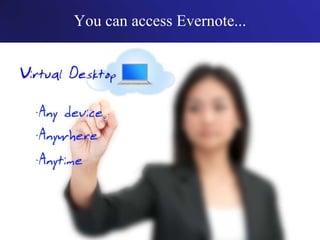
You can access Evernote from any device.
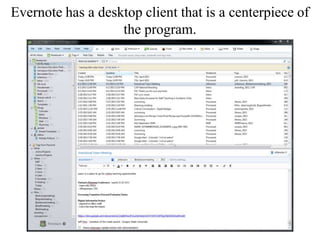
Evernote has a desktop client that is a centerpiece of
the program.
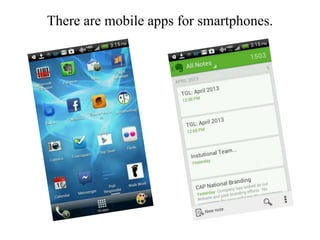
There are mobile apps for smartphones.
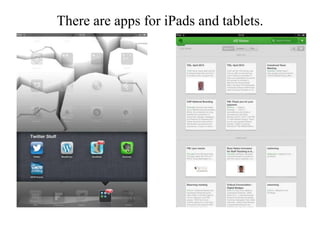
There are apps for iPads and tablets.
You can access Evernote...
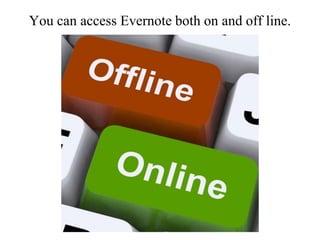
You can access Evernote both on and off line.
Evernote is available 24 hours a day.
Most importantly, you can capture and organize ideas
whenever and wherever ideas occur.
You can print your documents wherever you are.
You can add content to Evernote in countless
ways.
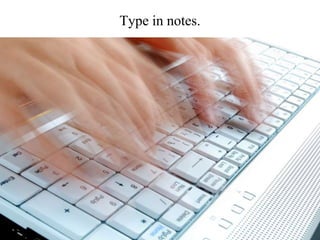
Type in notes.
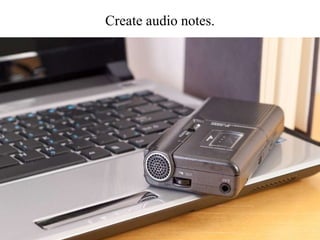
Create audio notes.
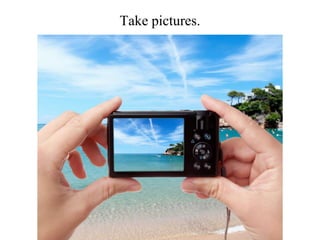
Take pictures.
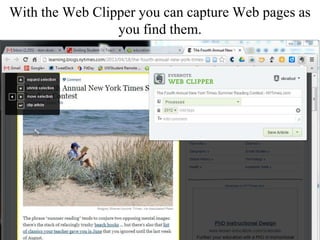
With the Web Clipper you can capture Web pages as
you find them.
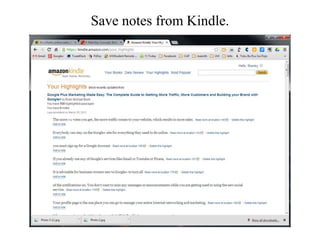
Save notes from Kindle.
You can email yourself a note.
Some processes can be automated with folders.
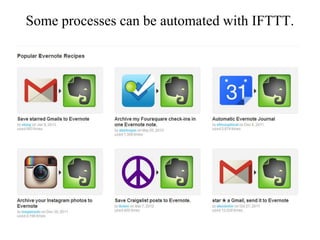
Some processes can be automated with IFTTT.
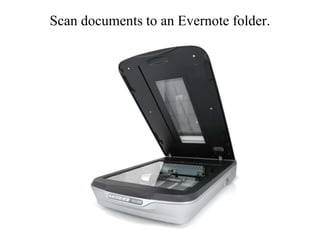
Scan documents to an Evernote folder.
How can you use
Evernote to
improve as a
teacher?
Have your teaching materials available to
you at all times.
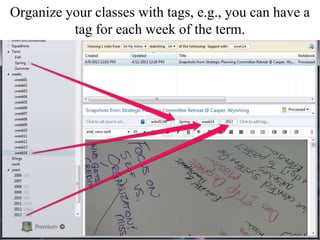
Organize your classes with tags, e.g., you can have a
tag for each week of the term.
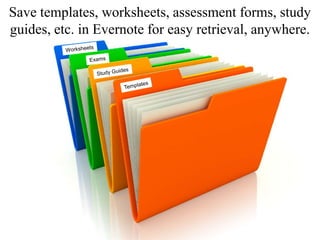
Save templates, worksheets, assessment forms, study
guides, etc. in Evernote for easy retrieval, anywhere.
Maintain lessons for your whole teaching career.
Update lessons on the fly.
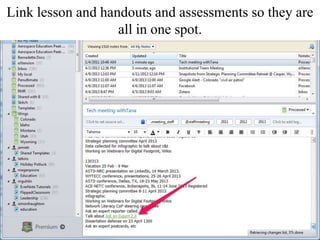
Link lesson and handouts and assessments so they are
all in one spot.
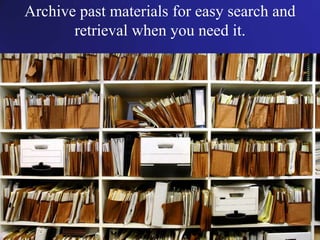
Archive past materials for easy search and
retrieval when you need it.
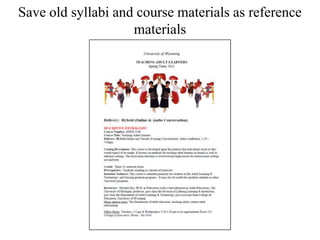
Save old syllabi and course materials as reference
materials
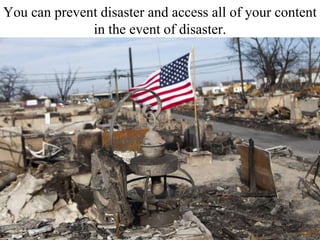
You can prevent disaster and access all of your content
in the event of disaster.
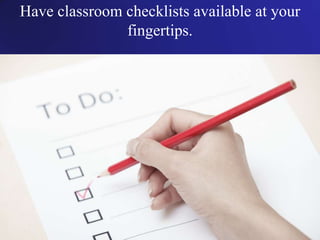
Have classroom checklists available at your
fingertips.
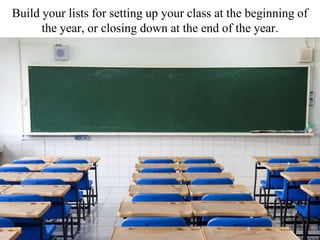
Build your lists for setting up your class at the beginning of
the year, or closing down at the end of the year.
Build and share your supply lists with
colleagues, parents and students.
Capture ideas to be used in your classroom as
you find them.
Capture real world images that relate to your classes.
Collect articles that impact your teaching.
Quickly document your classroom and share it to
Evernote.
Easily share content with colleagues and
students.
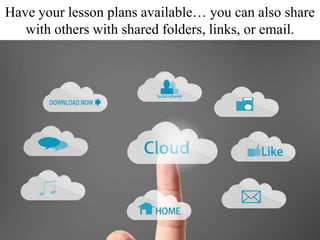
Have your lesson plans available… you can also share
with others with shared folders, links, or email.
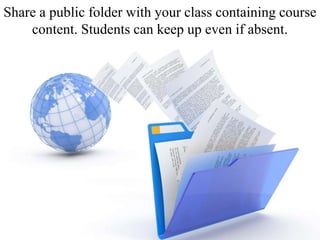
Share a public folder with your class containing course
content. Students can keep up even if absent.
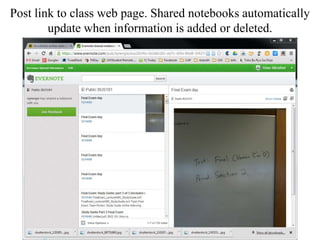
Post link to class web page. Shared notebooks automatically
update when information is added or deleted.
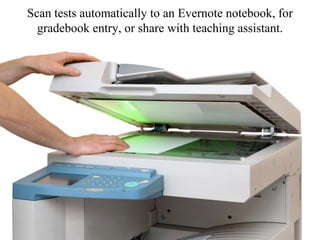
Scan tests automatically to an Evernote notebook, for
gradebook entry, or share with teaching assistant.
Develop a notebook to share with the substitute
teacher when you happen to be absent.
Using shared folders with individual students, hand
back assignments when done.
Grade shared homework online.
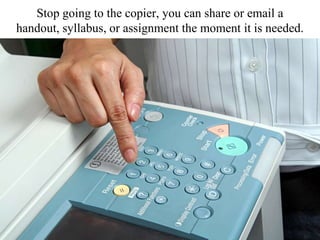
Stop going to the copier, you can share or email a
handout, syllabus, or assignment the moment it is needed.
Share lesson plans with administrators when they need
them.
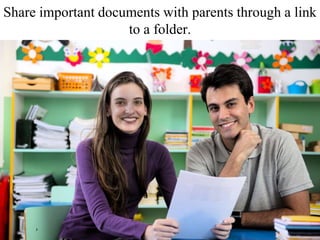
Share important documents with parents through a link
to a folder.
Share a folder and ideas with your instructional team.
Each can write to it.
Advance your professional development with
Evernote.
Capture your professional development
notes, resources, lesson ideas, etc.
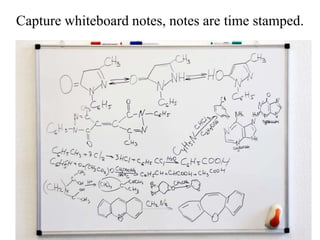
Capture whiteboard notes, notes are time stamped.
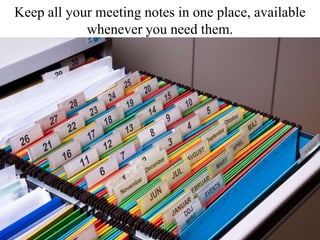
Keep all your meeting notes in one place, available
whenever you need them.
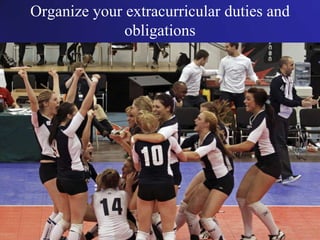
Organize your extracurricular duties and
obligations
Track event checklists
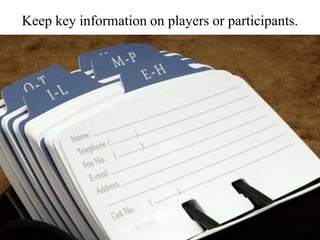
Keep key information on players or participants.
Questions?
Evernote:
Remember
everything for
your classroom Stan Skrabut
@uwcesedtech
#uwces
http://www.slideshare.net/
skrabut

How to use Evernote to manage your classroom

Editor's Notes

  • #37 MISHELLA / Shutterstock.comhttp://www.shutterstock.com/gallery-122575p1.html
  • #48 http://www.evernote.com/pub/synergix/bus181
  • #61 http://www.shutterstock.com/gallery-489262p1.html?cr=00&pl=edit-00Jamie Roach / Shutterstock.com