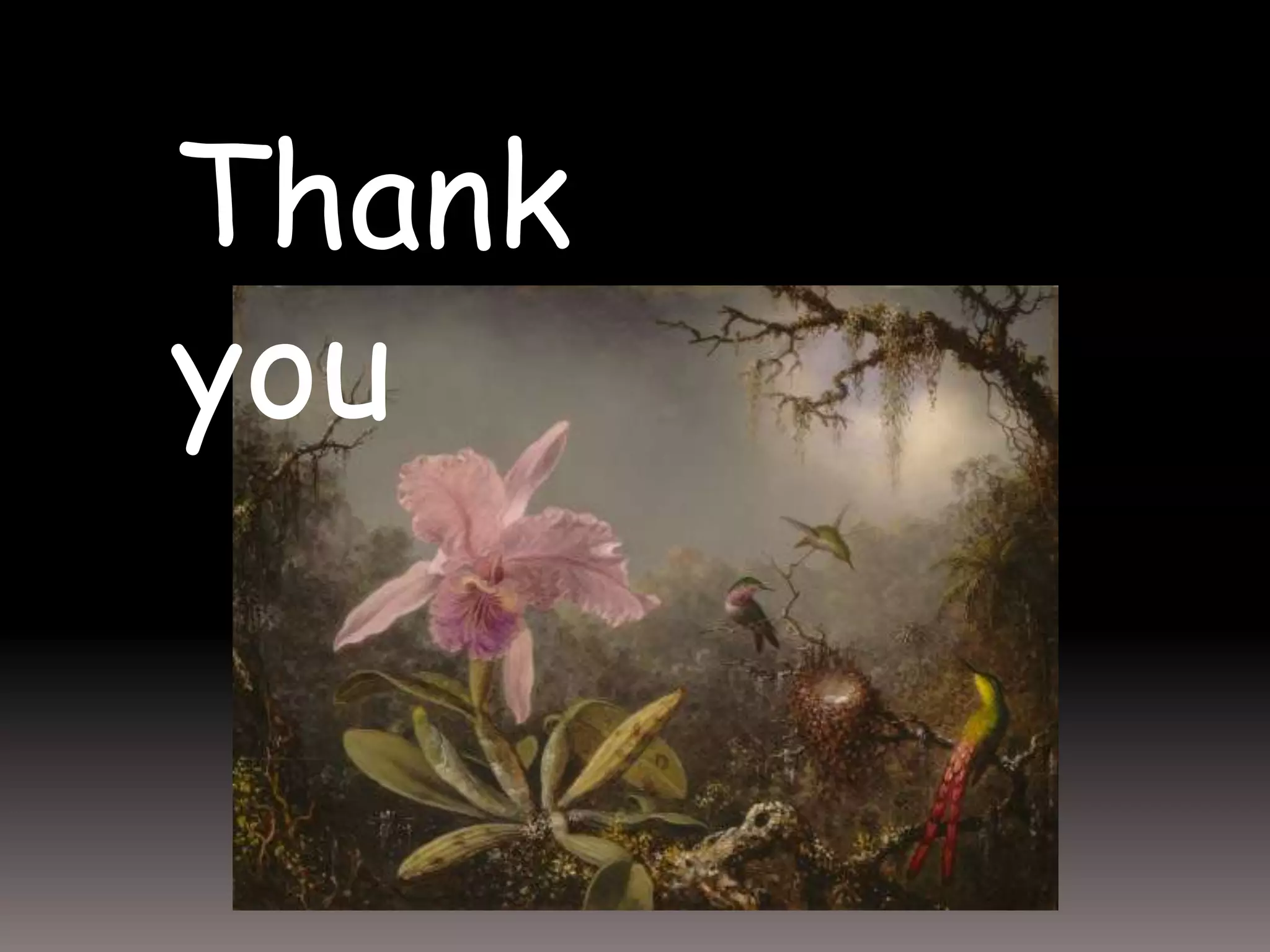
"There are more things in heaven and earth, Horatio, Than are dreamt of in your philosophy."HamletAct I Scene V
We face many challenges in helping students master course material
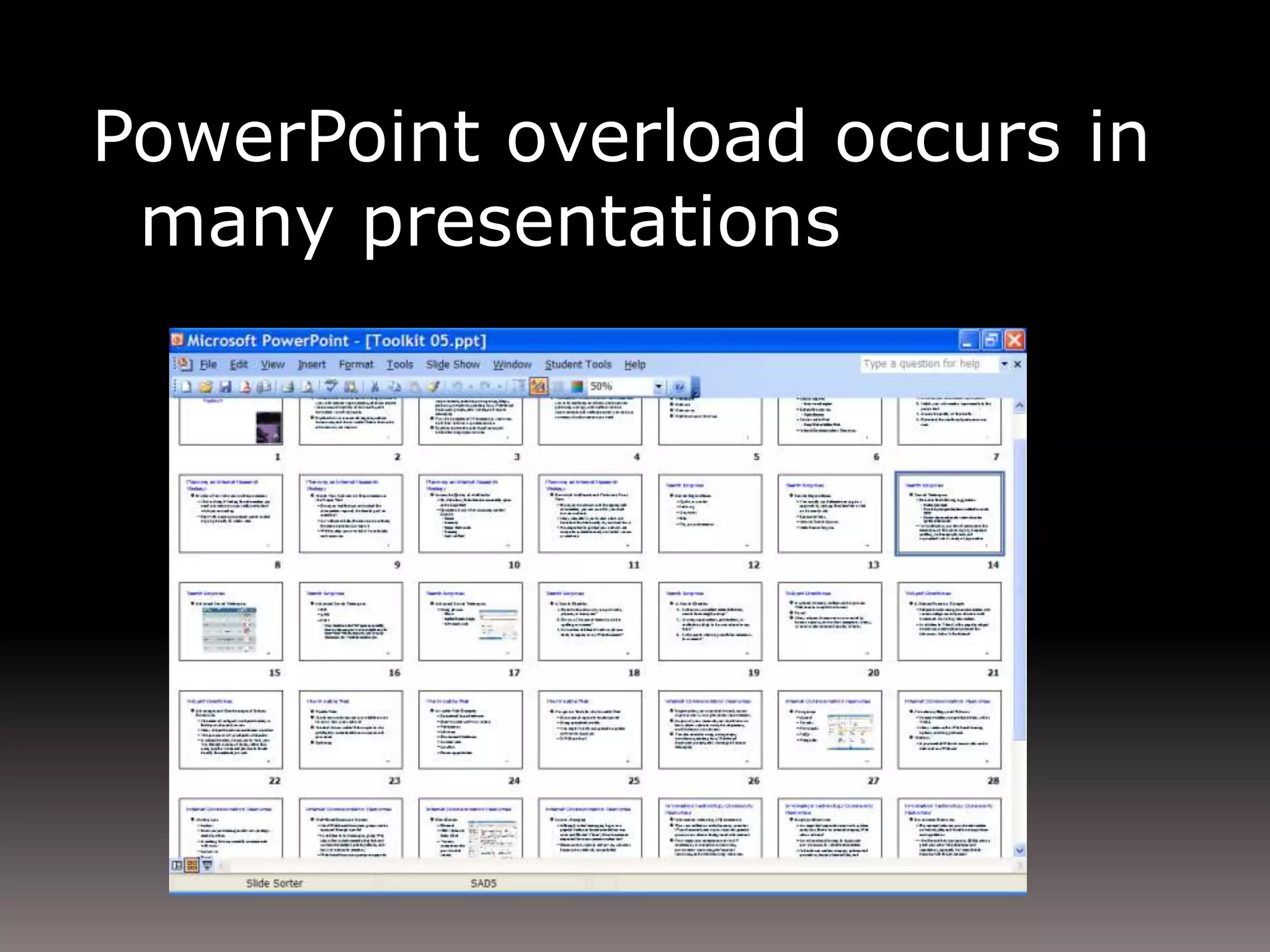
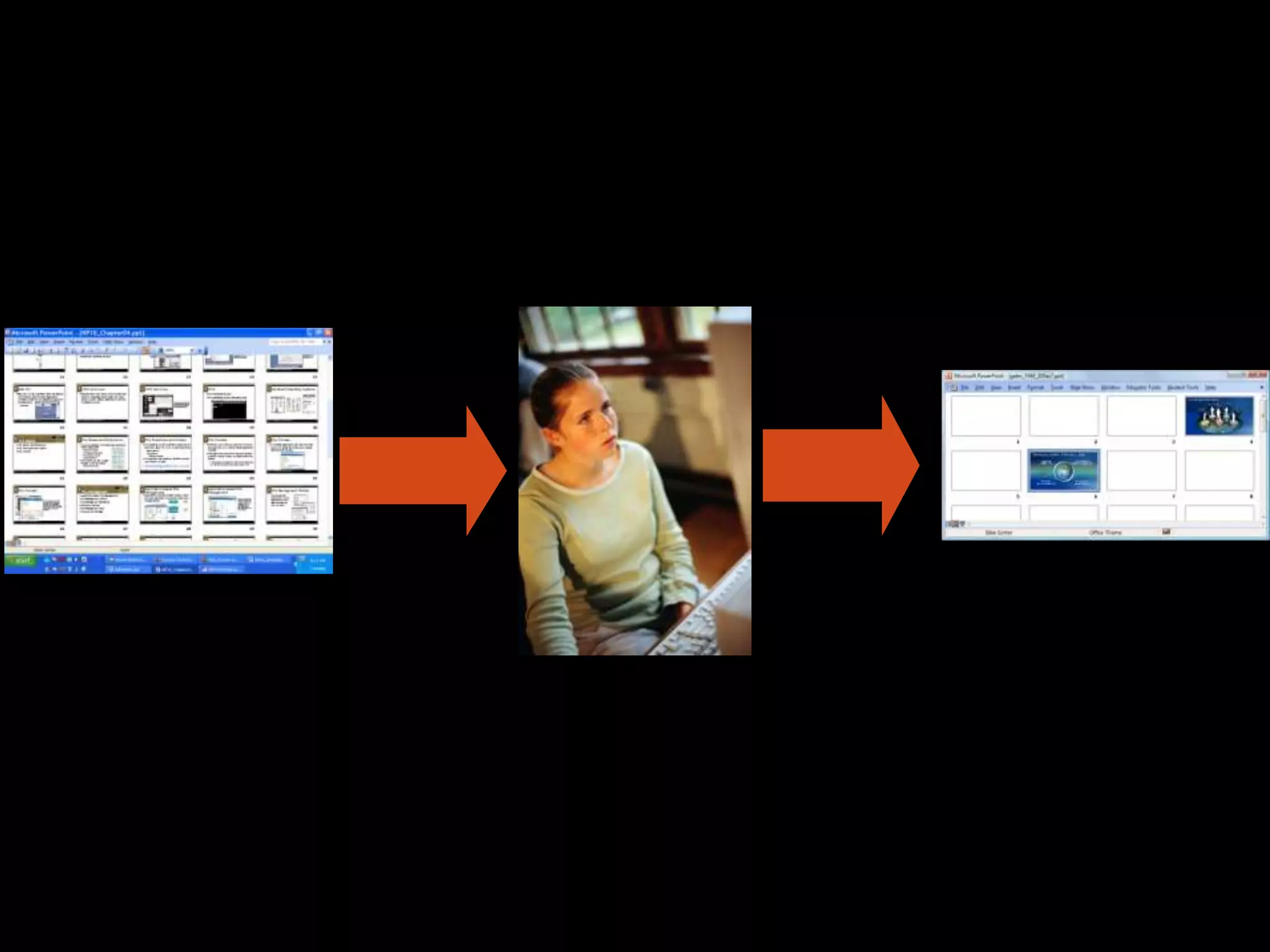
PowerPoint overload occurs in many presentations
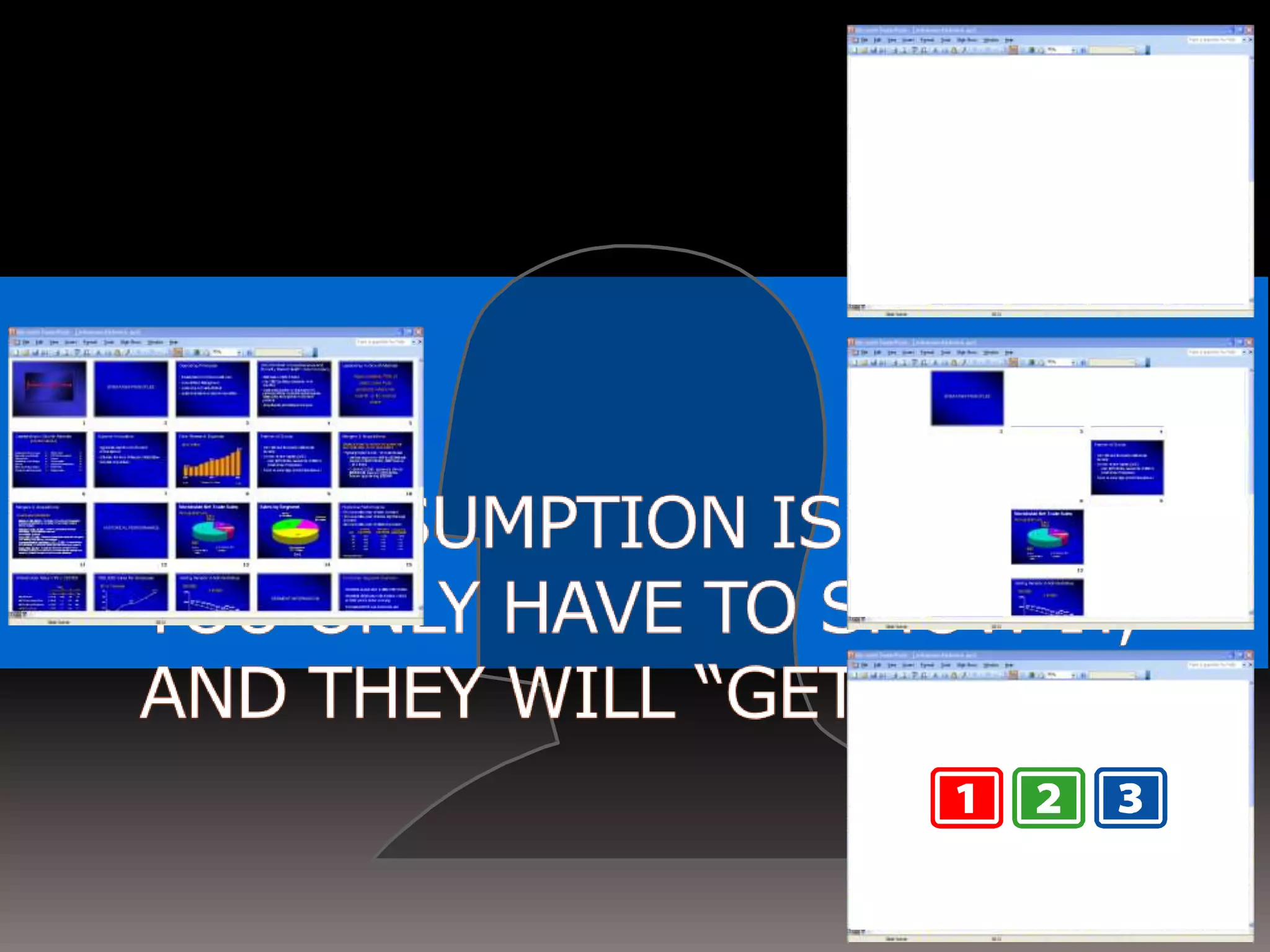
One assumes that you only have to show it, and they will “get it”
PowerPoint overload adversely affects student learning
Research can offer a solution
John WilsonEverything we know is wrong
Learning objectives
The wrong question: How do we use multimedia to help students learn?
The right question:
How do students learn?
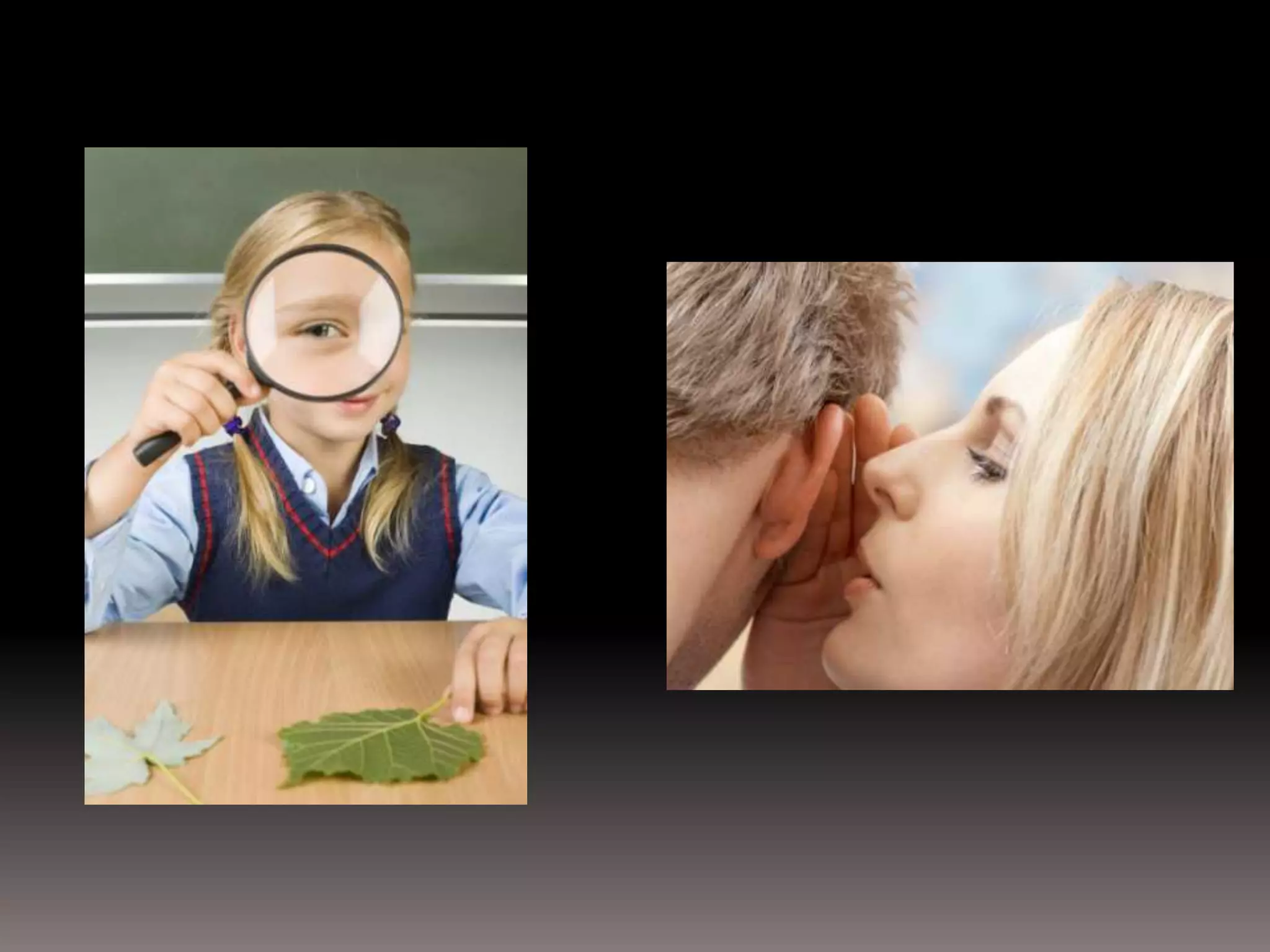
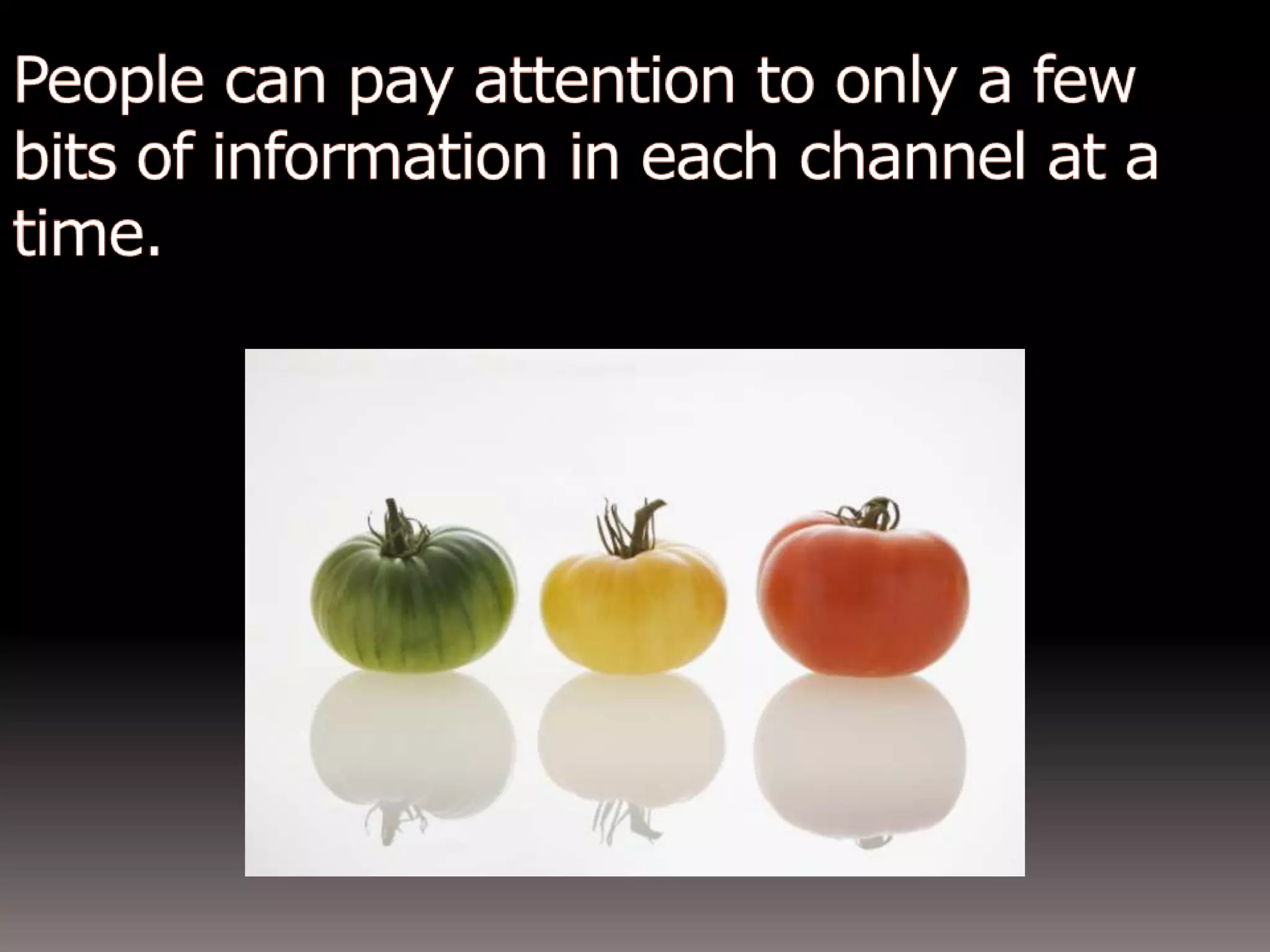
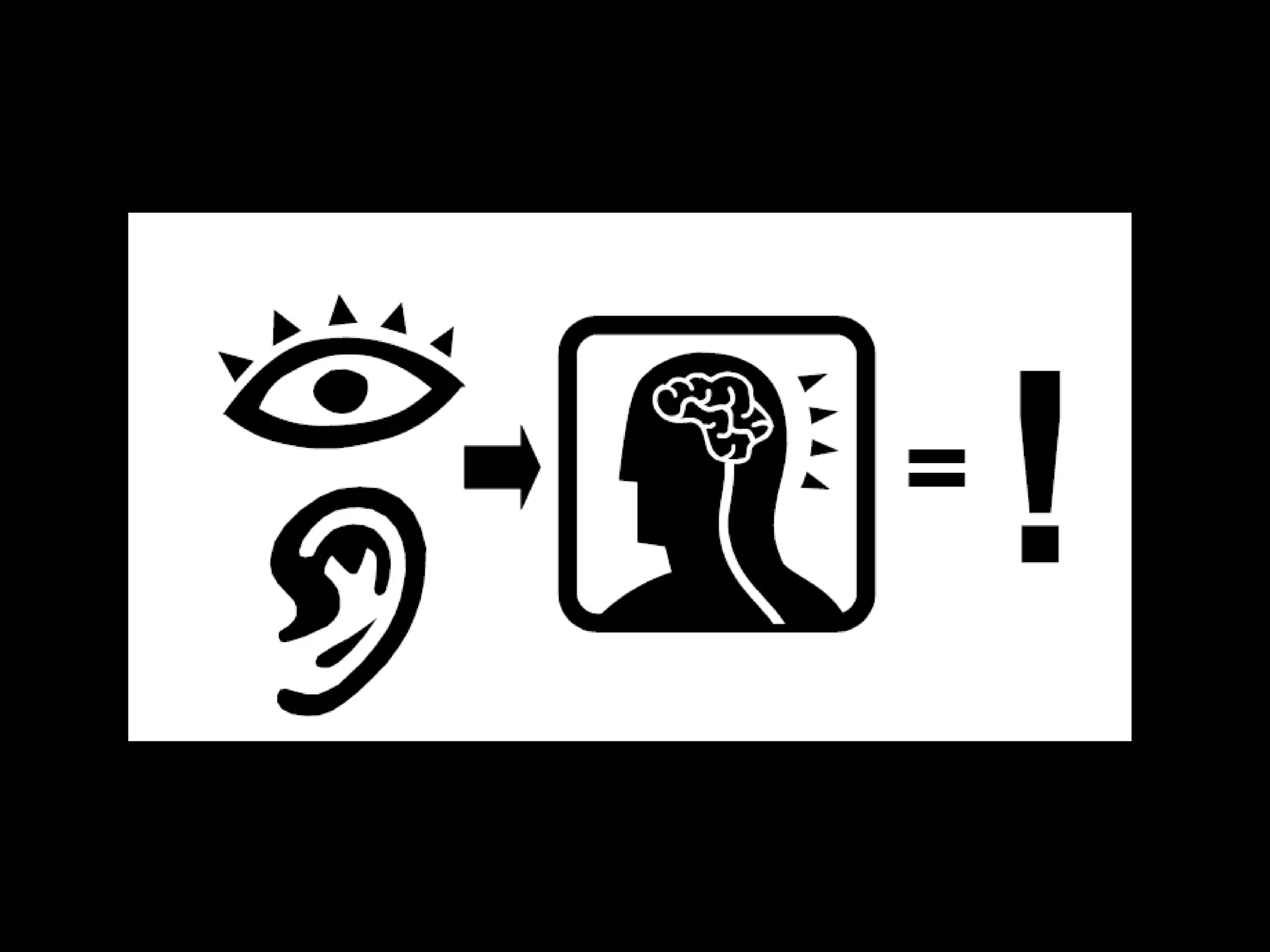
People can pay attention to only a few bits of information at a time.
We have 3 types of memorysensorylong-termworking
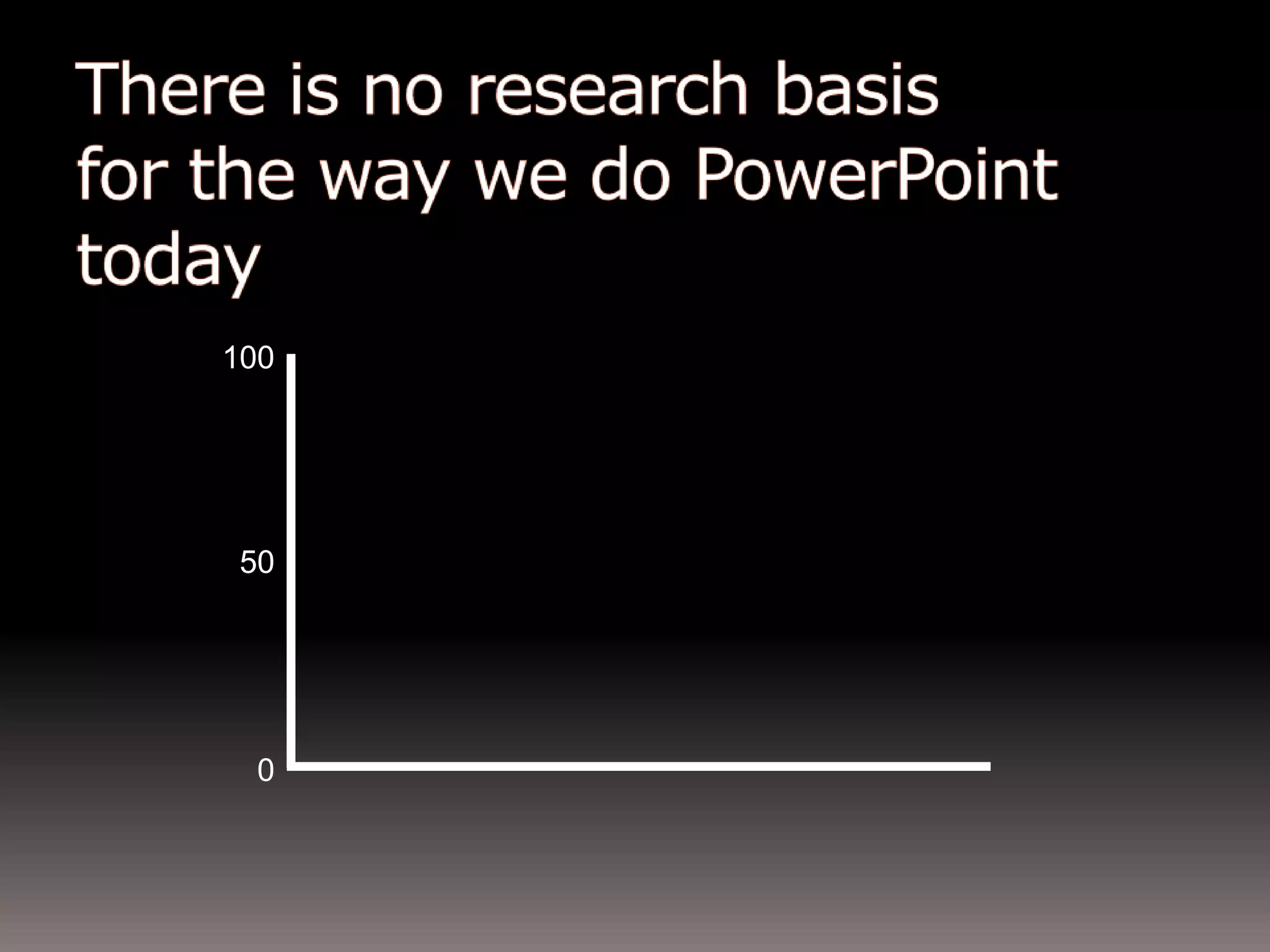
100500There is no research basis for the way we use PowerPoint today
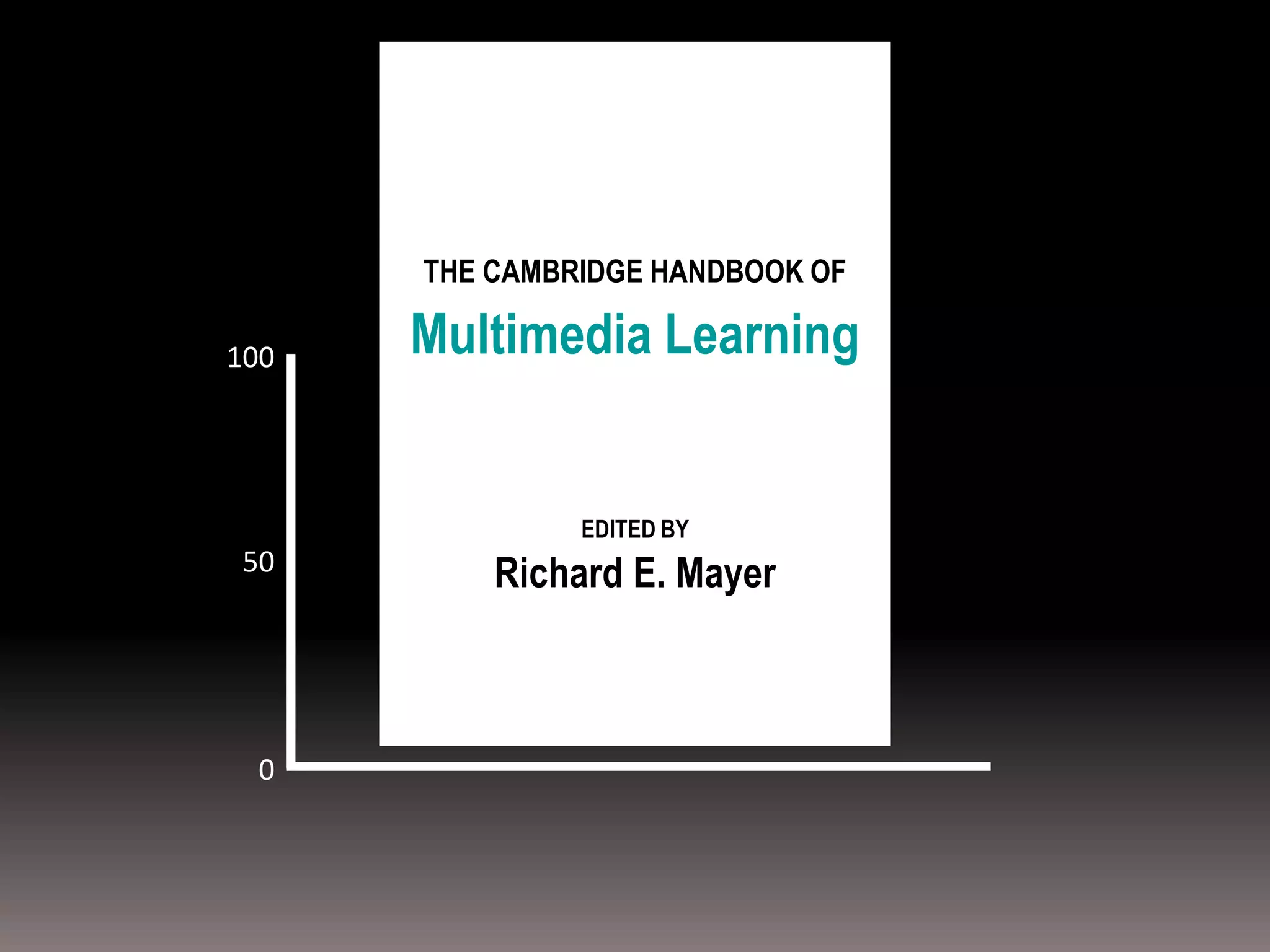
THE CAMBRIDGE HANDBOOK OF100Multimedia Learning50EDITED BYRichard E. Mayer0
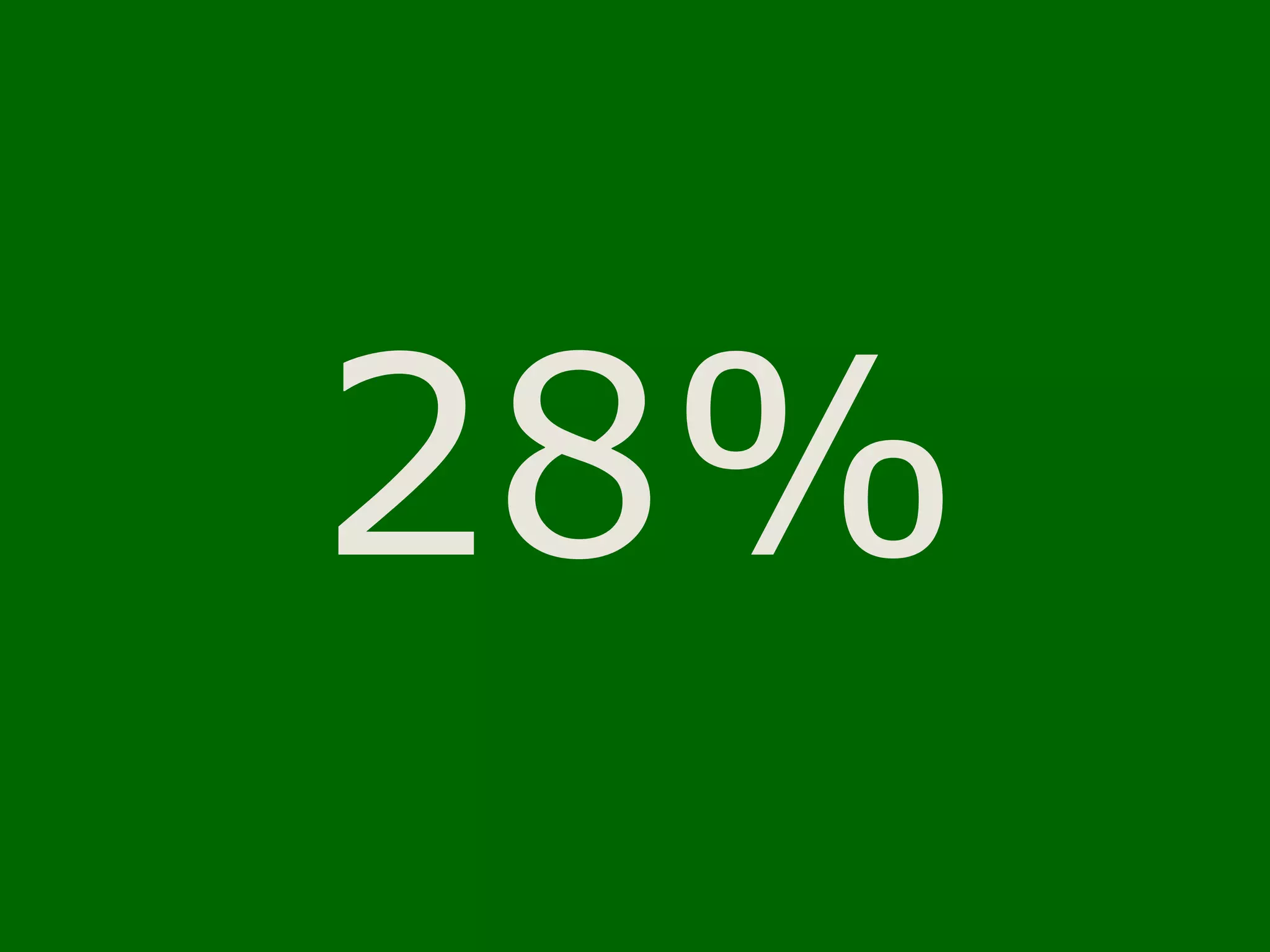
28%
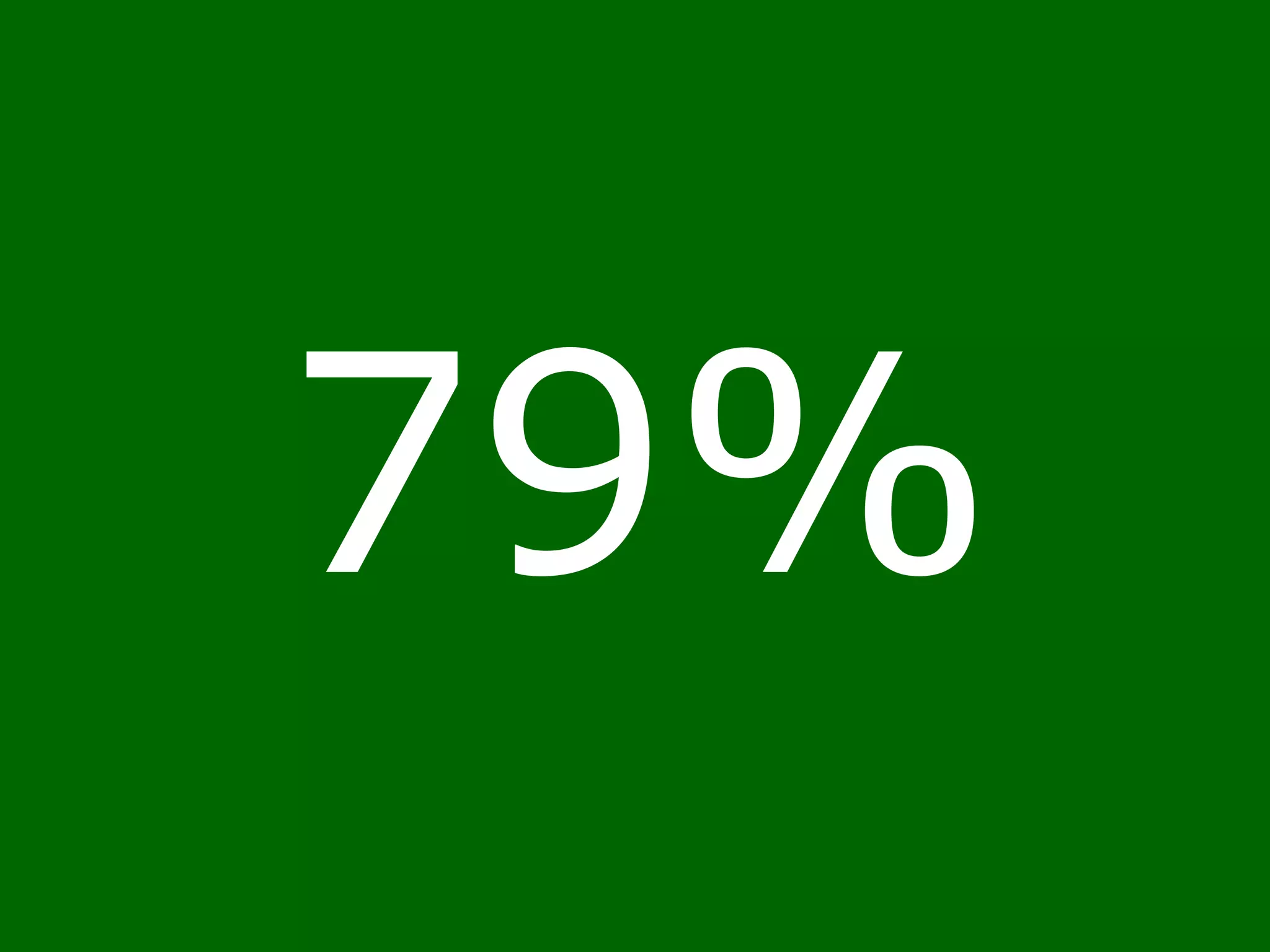
79%
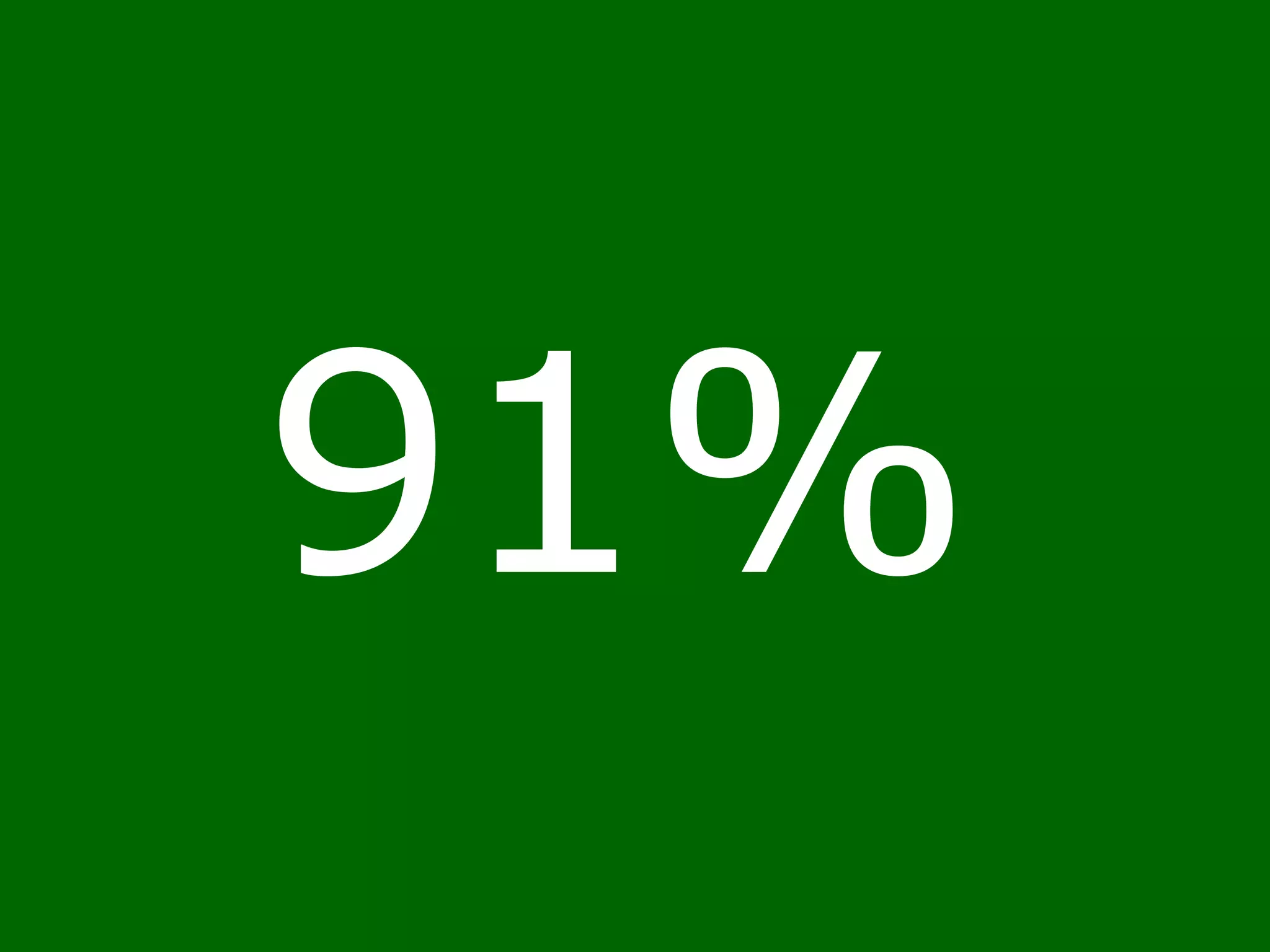
91%
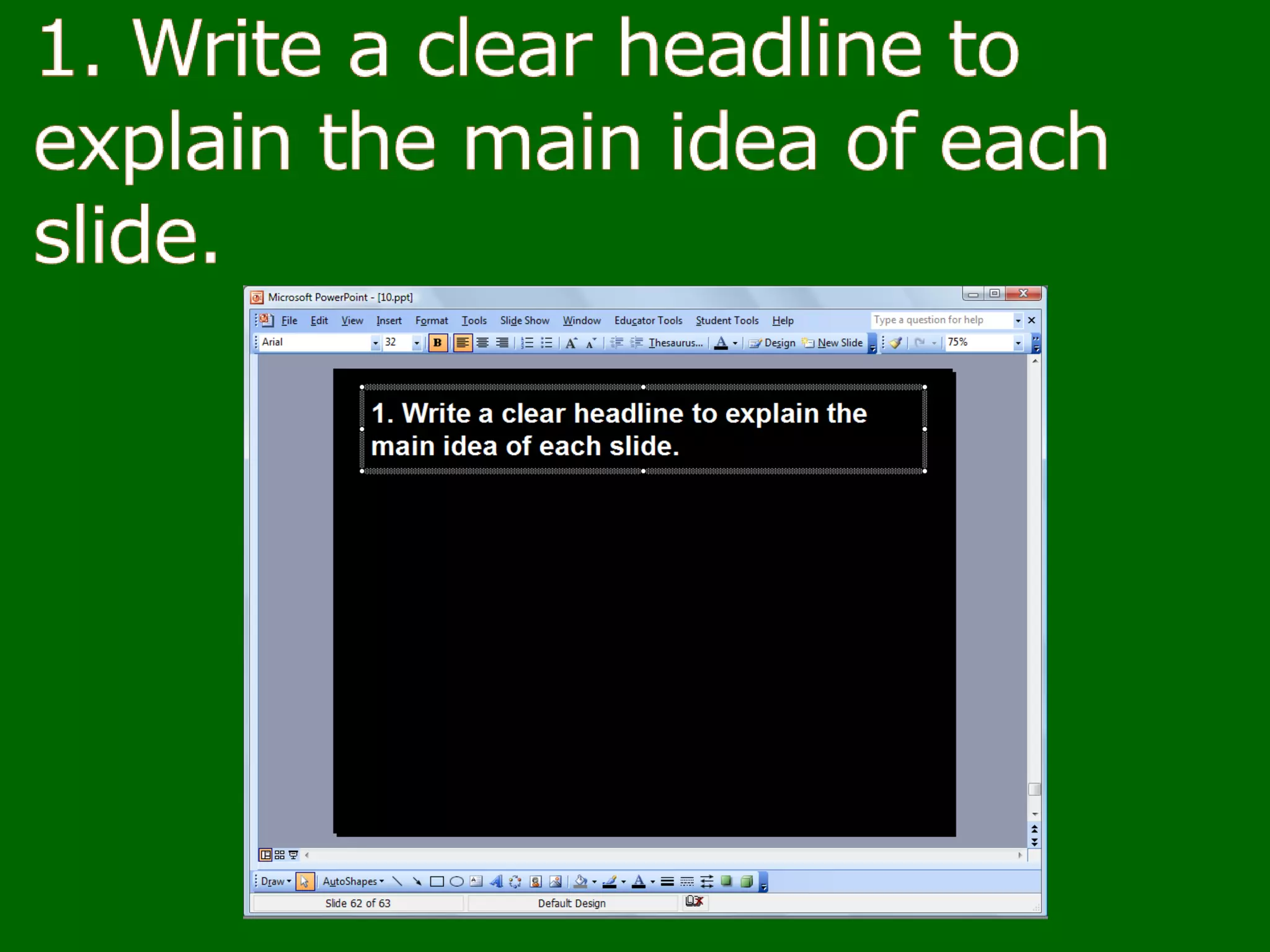
5 points to reduce PowerPoint overload
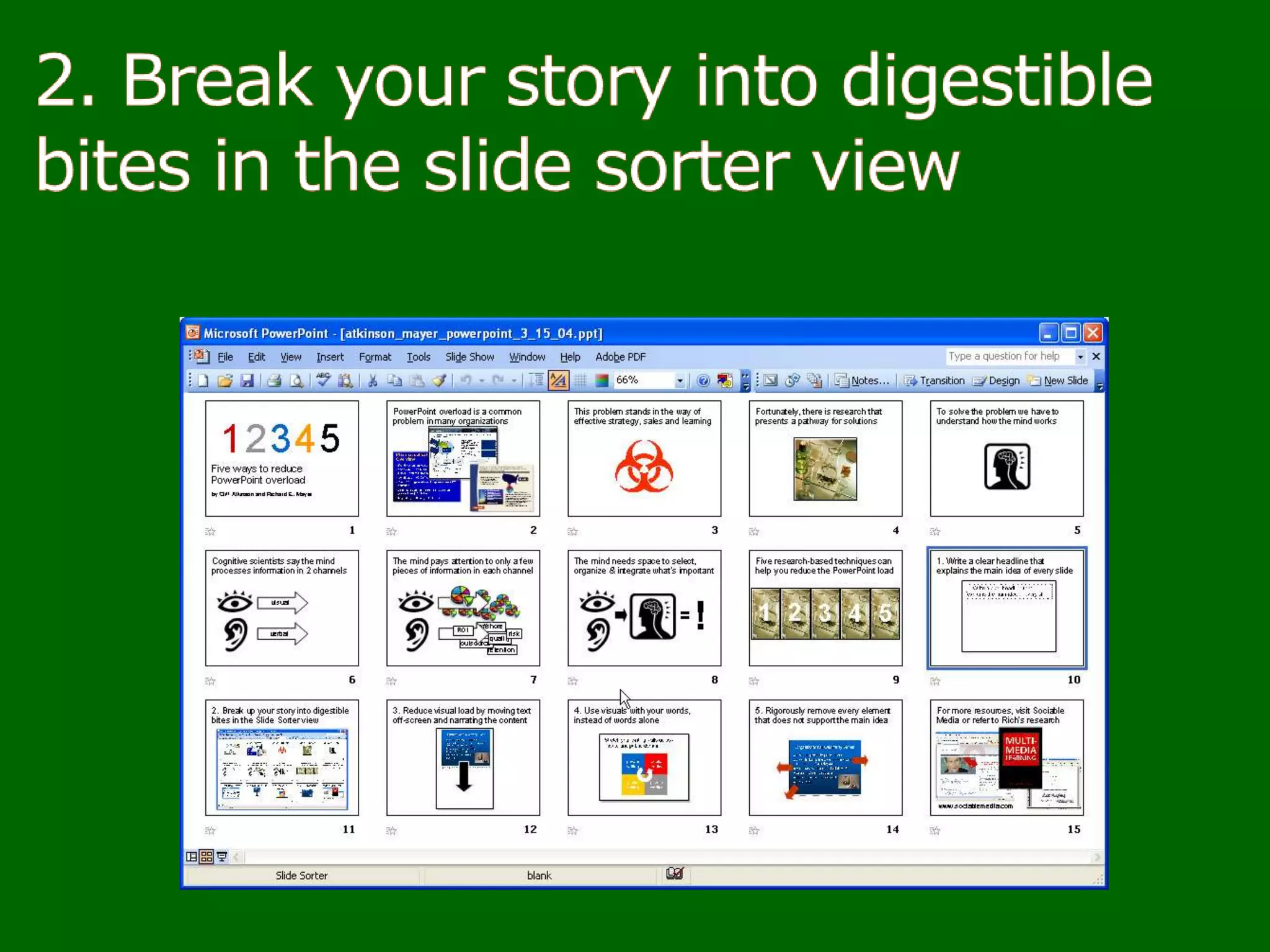
2. Break your story into digestible bites in the slide sorter view
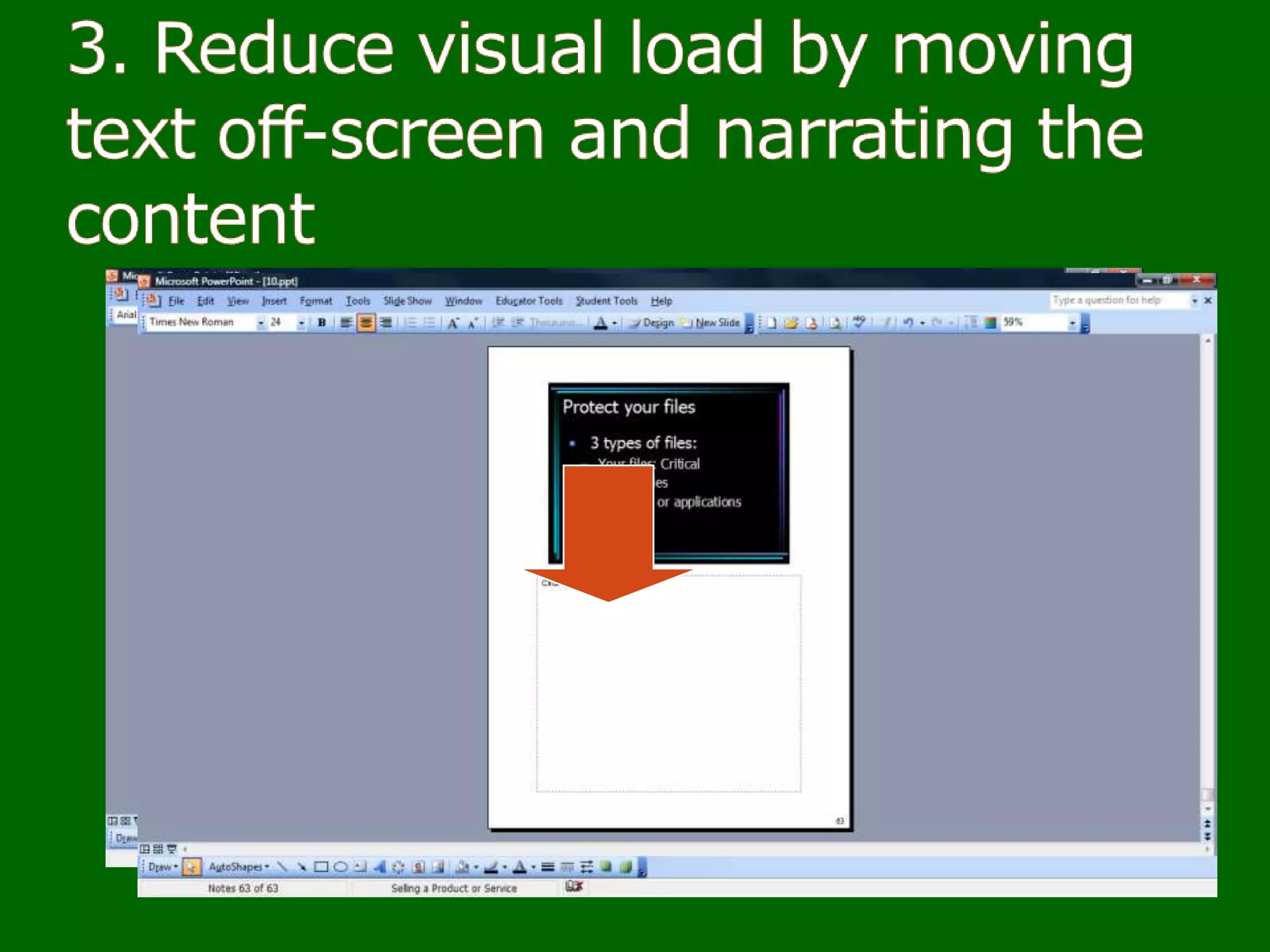
3. Reduce visual load by moving text off- screen
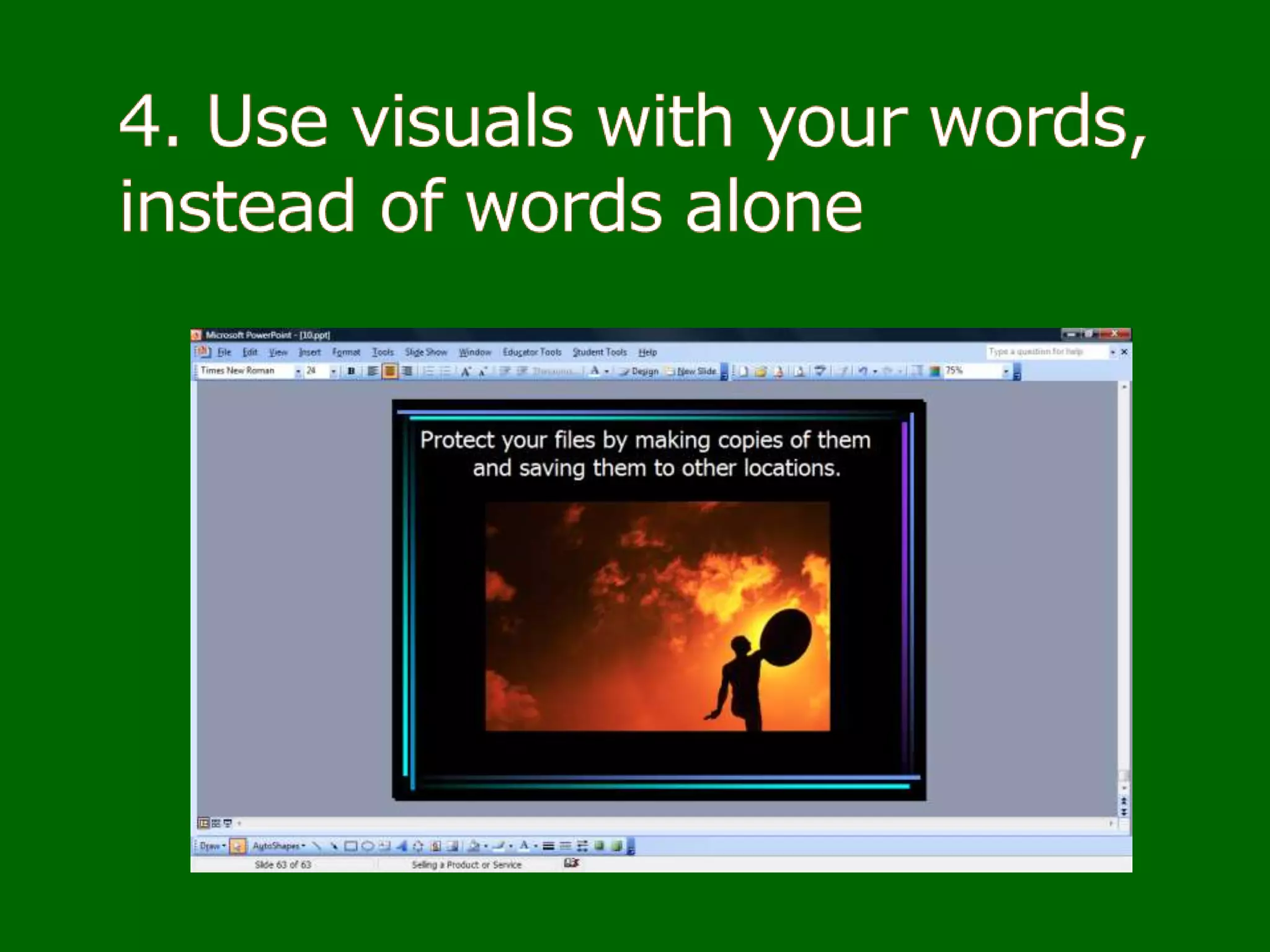
4. Use visuals with your words,instead of words alone
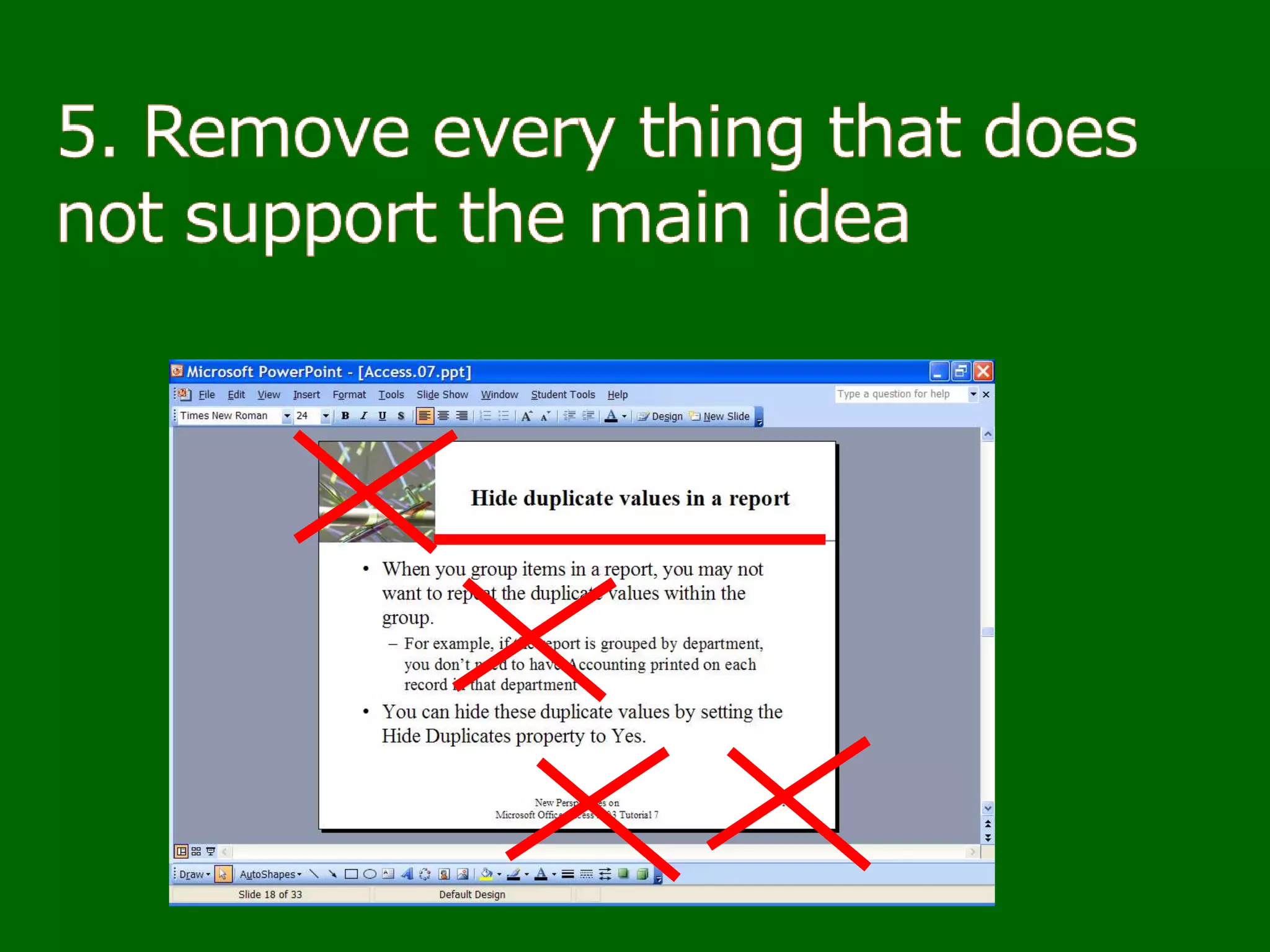
5. Remove every element that does not support the main idea
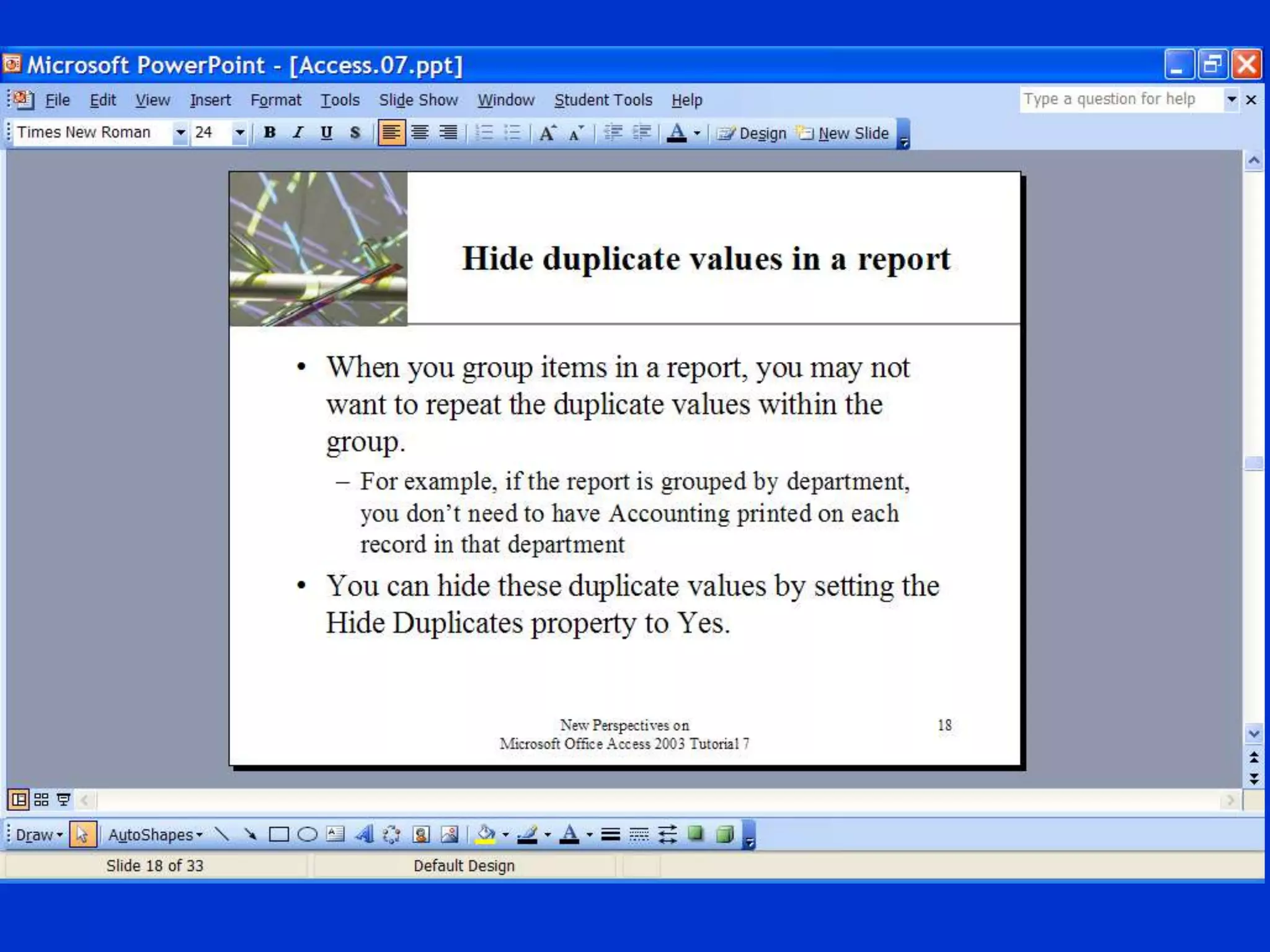
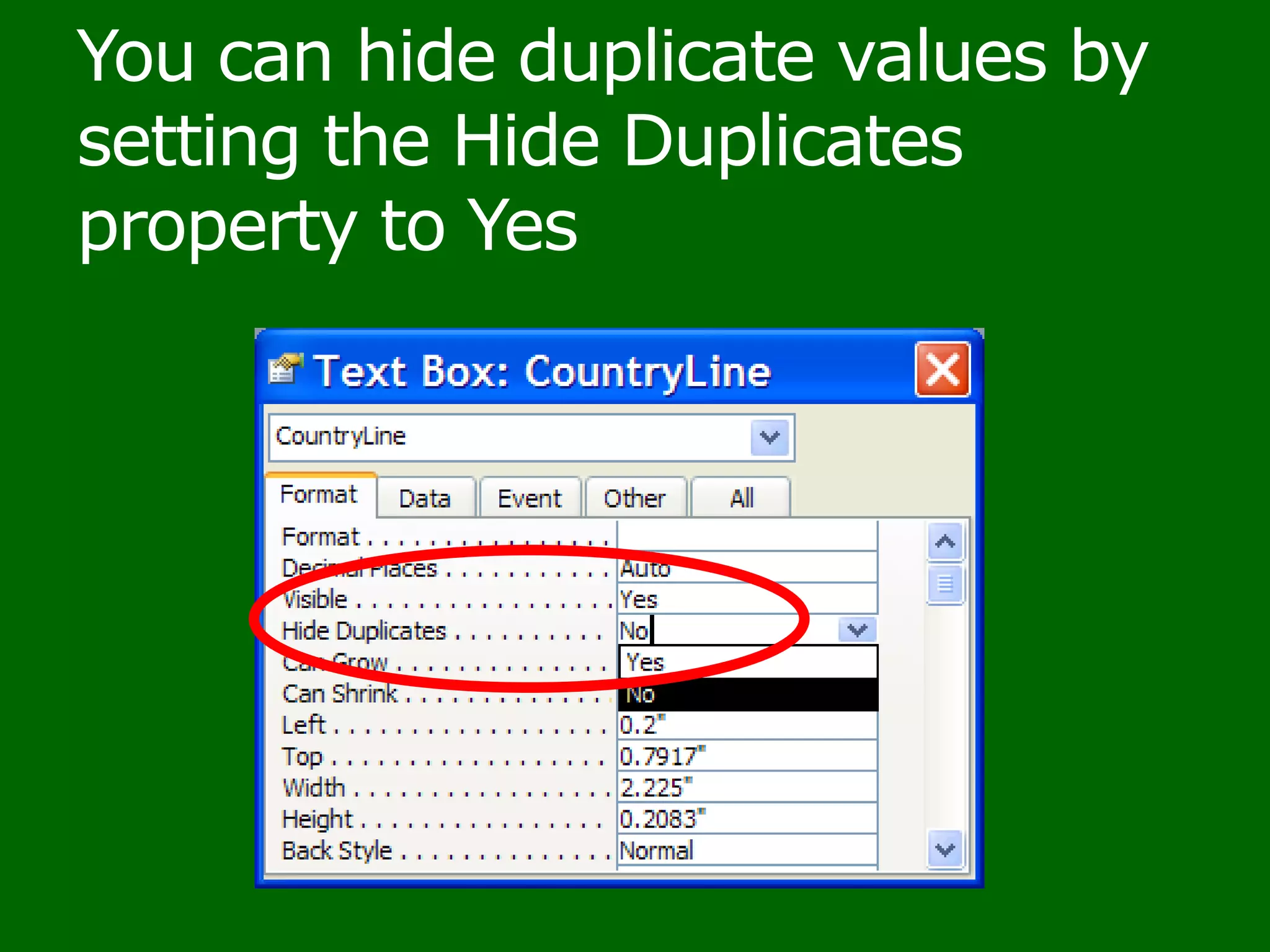
You can hide duplicate values by setting the Hide Duplicates property to Yes
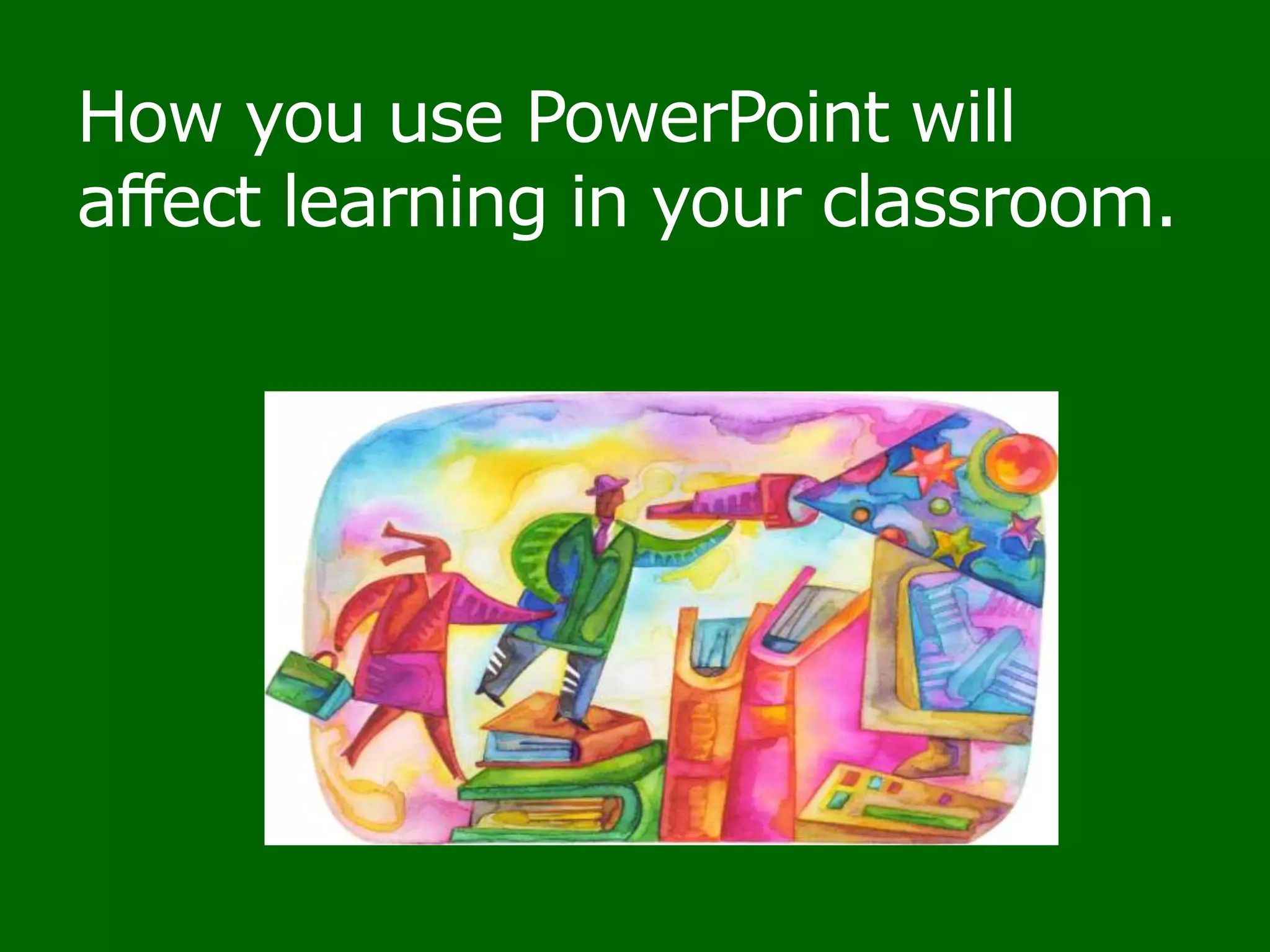
How you use PowerPoint will affect learning in your classroom.
Use these 5 steps to enhance learning in your classroom
ReferencesBeyond Bullet Points, Cliff Atkinson
Multimedia LearningRichard E. Mayer
Effect of Multimedia Components on Learning
“10 slide design tips for producing powerful and effective presentations”
Five ways to reduce PowerPoint overload, Cliff Atkinson and Richard E. MayerReferencesPresentation Tips

Enhance learning with PowerPoint or Everything we know about PowerPoint is wrong

Editor's Notes

  • #2 Thank you for choosing to come today. I hope you will feel free to ask questions as they occur to you or make comments. Who has a good memory? When you see swans-ask me whatI see on my screen when I am presenting.
  • #3 What was true in Elsinore400 years ago, remains true today.
  • #5 I am not sure how much we know about education but we are making progress. This presentation will share recent research that we can apply to make it easier for students to master our material.
  • #10 I apologize about the name. Initially it was everything you know is wrong, but I knew that many probably knew all this. So I thought about changing it to everything I know is wrong, but you know that already. So I settled on everything we know is wrong.
  • #11 1. Explain why not reading bullets to your audience causes a 28% increase in retention and 79% increase in transfer ability.2. Explain why students learn 91% better when slides have a graphic that explains the concept and hear a spoken explanation.3. Describe 5 ways to reduce PowerPoint overload when creating slides.4. Explain what question you should ask when trying to prepare a presentation that will enhance student learning.5. Describe what PowerPoint overload is and how it impacts the audience.
  • #29 Cliff Atkinson and Richard E. MayerDownload here:http://www.sociablemedia.com/PDF/atkinson_mayer_powerpoint_4_23_04.pdf
  • #39 Each underlined item is a hyperlink to take you to the Web where more information is available.
  • #40 Each underlined item is a hyperlink to take you to the Web where more information is available.
  • #43 To gladly share information about how to create presentations that enhance learning in the classroom.Attendees will learn that:Not reading bullets to audience results in 28% increase in retention and not having bullets results in a 79% increase in transfer ability andStudents learn 91% better when slides have a graphic that explains the concept and hear a spoken explanation.They will see 5 ways to reduce PowerPoint overload when creating presentations.They will also see how to use the PowerPoint presenter view in CSM classrooms which is more powerful than just seeing the same view as the audience.