 TO: Use this section to address to the people from whom you are expecting a reply
 CC: Use this section to people whom you wish to keep the message embodied in your mail to be
informed
 BCC: Use this section if you wish to mark to many people at one go
Few Tips:
↘ Always check the email address before sending the mail
↘ Use “CTRL + K” to search for the right names / addresses (in case of outlook only)
↘ Do mention “BCC Intentional” in the body of the mail, if you are using BCC
↘ Use “Reply All” only if you wish to inform all the addressee in the previous mail, otherwise use
“Reply” only
Salutations:
 While using Salutation, be careful about the names you use. Be careful with the names always, because it
is a big time turn off for a person, who is your recipient, to read his/her name incorrectly spelt
 If you are unsure about the spellings, always good to use Sir or Ma’am
 And if you are unsure about the gender, then better get your facts cleared before sending the mail or you
can mention “To whomsoever it may concern” or “Dear Sir/ Ma’am”
Body:
 Avoid grammatical errors and spelling mistakes. Use Spell Check before pressing the send button
 Avoid usage of Block Letters, it implies as if you are shouting in your mail
 Have a structure to your mail and if there are more details, either number / bullet them or arrange them
in suitable short-length paragraphs
 Avoid using different colors, font and font size. Maintain uniformity
 Read out your mail twice before sending it rather reading it after you send
 If you feel there is an error in your mail, there is an option of “Recall”, use it appropriately
 Use the principle of “Keep It Simple & Short” - KISS to the core. No essays and drama over mail
 If you feel the trail mail is long, it is always good to talk over phone, rather responding the mail and
increasing the trail
Attachments:
 Always check for Viruses or Bad files before attaching the document
 It is always advisable and wise to compress the folder before attaching the document in the
mail
Signature:
 Should contain all your important contact details like Phone number, Official Mail address,
Office Address
 It is also advisable to attach hyperlinks of your official webpages, LinkedIn, Facebook, Twitter,
in your signatures
 Avoid using “Fancy Proverbs” or “Unnecessary Images” in your signature, it only consumes
bandwidth and doesn’t deliver anything about you, your personality or your organization
 If you are using “Thanking in anticipation” or Thanks already in your mail body, then it is good
to avoid “Thanks & Regards” and good to use only “Regards” or “Best Regards”
 Using only “BR//” instead of “Best Regards” symbolizes bad mailing etiquettes
 If you are replying to the trail mail, it is advisable to use a short form of signature like “Best
Regards, Your Name”
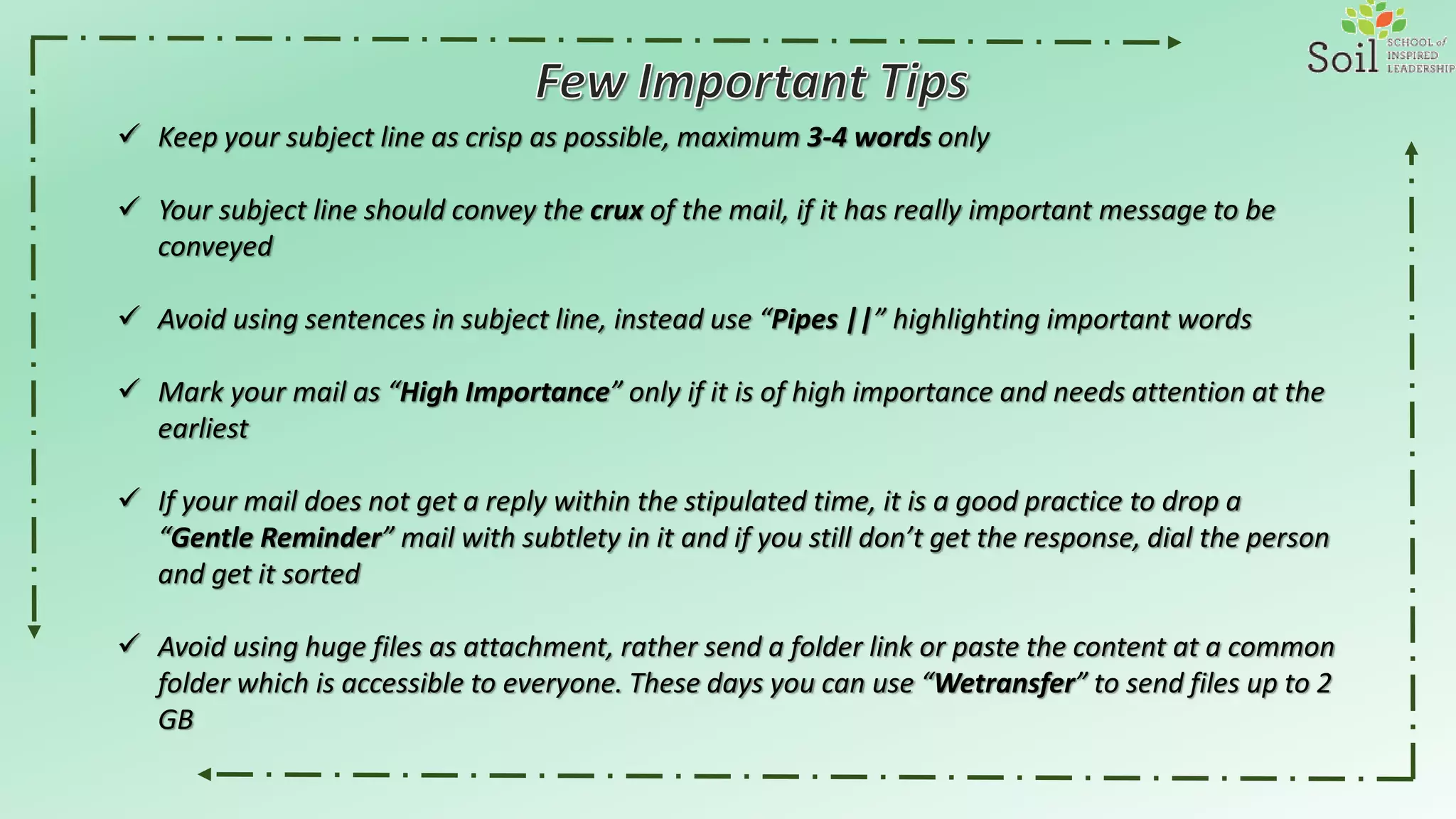
 Keep your subject line as crisp as possible, maximum 3-4 words only
 Your subject line should convey the crux of the mail, if it has really important message to be
conveyed
 Avoid using sentences in subject line, instead use “Pipes ||” highlighting important words
 Mark your mail as “High Importance” only if it is of high importance and needs attention at the
earliest
 If your mail does not get a reply within the stipulated time, it is a good practice to drop a
“Gentle Reminder” mail with subtlety in it and if you still don’t get the response, dial the person
and get it sorted
 Avoid using huge files as attachment, rather send a folder link or paste the content at a common
folder which is accessible to everyone. These days you can use “Wetransfer” to send files up to 2
GB
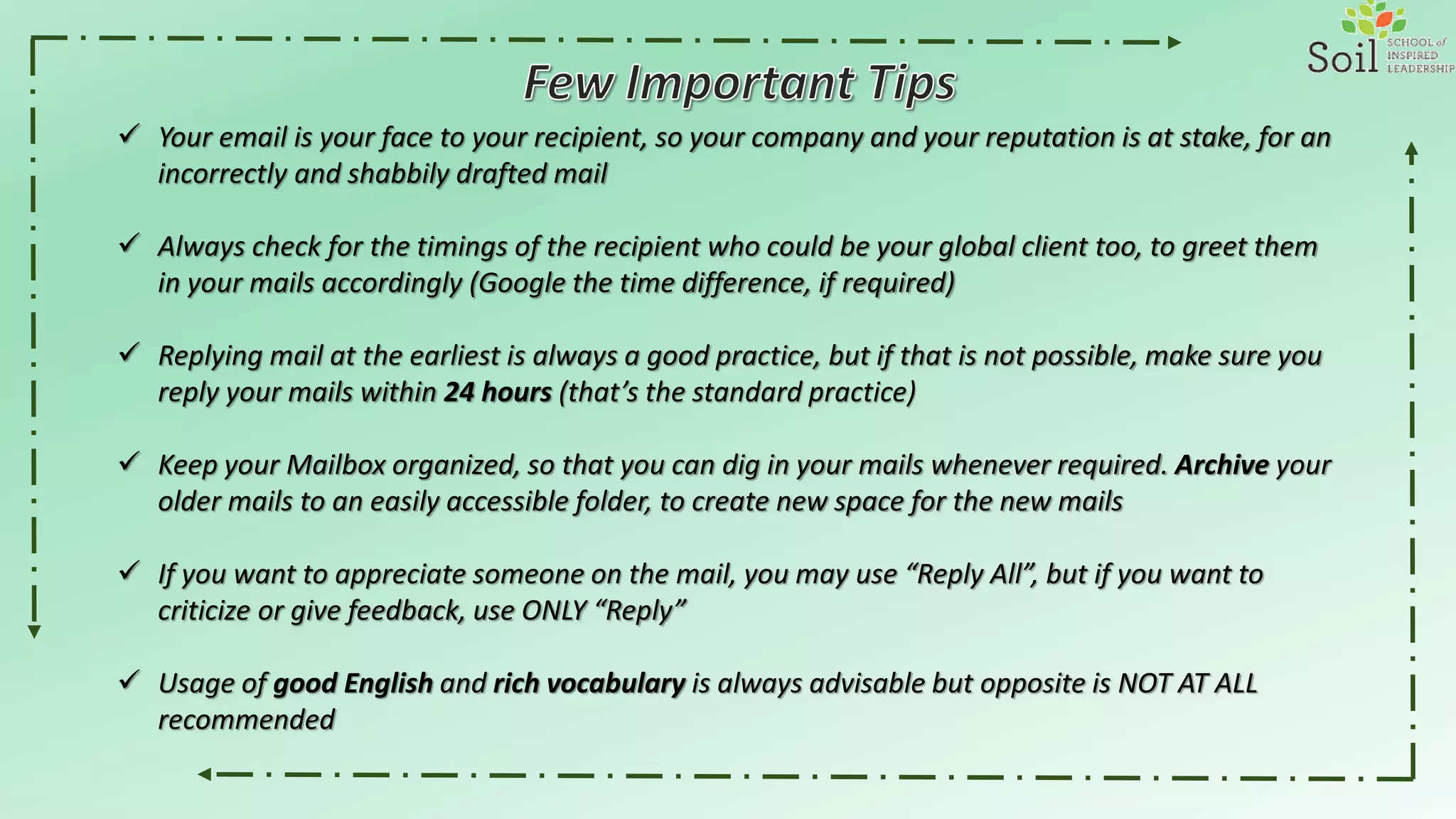
 Your email is your face to your recipient, so your company and your reputation is at stake, for an
incorrectly and shabbily drafted mail
 Always check for the timings of the recipient who could be your global client too, to greet them
in your mails accordingly (Google the time difference, if required)
 Replying mail at the earliest is always a good practice, but if that is not possible, make sure you
reply your mails within 24 hours (that’s the standard practice)
 Keep your Mailbox organized, so that you can dig in your mails whenever required. Archive your
older mails to an easily accessible folder, to create new space for the new mails
 If you want to appreciate someone on the mail, you may use “Reply All”, but if you want to
criticize or give feedback, use ONLY “Reply”
 Usage of good English and rich vocabulary is always advisable but opposite is NOT AT ALL
recommended
Effective Email Writing

Effective Email Writing

  • 2.
     TO: Usethis section to address to the people from whom you are expecting a reply  CC: Use this section to people whom you wish to keep the message embodied in your mail to be informed  BCC: Use this section if you wish to mark to many people at one go Few Tips: ↘ Always check the email address before sending the mail ↘ Use “CTRL + K” to search for the right names / addresses (in case of outlook only) ↘ Do mention “BCC Intentional” in the body of the mail, if you are using BCC ↘ Use “Reply All” only if you wish to inform all the addressee in the previous mail, otherwise use “Reply” only
  • 3.
    Salutations:  While usingSalutation, be careful about the names you use. Be careful with the names always, because it is a big time turn off for a person, who is your recipient, to read his/her name incorrectly spelt  If you are unsure about the spellings, always good to use Sir or Ma’am  And if you are unsure about the gender, then better get your facts cleared before sending the mail or you can mention “To whomsoever it may concern” or “Dear Sir/ Ma’am” Body:  Avoid grammatical errors and spelling mistakes. Use Spell Check before pressing the send button  Avoid usage of Block Letters, it implies as if you are shouting in your mail  Have a structure to your mail and if there are more details, either number / bullet them or arrange them in suitable short-length paragraphs  Avoid using different colors, font and font size. Maintain uniformity  Read out your mail twice before sending it rather reading it after you send  If you feel there is an error in your mail, there is an option of “Recall”, use it appropriately  Use the principle of “Keep It Simple & Short” - KISS to the core. No essays and drama over mail  If you feel the trail mail is long, it is always good to talk over phone, rather responding the mail and increasing the trail
  • 4.
    Attachments:  Always checkfor Viruses or Bad files before attaching the document  It is always advisable and wise to compress the folder before attaching the document in the mail Signature:  Should contain all your important contact details like Phone number, Official Mail address, Office Address  It is also advisable to attach hyperlinks of your official webpages, LinkedIn, Facebook, Twitter, in your signatures  Avoid using “Fancy Proverbs” or “Unnecessary Images” in your signature, it only consumes bandwidth and doesn’t deliver anything about you, your personality or your organization  If you are using “Thanking in anticipation” or Thanks already in your mail body, then it is good to avoid “Thanks & Regards” and good to use only “Regards” or “Best Regards”  Using only “BR//” instead of “Best Regards” symbolizes bad mailing etiquettes  If you are replying to the trail mail, it is advisable to use a short form of signature like “Best Regards, Your Name”
  • 5.
     Keep yoursubject line as crisp as possible, maximum 3-4 words only  Your subject line should convey the crux of the mail, if it has really important message to be conveyed  Avoid using sentences in subject line, instead use “Pipes ||” highlighting important words  Mark your mail as “High Importance” only if it is of high importance and needs attention at the earliest  If your mail does not get a reply within the stipulated time, it is a good practice to drop a “Gentle Reminder” mail with subtlety in it and if you still don’t get the response, dial the person and get it sorted  Avoid using huge files as attachment, rather send a folder link or paste the content at a common folder which is accessible to everyone. These days you can use “Wetransfer” to send files up to 2 GB
  • 6.
     Your emailis your face to your recipient, so your company and your reputation is at stake, for an incorrectly and shabbily drafted mail  Always check for the timings of the recipient who could be your global client too, to greet them in your mails accordingly (Google the time difference, if required)  Replying mail at the earliest is always a good practice, but if that is not possible, make sure you reply your mails within 24 hours (that’s the standard practice)  Keep your Mailbox organized, so that you can dig in your mails whenever required. Archive your older mails to an easily accessible folder, to create new space for the new mails  If you want to appreciate someone on the mail, you may use “Reply All”, but if you want to criticize or give feedback, use ONLY “Reply”  Usage of good English and rich vocabulary is always advisable but opposite is NOT AT ALL recommended