The	
  PASS	
  
 Process	
  
     Ray	
  Roberston	
  
The four questions the PASS
process asks are:
 P for Purpose – What is the purpose of your
 email?
 A for Action – What action needs to result
 from your email? Does it have a due date?
 S for Support – What supporting
 documentation needs to be attached to your
 communication?
 S for Summary – Have you successfully
 summarized your email message in the subject
 line?
                    Ray	
  Roberston	
  
P – What is the
purpose of your
email?

       Ray	
  Roberston	
  
Does your email correlate with a
meaningful objective or task?

If it does not, you may need to ask
yourself whether the email needs
sending at all.


                 Ray	
  Roberston	
  
If it does then


        Ray	
  Roberston	
  
Try to summarise you’re
message in the first paragraph.

If you do this the reader is able
to read the rest of the message
in the right context.


               Ray	
  Roberston	
  
A – What action is
required as a result
of your email?


         Ray	
  Roberston	
  
The 3 most common email
actions:
 Task: The recipient has to complete an actual
 physical task (for example, order report
 copies or call Jack Doe).
 Respond: The recipient needs only to
 respond to the email with the information that
 you requested. )You did clearly state the
 information that you needed, right?)
 Read: The recipient needs only to read the
 email for their benefit.
                     Ray	
  Roberston	
  
Eliminate any confusion about your
expectations by clearly stating the
action you need the receiver to take.

Make sure you include any
necessary due times / dates for the
actions you requested..


                     Ray	
  Roberston	
  
S – is any supporting

documentation
     required?


         Ray	
  Roberston	
  
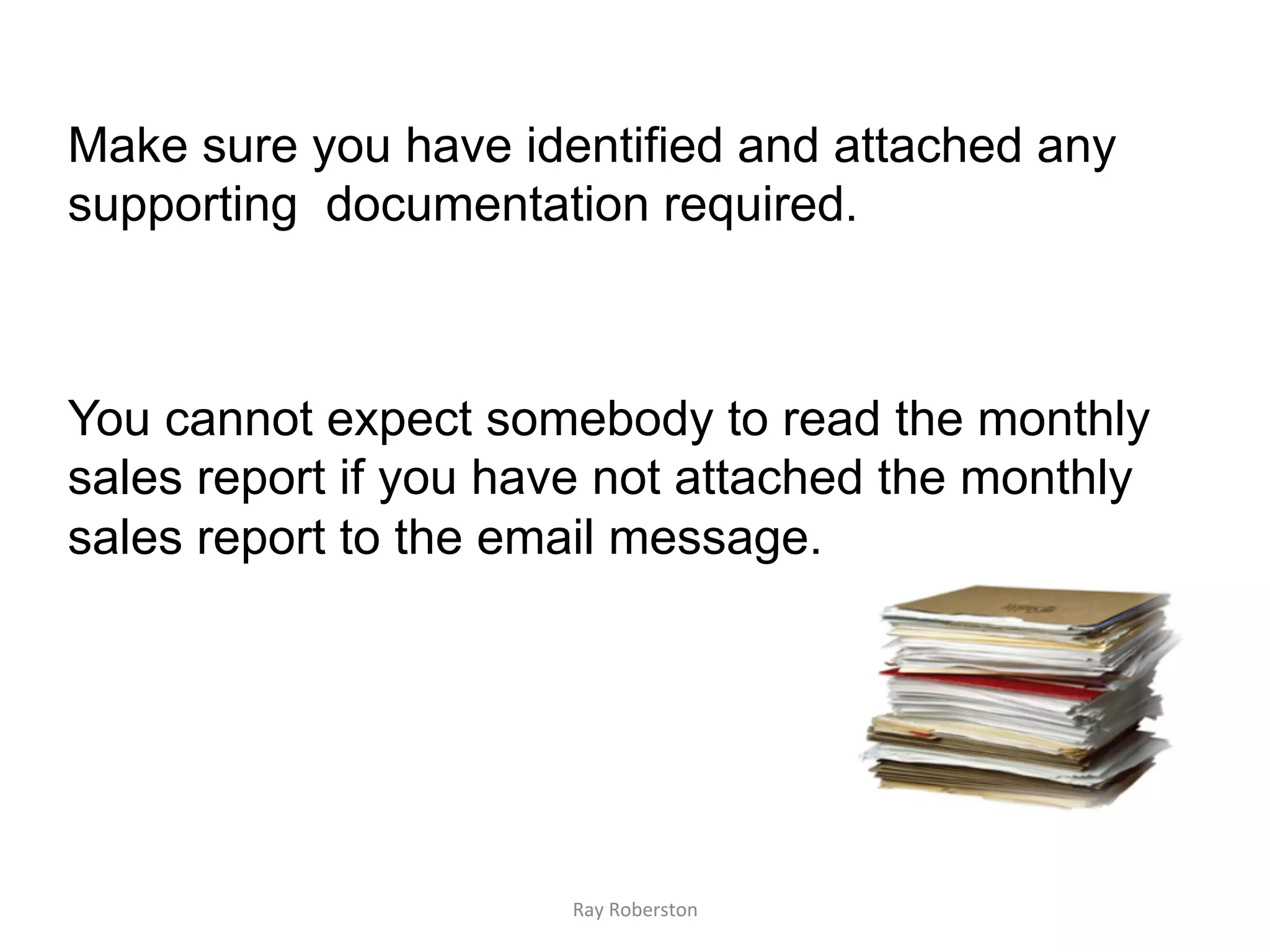
Make sure you have identified and attached any
supporting documentation required.


You cannot expect somebody to read the monthly
sales report if you have not attached the monthly
sales report to the email message.


                      Ray	
  Roberston	
  
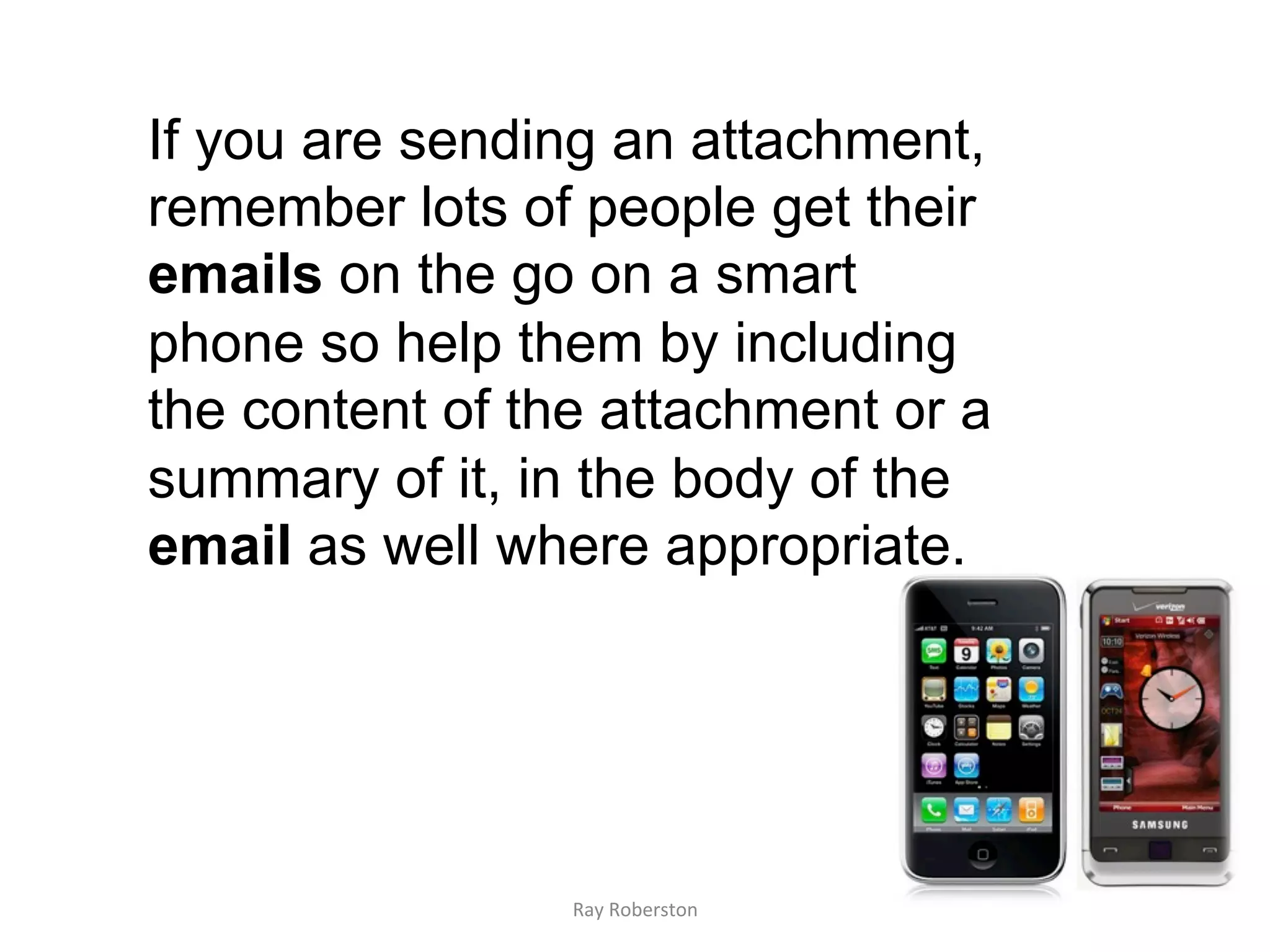
If you are sending an attachment,
remember lots of people get their
emails on the go on a smart
phone so help them by including
the content of the attachment or a
summary of it, in the body of the
email as well where appropriate.


                 Ray	
  Roberston	
  
S	
  –	
  Summary	
  in	
  the	
  
subject	
  line?	


               Ray	
  Roberston	
  
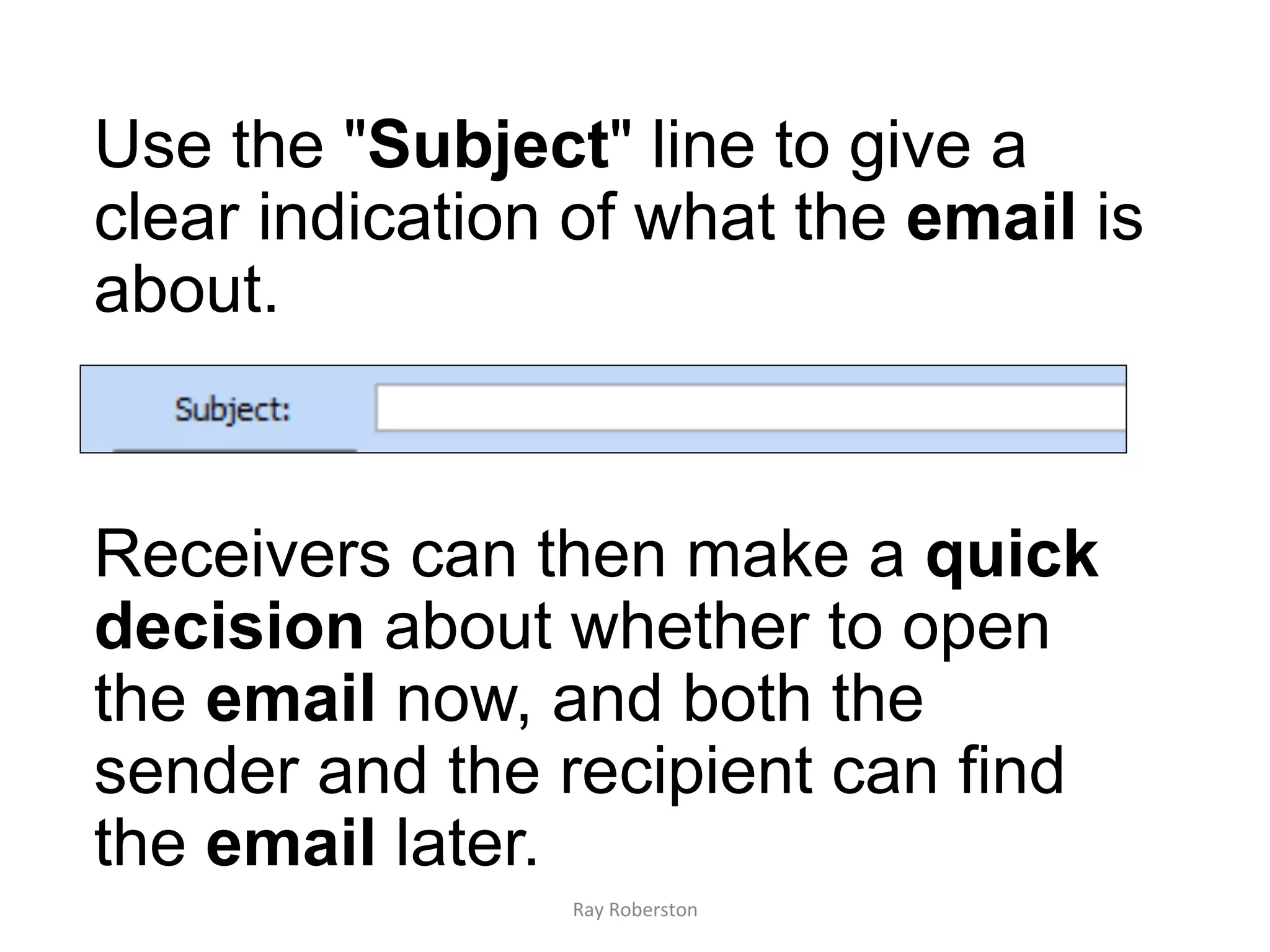
Use the "Subject" line to give a
clear indication of what the email is
about.


Receivers can then make a quick
decision about whether to open
the email now, and both the
sender and the recipient can find
the email later.
                Ray	
  Roberston	
  
Very common to get emails from people
which come as a reply to something you
sent them last week or last month.
Although they are introducing a new
subject, they've simply clicked on the
last email and haven't changed the
subject line.

The result is that the subject line doesn't
reflect the content and this confuses
everyone.
                   Ray	
  Roberston	
  
Send?
  Ray	
  Roberston	
  
Only send your mail after you have checked
PASS. If you do:
•  There will be much less sending messages
   back and forth since you’ve ensured your
   message is clear.
•  Your expectations will more likely be
   accomplished.
•  You will be sure the recipient has everything
   necessary to get the job done.
•  And you can be confident that the true
   meaning of your message will be received
   within its subject line.
                        Ray	
  Roberston	
  
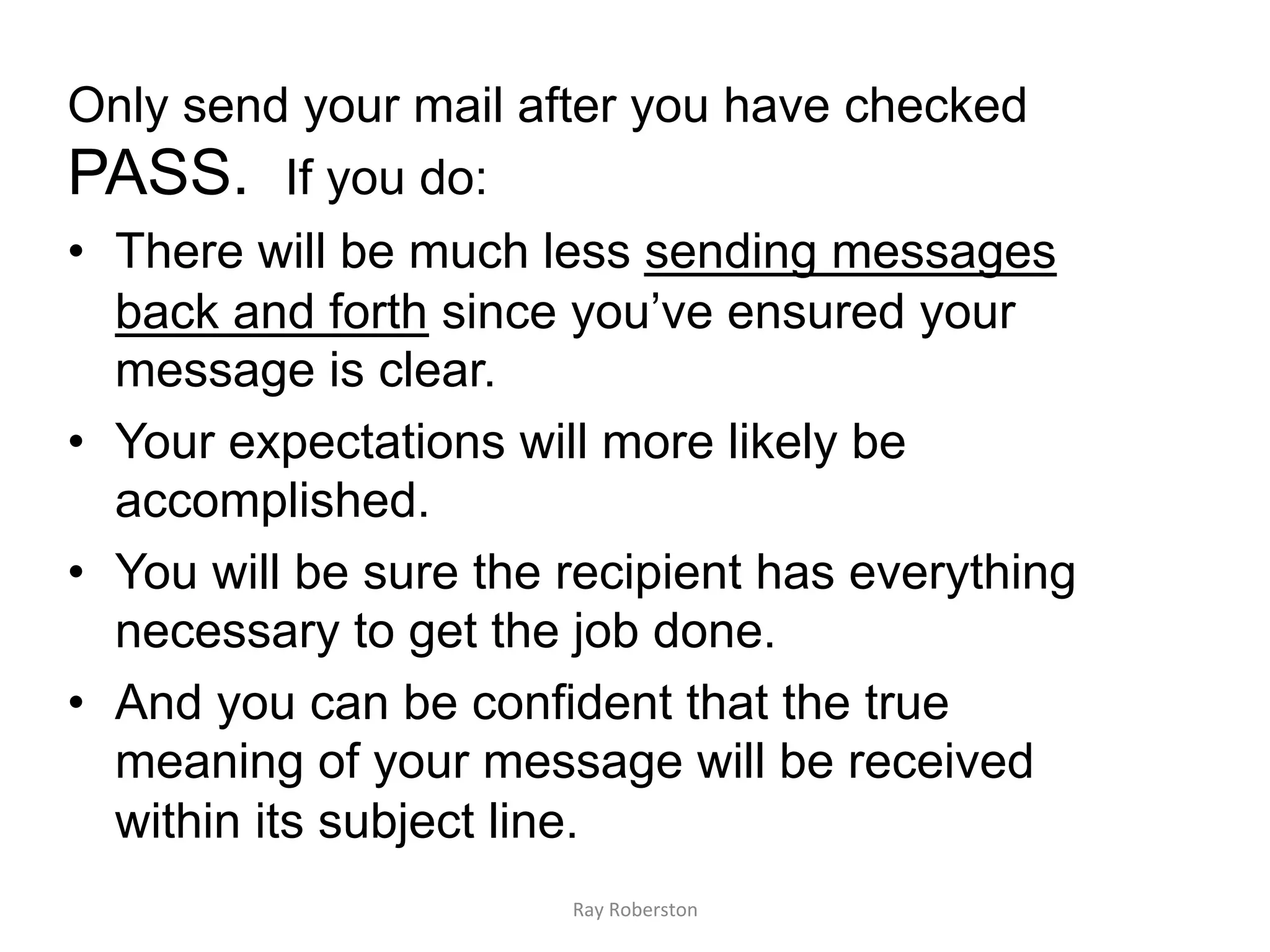
Consider including an automatic signature for
your email messages that states what time of
day you will be reading your
messages


And	
  that	
  (if	
  appropriate)	
  provides	
  some	
  
alterna7ve	
  contact	
  info	


                                     Ray	
  Roberston	
  
Before	
  you	
  finally	
  hit	


                          Ray	
  Roberston	
  
Re-read message for spelling and
grammar errors.

 Re-read what the message says
 and how is said.

 Think about any possibilities of
 misinterpretation.


               Ray	
  Roberston	
  
Never	
  
    Ray	
  Roberston	
  
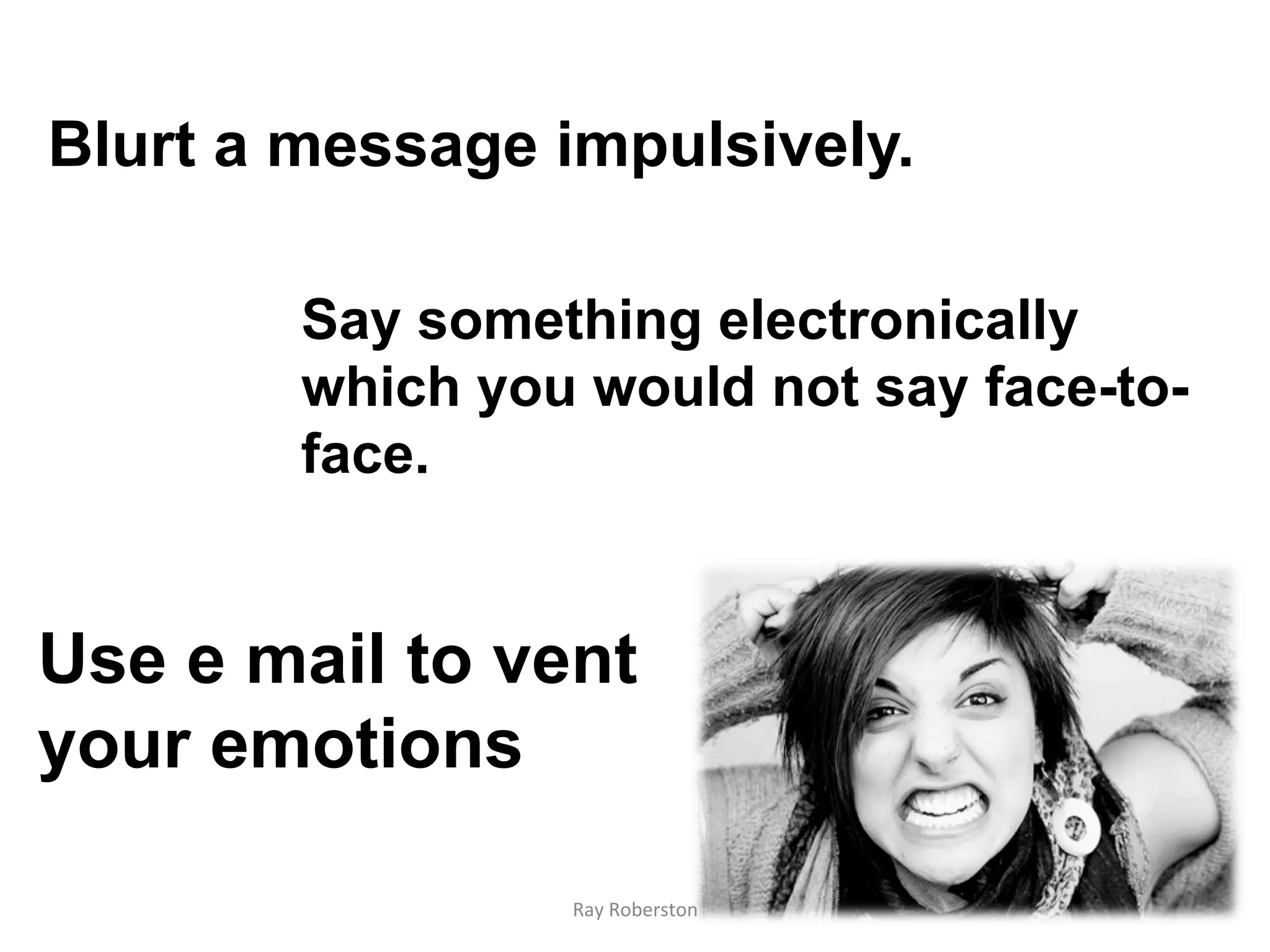
Blurt a message impulsively.

        Say something electronically
        which you would not say face-to-
        face.


Use e mail to vent
your emotions

                 Ray	
  Roberston	
  
And	
  Always	
  Remember	
  
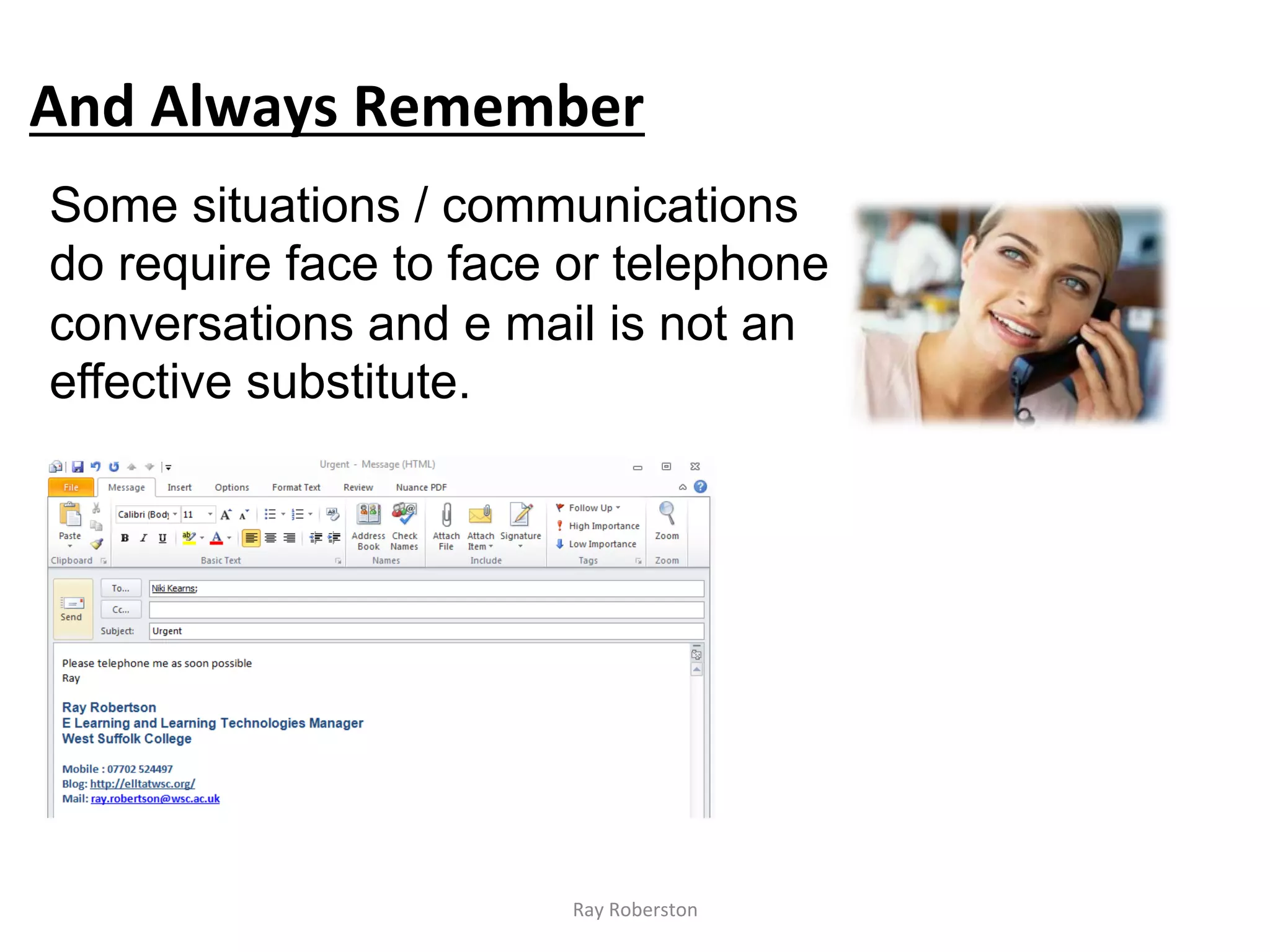
Some situations / communications
do require face to face or telephone
conversations and e mail is not an
effective substitute.


                         Ray	
  Roberston	
  
E	
  Mail	
  e7que?e	


              Ray	
  Roberston	
  
Be	
  careful	
  what	
  you	
  
write	


Email	
  is	
  neither	
  private	
  nor	
  secure.	
  Do	
  not	
  use	
  
email	
  to	
  discuss	
  confiden7al	
  or	
  sensi7ve	
  informa7on.	
  An	
  
email	
  is	
  a	
  permanent	
  record	
  and	
  can	
  be	
  easily	
  
forwarded	
  to	
  others	
  or	
  intercepted.	
  Double	
  check	
  all	
  
addresses	
  and	
  content	
  before	
  you	
  send.	


                                         Ray	
  Roberston	
  
Don't	
  send	
  your	
  email	
  to	
  
people	
  who	
  don't	
  need	
  to	
  
know	
  about	
  it	


Think	
  carefully	
  before	
  clicking	
  "Reply	
  to	
  all"	
  
-­‐	
  did	
  you	
  really	
  mean	
  to	
  reply	
  to	
  everyone,	
  
or	
  just	
  the	
  sender?	
  

                                                                  Replyallgate	
  
                                 Ray	
  Roberston	
  
Don't	
  mark	
  emails	
  high	
  
priority	
  or	
  urgent,	


Similarly	
  don't	
  use	
  the	
  words	
  URGENT	
  or	
  
IMPORTANT	
  in	
  the	
  subject	
  line	
  of	
  an	
  email.	
  If	
  
your	
  message	
  really	
  is	
  urgent	
  or	
  important	
  email	
  
is	
  not	
  the	
  correct	
  communica7on	
  method	
  to	
  be	
  
using	
  in	
  the	
  first	
  place;	
  the	
  telephone	
  is	
  probably	
  
be?er.	


                                   Ray	
  Roberston	
  
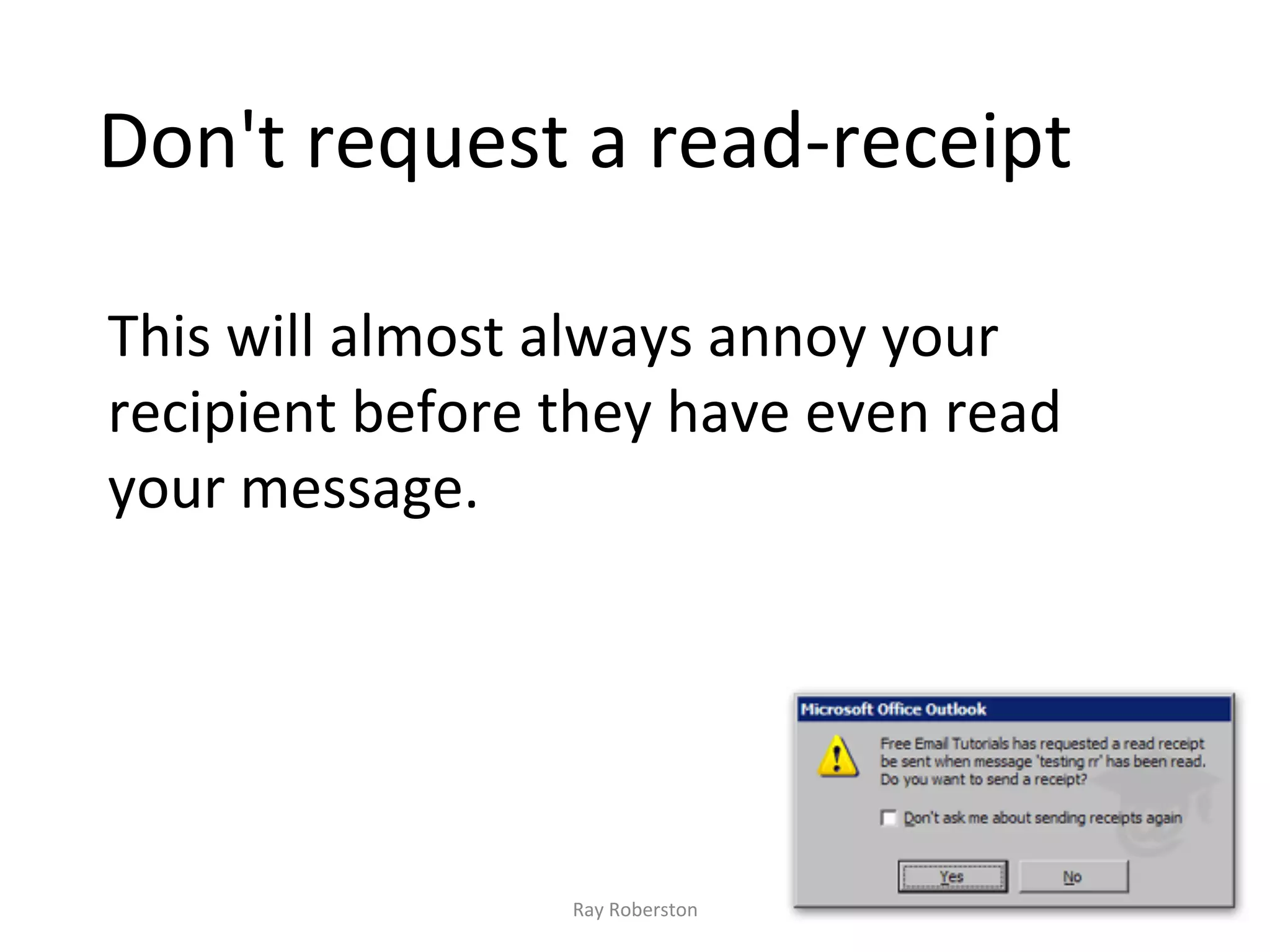
Don't	
  request	
  a	
  read-­‐receipt	


This	
  will	
  almost	
  always	
  annoy	
  your	
  
recipient	
  before	
  they	
  have	
  even	
  read	
  
your	
  message.	


                          Ray	
  Roberston	
  

Effective email part 2

  • 1.
    The  PASS   Process   Ray  Roberston  
  • 2.
    The four questionsthe PASS process asks are: P for Purpose – What is the purpose of your email? A for Action – What action needs to result from your email? Does it have a due date? S for Support – What supporting documentation needs to be attached to your communication? S for Summary – Have you successfully summarized your email message in the subject line? Ray  Roberston  
  • 3.
    P – Whatis the purpose of your email? Ray  Roberston  
  • 4.
    Does your emailcorrelate with a meaningful objective or task? If it does not, you may need to ask yourself whether the email needs sending at all. Ray  Roberston  
  • 5.
    If it doesthen Ray  Roberston  
  • 6.
    Try to summariseyou’re message in the first paragraph. If you do this the reader is able to read the rest of the message in the right context. Ray  Roberston  
  • 7.
    A – Whataction is required as a result of your email? Ray  Roberston  
  • 8.
    The 3 mostcommon email actions: Task: The recipient has to complete an actual physical task (for example, order report copies or call Jack Doe). Respond: The recipient needs only to respond to the email with the information that you requested. )You did clearly state the information that you needed, right?) Read: The recipient needs only to read the email for their benefit. Ray  Roberston  
  • 9.
    Eliminate any confusionabout your expectations by clearly stating the action you need the receiver to take. Make sure you include any necessary due times / dates for the actions you requested.. Ray  Roberston  
  • 10.
    S – isany supporting documentation required? Ray  Roberston  
  • 11.
    Make sure youhave identified and attached any supporting documentation required. You cannot expect somebody to read the monthly sales report if you have not attached the monthly sales report to the email message. Ray  Roberston  
  • 12.
    If you aresending an attachment, remember lots of people get their emails on the go on a smart phone so help them by including the content of the attachment or a summary of it, in the body of the email as well where appropriate. Ray  Roberston  
  • 13.
    S  –  Summary  in  the   subject  line?   Ray  Roberston  
  • 14.
    Use the "Subject"line to give a clear indication of what the email is about. Receivers can then make a quick decision about whether to open the email now, and both the sender and the recipient can find the email later. Ray  Roberston  
  • 15.
    Very common toget emails from people which come as a reply to something you sent them last week or last month. Although they are introducing a new subject, they've simply clicked on the last email and haven't changed the subject line. The result is that the subject line doesn't reflect the content and this confuses everyone. Ray  Roberston  
  • 16.
    Send? Ray  Roberston  
  • 17.
    Only send yourmail after you have checked PASS. If you do: •  There will be much less sending messages back and forth since you’ve ensured your message is clear. •  Your expectations will more likely be accomplished. •  You will be sure the recipient has everything necessary to get the job done. •  And you can be confident that the true meaning of your message will be received within its subject line. Ray  Roberston  
  • 18.
    Consider including anautomatic signature for your email messages that states what time of day you will be reading your messages And  that  (if  appropriate)  provides  some   alterna7ve  contact  info     Ray  Roberston  
  • 19.
    Before  you  finally  hit   Ray  Roberston  
  • 20.
    Re-read message forspelling and grammar errors. Re-read what the message says and how is said. Think about any possibilities of misinterpretation. Ray  Roberston  
  • 21.
    Never   Ray  Roberston  
  • 22.
    Blurt a messageimpulsively. Say something electronically which you would not say face-to- face. Use e mail to vent your emotions Ray  Roberston  
  • 23.
    And  Always  Remember   Some situations / communications do require face to face or telephone conversations and e mail is not an effective substitute. Ray  Roberston  
  • 24.
    E  Mail  e7que?e   Ray  Roberston  
  • 25.
    Be  careful  what  you   write         Email  is  neither  private  nor  secure.  Do  not  use   email  to  discuss  confiden7al  or  sensi7ve  informa7on.  An   email  is  a  permanent  record  and  can  be  easily   forwarded  to  others  or  intercepted.  Double  check  all   addresses  and  content  before  you  send.   Ray  Roberston  
  • 26.
    Don't  send  your  email  to   people  who  don't  need  to   know  about  it       Think  carefully  before  clicking  "Reply  to  all"   -­‐  did  you  really  mean  to  reply  to  everyone,   or  just  the  sender?   Replyallgate   Ray  Roberston  
  • 27.
    Don't  mark  emails  high   priority  or  urgent,           Similarly  don't  use  the  words  URGENT  or   IMPORTANT  in  the  subject  line  of  an  email.  If   your  message  really  is  urgent  or  important  email   is  not  the  correct  communica7on  method  to  be   using  in  the  first  place;  the  telephone  is  probably   be?er.   Ray  Roberston  
  • 28.
    Don't  request  a  read-­‐receipt     This  will  almost  always  annoy  your   recipient  before  they  have  even  read   your  message.     Ray  Roberston