












Early Signal Testing:
Designing Atlassian’s New Look
ASHLEIGH STERZENBACH | SENIOR DESIGNER | ATLASSIAN
BECKY WHITE | SENIOR RESEARCHER | ATLASSIAN
35,000
Decisions can be dauntinglife-changingscary.exhaustingexcitingan upgrade
Product decisions can
be scary too.
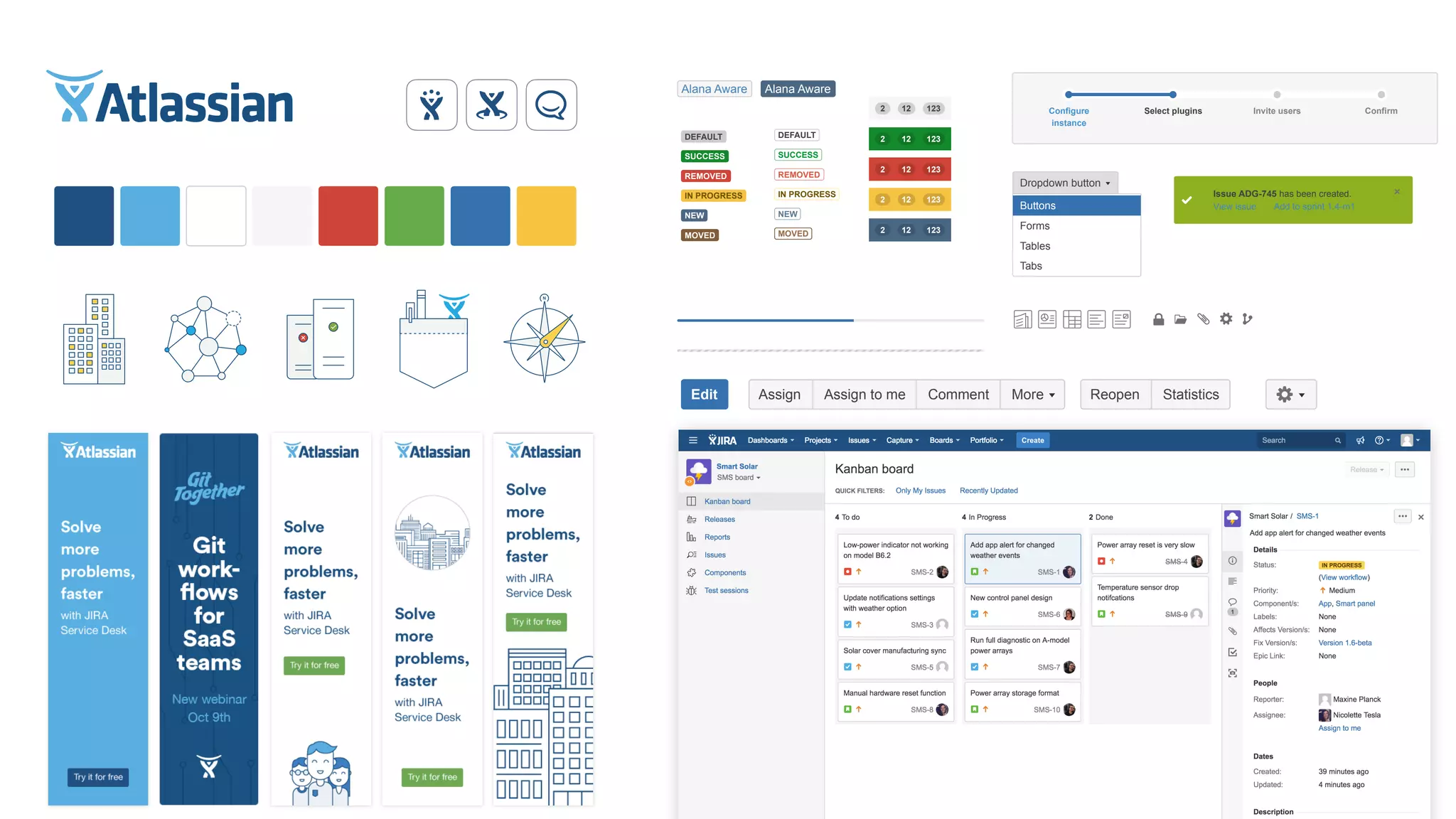
We too made some scary
decisions recently.
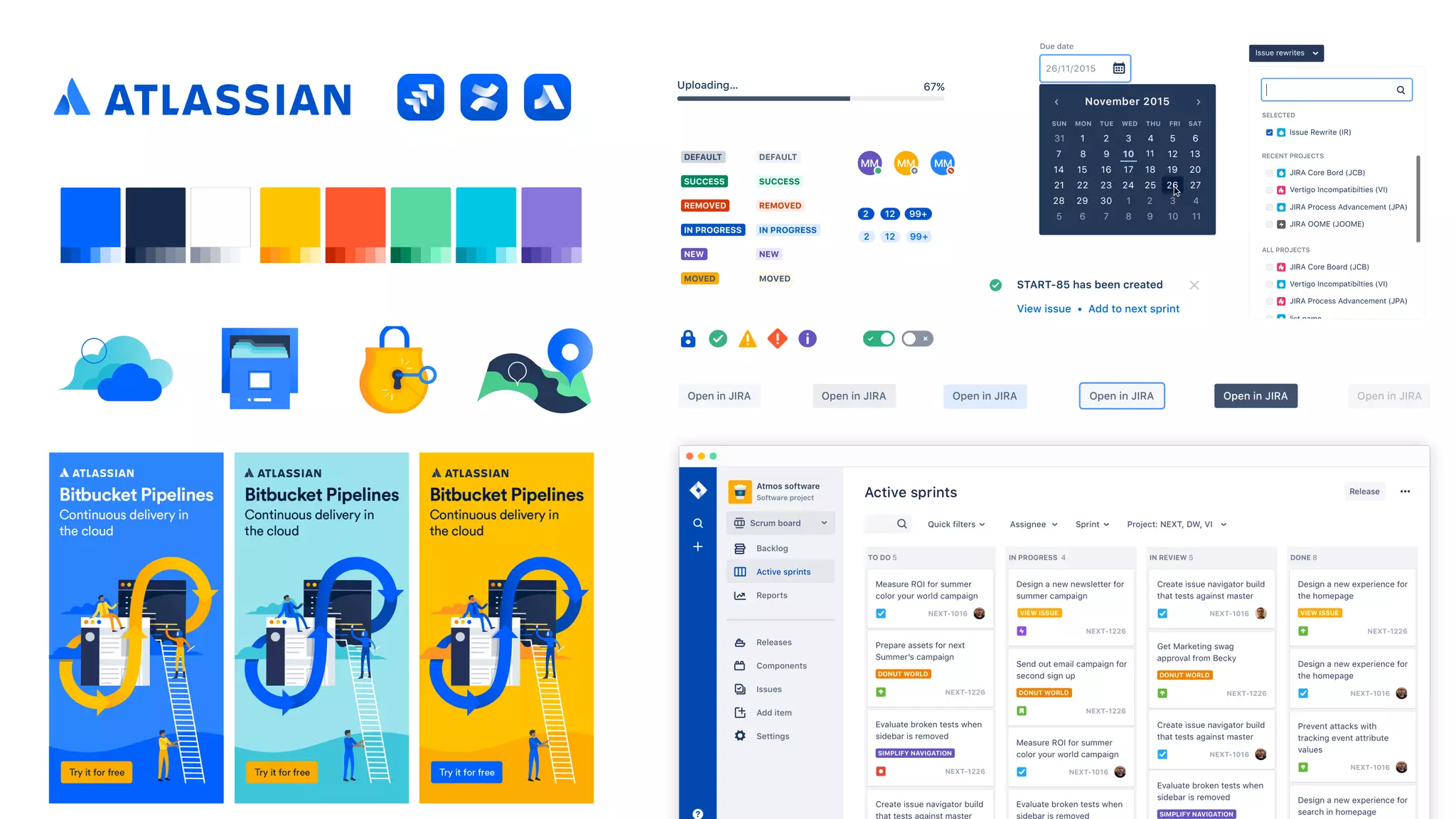
N
View issue · Add to sprint 1.4-m1
Issue ADG-745 has been created.
MOVED
NEW
IN PROGRESS
REMOVED
SUCCESS
DEFAULT
MOVED
NEW
IN PROGRESS
REMOVED
SUCCESS
DEFAULT
123122
123122
123122
123122
123122
Alana AwareAlana Aware
Buttons
Forms
Tables
Tabs
Dropdown button Dropdown button
StatisticsReopenMoreCommentAssign to meAssignEdit
ConfirmInvite usersSelect pluginsConfigure
instance
Gray background
Open in JIRA Open in JIRAOpen in JIRA Open in JIRAOpen in JIRA Open in JIRA
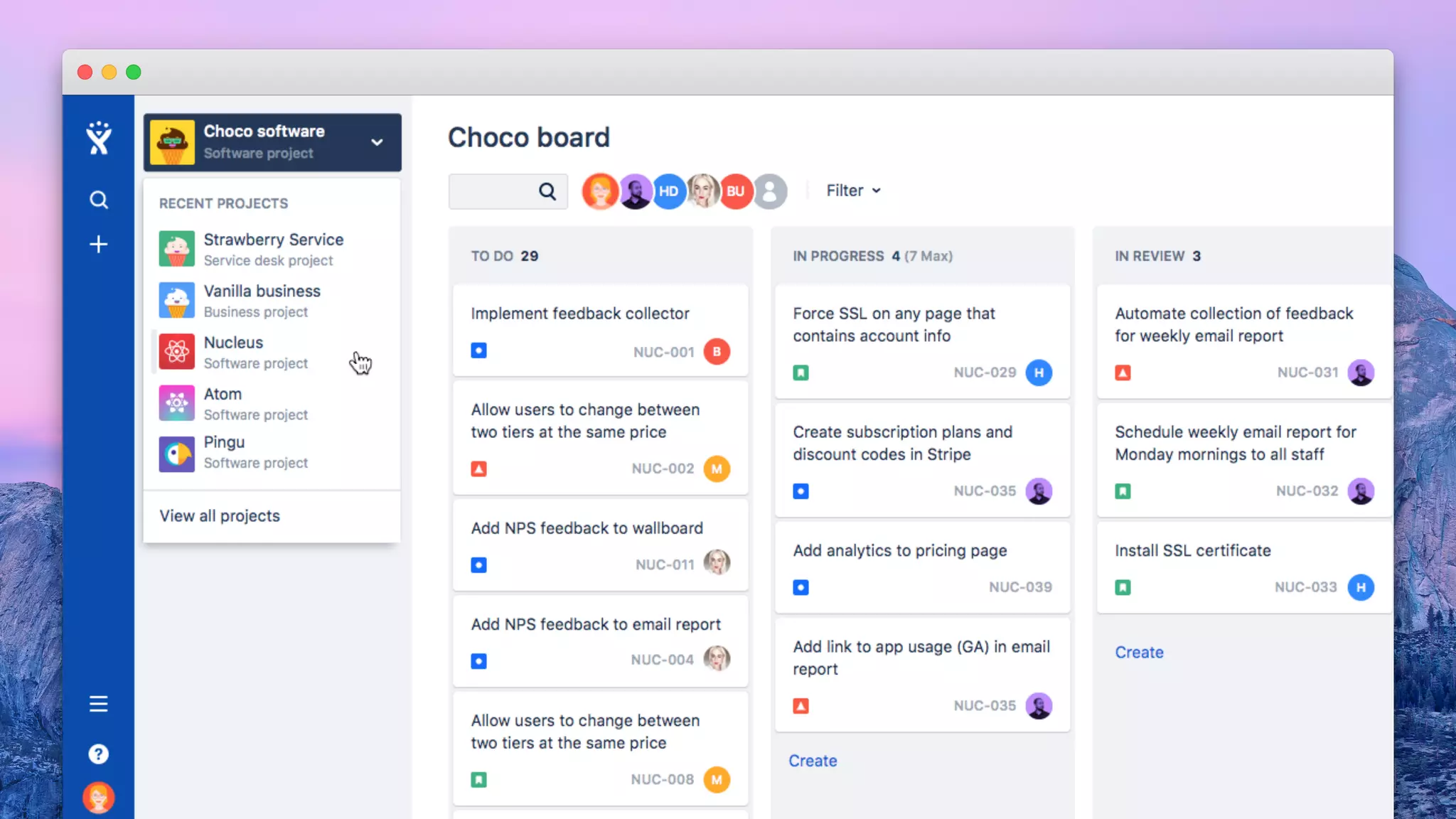
RECENT PROJECTS
SELECTED
ALL PROJECTS
Issue rewrites
Issue Rewrite (IR)
JIRA Core Bord (JCB)
JIRA Core Board (JCB)
Vertigo Incompatibilties (VI)
JIRA Process Advancement (JPA)
JIRA OOME (JOOME)
list name
View issue • Add to next sprint
START-85 has been created
MM MM MM
99+122
99+2 12
67%Uploading…
MOVED
NEW
IN PROGRESS
REMOVED
SUCCESS
DEFAULT
NEW
IN PROGRESS
REMOVED
SUCCESS
DEFAULT
MOVED
26/11/2015
Due date
November 2015
MON TUE WED THU FRI SATSUN
131
87
1514
2221
29
6
2
9
28
5
1
8
6
13
20
27
5
12
19
26
4
11
18
25
3
10
17
24
2
9
16
23
30
7
3
10
4
11
MOVED
NEW
IN PROGRESS
REMOVED
SUCCESS
DEFAULT
NEW
IN PROGRESS
REMOVED
SUCCESS
DEFAULT
MOVED
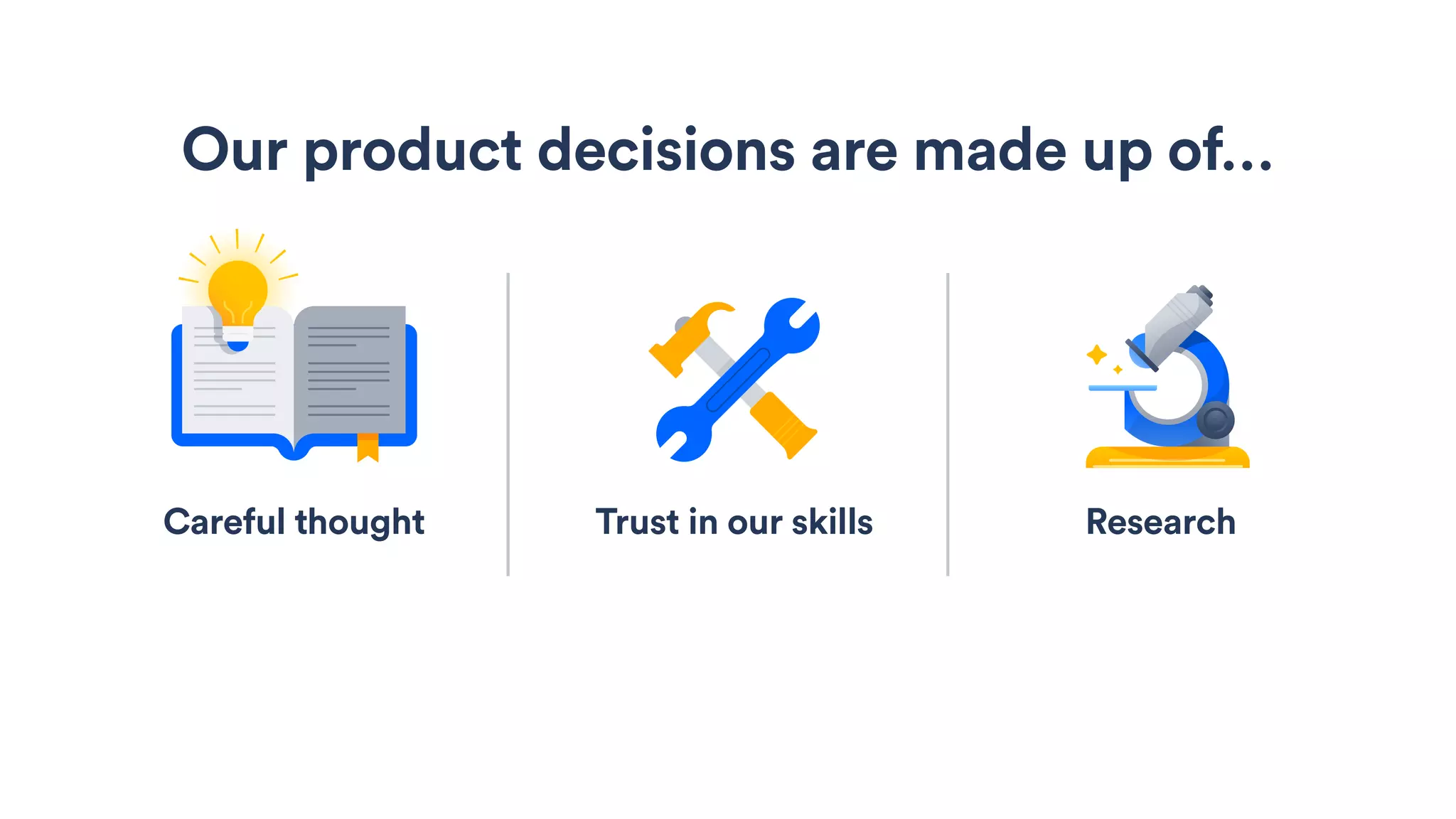
Trust in our skills
Our product decisions are made up of…
Careful thought Research
Early signal
testing
Agenda
What it is
Early signal methods
Getting started
Agenda Early signal methods
Getting started
What it is
Agenda Early signal methods
Getting started
What it is
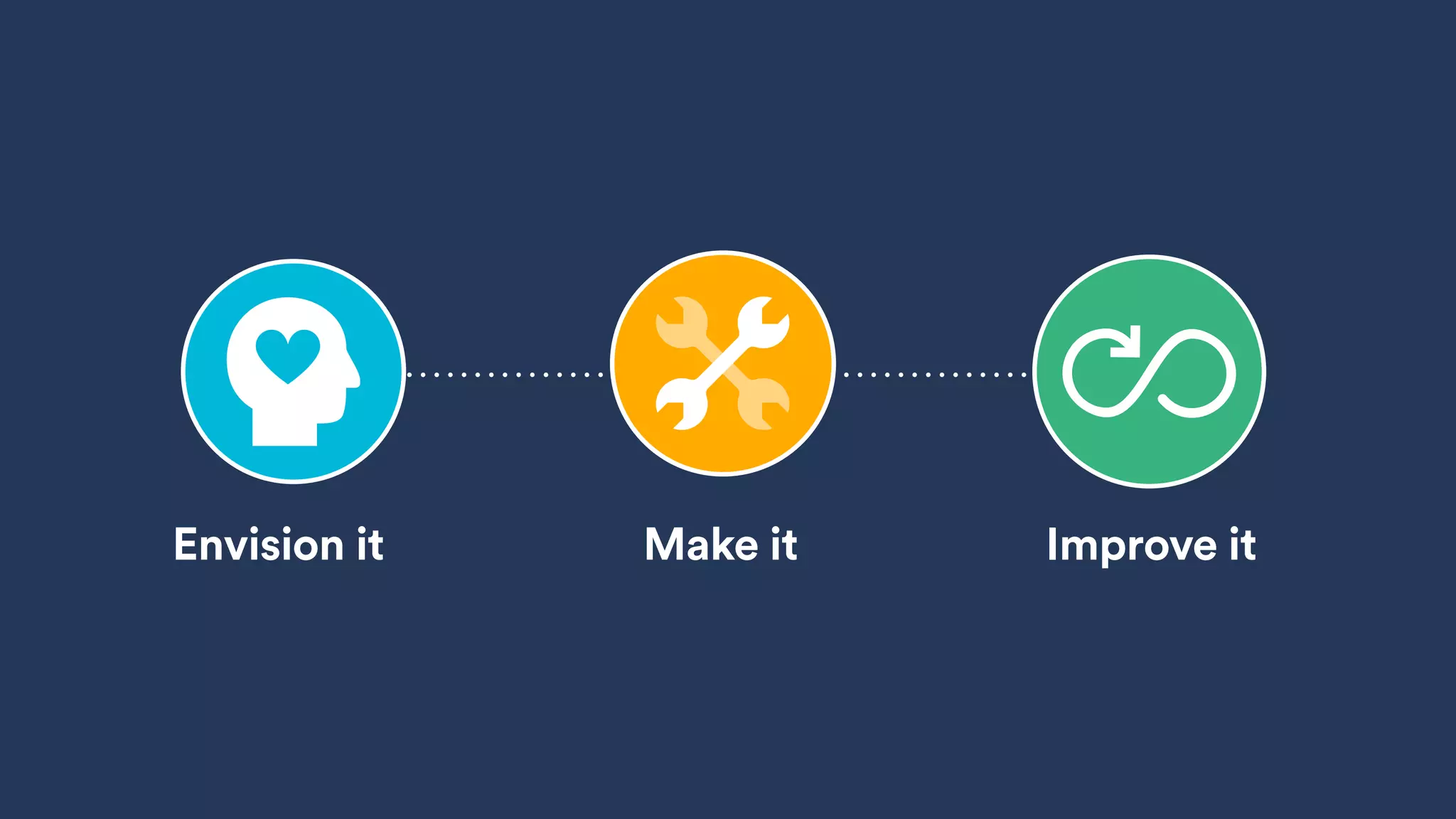
Improve itEnvision it Make it
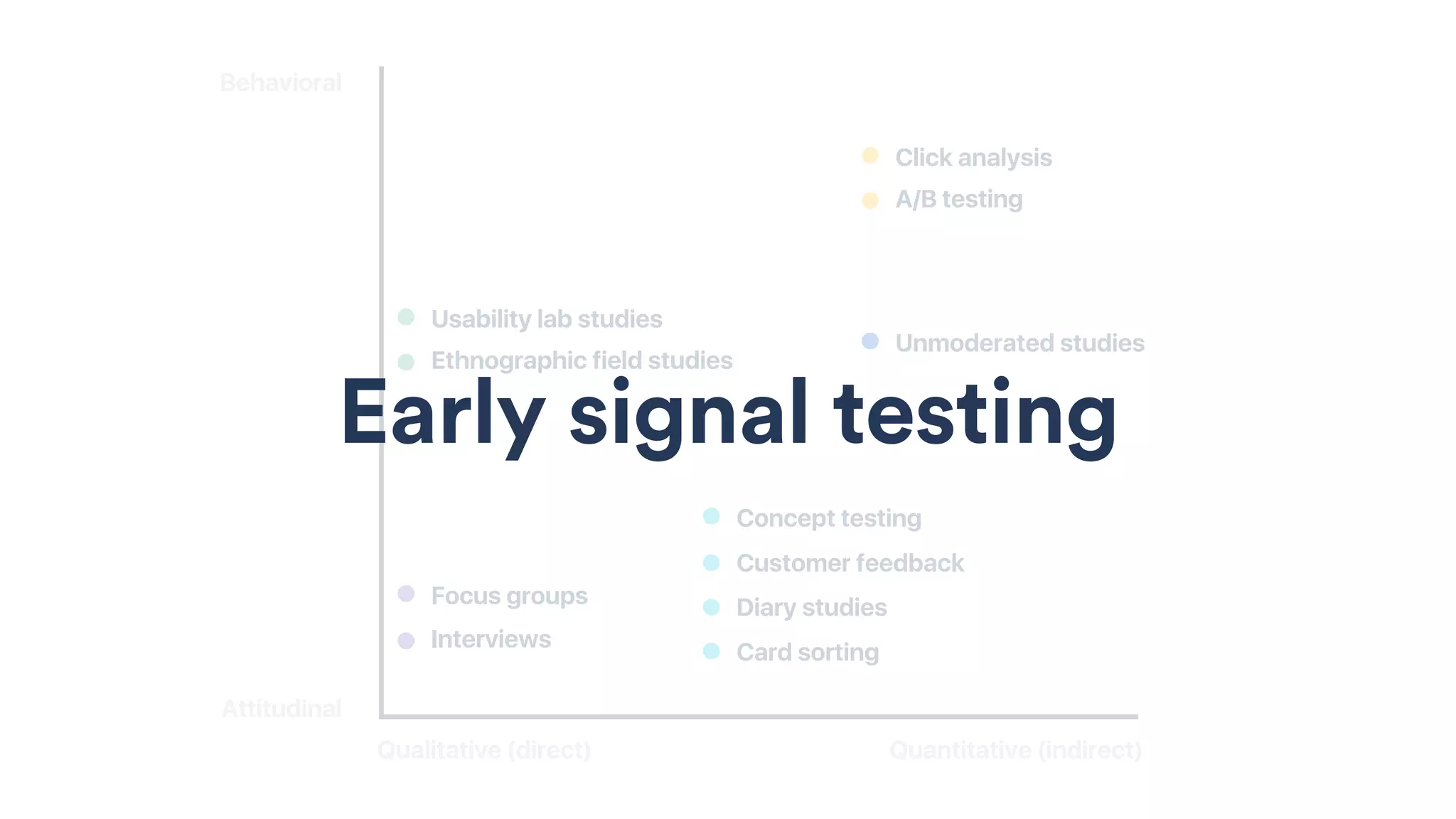
Behavioral
Attitudinal
Qualitative (direct)
Ethnographic field studies
Usability lab studies
Quantitative (indirect)
Interviews
Focus groups
A/B testing
Click analysis
Concept testing
Customer feedback
Diary studies
Card sorting
Unmoderated studies
Early signal testing
Gather quick, actionable
feedback from customers
EARLY SIGNAL TESTING
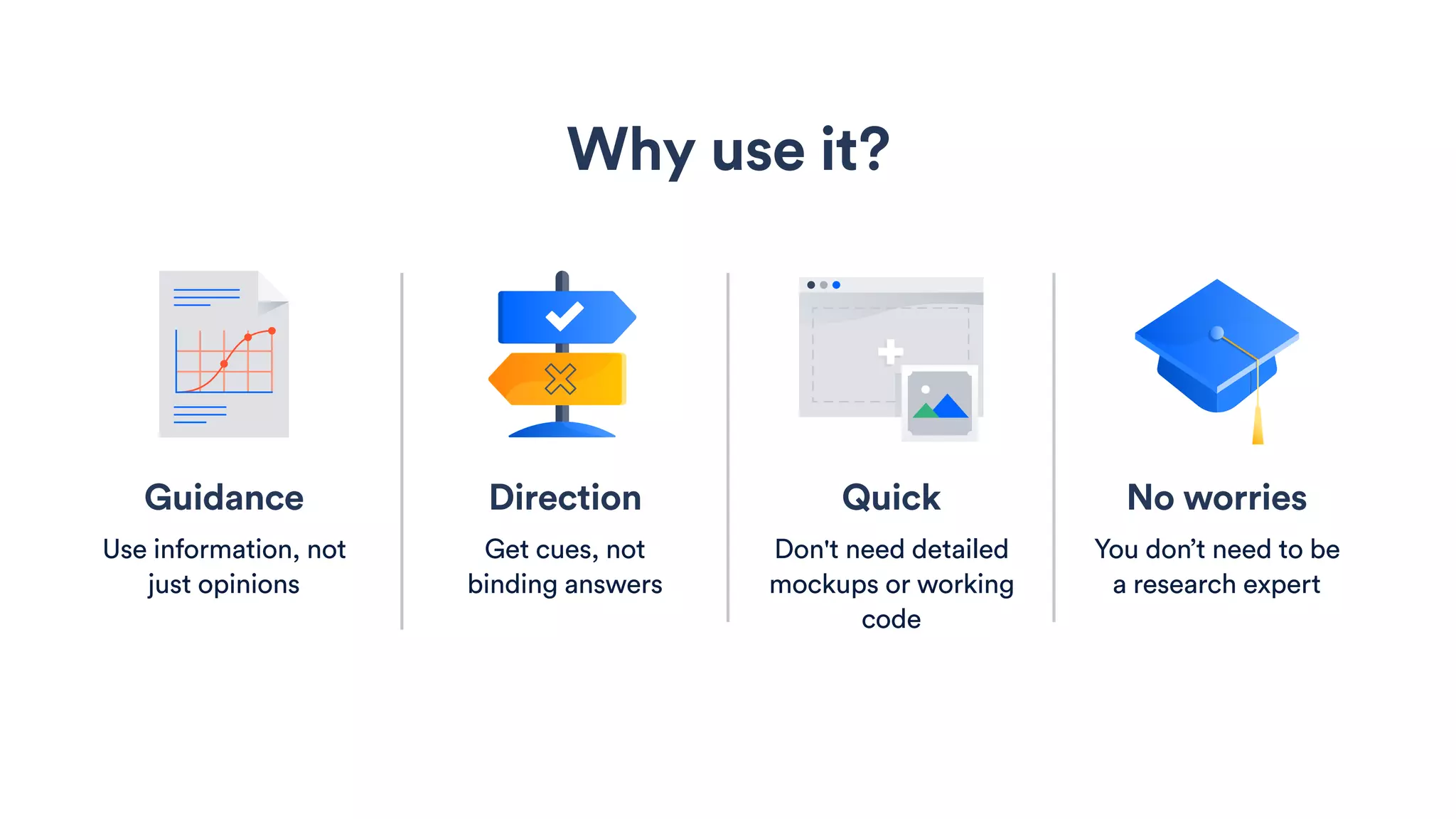
No worries
You don’t need to be
a research expert
Why use it?
Guidance
Use information, not
just opinions
Direction
Get cues, not
binding answers
Quick
Don't need detailed
mockups or working
code
Methods
Aesthetics test
Info test
Expectation test
Preference test
Page design test
Value test
Task completion test
Comprehension test
Navigation test
Usability test
Concept test
Click test
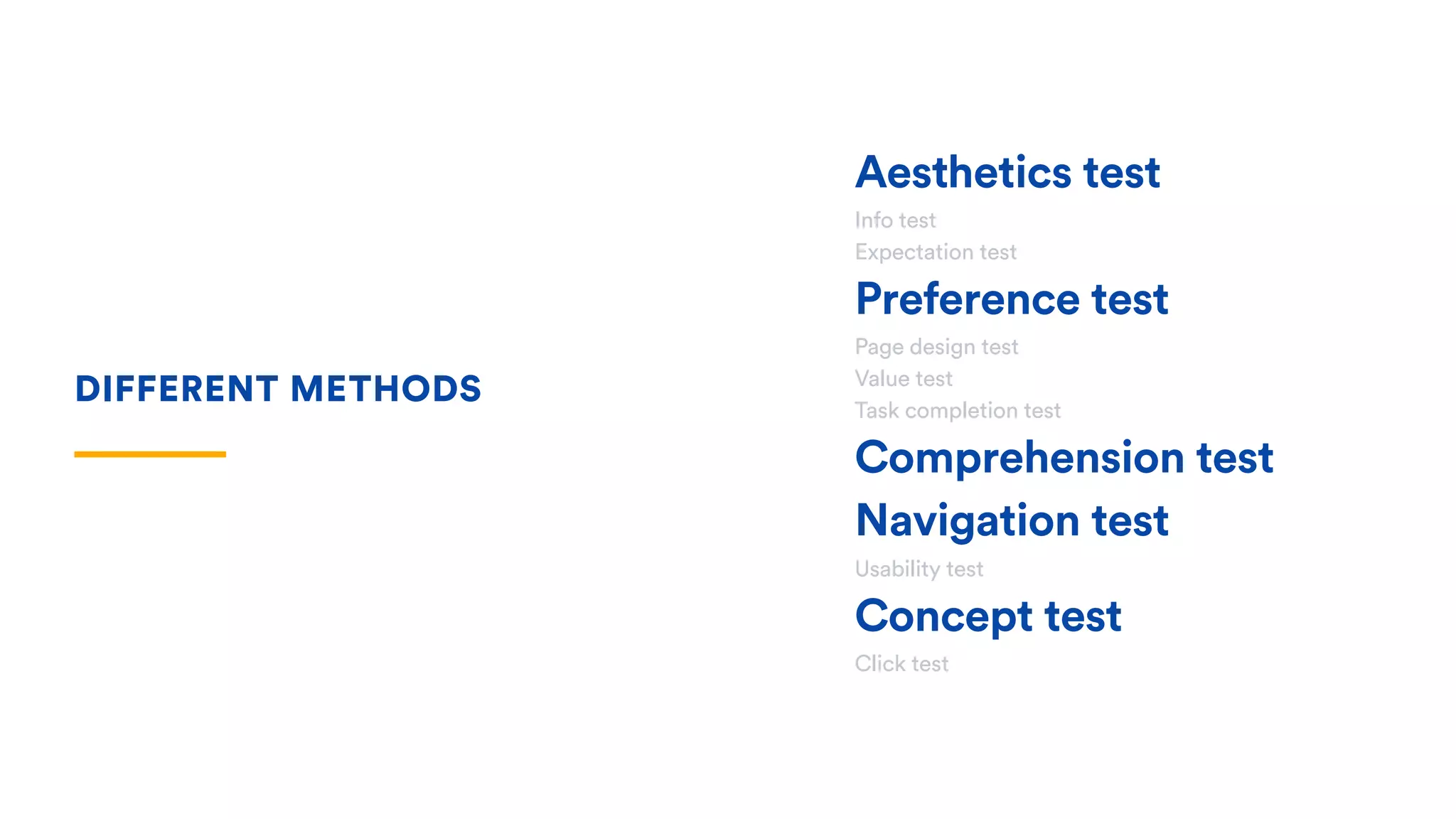
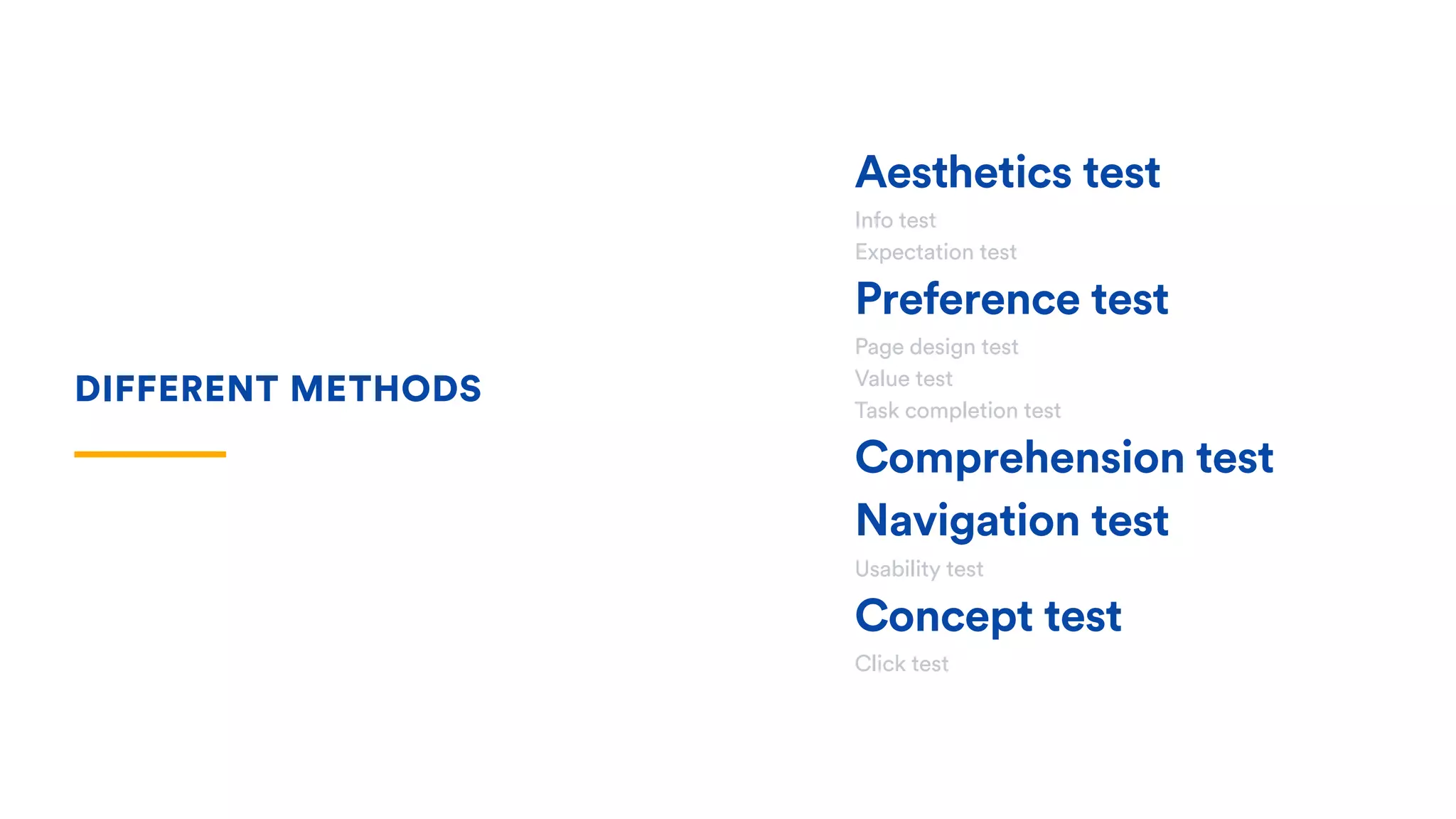
DIFFERENT METHODS
Aesthetics test
Info test
Expectation test
Preference test
Page design test
Value test
Task completion test
Comprehension test
Navigation test
Usability test
Concept test
Click test
DIFFERENT METHODS
Aesthetics test
See if there’s any
unintended reactions
Assess which visual
connects best
Collect first impressions
and emotional responses
Aesthetics test
See if there’s any
unintended reactions
Assess which visual
connects best
Collect first impressions
and emotional responses
Aesthetics test
See if there’s any
unintended reactions
Assess which visual
connects best
Collect first impressions
and emotional responses
Aesthetics test
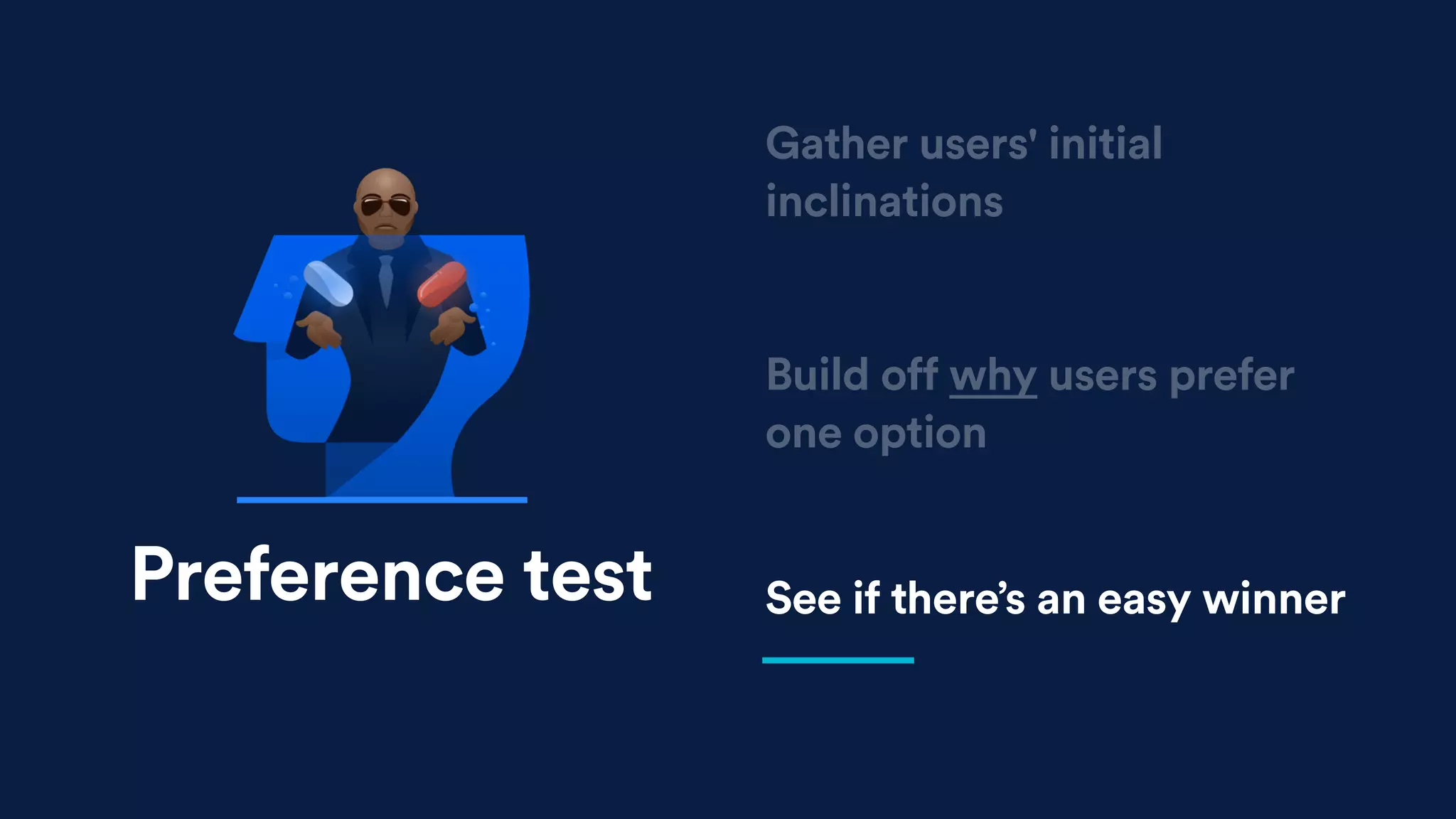
Preference test
Preference test
Build off why users prefer
one option
See if there’s an easy winner
Gather users' initial
inclinations
Build off why users prefer
one option
See if there’s an easy winner
Gather users' initial
inclinations
Preference test
Build off why users prefer
one option
See if there’s an easy winner
Gather users' initial
inclinations
Preference test
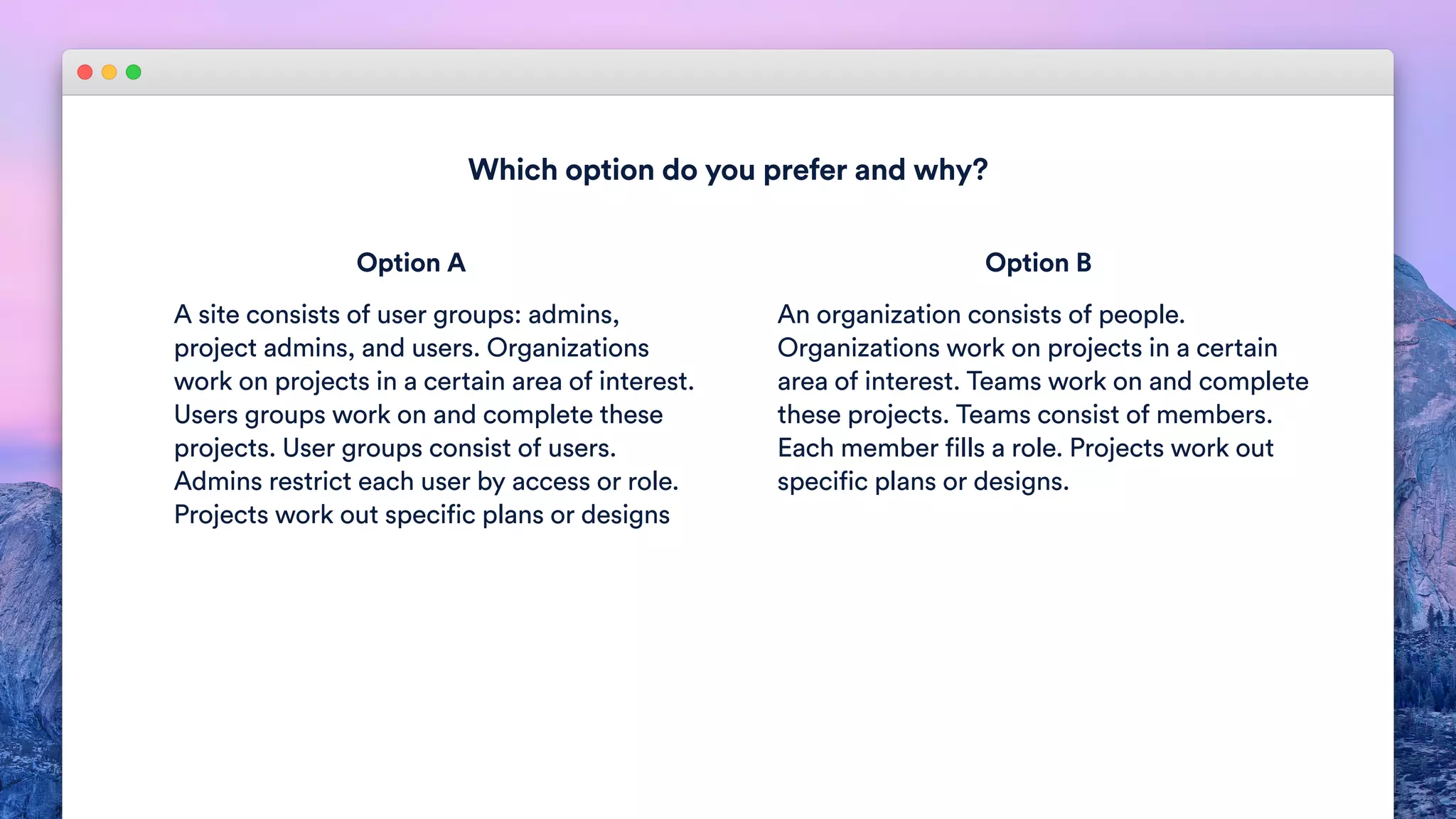
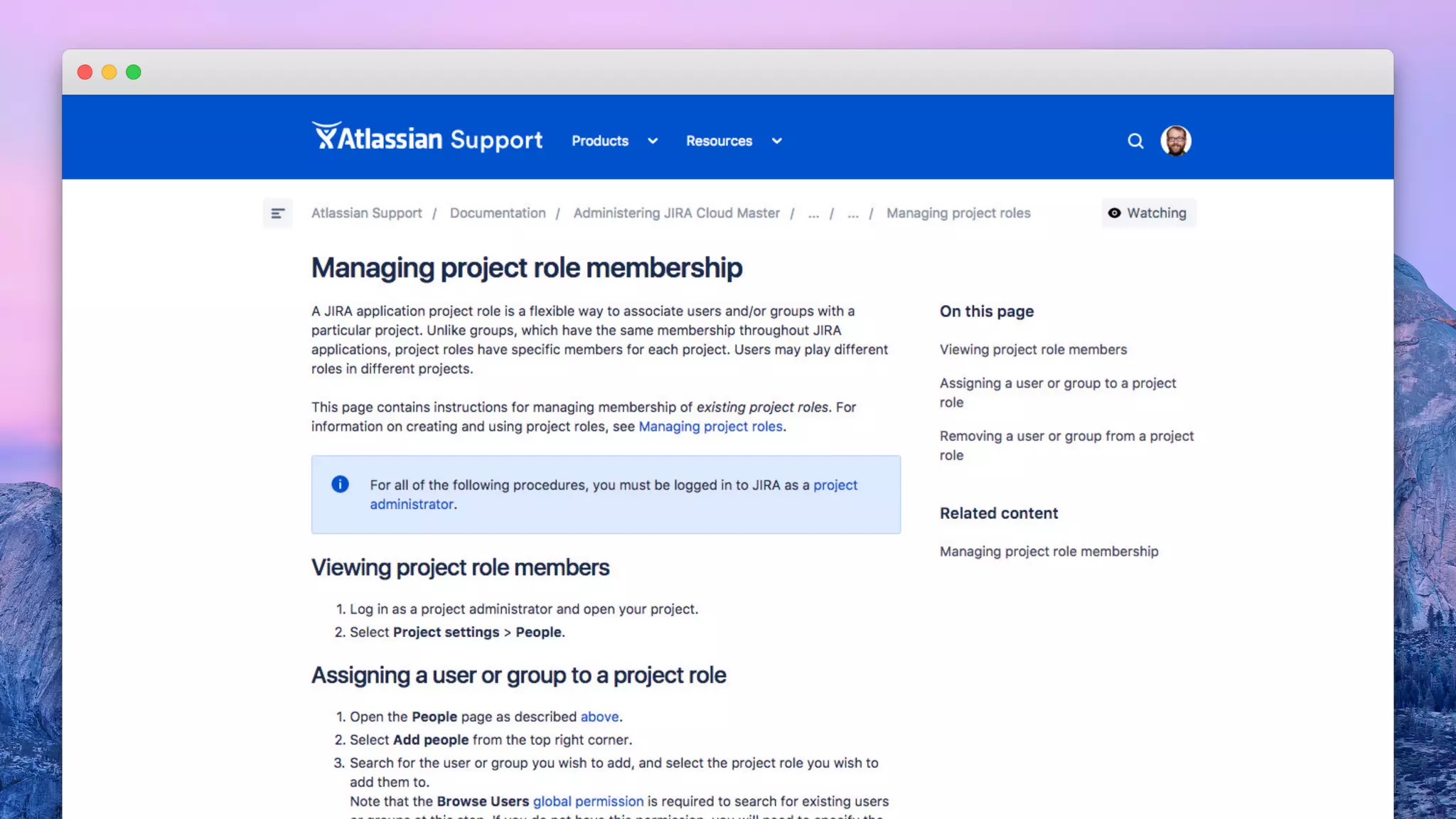
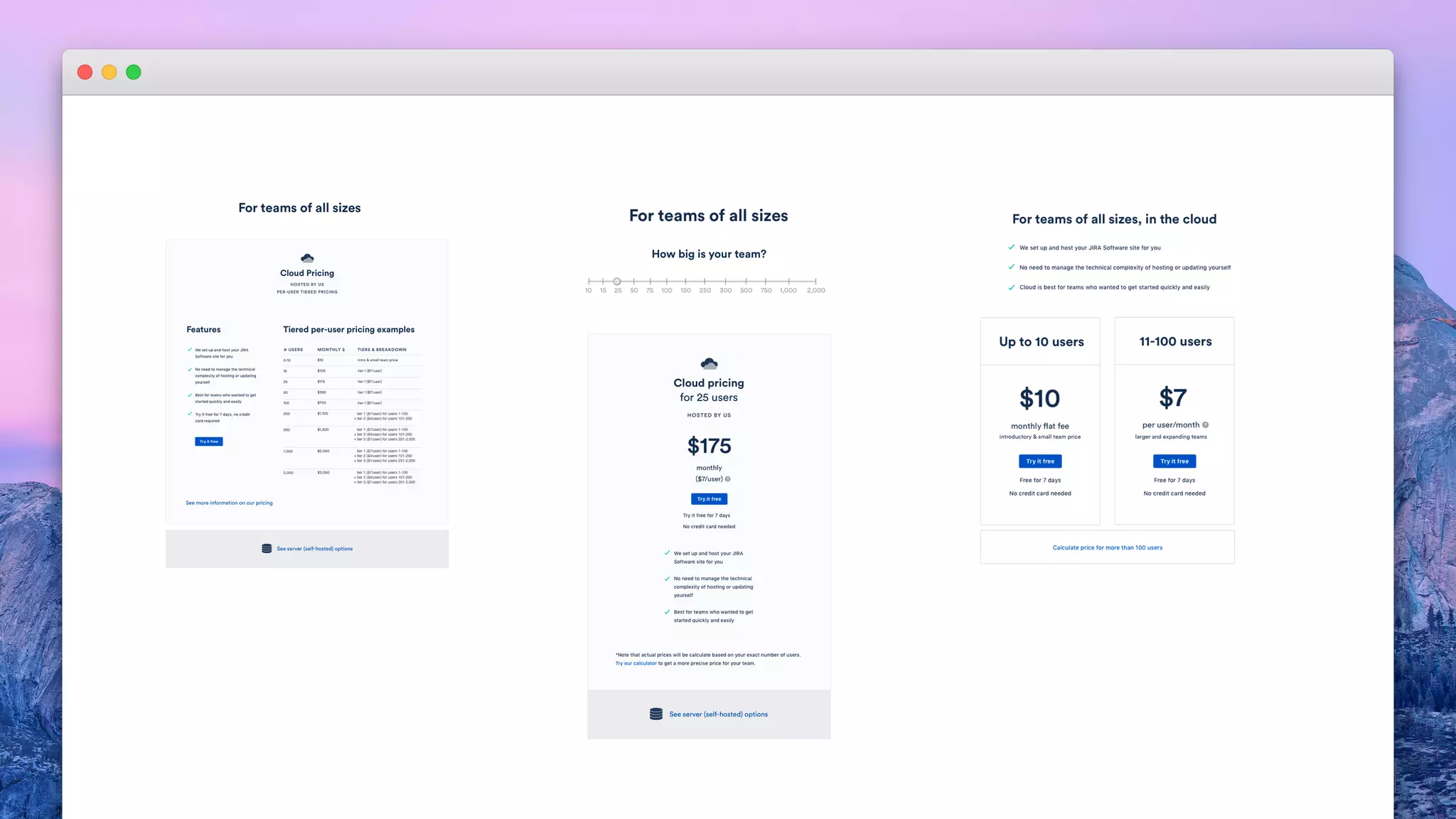
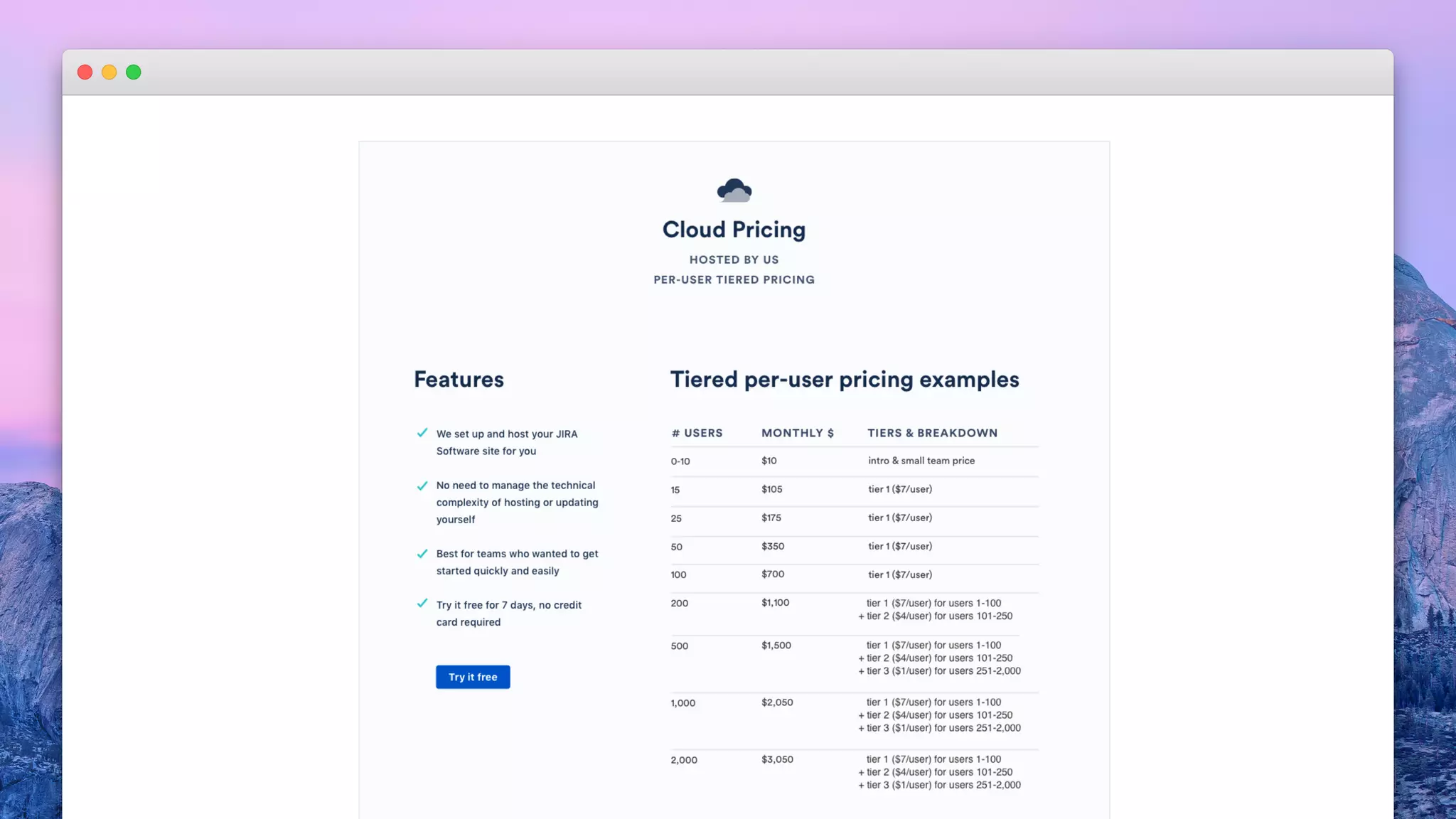
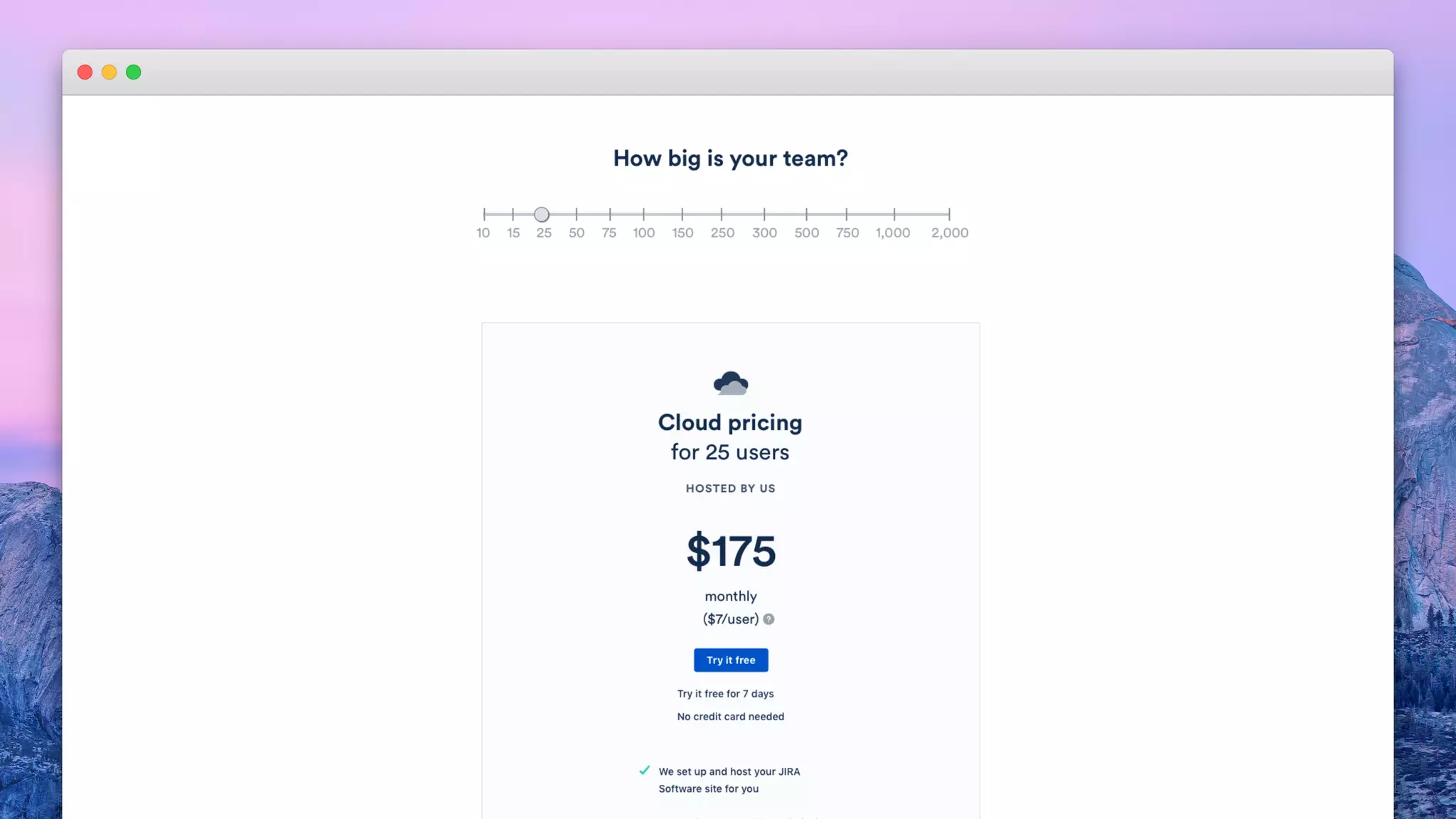
Which option do you prefer and why?
A site consists of user groups: admins,
project admins, and users. Organizations
work on projects in a certain area of interest.
Users groups work on and complete these
projects. User groups consist of users.
Admins restrict each user by access or role.
Projects work out specific plans or designs
An organization consists of people.
Organizations work on projects in a certain
area of interest. Teams work on and complete
these projects. Teams consist of members.
Each member fills a role. Projects work out
specific plans or designs.
Option A Option B
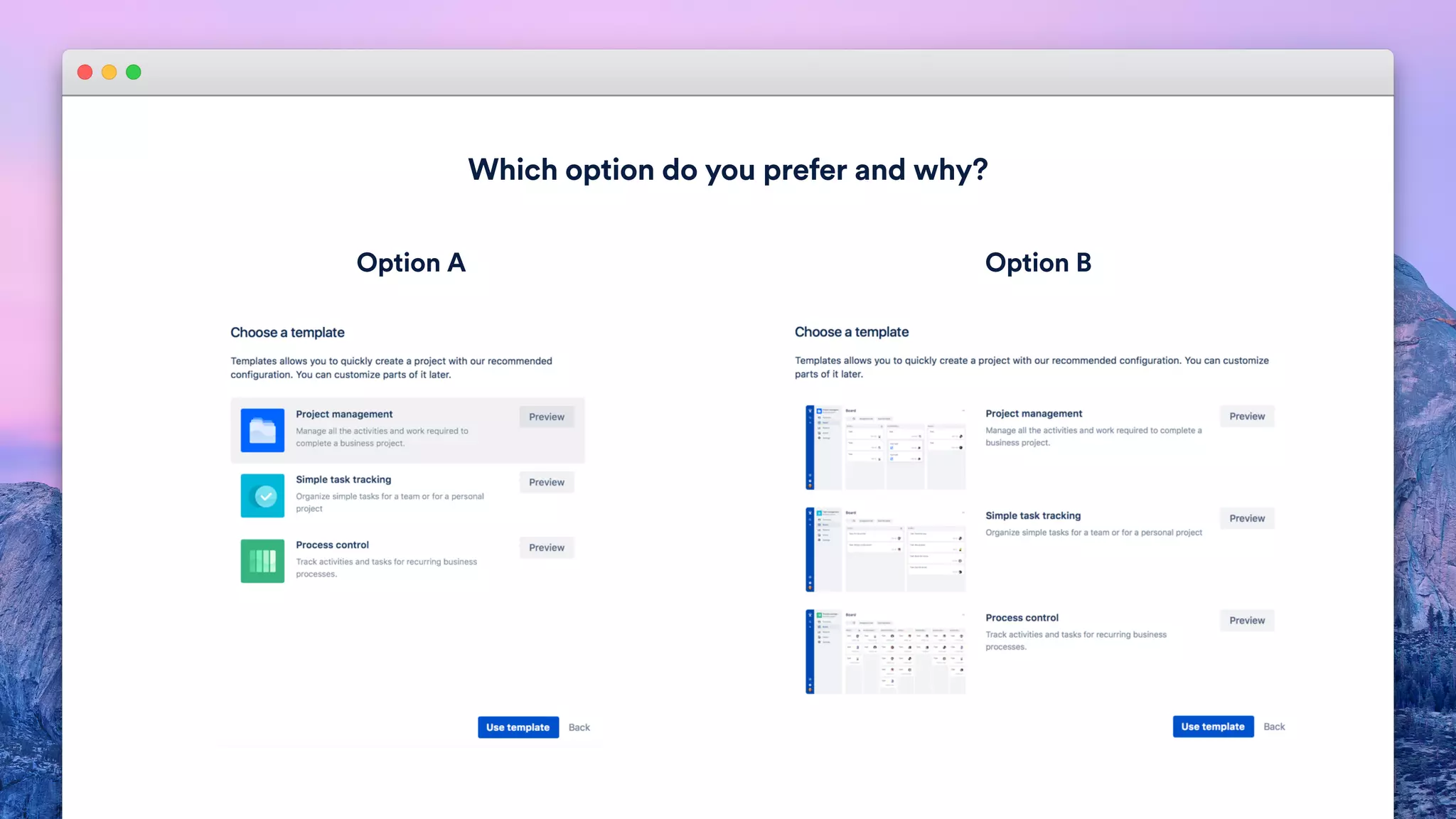
Which option do you prefer and why?
Option A Option B
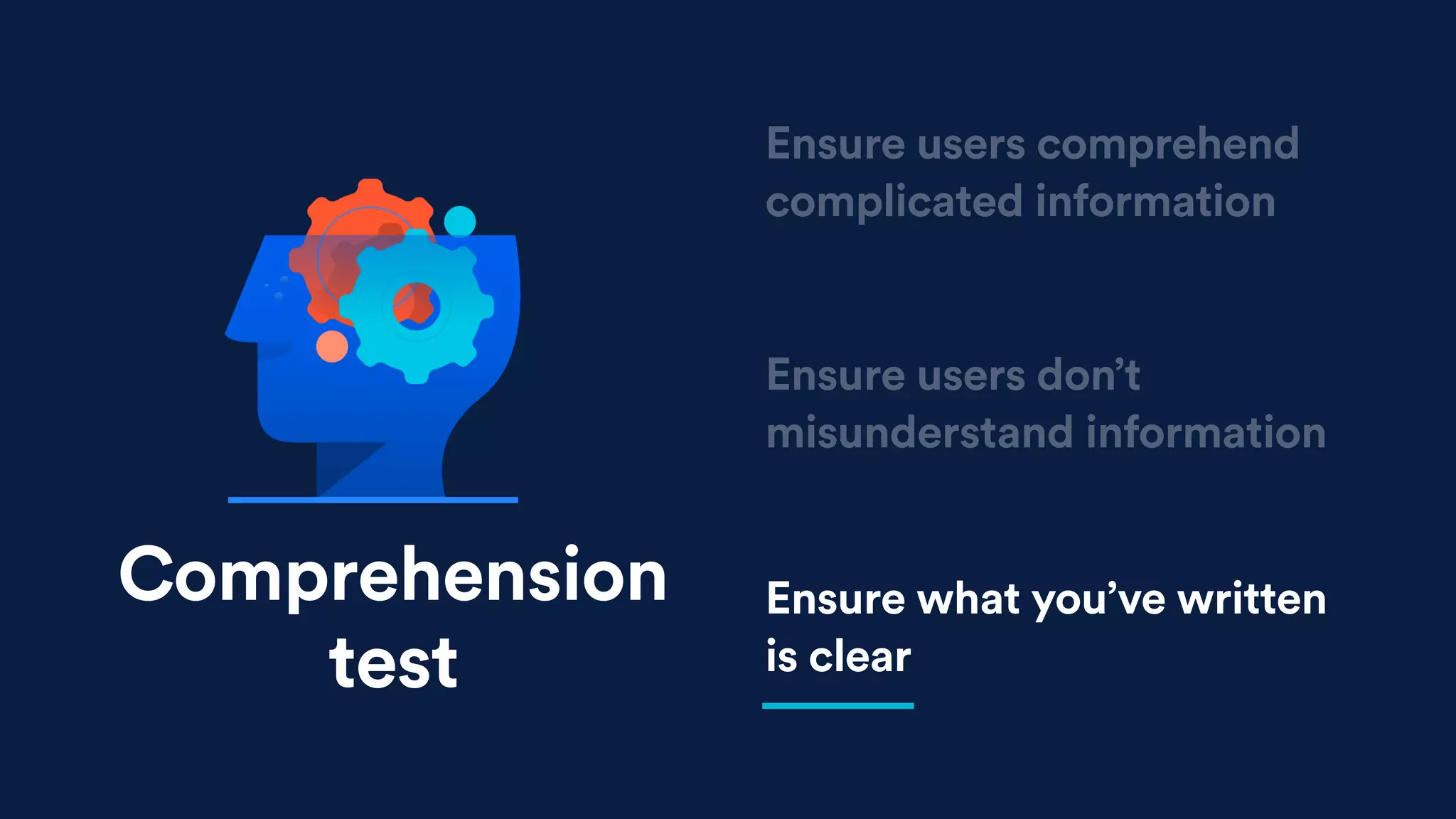
Comprehension
test
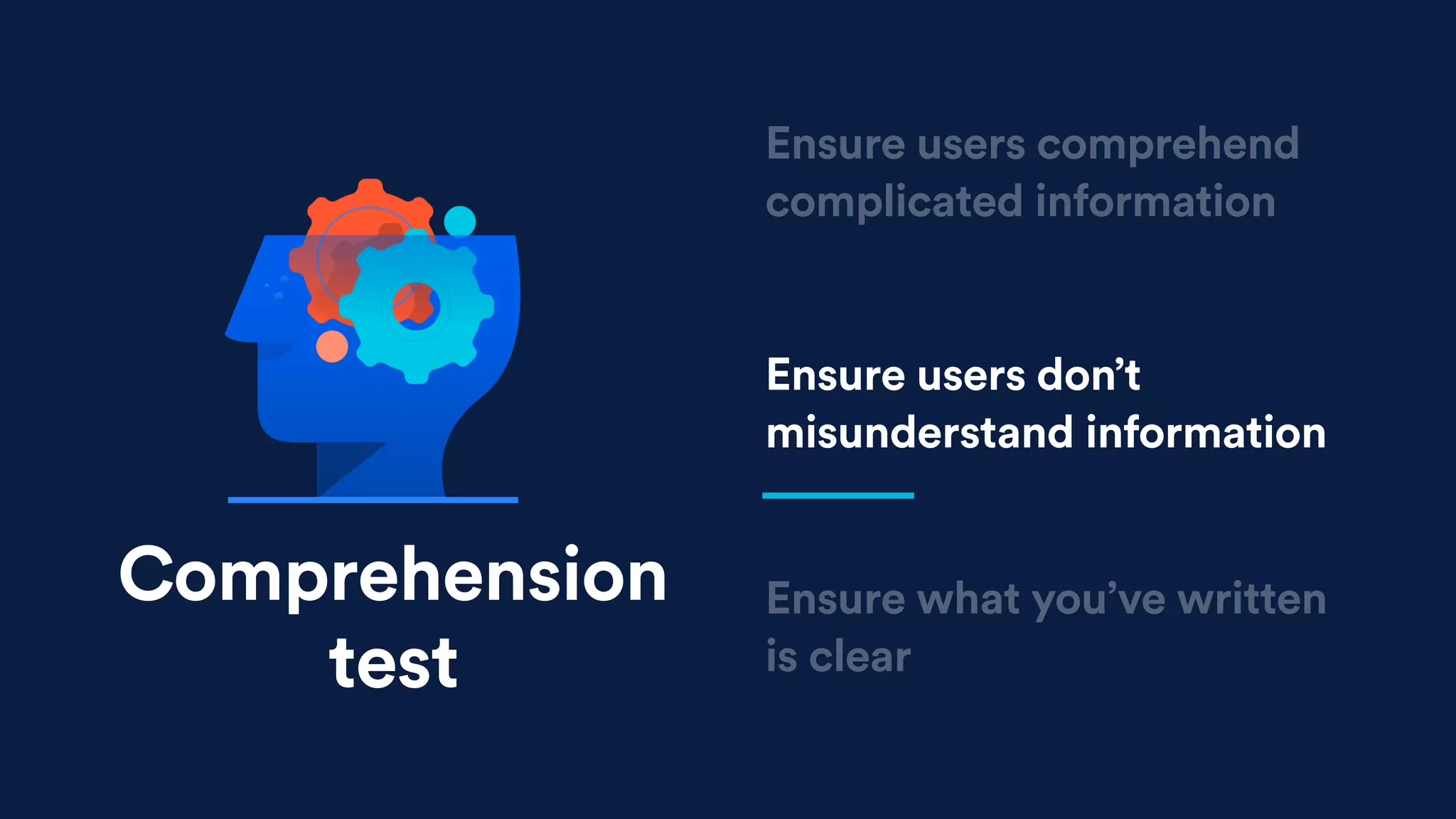
Ensure users don’t
misunderstand information
Ensure what you’ve written
is clear
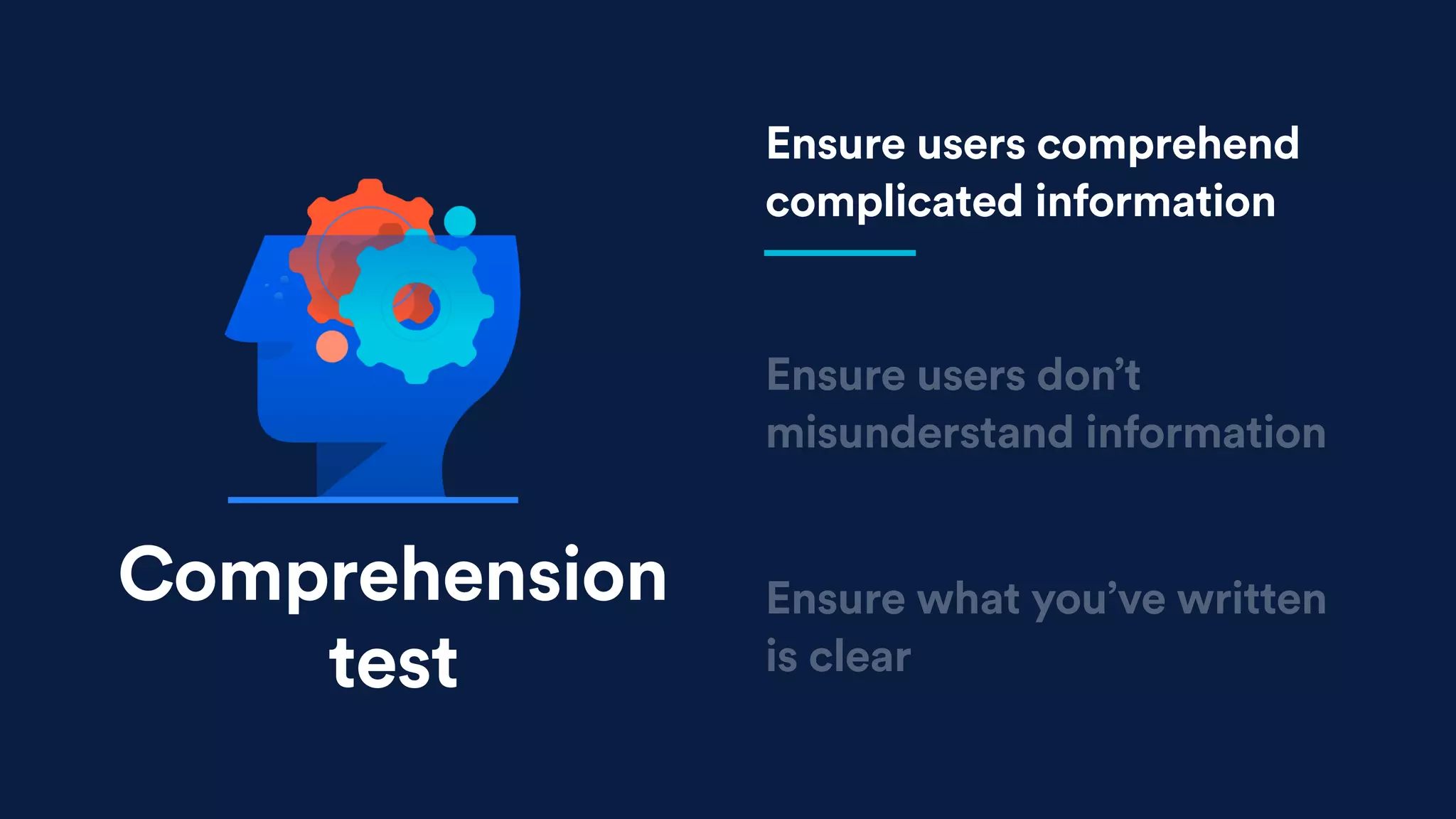
Ensure users comprehend
complicated information
Comprehension
test
Ensure users don’t
misunderstand information
Ensure what you’ve written
is clear
Ensure users comprehend
complicated information
Comprehension
test
Ensure users don’t
misunderstand information
Ensure what you’ve written
is clear
Ensure users comprehend
complicated information
Comprehension
test
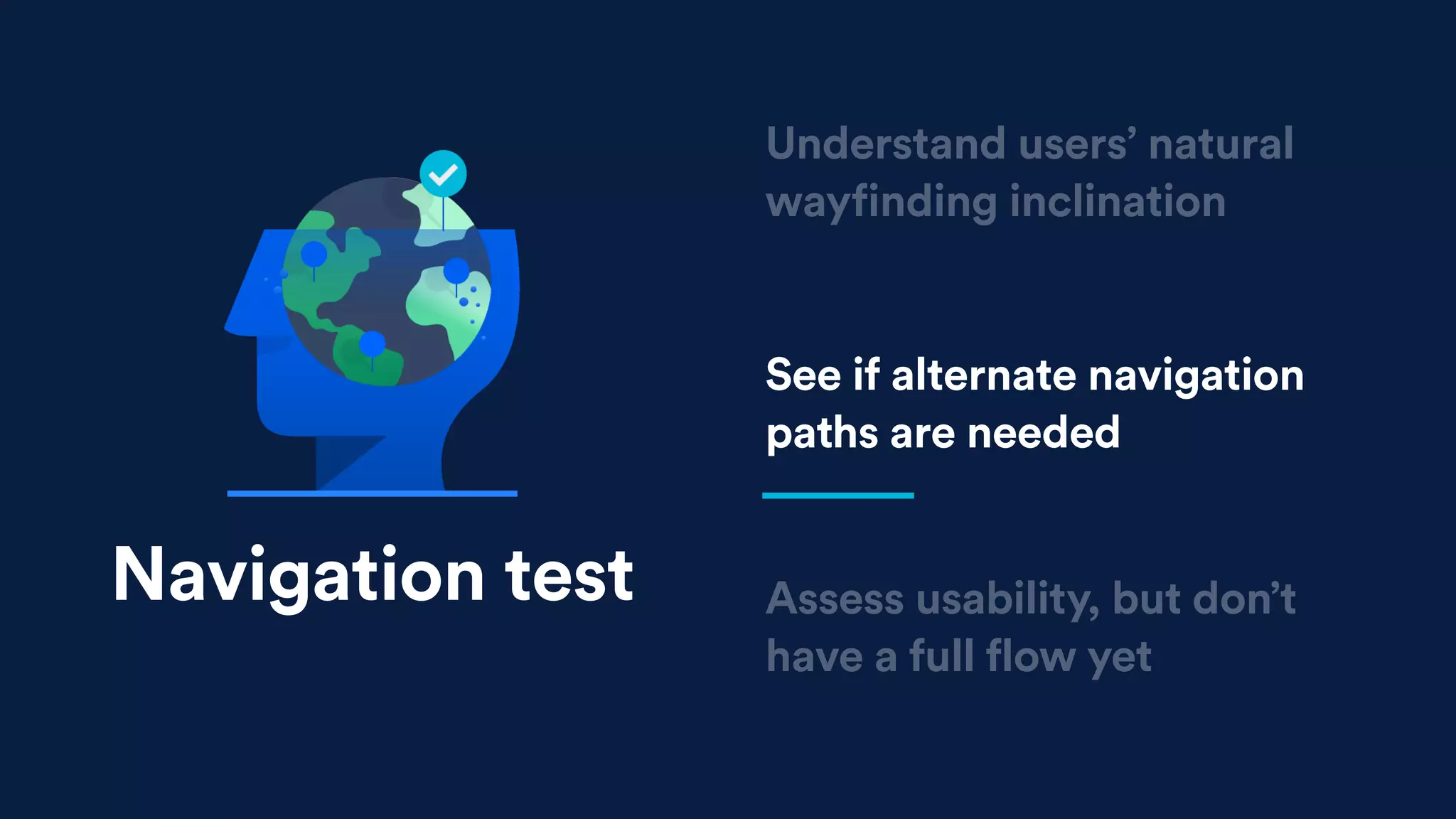
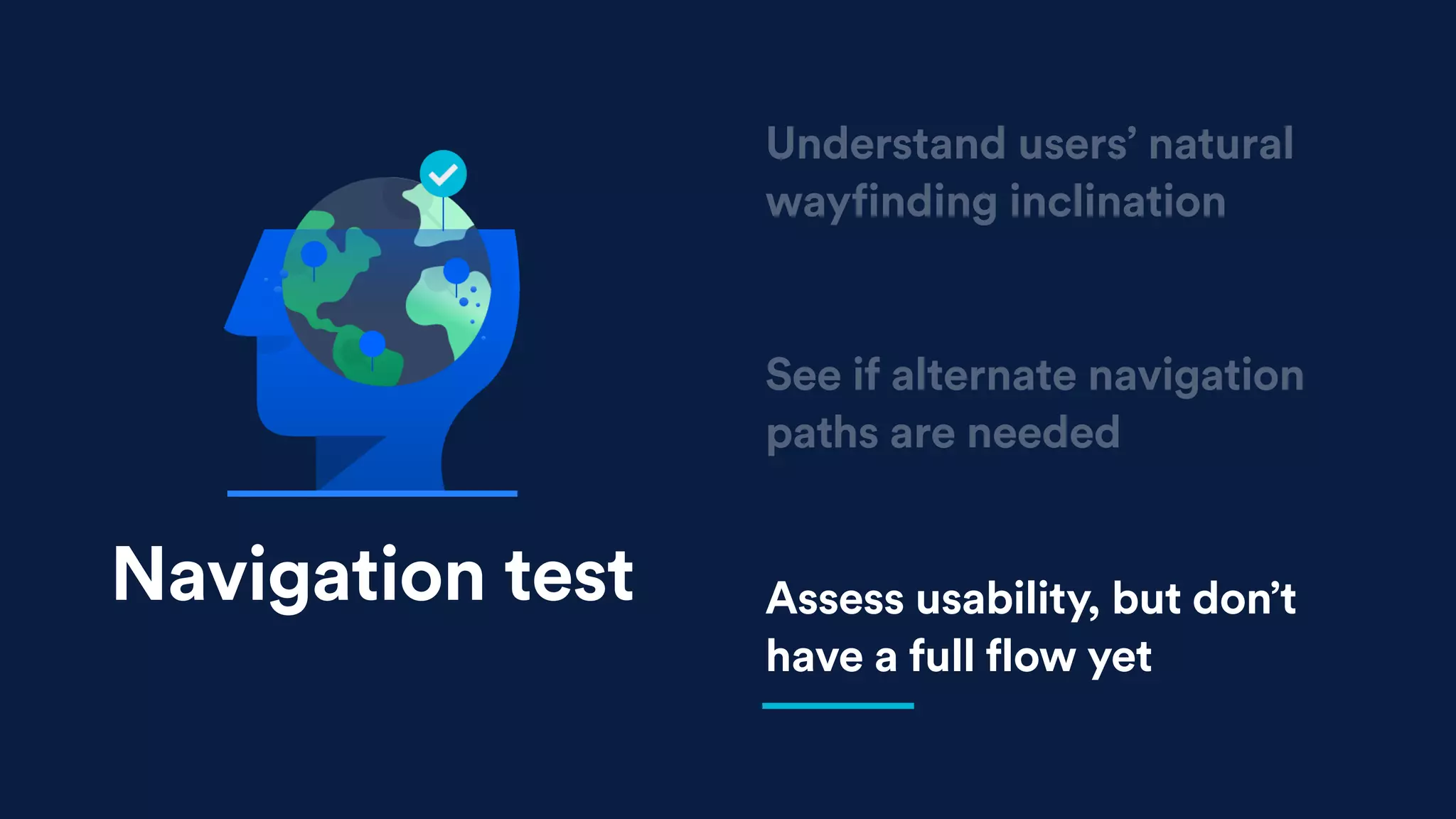
Navigation test
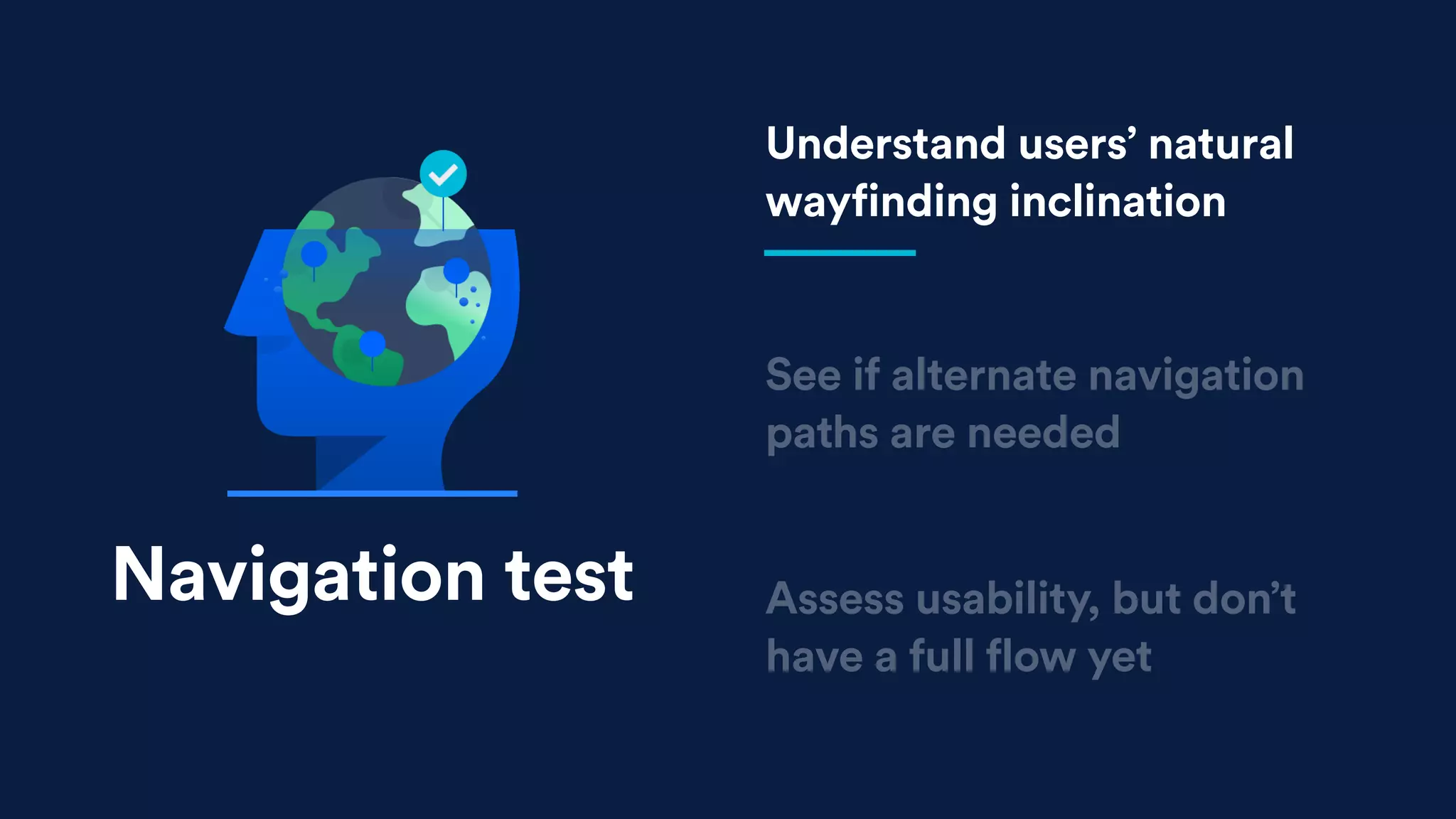
See if alternate navigation
paths are needed
Assess usability, but don’t
have a full flow yet
Understand users’ natural
wayfinding inclination
Navigation test
See if alternate navigation
paths are needed
Assess usability, but don’t
have a full flow yet
Understand users’ natural
wayfinding inclination
Navigation test
See if alternate navigation
paths are needed
Assess usability, but don’t
have a full flow yet
Understand users’ natural
wayfinding inclination
Navigation test
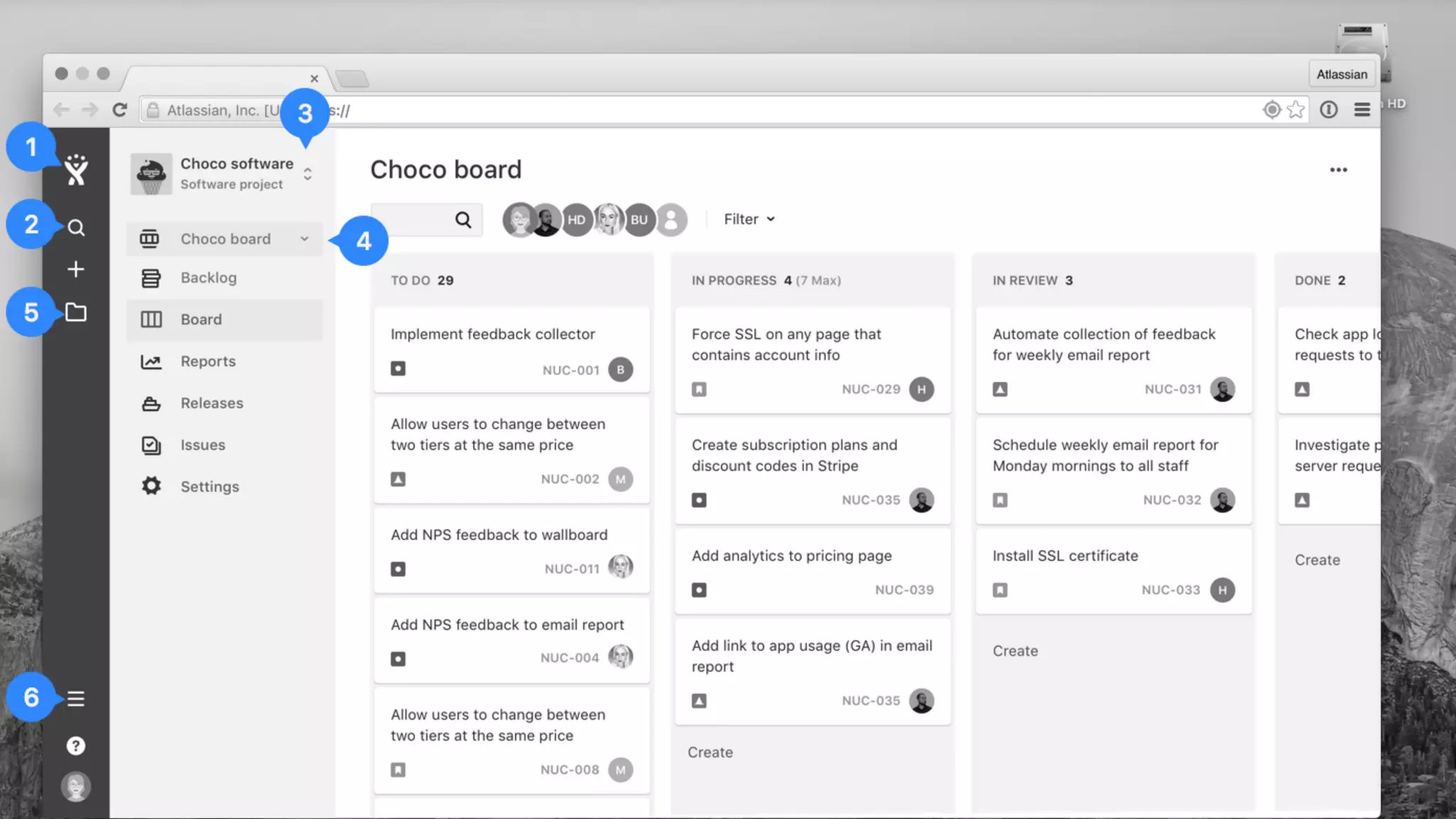
Ash - we need a screenshot of the icons
in product
Concept test
Learn what’s valuable,
what’s not, what’s missing
Compare your idea to users’
current process
Explore early product and
feature ideas
Concept test
Learn what’s valuable,
what’s not, what’s missing
Compare your idea to users’
current process
Explore early product and
feature ideas
Concept test
Learn what’s valuable,
what’s not, what’s missing
Compare your idea to users’
current process
Explore early product and
feature ideas
Concept test
Aesthetics test
Info test
Expectation test
Preference test
Page design test
Value test
Task completion test
Comprehension test
Navigation test
Usability test
Concept test
Click test
DIFFERENT METHODS
Getting started
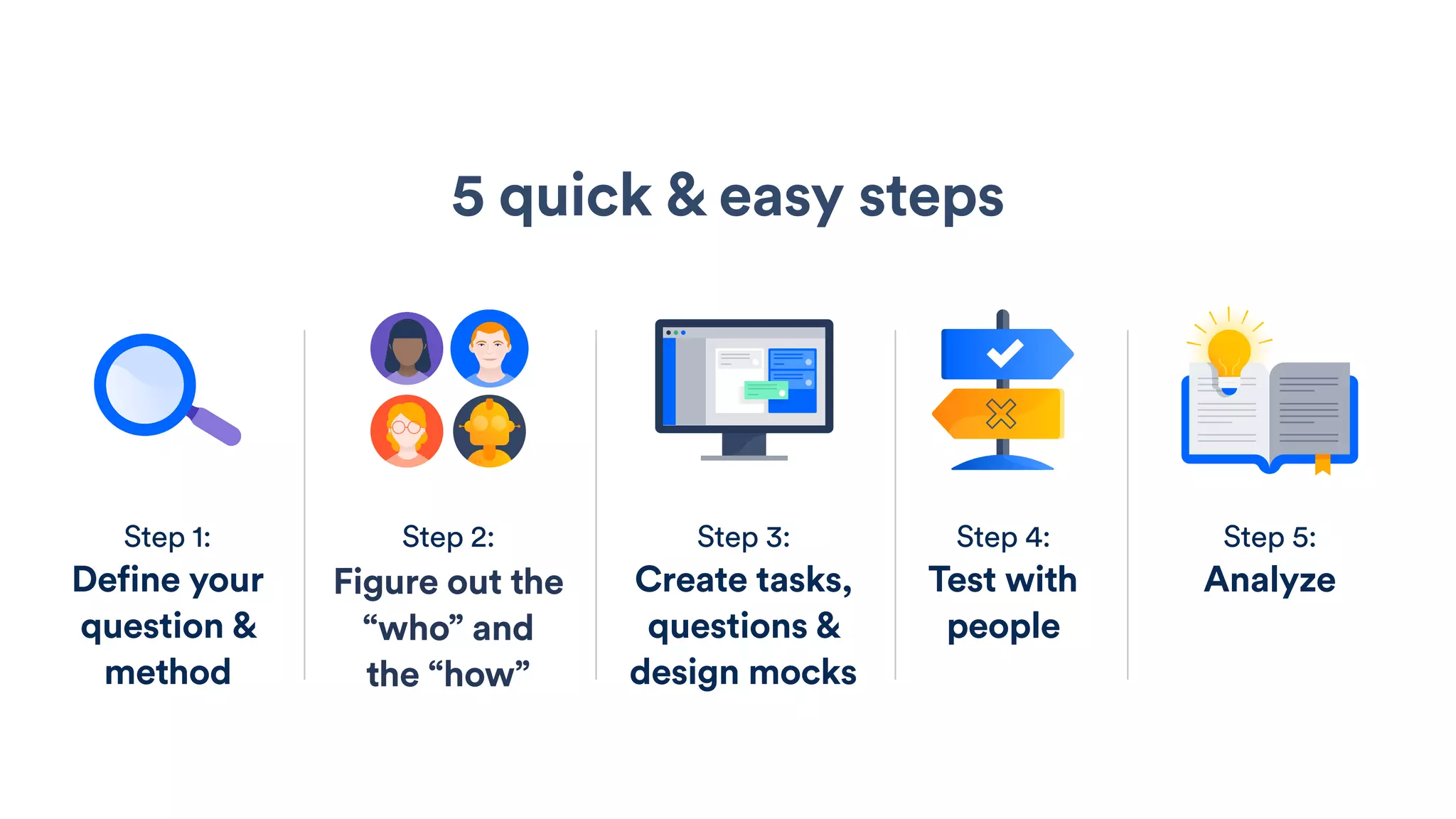
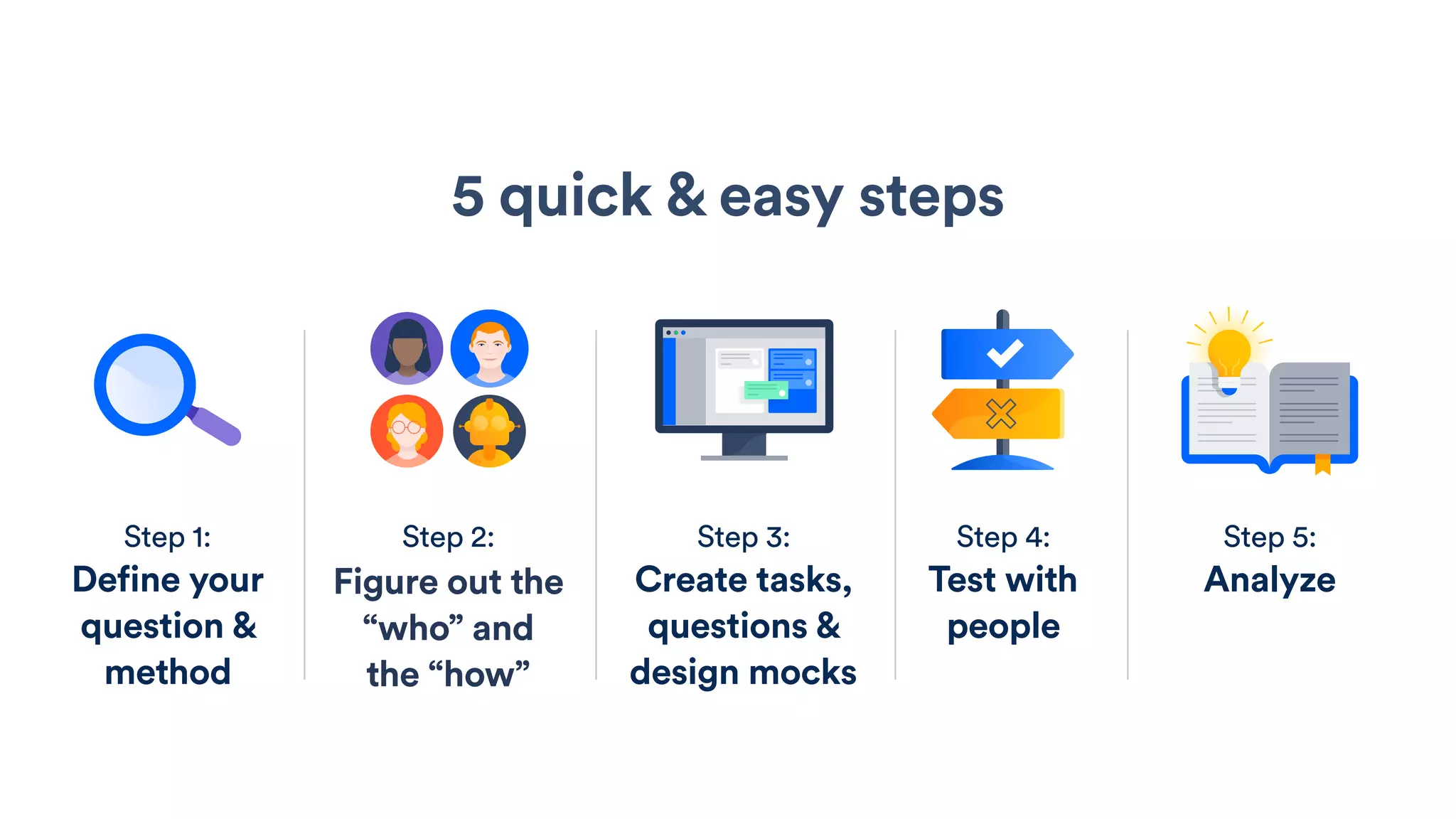
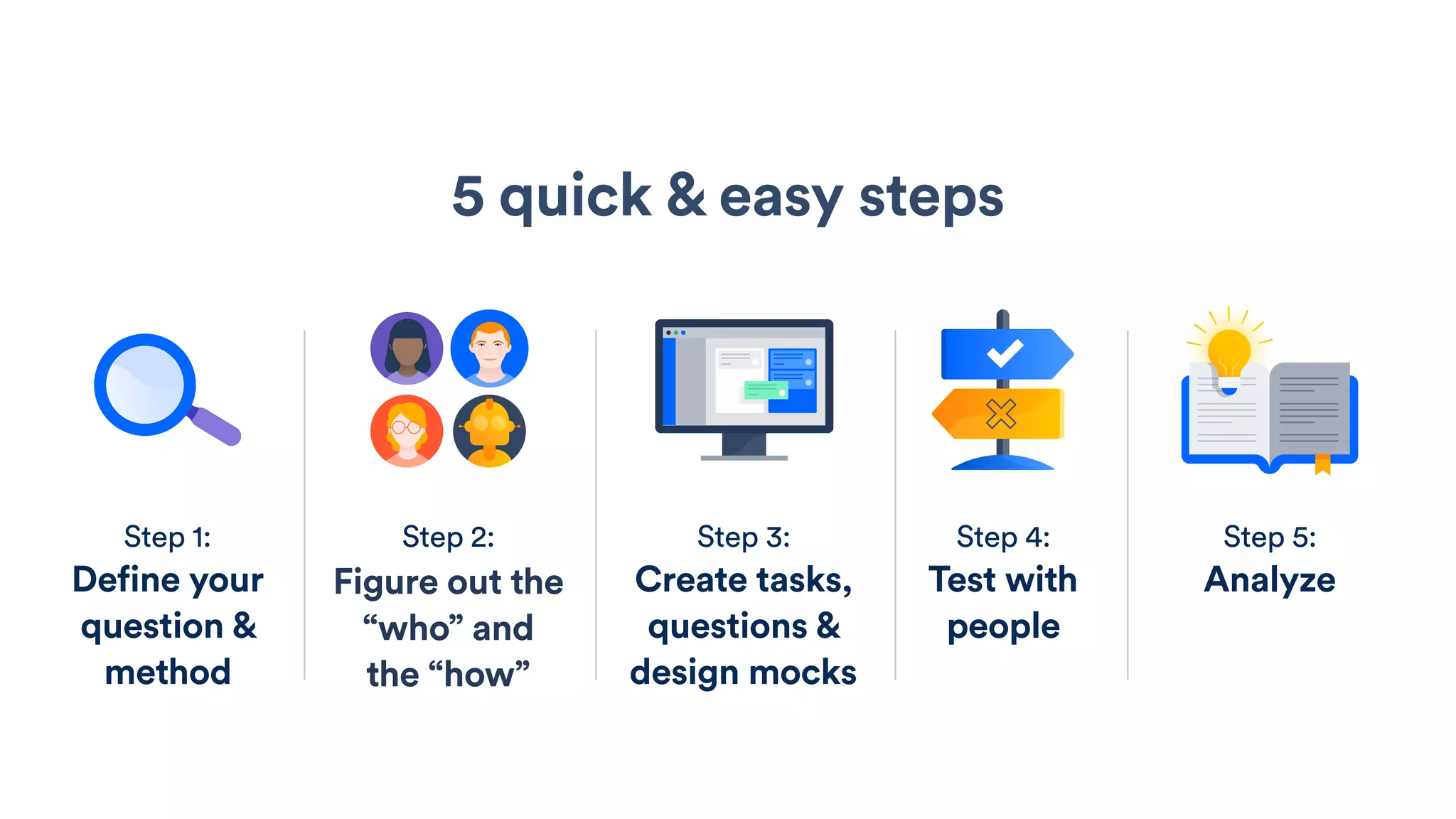
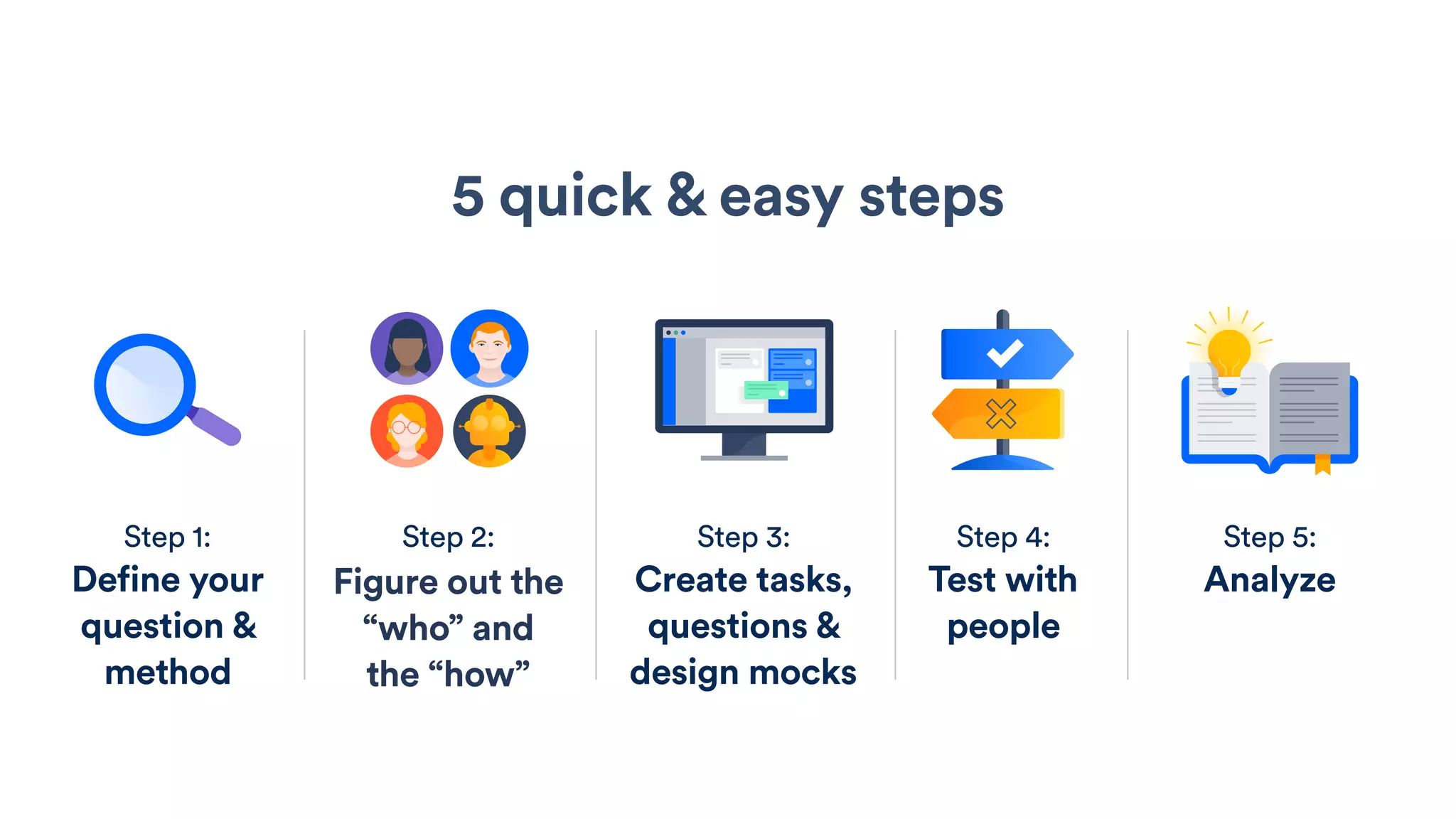
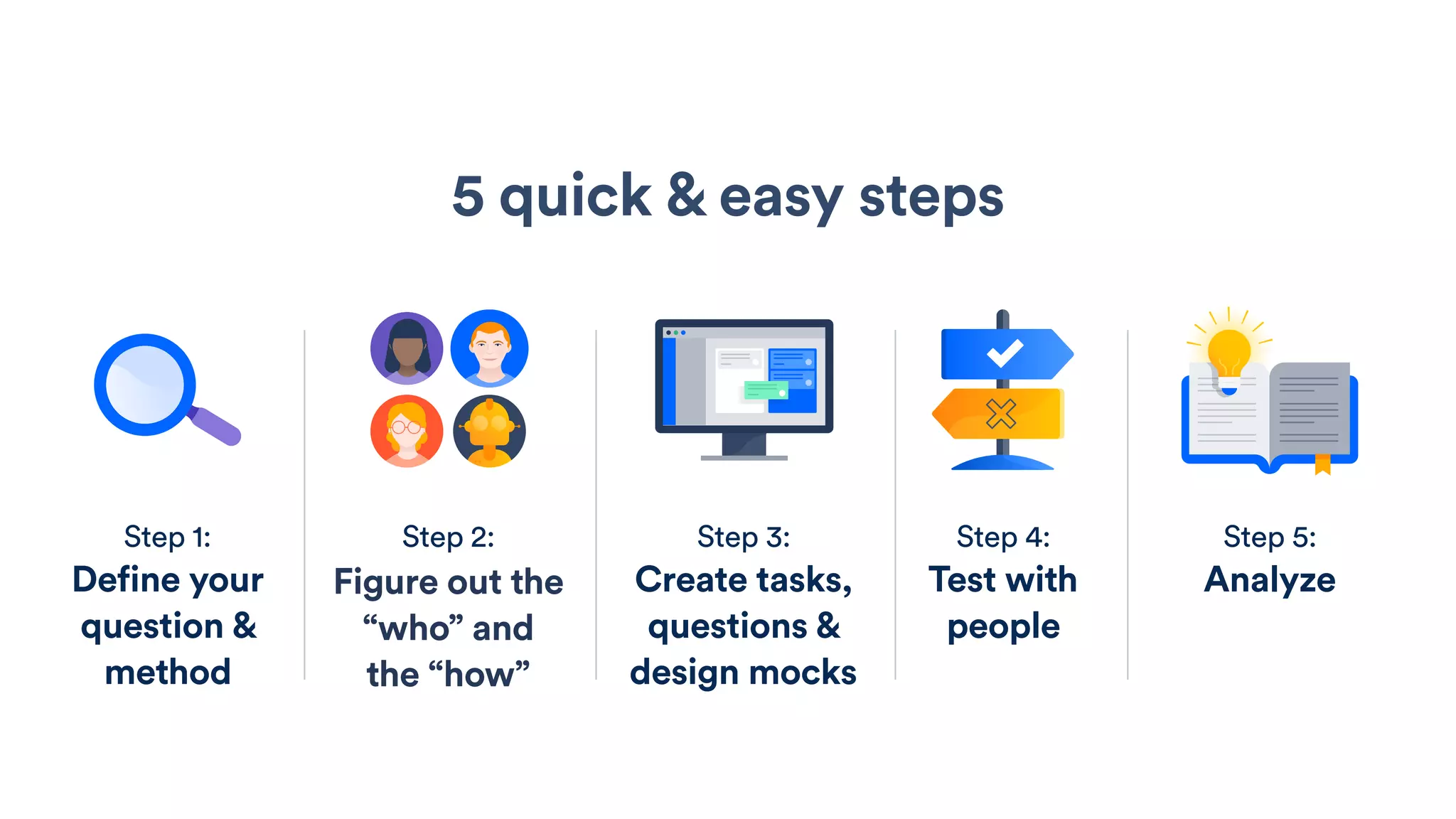
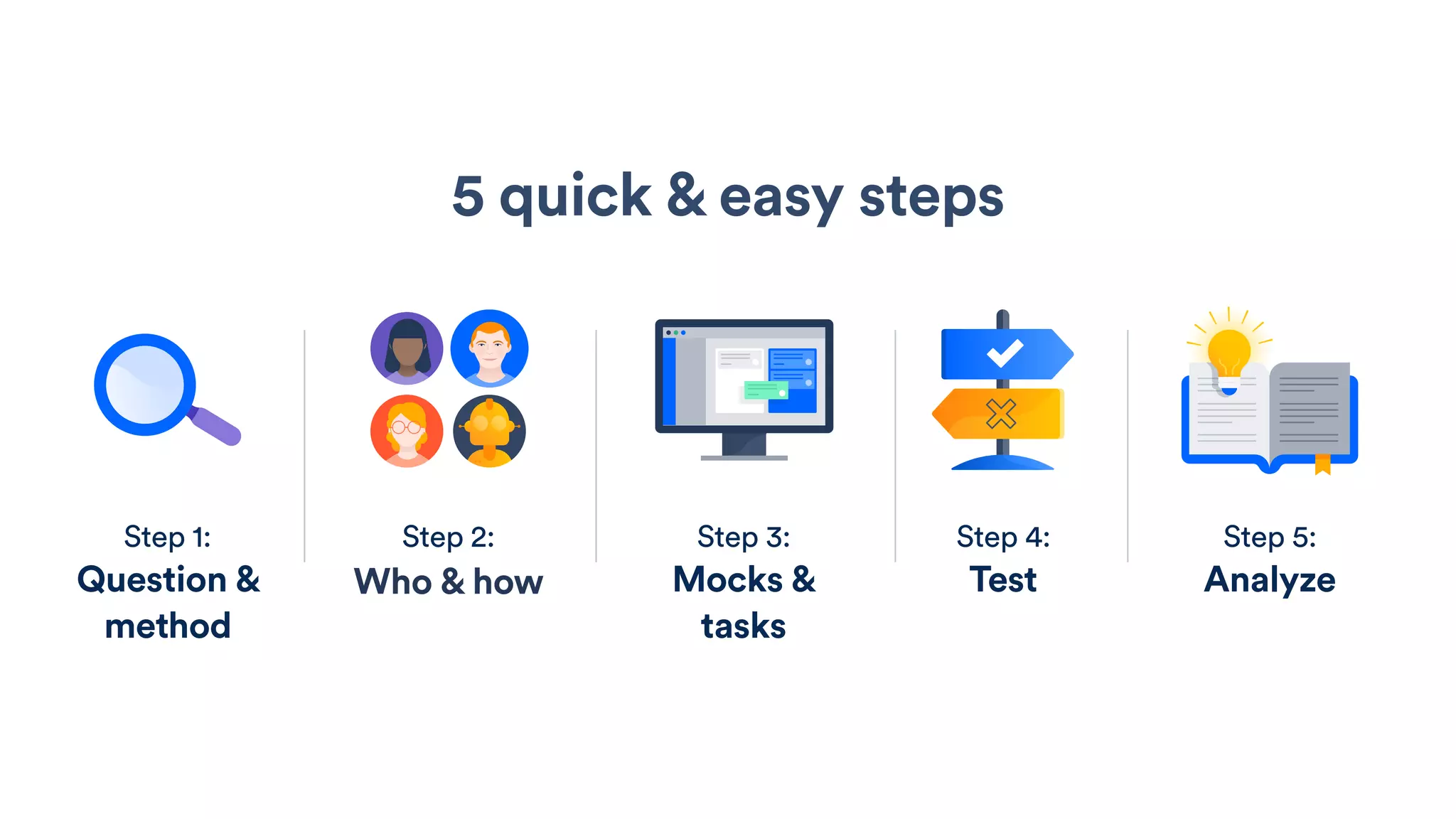
5 quick & easy steps
Step 1:
Define your
question &
method
Step 2:
Figure out the
“who” and
the “how”
Step 3:
Create tasks,
questions &
design mocks
Step 4:
Test with
people
Step 5:
Analyze
Step 1:
Define your question
& method
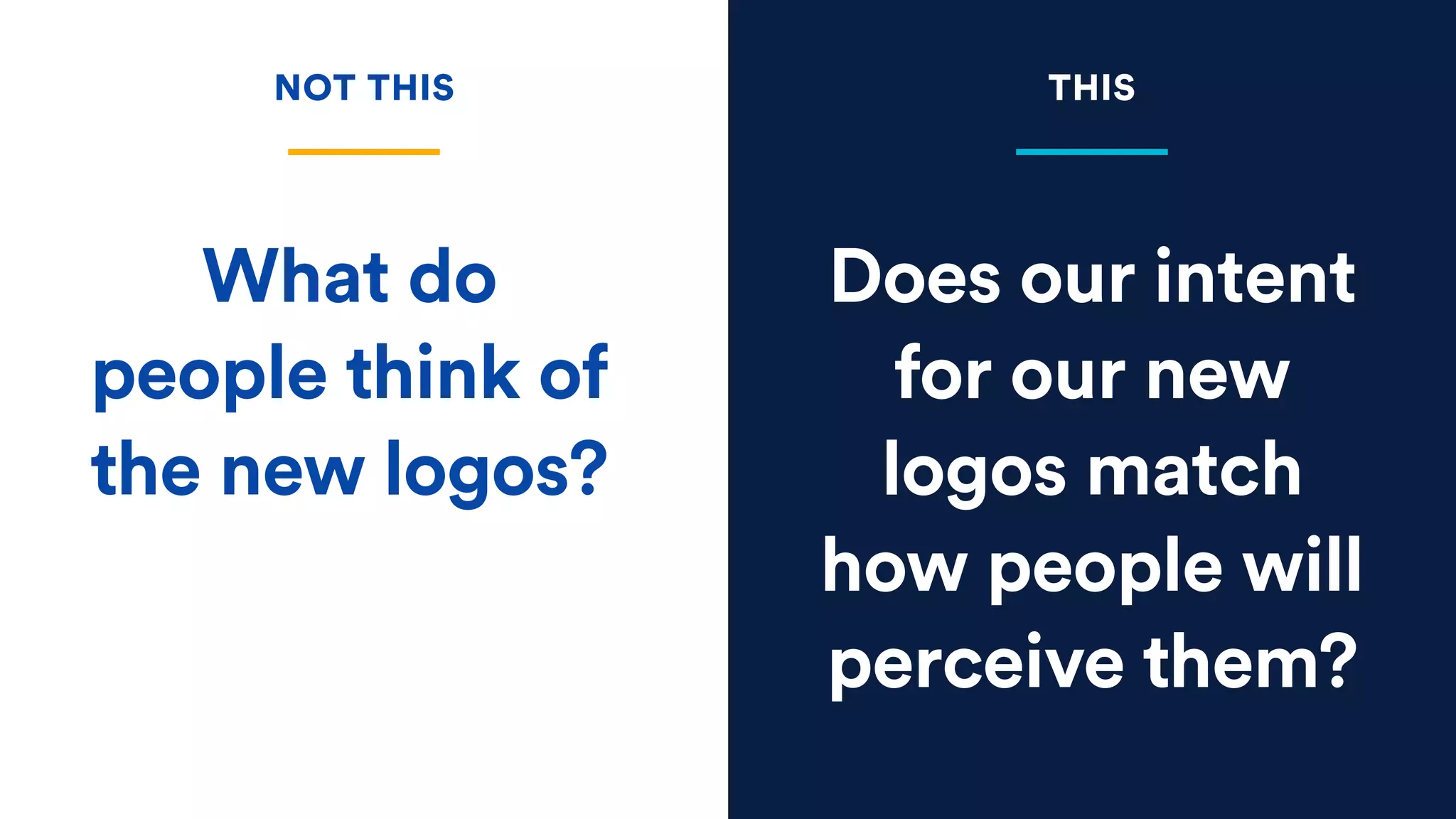
Does our intent
for our new
logos match
how people will
perceive them?
What do
people think of
the new logos?
NOT THIS THIS
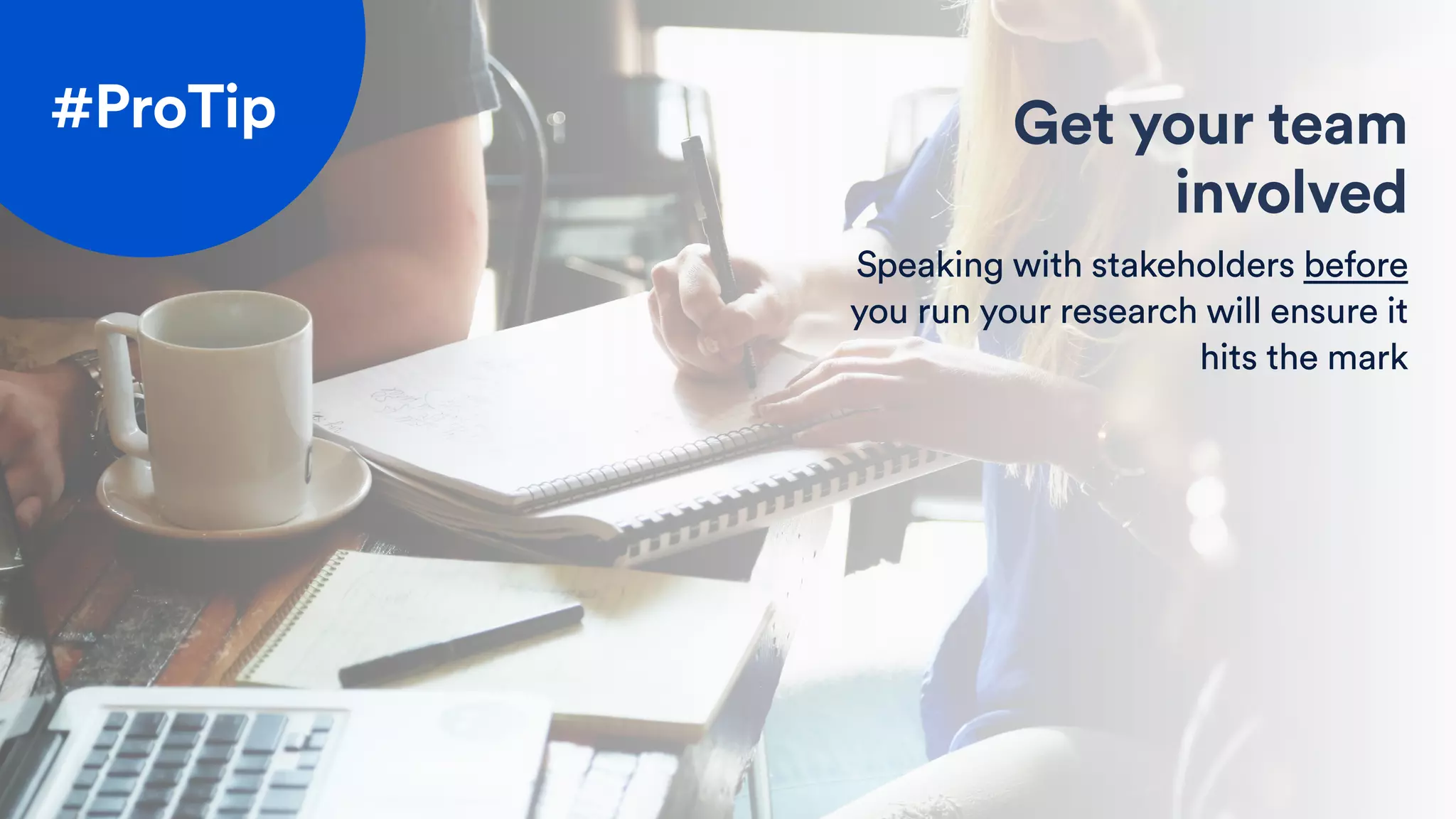
Get your team
involved
Speaking with stakeholders before
you run your research will ensure it
hits the mark
#ProTip
5 quick & easy steps
Step 1:
Define your
question &
method
Step 2:
Figure out the
“who” and
the “how”
Step 3:
Create tasks,
questions &
design mocks
Step 4:
Test with
people
Step 5:
Analyze
Step 2:
Figure out the “who”
and the “how”
Who?
How?
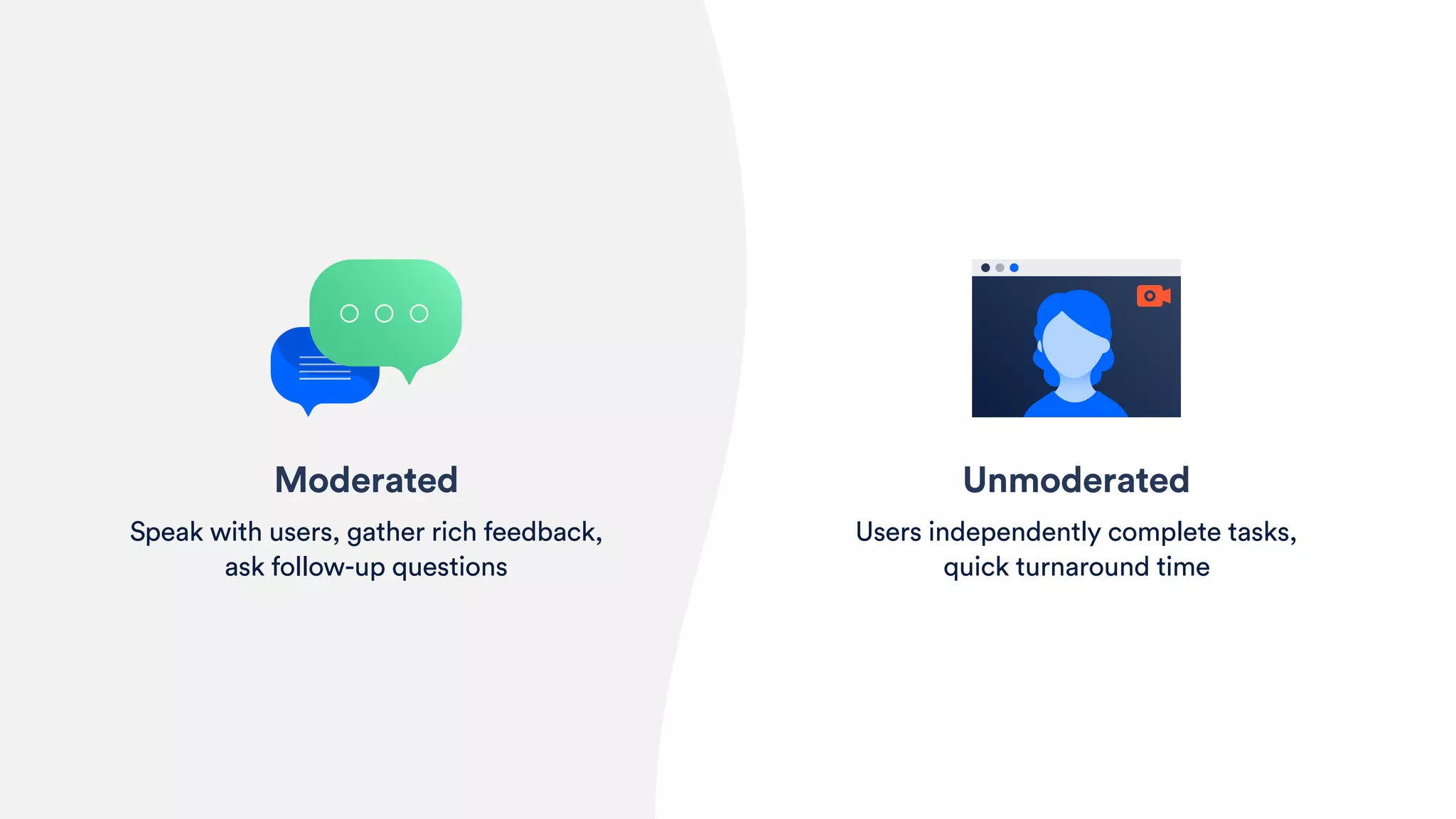
Unmoderated
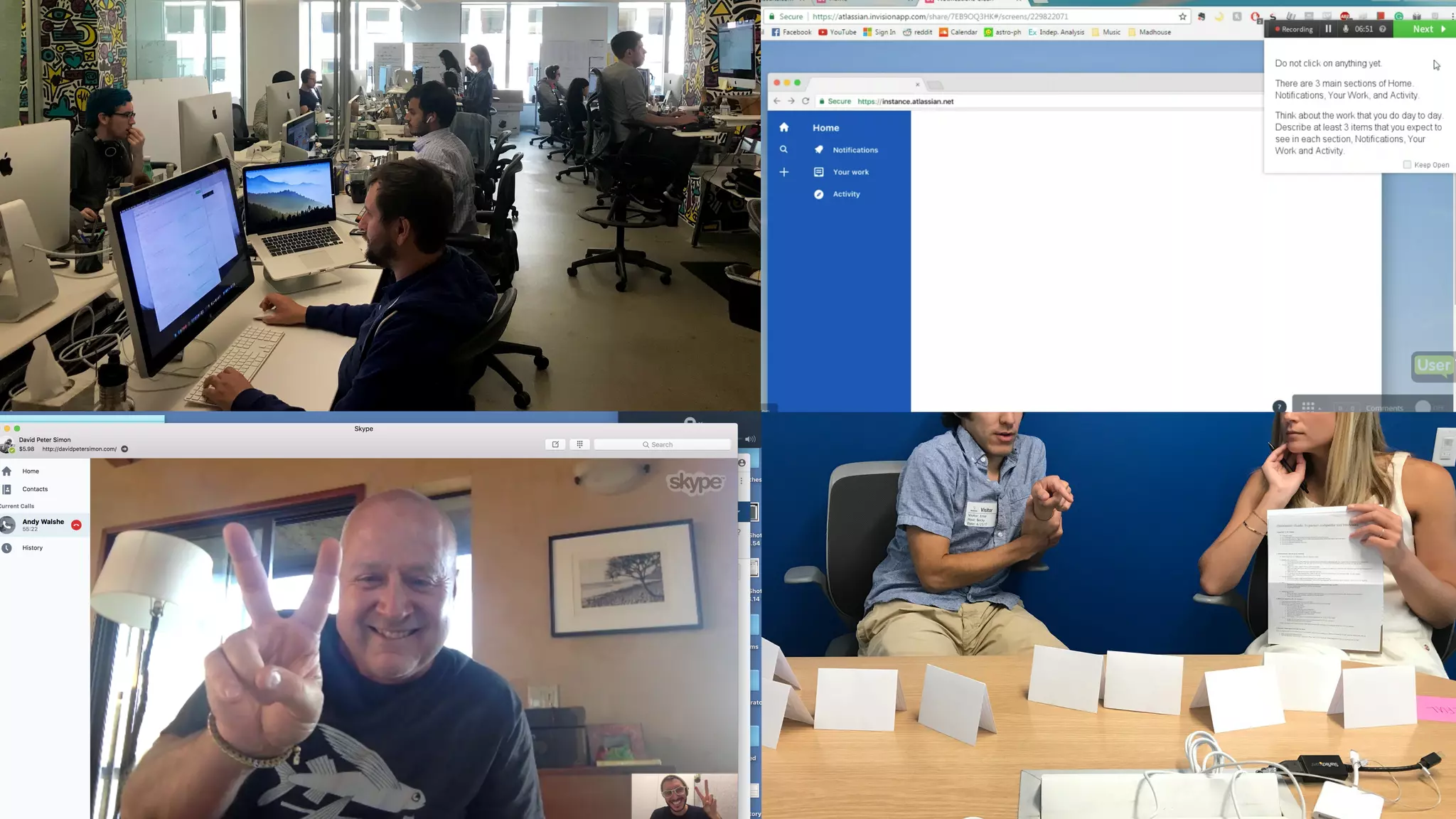
Users independently complete tasks,
quick turnaround time
Moderated
Speak with users, gather rich feedback,
ask follow-up questions
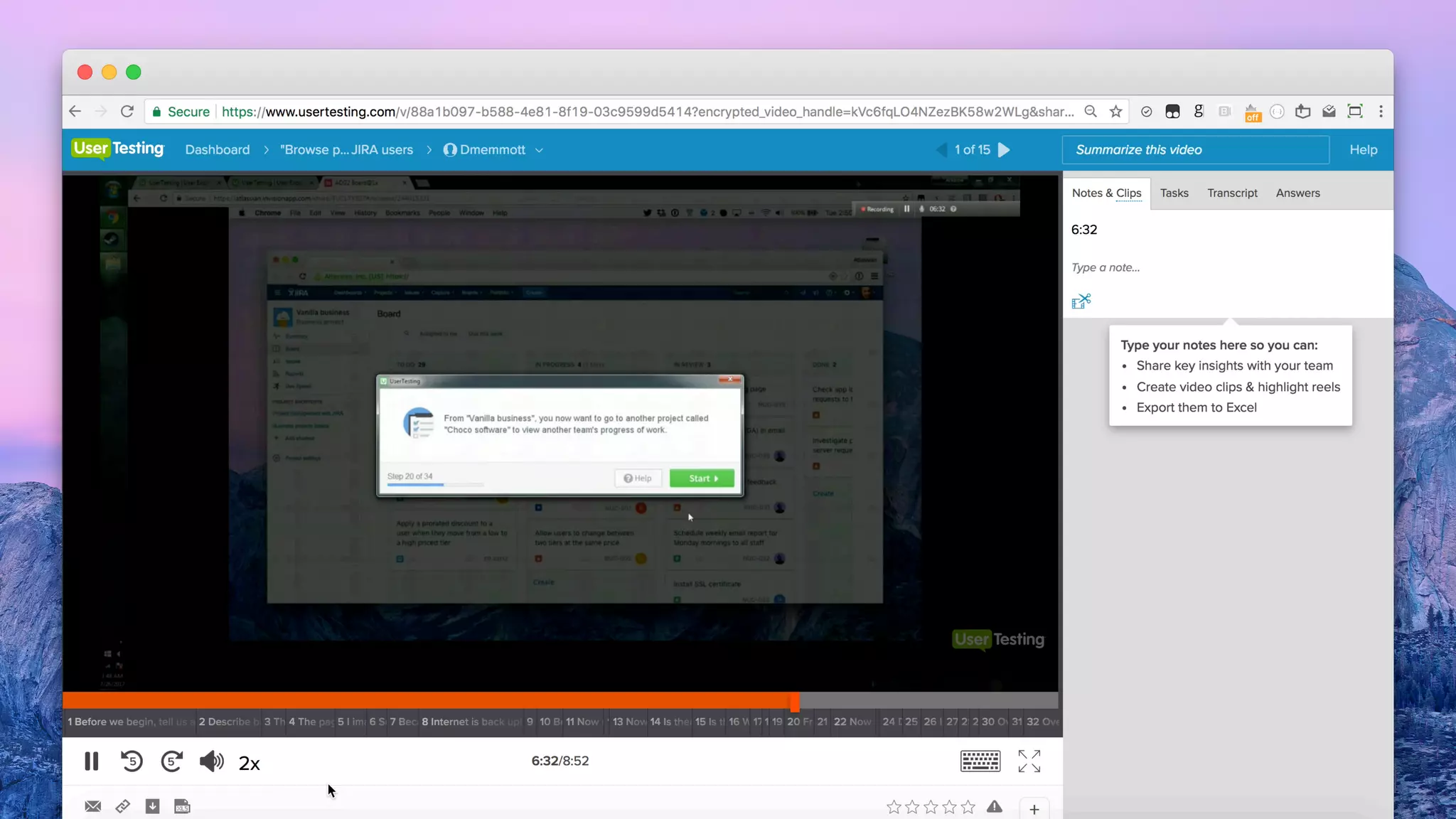
#ProTip Unmoderated toolkit
Check out Usertesting.com, User
Zoom, Loop11, Validately, and others
5 quick & easy steps
Step 1:
Define your
question &
method
Step 2:
Figure out the
“who” and
the “how”
Step 3:
Create tasks,
questions &
design mocks
Step 4:
Test with
people
Step 5:
Analyze
Step 3:
Create tasks, questions
& design mocks
Tasks & questions
Write scenarios
Rather than just creating tasks, create
one story that ties together all the tasks.
#ProTip
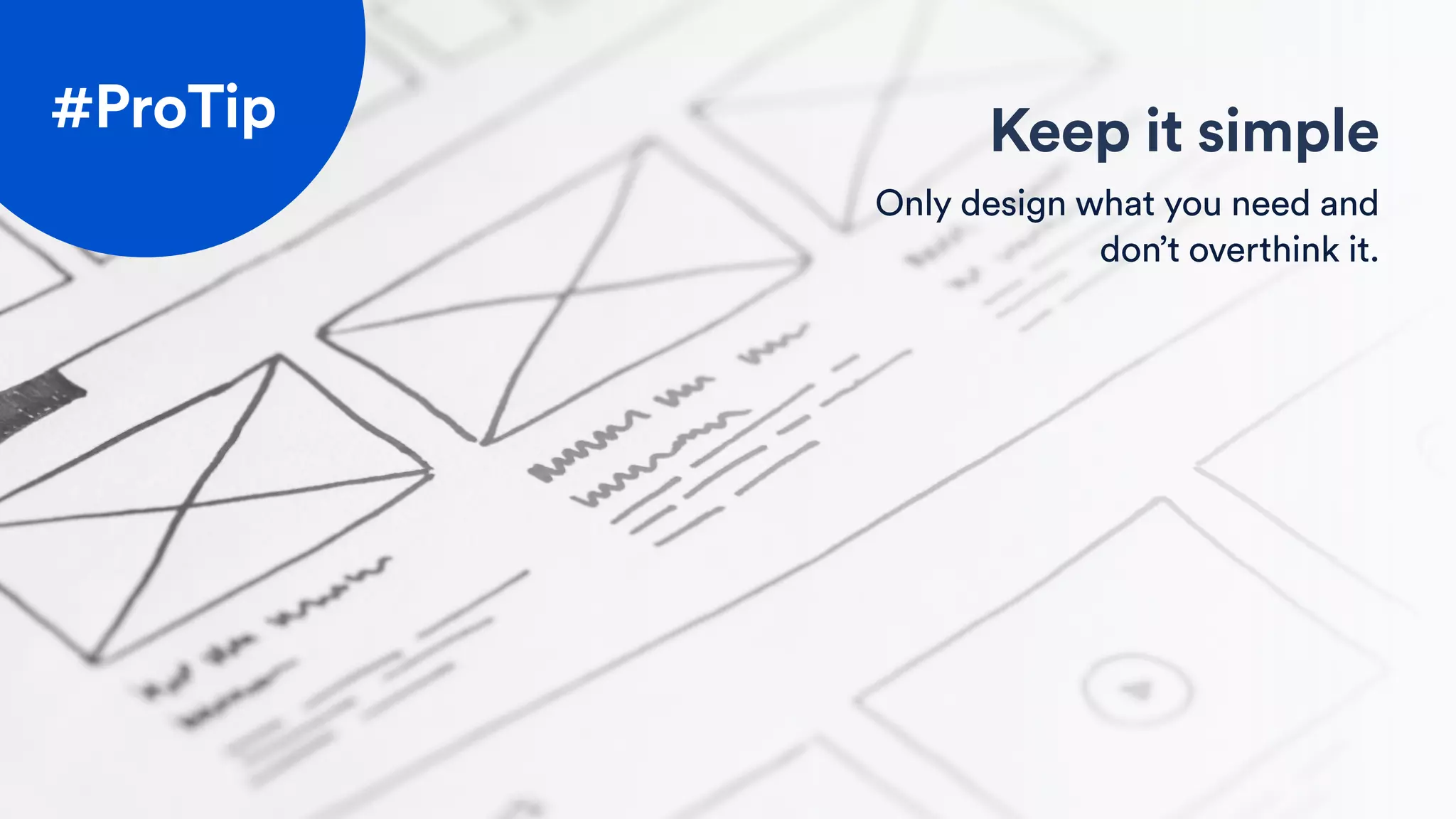
Keep it simple
Only design what you need and
don’t overthink it.
#ProTip
5 quick & easy steps
Step 1:
Define your
question &
method
Step 2:
Figure out the
“who” and
the “how”
Step 3:
Create tasks,
questions &
design mocks
Step 4:
Test with
people
Step 5:
Analyze
Step 4:
Test with people
Don’t just listen
It’s not just what users say,
it’s what they do
#ProTip
5 quick & easy steps
Step 1:
Define your
question &
method
Step 2:
Figure out the
“who” and
the “how”
Step 3:
Create tasks,
questions &
design mocks
Step 4:
Test with
people
Step 5:
Analyze
Step 5:
Analyze
Task completion
Time to taskUMUX-lite
Time on task
Expectation score
Happy path clicks
20%
Baseline New
100%+80%
74.81 77.90+3.09
1m : 36s 2m : 27s
+51s
5.0 / 7.0 6.3 / 7.0
+3.1
6 3
100%
Baseline New
100%0%
79.74 82.48+2.74
0m : 47s 1m : 00s
+13s
4.6 / 7.0 5.0 / 7.0
+0.4
6 3
Experience
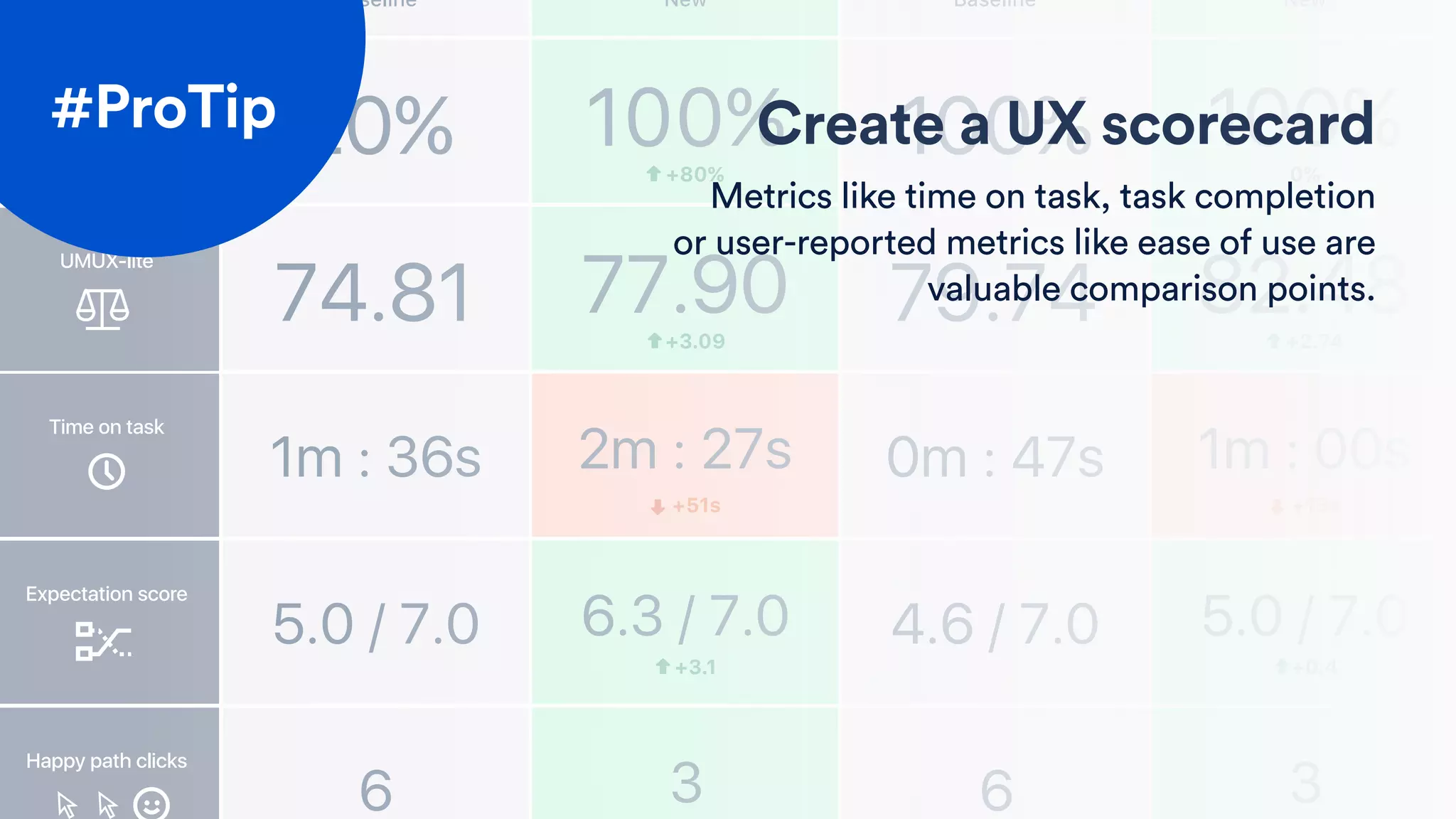
Create a UX scorecard
Metrics like time on task, task completion
or user-reported metrics like ease of use are
valuable comparison points.
#ProTip
Task completion
Time to taskUMUX-lite
Time on task
Expectation score
Happy path clicks
20%
Baseline New
100%+80%
74.81 77.90+3.09
1m : 36s 2m : 27s
+51s
5.0 / 7.0 6.3 / 7.0
+3.1
6 3
100%
Baseline New
100%0%
79.74 82.48+2.74
0m : 47s 1m : 00s
+13s
4.6 / 7.0 5.0 / 7.0
+0.4
6 3
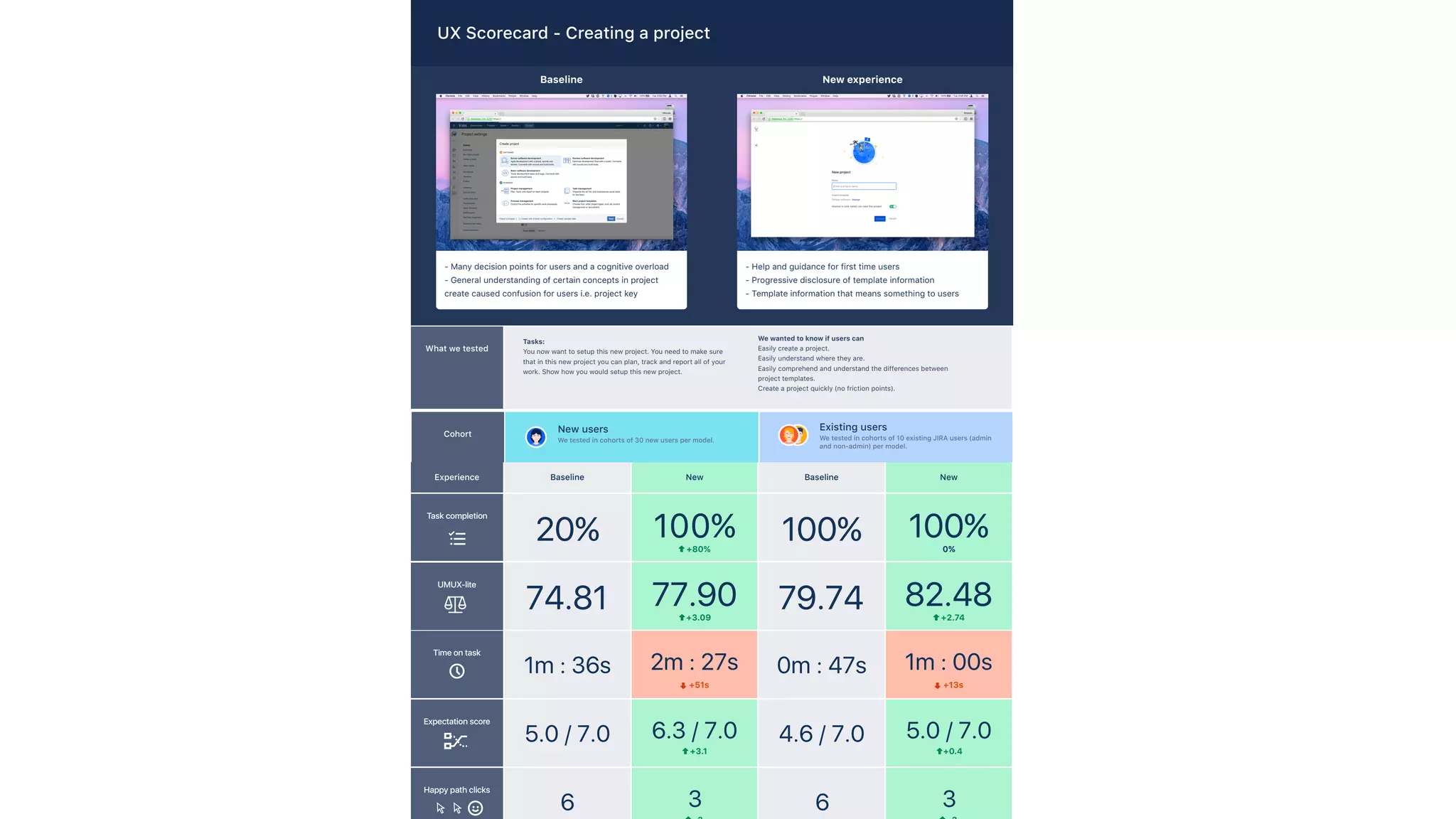
- Many decision points for users and a cognitive overload
- General understanding of certain concepts in project
create caused confusion for users i.e. project key
Baseline
- Help and guidance for first time users
- Progressive disclosure of template information
- Template information that means something to users
New experience
What we tested
Experience
Cohort
Existing users
We tested in cohorts of 10 existing JIRA users (admin
and non-admin) per model.
New users
We tested in cohorts of 30 new users per model.
Tasks:
You now want to setup this new project. You need to make sure
that in this new project you can plan, track and report all of your
work. Show how you would setup this new project.
We wanted to know if users can
Easily create a project.
Easily understand where they are.
Easily comprehend and understand the differences between
project templates.
Create a project quickly (no friction points).
UX Scorecard - Creating a project
5 quick & easy steps
Step 1:
Question &
method
Step 2:
Who & how
Step 3:
Mocks &
tasks
Step 4:
Test
Step 5:
Analyze
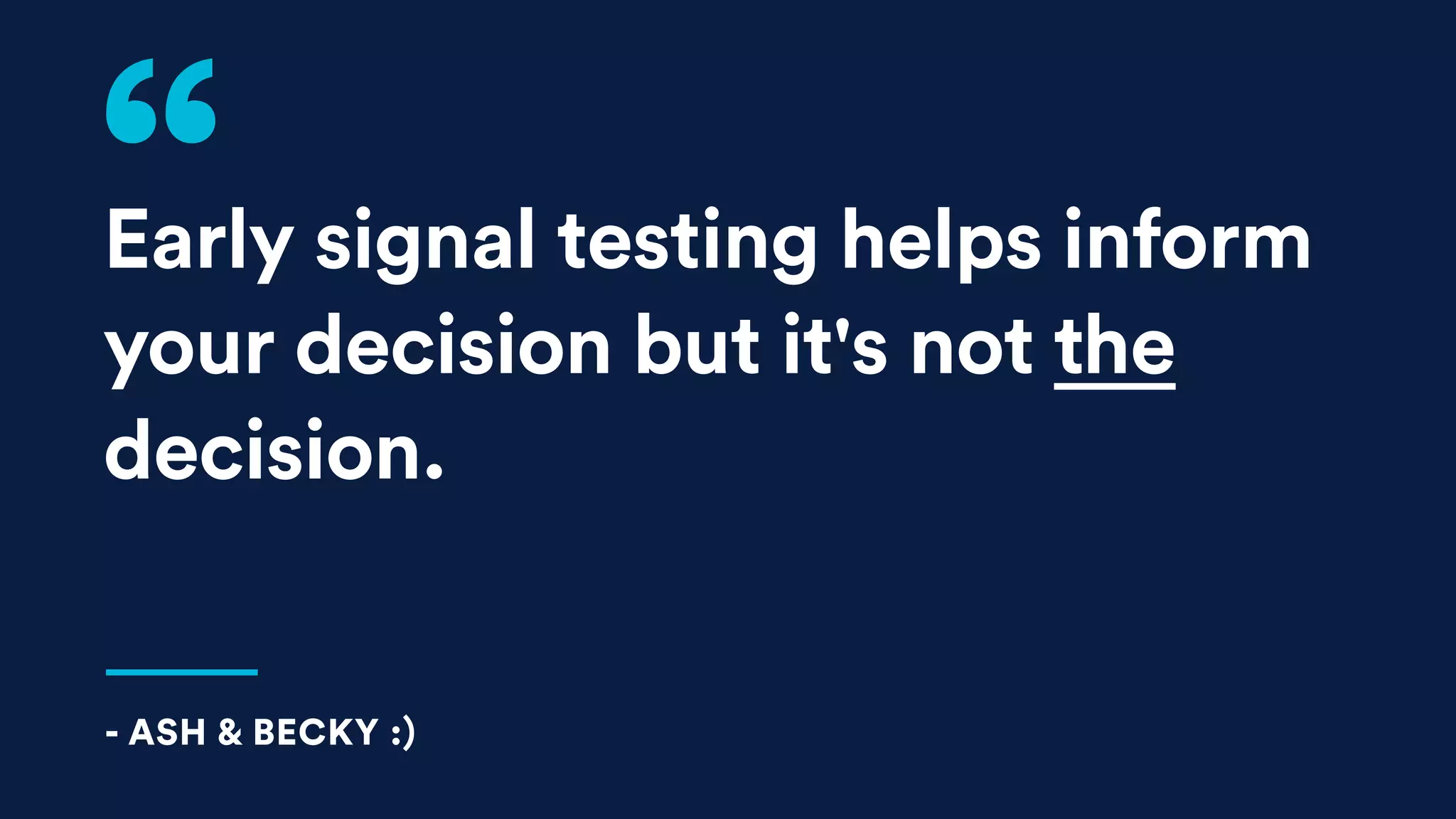
Early signal testing helps inform
your decision but it's not the
decision.
- ASH & BECKY :)
The next time you’re facing a
tough decision…
Thank you!
ASHLEIGH STERZENBACH | SENIOR DESIGNER | ATLASSIAN
BECKY WHITE | SENIOR RESEARCHER | ATLASSIAN

Early Signal Testing: Designing Atlassian’s New Look

  • 1.
    Early Signal Testing: DesigningAtlassian’s New Look ASHLEIGH STERZENBACH | SENIOR DESIGNER | ATLASSIAN BECKY WHITE | SENIOR RESEARCHER | ATLASSIAN
  • 2.
  • 8.
    Decisions can bedauntinglife-changingscary.exhaustingexcitingan upgrade
  • 9.
  • 16.
    We too madesome scary decisions recently.
  • 17.
    N View issue ·Add to sprint 1.4-m1 Issue ADG-745 has been created. MOVED NEW IN PROGRESS REMOVED SUCCESS DEFAULT MOVED NEW IN PROGRESS REMOVED SUCCESS DEFAULT 123122 123122 123122 123122 123122 Alana AwareAlana Aware Buttons Forms Tables Tabs Dropdown button Dropdown button StatisticsReopenMoreCommentAssign to meAssignEdit ConfirmInvite usersSelect pluginsConfigure instance Gray background
  • 18.
    Open in JIRAOpen in JIRAOpen in JIRA Open in JIRAOpen in JIRA Open in JIRA RECENT PROJECTS SELECTED ALL PROJECTS Issue rewrites Issue Rewrite (IR) JIRA Core Bord (JCB) JIRA Core Board (JCB) Vertigo Incompatibilties (VI) Vertigo Incompatibilties (VI) JIRA Process Advancement (JPA) JIRA Process Advancement (JPA) JIRA OOME (JOOME) list name View issue • Add to next sprint START-85 has been created MM MM MM 99+122 99+2 12 67%Uploading… MOVED NEW IN PROGRESS REMOVED SUCCESS DEFAULT NEW IN PROGRESS REMOVED SUCCESS DEFAULT MOVED 26/11/2015 Due date November 2015 MON TUE WED THU FRI SATSUN 131 87 1514 2221 29 6 2 9 28 5 1 8 6 13 20 27 5 12 19 26 4 11 18 25 3 10 17 24 2 9 16 23 30 7 3 10 4 11 MOVED NEW IN PROGRESS REMOVED SUCCESS DEFAULT NEW IN PROGRESS REMOVED SUCCESS DEFAULT MOVED
  • 21.
    Trust in ourskills Our product decisions are made up of… Careful thought Research
  • 22.
  • 23.
    Agenda What it is Earlysignal methods Getting started
  • 24.
    Agenda Early signalmethods Getting started What it is
  • 25.
    Agenda Early signalmethods Getting started What it is
  • 26.
  • 29.
    Behavioral Attitudinal Qualitative (direct) Ethnographic fieldstudies Usability lab studies Quantitative (indirect) Interviews Focus groups A/B testing Click analysis Concept testing Customer feedback Diary studies Card sorting Unmoderated studies Early signal testing Early signal testing
  • 30.
    Gather quick, actionable feedbackfrom customers EARLY SIGNAL TESTING
  • 31.
    No worries You don’tneed to be a research expert Why use it? Guidance Use information, not just opinions Direction Get cues, not binding answers Quick Don't need detailed mockups or working code
  • 32.
  • 33.
    Aesthetics test Info test Expectationtest Preference test Page design test Value test Task completion test Comprehension test Navigation test Usability test Concept test Click test DIFFERENT METHODS
  • 34.
    Aesthetics test Info test Expectationtest Preference test Page design test Value test Task completion test Comprehension test Navigation test Usability test Concept test Click test DIFFERENT METHODS
  • 35.
  • 36.
    See if there’sany unintended reactions Assess which visual connects best Collect first impressions and emotional responses Aesthetics test
  • 37.
    See if there’sany unintended reactions Assess which visual connects best Collect first impressions and emotional responses Aesthetics test
  • 38.
    See if there’sany unintended reactions Assess which visual connects best Collect first impressions and emotional responses Aesthetics test
  • 42.
  • 43.
    Preference test Build offwhy users prefer one option See if there’s an easy winner Gather users' initial inclinations
  • 44.
    Build off whyusers prefer one option See if there’s an easy winner Gather users' initial inclinations Preference test
  • 45.
    Build off whyusers prefer one option See if there’s an easy winner Gather users' initial inclinations Preference test
  • 46.
    Which option doyou prefer and why? A site consists of user groups: admins, project admins, and users. Organizations work on projects in a certain area of interest. Users groups work on and complete these projects. User groups consist of users. Admins restrict each user by access or role. Projects work out specific plans or designs An organization consists of people. Organizations work on projects in a certain area of interest. Teams work on and complete these projects. Teams consist of members. Each member fills a role. Projects work out specific plans or designs. Option A Option B
  • 48.
    Which option doyou prefer and why? Option A Option B
  • 50.
  • 51.
    Ensure users don’t misunderstandinformation Ensure what you’ve written is clear Ensure users comprehend complicated information Comprehension test
  • 52.
    Ensure users don’t misunderstandinformation Ensure what you’ve written is clear Ensure users comprehend complicated information Comprehension test
  • 53.
    Ensure users don’t misunderstandinformation Ensure what you’ve written is clear Ensure users comprehend complicated information Comprehension test
  • 59.
  • 60.
    See if alternatenavigation paths are needed Assess usability, but don’t have a full flow yet Understand users’ natural wayfinding inclination Navigation test
  • 61.
    See if alternatenavigation paths are needed Assess usability, but don’t have a full flow yet Understand users’ natural wayfinding inclination Navigation test
  • 62.
    See if alternatenavigation paths are needed Assess usability, but don’t have a full flow yet Understand users’ natural wayfinding inclination Navigation test
  • 66.
    Ash - weneed a screenshot of the icons in product
  • 67.
  • 68.
    Learn what’s valuable, what’snot, what’s missing Compare your idea to users’ current process Explore early product and feature ideas Concept test
  • 69.
    Learn what’s valuable, what’snot, what’s missing Compare your idea to users’ current process Explore early product and feature ideas Concept test
  • 70.
    Learn what’s valuable, what’snot, what’s missing Compare your idea to users’ current process Explore early product and feature ideas Concept test
  • 74.
    Aesthetics test Info test Expectationtest Preference test Page design test Value test Task completion test Comprehension test Navigation test Usability test Concept test Click test DIFFERENT METHODS
  • 75.
  • 76.
    5 quick &easy steps Step 1: Define your question & method Step 2: Figure out the “who” and the “how” Step 3: Create tasks, questions & design mocks Step 4: Test with people Step 5: Analyze
  • 77.
    Step 1: Define yourquestion & method
  • 78.
    Does our intent forour new logos match how people will perceive them? What do people think of the new logos? NOT THIS THIS
  • 79.
    Get your team involved Speakingwith stakeholders before you run your research will ensure it hits the mark #ProTip
  • 80.
    5 quick &easy steps Step 1: Define your question & method Step 2: Figure out the “who” and the “how” Step 3: Create tasks, questions & design mocks Step 4: Test with people Step 5: Analyze
  • 81.
    Step 2: Figure outthe “who” and the “how”
  • 82.
  • 83.
  • 84.
    Unmoderated Users independently completetasks, quick turnaround time Moderated Speak with users, gather rich feedback, ask follow-up questions
  • 85.
    #ProTip Unmoderated toolkit Checkout Usertesting.com, User Zoom, Loop11, Validately, and others
  • 87.
    5 quick &easy steps Step 1: Define your question & method Step 2: Figure out the “who” and the “how” Step 3: Create tasks, questions & design mocks Step 4: Test with people Step 5: Analyze
  • 88.
    Step 3: Create tasks,questions & design mocks
  • 89.
  • 90.
    Write scenarios Rather thanjust creating tasks, create one story that ties together all the tasks. #ProTip
  • 92.
    Keep it simple Onlydesign what you need and don’t overthink it. #ProTip
  • 93.
    5 quick &easy steps Step 1: Define your question & method Step 2: Figure out the “who” and the “how” Step 3: Create tasks, questions & design mocks Step 4: Test with people Step 5: Analyze
  • 94.
  • 95.
    Don’t just listen It’snot just what users say, it’s what they do #ProTip
  • 96.
    5 quick &easy steps Step 1: Define your question & method Step 2: Figure out the “who” and the “how” Step 3: Create tasks, questions & design mocks Step 4: Test with people Step 5: Analyze
  • 97.
  • 98.
    Task completion Time totaskUMUX-lite Time on task Expectation score Happy path clicks 20% Baseline New 100%+80% 74.81 77.90+3.09 1m : 36s 2m : 27s +51s 5.0 / 7.0 6.3 / 7.0 +3.1 6 3 100% Baseline New 100%0% 79.74 82.48+2.74 0m : 47s 1m : 00s +13s 4.6 / 7.0 5.0 / 7.0 +0.4 6 3 Experience Create a UX scorecard Metrics like time on task, task completion or user-reported metrics like ease of use are valuable comparison points. #ProTip
  • 99.
    Task completion Time totaskUMUX-lite Time on task Expectation score Happy path clicks 20% Baseline New 100%+80% 74.81 77.90+3.09 1m : 36s 2m : 27s +51s 5.0 / 7.0 6.3 / 7.0 +3.1 6 3 100% Baseline New 100%0% 79.74 82.48+2.74 0m : 47s 1m : 00s +13s 4.6 / 7.0 5.0 / 7.0 +0.4 6 3 - Many decision points for users and a cognitive overload - General understanding of certain concepts in project create caused confusion for users i.e. project key Baseline - Help and guidance for first time users - Progressive disclosure of template information - Template information that means something to users New experience What we tested Experience Cohort Existing users We tested in cohorts of 10 existing JIRA users (admin and non-admin) per model. New users We tested in cohorts of 30 new users per model. Tasks: You now want to setup this new project. You need to make sure that in this new project you can plan, track and report all of your work. Show how you would setup this new project. We wanted to know if users can Easily create a project. Easily understand where they are. Easily comprehend and understand the differences between project templates. Create a project quickly (no friction points). UX Scorecard - Creating a project
  • 100.
    5 quick &easy steps Step 1: Question & method Step 2: Who & how Step 3: Mocks & tasks Step 4: Test Step 5: Analyze
  • 101.
    Early signal testinghelps inform your decision but it's not the decision. - ASH & BECKY :)
  • 102.
    The next timeyou’re facing a tough decision…
  • 103.
    Thank you! ASHLEIGH STERZENBACH| SENIOR DESIGNER | ATLASSIAN BECKY WHITE | SENIOR RESEARCHER | ATLASSIAN