ePortfolio
21st Century Employability Tool
       for BC Immigrants

        February 14, 2013
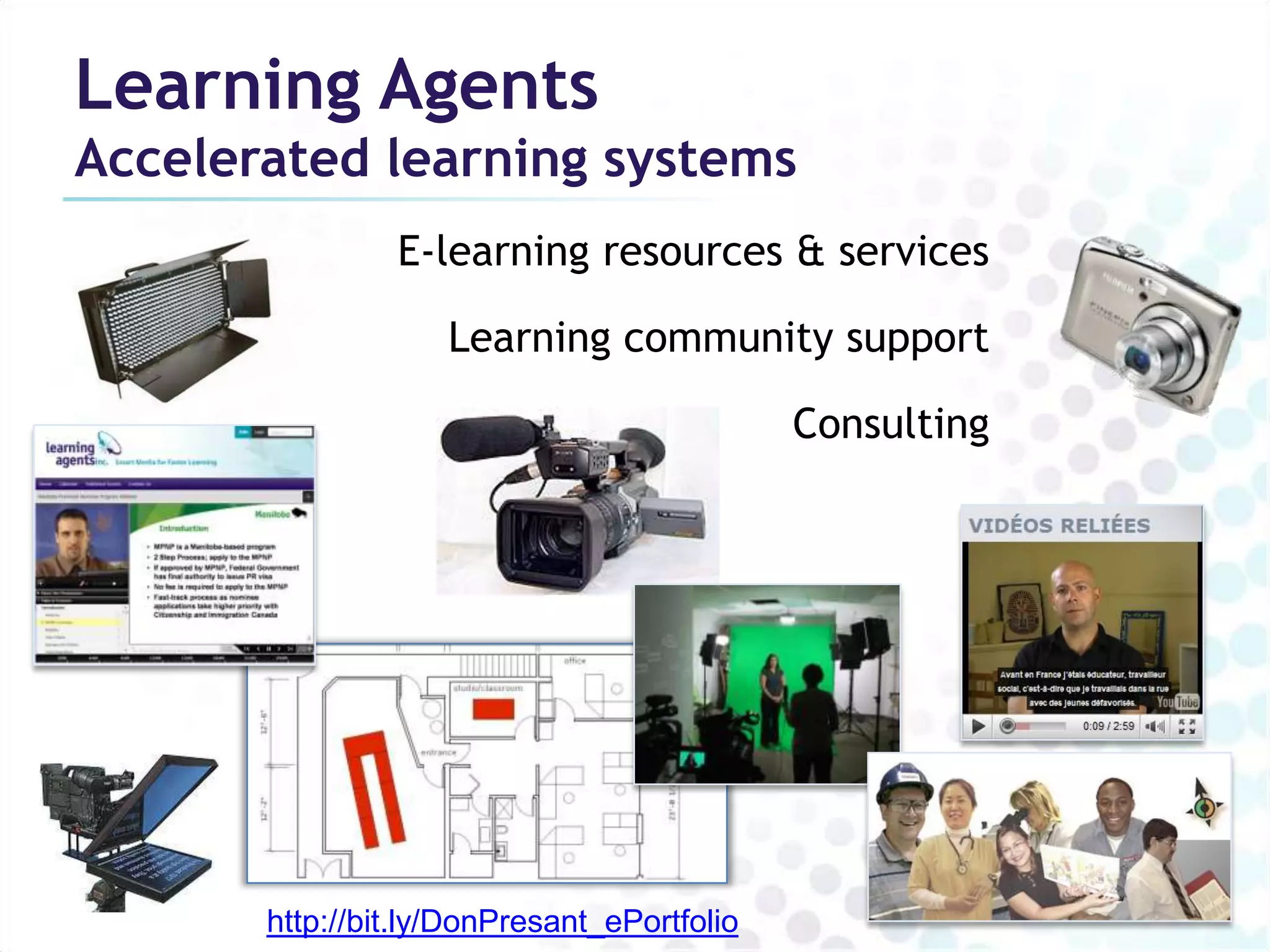
Learning Agents
Accelerated learning systems
                E-learning resources & services

                    Learning community support

                                             Consulting


       http://bit.ly/DonPresant_ePortfolio
Why an ePortfolio?
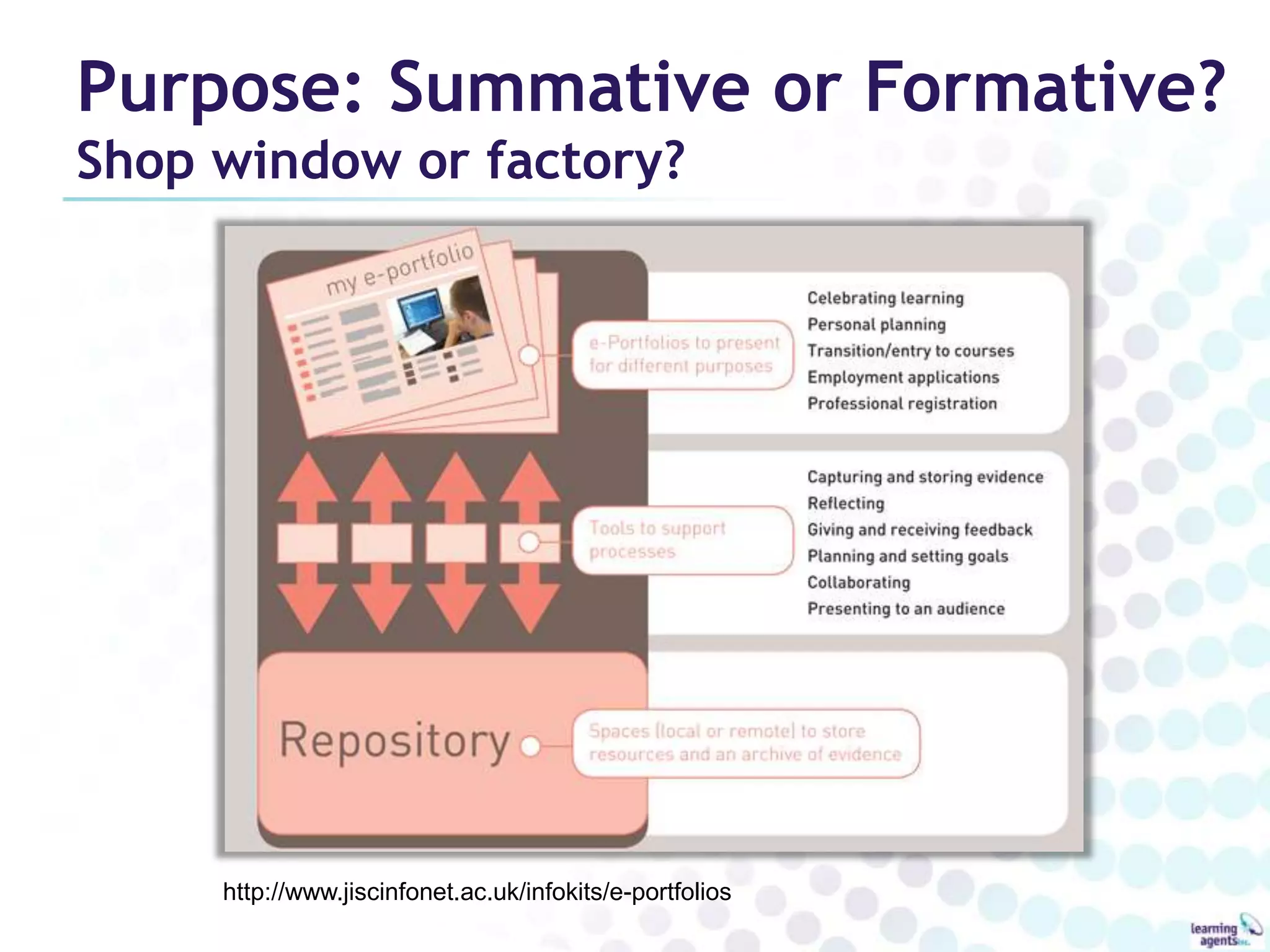
Purpose: Summative or Formative?
Shop window or factory?


     http://www.jiscinfonet.ac.uk/infokits/e-portfolios
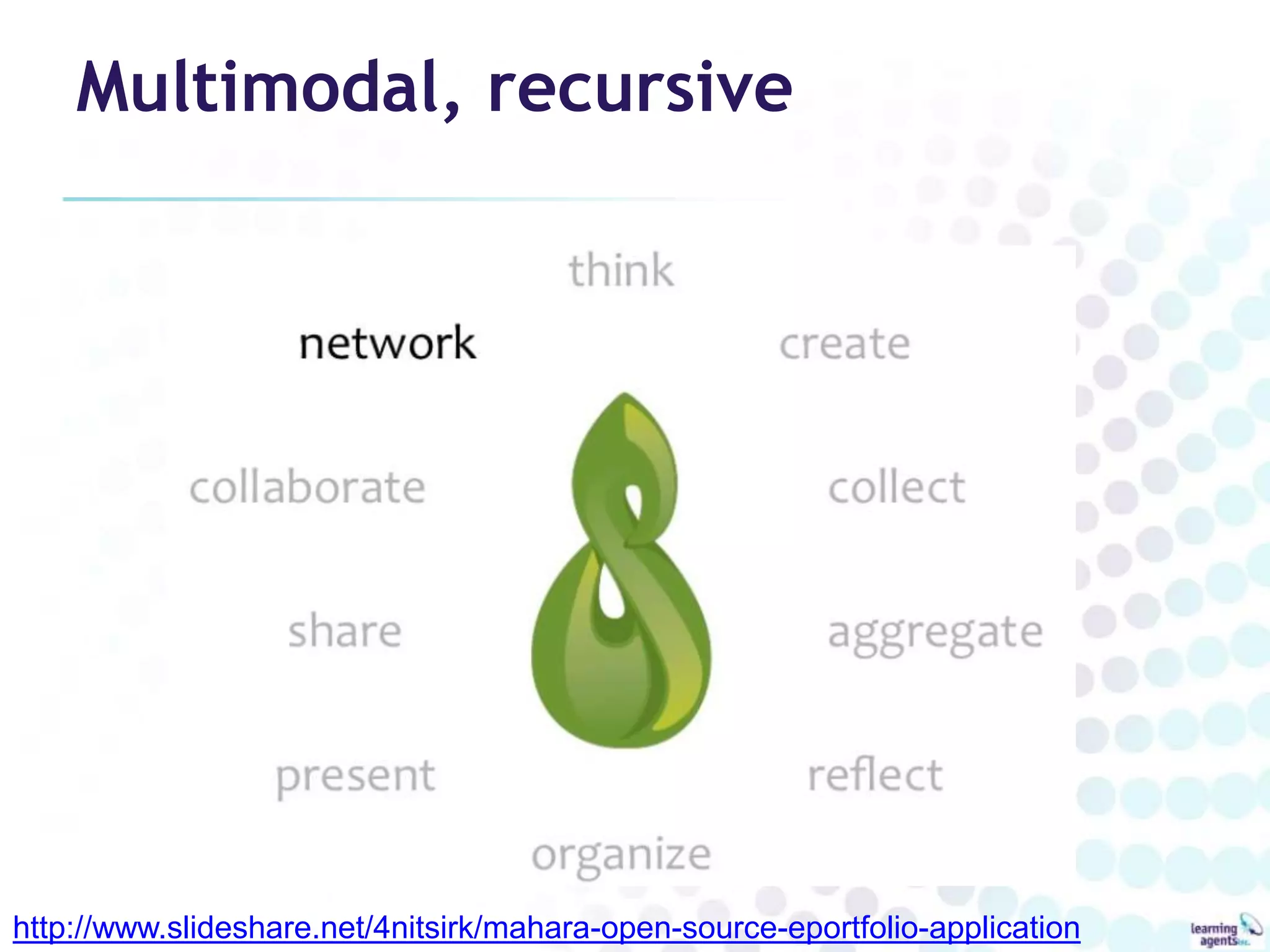
Multimodal, recursive


http://www.slideshare.net/4nitsirk/mahara-open-source-eportfolio-application
ePortfolio: product and process
• Digital archive

• Showcase: celebration & assessment of learning
     – Education
        • Acceptance/advanced standing, course requirement,
          graduation requirement
     – Workplace
        • Hiring, HR development, professional development, project
          team selection


FuturEd 2004
ePortfolio: product and process
• Assessment for learning (e.g. CLPA)

• Reflection, self-assessment

• Transferring skills, making transtions

• Coaching, collaborative learning

• Learning plans

• Knowledge Management
Credentials vs. ePortfolio

Credentials                  ePortfolio
• Reflect time spent in      • Reflects time spent learning
  class                      • Evidence-based proficiency
• Questionable proficiency   • Statement of actual skills and
• Proxy for skills and         knowledge
  knowledge                  • “Living”
• Dated                      • Systematic
• Variable quality           • All learning valued
• Formal learning only
(Courtesy FuturEd)
Benefits of “e”

• Information Management capabilities
   – Collecting, archiving, sharing, making different versions
   – Multimedia evidence
• Digital technology, Internet literacy
• Learning and collaboration integration
   – Online research: documents, networks
   – Easy to add comments, edit, mentor, coach
• Digital Identity
   – Professional Profile, Personal network
• Measurement, alignment
   – Link to frameworks, rubrics, track learning over time
• Systems integration and interoperability
   – Moodle and other LMS, HRIS systems
Key elements

• Links individual’s skills/accomplishments to
  skills frameworks
• A record of formal AND experiential learning
• Claims backed by digital evidence
• Learner ownership
• More than a showcase
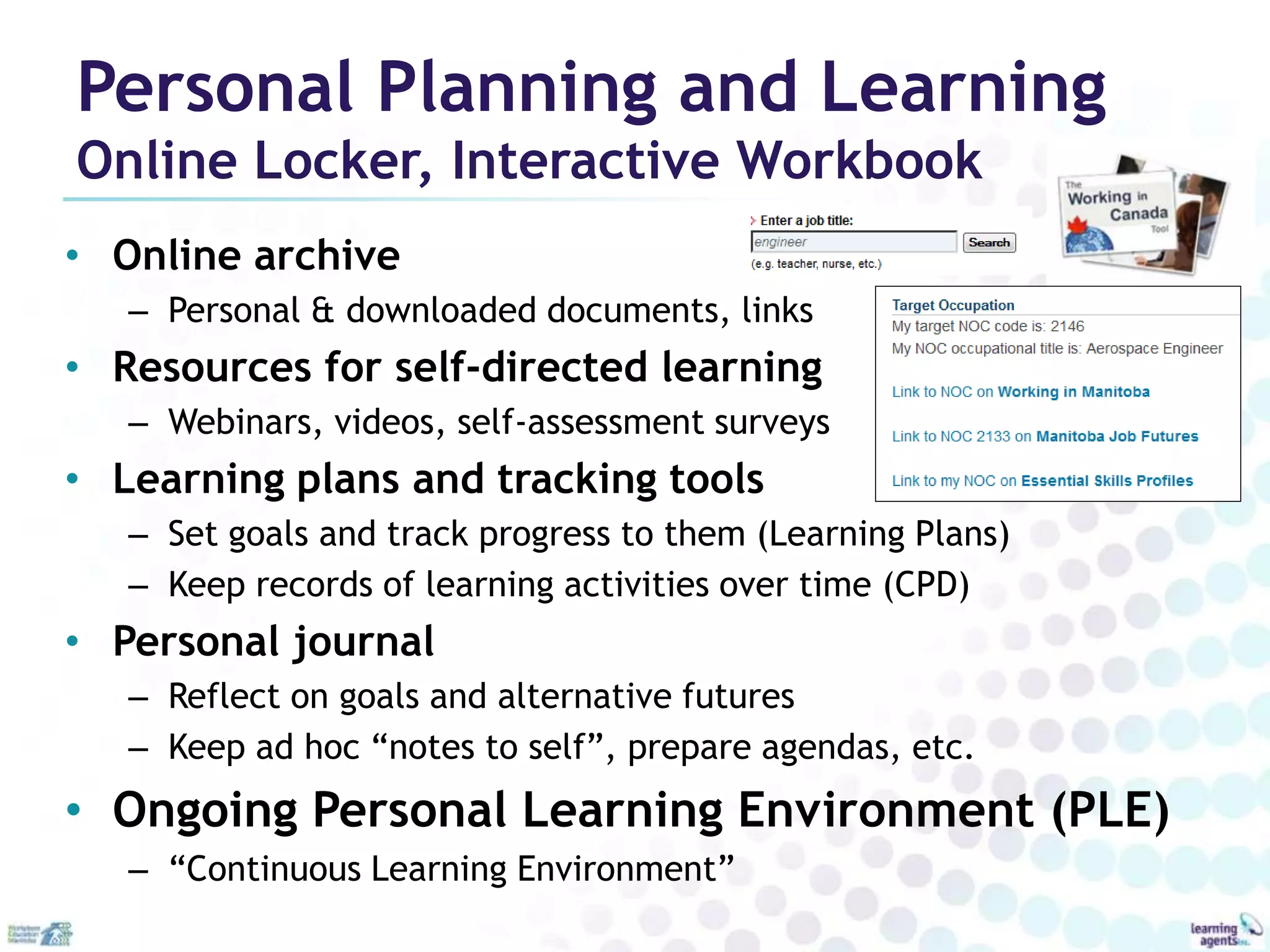
Personal Planning and Learning
Online Locker, Interactive Workbook
• Online archive
   – Personal & downloaded documents, links
• Resources for self-directed learning
   – Webinars, videos, self-assessment surveys
• Learning plans and tracking tools
   – Set goals and track progress to them (Learning Plans)
   – Keep records of learning activities over time (CPD)
• Personal journal
   – Reflect on goals and alternative futures
   – Keep ad hoc “notes to self”, prepare agendas, etc.
• Ongoing Personal Learning Environment (PLE)
   – “Continuous Learning Environment”
Learning Example
English as an Additional Language

• Products of language courses
  – e.g. Collaborative Language Portfolio
    Assessment
     • Authentic artefacts of speaking, listening,
       reading and writing
     • Formative/summative
  – Snapshots of progress
  – Holistic employability
     • (e.g. demonstrate comm & technical skills)
Employment & related purposes
Demonstrate, assess & improve Human Capital
• Qualification Recognition
   – Initial, formative, summative assessment
• Academic recognition
   – PLAR/RPL for courses and programs
• Career Development
   – Gap analysis, exploration of alternatives, building pathways
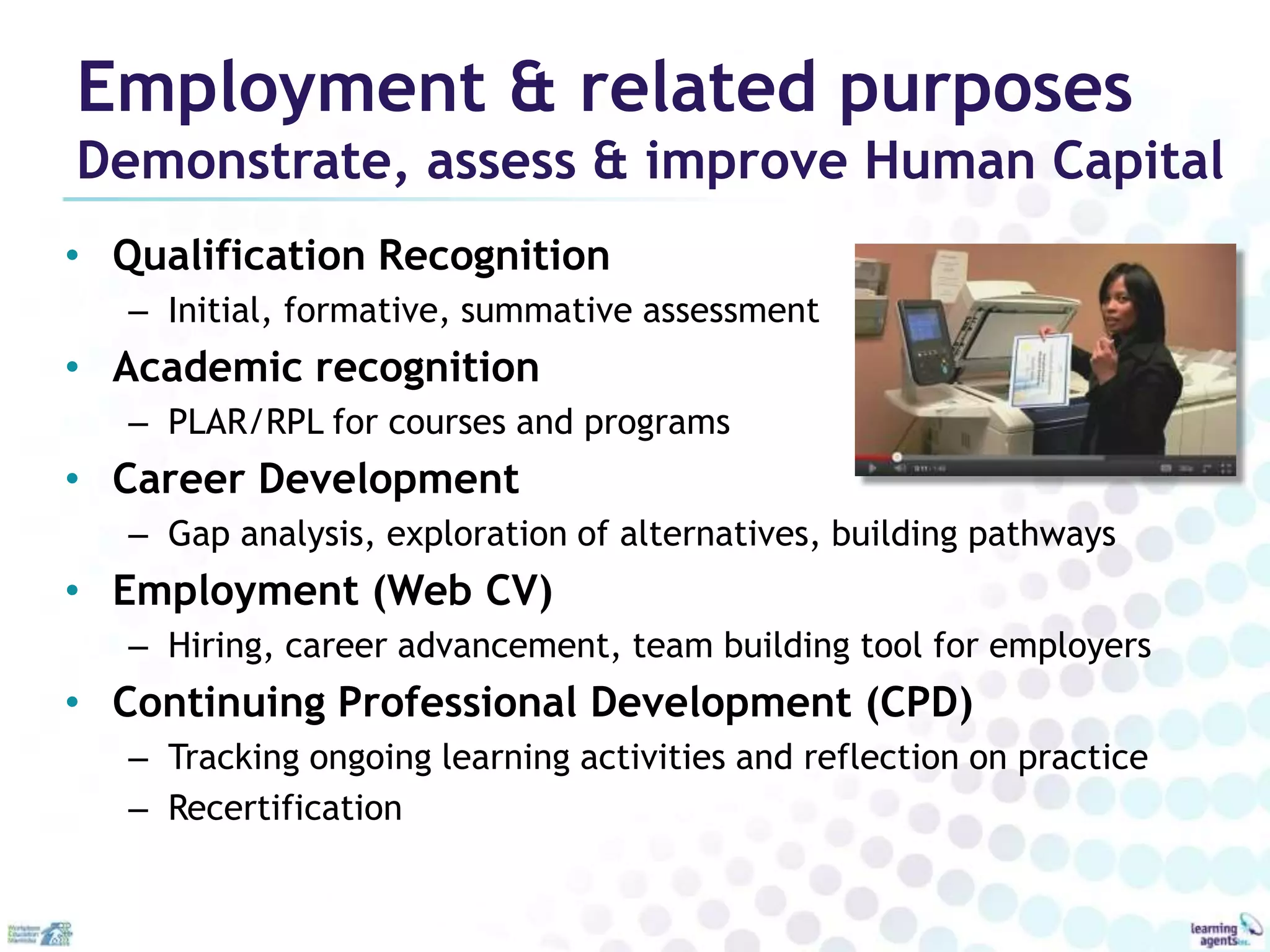
• Employment (Web CV)
   – Hiring, career advancement, team building tool for employers
• Continuing Professional Development (CPD)
   – Tracking ongoing learning activities and reflection on practice
   – Recertification
Lifelong, lifewide
Before AND after getting the job
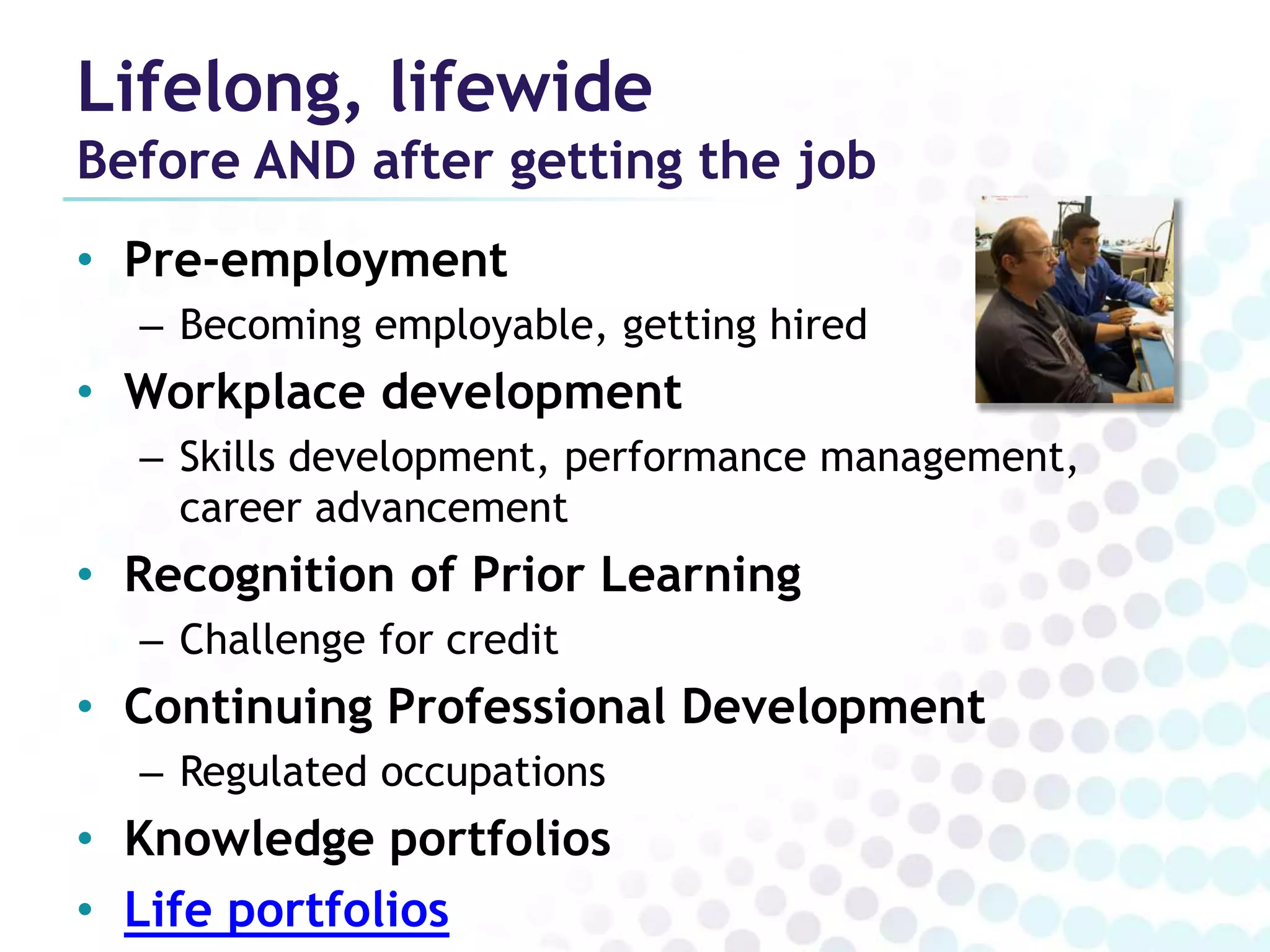
• Pre-employment
  – Becoming employable, getting hired
• Workplace development
  – Skills development, performance management,
    career advancement
• Recognition of Prior Learning
  – Challenge for credit
• Continuing Professional Development
  – Regulated occupations
• Knowledge portfolios
• Life portfolios
ePortfolios and Immigrant
      Employability
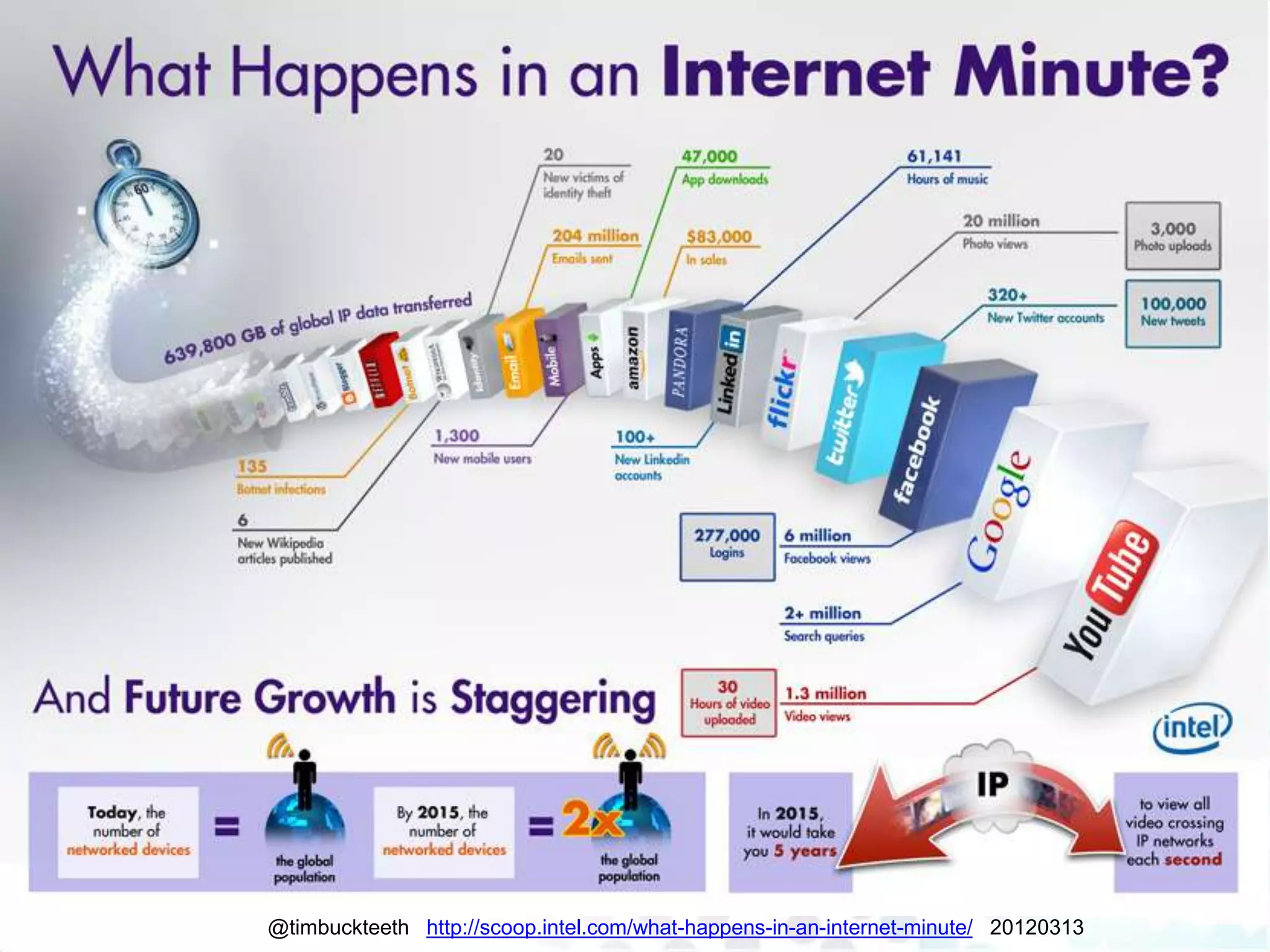
@timbuckteeth http://scoop.intel.com/what-happens-in-an-internet-minute/ 20120313
LinkedIn statistics: Jan 2012
•   Started 2003
•   Currently 200m+
•   2 new members per second
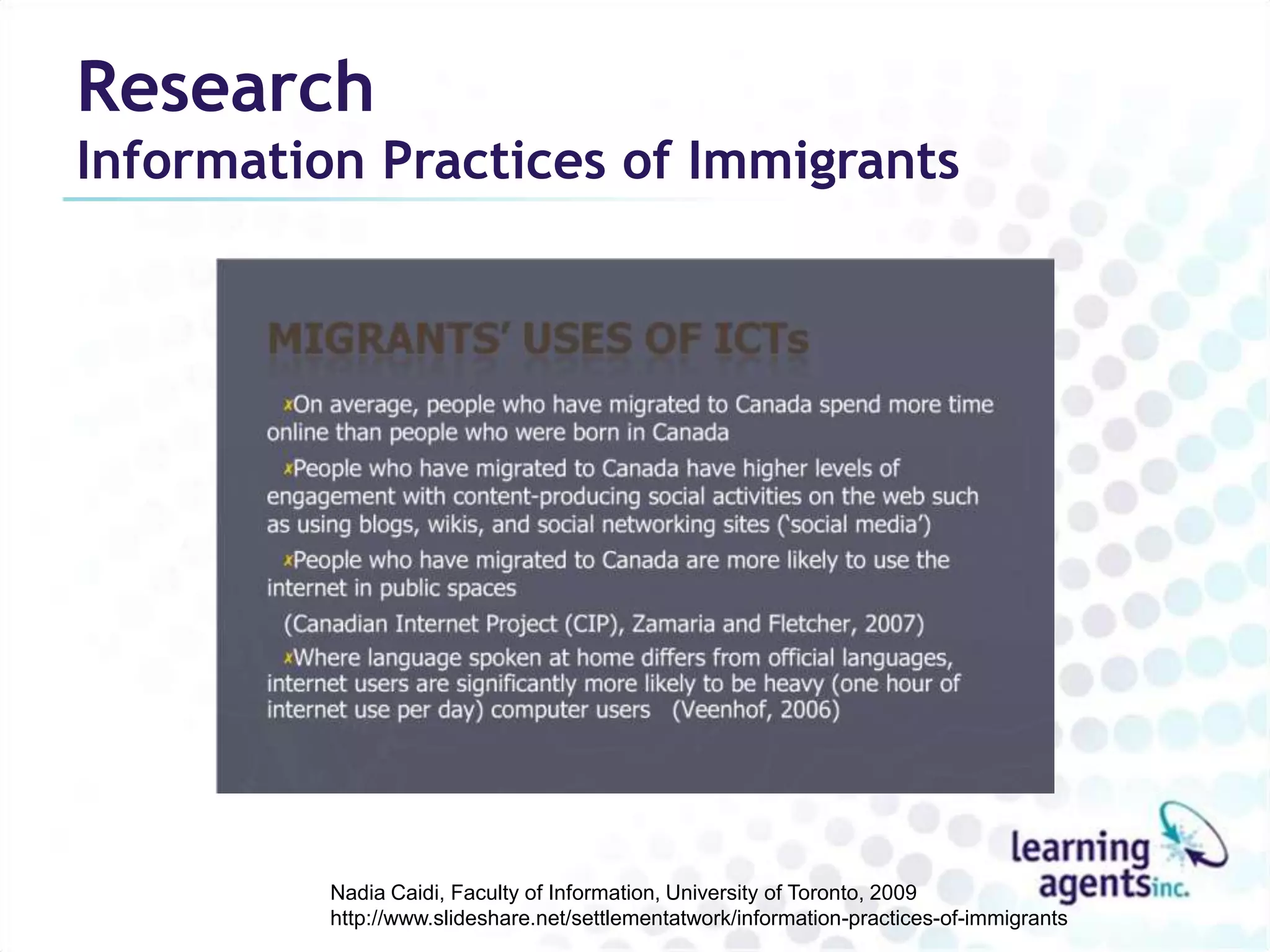
•   7m+ in Canada (+39.5% 2011->2012)
•   2m+ companies have LinkedIn pages
•   Includes executives from 100% of Fortune 500
•   85% of Fortune 100 use its hiring solutions
•   Acquired Slideshare in May 2012
Research
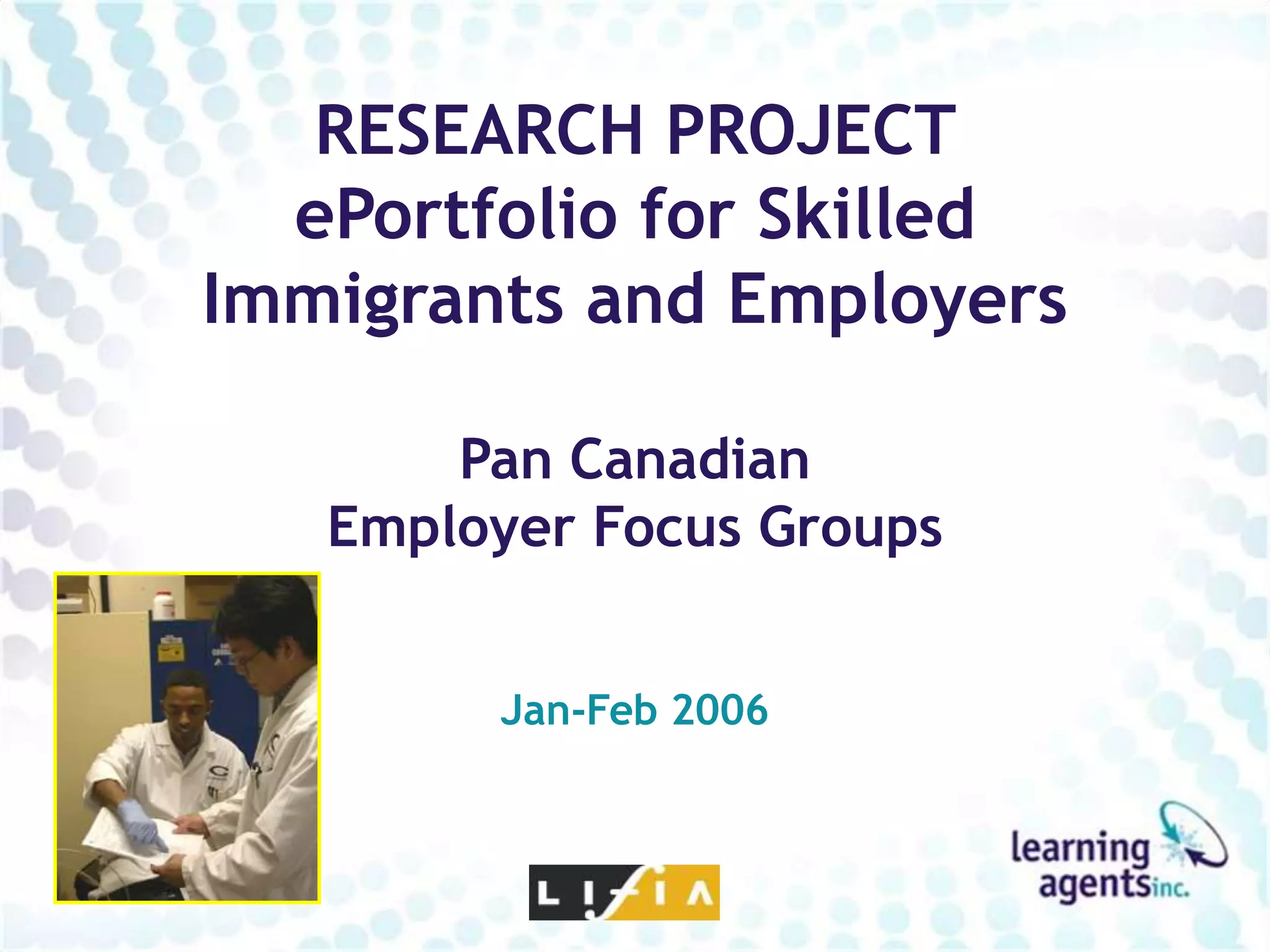
Information Practices of Immigrants


          Nadia Caidi, Faculty of Information, University of Toronto, 2009
          http://www.slideshare.net/settlementatwork/information-practices-of-immigrants
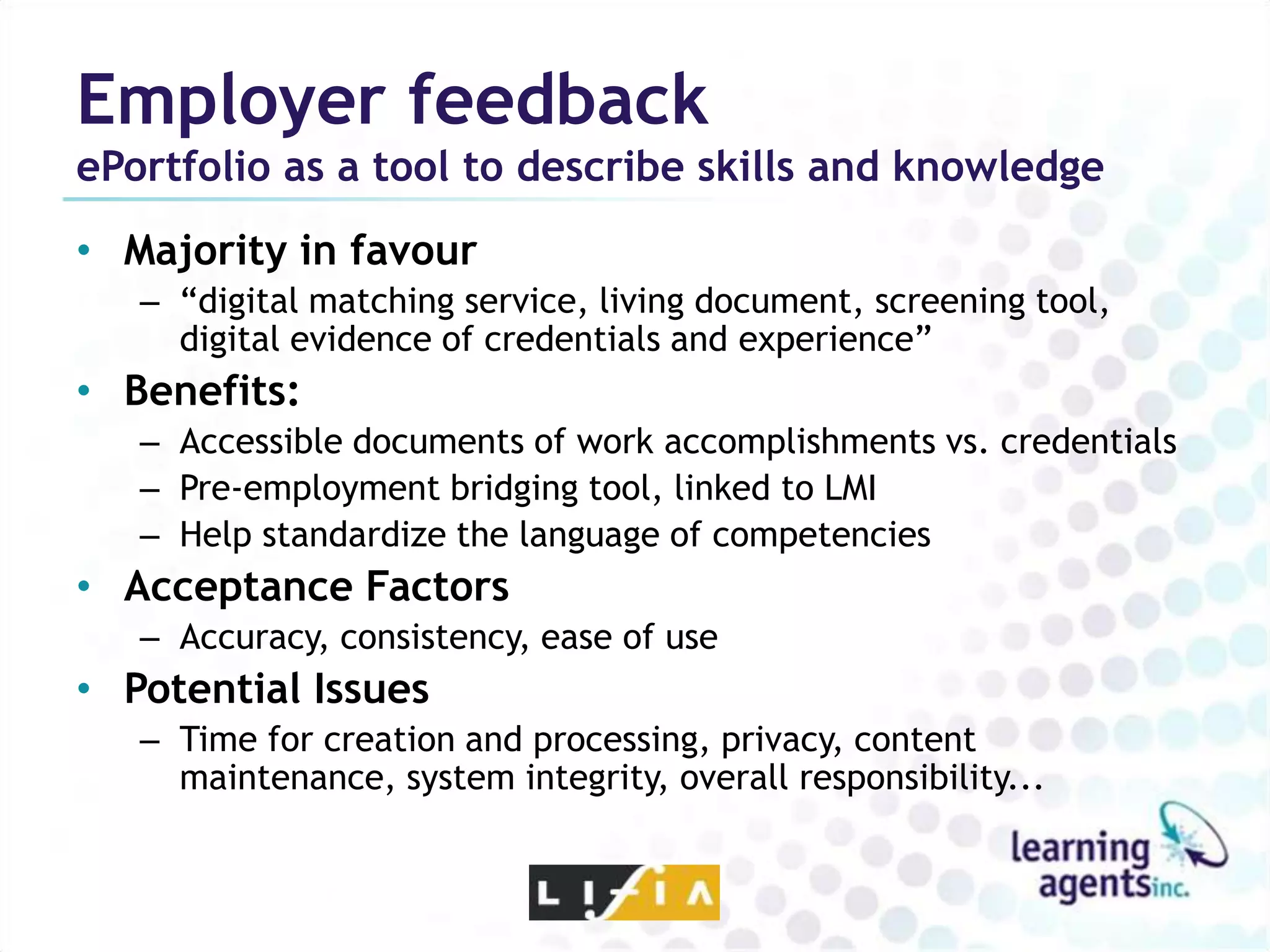
RESEARCH PROJECT
  ePortfolio for Skilled
Immigrants and Employers

       Pan Canadian
   Employer Focus Groups


        Jan-Feb 2006
Employer feedback
ePortfolio as a tool to describe skills and knowledge
• Majority in favour
   – “digital matching service, living document, screening tool,
     digital evidence of credentials and experience”
• Benefits:
   – Accessible documents of work accomplishments vs. credentials
   – Pre-employment bridging tool, linked to LMI
   – Help standardize the language of competencies
• Acceptance Factors
   – Accuracy, consistency, ease of use
• Potential Issues
   – Time for creation and processing, privacy, content
     maintenance, system integrity, overall responsibility...
Employer feedback
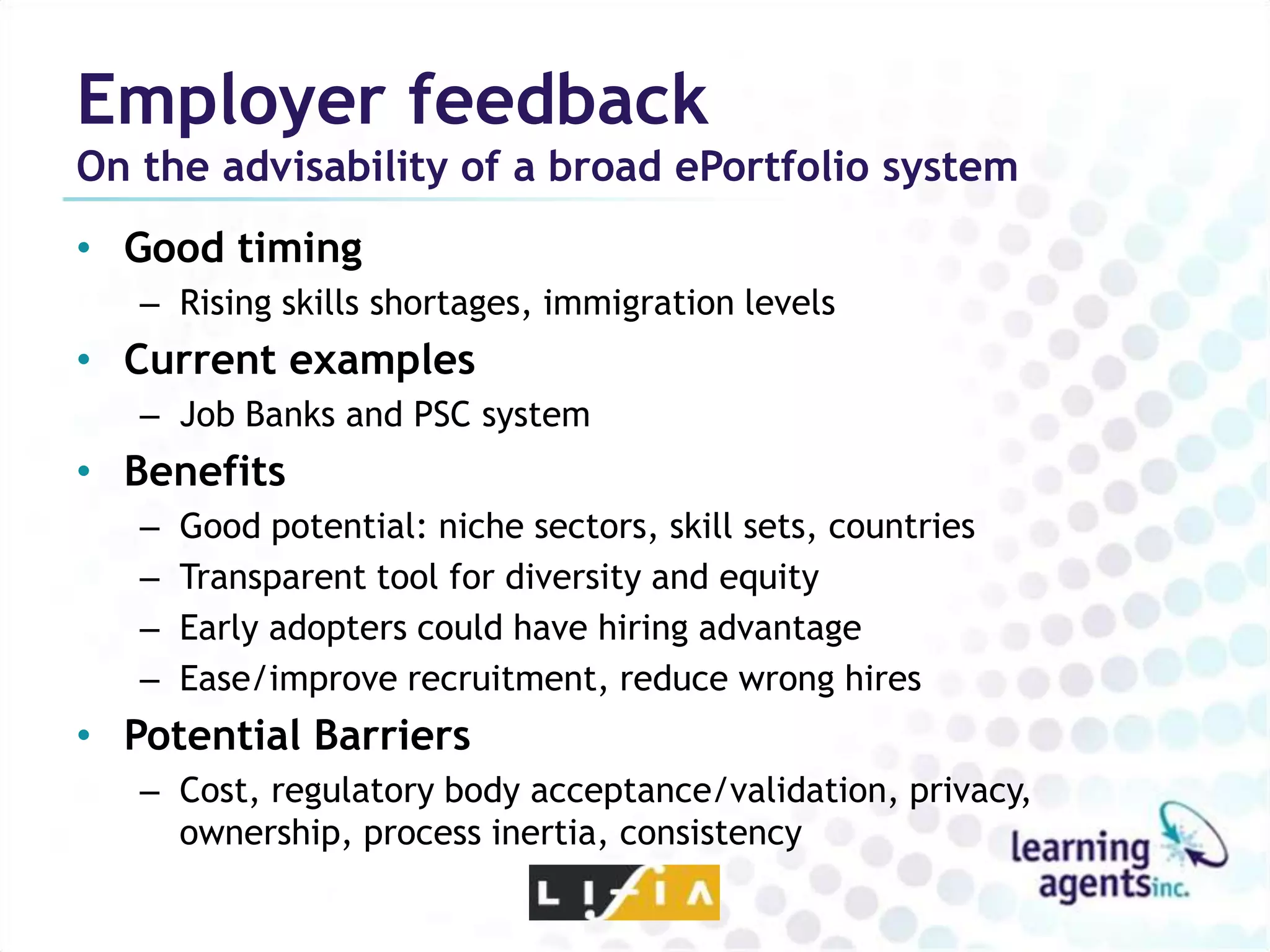
On the advisability of a broad ePortfolio system
• Good timing
   – Rising skills shortages, immigration levels
• Current examples
   – Job Banks and PSC system
• Benefits
   –   Good potential: niche sectors, skill sets, countries
   –   Transparent tool for diversity and equity
   –   Early adopters could have hiring advantage
   –   Ease/improve recruitment, reduce wrong hires
• Potential Barriers
   – Cost, regulatory body acceptance/validation, privacy,
     ownership, process inertia, consistency
Employer feedback
On the advisability of a broad ePortfolio system

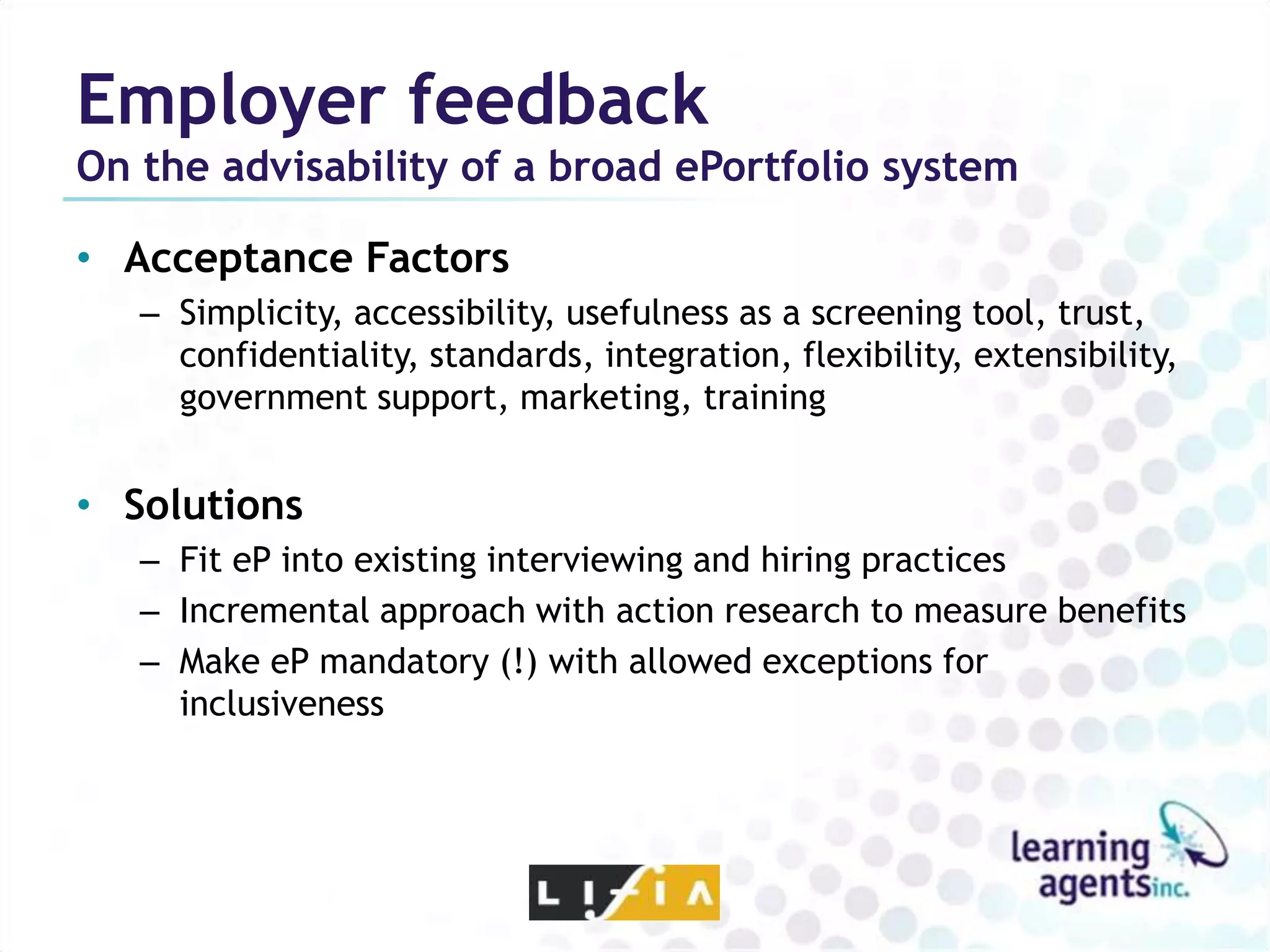
• Acceptance Factors
   – Simplicity, accessibility, usefulness as a screening tool, trust,
     confidentiality, standards, integration, flexibility, extensibility,
     government support, marketing, training


• Solutions
   – Fit eP into existing interviewing and hiring practices
   – Incremental approach with action research to measure benefits
   – Make eP mandatory (!) with allowed exceptions for
     inclusiveness
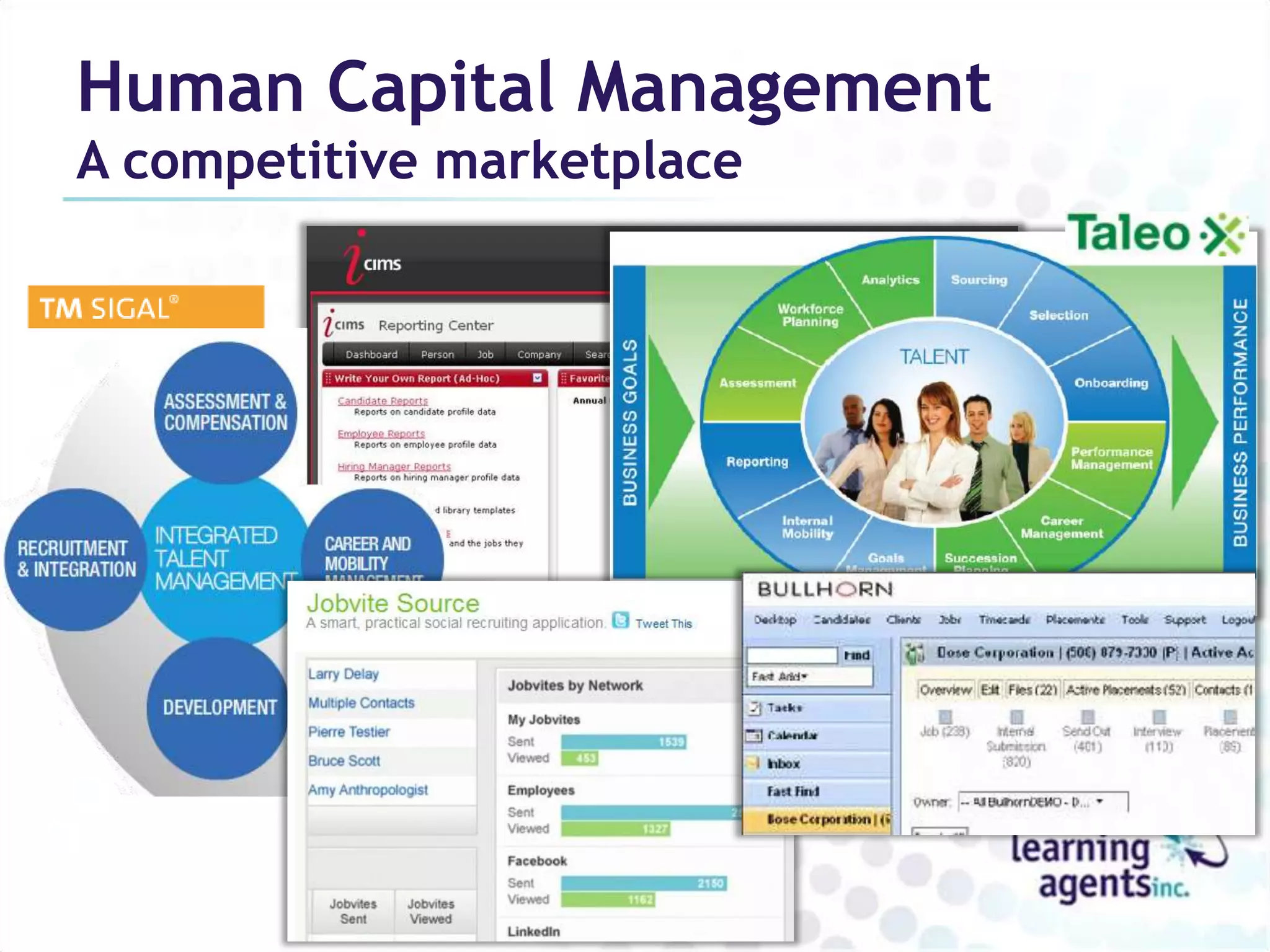
Human Capital Management
A competitive marketplace
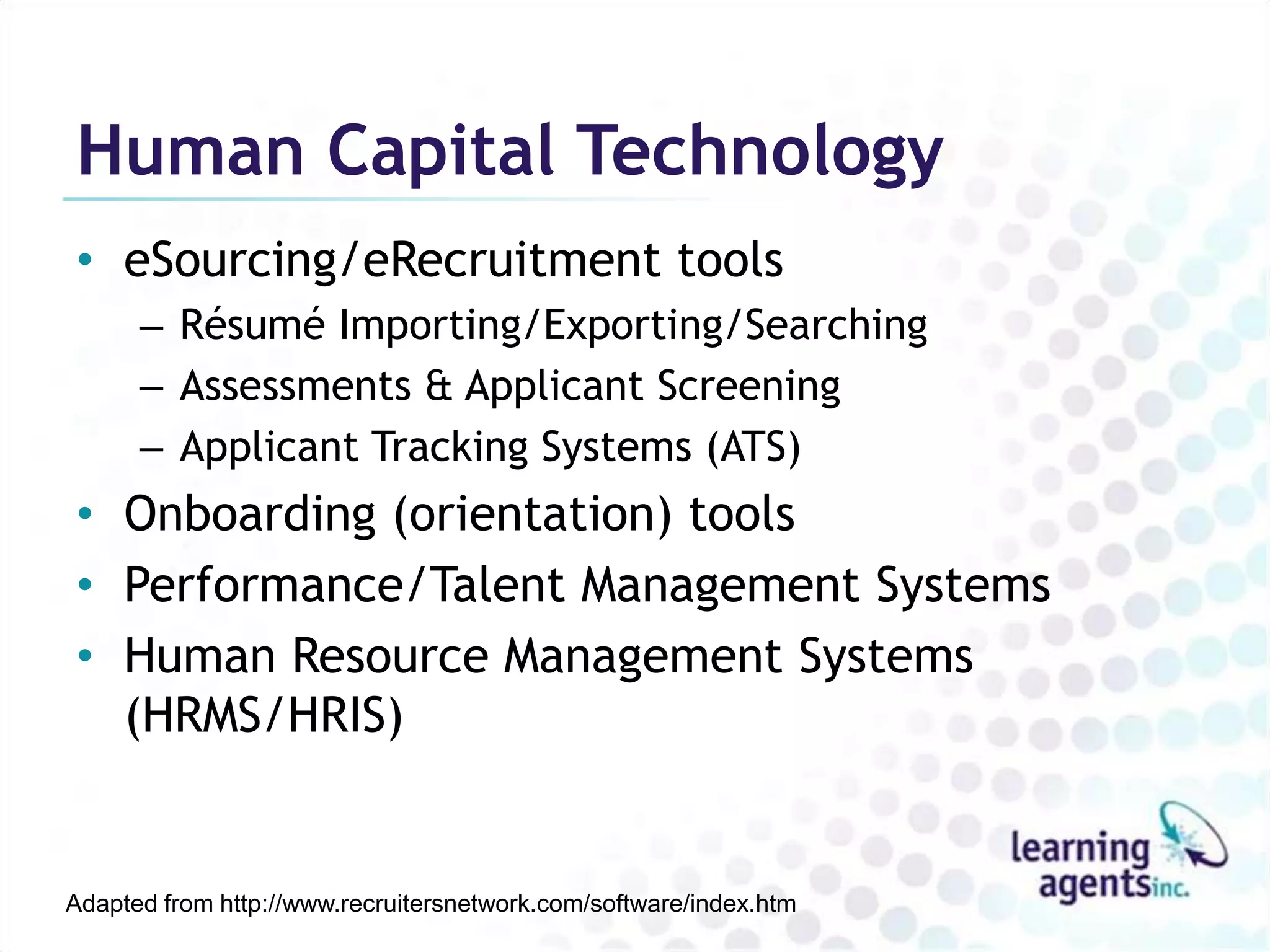
Human Capital Technology
• eSourcing/eRecruitment tools
      – Résumé Importing/Exporting/Searching
      – Assessments & Applicant Screening
      – Applicant Tracking Systems (ATS)
• Onboarding (orientation) tools
• Performance/Talent Management Systems
• Human Resource Management Systems
  (HRMS/HRIS)


Adapted from http://www.recruitersnetwork.com/software/index.htm
Which ePortfolio?
ePortfolios for learning
AAEEBL
• Association for Authentic, Experiential and
  Evidence-Based Learning
• “a non-profit, professional organization for the
  world eportfolio community”
• 106 Institutional Members in 5 countries
• Harvard, Notre Dame, Columbia, Purdue,
  Washington, Stanford, Tufts…
• Publish International Journal of ePortfolio
• Annual conference, regional conferences
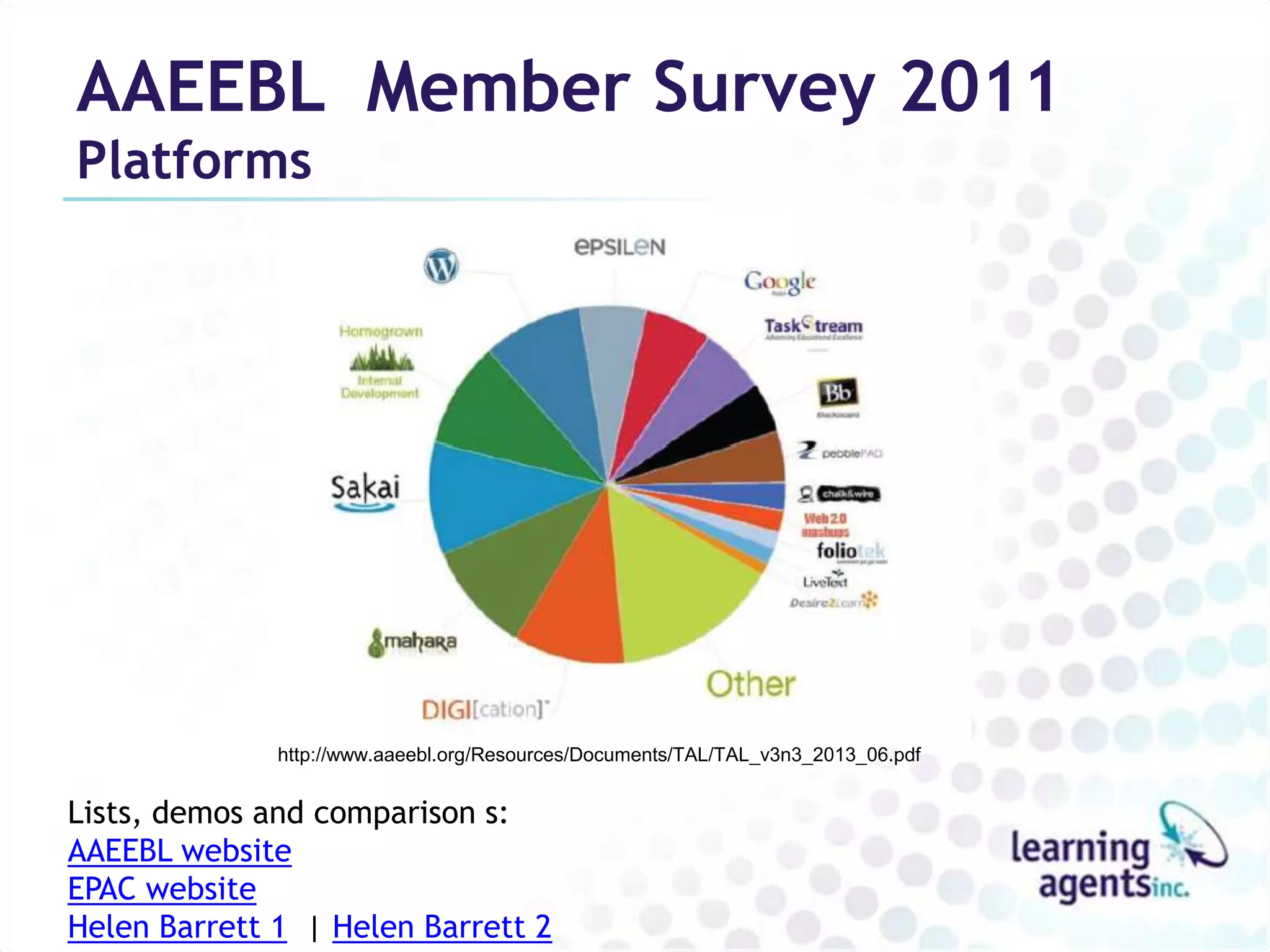
AAEEBL Member Survey 2011
Platforms


              http://www.aaeebl.org/Resources/Documents/TAL/TAL_v3n3_2013_06.pdf


Lists, demos and comparison s:
AAEEBL website
EPAC website
Helen Barrett 1 | Helen Barrett 2
Technology Alternatives

• Web 2.0 purpose-built
  – LinkedIn, about.me
• Web 2.0 “roll your own”
  – Google sites, Weebly, Evernote, Prezi
• Dedicated FOSS
  – Mahara, Sakai, ZenPortfolio (WP)
• Adapted FOSS
  – Wordpress.com, Wordpress.org
• Dedicated Proprietary
  – PebblePad, Digication, myeFolio, Pathbrite
Five solutions to consider

• WordPress
  – WordPress.com, Zen Portfolios or download
  – Free, or?
• PebblePad
  – 20 GBP/year/person
• myeFolio
  – $20/year
• Digication
  – $20-35/year
• Mahara
  – Free, or?
Mahara ePortfolio
Overview
• From NZ to the world
• Free Open Source Software (FOSS)
  – Free (like a puppy)
  – Controllable, predictable
  – Extendable, “clusterable” (Moodle, Google Apps…)
• Flexible
  – Digital storytelling machine, not a “tick box”
Mahara ePortfolio
Under the hood
• Content Archive
  – Profile, Resume, Files, Notes, Journals (blogs), Plans
• Pages, Collections
  – Different content for different audiences
• Embed external content (Web 2.0)
  – LinkedIn, Slideshare, YouTube, Google Apps, etc.
• Groups and collaboration
  – Shared files, pages, collections
• Multi-layered sharing/privacy
An Essential Skills
ePortfolio using Mahara
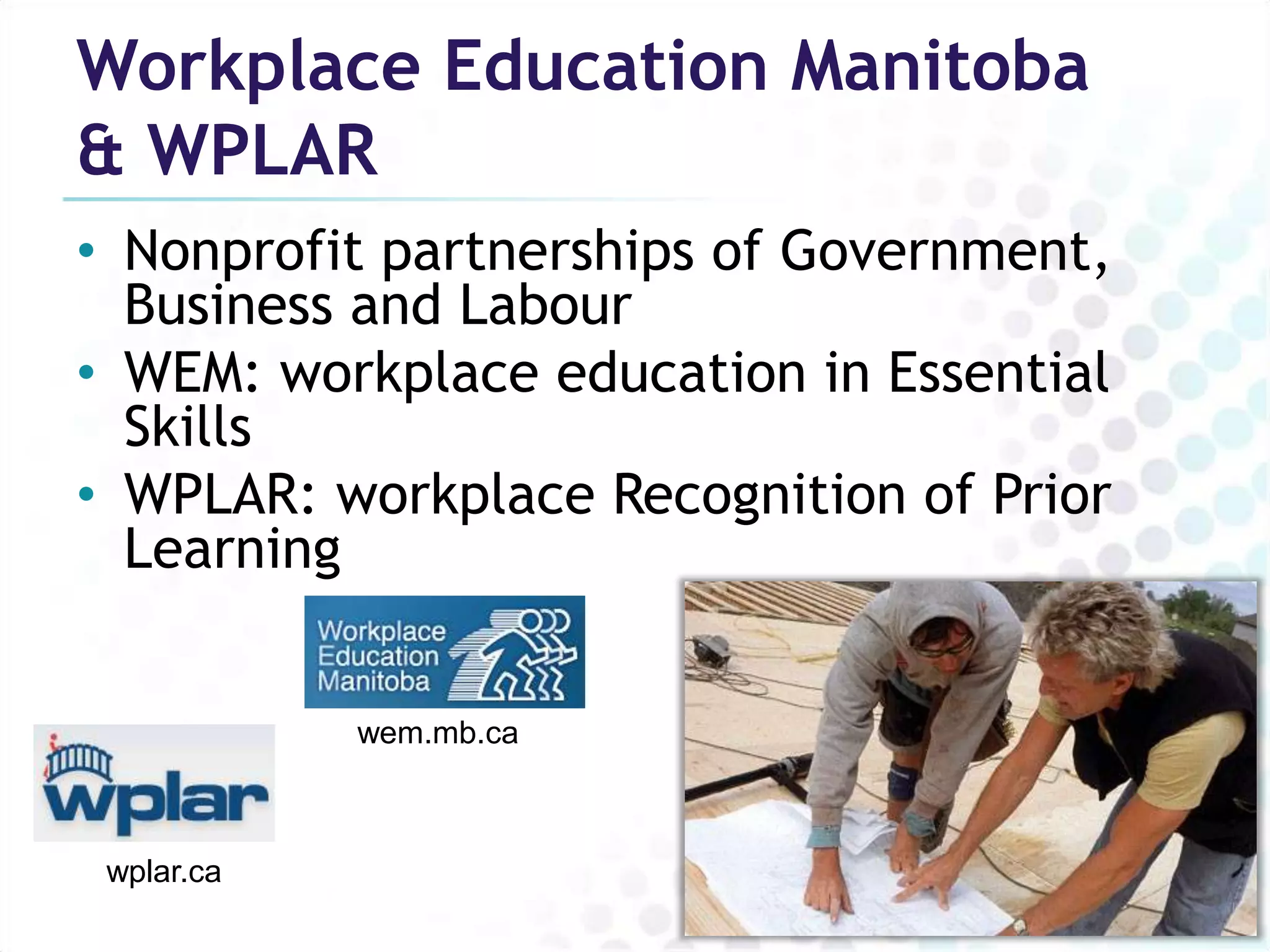
Workplace Education Manitoba
& WPLAR
• Nonprofit partnerships of Government,
  Business and Labour
• WEM: workplace education in Essential
  Skills
• WPLAR: workplace Recognition of Prior
  Learning


            wem.mb.ca


 wplar.ca
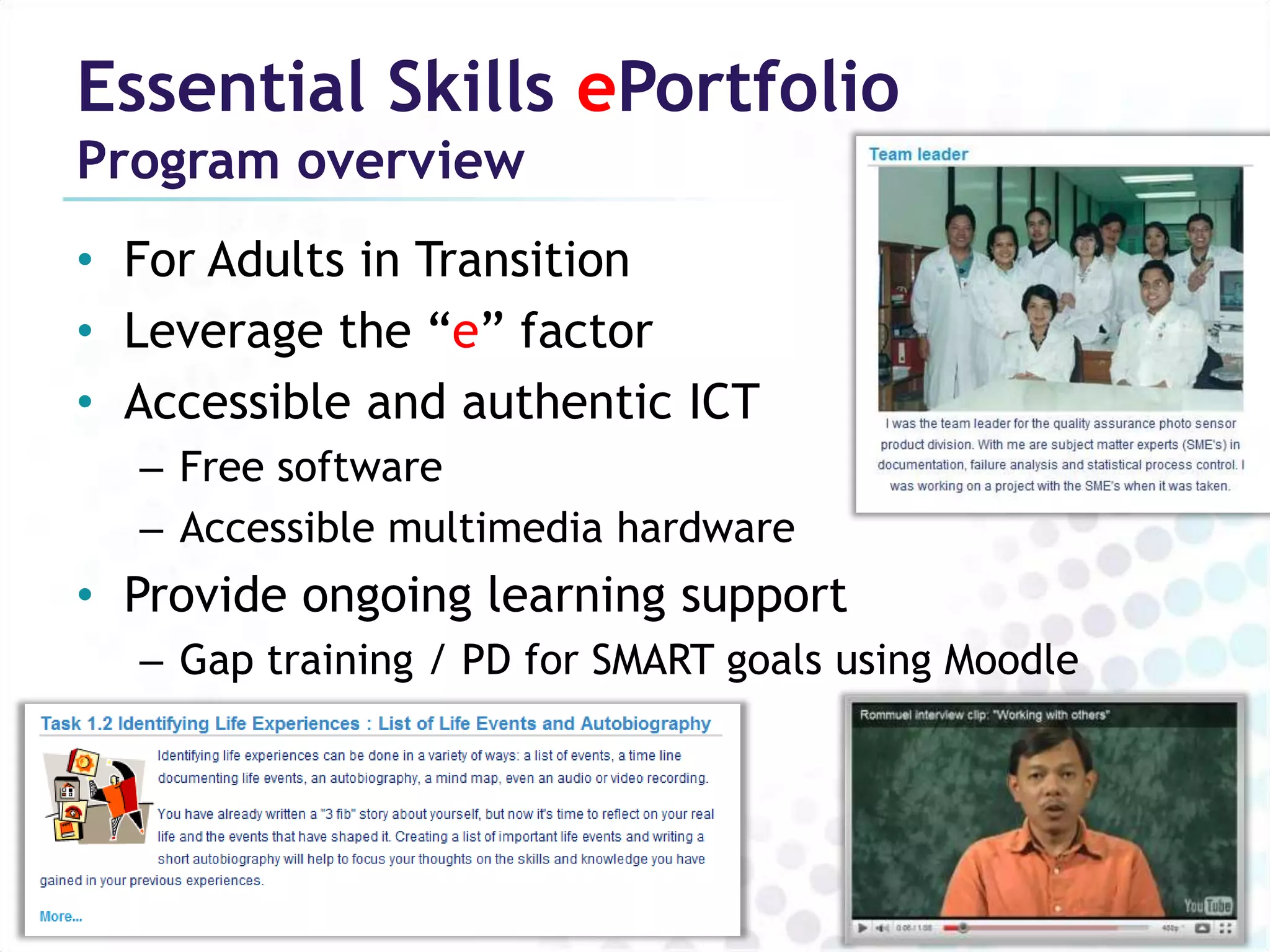
Essential Skills ePortfolio
Program overview
• For Adults in Transition
• Leverage the “e” factor
• Accessible and authentic ICT
  – Free software
  – Accessible multimedia hardware
• Provide ongoing learning support
  – Gap training / PD for SMART goals using Moodle
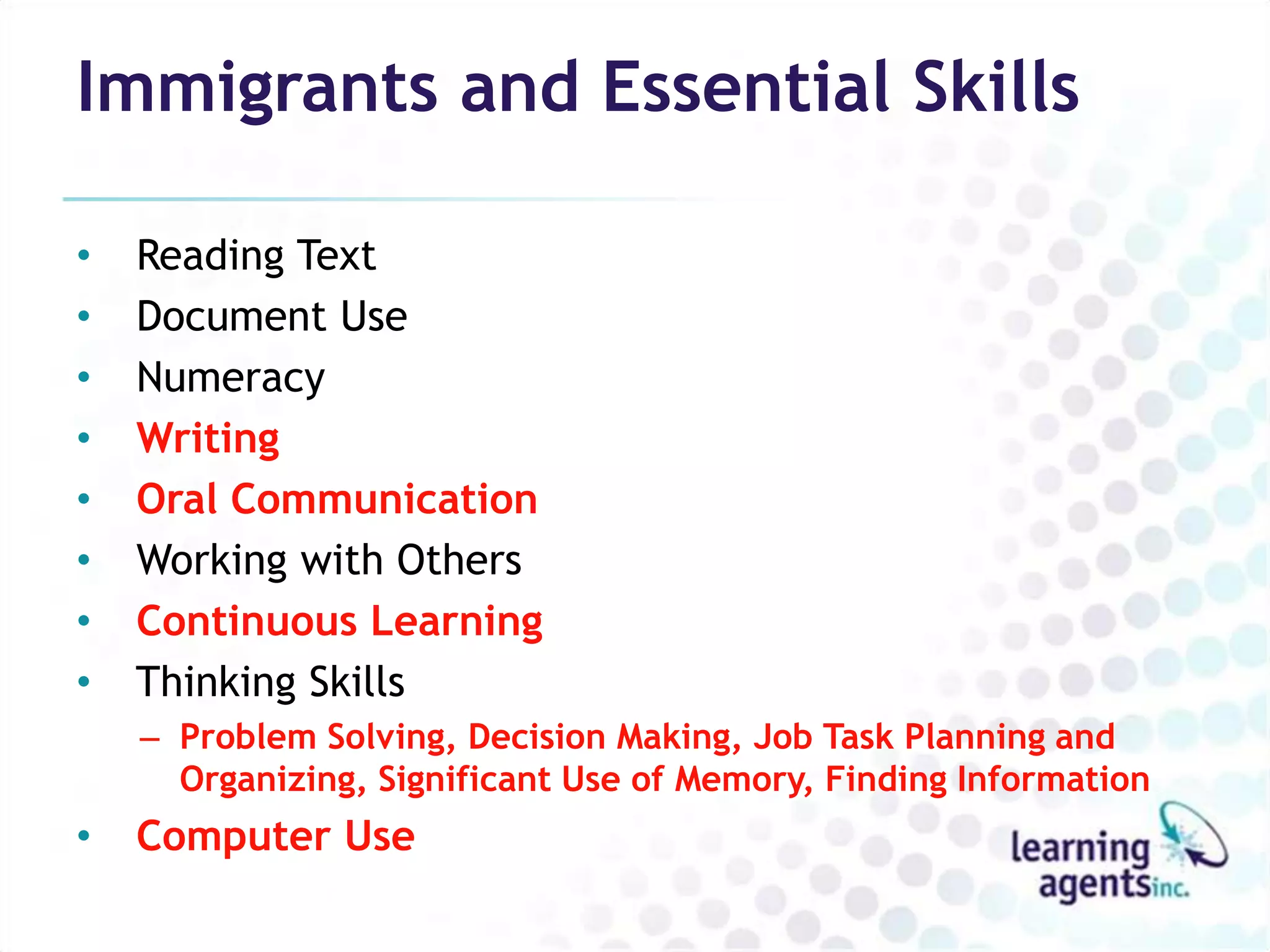
Immigrants and Essential Skills

•   Reading Text
•   Document Use
•   Numeracy
•   Writing
•   Oral Communication
•   Working with Others
•   Continuous Learning
•   Thinking Skills
    – Problem Solving, Decision Making, Job Task Planning and
      Organizing, Significant Use of Memory, Finding Information
•   Computer Use
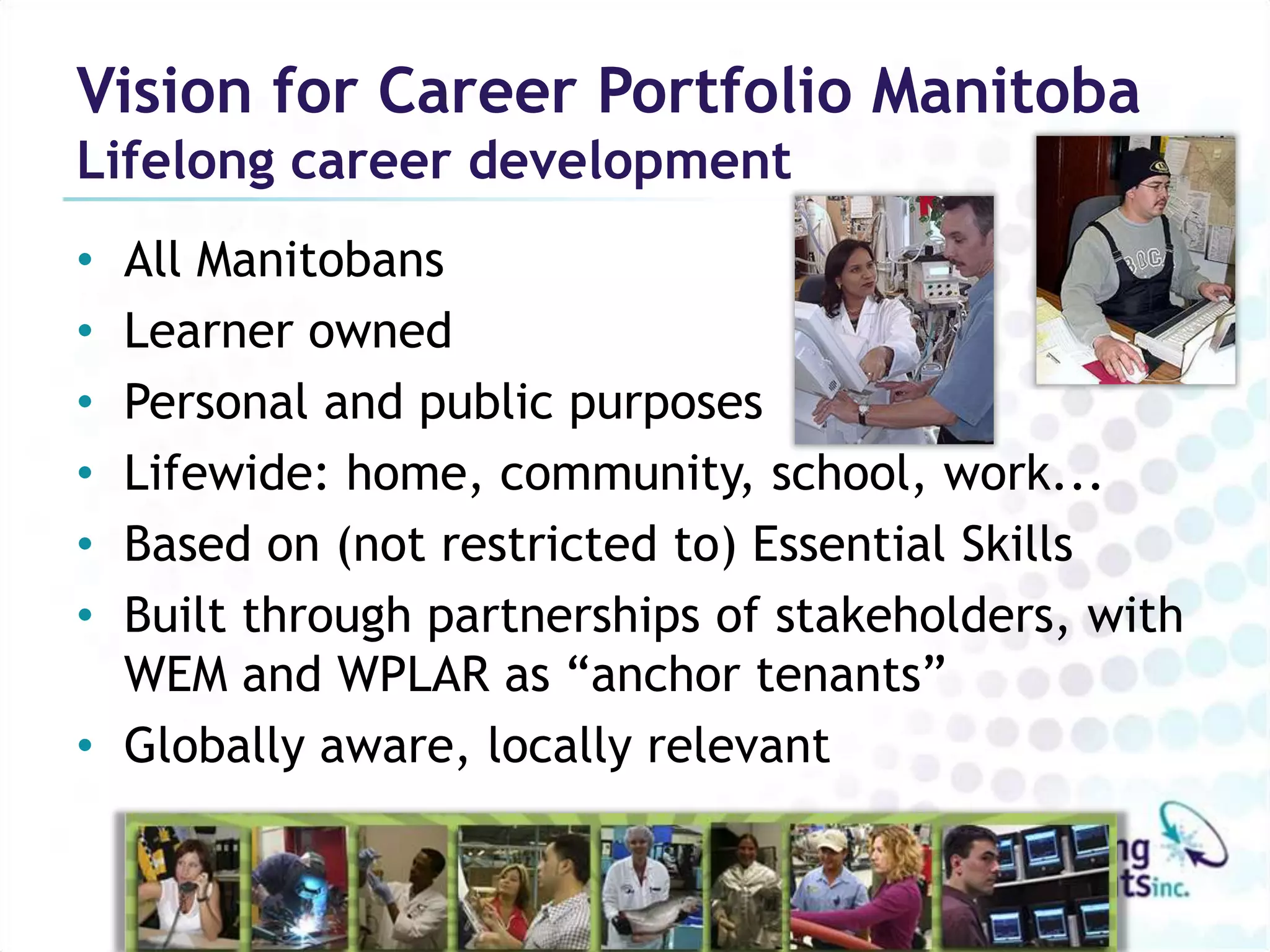
Vision for Career Portfolio Manitoba
Lifelong career development
• All Manitobans
• Learner owned
• Personal and public purposes
• Lifewide: home, community, school, work...
• Based on (not restricted to) Essential Skills
• Built through partnerships of stakeholders, with
  WEM and WPLAR as “anchor tenants”
• Globally aware, locally relevant
Career Portfolio Manitoba
Demonstration
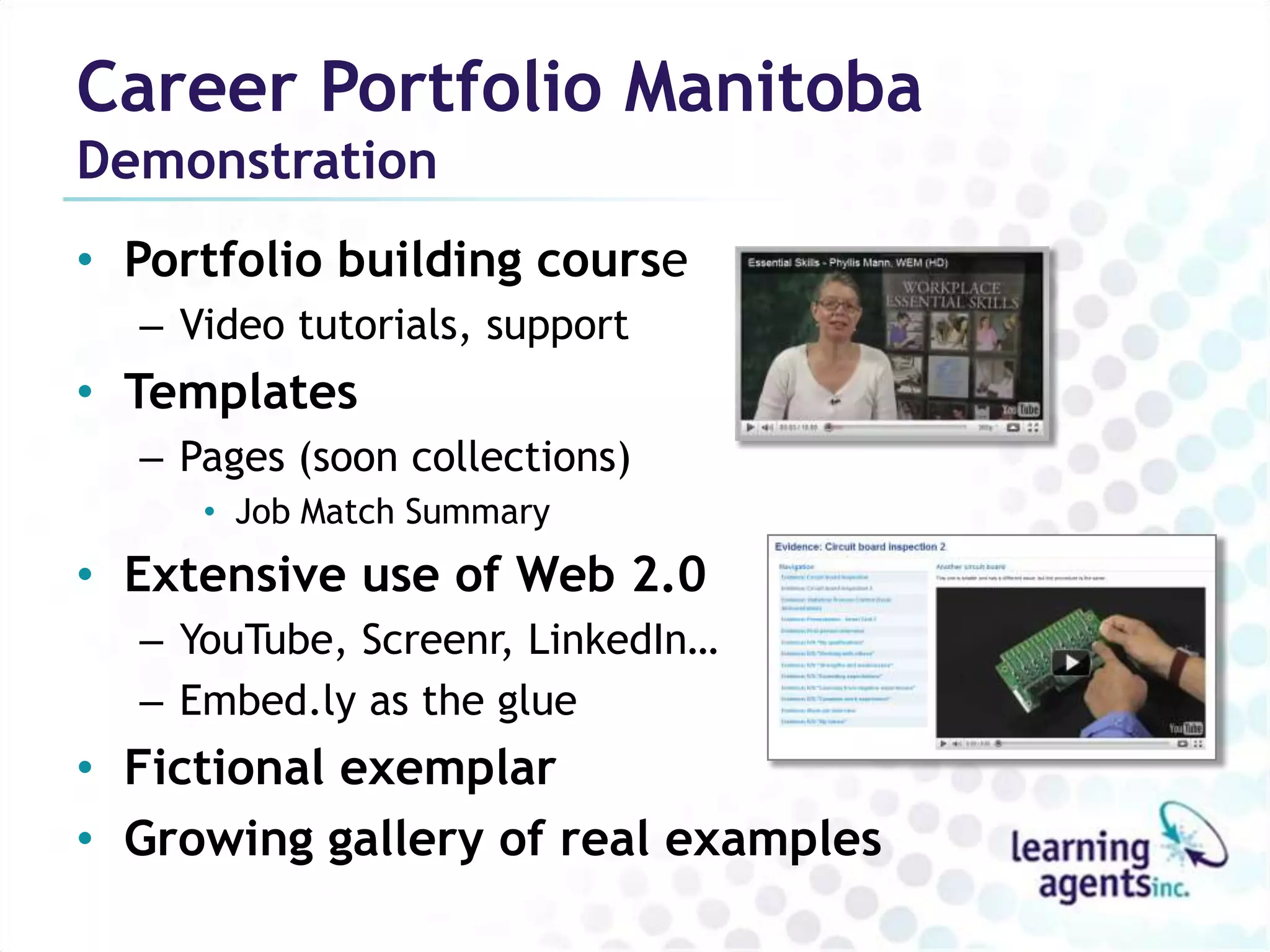
• Portfolio building course
  – Video tutorials, support
• Templates
  – Pages (soon collections)
     • Job Match Summary
• Extensive use of Web 2.0
  – YouTube, Screenr, LinkedIn…
  – Embed.ly as the glue
• Fictional exemplar
• Growing gallery of real examples
Next Steps, On the Horizon

• Self-directed online course
• Google Apps
• Encourage Mobile
    – MaharaDroid, PortfolioUp
•   Encourage learning journals
•   Self assessment tools
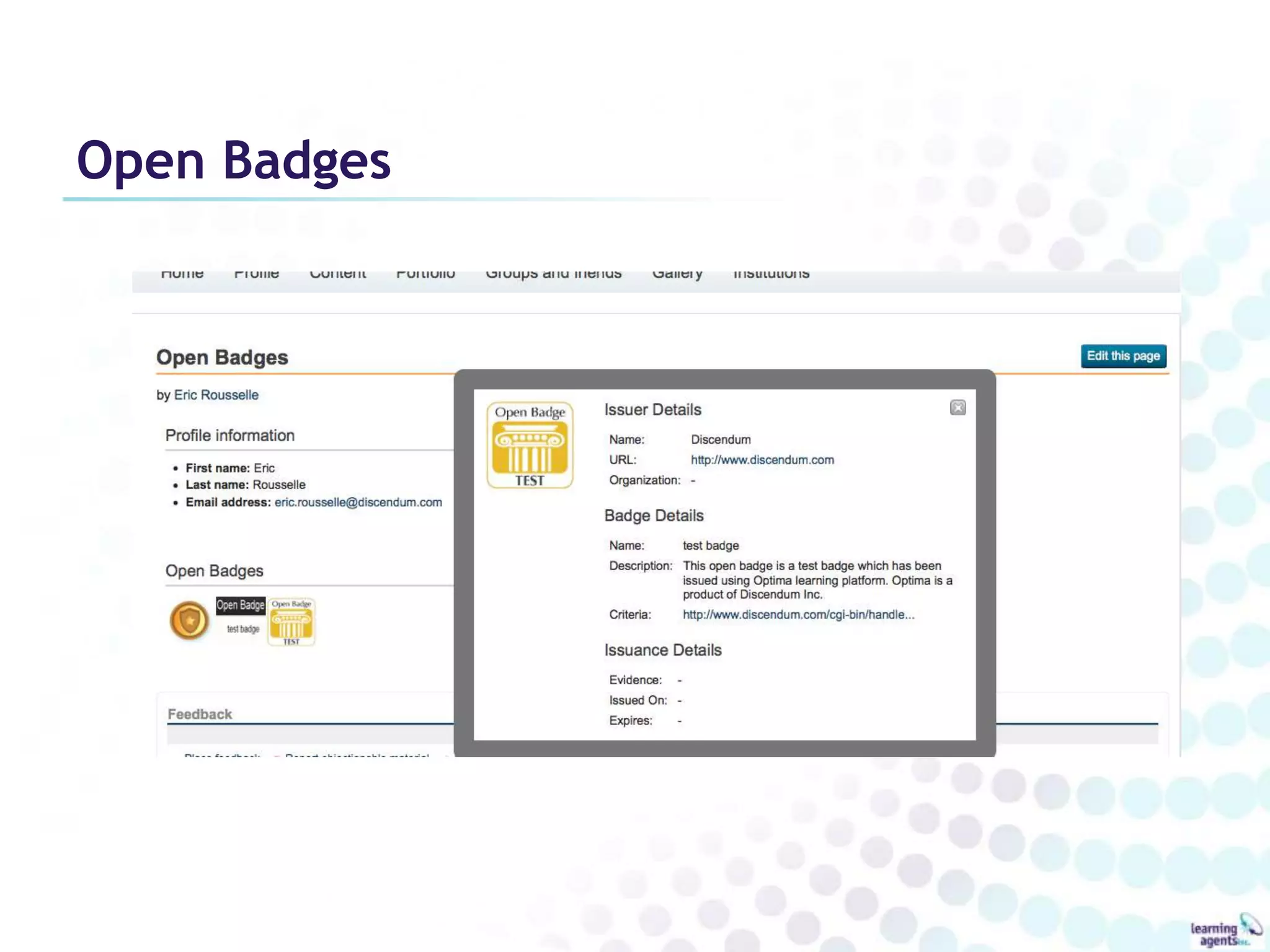
•   Open Badges
•   Mahoodle
    – Learning loops
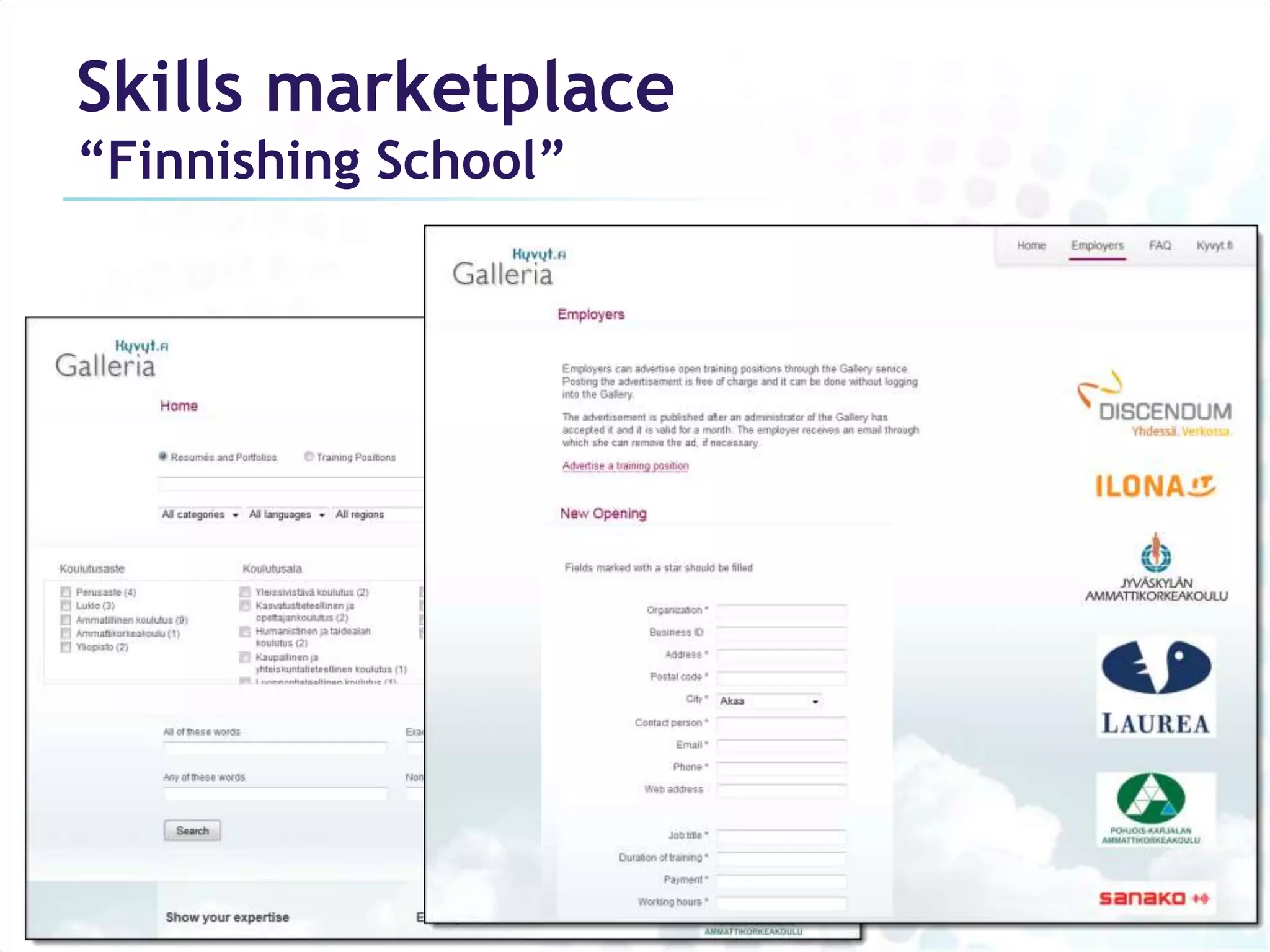
• Skills marketplace
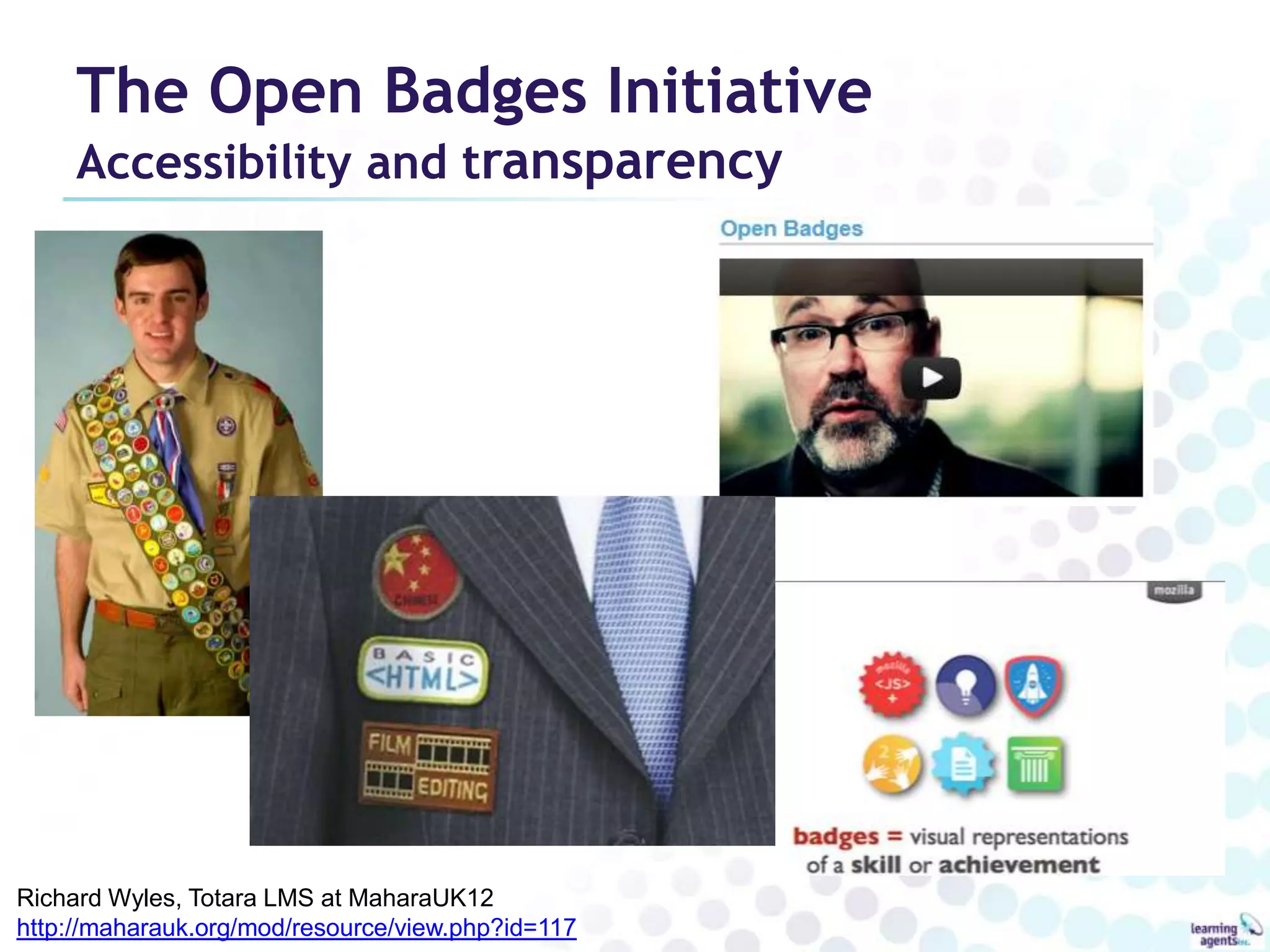
The Open Badges Initiative
     Accessibility and transparency


Richard Wyles, Totara LMS at MaharaUK12
http://maharauk.org/mod/resource/view.php?id=117
Open Badges
Skills marketplace
“Finnishing School”
Conclusion
Benefits for newcomers
Personal Learning Environment
• Developing Essential Skills
• Self-assessment, building confidence
• Building necessary knowledge
  – Customized LMI, informational interview logs
• Building your Network
• Performance support
  – “Digital evidence bank” for cold calling, etc.
• Personal space for learning
Benefits for employers
Electronic recruitment tool
• Scaffolded solution for the workplace
  – Works with LinkedIn, job boards & other solutions
    already used for electronic recruitment
• Professional Page = quick, easy dashboard
  – Links to further detail and downloadable resume
• Deeper, richer “Web CV” rewards closer study
  – More complete picture of the candidate
  – Authentic demonstrations of skills and knowledge
• Job Match Summary simplifies assessment
  – Rubric aligns with employer’s job description
Success Strategies

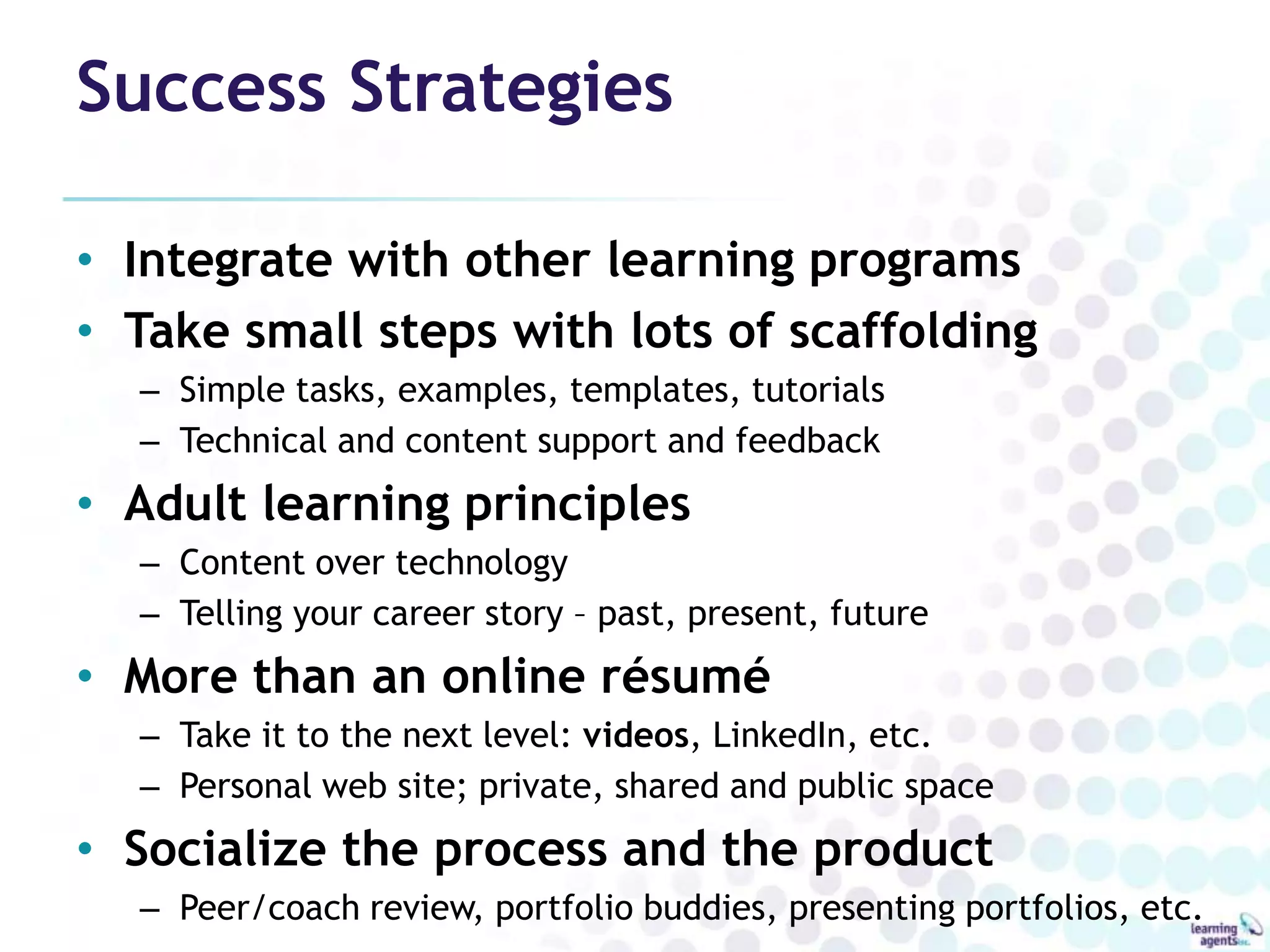
• Integrate with other learning programs
• Take small steps with lots of scaffolding
  – Simple tasks, examples, templates, tutorials
  – Technical and content support and feedback
• Adult learning principles
  – Content over technology
  – Telling your career story – past, present, future
• More than an online résumé
  – Take it to the next level: videos, LinkedIn, etc.
  – Personal web site; private, shared and public space
• Socialize the process and the product
  – Peer/coach review, portfolio buddies, presenting portfolios, etc.
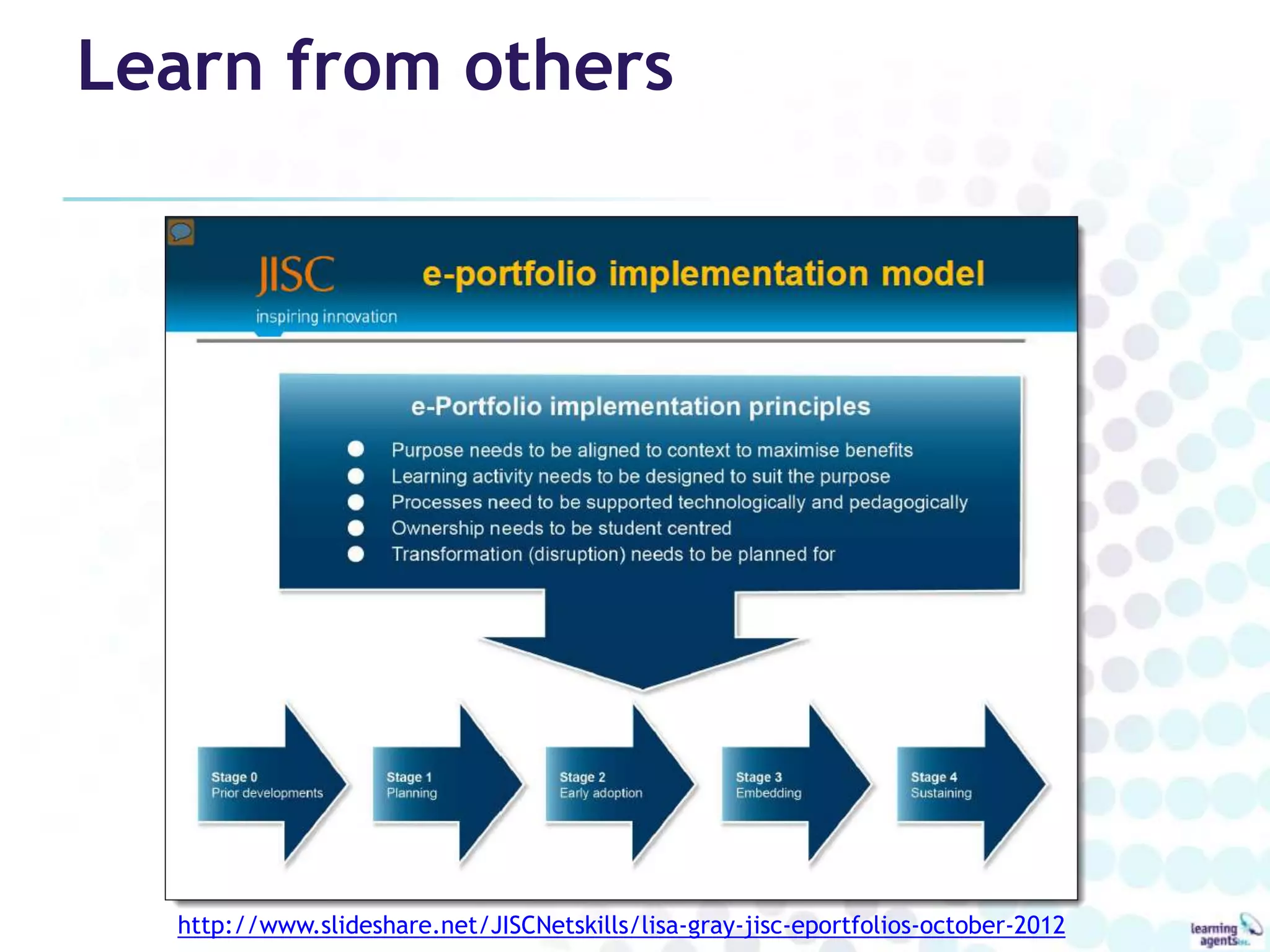
Learn from others


  http://www.slideshare.net/JISCNetskills/lisa-gray-jisc-eportfolios-october-2012
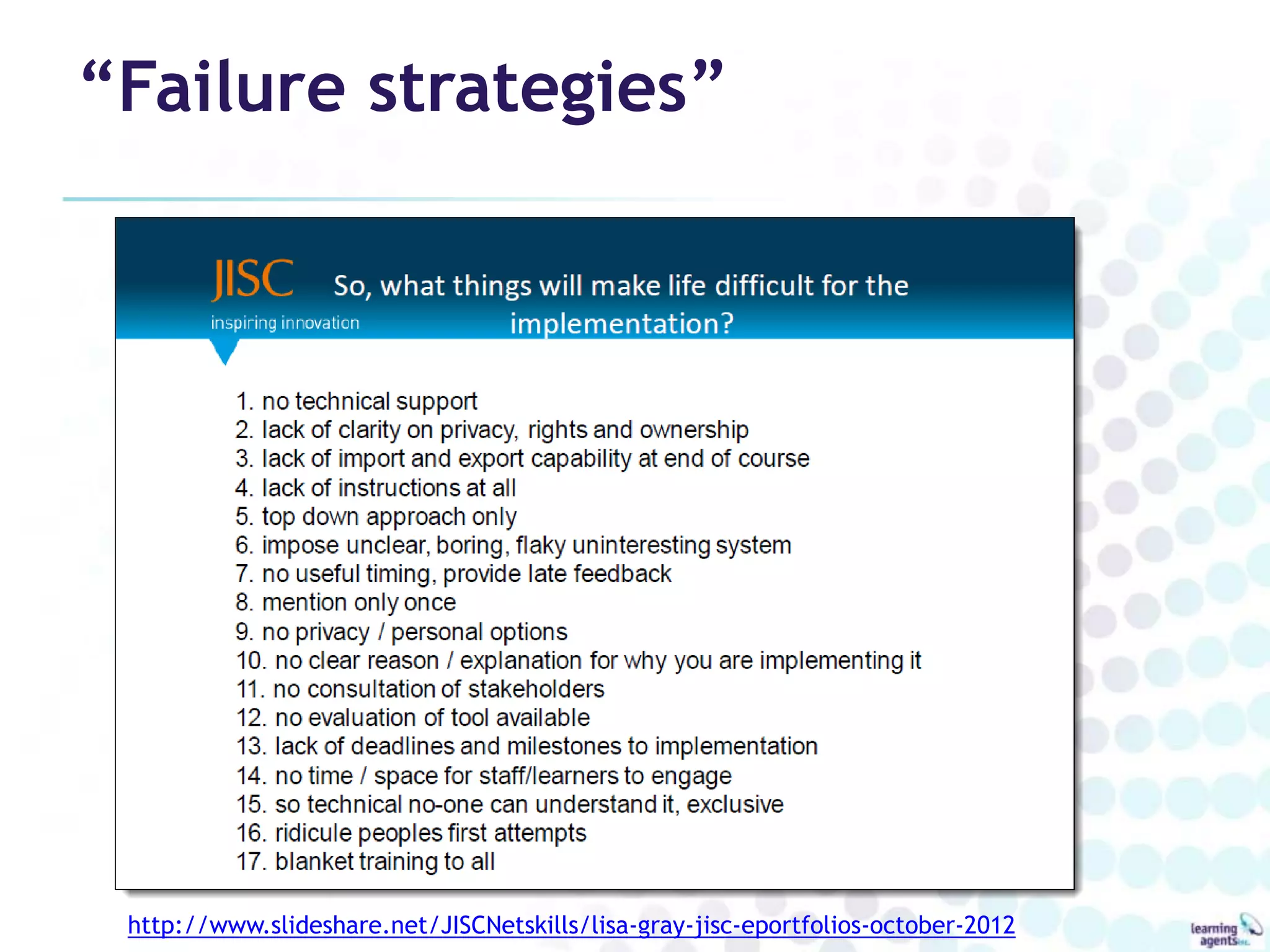
“Failure strategies”


 http://www.slideshare.net/JISCNetskills/lisa-gray-jisc-eportfolios-october-2012
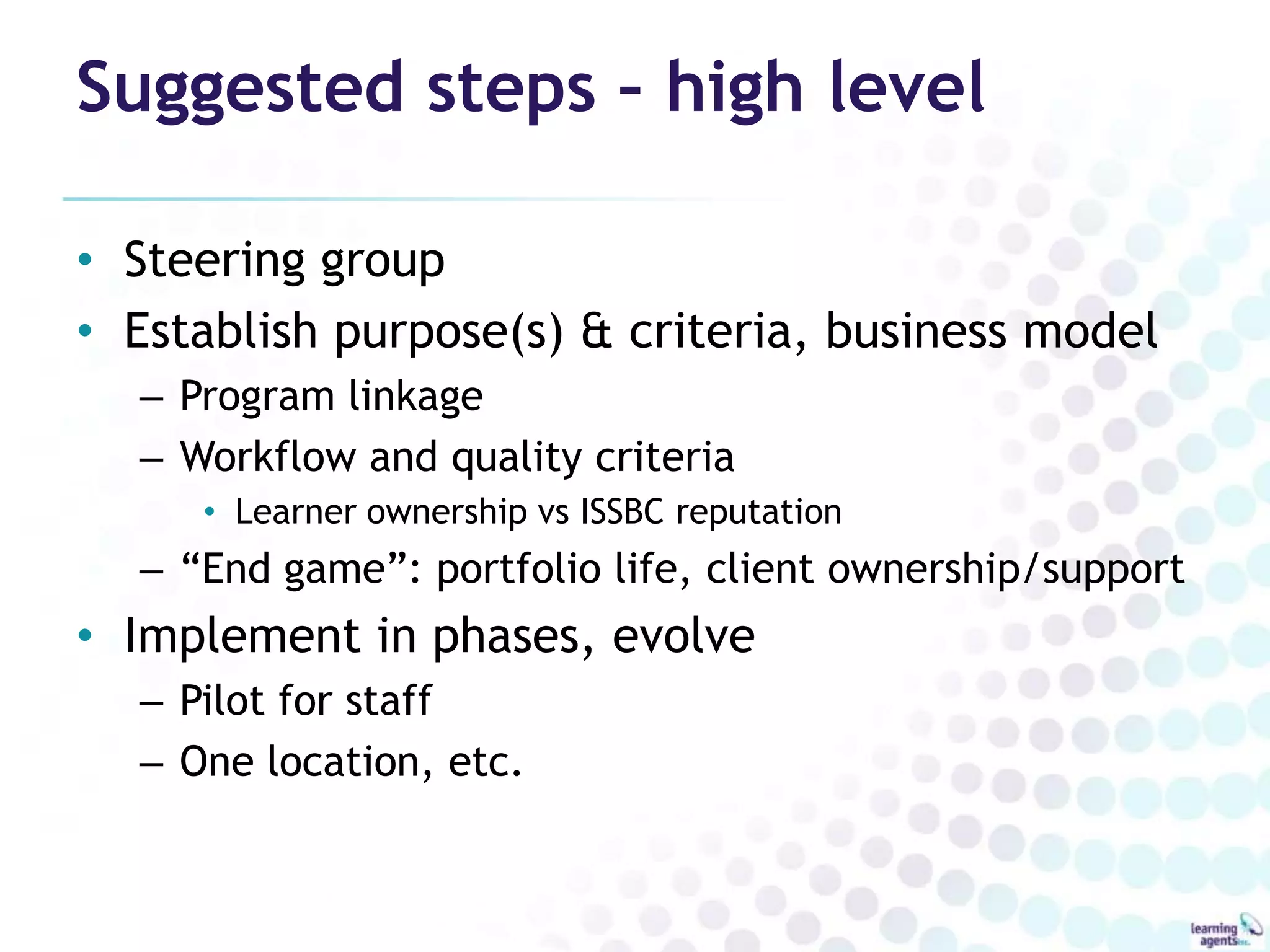
Suggested steps – high level

• Steering group
• Establish purpose(s) & criteria, business model
  – Program linkage
  – Workflow and quality criteria
     • Learner ownership vs ISSBC reputation
  – “End game”: portfolio life, client ownership/support
• Implement in phases, evolve
  – Pilot for staff
  – One location, etc.
careerportfolio.mb.ca


 don@learningagents.ca

    Twitter: @donpresant

PRESENTATION SUPPORT PAGE
      bit.ly/ep4imm

ePortfolios for Immigrants

  • 1.
    ePortfolio 21st Century EmployabilityTool for BC Immigrants February 14, 2013
  • 2.
    Learning Agents Accelerated learningsystems E-learning resources & services Learning community support Consulting http://bit.ly/DonPresant_ePortfolio
  • 3.
  • 4.
    Purpose: Summative orFormative? Shop window or factory? http://www.jiscinfonet.ac.uk/infokits/e-portfolios
  • 5.
  • 6.
    ePortfolio: product andprocess • Digital archive • Showcase: celebration & assessment of learning – Education • Acceptance/advanced standing, course requirement, graduation requirement – Workplace • Hiring, HR development, professional development, project team selection FuturEd 2004
  • 7.
    ePortfolio: product andprocess • Assessment for learning (e.g. CLPA) • Reflection, self-assessment • Transferring skills, making transtions • Coaching, collaborative learning • Learning plans • Knowledge Management
  • 8.
    Credentials vs. ePortfolio Credentials ePortfolio • Reflect time spent in • Reflects time spent learning class • Evidence-based proficiency • Questionable proficiency • Statement of actual skills and • Proxy for skills and knowledge knowledge • “Living” • Dated • Systematic • Variable quality • All learning valued • Formal learning only (Courtesy FuturEd)
  • 9.
    Benefits of “e” •Information Management capabilities – Collecting, archiving, sharing, making different versions – Multimedia evidence • Digital technology, Internet literacy • Learning and collaboration integration – Online research: documents, networks – Easy to add comments, edit, mentor, coach • Digital Identity – Professional Profile, Personal network • Measurement, alignment – Link to frameworks, rubrics, track learning over time • Systems integration and interoperability – Moodle and other LMS, HRIS systems
  • 10.
    Key elements • Linksindividual’s skills/accomplishments to skills frameworks • A record of formal AND experiential learning • Claims backed by digital evidence • Learner ownership • More than a showcase
  • 11.
    Personal Planning andLearning Online Locker, Interactive Workbook • Online archive – Personal & downloaded documents, links • Resources for self-directed learning – Webinars, videos, self-assessment surveys • Learning plans and tracking tools – Set goals and track progress to them (Learning Plans) – Keep records of learning activities over time (CPD) • Personal journal – Reflect on goals and alternative futures – Keep ad hoc “notes to self”, prepare agendas, etc. • Ongoing Personal Learning Environment (PLE) – “Continuous Learning Environment”
  • 12.
    Learning Example English asan Additional Language • Products of language courses – e.g. Collaborative Language Portfolio Assessment • Authentic artefacts of speaking, listening, reading and writing • Formative/summative – Snapshots of progress – Holistic employability • (e.g. demonstrate comm & technical skills)
  • 13.
    Employment & relatedpurposes Demonstrate, assess & improve Human Capital • Qualification Recognition – Initial, formative, summative assessment • Academic recognition – PLAR/RPL for courses and programs • Career Development – Gap analysis, exploration of alternatives, building pathways • Employment (Web CV) – Hiring, career advancement, team building tool for employers • Continuing Professional Development (CPD) – Tracking ongoing learning activities and reflection on practice – Recertification
  • 14.
    Lifelong, lifewide Before ANDafter getting the job • Pre-employment – Becoming employable, getting hired • Workplace development – Skills development, performance management, career advancement • Recognition of Prior Learning – Challenge for credit • Continuing Professional Development – Regulated occupations • Knowledge portfolios • Life portfolios
  • 15.
  • 16.
  • 17.
    LinkedIn statistics: Jan2012 • Started 2003 • Currently 200m+ • 2 new members per second • 7m+ in Canada (+39.5% 2011->2012) • 2m+ companies have LinkedIn pages • Includes executives from 100% of Fortune 500 • 85% of Fortune 100 use its hiring solutions • Acquired Slideshare in May 2012
  • 18.
    Research Information Practices ofImmigrants Nadia Caidi, Faculty of Information, University of Toronto, 2009 http://www.slideshare.net/settlementatwork/information-practices-of-immigrants
  • 19.
    RESEARCH PROJECT ePortfolio for Skilled Immigrants and Employers Pan Canadian Employer Focus Groups Jan-Feb 2006
  • 20.
    Employer feedback ePortfolio asa tool to describe skills and knowledge • Majority in favour – “digital matching service, living document, screening tool, digital evidence of credentials and experience” • Benefits: – Accessible documents of work accomplishments vs. credentials – Pre-employment bridging tool, linked to LMI – Help standardize the language of competencies • Acceptance Factors – Accuracy, consistency, ease of use • Potential Issues – Time for creation and processing, privacy, content maintenance, system integrity, overall responsibility...
  • 21.
    Employer feedback On theadvisability of a broad ePortfolio system • Good timing – Rising skills shortages, immigration levels • Current examples – Job Banks and PSC system • Benefits – Good potential: niche sectors, skill sets, countries – Transparent tool for diversity and equity – Early adopters could have hiring advantage – Ease/improve recruitment, reduce wrong hires • Potential Barriers – Cost, regulatory body acceptance/validation, privacy, ownership, process inertia, consistency
  • 22.
    Employer feedback On theadvisability of a broad ePortfolio system • Acceptance Factors – Simplicity, accessibility, usefulness as a screening tool, trust, confidentiality, standards, integration, flexibility, extensibility, government support, marketing, training • Solutions – Fit eP into existing interviewing and hiring practices – Incremental approach with action research to measure benefits – Make eP mandatory (!) with allowed exceptions for inclusiveness
  • 23.
    Human Capital Management Acompetitive marketplace
  • 24.
    Human Capital Technology •eSourcing/eRecruitment tools – Résumé Importing/Exporting/Searching – Assessments & Applicant Screening – Applicant Tracking Systems (ATS) • Onboarding (orientation) tools • Performance/Talent Management Systems • Human Resource Management Systems (HRMS/HRIS) Adapted from http://www.recruitersnetwork.com/software/index.htm
  • 25.
  • 26.
    ePortfolios for learning AAEEBL •Association for Authentic, Experiential and Evidence-Based Learning • “a non-profit, professional organization for the world eportfolio community” • 106 Institutional Members in 5 countries • Harvard, Notre Dame, Columbia, Purdue, Washington, Stanford, Tufts… • Publish International Journal of ePortfolio • Annual conference, regional conferences
  • 27.
    AAEEBL Member Survey2011 Platforms http://www.aaeebl.org/Resources/Documents/TAL/TAL_v3n3_2013_06.pdf Lists, demos and comparison s: AAEEBL website EPAC website Helen Barrett 1 | Helen Barrett 2
  • 28.
    Technology Alternatives • Web2.0 purpose-built – LinkedIn, about.me • Web 2.0 “roll your own” – Google sites, Weebly, Evernote, Prezi • Dedicated FOSS – Mahara, Sakai, ZenPortfolio (WP) • Adapted FOSS – Wordpress.com, Wordpress.org • Dedicated Proprietary – PebblePad, Digication, myeFolio, Pathbrite
  • 29.
    Five solutions toconsider • WordPress – WordPress.com, Zen Portfolios or download – Free, or? • PebblePad – 20 GBP/year/person • myeFolio – $20/year • Digication – $20-35/year • Mahara – Free, or?
  • 30.
    Mahara ePortfolio Overview • FromNZ to the world • Free Open Source Software (FOSS) – Free (like a puppy) – Controllable, predictable – Extendable, “clusterable” (Moodle, Google Apps…) • Flexible – Digital storytelling machine, not a “tick box”
  • 31.
    Mahara ePortfolio Under thehood • Content Archive – Profile, Resume, Files, Notes, Journals (blogs), Plans • Pages, Collections – Different content for different audiences • Embed external content (Web 2.0) – LinkedIn, Slideshare, YouTube, Google Apps, etc. • Groups and collaboration – Shared files, pages, collections • Multi-layered sharing/privacy
  • 32.
  • 33.
    Workplace Education Manitoba &WPLAR • Nonprofit partnerships of Government, Business and Labour • WEM: workplace education in Essential Skills • WPLAR: workplace Recognition of Prior Learning wem.mb.ca wplar.ca
  • 34.
    Essential Skills ePortfolio Programoverview • For Adults in Transition • Leverage the “e” factor • Accessible and authentic ICT – Free software – Accessible multimedia hardware • Provide ongoing learning support – Gap training / PD for SMART goals using Moodle
  • 35.
    Immigrants and EssentialSkills • Reading Text • Document Use • Numeracy • Writing • Oral Communication • Working with Others • Continuous Learning • Thinking Skills – Problem Solving, Decision Making, Job Task Planning and Organizing, Significant Use of Memory, Finding Information • Computer Use
  • 36.
    Vision for CareerPortfolio Manitoba Lifelong career development • All Manitobans • Learner owned • Personal and public purposes • Lifewide: home, community, school, work... • Based on (not restricted to) Essential Skills • Built through partnerships of stakeholders, with WEM and WPLAR as “anchor tenants” • Globally aware, locally relevant
  • 37.
    Career Portfolio Manitoba Demonstration •Portfolio building course – Video tutorials, support • Templates – Pages (soon collections) • Job Match Summary • Extensive use of Web 2.0 – YouTube, Screenr, LinkedIn… – Embed.ly as the glue • Fictional exemplar • Growing gallery of real examples
  • 38.
    Next Steps, Onthe Horizon • Self-directed online course • Google Apps • Encourage Mobile – MaharaDroid, PortfolioUp • Encourage learning journals • Self assessment tools • Open Badges • Mahoodle – Learning loops • Skills marketplace
  • 39.
    The Open BadgesInitiative Accessibility and transparency Richard Wyles, Totara LMS at MaharaUK12 http://maharauk.org/mod/resource/view.php?id=117
  • 40.
  • 41.
  • 42.
  • 43.
    Benefits for newcomers PersonalLearning Environment • Developing Essential Skills • Self-assessment, building confidence • Building necessary knowledge – Customized LMI, informational interview logs • Building your Network • Performance support – “Digital evidence bank” for cold calling, etc. • Personal space for learning
  • 44.
    Benefits for employers Electronicrecruitment tool • Scaffolded solution for the workplace – Works with LinkedIn, job boards & other solutions already used for electronic recruitment • Professional Page = quick, easy dashboard – Links to further detail and downloadable resume • Deeper, richer “Web CV” rewards closer study – More complete picture of the candidate – Authentic demonstrations of skills and knowledge • Job Match Summary simplifies assessment – Rubric aligns with employer’s job description
  • 45.
    Success Strategies • Integratewith other learning programs • Take small steps with lots of scaffolding – Simple tasks, examples, templates, tutorials – Technical and content support and feedback • Adult learning principles – Content over technology – Telling your career story – past, present, future • More than an online résumé – Take it to the next level: videos, LinkedIn, etc. – Personal web site; private, shared and public space • Socialize the process and the product – Peer/coach review, portfolio buddies, presenting portfolios, etc.
  • 46.
    Learn from others http://www.slideshare.net/JISCNetskills/lisa-gray-jisc-eportfolios-october-2012
  • 47.
  • 48.
    Suggested steps –high level • Steering group • Establish purpose(s) & criteria, business model – Program linkage – Workflow and quality criteria • Learner ownership vs ISSBC reputation – “End game”: portfolio life, client ownership/support • Implement in phases, evolve – Pilot for staff – One location, etc.
  • 49.
    careerportfolio.mb.ca don@learningagents.ca Twitter: @donpresant PRESENTATION SUPPORT PAGE bit.ly/ep4imm

Editor's Notes

  • #3 Federal corporation, HQ in ManitobaMultimedia learning resources for career development, workplace learning and professional developmentSpecialty: facilitating, packaging & disseminating insights of learners, practitioners and subject matter expertsProducer of “Career Destination” solutions through community partnerships since 2001Opened Learning Agents eStudiosin 2007multimedia & video facility for learning resource production, ePortfolio development and webcastingActive voluntary role in communityCareer Trek and “Let’s Get to Work” conferenceDon Presant: Chair of Manitoba PLA Network (MPLAN) Community Telecentre COMMUNITY ECONOMIC DEVELOPMENT CONCEPT: technology literacy, engagement, expression, workVideo-conference (in development)job interviews , online learning e.g. classes for prospective immigrants overseas, workplace trainingOther community learning events (subscribe to other networks)Collaborative Workshop EnvironmentHands-On ePortfolio and related workshopsDigital Production StudiosPhotos, objects, actions, interviews, simulationsImages, audio, video, textQuick set-up, quick turnaround (photo vs. scan, permanent lighting setup, direct to disk recording, etc.)Multimedia Post Production Facility :career profiles, ePortfolio resources, training videosProduction and Facilitation Support Services: staff, freelance & partners
  • #19 …therefore good potential early adopters for ePortfolio…
  • #36 ePortfolio can be a PLE for Essential Skills, ACROSS THE BOARD, but especially for these highlighted skillsThinking Skills:How do I get a job, Cdn work experience?Should I change occupations?How do I organize my job-hunting activities?What have I done in my life and what does it mean?What is the labour market information, who are the employers, where are the jobs?
  • #46 Frame of Reference: Matt Elliot and Jennifer TurnsSimple tasks to begin: enter profile information, annotate artefactPrompts for reflection, structured reflection