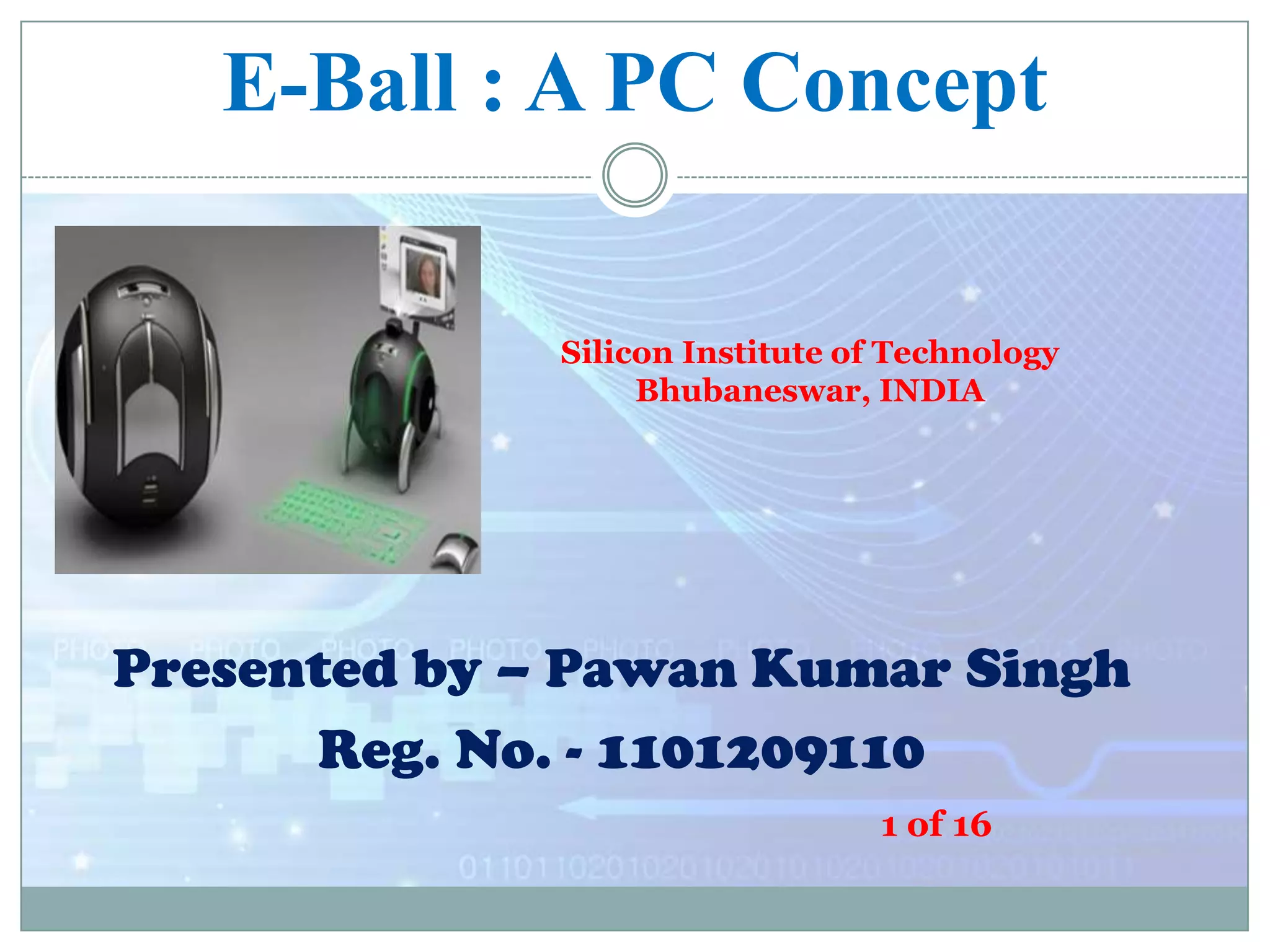
E-Ball : A PC Concept
Silicon Institute of Technology
Bhubaneswar, INDIA

Presented by – Pawan Kumar Singh
Reg. No. - 1101209110
1 of 16
Overview
 Introduction to E-Ball

technology
 How it works
 Features of E-Ball
 Virtual keyboard
 Projector used in EBall
 Scenario of uses
 Advantages and
disadvantages
2 of 16
 Conclusion
Introduction
 Size of electronics gadgets are
diminishing

 Optimization techniques are being
used.

E-Ball

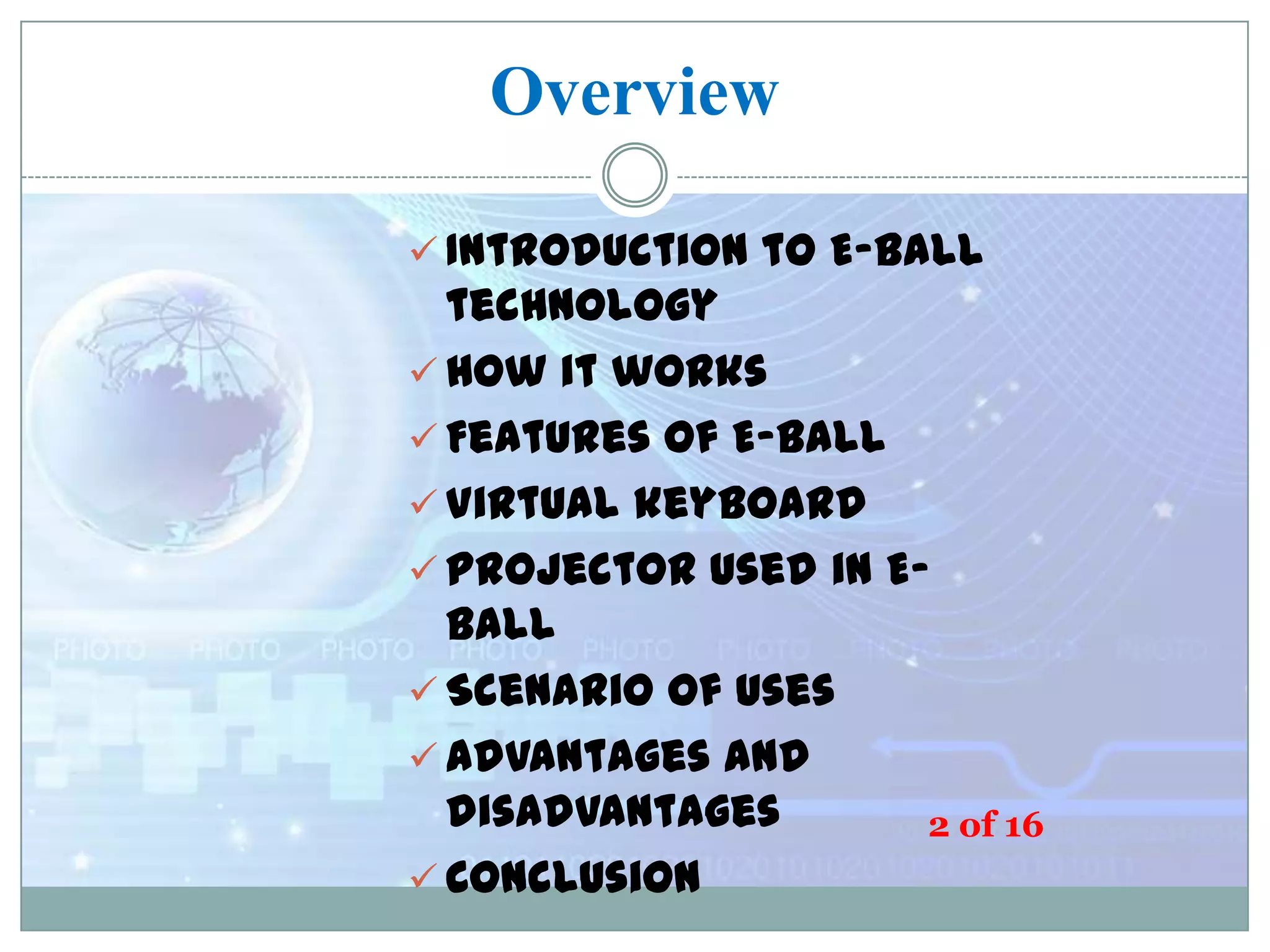
 Designer Apostol Tnokovski has given
the
idea of smallest PC
 It has projector instead of display
unit

Designer
Apostol Tnokovski(1982)

 It has virtual keyboard 16
3 of
 Its diameter is 6 inch and it has 120x120
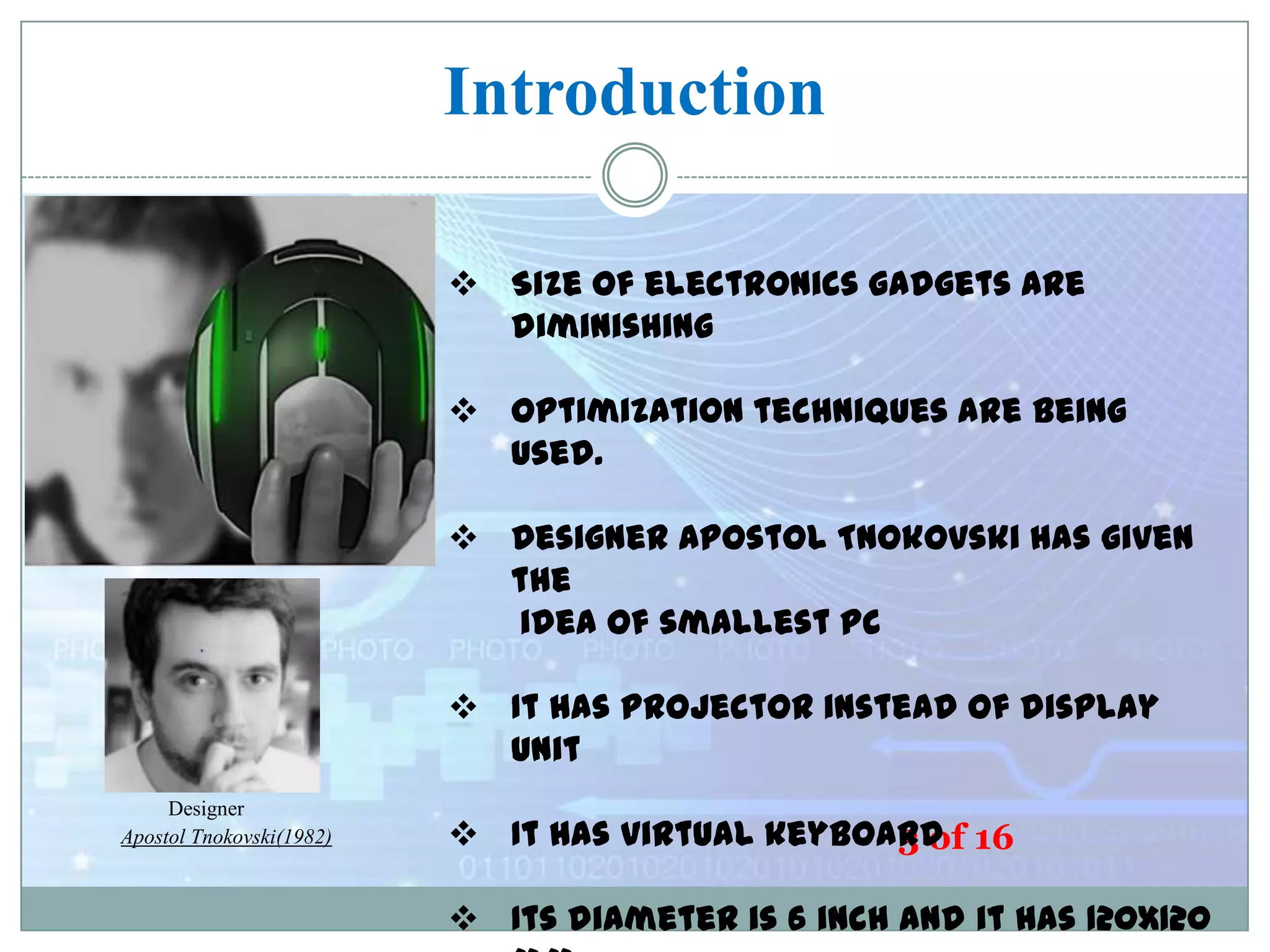
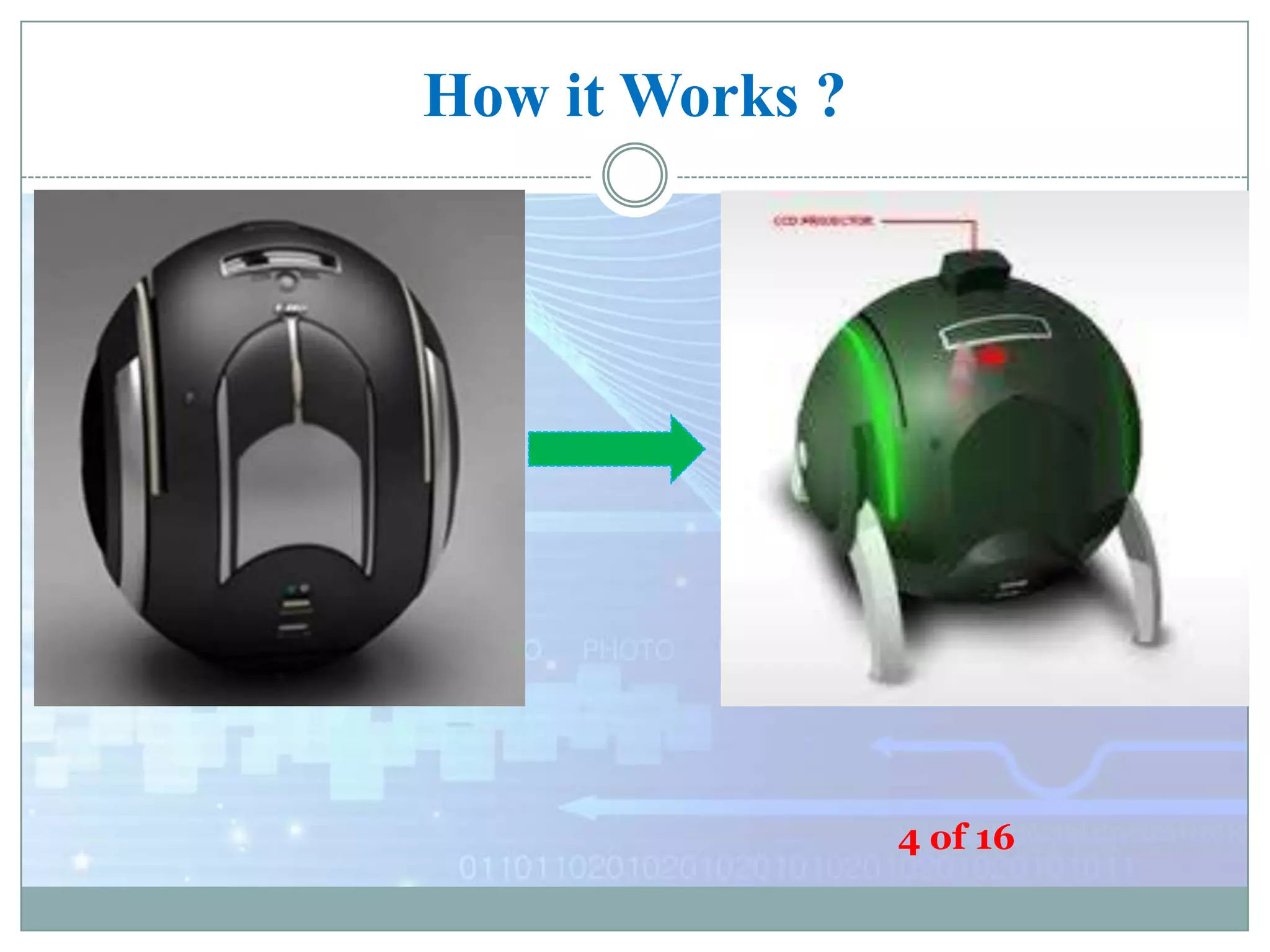
How it Works ?

4 of 16
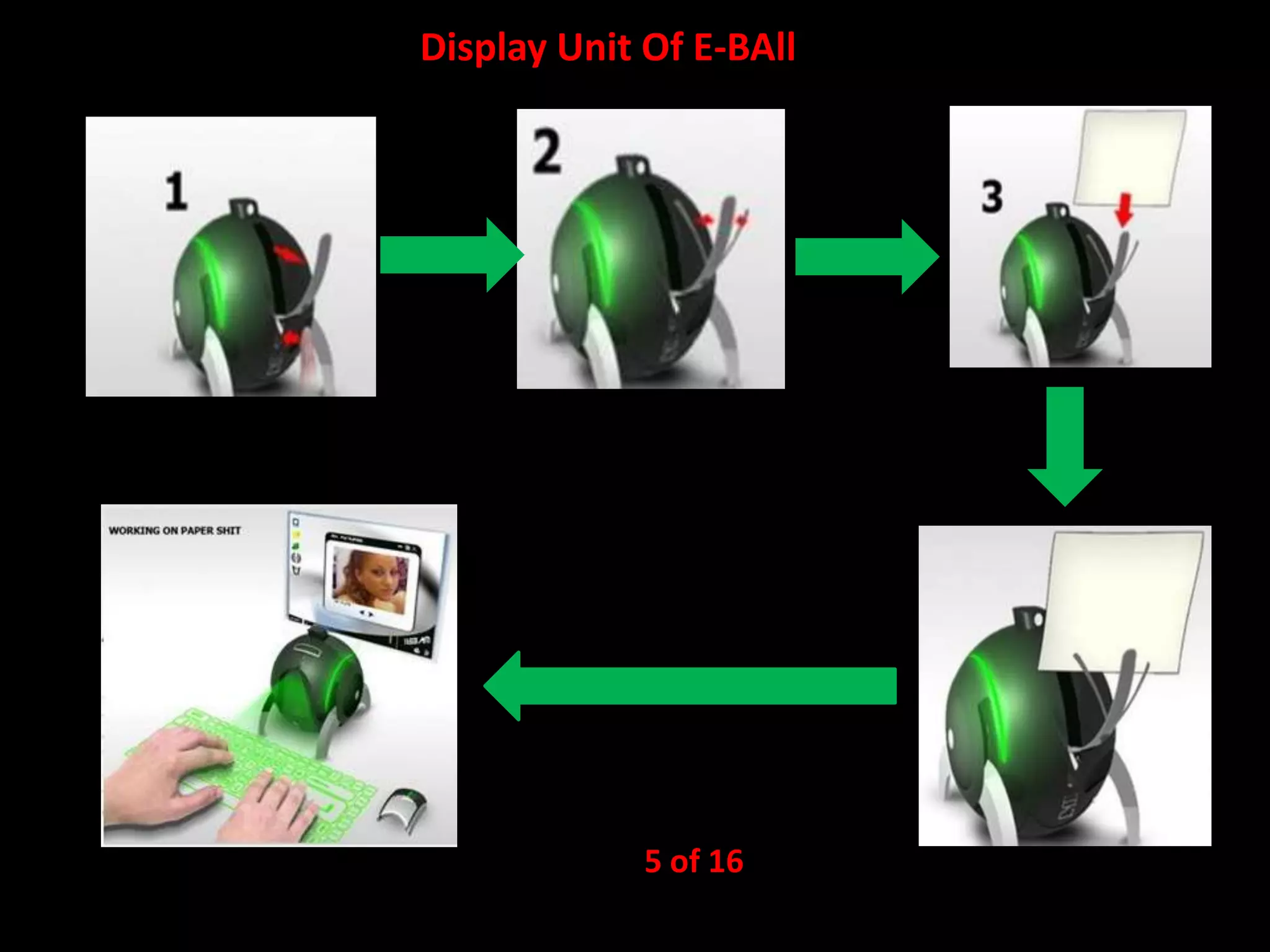
Display Unit Of E-BAll

5 of 16
Features of E-Ball
MICROSOFT WINDOWS
VIRTUAL KEYBOARD
DUAL CORE PROCESSOR
2GB – RAM (Expandable)
350-500 GB HARDDRIVE
GRAPHICS AND SOUND CARD
WEB CAM
WIRELESS OPTICAL MOUSE
LCD PROJECTOR(liquid crystal display)
PAPER HOLDER
SPEAKERS

6 of 16
Virtual Keyboard
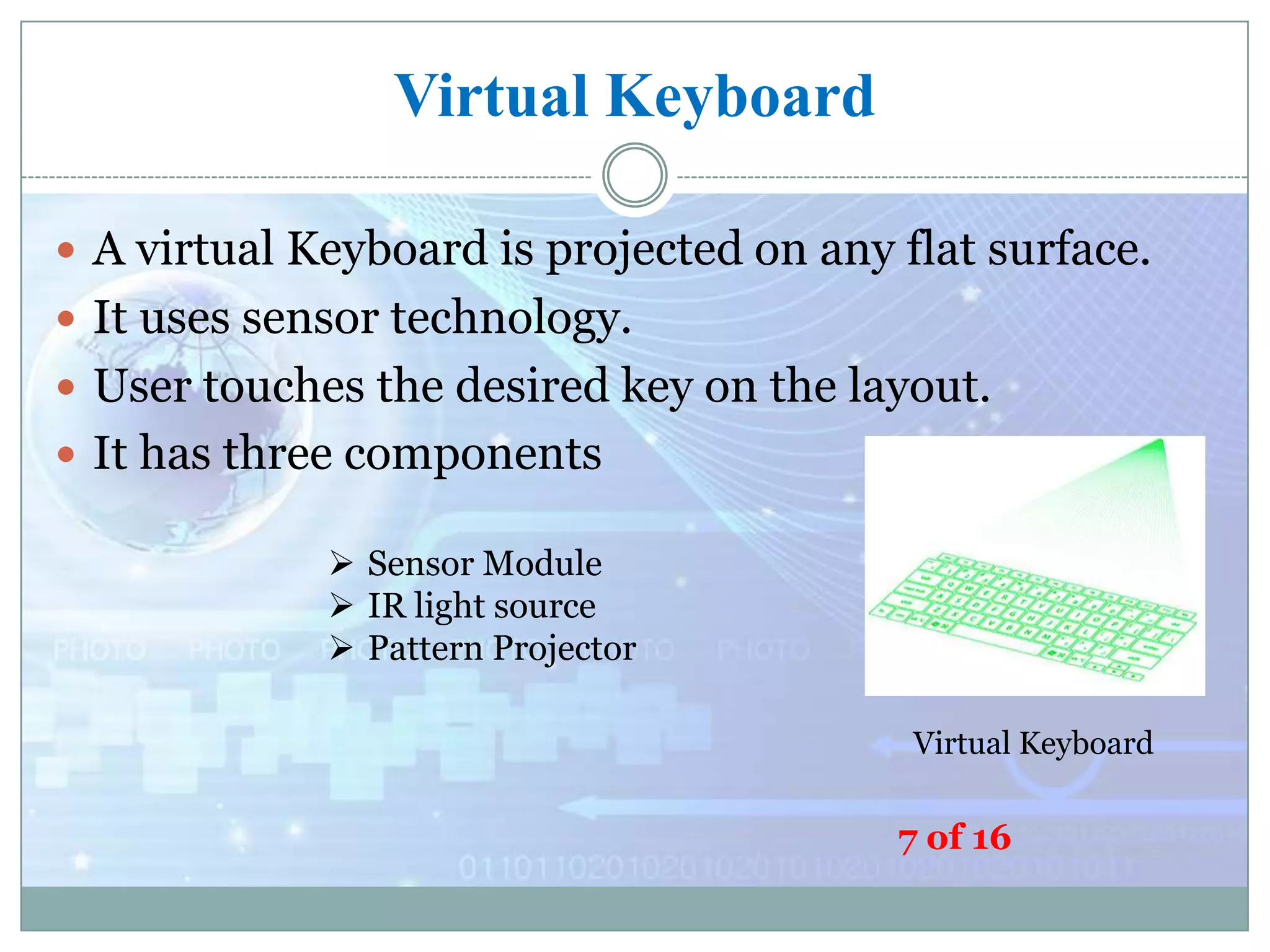
 A virtual Keyboard is projected on any flat surface.
 It uses sensor technology.
 User touches the desired key on the layout.
 It has three components
 Sensor Module
 IR light source
 Pattern Projector
Virtual Keyboard

7 of 16
Projector used in E-Ball
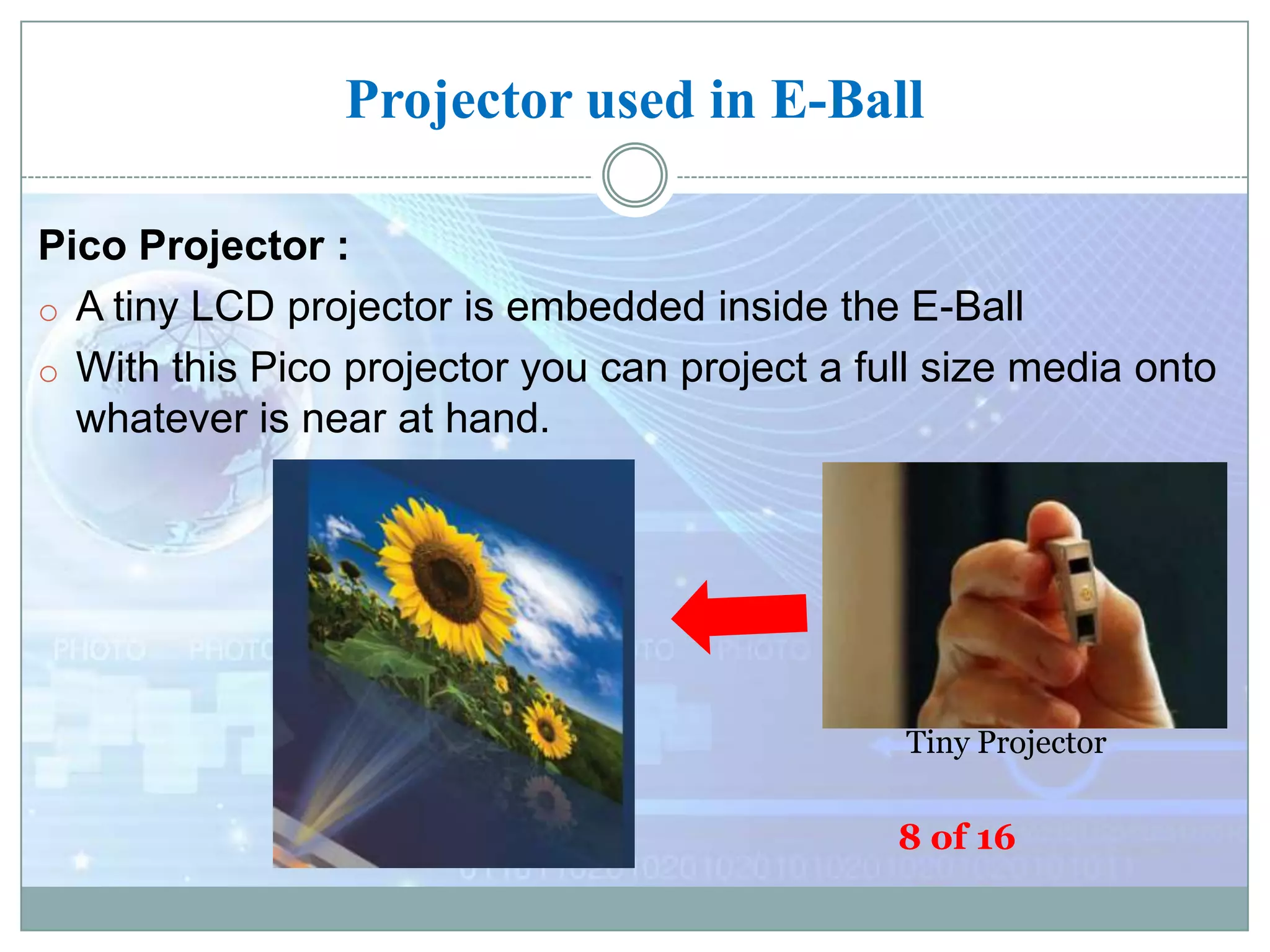
Pico Projector :
o A tiny LCD projector is embedded inside the E-Ball
o With this Pico projector you can project a full size media onto
whatever is near at hand.

Tiny Projector

8 of 16
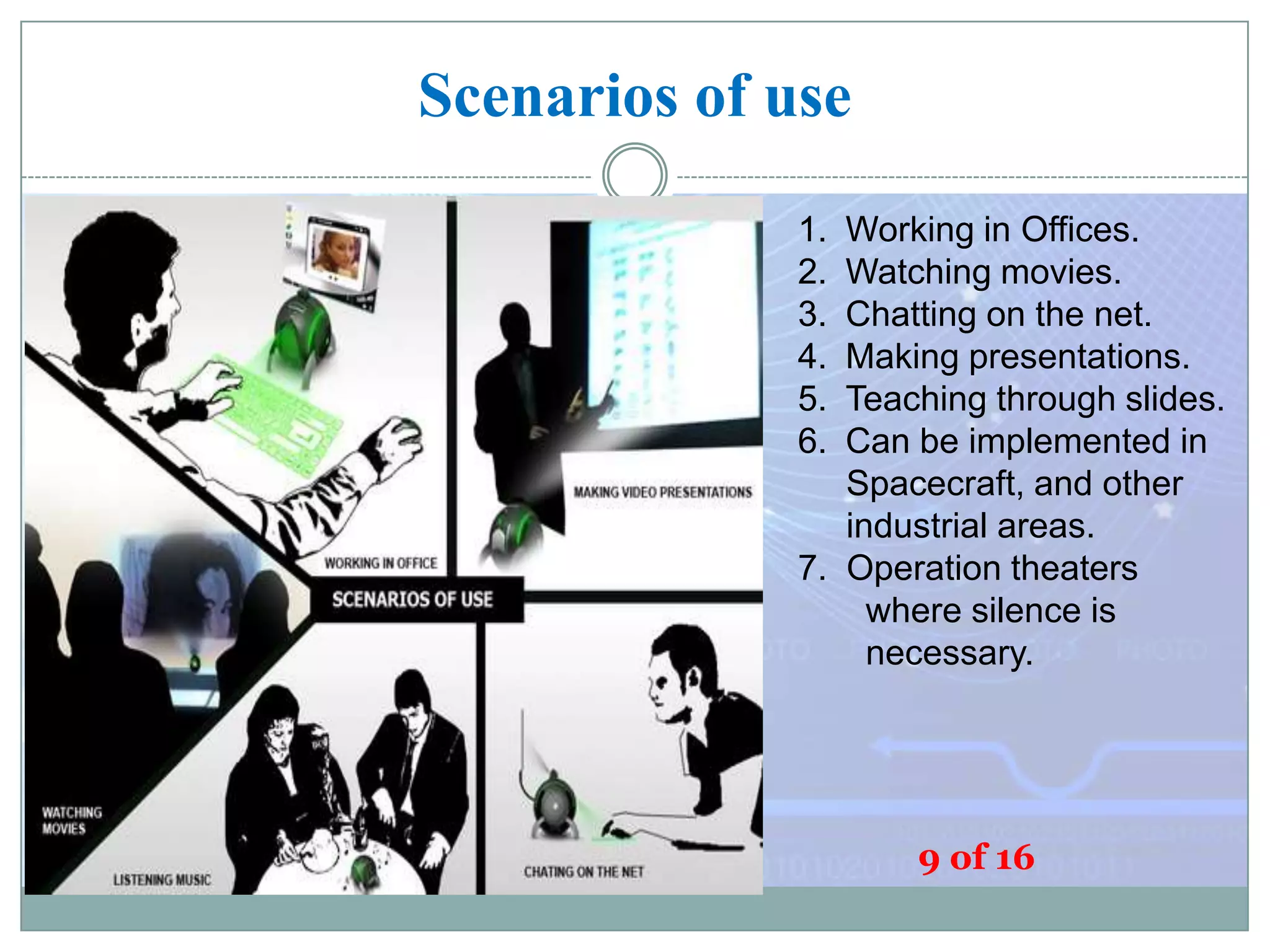
Scenarios of use
1.
2.
3.
4.
5.
6.

Working in Offices.
Watching movies.
Chatting on the net.
Making presentations.
Teaching through slides.
Can be implemented in
Spacecraft, and other
industrial areas.
7. Operation theaters
where silence is
necessary.

9 of 16
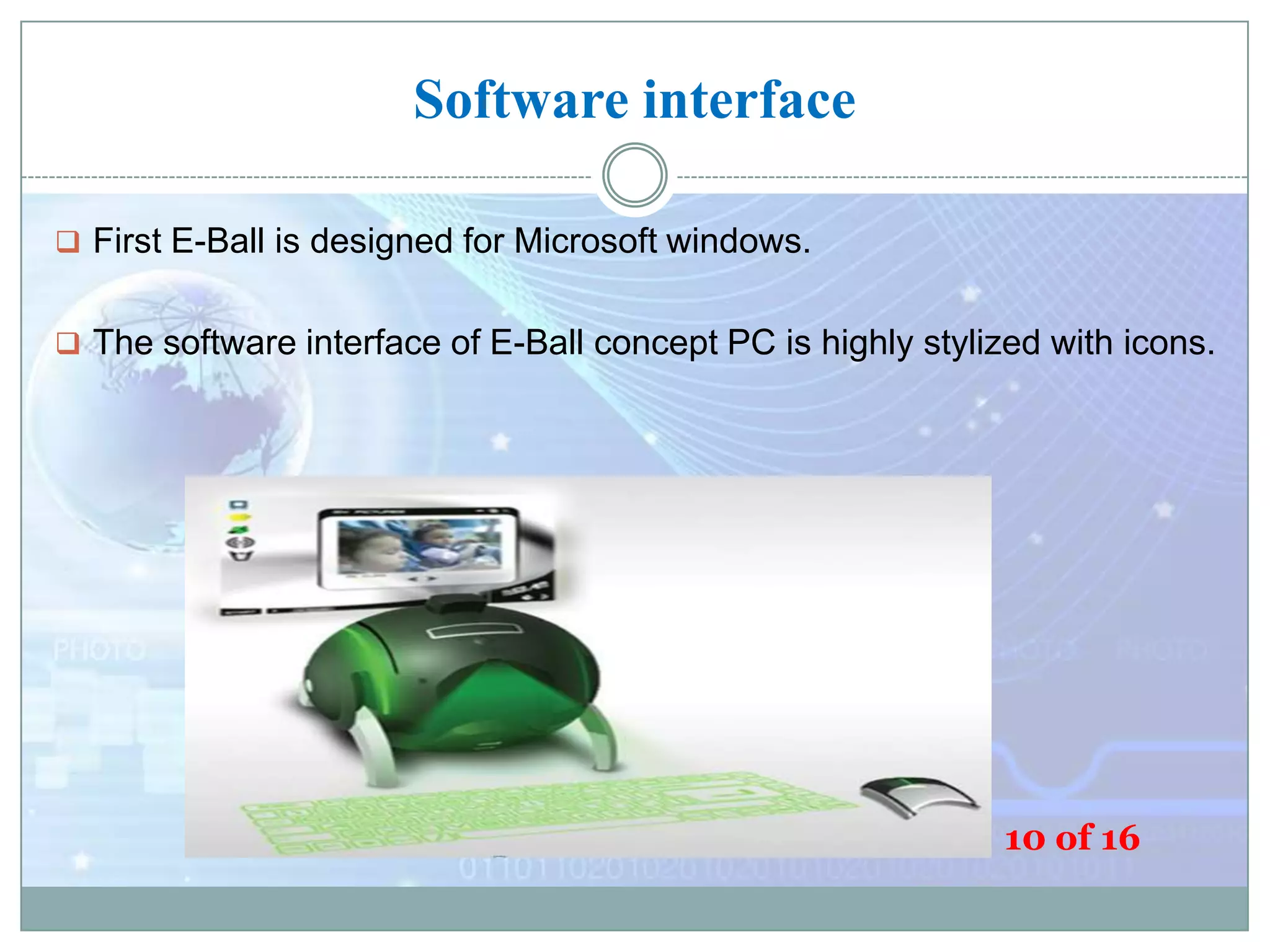
Software interface
 First E-Ball is designed for Microsoft windows.

 The software interface of E-Ball concept PC is highly stylized with icons.

10 of 16
Advantages
 Portable

 User defined Keyboard
 No need of external display
 Useful for video presentations
 Motivation for further research

11 of 16
Disadvantages

 Designed for Microsoft windows only
 Needs careful typing with the virtual keyboard
 Plane surface required for keyboard
 Difficult to understand hardware problems

12 of 16
Conclusion

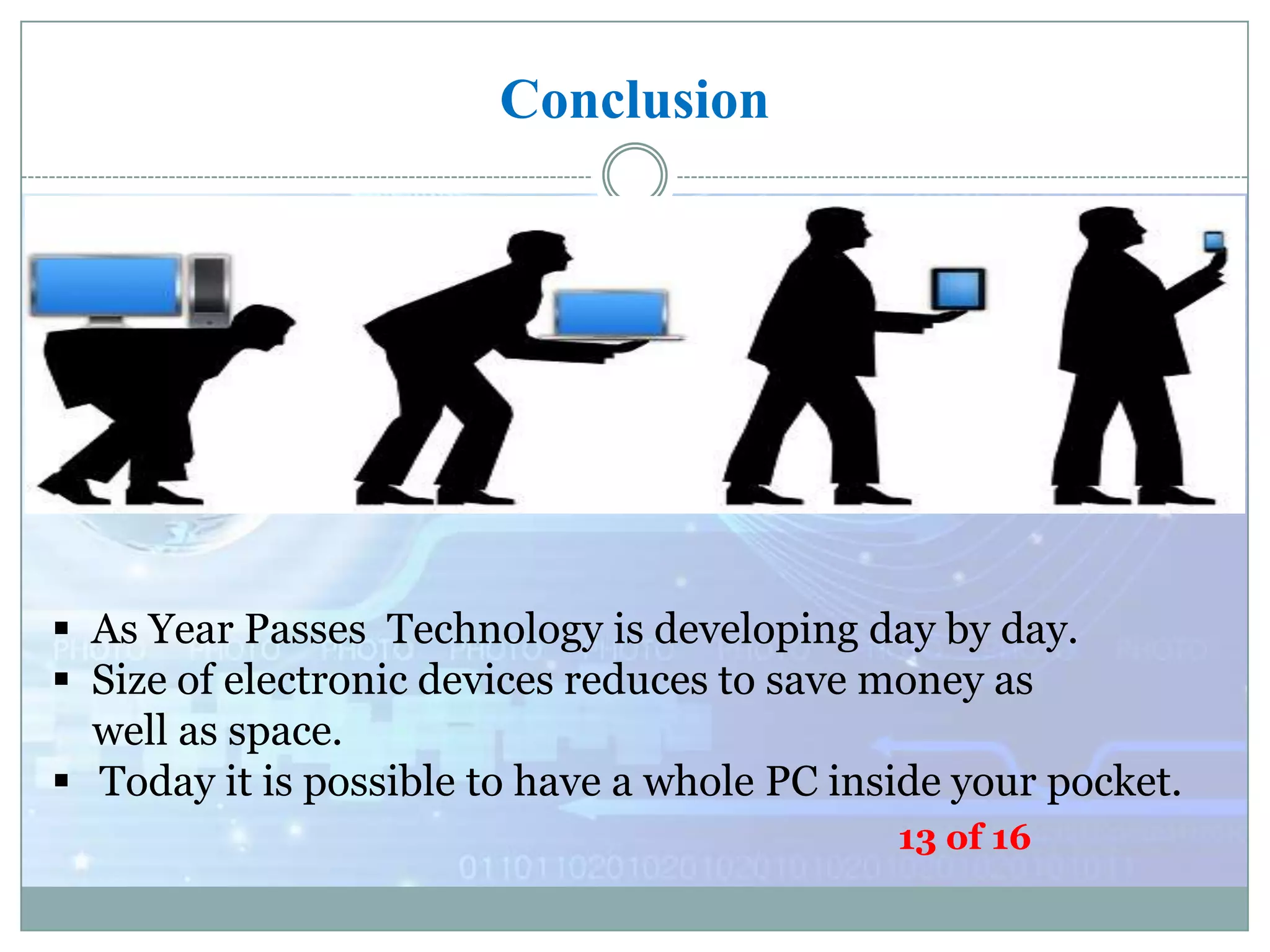
 As Year Passes Technology is developing day by day.
 Size of electronic devices reduces to save money as
well as space.
 Today it is possible to have a whole PC inside your pocket.
13 of 16
14 of 16
References
 http://www.google.co.in/EBALL

 http://www.seminarsonly.com/E-Ball
 http://www.behance.net/tnokovski
 https://www.smarttech.com/futurePC
 http://www.electronics.howstuffworks.com/VirtualKeyboard

15 of 16
 Thank you 

16 of 16

E ball Technology

  • 1.
    E-Ball : APC Concept Silicon Institute of Technology Bhubaneswar, INDIA Presented by – Pawan Kumar Singh Reg. No. - 1101209110 1 of 16
  • 2.
    Overview  Introduction toE-Ball technology  How it works  Features of E-Ball  Virtual keyboard  Projector used in EBall  Scenario of uses  Advantages and disadvantages 2 of 16  Conclusion
  • 3.
    Introduction  Size ofelectronics gadgets are diminishing  Optimization techniques are being used. E-Ball  Designer Apostol Tnokovski has given the idea of smallest PC  It has projector instead of display unit Designer Apostol Tnokovski(1982)  It has virtual keyboard 16 3 of  Its diameter is 6 inch and it has 120x120
  • 4.
    How it Works? 4 of 16
  • 5.
    Display Unit OfE-BAll 5 of 16
  • 6.
    Features of E-Ball MICROSOFTWINDOWS VIRTUAL KEYBOARD DUAL CORE PROCESSOR 2GB – RAM (Expandable) 350-500 GB HARDDRIVE GRAPHICS AND SOUND CARD WEB CAM WIRELESS OPTICAL MOUSE LCD PROJECTOR(liquid crystal display) PAPER HOLDER SPEAKERS 6 of 16
  • 7.
    Virtual Keyboard  Avirtual Keyboard is projected on any flat surface.  It uses sensor technology.  User touches the desired key on the layout.  It has three components  Sensor Module  IR light source  Pattern Projector Virtual Keyboard 7 of 16
  • 8.
    Projector used inE-Ball Pico Projector : o A tiny LCD projector is embedded inside the E-Ball o With this Pico projector you can project a full size media onto whatever is near at hand. Tiny Projector 8 of 16
  • 9.
    Scenarios of use 1. 2. 3. 4. 5. 6. Workingin Offices. Watching movies. Chatting on the net. Making presentations. Teaching through slides. Can be implemented in Spacecraft, and other industrial areas. 7. Operation theaters where silence is necessary. 9 of 16
  • 10.
    Software interface  FirstE-Ball is designed for Microsoft windows.  The software interface of E-Ball concept PC is highly stylized with icons. 10 of 16
  • 11.
    Advantages  Portable  Userdefined Keyboard  No need of external display  Useful for video presentations  Motivation for further research 11 of 16
  • 12.
    Disadvantages  Designed forMicrosoft windows only  Needs careful typing with the virtual keyboard  Plane surface required for keyboard  Difficult to understand hardware problems 12 of 16
  • 13.
    Conclusion  As YearPasses Technology is developing day by day.  Size of electronic devices reduces to save money as well as space.  Today it is possible to have a whole PC inside your pocket. 13 of 16
  • 14.
  • 15.
    References  http://www.google.co.in/EBALL  http://www.seminarsonly.com/E-Ball http://www.behance.net/tnokovski  https://www.smarttech.com/futurePC  http://www.electronics.howstuffworks.com/VirtualKeyboard 15 of 16
  • 16.
     Thank you 16 of 16