CHRIST COLLEGE OF
SCIENCE AND MANAGEMENT
Seminar on:
E-BALL
Presented by Presented to
Likitha G R Shyji ma'am
2nd year BCA Department of
Computer science
1
CONTENTS
• Introduction
• History
• Size of E-Ball
• Elements of E-Ball
• Display unit of e-ball
• Working of E-Ball
• Features of E-Ball
• Advantages of E-Ball
• Disadvantages
• Conclusion
2
Introduction
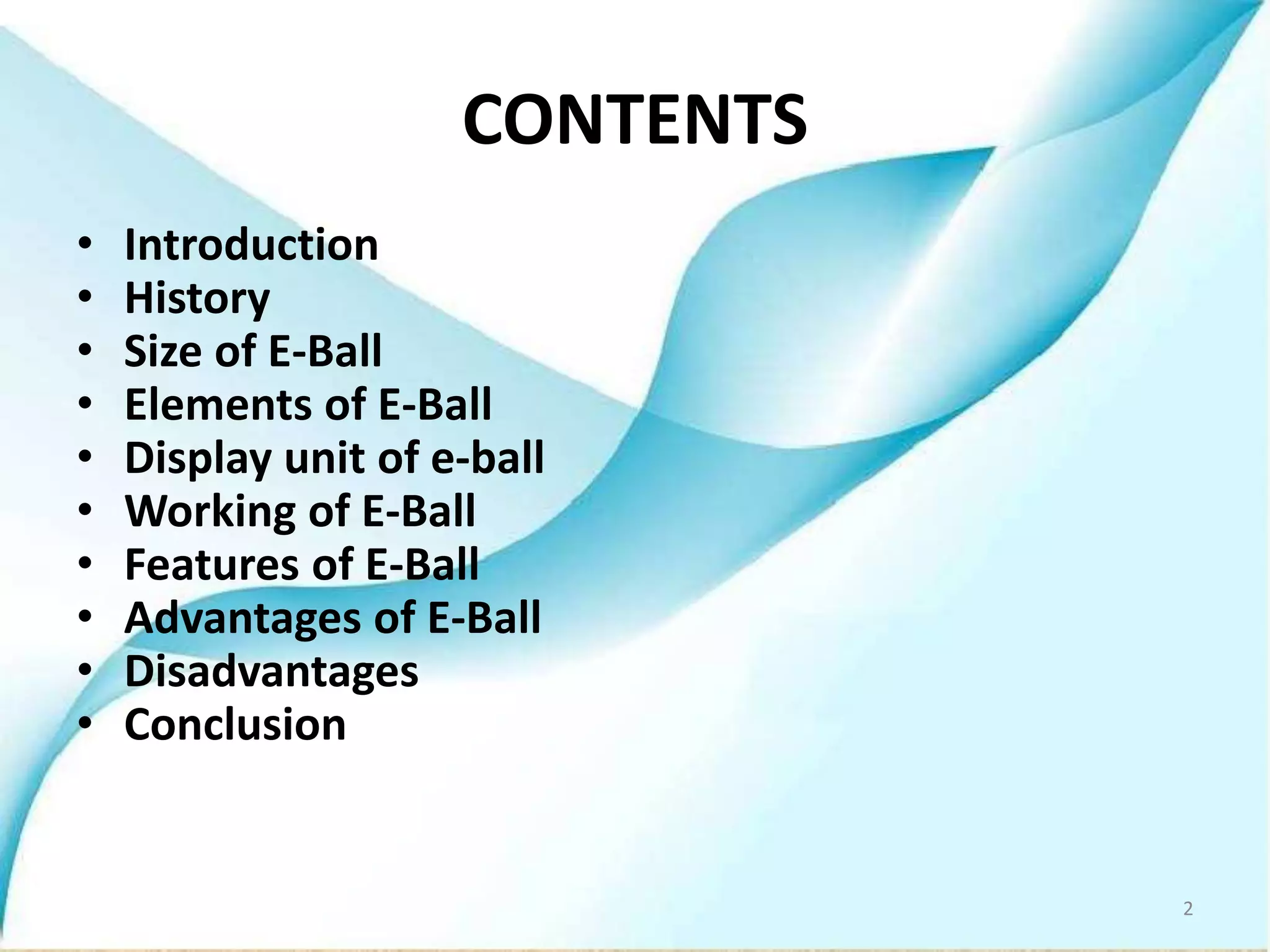
• The E-Ball is a spherical shaped computer.
• Designed by Apostol Tnokovshi.
• This computer has all the features like mouse ,
dvd, motherboard , keyboard etc.…
3
History of E-ball
Designer Apostol Tnokovshi has replaced the
computer into mini computer.
It is smallest PC ever made.
it has all features that you have in normal
computer.it comes packed with a projected
keyboard and display.
4
Size of E-Ball
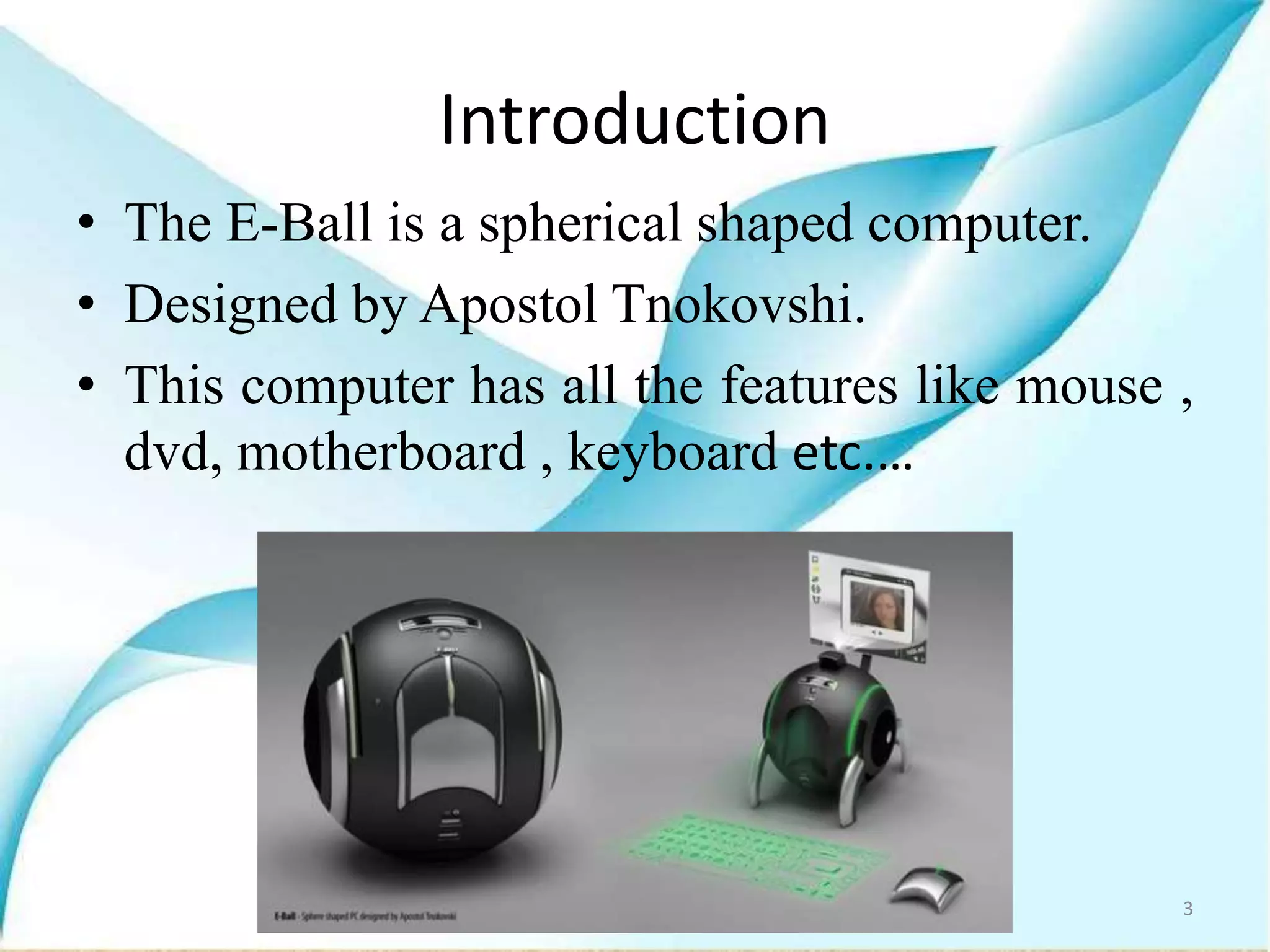
• E-Ball is very small, it is having only 6 inch
diameter sphere.
• It is having 120×120mm motherboard.
• It is sphere in shape.
5
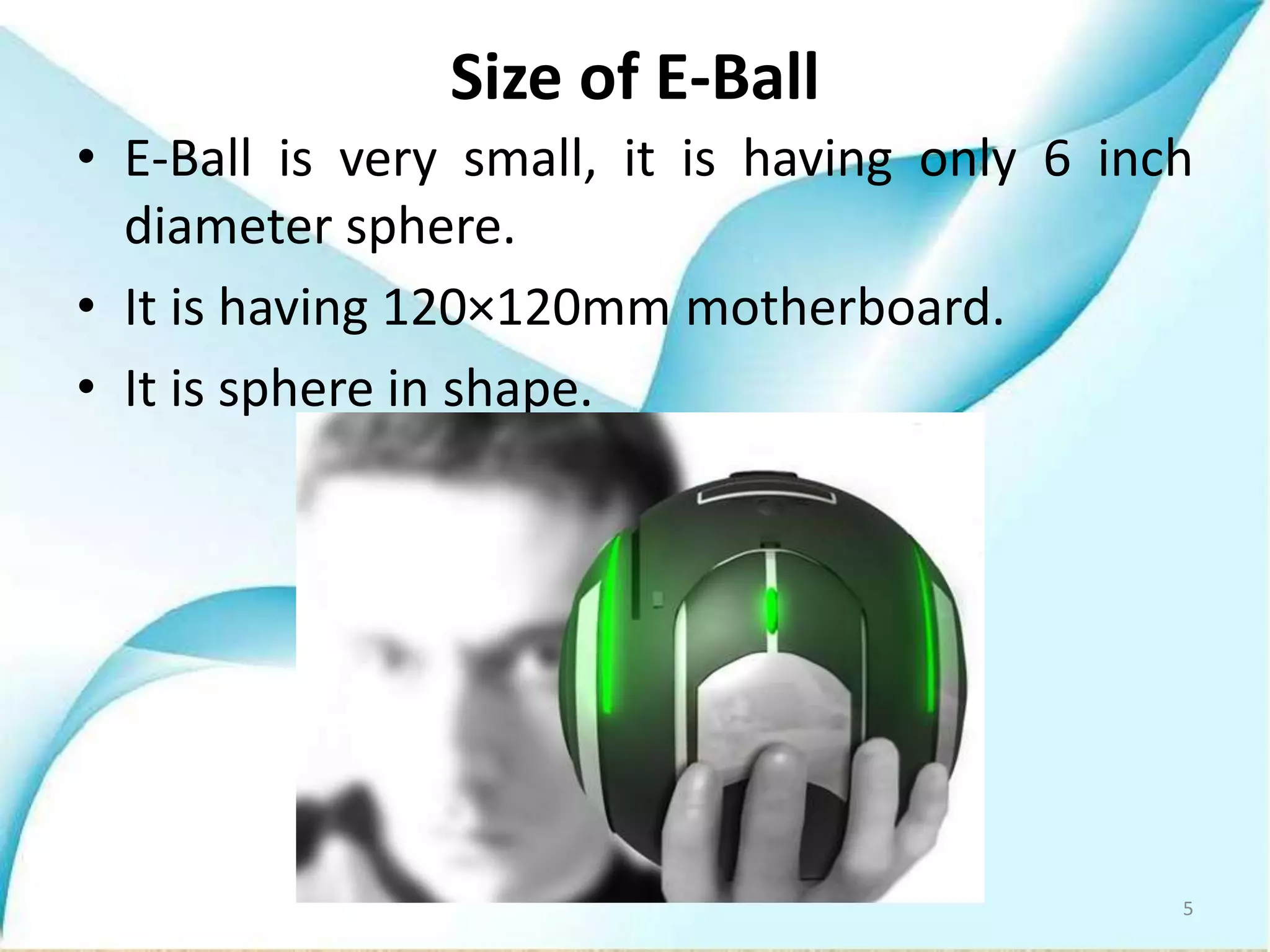
Elements of E-Ball
6
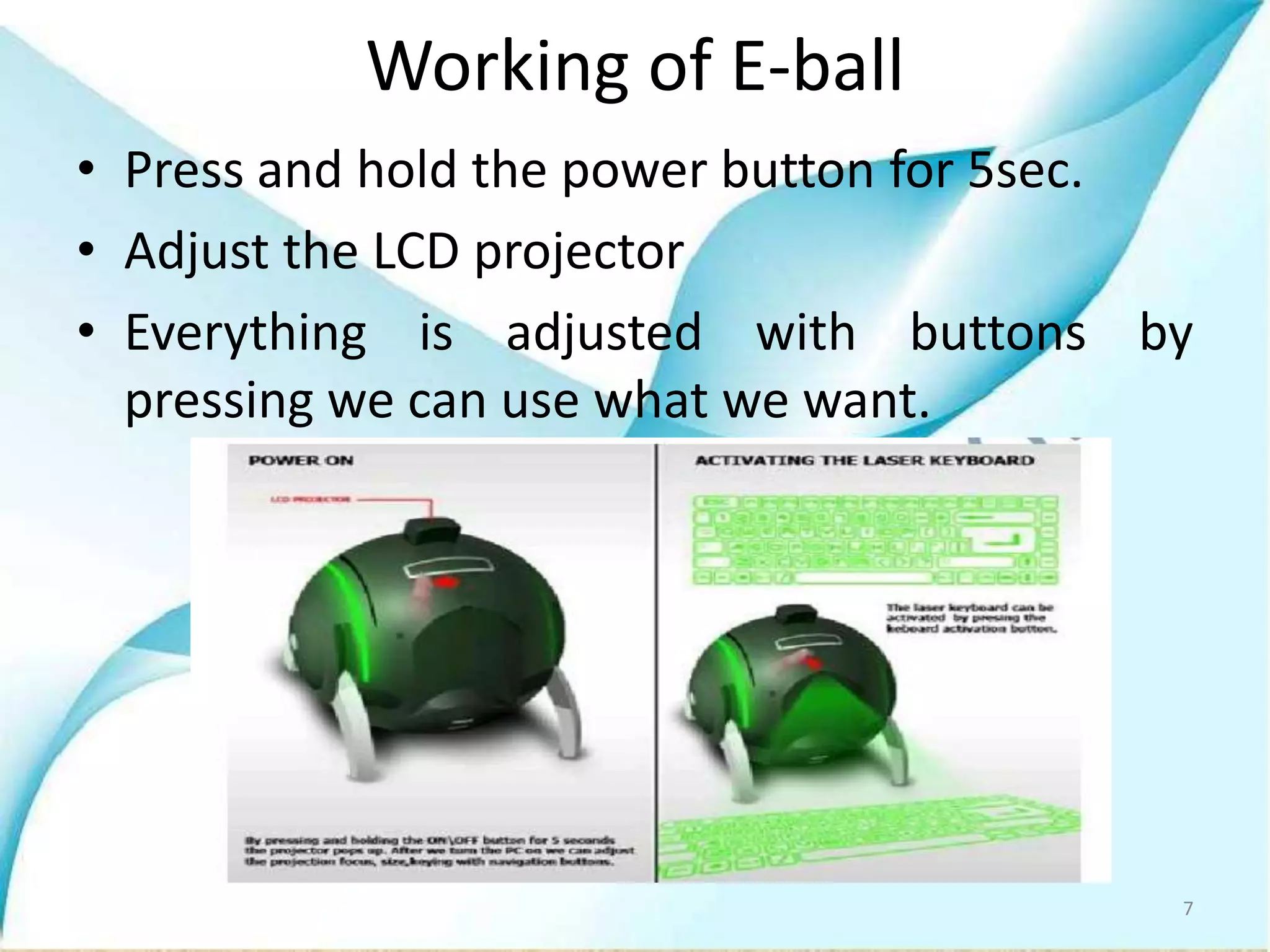
Working of E-ball
• Press and hold the power button for 5sec.
• Adjust the LCD projector
• Everything is adjusted with buttons by
pressing we can use what we want.
7
Virtual laser keyboard
• A virtual keyboard is a projection keyboard
that is projected and touched on any flat
surface.
• Whenever we press the keyboard button, it is
projected optically on the flat surface and as
the user touches the image of key.
8
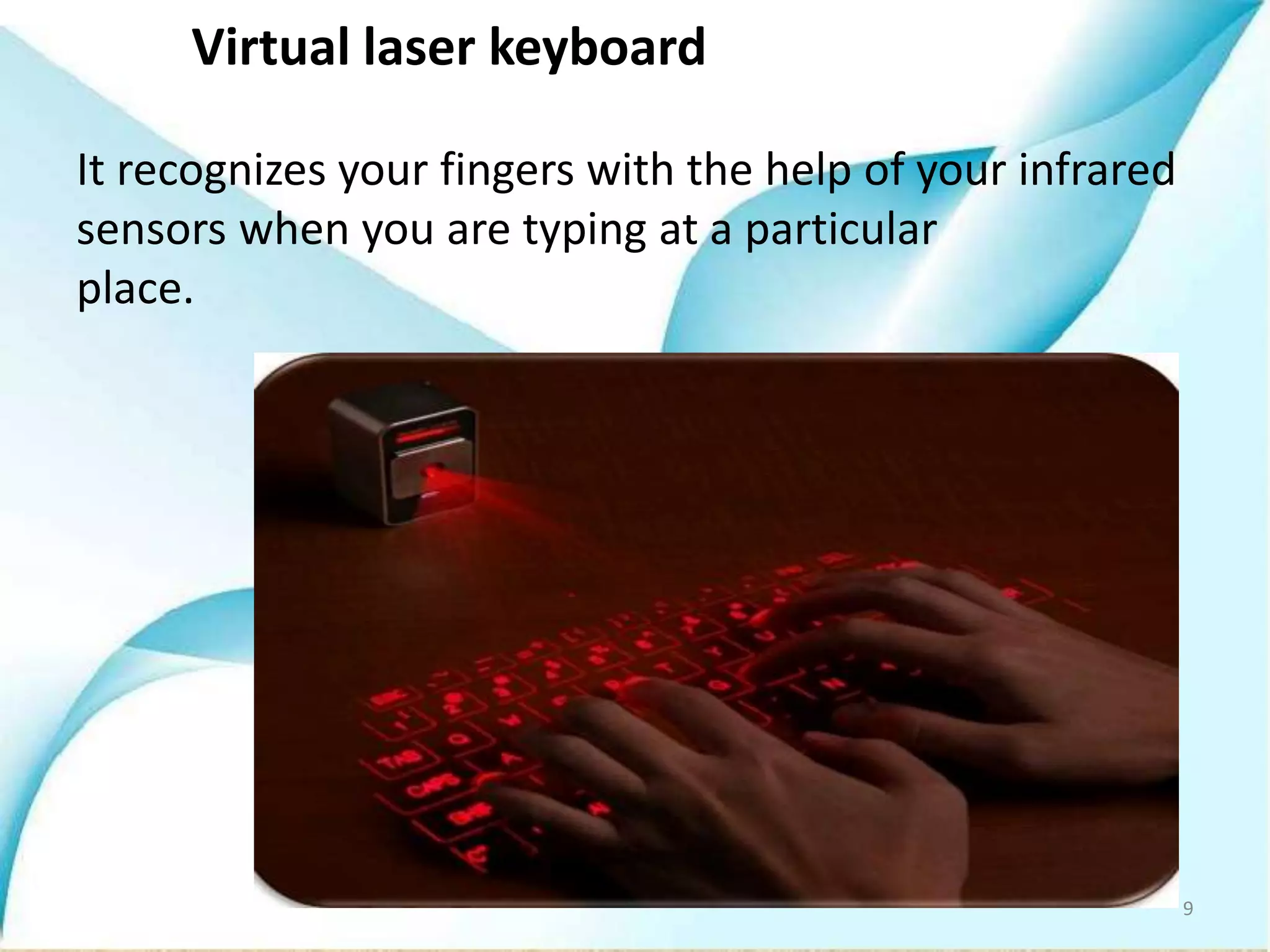
Virtual laser keyboard
It recognizes your fingers with the help of your infrared
sensors when you are typing at a particular
place.
9
Optical mouse
• Also there is an optical mouse which is
normally attached to the body of e-ball . the
mouse can be detached from the body of the
E-ball by pressing the mouse delaying button
on the left side of the pc.
10
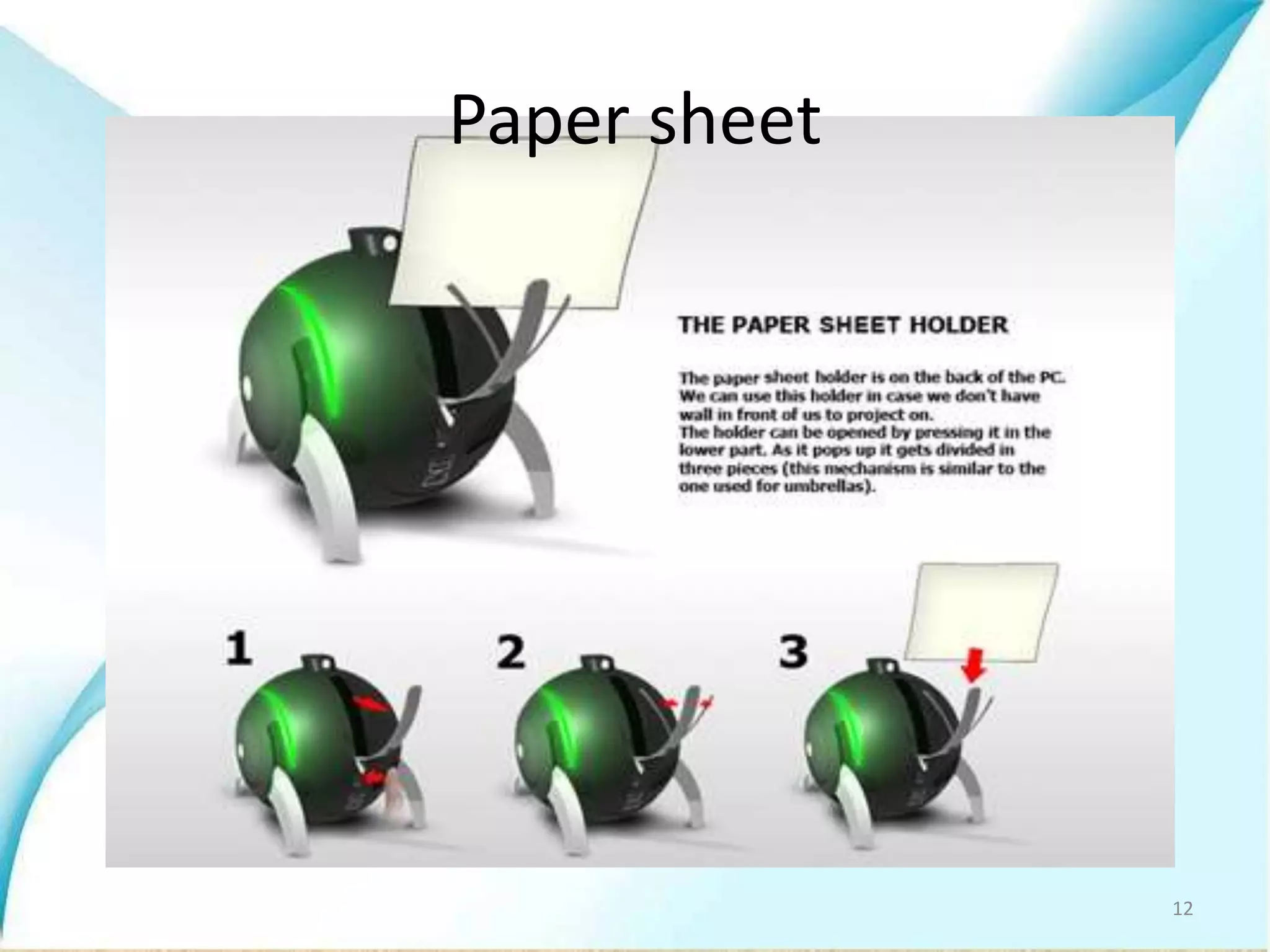
The display unit of E-ball
 E-ball concept pc don’t have any external
display unit.
 When you are working in an open place we can
make use of paper sheet as a screen.
 Paper sheet holder is placed at the back of the
e-ball
11
Paper sheet
12
Features of E-Ball:
• It contains wireless optical mouse and laser
keyboard, and LCD projector.
• It has around 350-600GB of Hard Disk Drive.
• It contains 5GB RAM.
• It has LAN and WLAN card .
• It has good graphics and sound card.
• It has LCD projector paper holder.
13
Advantages of E-Ball:
• It is portable.
• E-Ball has large memory.
• Useful for making video presentations.
• These have greater speed.
• Very easy to use.
• Uses any sheet of paper to display.
14
Disadvantages of E-Ball:
• Normal Operating system cant work in this e-
ball .
• Cost of E-Ball is very high.
• It is difficult to understand if any problems
occur in hardware components.
15
Conclusion
• As years passes, the computer size is
becoming smaller.
• Today’s technology is at the peak point
beyond what we could ever imagine.
• This e-ball is easy to carry from one place to
another.
16
References
• http://www.google.com
• www.studymafia.org
• www.seminarsonly.com
17
THANK YOU
18

E ball technology-ppt

  • 1.
    CHRIST COLLEGE OF SCIENCEAND MANAGEMENT Seminar on: E-BALL Presented by Presented to Likitha G R Shyji ma'am 2nd year BCA Department of Computer science 1
  • 2.
    CONTENTS • Introduction • History •Size of E-Ball • Elements of E-Ball • Display unit of e-ball • Working of E-Ball • Features of E-Ball • Advantages of E-Ball • Disadvantages • Conclusion 2
  • 3.
    Introduction • The E-Ballis a spherical shaped computer. • Designed by Apostol Tnokovshi. • This computer has all the features like mouse , dvd, motherboard , keyboard etc.… 3
  • 4.
    History of E-ball DesignerApostol Tnokovshi has replaced the computer into mini computer. It is smallest PC ever made. it has all features that you have in normal computer.it comes packed with a projected keyboard and display. 4
  • 5.
    Size of E-Ball •E-Ball is very small, it is having only 6 inch diameter sphere. • It is having 120×120mm motherboard. • It is sphere in shape. 5
  • 6.
  • 7.
    Working of E-ball •Press and hold the power button for 5sec. • Adjust the LCD projector • Everything is adjusted with buttons by pressing we can use what we want. 7
  • 8.
    Virtual laser keyboard •A virtual keyboard is a projection keyboard that is projected and touched on any flat surface. • Whenever we press the keyboard button, it is projected optically on the flat surface and as the user touches the image of key. 8
  • 9.
    Virtual laser keyboard Itrecognizes your fingers with the help of your infrared sensors when you are typing at a particular place. 9
  • 10.
    Optical mouse • Alsothere is an optical mouse which is normally attached to the body of e-ball . the mouse can be detached from the body of the E-ball by pressing the mouse delaying button on the left side of the pc. 10
  • 11.
    The display unitof E-ball  E-ball concept pc don’t have any external display unit.  When you are working in an open place we can make use of paper sheet as a screen.  Paper sheet holder is placed at the back of the e-ball 11
  • 12.
  • 13.
    Features of E-Ball: •It contains wireless optical mouse and laser keyboard, and LCD projector. • It has around 350-600GB of Hard Disk Drive. • It contains 5GB RAM. • It has LAN and WLAN card . • It has good graphics and sound card. • It has LCD projector paper holder. 13
  • 14.
    Advantages of E-Ball: •It is portable. • E-Ball has large memory. • Useful for making video presentations. • These have greater speed. • Very easy to use. • Uses any sheet of paper to display. 14
  • 15.
    Disadvantages of E-Ball: •Normal Operating system cant work in this e- ball . • Cost of E-Ball is very high. • It is difficult to understand if any problems occur in hardware components. 15
  • 16.
    Conclusion • As yearspasses, the computer size is becoming smaller. • Today’s technology is at the peak point beyond what we could ever imagine. • This e-ball is easy to carry from one place to another. 16
  • 17.
  • 18.