SEMINAR ON
“E-BALL TECHNOLOGY”
BY-
ARUN V(1BT12CS005)
UNDER THE GUIDANCE OF-
Ms.LAVANYA R
Assistantprofessor
BTL Institute of Technology and management
Agenda
 IntroductiontoE-Balltechnology
 Howitworks
 FeaturesofE-Ball
 Virtualkeyboard
 ProjectorusedinE-Ball
 Scenarioofuses
 Advantagesanddisadvantages
 Conclusion
ABSTRACT
 Today’s technology is at its peak point beyond what we could ever imagine.
 New inventions and innovations are emerging on daily basis. No one would
have seen such amazing thing before.
 This e- ball computer has taken the computer technology to new horizons.
You may have seen many other inventions of this kind but what is unique in
it is that when it is closed no one is able to guess that this ball contains a
whole computer inside it.
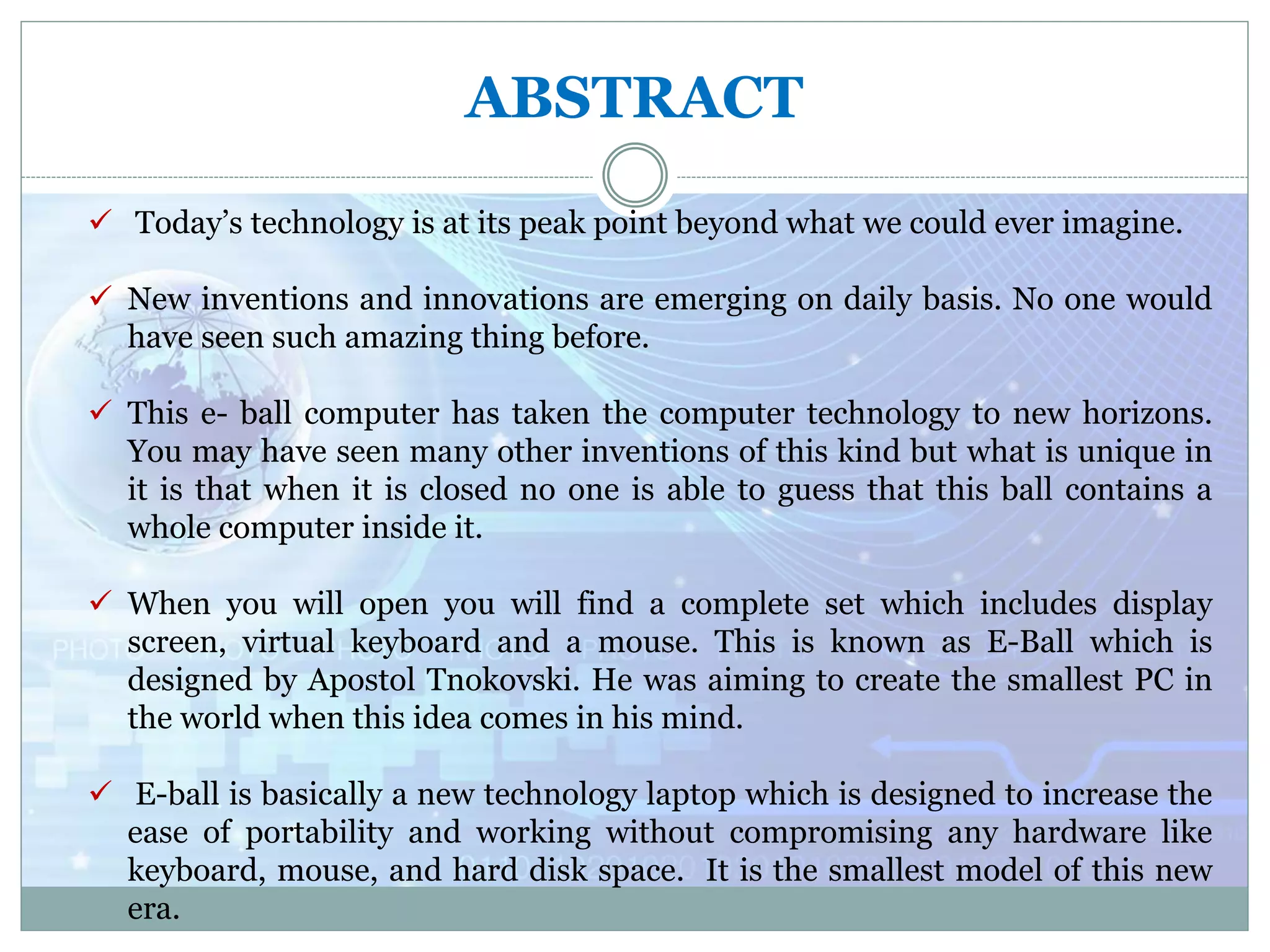
 When you will open you will find a complete set which includes display
screen, virtual keyboard and a mouse. This is known as E-Ball which is
designed by Apostol Tnokovski. He was aiming to create the smallest PC in
the world when this idea comes in his mind.
 E-ball is basically a new technology laptop which is designed to increase the
ease of portability and working without compromising any hardware like
keyboard, mouse, and hard disk space. It is the smallest model of this new
era.
Introduction
 Size of electronics gadgets are
diminishing
 Optimization techniques are being used.
 Designer Apostol Tnokovski has given
the
idea of smallest PC
 It has projector instead of display unit
 It has virtual keyboard
 Its diameter is 6 inch and it has 120x120
mm
E-Ball
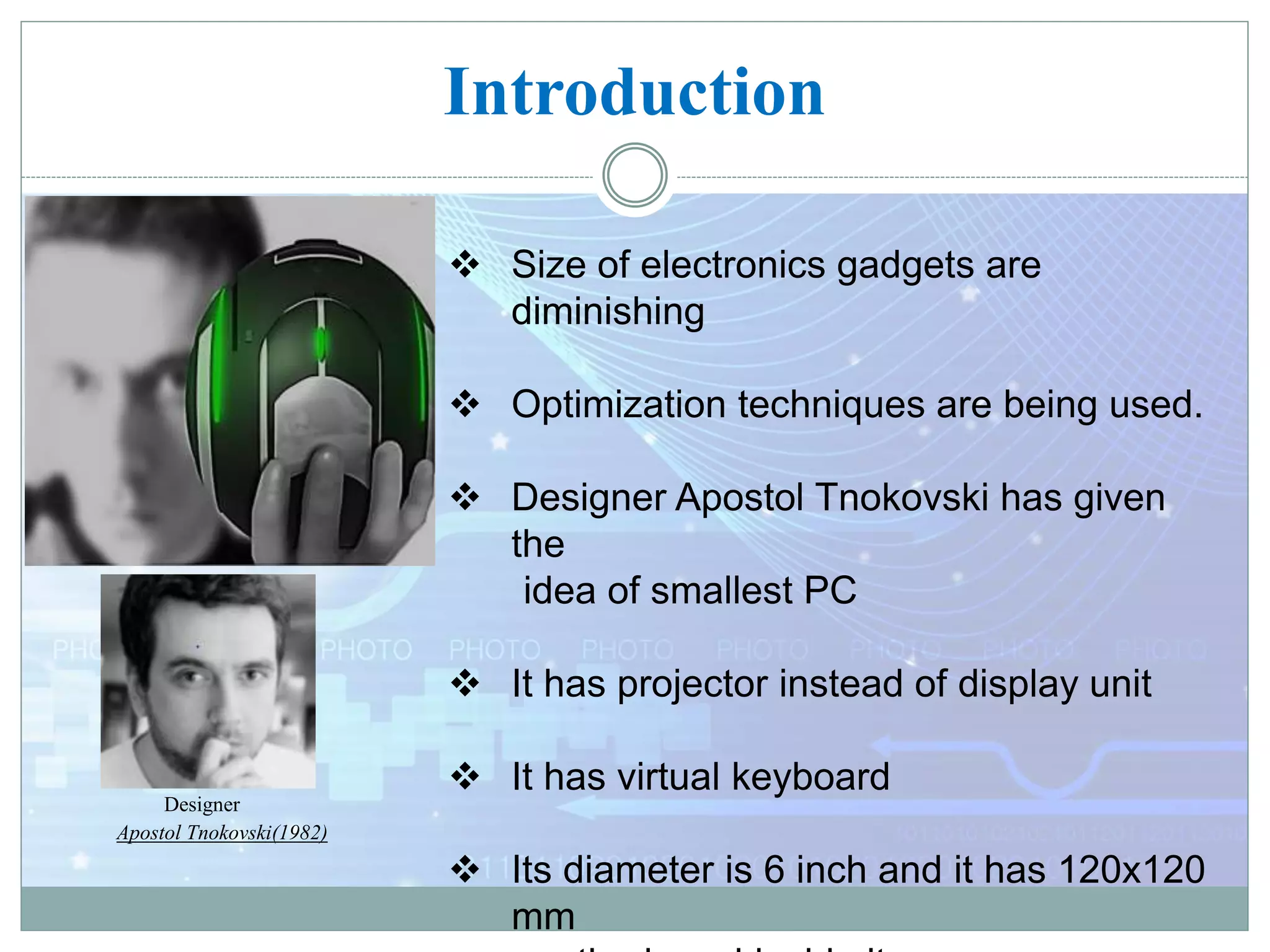
Designer
Apostol Tnokovski(1982)
Contd….
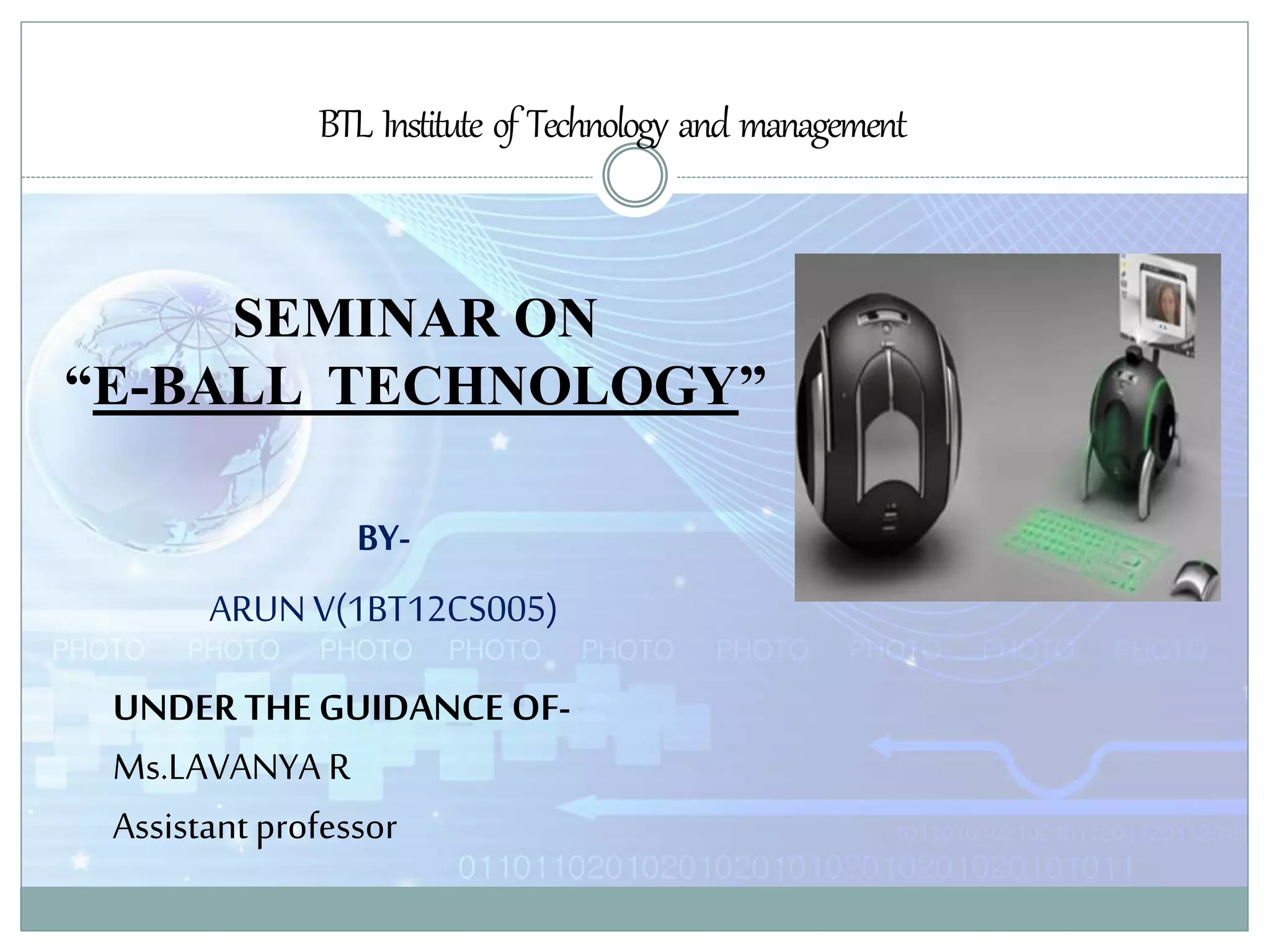
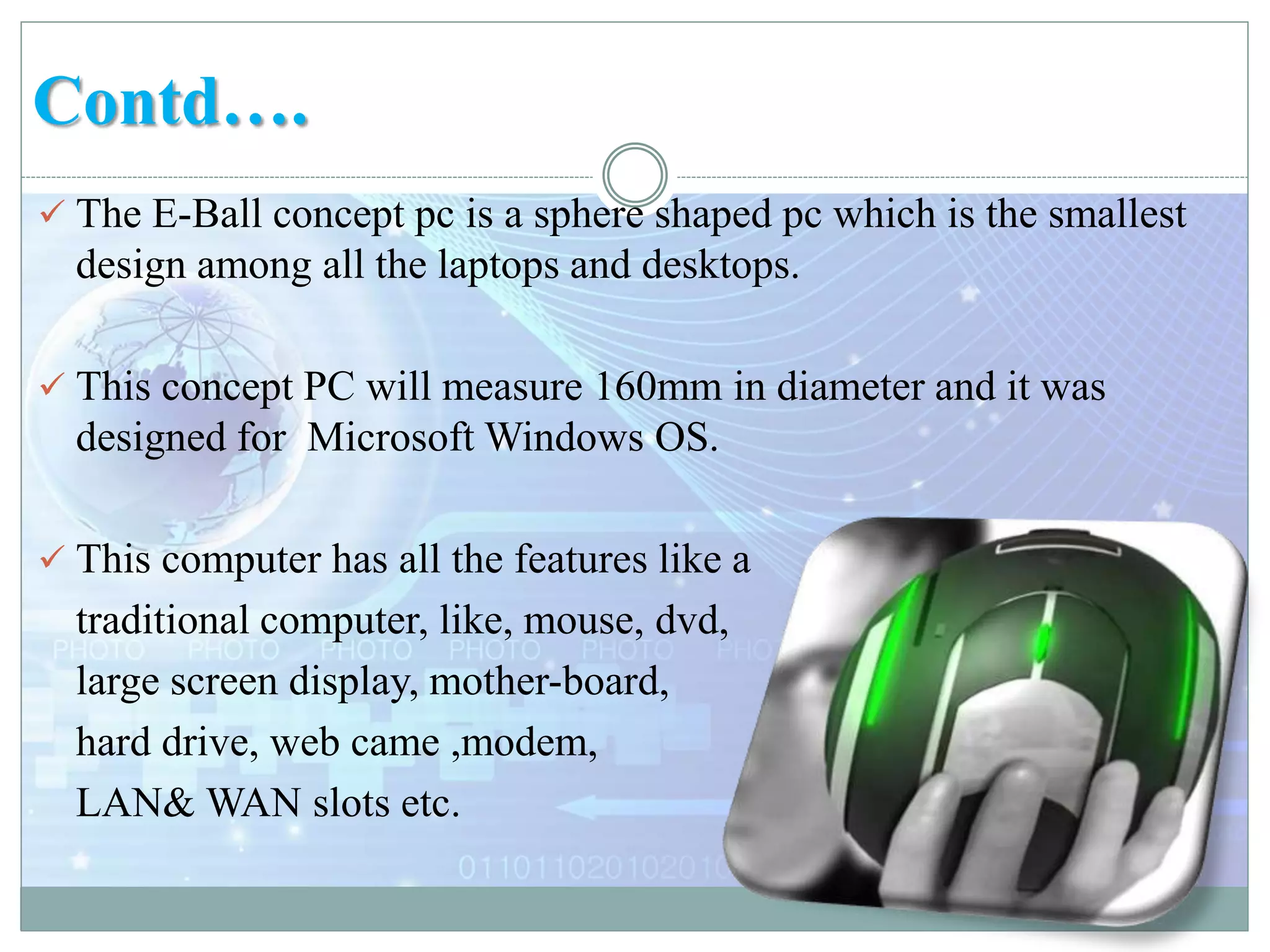
 The E-Ball concept pc is a sphere shaped pc which is the smallest
design among all the laptops and desktops.
 This concept PC will measure 160mm in diameter and it was
designed for Microsoft Windows OS.
 This computer has all the features like a
traditional computer, like, mouse, dvd,
large screen display, mother-board,
hard drive, web came ,modem,
LAN& WAN slots etc.
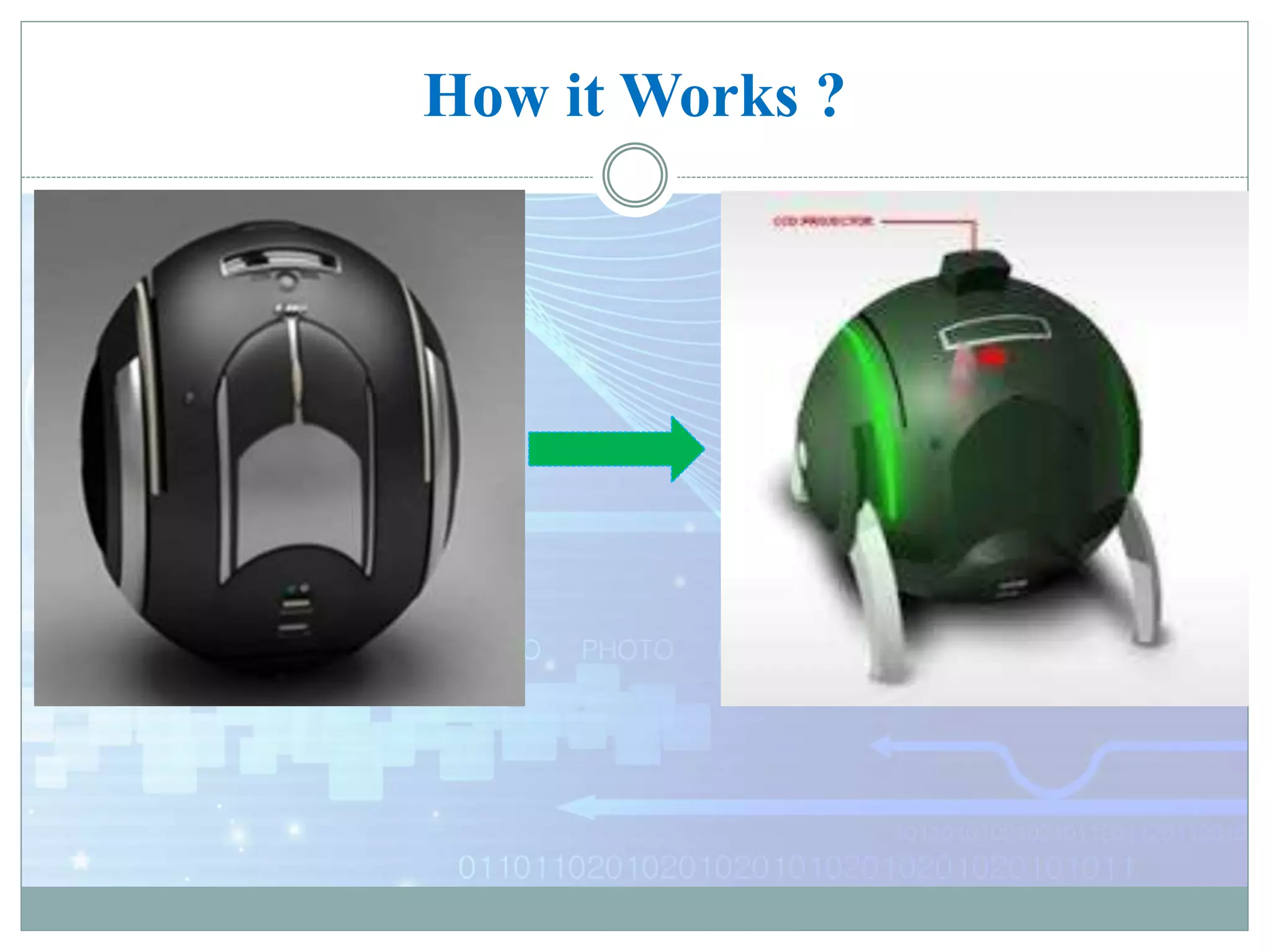
How it Works ?
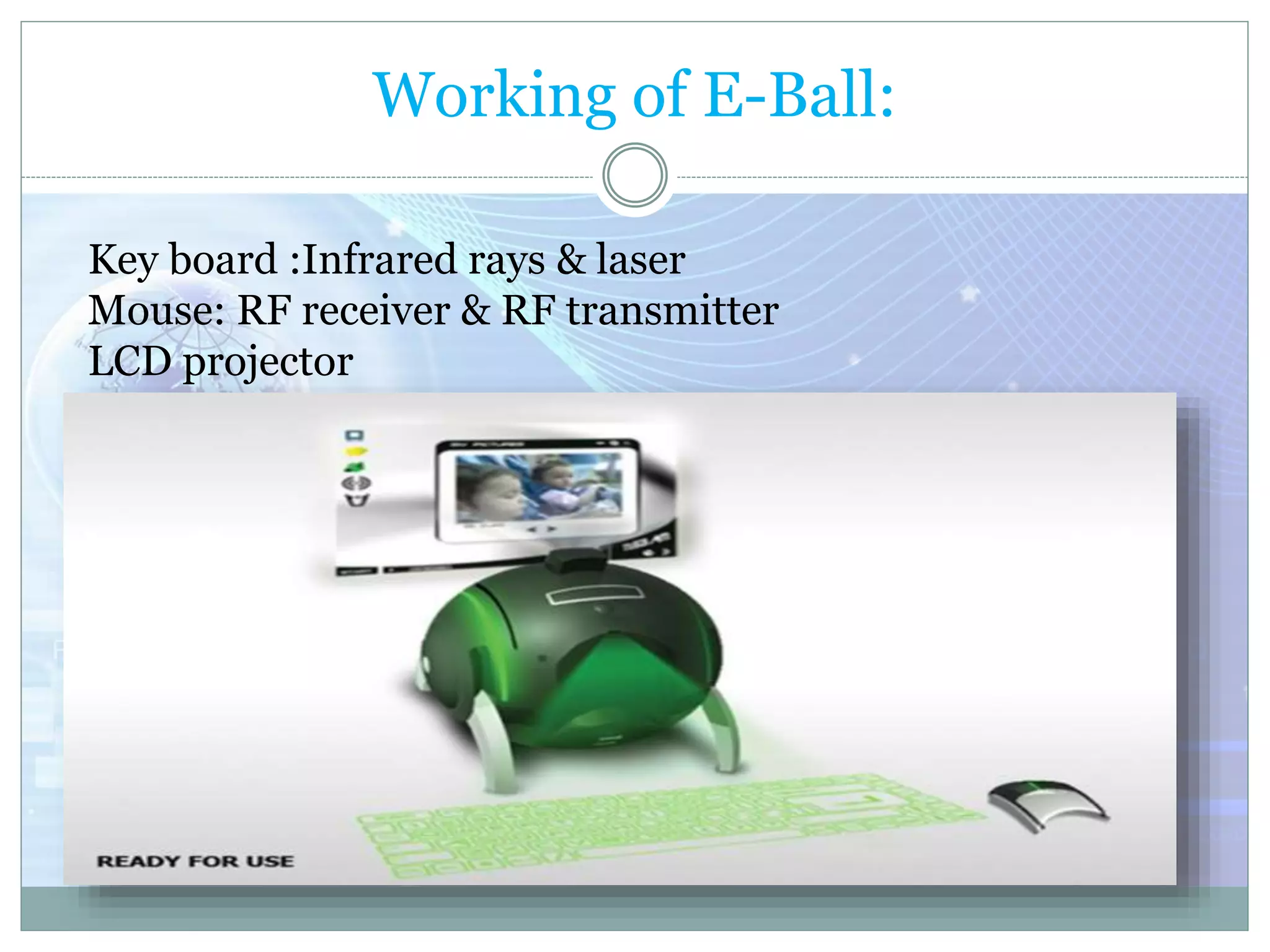
Working of E-Ball:
Key board :Infrared rays & laser
Mouse: RF receiver & RF transmitter
LCD projector
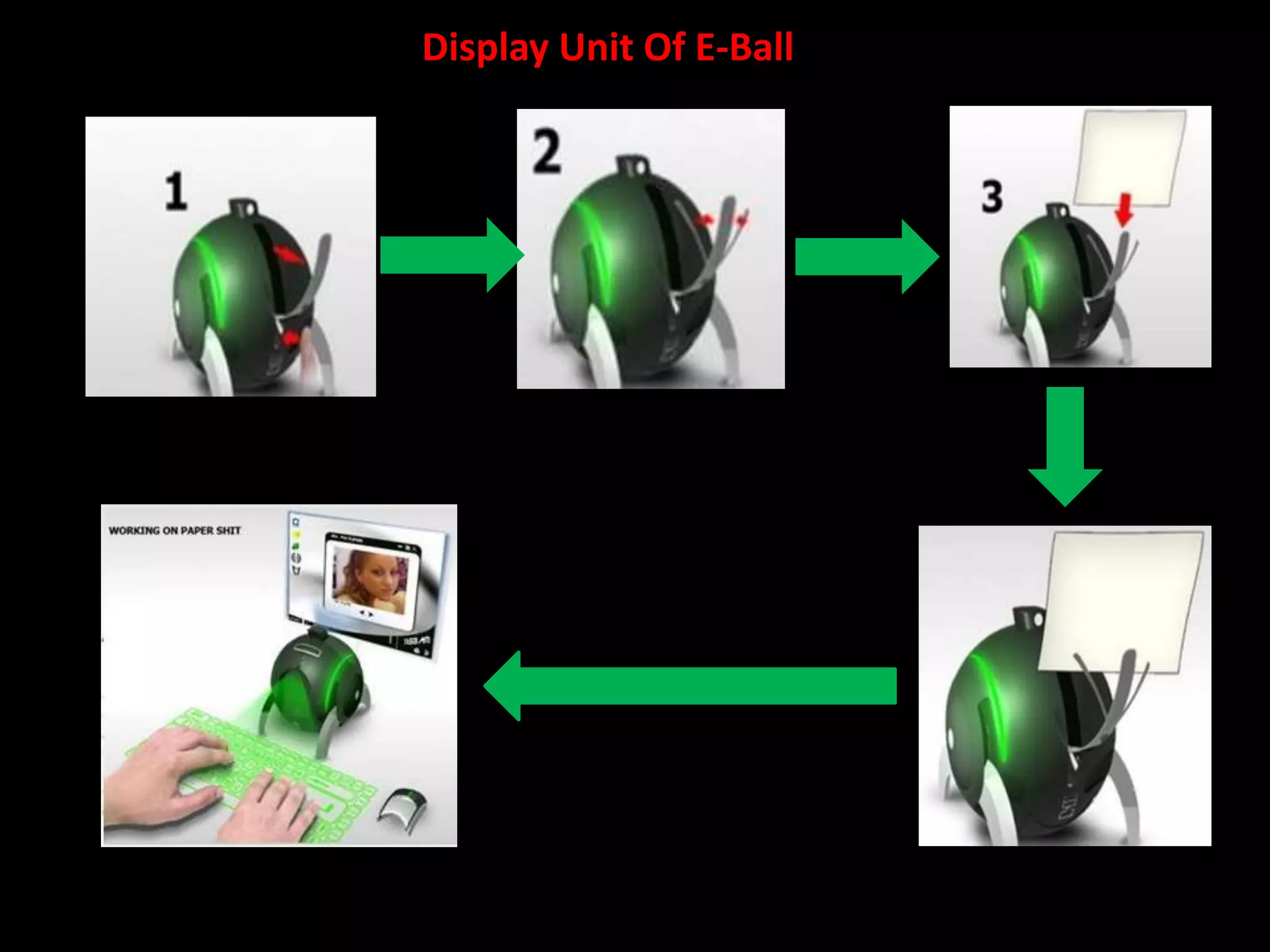
Display Unit Of E-Ball
Features of E-Ball
 MICROSOFT WINDOWS
 VIRTUAL KEYBOARD
 DUAL CORE PROCESSOR
 5GB – RAM (Expandable)
 350-500 GB HARDDRIVE
 GRAPHICS AND SOUND CARD
 WEB CAM
 WIRELESS OPTICAL MOUSE
 LCD PROJECTOR(liquid crystal display)
 PAPER HOLDER
 SPEAKERS
Virtual Keyboard
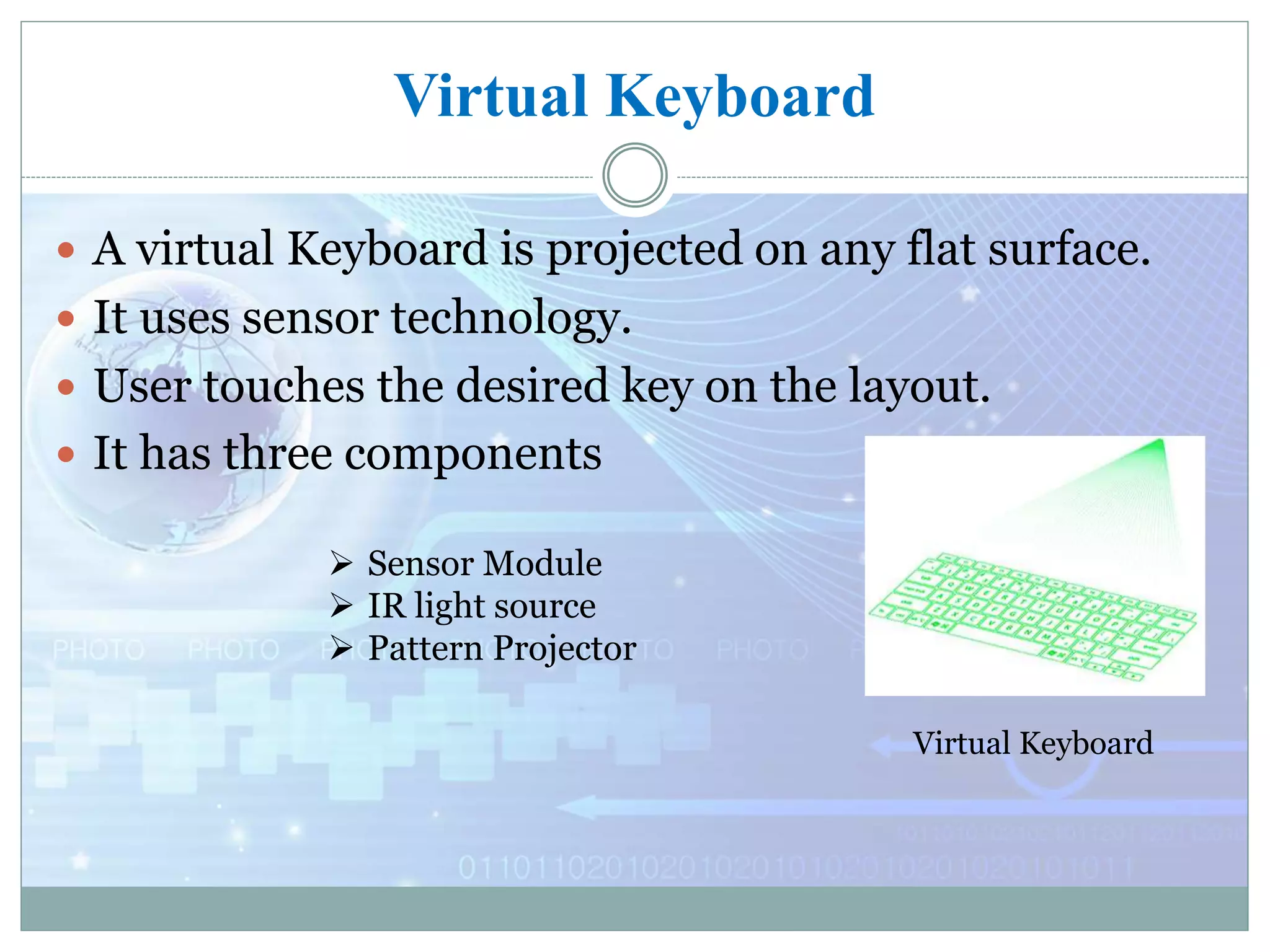
 A virtual Keyboard is projected on any flat surface.
 It uses sensor technology.
 User touches the desired key on the layout.
 It has three components
Virtual Keyboard
 Sensor Module
 IR light source
 Pattern Projector
Projector used in E-Ball
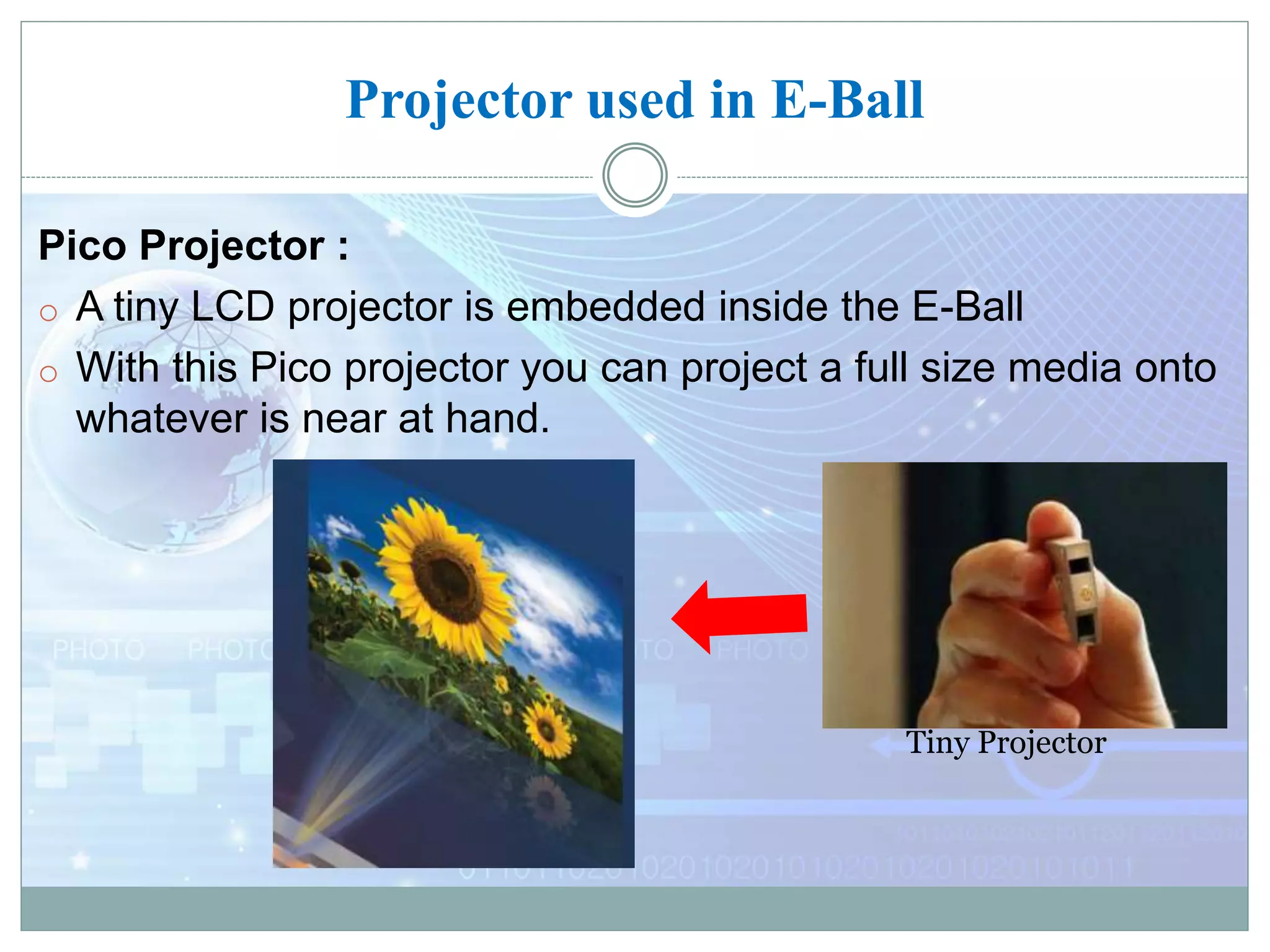
Pico Projector :
o A tiny LCD projector is embedded inside the E-Ball
o With this Pico projector you can project a full size media onto
whatever is near at hand.
Tiny Projector
Scenarios of use
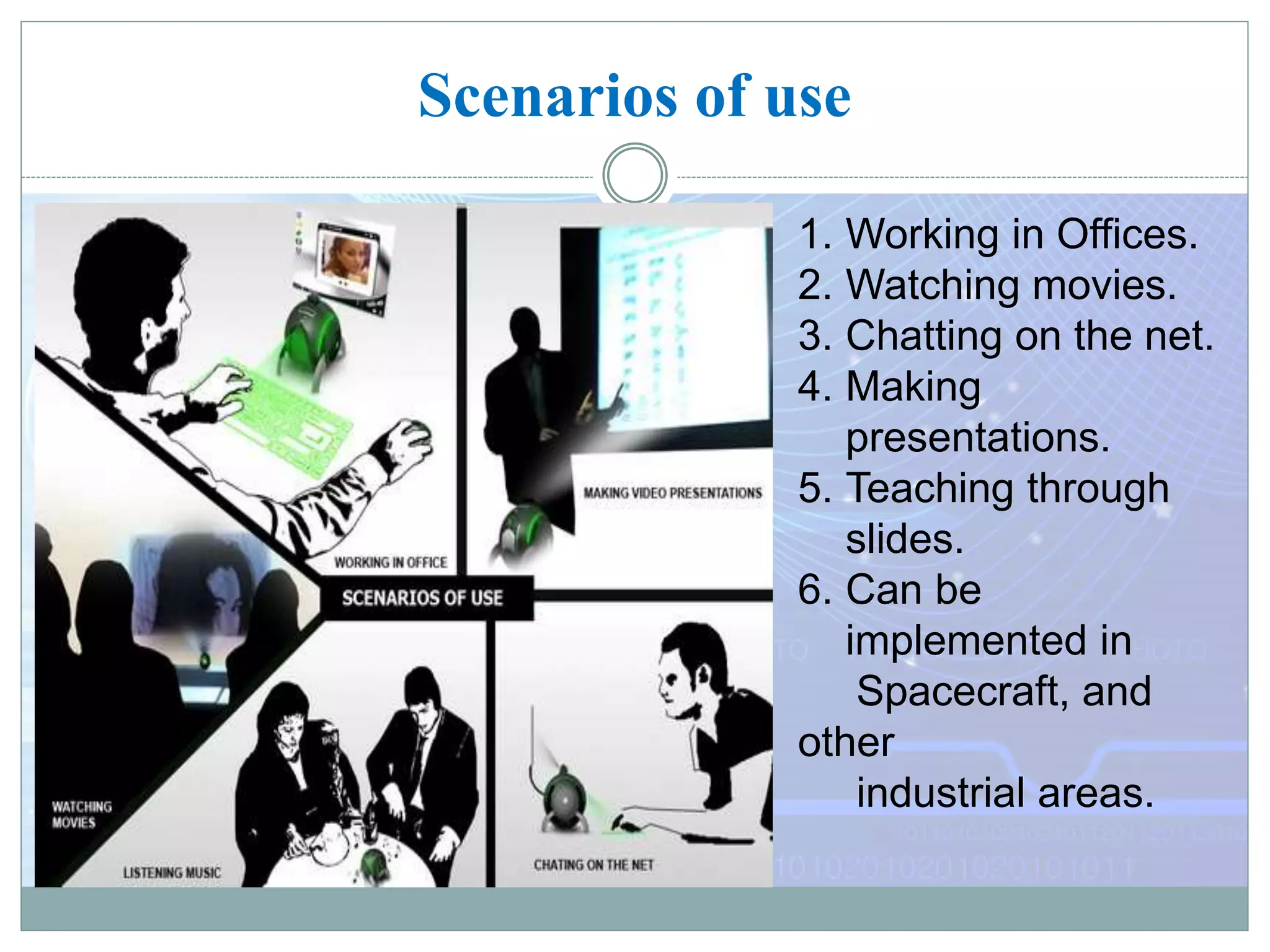
1. Working in Offices.
2. Watching movies.
3. Chatting on the net.
4. Making
presentations.
5. Teaching through
slides.
6. Can be
implemented in
Spacecraft, and
other
industrial areas.
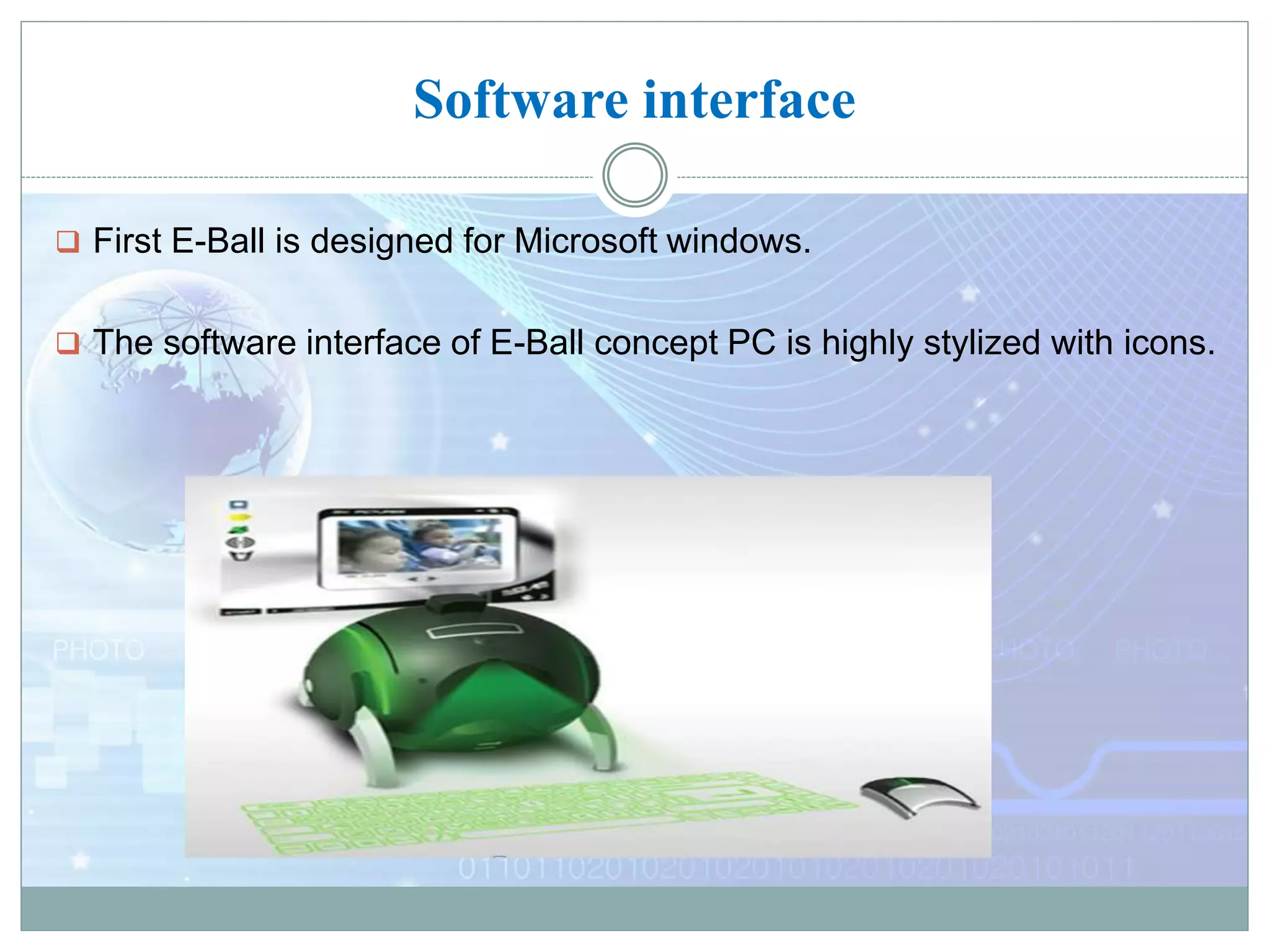
Software interface
 First E-Ball is designed for Microsoft windows.
 The software interface of E-Ball concept PC is highly stylized with icons.
Advantages
Portable
User defined Keyboard
No need of external display
Useful for video presentations
Motivation for further research
Disadvantages
Designed for Microsoft windows only
Needs careful typing with the virtual keyboard
Plane surface required for keyboard
Difficult to understand hardware problems
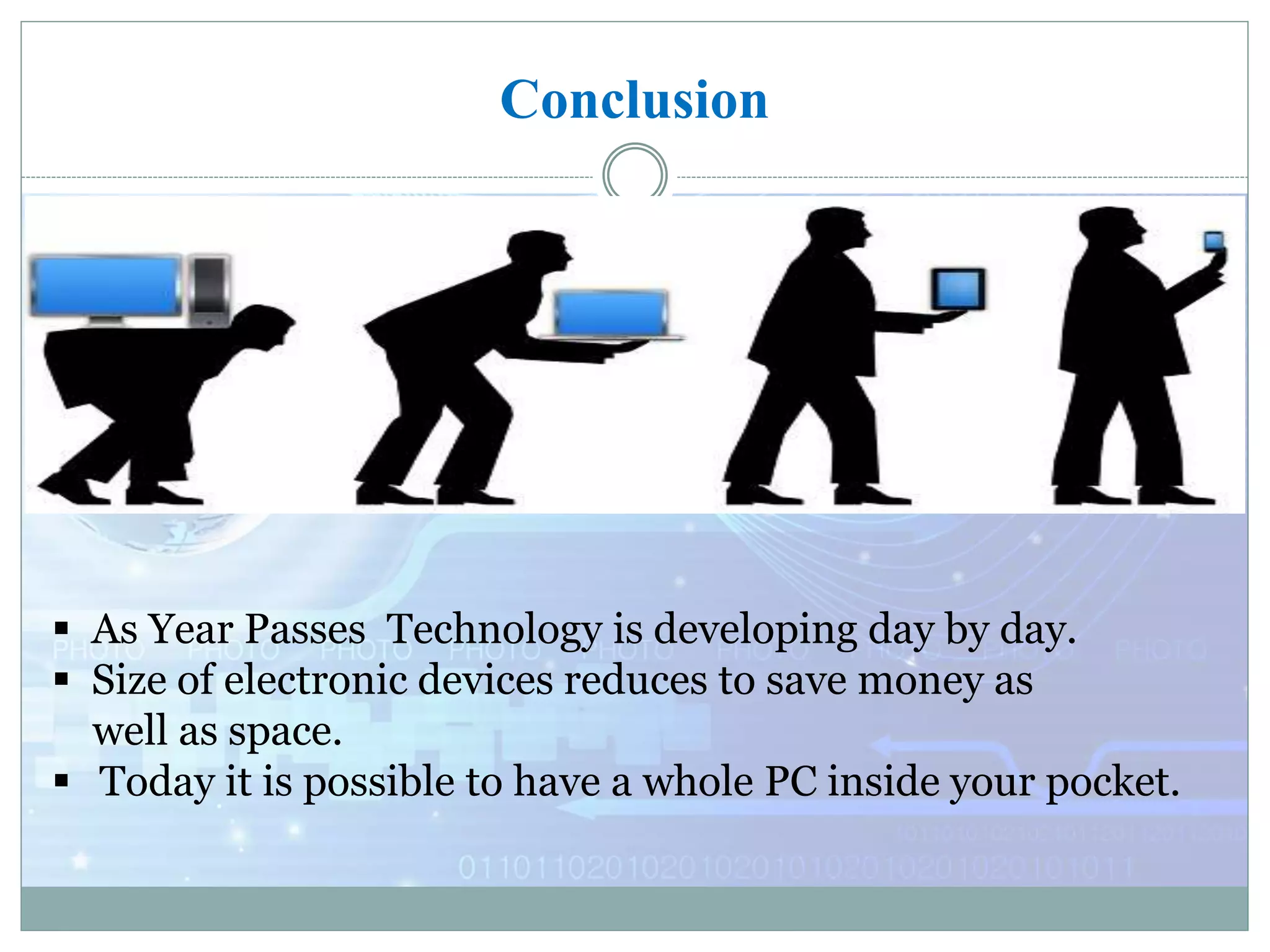
Conclusion
 As Year Passes Technology is developing day by day.
 Size of electronic devices reduces to save money as
well as space.
 Today it is possible to have a whole PC inside your pocket.
References
 http://www.google.co.in/EBALL
 http://www.seminarsonly.com/E-Ball
 http://www.behance.net/tnokovski
 https://www.smarttech.com/futurePC
 http://www.electronics.howstuffworks.com/VirtualKeyboard
 Thank you 

E ball technology ppt by arun

  • 1.
    SEMINAR ON “E-BALL TECHNOLOGY” BY- ARUNV(1BT12CS005) UNDER THE GUIDANCE OF- Ms.LAVANYA R Assistantprofessor BTL Institute of Technology and management
  • 2.
    Agenda  IntroductiontoE-Balltechnology  Howitworks FeaturesofE-Ball  Virtualkeyboard  ProjectorusedinE-Ball  Scenarioofuses  Advantagesanddisadvantages  Conclusion
  • 3.
    ABSTRACT  Today’s technologyis at its peak point beyond what we could ever imagine.  New inventions and innovations are emerging on daily basis. No one would have seen such amazing thing before.  This e- ball computer has taken the computer technology to new horizons. You may have seen many other inventions of this kind but what is unique in it is that when it is closed no one is able to guess that this ball contains a whole computer inside it.  When you will open you will find a complete set which includes display screen, virtual keyboard and a mouse. This is known as E-Ball which is designed by Apostol Tnokovski. He was aiming to create the smallest PC in the world when this idea comes in his mind.  E-ball is basically a new technology laptop which is designed to increase the ease of portability and working without compromising any hardware like keyboard, mouse, and hard disk space. It is the smallest model of this new era.
  • 4.
    Introduction  Size ofelectronics gadgets are diminishing  Optimization techniques are being used.  Designer Apostol Tnokovski has given the idea of smallest PC  It has projector instead of display unit  It has virtual keyboard  Its diameter is 6 inch and it has 120x120 mm E-Ball Designer Apostol Tnokovski(1982)
  • 5.
    Contd….  The E-Ballconcept pc is a sphere shaped pc which is the smallest design among all the laptops and desktops.  This concept PC will measure 160mm in diameter and it was designed for Microsoft Windows OS.  This computer has all the features like a traditional computer, like, mouse, dvd, large screen display, mother-board, hard drive, web came ,modem, LAN& WAN slots etc.
  • 6.
  • 7.
    Working of E-Ball: Keyboard :Infrared rays & laser Mouse: RF receiver & RF transmitter LCD projector
  • 8.
  • 9.
    Features of E-Ball MICROSOFT WINDOWS  VIRTUAL KEYBOARD  DUAL CORE PROCESSOR  5GB – RAM (Expandable)  350-500 GB HARDDRIVE  GRAPHICS AND SOUND CARD  WEB CAM  WIRELESS OPTICAL MOUSE  LCD PROJECTOR(liquid crystal display)  PAPER HOLDER  SPEAKERS
  • 10.
    Virtual Keyboard  Avirtual Keyboard is projected on any flat surface.  It uses sensor technology.  User touches the desired key on the layout.  It has three components Virtual Keyboard  Sensor Module  IR light source  Pattern Projector
  • 11.
    Projector used inE-Ball Pico Projector : o A tiny LCD projector is embedded inside the E-Ball o With this Pico projector you can project a full size media onto whatever is near at hand. Tiny Projector
  • 12.
    Scenarios of use 1.Working in Offices. 2. Watching movies. 3. Chatting on the net. 4. Making presentations. 5. Teaching through slides. 6. Can be implemented in Spacecraft, and other industrial areas.
  • 13.
    Software interface  FirstE-Ball is designed for Microsoft windows.  The software interface of E-Ball concept PC is highly stylized with icons.
  • 14.
    Advantages Portable User defined Keyboard Noneed of external display Useful for video presentations Motivation for further research
  • 15.
    Disadvantages Designed for Microsoftwindows only Needs careful typing with the virtual keyboard Plane surface required for keyboard Difficult to understand hardware problems
  • 16.
    Conclusion  As YearPasses Technology is developing day by day.  Size of electronic devices reduces to save money as well as space.  Today it is possible to have a whole PC inside your pocket.
  • 18.
    References  http://www.google.co.in/EBALL  http://www.seminarsonly.com/E-Ball http://www.behance.net/tnokovski  https://www.smarttech.com/futurePC  http://www.electronics.howstuffworks.com/VirtualKeyboard
  • 19.