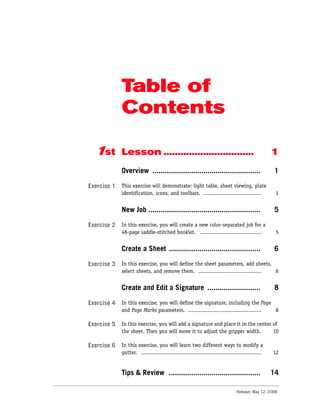
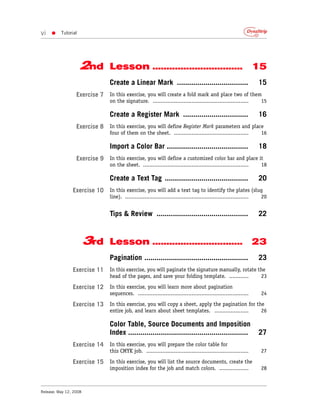
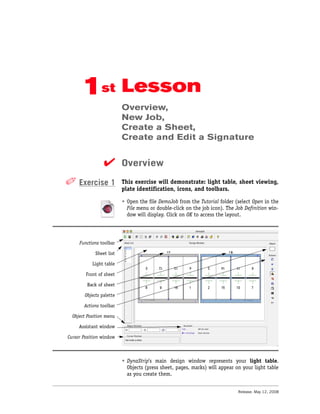
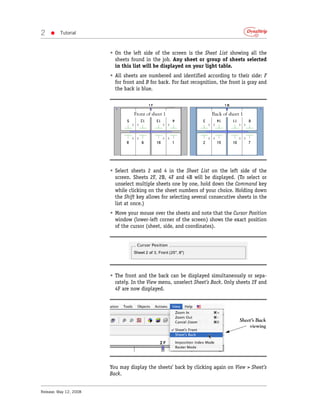
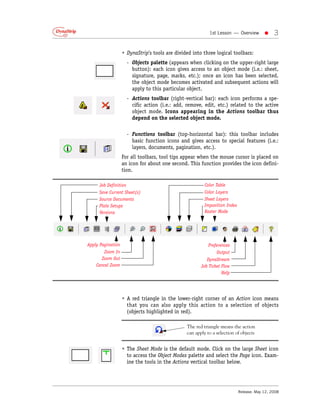
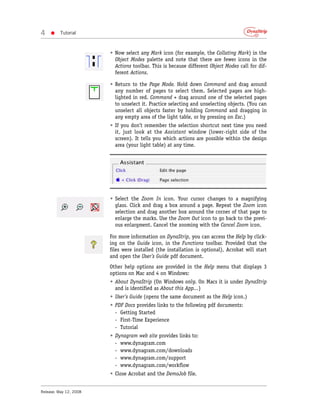
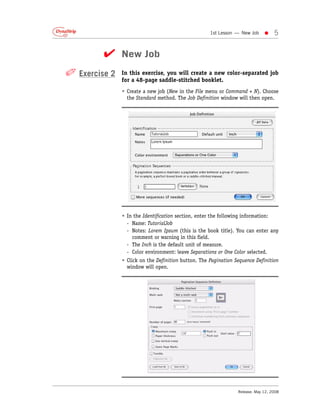
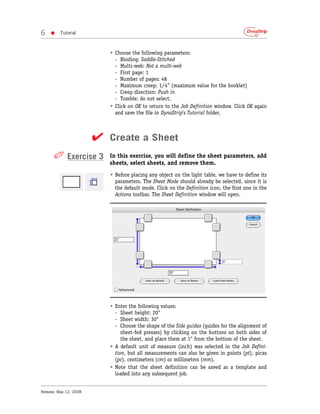
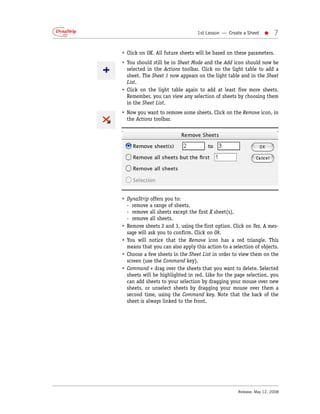
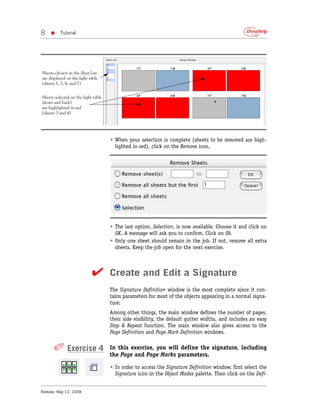
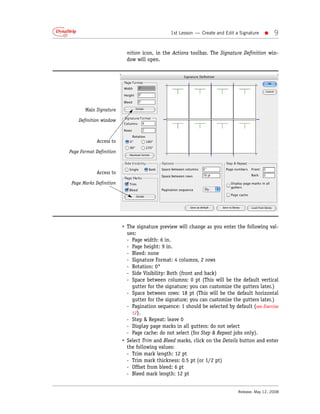
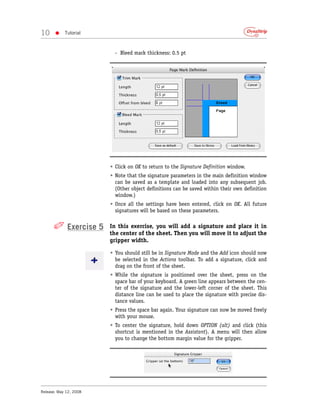
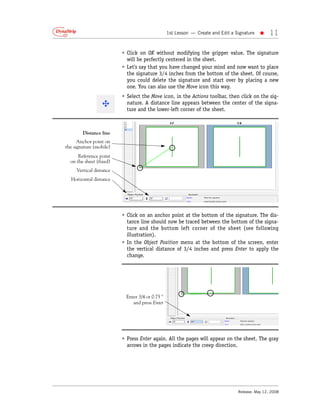
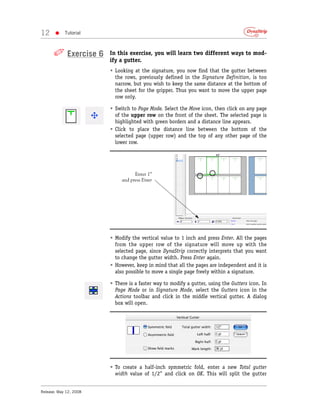
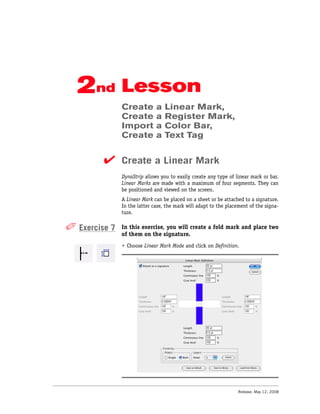
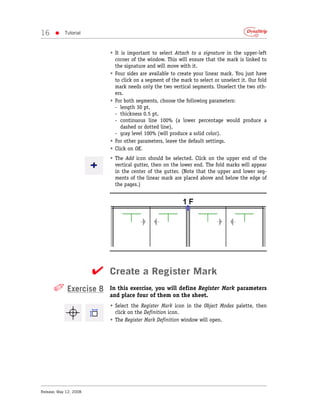
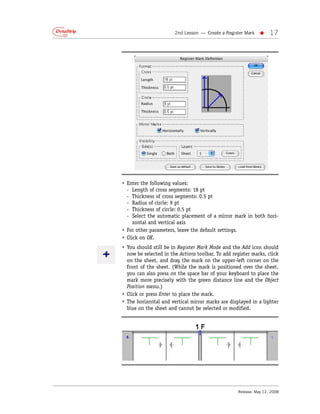
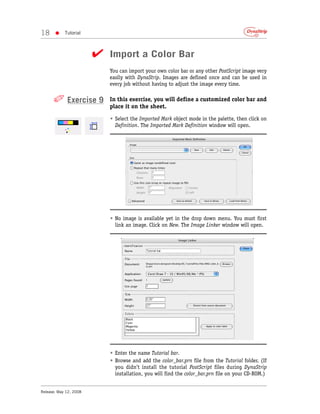
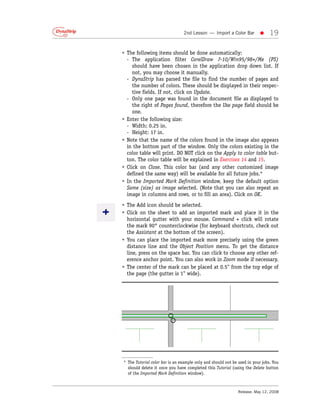
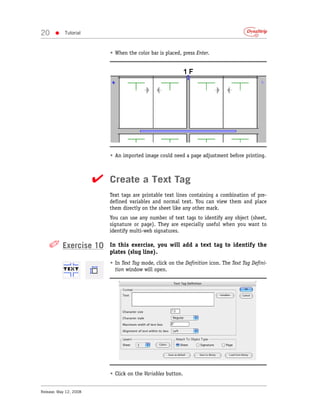
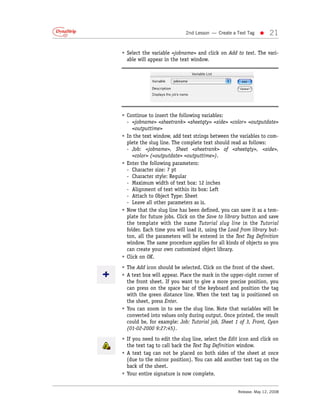
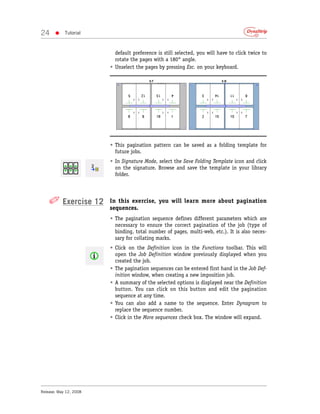
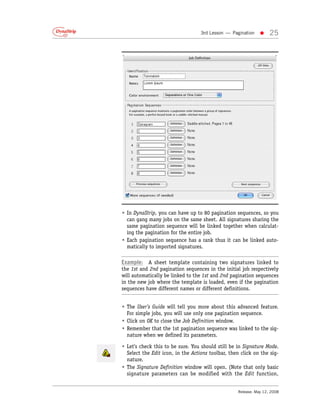
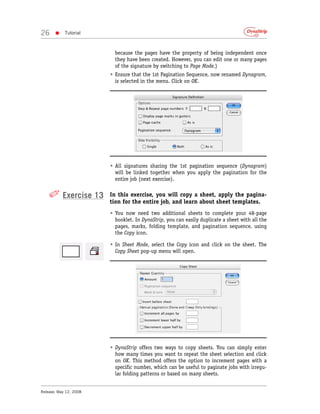
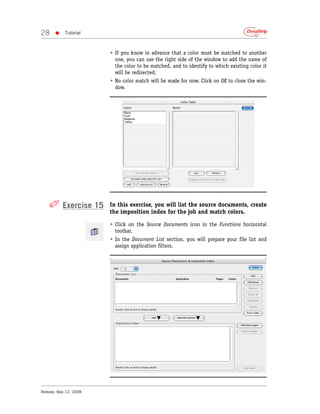
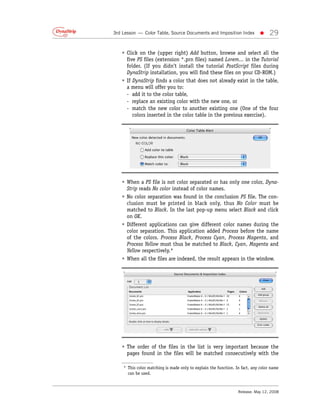
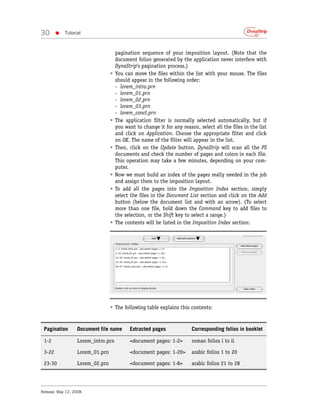
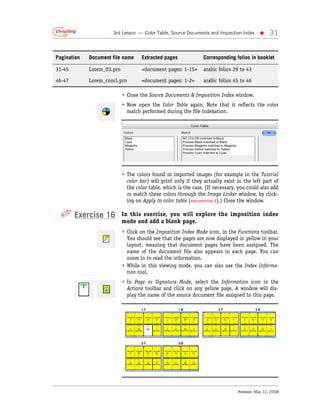
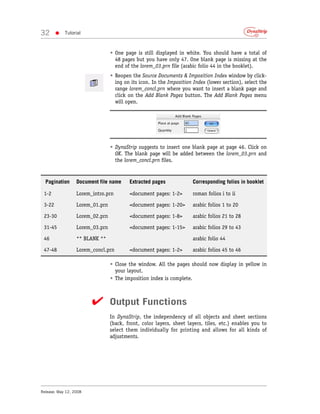
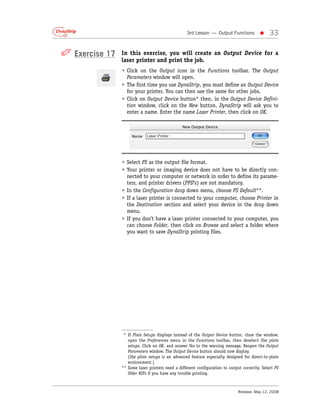
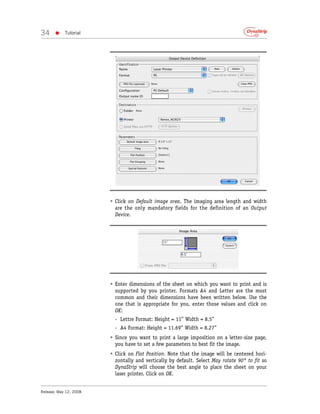
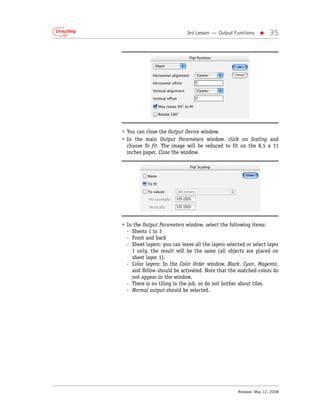
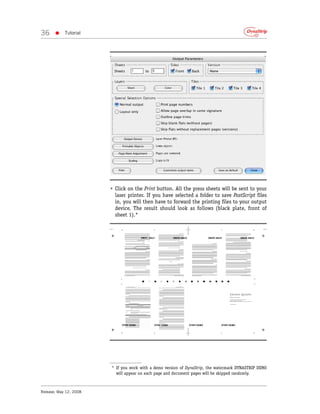
The document provides instructions for a tutorial on using DynaStrip imposition software. The tutorial covers creating a new job, defining sheets and signatures, adding pages and marks, and performing other basic imposition tasks over the course of multiple lessons and exercises. Key aspects of the DynaStrip interface like the light table, sheet list, object modes, actions toolbar, and zoom tools are demonstrated.