DYNAMICS 365 SALES
Part 1: Basics Part 2: Keep track
of customers
Part 3: Increase
Sales
Part 4: Playbooks Part 5: Sales
Target
Part 11: Reports
and printing
Part 12: Embedded
Intelligence
Part 13: Work with
Outlook
Part 14: Microsoft
Teams integration
Part 15: Mobile
Apps
Part 6: Sales
Management
Part 7: Product
Management
Part 8: Marketing
Campaign
Part 9: Case
Management
Part 10: Manage
Data
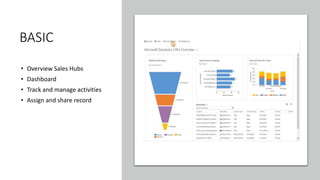
BASIC
• Overview Sales Hubs
• Dashboard
• Track and manage activities
• Assign and share record
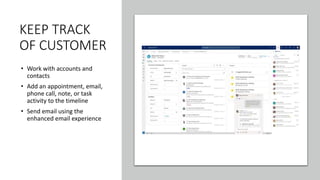
KEEP TRACK
OF CUSTOMER
• Work with accounts and
contacts
• Add an appointment, email,
phone call, note, or task
activity to the timeline
• Send email using the
enhanced email experience
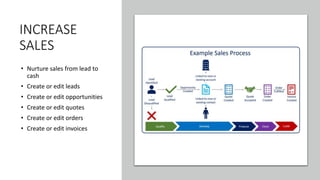
INCREASE
SALES
• Nurture sales from lead to
cash
• Create or edit leads
• Create or edit opportunities
• Create or edit quotes
• Create or edit orders
• Create or edit invoices
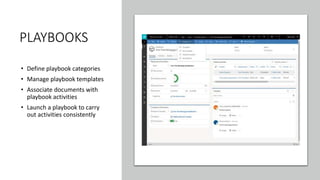
PLAYBOOKS
• Define playbook categories
• Manage playbook templates
• Associate documents with
playbook activities
• Launch a playbook to carry
out activities consistently
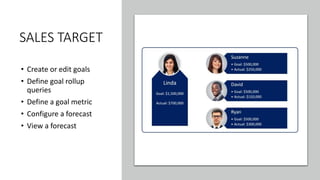
SALES TARGET
• Create or edit goals
• Define goal rollup
queries
• Define a goal metric
• Configure a forecast
• View a forecast
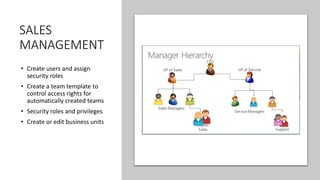
SALES
MANAGEMENT
• Create users and assign
security roles
• Create a team template to
control access rights for
automatically created teams
• Security roles and privileges
• Create or edit business units
PRODUCT
MANAGEMENT
• Set up a product catalog
• Set up discount lists
• Create a unit group and add
units
• Set up a product families
• Define product pricing with
price lists
MARKETING
CAMPAIGN
• Create a marketing list
• Create a quick campaign
• Create or edit a campaign
• Add an activity to a
campaign
• Track a marketing campaign
response
CASE
MANAGEMENT
• Create case
• Research
• Resolve Case
MANAGE
DATA
• Import data
• Export data to Excel
• Merge duplicate records
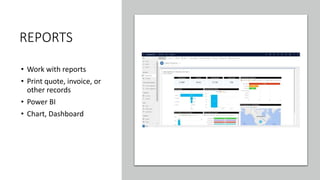
REPORTS
• Work with reports
• Print quote, invoice, or
other records
• Power BI
• Chart, Dashboard
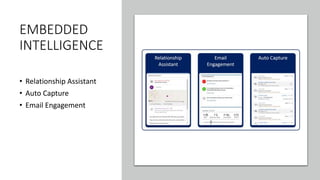
EMBEDDED
INTELLIGENCE
• Relationship Assistant
• Auto Capture
• Email Engagement
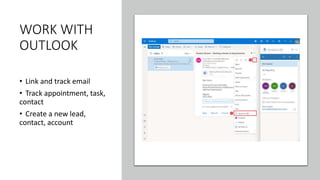
WORK WITH
OUTLOOK
• Link and track email
• Track appointment, task,
contact
• Create a new lead,
contact, account
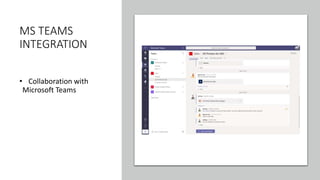
MS TEAMS
INTEGRATION
• Collaboration with
Microsoft Teams
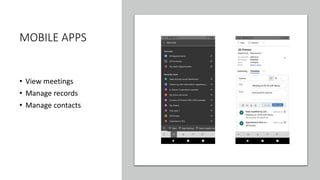
MOBILE APPS
• View meetings
• Manage records
• Manage contacts

DYNAMICS 365 SALES

  • 1.
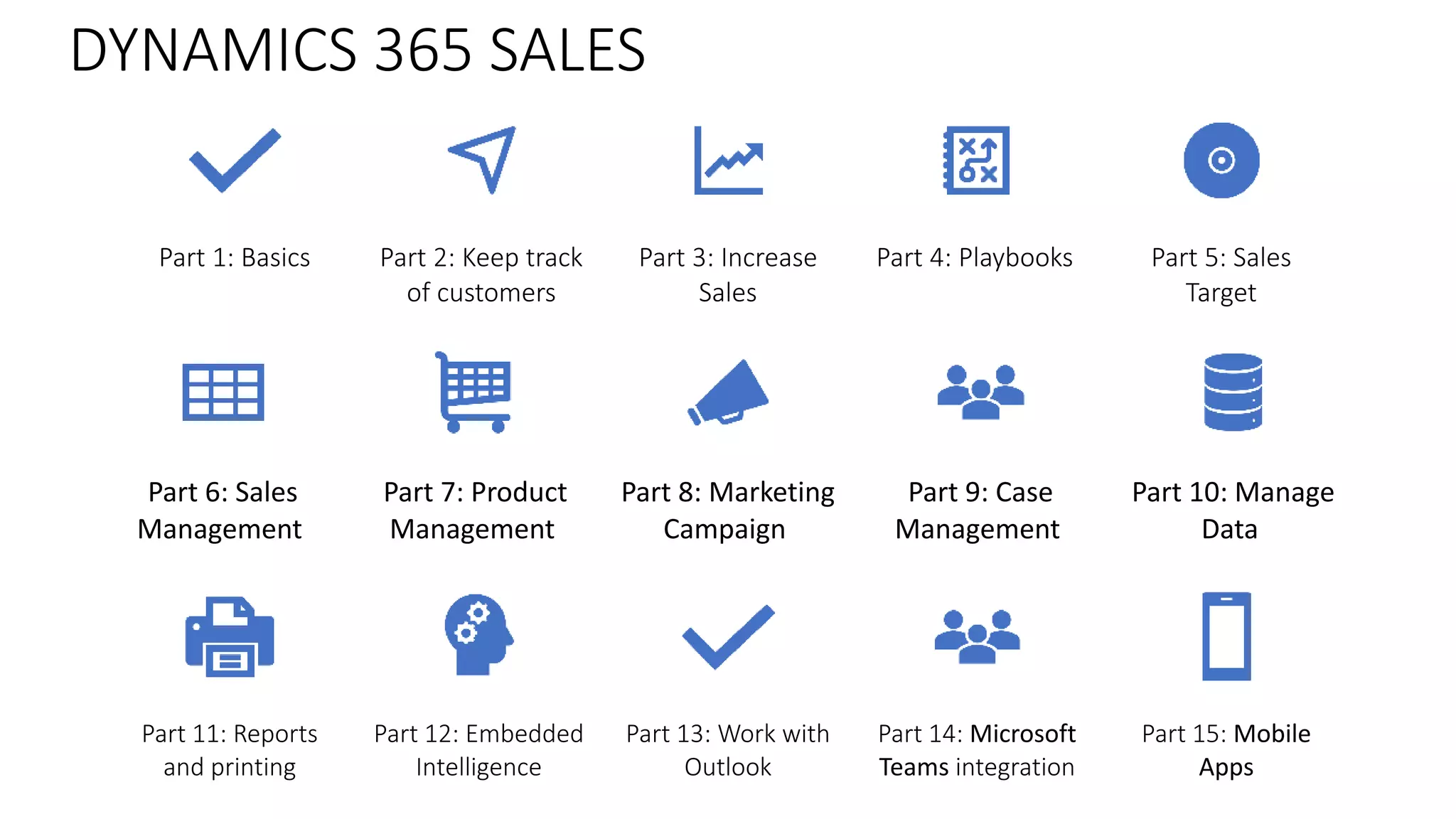
    DYNAMICS 365 SALES Part1: Basics Part 2: Keep track of customers Part 3: Increase Sales Part 4: Playbooks Part 5: Sales Target Part 11: Reports and printing Part 12: Embedded Intelligence Part 13: Work with Outlook Part 14: Microsoft Teams integration Part 15: Mobile Apps Part 6: Sales Management Part 7: Product Management Part 8: Marketing Campaign Part 9: Case Management Part 10: Manage Data
  • 2.
    BASIC • Overview SalesHubs • Dashboard • Track and manage activities • Assign and share record
  • 3.
    KEEP TRACK OF CUSTOMER •Work with accounts and contacts • Add an appointment, email, phone call, note, or task activity to the timeline • Send email using the enhanced email experience
  • 4.
    INCREASE SALES • Nurture salesfrom lead to cash • Create or edit leads • Create or edit opportunities • Create or edit quotes • Create or edit orders • Create or edit invoices
  • 5.
    PLAYBOOKS • Define playbookcategories • Manage playbook templates • Associate documents with playbook activities • Launch a playbook to carry out activities consistently
  • 6.
    SALES TARGET • Createor edit goals • Define goal rollup queries • Define a goal metric • Configure a forecast • View a forecast
  • 7.
    SALES MANAGEMENT • Create usersand assign security roles • Create a team template to control access rights for automatically created teams • Security roles and privileges • Create or edit business units
  • 8.
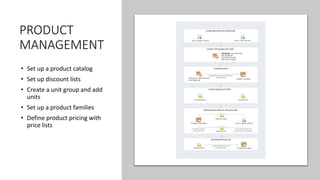
    PRODUCT MANAGEMENT • Set upa product catalog • Set up discount lists • Create a unit group and add units • Set up a product families • Define product pricing with price lists
  • 9.
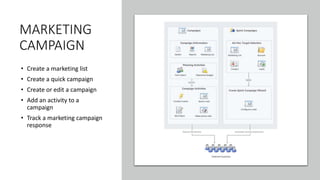
    MARKETING CAMPAIGN • Create amarketing list • Create a quick campaign • Create or edit a campaign • Add an activity to a campaign • Track a marketing campaign response
  • 10.
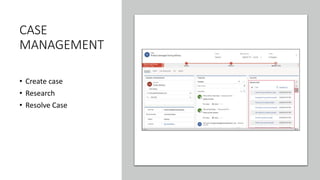
    CASE MANAGEMENT • Create case •Research • Resolve Case
  • 11.
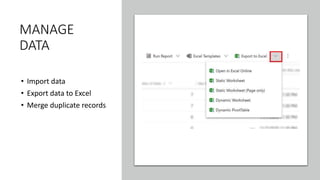
    MANAGE DATA • Import data •Export data to Excel • Merge duplicate records
  • 12.
    REPORTS • Work withreports • Print quote, invoice, or other records • Power BI • Chart, Dashboard
  • 13.
  • 14.
    WORK WITH OUTLOOK • Linkand track email • Track appointment, task, contact • Create a new lead, contact, account
  • 15.
  • 16.
    MOBILE APPS • Viewmeetings • Manage records • Manage contacts

Editor's Notes

  • #3 Overview of Sales and Sales Hub Learn the basics Gain insights with dashboards Assign or share records Track and manage activities Work with business processes Set personal options
  • #4 Work with accounts and contacts Deactivate or activate an account or contact Add an appointment, email, phone call, note, or task activity to the timeline Send email using the enhanced email experience Organize contacts in live org charts for accounts
  • #5 Nurture sales from lead to cash Create or edit leads Qualify or convert leads Reopen leads Create or edit opportunities Close opportunities as won or lost Create or edit quotes Create or edit orders Create or edit invoices
  • #6 Define playbook categories Manage playbook templates Associate documents with playbook activities Launch a playbook to carry out activities consistently Mark playbook as completed Track playbook activities
  • #7 Goal hierarchy Setting goal metrics Defining rollup queries Setting targets Setting time periods for goals Monitoring goals Goals and security roles Configure a forecast View a forecast
  • #8 Create users and assign security roles Create a team template to control access rights for automatically created teams Security roles and privileges Create or edit business units
  • #9 Set up sales territories to organize business markets Set up a product catalog Set up discount lists Create a unit group and add units Set up a product families Define product pricing with price lists Sales settings
  • #10 Create a marketing list using in-app marketing Create a quick campaign Add assets to a campaign Create or edit a campaign Add an activity to a campaign Track a marketing campaign response
  • #12 Import data Export data to Excel Merge duplicate records Search options in Common Data Service