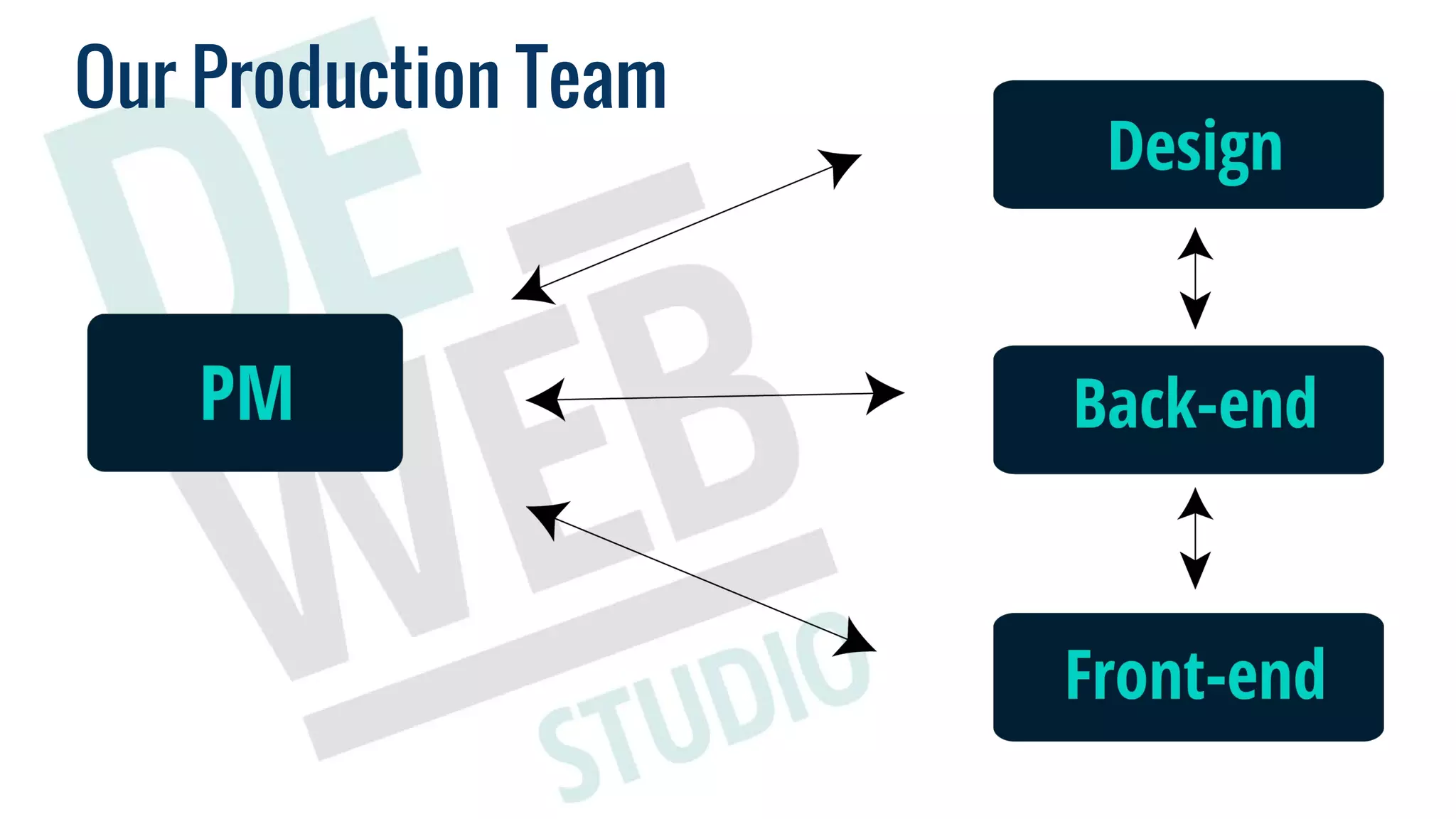
Development Team StructureOur Production Team
Problems
Back-ups. The only thing for your protection;
creating one thing, you can make a mess somewhere else;
yet we know we can make a minor change in 5 min - we have a lot
of them;
you can’t even imagine how many bugs you’ll meet during the
last testing before deadline;
where is our time?!;
while you don’t have rules - your client gives them to you;
panic during deadline/deploy;
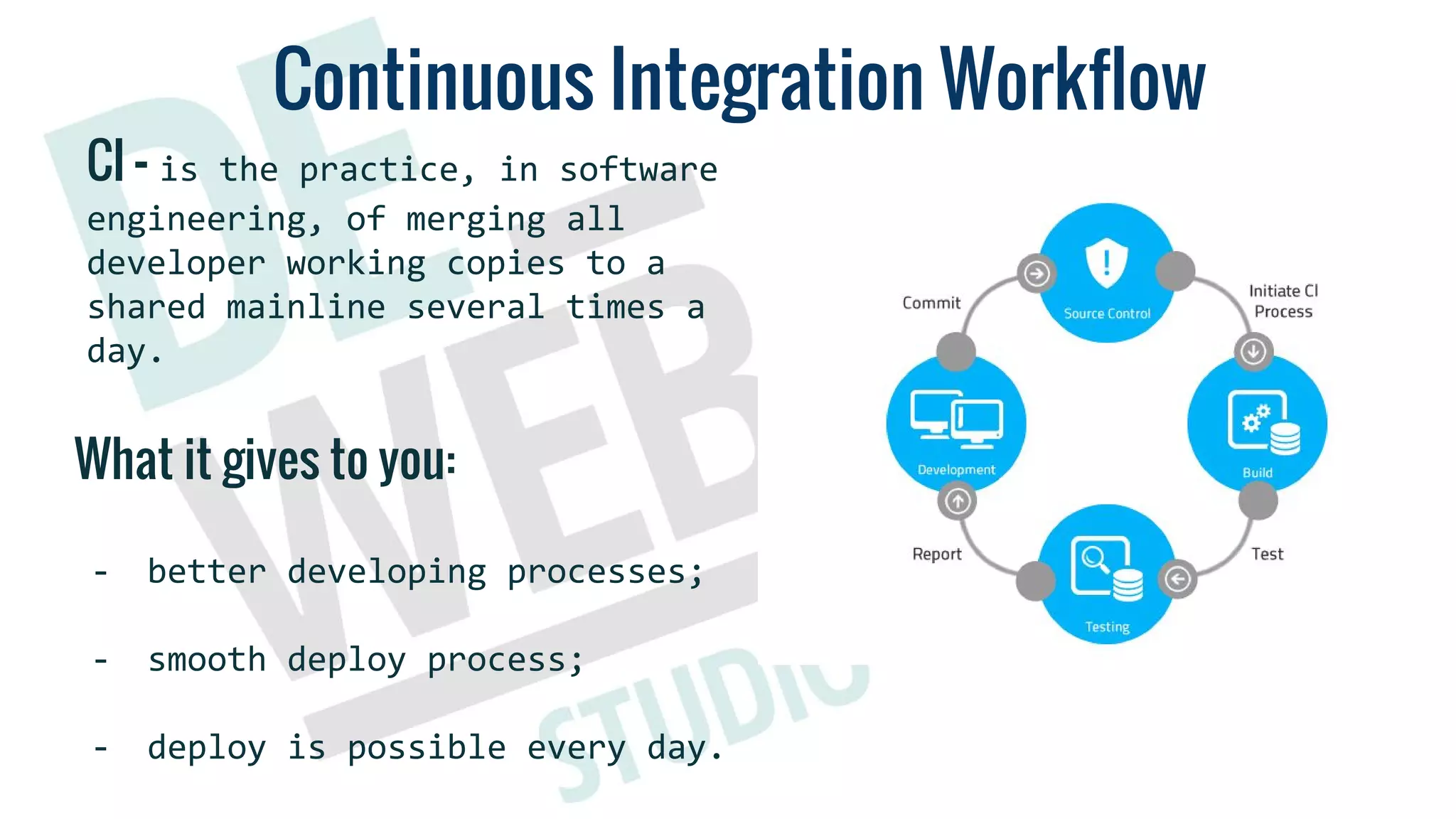
Continuous Integration Workflow
CI - is the practice, in software
engineering, of merging all
developer working copies to a
shared mainline several times a
day.
What it gives to you:
- better developing processes;
- smooth deploy process;
- deploy is possible every day.
Continuous Integration Workflow
Step 1. Code Driven Development
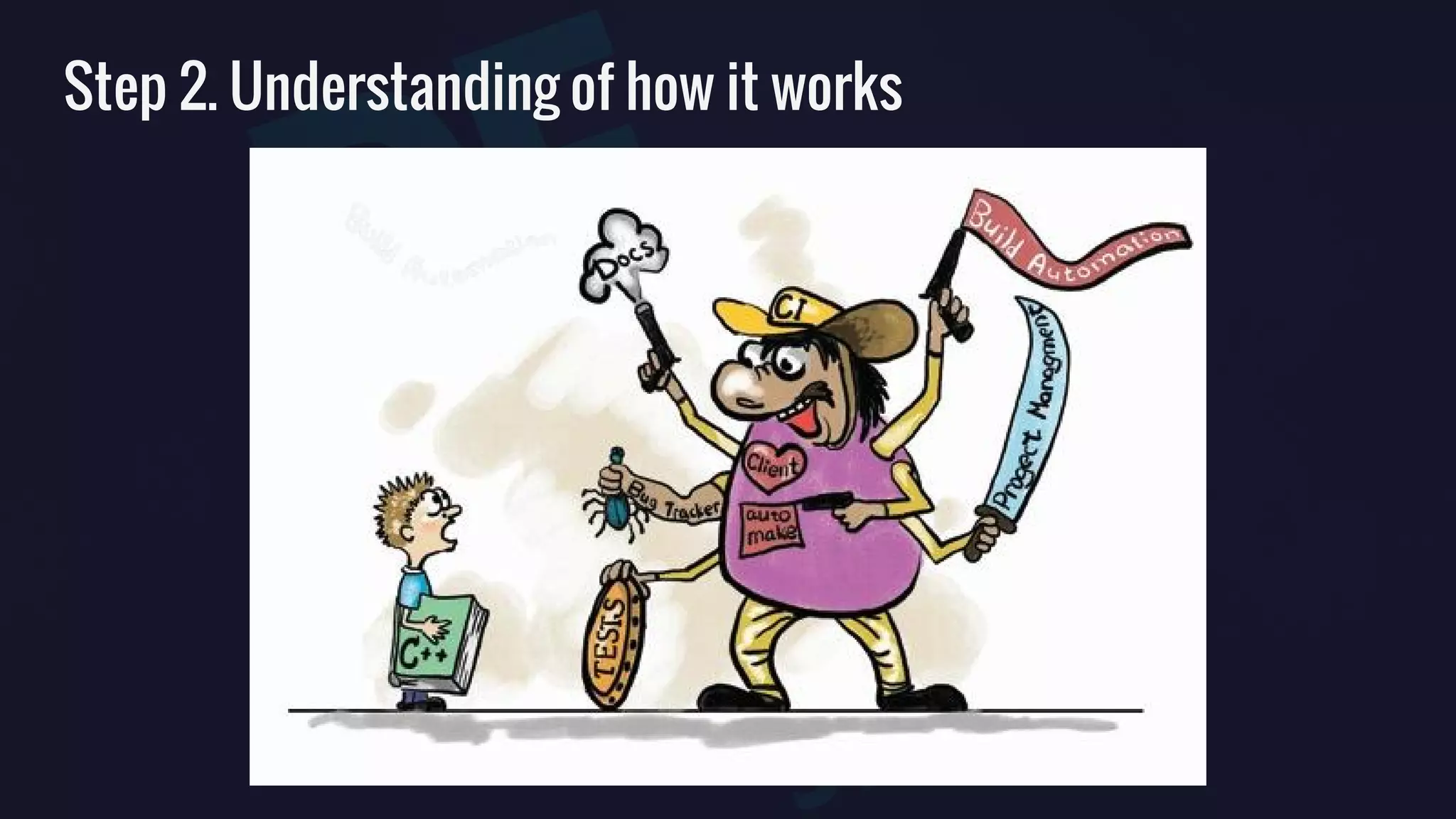
Step 2. Understanding of how it works
CI-BOX
CI-BOX DevOps
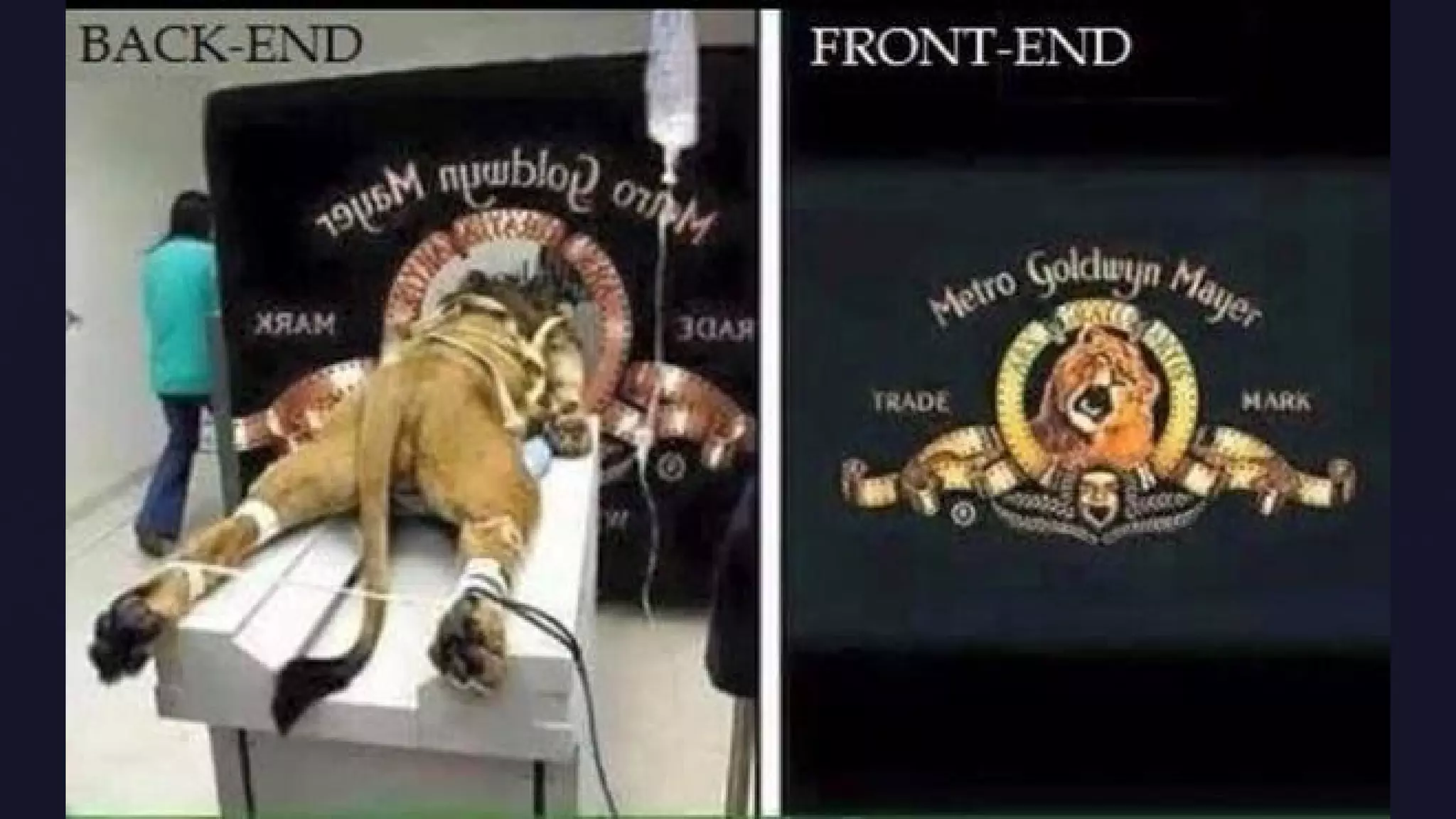
BACK-END part
Principles
Be lazy
Be productive
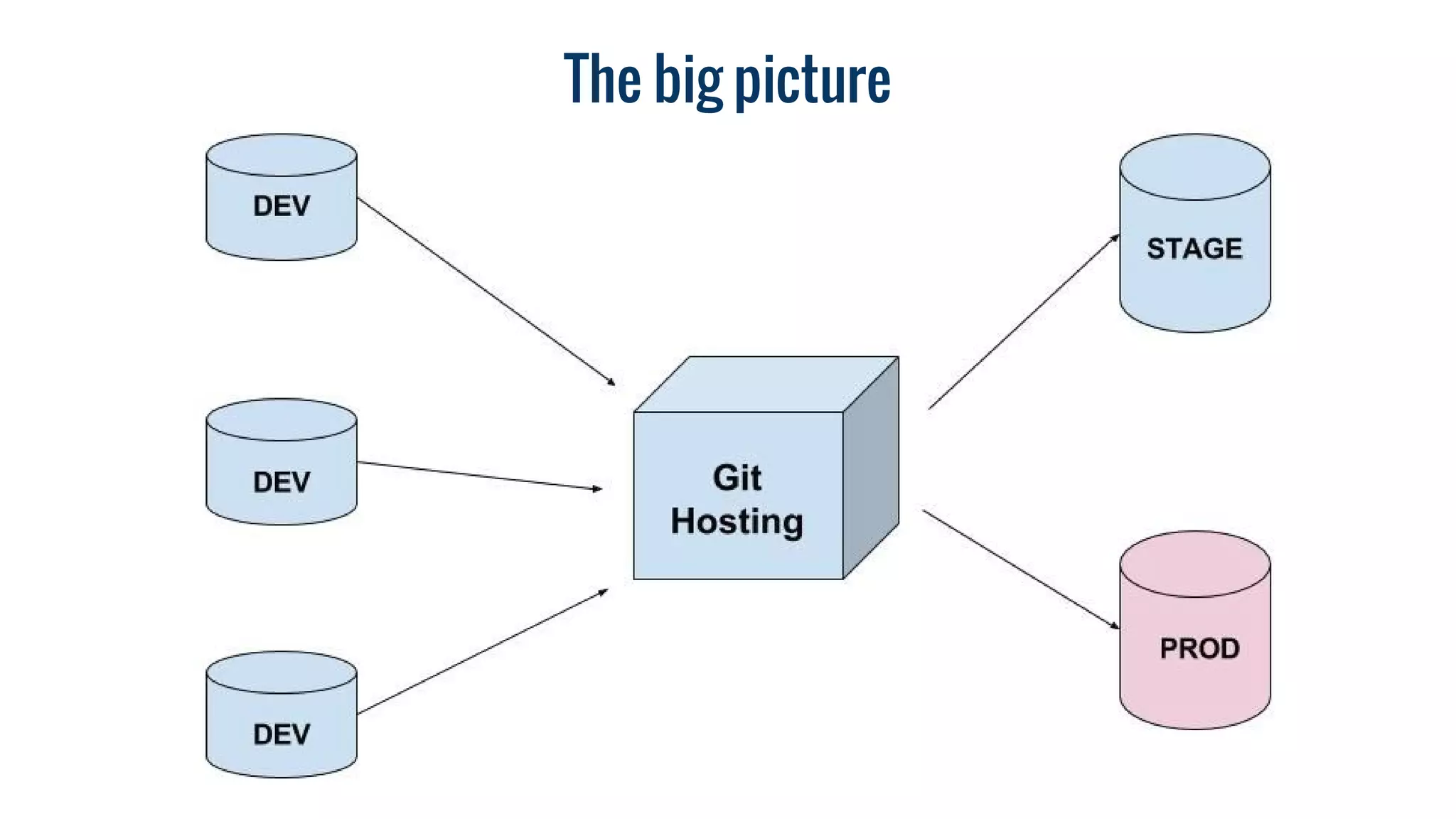
The big picture
Step 1
Goodbye old friends!
Step 2
Start working with Console, Learn SSH
Step 3
Learn how to move sites between servers…
1. rsync -avh -e 'ssh -p [port]' [ssh_user]@[server_name]:/path/to/drupal/ ./
2. nano sites/default/settings.php
3. drush sql-drop
4. gunzip < sites/../../../dump_name.mysql.gz | drush sql-cli
Learn how to automate server provisioning
Step 4
Step 5
Learn about Vagrant
Step 6
Start working locally
+
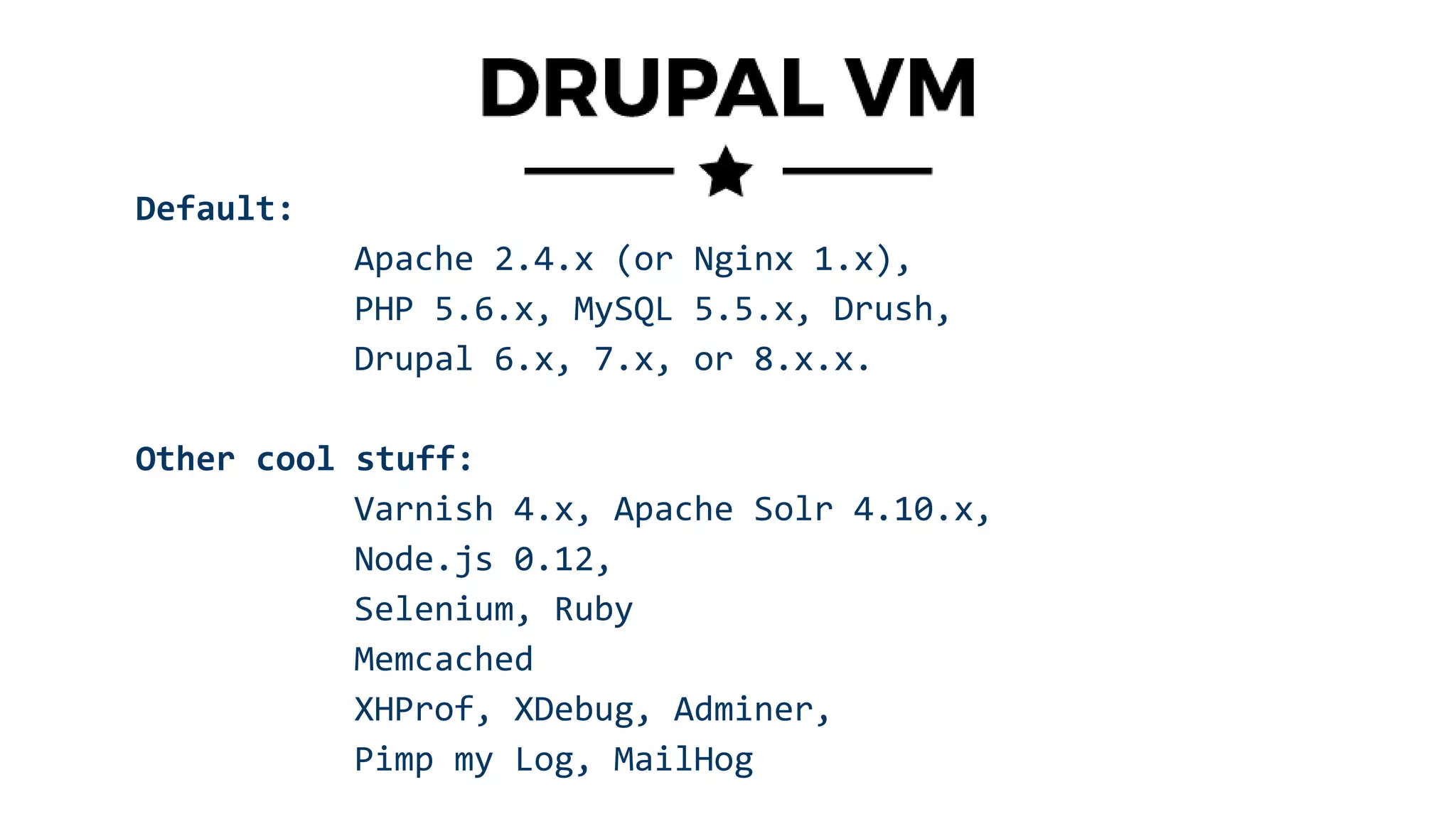
Default:
Apache 2.4.x (or Nginx 1.x),
PHP 5.6.x, MySQL 5.5.x, Drush,
Drupal 6.x, 7.x, or 8.x.x.
Other cool stuff:
Varnish 4.x, Apache Solr 4.10.x,
Node.js 0.12,
Selenium, Ruby
Memcached
XHProf, XDebug, Adminer,
Pimp my Log, MailHog
Step 7
Start using Git and Bitbucket
+ pull requests
+ manual Code review
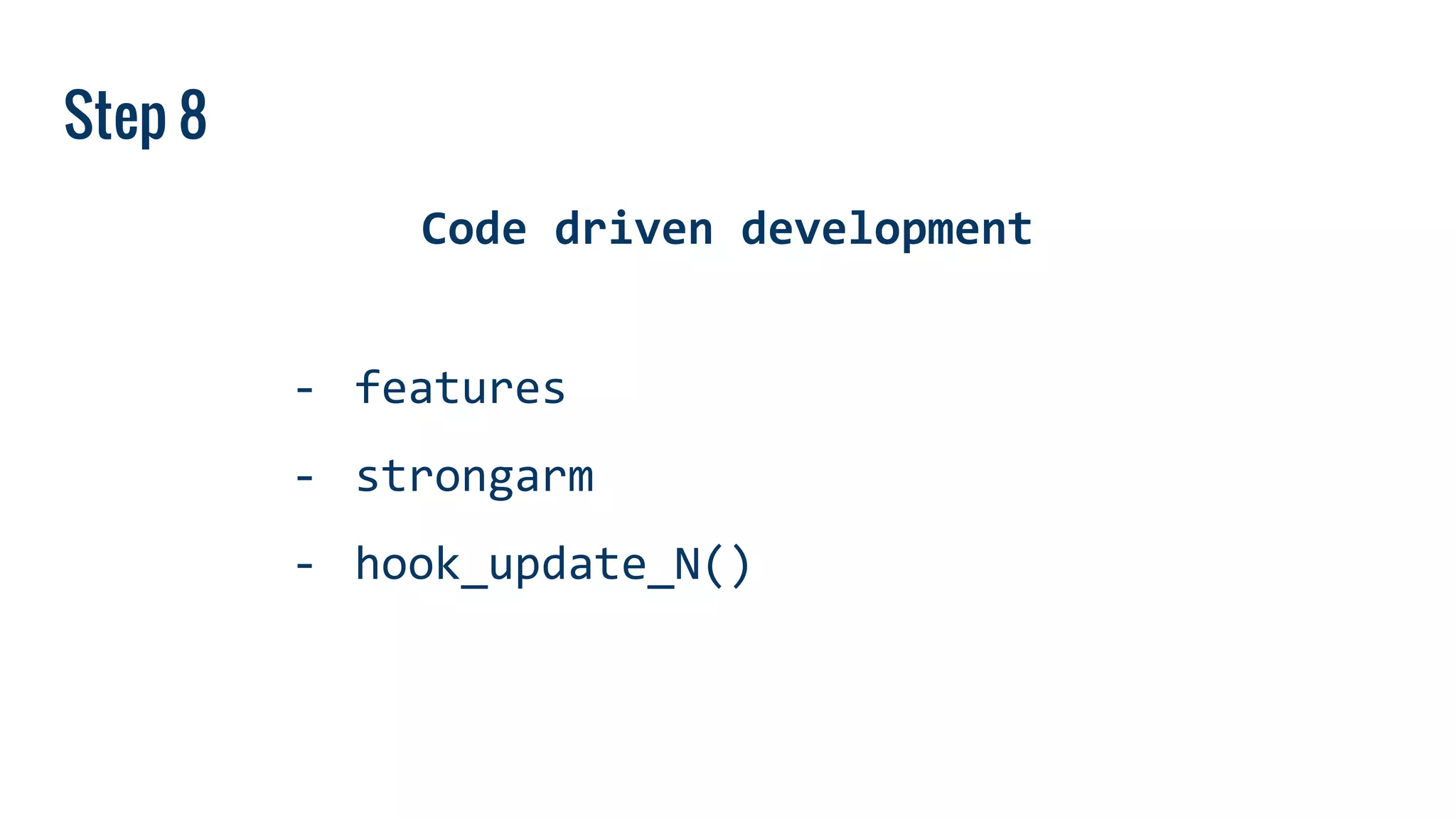
Step 8
Code driven development
- features
- strongarm
- hook_update_N()
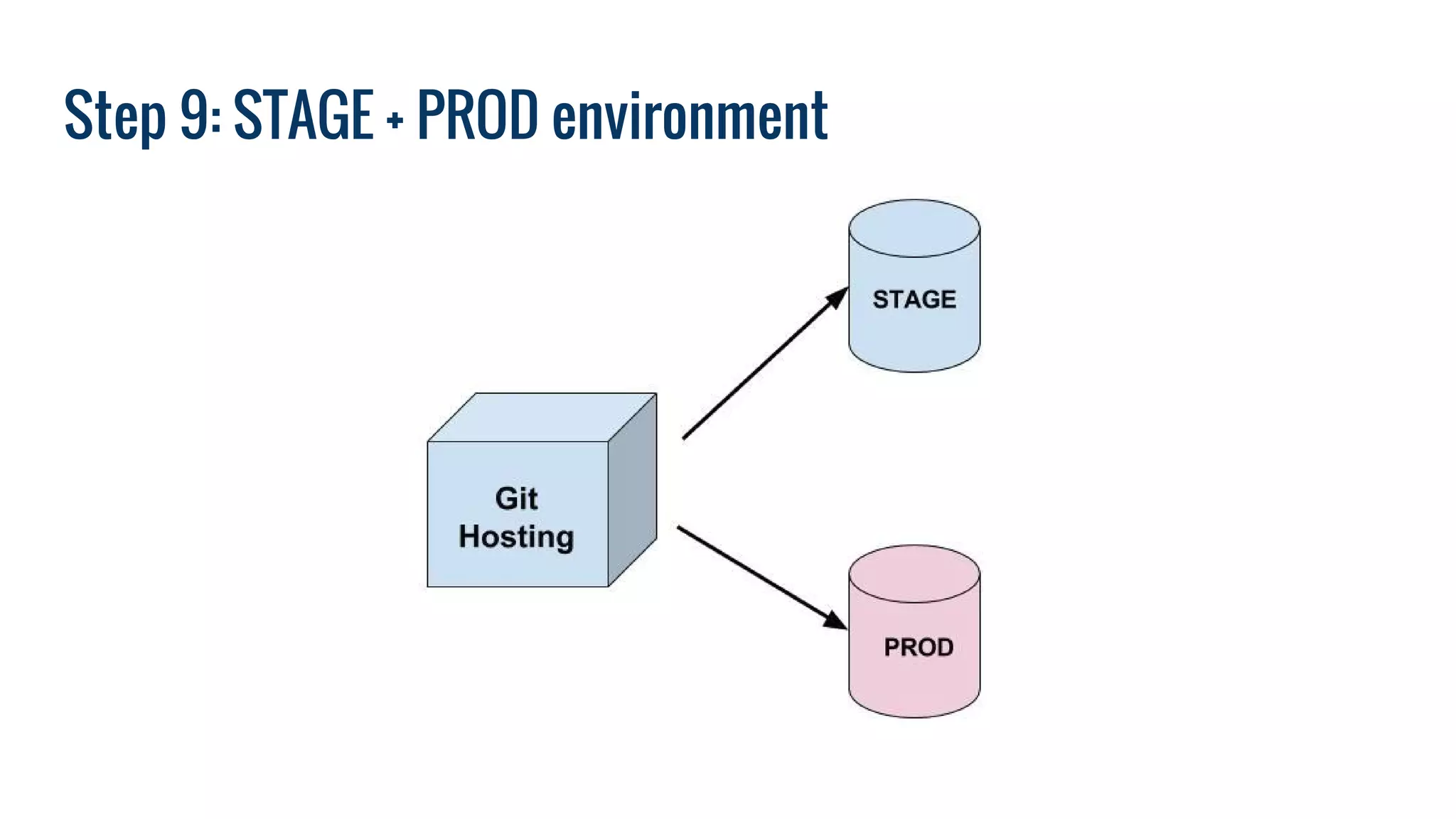
Step 9: STAGE + PROD environment
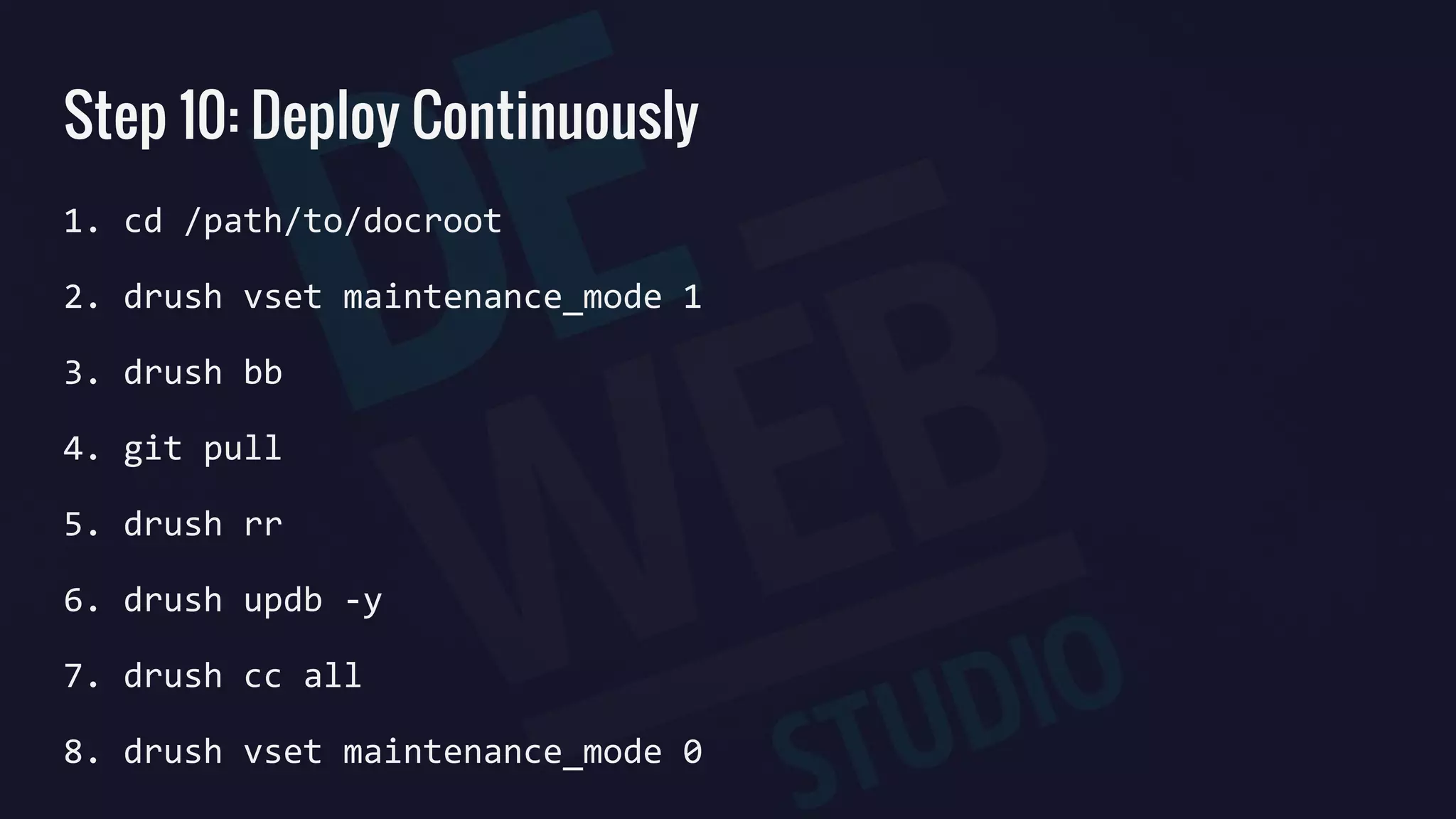
Step 10: Deploy Continuously
1. cd /path/to/docroot
2. drush vset maintenance_mode 1
3. drush bb
4. git pull
5. drush rr
6. drush updb -y
7. drush cc all
8. drush vset maintenance_mode 0
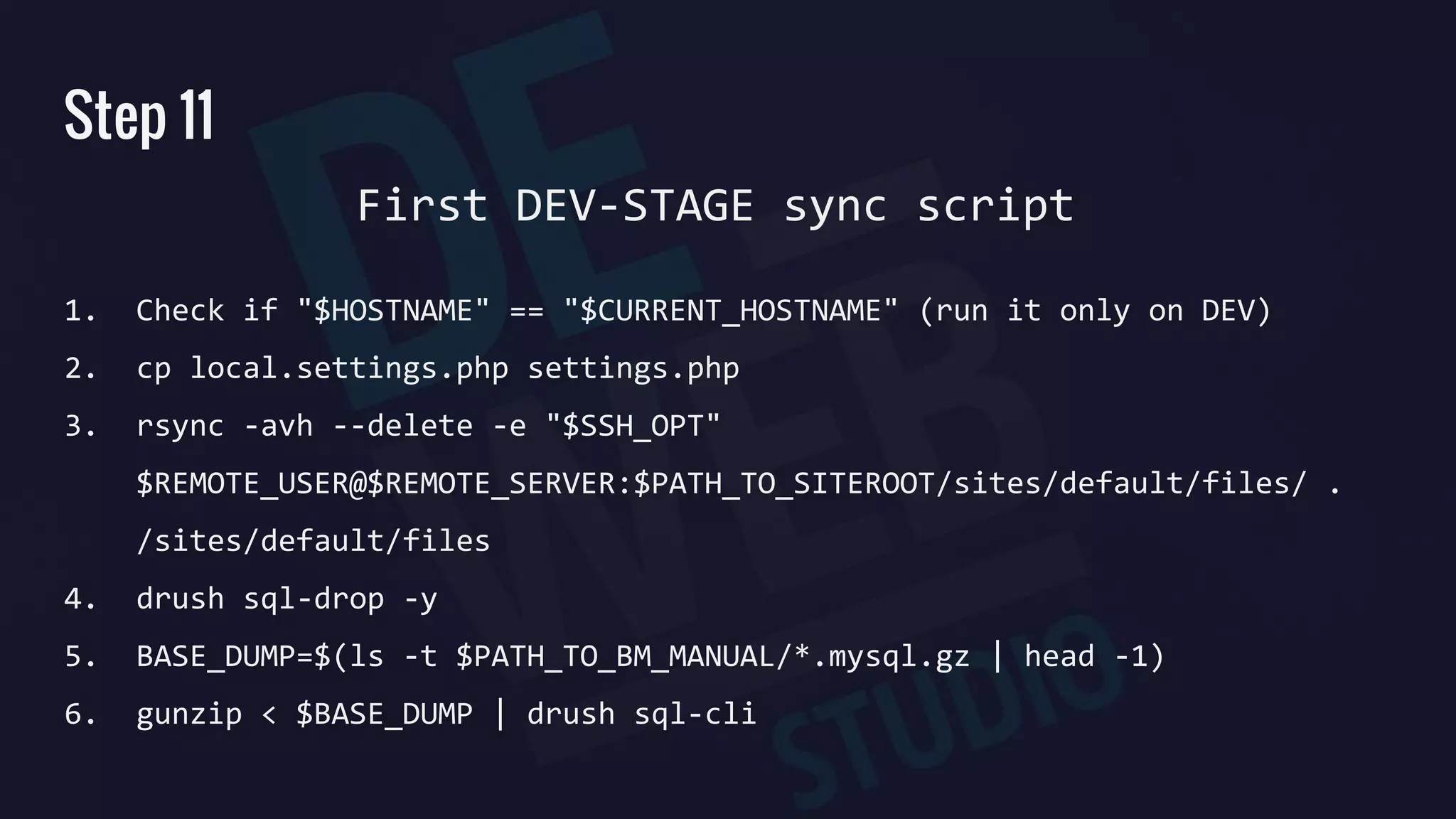
Step 11
1. Check if "$HOSTNAME" == "$CURRENT_HOSTNAME" (run it only on DEV)
2. cp local.settings.php settings.php
3. rsync -avh --delete -e "$SSH_OPT"
$REMOTE_USER@$REMOTE_SERVER:$PATH_TO_SITEROOT/sites/default/files/ .
/sites/default/files
4. drush sql-drop -y
5. BASE_DUMP=$(ls -t $PATH_TO_BM_MANUAL/*.mysql.gz | head -1)
6. gunzip < $BASE_DUMP | drush sql-cli
First DEV-STAGE sync script
Step 12
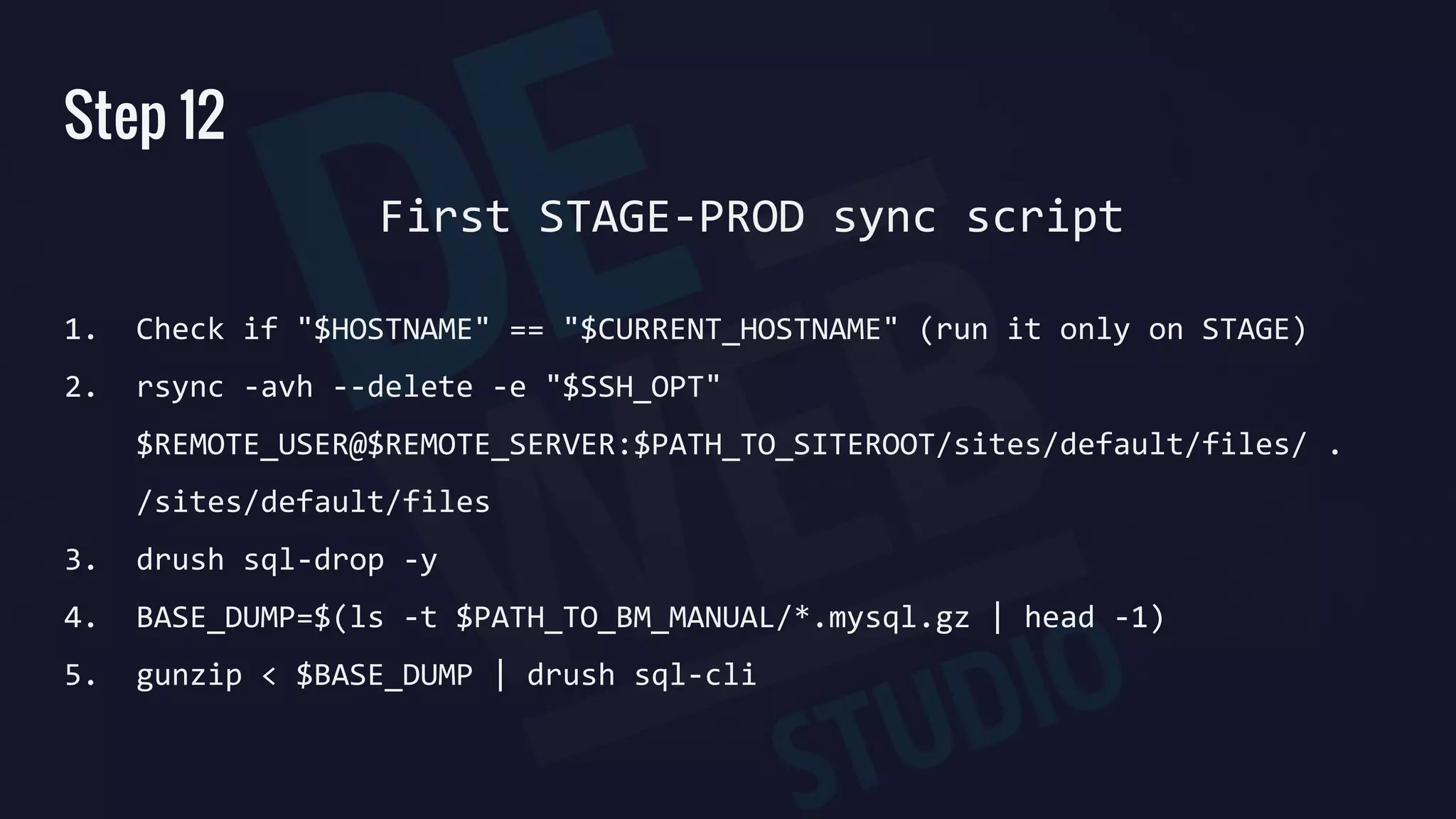
1. Check if "$HOSTNAME" == "$CURRENT_HOSTNAME" (run it only on STAGE)
2. rsync -avh --delete -e "$SSH_OPT"
$REMOTE_USER@$REMOTE_SERVER:$PATH_TO_SITEROOT/sites/default/files/ .
/sites/default/files
3. drush sql-drop -y
4. BASE_DUMP=$(ls -t $PATH_TO_BM_MANUAL/*.mysql.gz | head -1)
5. gunzip < $BASE_DUMP | drush sql-cli
First STAGE-PROD sync script
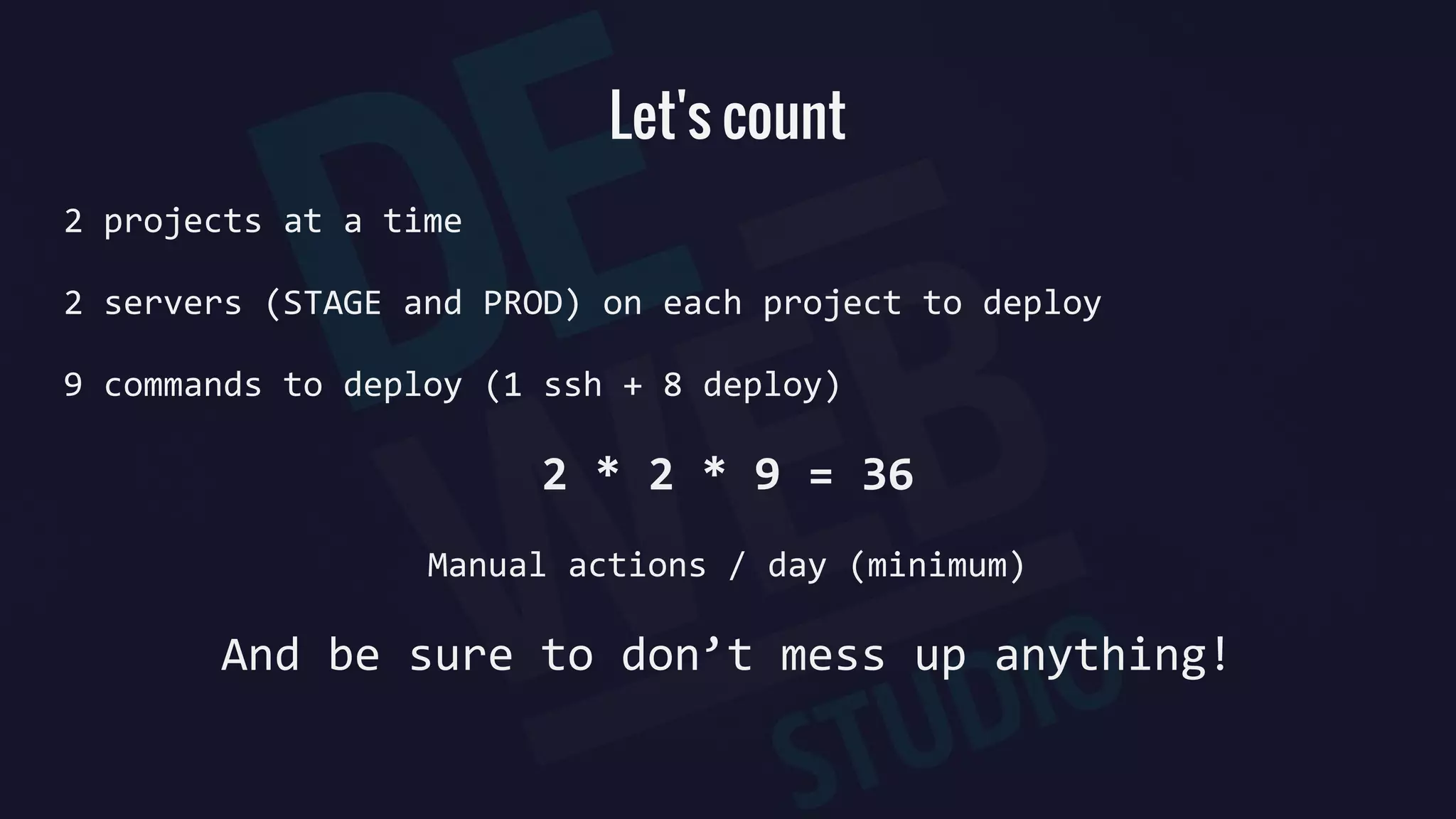
Let's count
2 projects at a time
2 servers (STAGE and PROD) on each project to deploy
9 commands to deploy (1 ssh + 8 deploy)
2 * 2 * 9 = 36
Manual actions / day (minimum)
And be sure to don’t mess up anything!
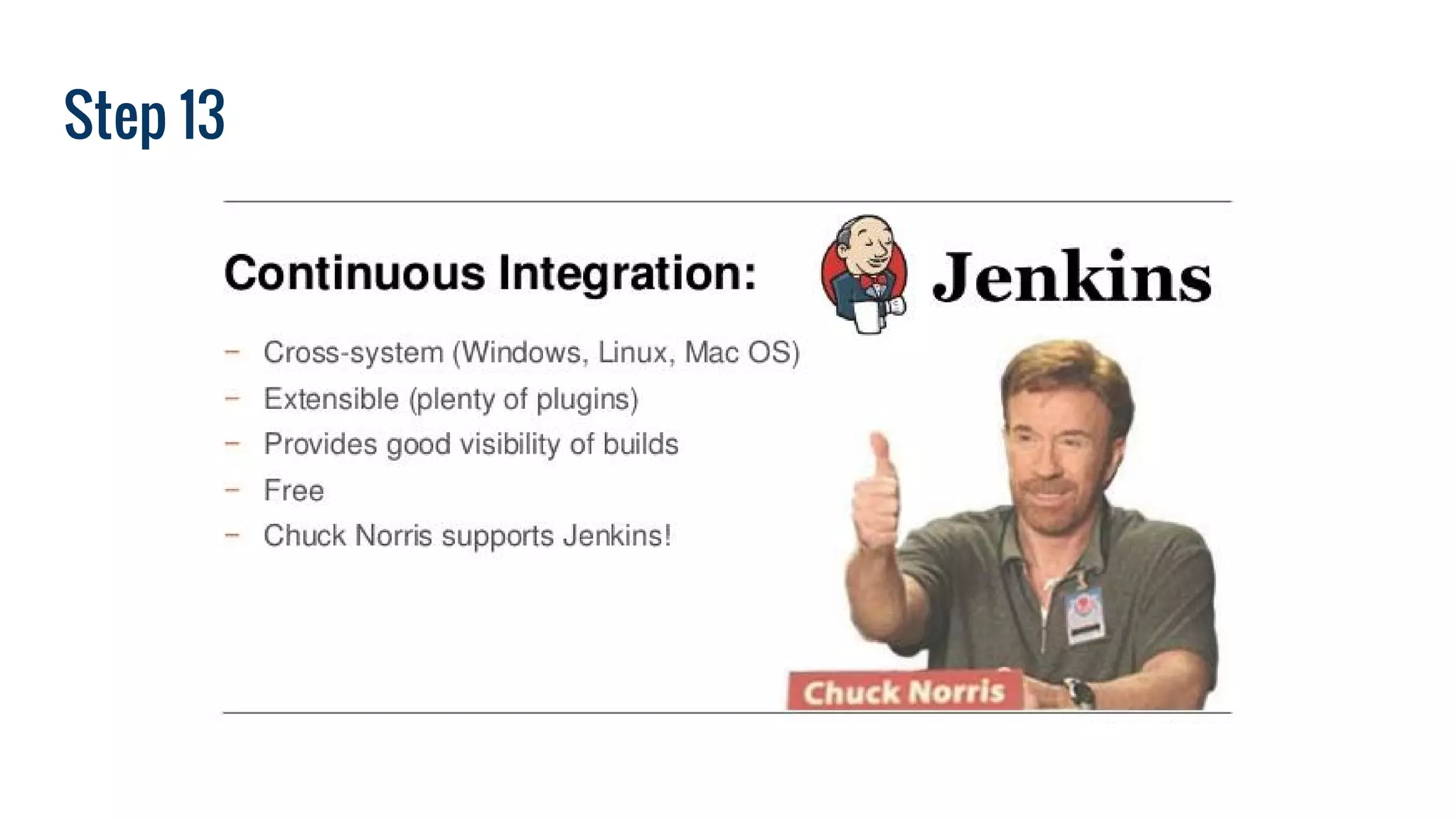
Step 13
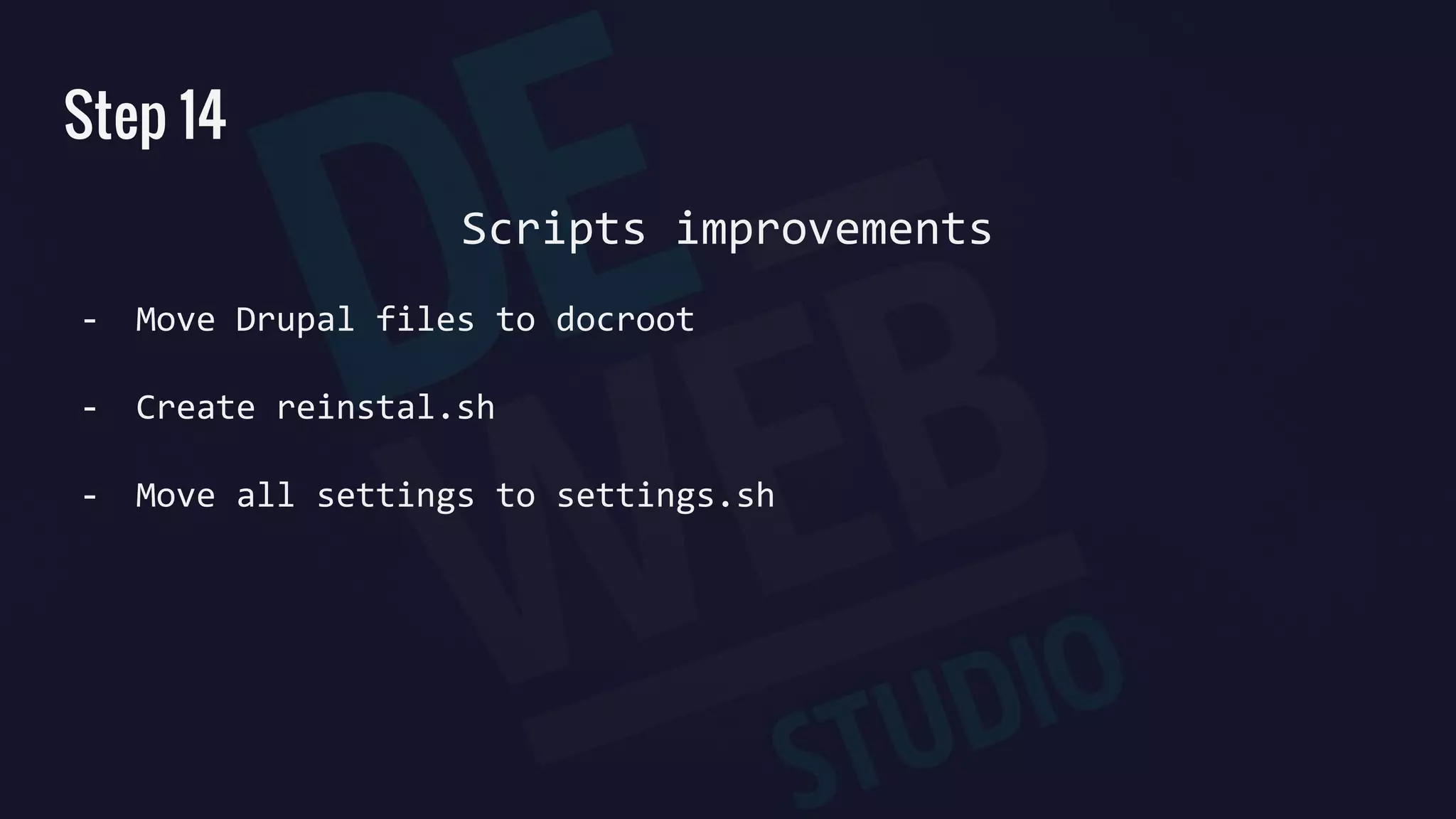
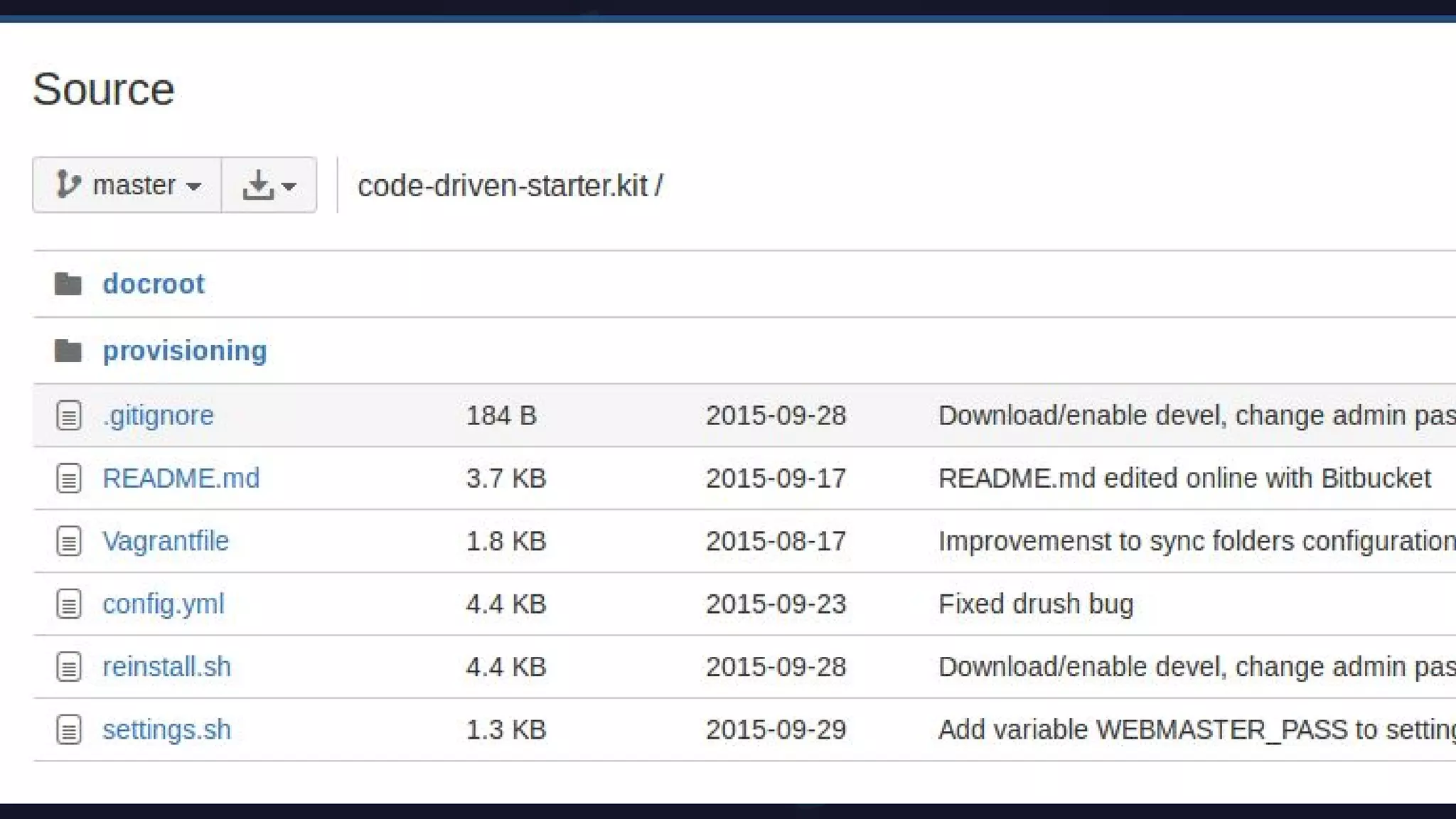
Step 14
Scripts improvements
- Move Drupal files to docroot
- Create reinstal.sh
- Move all settings to settings.sh
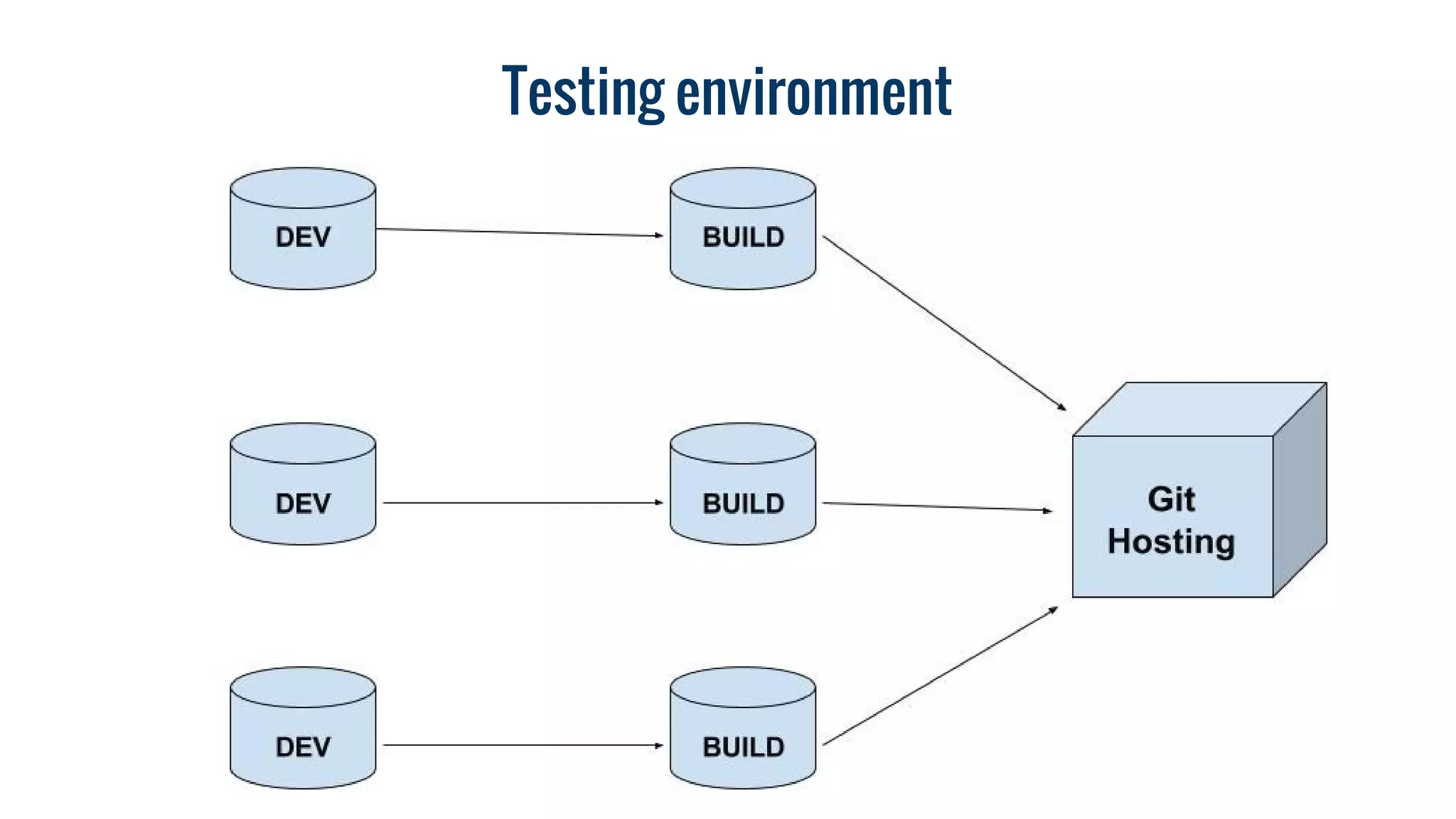
Testing environment
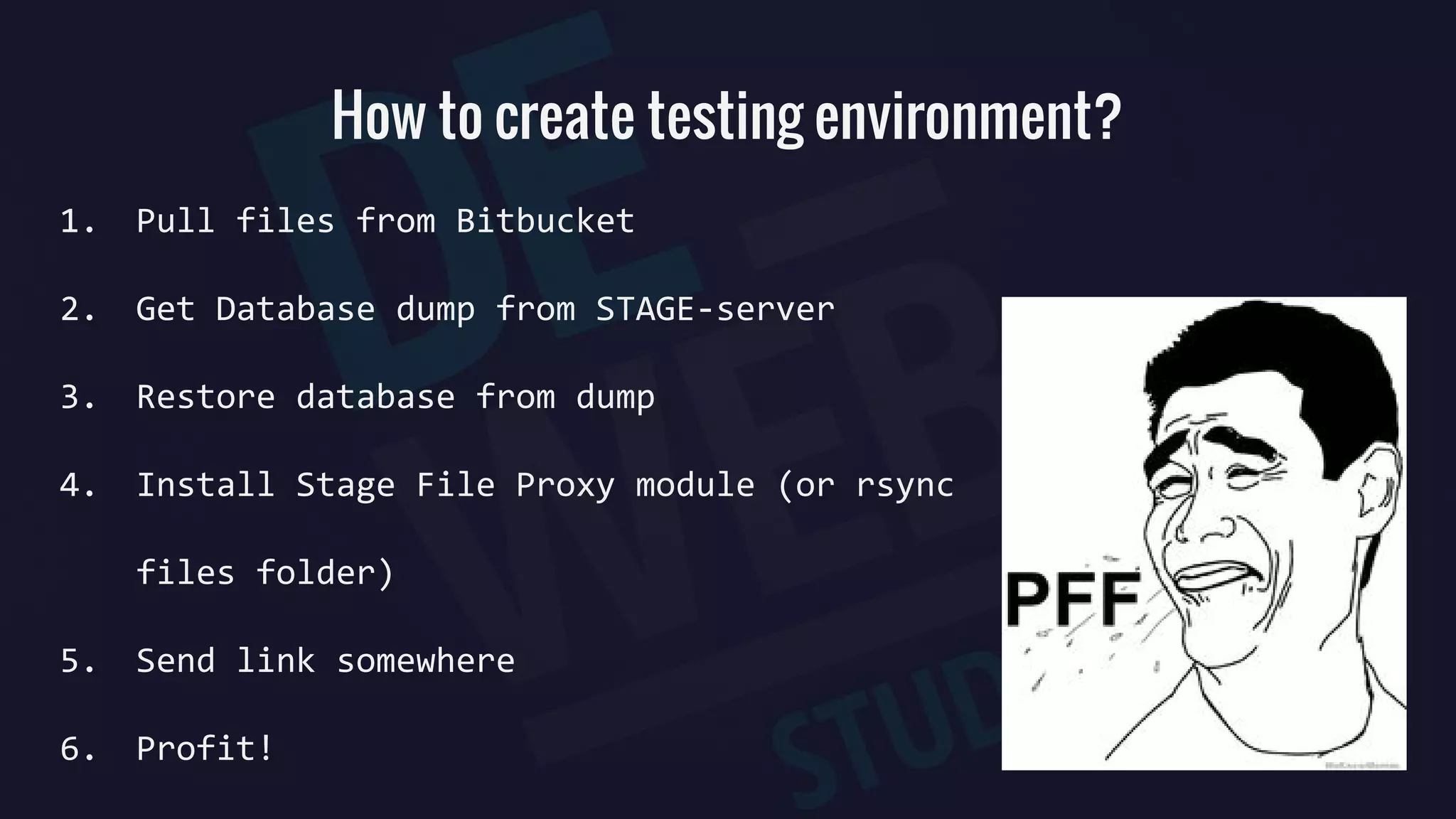
How to create testing environment?
1. Pull files from Bitbucket
2. Get Database dump from STAGE-server
3. Restore database from dump
4. Install Stage File Proxy module (or rsync
files folder)
5. Send link somewhere
6. Profit!
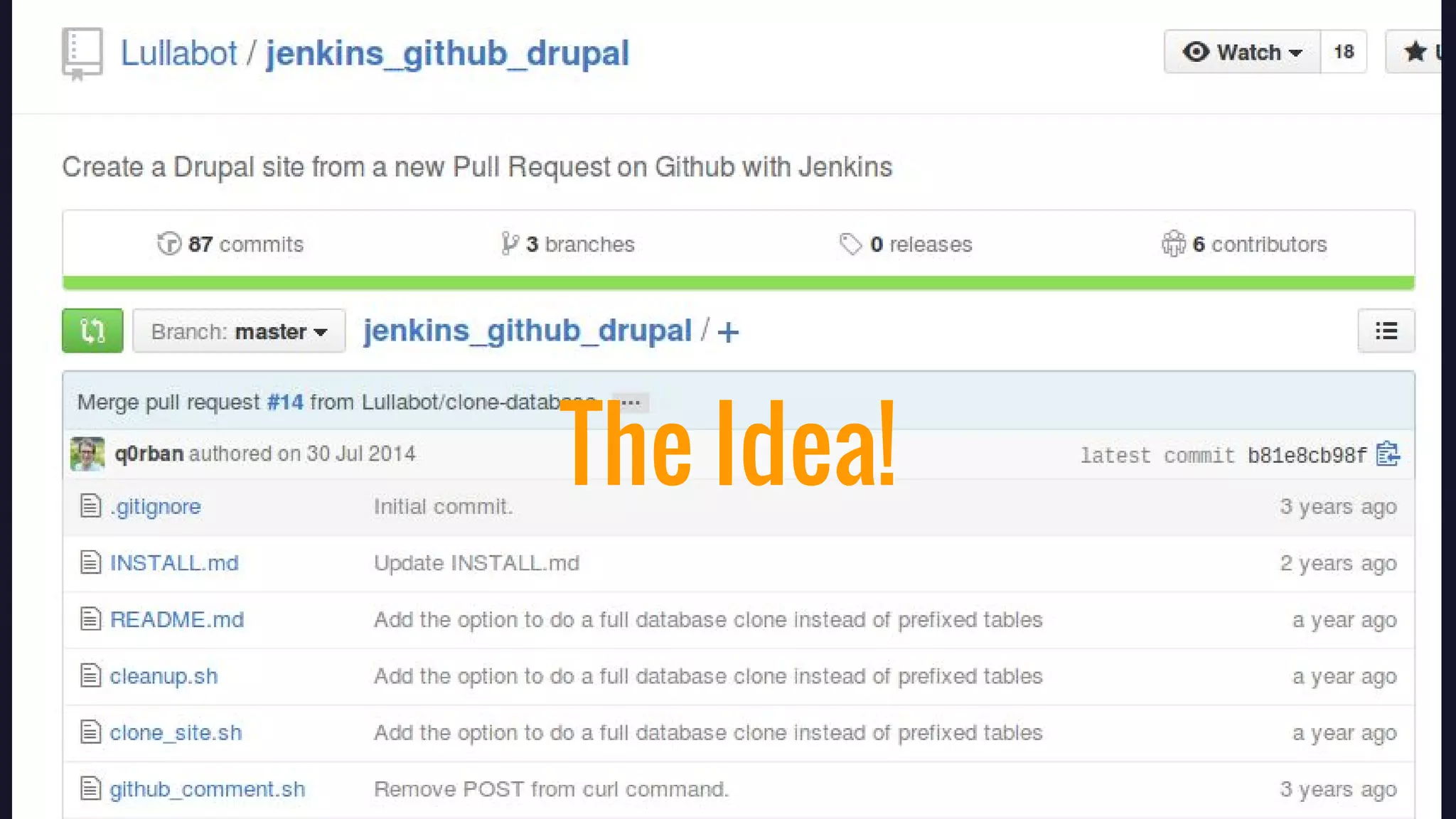
The Idea!
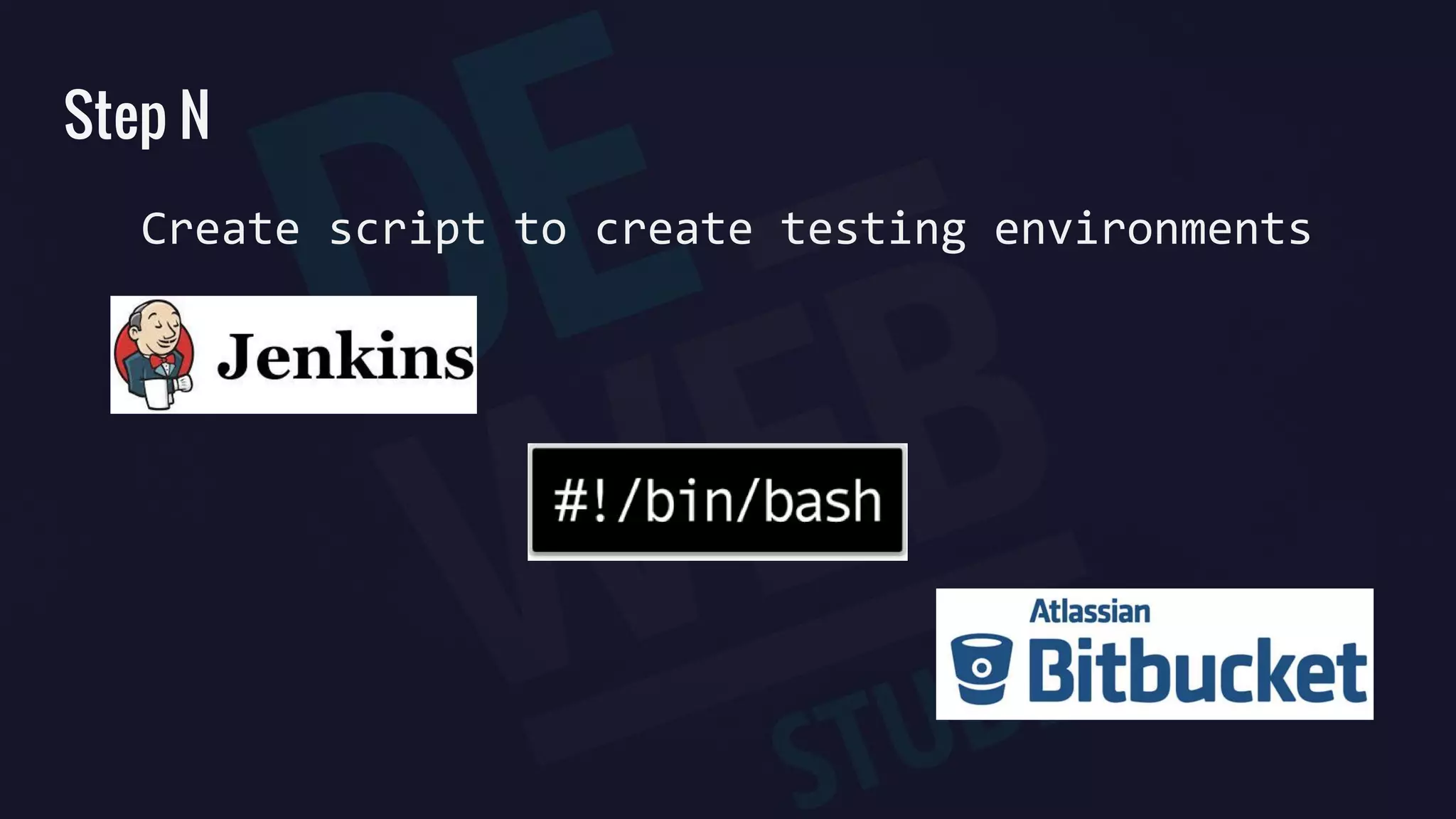
Step N
Create script to create testing environments
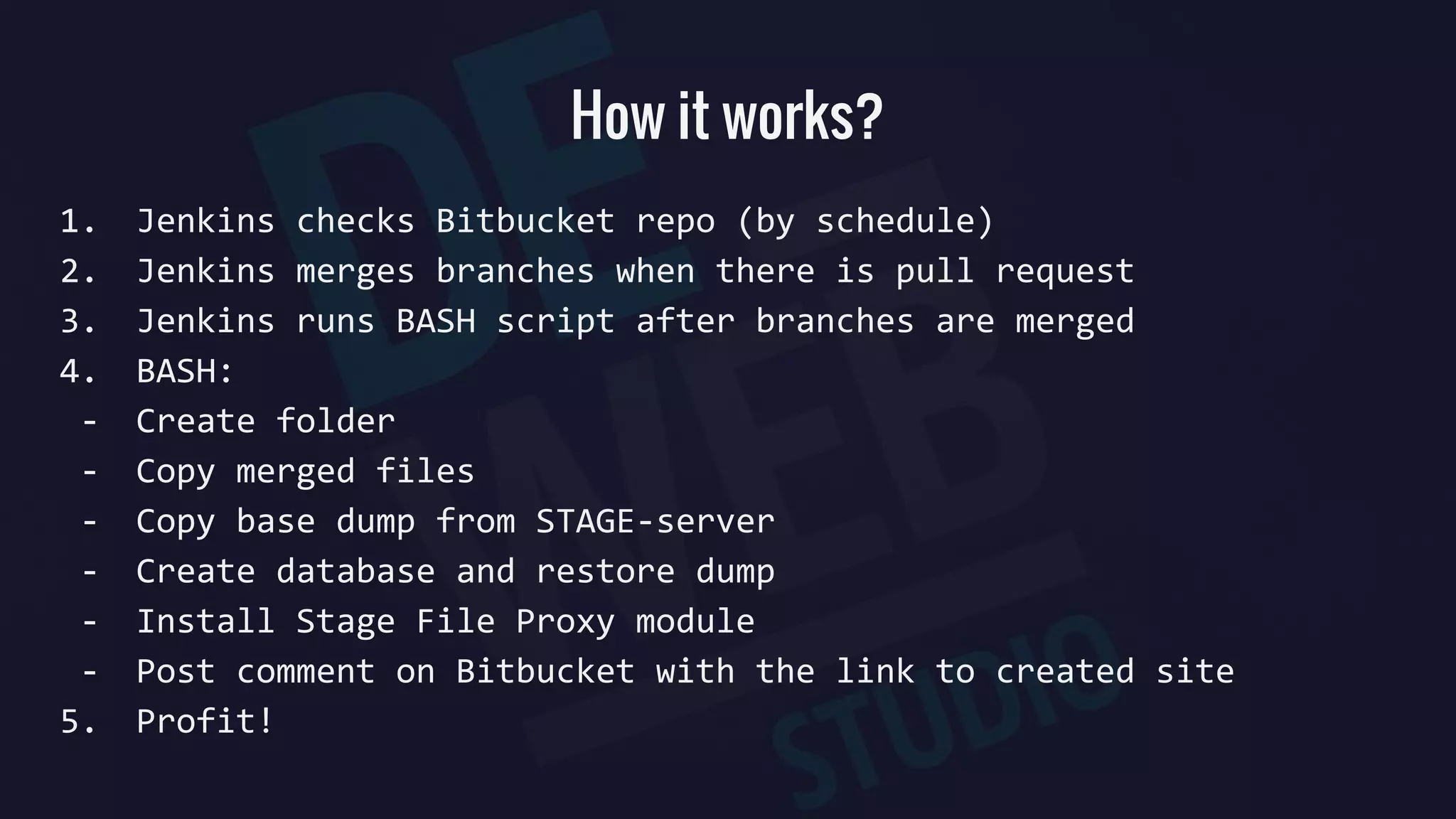
How it works?
1. Jenkins checks Bitbucket repo (by schedule)
2. Jenkins merges branches when there is pull request
3. Jenkins runs BASH script after branches are merged
4. BASH:
- Create folder
- Copy merged files
- Copy base dump from STAGE-server
- Create database and restore dump
- Install Stage File Proxy module
- Post comment on Bitbucket with the link to created site
5. Profit!
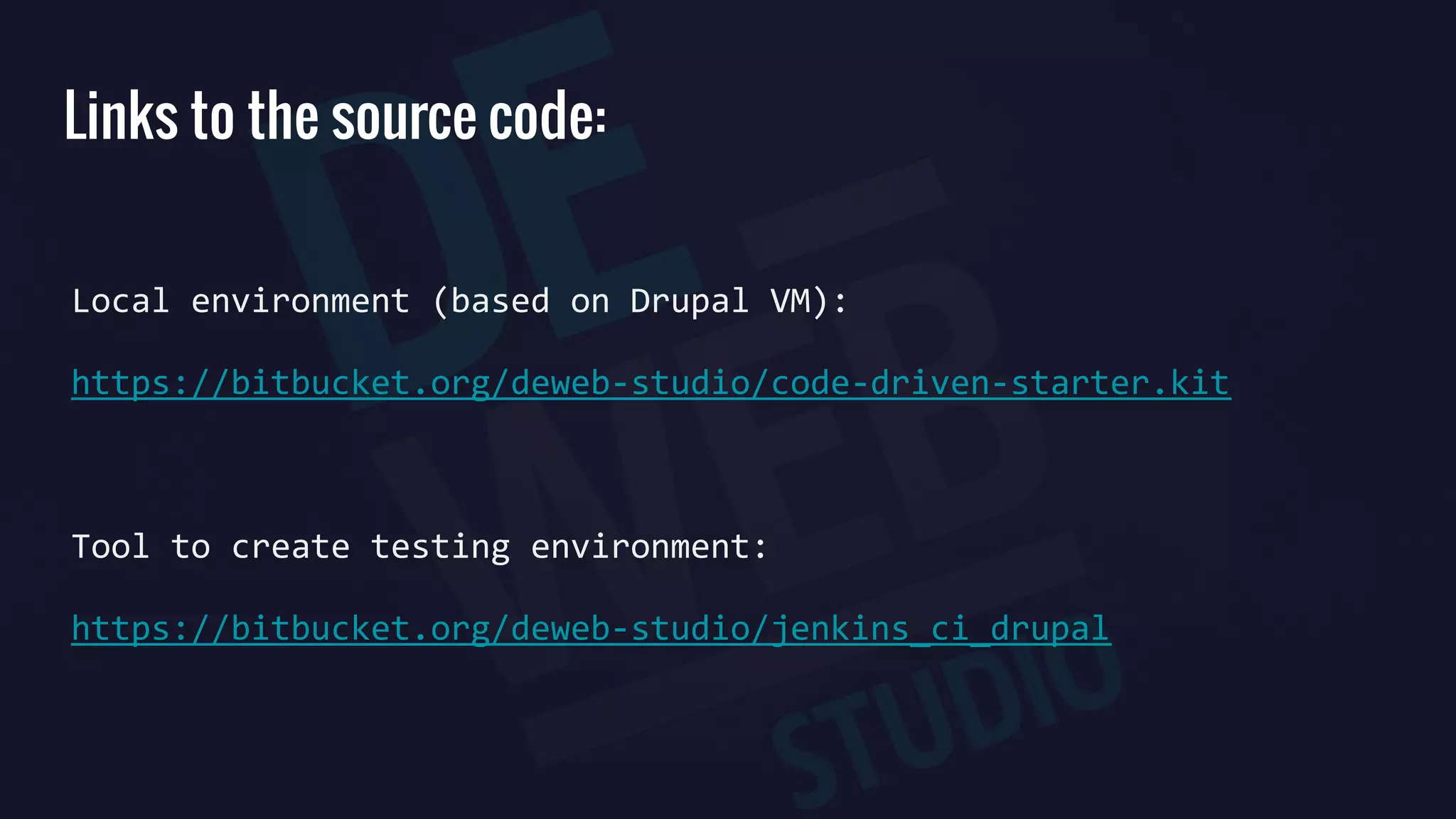
Links to the source code:
Local environment (based on Drupal VM):
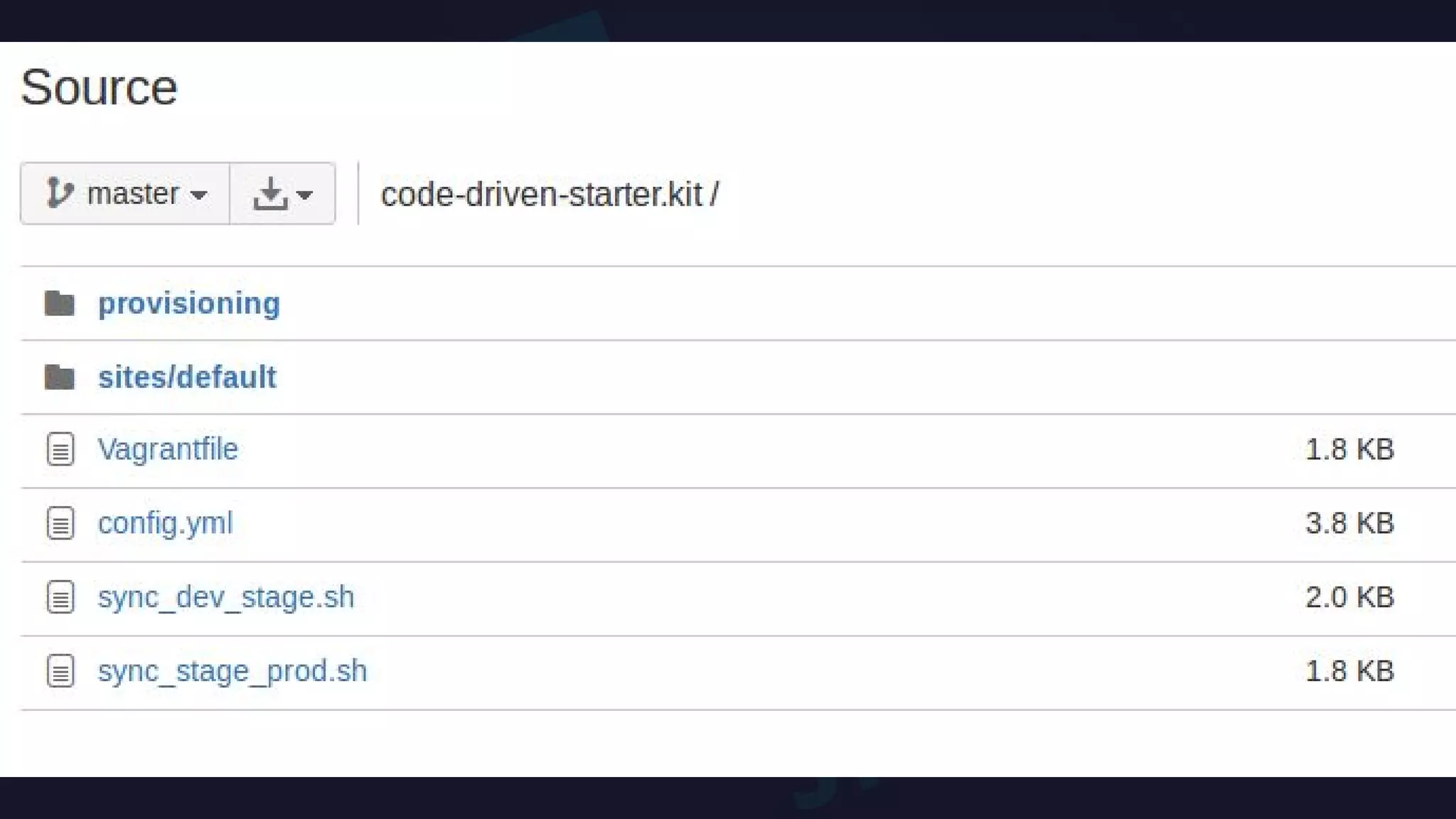
https://bitbucket.org/deweb-studio/code-driven-starter.kit
Tool to create testing environment:
https://bitbucket.org/deweb-studio/jenkins_ci_drupal
CI workflow in a web studio

CI workflow in a web studio

  • 2.
  • 3.
    Problems Back-ups. The onlything for your protection; creating one thing, you can make a mess somewhere else; yet we know we can make a minor change in 5 min - we have a lot of them; you can’t even imagine how many bugs you’ll meet during the last testing before deadline; where is our time?!; while you don’t have rules - your client gives them to you; panic during deadline/deploy;
  • 4.
    Continuous Integration Workflow CI- is the practice, in software engineering, of merging all developer working copies to a shared mainline several times a day. What it gives to you: - better developing processes; - smooth deploy process; - deploy is possible every day.
  • 5.
  • 7.
    Step 1. CodeDriven Development
  • 8.
    Step 2. Understandingof how it works
  • 9.
  • 10.
  • 11.
  • 13.
  • 14.
  • 15.
  • 16.
    Step 2 Start workingwith Console, Learn SSH
  • 17.
    Step 3 Learn howto move sites between servers… 1. rsync -avh -e 'ssh -p [port]' [ssh_user]@[server_name]:/path/to/drupal/ ./ 2. nano sites/default/settings.php 3. drush sql-drop 4. gunzip < sites/../../../dump_name.mysql.gz | drush sql-cli
  • 18.
    Learn how toautomate server provisioning Step 4
  • 19.
  • 20.
  • 21.
    Default: Apache 2.4.x (orNginx 1.x), PHP 5.6.x, MySQL 5.5.x, Drush, Drupal 6.x, 7.x, or 8.x.x. Other cool stuff: Varnish 4.x, Apache Solr 4.10.x, Node.js 0.12, Selenium, Ruby Memcached XHProf, XDebug, Adminer, Pimp my Log, MailHog
  • 22.
    Step 7 Start usingGit and Bitbucket + pull requests + manual Code review
  • 23.
    Step 8 Code drivendevelopment - features - strongarm - hook_update_N()
  • 24.
    Step 9: STAGE+ PROD environment
  • 25.
    Step 10: DeployContinuously 1. cd /path/to/docroot 2. drush vset maintenance_mode 1 3. drush bb 4. git pull 5. drush rr 6. drush updb -y 7. drush cc all 8. drush vset maintenance_mode 0
  • 26.
    Step 11 1. Checkif "$HOSTNAME" == "$CURRENT_HOSTNAME" (run it only on DEV) 2. cp local.settings.php settings.php 3. rsync -avh --delete -e "$SSH_OPT" $REMOTE_USER@$REMOTE_SERVER:$PATH_TO_SITEROOT/sites/default/files/ . /sites/default/files 4. drush sql-drop -y 5. BASE_DUMP=$(ls -t $PATH_TO_BM_MANUAL/*.mysql.gz | head -1) 6. gunzip < $BASE_DUMP | drush sql-cli First DEV-STAGE sync script
  • 27.
    Step 12 1. Checkif "$HOSTNAME" == "$CURRENT_HOSTNAME" (run it only on STAGE) 2. rsync -avh --delete -e "$SSH_OPT" $REMOTE_USER@$REMOTE_SERVER:$PATH_TO_SITEROOT/sites/default/files/ . /sites/default/files 3. drush sql-drop -y 4. BASE_DUMP=$(ls -t $PATH_TO_BM_MANUAL/*.mysql.gz | head -1) 5. gunzip < $BASE_DUMP | drush sql-cli First STAGE-PROD sync script
  • 28.
    Let's count 2 projectsat a time 2 servers (STAGE and PROD) on each project to deploy 9 commands to deploy (1 ssh + 8 deploy) 2 * 2 * 9 = 36 Manual actions / day (minimum) And be sure to don’t mess up anything!
  • 29.
  • 34.
    Step 14 Scripts improvements -Move Drupal files to docroot - Create reinstal.sh - Move all settings to settings.sh
  • 37.
  • 38.
    How to createtesting environment? 1. Pull files from Bitbucket 2. Get Database dump from STAGE-server 3. Restore database from dump 4. Install Stage File Proxy module (or rsync files folder) 5. Send link somewhere 6. Profit!
  • 40.
  • 41.
    Step N Create scriptto create testing environments
  • 42.
    How it works? 1.Jenkins checks Bitbucket repo (by schedule) 2. Jenkins merges branches when there is pull request 3. Jenkins runs BASH script after branches are merged 4. BASH: - Create folder - Copy merged files - Copy base dump from STAGE-server - Create database and restore dump - Install Stage File Proxy module - Post comment on Bitbucket with the link to created site 5. Profit!
  • 44.
    Links to thesource code: Local environment (based on Drupal VM): https://bitbucket.org/deweb-studio/code-driven-starter.kit Tool to create testing environment: https://bitbucket.org/deweb-studio/jenkins_ci_drupal