Intro to Drupal
Gerald Villorente
OpenSource Developer
Agenda
●
Installation
●
Anatomy
●
Terminologies
Installation
System Requirements
●
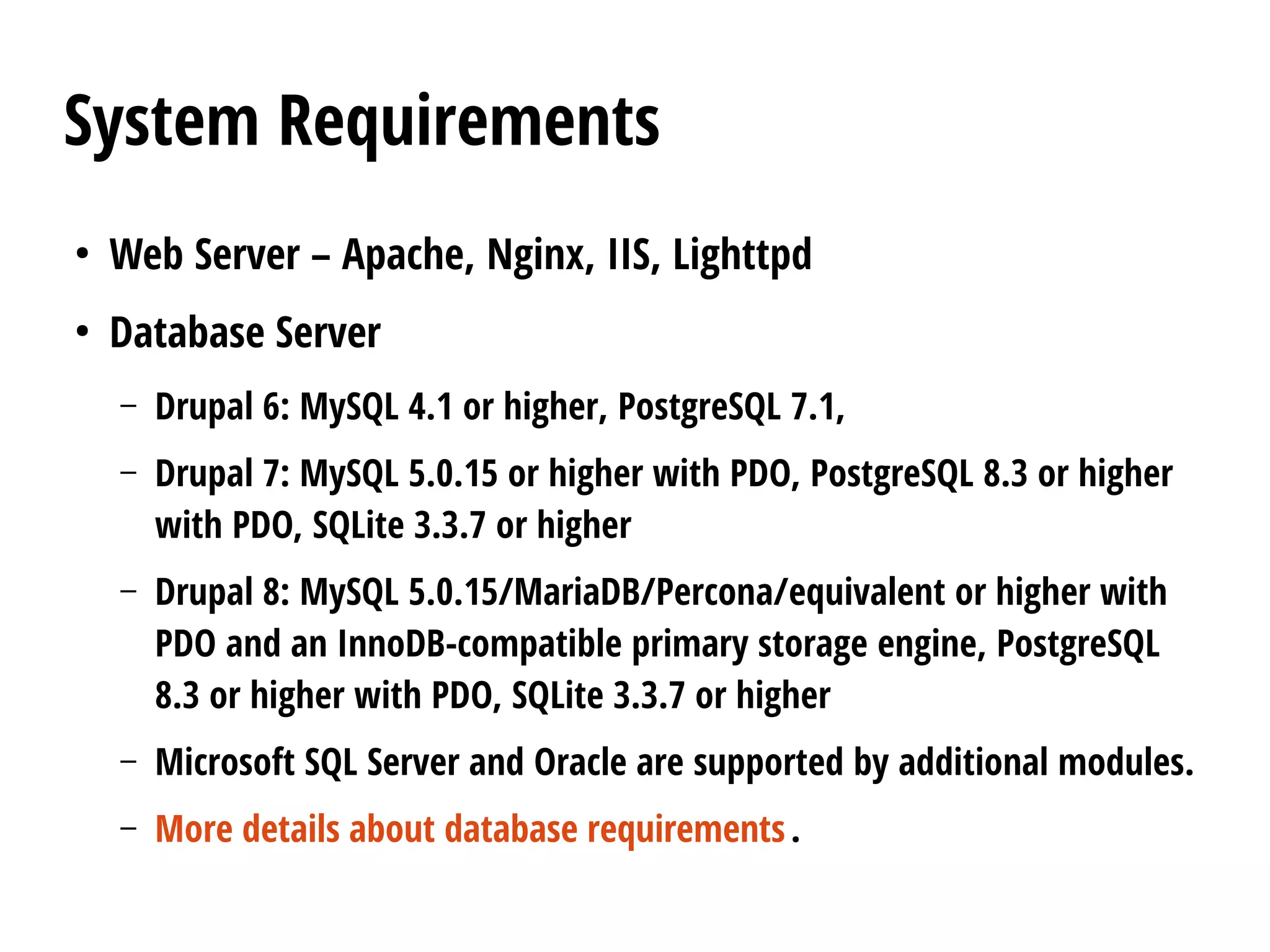
Web Server – Apache, Nginx, IIS, Lighttpd
●
Database Server
– Drupal 6: MySQL 4.1 or higher, PostgreSQL 7.1,
– Drupal 7: MySQL 5.0.15 or higher with PDO, PostgreSQL 8.3 or higher
with PDO, SQLite 3.3.7 or higher
– Drupal 8: MySQL 5.0.15/MariaDB/Percona/equivalent or higher with
PDO and an InnoDB-compatible primary storage engine, PostgreSQL
8.3 or higher with PDO, SQLite 3.3.7 or higher
– Microsoft SQL Server and Oracle are supported by additional modules.
– More details about database requirements.
System Requirements
●
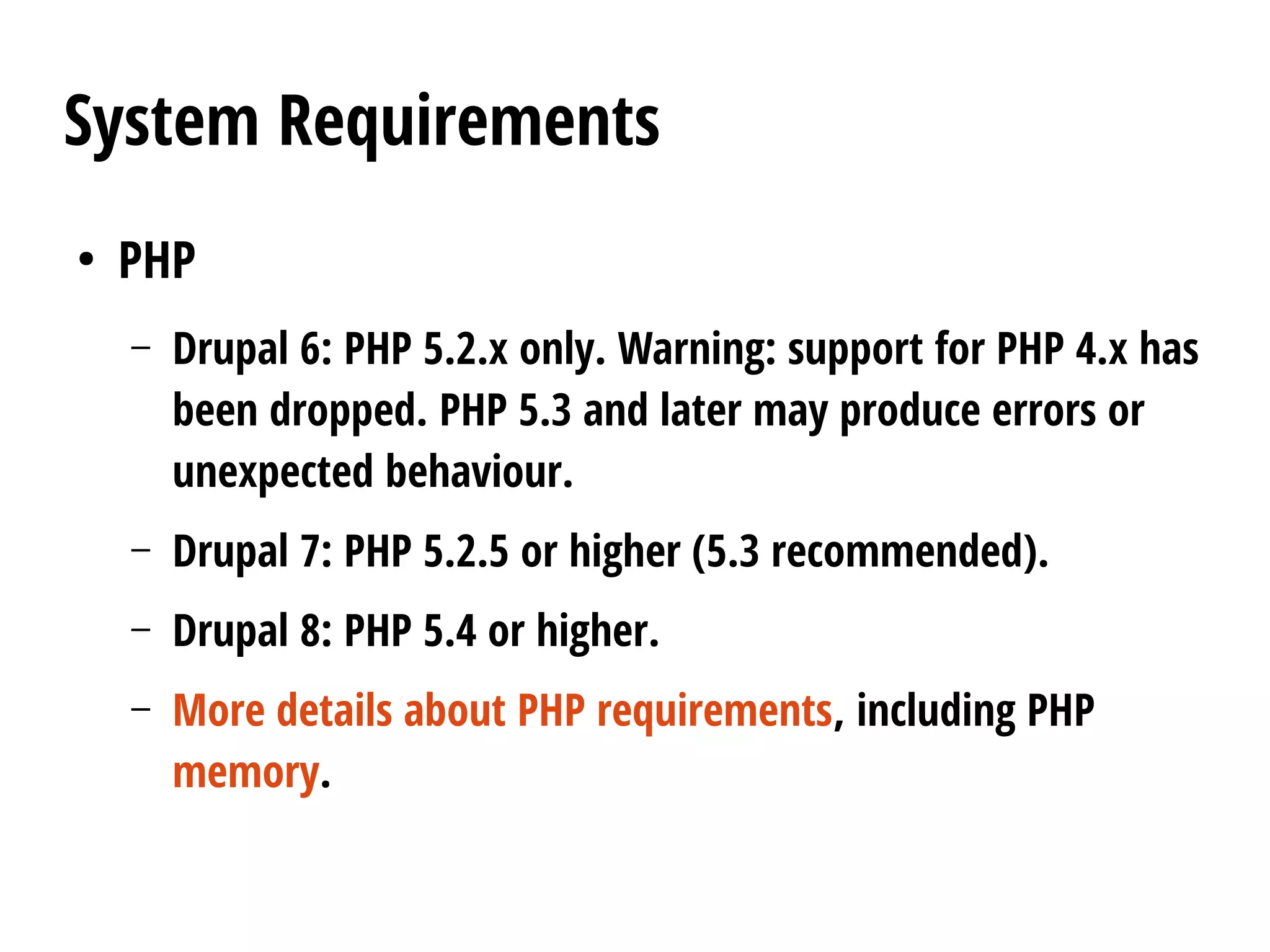
PHP
– Drupal 6: PHP 5.2.x only. Warning: support for PHP 4.x has
been dropped. PHP 5.3 and later may produce errors or
unexpected behaviour.
– Drupal 7: PHP 5.2.5 or higher (5.3 recommended).
– Drupal 8: PHP 5.4 or higher.
– More details about PHP requirements, including PHP
memory.
Download and extract Drupal
Drupal is available in two supported versions (the most
recent and the previous). The "recommended release" is the
latest stable release of that version. To learn more about
versions, see the Drupal version information page.
On many *nix computers the path from the server's root
will be /var/www/, so cd /var/www/. On a shared server, or a
server that hosts multiple domains, the path will be
different (try cd ~/www or cd ~/public_html).
Download and extract Drupal
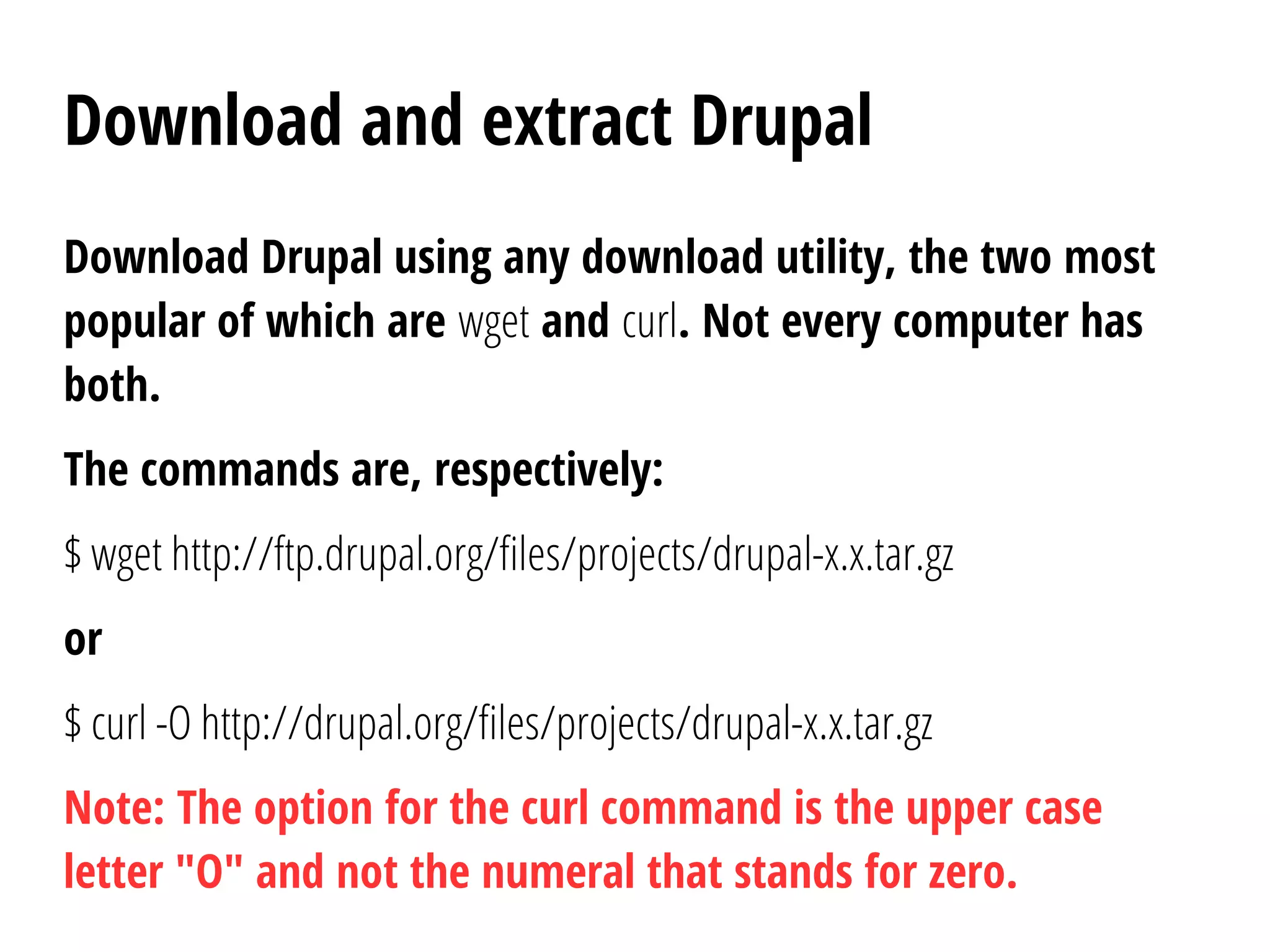
Download Drupal using any download utility, the two most
popular of which are wget and curl. Not every computer has
both.
The commands are, respectively:
$ wget http://ftp.drupal.org/files/projects/drupal-x.x.tar.gz
or
$ curl -O http://drupal.org/files/projects/drupal-x.x.tar.gz
Note: The option for the curl command is the upper case
letter "O" and not the numeral that stands for zero.
Download and extract Drupal
Replace the "http://drupal.org/files/projects/drupal-x.x.tar.gz"
string in the commands with the link for the version
you will be installing. To get links to recent versions,
visit https://drupal.org/project/drupal. Don't visit
http://ftp.drupal.org/files/projects unless you have to,
because it takes long to serve (it lists many files).
Download and extract Drupal
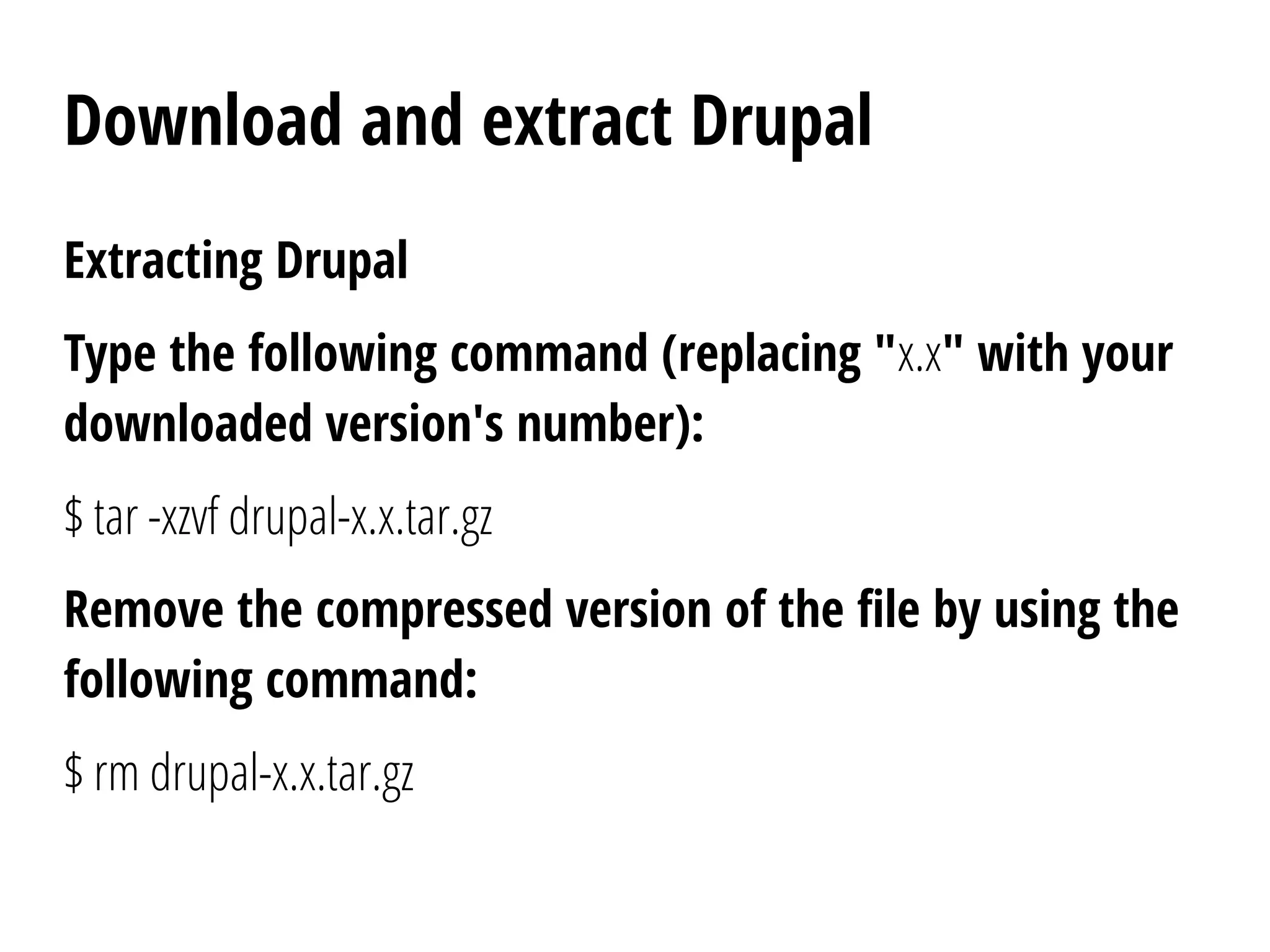
Extracting Drupal
Type the following command (replacing "x.x" with your
downloaded version's number):
$ tar -xzvf drupal-x.x.tar.gz
Remove the compressed version of the file by using the
following command:
$ rm drupal-x.x.tar.gz
Download and extract Drupal
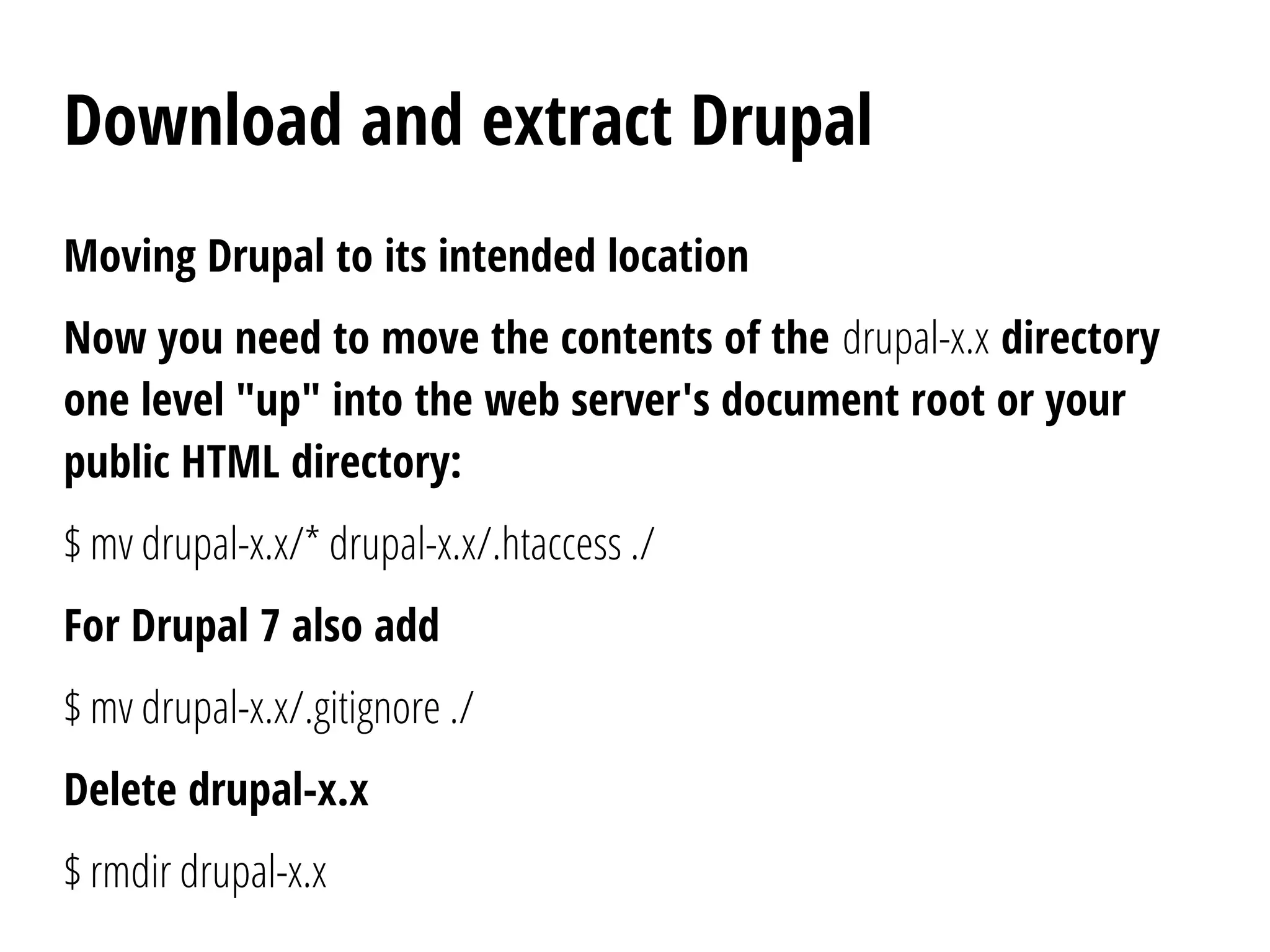
Moving Drupal to its intended location
Now you need to move the contents of the drupal-x.x directory
one level "up" into the web server's document root or your
public HTML directory:
$ mv drupal-x.x/* drupal-x.x/.htaccess ./
For Drupal 7 also add
$ mv drupal-x.x/.gitignore ./
Delete drupal-x.x
$ rmdir drupal-x.x
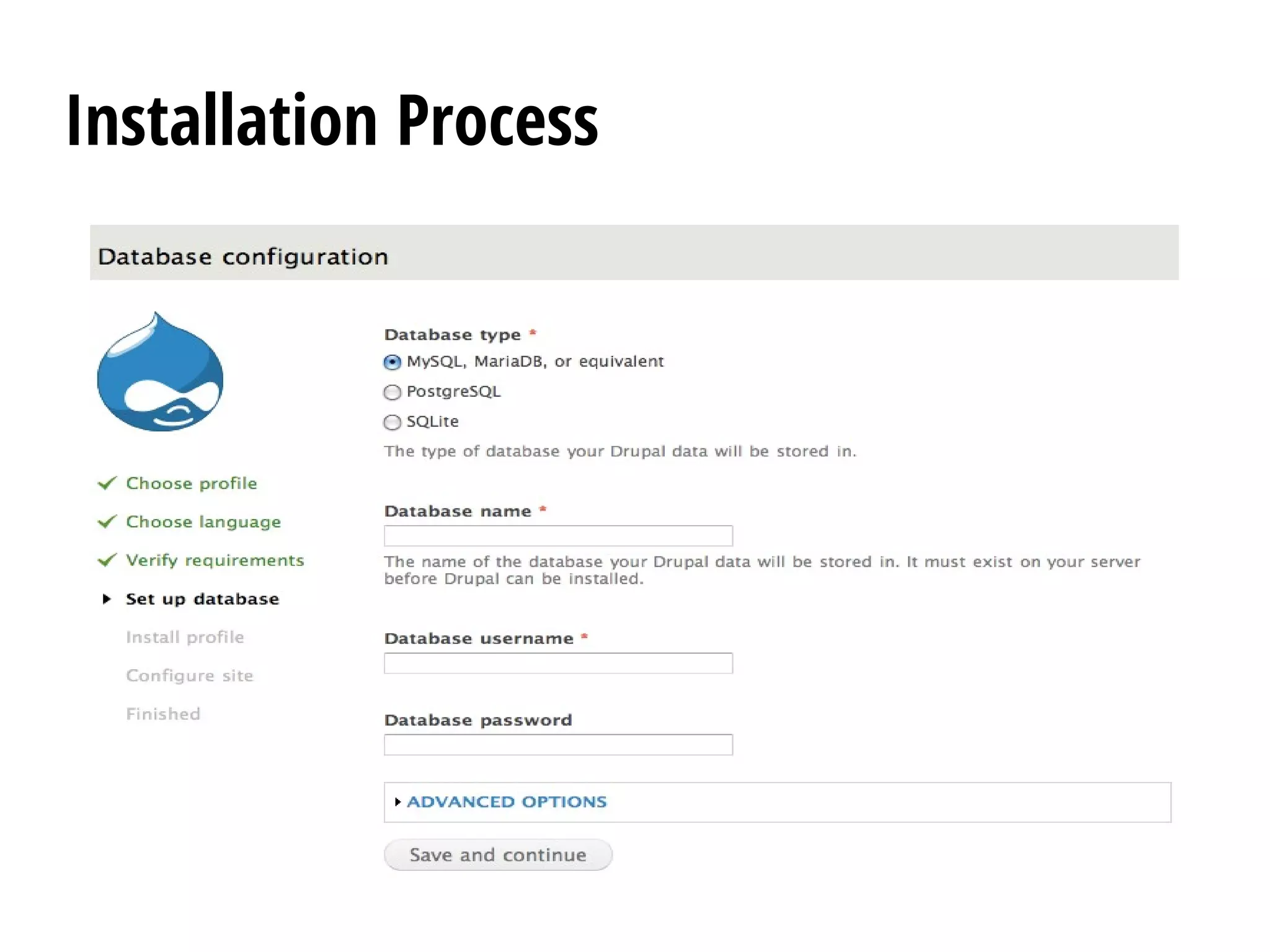
Create the database
Note: Since 8.x, Drupal can create the database itself if
its database user has enough privileges. See the
relevant change notice.
Before running the installation script, you must create
an empty database and database user (a user name
assigned the rights to use the Drupal database).
Create the database
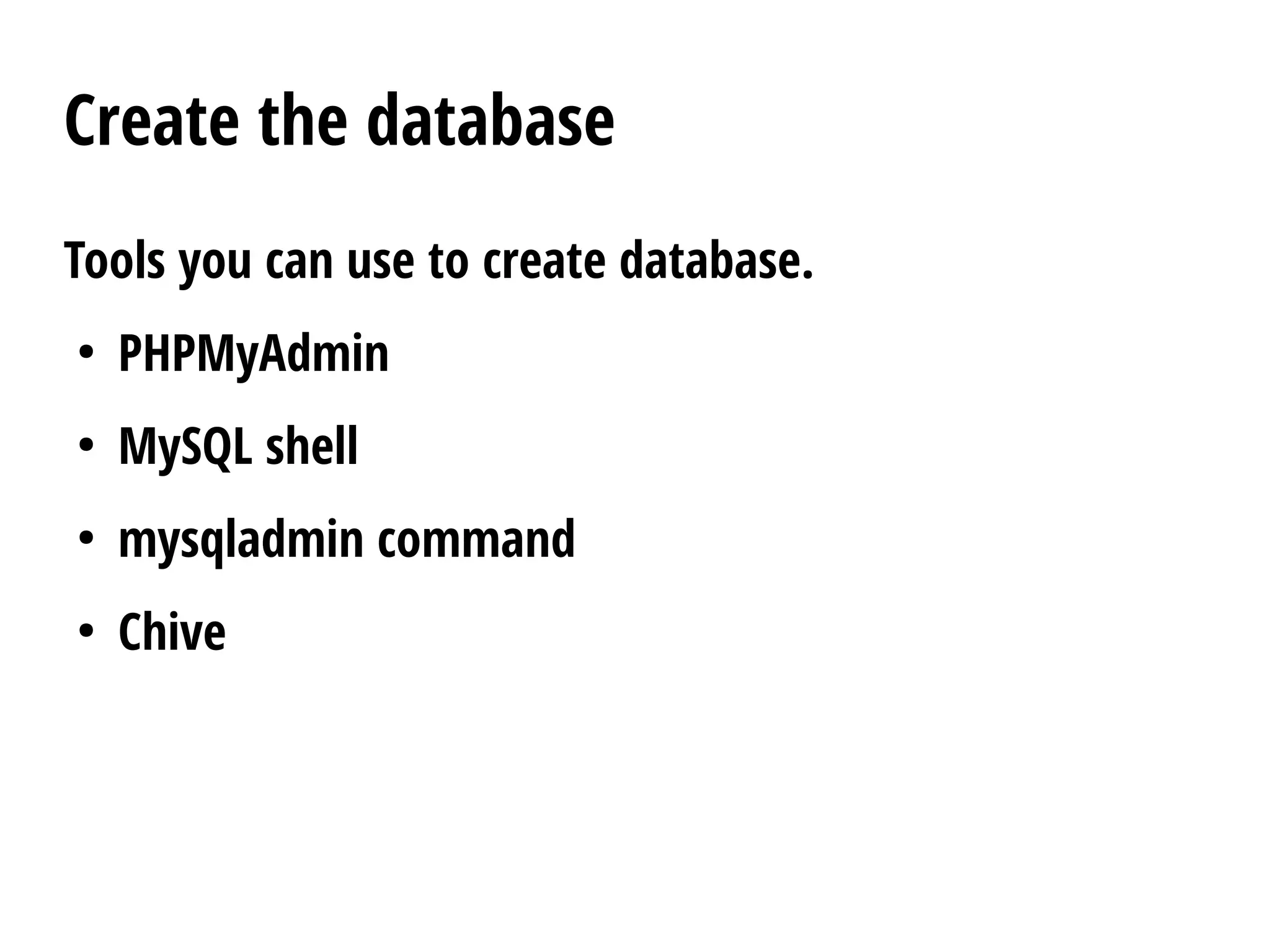
Tools you can use to create database.
●
PHPMyAdmin
●
MySQL shell
●
mysqladmin command
●
Chive
Create the database
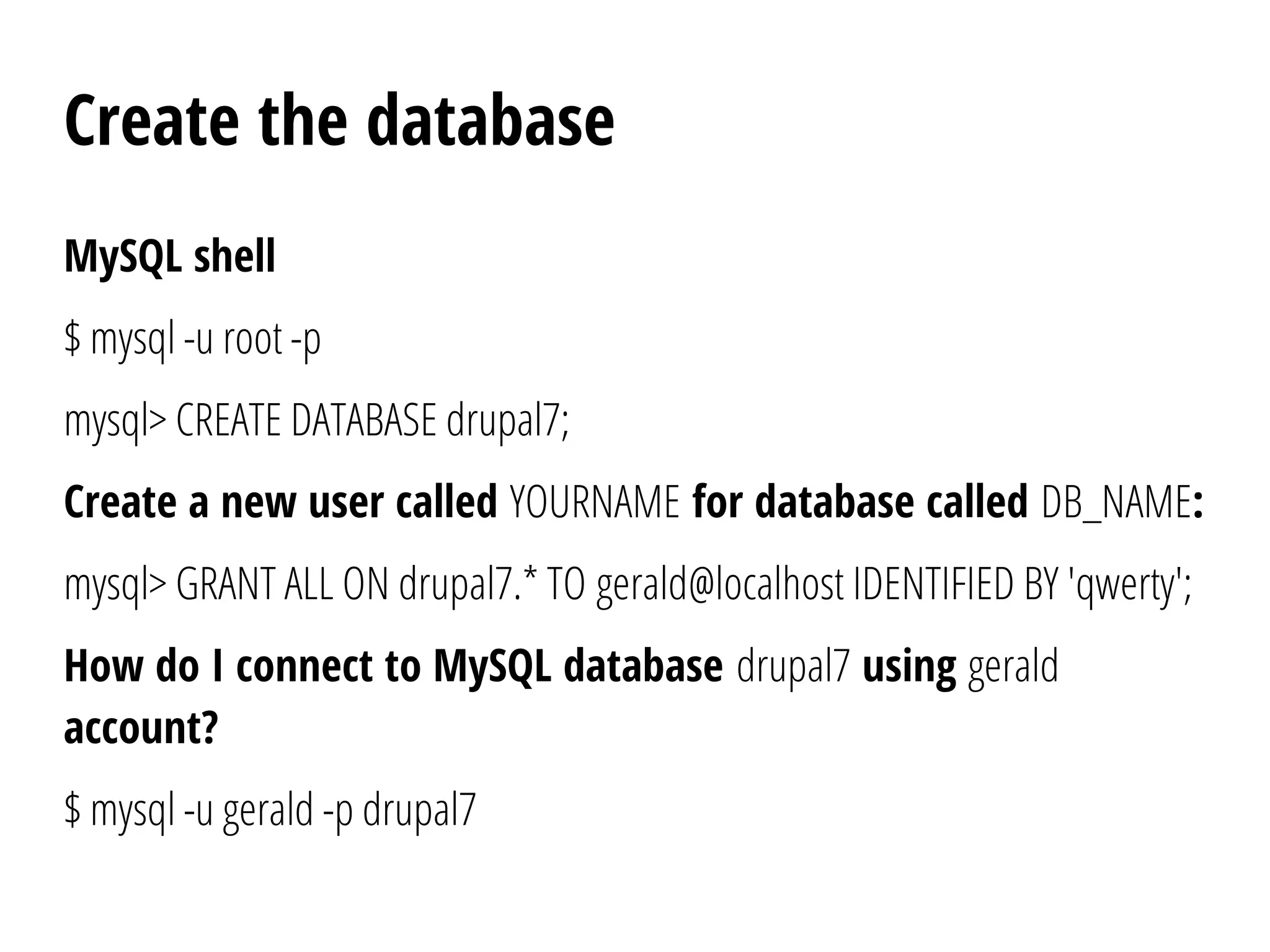
MySQL shell
$ mysql -u root -p
mysql> CREATE DATABASE drupal7;
Create a new user called YOURNAME for database called DB_NAME:
mysql> GRANT ALL ON drupal7.* TO gerald@localhost IDENTIFIED BY 'qwerty';
How do I connect to MySQL database drupal7 using gerald
account?
$ mysql -u gerald -p drupal7
Create the settings.php file
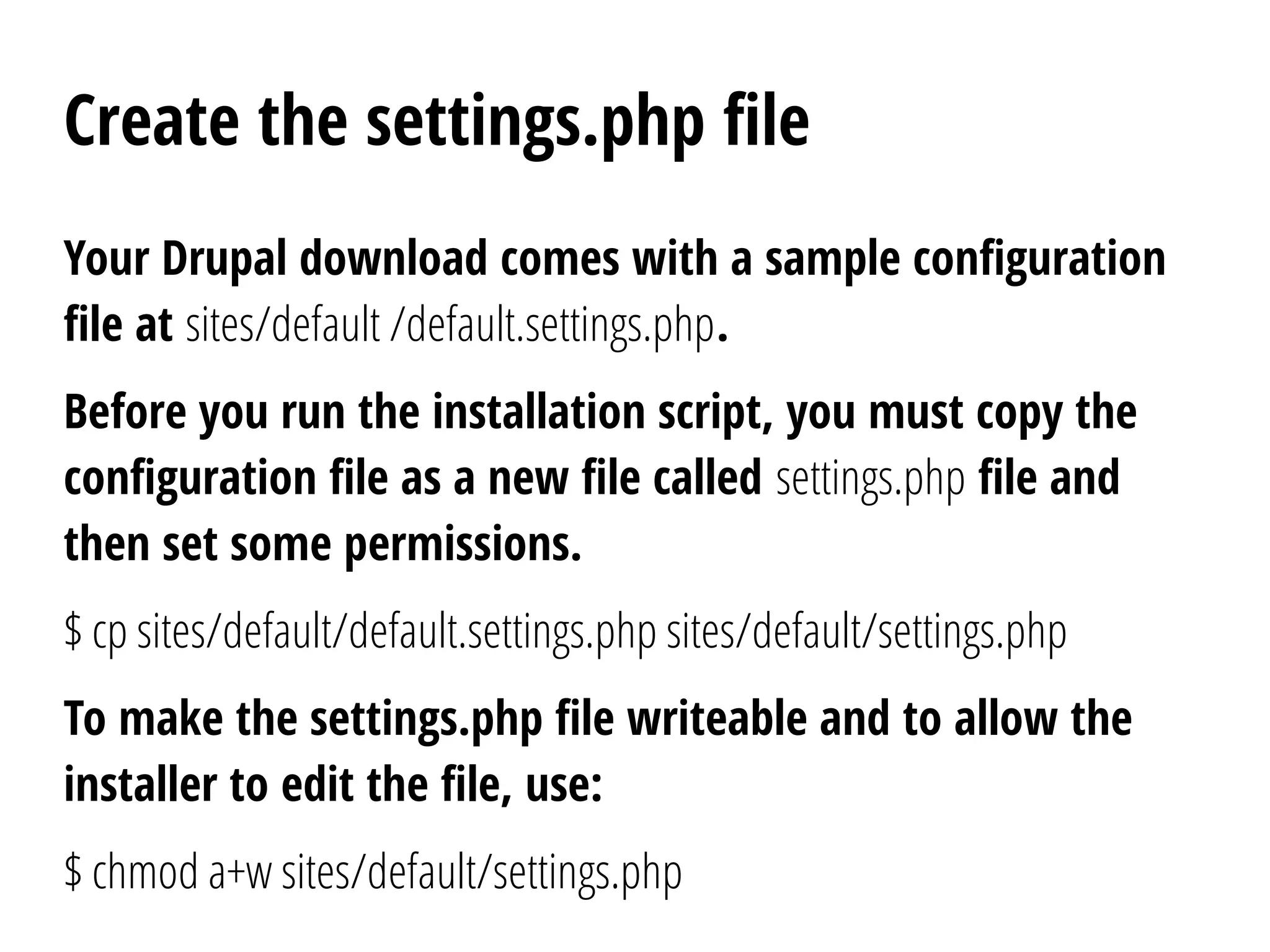
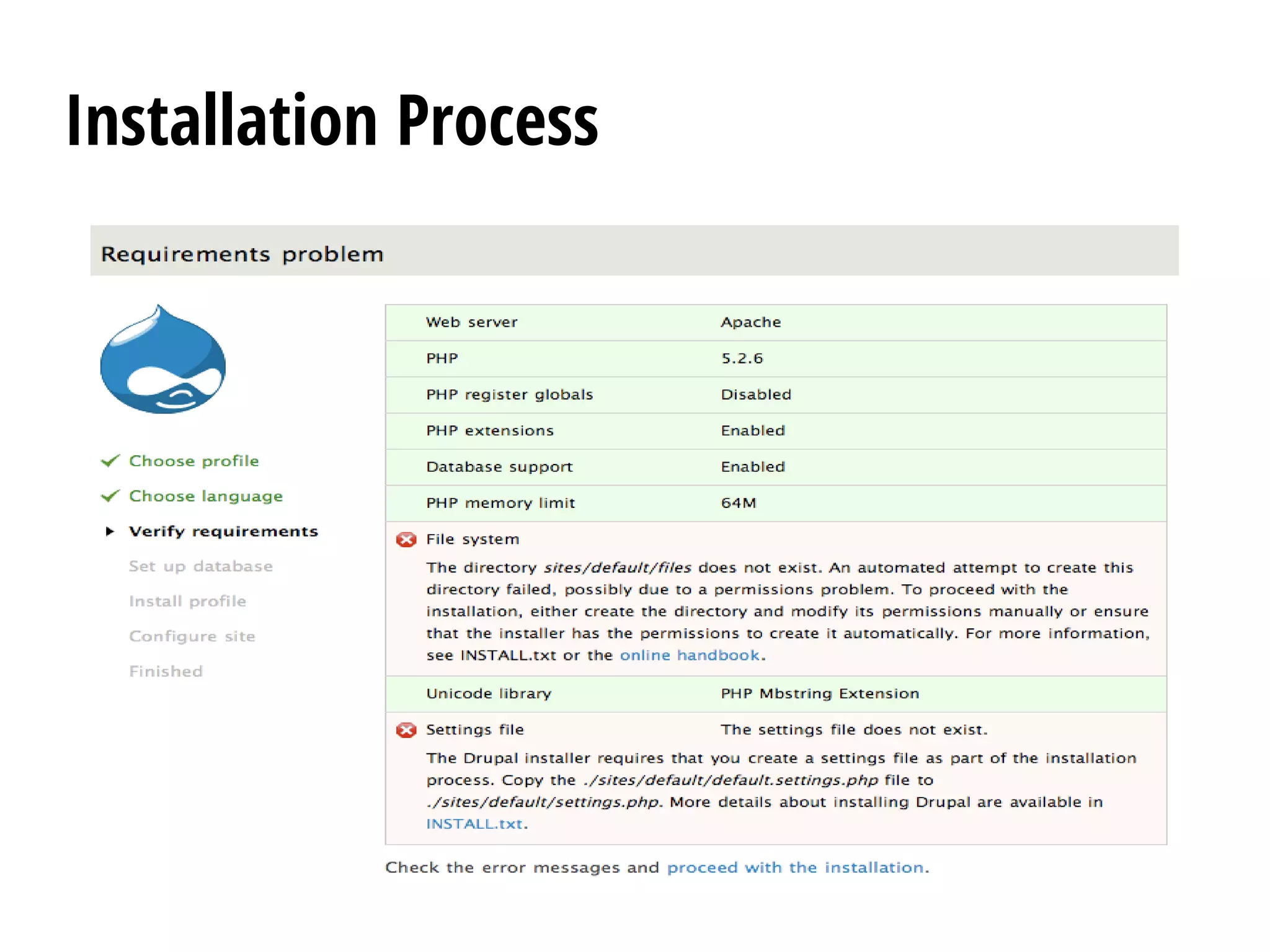
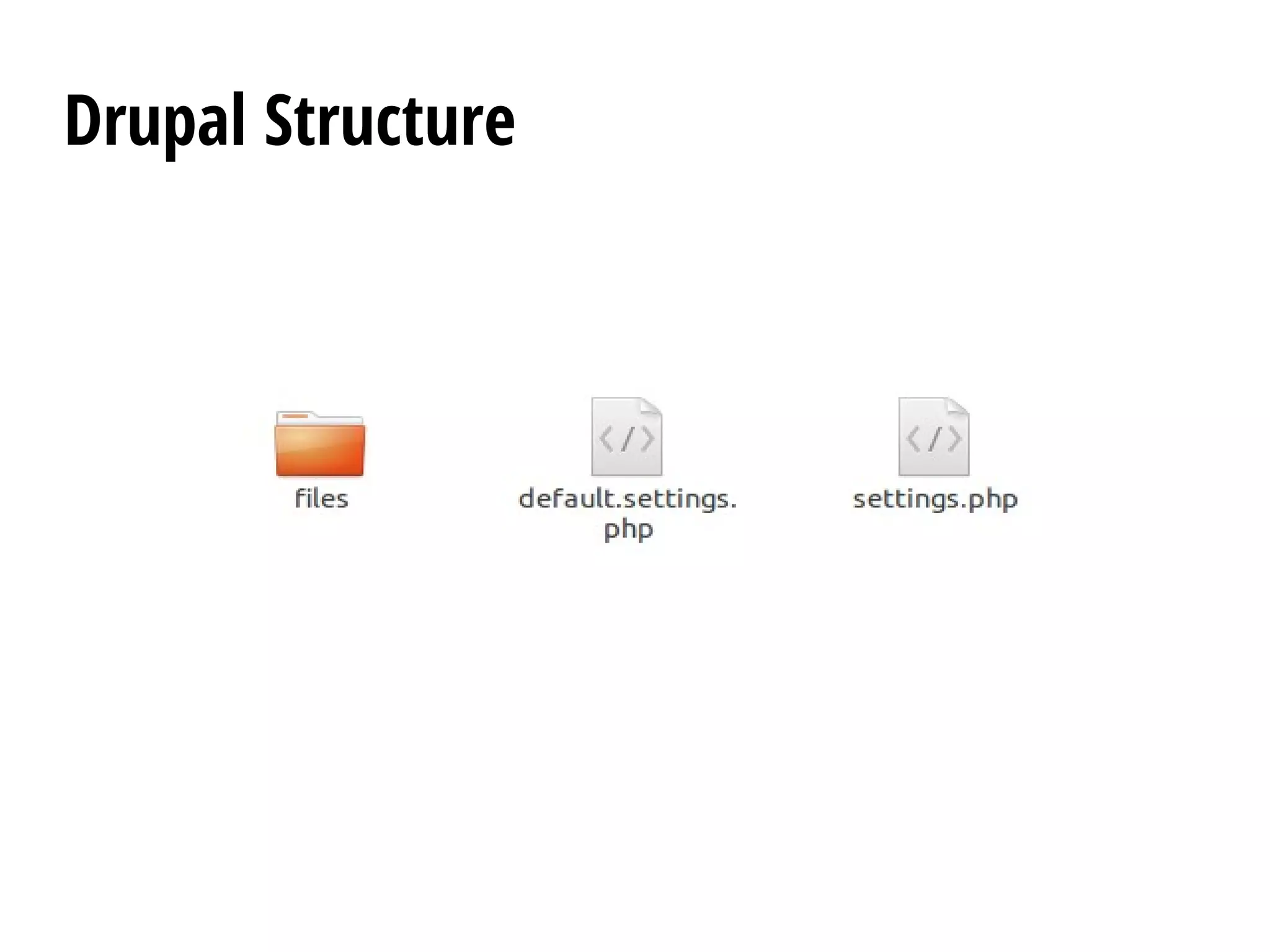
Your Drupal download comes with a sample configuration
file at sites/default /default.settings.php.
Before you run the installation script, you must copy the
configuration file as a new file called settings.php file and
then set some permissions.
$ cp sites/default/default.settings.php sites/default/settings.php
To make the settings.php file writeable and to allow the
installer to edit the file, use:
$ chmod a+w sites/default/settings.php
Create the settings.php file
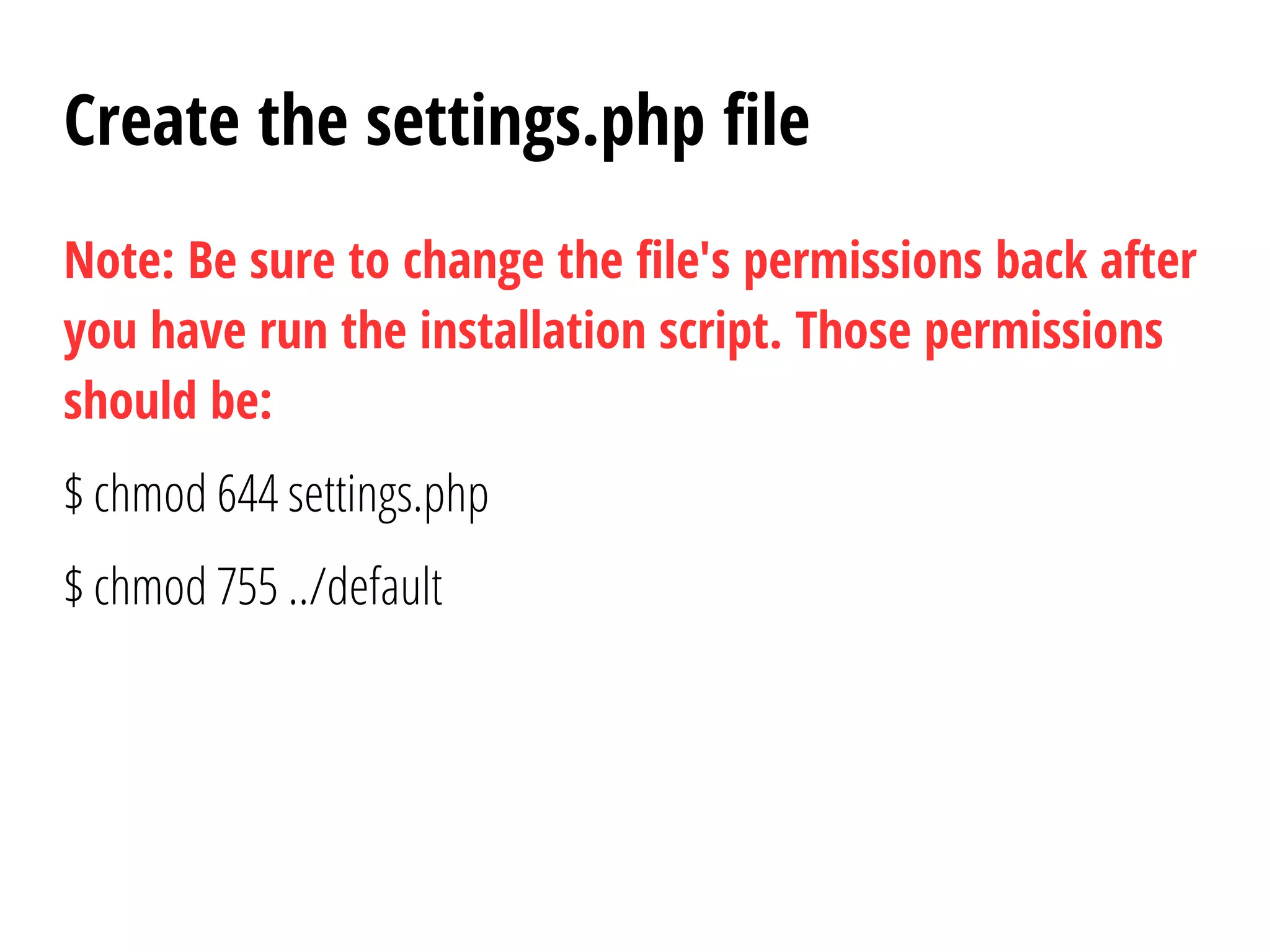
Note: Be sure to change the file's permissions back after
you have run the installation script. Those permissions
should be:
$ chmod 644 settings.php
$ chmod 755 ../default
Create the files directory
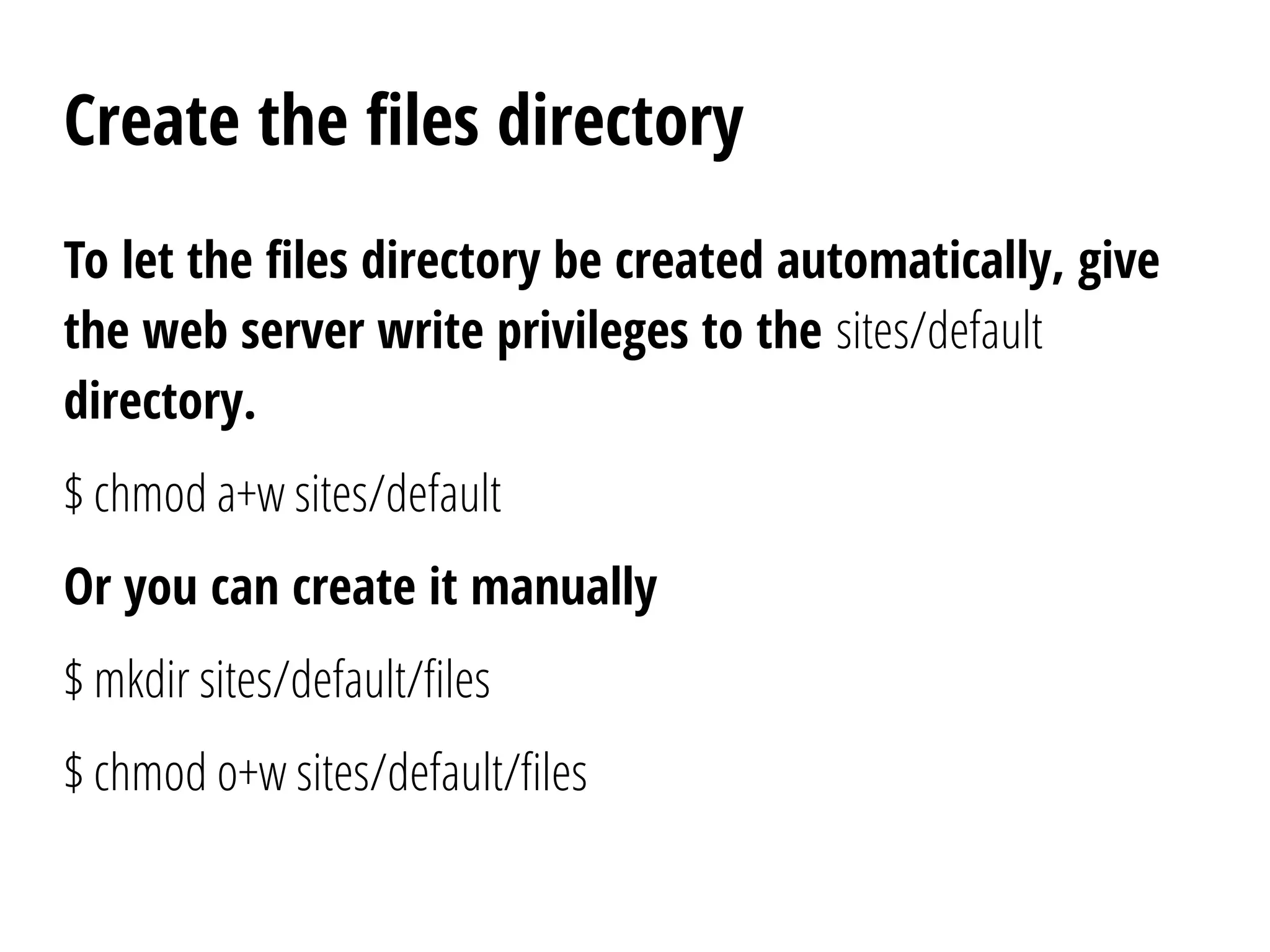
To let the files directory be created automatically, give
the web server write privileges to the sites/default
directory.
$ chmod a+w sites/default
Or you can create it manually
$ mkdir sites/default/files
$ chmod o+w sites/default/files
Run the installation script
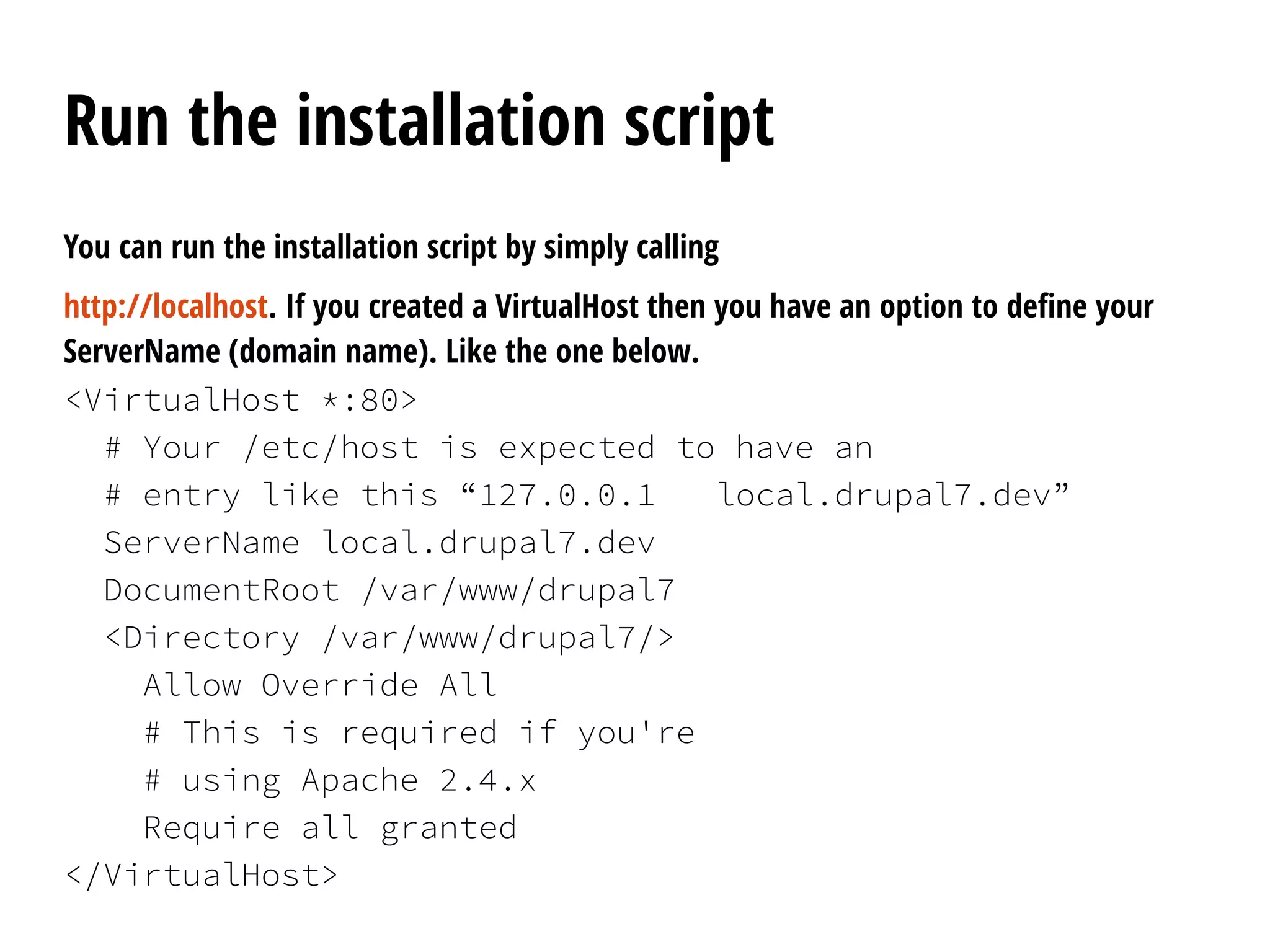
You can run the installation script by simply calling
http://localhost. If you created a VirtualHost then you have an option to define your
ServerName (domain name). Like the one below.
<VirtualHost *:80>
# Your /etc/host is expected to have an
# entry like this “127.0.0.1 local.drupal7.dev”
ServerName local.drupal7.dev
DocumentRoot /var/www/drupal7
<Directory /var/www/drupal7/>
Allow Override All
# This is required if you're
# using Apache 2.4.x
Require all granted
</VirtualHost>
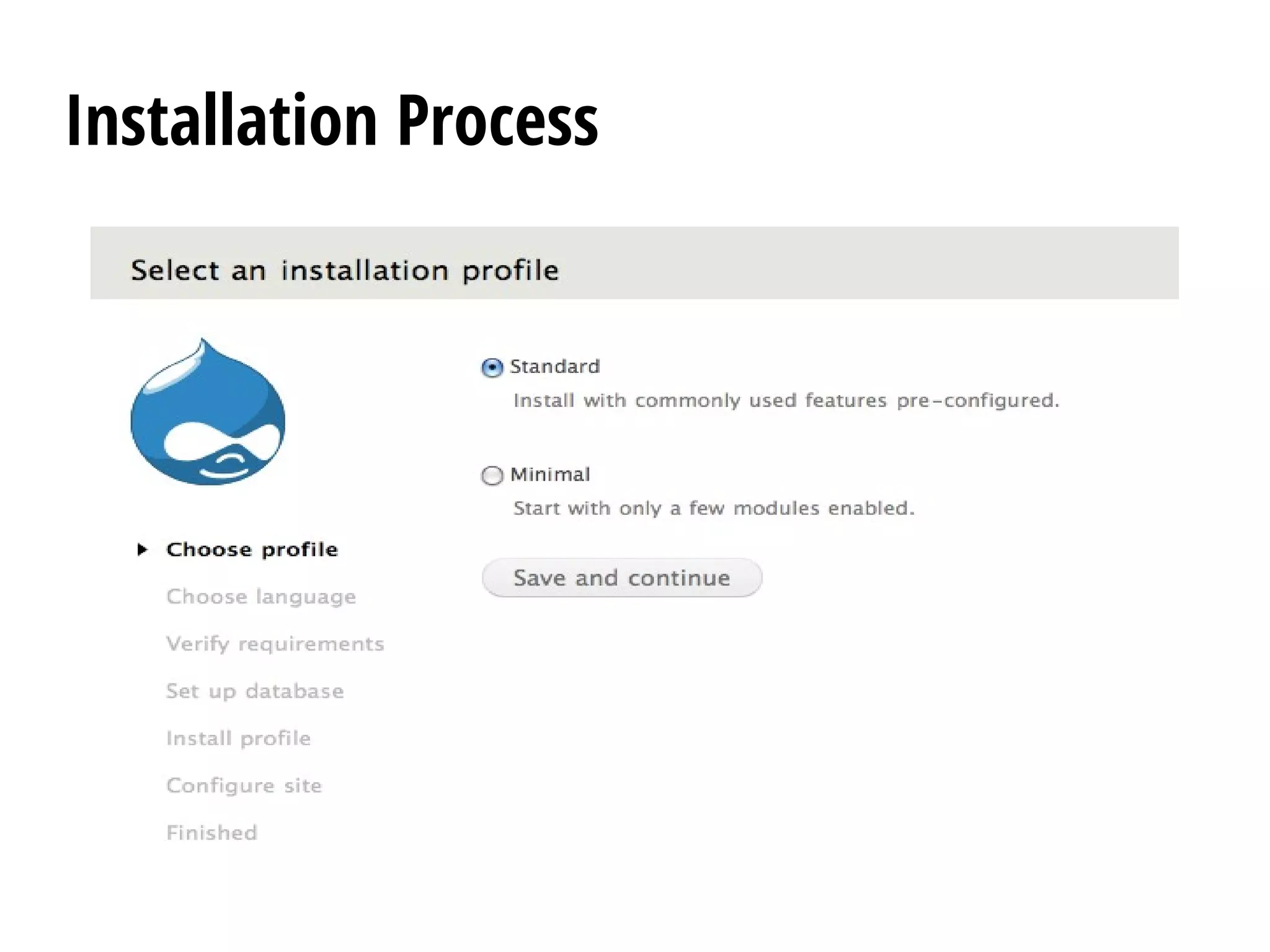
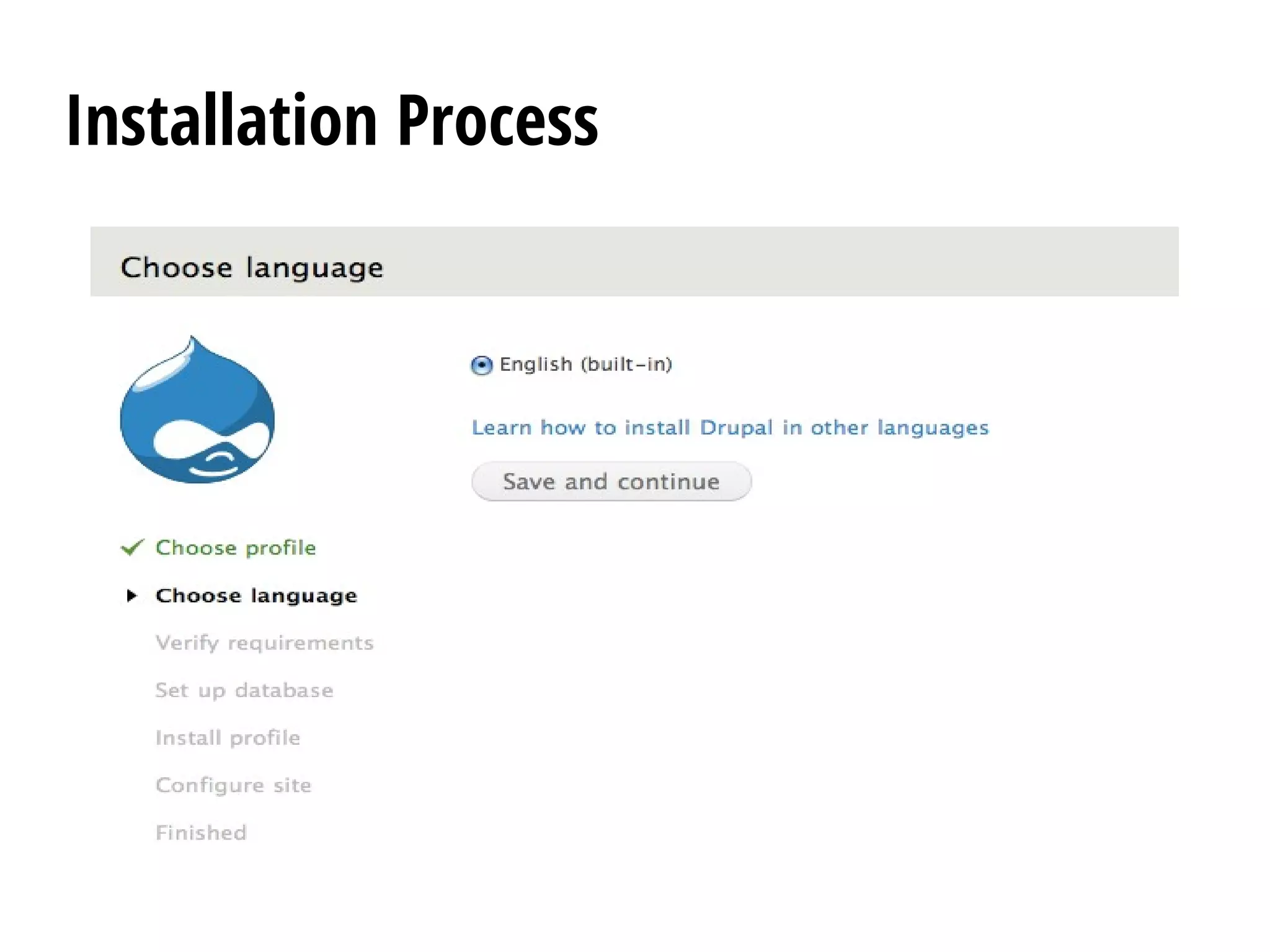
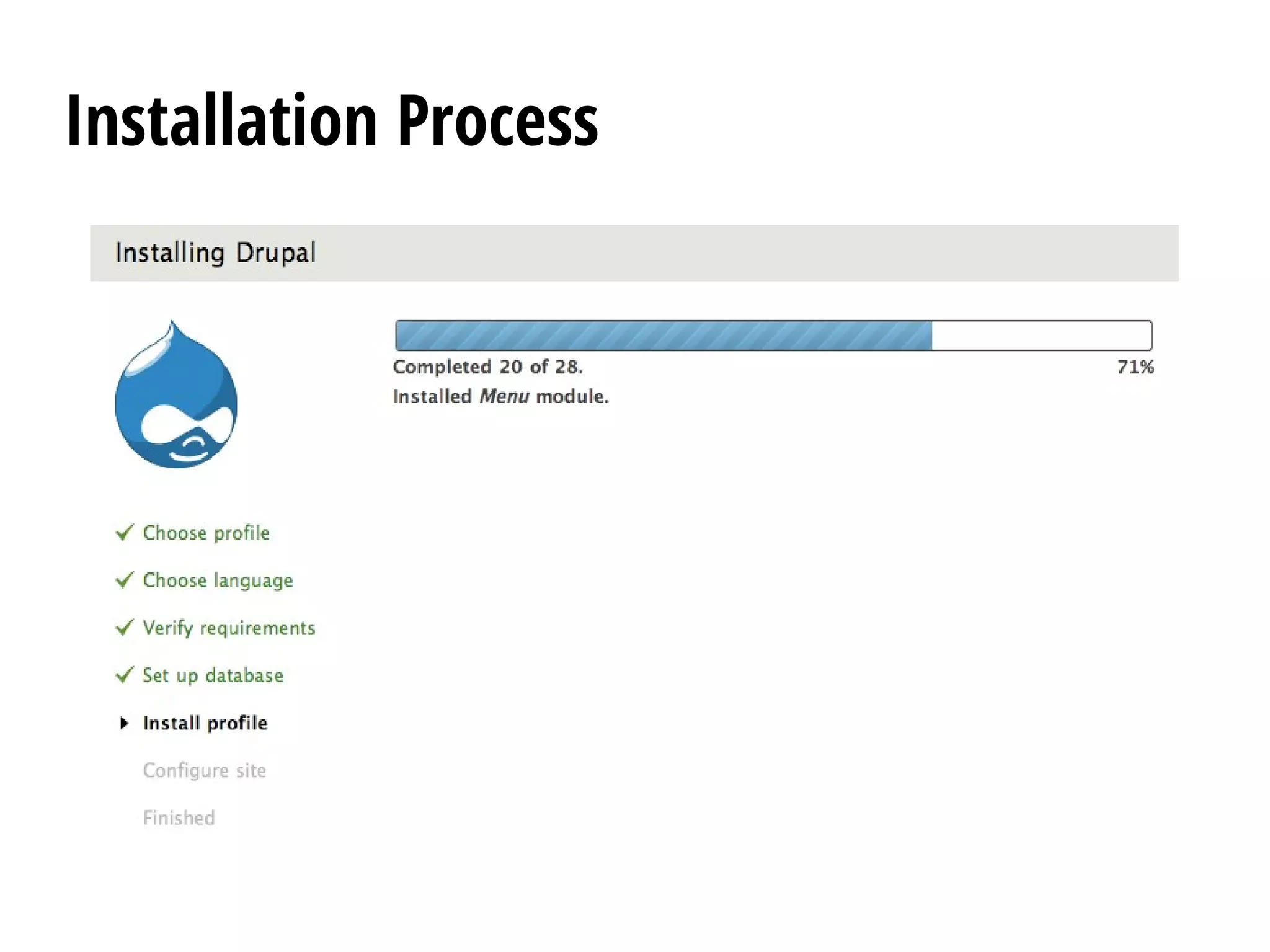
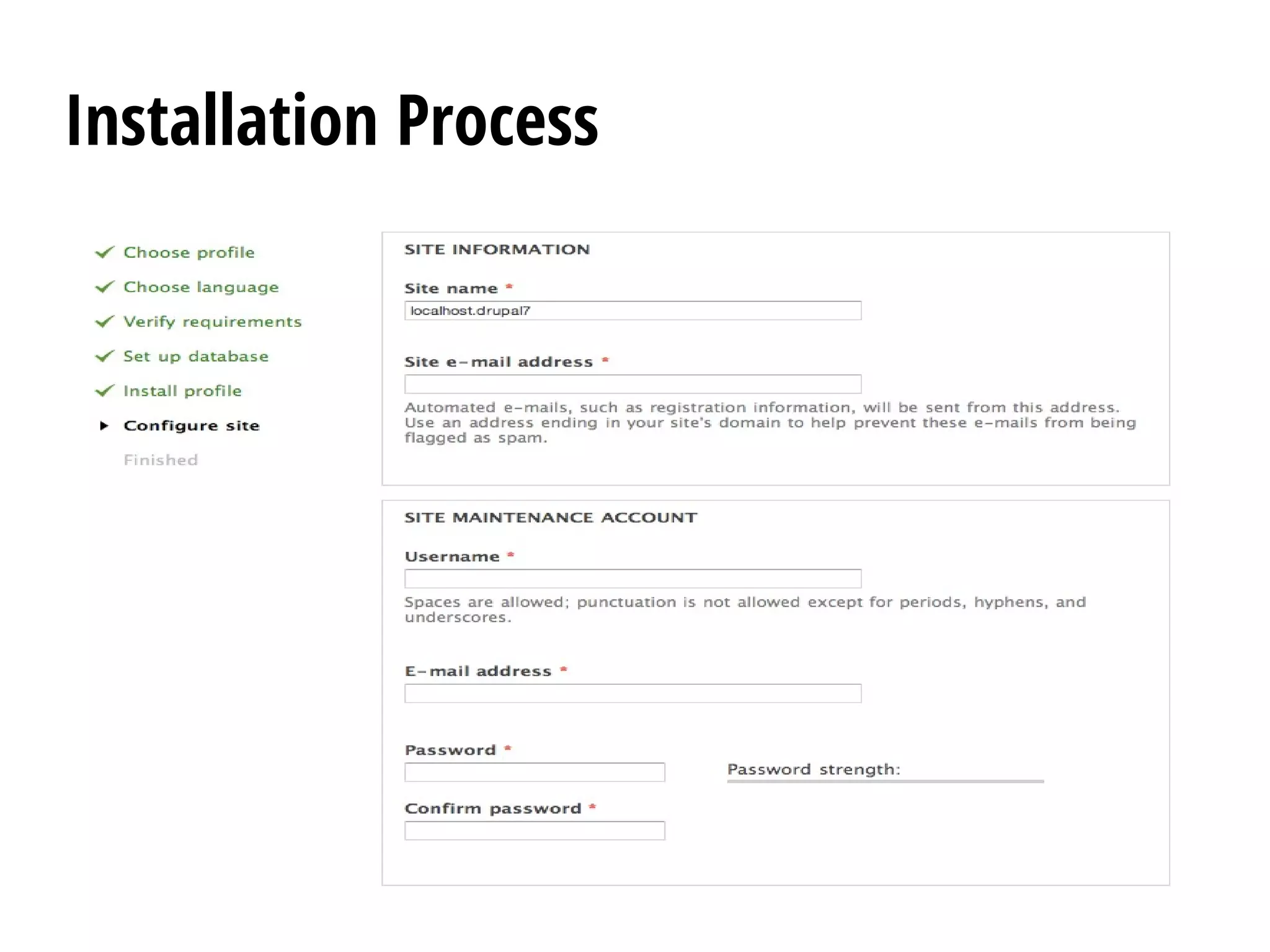
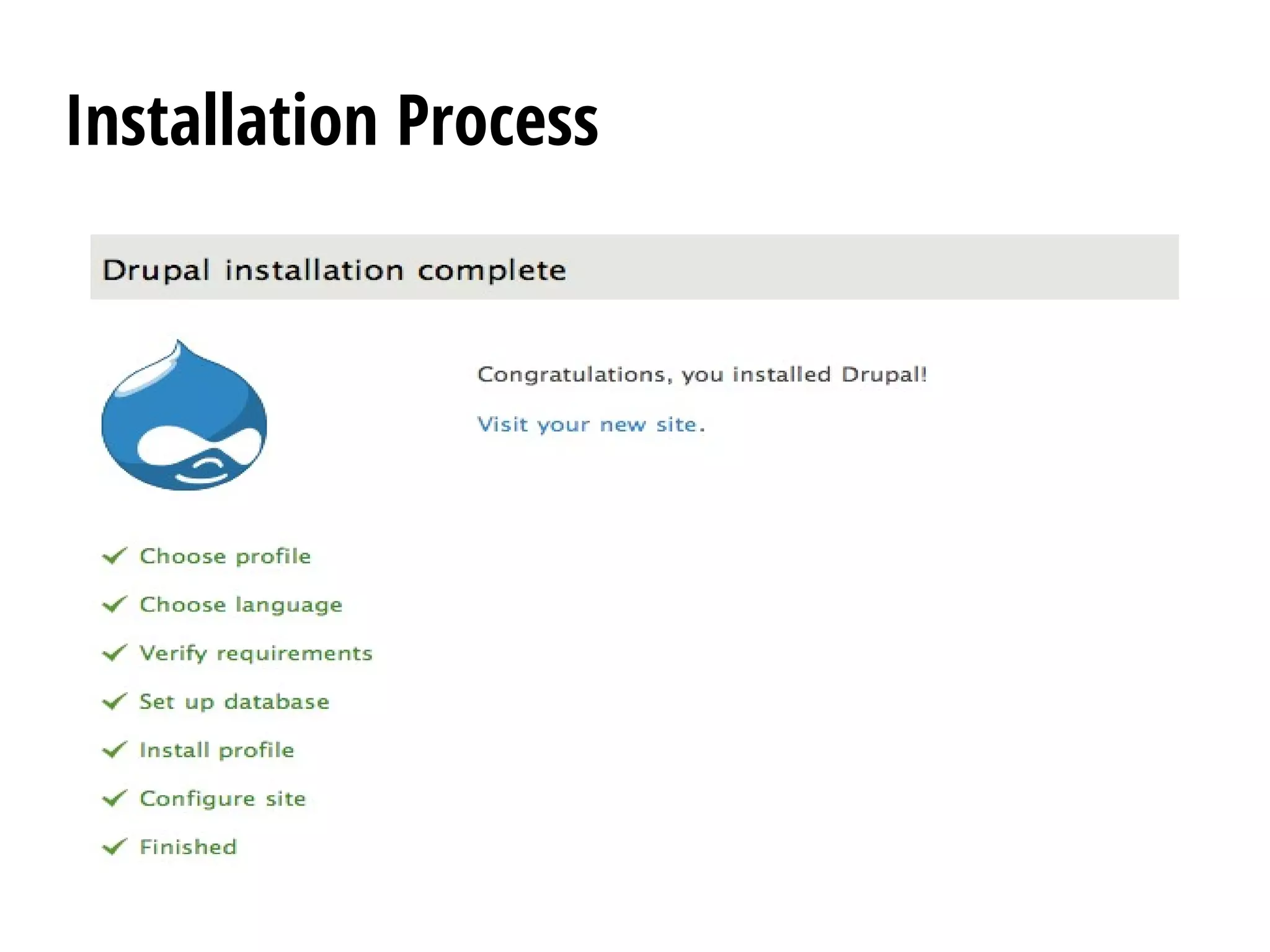
Installation Process
Changing settings.php permission
Secure your site
After the installation is complete, you will want to change the
permissions on the settings.php file back so that it is protected:
$ chmod u=rw,o=r,a=r sites/default/settings.php
OR
$ chmod 644 sites/default/settings.php
If you make manual changes to the settings.php file later, be sure to
protect it again after making your modifications.
Important: Failing to remove write permissions to the settings.php
file is a security risk.
Set up cron
Setting up cron is an important step in the installation of the
website and assists in the maintenance of the site's assets for search
results, checking for updates to Drupal core and modules, and
removing temporary files.
A properly configured cron job can manage a variety of tasks:
●
The Search module that indexes the website's content.
●
The Aggregator module's that retrieves feeds.
●
The Ping module that notifies other sites of updates.
●
The System module that performs routine maintenance tasks,
such as pruning of logs.
Set up cron
Enabling cron
In Drupal 8 you can enable cron via Menu > Configuration > System >
Cron (admin/config/system/cron). The default frequency is every three
hours. Cron will then be triggered by end users visiting your site,
no more frequently than every three hours. Note that for low-
traffic sites it can also be desirable to create a cron job.
In Drupal 7 you can enable cron via the Administration > Configuration
> System > Cron (admin/config/system/cron).
In Drupal 6 you need to create a cron job or use Poormanscron.
Set up cron
Disabling cron
For performance reasons it may be desirable to disable cron.
You can disable cron (e.g., at Administration > Configuration > System > Cron
(admin/config/system/cron), by setting the "Run cron every" value to
"Never".
Another way to disable cron is to add the following line to your
settings.php:
$conf['cron_safe_threshold'] = 0;
Note that this fixes the setting at admin/config/system/cron to "Never",
and administrative users cannot override it.
Configure clean URLs
By default, Drupal uses and generates URLs for your
site's pages that look like "http://www.example.com/?
q=node/83".
With so-called clean URLs this would be displayed
without the "?q=" as "http://www.example.com/node/83".
Anatomy
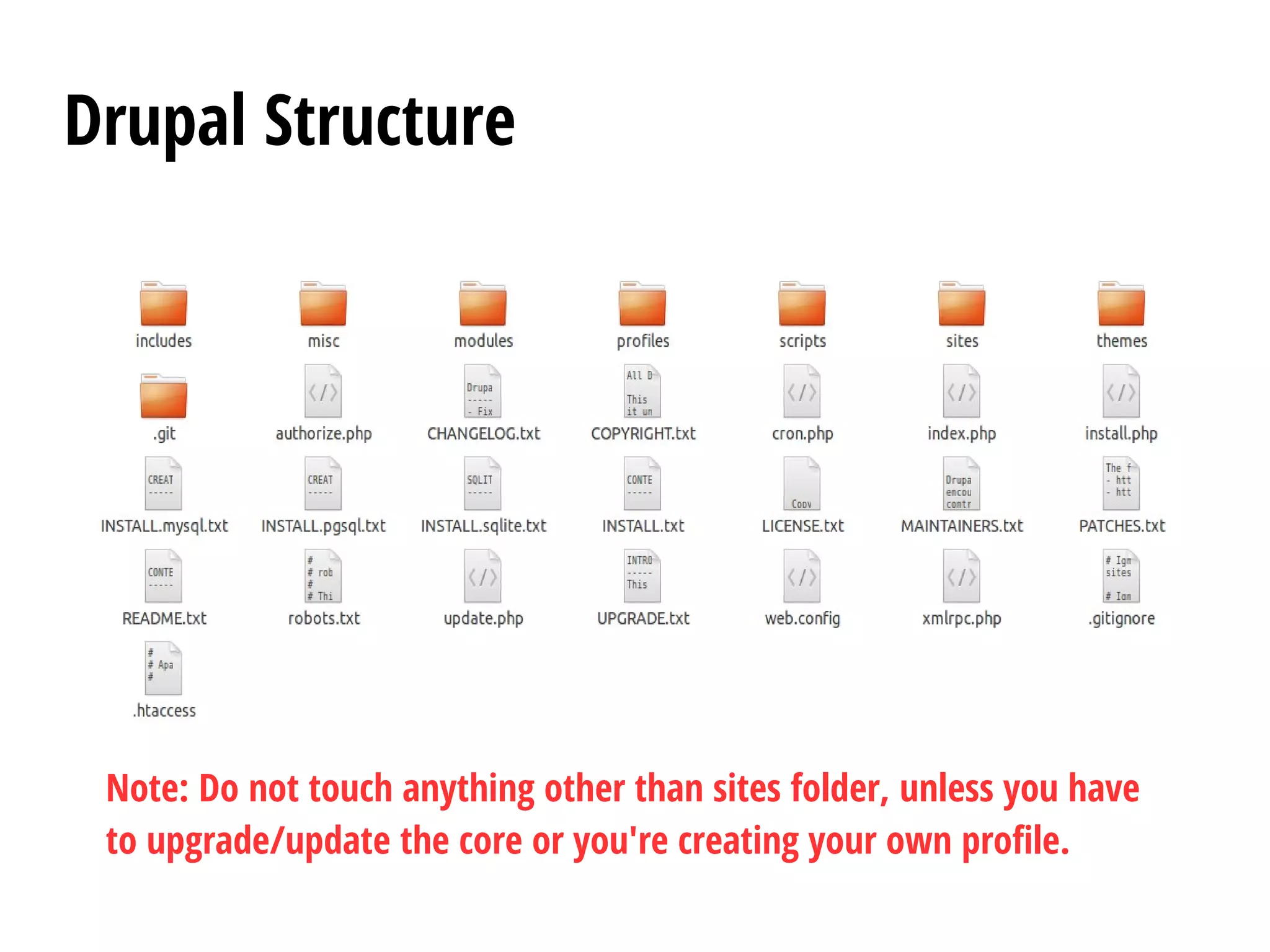
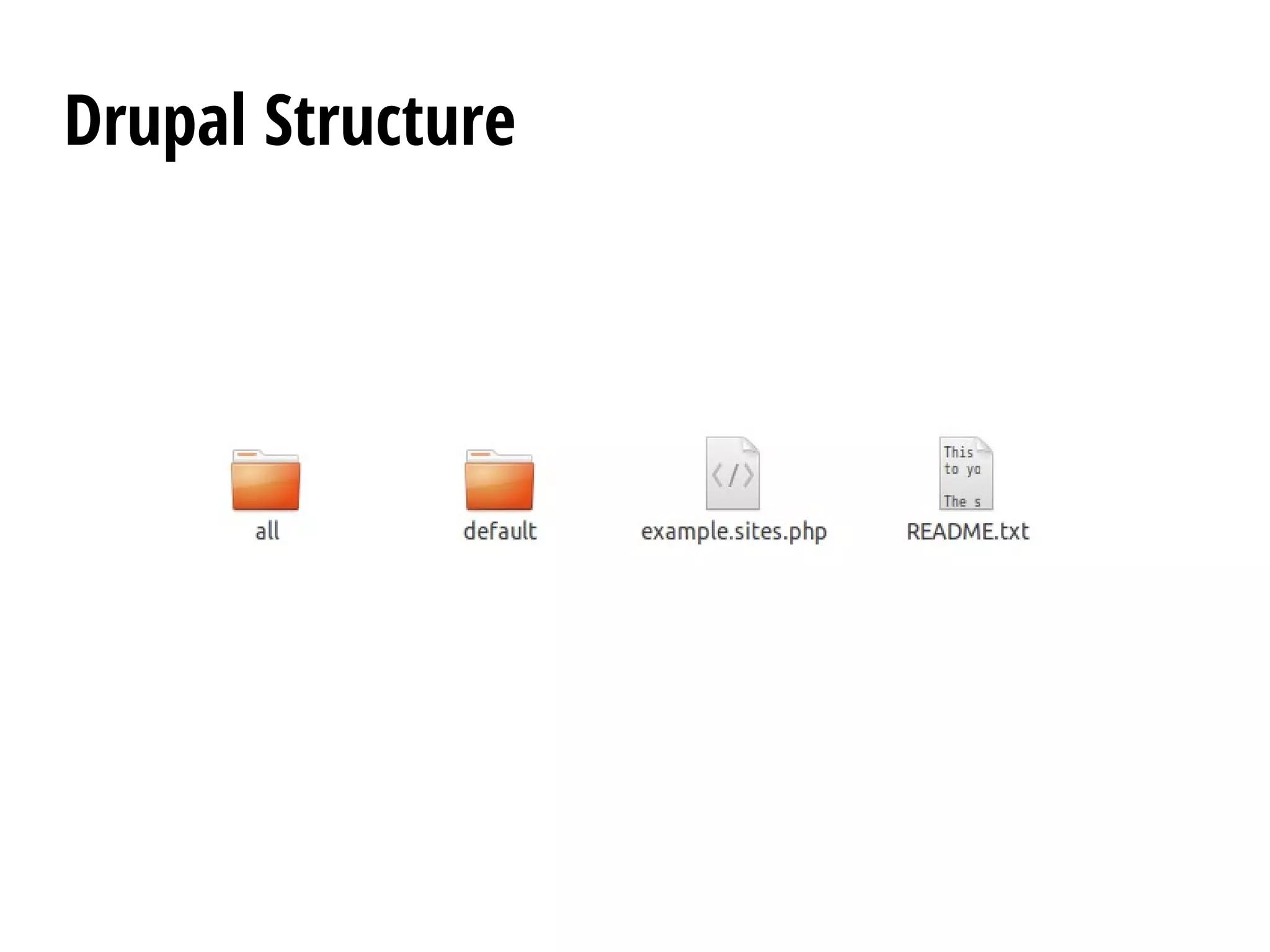
Drupal Structure
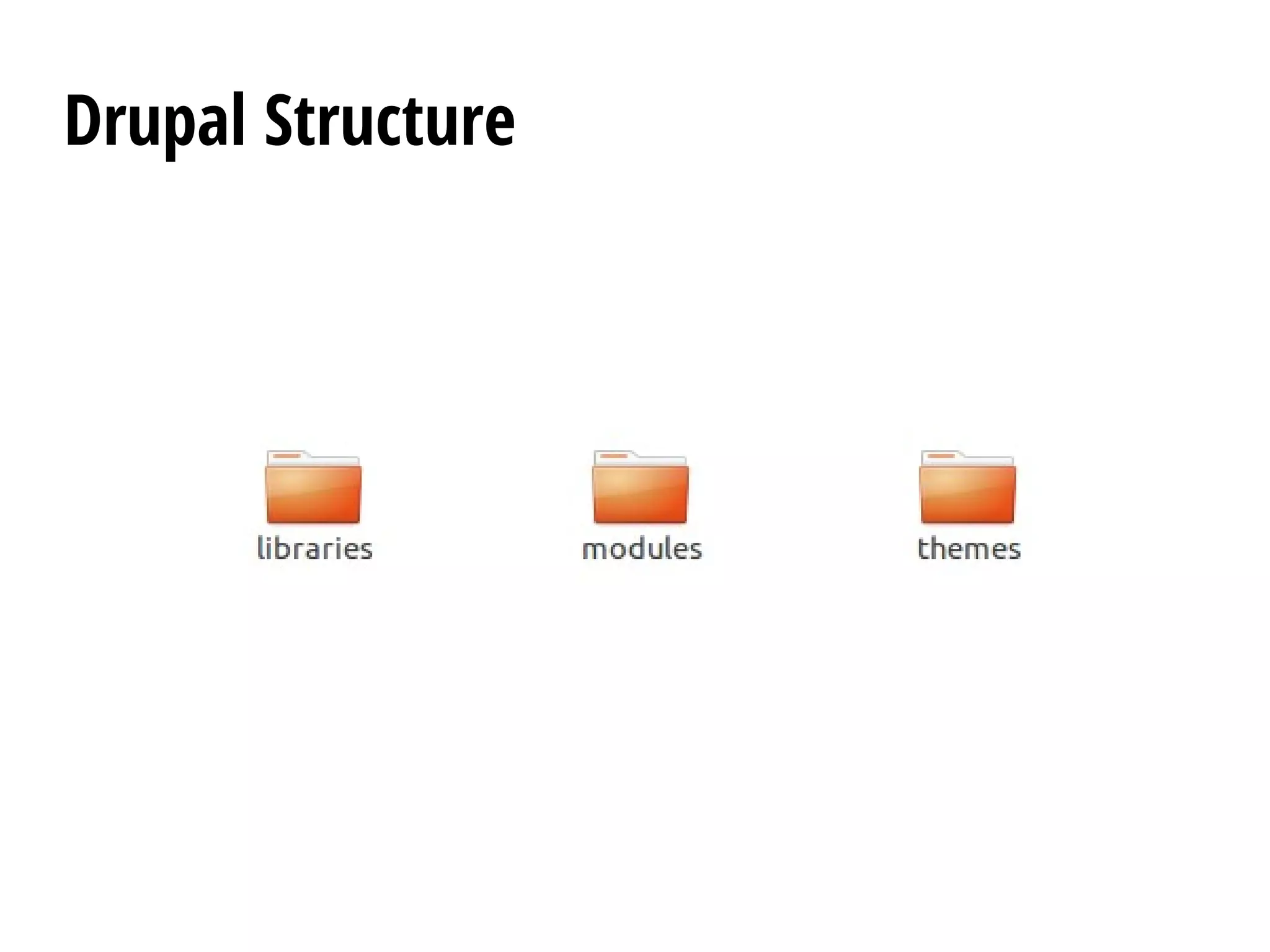
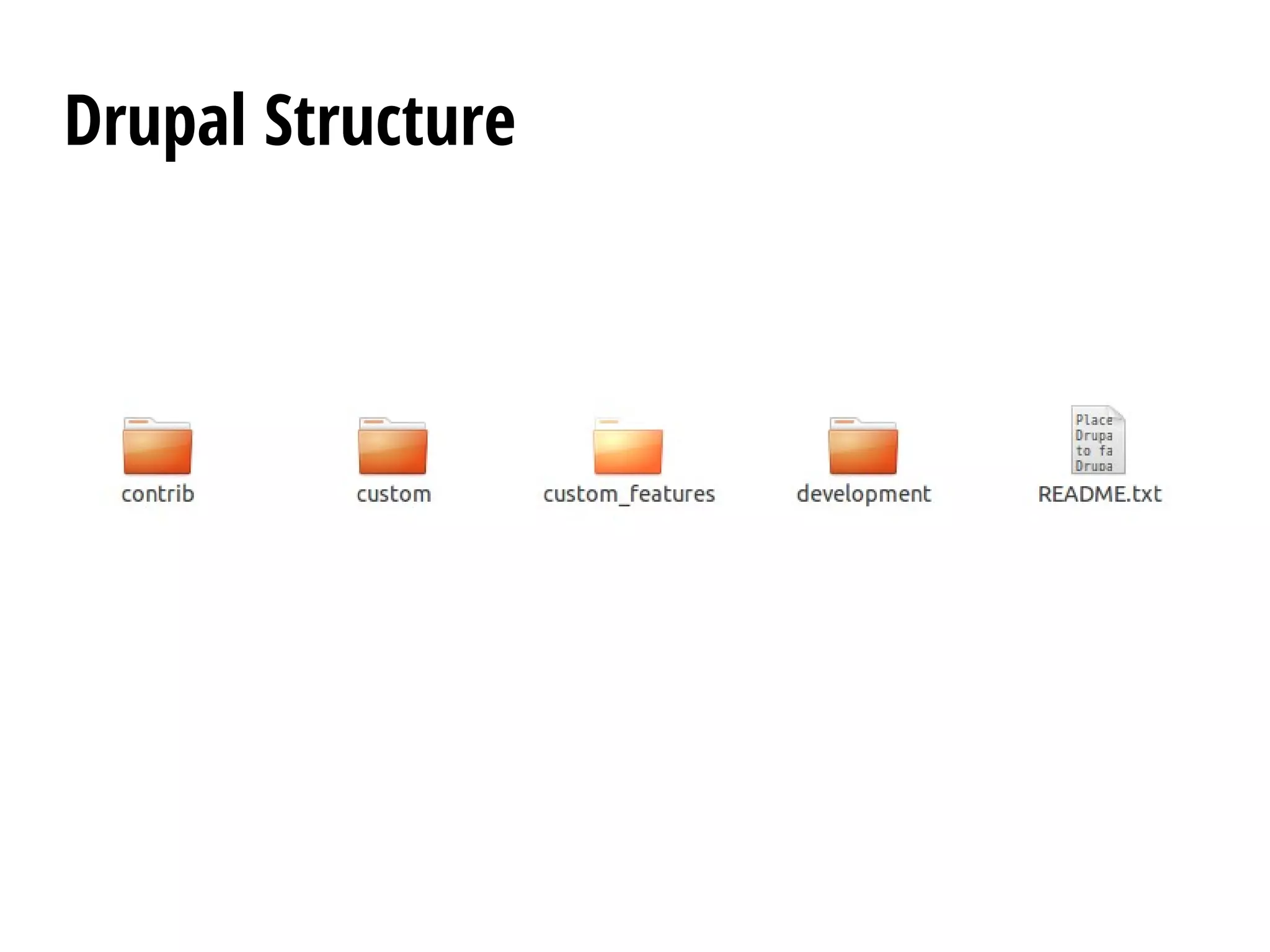
Note: Do not touch anything other than sites folder, unless you have
to upgrade/update the core or you're creating your own profile.
Drupal Structure
Drupal Structure
Drupal Structure
Drupal Structure
Terminologies
anonymous
A visitor to a Drupal website who is not currently logged
in. Drupal considers any such visitor as being the
anonymous user, with the user ID 0, and belonging to
the anonymous user role.
API
An application programming interface (API) is a
particular set of rules (“code”) and specifications that
software programs can follow to communicate with
each other. Within Drupal there is the API Reference
which contains documentation for developers. There is
also a Form API and Field API
argument
A section of the path for a page on a Drupal website. In
the path /node/937 the first argument is “node”, and
the second is “937”. Some modules, most notably
Views, allow the use of “wildcard” arguments that
allow a particular page to vary depending on context.
Basic page
One of two content types that are enabled in the
standard installation profile. Typically basic pages are
used for static content that can (but are not required to)
be linked into the main navigation bar. This content
type is called "Basic page" in Drupal 7 and later, and
"Page" in earlier versions of Drupal.
Base theme
A Base theme is a well-written set of CSS and template
files that a theme developer can make use of in a new
custom theme. Theme developers can make sub themes
to override the default base theme. Some of the popular
base themes include Zen, Omega and AdaptiveTheme
block
The boxes visible in the regions of a Drupal website.
Most blocks (e.g. recent forum topics) are generated on-
the-fly by various Drupal modules, but they can be
created in the administer blocks area of a Drupal site.
See the documentation for more information on blocks.
cache
The core Drupal cache stores assembled pages and
blocks for anonymous visitors in the cache tables in the
database. Other popular Drupal caching options include
boost, memcache, and authcache.
Content type
Every node belongs to a single “node type” or “content
type”, which defines various default settings for nodes of
that type, such as whether the node is published
automatically and whether comments are permitted.
Common "Content Types" that just about any website
would have include: blog post and page. Content types can
have different fields and modules can define their own
content types. The core Drupal Book and Poll modules are
two examples of modules that define content types.
contrib
Contributed modules or themes that are not part of the
core Drupal product. Contributed modules and themes
are available for separate download from the modules
and themes sections of Drupal.org downloads. These are
separate from the Drupal “core”, although over time
they can become part of it. Similar concepts exist in
other software and are sometimes called “plugins”,
“add-ons” or “extensions”.
core
The files and modules included with the Drupal project
download.
cron
A command scheduler that executes commands or
scripts (e.g. scripts to backup a database) automatically
at specified time and date intervals. Drupal uses a “cron
job” to perform periodic tasks that help Drupal to run
smoothly and efficiently.
fields
Elements of data that can be attached to a node or
other Drupal entities. Fields commonly contain text,
image, or terms.
hook
A PHP function that is named foo_bar(), where “foo” is
the name of the module (whose filename is thus
foo.module) and “bar” is the name of the hook. Each
hook has a defined set of parameters and a specified
result type.
NID
Node ID. The unique identifier for each node. It can be
found in the path to the node. For example, a node with
path, “http://drupal.org/node/937”, has a node ID of
“937”.
permission
In Drupal, a tool for controlling access to content creation,
modification and site administration at the application level.
Administrators assign permissions to roles, then assign roles
to users. The first user of a Drupal site (User1) automatically
receives all permissions.
In operating systems like UNIX, permissions are security
settings restricting or allowing users to access information or
perform certain functions at the operating system level. In the
case of files on UNIX systems, there are three types of
permissions: read, write and execute.
published
The state of a node that can be viewed by visitors to the
website. To easily hide nodes from the public (i.e.
anonymous role), make the node unpublished by
unchecking “Published” in the node add/edit form.
region
Defined areas of a page where content can be placed.
Basic regions include: Header, Footer, Content, Left
sidebar, Right Sidebar. Different themes can define
different regions so the options are often different per-
site. Content is assigned to regions via blocks. They can
be ordered by weight within regions to define the order
in which they display.
roles
Sets of permissions that can be applied to individual
users. Users can belong to more than one role. Two
roles, authenticated users (those users that sign up for
an account) and anonymous users (those either without
an account or not logged in), are supplied by default
with Drupal installations. Drupal allows creating
additional roles.
taxonomy
In Drupal, "Taxonomy" is the name of a powerful core
module that gives your sites use of terms. In Drupal,
these terms are gathered within vocabularies which the
Taxonomy module allows you to create, manage and
apply.
teaser
A short introductory sentence or paragraph about a
piece of content that informs readers about the subject
of the content. By default, the first paragraph or two of
the content is used (there is a setting for how much),
usually with a link to the complete node.
template
A file to express presentation (vs. program logic).
Templates are mostly HTML with special PHP variables.
The variables in templates substitute in values provided
by a theme.
term
An organizational keyword, known in other systems as
categories or metadata. A term is a label that can be
applied to a node. They are also known as tags.
theme
A file or collection of files (PHP, INFO, CSS, JPG, GIF,
PNG), which together determine the look and feel of a
site. A theme contains elements such as the header,
icons, block layout, etc.
Drupal modules define themeable functions which can
be overridden by the theme file. There are additional
themes available in the themes section of downloads.
uid
User ID. The unique identifier for each user. It can be
found in the path to the user profile, e.g.
“http://drupal.org/user/1”
user1
The first user created on installation and granted
additional (all) permissions. This user is referred to as
the site maintenance account in Drupal 7.
vocabulary
A vocabulary is a collection of terms.
weight
A term used by Drupal to define the priority or order in
which a function is processed or a block / node is
displayed. From Drupal 6, the weight field is adjusted
dynamically using a drag-and-drop interface.
Note: A lower weight value (-10) will float to the top of
lists, while heavier (+10) weights will appear lower in
lists.
Thank You
Credits
● Drupal Documentation Team

Introduction to Drupal - Installation, Anatomy, Terminologies

  • 1.
    Intro to Drupal GeraldVillorente OpenSource Developer
  • 2.
  • 3.
  • 4.
    System Requirements ● Web Server– Apache, Nginx, IIS, Lighttpd ● Database Server – Drupal 6: MySQL 4.1 or higher, PostgreSQL 7.1, – Drupal 7: MySQL 5.0.15 or higher with PDO, PostgreSQL 8.3 or higher with PDO, SQLite 3.3.7 or higher – Drupal 8: MySQL 5.0.15/MariaDB/Percona/equivalent or higher with PDO and an InnoDB-compatible primary storage engine, PostgreSQL 8.3 or higher with PDO, SQLite 3.3.7 or higher – Microsoft SQL Server and Oracle are supported by additional modules. – More details about database requirements.
  • 5.
    System Requirements ● PHP – Drupal6: PHP 5.2.x only. Warning: support for PHP 4.x has been dropped. PHP 5.3 and later may produce errors or unexpected behaviour. – Drupal 7: PHP 5.2.5 or higher (5.3 recommended). – Drupal 8: PHP 5.4 or higher. – More details about PHP requirements, including PHP memory.
  • 6.
    Download and extractDrupal Drupal is available in two supported versions (the most recent and the previous). The "recommended release" is the latest stable release of that version. To learn more about versions, see the Drupal version information page. On many *nix computers the path from the server's root will be /var/www/, so cd /var/www/. On a shared server, or a server that hosts multiple domains, the path will be different (try cd ~/www or cd ~/public_html).
  • 7.
    Download and extractDrupal Download Drupal using any download utility, the two most popular of which are wget and curl. Not every computer has both. The commands are, respectively: $ wget http://ftp.drupal.org/files/projects/drupal-x.x.tar.gz or $ curl -O http://drupal.org/files/projects/drupal-x.x.tar.gz Note: The option for the curl command is the upper case letter "O" and not the numeral that stands for zero.
  • 8.
    Download and extractDrupal Replace the "http://drupal.org/files/projects/drupal-x.x.tar.gz" string in the commands with the link for the version you will be installing. To get links to recent versions, visit https://drupal.org/project/drupal. Don't visit http://ftp.drupal.org/files/projects unless you have to, because it takes long to serve (it lists many files).
  • 9.
    Download and extractDrupal Extracting Drupal Type the following command (replacing "x.x" with your downloaded version's number): $ tar -xzvf drupal-x.x.tar.gz Remove the compressed version of the file by using the following command: $ rm drupal-x.x.tar.gz
  • 10.
    Download and extractDrupal Moving Drupal to its intended location Now you need to move the contents of the drupal-x.x directory one level "up" into the web server's document root or your public HTML directory: $ mv drupal-x.x/* drupal-x.x/.htaccess ./ For Drupal 7 also add $ mv drupal-x.x/.gitignore ./ Delete drupal-x.x $ rmdir drupal-x.x
  • 11.
    Create the database Note:Since 8.x, Drupal can create the database itself if its database user has enough privileges. See the relevant change notice. Before running the installation script, you must create an empty database and database user (a user name assigned the rights to use the Drupal database).
  • 12.
    Create the database Toolsyou can use to create database. ● PHPMyAdmin ● MySQL shell ● mysqladmin command ● Chive
  • 13.
    Create the database MySQLshell $ mysql -u root -p mysql> CREATE DATABASE drupal7; Create a new user called YOURNAME for database called DB_NAME: mysql> GRANT ALL ON drupal7.* TO gerald@localhost IDENTIFIED BY 'qwerty'; How do I connect to MySQL database drupal7 using gerald account? $ mysql -u gerald -p drupal7
  • 14.
    Create the settings.phpfile Your Drupal download comes with a sample configuration file at sites/default /default.settings.php. Before you run the installation script, you must copy the configuration file as a new file called settings.php file and then set some permissions. $ cp sites/default/default.settings.php sites/default/settings.php To make the settings.php file writeable and to allow the installer to edit the file, use: $ chmod a+w sites/default/settings.php
  • 15.
    Create the settings.phpfile Note: Be sure to change the file's permissions back after you have run the installation script. Those permissions should be: $ chmod 644 settings.php $ chmod 755 ../default
  • 16.
    Create the filesdirectory To let the files directory be created automatically, give the web server write privileges to the sites/default directory. $ chmod a+w sites/default Or you can create it manually $ mkdir sites/default/files $ chmod o+w sites/default/files
  • 17.
    Run the installationscript You can run the installation script by simply calling http://localhost. If you created a VirtualHost then you have an option to define your ServerName (domain name). Like the one below. <VirtualHost *:80> # Your /etc/host is expected to have an # entry like this “127.0.0.1 local.drupal7.dev” ServerName local.drupal7.dev DocumentRoot /var/www/drupal7 <Directory /var/www/drupal7/> Allow Override All # This is required if you're # using Apache 2.4.x Require all granted </VirtualHost>
  • 18.
  • 19.
  • 20.
  • 21.
  • 22.
  • 23.
  • 24.
  • 25.
    Changing settings.php permission Secureyour site After the installation is complete, you will want to change the permissions on the settings.php file back so that it is protected: $ chmod u=rw,o=r,a=r sites/default/settings.php OR $ chmod 644 sites/default/settings.php If you make manual changes to the settings.php file later, be sure to protect it again after making your modifications. Important: Failing to remove write permissions to the settings.php file is a security risk.
  • 26.
    Set up cron Settingup cron is an important step in the installation of the website and assists in the maintenance of the site's assets for search results, checking for updates to Drupal core and modules, and removing temporary files. A properly configured cron job can manage a variety of tasks: ● The Search module that indexes the website's content. ● The Aggregator module's that retrieves feeds. ● The Ping module that notifies other sites of updates. ● The System module that performs routine maintenance tasks, such as pruning of logs.
  • 27.
    Set up cron Enablingcron In Drupal 8 you can enable cron via Menu > Configuration > System > Cron (admin/config/system/cron). The default frequency is every three hours. Cron will then be triggered by end users visiting your site, no more frequently than every three hours. Note that for low- traffic sites it can also be desirable to create a cron job. In Drupal 7 you can enable cron via the Administration > Configuration > System > Cron (admin/config/system/cron). In Drupal 6 you need to create a cron job or use Poormanscron.
  • 28.
    Set up cron Disablingcron For performance reasons it may be desirable to disable cron. You can disable cron (e.g., at Administration > Configuration > System > Cron (admin/config/system/cron), by setting the "Run cron every" value to "Never". Another way to disable cron is to add the following line to your settings.php: $conf['cron_safe_threshold'] = 0; Note that this fixes the setting at admin/config/system/cron to "Never", and administrative users cannot override it.
  • 29.
    Configure clean URLs Bydefault, Drupal uses and generates URLs for your site's pages that look like "http://www.example.com/? q=node/83". With so-called clean URLs this would be displayed without the "?q=" as "http://www.example.com/node/83".
  • 30.
  • 31.
    Drupal Structure Note: Donot touch anything other than sites folder, unless you have to upgrade/update the core or you're creating your own profile.
  • 32.
  • 33.
  • 34.
  • 35.
  • 36.
  • 37.
    anonymous A visitor toa Drupal website who is not currently logged in. Drupal considers any such visitor as being the anonymous user, with the user ID 0, and belonging to the anonymous user role.
  • 38.
    API An application programminginterface (API) is a particular set of rules (“code”) and specifications that software programs can follow to communicate with each other. Within Drupal there is the API Reference which contains documentation for developers. There is also a Form API and Field API
  • 39.
    argument A section ofthe path for a page on a Drupal website. In the path /node/937 the first argument is “node”, and the second is “937”. Some modules, most notably Views, allow the use of “wildcard” arguments that allow a particular page to vary depending on context.
  • 40.
    Basic page One oftwo content types that are enabled in the standard installation profile. Typically basic pages are used for static content that can (but are not required to) be linked into the main navigation bar. This content type is called "Basic page" in Drupal 7 and later, and "Page" in earlier versions of Drupal.
  • 41.
    Base theme A Basetheme is a well-written set of CSS and template files that a theme developer can make use of in a new custom theme. Theme developers can make sub themes to override the default base theme. Some of the popular base themes include Zen, Omega and AdaptiveTheme
  • 42.
    block The boxes visiblein the regions of a Drupal website. Most blocks (e.g. recent forum topics) are generated on- the-fly by various Drupal modules, but they can be created in the administer blocks area of a Drupal site. See the documentation for more information on blocks.
  • 43.
    cache The core Drupalcache stores assembled pages and blocks for anonymous visitors in the cache tables in the database. Other popular Drupal caching options include boost, memcache, and authcache.
  • 44.
    Content type Every nodebelongs to a single “node type” or “content type”, which defines various default settings for nodes of that type, such as whether the node is published automatically and whether comments are permitted. Common "Content Types" that just about any website would have include: blog post and page. Content types can have different fields and modules can define their own content types. The core Drupal Book and Poll modules are two examples of modules that define content types.
  • 45.
    contrib Contributed modules orthemes that are not part of the core Drupal product. Contributed modules and themes are available for separate download from the modules and themes sections of Drupal.org downloads. These are separate from the Drupal “core”, although over time they can become part of it. Similar concepts exist in other software and are sometimes called “plugins”, “add-ons” or “extensions”.
  • 46.
    core The files andmodules included with the Drupal project download.
  • 47.
    cron A command schedulerthat executes commands or scripts (e.g. scripts to backup a database) automatically at specified time and date intervals. Drupal uses a “cron job” to perform periodic tasks that help Drupal to run smoothly and efficiently.
  • 48.
    fields Elements of datathat can be attached to a node or other Drupal entities. Fields commonly contain text, image, or terms.
  • 49.
    hook A PHP functionthat is named foo_bar(), where “foo” is the name of the module (whose filename is thus foo.module) and “bar” is the name of the hook. Each hook has a defined set of parameters and a specified result type.
  • 50.
    NID Node ID. Theunique identifier for each node. It can be found in the path to the node. For example, a node with path, “http://drupal.org/node/937”, has a node ID of “937”.
  • 51.
    permission In Drupal, atool for controlling access to content creation, modification and site administration at the application level. Administrators assign permissions to roles, then assign roles to users. The first user of a Drupal site (User1) automatically receives all permissions. In operating systems like UNIX, permissions are security settings restricting or allowing users to access information or perform certain functions at the operating system level. In the case of files on UNIX systems, there are three types of permissions: read, write and execute.
  • 52.
    published The state ofa node that can be viewed by visitors to the website. To easily hide nodes from the public (i.e. anonymous role), make the node unpublished by unchecking “Published” in the node add/edit form.
  • 53.
    region Defined areas ofa page where content can be placed. Basic regions include: Header, Footer, Content, Left sidebar, Right Sidebar. Different themes can define different regions so the options are often different per- site. Content is assigned to regions via blocks. They can be ordered by weight within regions to define the order in which they display.
  • 54.
    roles Sets of permissionsthat can be applied to individual users. Users can belong to more than one role. Two roles, authenticated users (those users that sign up for an account) and anonymous users (those either without an account or not logged in), are supplied by default with Drupal installations. Drupal allows creating additional roles.
  • 55.
    taxonomy In Drupal, "Taxonomy"is the name of a powerful core module that gives your sites use of terms. In Drupal, these terms are gathered within vocabularies which the Taxonomy module allows you to create, manage and apply.
  • 56.
    teaser A short introductorysentence or paragraph about a piece of content that informs readers about the subject of the content. By default, the first paragraph or two of the content is used (there is a setting for how much), usually with a link to the complete node.
  • 57.
    template A file toexpress presentation (vs. program logic). Templates are mostly HTML with special PHP variables. The variables in templates substitute in values provided by a theme.
  • 58.
    term An organizational keyword,known in other systems as categories or metadata. A term is a label that can be applied to a node. They are also known as tags.
  • 59.
    theme A file orcollection of files (PHP, INFO, CSS, JPG, GIF, PNG), which together determine the look and feel of a site. A theme contains elements such as the header, icons, block layout, etc. Drupal modules define themeable functions which can be overridden by the theme file. There are additional themes available in the themes section of downloads.
  • 60.
    uid User ID. Theunique identifier for each user. It can be found in the path to the user profile, e.g. “http://drupal.org/user/1”
  • 61.
    user1 The first usercreated on installation and granted additional (all) permissions. This user is referred to as the site maintenance account in Drupal 7.
  • 62.
    vocabulary A vocabulary isa collection of terms.
  • 63.
    weight A term usedby Drupal to define the priority or order in which a function is processed or a block / node is displayed. From Drupal 6, the weight field is adjusted dynamically using a drag-and-drop interface. Note: A lower weight value (-10) will float to the top of lists, while heavier (+10) weights will appear lower in lists.
  • 64.
  • 65.