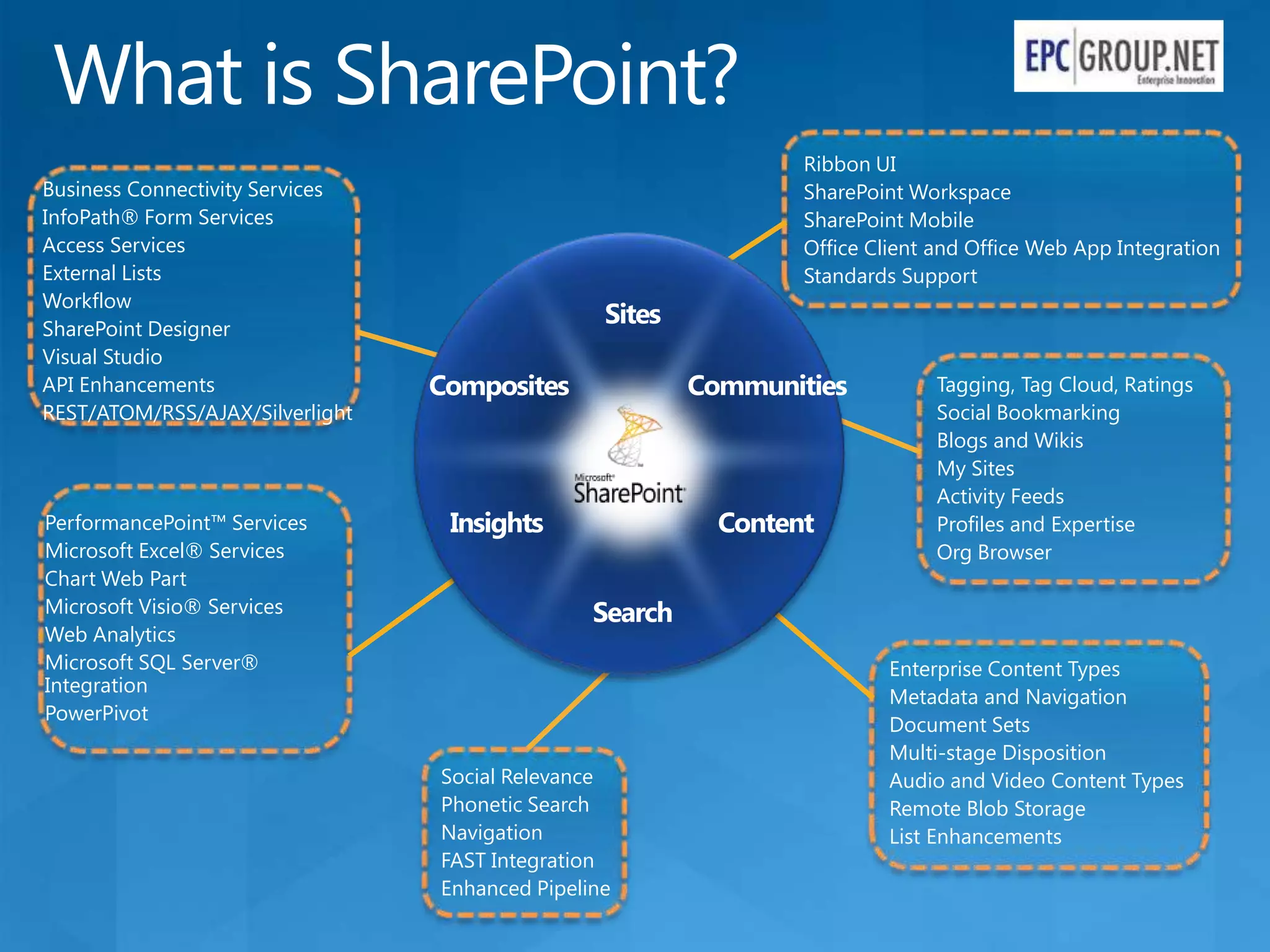
What is SharePoint?
                                                     Ribbon UI
Business Connectivity Services                       SharePoint Workspace
InfoPath® Form Services                              SharePoint Mobile
Access Services                                      Office Client and Office Web App Integration
External Lists                                       Standards Support
Workflow
SharePoint Designer
Visual Studio
API Enhancements                 Composites                        Tagging, Tag Cloud, Ratings
REST/ATOM/RSS/AJAX/Silverlight                                     Social Bookmarking
                                                                   Blogs and Wikis
                                                                   My Sites
                                                                   Activity Feeds
PerformancePoint™ Services                                         Profiles and Expertise
Microsoft Excel® Services                                          Org Browser
Chart Web Part
Microsoft Visio® Services
Web Analytics
Microsoft SQL Server®                                         Enterprise Content Types
Integration
                                                              Metadata and Navigation
PowerPivot
                                                              Document Sets
                                                              Multi-stage Disposition
                                 Social Relevance             Audio and Video Content Types
                                 Phonetic Search              Remote Blob Storage
                                 Navigation                   List Enhancements
                                 FAST Integration
                                 Enhanced Pipeline
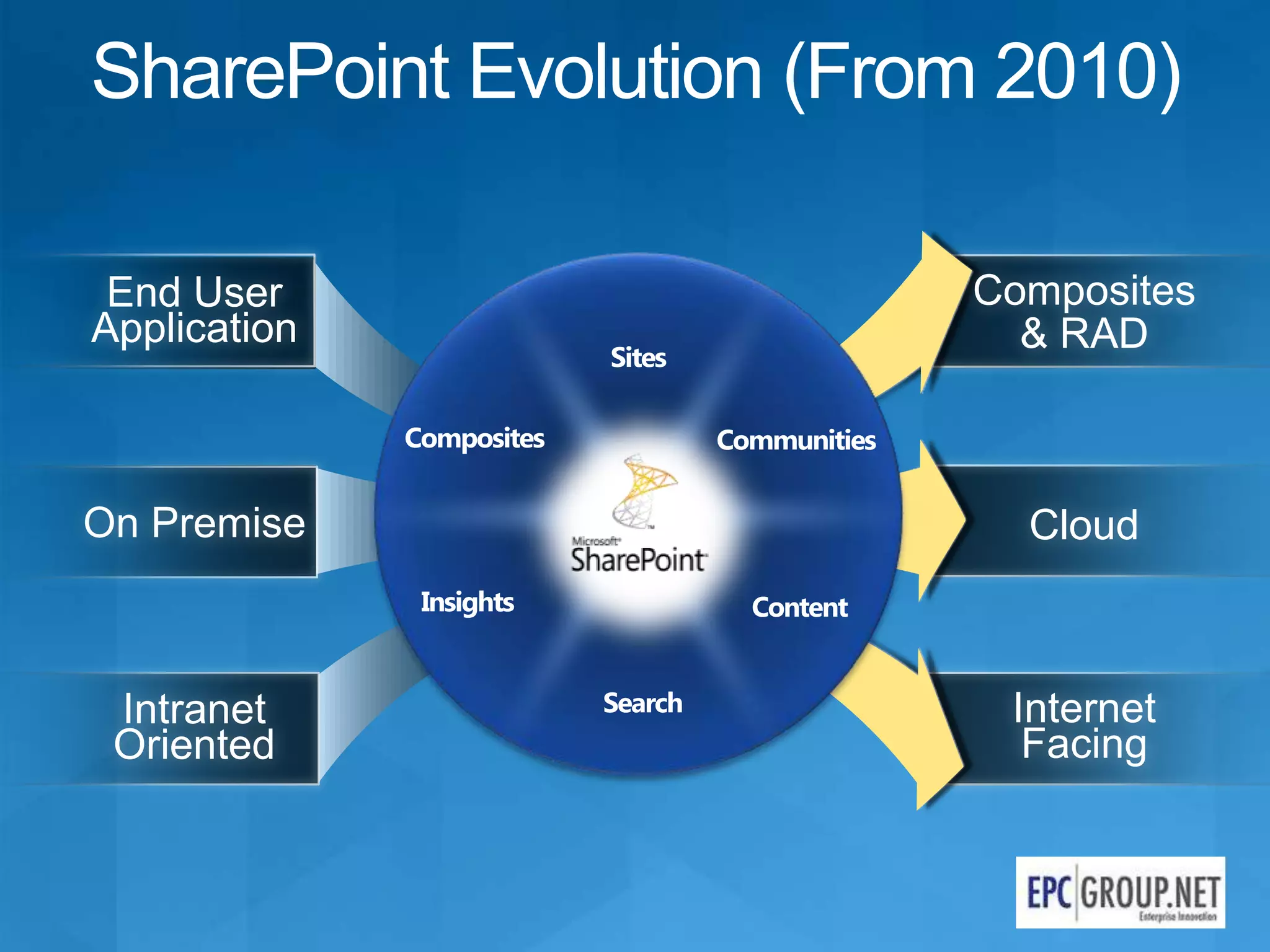
SharePoint Evolution (From 2010)

 End User                Composites
Application                & RAD


On Premise                 Cloud


 Intranet                  Internet
 Oriented                   Facing
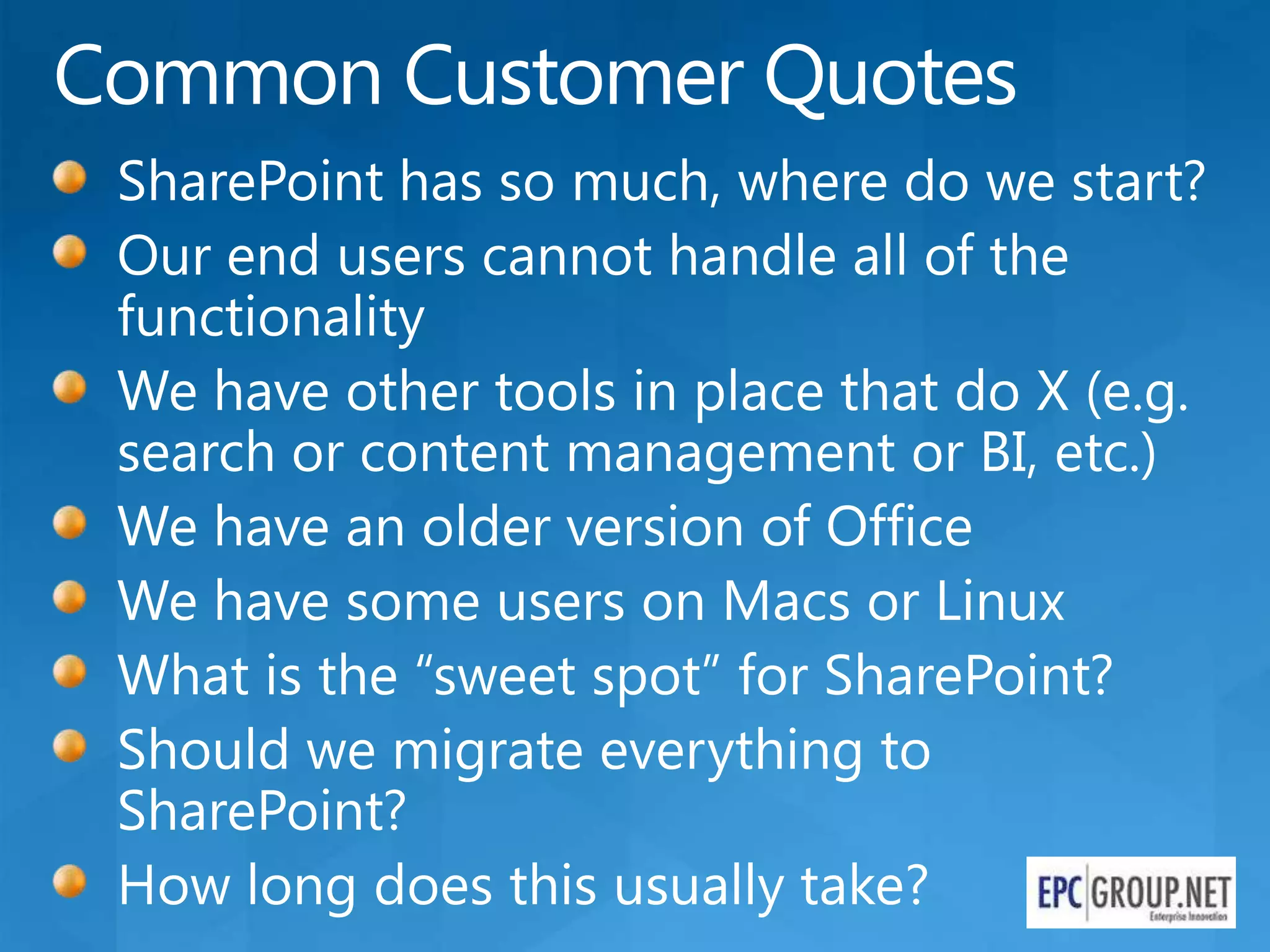
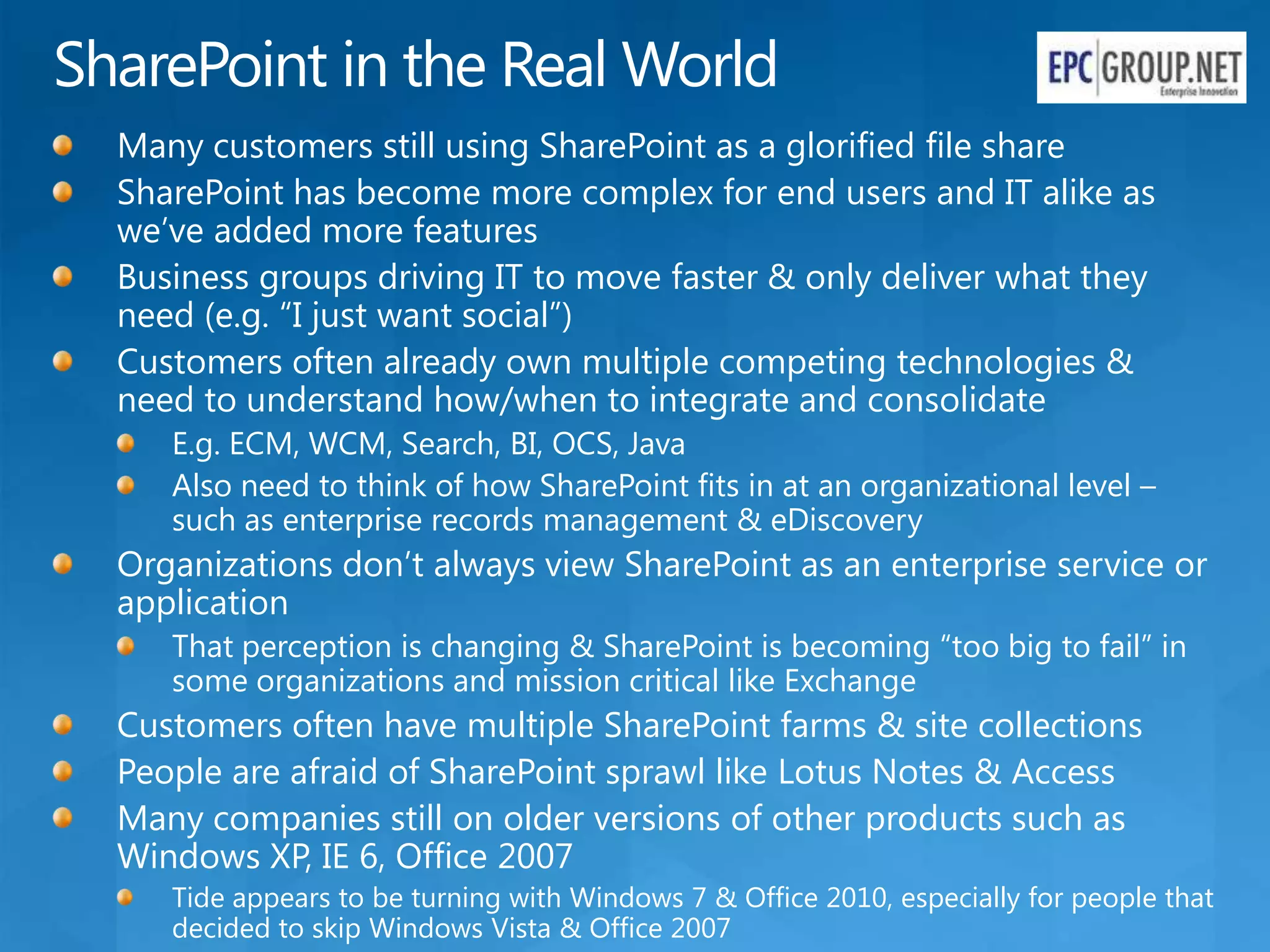
SharePoint in the Real World
  Many customers still using SharePoint as a glorified file share
  SharePoint has become more complex for end users and IT alike as
  we’ve added more features
  Business groups driving IT to move faster & only deliver what they
  need (e.g. “I just want social”)
  Customers often already own multiple competing technologies &
  need to understand how/when to integrate and consolidate
     E.g. ECM, WCM, Search, BI, OCS, Java
     Also need to think of how SharePoint fits in at an organizational level –
     such as enterprise records management & eDiscovery
  Organizations don’t always view SharePoint as an enterprise service or
  application
     That perception is changing & SharePoint is becoming “too big to fail” in
     some organizations and mission critical like Exchange
  Customers often have multiple SharePoint farms & site collections
  People are afraid of SharePoint sprawl like Lotus Notes & Access
  Many companies still on older versions of other products such as
  Windows XP, IE 6, Office 2007
     Tide appears to be turning with Windows 7 & Office 2010, especially for people that
     decided to skip Windows Vista & Office 2007
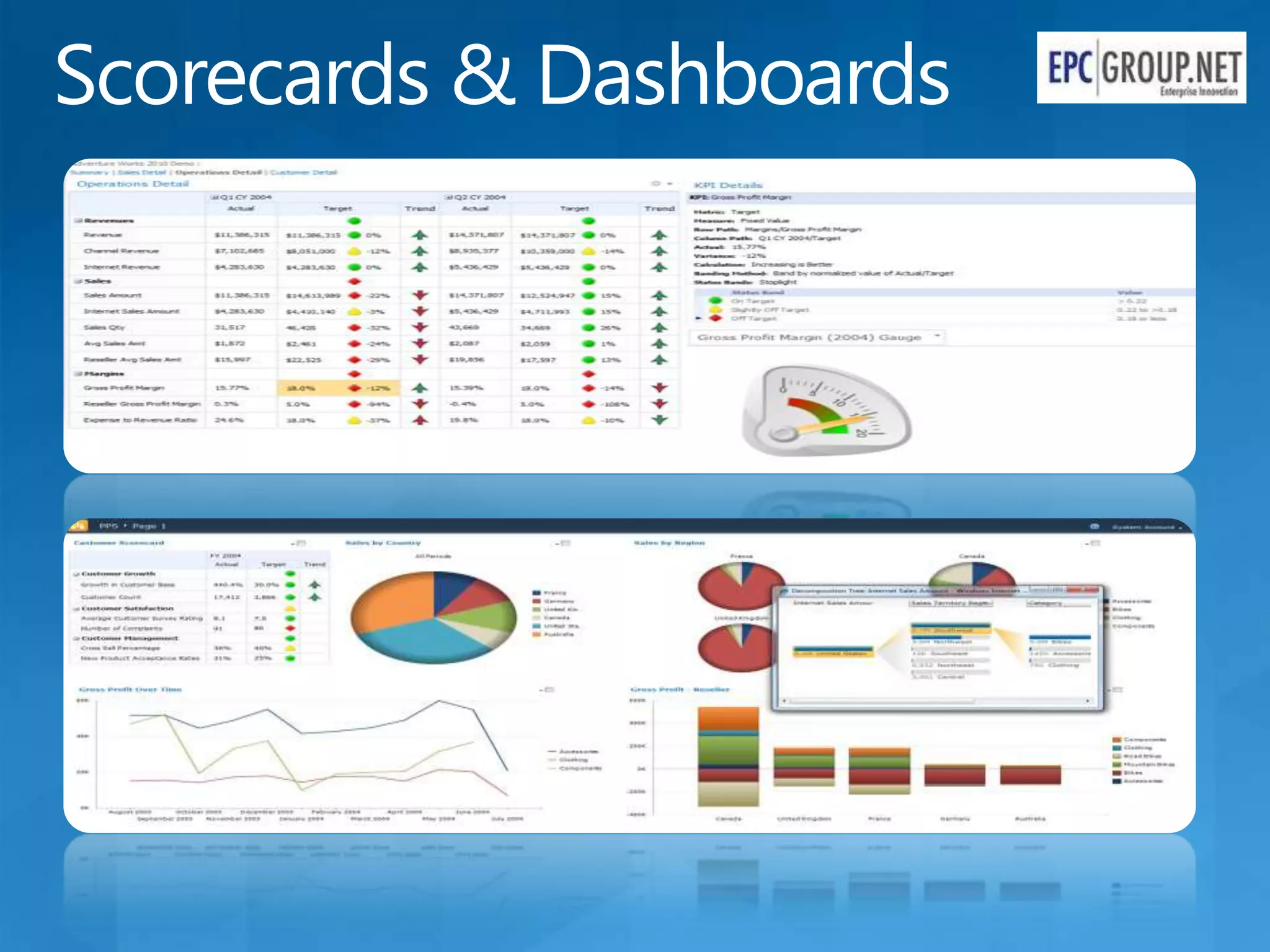
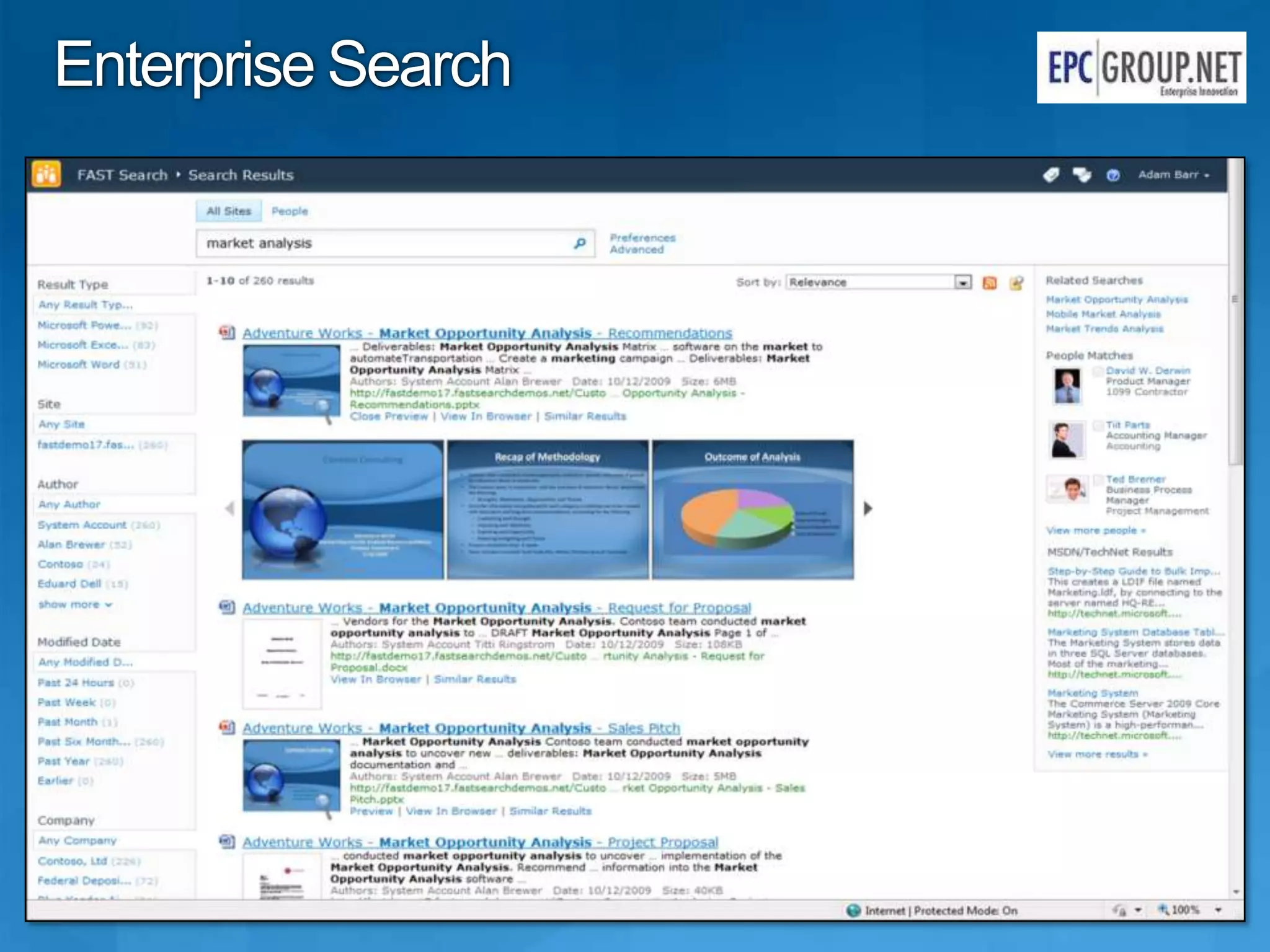
Enterprise Search
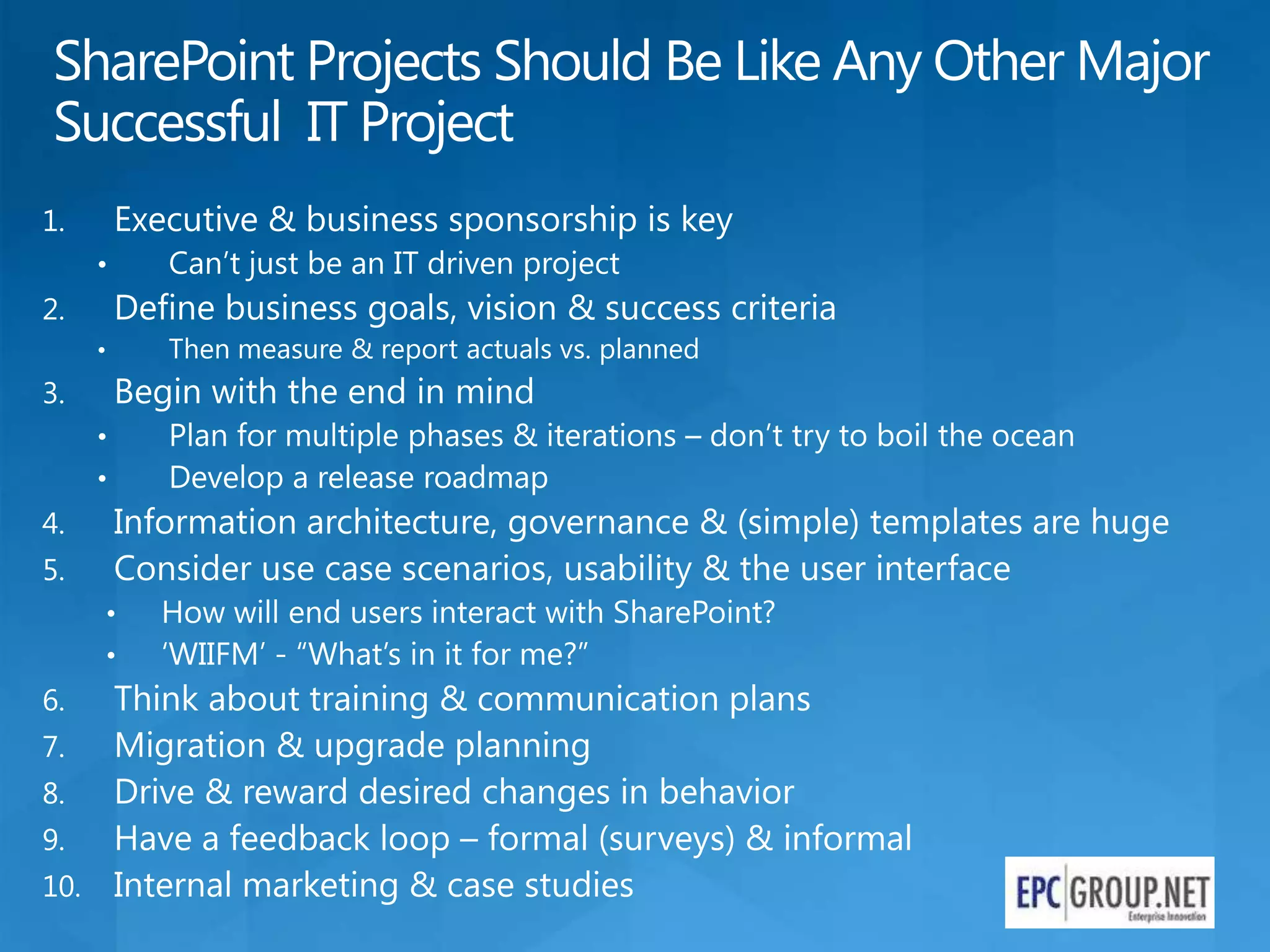
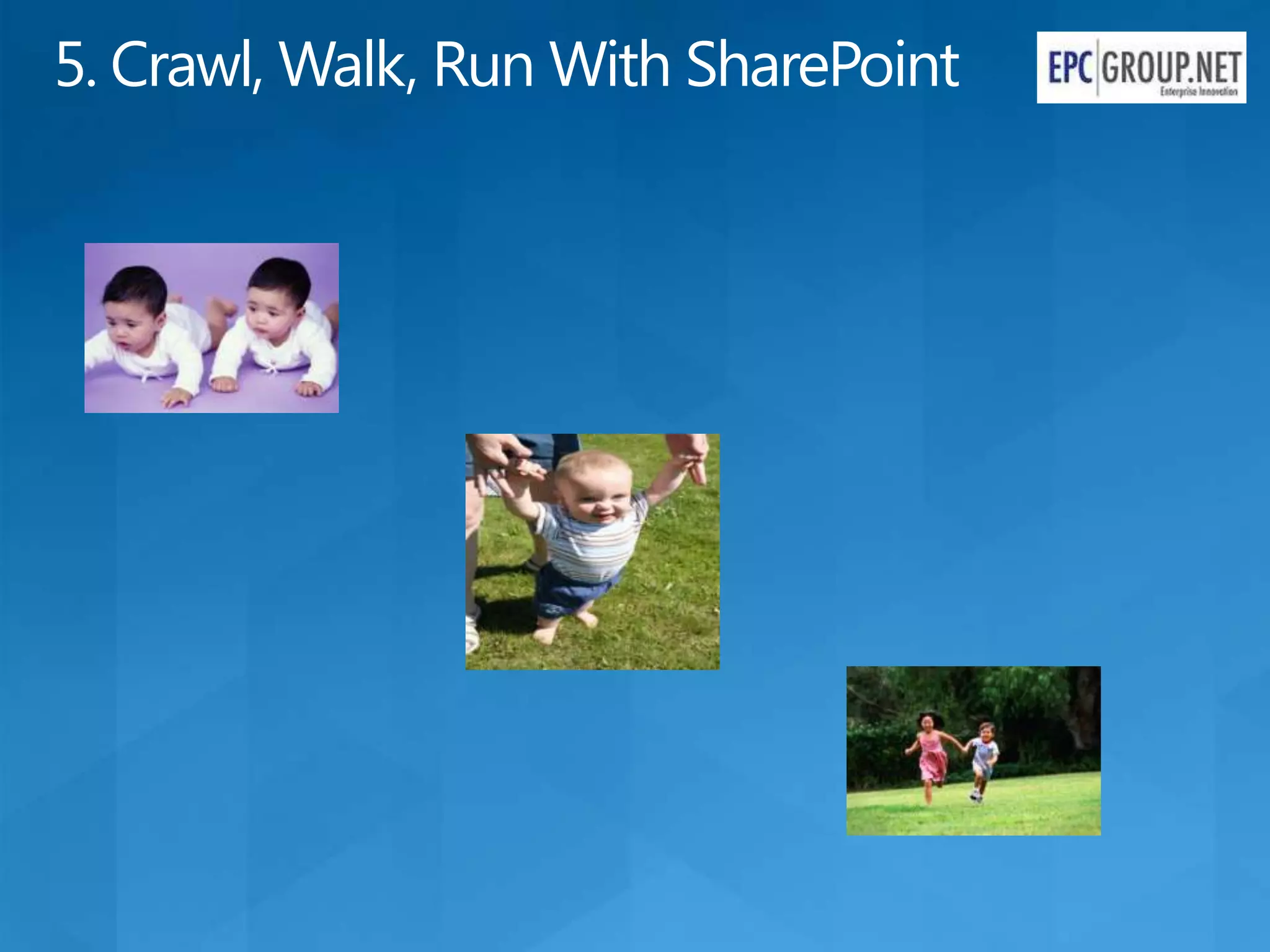
5. Crawl, Walk, Run With SharePoint
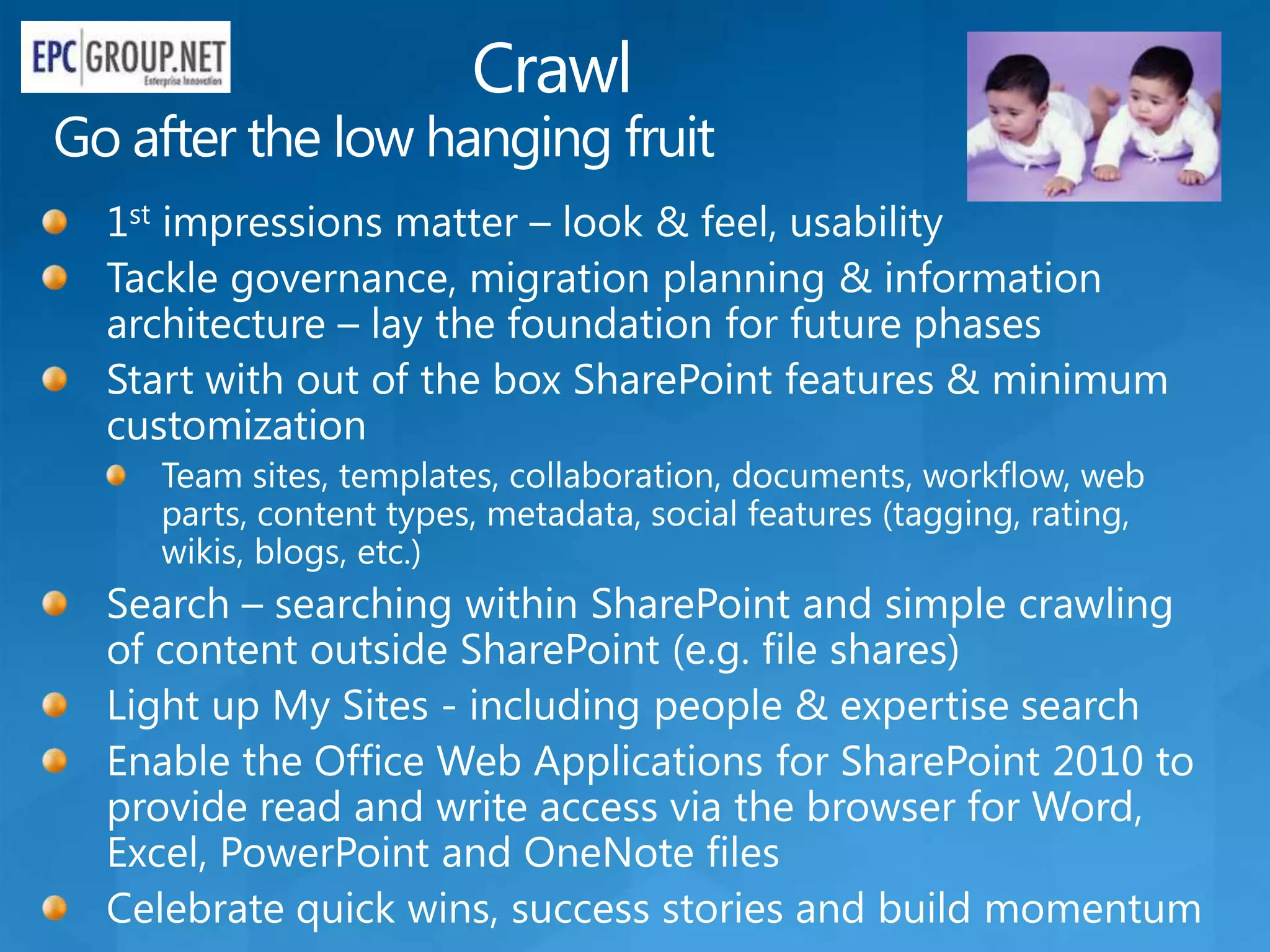
Crawl
Go after the low hanging fruit
Walk
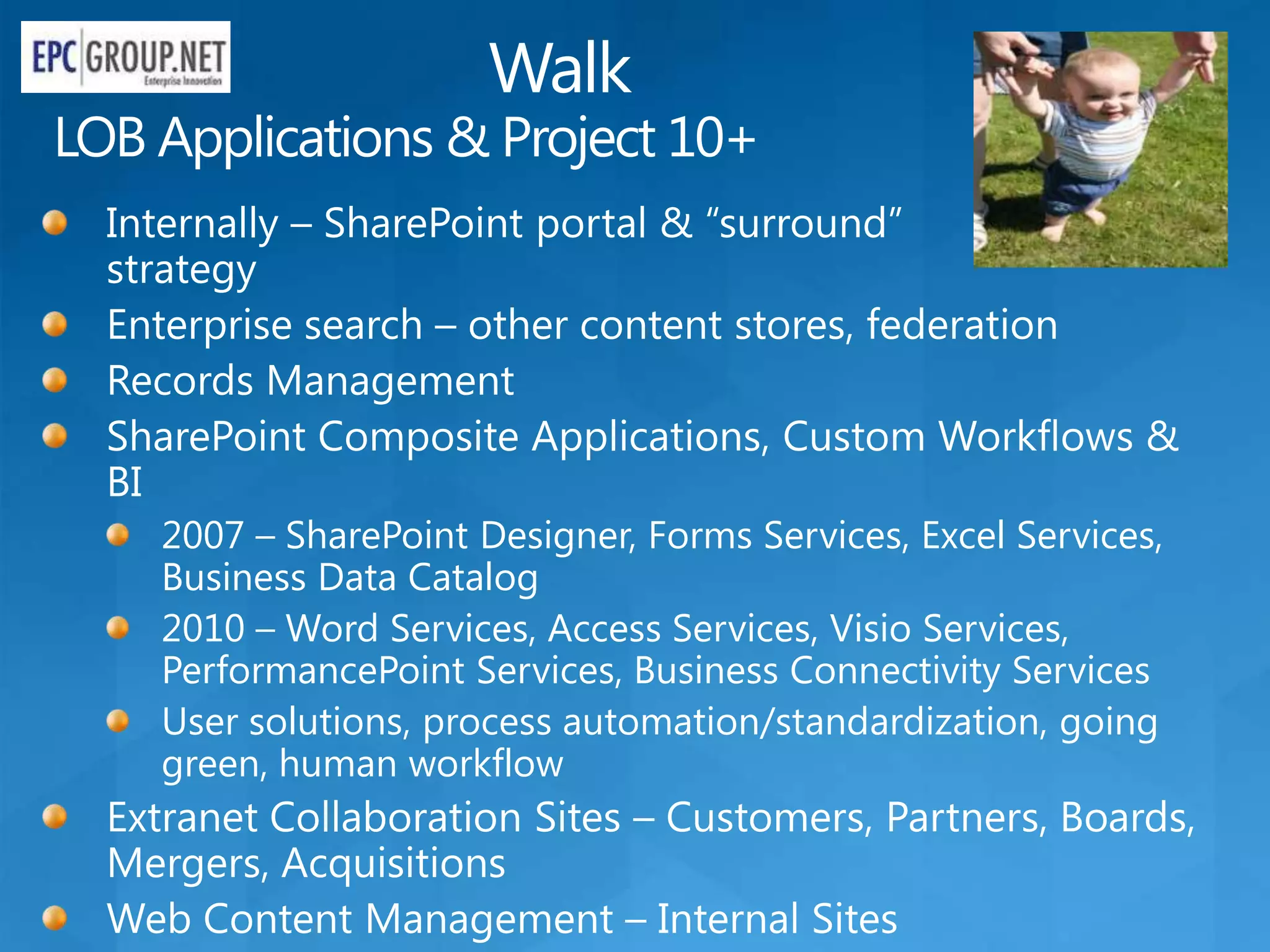
LOB Applications & Project 10+
  Internally – SharePoint portal & “surround”
  strategy
  Enterprise search – other content stores, federation
  Records Management
  SharePoint Composite Applications, Custom Workflows &
  BI
    2007 – SharePoint Designer, Forms Services, Excel Services,
    Business Data Catalog
    2010 – Word Services, Access Services, Visio Services,
    PerformancePoint Services, Business Connectivity Services
    User solutions, process automation/standardization, going
    green, human workflow
  Extranet Collaboration Sites – Customers, Partners, Boards,
  Mergers, Acquisitions
  Web Content Management – Internal Sites
Run
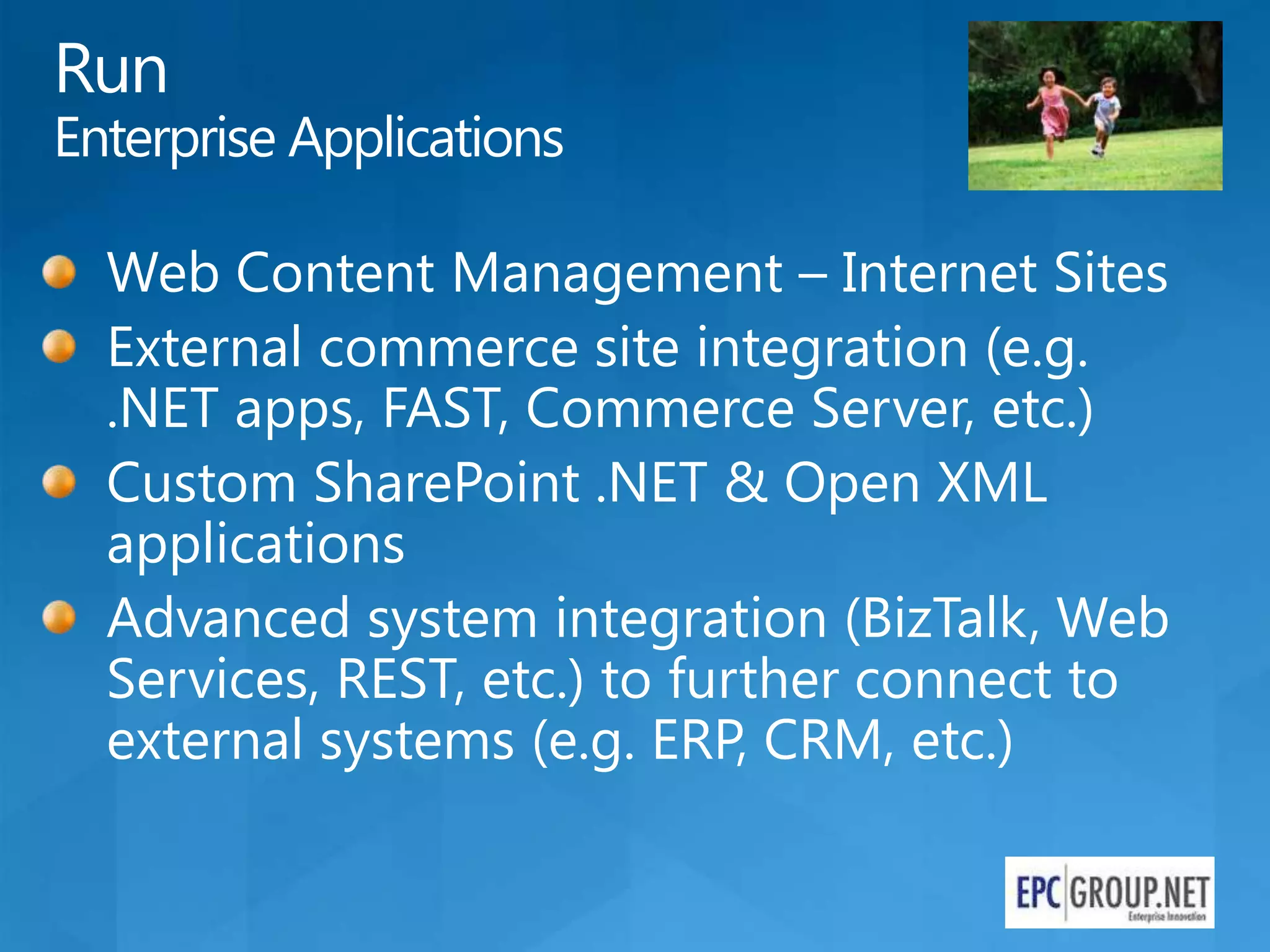
Enterprise Applications

  Web Content Management – Internet Sites
  External commerce site integration (e.g.
  .NET apps, FAST, Commerce Server, etc.)
  Custom SharePoint .NET & Open XML
  applications
  Advanced system integration (BizTalk, Web
  Services, REST, etc.) to further connect to
  external systems (e.g. ERP, CRM, etc.)
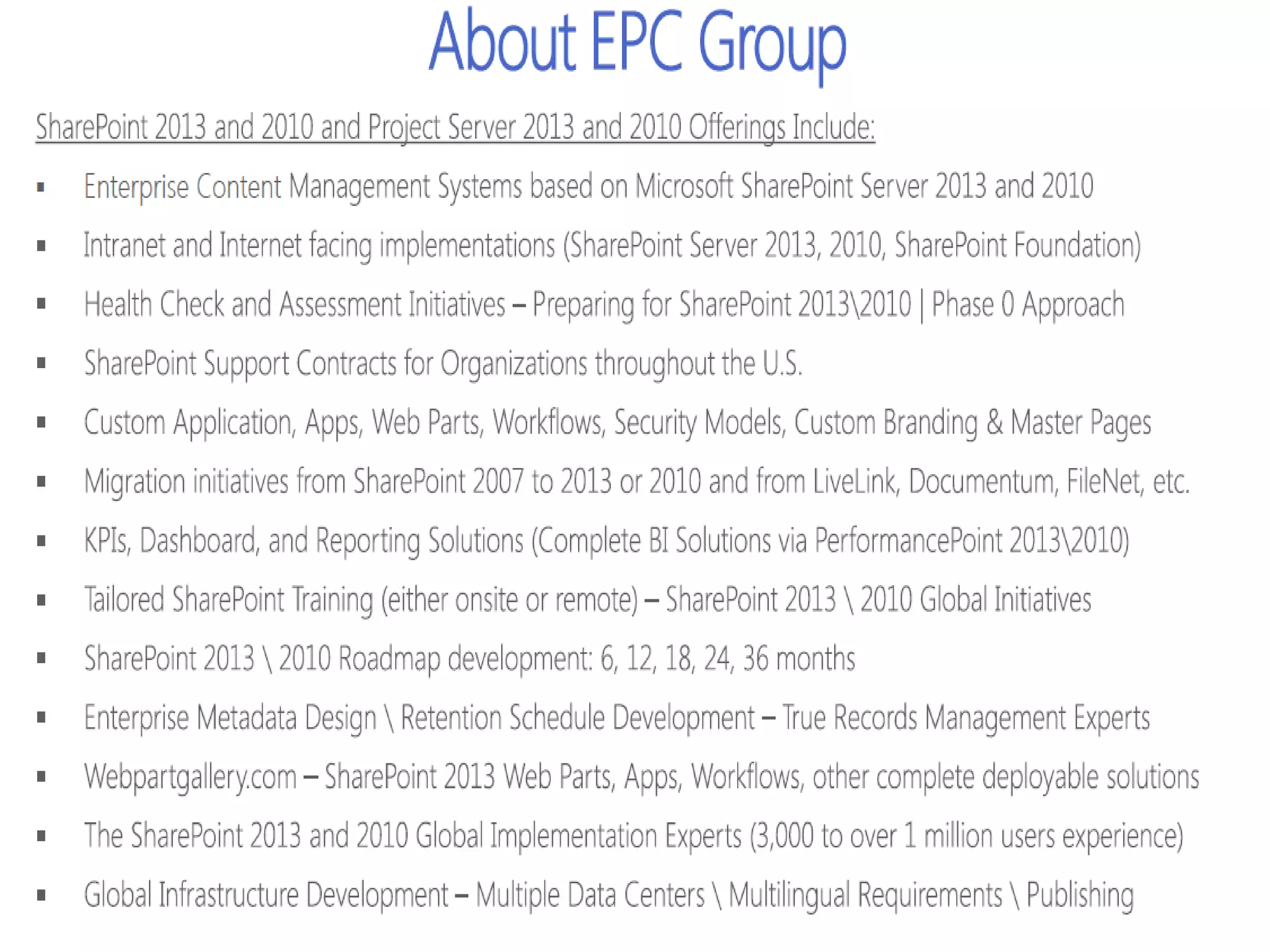
Driving End User Adoption in SharePoint 2013 & 2010 - EPC Group

Driving End User Adoption in SharePoint 2013 & 2010 - EPC Group

  • 6.
    What is SharePoint? Ribbon UI Business Connectivity Services SharePoint Workspace InfoPath® Form Services SharePoint Mobile Access Services Office Client and Office Web App Integration External Lists Standards Support Workflow SharePoint Designer Visual Studio API Enhancements Composites Tagging, Tag Cloud, Ratings REST/ATOM/RSS/AJAX/Silverlight Social Bookmarking Blogs and Wikis My Sites Activity Feeds PerformancePoint™ Services Profiles and Expertise Microsoft Excel® Services Org Browser Chart Web Part Microsoft Visio® Services Web Analytics Microsoft SQL Server® Enterprise Content Types Integration Metadata and Navigation PowerPivot Document Sets Multi-stage Disposition Social Relevance Audio and Video Content Types Phonetic Search Remote Blob Storage Navigation List Enhancements FAST Integration Enhanced Pipeline
  • 7.
    SharePoint Evolution (From2010) End User Composites Application & RAD On Premise Cloud Intranet Internet Oriented Facing
  • 11.
    SharePoint in theReal World Many customers still using SharePoint as a glorified file share SharePoint has become more complex for end users and IT alike as we’ve added more features Business groups driving IT to move faster & only deliver what they need (e.g. “I just want social”) Customers often already own multiple competing technologies & need to understand how/when to integrate and consolidate E.g. ECM, WCM, Search, BI, OCS, Java Also need to think of how SharePoint fits in at an organizational level – such as enterprise records management & eDiscovery Organizations don’t always view SharePoint as an enterprise service or application That perception is changing & SharePoint is becoming “too big to fail” in some organizations and mission critical like Exchange Customers often have multiple SharePoint farms & site collections People are afraid of SharePoint sprawl like Lotus Notes & Access Many companies still on older versions of other products such as Windows XP, IE 6, Office 2007 Tide appears to be turning with Windows 7 & Office 2010, especially for people that decided to skip Windows Vista & Office 2007
  • 18.
  • 19.
    5. Crawl, Walk,Run With SharePoint
  • 20.
    Crawl Go after thelow hanging fruit
  • 21.
    Walk LOB Applications &Project 10+ Internally – SharePoint portal & “surround” strategy Enterprise search – other content stores, federation Records Management SharePoint Composite Applications, Custom Workflows & BI 2007 – SharePoint Designer, Forms Services, Excel Services, Business Data Catalog 2010 – Word Services, Access Services, Visio Services, PerformancePoint Services, Business Connectivity Services User solutions, process automation/standardization, going green, human workflow Extranet Collaboration Sites – Customers, Partners, Boards, Mergers, Acquisitions Web Content Management – Internal Sites
  • 22.
    Run Enterprise Applications Web Content Management – Internet Sites External commerce site integration (e.g. .NET apps, FAST, Commerce Server, etc.) Custom SharePoint .NET & Open XML applications Advanced system integration (BizTalk, Web Services, REST, etc.) to further connect to external systems (e.g. ERP, CRM, etc.)