CI & Docker
An experience building
complex CI environments
Patxi Gortázar
francisco.gortazar@urjc.es
@fgortazar
Bio
Project Coordinator at @elastestio EU project
Devops @ Kurento
Teaching Distributed Systems @ URJC
@fgortazar
https://es.linkedin.com/in/franciscogortazar
Consultancy / Training
Cloud Computing
Distributed Systems
Web Technologies
Extreme Programming
Testing / Git / Jenkins
Software Architectures
Concurrent Programming
Open source elastic platform
for end to end testing
http://codeurjc.es http://elastest.io
Advanced log management
Test orchestration
Test execution comparison
Web and Mobile testing
Security testing
IoT testing
Performance testing
Why
A media server for real time video communication
The software under test
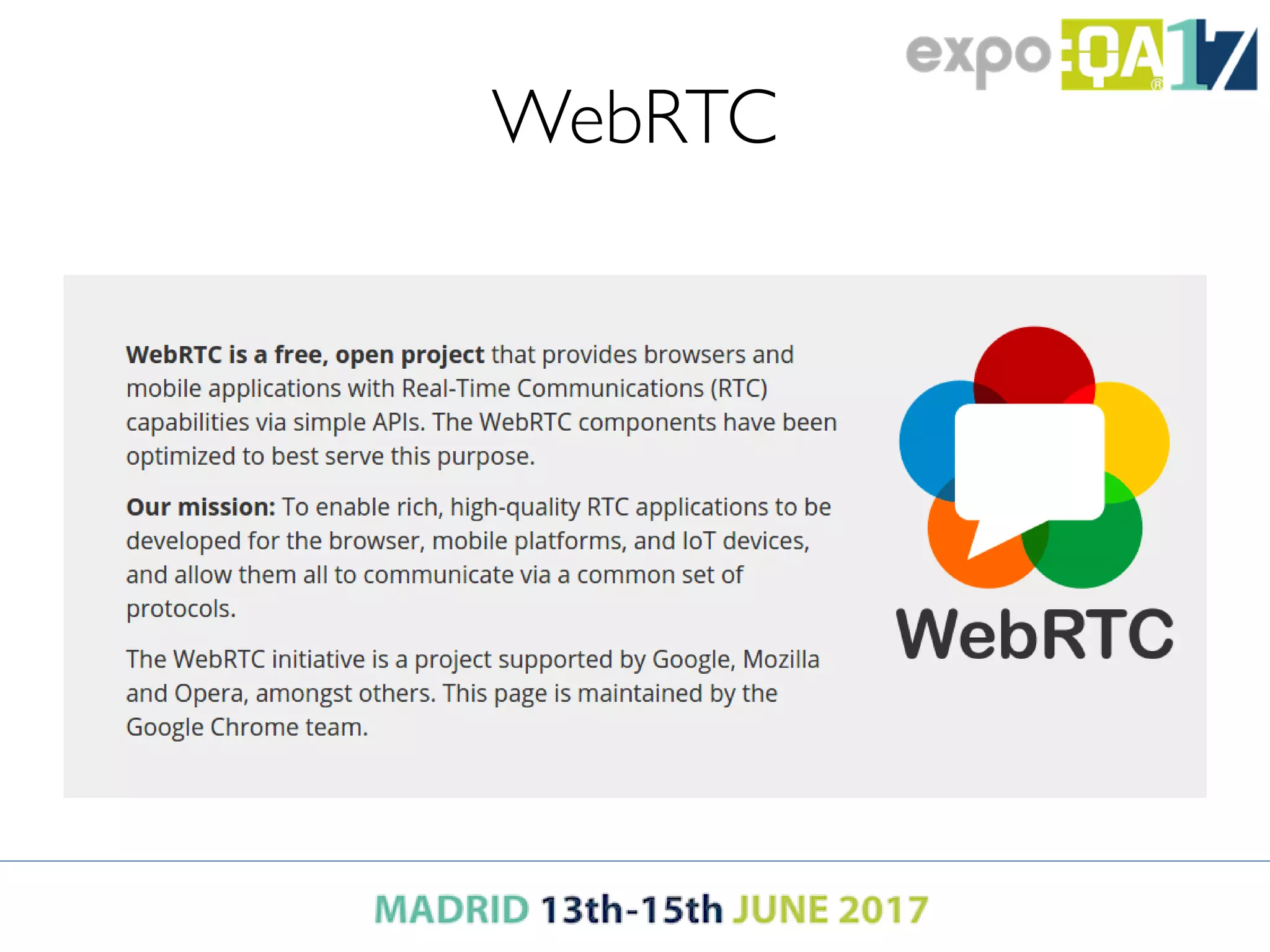
WebRTC
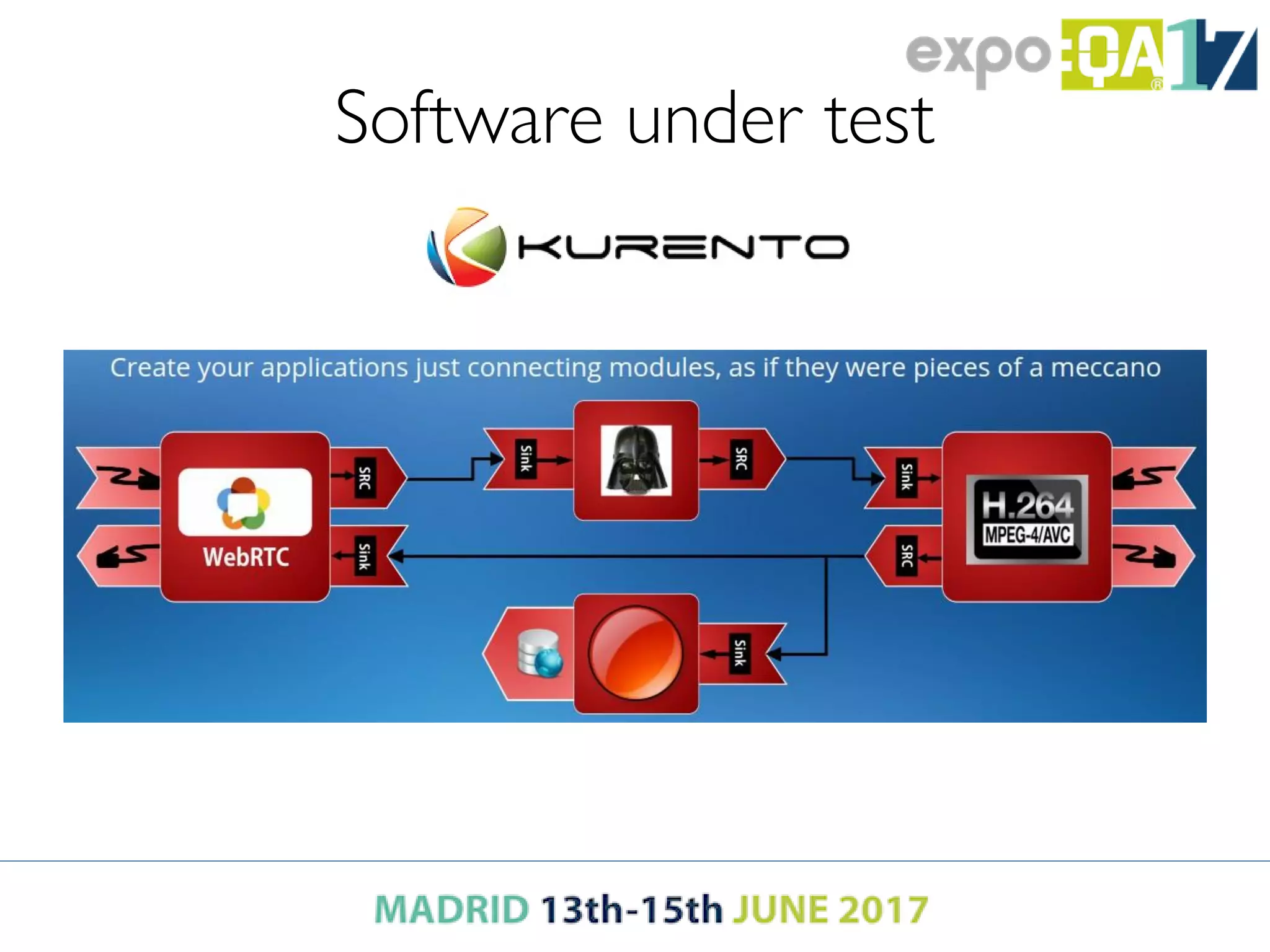
Software under test
Software under test
Software under test
So Kurento is…
• A media server
• APIs for managing connections in a WebRTC
communication
• Tutorials
• Applications
• Testing
– Under many scenarios
– Even more testing in different environments
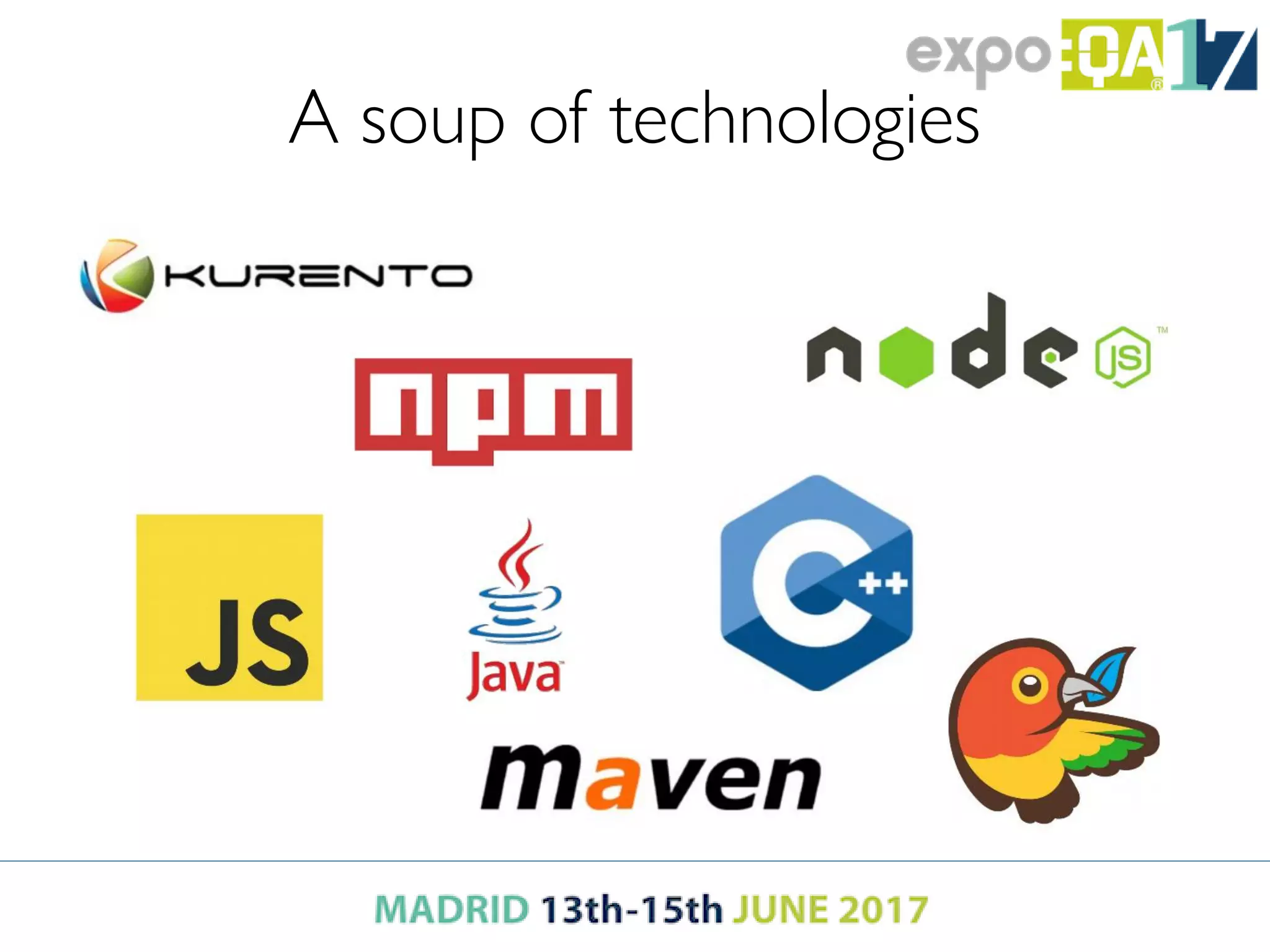
A soup of technologies
Some numbers
• 30 code repositories
• ~400 Jenkins jobs
• +1,000 tests
• +20 different environments to test
• +80 artifacts to be deployed at release time
Feasible infrastructures
Cloud
• Public or private
• 20 environments = 20 different VMs
• Cost increases with each new environment!!
• Effort increases with each new environment to
configure (ops)!!
• Time-to-market increases also!!
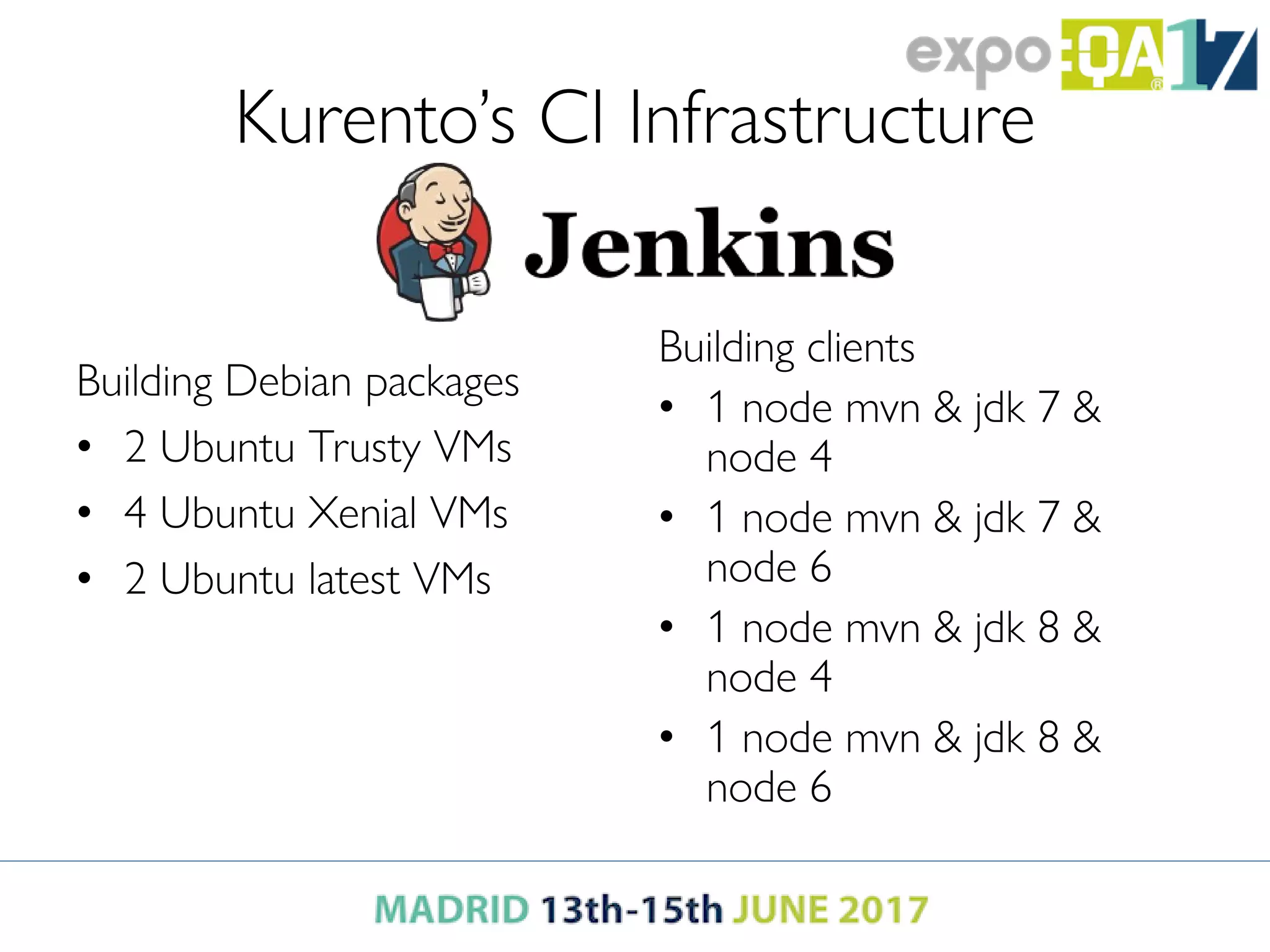
Kurento’s CI Infrastructure
Building Debian packages
• 2 Ubuntu Trusty VMs
• 4 Ubuntu Xenial VMs
• 2 Ubuntu latest VMs
Building clients
• 1 node mvn & jdk 7 &
node 4
• 1 node mvn & jdk 7 &
node 6
• 1 node mvn & jdk 8 &
node 4
• 1 node mvn & jdk 8 &
node 6
Further problems
• Developers are pushing hard towards ops/devops
to include changes in infrastructure
• Changes can hardly be reverted (possible, but…)
• Hard to test locally
– Works in my machine effect
• Wasted resources
• And at the same time, insufficient resources
Can we do better?
Simplifying CI with Docker
How
• Leverage Jenkins Pipeline
– CI configuration hosted within code repositories
– Docker support out-of-the-box
– Jenkins jobs launch containers on top of VMs
– VMs have all the same minimum configuration:
Docker
Current Infrastructure
1 VM Jenkins Master
N VMs Jenkins Workers (running Docker)
2 VM configurations
Where are my environments?
• The different environments are encapsulated as Docker
images
• Docker images can be used in any of the workers
• Docker images can be used in your laptop
• Docker images are versioned, easy to maintain, easy to build
• Any version can be used
• Several environments can be run in parallel in the same VM:
isolation
Which environments do I need?
You need images for your builds
You need images for your applications
You need images for your tests
Images for builds
• Heavy images (> 400Mb)
• One image per tool version: jdk7, jdk8
• Download ahead of time
– As opposed to downloading at build time
– E.g., downloading images in a nightly job
Images for builds
With Docker it’s easier to tame matrix envs
• Consider building a project using…
– Ubuntu
• Trusty
• Xenial
• Zesty
– Java
• JDK 7
• JDK 8
• JDK 9
Images for builds
What if we need to mix…
• JDK
• Maven
• Node
• Npm
• Bower
… in the same environment?
Images for applications
You're ready to ship your application as a
container (optional)
• Choose lightweight containers
– Docker is focusing on lightweight containers
leveraging Alpine Linux
• Include just what your application needs
– Leverage new multi-stage build in Docker
• Think about dependencies (databases, caching...)
Images for testing
• You can run browsers within a container
– https://github.com/SeleniumHQ/docker-selenium
• Available images
– selenium/hub
– selenium/node-chrome
– selenium/node-firefox
– selenium/node-chrome-debug
– selenium/node-firefox-debug
Images for testing
• Unfortunately they're a bit out of date
– See https://github.com/SeleniumHQ/docker-
selenium/issues/229#issuecomment-253334224
• Don't worry
– It's easy to build them with the latest browser
– We can test against latest release, beta and canary
• Alternatives
– TestContainers: https://www.testcontainers.org/
Testing with multiple containers
Orchestration...
• docker compose
– Require to know the number of containers in
advance
• Otherwise, docker run
• Cleaning containers and images with spotify-gc
Testing with multiple containers
Orchestration...
• End-to-end tests
– 1-5 browsers
– Test scenario is run several times with different
configurations
• Chrome (stable, beta, canary)
• Firefox (stable, beta)
• …
Testing with multiple containers
Orchestration...
• Tests can include a Docker client for flexibility:
– Start & stop containers
– Container inspection
– Gathering logs
– Managing Volumes
– Managing environment variables
Testing with multiple containers
Orchestration...
• Network topologies
– Specific network plugins
– Handcrafted networks
• docker run --net=none …  Ugly hack!!
• Better use network plugins
Testing with multiple containers
Challenges
• Gathering data
– Logs from several containers
– Metrics (CPU, memory, network…)
– Files generated (browser recording)
• Integrating data with test execution
– Comparing some data across several executions
– Data integration
Challenges
• Reproducing real-world conditions
– Failing nodes
– Failing networks
– Network bandwidth (4G, 5G, DSL)
– Network topologies (NAT traversal, firewalls, …)
– High loads (bursting CPUs)
Consultancy / Training
Cloud Computing
Distributed Systems
Web Technologies
Extreme Programming
Testing / Git / Jenkins
Software Architectures
Concurrent Programming
Open source elastic platform
for end to end testing
http://codeurjc.es http://elastest.io
Advanced log management
Test orchestration
Test execution comparison
Web and Mobile testing
Security testing
IoT testing
Performance testing
Bio
Coordinator http://elastest.io/
Devops @ Kurento
Teaching Distributed Systems @ URJC
@fgortazar
https://es.linkedin.com/in/franciscogortazar

Docker & ci

  • 2.
    CI & Docker Anexperience building complex CI environments Patxi Gortázar francisco.gortazar@urjc.es @fgortazar
  • 3.
    Bio Project Coordinator at@elastestio EU project Devops @ Kurento Teaching Distributed Systems @ URJC @fgortazar https://es.linkedin.com/in/franciscogortazar
  • 4.
    Consultancy / Training CloudComputing Distributed Systems Web Technologies Extreme Programming Testing / Git / Jenkins Software Architectures Concurrent Programming Open source elastic platform for end to end testing http://codeurjc.es http://elastest.io Advanced log management Test orchestration Test execution comparison Web and Mobile testing Security testing IoT testing Performance testing
  • 5.
    Why A media serverfor real time video communication The software under test
  • 6.
  • 7.
  • 8.
  • 9.
    Software under test SoKurento is… • A media server • APIs for managing connections in a WebRTC communication • Tutorials • Applications • Testing – Under many scenarios – Even more testing in different environments
  • 10.
    A soup oftechnologies
  • 11.
    Some numbers • 30code repositories • ~400 Jenkins jobs • +1,000 tests • +20 different environments to test • +80 artifacts to be deployed at release time
  • 12.
    Feasible infrastructures Cloud • Publicor private • 20 environments = 20 different VMs • Cost increases with each new environment!! • Effort increases with each new environment to configure (ops)!! • Time-to-market increases also!!
  • 13.
    Kurento’s CI Infrastructure BuildingDebian packages • 2 Ubuntu Trusty VMs • 4 Ubuntu Xenial VMs • 2 Ubuntu latest VMs Building clients • 1 node mvn & jdk 7 & node 4 • 1 node mvn & jdk 7 & node 6 • 1 node mvn & jdk 8 & node 4 • 1 node mvn & jdk 8 & node 6
  • 14.
    Further problems • Developersare pushing hard towards ops/devops to include changes in infrastructure • Changes can hardly be reverted (possible, but…) • Hard to test locally – Works in my machine effect • Wasted resources • And at the same time, insufficient resources Can we do better?
  • 15.
  • 16.
    How • Leverage JenkinsPipeline – CI configuration hosted within code repositories – Docker support out-of-the-box – Jenkins jobs launch containers on top of VMs – VMs have all the same minimum configuration: Docker
  • 17.
    Current Infrastructure 1 VMJenkins Master N VMs Jenkins Workers (running Docker) 2 VM configurations
  • 18.
    Where are myenvironments? • The different environments are encapsulated as Docker images • Docker images can be used in any of the workers • Docker images can be used in your laptop • Docker images are versioned, easy to maintain, easy to build • Any version can be used • Several environments can be run in parallel in the same VM: isolation
  • 19.
    Which environments doI need? You need images for your builds You need images for your applications You need images for your tests
  • 20.
    Images for builds •Heavy images (> 400Mb) • One image per tool version: jdk7, jdk8 • Download ahead of time – As opposed to downloading at build time – E.g., downloading images in a nightly job
  • 21.
    Images for builds WithDocker it’s easier to tame matrix envs • Consider building a project using… – Ubuntu • Trusty • Xenial • Zesty – Java • JDK 7 • JDK 8 • JDK 9
  • 22.
    Images for builds Whatif we need to mix… • JDK • Maven • Node • Npm • Bower … in the same environment?
  • 23.
    Images for applications You'reready to ship your application as a container (optional) • Choose lightweight containers – Docker is focusing on lightweight containers leveraging Alpine Linux • Include just what your application needs – Leverage new multi-stage build in Docker • Think about dependencies (databases, caching...)
  • 24.
    Images for testing •You can run browsers within a container – https://github.com/SeleniumHQ/docker-selenium • Available images – selenium/hub – selenium/node-chrome – selenium/node-firefox – selenium/node-chrome-debug – selenium/node-firefox-debug
  • 25.
    Images for testing •Unfortunately they're a bit out of date – See https://github.com/SeleniumHQ/docker- selenium/issues/229#issuecomment-253334224 • Don't worry – It's easy to build them with the latest browser – We can test against latest release, beta and canary • Alternatives – TestContainers: https://www.testcontainers.org/
  • 26.
    Testing with multiplecontainers Orchestration... • docker compose – Require to know the number of containers in advance • Otherwise, docker run • Cleaning containers and images with spotify-gc
  • 27.
    Testing with multiplecontainers Orchestration... • End-to-end tests – 1-5 browsers – Test scenario is run several times with different configurations • Chrome (stable, beta, canary) • Firefox (stable, beta) • …
  • 28.
    Testing with multiplecontainers Orchestration... • Tests can include a Docker client for flexibility: – Start & stop containers – Container inspection – Gathering logs – Managing Volumes – Managing environment variables
  • 29.
    Testing with multiplecontainers Orchestration... • Network topologies – Specific network plugins – Handcrafted networks • docker run --net=none …  Ugly hack!! • Better use network plugins
  • 30.
  • 31.
    Challenges • Gathering data –Logs from several containers – Metrics (CPU, memory, network…) – Files generated (browser recording) • Integrating data with test execution – Comparing some data across several executions – Data integration
  • 32.
    Challenges • Reproducing real-worldconditions – Failing nodes – Failing networks – Network bandwidth (4G, 5G, DSL) – Network topologies (NAT traversal, firewalls, …) – High loads (bursting CPUs)
  • 33.
    Consultancy / Training CloudComputing Distributed Systems Web Technologies Extreme Programming Testing / Git / Jenkins Software Architectures Concurrent Programming Open source elastic platform for end to end testing http://codeurjc.es http://elastest.io Advanced log management Test orchestration Test execution comparison Web and Mobile testing Security testing IoT testing Performance testing
  • 34.
    Bio Coordinator http://elastest.io/ Devops @Kurento Teaching Distributed Systems @ URJC @fgortazar https://es.linkedin.com/in/franciscogortazar