MAE IPAD PROJECT

  An iPad project for Singapore
           Polytechnic
MAE Student
with an IPAD
                                                           Make
                          I attend    Use EBook
                                                        comments
                          Lecture      for notes
                                                         in EBook


                          I attend     Class or
                           tutorial                     Attend class
                                      E-learning?


          Sp timetable

                                                      Log-into
                                                    online LAMS


                                           Use EBook                          Submit
                                                              Attend Lab
                                            for inlab                          their
                                                               for expts
                                              expt                            results
                         I attend
                         practical

                                           Use EBook                           Draw      Carry out-
                                                                 Follow
                                            for inlab                        necessary   lab expts
                                                              instructions
                                              expt                             tools     with IPAD
A day in school for a SP student
• Imagine, every student is equip with a
  iPad/tablet instead of a laptop.
• What can they use the iPad/tablet in school
  for?
• This presentation give an insight of what the
  students can use the iPad/tablet for?
1st thing 1st : in school

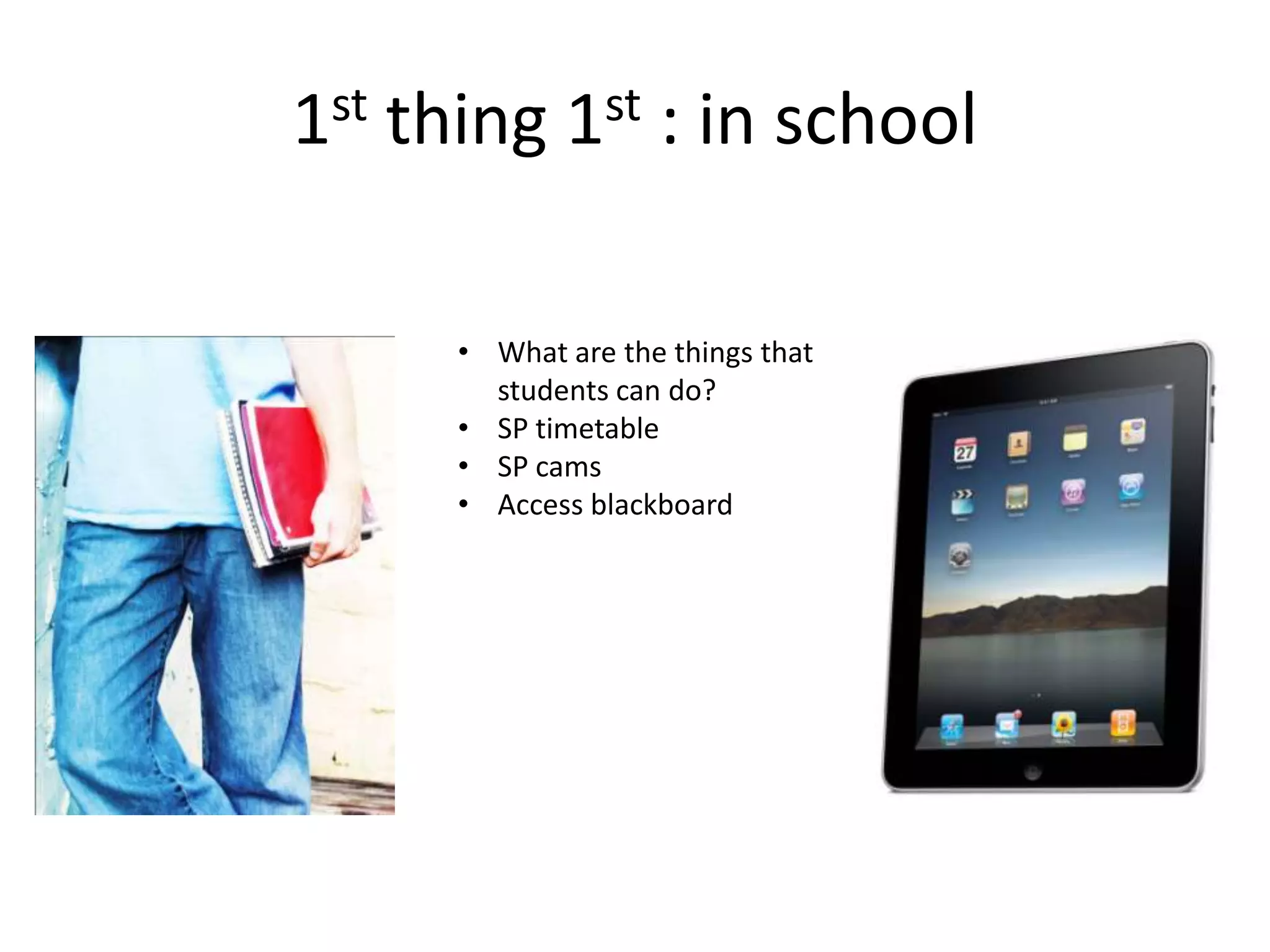
      • What are the things that
        students can do?
      • SP timetable
      • SP cams
      • Access blackboard
Where to eat or hangout?
            • SP cam
            • Students able to search
              for places to eat
            • Find the least crowded
              food court
            • Or find available places
              to hang out!
What’s my schedule?
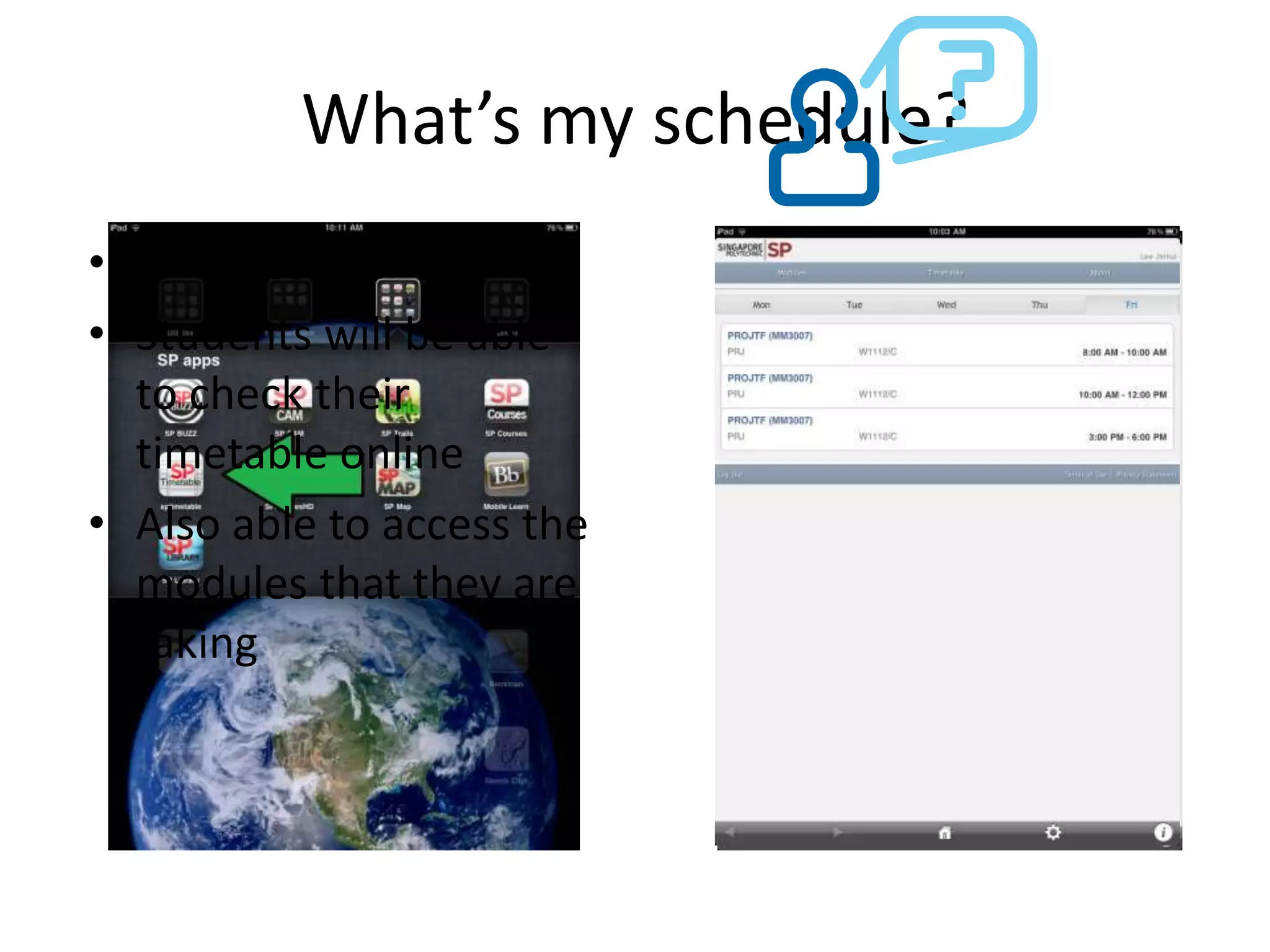
• SP timetable
• Students will be able
  to check their
  timetable online
• Also able to access the
  modules that they are
  taking
How do students study/learn?
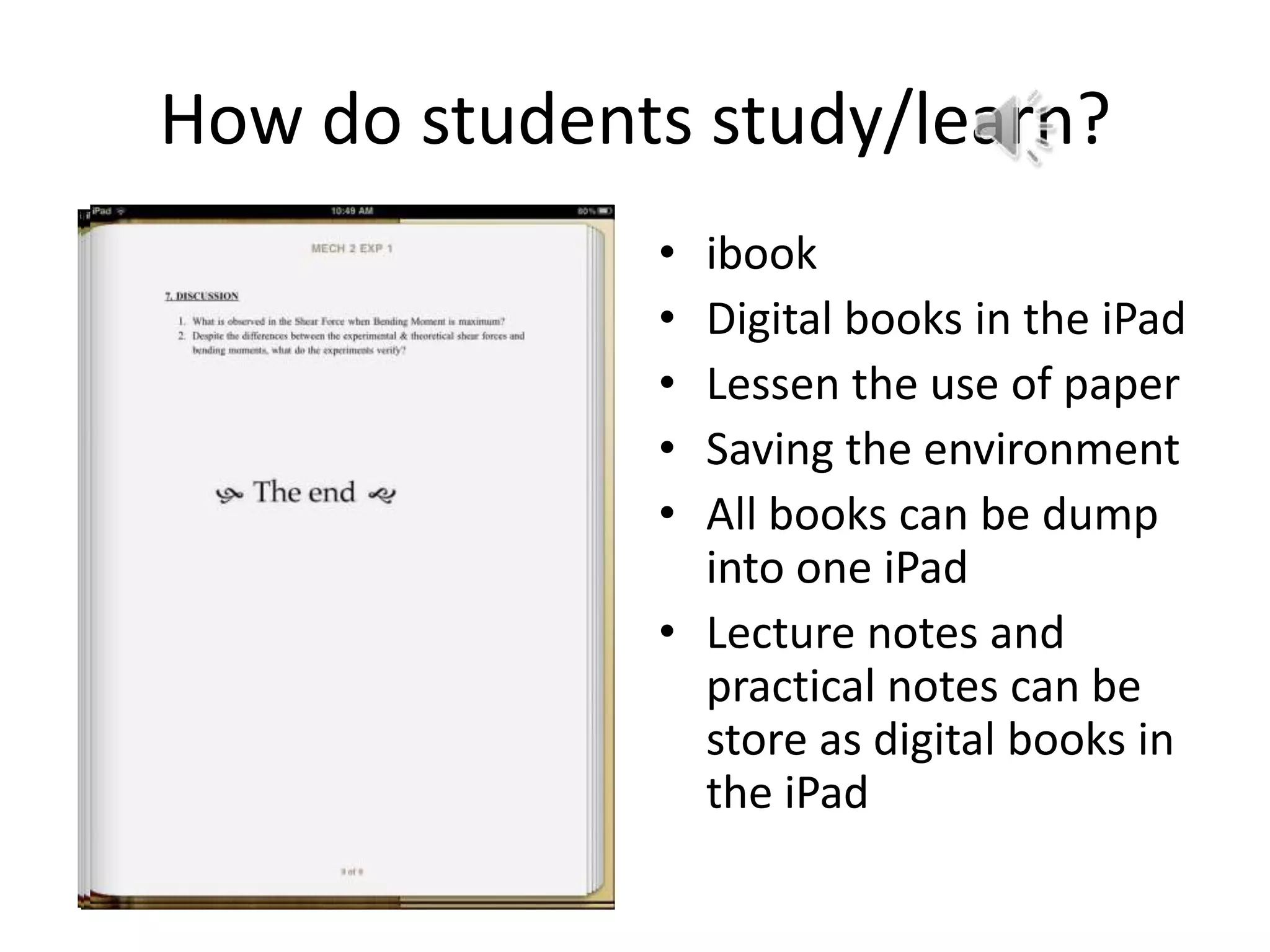
              • ibook
              • Digital books in the iPad
              • Lessen the use of paper
              • Saving the environment
              • All books can be dump
                into one iPad
              • Lecture notes and
                practical notes can be
                store as digital books in
                the iPad
Report!
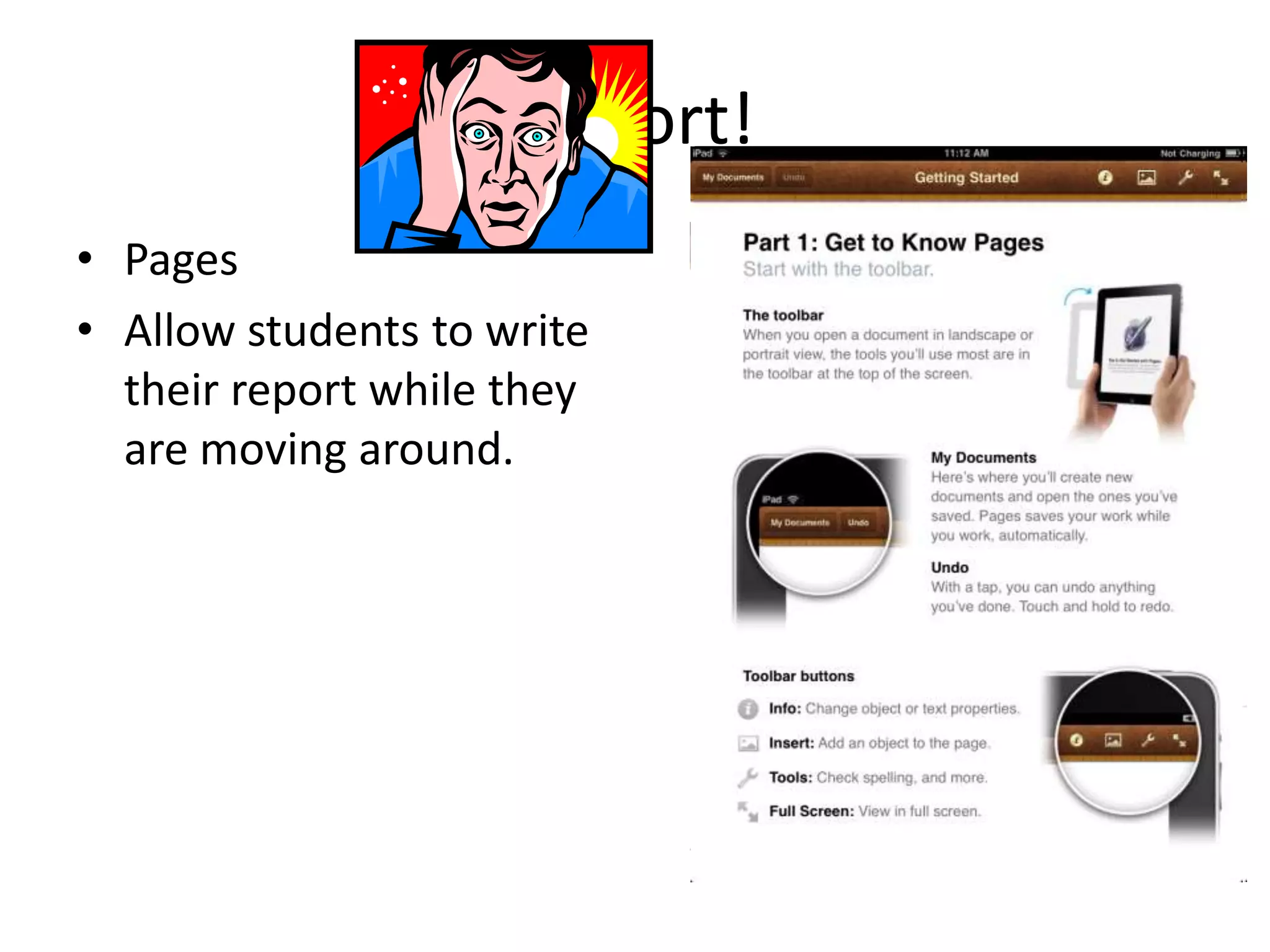
• Pages
• Allow students to write
  their report while they
  are moving around.
Applications!
• Number of applications for students to choose from!
• SP cams:
   – Check on the crowd in the food courts.
   – Judge on which food court students wants to go.
• SP timetable:
   – Find out online the timetable of the students.
   – Remove the need to log into SAS to check the timetable.
• SP maps:
   – Provide a map of SP for students to move about and find
     the location that they want!
• SP library:
   – Provide instant access to SP library database for the
     latest book availability!
What app for what uses?
• Mechanics 1, Thermo 1, Autocad, etc…
• Lecture: using e-books on the
  tablet, remove the needs of paper for
  studies.
• Learning materials will be provided online!
• Tutorial: on-line LAMS, students can do their
  tutorial online without the lectures handling
  out questions notes for students.
• Practical: Lab on the go, students can look at
  their practical lab sheets online without the
  needs of the lecturer preparing the lab
  sheets!
Mobility!
• Students can do their work even while they
  are not in school!
• Autocad WS: able to handle 2D drawings on
  the iPad.
• Drawings can also be saved in the cloud server
  and be share wirelessly!
• 3D drawings can be access using the school
  computer labs!
Functionality
• Using Pages to do your report (Microsoft
  word)
• Using Keynotes to do your presentation
  (Microsoft power point)
• Both application are able to share their data
  via e-mail!
• Data can also be share via a cloud server (drop
  box).
Communications
• Wi-fi function, wireless communications.
• Facebook, tweeters, messengers, e-mail!
• Many form of interaction between students
  and lecturers!
How does it looks like?

Dmro mae (i pad

  • 1.
    MAE IPAD PROJECT An iPad project for Singapore Polytechnic
  • 2.
    MAE Student with anIPAD Make I attend Use EBook comments Lecture for notes in EBook I attend Class or tutorial Attend class E-learning? Sp timetable Log-into online LAMS Use EBook Submit Attend Lab for inlab their for expts expt results I attend practical Use EBook Draw Carry out- Follow for inlab necessary lab expts instructions expt tools with IPAD
  • 3.
    A day inschool for a SP student • Imagine, every student is equip with a iPad/tablet instead of a laptop. • What can they use the iPad/tablet in school for? • This presentation give an insight of what the students can use the iPad/tablet for?
  • 4.
    1st thing 1st: in school • What are the things that students can do? • SP timetable • SP cams • Access blackboard
  • 5.
    Where to eator hangout? • SP cam • Students able to search for places to eat • Find the least crowded food court • Or find available places to hang out!
  • 6.
    What’s my schedule? •SP timetable • Students will be able to check their timetable online • Also able to access the modules that they are taking
  • 7.
    How do studentsstudy/learn? • ibook • Digital books in the iPad • Lessen the use of paper • Saving the environment • All books can be dump into one iPad • Lecture notes and practical notes can be store as digital books in the iPad
  • 8.
    Report! • Pages • Allowstudents to write their report while they are moving around.
  • 9.
    Applications! • Number ofapplications for students to choose from! • SP cams: – Check on the crowd in the food courts. – Judge on which food court students wants to go. • SP timetable: – Find out online the timetable of the students. – Remove the need to log into SAS to check the timetable. • SP maps: – Provide a map of SP for students to move about and find the location that they want! • SP library: – Provide instant access to SP library database for the latest book availability!
  • 10.
    What app forwhat uses? • Mechanics 1, Thermo 1, Autocad, etc… • Lecture: using e-books on the tablet, remove the needs of paper for studies. • Learning materials will be provided online! • Tutorial: on-line LAMS, students can do their tutorial online without the lectures handling out questions notes for students. • Practical: Lab on the go, students can look at their practical lab sheets online without the needs of the lecturer preparing the lab sheets!
  • 11.
    Mobility! • Students cando their work even while they are not in school! • Autocad WS: able to handle 2D drawings on the iPad. • Drawings can also be saved in the cloud server and be share wirelessly! • 3D drawings can be access using the school computer labs!
  • 12.
    Functionality • Using Pagesto do your report (Microsoft word) • Using Keynotes to do your presentation (Microsoft power point) • Both application are able to share their data via e-mail! • Data can also be share via a cloud server (drop box).
  • 13.
    Communications • Wi-fi function,wireless communications. • Facebook, tweeters, messengers, e-mail! • Many form of interaction between students and lecturers!
  • 14.
    How does itlooks like?

Editor's Notes

  • #12 Students can draw 2D drawings on the go and use the school computer labs to do their 3D drawings!
  • #15 Paste illustrations. How?