DIGITAL LEARNING
pre- post- and during museum visits
Institute of Education 18 March 2015
Martin Bazley
Digital Heritage Consultant
Focus of session
• How is digital technology used in museums
and galleries for classroom learning either
prior to or after a visit...
• Gallery visits always seem somehow separate
from what is happening in the classroom?
Martin Bazley
Previously:
• Teaching (7 yrs)
• Science Museum, London, Internet
Projects (7yrs)
• E-Learning Officer, Museums,Libraries and
Archives (MLA) South East (3yrs)
Slides: www.slideshare.net/martinbazley
Martin BazleyNow:
• Developing online resources, websites,
user testing, evaluation, training,
consultancy…
• Mentor and Monitor for HLF digital projects
Martin Bazley & Associates
www.martinbazley.com
• Chair, Digital Learning Network DLNET
Martin Bazley & Associates
BBC / Public Catalogue
Foundation Your Paintings
project
Consulting on user interface
Consulting on online survey
User testing
Martin Bazley & Associates
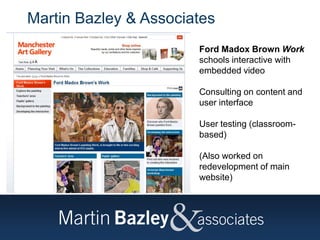
Ford Madox Brown Work
schools interactive with
embedded video
Consulting on content and
user interface
User testing (classroom-
based)
(Also worked on
redevelopment of main
website)
Martin Bazley & Associates
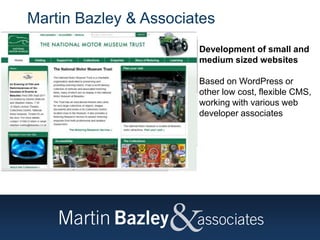
Development of small and
medium sized websites
Based on WordPress or
other low cost, flexible CMS,
working with various web
developer associates
Martin Bazley & Associates
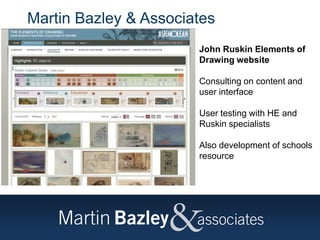
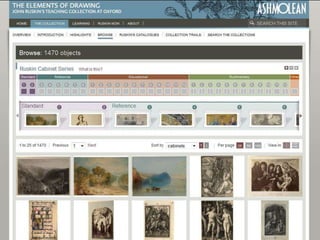
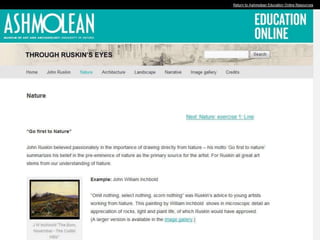
John Ruskin Elements of
Drawing website
Consulting on content and
user interface
User testing with HE and
Ruskin specialists
Also development of schools
resource
Martin Bazley & Associates
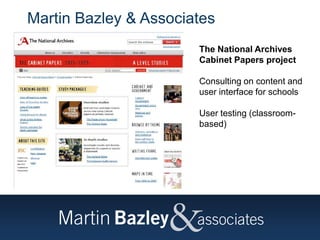
The National Archives
Cabinet Papers project
Consulting on content and
user interface for schools
User testing (classroom-
based)
Martin Bazley & Associates
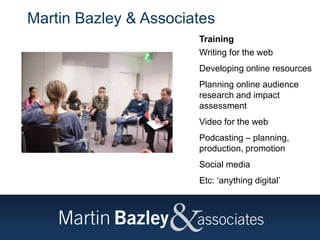
Training
Writing for the web
Developing online resources
Planning online audience
research and impact
assessment
Video for the web
Podcasting – planning,
production, promotion
Social media
Etc: ‘anything digital’
Poll of recent examples
Martin emailed the GEM and DLNET
lists asking for example
The responses have been emailed to
Annie Davey at IoE
What do teachers want?
https://vimeo.com/18888798
key ideas not lesson plans
https://vimeo.com/18867252
Oli Knight timesaver
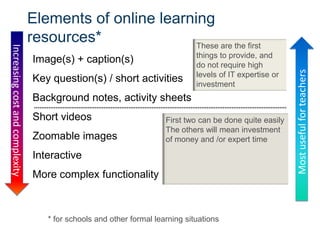
Elements of online learning
resources*
Image(s) + caption(s)
Key question(s) / short activities
Background notes, activity sheets
Short videos
Zoomable images
Interactive
More complex functionality
Increasingcostandcomplexity
Mostusefulforteachers
These are the first
things to provide, and
do not require high
levels of IT expertise or
investment
First two can be done quite easily
The others will mean investment
of money and /or expert time
* for schools and other formal learning situations
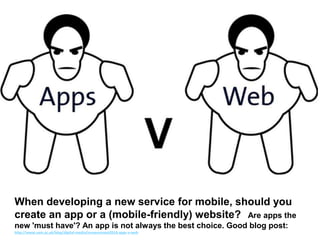
When developing a new service for mobile, should you
create an app or a (mobile-friendly) website? Are apps the
new 'must have'? An app is not always the best choice. Good blog post:
http://www.vam.ac.uk/blog/digital-media/museumnext2014-apps-v-web
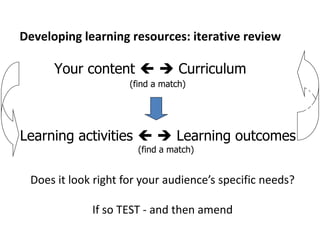
Developing learning resources: iterative review
Your content   Curriculum
(find a match)
Check
Does it look right for your audience’s specific needs?
If so TEST - and then amend
Learning activities   Learning outcomes
(find a match)
How to get it right
Audiences – research, make clear choices, then
evaluate as you go JISC SCA guidance, GetReal, AudienceFinder
Work with good people – ask others for
recommendations and look into their past work
Budget for independent consultation, user testing and
evaluation
Adopt an agile, iterative approach to development
Different users, different needs...
How do you get it right for everyone?
You can’t get it right for everyone.
You need to make clear decisions such as...
• Who is it for?
• What does it offer them?
• How will they use it?
To do that, you need to find out about your users
Testing is an iterative process
Testing isn’t something you do once
Make something
=> test it
=> refine it
=> test it again
Key point:
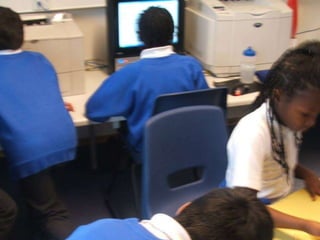
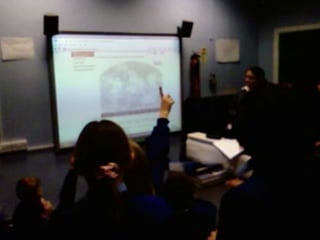
for a site designed for schools,
the most effective user testing observations
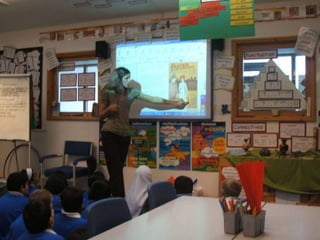
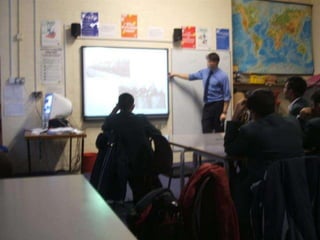
will be made in a real classroom situation
Evaluation: 2-phase approach
Site ready in parts – but not too ready:
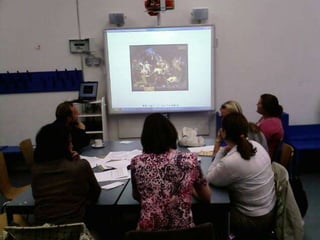
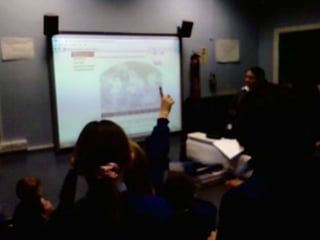
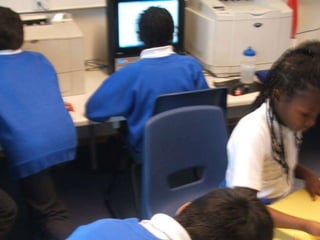
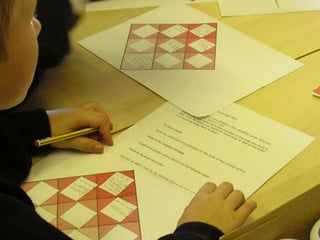
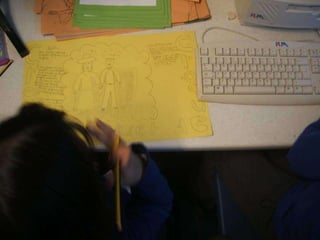
The environment and social dynamics
The environment had a significant
impact on how the site was
used.
The class dynamic within the
different groups contributed to
how much the students learned.
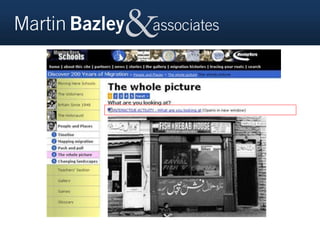
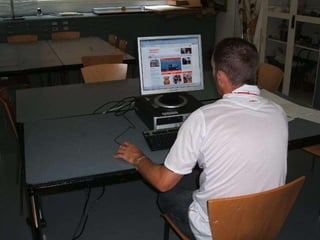
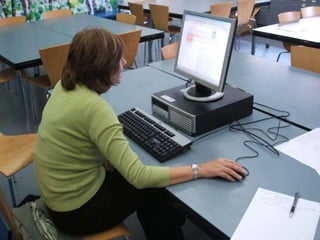
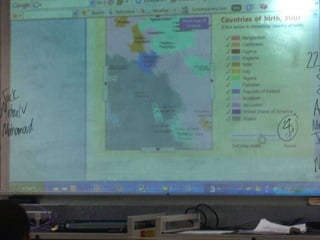
Only spotted during in-class testing:
…so interactives needed
to be viewable full-
screen
Martin Bazley
Martin Bazley
Martin Bazley
Martin Bazley
'This classroom user testing is all very well, but...'
How can you see everything in a class of
30 children – don't you miss things?
You see things in a classroom
that don't arise in one-to-one
testing
They are the real issues
'This classroom user testing is all very well, but...'
Doesn't using a specific class with
particular needs skew the results?
» For example, low ability, poor English, equipment not
working, behaviour issues, etc - are results as reliable
as those in a 'neutral' environment?
» ‘neutral environment’ ? – no such thing - any test will be
subjective, and in any case:
» Testing is to make website work well in classroom, -
need to see effects of factors like those.
'This classroom user testing is all very well, but...'
Can't my Web developer do the testing
for us?
» best not to use external developer to do
user testing - conflict of interest
» also likely to focus more on the
technical aspects of the site than on
effect on the teacher and pupils.
» visit a classroom yourself but use an
independent evaluator for key decision
points
'This classroom user testing is all very well, but...'
Martin Bazley
Feel free to phone or email for help
0780 3580 727
martin@martinbazley.com

Digital supporting pre post visit and classroom martin bazley upload version

  • 1.
    DIGITAL LEARNING pre- post-and during museum visits Institute of Education 18 March 2015 Martin Bazley Digital Heritage Consultant
  • 2.
    Focus of session •How is digital technology used in museums and galleries for classroom learning either prior to or after a visit... • Gallery visits always seem somehow separate from what is happening in the classroom?
  • 3.
    Martin Bazley Previously: • Teaching(7 yrs) • Science Museum, London, Internet Projects (7yrs) • E-Learning Officer, Museums,Libraries and Archives (MLA) South East (3yrs) Slides: www.slideshare.net/martinbazley
  • 4.
    Martin BazleyNow: • Developingonline resources, websites, user testing, evaluation, training, consultancy… • Mentor and Monitor for HLF digital projects Martin Bazley & Associates www.martinbazley.com • Chair, Digital Learning Network DLNET
  • 5.
    Martin Bazley &Associates BBC / Public Catalogue Foundation Your Paintings project Consulting on user interface Consulting on online survey User testing
  • 6.
    Martin Bazley &Associates Ford Madox Brown Work schools interactive with embedded video Consulting on content and user interface User testing (classroom- based) (Also worked on redevelopment of main website)
  • 7.
    Martin Bazley &Associates Development of small and medium sized websites Based on WordPress or other low cost, flexible CMS, working with various web developer associates
  • 8.
    Martin Bazley &Associates John Ruskin Elements of Drawing website Consulting on content and user interface User testing with HE and Ruskin specialists Also development of schools resource
  • 9.
    Martin Bazley &Associates The National Archives Cabinet Papers project Consulting on content and user interface for schools User testing (classroom- based)
  • 10.
    Martin Bazley &Associates Training Writing for the web Developing online resources Planning online audience research and impact assessment Video for the web Podcasting – planning, production, promotion Social media Etc: ‘anything digital’
  • 11.
    Poll of recentexamples Martin emailed the GEM and DLNET lists asking for example The responses have been emailed to Annie Davey at IoE
  • 12.
    What do teacherswant? https://vimeo.com/18888798 key ideas not lesson plans https://vimeo.com/18867252 Oli Knight timesaver
  • 13.
    Elements of onlinelearning resources* Image(s) + caption(s) Key question(s) / short activities Background notes, activity sheets Short videos Zoomable images Interactive More complex functionality Increasingcostandcomplexity Mostusefulforteachers These are the first things to provide, and do not require high levels of IT expertise or investment First two can be done quite easily The others will mean investment of money and /or expert time * for schools and other formal learning situations
  • 22.
    When developing anew service for mobile, should you create an app or a (mobile-friendly) website? Are apps the new 'must have'? An app is not always the best choice. Good blog post: http://www.vam.ac.uk/blog/digital-media/museumnext2014-apps-v-web
  • 23.
    Developing learning resources:iterative review Your content   Curriculum (find a match) Check Does it look right for your audience’s specific needs? If so TEST - and then amend Learning activities   Learning outcomes (find a match)
  • 24.
    How to getit right Audiences – research, make clear choices, then evaluate as you go JISC SCA guidance, GetReal, AudienceFinder Work with good people – ask others for recommendations and look into their past work Budget for independent consultation, user testing and evaluation Adopt an agile, iterative approach to development
  • 25.
    Different users, differentneeds... How do you get it right for everyone? You can’t get it right for everyone. You need to make clear decisions such as... • Who is it for? • What does it offer them? • How will they use it? To do that, you need to find out about your users
  • 26.
    Testing is aniterative process Testing isn’t something you do once Make something => test it => refine it => test it again
  • 32.
    Key point: for asite designed for schools, the most effective user testing observations will be made in a real classroom situation
  • 33.
  • 34.
    Site ready inparts – but not too ready:
  • 35.
    The environment andsocial dynamics The environment had a significant impact on how the site was used. The class dynamic within the different groups contributed to how much the students learned.
  • 38.
    Only spotted duringin-class testing: …so interactives needed to be viewable full- screen
  • 40.
  • 41.
  • 42.
  • 43.
  • 44.
    'This classroom usertesting is all very well, but...' How can you see everything in a class of 30 children – don't you miss things? You see things in a classroom that don't arise in one-to-one testing They are the real issues
  • 45.
    'This classroom usertesting is all very well, but...' Doesn't using a specific class with particular needs skew the results? » For example, low ability, poor English, equipment not working, behaviour issues, etc - are results as reliable as those in a 'neutral' environment? » ‘neutral environment’ ? – no such thing - any test will be subjective, and in any case: » Testing is to make website work well in classroom, - need to see effects of factors like those. 'This classroom user testing is all very well, but...'
  • 46.
    'This classroom usertesting is all very well, but...' Can't my Web developer do the testing for us? » best not to use external developer to do user testing - conflict of interest » also likely to focus more on the technical aspects of the site than on effect on the teacher and pupils. » visit a classroom yourself but use an independent evaluator for key decision points 'This classroom user testing is all very well, but...'
  • 50.
    Martin Bazley Feel freeto phone or email for help 0780 3580 727 martin@martinbazley.com