Digital Presence
Evernote & Linkedin
First create your
account and then
log in
After you logged in you have 3
option: evernote basic that is free,
evernote plus $34.99 and evernote
premium $69.99.
*In my case I selected evernote basic so I continue with the process
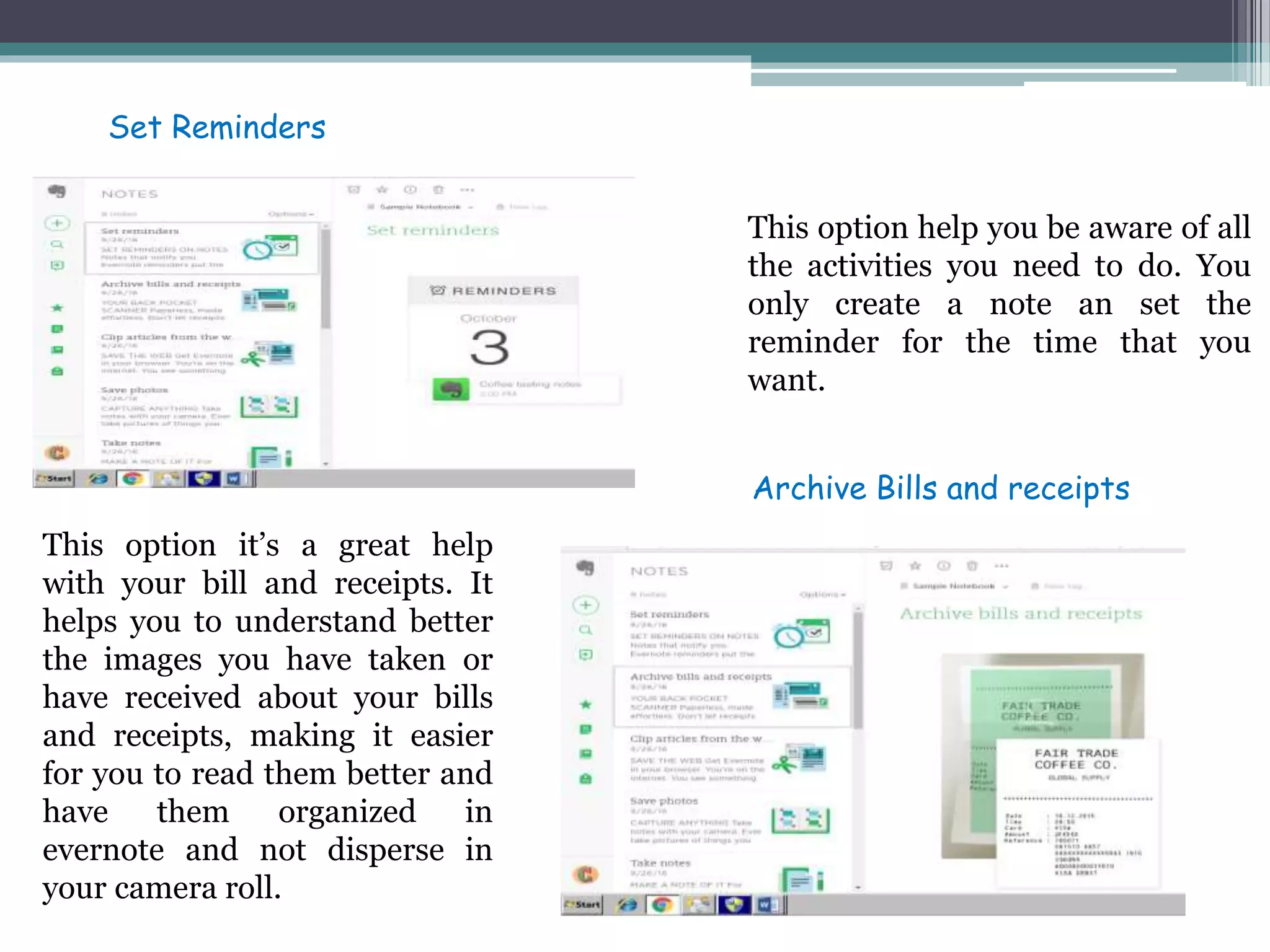
This option help you be aware of all
the activities you need to do. You
only create a note an set the
reminder for the time that you
want.
This option it’s a great help
with your bill and receipts. It
helps you to understand better
the images you have taken or
have received about your bills
and receipts, making it easier
for you to read them better and
have them organized in
evernote and not disperse in
your camera roll.
Set Reminders
Archive Bills and receipts
This option help you save the
things you like the most or you
need the most from the web to
this app so you can have all your
documents in order.
Evernote also takes pictures of
things you want to remember
and store them for you so that
you can look for them every time
you want.
Clip articles from the web
Save photos
With this option you have the
opportunity to write down
everything that comes to your
mind. All your notes can be edited
and they are accessible wherever
you go.
This option allows you to have
all your things organized. You
make a to do list and you can
check them off as you complete
the task you wrote.
Takes notes
Make to-do list
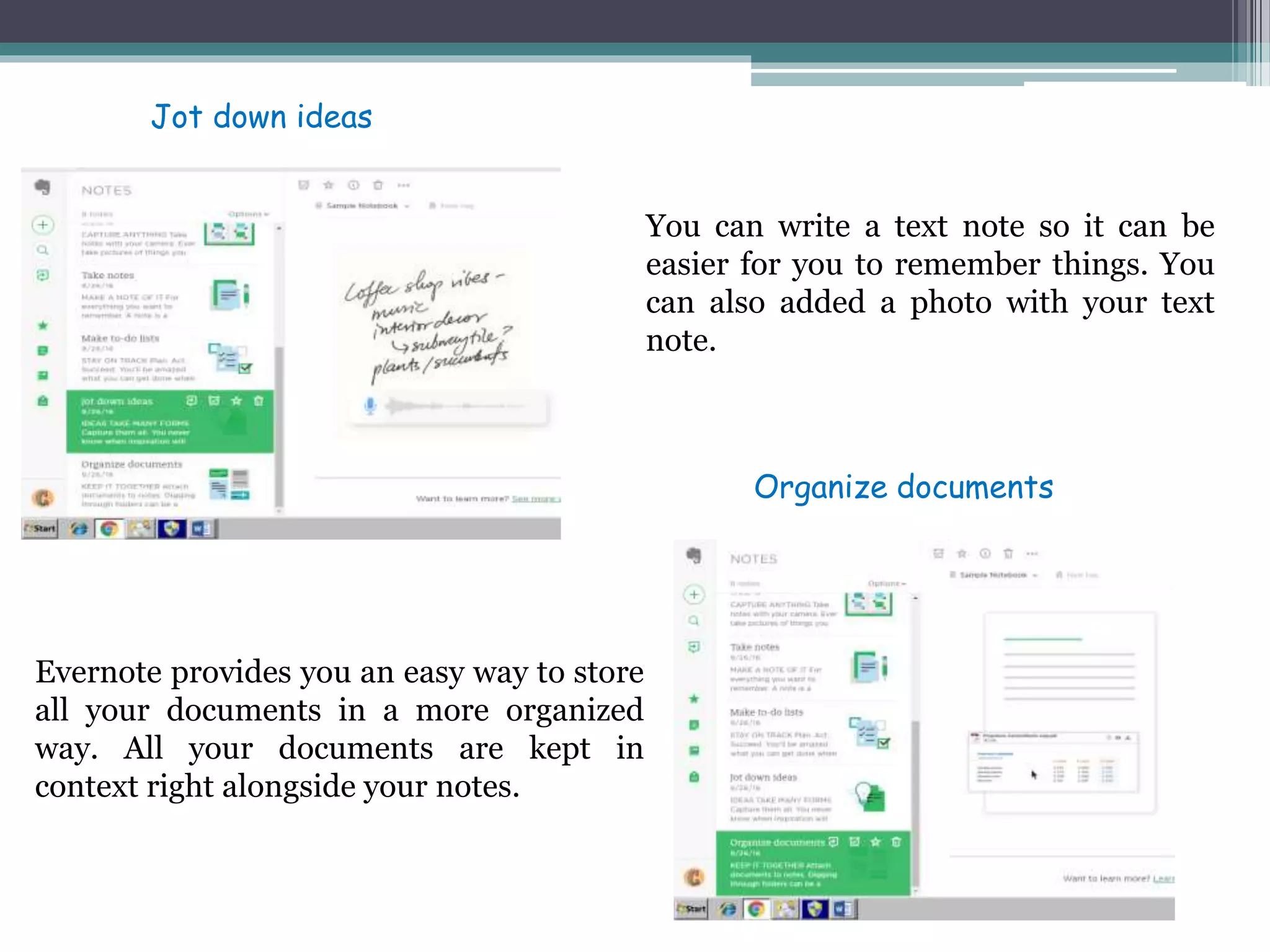
You can write a text note so it can be
easier for you to remember things. You
can also added a photo with your text
note.
Evernote provides you an easy way to store
all your documents in a more organized
way. All your documents are kept in
context right alongside your notes.
Jot down ideas
Organize documents
Notebook
Search notes
You can chat with other users or share your
work
You can have shortcuts by adding your
note or notebook to the star icon.
Work Chat
Shortcuts
You can find easily your notes by tagging
them
Tags
• Linkedin
Create your account
Create your profile
Including all my
student experiences
Connections
You can get connect
with whoever you want
You can either request a
recommendation or make a
recommendation to a friend
or company.
Recommendations
Following
You can follow or stop
following companies or
important profiles to keep
connected to what they do.
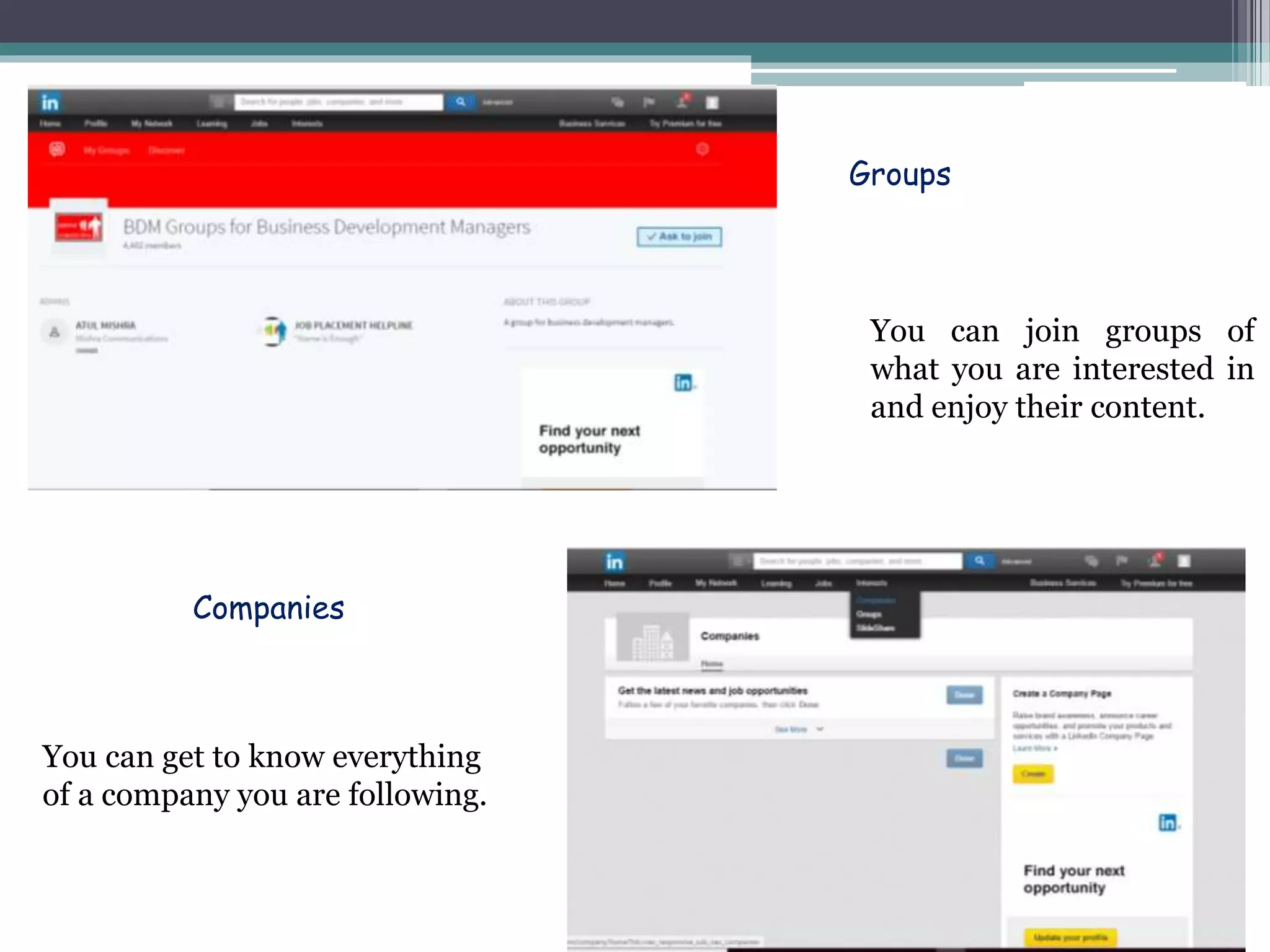
Groups
You can join groups of
what you are interested in
and enjoy their content.
Companies
You can get to know everything
of a company you are following.
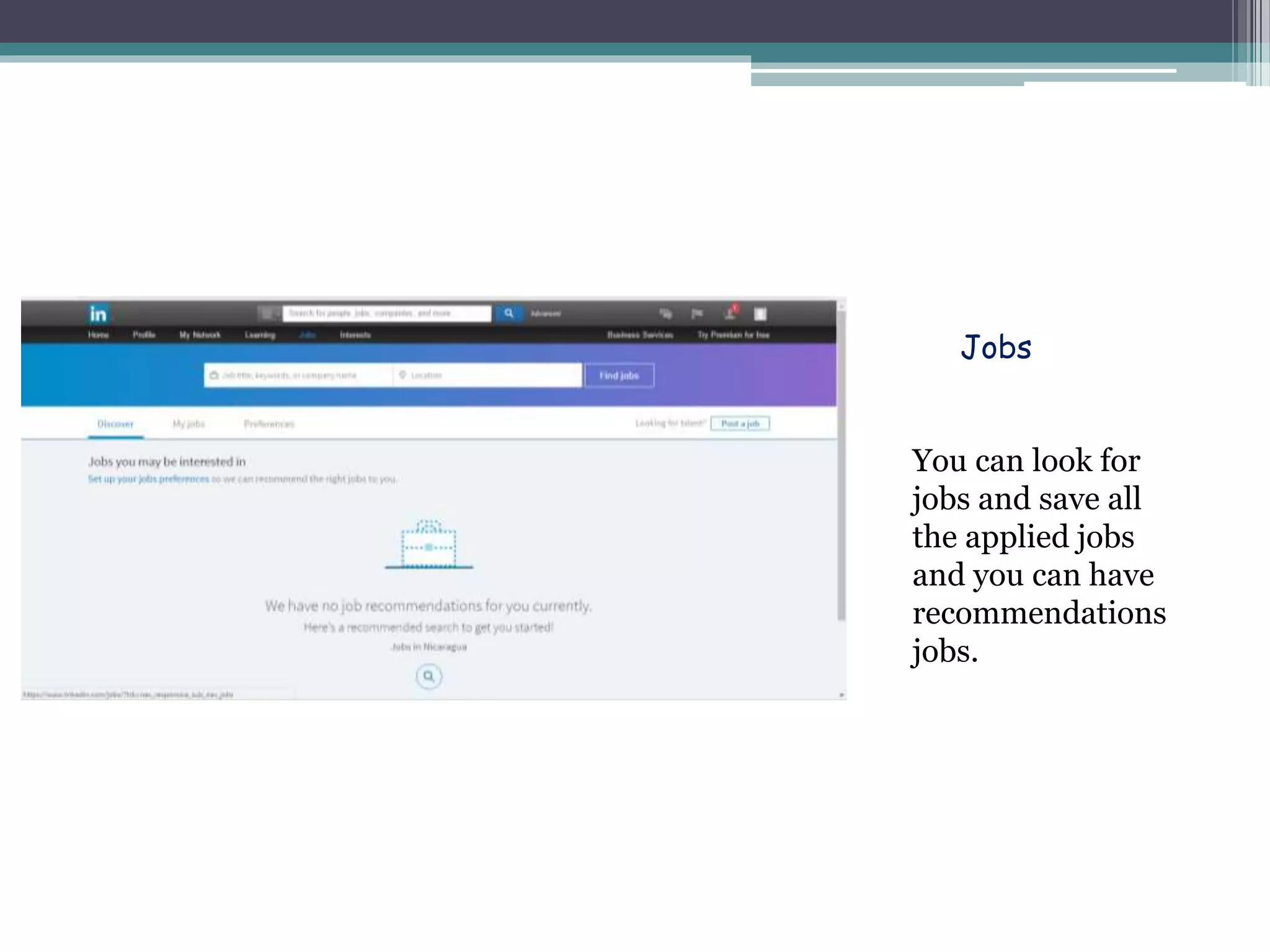
Jobs
You can look for
jobs and save all
the applied jobs
and you can have
recommendations
jobs.
Linkedin is a great way to improve your networking because it helps
you to build relationships. This is an important key for your life
because when you expand your network and meet new people or
you just say in touch with olds ones, you can get a big advantage of
it. Here is when professional career gets involve because you can get
a job without applying for it online just because of your profile in
linkedin. That is how you get in touch with people.
• Linkedin boosting networking & professional career
Your digital presence is the sum of all your online activities across
web. It is very important because your digital presence says a lot
about you. It shows how update you are with the new technology
world and how you work with it. These is a big help with your
personal development because you learn new things and you are
informed with new events that happens every day.
• Digital presence
Linkedin is a big help for creating your digital presence because it
is a page where you get very involved with online activities. With
all the features that linkedin provides you, you can be very active
because you can share your profile, your experiences and even a
job you are interested in. Nowadays your profile it’s a paramount
for the companies, they can test you just by seeing your profile.
• Creating digital presence with linkedin.
Both digital presences are very important. The collaborations
tools are a big help for your daily activities and helps you to be
more organized in your life. Linkedin helps you to be in touch
with people and to be update with companies and profiles.

Digital presence

  • 1.
  • 3.
    First create your accountand then log in After you logged in you have 3 option: evernote basic that is free, evernote plus $34.99 and evernote premium $69.99. *In my case I selected evernote basic so I continue with the process
  • 4.
    This option helpyou be aware of all the activities you need to do. You only create a note an set the reminder for the time that you want. This option it’s a great help with your bill and receipts. It helps you to understand better the images you have taken or have received about your bills and receipts, making it easier for you to read them better and have them organized in evernote and not disperse in your camera roll. Set Reminders Archive Bills and receipts
  • 5.
    This option helpyou save the things you like the most or you need the most from the web to this app so you can have all your documents in order. Evernote also takes pictures of things you want to remember and store them for you so that you can look for them every time you want. Clip articles from the web Save photos
  • 6.
    With this optionyou have the opportunity to write down everything that comes to your mind. All your notes can be edited and they are accessible wherever you go. This option allows you to have all your things organized. You make a to do list and you can check them off as you complete the task you wrote. Takes notes Make to-do list
  • 7.
    You can writea text note so it can be easier for you to remember things. You can also added a photo with your text note. Evernote provides you an easy way to store all your documents in a more organized way. All your documents are kept in context right alongside your notes. Jot down ideas Organize documents
  • 8.
  • 9.
    You can chatwith other users or share your work You can have shortcuts by adding your note or notebook to the star icon. Work Chat Shortcuts
  • 10.
    You can findeasily your notes by tagging them Tags
  • 11.
  • 12.
    Create your account Createyour profile Including all my student experiences
  • 13.
    Connections You can getconnect with whoever you want
  • 14.
    You can eitherrequest a recommendation or make a recommendation to a friend or company. Recommendations Following You can follow or stop following companies or important profiles to keep connected to what they do.
  • 15.
    Groups You can joingroups of what you are interested in and enjoy their content. Companies You can get to know everything of a company you are following.
  • 16.
    Jobs You can lookfor jobs and save all the applied jobs and you can have recommendations jobs.
  • 17.
    Linkedin is agreat way to improve your networking because it helps you to build relationships. This is an important key for your life because when you expand your network and meet new people or you just say in touch with olds ones, you can get a big advantage of it. Here is when professional career gets involve because you can get a job without applying for it online just because of your profile in linkedin. That is how you get in touch with people. • Linkedin boosting networking & professional career
  • 18.
    Your digital presenceis the sum of all your online activities across web. It is very important because your digital presence says a lot about you. It shows how update you are with the new technology world and how you work with it. These is a big help with your personal development because you learn new things and you are informed with new events that happens every day. • Digital presence
  • 19.
    Linkedin is abig help for creating your digital presence because it is a page where you get very involved with online activities. With all the features that linkedin provides you, you can be very active because you can share your profile, your experiences and even a job you are interested in. Nowadays your profile it’s a paramount for the companies, they can test you just by seeing your profile. • Creating digital presence with linkedin.
  • 20.
    Both digital presencesare very important. The collaborations tools are a big help for your daily activities and helps you to be more organized in your life. Linkedin helps you to be in touch with people and to be update with companies and profiles.