DigitalPresence
Evernote&LinkedIn
-DavidReyesRios
Evernote
Evernote Profile
Here you can get to
know the options
offered by EVERNOTE
by merely signing up.
Main Utilities of Evernote
Evernote Profile
You can set reminders. In order
to be more efficient and
organized you can set reminders
of of what tasks you need to do
throughout the day.
Evernote Profile
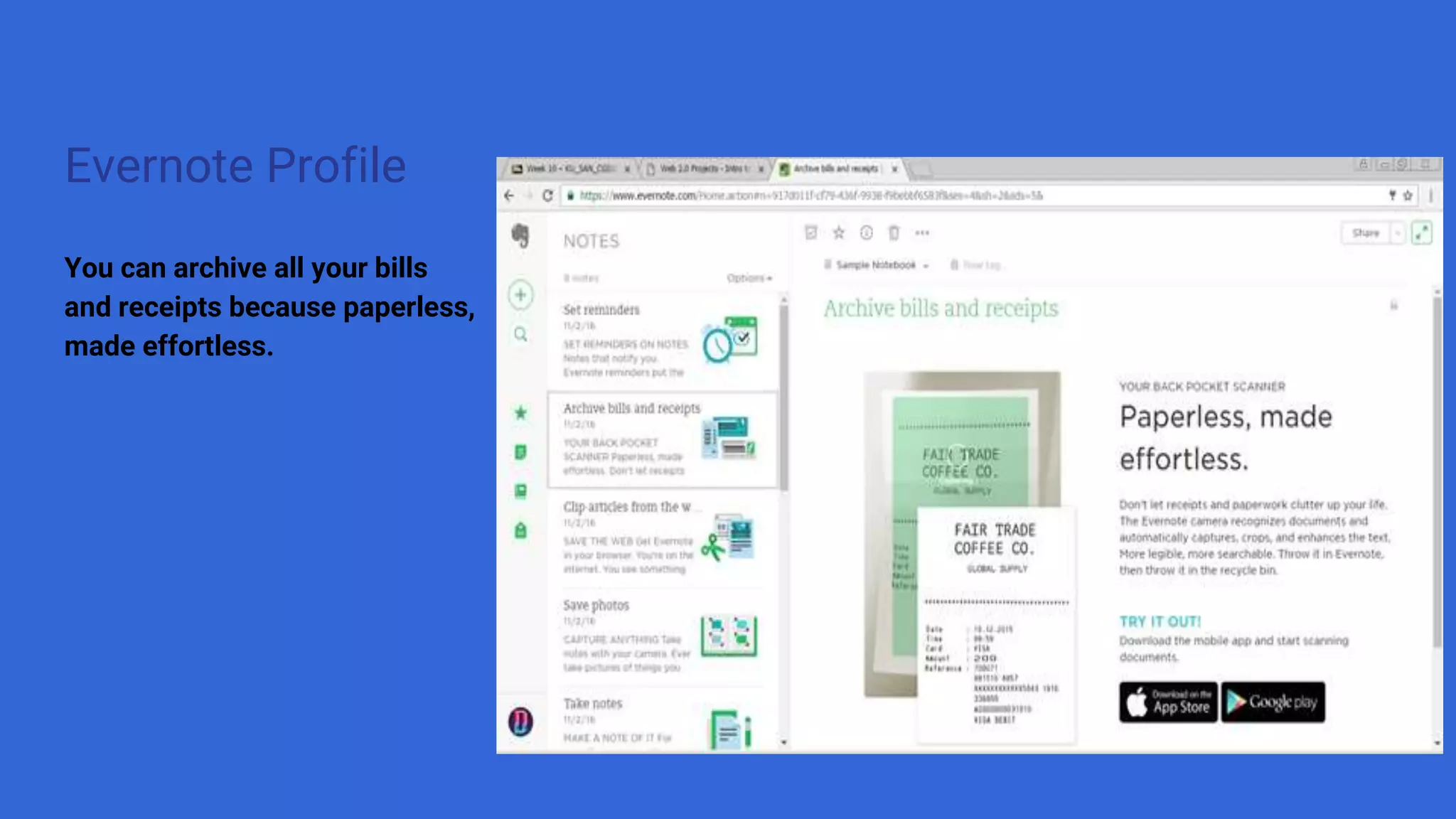
You can archive all your bills
and receipts because paperless,
made effortless.
Evernote Profile
You can clip articles from the
web. By doing this, you can clip
an articles you really liked, save
it and then you can have it you
always.
Evernote Profile
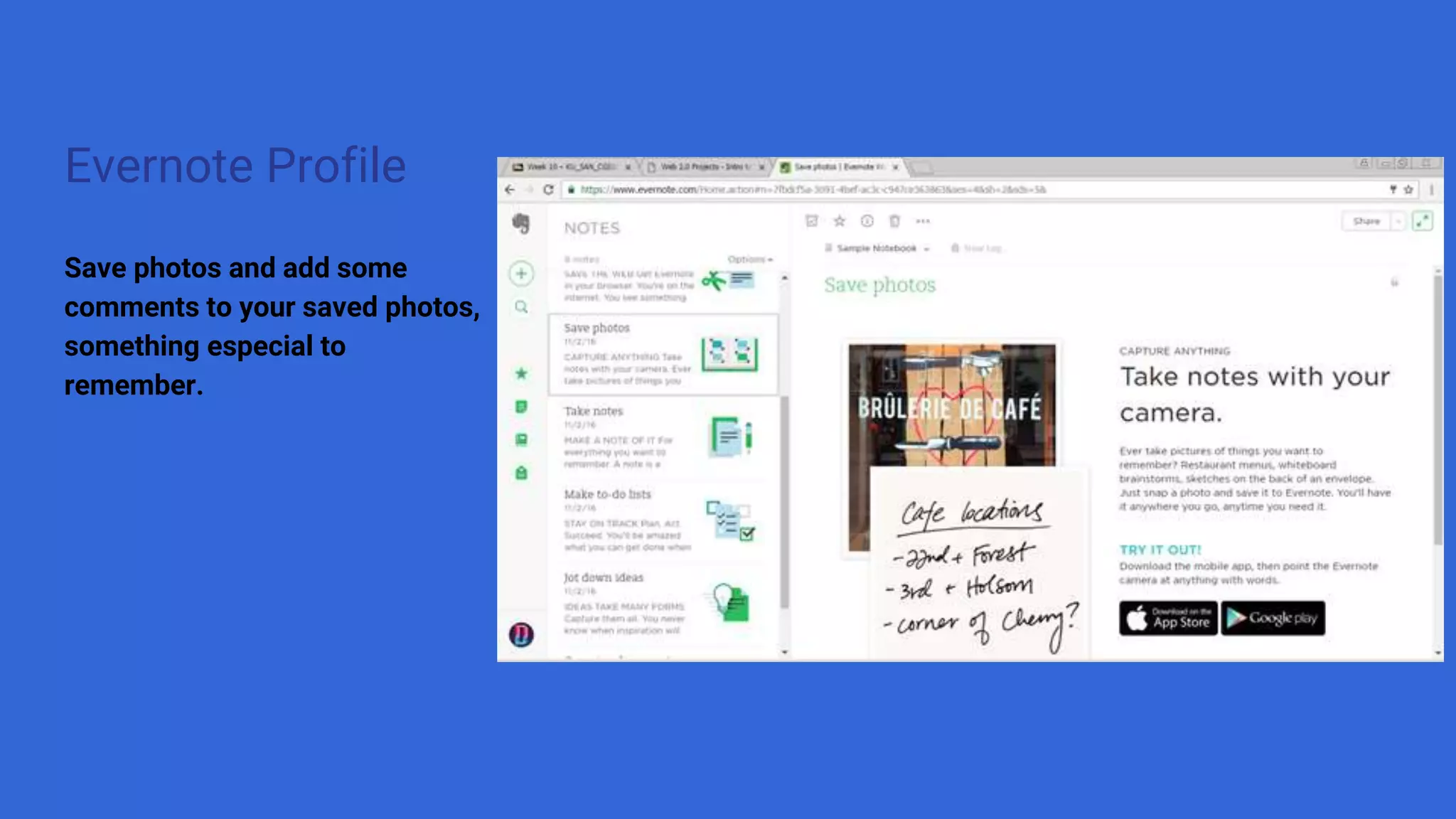
Save photos and add some
comments to your saved photos,
something especial to
remember.
Evernote Profile
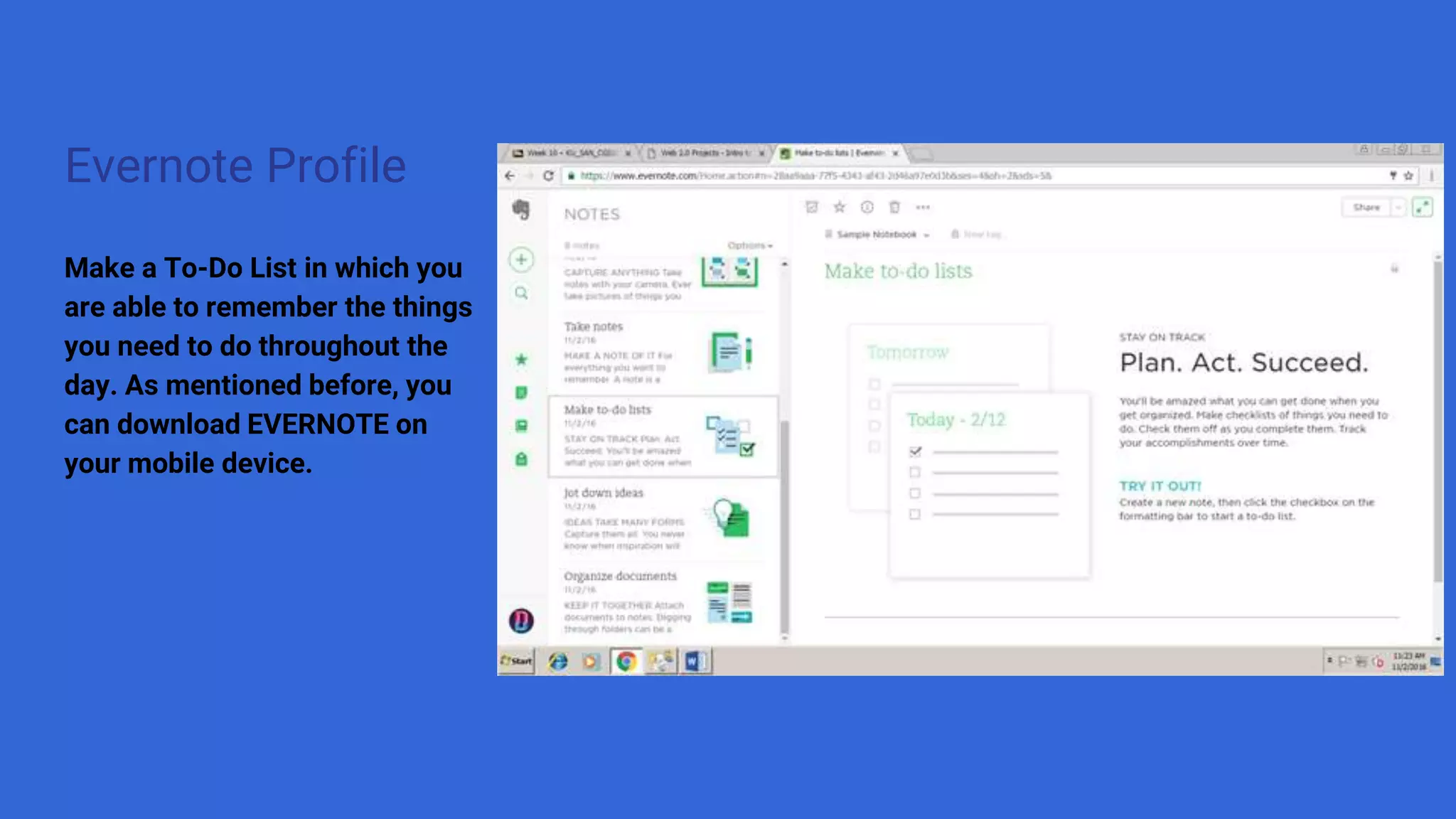
Make a To-Do List in which you
are able to remember the things
you need to do throughout the
day. As mentioned before, you
can download EVERNOTE on
your mobile device.
Evernote Profile
You never know when
inspiration will strike. You can
capture all your ideas here.
Evernote Profile
Last but not least, you can
organize your documents.
EVERYTHING you do on
Evernote you can share it
on you social media.
Evernote Profile
You can even create your own
notebook to maybe catalogue perhaps
by due date everything done through
the different tools of EVERNOTE.
Here I created a new notebook for
which name I chose “MA’Life”
Evernote Profile
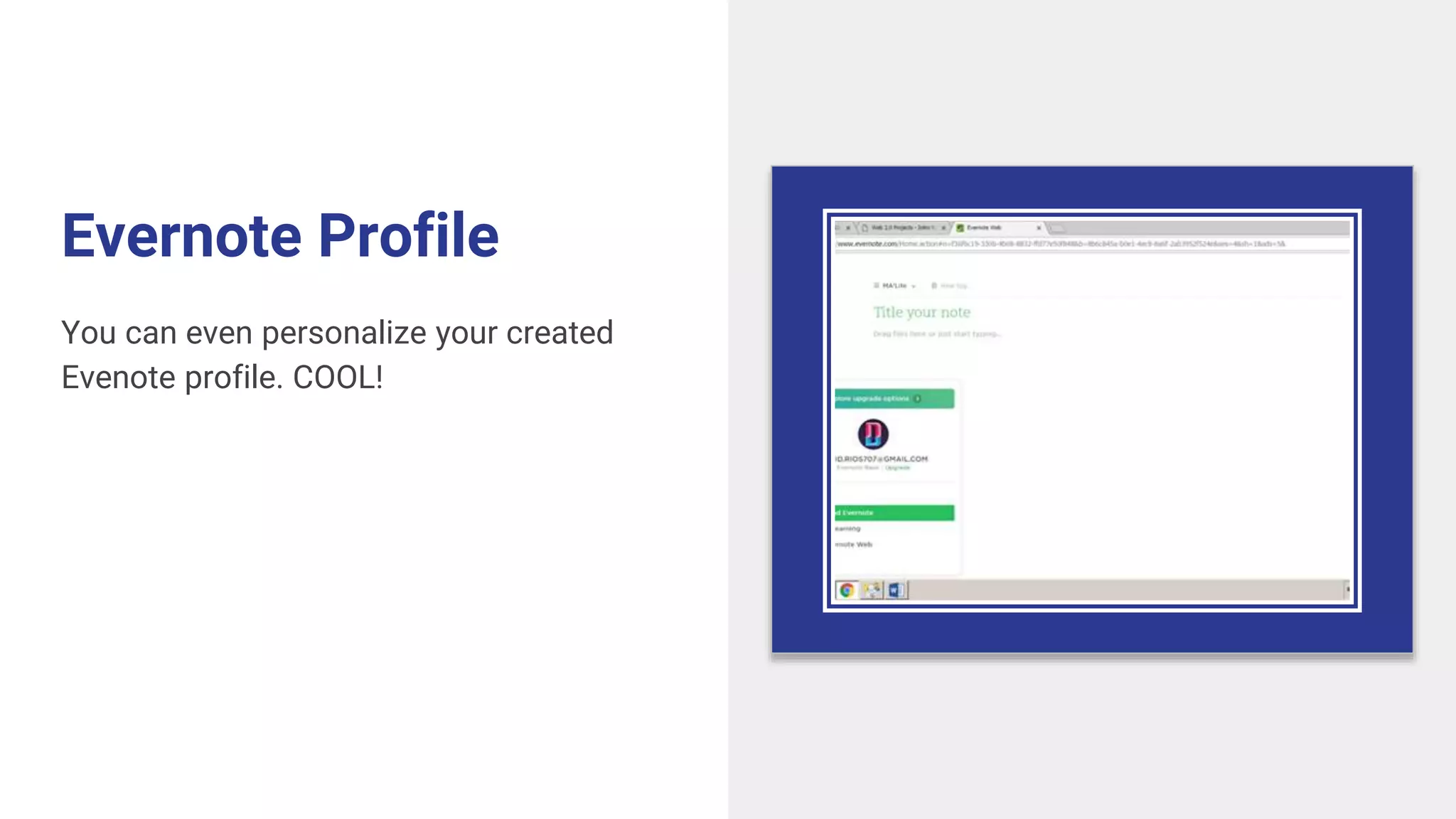
You can even personalize your created
Evenote profile. COOL!
Linked in
LinkedIn
Profile
LinkedIn Profile
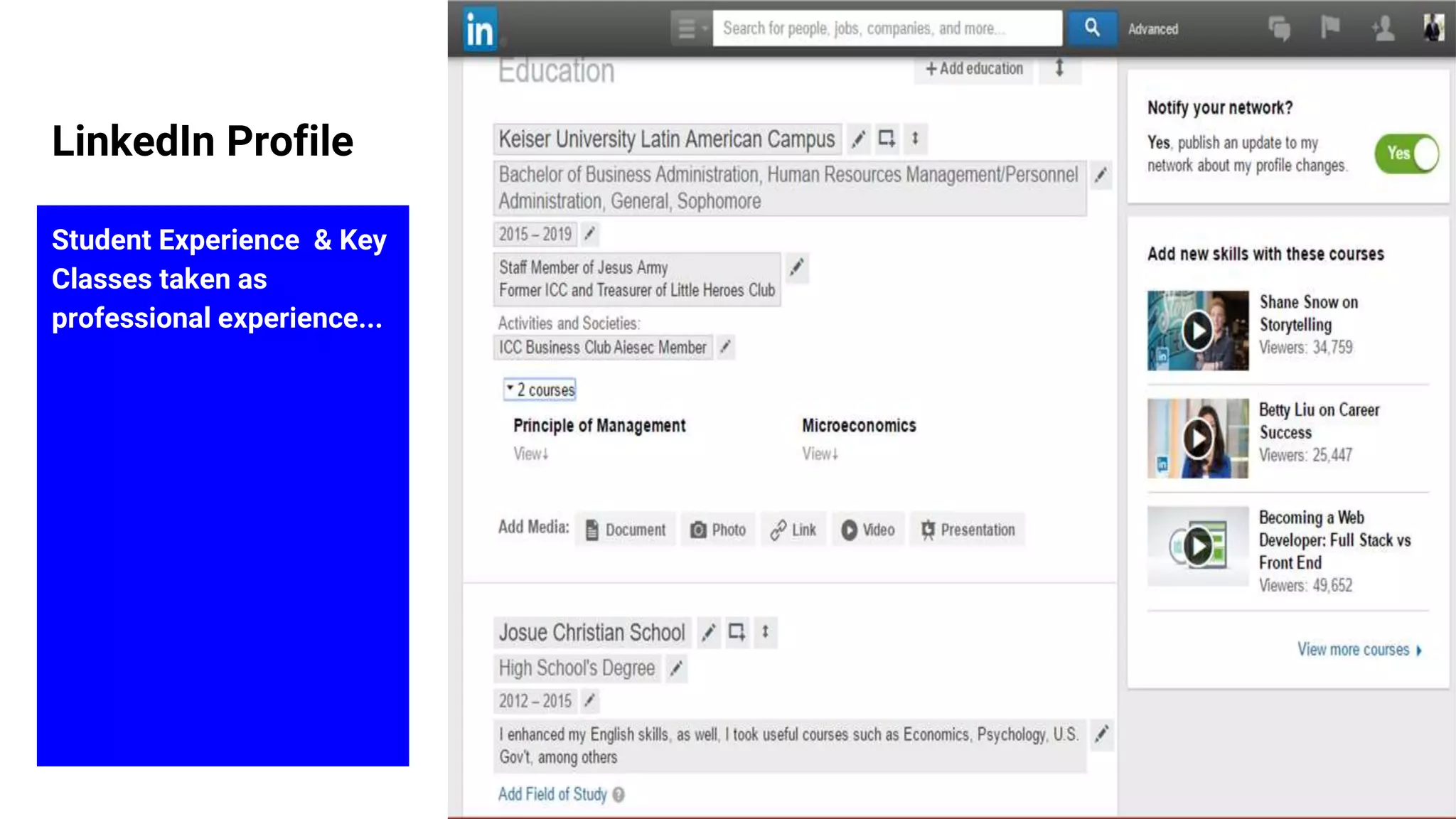
Student Experience & Key
Classes taken as
professional experience...
LinkedIn Profile
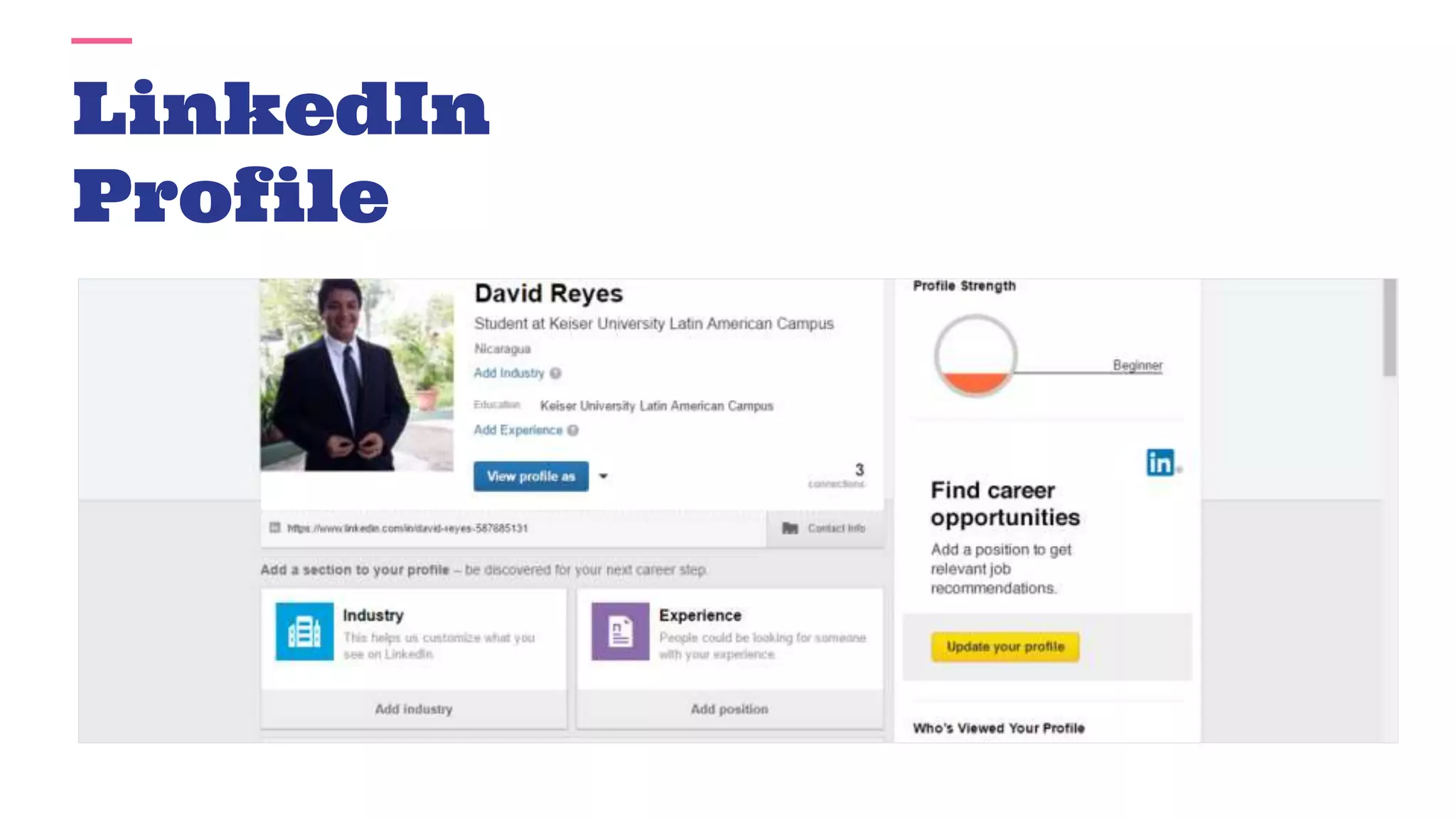
Connect at least with 3
people within the same
segment
Uses of these
features...
LinkedIn Profile
● Recommendation: It is possible to
recommend, perhaps a friend, to a
company.
● Following: You can follow important key
profiles to keep connected to what they
do.
● Groups: Join private communities, enjoy
meaningful conversations, and get the
latest ideas and news.
● Companies: You can get to know the
updates of the companies you are
following.
● Jobs: You might saved all the applied
jobs, you can get relevant
recommendations.
Tips for boost your networking
& professional career.-
● it all starts with an inspirational career
○ choose your professional headlines wisely and be proactive.
● Expand your networking
○ add a personal message when you invite someone to link. Join groups that have connections
with your interest and goals.
● Present yourself as a professional
○ write a clear summary. Actively take part in discussion
Digitalpresence?
So what’s a digital presence? It’s all that stuff you do online with your story (that’s a new name for really
cool content that has a narrative). Like engaging with customers on Facebook and your blog. Tweeting.
Videos on YouTube (and your website). Reviews of your products. Oh yeah, did we mention your
website?
Your digital presence is the sum of all your online activities across web, mobile, social, and even large
screen. It’s your advertising (yuck) and your marketing (yeah). In essence, it’s your business just online.
And having a good or bad digital presence can have material impact on your brand, your revenue, and,
most importantly, your long term success.
http://jasonthibeault.com/books/digital-presence-for-dummies/
LinkedIn Profile
howlinkedincanhelpyoustart
creatingyourdigitalpresence?
By taking part in current discussion I can get visibility. Also through the many useful features I can be
visible and credible for the companies. Nowadays, you can be tested in companies by just checking
your Facebook profile, in this case, your LinkedIn profile. Here you can share articles with the people
you have connection with, you can share your experience, it can be considered as a Job application.
LinkedIn Profile
Thus...
As a student, it is important to have both profiles. On one hand, we have Evernote,
which can help us to save notes written down during classes or maybe to save
receipts. On the other hand, we have LinkedIn, which it is solely for us to gain
respect, knowledge, and experience when finding jobs.

Digital presence

  • 1.
  • 2.
  • 3.
    Evernote Profile Here youcan get to know the options offered by EVERNOTE by merely signing up.
  • 4.
  • 5.
    Evernote Profile You canset reminders. In order to be more efficient and organized you can set reminders of of what tasks you need to do throughout the day.
  • 6.
    Evernote Profile You canarchive all your bills and receipts because paperless, made effortless.
  • 7.
    Evernote Profile You canclip articles from the web. By doing this, you can clip an articles you really liked, save it and then you can have it you always.
  • 8.
    Evernote Profile Save photosand add some comments to your saved photos, something especial to remember.
  • 9.
    Evernote Profile Make aTo-Do List in which you are able to remember the things you need to do throughout the day. As mentioned before, you can download EVERNOTE on your mobile device.
  • 10.
    Evernote Profile You neverknow when inspiration will strike. You can capture all your ideas here.
  • 11.
    Evernote Profile Last butnot least, you can organize your documents.
  • 12.
    EVERYTHING you doon Evernote you can share it on you social media.
  • 13.
    Evernote Profile You caneven create your own notebook to maybe catalogue perhaps by due date everything done through the different tools of EVERNOTE. Here I created a new notebook for which name I chose “MA’Life”
  • 14.
    Evernote Profile You caneven personalize your created Evenote profile. COOL!
  • 15.
  • 16.
  • 17.
    LinkedIn Profile Student Experience& Key Classes taken as professional experience...
  • 18.
    LinkedIn Profile Connect atleast with 3 people within the same segment
  • 19.
    Uses of these features... LinkedInProfile ● Recommendation: It is possible to recommend, perhaps a friend, to a company. ● Following: You can follow important key profiles to keep connected to what they do. ● Groups: Join private communities, enjoy meaningful conversations, and get the latest ideas and news. ● Companies: You can get to know the updates of the companies you are following. ● Jobs: You might saved all the applied jobs, you can get relevant recommendations.
  • 20.
    Tips for boostyour networking & professional career.- ● it all starts with an inspirational career ○ choose your professional headlines wisely and be proactive. ● Expand your networking ○ add a personal message when you invite someone to link. Join groups that have connections with your interest and goals. ● Present yourself as a professional ○ write a clear summary. Actively take part in discussion
  • 21.
    Digitalpresence? So what’s adigital presence? It’s all that stuff you do online with your story (that’s a new name for really cool content that has a narrative). Like engaging with customers on Facebook and your blog. Tweeting. Videos on YouTube (and your website). Reviews of your products. Oh yeah, did we mention your website? Your digital presence is the sum of all your online activities across web, mobile, social, and even large screen. It’s your advertising (yuck) and your marketing (yeah). In essence, it’s your business just online. And having a good or bad digital presence can have material impact on your brand, your revenue, and, most importantly, your long term success. http://jasonthibeault.com/books/digital-presence-for-dummies/ LinkedIn Profile
  • 22.
    howlinkedincanhelpyoustart creatingyourdigitalpresence? By taking partin current discussion I can get visibility. Also through the many useful features I can be visible and credible for the companies. Nowadays, you can be tested in companies by just checking your Facebook profile, in this case, your LinkedIn profile. Here you can share articles with the people you have connection with, you can share your experience, it can be considered as a Job application. LinkedIn Profile
  • 23.
    Thus... As a student,it is important to have both profiles. On one hand, we have Evernote, which can help us to save notes written down during classes or maybe to save receipts. On the other hand, we have LinkedIn, which it is solely for us to gain respect, knowledge, and experience when finding jobs.