Digital Literacy Standard Curriculum Version 3
Course Topics
Computer Basics Course Topics
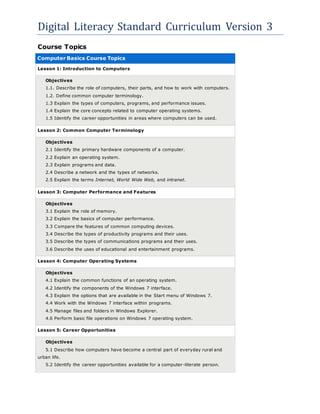
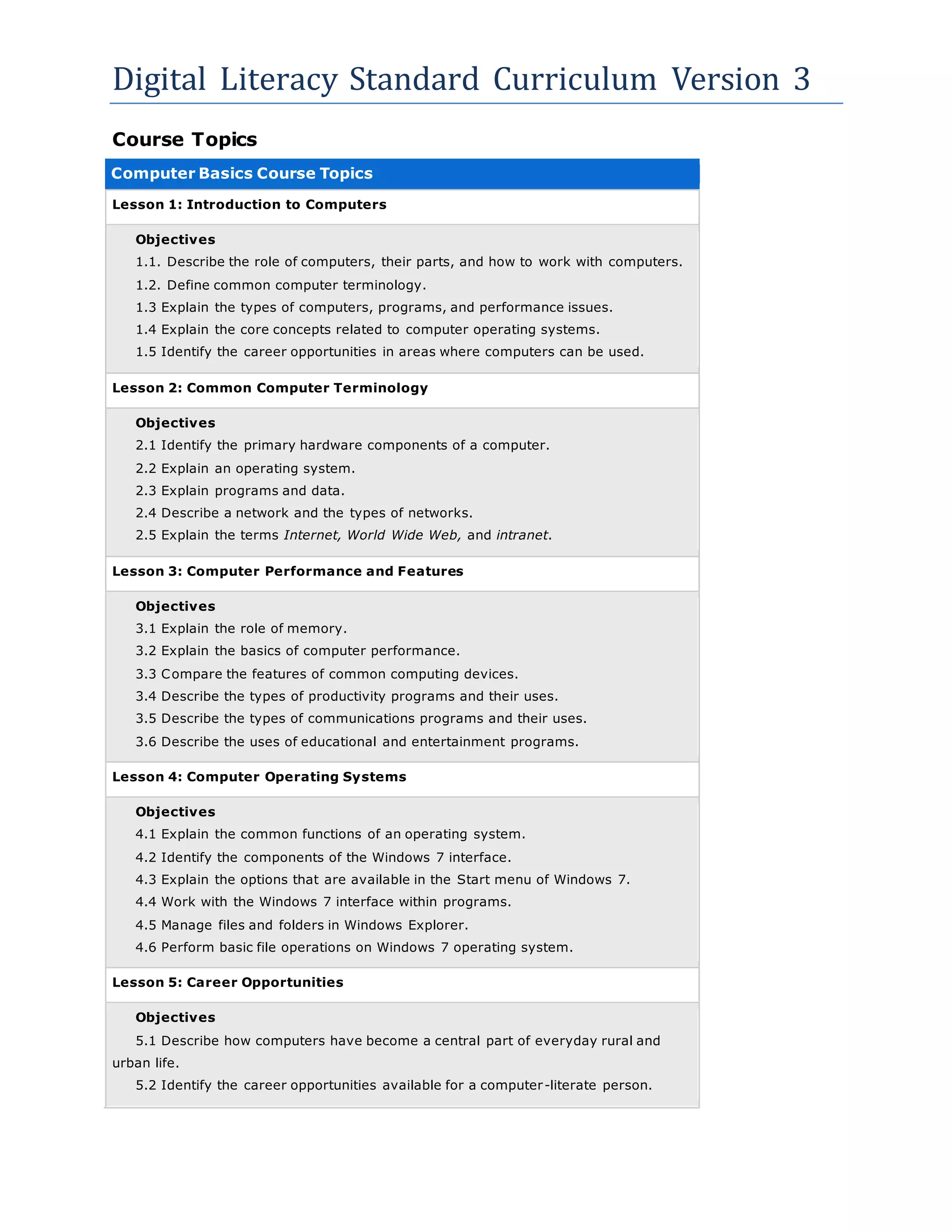
Lesson 1: Introduction to Computers
Objectives
1.1. Describe the role of computers, their parts, and how to work with computers.
1.2. Define common computer terminology.
1.3 Explain the types of computers, programs, and performance issues.
1.4 Explain the core concepts related to computer operating systems.
1.5 Identify the career opportunities in areas where computers can be used.
Lesson 2: Common Computer Terminology
Objectives
2.1 Identify the primary hardware components of a computer.
2.2 Explain an operating system.
2.3 Explain programs and data.
2.4 Describe a network and the types of networks.
2.5 Explain the terms Internet, World Wide Web, and intranet.
Lesson 3: Computer Performance and Features
Objectives
3.1 Explain the role of memory.
3.2 Explain the basics of computer performance.
3.3 Compare the features of common computing devices.
3.4 Describe the types of productivity programs and their uses.
3.5 Describe the types of communications programs and their uses.
3.6 Describe the uses of educational and entertainment programs.
Lesson 4: Computer Operating Systems
Objectives
4.1 Explain the common functions of an operating system.
4.2 Identify the components of the Windows 7 interface.
4.3 Explain the options that are available in the Start menu of Windows 7.
4.4 Work with the Windows 7 interface within programs.
4.5 Manage files and folders in Windows Explorer.
4.6 Perform basic file operations on Windows 7 operating system.
Lesson 5: Career Opportunities
Objectives
5.1 Describe how computers have become a central part of everyday rural and
urban life.
5.2 Identify the career opportunities available for a computer-literate person.
Digital Literacy Standard Curriculum Version 3
Top of page
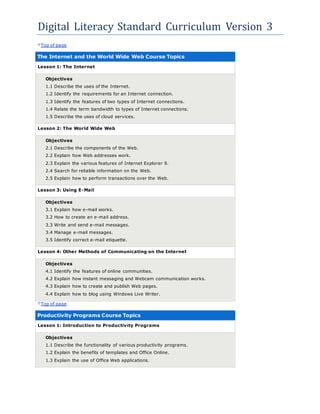
The Internet and the World Wide Web Course Topics
Lesson 1: The Internet
Objectives
1.1 Describe the uses of the Internet.
1.2 Identify the requirements for an Internet connection.
1.3 Identify the features of two types of Internet connections.
1.4 Relate the term bandwidth to types of Internet connections.
1.5 Describe the uses of cloud services.
Lesson 2: The World Wide Web
Objectives
2.1 Describe the components of the Web.
2.2 Explain how Web addresses work.
2.3 Explain the various features of Internet Explorer 9.
2.4 Search for reliable information on the Web.
2.5 Explain how to perform transactions over the Web.
Lesson 3: Using E-Mail
Objectives
3.1 Explain how e-mail works.
3.2 How to create an e-mail address.
3.3 Write and send e-mail messages.
3.4 Manage e-mail messages.
3.5 Identify correct e-mail etiquette.
Lesson 4: Other Methods of Communicating on the Internet
Objectives
4.1 Identify the features of online communities.
4.2 Explain how instant messaging and Webcam communication works.
4.3 Explain how to create and publish Web pages.
4.4 Explain how to blog using Windows Live Writer.
Top of page
Productivity Programs Course Topics
Lesson 1: Introduction to Productivity Programs
Objectives
1.1 Describe the functionality of various productivity programs.
1.2 Explain the benefits of templates and Office Online.
1.3 Explain the use of Office Web applications.
Digital Literacy Standard Curriculum Version 3
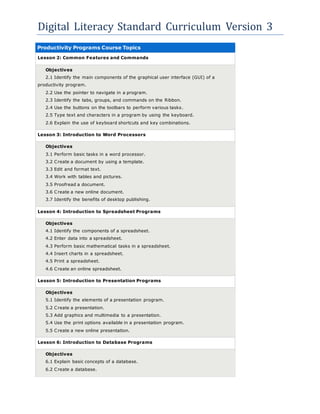
Productivity Programs Course Topics
Lesson 2: Common Features and Commands
Objectives
2.1 Identify the main components of the graphical user interface (GUI) of a
productivity program.
2.2 Use the pointer to navigate in a program.
2.3 Identify the tabs, groups, and commands on the Ribbon.
2.4 Use the buttons on the toolbars to perform various tasks.
2.5 Type text and characters in a program by using the keyboard.
2.6 Explain the use of keyboard shortcuts and key combinations.
Lesson 3: Introduction to Word Processors
Objectives
3.1 Perform basic tasks in a word processor.
3.2 Create a document by using a template.
3.3 Edit and format text.
3.4 Work with tables and pictures.
3.5 Proofread a document.
3.6 Create a new online document.
3.7 Identify the benefits of desktop publishing.
Lesson 4: Introduction to Spreadsheet Programs
Objectives
4.1 Identify the components of a spreadsheet.
4.2 Enter data into a spreadsheet.
4.3 Perform basic mathematical tasks in a spreadsheet.
4.4 Insert charts in a spreadsheet.
4.5 Print a spreadsheet.
4.6 Create an online spreadsheet.
Lesson 5: Introduction to Presentation Programs
Objectives
5.1 Identify the elements of a presentation program.
5.2 Create a presentation.
5.3 Add graphics and multimedia to a presentation.
5.4 Use the print options available in a presentation program.
5.5 Create a new online presentation.
Lesson 6: Introduction to Database Programs
Objectives
6.1 Explain basic concepts of a database.
6.2 Create a database.
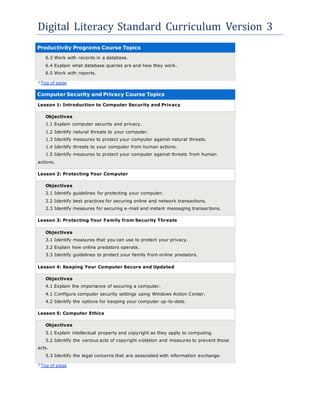
Digital Literacy Standard Curriculum Version 3
Productivity Programs Course Topics
6.3 Work with records in a database.
6.4 Explain what database queries are and how they work.
6.5 Work with reports.
Top of page
Computer Security and Privacy Course Topics
Lesson 1: Introduction to Computer Security and Privacy
Objectives
1.1 Explain computer security and privacy.
1.2 Identify natural threats to your computer.
1.3 Identify measures to protect your computer against natural threats.
1.4 Identify threats to your computer from human actions.
1.5 Identify measures to protect your computer against threats from human
actions.
Lesson 2: Protecting Your Computer
Objectives
2.1 Identify guidelines for protecting your computer.
2.2 Identify best practices for securing online and network transactions.
2.3 Identify measures for securing e-mail and instant messaging transactions.
Lesson 3: Protecting Your Family from Security Threats
Objectives
3.1 Identify measures that you can use to protect your privacy.
3.2 Explain how online predators operate.
3.3 Identify guidelines to protect your family from online predators.
Lesson 4: Keeping Your Computer Secure and Updated
Objectives
4.1 Explain the importance of securing a computer.
4.1 Configure computer security settings using Windows Action Center.
4.2 Identify the options for keeping your computer up-to-date.
Lesson 5: Computer Ethics
Objectives
5.1 Explain intellectual property and copyright as they apply to computing.
5.2 Identify the various acts of copyright violation and measures to prevent those
acts.
5.3 Identify the legal concerns that are associated with information exchange.
Top of page
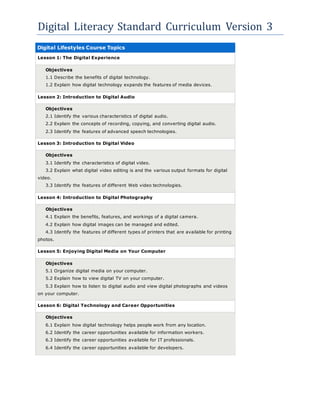
Digital Literacy Standard Curriculum Version 3
Digital Lifestyles Course Topics
Lesson 1: The Digital Experience
Objectives
1.1 Describe the benefits of digital technology.
1.2 Explain how digital technology expands the features of media devices.
Lesson 2: Introduction to Digital Audio
Objectives
2.1 Identify the various characteristics of digital audio.
2.2 Explain the concepts of recording, copying, and converting digital audio.
2.3 Identify the features of advanced speech technologies.
Lesson 3: Introduction to Digital Video
Objectives
3.1 Identify the characteristics of digital video.
3.2 Explain what digital video editing is and the various output formats for digital
video.
3.3 Identify the features of different Web video technologies.
Lesson 4: Introduction to Digital Photography
Objectives
4.1 Explain the benefits, features, and workings of a digital camera.
4.2 Explain how digital images can be managed and edited.
4.3 Identify the features of different types of printers that are available for printing
photos.
Lesson 5: Enjoying Digital Media on Your Computer
Objectives
5.1 Organize digital media on your computer.
5.2 Explain how to view digital TV on your computer.
5.3 Explain how to listen to digital audio and view digital photographs and videos
on your computer.
Lesson 6: Digital Technology and Career Opportunities
Objectives
6.1 Explain how digital technology helps people work from any location.
6.2 Identify the career opportunities available for information workers.
6.3 Identify the career opportunities available for IT professionals.
6.4 Identify the career opportunities available for developers.

Digital Literacy Objectives

  • 1.
    Digital Literacy StandardCurriculum Version 3 Course Topics Computer Basics Course Topics Lesson 1: Introduction to Computers Objectives 1.1. Describe the role of computers, their parts, and how to work with computers. 1.2. Define common computer terminology. 1.3 Explain the types of computers, programs, and performance issues. 1.4 Explain the core concepts related to computer operating systems. 1.5 Identify the career opportunities in areas where computers can be used. Lesson 2: Common Computer Terminology Objectives 2.1 Identify the primary hardware components of a computer. 2.2 Explain an operating system. 2.3 Explain programs and data. 2.4 Describe a network and the types of networks. 2.5 Explain the terms Internet, World Wide Web, and intranet. Lesson 3: Computer Performance and Features Objectives 3.1 Explain the role of memory. 3.2 Explain the basics of computer performance. 3.3 Compare the features of common computing devices. 3.4 Describe the types of productivity programs and their uses. 3.5 Describe the types of communications programs and their uses. 3.6 Describe the uses of educational and entertainment programs. Lesson 4: Computer Operating Systems Objectives 4.1 Explain the common functions of an operating system. 4.2 Identify the components of the Windows 7 interface. 4.3 Explain the options that are available in the Start menu of Windows 7. 4.4 Work with the Windows 7 interface within programs. 4.5 Manage files and folders in Windows Explorer. 4.6 Perform basic file operations on Windows 7 operating system. Lesson 5: Career Opportunities Objectives 5.1 Describe how computers have become a central part of everyday rural and urban life. 5.2 Identify the career opportunities available for a computer-literate person.
  • 2.
    Digital Literacy StandardCurriculum Version 3 Top of page The Internet and the World Wide Web Course Topics Lesson 1: The Internet Objectives 1.1 Describe the uses of the Internet. 1.2 Identify the requirements for an Internet connection. 1.3 Identify the features of two types of Internet connections. 1.4 Relate the term bandwidth to types of Internet connections. 1.5 Describe the uses of cloud services. Lesson 2: The World Wide Web Objectives 2.1 Describe the components of the Web. 2.2 Explain how Web addresses work. 2.3 Explain the various features of Internet Explorer 9. 2.4 Search for reliable information on the Web. 2.5 Explain how to perform transactions over the Web. Lesson 3: Using E-Mail Objectives 3.1 Explain how e-mail works. 3.2 How to create an e-mail address. 3.3 Write and send e-mail messages. 3.4 Manage e-mail messages. 3.5 Identify correct e-mail etiquette. Lesson 4: Other Methods of Communicating on the Internet Objectives 4.1 Identify the features of online communities. 4.2 Explain how instant messaging and Webcam communication works. 4.3 Explain how to create and publish Web pages. 4.4 Explain how to blog using Windows Live Writer. Top of page Productivity Programs Course Topics Lesson 1: Introduction to Productivity Programs Objectives 1.1 Describe the functionality of various productivity programs. 1.2 Explain the benefits of templates and Office Online. 1.3 Explain the use of Office Web applications.
  • 3.
    Digital Literacy StandardCurriculum Version 3 Productivity Programs Course Topics Lesson 2: Common Features and Commands Objectives 2.1 Identify the main components of the graphical user interface (GUI) of a productivity program. 2.2 Use the pointer to navigate in a program. 2.3 Identify the tabs, groups, and commands on the Ribbon. 2.4 Use the buttons on the toolbars to perform various tasks. 2.5 Type text and characters in a program by using the keyboard. 2.6 Explain the use of keyboard shortcuts and key combinations. Lesson 3: Introduction to Word Processors Objectives 3.1 Perform basic tasks in a word processor. 3.2 Create a document by using a template. 3.3 Edit and format text. 3.4 Work with tables and pictures. 3.5 Proofread a document. 3.6 Create a new online document. 3.7 Identify the benefits of desktop publishing. Lesson 4: Introduction to Spreadsheet Programs Objectives 4.1 Identify the components of a spreadsheet. 4.2 Enter data into a spreadsheet. 4.3 Perform basic mathematical tasks in a spreadsheet. 4.4 Insert charts in a spreadsheet. 4.5 Print a spreadsheet. 4.6 Create an online spreadsheet. Lesson 5: Introduction to Presentation Programs Objectives 5.1 Identify the elements of a presentation program. 5.2 Create a presentation. 5.3 Add graphics and multimedia to a presentation. 5.4 Use the print options available in a presentation program. 5.5 Create a new online presentation. Lesson 6: Introduction to Database Programs Objectives 6.1 Explain basic concepts of a database. 6.2 Create a database.
  • 4.
    Digital Literacy StandardCurriculum Version 3 Productivity Programs Course Topics 6.3 Work with records in a database. 6.4 Explain what database queries are and how they work. 6.5 Work with reports. Top of page Computer Security and Privacy Course Topics Lesson 1: Introduction to Computer Security and Privacy Objectives 1.1 Explain computer security and privacy. 1.2 Identify natural threats to your computer. 1.3 Identify measures to protect your computer against natural threats. 1.4 Identify threats to your computer from human actions. 1.5 Identify measures to protect your computer against threats from human actions. Lesson 2: Protecting Your Computer Objectives 2.1 Identify guidelines for protecting your computer. 2.2 Identify best practices for securing online and network transactions. 2.3 Identify measures for securing e-mail and instant messaging transactions. Lesson 3: Protecting Your Family from Security Threats Objectives 3.1 Identify measures that you can use to protect your privacy. 3.2 Explain how online predators operate. 3.3 Identify guidelines to protect your family from online predators. Lesson 4: Keeping Your Computer Secure and Updated Objectives 4.1 Explain the importance of securing a computer. 4.1 Configure computer security settings using Windows Action Center. 4.2 Identify the options for keeping your computer up-to-date. Lesson 5: Computer Ethics Objectives 5.1 Explain intellectual property and copyright as they apply to computing. 5.2 Identify the various acts of copyright violation and measures to prevent those acts. 5.3 Identify the legal concerns that are associated with information exchange. Top of page
  • 5.
    Digital Literacy StandardCurriculum Version 3 Digital Lifestyles Course Topics Lesson 1: The Digital Experience Objectives 1.1 Describe the benefits of digital technology. 1.2 Explain how digital technology expands the features of media devices. Lesson 2: Introduction to Digital Audio Objectives 2.1 Identify the various characteristics of digital audio. 2.2 Explain the concepts of recording, copying, and converting digital audio. 2.3 Identify the features of advanced speech technologies. Lesson 3: Introduction to Digital Video Objectives 3.1 Identify the characteristics of digital video. 3.2 Explain what digital video editing is and the various output formats for digital video. 3.3 Identify the features of different Web video technologies. Lesson 4: Introduction to Digital Photography Objectives 4.1 Explain the benefits, features, and workings of a digital camera. 4.2 Explain how digital images can be managed and edited. 4.3 Identify the features of different types of printers that are available for printing photos. Lesson 5: Enjoying Digital Media on Your Computer Objectives 5.1 Organize digital media on your computer. 5.2 Explain how to view digital TV on your computer. 5.3 Explain how to listen to digital audio and view digital photographs and videos on your computer. Lesson 6: Digital Technology and Career Opportunities Objectives 6.1 Explain how digital technology helps people work from any location. 6.2 Identify the career opportunities available for information workers. 6.3 Identify the career opportunities available for IT professionals. 6.4 Identify the career opportunities available for developers.