



Digital Asset Management Best Practicesdamlearningcenter.com/chicago2011Edward SmithProduct Marketing Manager, Extensis@DAMGeek
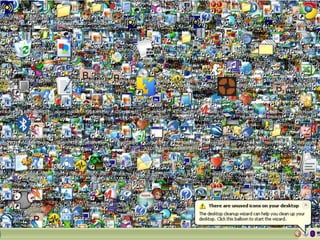
The Need for DAMLocating assetsUnderstanding what assets are availableProviding access to the “correct” assetsProviding access to the “correct” format/sizeReusing assetsRecreating assetsInconsistent useUsage and rights1
Presentation OutlineInitiating your DAM ProjectEvaluating SolutionsImplementing DAMDaily use of DAMMaintenance2
Identify and Involve StakeholdersFind champions
Create a project team
Involve your IT department
Obtain director/executive level support3
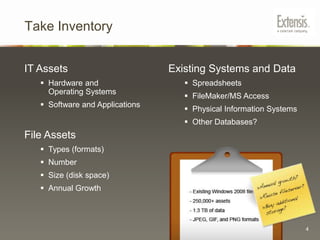
Take InventoryIT AssetsHardware and Operating Systems
Software and ApplicationsFile AssetsTypes (formats)
Number
Size (disk space)
Annual GrowthExisting Systems and DataSpreadsheets
FileMaker/MS Access
Physical Information Systems
Other Databases?4
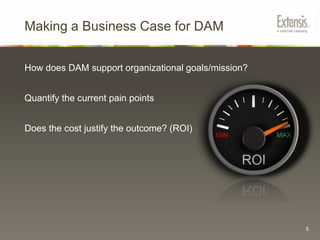
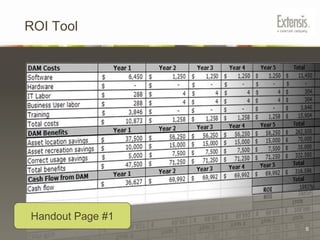
Making a Business Case for DAMHow does DAM support organizational goals/mission?Quantify the current pain pointsDoes the cost justify the outcome? (ROI)5
ROI ToolHandout Page #16
Document Current WorkflowQuestions to Ask:Who is responsible for managing assets?Who needs access to assets?What are they looking for?
What formats do they need?What is the folder hierarchy convention (if any)?What is the file naming convention (if any)?7
Document Current WorkflowPrior to evaluating DAM systems, document use casescenarios that describe how people currently work today, and how they would work in an ideal DAM system in the future.8
Document Current WorkflowPresent Day ScenarioImages are frequently requested by staff for use within PowerPoint presentations or for print and web use. The person maintaining the image collection fulfills image requests by browsing through folders on several different file servers. Once an appropriate image is located, a spreadsheet is cross referenced for usage rights. If the image does not meet the desired usage, the search continues. Once an appropriate set of images are selected, each image is opened in Photoshop and resaved in the correct format and resolution. The images are then uploaded to an FTP server and download instructions are emailed  to the requesting staff member.9
Document Current WorkflowIdeal ScenarioImages added to file server folders are automatically ingested by the DAM system. The collection maintainer adds search keywords and usage rights information to images in the DAM system using drop-down menus. A secure web portal allows staff to search items from the image collection using keywords and other automatically applied information such as “Date Created”. The web portal only displays search results for items that have an “approved” metadata value. Important information such as usage rights appear next to search results. Staff can download and convert images on the fly into low, medium, and high resolution formats.10
Presentation OutlineInitiating your DAM ProjectEvaluating SolutionsImplementing DAMDaily use of DAMMaintenance11
Evaluation of DAM SystemsFocus on solving problems, not features.What problems do you want to solve?
What problems are the most important?
What problems can be solved later (phase 2)?12
Evaluation of DAM SystemsTypes of DAM SystemsCommercial, Open Source, or Custom
Location
Centralized onsite
Distributed onsite (multiple locations)
Cloud based (hosted)
Licensing
Per server
Per named user
Per connection
Subscription
Scalability13
Evaluation of DAM SystemsGive vendors your notes and documentation.Ask to see how the system would work with your assets, processes, and data instead of generic data and demos. Use cases
 Sample assets
 Metadata schema
 Folder structure example14
Evaluation of DAM SystemsAsk Vendors:For a web demo
For trial software
For customer referrals
How long have they been in business?
What other organizations like yours are using their software?
“How does your system…?” not “Can your system …?”.15
Presentation OutlineInitiating your DAM ProjectEvaluating SolutionsImplementing DAMDaily use of DAMMaintenance16
Assign Responsibilities1. Project Team2. Catalogers – dependant on cataloging strategy:Who will add files?
How much time for initial cataloging?
How much time for ongoing cataloging?3. Server Admin4. Training and Documentation17
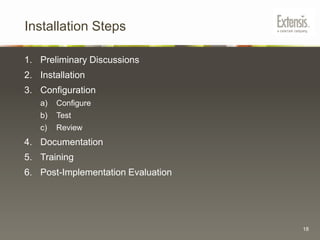
Installation StepsPreliminary DiscussionsInstallationConfigurationConfigureTestReviewDocumentationTrainingPost-Implementation Evaluation18
Define SchemaSchema is the framework or structure of your DAM database.Your schema will affect: How people add assets
 How people categorize assets
 How people search for assets

Digital Asset Management Forum Chicago 2011

Editor's Notes

  • #24 [Exercise: think of the most important field: controlled, uncontrolled, hybrid]
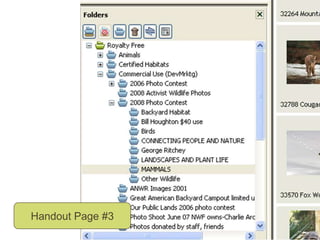
  • #26 example folder hierarchy different levels represent different categories It’s likely that this was folder structure was setup in advance Otherwise we would probably see some level of disorganization like: Spaces/underscores in filenames Duplicate folder names And “out of place folders”
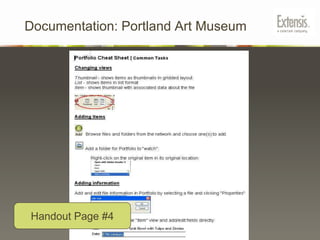
  • #28 Here’s an example of part of a cheat sheet we made for the Registrars .
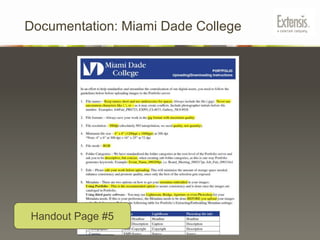
  • #29 Another example of basic documentation – cheat sheet for file standards
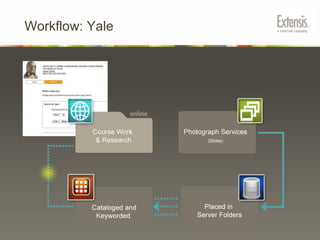
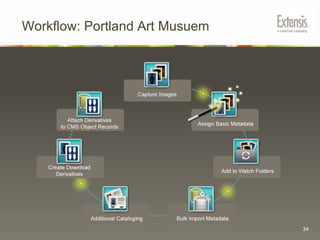
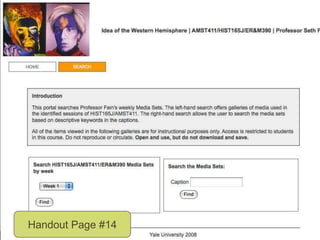
  • #32 Workflow (story)Here are some example use cases implemented into real-world workflows Prof. Foster has taught with projector slides and will continue to do so for the foreseeable future. However, students wanted to be able to review class images. A workflow was set up using the features in Portfolio which allow for automating cataloging on the server. Slides shown taken to photography services Slides are digitized/placed in weekly folders on server The DAM system watches the folders and adds items to the catalog putting the folder name in the keyword field Students search for images by week in web-based portal. The non-technical faculty member never touches the interface nor is any cataloging field provided
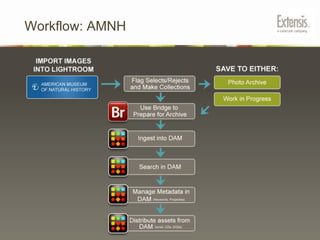
  • #33 Images are scannedMetadata is embedded to files using Adobe BridgeThe scans are added to the DAM with extracts metadata from the fileMetadata is refined in the DAM as needed for search purposes
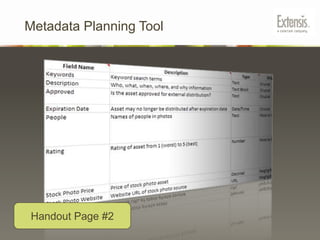
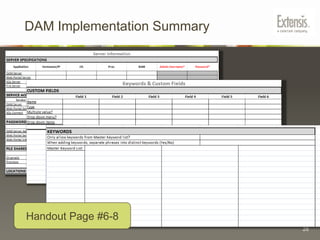
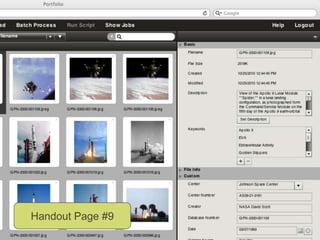
  • #39 Example metadata fieldsDescription (text block)Keywords (multiple values)Date
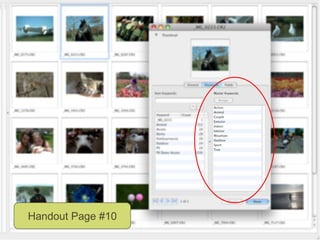
  • #40 Master keyword list – a list of predefined keywords
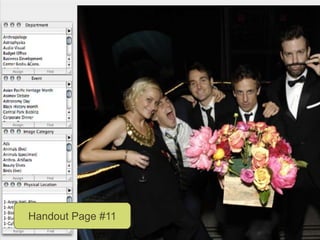
  • #41 Predefined lists for department, event, image category, physical location
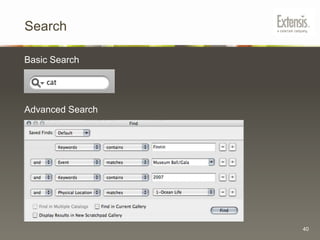
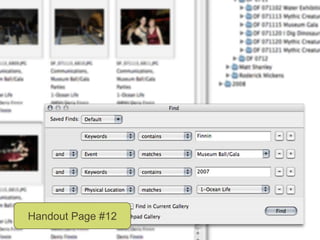
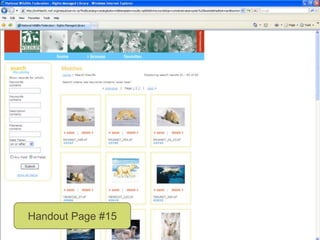
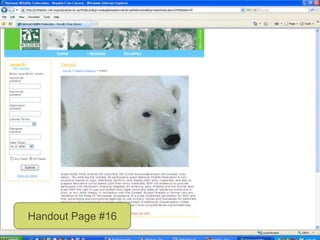
  • #43 We see an example of a taxonomy for “Physical location matches ocean life” where a user must choose from a predfined list. We also see an example of a folksonomy where a user can enter text into a freeform field.
  • #47 Predefined lists provide insight into collection contents
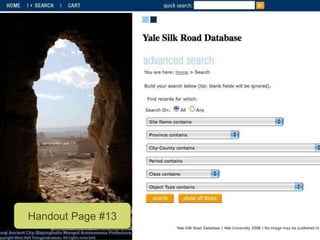
  • #48 You can see that the search interface is customized for search by weekThe entire collection is not exposed to students, only relevant materials
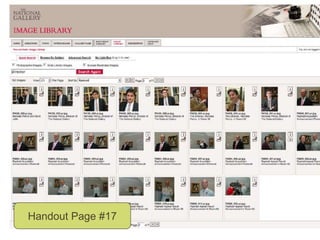
  • #51 Here’s an example of a collection of headshots from the National Gallery of London