
#Webcomponents @LostInBrittany#Webcomponents @LostInBrittany
Web Components avec Polymer
#Webcomponents @LostInBrittany#Webcomponents @LostInBrittany
Horacio Gonzalez
@LostInBrittany
Cityzen Data
Spaniard lost in Brittany,
developer, dreamer and all-
around geek
#Webcomponents @LostInBrittany
Introduction
Because I love to tell old stories
#Webcomponents @LostInBrittany
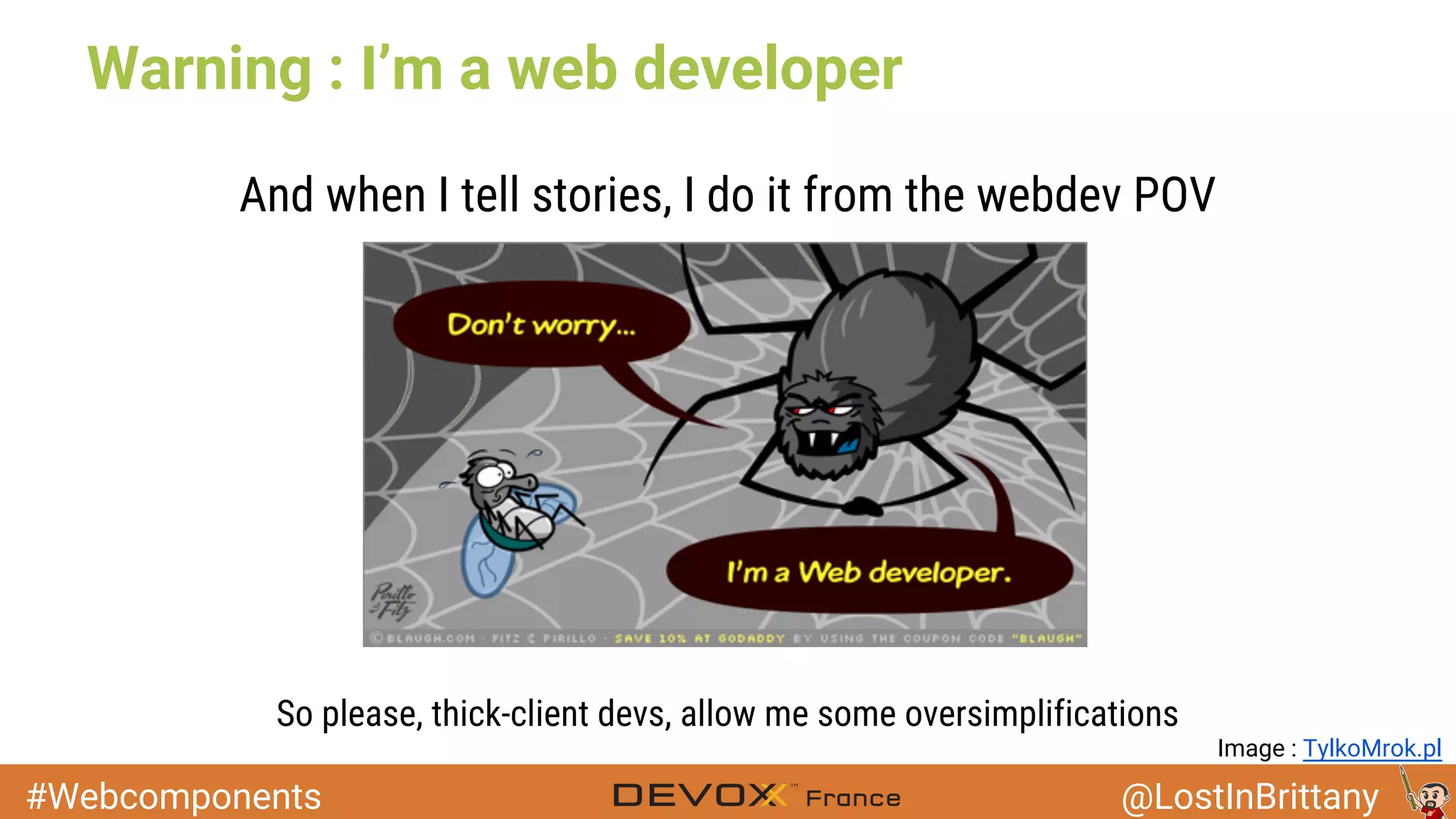
Warning : I’m a web developer
And when I tell stories, I do it from the webdev POV
So please, thick-client devs, allow me some oversimplifications
Image : TylkoMrok.pl
#Webcomponents @LostInBrittany
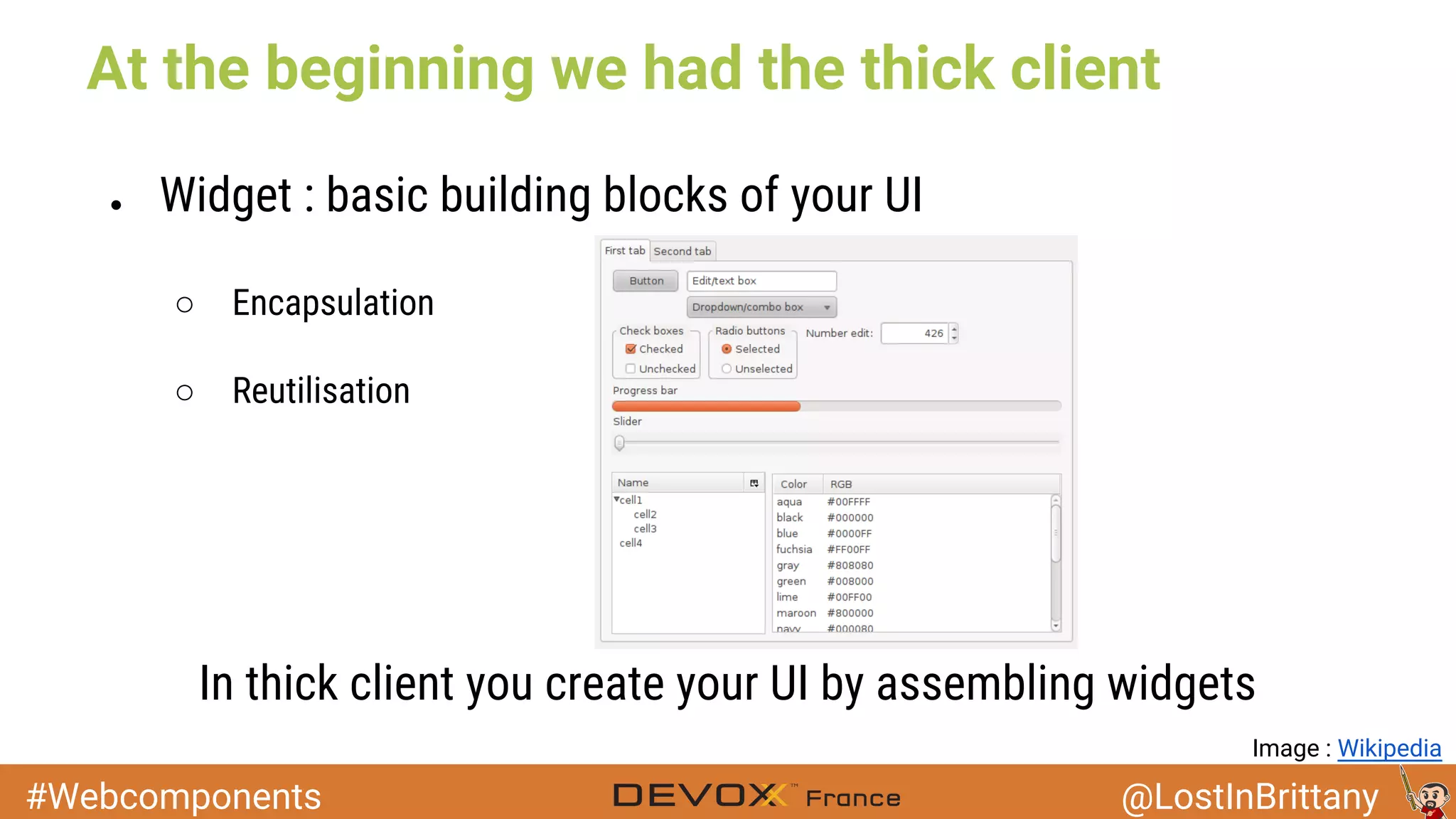
At the beginning we had the thick client
● Widget : basic building blocks of your UI
○ Encapsulation
○ Reutilisation
In thick client you create your UI by assembling widgets
Image : Wikipedia
#Webcomponents @LostInBrittany
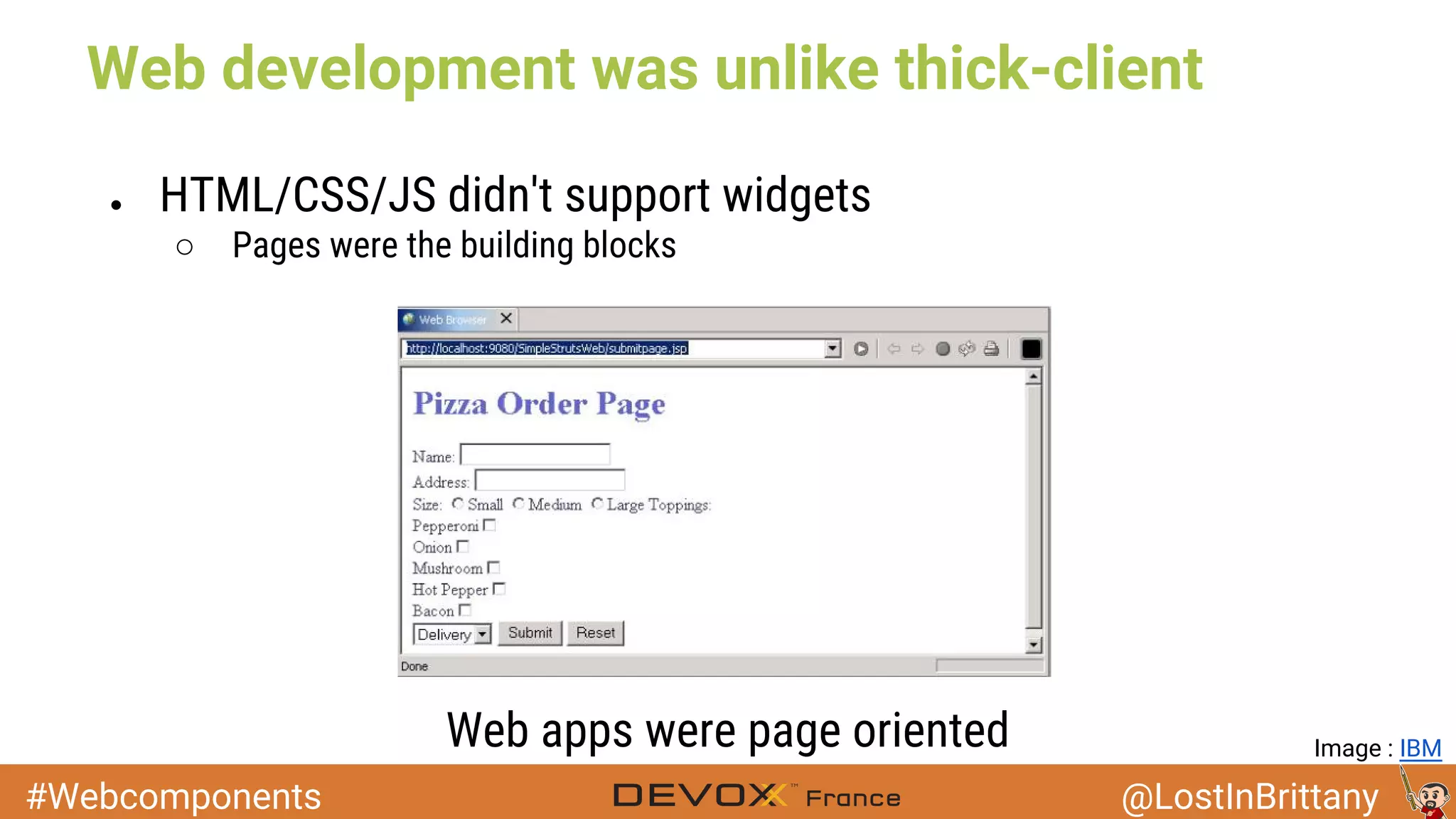
Web development was unlike thick-client
● HTML/CSS/JS didn't support widgets
○ Pages were the building blocks
Web apps were page oriented Image : IBM
#Webcomponents @LostInBrittany
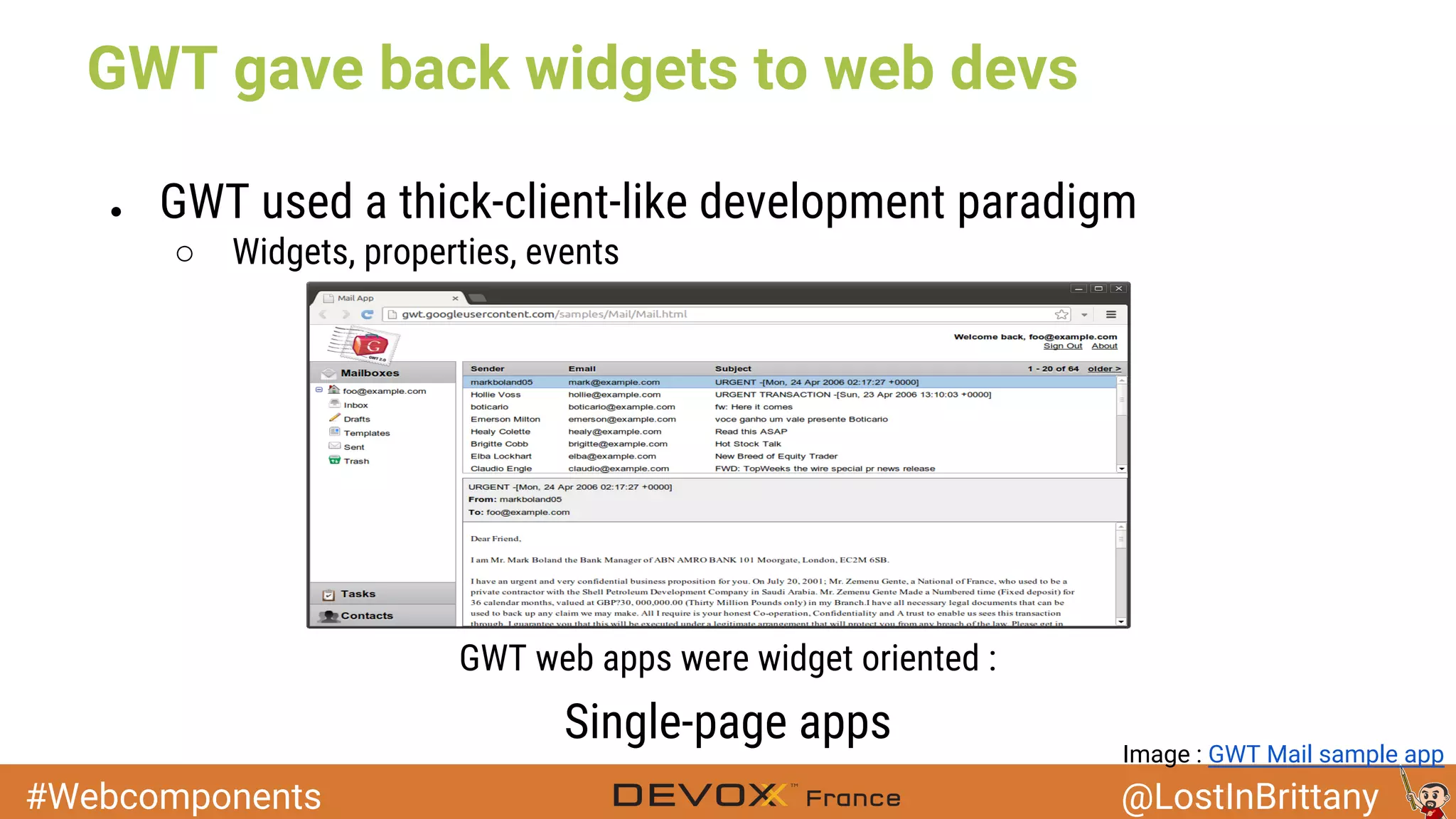
GWT gave back widgets to web devs
● GWT used a thick-client-like development paradigm
○ Widgets, properties, events
GWT web apps were widget oriented :
Single-page apps
Image : GWT Mail sample app
#Webcomponents @LostInBrittany
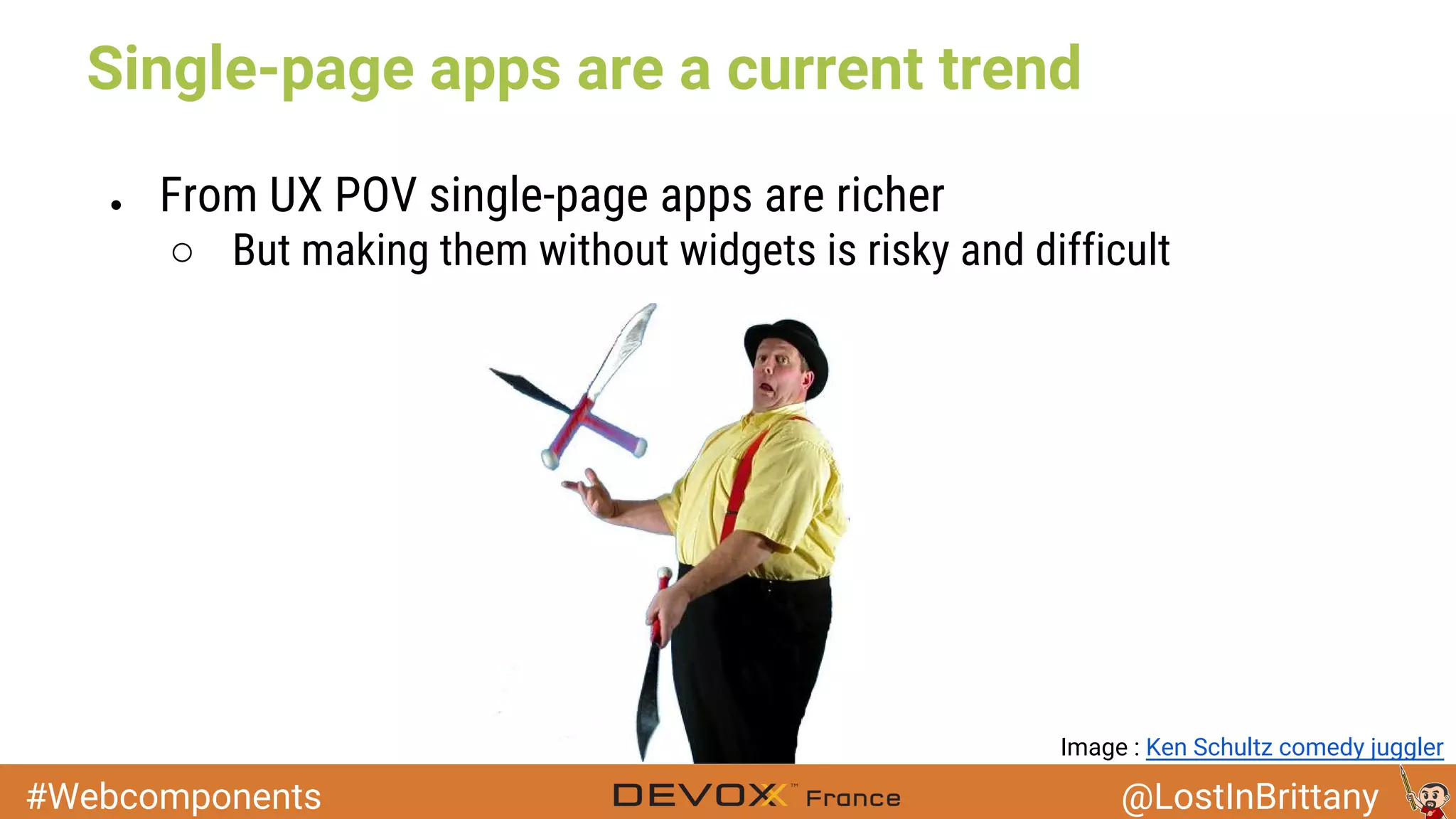
Single-page apps are a current trend
● From UX POV single-page apps are richer
○ But making them without widgets is risky and difficult
Image : Ken Schultz comedy juggler
#Webcomponents @LostInBrittany
Web Components
Reinventing the wheel... and this time making it round
#Webcomponents @LostInBrittany
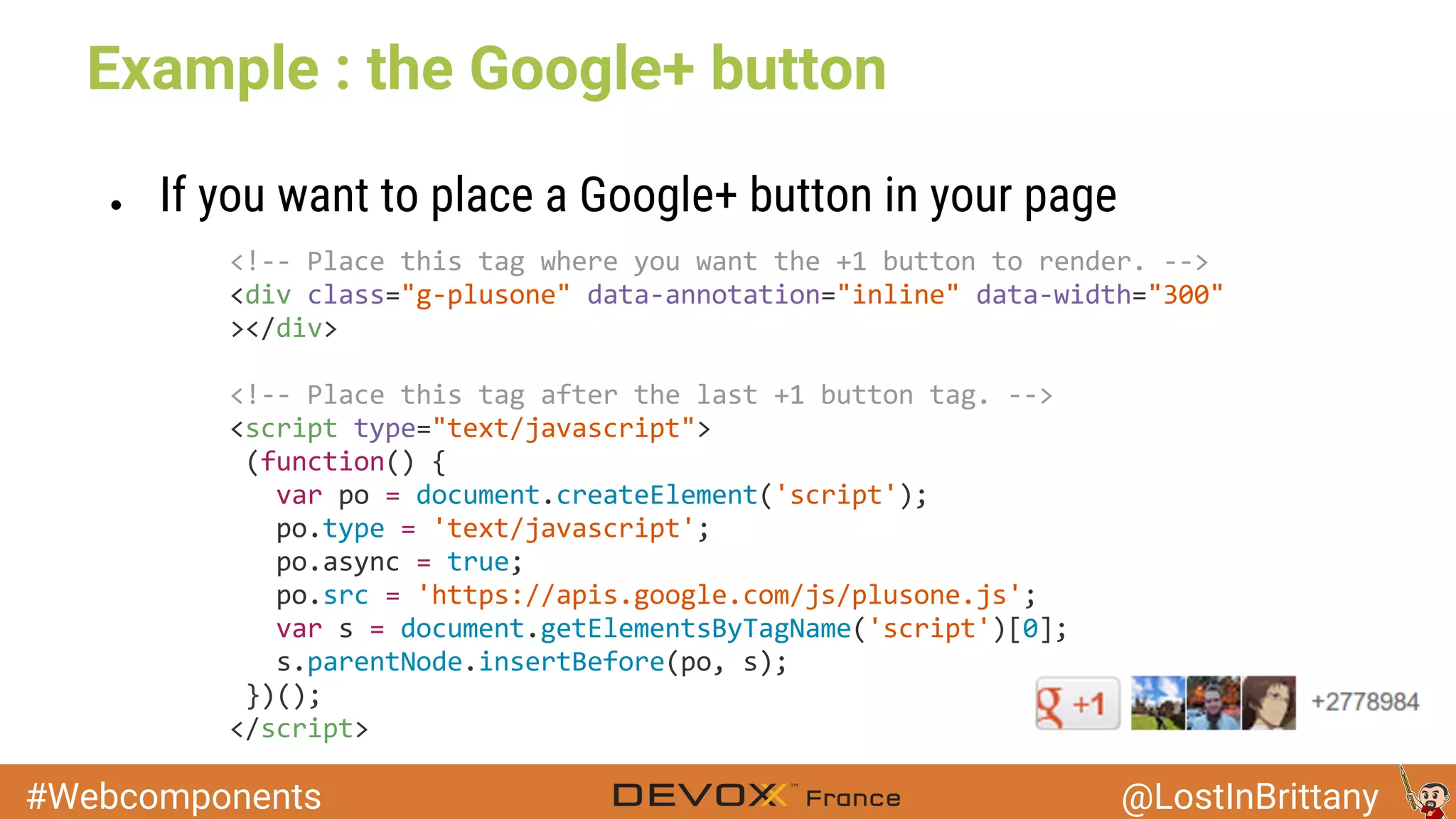
Example : the Google+ button
● If you want to place a Google+ button in your page
#Webcomponents @LostInBrittany
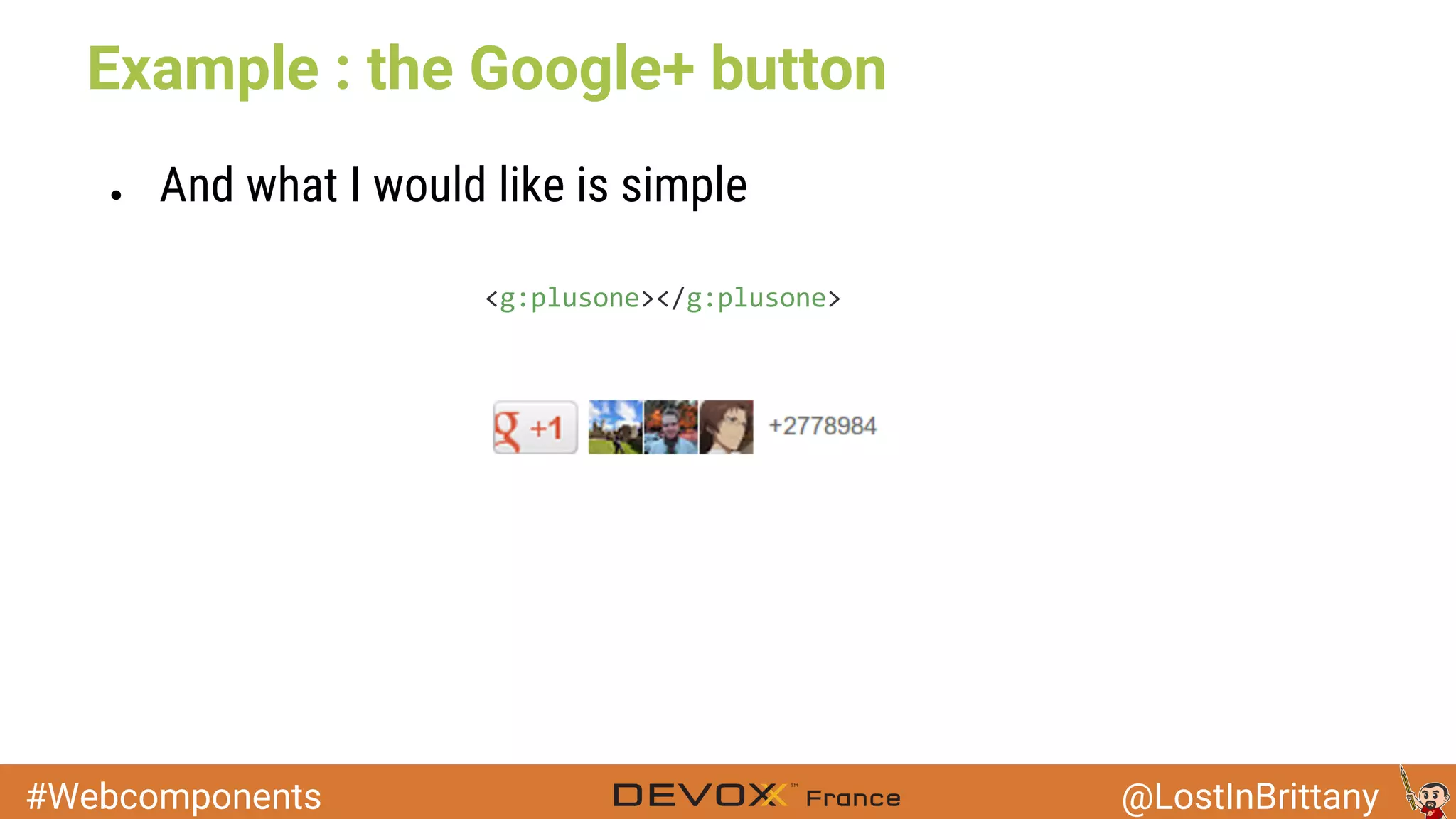
Example : the Google+ button
● And what I would like is simple
#Webcomponents @LostInBrittany
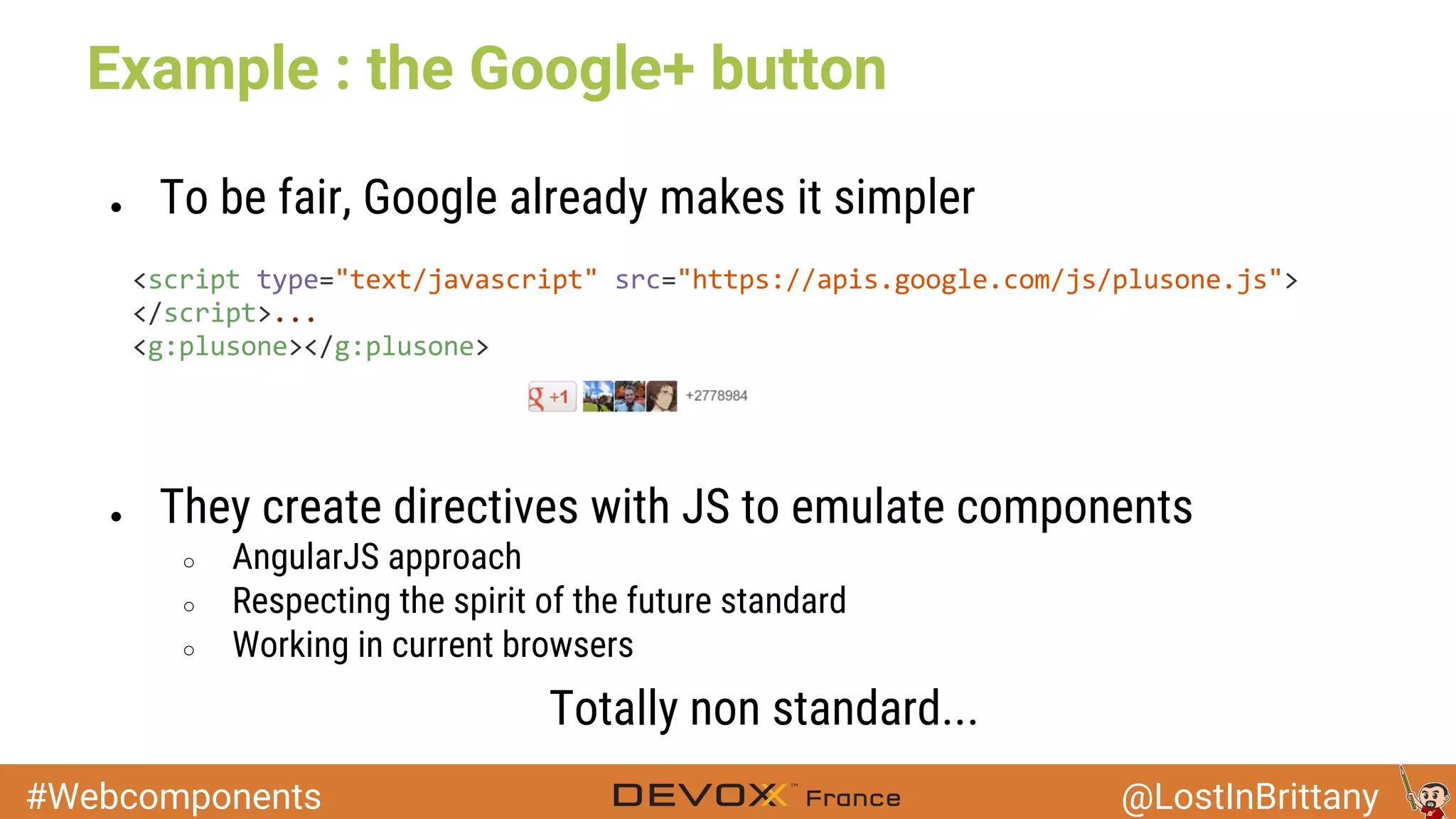
Example : the Google+ button
● To be fair, Google already makes it simpler
● They create directives with JS to emulate components
○ AngularJS approach
○ Respecting the spirit of the future standard
○ Working in current browsers
Totally non standard...
#Webcomponents @LostInBrittany
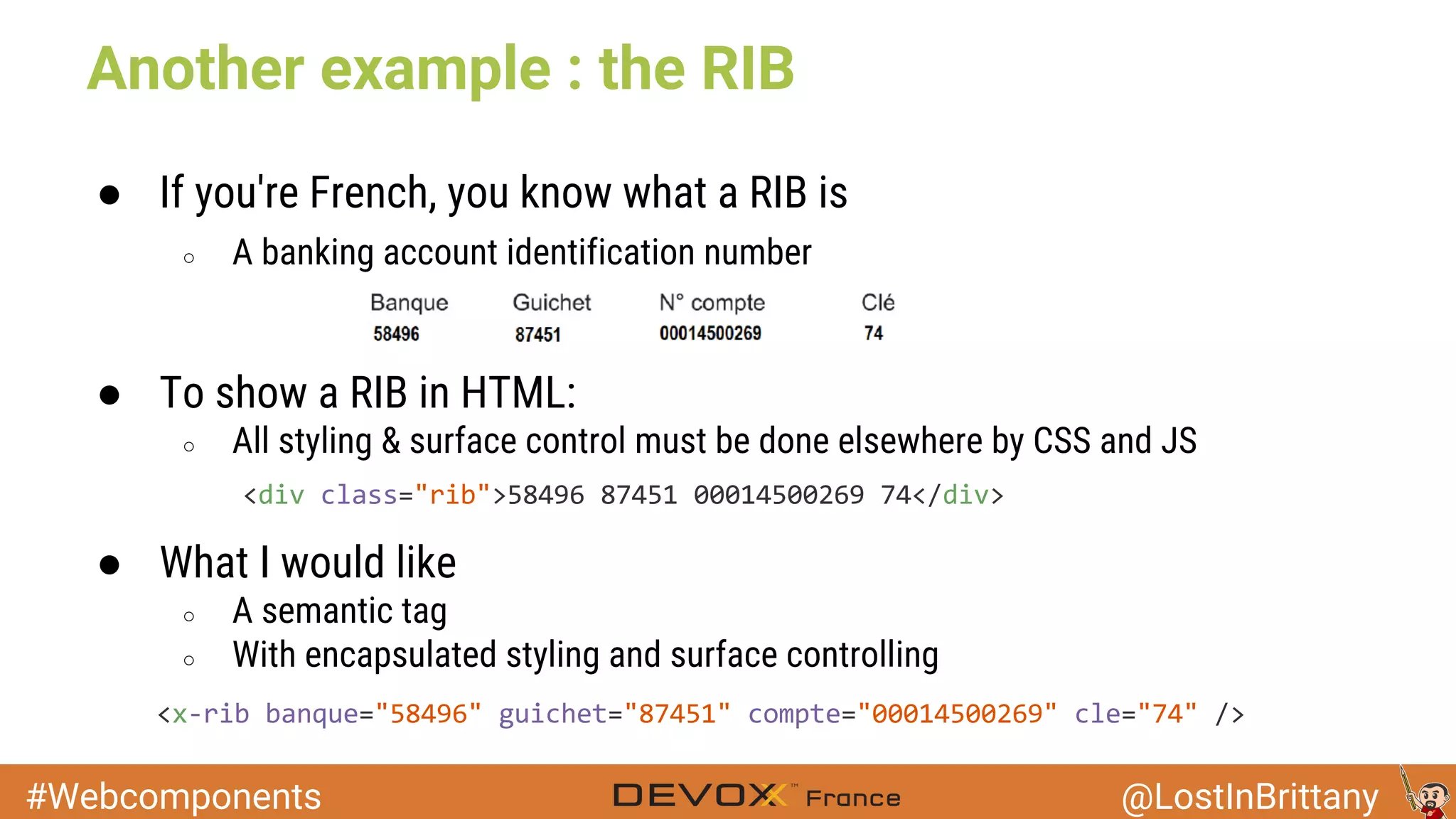
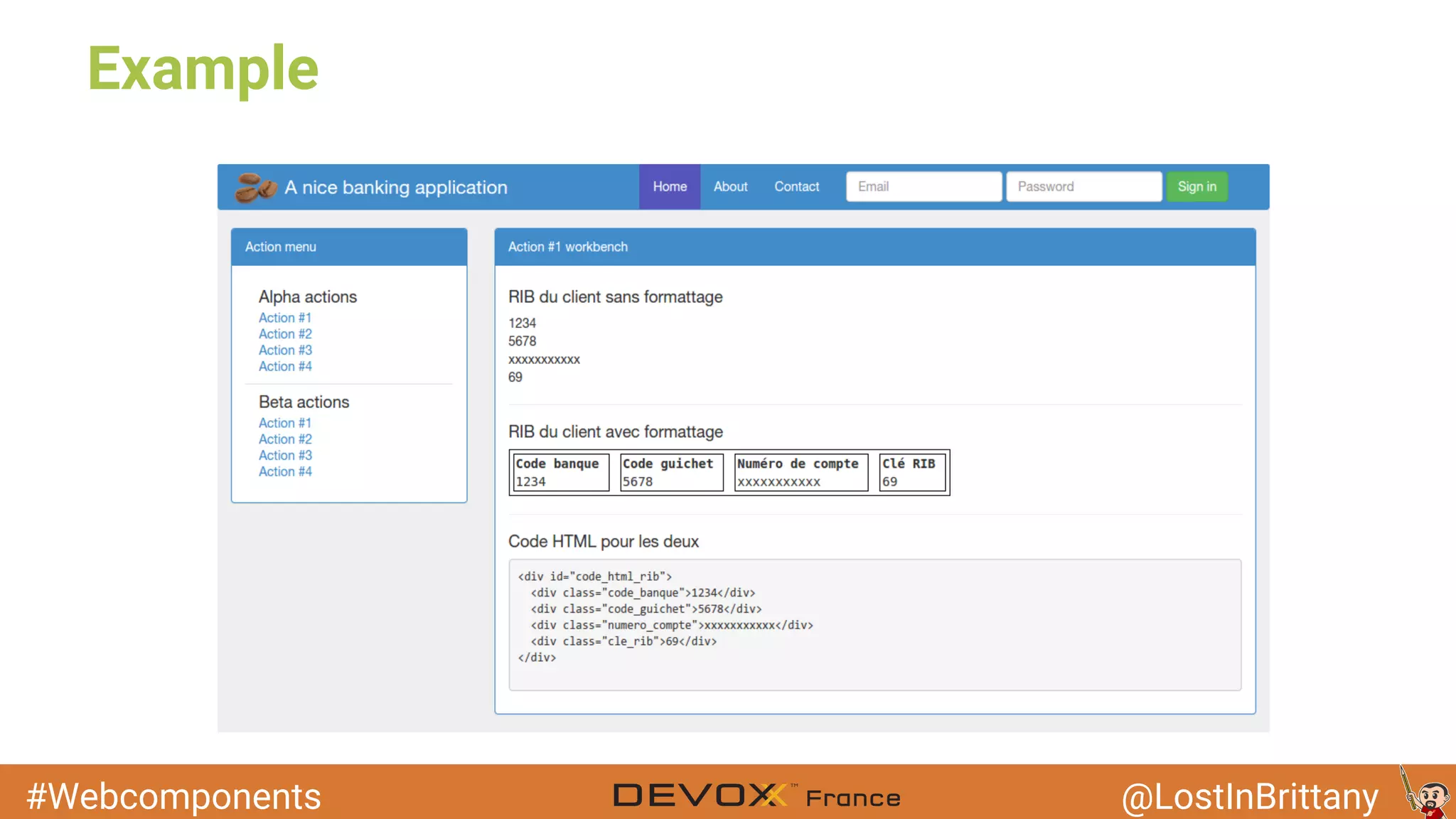
Another example : the RIB
● If you're French, you know what a RIB is
○ A banking account identification number
● To show a RIB in HTML:
○ All styling & surface control must be done elsewhere by CSS and JS
● What I would like
○ A semantic tag
○ With encapsulated styling and surface controlling
#Webcomponents @LostInBrittany
But we already can do that!
● In most modern frameworks we can already do components, in
a way or another
○ And all those ways are different!
○ Using different JavaScript libraries
○ Almost no component sharing between frameworks
● W3C's works aim to make a standard way
○ Supported natively by all browsers
○ Allowing for component reuse
#Webcomponents @LostInBrittany
Web Components : a W3C standard
● Web Components standard is being worked at W3C
○ We all know what this means
■ Clue : HTML5
They will work for years, bickering and fighting
Browsers and devs will use the WiP document
#Webcomponents @LostInBrittany
The 4 pillars of the Web Components
● Templates
● Shadow DOM
● Custom Elements
● Imports
#Webcomponents @LostInBrittany
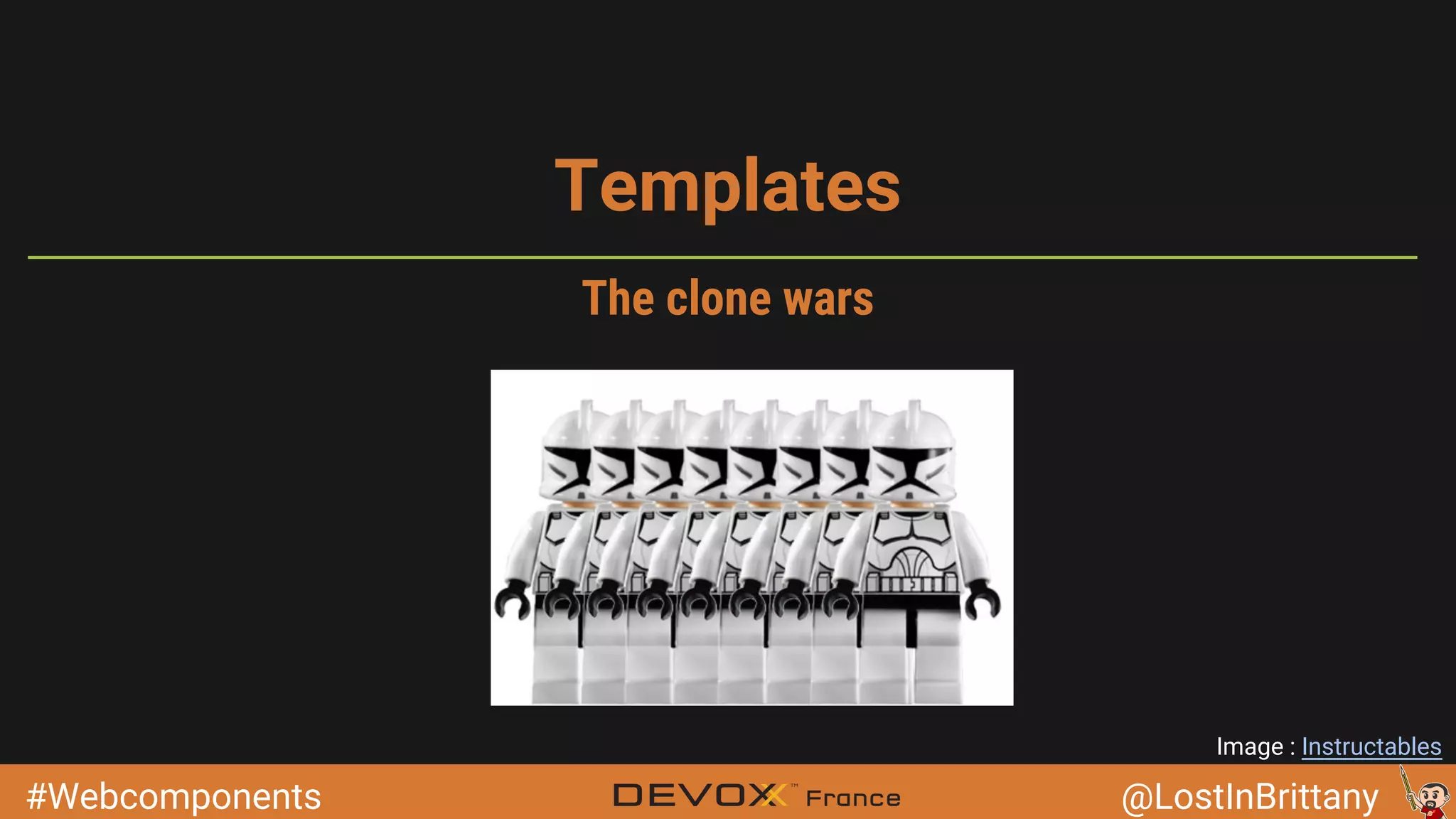
Templates
Image : Instructables
The clone wars
#Webcomponents @LostInBrittany
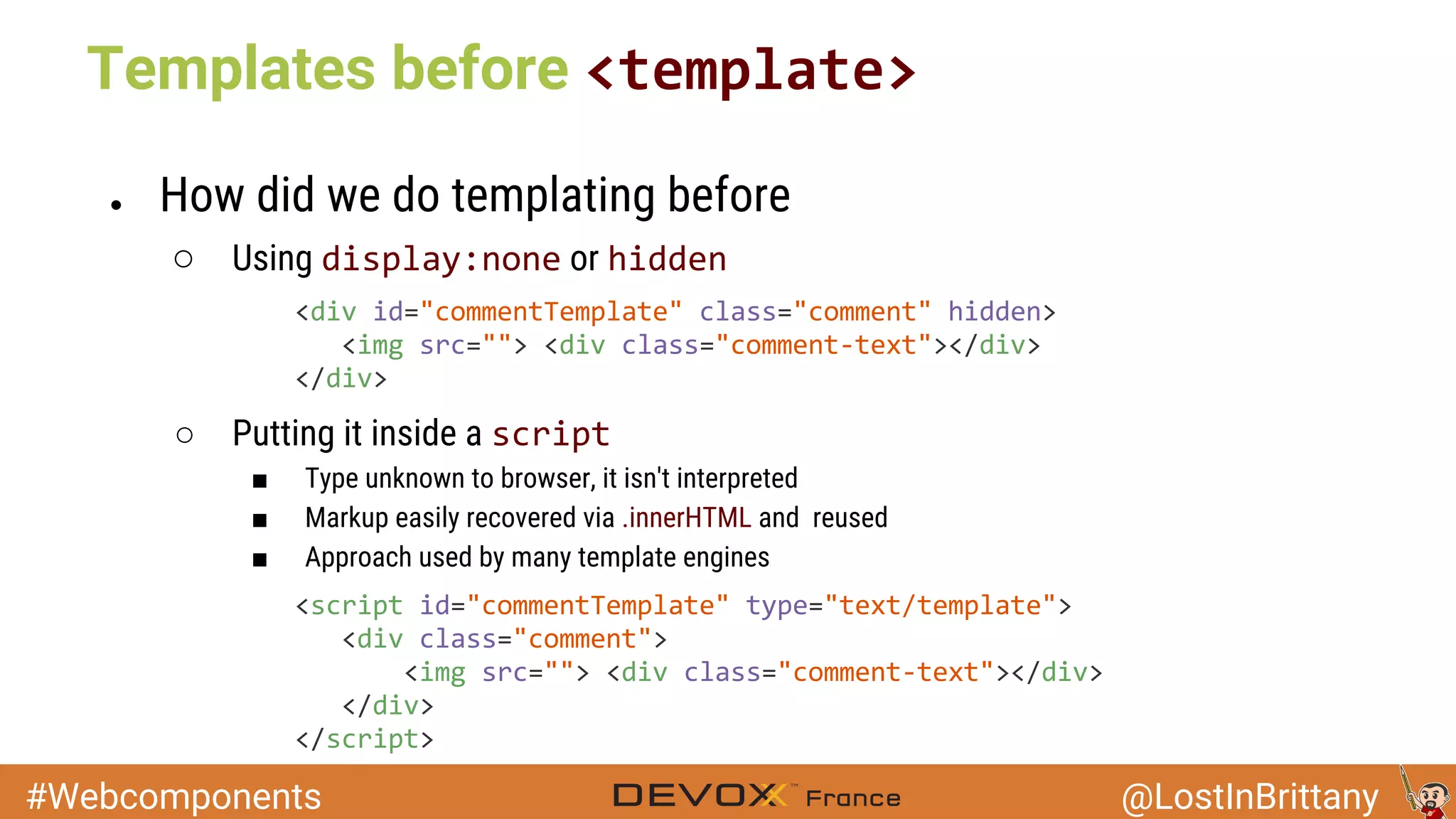
Templates before
● How did we do templating before
○ Using or
○ Putting it inside a
■ Type unknown to browser, it isn't interpreted
■ Markup easily recovered via .innerHTML and reused
■ Approach used by many template engines
#Webcomponents @LostInBrittany
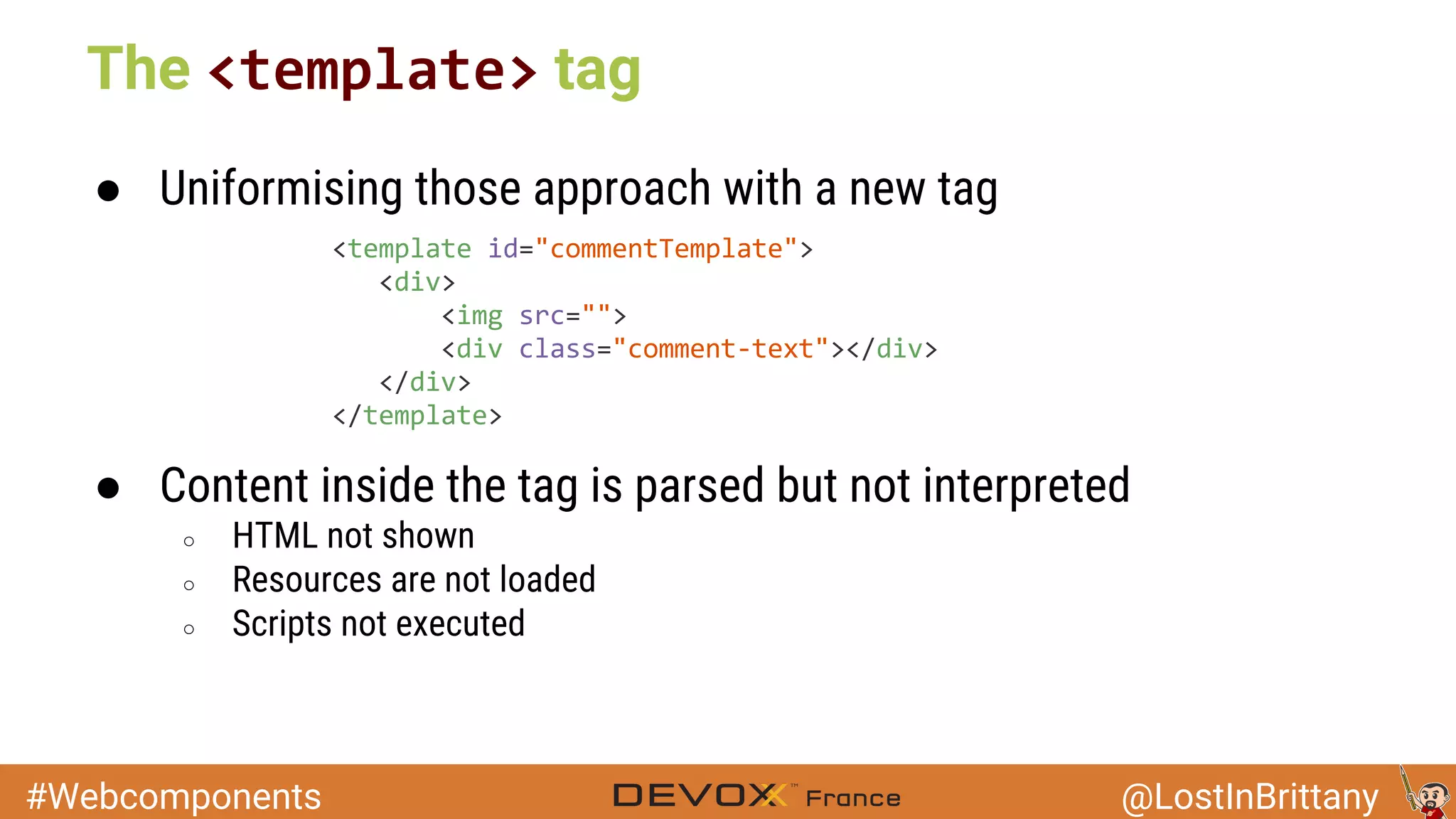
● Uniformising those approach with a new tag
● Content inside the tag is parsed but not interpreted
○ HTML not shown
○ Resources are not loaded
○ Scripts not executed
The tag
#Webcomponents @LostInBrittany
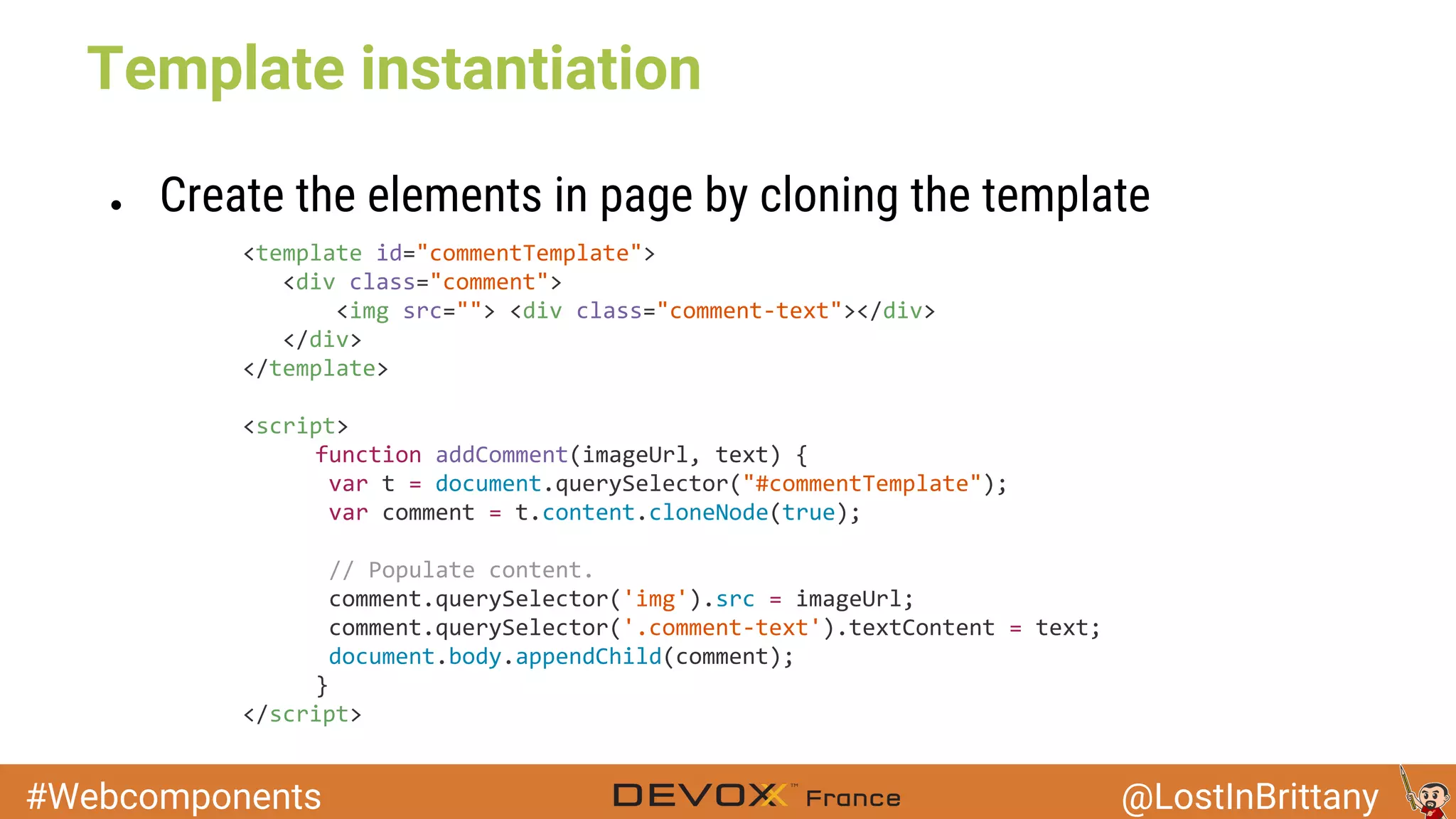
Template instantiation
● Create the elements in page by cloning the template
#Webcomponents @LostInBrittany
Shadow DOM
Image: Springfield Punx
Join the shadowy side,
young padawan
#Webcomponents @LostInBrittany
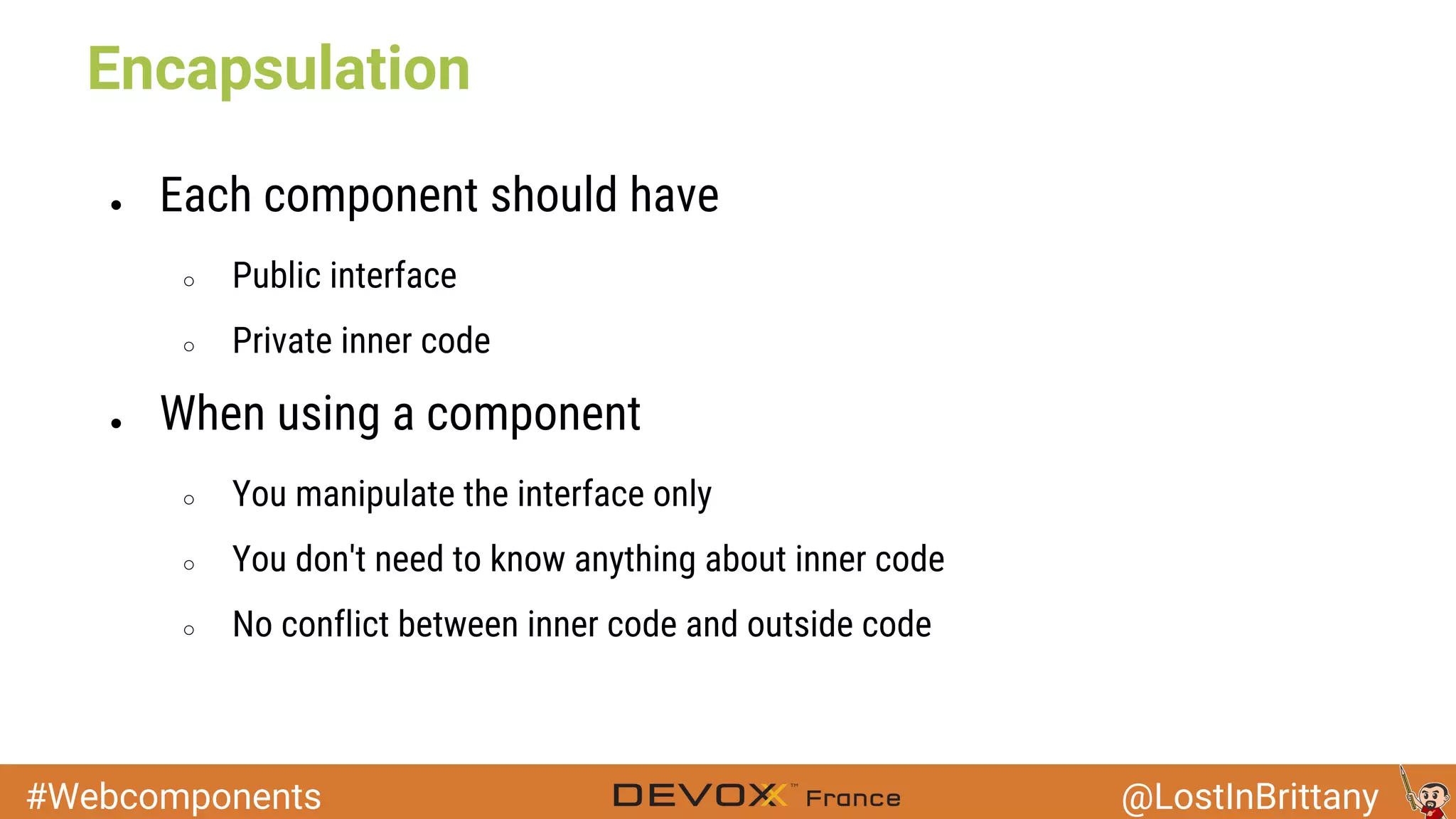
Encapsulation
● Each component should have
○ Public interface
○ Private inner code
● When using a component
○ You manipulate the interface only
○ You don't need to know anything about inner code
○ No conflict between inner code and outside code
#Webcomponents @LostInBrittany
Encapsulation before Shadow DOM
● Only a way :
Image : Star Trek the Next Generation
#Webcomponents @LostInBrittany
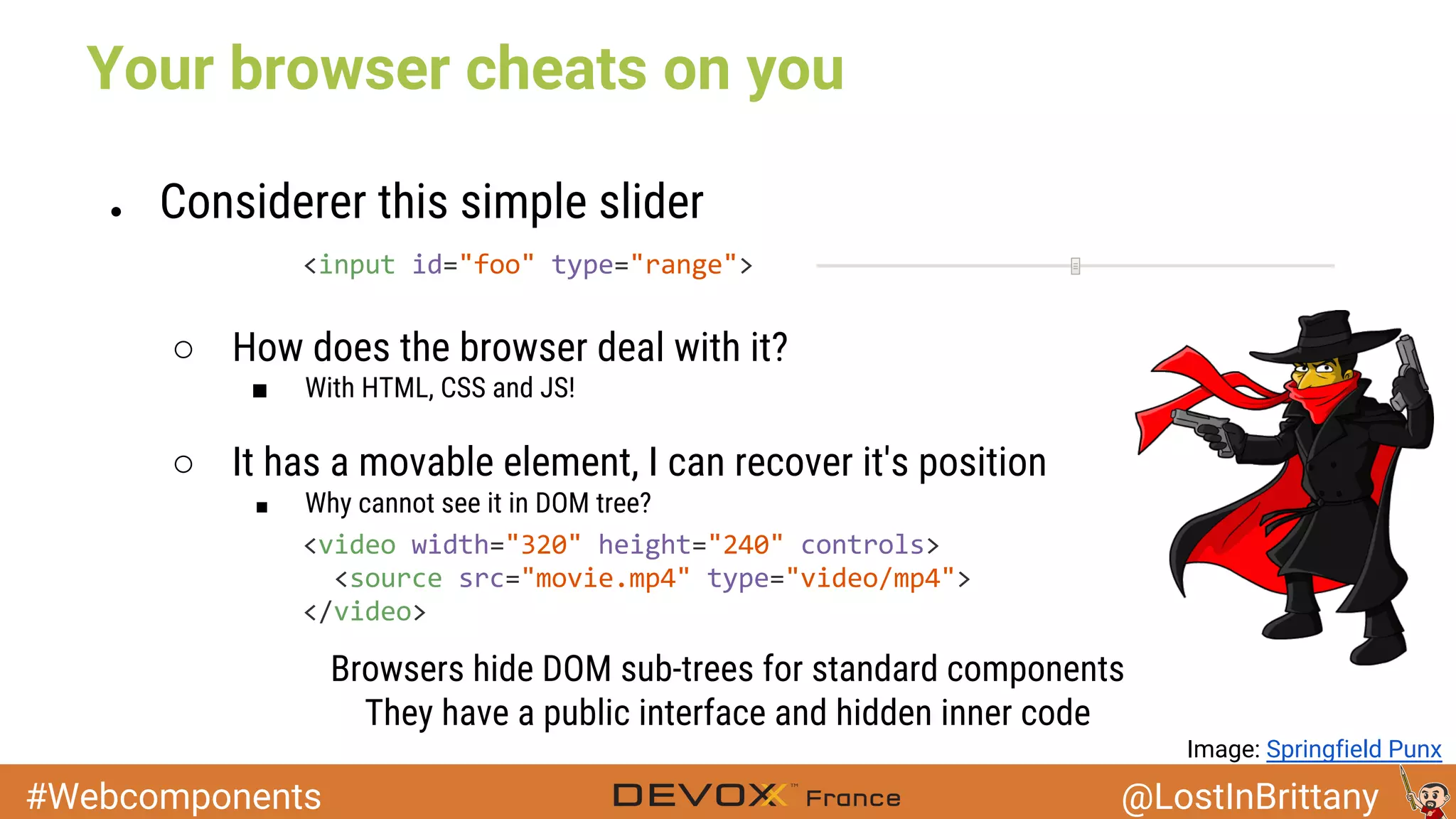
Your browser cheats on you
● Considerer this simple slider
○ How does the browser deal with it?
■ With HTML, CSS and JS!
○ It has a movable element, I can recover it's position
■ Why cannot see it in DOM tree?
Browsers hide DOM sub-trees for standard components
They have a public interface and hidden inner code
Image: Springfield Punx
#Webcomponents @LostInBrittany
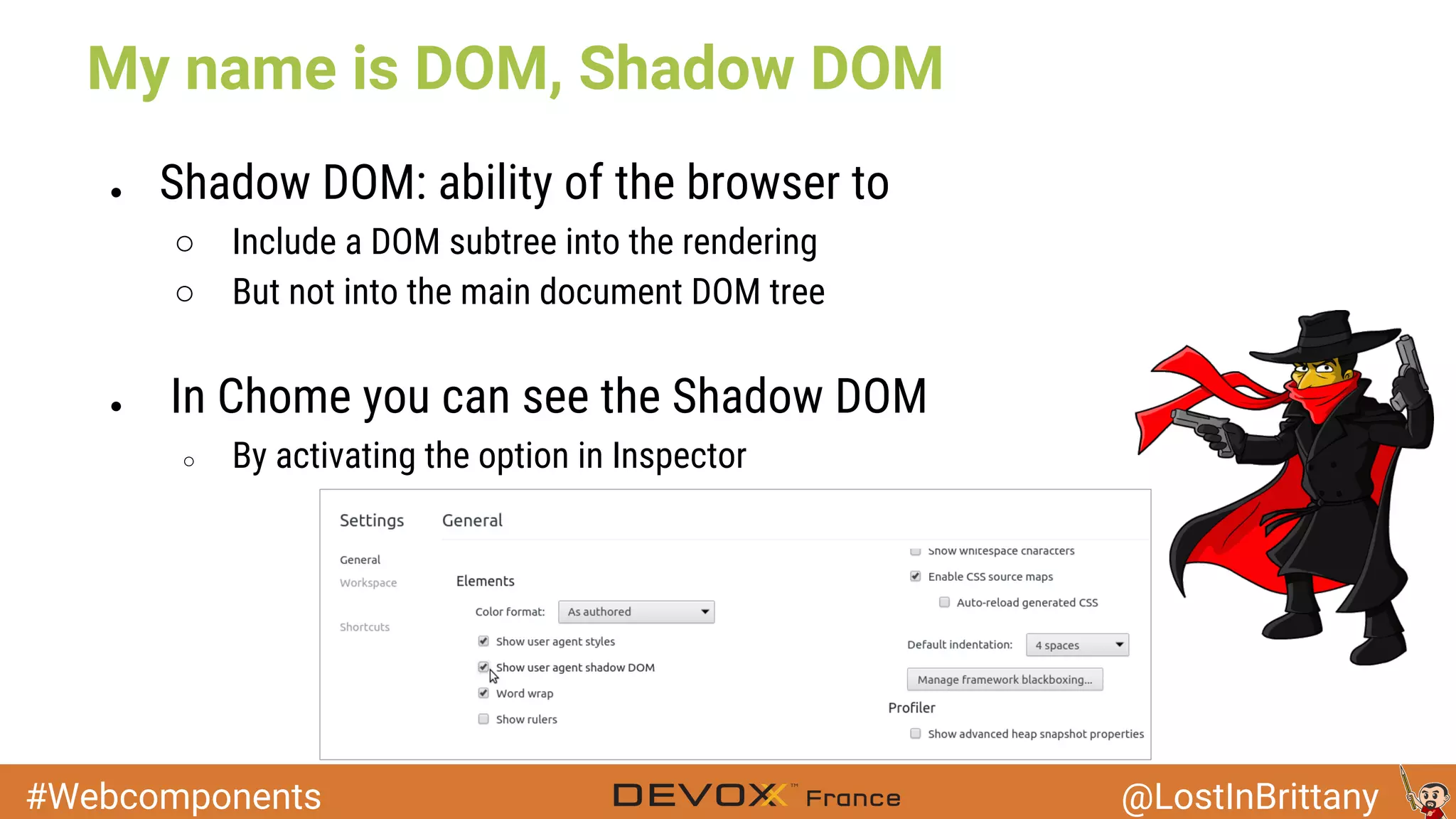
My name is DOM, Shadow DOM
● Shadow DOM: ability of the browser to
○ Include a DOM subtree into the rendering
○ But not into the main document DOM tree
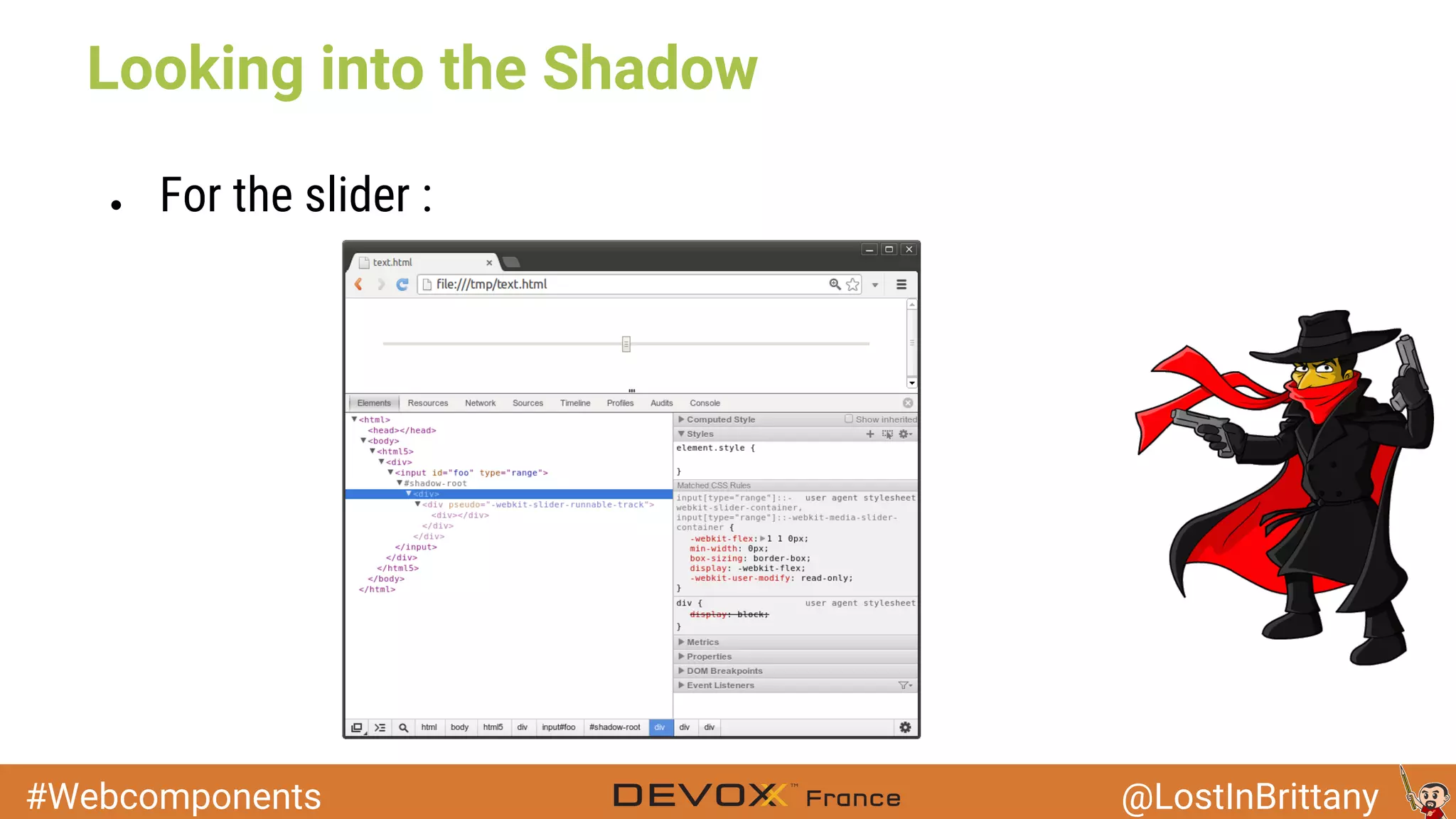
● In Chome you can see the Shadow DOM
○ By activating the option in Inspector
#Webcomponents @LostInBrittany
Looking into the Shadow
● For the slider :
#Webcomponents @LostInBrittany
Shadow DOM is already here
● Browser use it everyday...
○ For their inner needs
○ Not exposed to developers
● Web Components makes Shadow DOM available
○ You can use it for your own components
Image: Springfield Punx
#Webcomponents @LostInBrittany
Using Shadow DOM
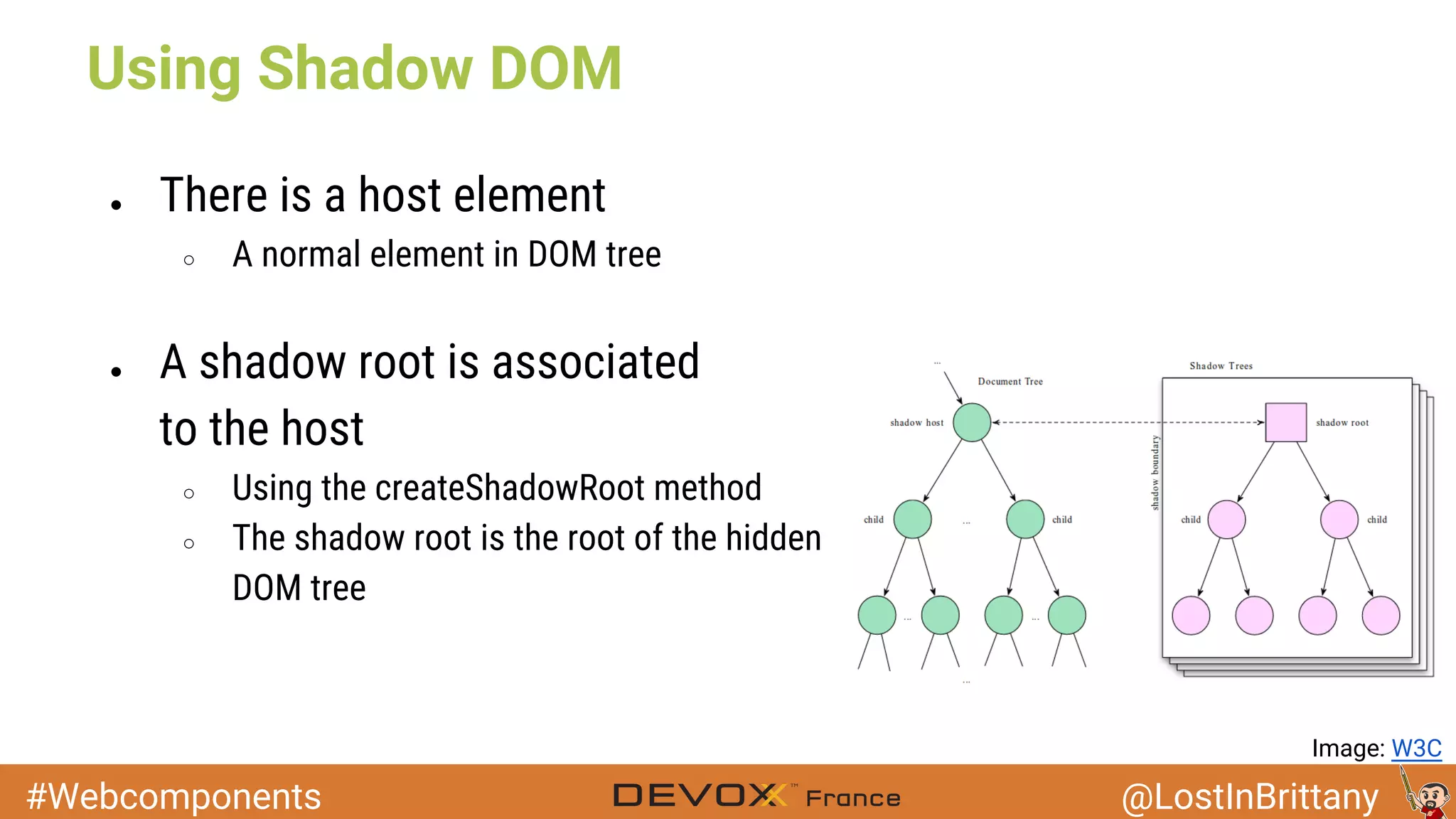
● There is a host element
○ A normal element in DOM tree
● A shadow root is associated
to the host
○ Using the createShadowRoot method
○ The shadow root is the root of the hidden
DOM tree
Image: W3C
#Webcomponents @LostInBrittany
Using Shadow DOM
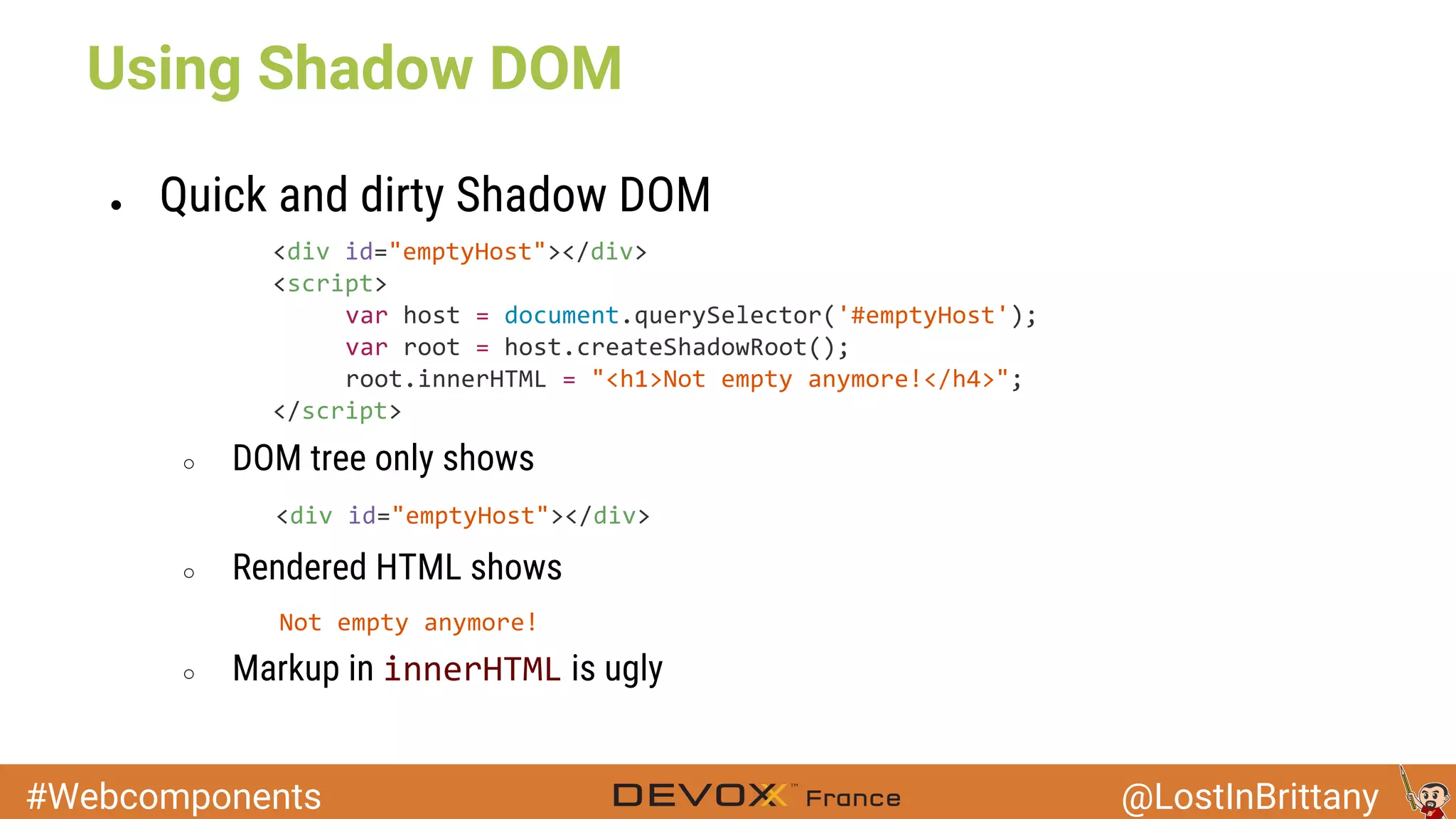
● Quick and dirty Shadow DOM
○ DOM tree only shows
○ Rendered HTML shows
○ Markup in is ugly
#Webcomponents @LostInBrittany
Using Shadow DOM
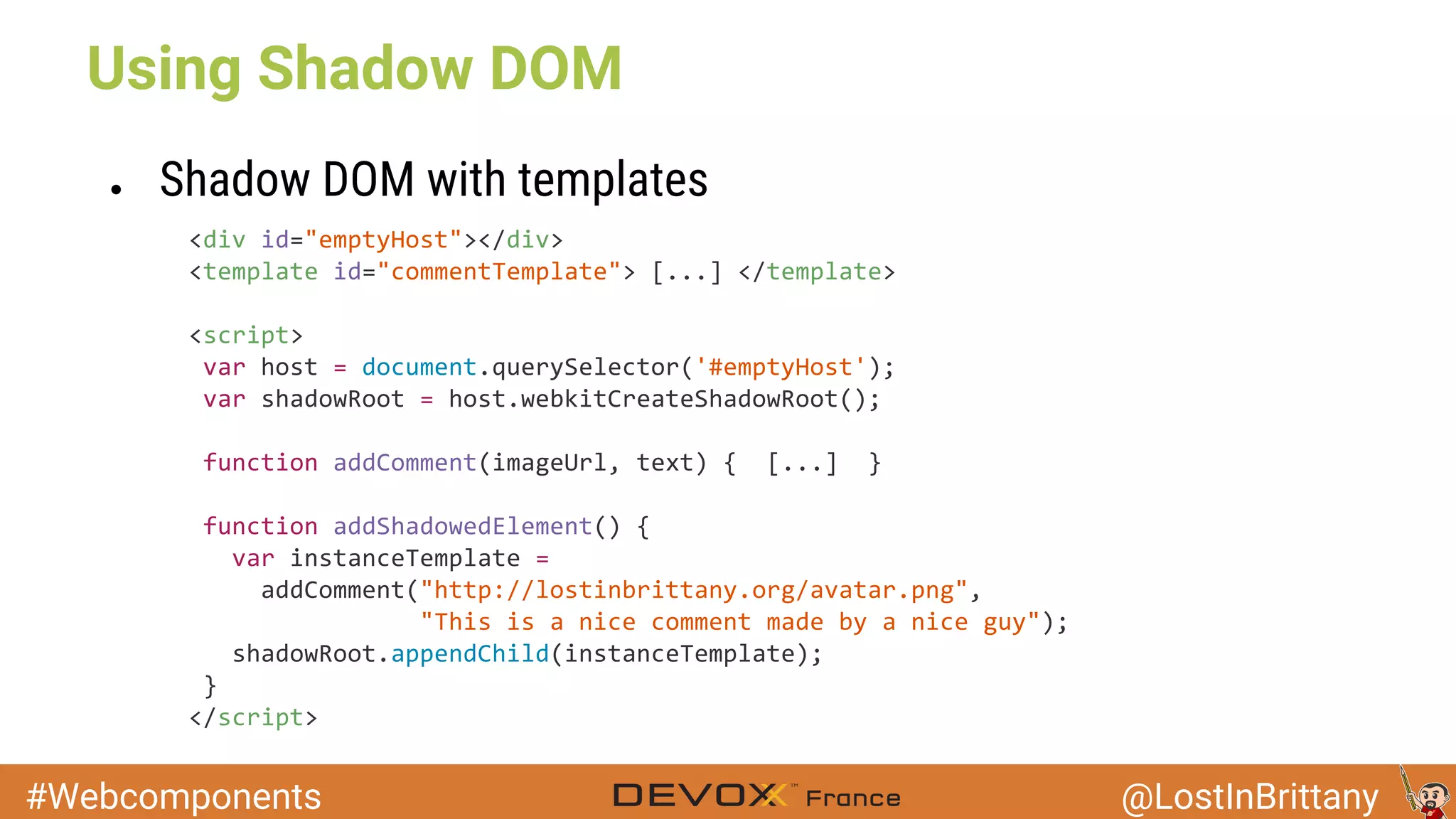
● Shadow DOM with templates
#Webcomponents @LostInBrittany
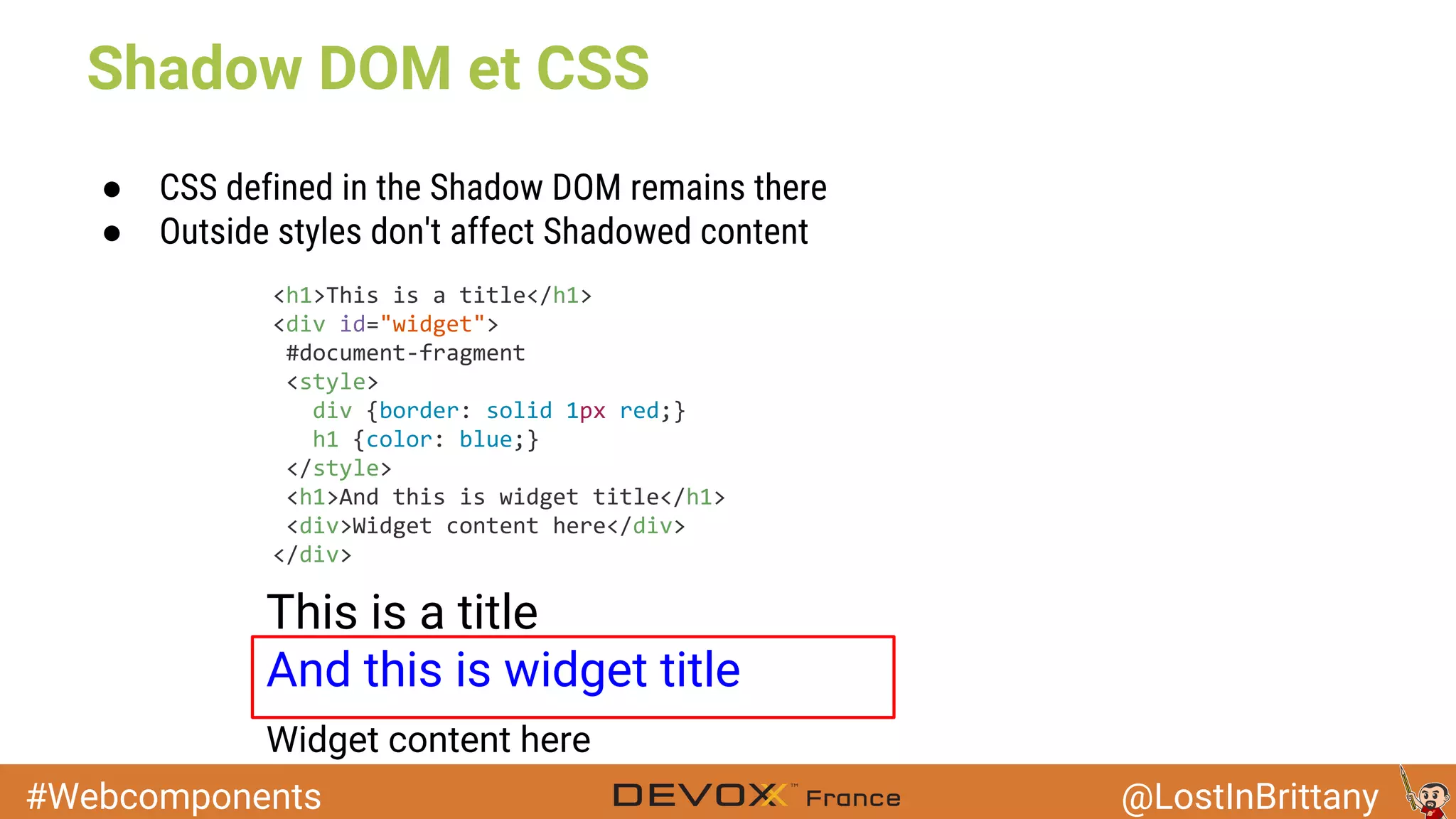
● CSS defined in the Shadow DOM remains there
● Outside styles don't affect Shadowed content
This is a title
And this is widget title
Widget content here
Shadow DOM et CSS
#Webcomponents @LostInBrittany
Shadow DOM et CSS
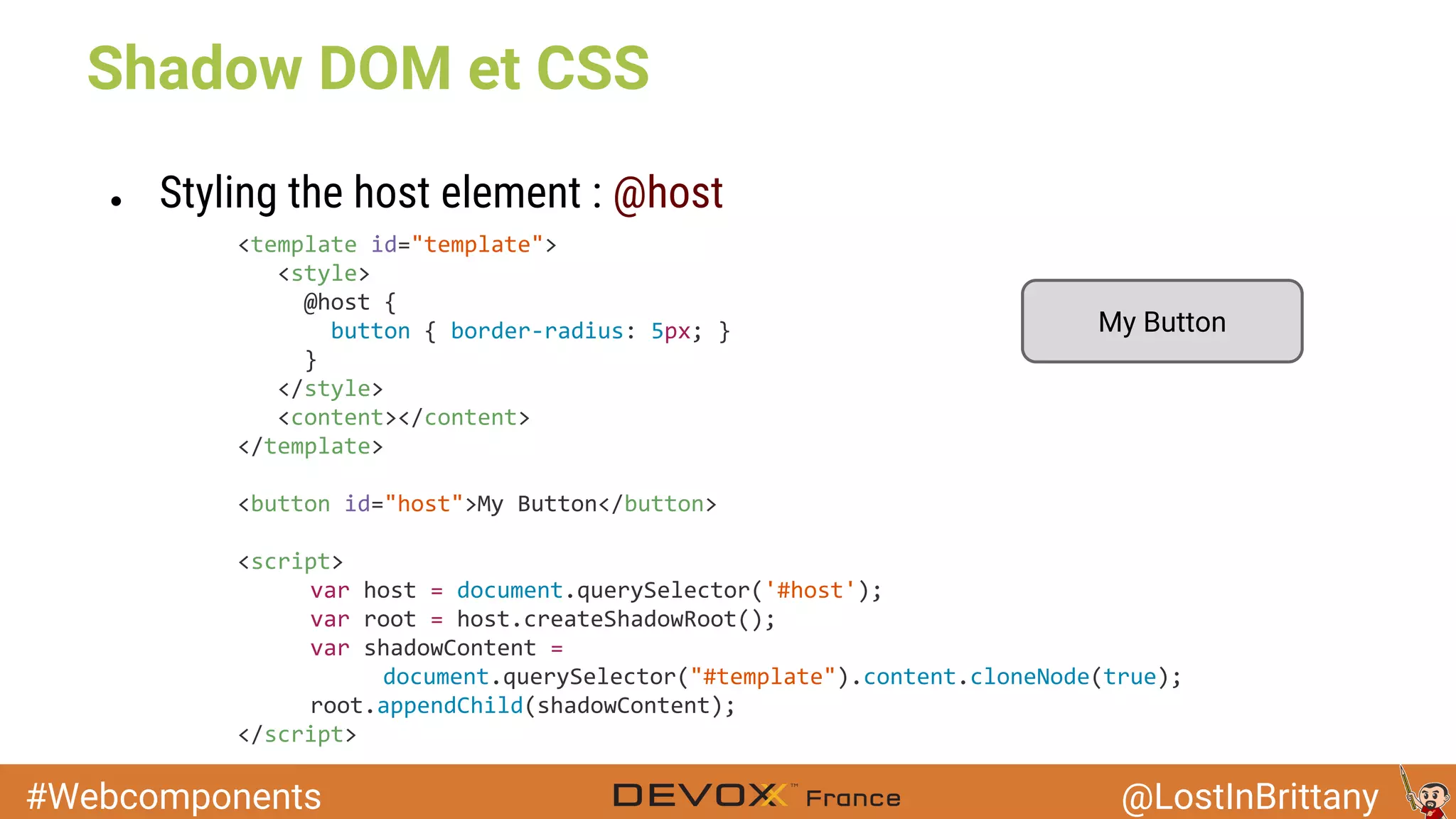
● Styling the host element : @host
My Button
#Webcomponents @LostInBrittany
Example
#Webcomponents @LostInBrittany
Custom Elements
Image: The Brick Blogger
Elemental mayhem !
#Webcomponents @LostInBrittany
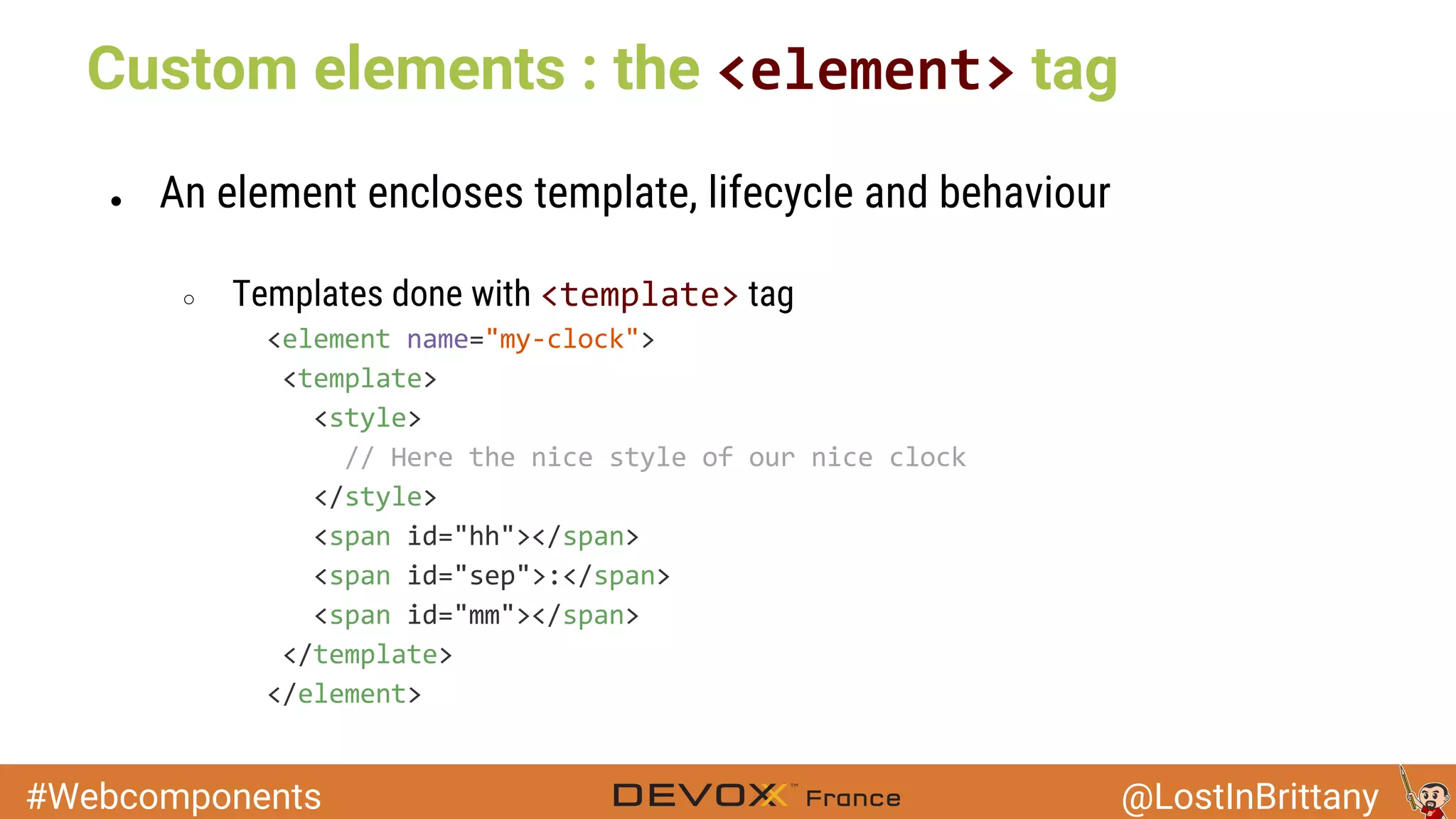
Custom elements : the tag
● An element encloses template, lifecycle and behaviour
○ Templates done with tag
#Webcomponents @LostInBrittany
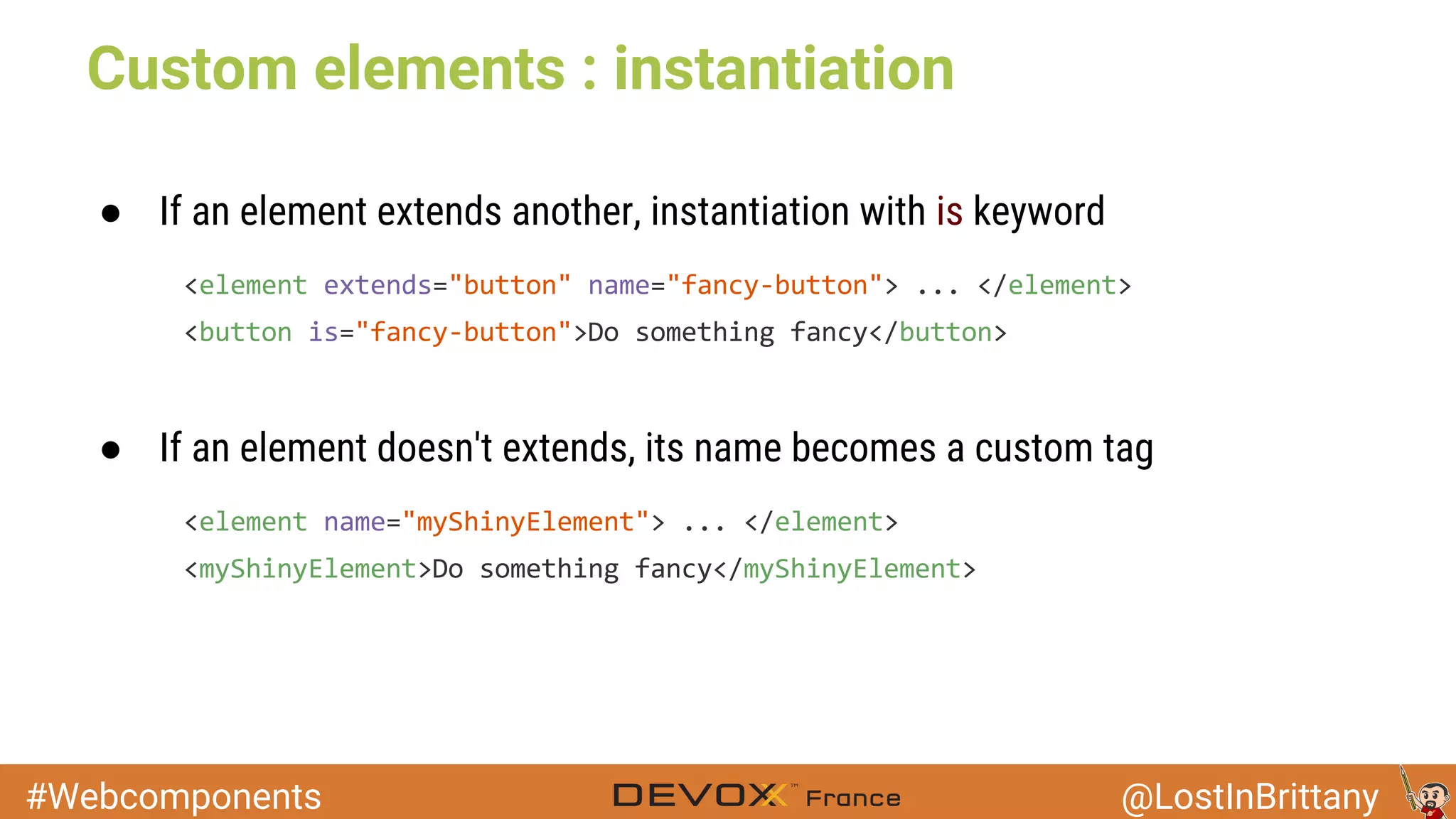
● If an element extends another, instantiation with is keyword
Custom elements : instantiation
● If an element doesn't extends, its name becomes a custom tag
#Webcomponents @LostInBrittany
Imports
Image: Brikipedia
Because you hate long files
#Webcomponents @LostInBrittany
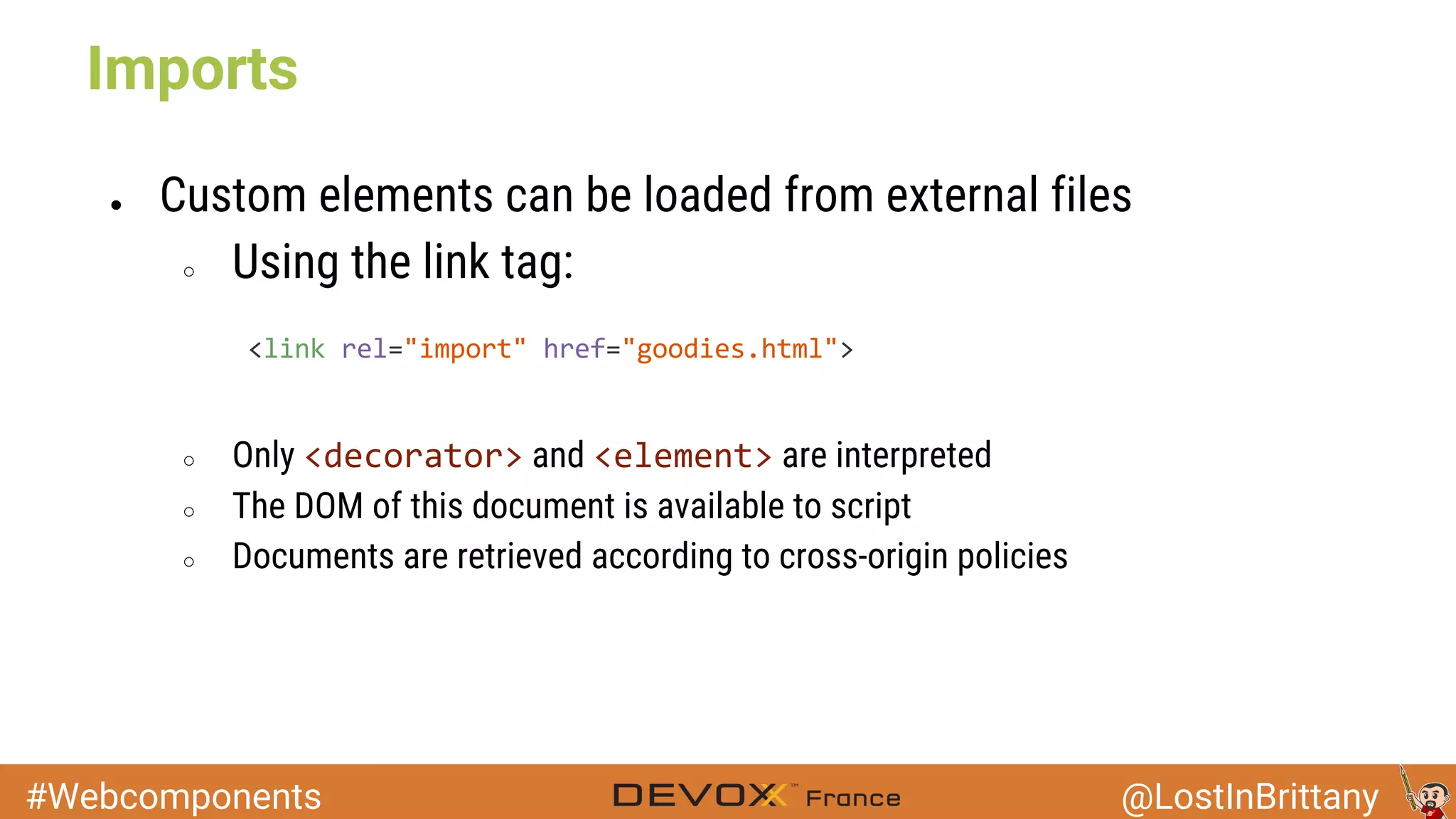
● Custom elements can be loaded from external files
○ Using the link tag:
○ Only and are interpreted
○ The DOM of this document is available to script
○ Documents are retrieved according to cross-origin policies
Imports
#Webcomponents @LostInBrittany
Can I use?
Image: Christoph Hauf
If not, why are you telling us all this sh*t?
#Webcomponents @LostInBrittany
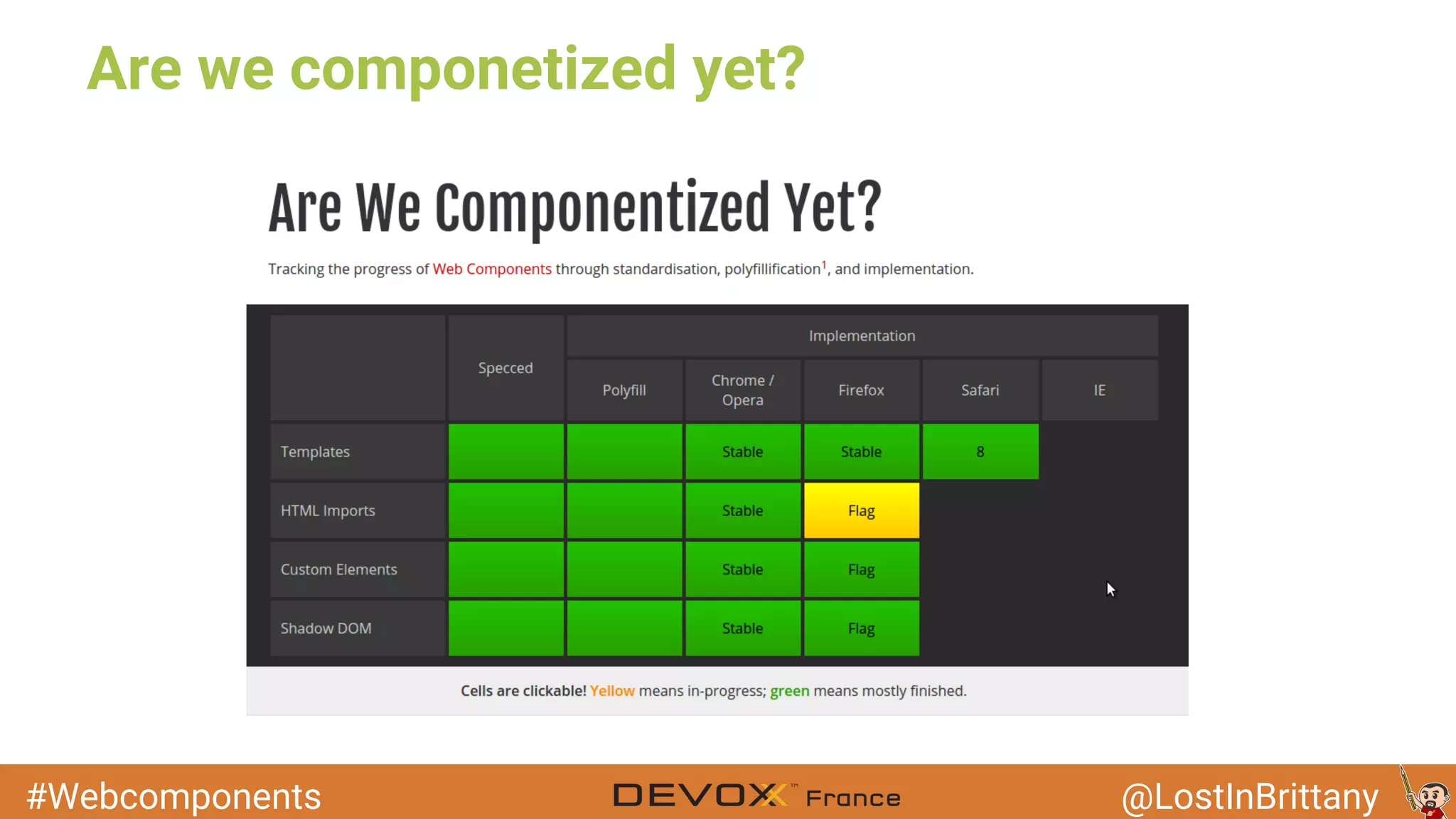
Are we componetized yet?
#Webcomponents @LostInBrittany
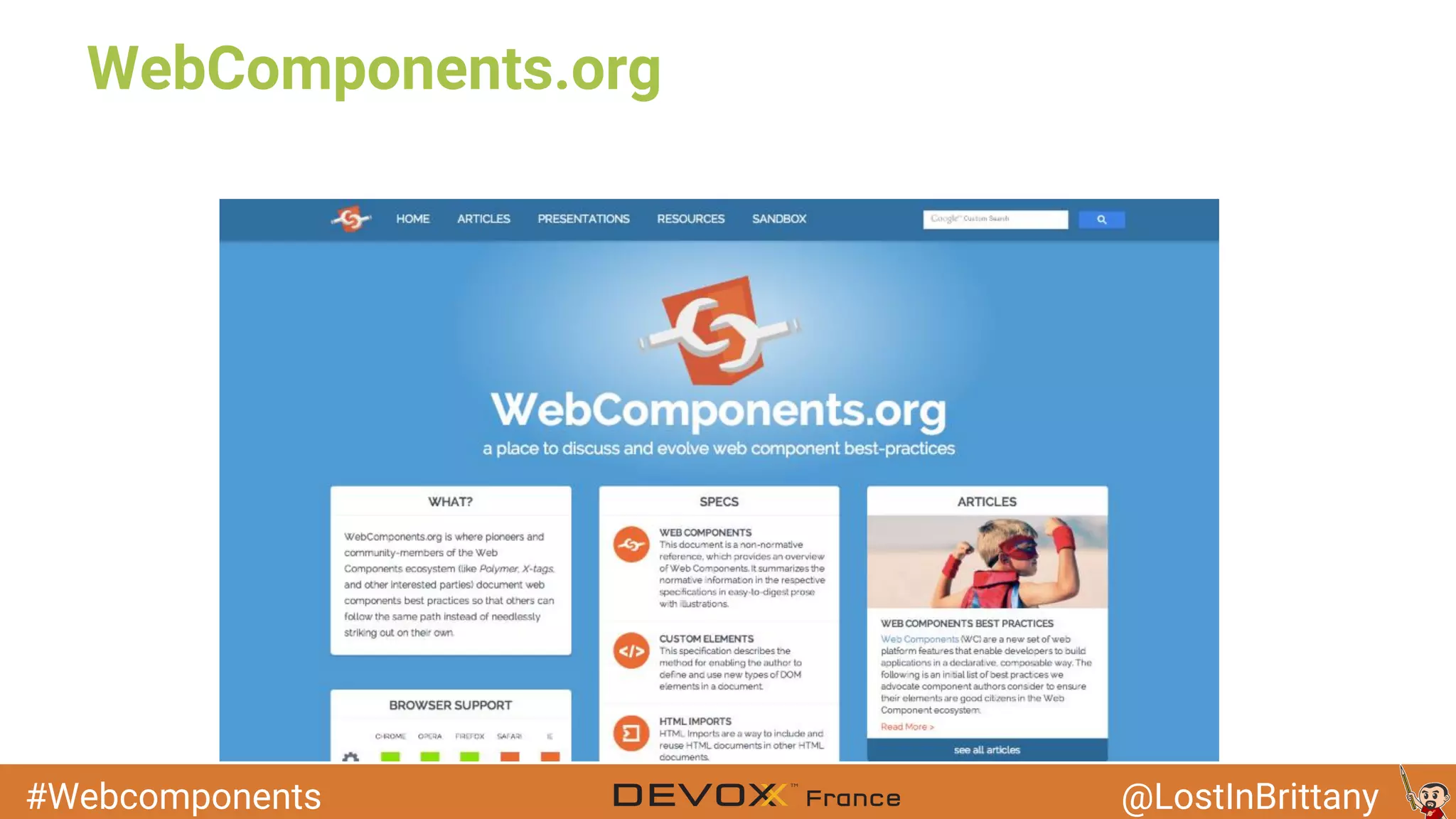
WebComponents.org
#Webcomponents @LostInBrittany
Polymer
Webcomponents for today's web
#Webcomponents @LostInBrittany
● A Google project
○ Introduced in Google I/O 2013
○ New type of library for the web
○ Built on top of Web Components
○ Designed to leverage the evolving web platform
Polymer
#Webcomponents @LostInBrittany
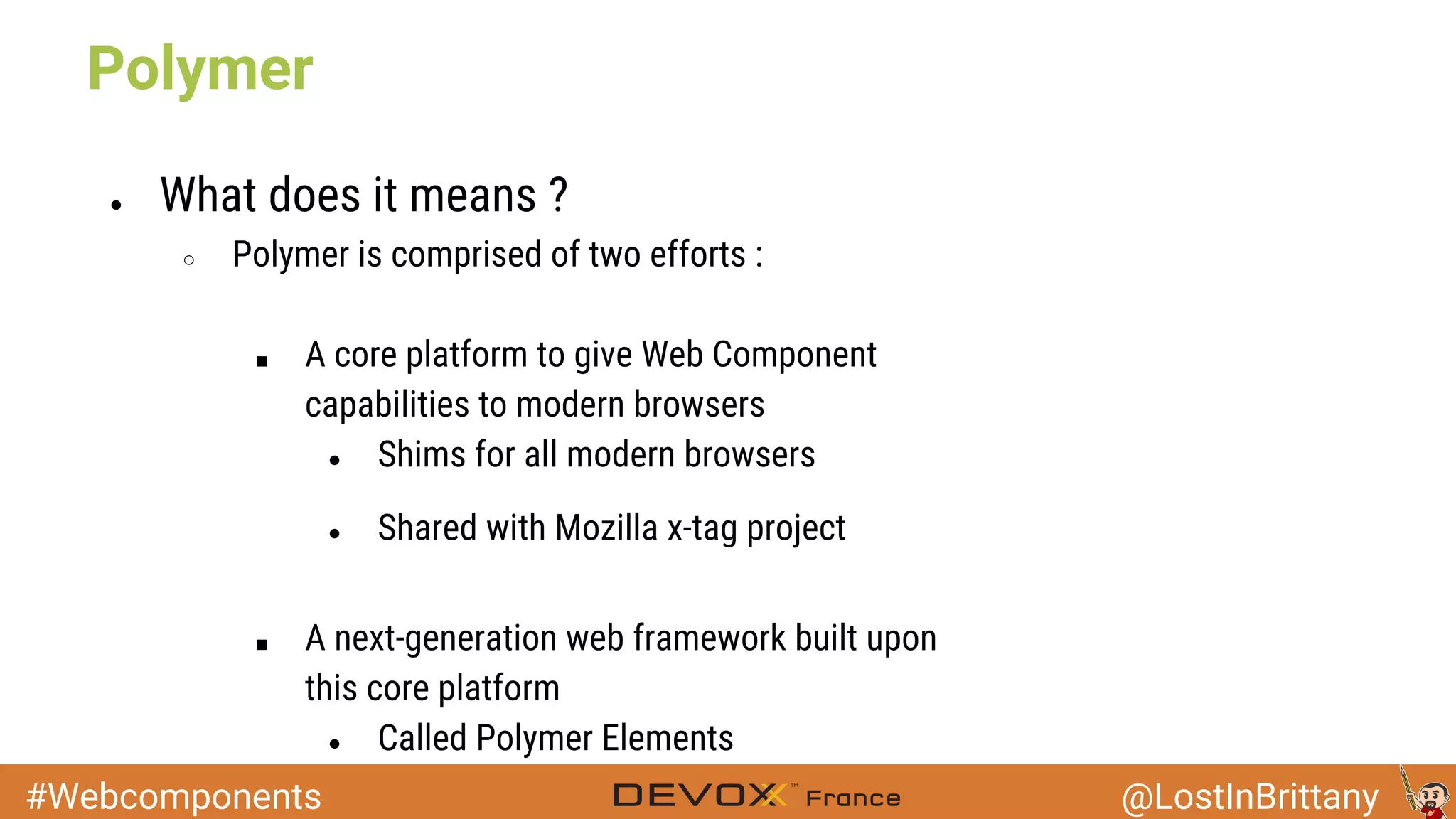
● What does it means ?
○ Polymer is comprised of two efforts :
■ A core platform to give Web Component
capabilities to modern browsers
● Shims for all modern browsers
● Shared with Mozilla x-tag project
■ A next-generation web framework built upon
this core platform
● Called Polymer Elements
Polymer
#Webcomponents @LostInBrittany
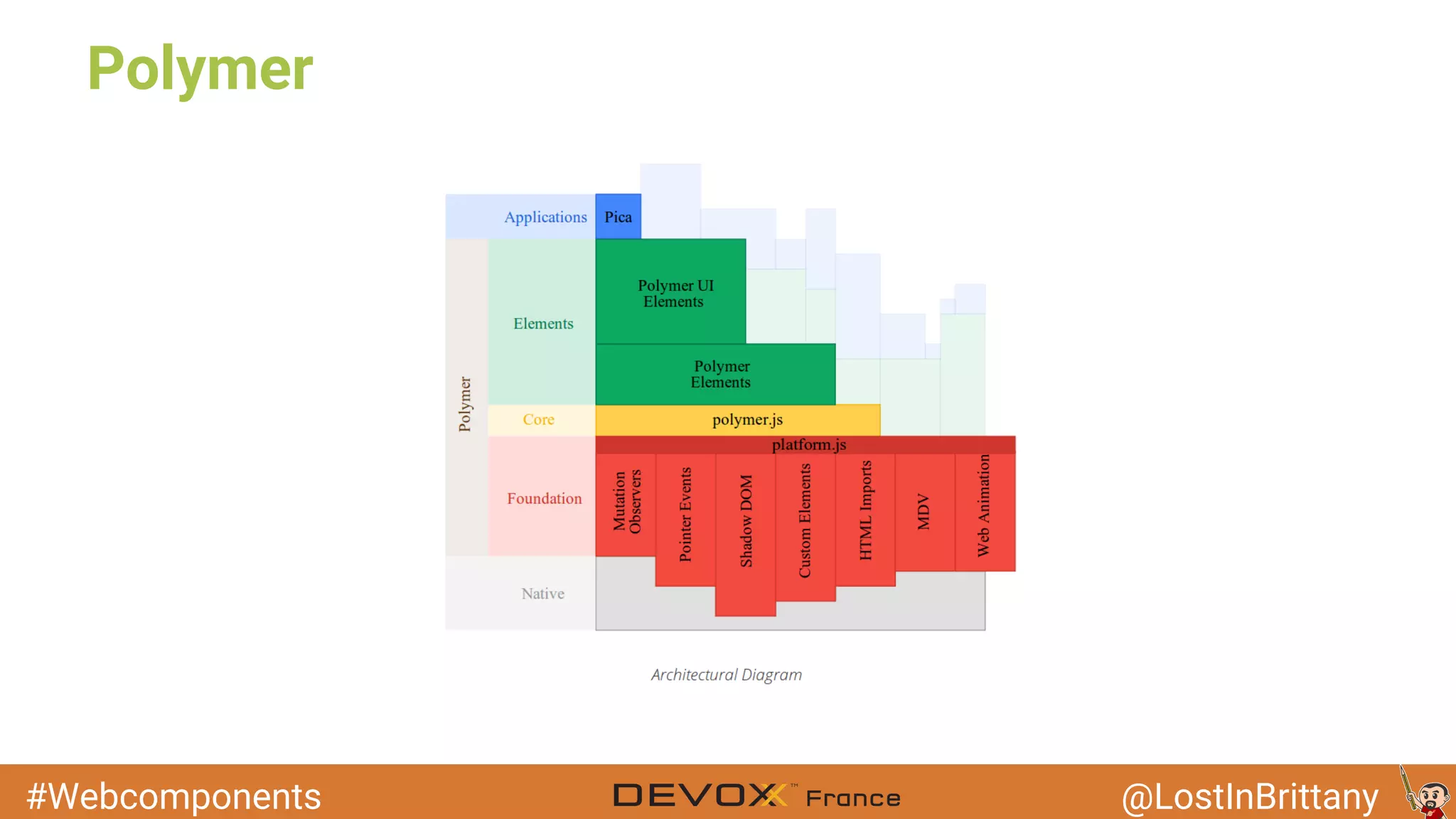
Polymer
#Webcomponents @LostInBrittany
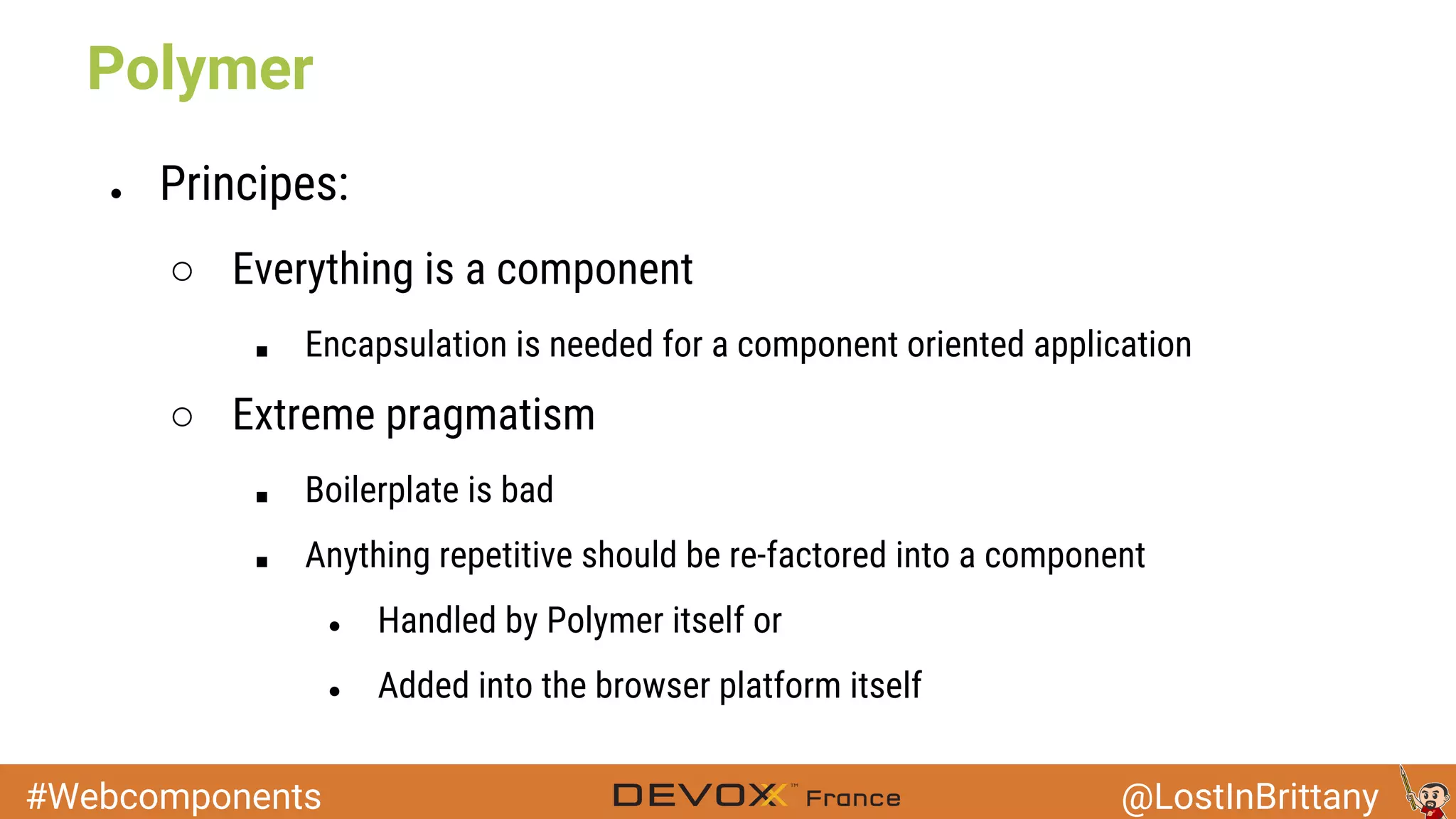
● Principes:
○ Everything is a component
■ Encapsulation is needed for a component oriented application
○ Extreme pragmatism
■ Boilerplate is bad
■ Anything repetitive should be re-factored into a component
● Handled by Polymer itself or
● Added into the browser platform itself
Polymer
#Webcomponents @LostInBrittany
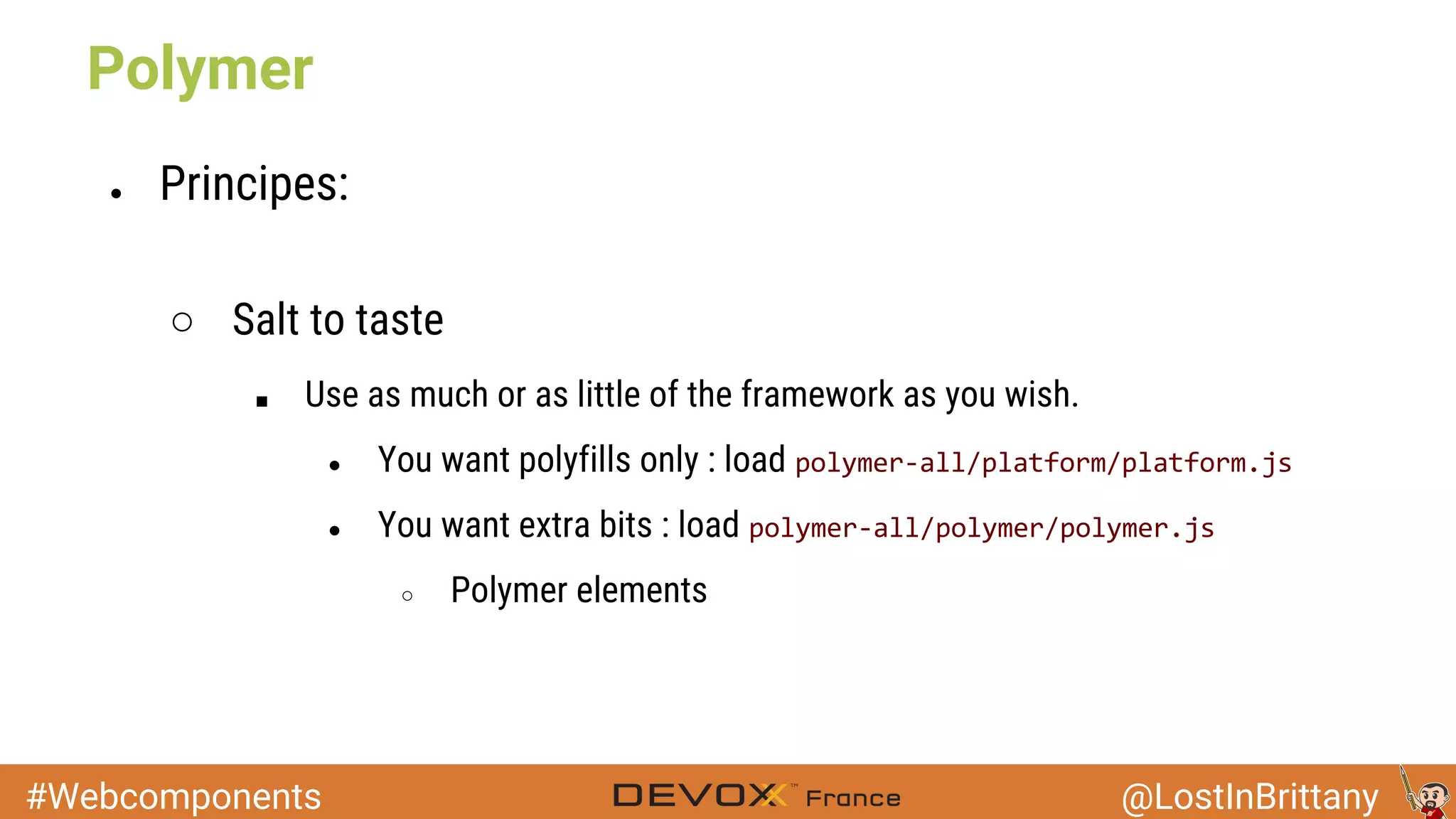
● Principes:
○ Salt to taste
■ Use as much or as little of the framework as you wish.
● You want polyfills only : load
● You want extra bits : load
○ Polymer elements
Polymer
#Webcomponents @LostInBrittany
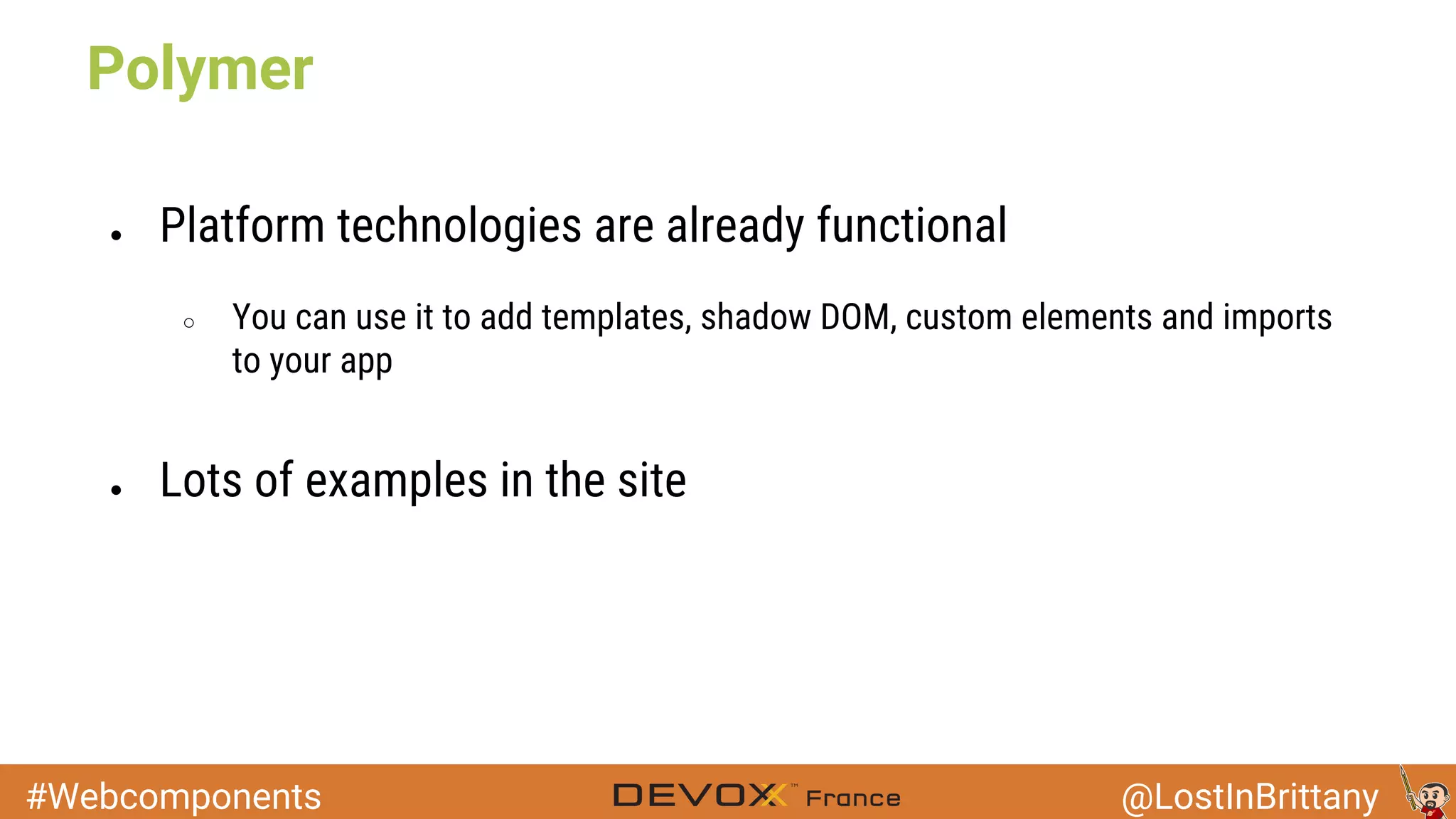
● Platform technologies are already functional
○ You can use it to add templates, shadow DOM, custom elements and imports
to your app
● Lots of examples in the site
Polymer
#Webcomponents @LostInBrittany
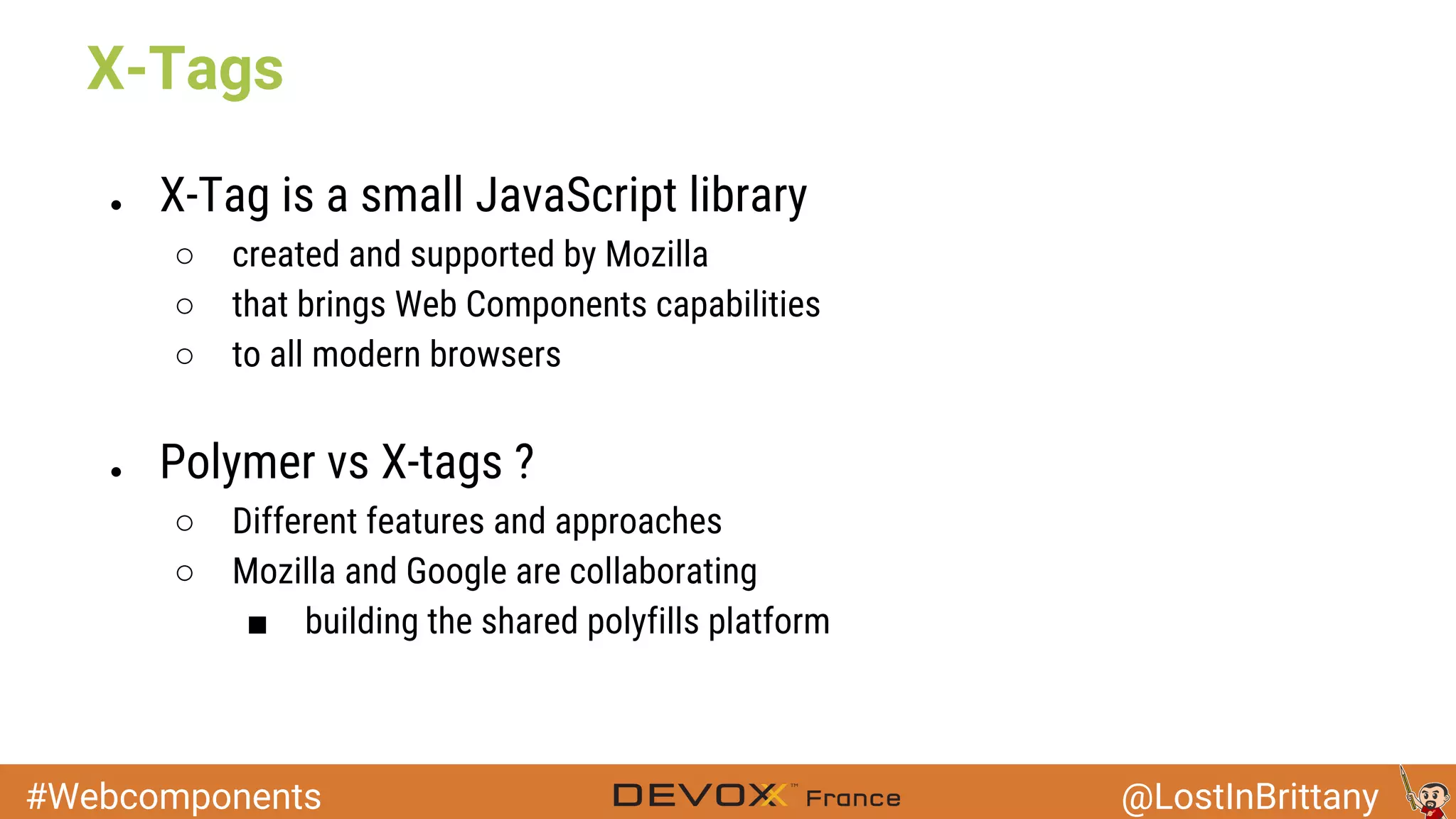
● X-Tag is a small JavaScript library
○ created and supported by Mozilla
○ that brings Web Components capabilities
○ to all modern browsers
● Polymer vs X-tags ?
○ Different features and approaches
○ Mozilla and Google are collaborating
■ building the shared polyfills platform
X-Tags
#Webcomponents @LostInBrittany
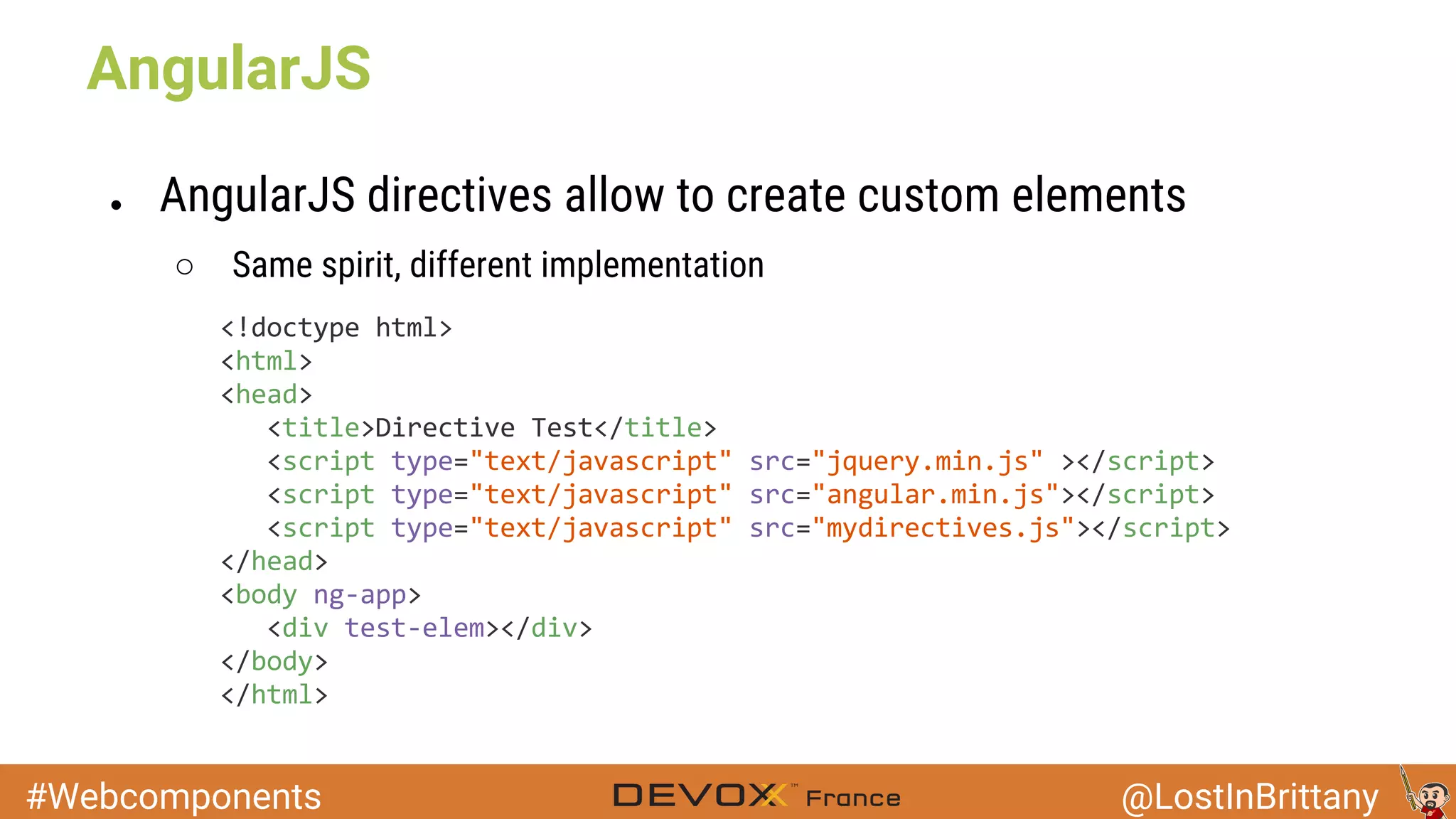
● AngularJS directives allow to create custom elements
○ Same spirit, different implementation
AngularJS
#Webcomponents @LostInBrittany
Polymer today
Because you can already play!
#Webcomponents @LostInBrittany
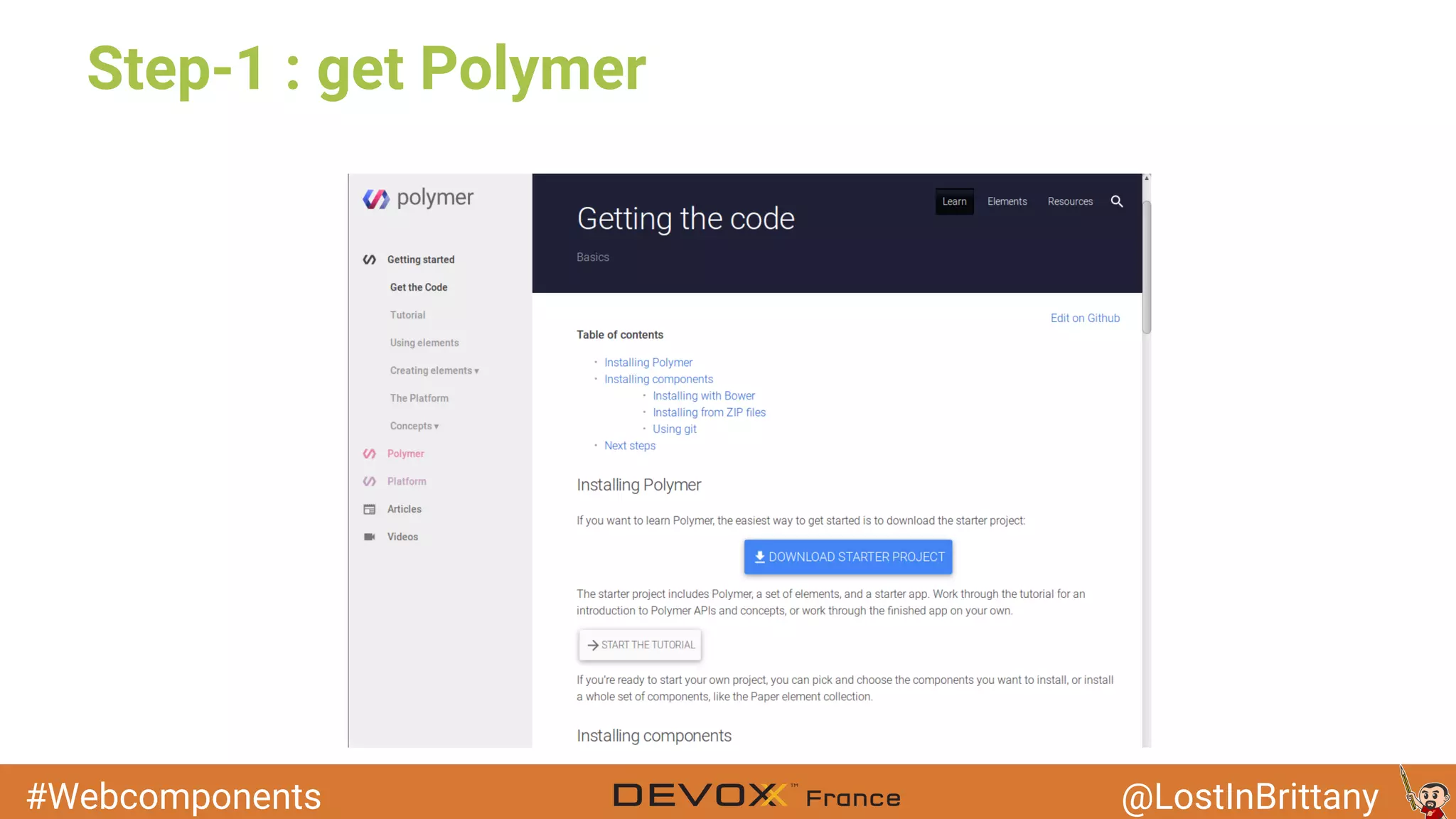
Step-1 : get Polymer
#Webcomponents @LostInBrittany
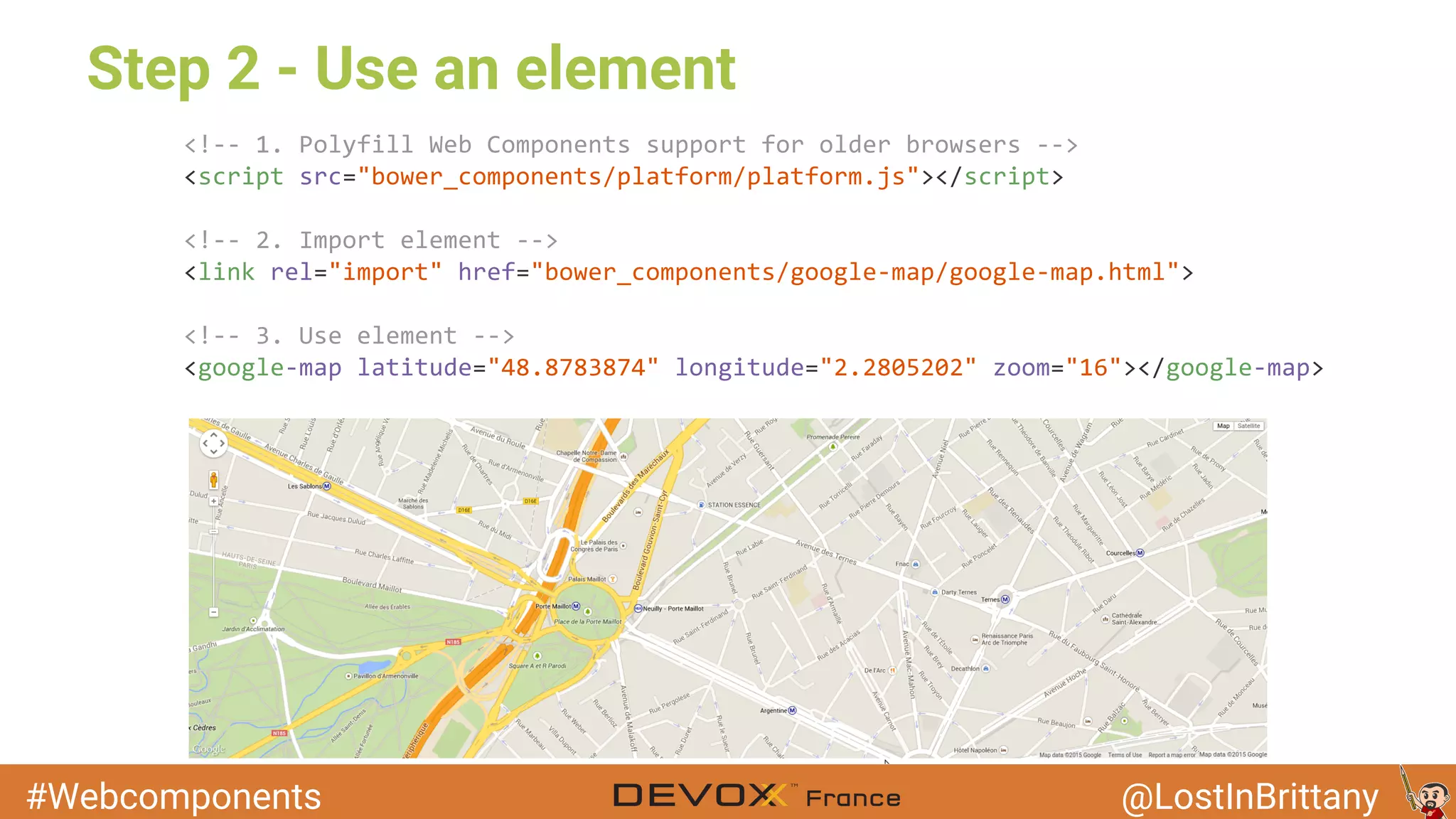
Step 2 - Use an element
#Webcomponents @LostInBrittany
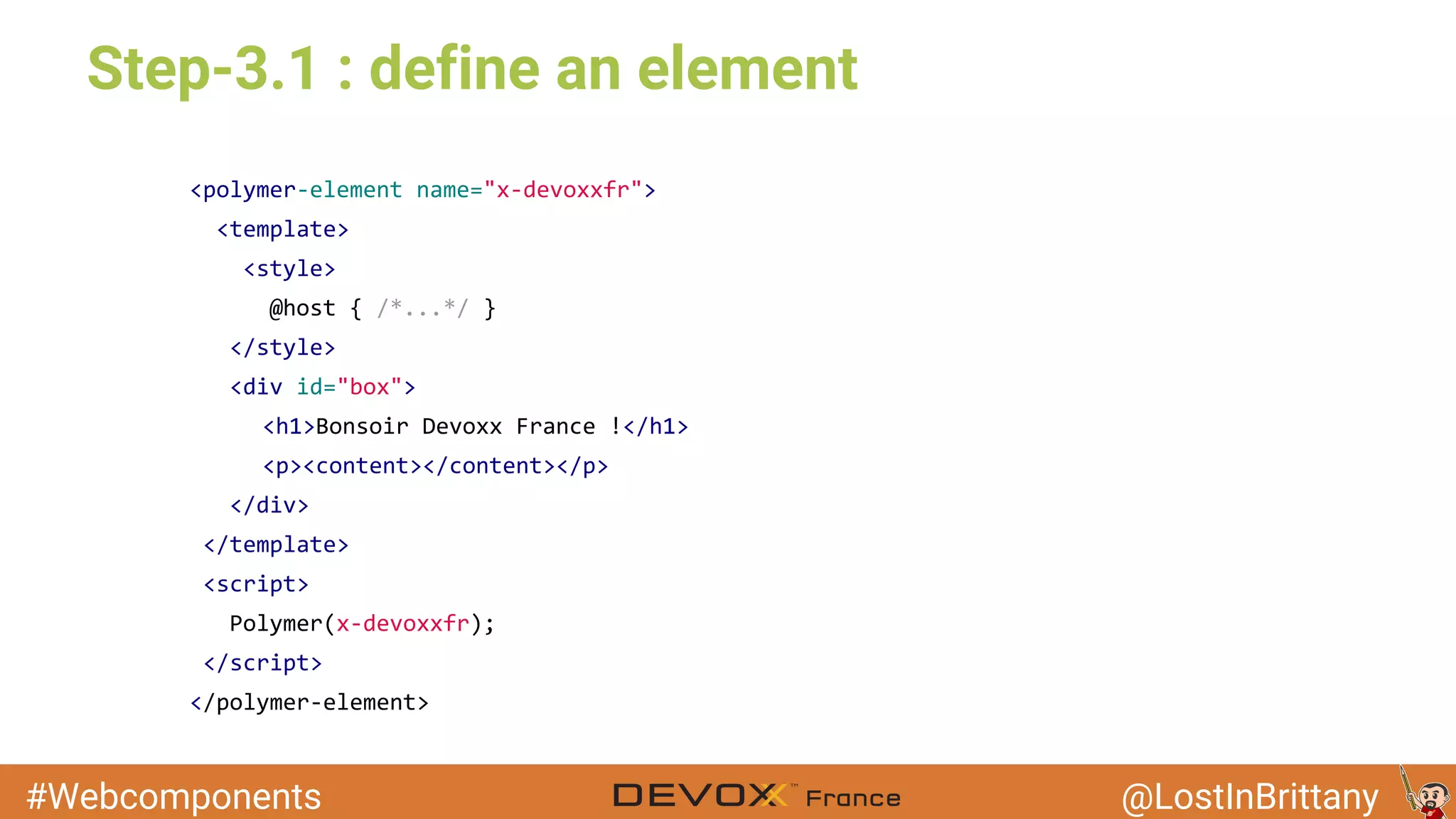
Step-3.1 : define an element
#Webcomponents @LostInBrittany
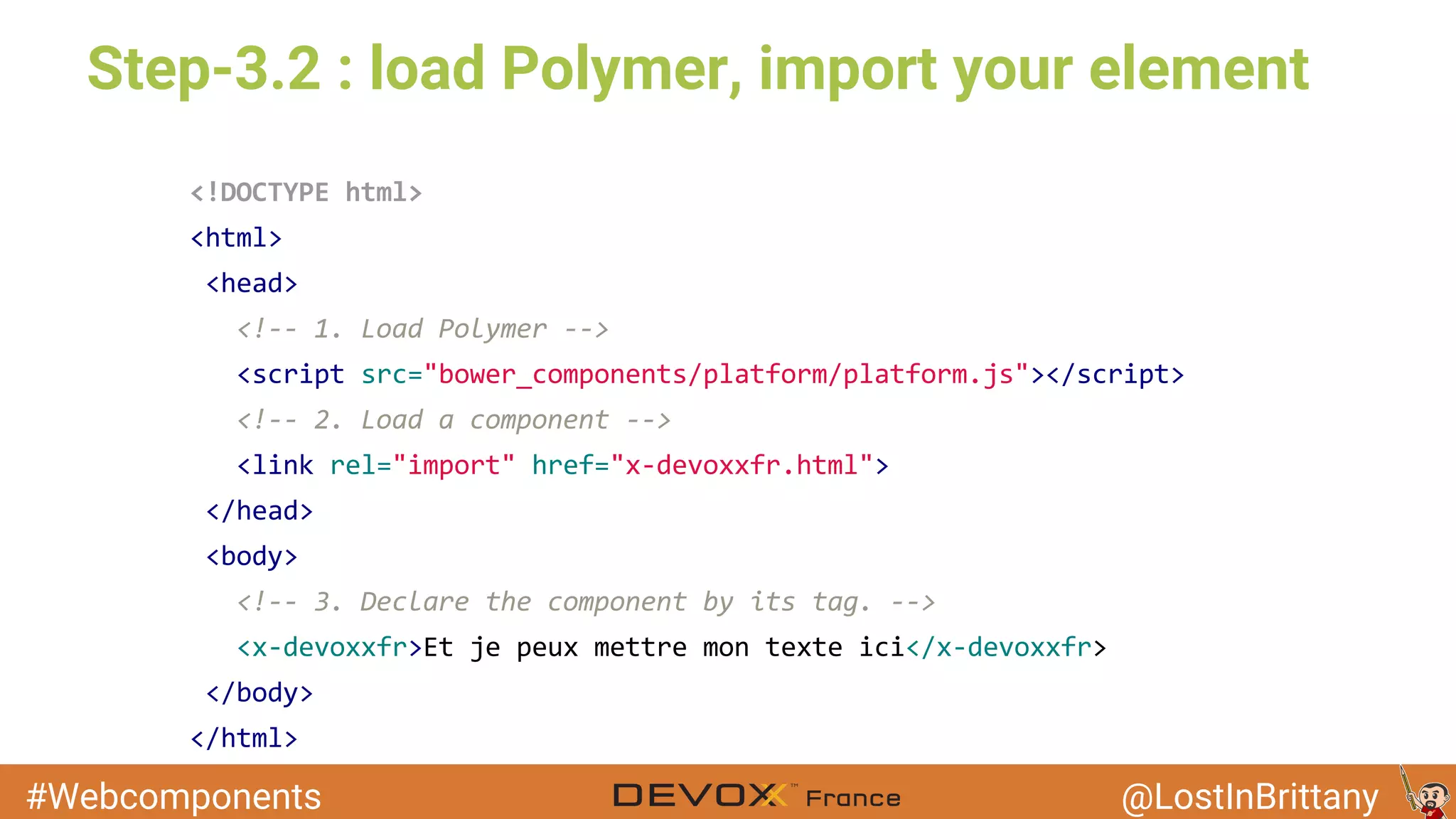
Step-3.2 : load Polymer, import your element
#Webcomponents @LostInBrittany
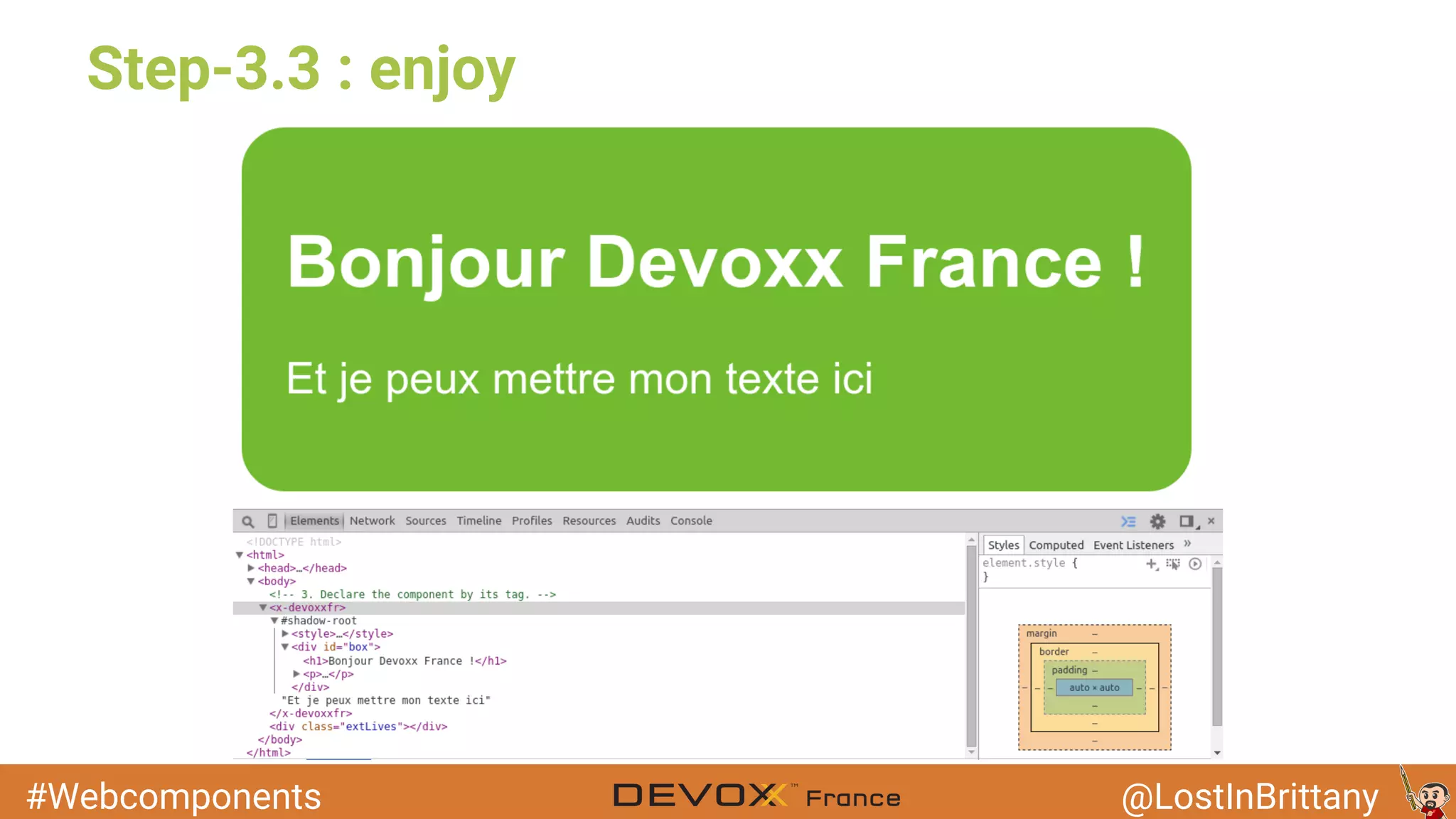
Step-3.3 : enjoy
#Webcomponents @LostInBrittany
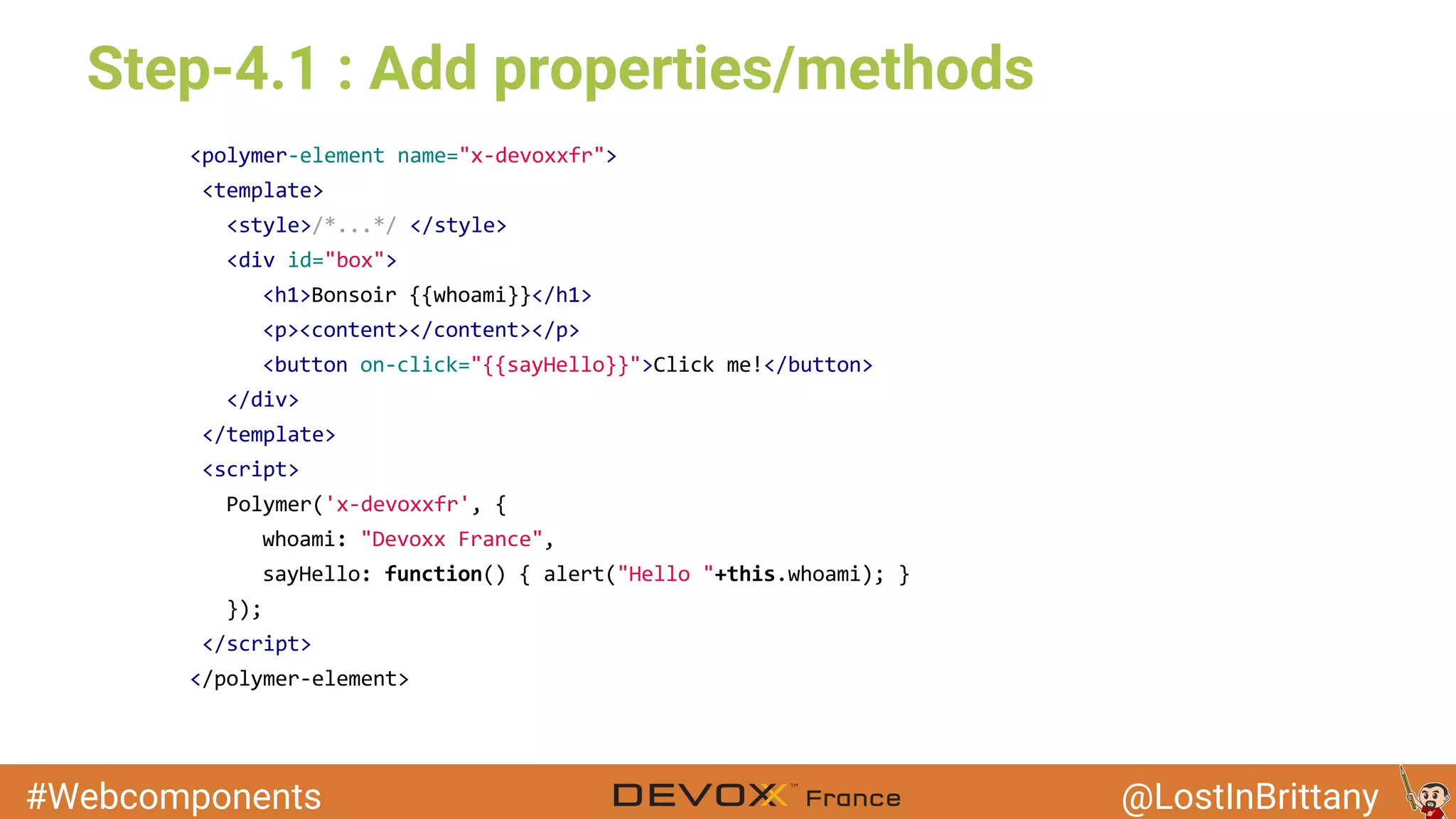
Step-4.1 : Add properties/methods
#Webcomponents @LostInBrittany
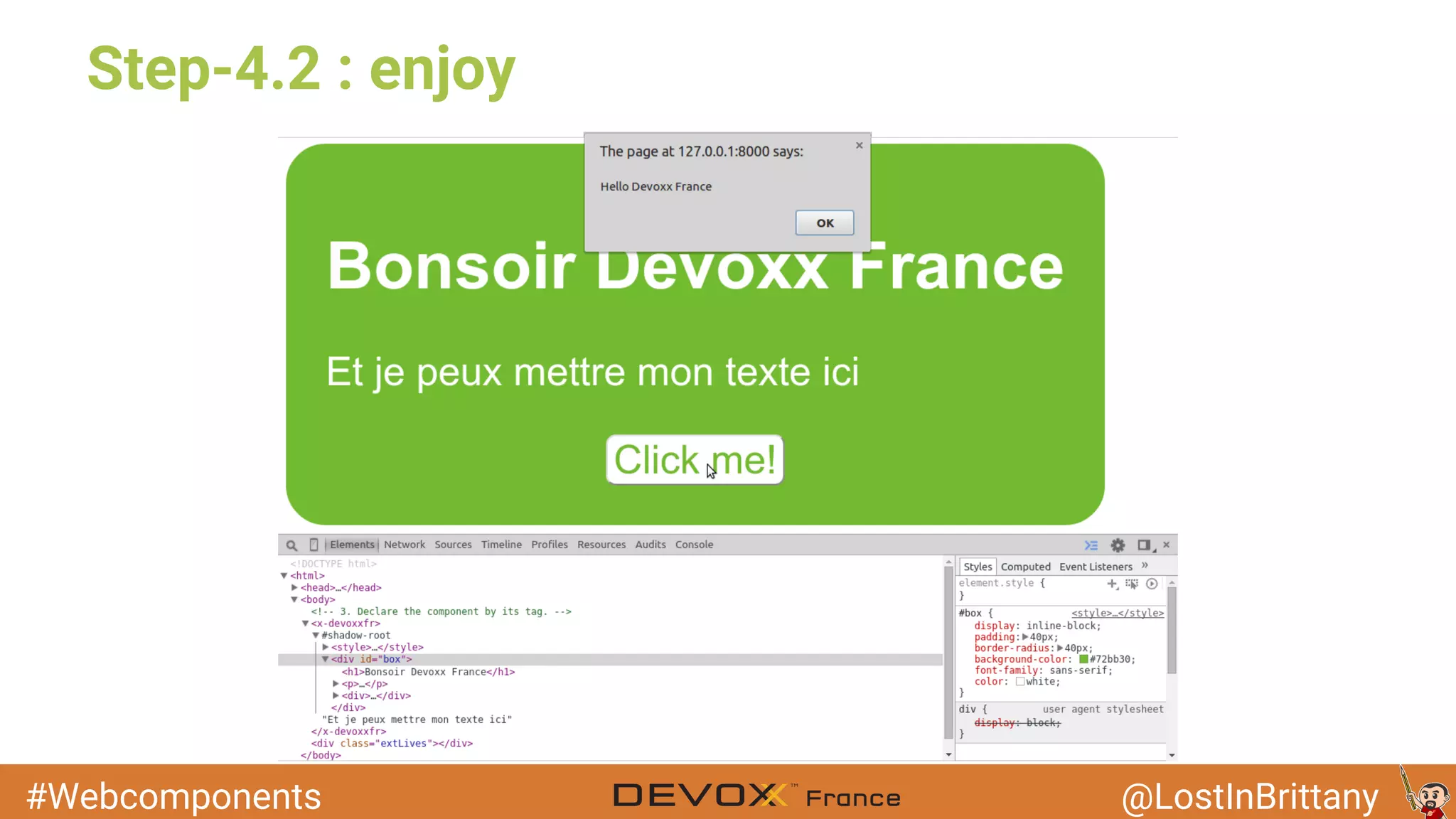
Step-4.2 : enjoy
#Webcomponents @LostInBrittany
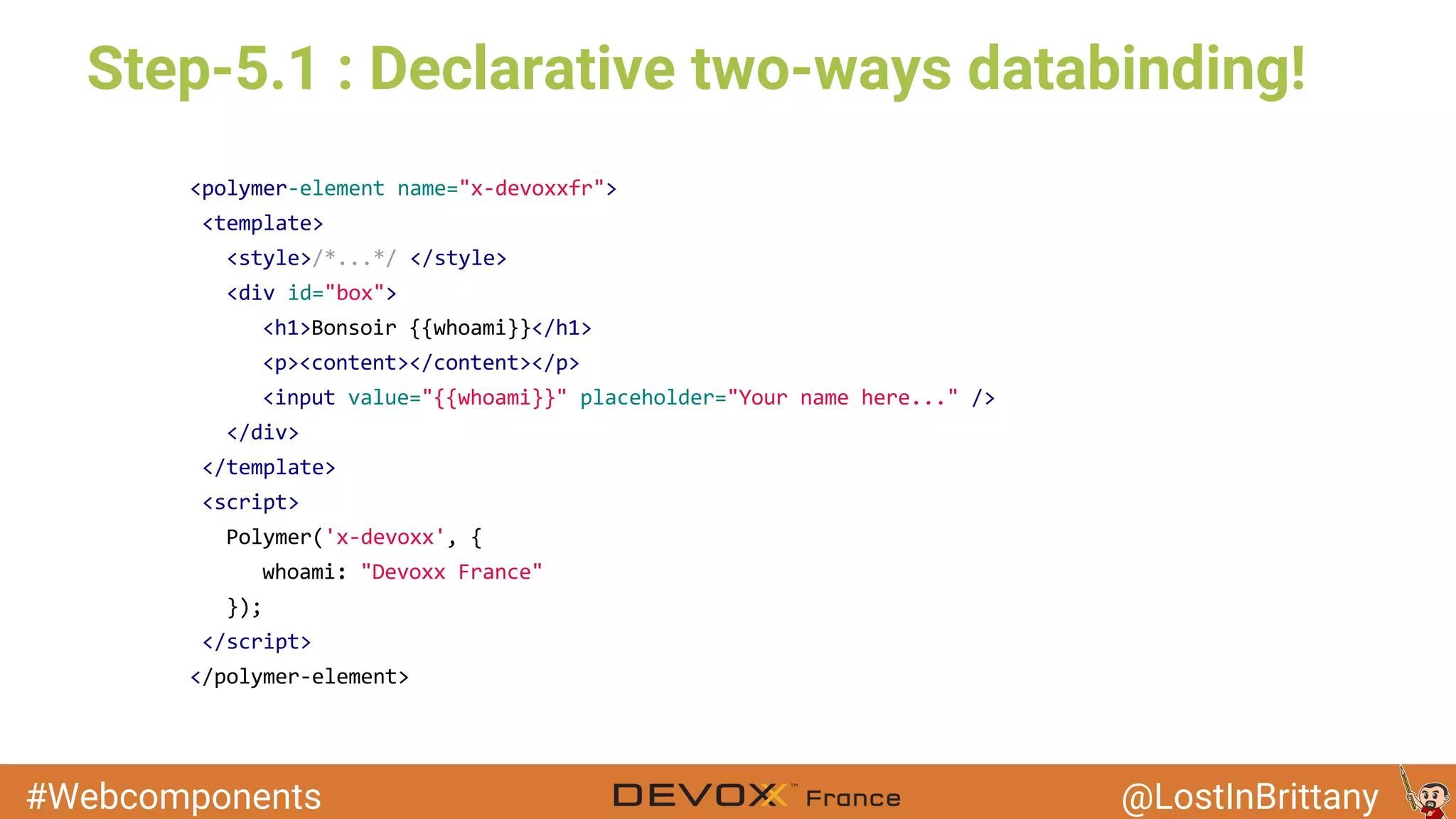
Step-5.1 : Declarative two-ways databinding!
#Webcomponents @LostInBrittany
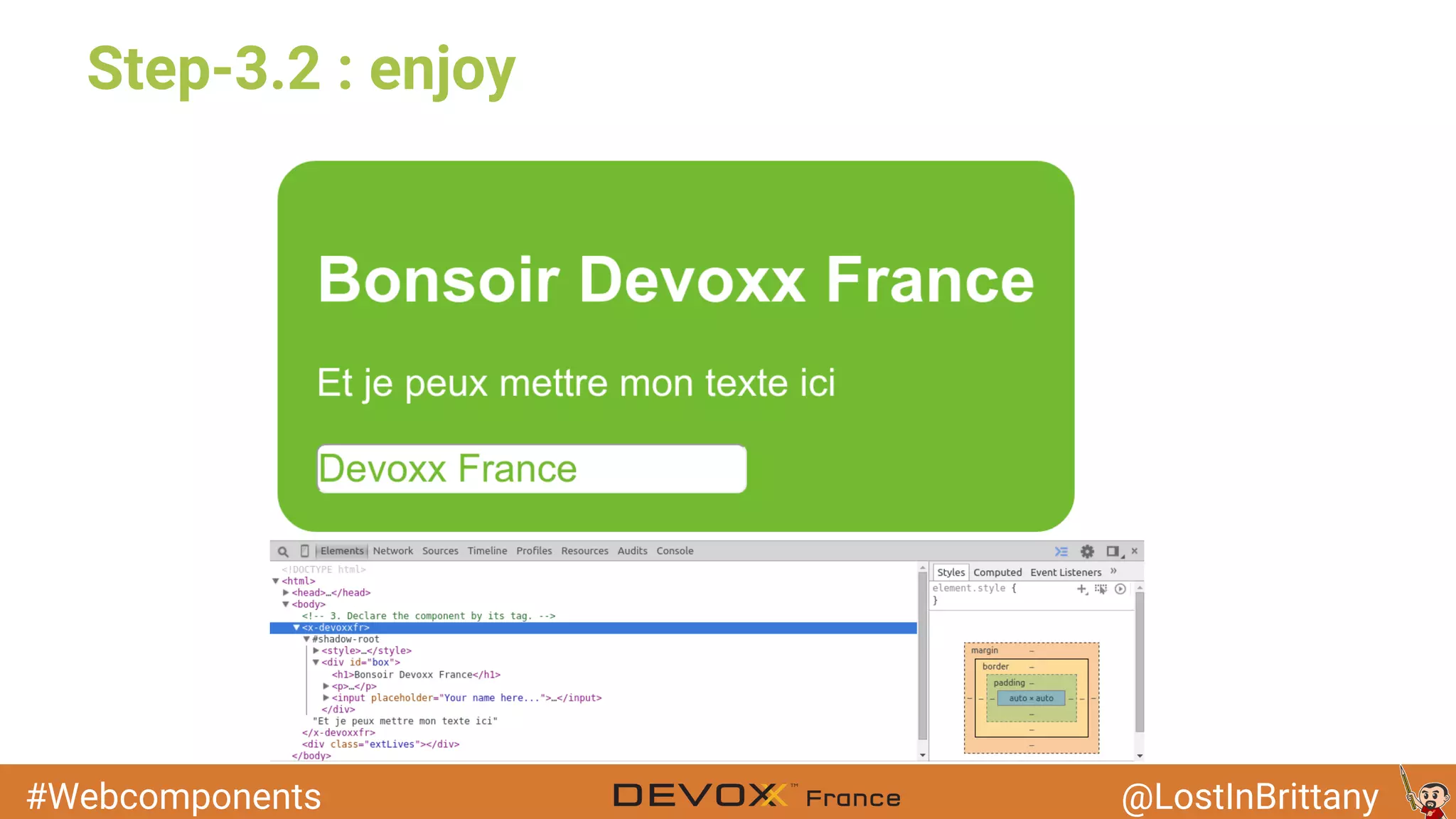
Step-3.2 : enjoy
#Webcomponents @LostInBrittany
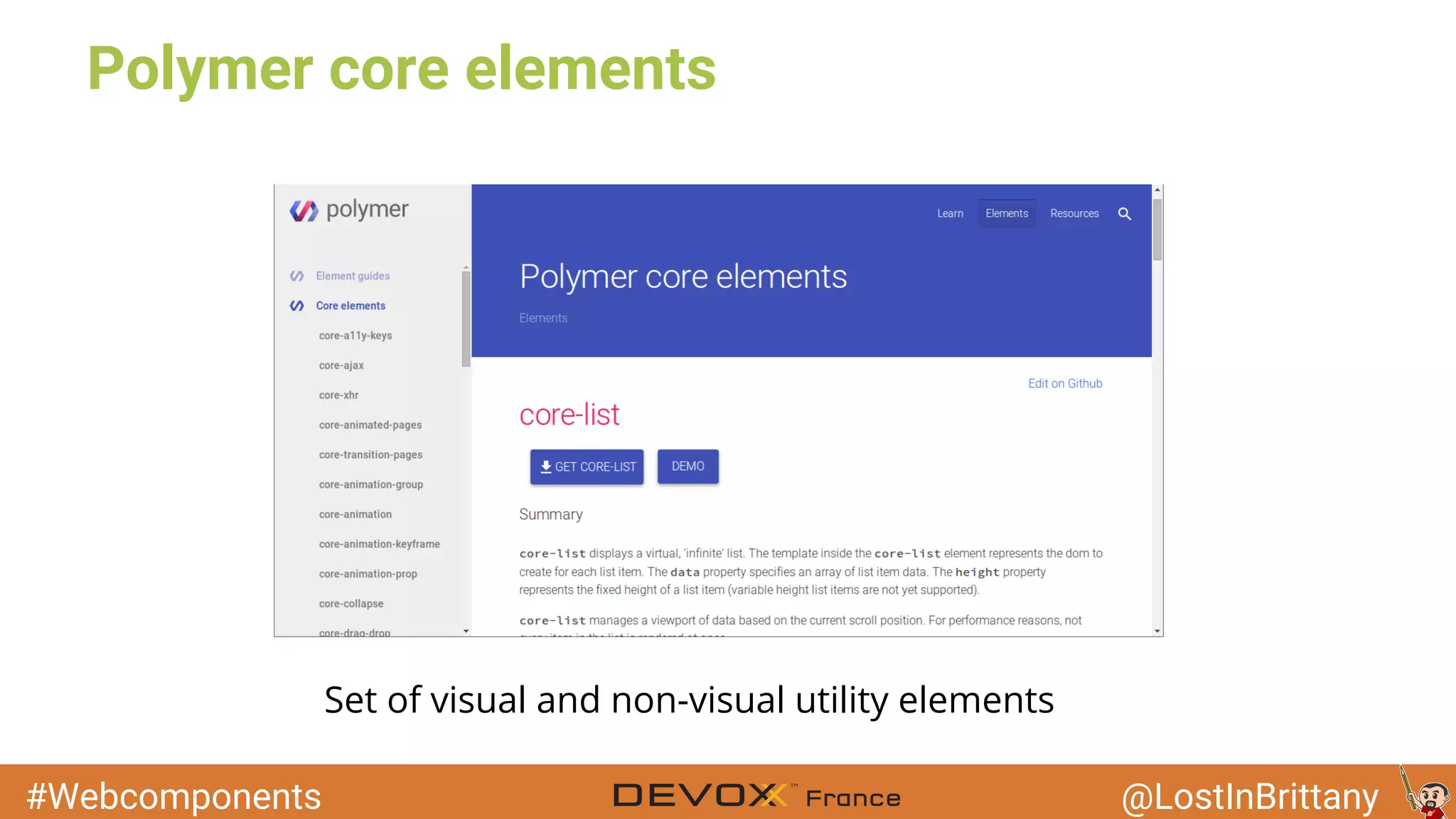
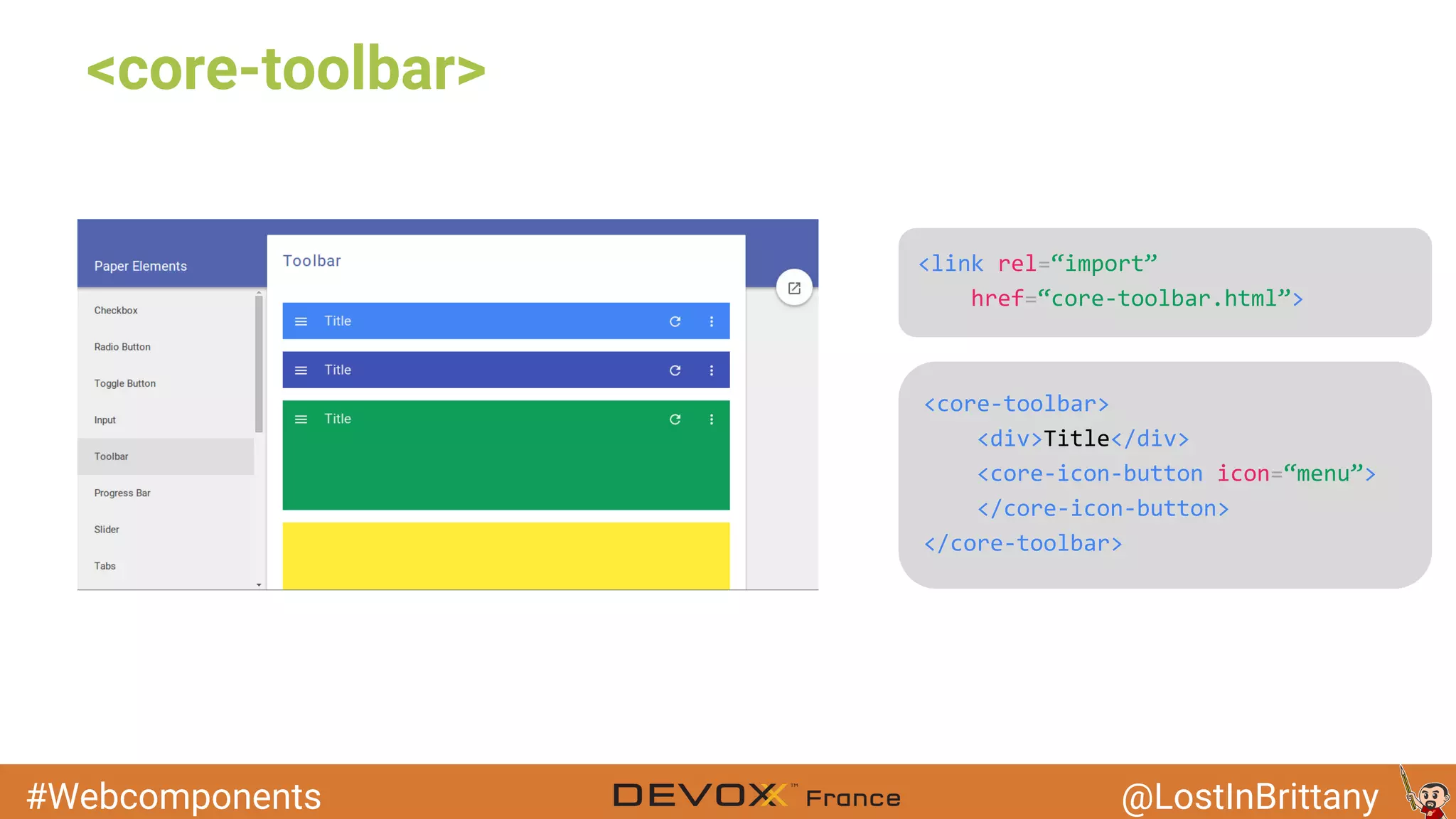
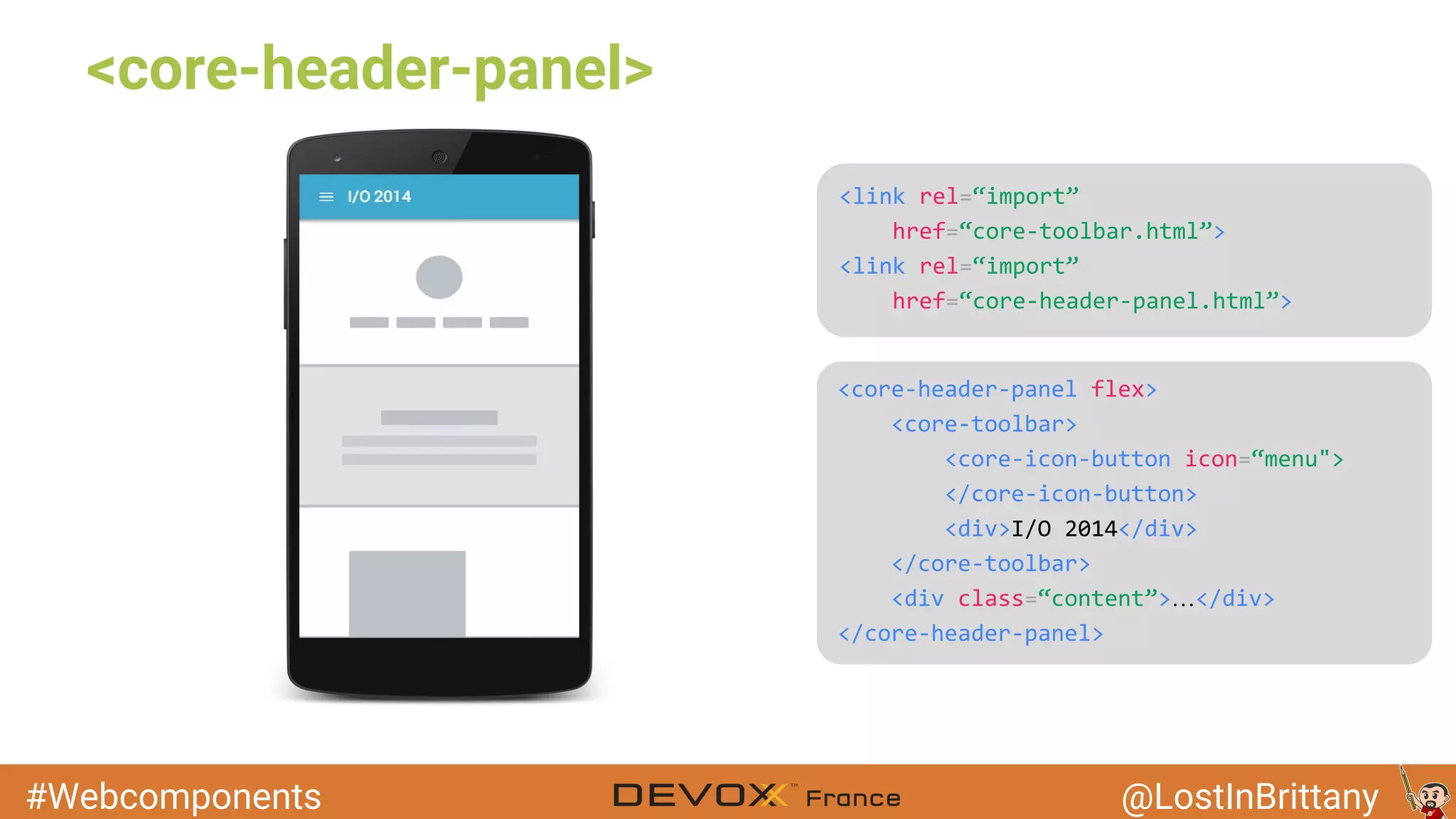
Polymer core elements
Set of visual and non-visual utility elements
#Webcomponents @LostInBrittany
<core-toolbar>
#Webcomponents @LostInBrittany
<core-header-panel>
…
#Webcomponents @LostInBrittany
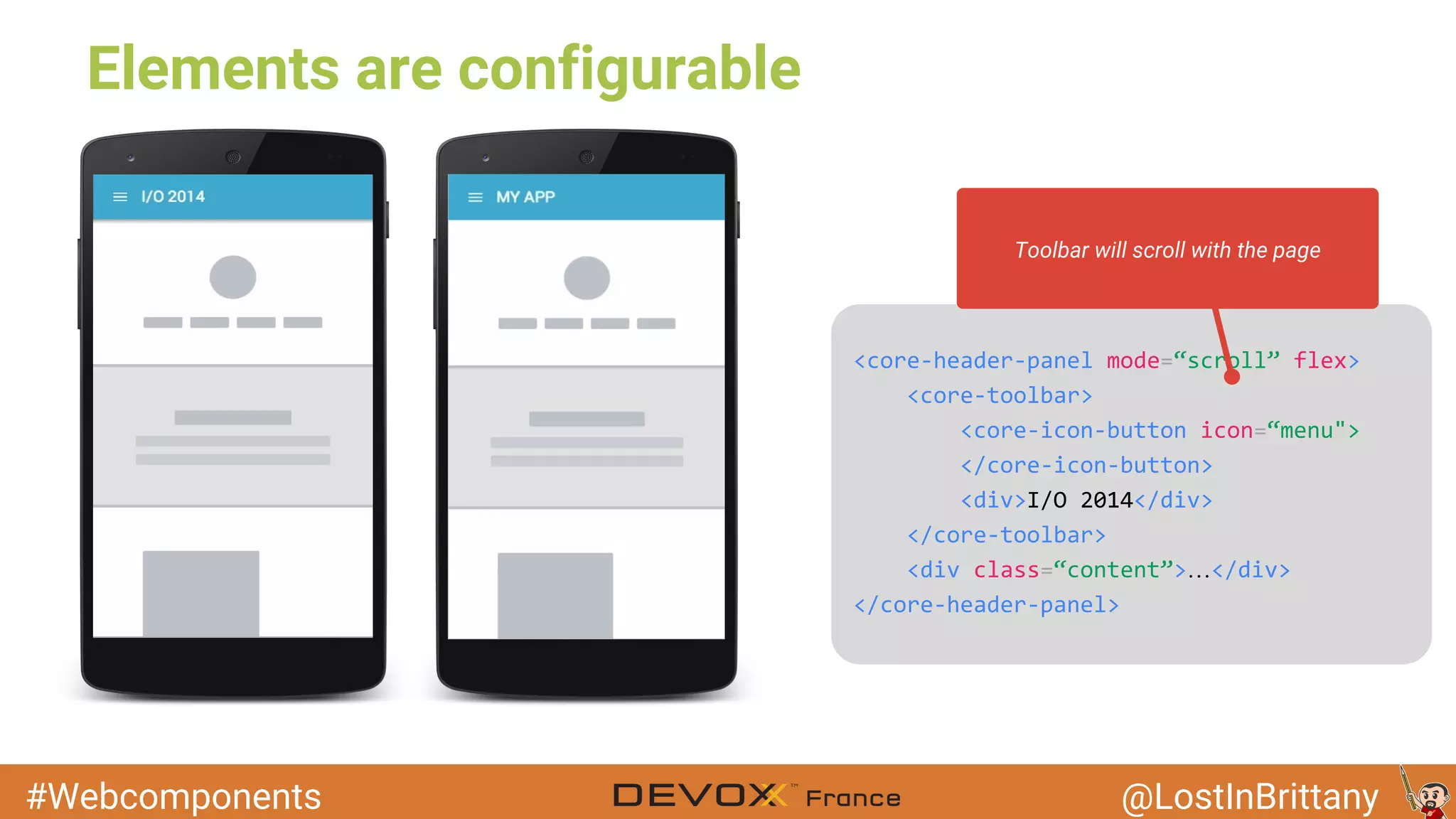
Elements are configurable
…
Toolbar will scroll with the page
#Webcomponents @LostInBrittany
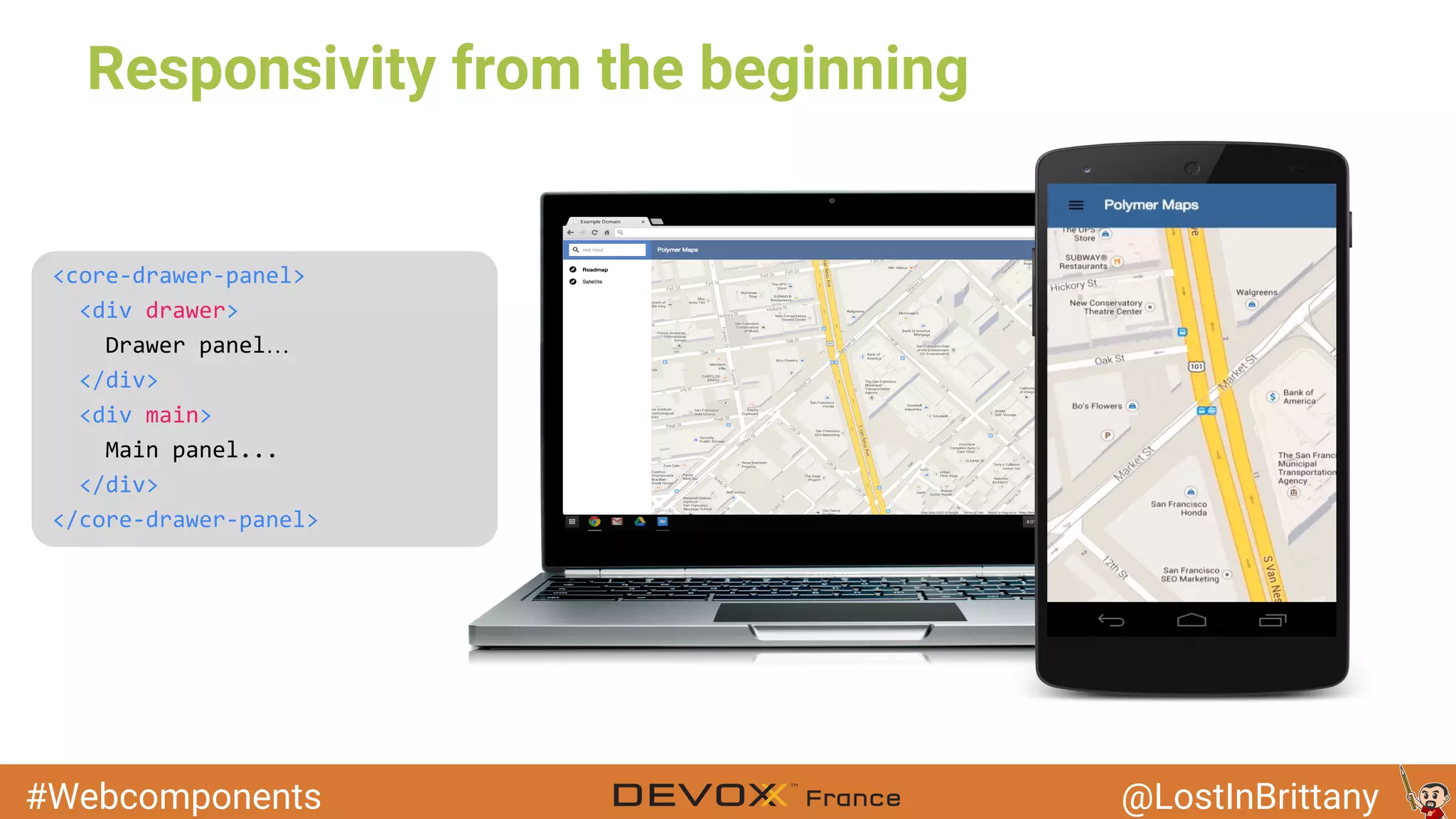
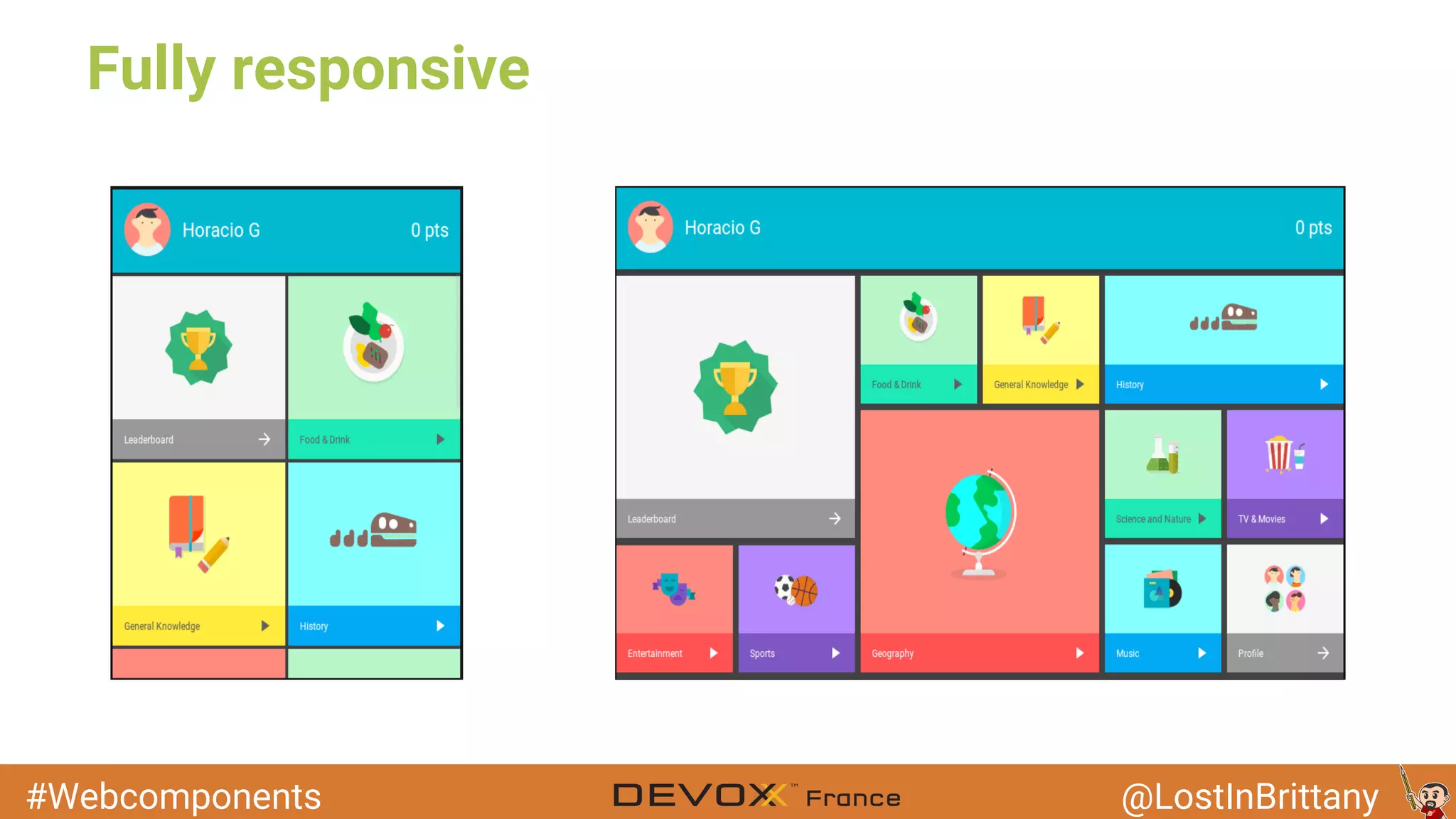
Responsivity from the beginning
…
#Webcomponents @LostInBrittany
Polymer Paper
Image: ToyPro
Material Design on Polymer, oh yeah!
#Webcomponents @LostInBrittany
Android Lollipop's look & feel
Material Design is a visual language that synthesizes the classic principles of good design
with the innovation and possibility of technology and science
It's
like
a
flat
design,but
in
3D!
Nicevisualeffects!
#Webcomponents @LostInBrittany
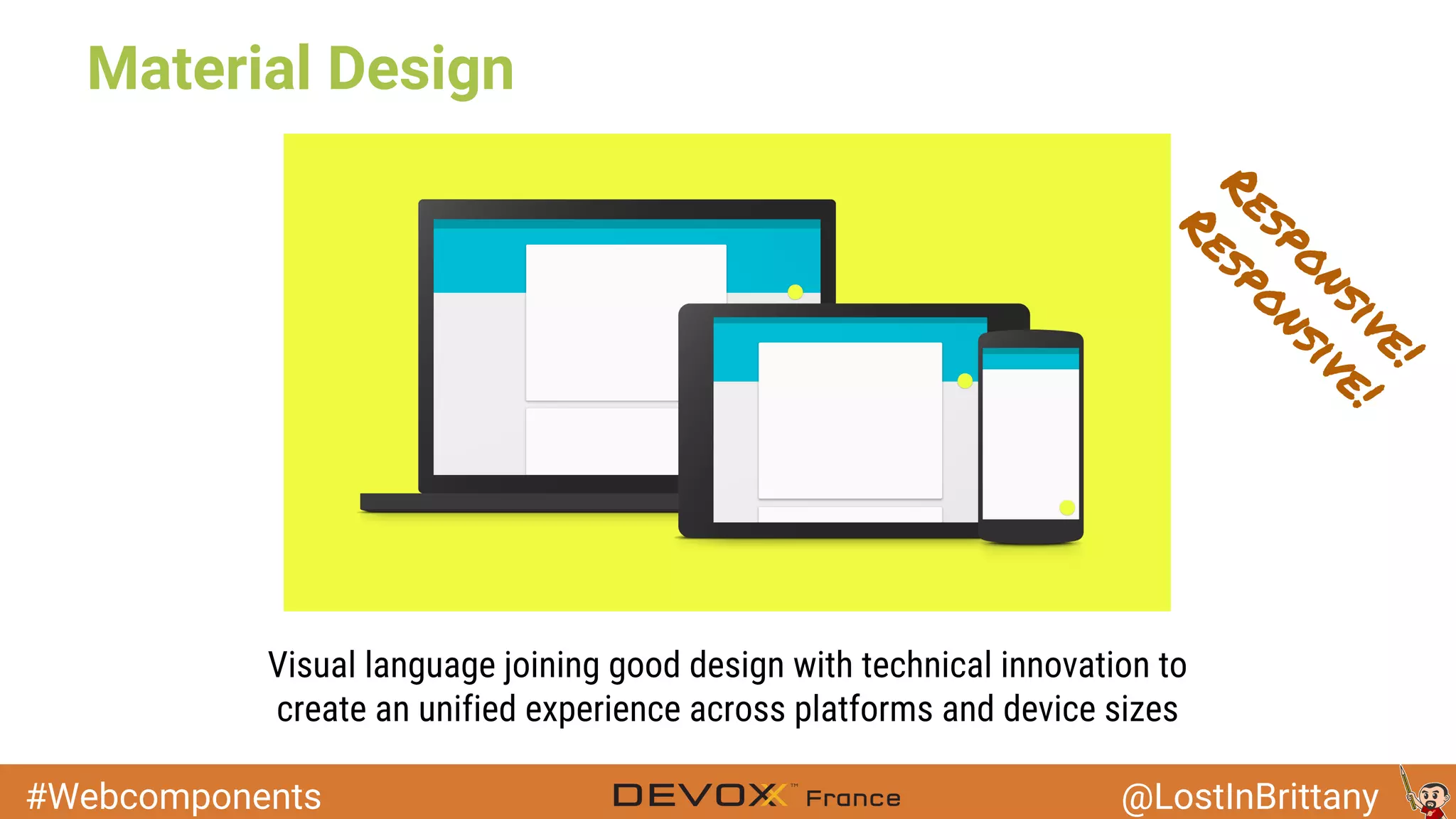
Material Design
Visual language joining good design with technical innovation to
create an unified experience across platforms and device sizes
Responsive!
Responsive!
#Webcomponents @LostInBrittany
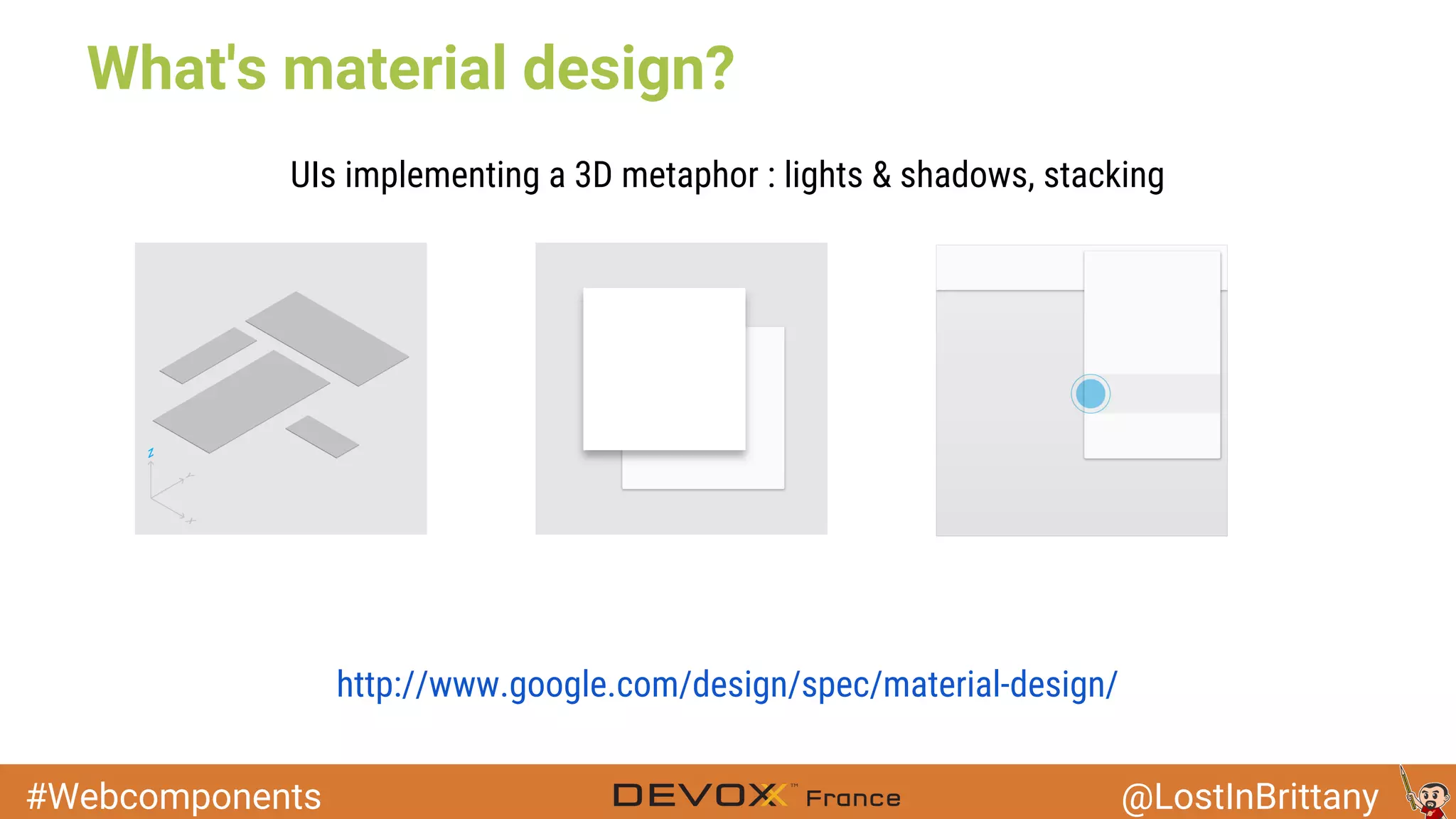
What's material design?
http://www.google.com/design/spec/material-design/
UIs implementing a 3D metaphor : lights & shadows, stacking
#Webcomponents @LostInBrittany
Polymer Paper
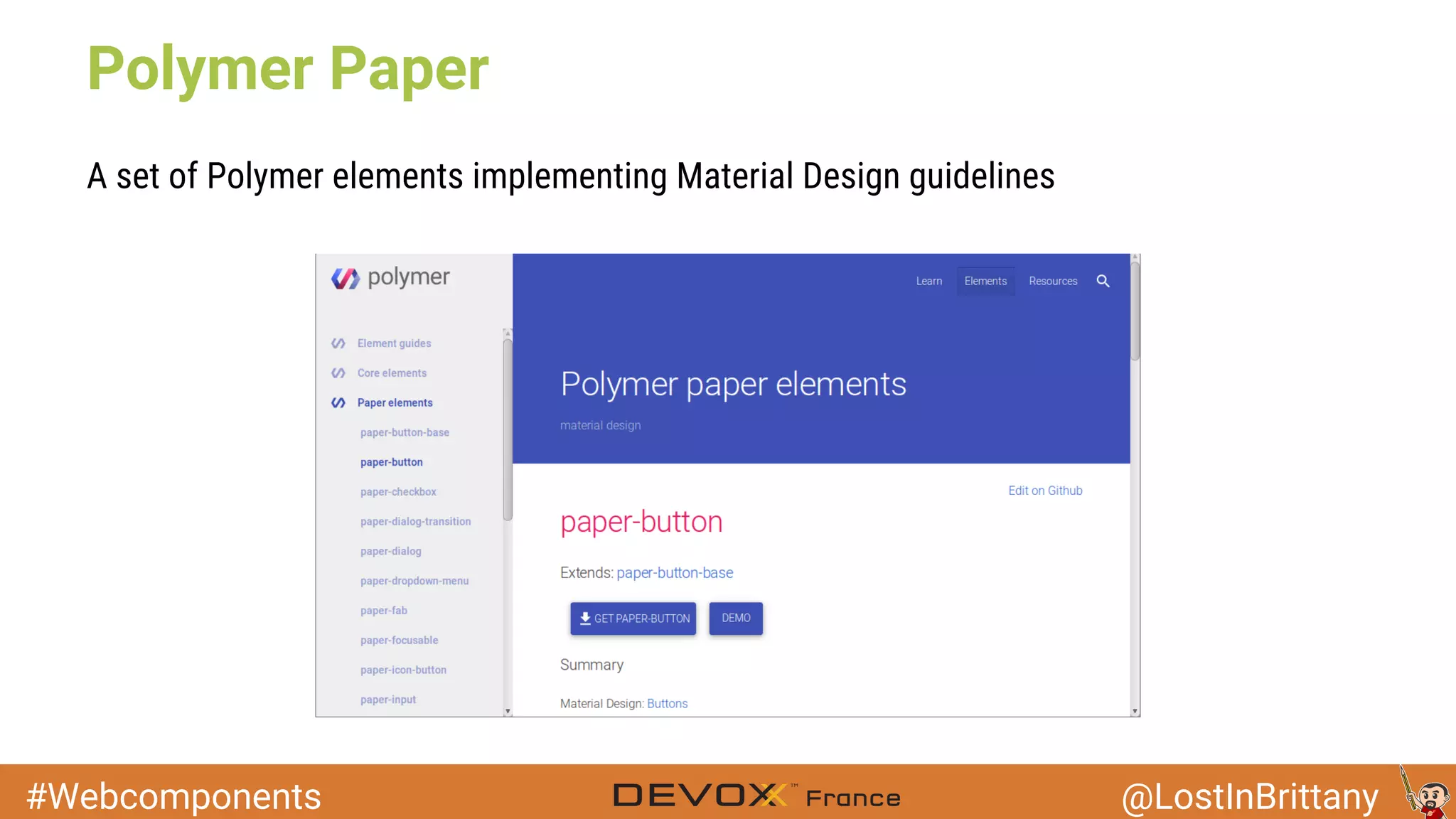
A set of Polymer elements implementing Material Design guidelines
#Webcomponents @LostInBrittany
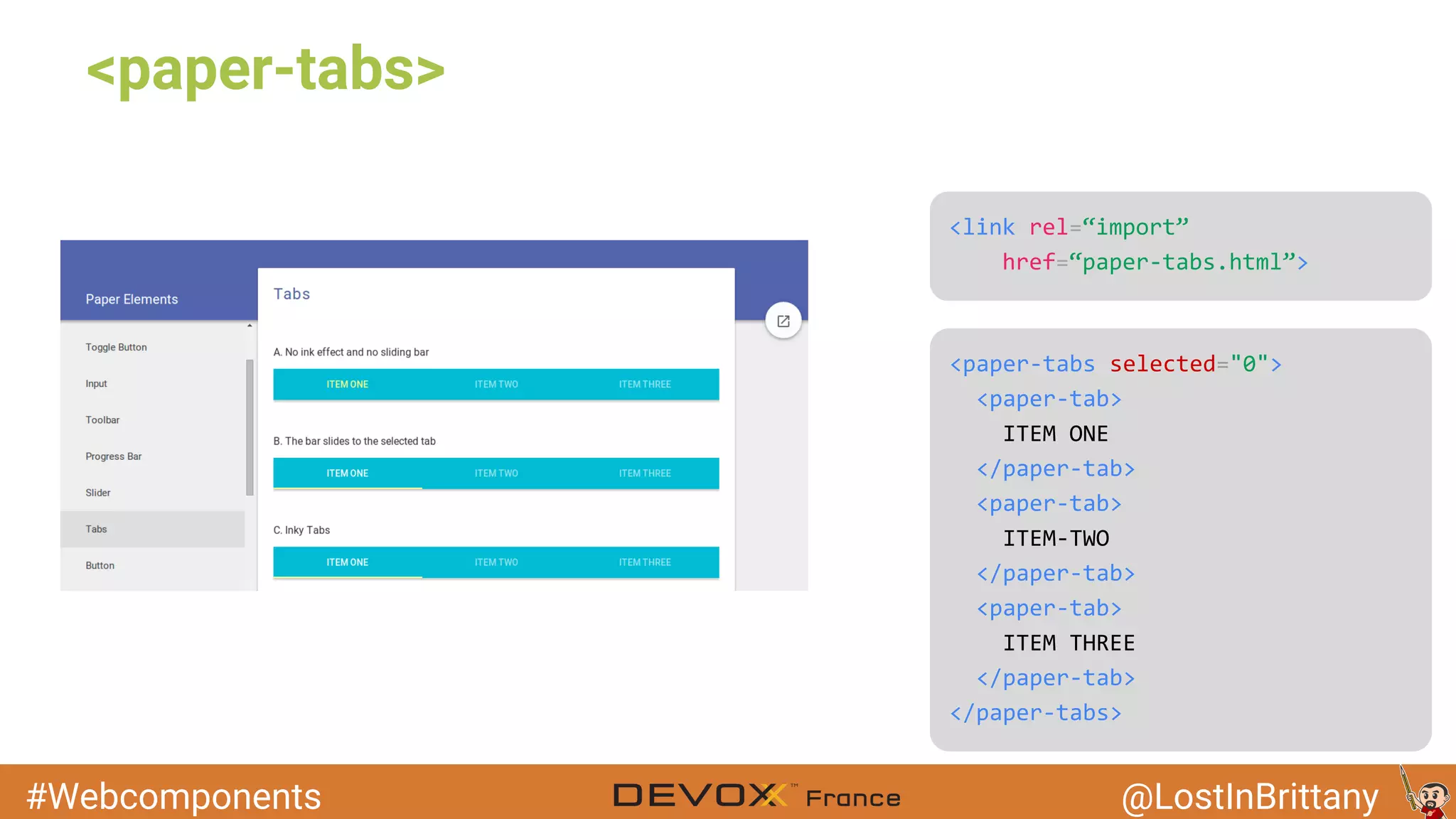
<paper-tabs>
#Webcomponents @LostInBrittany
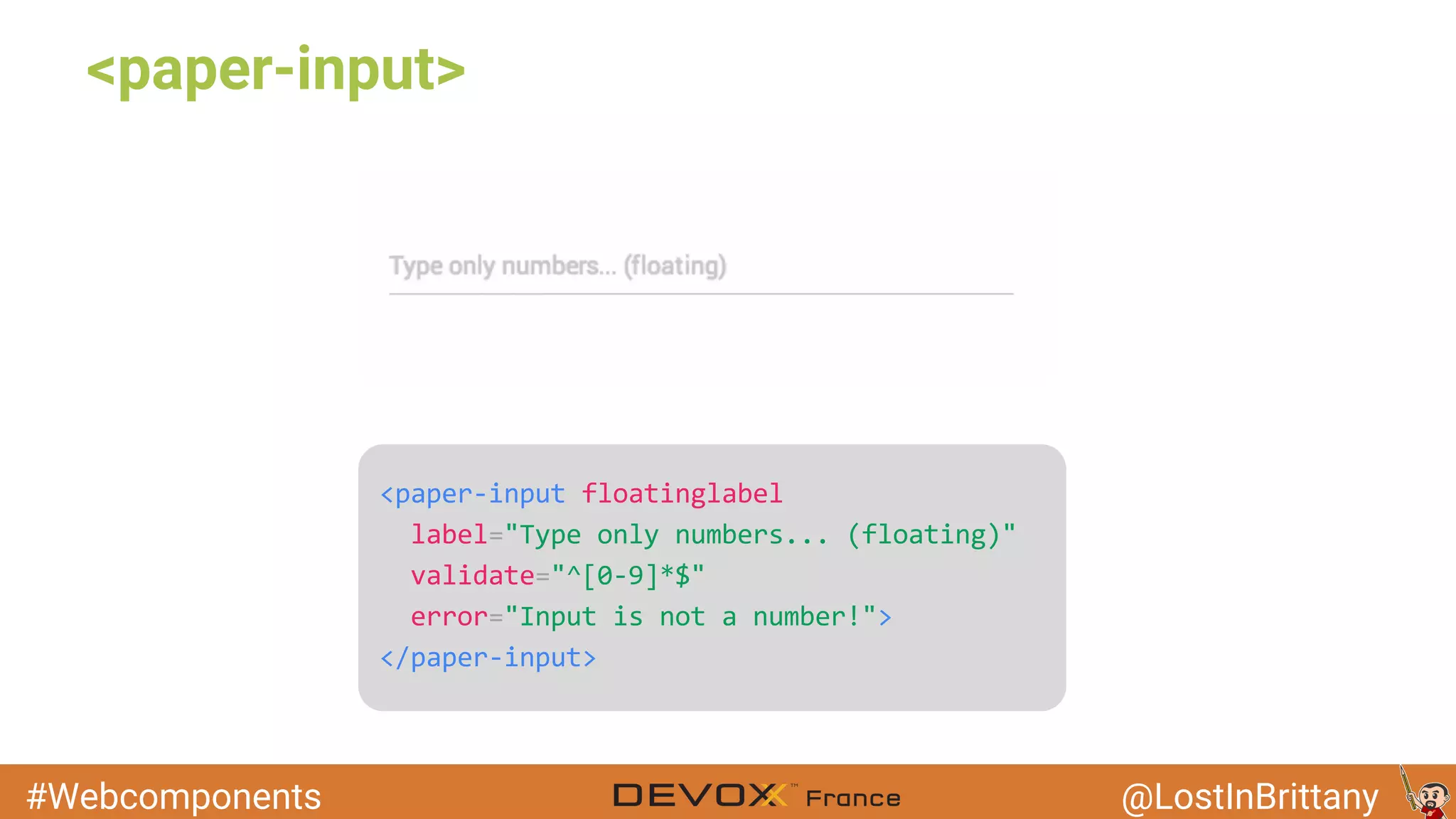
<paper-input>
#Webcomponents @LostInBrittany
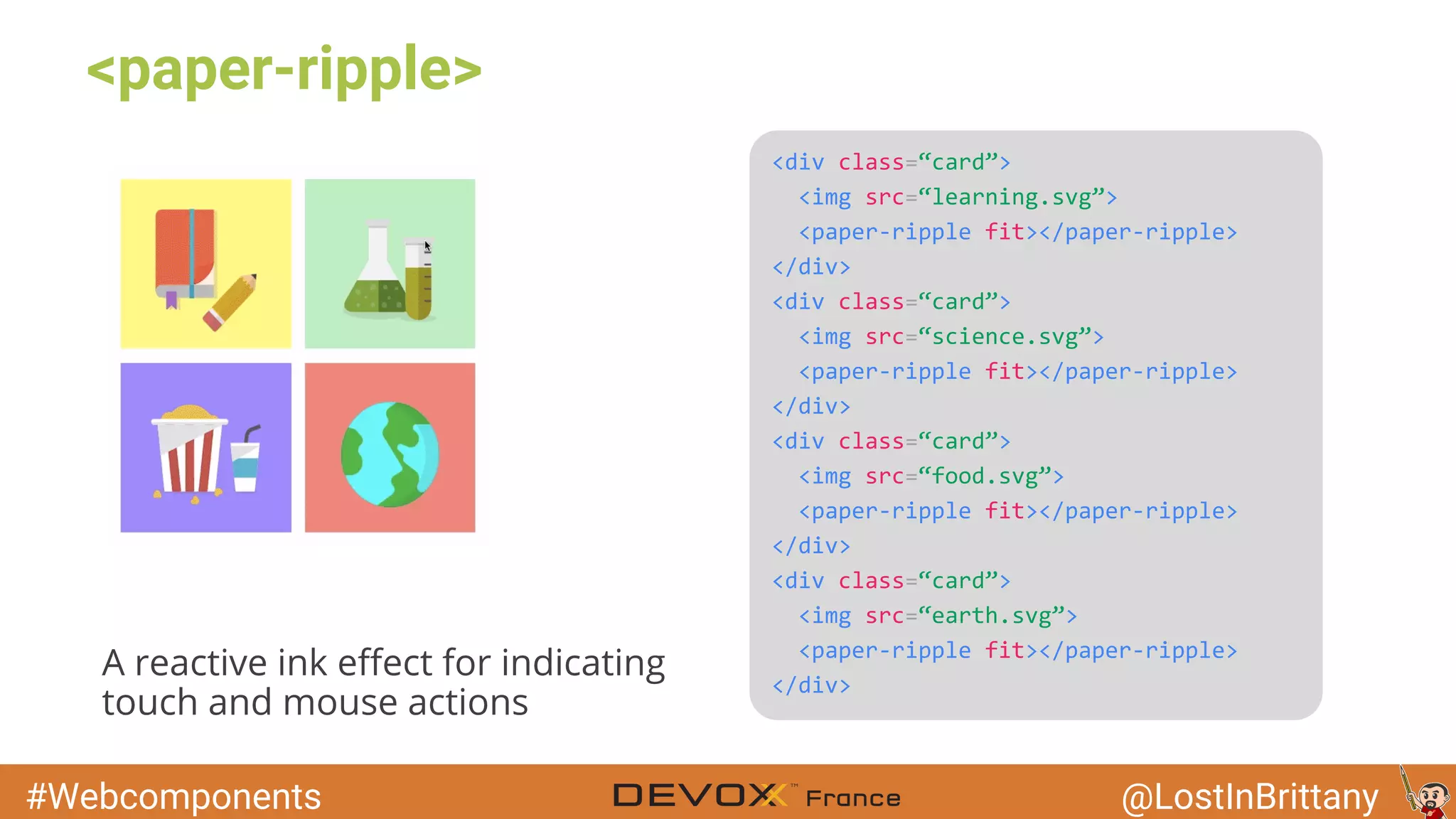
<paper-ripple>
A reactive ink effect for indicating
touch and mouse actions
#Webcomponents @LostInBrittany
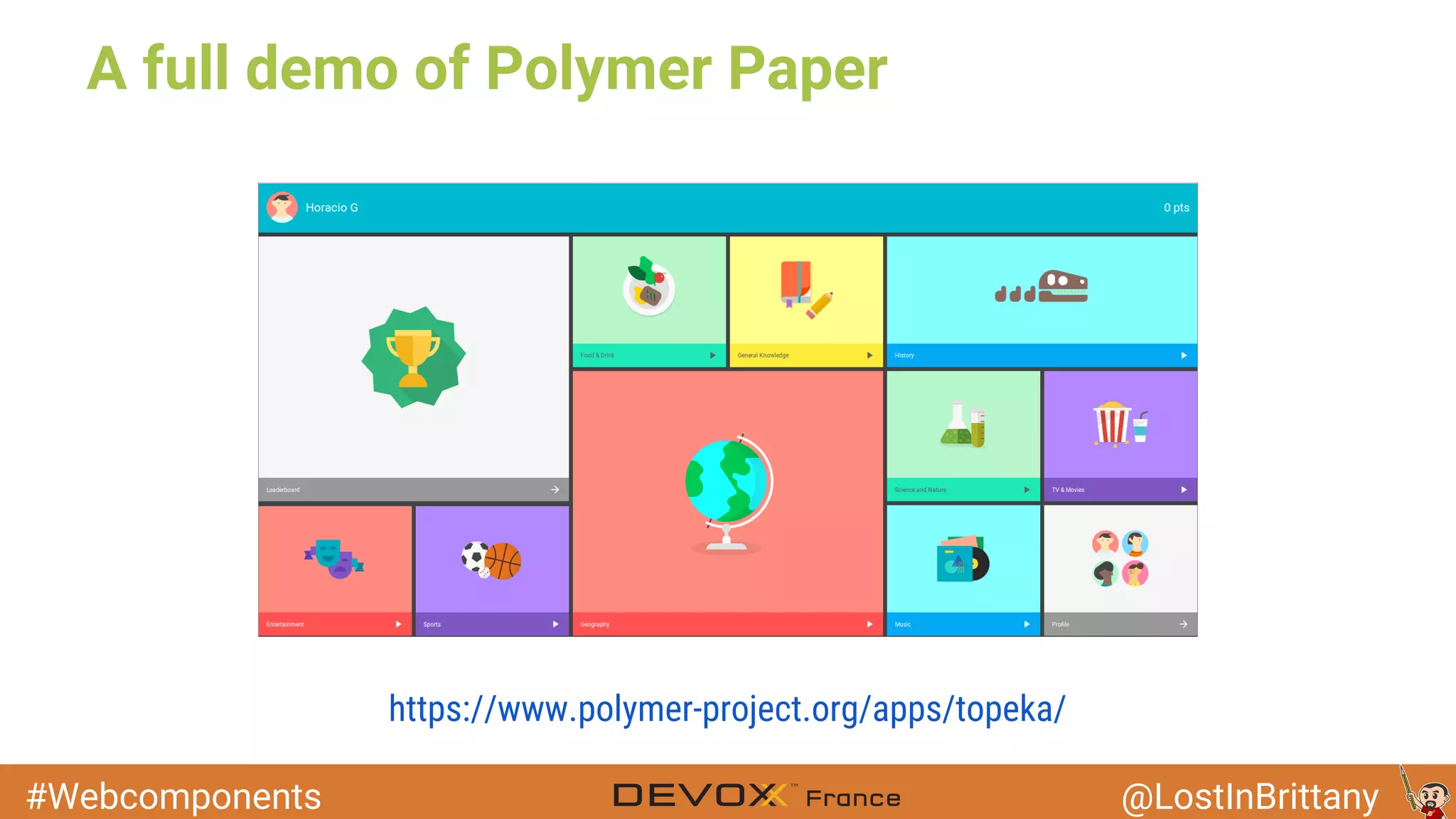
A full demo of Polymer Paper
https://www.polymer-project.org/apps/topeka/
#Webcomponents @LostInBrittany
Fully responsive
#Webcomponents @LostInBrittany
Other available
web components
Image: KNP Labs
The more, the merrier!
#Webcomponents @LostInBrittany
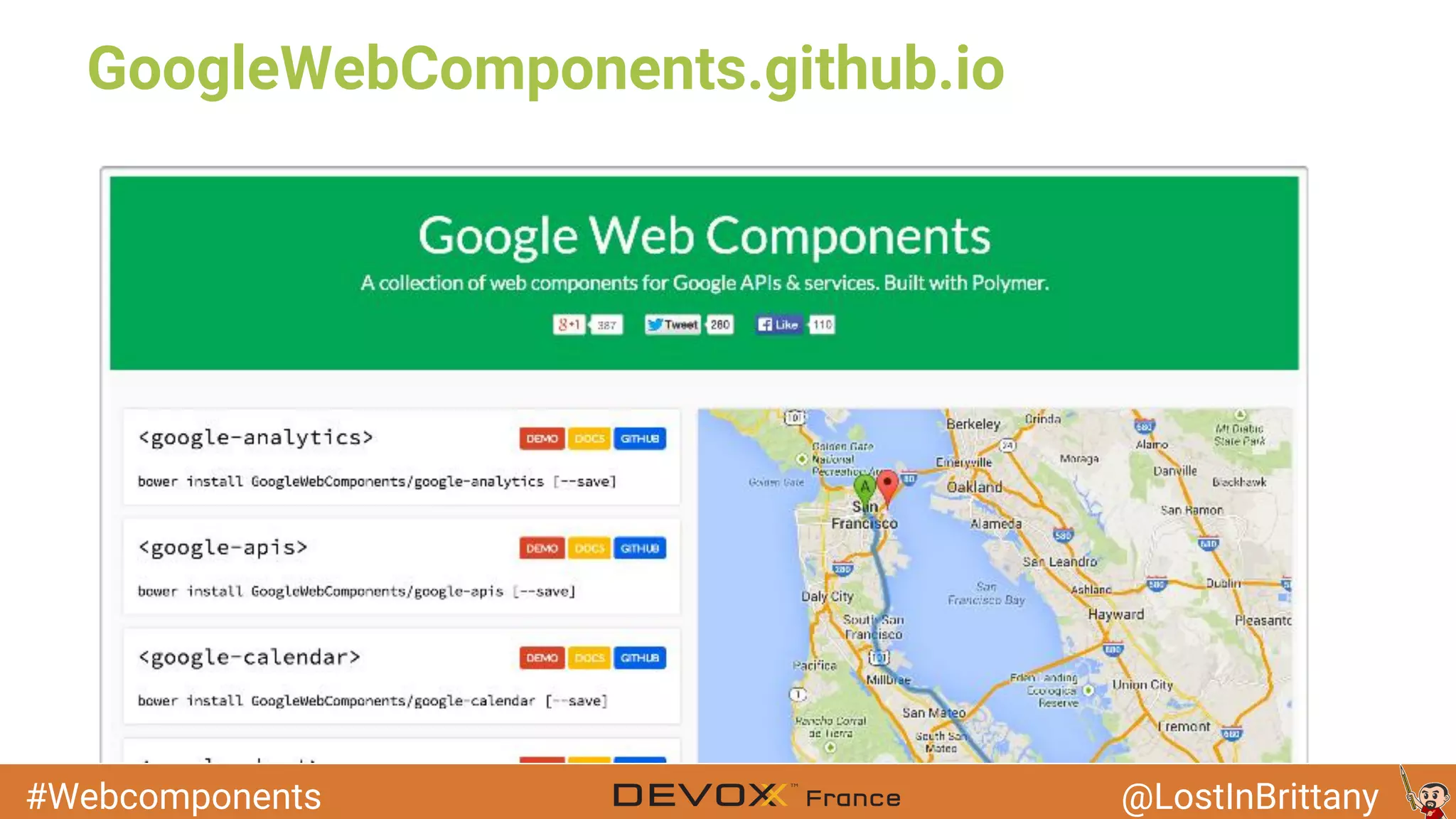
GoogleWebComponents.github.io
#Webcomponents @LostInBrittany
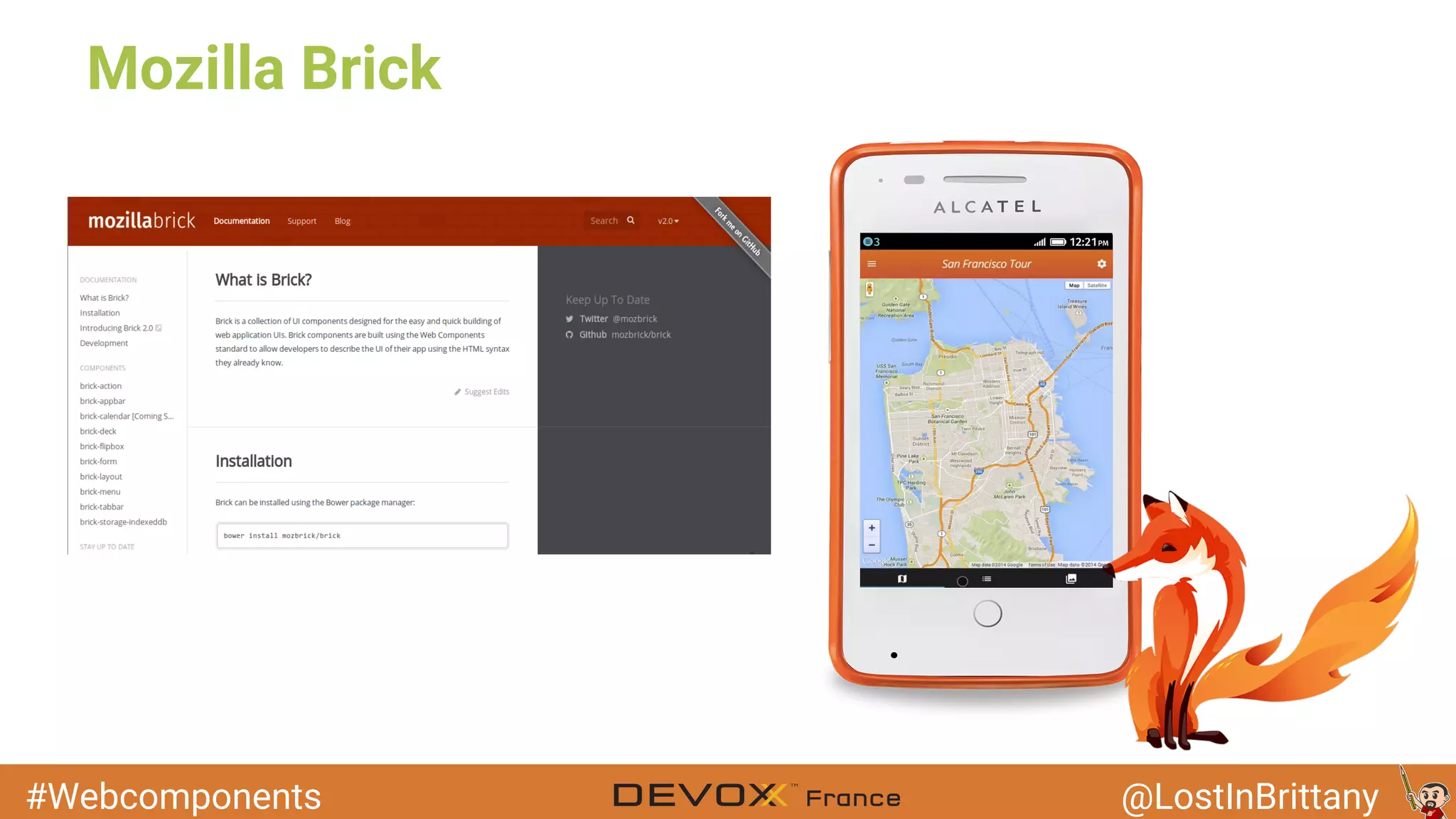
Mozilla Brick
#Webcomponents @LostInBrittany
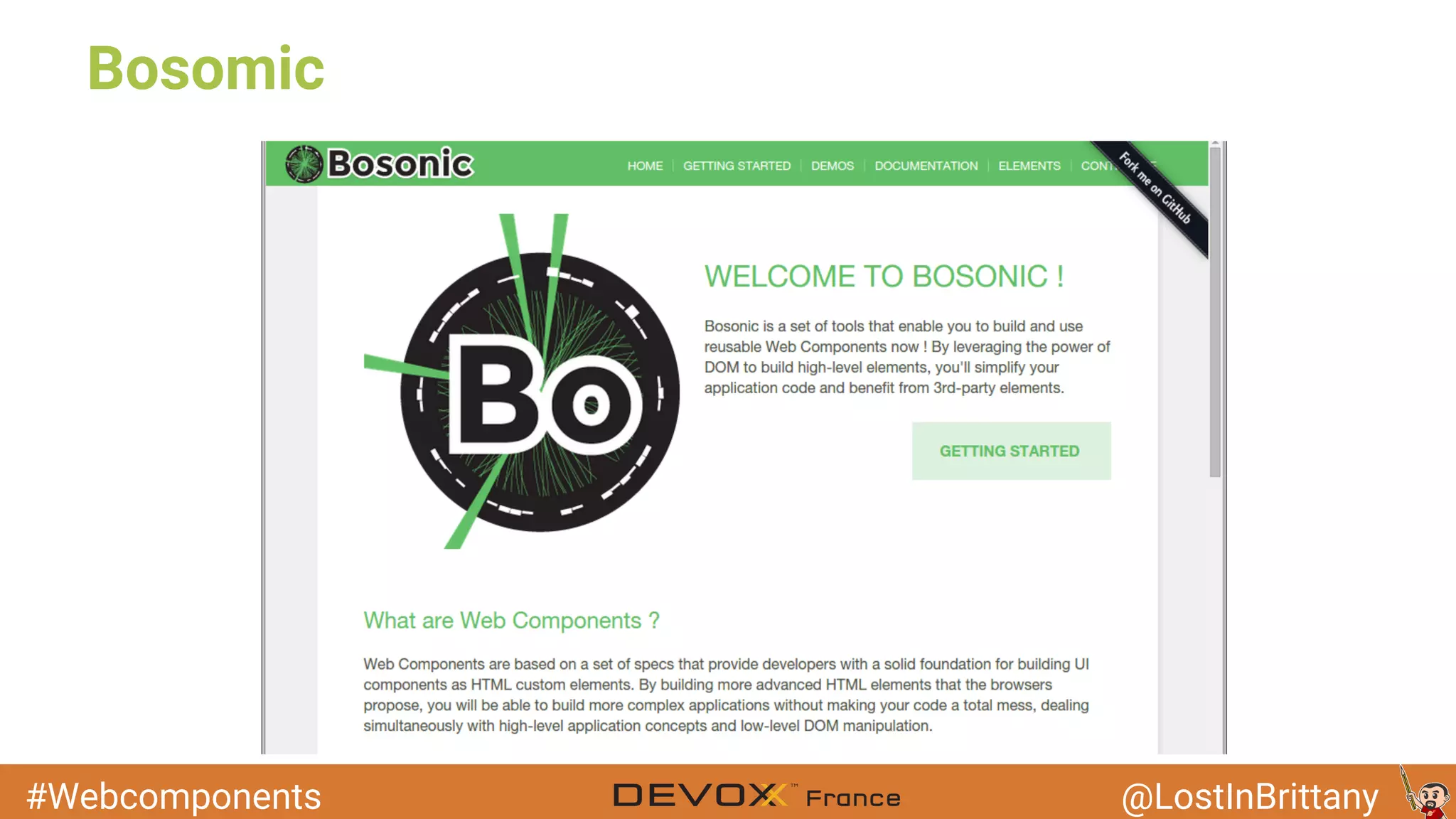
Bosomic
#Webcomponents @LostInBrittany
Conclusion
Image: dcplanet.fr
That's all folks!
#Webcomponents @LostInBrittany
● You can get current version on github
○ Tagged step by step
The code samples (W.i.P)
#Webcomponents @LostInBrittany
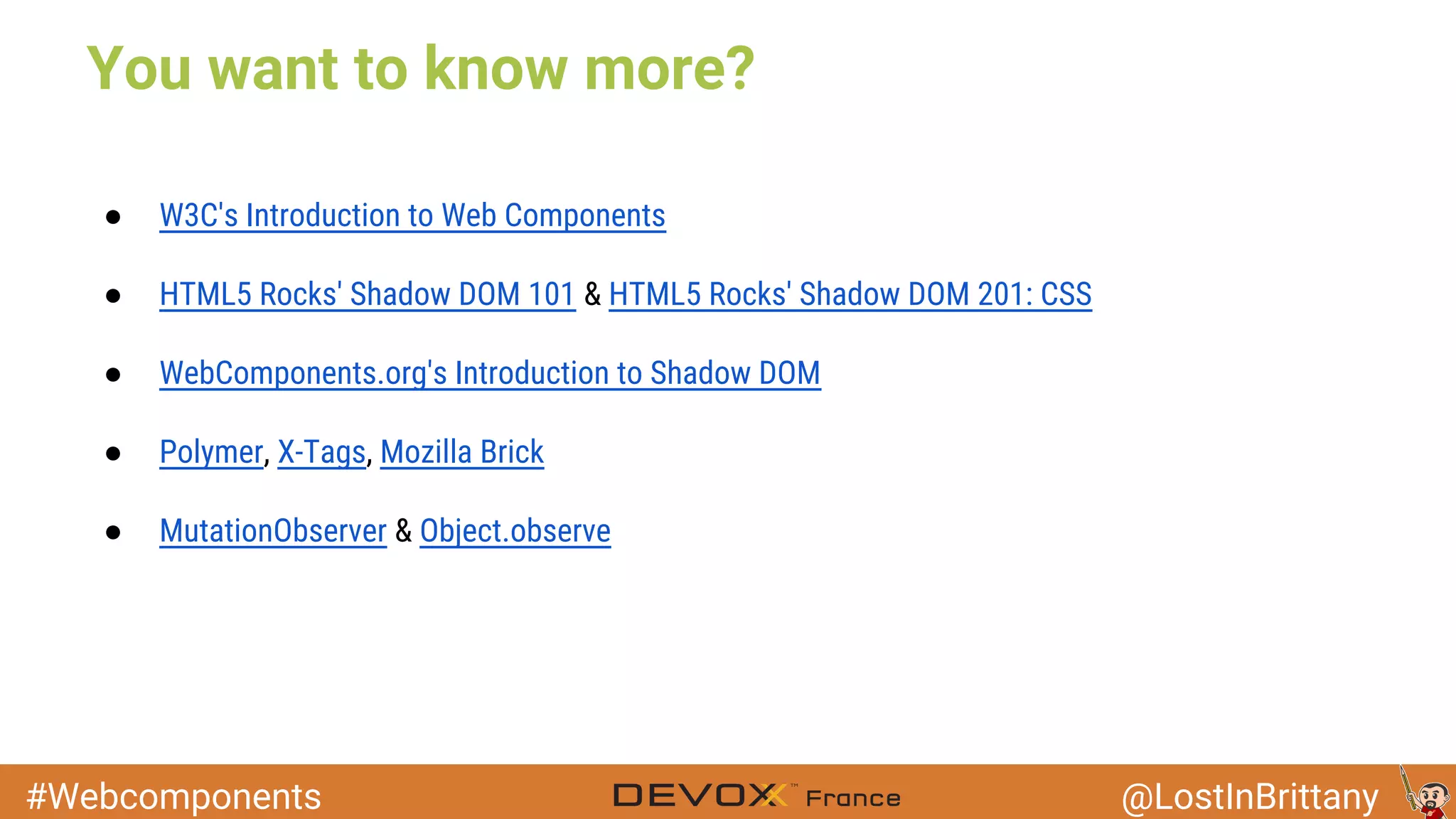
You want to know more?
● W3C's Introduction to Web Components
● HTML5 Rocks' Shadow DOM 101 & HTML5 Rocks' Shadow DOM 201: CSS
● WebComponents.org's Introduction to Shadow DOM
● Polymer, X-Tags, Mozilla Brick
● MutationObserver & Object.observe
#Webcomponents @LostInBrittany
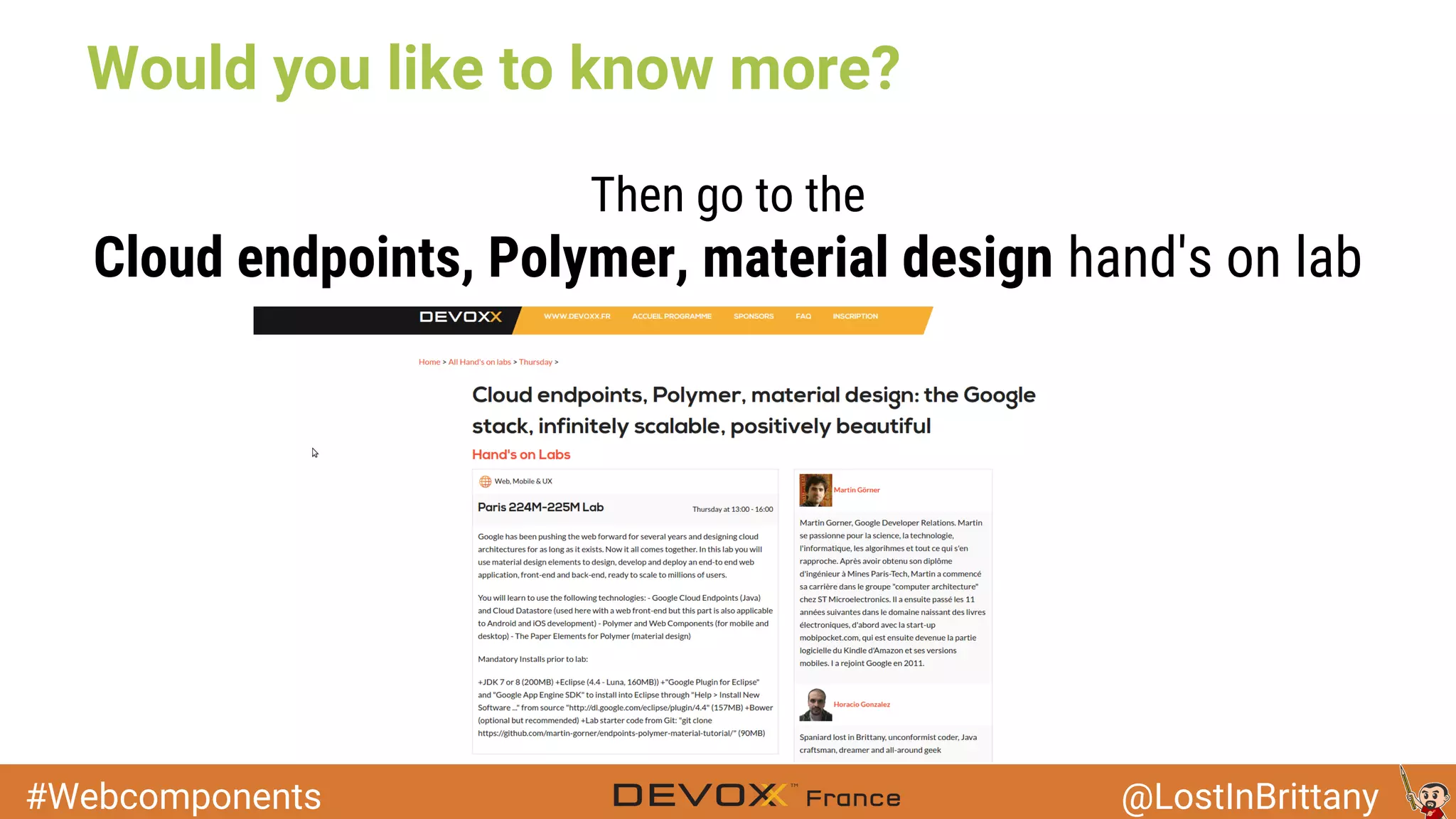
Would you like to know more?
Then go to the
Cloud endpoints, Polymer, material design hand's on lab
#Webcomponents @LostInBrittany
Thank you !

Devoxx France - Web Components, Polymer et Material Design