10/24/2015
1
NIH Library | http://nihlibrary.nih.gov
Developing a library-based data
visualization service
Doug Joubert, Chris Belter, MaShana Davis, Lisa Federer, and Ariel Deardorff
2015 MAC-MLA Annual Meeting - Library Services Session
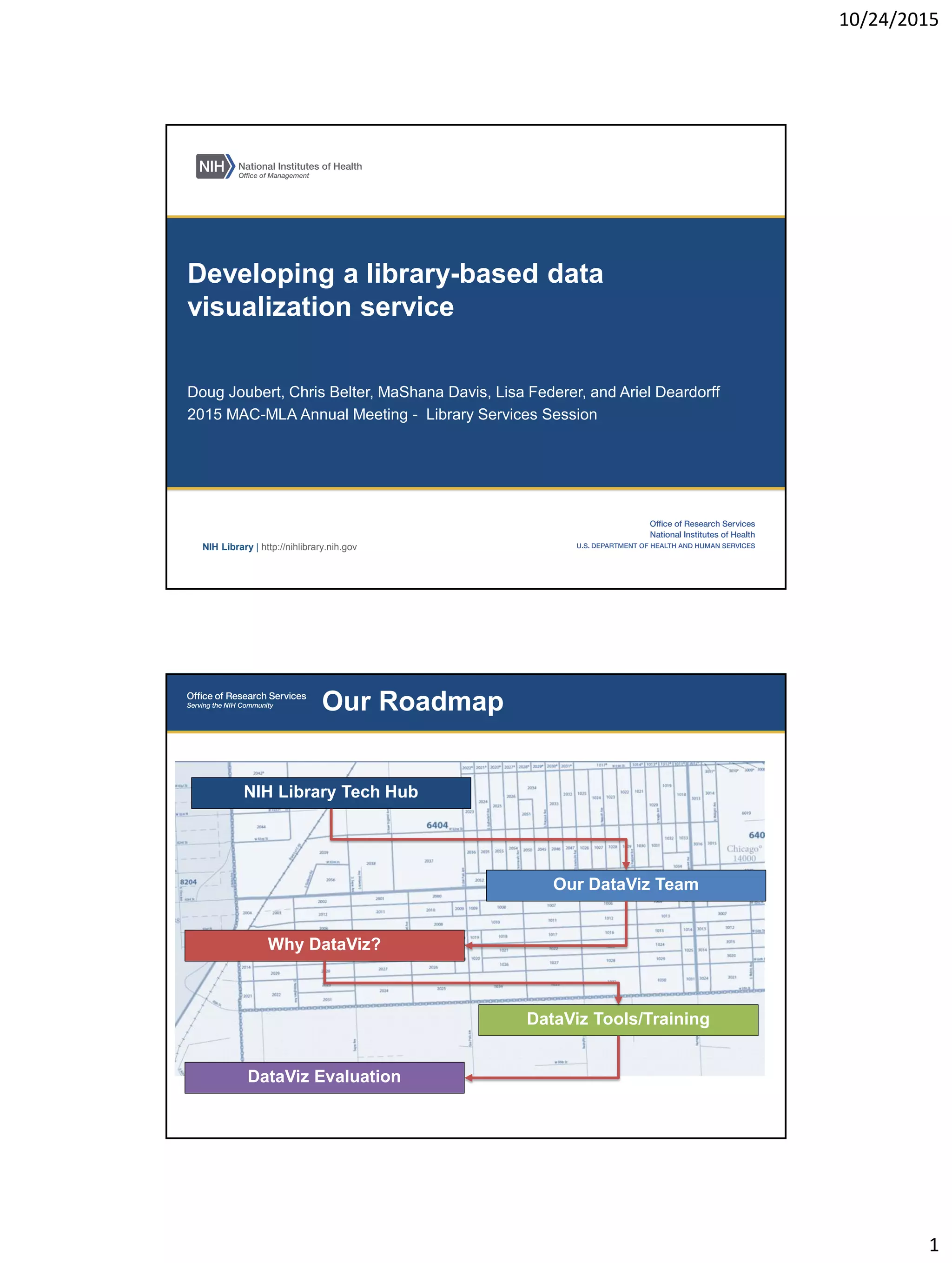
Our Roadmap
Our DataViz Team
DataViz Evaluation
DataViz Tools/Training
NIH Library Tech Hub
Why DataViz?
10/24/2015
2
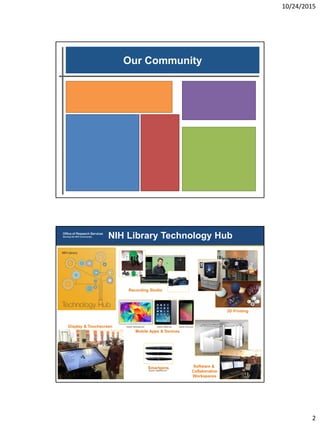
Our Community
NIH Library Technology Hub
3D Printing
Recording Studio
Software &
Collaborative
Workspaces
Source: Livescribe.com
Smartpens
Mobile Apps & Devices
Display & Touchscreen Source: Samsung.com Source: Asus.comSource: Apple.com
10/24/2015
3
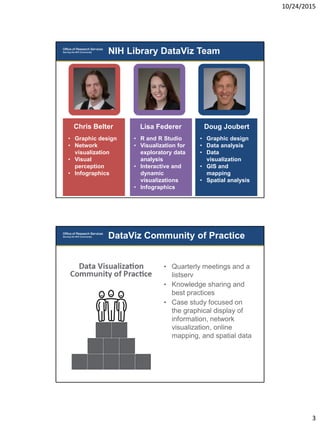
NIH Library DataViz Team
• Graphic design
• Network
visualization
• Visual
perception
• Infographics
Chris Belter
• R and R Studio
• Visualization for
exploratory data
analysis
• Interactive and
dynamic
visualizations
• Infographics
Lisa Federer
• Graphic design
• Data analysis
• Data
visualization
• GIS and
mapping
• Spatial analysis
Doug Joubert
DataViz Community of Practice
• Quarterly meetings and a
listserv
• Knowledge sharing and
best practices
• Case study focused on
the graphical display of
information, network
visualization, online
mapping, and spatial data
10/24/2015
4
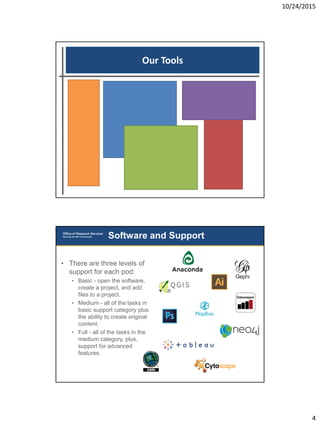
Our Tools
Software and Support
• There are three levels of
support for each pod:
• Basic - open the software,
create a project, and add
files to a project.
• Medium - all of the tasks in
basic support category plus
the ability to create original
content.
• Full - all of the tasks in the
medium category, plus,
support for advanced
features.
10/24/2015
5
Our Training
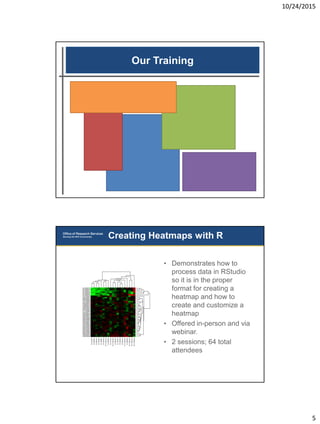
• Demonstrates how to
process data in RStudio
so it is in the proper
format for creating a
heatmap and how to
create and customize a
heatmap
• Offered in-person and via
webinar.
• 2 sessions; 64 total
attendees
Creating Heatmaps with R
10/24/2015
6
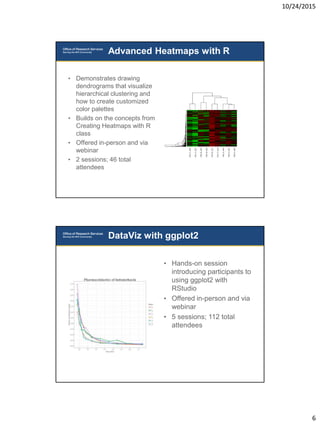
Advanced Heatmaps with R
• Demonstrates drawing
dendrograms that visualize
hierarchical clustering and
how to create customized
color palettes
• Builds on the concepts from
Creating Heatmaps with R
class
• Offered in-person and via
webinar
• 2 sessions; 46 total
attendees
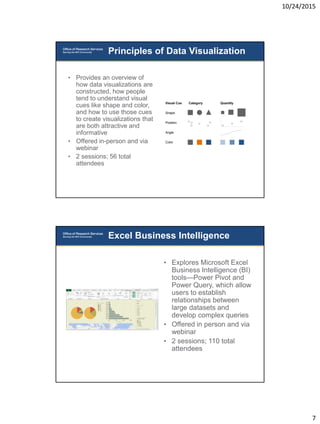
• Hands-on session
introducing participants to
using ggplot2 with
RStudio
• Offered in-person and via
webinar
• 5 sessions; 112 total
attendees
DataViz with ggplot2
10/24/2015
7
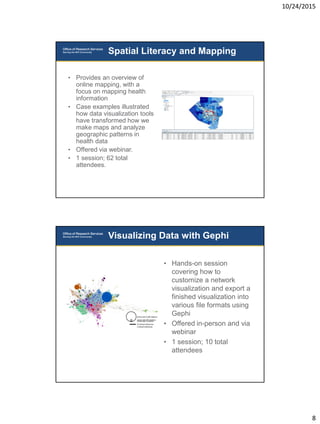
Principles of Data Visualization
• Provides an overview of
how data visualizations are
constructed, how people
tend to understand visual
cues like shape and color,
and how to use those cues
to create visualizations that
are both attractive and
informative
• Offered in-person and via
webinar
• 2 sessions; 56 total
attendees
• Explores Microsoft Excel
Business Intelligence (BI)
tools—Power Pivot and
Power Query, which allow
users to establish
relationships between
large datasets and
develop complex queries
• Offered in person and via
webinar
• 2 sessions; 110 total
attendees
Excel Business Intelligence
10/24/2015
8
• Provides an overview of
online mapping, with a
focus on mapping health
information
• Case examples illustrated
how data visualization tools
have transformed how we
make maps and analyze
geographic patterns in
health data
• Offered via webinar.
• 1 session; 62 total
attendees.
Spatial Literacy and Mapping
• Hands-on session
covering how to
customize a network
visualization and export a
finished visualization into
various file formats using
Gephi
• Offered in-person and via
webinar
• 1 session; 10 total
attendees
Visualizing Data with Gephi
10/24/2015
9
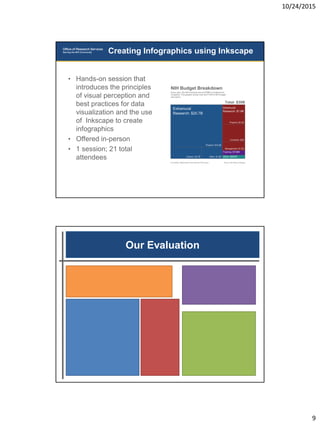
• Hands-on session that
introduces the principles
of visual perception and
best practices for data
visualization and the use
of Inkscape to create
infographics
• Offered in-person
• 1 session; 21 total
attendees
Creating Infographics using Inkscape
Our Evaluation
10/24/2015
10
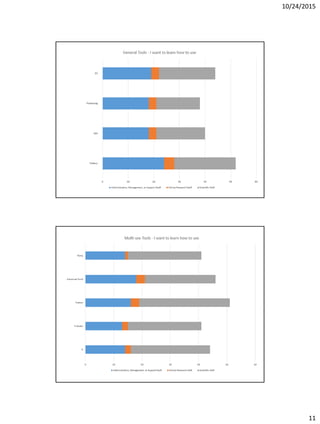
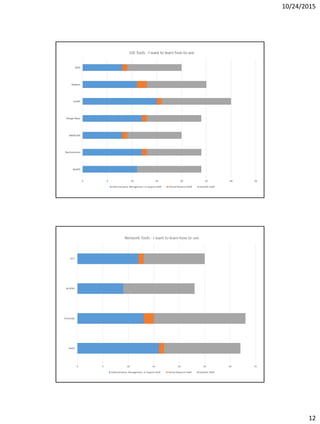
• NIH Library Data Visualization Survey
• Gathered feedback to help us develop training and services to
support data visualization at NIH and HHS
• 10 questions on potential services, types of tools being used and
types of tools for which training is desired, types of data to be
visualized and its purpose of use, and demographics
• 160 responses
• Data Visualization Training Survey
• 14 demographic questions, specific questions about the webinar
experience [webinars only], and specific questions about course
content
• Ongoing survey that evaluates data visualization classes and
webinars
• Number and type of consultations
Three Methods of Evaluation
10/24/2015
11
10/24/2015
12
10/24/2015
13
NIH Library | http://nihlibrary.nih.gov
Douglas Joubert
douglas.joubert@nih.gov

Developing a library-based data visualization service

  • 1.
    10/24/2015 1 NIH Library |http://nihlibrary.nih.gov Developing a library-based data visualization service Doug Joubert, Chris Belter, MaShana Davis, Lisa Federer, and Ariel Deardorff 2015 MAC-MLA Annual Meeting - Library Services Session Our Roadmap Our DataViz Team DataViz Evaluation DataViz Tools/Training NIH Library Tech Hub Why DataViz?
  • 2.
    10/24/2015 2 Our Community NIH LibraryTechnology Hub 3D Printing Recording Studio Software & Collaborative Workspaces Source: Livescribe.com Smartpens Mobile Apps & Devices Display & Touchscreen Source: Samsung.com Source: Asus.comSource: Apple.com
  • 3.
    10/24/2015 3 NIH Library DataVizTeam • Graphic design • Network visualization • Visual perception • Infographics Chris Belter • R and R Studio • Visualization for exploratory data analysis • Interactive and dynamic visualizations • Infographics Lisa Federer • Graphic design • Data analysis • Data visualization • GIS and mapping • Spatial analysis Doug Joubert DataViz Community of Practice • Quarterly meetings and a listserv • Knowledge sharing and best practices • Case study focused on the graphical display of information, network visualization, online mapping, and spatial data
  • 4.
    10/24/2015 4 Our Tools Software andSupport • There are three levels of support for each pod: • Basic - open the software, create a project, and add files to a project. • Medium - all of the tasks in basic support category plus the ability to create original content. • Full - all of the tasks in the medium category, plus, support for advanced features.
  • 5.
    10/24/2015 5 Our Training • Demonstrateshow to process data in RStudio so it is in the proper format for creating a heatmap and how to create and customize a heatmap • Offered in-person and via webinar. • 2 sessions; 64 total attendees Creating Heatmaps with R
  • 6.
    10/24/2015 6 Advanced Heatmaps withR • Demonstrates drawing dendrograms that visualize hierarchical clustering and how to create customized color palettes • Builds on the concepts from Creating Heatmaps with R class • Offered in-person and via webinar • 2 sessions; 46 total attendees • Hands-on session introducing participants to using ggplot2 with RStudio • Offered in-person and via webinar • 5 sessions; 112 total attendees DataViz with ggplot2
  • 7.
    10/24/2015 7 Principles of DataVisualization • Provides an overview of how data visualizations are constructed, how people tend to understand visual cues like shape and color, and how to use those cues to create visualizations that are both attractive and informative • Offered in-person and via webinar • 2 sessions; 56 total attendees • Explores Microsoft Excel Business Intelligence (BI) tools—Power Pivot and Power Query, which allow users to establish relationships between large datasets and develop complex queries • Offered in person and via webinar • 2 sessions; 110 total attendees Excel Business Intelligence
  • 8.
    10/24/2015 8 • Provides anoverview of online mapping, with a focus on mapping health information • Case examples illustrated how data visualization tools have transformed how we make maps and analyze geographic patterns in health data • Offered via webinar. • 1 session; 62 total attendees. Spatial Literacy and Mapping • Hands-on session covering how to customize a network visualization and export a finished visualization into various file formats using Gephi • Offered in-person and via webinar • 1 session; 10 total attendees Visualizing Data with Gephi
  • 9.
    10/24/2015 9 • Hands-on sessionthat introduces the principles of visual perception and best practices for data visualization and the use of Inkscape to create infographics • Offered in-person • 1 session; 21 total attendees Creating Infographics using Inkscape Our Evaluation
  • 10.
    10/24/2015 10 • NIH LibraryData Visualization Survey • Gathered feedback to help us develop training and services to support data visualization at NIH and HHS • 10 questions on potential services, types of tools being used and types of tools for which training is desired, types of data to be visualized and its purpose of use, and demographics • 160 responses • Data Visualization Training Survey • 14 demographic questions, specific questions about the webinar experience [webinars only], and specific questions about course content • Ongoing survey that evaluates data visualization classes and webinars • Number and type of consultations Three Methods of Evaluation
  • 11.
  • 12.
  • 13.
    10/24/2015 13 NIH Library |http://nihlibrary.nih.gov Douglas Joubert douglas.joubert@nih.gov