DESIGNING FOR
          TODAY’S WEB
          LUKE WROBLEWSKI
          VALA NATIONAL CONFERENCE, FEB. 2008


                                                                    1


Luke Wroblewski

       Yahoo! Inc.
          •   Senior Principal, Product Ideation & Design
       LukeW Interface Designs
          •   Principal & Founder
          •   Product design & strategy services
       Author
          •   Site-Seeing: A Visual Approach to Web Usability
              (Wiley & Sons)
          •   Upcoming: Best Practices for Form Design (Rosenfeld
              Media)
          •   Functioning Form: Web applications, product
              strategy, & interface design articles
       Previously
          •   eBay Inc., Lead Designer
          •   University of Illinois, Instructor
          •   NCSA, Senior Designer


                                                                    2


                                                                        1
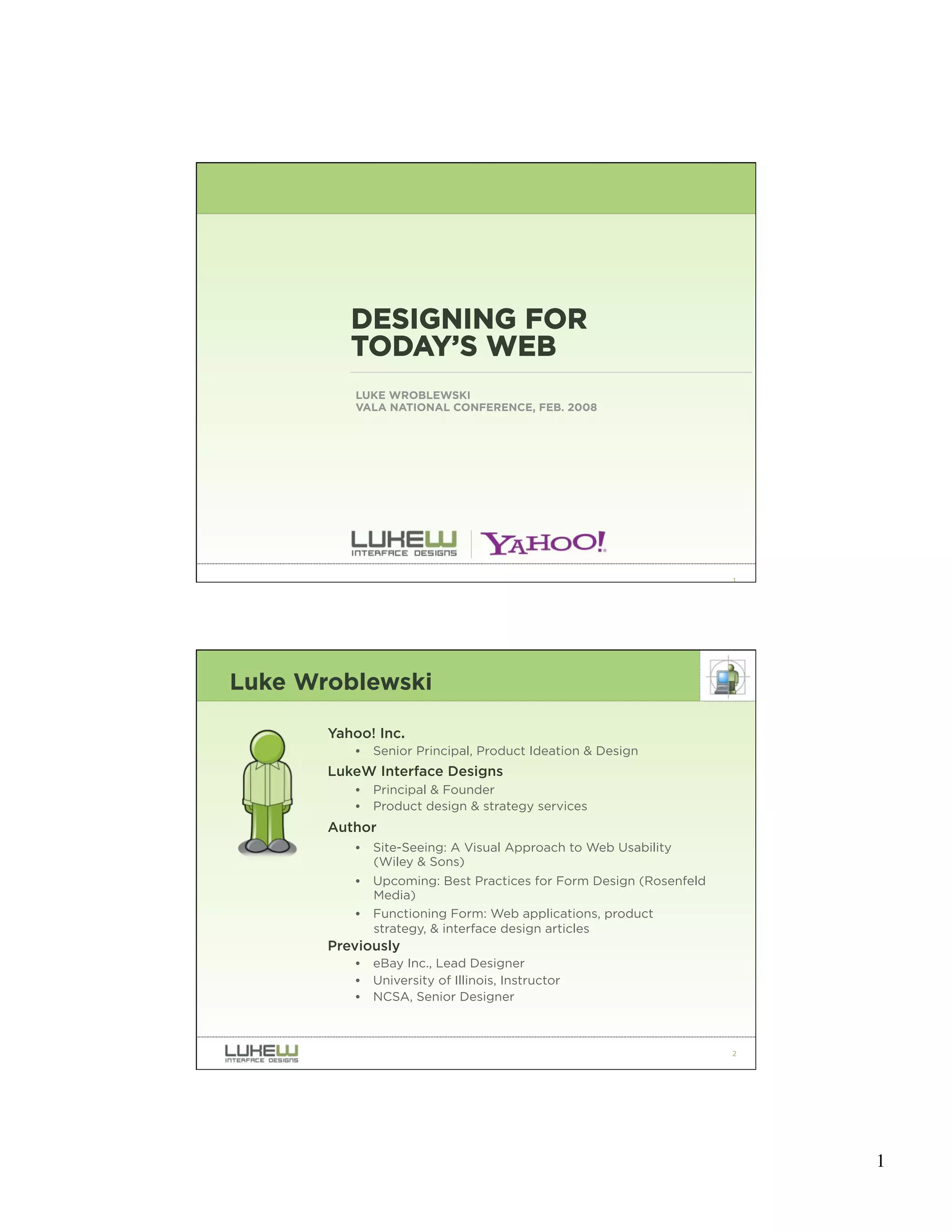
How We Use the Web

“Look around feverishly for anything that is interesting or vaguely resembles
what you are looking for, and is clickable.” -Steve Krug


                 -Steve Krug, Don’t Make Me Think: A Common Sense Approach to Web Usability


                                                                                              3


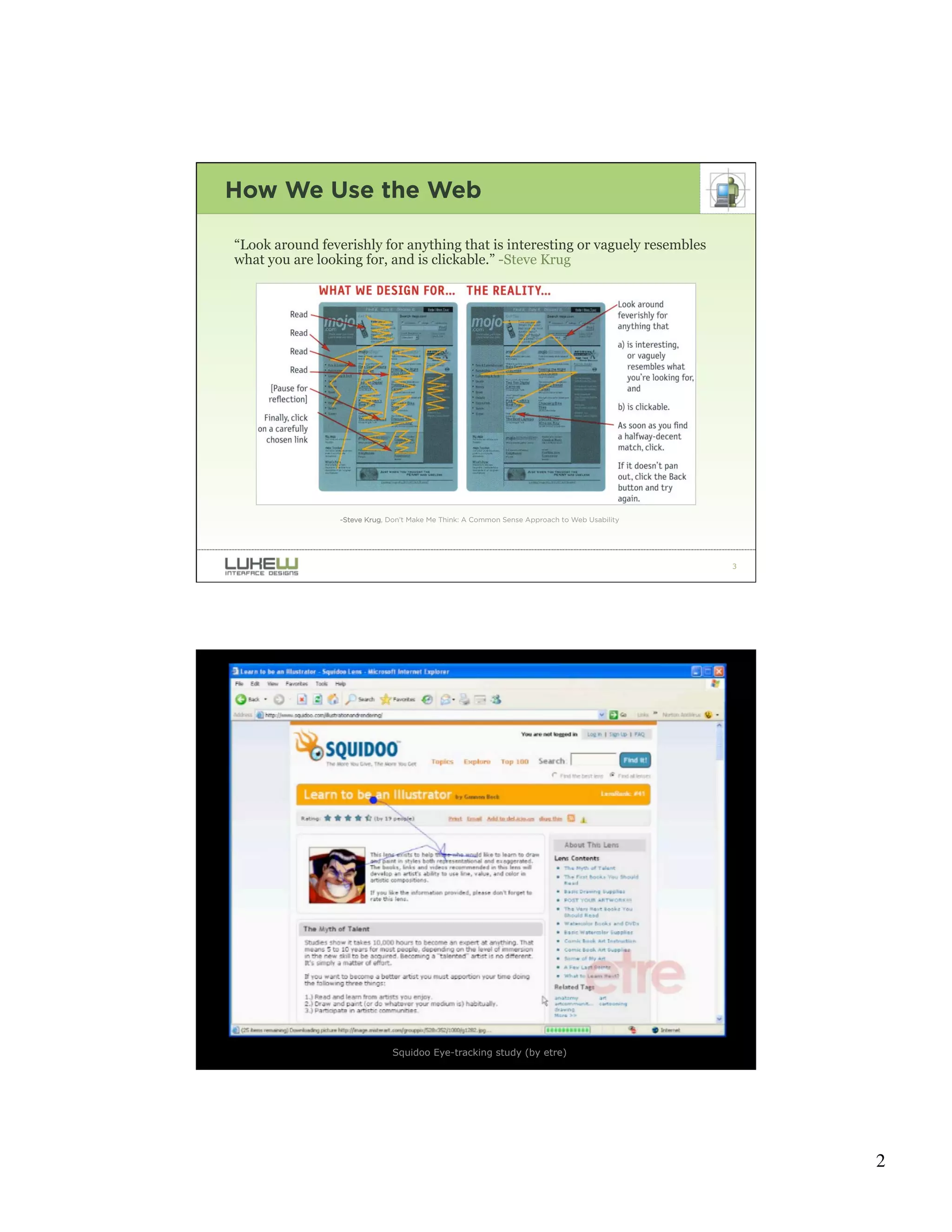
                              Squidoo Eye-tracking study (by etre)                            4


                                                                                                  2
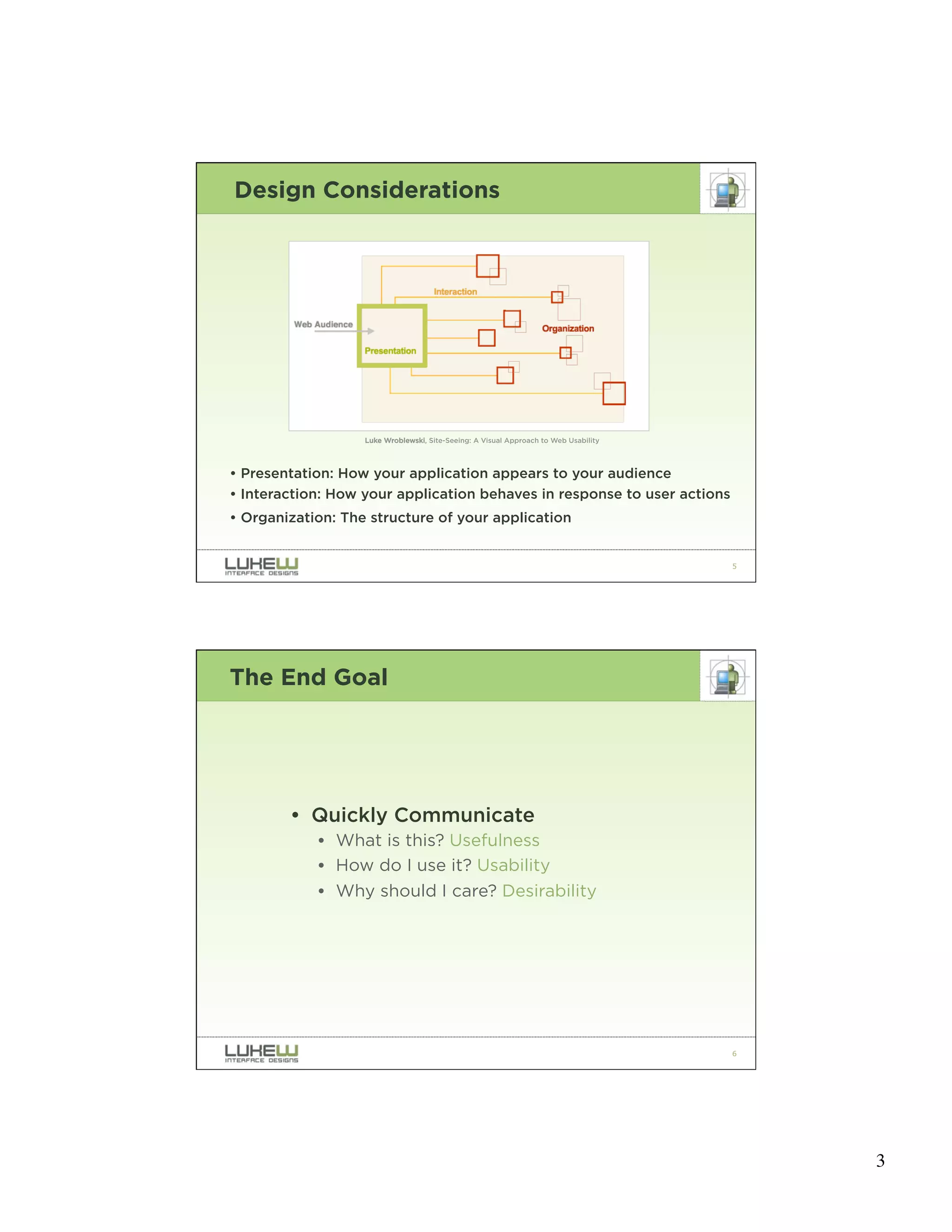
Design Considerations


                   Luke Wroblewski, Site-Seeing: A Visual Approach to Web Usability


• Presentation: How your application appears to your audience
• Interaction: How your application behaves in response to user actions
• Organization: The structure of your application


                                                                                      5


The End Goal


        • Quickly Communicate
            • What is this? Usefulness
            • How do I use it? Usability
            • Why should I care? Desirability


                                                                                      6


                                                                                          3
7


SO WHAT IS DIFFERENT
ABOUT TODAY’S WEB?


                       8


                           4
RECENT SHIFTS

LOCOMOTION     SERVICES
PAGES          RICH INTERACTIONS
SITES          CONTENT EXPERIENCES
WEBMASTERS     EVERYONE


                                   9


        RECENT SHIFTS

LOCOMOTION     SERVICES
PAGES          RICH INTERACTIONS
SITES          CONTENT EXPERIENCES
WEBMASTERS     EVERYONE


                                   10


                                        5
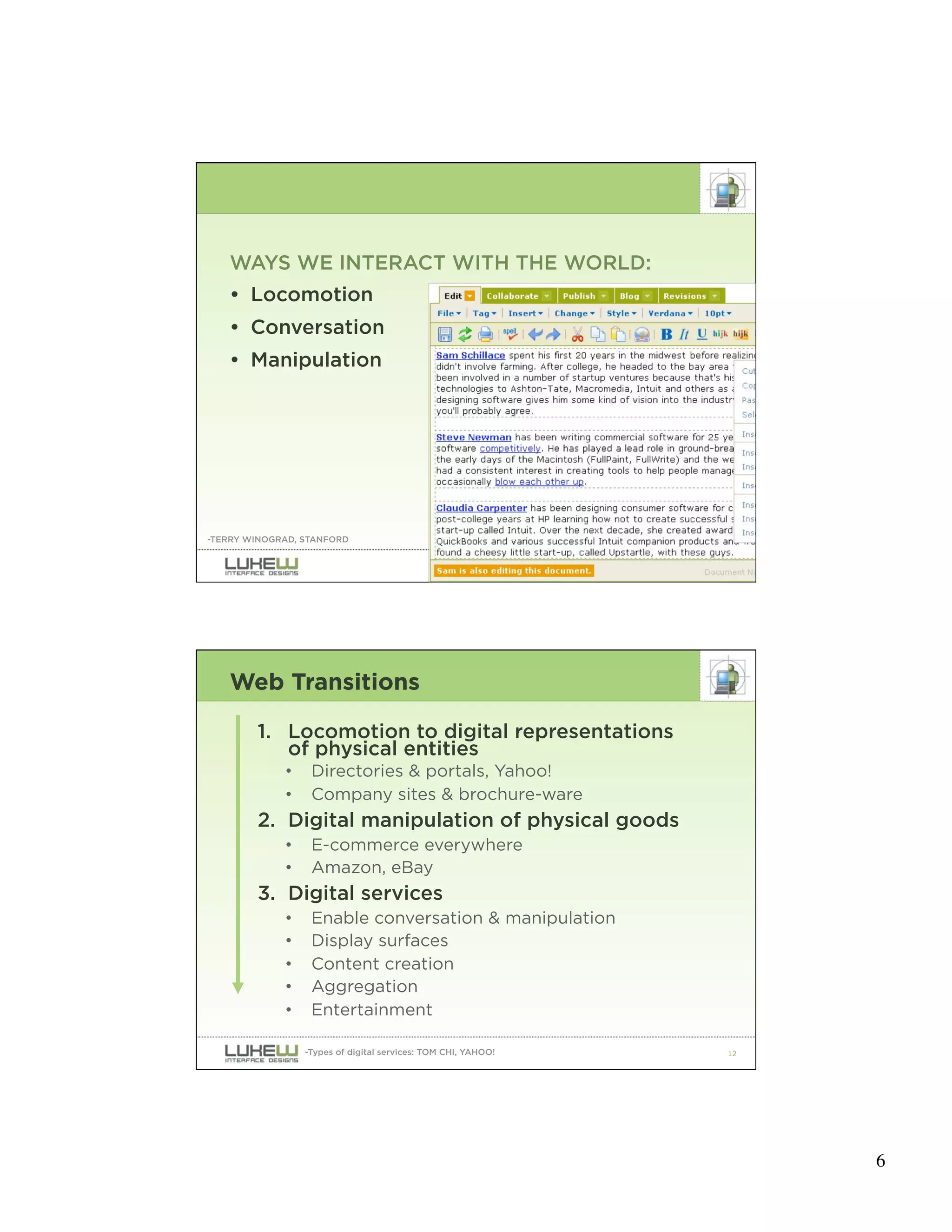
WAYS WE INTERACT WITH THE WORLD:
   • Locomotion
   • Conversation
   • Manipulation


-TERRY WINOGRAD, STANFORD


                                                               11


   Web Transitions

        1. Locomotion to digital representations
           of physical entities
             •    Directories & portals, Yahoo!
             •    Company sites & brochure-ware
        2. Digital manipulation of physical goods
             •    E-commerce everywhere
             •    Amazon, eBay
        3. Digital services
             •    Enable conversation & manipulation
             •    Display surfaces
             •    Content creation
             •    Aggregation
             •    Entertainment

                 -Types of digital services: TOM CHI, YAHOO!   12


                                                                    6
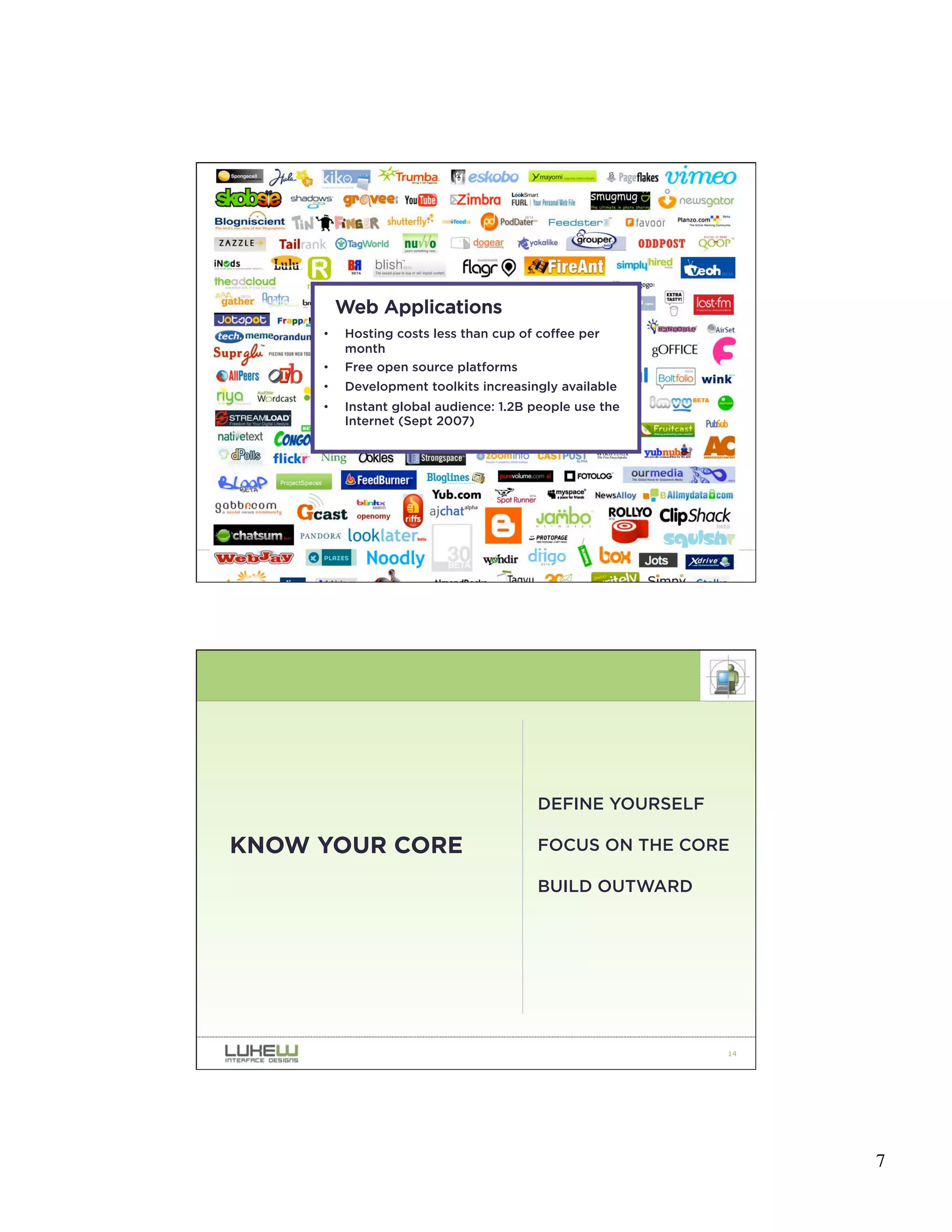
Web Applications
     •   Hosting costs less than cup of coffee per
         month
     •   Free open source platforms
     •   Development toolkits increasingly available
     •   Instant global audience: 1.2B people use the
         Internet (Sept 2007)


                                                          13


                                        DEFINE YOURSELF

KNOW YOUR CORE                          FOCUS ON THE CORE

                                        BUILD OUTWARD


                                                          14


                                                               7
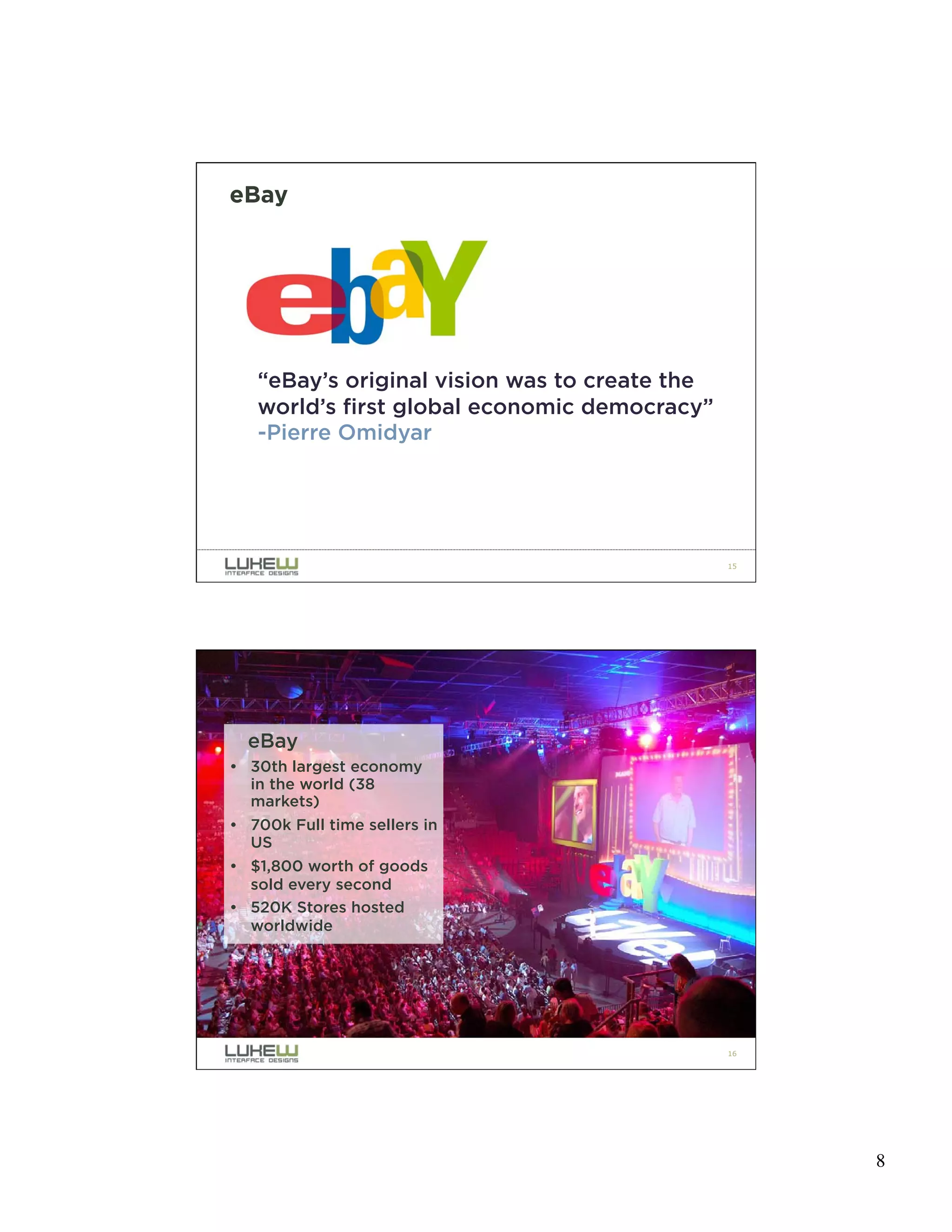
eBay


   “eBay’s original vision was to create the
   world’s first global economic democracy”
   -Pierre Omidyar


                                               15


  eBay
• 30th largest economy
  in the world (38
  markets)
• 700k Full time sellers in
  US
• $1,800 worth of goods
  sold every second
• 520K Stores hosted
  worldwide


                                               16


                                                    8
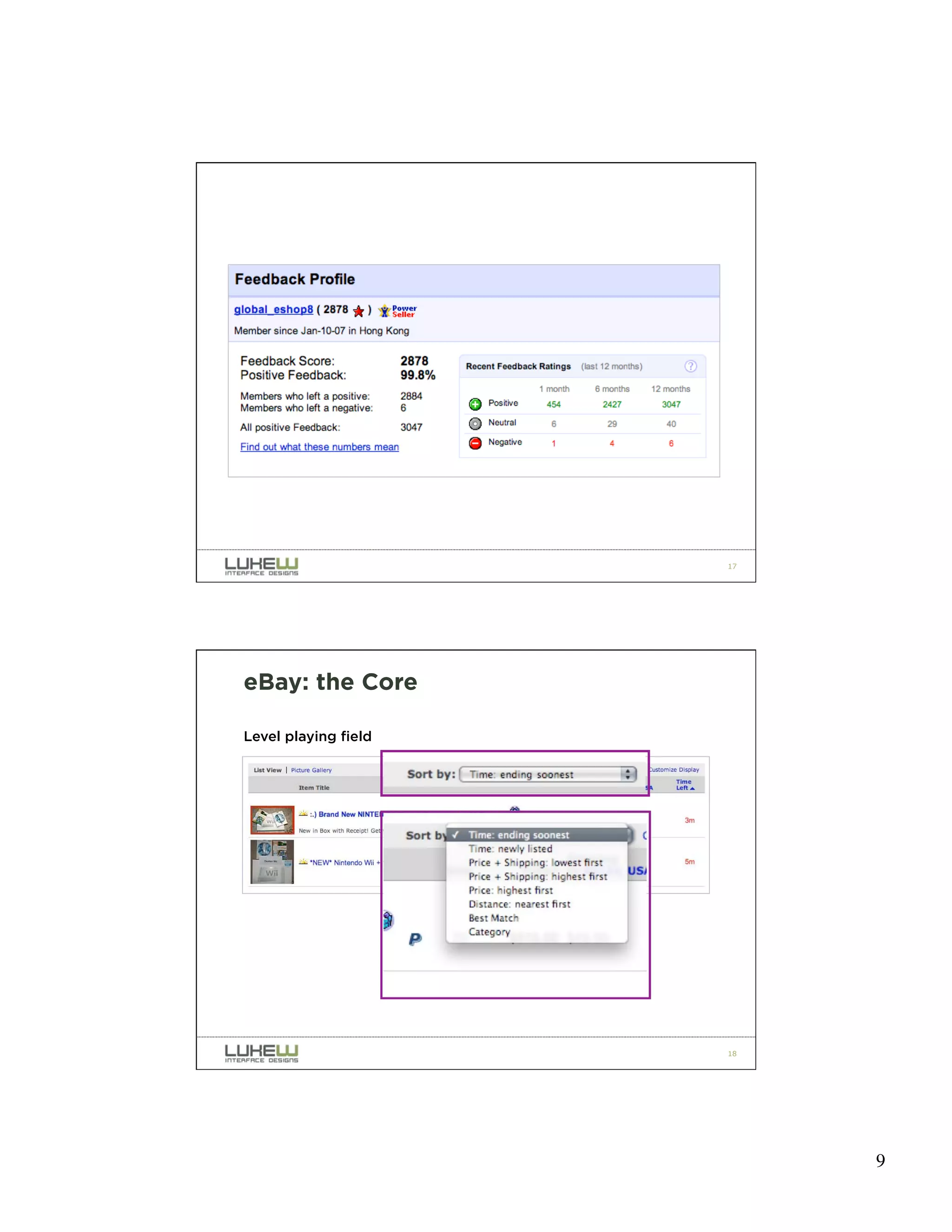
WHAT’S AT THE CORE OF EBAY?


                              17


eBay: the Core

Level playing field


                              18


                                   9
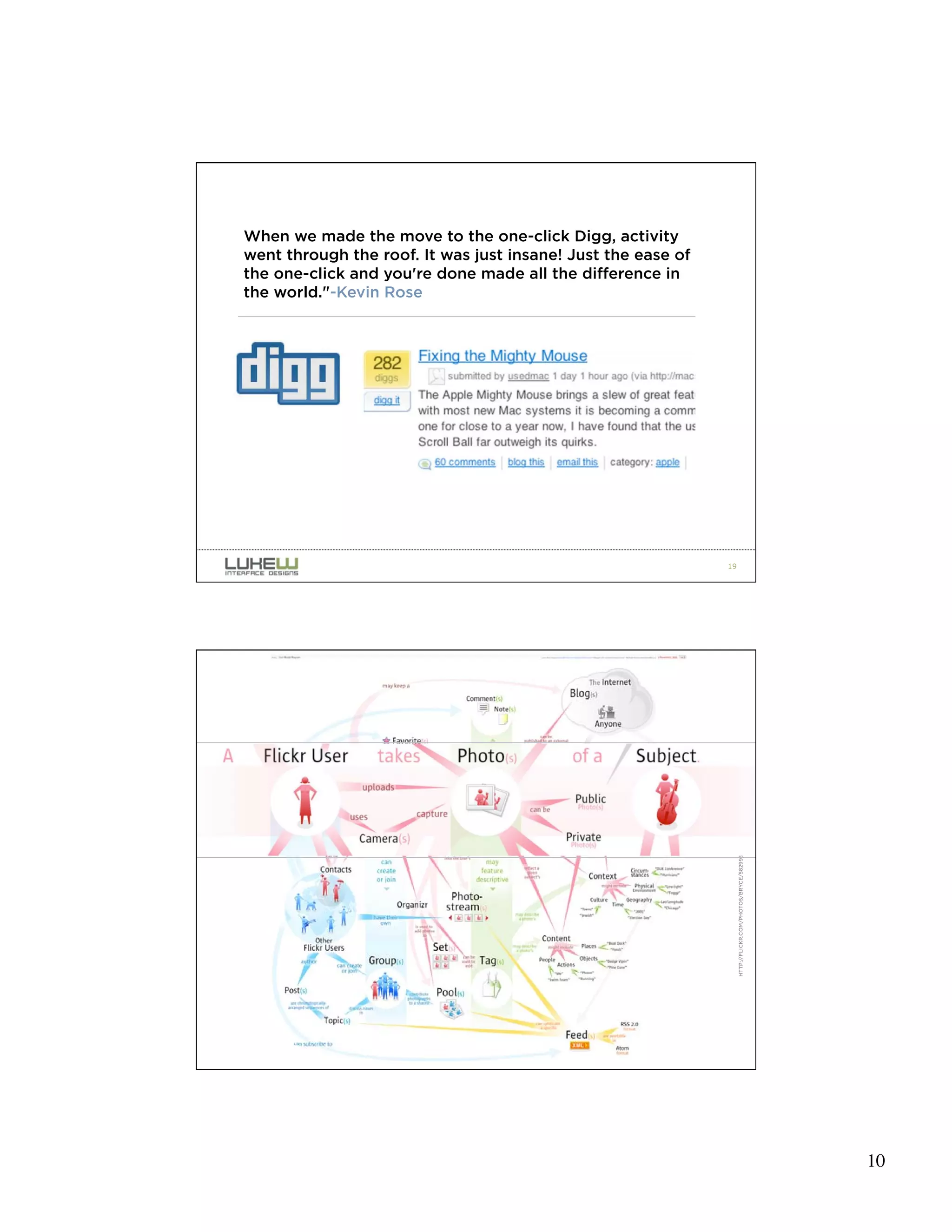
When we made the move to the one-click Digg, activity
went through the roof. It was just insane! Just the ease of
the one-click and you're done made all the difference in
the world."-Kevin Rose


                                                              19


                                                                   HTTP://FLICKR.COM/PHOTOS/BRYCE/58299511/


                                                              20


                                                                                                              10
MEANINGFUL
PACKAGING DESIGN       SHOUTING
FOR WEB                BACK OF PACK
APPLICATIONS
                       UNPACKING
                       EXPERIENCE


                                      21


                   DIFFERENTIATE
MEANINGFUL
SHOUTING           ATTRACT
                   EMBODY THE BRAND


                                      22


                                           11
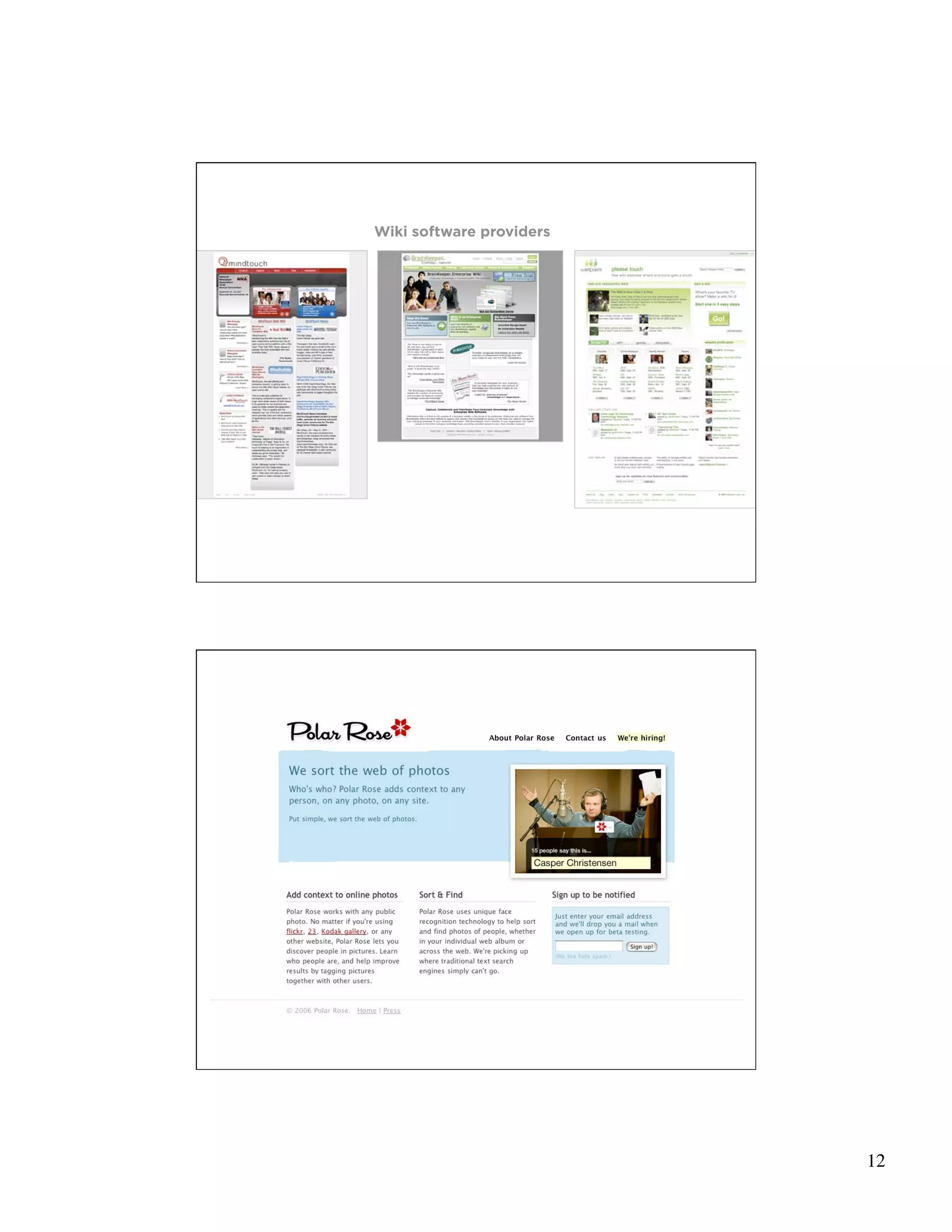
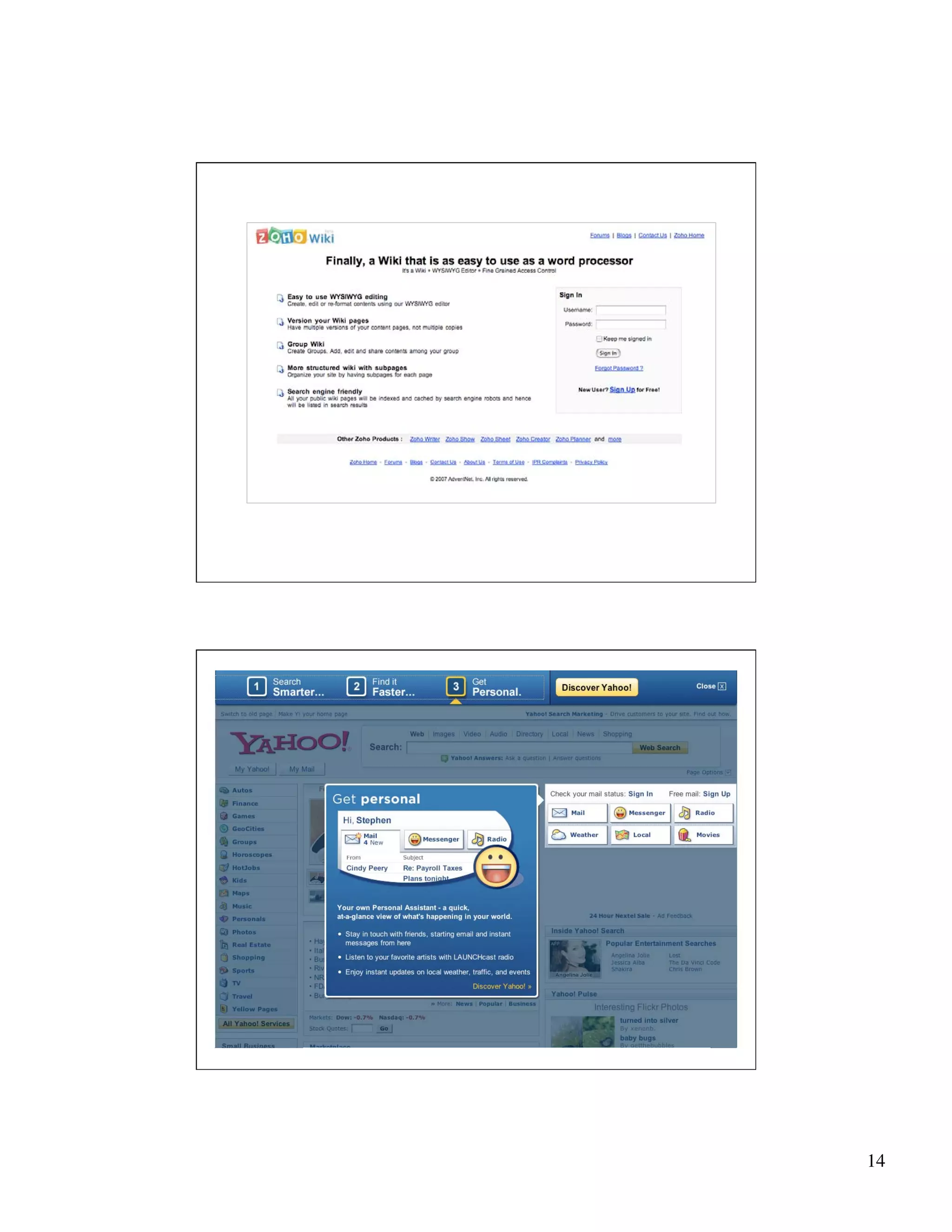
Wiki software providers


                          23


                          24


                               12
25


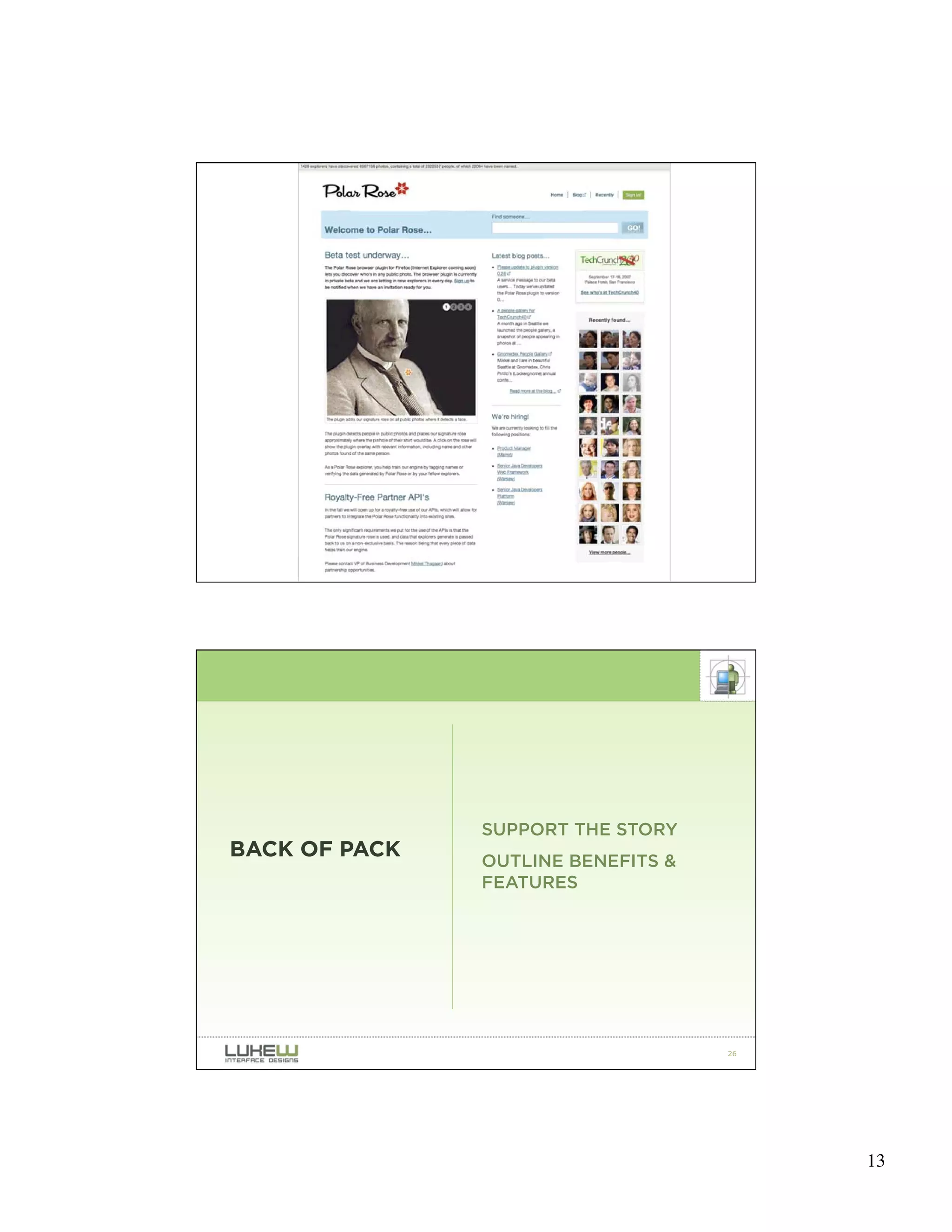
               SUPPORT THE STORY
BACK OF PACK   OUTLINE BENEFITS &
               FEATURES


                                    26


                                         13
27


28


     14
29


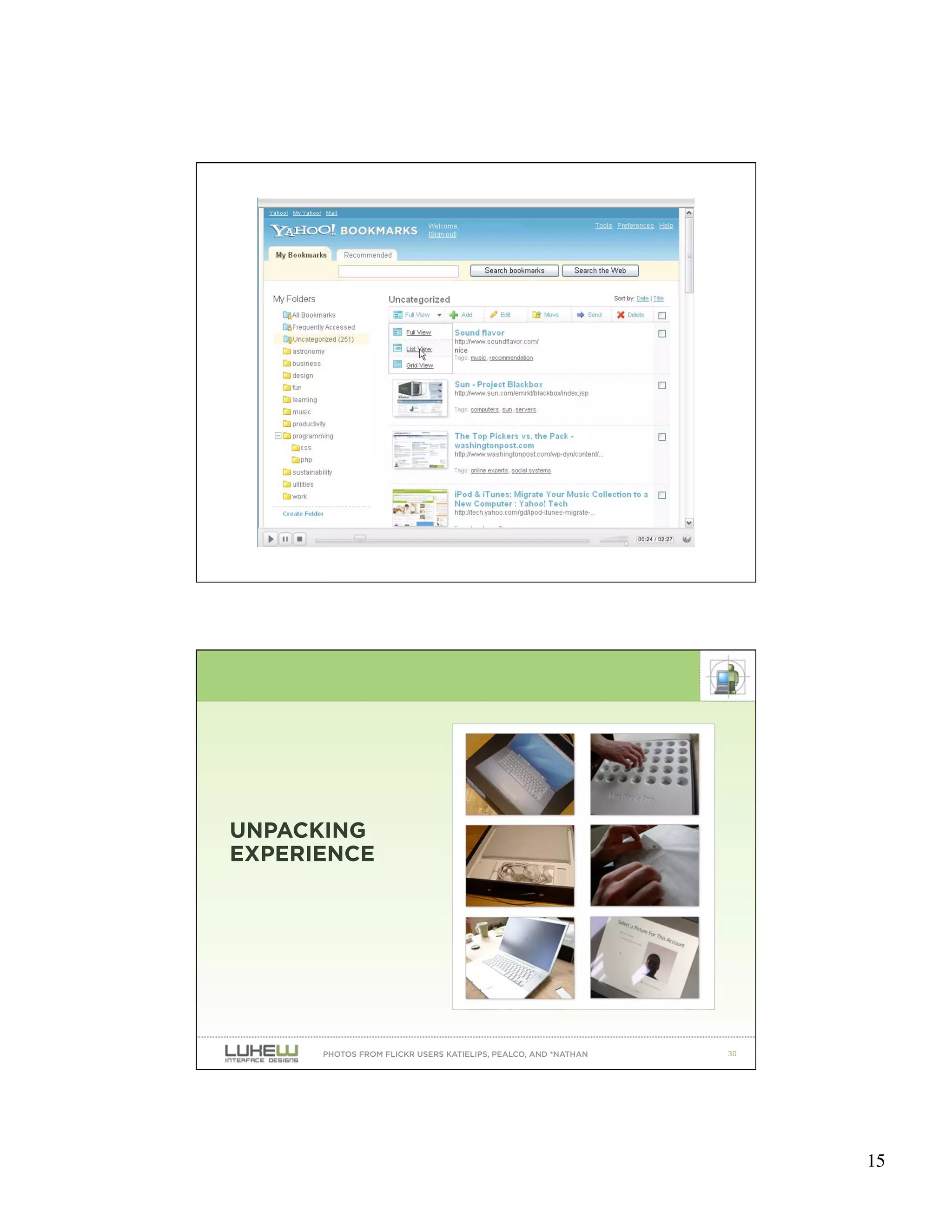
UNPACKING
EXPERIENCE


      PHOTOS FROM FLICKR USERS KATIELIPS, PEALCO, AND *NATHAN   30


                                                                     15
31


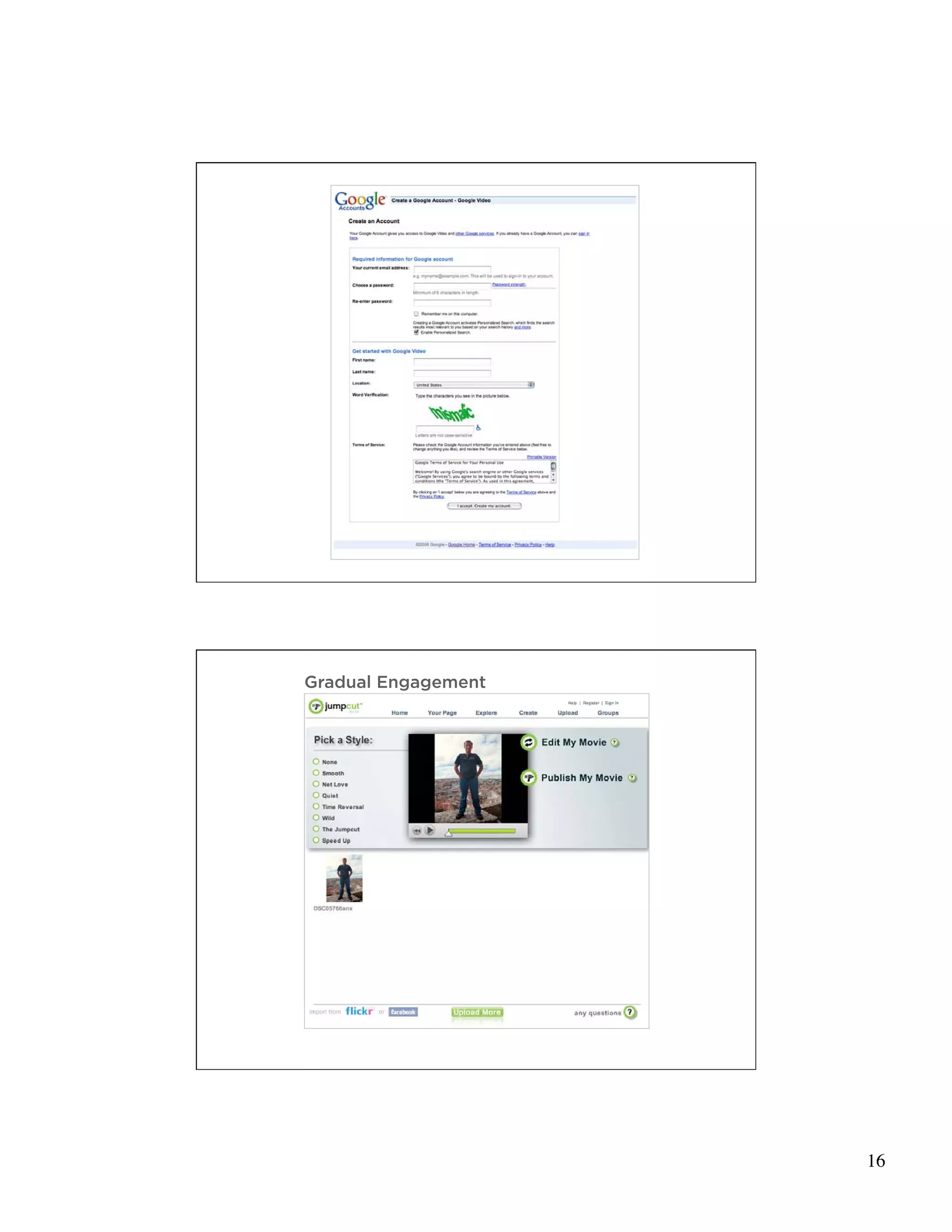
Gradual Engagement


                     32


                          16
33


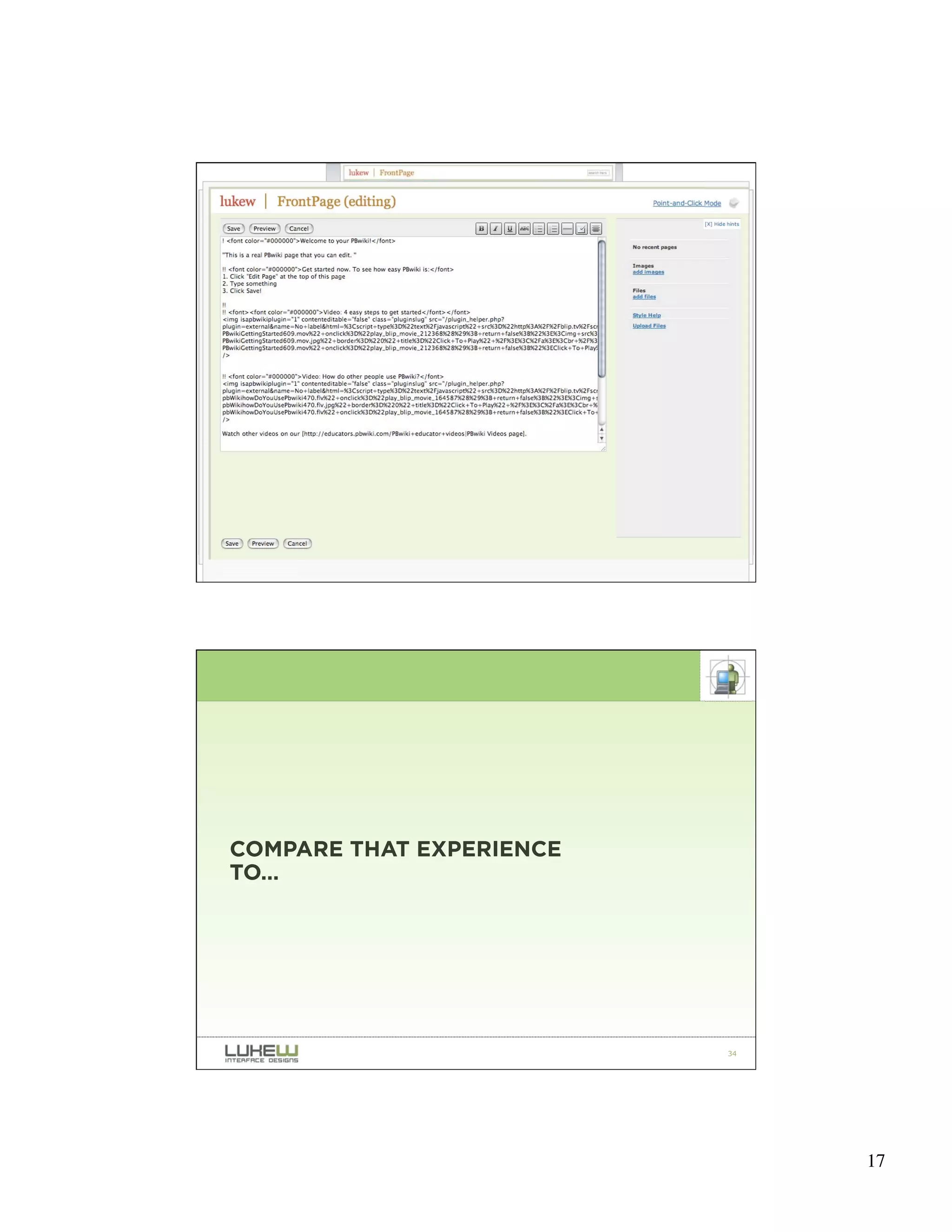
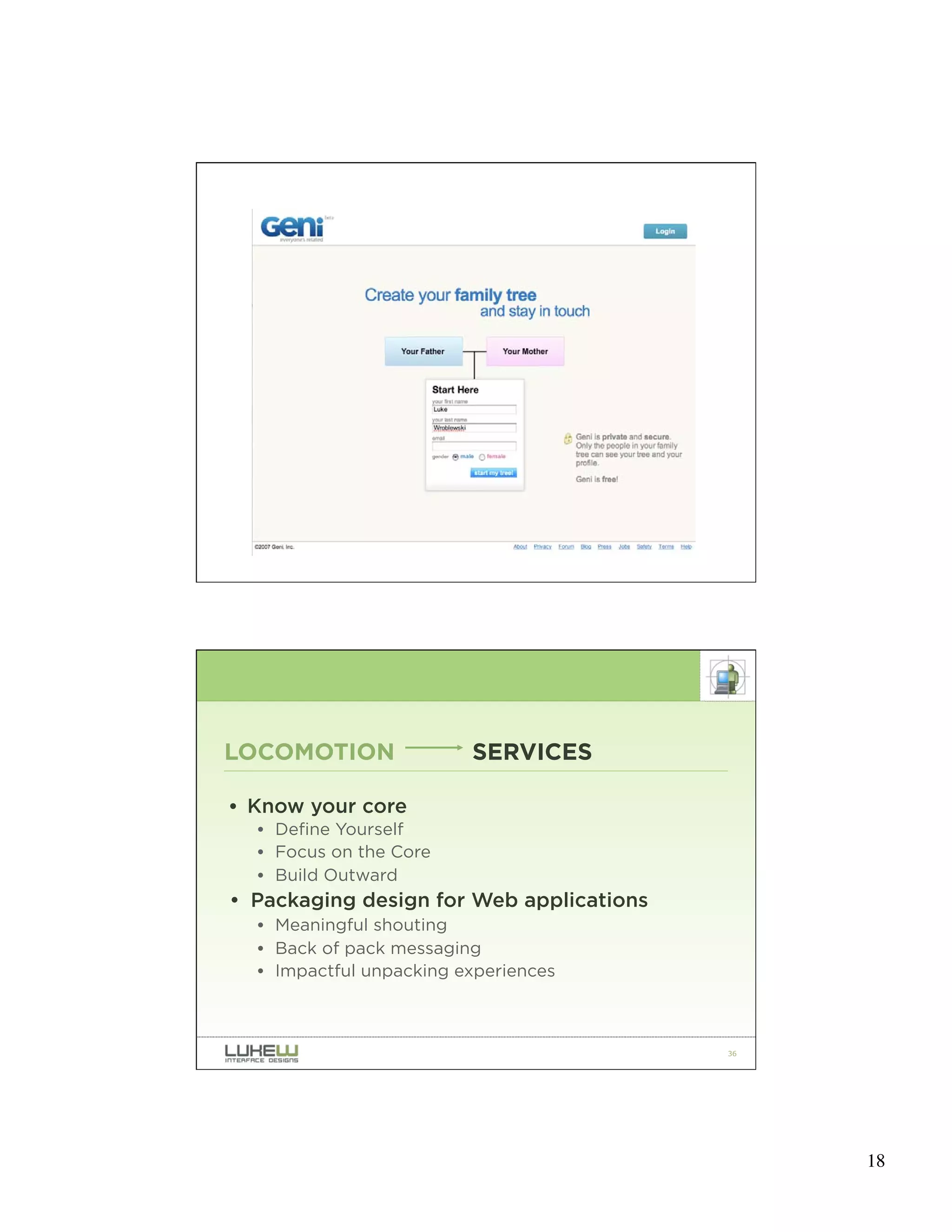
COMPARE THAT EXPERIENCE
TO…


                          34


                               17
35


LOCOMOTION               SERVICES

• Know your core
  • Define Yourself
  • Focus on the Core
  • Build Outward
• Packaging design for Web applications
  • Meaningful shouting
  • Back of pack messaging
  • Impactful unpacking experiences


                                          36


                                               18
RECENT SHIFTS

LOCOMOTION        SERVICES
PAGES             RICH INTERACTIONS
SITES             CONTENT EXPERIENCES
WEBMASTERS        EVERYONE


                                      37


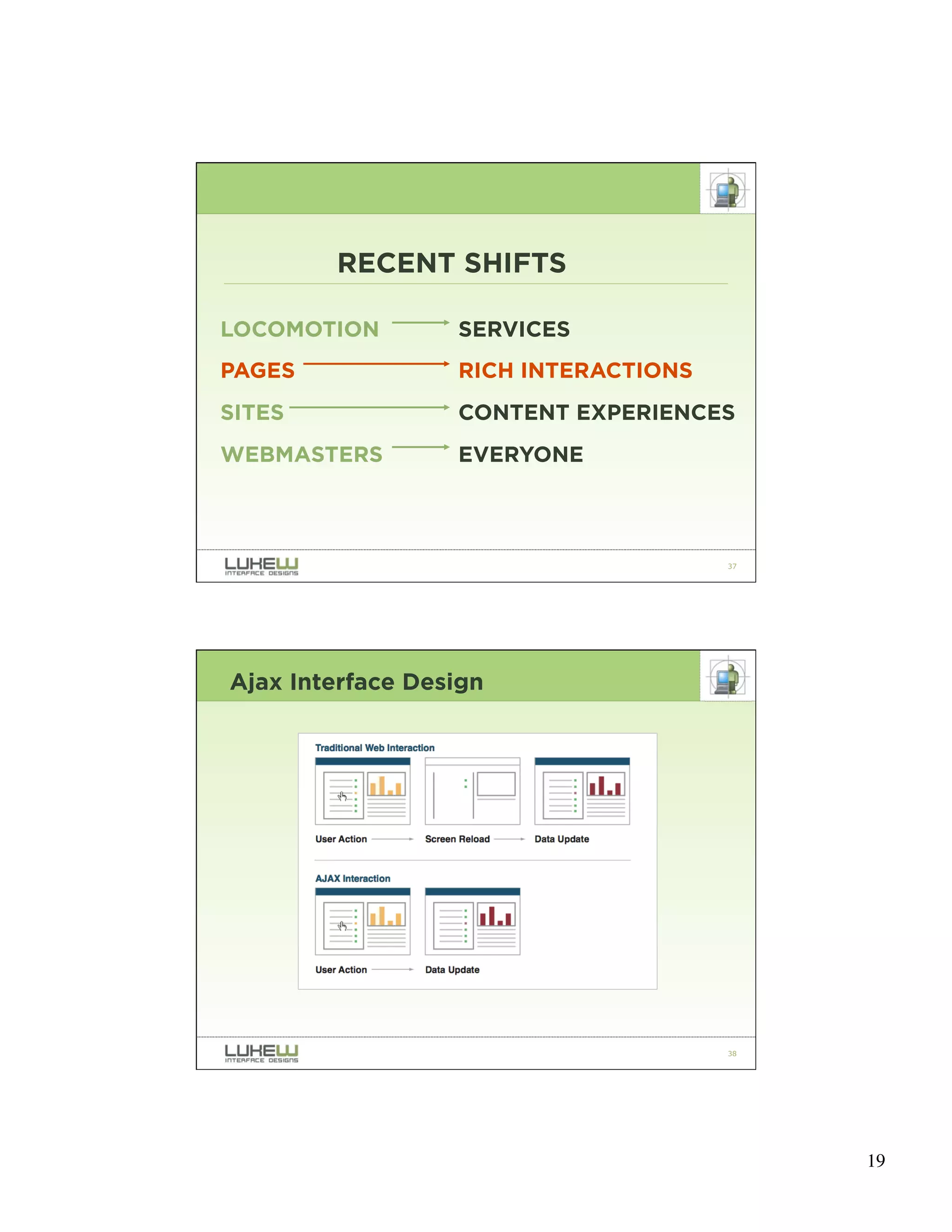
Ajax Interface Design


                                      38


                                           19
39
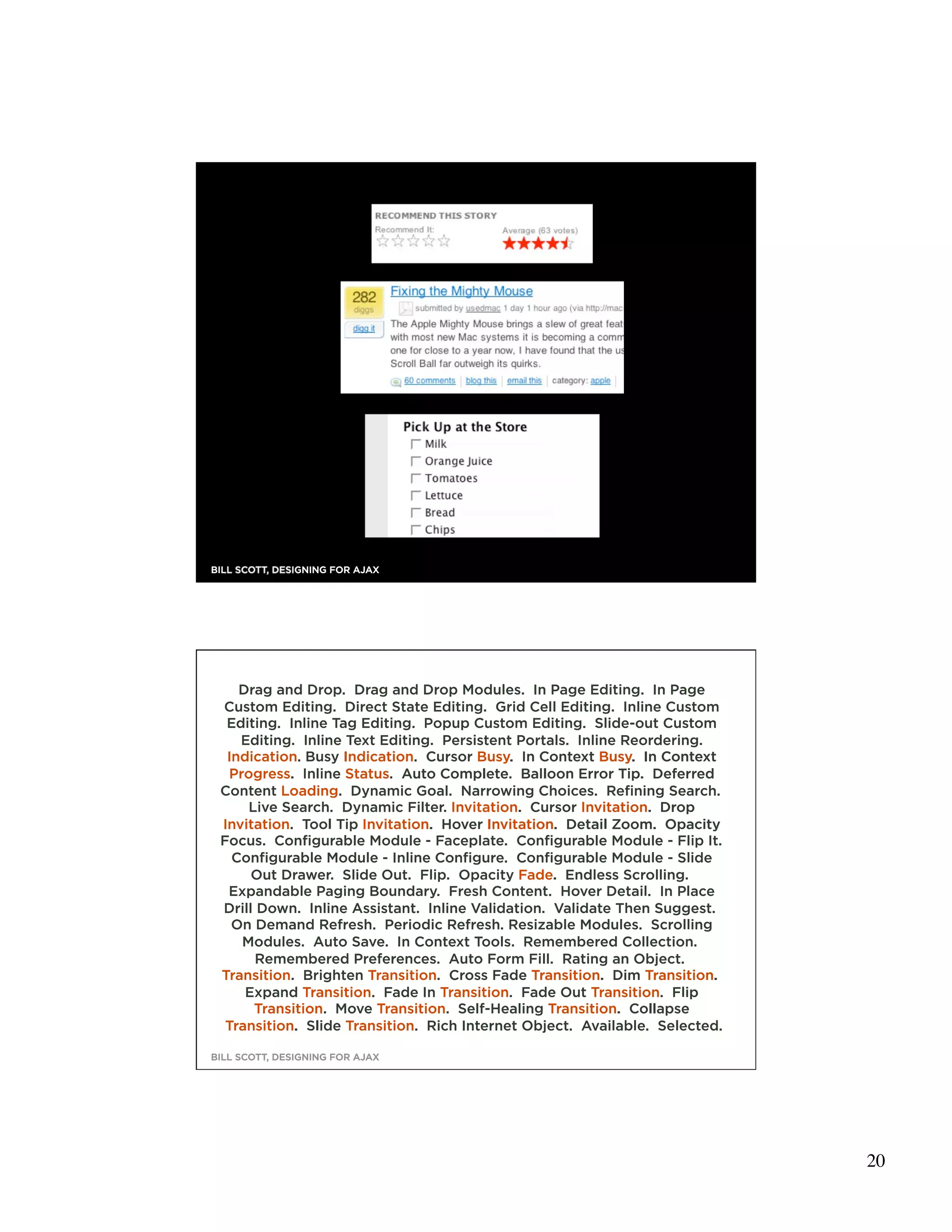
BILL SCOTT, DESIGNING FOR AJAX


    Drag and Drop. Drag and Drop Modules. In Page Editing. In Page
 Custom Editing. Direct State Editing. Grid Cell Editing. Inline Custom
  Editing. Inline Tag Editing. Popup Custom Editing. Slide-out Custom
    Editing. Inline Text Editing. Persistent Portals. Inline Reordering.
  Indication. Busy Indication. Cursor Busy. In Context Busy. In Context
  Progress. Inline Status. Auto Complete. Balloon Error Tip. Deferred
 Content Loading. Dynamic Goal. Narrowing Choices. Refining Search.
     Live Search. Dynamic Filter. Invitation. Cursor Invitation. Drop
 Invitation. Tool Tip Invitation. Hover Invitation. Detail Zoom. Opacity
 Focus. Configurable Module - Faceplate. Configurable Module - Flip It.
   Configurable Module - Inline Configure. Configurable Module - Slide
      Out Drawer. Slide Out. Flip. Opacity Fade. Endless Scrolling.
  Expandable Paging Boundary. Fresh Content. Hover Detail. In Place
 Drill Down. Inline Assistant. Inline Validation. Validate Then Suggest.
   On Demand Refresh. Periodic Refresh. Resizable Modules. Scrolling
    Modules. Auto Save. In Context Tools. Remembered Collection.
       Remembered Preferences. Auto Form Fill. Rating an Object.
 Transition. Brighten Transition. Cross Fade Transition. Dim Transition.
     Expand Transition. Fade In Transition. Fade Out Transition. Flip
      Transition. Move Transition. Self-Healing Transition. Collapse
  Transition. Slide Transition. Rich Internet Object. Available. Selected.
                                                                             40
BILL SCOTT, DESIGNING FOR AJAX


                                                                                  20
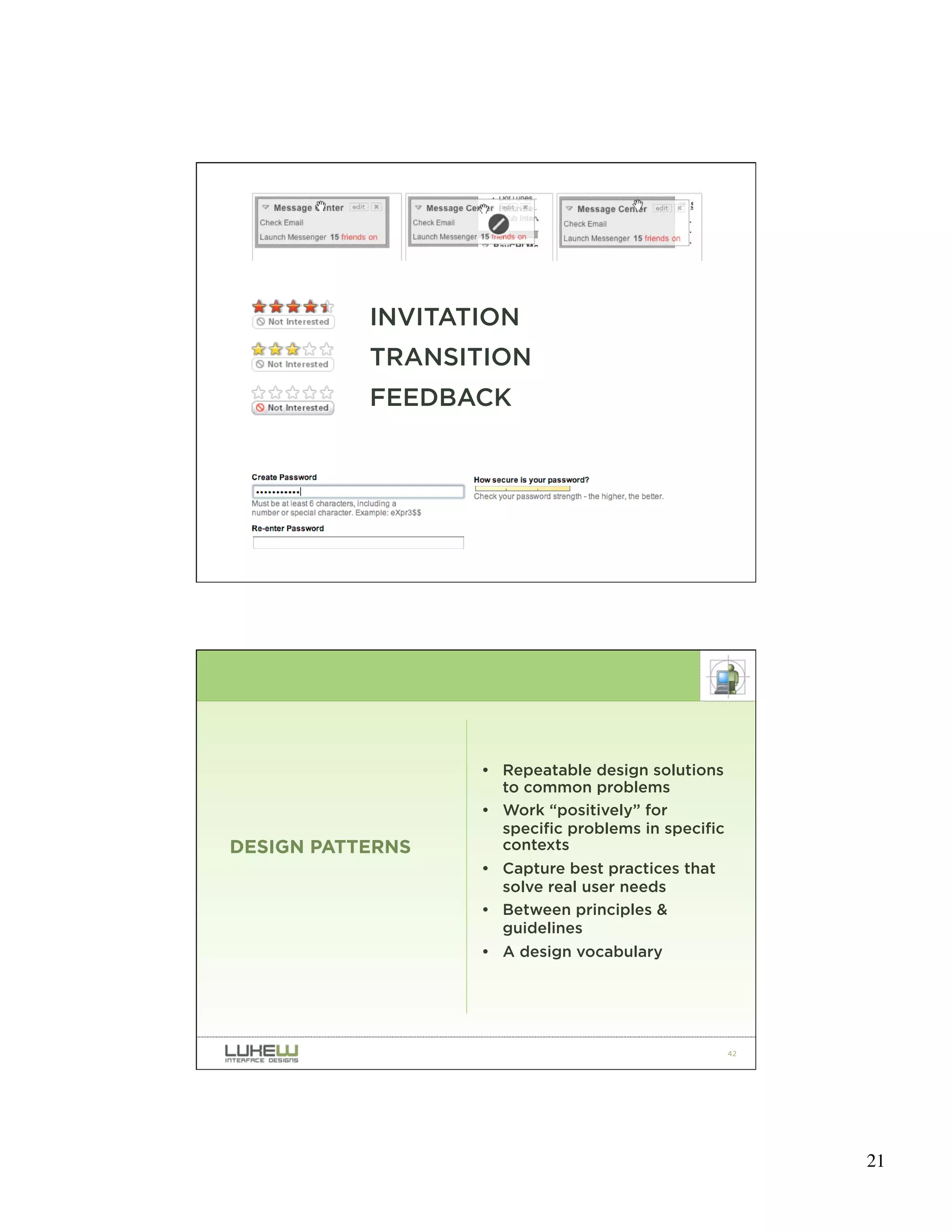
INVITATION
           TRANSITION
           FEEDBACK


                                                    41


                  • Repeatable design solutions
                    to common problems
                  • Work “positively” for
                    specific problems in specific
DESIGN PATTERNS     contexts
                  • Capture best practices that
                    solve real user needs
                  • Between principles &
                    guidelines
                  • A design vocabulary


                                                    42


                                                         21
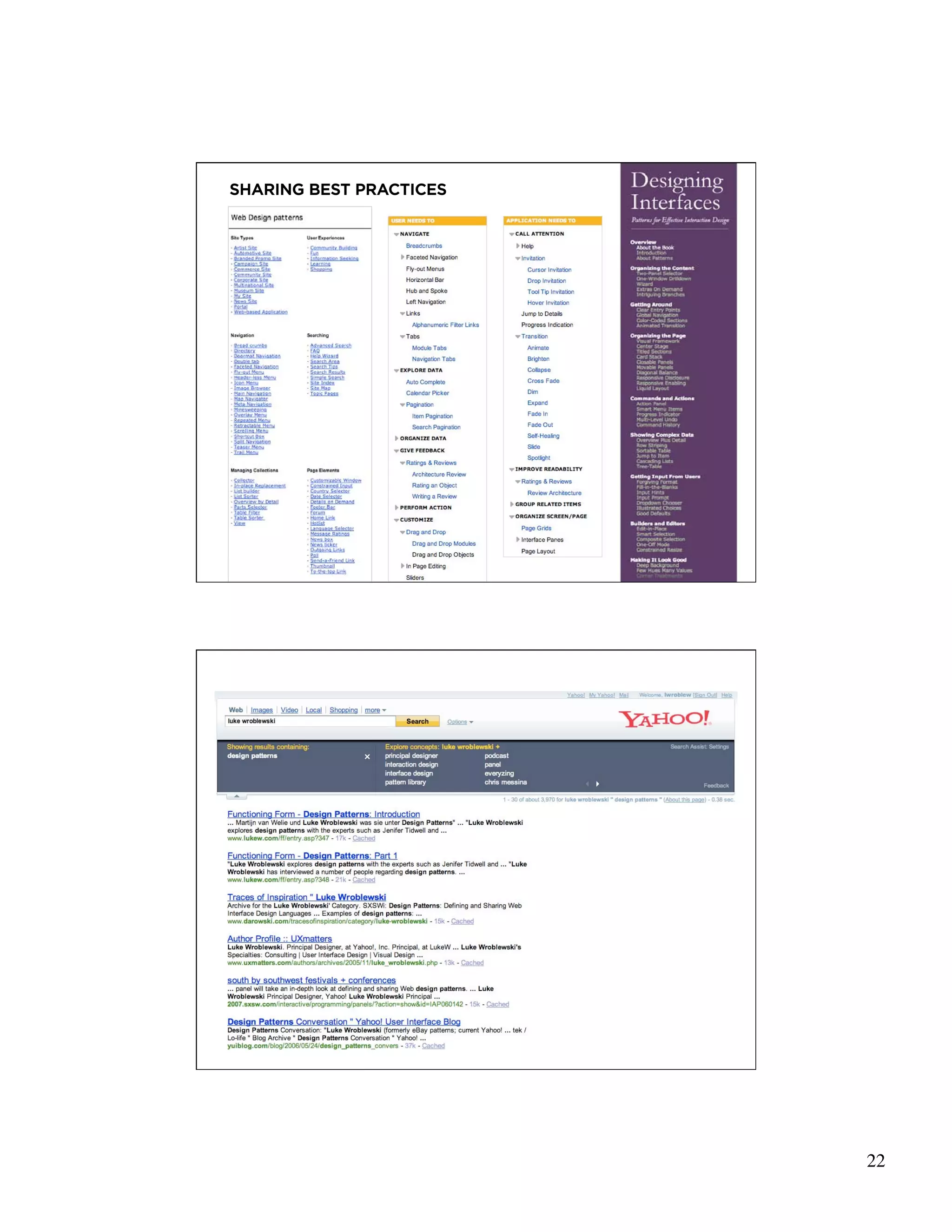
SHARING BEST PRACTICES


                         43


                         44


                              22
PAGES                      RICH INTERACTIONS

• Design considerations
  •   Invitation: communicate potential
  •   Transition: illustrate manipulation
  •   Feedback: success, progress, errors
  •   Leverage design patterns


                                               45


             RECENT SHIFTS

LOCOMOTION                 SERVICES
PAGES                      RICH INTERACTIONS
SITES                      CONTENT EXPERIENCES
WEBMASTERS                 EVERYONE


                                               46


                                                    23
• Content Creation Tools
  • 120,00 new blogs created each day -4/07
• Content Aggregators
  • digg hits one million registered users -3/07
• Display Surfaces
  • MySpace number one site in page views -12/06
• Entertainment
  • 100+ million daily streams on YouTube -6/06


                                                   47


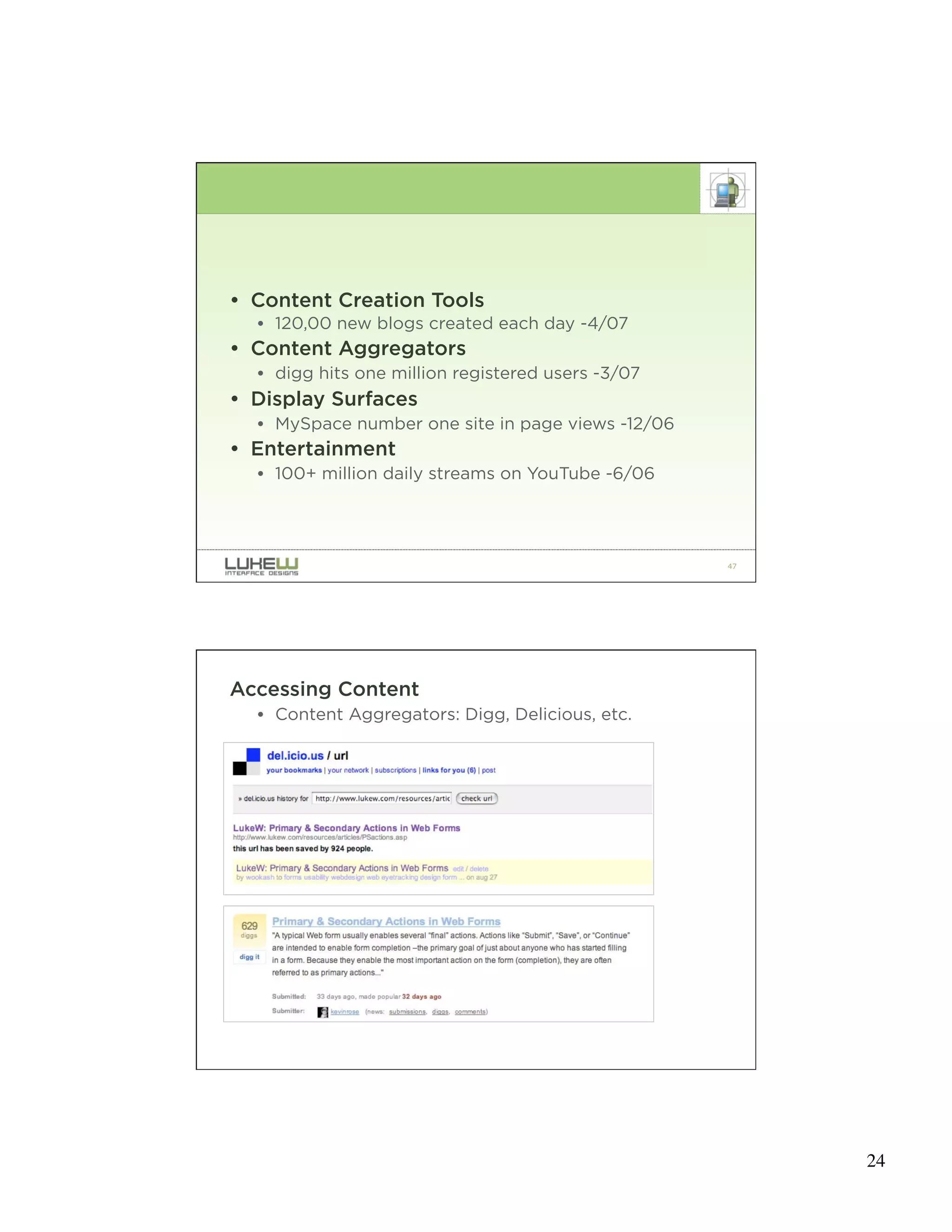
Accessing Content
  • Content Aggregators: Digg, Delicious, etc.


                                                   48


                                                        24
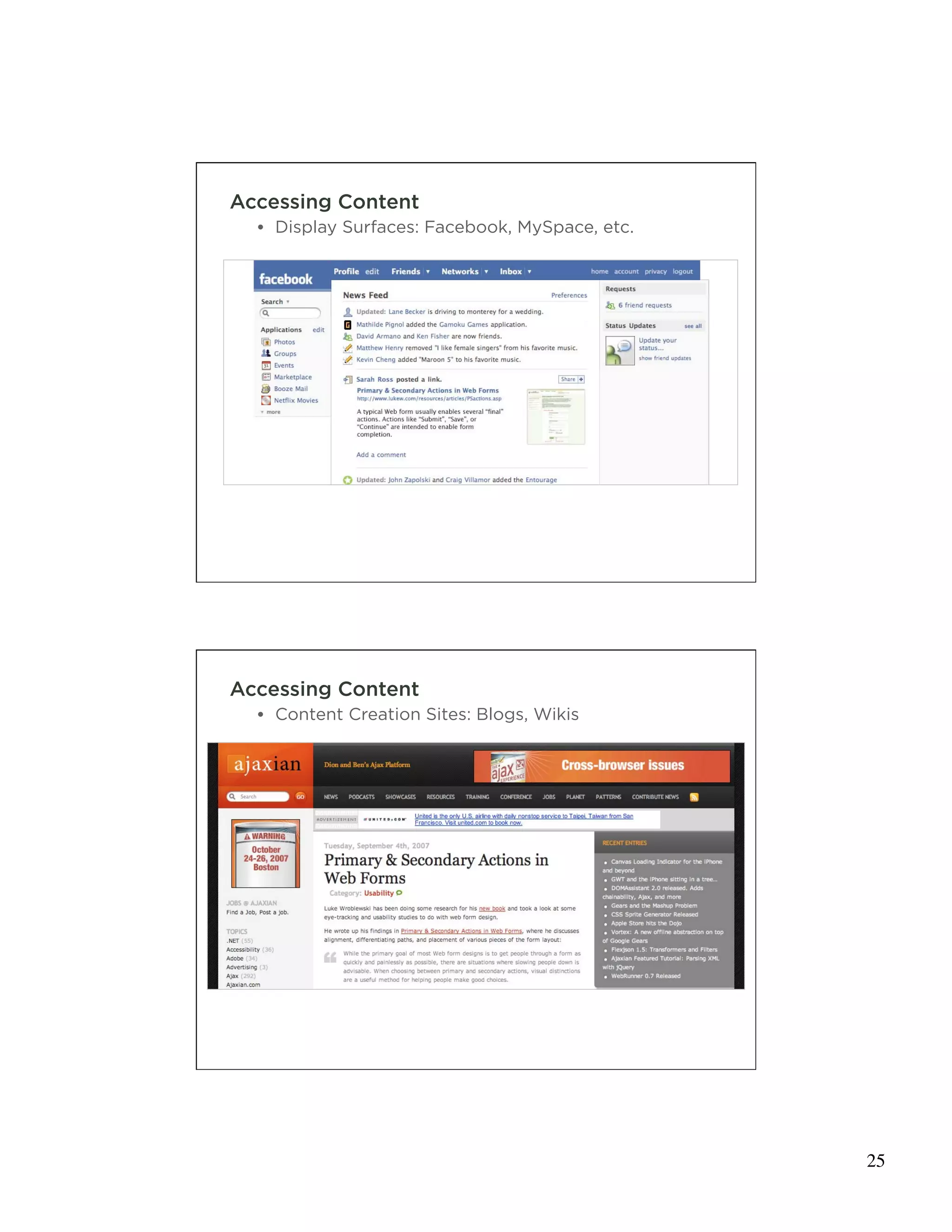
Accessing Content
  • Display Surfaces: Facebook, MySpace, etc.


                                                49


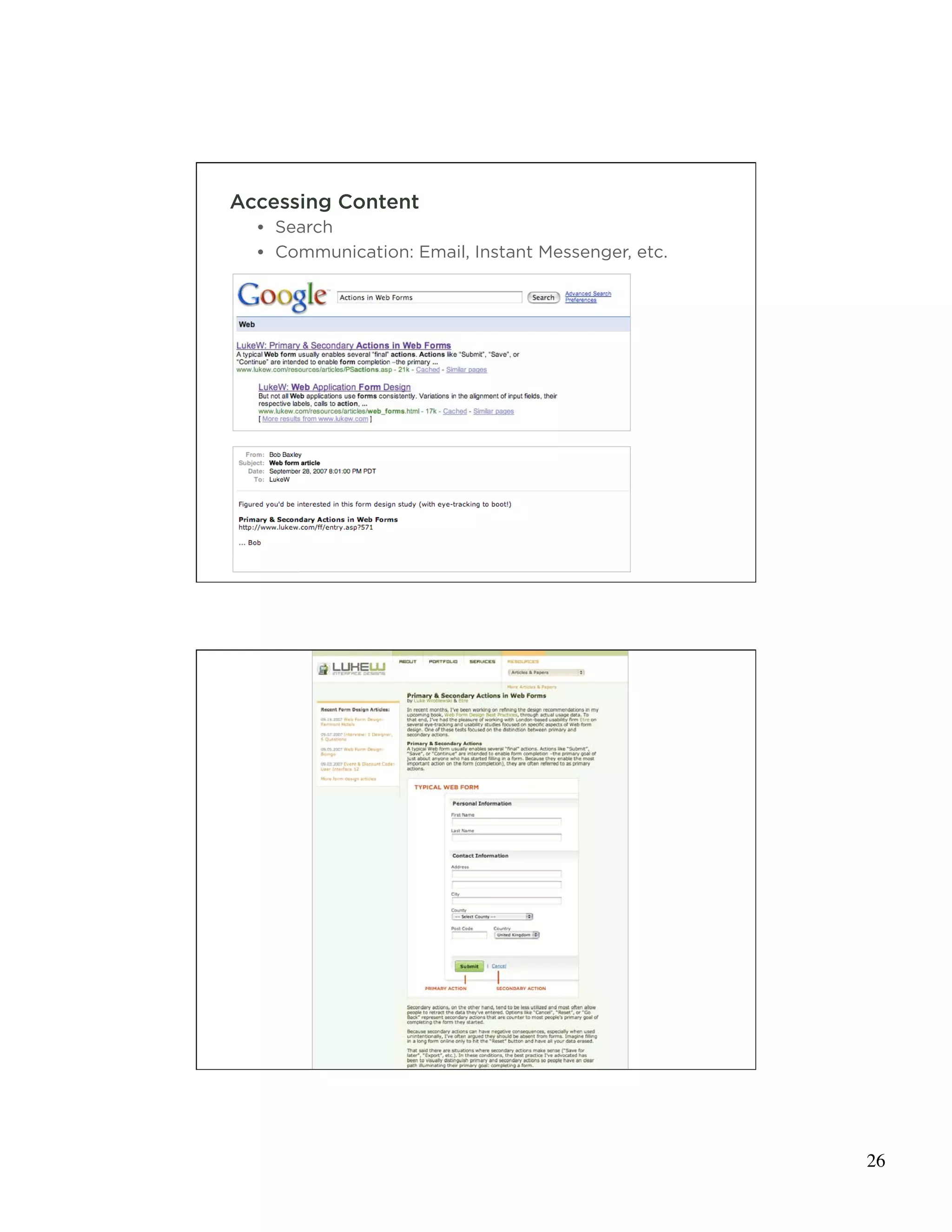
Accessing Content
  • Content Creation Sites: Blogs, Wikis


                                                50


                                                     25
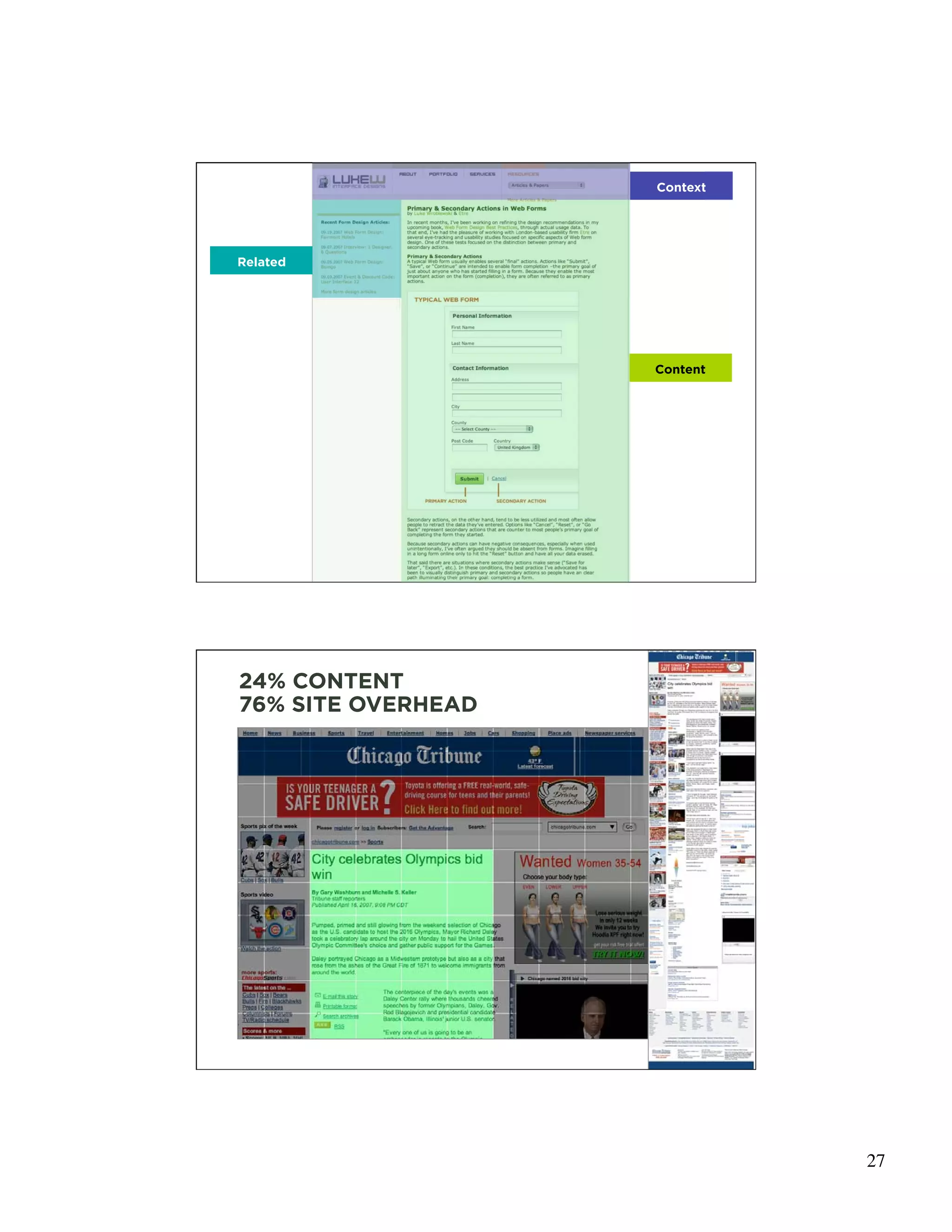
Accessing Content
  • Search
  • Communication: Email, Instant Messenger, etc.


                                                    51


                                                    52


                                                         26
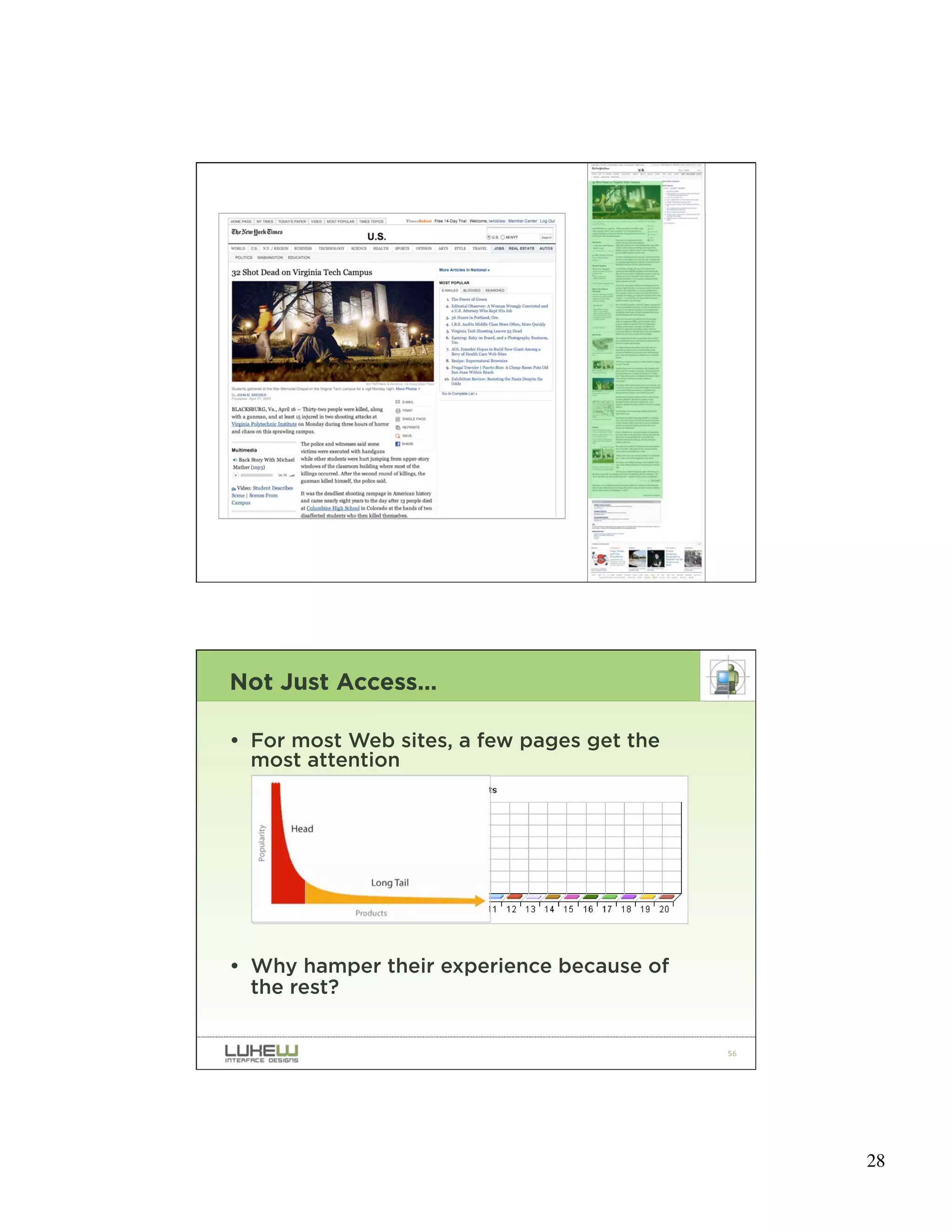
Context


Related


                    Content


                              53


24% CONTENT
76% SITE OVERHEAD


                              54


                                   27
55


Not Just Access…

• For most Web sites, a few pages get the
  most attention


• Why hamper their experience because of
  the rest?


                                            56


                                                 28
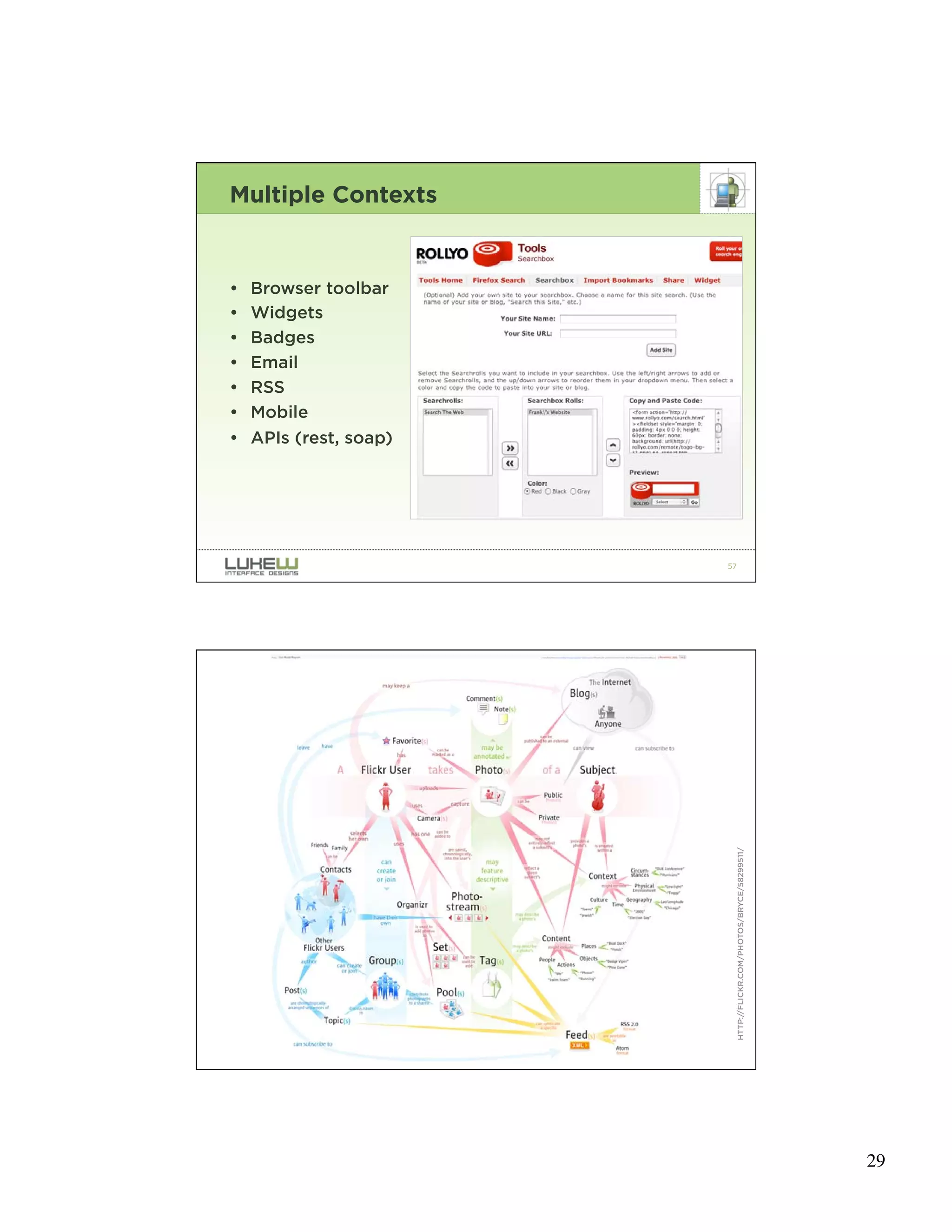
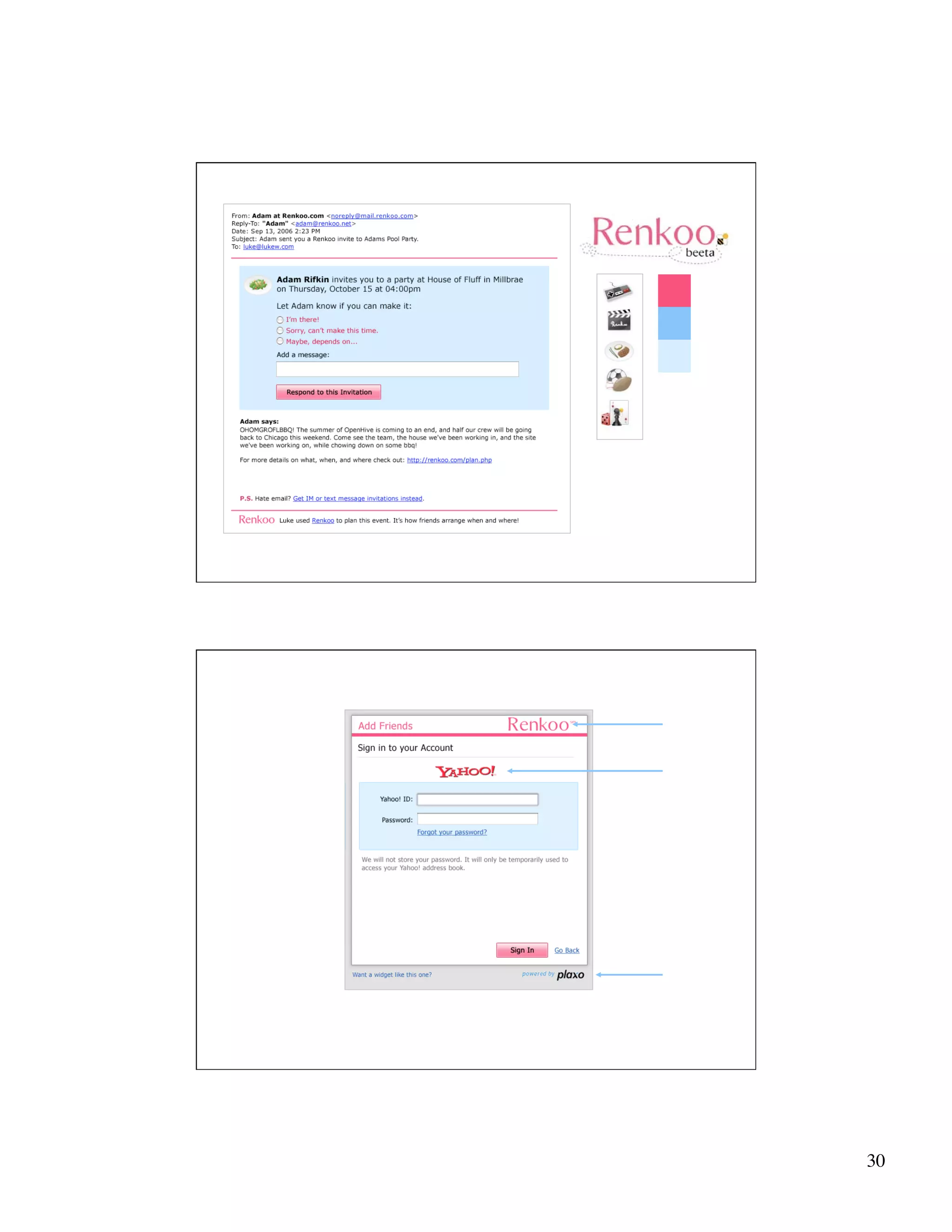
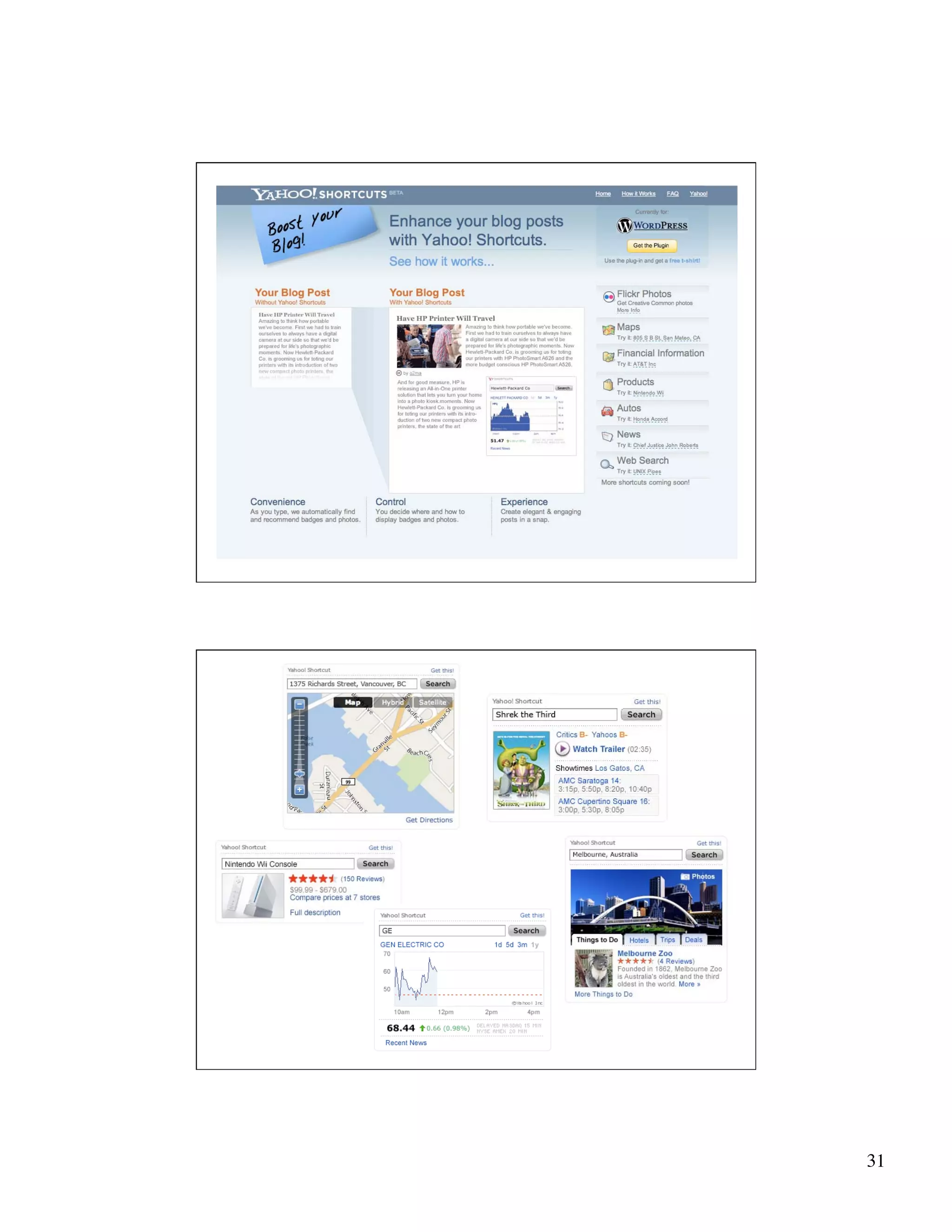
Multiple Contexts


•   Browser toolbar
•   Widgets
•   Badges
•   Email
•   RSS
•   Mobile
•   APIs (rest, soap)


                        57


                             HTTP://FLICKR.COM/PHOTOS/BRYCE/58299511/


                        58


                                                                        29
59


60


     30
61


62


     31
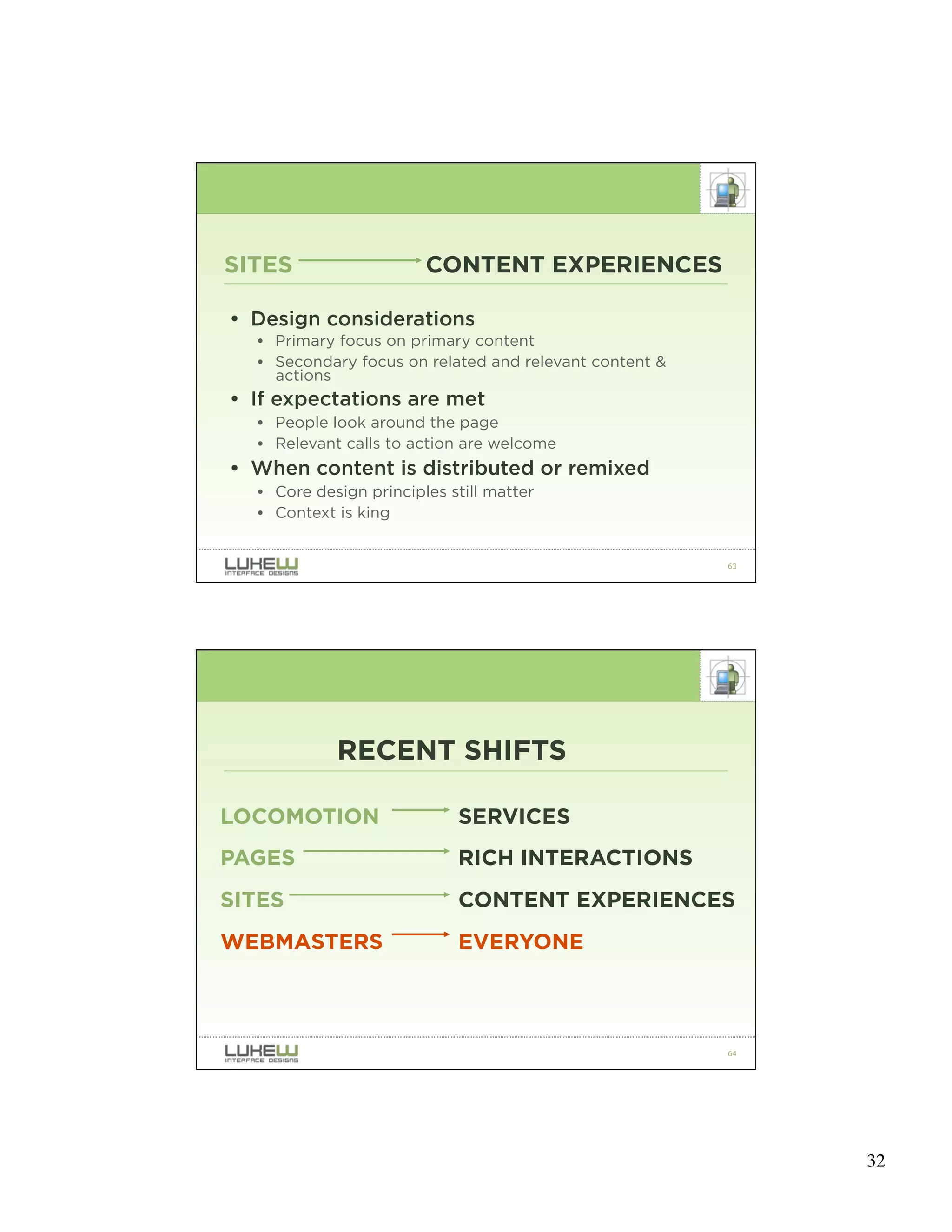
SITES                   CONTENT EXPERIENCES

• Design considerations
  • Primary focus on primary content
  • Secondary focus on related and relevant content &
    actions
• If expectations are met
  • People look around the page
  • Relevant calls to action are welcome
• When content is distributed or remixed
  • Core design principles still matter
  • Context is king


                                                        63


            RECENT SHIFTS

LOCOMOTION                  SERVICES
PAGES                       RICH INTERACTIONS
SITES                       CONTENT EXPERIENCES
WEBMASTERS                  EVERYONE


                                                        64


                                                             32
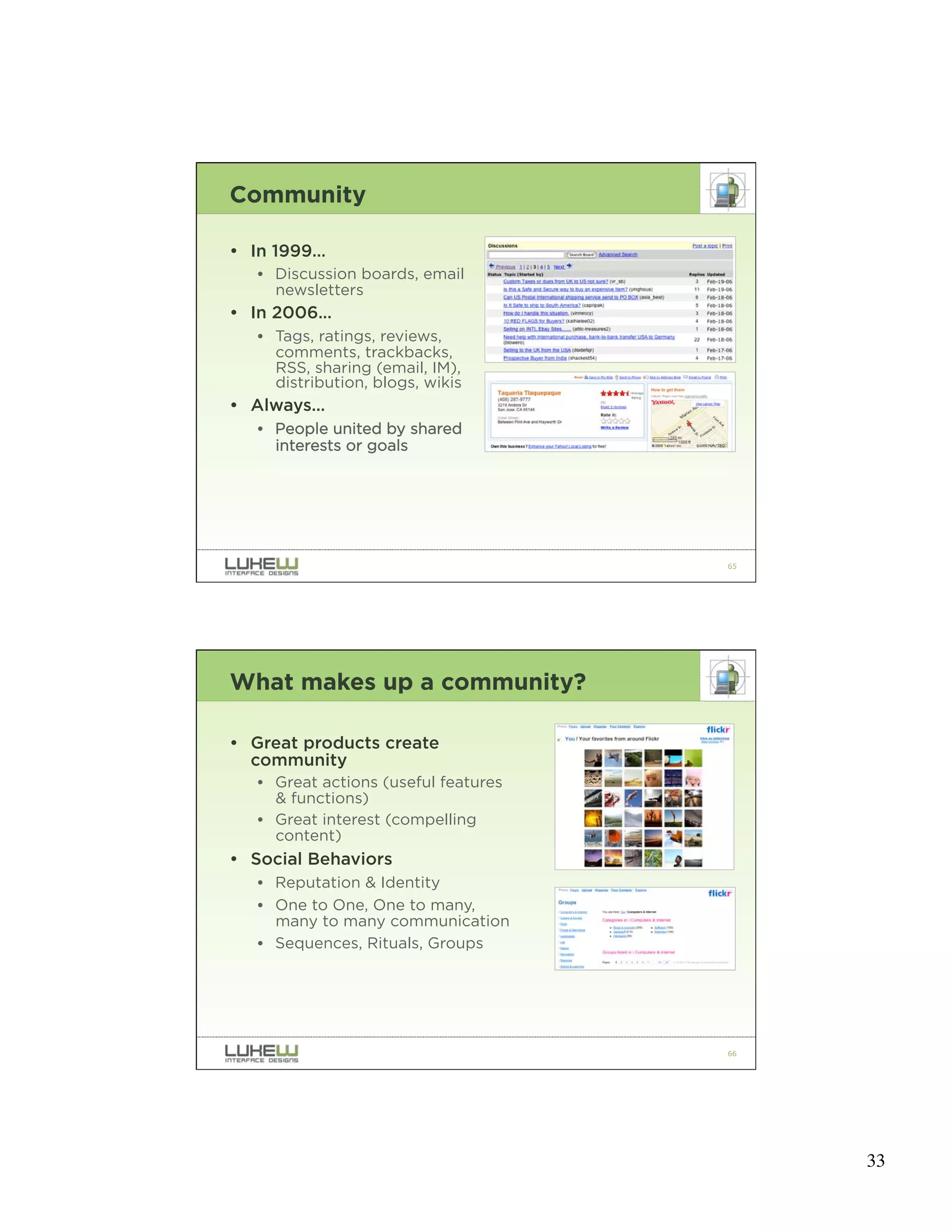
Community

• In 1999…
   • Discussion boards, email
     newsletters
• In 2006…
   • Tags, ratings, reviews,
     comments, trackbacks,
     RSS, sharing (email, IM),
     distribution, blogs, wikis
• Always…
   • People united by shared
     interests or goals


                                      65


What makes up a community?

• Great products create
  community
   • Great actions (useful features
     & functions)
   • Great interest (compelling
     content)
• Social Behaviors
   • Reputation & Identity
   • One to One, One to many,
     many to many communication
   • Sequences, Rituals, Groups


                                      66


                                           33
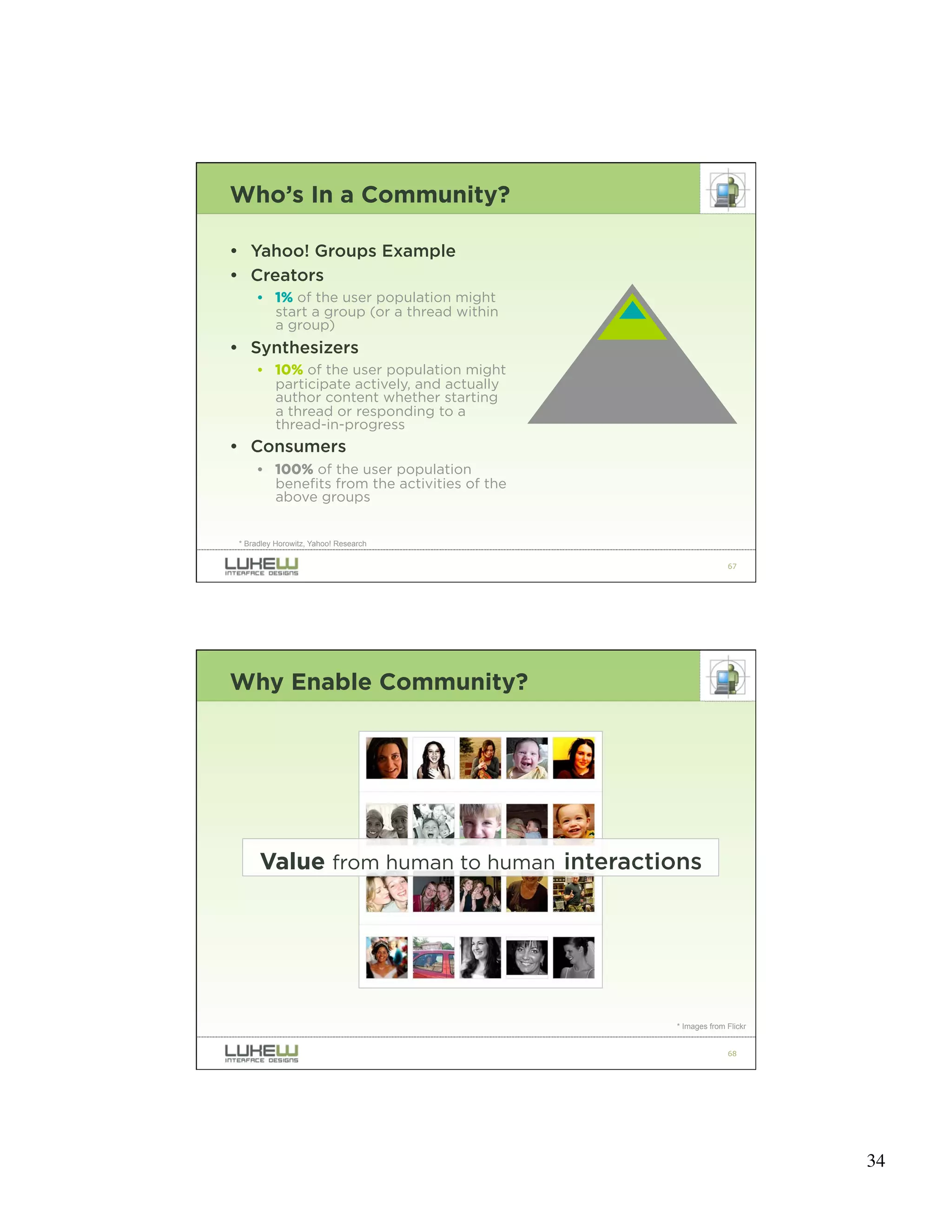
Who’s In a Community?

• Yahoo! Groups Example
• Creators
      • 1% of the user population might
        start a group (or a thread within
        a group)
• Synthesizers
      • 10% of the user population might
        participate actively, and actually
        author content whether starting
        a thread or responding to a
        thread-in-progress
• Consumers
      • 100% of the user population
        benefits from the activities of the
        above groups


 * Bradley Horowitz, Yahoo! Research

                                                            67


Why Enable Community?


      Value from human to human interactions


                                              * Images from Flickr


                                                            68


                                                                     34
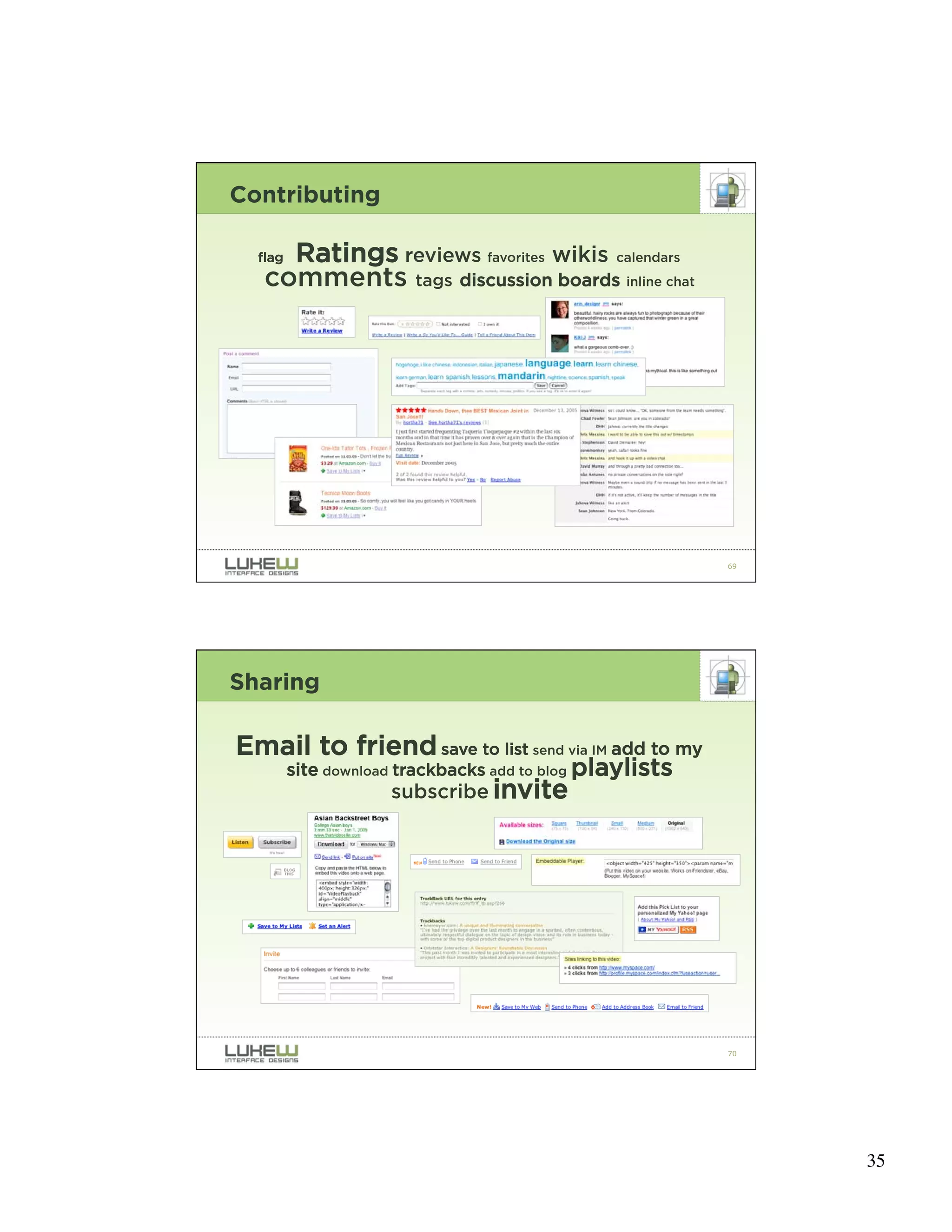
Contributing

     Ratings reviews favorites wikis calendars
  flag
   comments tags discussion boards inline chat


                                                          69


Sharing

Email to friend save to list send via IM add to my
         site download trackbacks add to blog playlists
                     subscribe invite


                                                          70


                                                               35
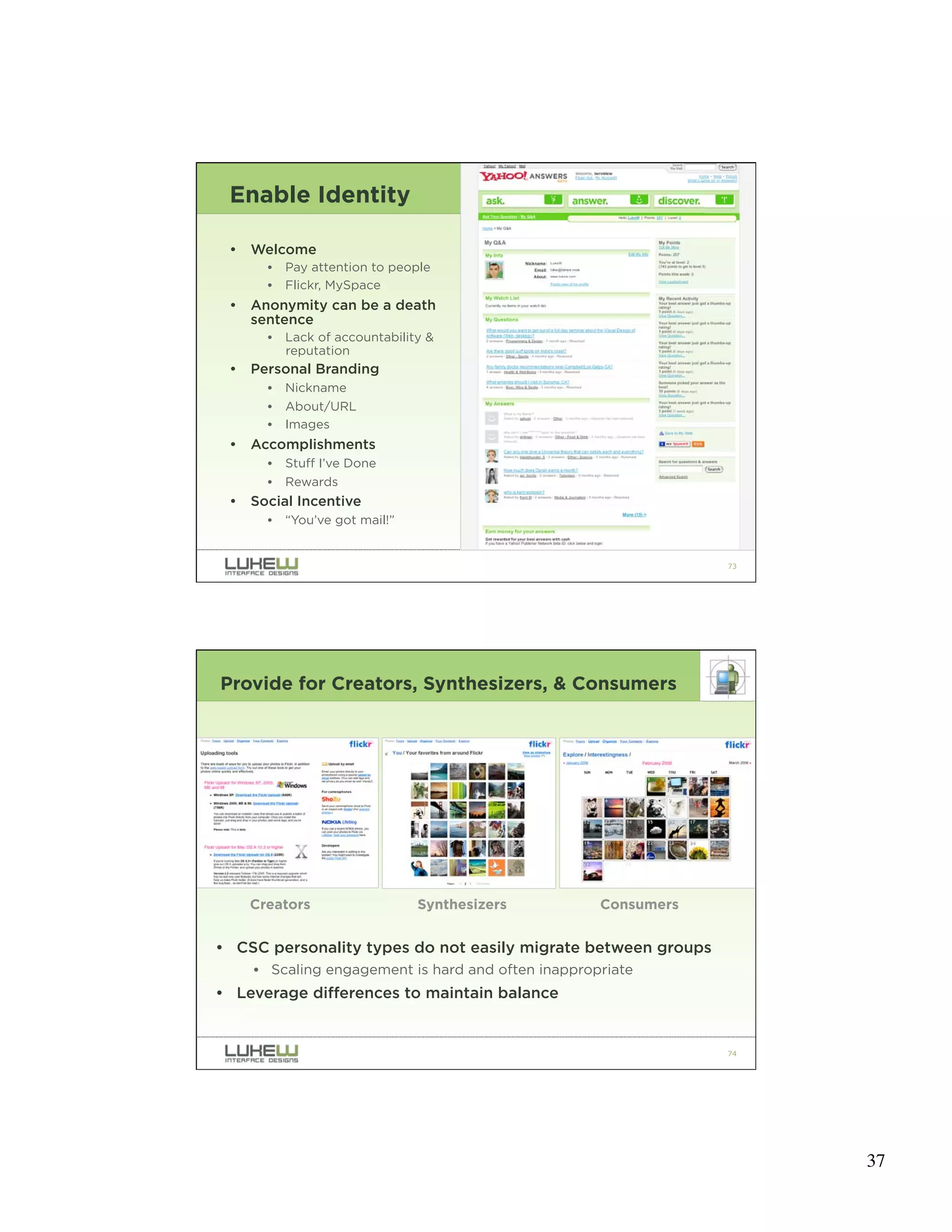
Implications: Good

• Filter
    • Provide Information about
      information
    • Organic Popularity
• Original content creation
    • Flickr
• Increased Engagement
    • Yahoo! Answers
• Invested Customers
    • eBay
• Collaborative Innovation
    • eBay & PayPal

                                             * Images from Flickr

                                                           71


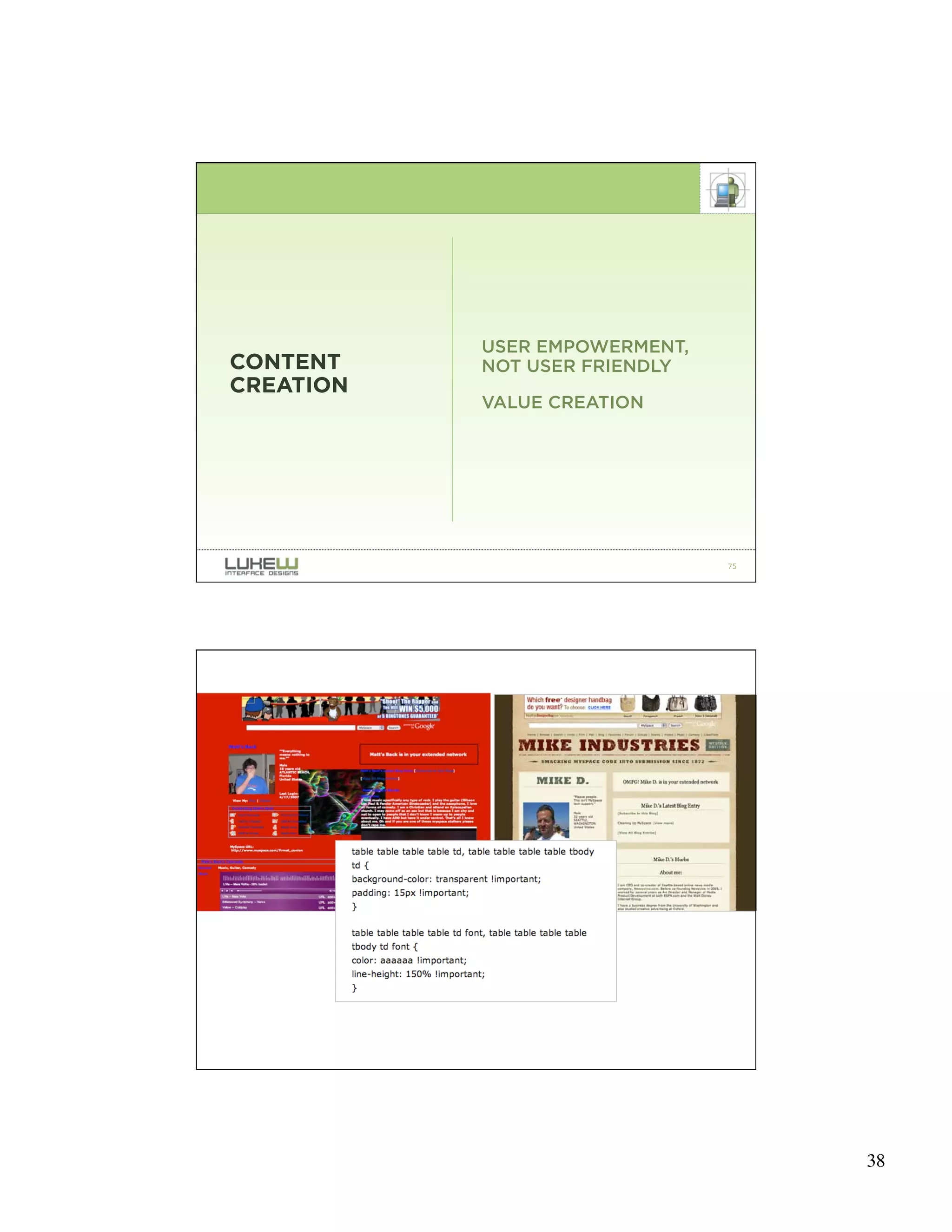
Implications: Bad

• Too many “social” features can
  distract
    • Blur the focus of the product
• Quality
    • Splogs, spratings, spags, comment
      spam, trackback spam
    • Lightweight interactions =
      lightweight content
• Power Laws
    • Power participants can become a
      dominant force in the direction of a
      product
    • Power can be abused
    • The vocal minority: potential
      innovation hurdle
    • Factions vs. Tribes
• Privacy & Exposure
    • Safety
                                             * Images from Flickr

                                                           72


                                                                    36
Enable Identity

 •   Welcome
       •   Pay attention to people
       •   Flickr, MySpace
 •   Anonymity can be a death
     sentence
       •   Lack of accountability &
           reputation
 •   Personal Branding
       •   Nickname
       •   About/URL
       •   Images
 •   Accomplishments
       •   Stuff I’ve Done
       •   Rewards
 •   Social Incentive
       •   “You’ve got mail!”


                                                                73


Provide for Creators, Synthesizers, & Consumers


     Creators                   Synthesizers        Consumers


• CSC personality types do not easily migrate between groups
     • Scaling engagement is hard and often inappropriate
• Leverage differences to maintain balance


                                                                74


                                                                     37
USER EMPOWERMENT,
CONTENT    NOT USER FRIENDLY
CREATION
           VALUE CREATION


                               75


                               76


                                    38
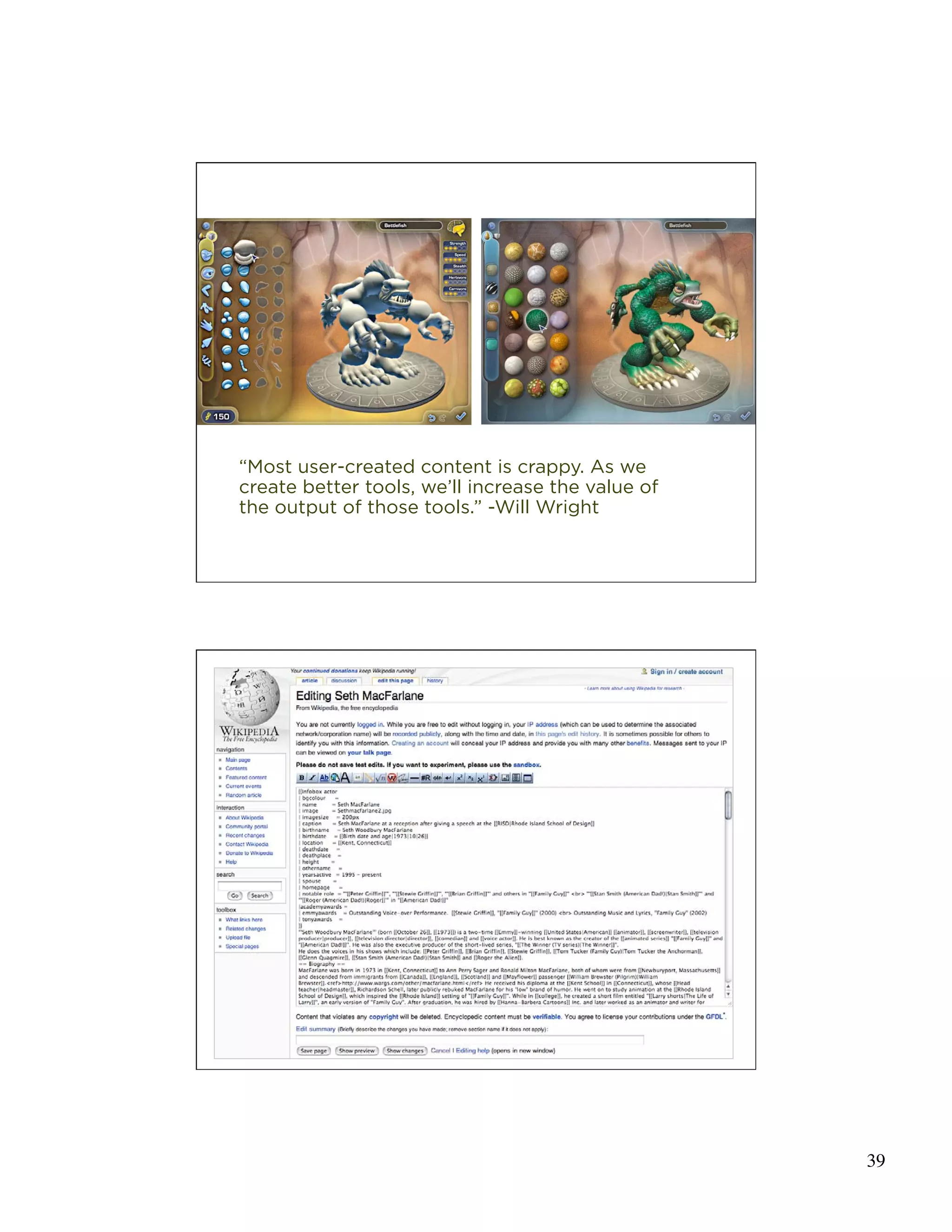
“Most user-created content is crappy. As we
create better tools, we’ll increase the value of
the output of those tools.” -Will Wright

                                                   77


                                                   78


                                                        39
Constraints Balance Systems

• Quality Control
    • Lightweight interactions =
      lightweight content
    • “Burying the submit button [in
      community Web sites]
      encourages fewer, but better
      posts.” -Derek Powazek, Design
      for Community, 2001
• Barriers to Entry
    • "The best check on bad behavior
      is identity.” -Mark Zuckerburg,
      Facebook Founder


                                                     79


WEBMASTERS                         EVERYONE

• Design considerations
   • Enable identity
   • Provide for Creators, Synthesizers, Consumers
   • Tools for expression: easier to do the right
     thing, remain flexible & robust
   • Think through barriers to entry


                                                     80


                                                          40
IN SUMMARY….


                                                  81


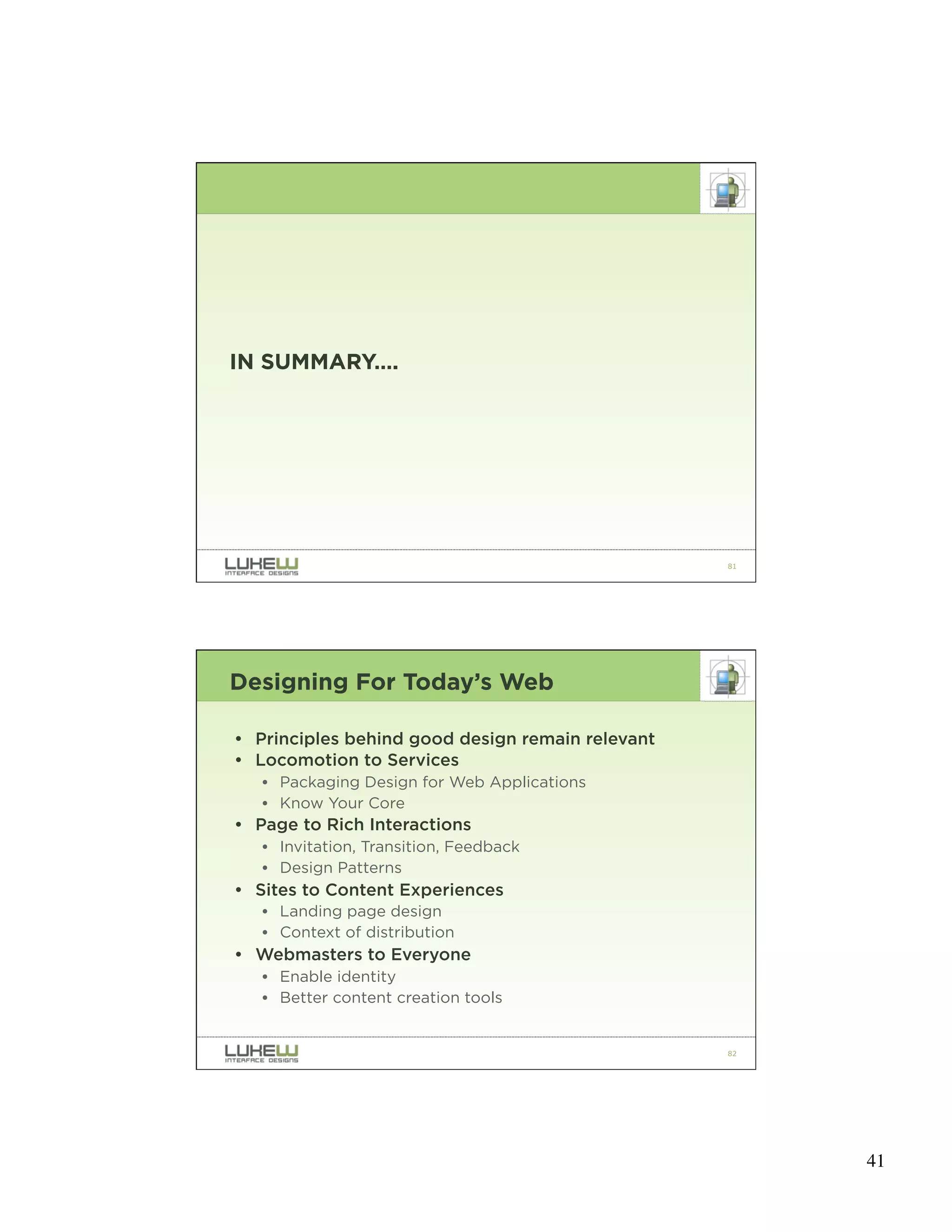
Designing For Today’s Web

• Principles behind good design remain relevant
• Locomotion to Services
   • Packaging Design for Web Applications
   • Know Your Core
• Page to Rich Interactions
   • Invitation, Transition, Feedback
   • Design Patterns
• Sites to Content Experiences
   • Landing page design
   • Context of distribution
• Webmasters to Everyone
   • Enable identity
   • Better content creation tools


                                                  82


                                                       41
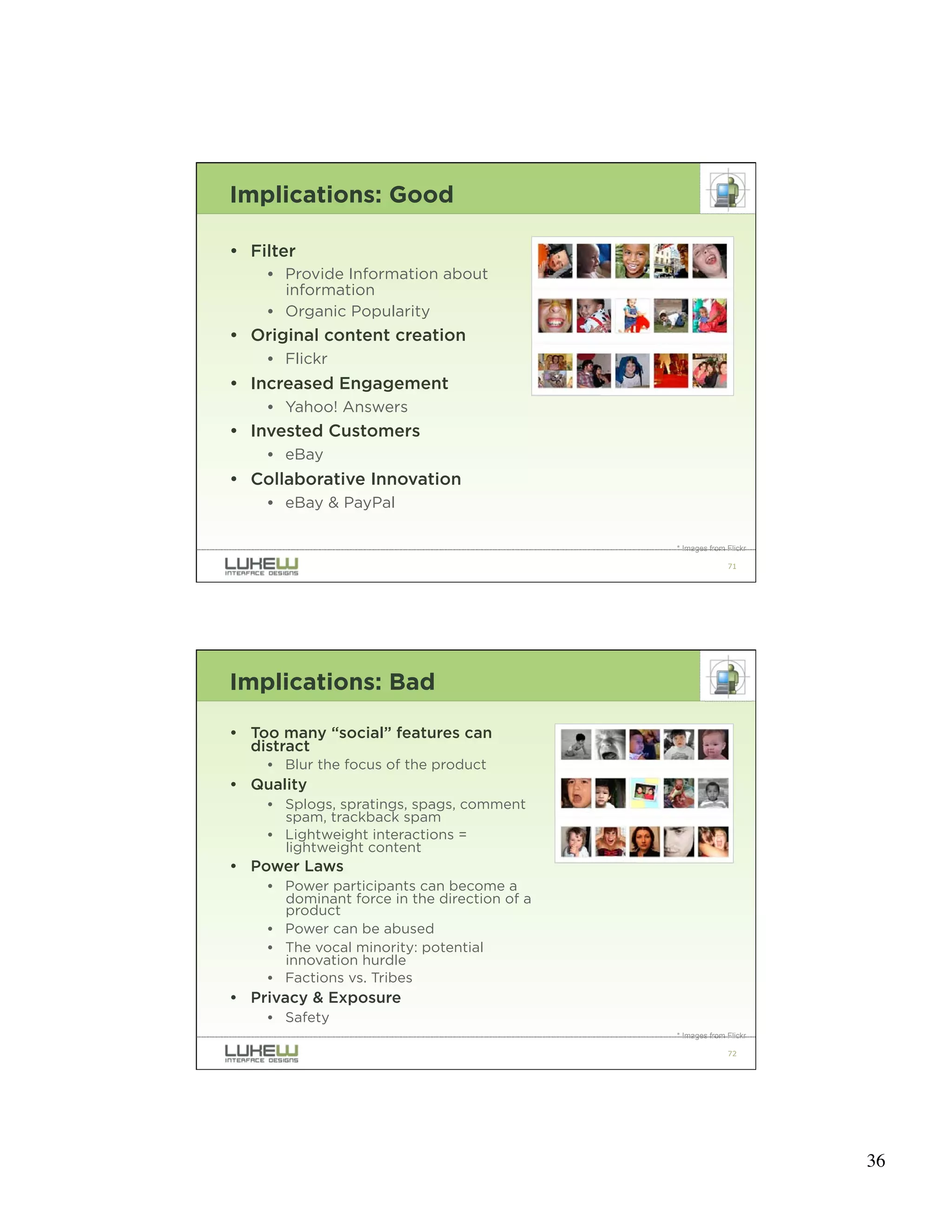
For more information…


              Functioning Form
                www.lukew.com/ff/
              Drop me a note
                luke@lukew.com


                                    83


                                         42

Designing.for.todays.web

  • 1.
    DESIGNING FOR TODAY’S WEB LUKE WROBLEWSKI VALA NATIONAL CONFERENCE, FEB. 2008 1 Luke Wroblewski Yahoo! Inc. • Senior Principal, Product Ideation & Design LukeW Interface Designs • Principal & Founder • Product design & strategy services Author • Site-Seeing: A Visual Approach to Web Usability (Wiley & Sons) • Upcoming: Best Practices for Form Design (Rosenfeld Media) • Functioning Form: Web applications, product strategy, & interface design articles Previously • eBay Inc., Lead Designer • University of Illinois, Instructor • NCSA, Senior Designer 2 1
  • 2.
    How We Usethe Web “Look around feverishly for anything that is interesting or vaguely resembles what you are looking for, and is clickable.” -Steve Krug -Steve Krug, Don’t Make Me Think: A Common Sense Approach to Web Usability 3 Squidoo Eye-tracking study (by etre) 4 2
  • 3.
    Design Considerations Luke Wroblewski, Site-Seeing: A Visual Approach to Web Usability • Presentation: How your application appears to your audience • Interaction: How your application behaves in response to user actions • Organization: The structure of your application 5 The End Goal • Quickly Communicate • What is this? Usefulness • How do I use it? Usability • Why should I care? Desirability 6 3
  • 4.
    7 SO WHAT ISDIFFERENT ABOUT TODAY’S WEB? 8 4
  • 5.
    RECENT SHIFTS LOCOMOTION SERVICES PAGES RICH INTERACTIONS SITES CONTENT EXPERIENCES WEBMASTERS EVERYONE 9 RECENT SHIFTS LOCOMOTION SERVICES PAGES RICH INTERACTIONS SITES CONTENT EXPERIENCES WEBMASTERS EVERYONE 10 5
  • 6.
    WAYS WE INTERACTWITH THE WORLD: • Locomotion • Conversation • Manipulation -TERRY WINOGRAD, STANFORD 11 Web Transitions 1. Locomotion to digital representations of physical entities • Directories & portals, Yahoo! • Company sites & brochure-ware 2. Digital manipulation of physical goods • E-commerce everywhere • Amazon, eBay 3. Digital services • Enable conversation & manipulation • Display surfaces • Content creation • Aggregation • Entertainment -Types of digital services: TOM CHI, YAHOO! 12 6
  • 7.
    Web Applications • Hosting costs less than cup of coffee per month • Free open source platforms • Development toolkits increasingly available • Instant global audience: 1.2B people use the Internet (Sept 2007) 13 DEFINE YOURSELF KNOW YOUR CORE FOCUS ON THE CORE BUILD OUTWARD 14 7
  • 8.
    eBay “eBay’s original vision was to create the world’s first global economic democracy” -Pierre Omidyar 15 eBay • 30th largest economy in the world (38 markets) • 700k Full time sellers in US • $1,800 worth of goods sold every second • 520K Stores hosted worldwide 16 8
  • 9.
    WHAT’S AT THECORE OF EBAY? 17 eBay: the Core Level playing field 18 9
  • 10.
    When we madethe move to the one-click Digg, activity went through the roof. It was just insane! Just the ease of the one-click and you're done made all the difference in the world."-Kevin Rose 19 HTTP://FLICKR.COM/PHOTOS/BRYCE/58299511/ 20 10
  • 11.
    MEANINGFUL PACKAGING DESIGN SHOUTING FOR WEB BACK OF PACK APPLICATIONS UNPACKING EXPERIENCE 21 DIFFERENTIATE MEANINGFUL SHOUTING ATTRACT EMBODY THE BRAND 22 11
  • 12.
  • 13.
    25 SUPPORT THE STORY BACK OF PACK OUTLINE BENEFITS & FEATURES 26 13
  • 14.
  • 15.
    29 UNPACKING EXPERIENCE PHOTOS FROM FLICKR USERS KATIELIPS, PEALCO, AND *NATHAN 30 15
  • 16.
  • 17.
  • 18.
    35 LOCOMOTION SERVICES • Know your core • Define Yourself • Focus on the Core • Build Outward • Packaging design for Web applications • Meaningful shouting • Back of pack messaging • Impactful unpacking experiences 36 18
  • 19.
    RECENT SHIFTS LOCOMOTION SERVICES PAGES RICH INTERACTIONS SITES CONTENT EXPERIENCES WEBMASTERS EVERYONE 37 Ajax Interface Design 38 19
  • 20.
    39 BILL SCOTT, DESIGNINGFOR AJAX Drag and Drop. Drag and Drop Modules. In Page Editing. In Page Custom Editing. Direct State Editing. Grid Cell Editing. Inline Custom Editing. Inline Tag Editing. Popup Custom Editing. Slide-out Custom Editing. Inline Text Editing. Persistent Portals. Inline Reordering. Indication. Busy Indication. Cursor Busy. In Context Busy. In Context Progress. Inline Status. Auto Complete. Balloon Error Tip. Deferred Content Loading. Dynamic Goal. Narrowing Choices. Refining Search. Live Search. Dynamic Filter. Invitation. Cursor Invitation. Drop Invitation. Tool Tip Invitation. Hover Invitation. Detail Zoom. Opacity Focus. Configurable Module - Faceplate. Configurable Module - Flip It. Configurable Module - Inline Configure. Configurable Module - Slide Out Drawer. Slide Out. Flip. Opacity Fade. Endless Scrolling. Expandable Paging Boundary. Fresh Content. Hover Detail. In Place Drill Down. Inline Assistant. Inline Validation. Validate Then Suggest. On Demand Refresh. Periodic Refresh. Resizable Modules. Scrolling Modules. Auto Save. In Context Tools. Remembered Collection. Remembered Preferences. Auto Form Fill. Rating an Object. Transition. Brighten Transition. Cross Fade Transition. Dim Transition. Expand Transition. Fade In Transition. Fade Out Transition. Flip Transition. Move Transition. Self-Healing Transition. Collapse Transition. Slide Transition. Rich Internet Object. Available. Selected. 40 BILL SCOTT, DESIGNING FOR AJAX 20
  • 21.
    INVITATION TRANSITION FEEDBACK 41 • Repeatable design solutions to common problems • Work “positively” for specific problems in specific DESIGN PATTERNS contexts • Capture best practices that solve real user needs • Between principles & guidelines • A design vocabulary 42 21
  • 22.
  • 23.
    PAGES RICH INTERACTIONS • Design considerations • Invitation: communicate potential • Transition: illustrate manipulation • Feedback: success, progress, errors • Leverage design patterns 45 RECENT SHIFTS LOCOMOTION SERVICES PAGES RICH INTERACTIONS SITES CONTENT EXPERIENCES WEBMASTERS EVERYONE 46 23
  • 24.
    • Content CreationTools • 120,00 new blogs created each day -4/07 • Content Aggregators • digg hits one million registered users -3/07 • Display Surfaces • MySpace number one site in page views -12/06 • Entertainment • 100+ million daily streams on YouTube -6/06 47 Accessing Content • Content Aggregators: Digg, Delicious, etc. 48 24
  • 25.
    Accessing Content • Display Surfaces: Facebook, MySpace, etc. 49 Accessing Content • Content Creation Sites: Blogs, Wikis 50 25
  • 26.
    Accessing Content • Search • Communication: Email, Instant Messenger, etc. 51 52 26
  • 27.
    Context Related Content 53 24% CONTENT 76% SITE OVERHEAD 54 27
  • 28.
    55 Not Just Access… •For most Web sites, a few pages get the most attention • Why hamper their experience because of the rest? 56 28
  • 29.
    Multiple Contexts • Browser toolbar • Widgets • Badges • Email • RSS • Mobile • APIs (rest, soap) 57 HTTP://FLICKR.COM/PHOTOS/BRYCE/58299511/ 58 29
  • 30.
  • 31.
  • 32.
    SITES CONTENT EXPERIENCES • Design considerations • Primary focus on primary content • Secondary focus on related and relevant content & actions • If expectations are met • People look around the page • Relevant calls to action are welcome • When content is distributed or remixed • Core design principles still matter • Context is king 63 RECENT SHIFTS LOCOMOTION SERVICES PAGES RICH INTERACTIONS SITES CONTENT EXPERIENCES WEBMASTERS EVERYONE 64 32
  • 33.
    Community • In 1999… • Discussion boards, email newsletters • In 2006… • Tags, ratings, reviews, comments, trackbacks, RSS, sharing (email, IM), distribution, blogs, wikis • Always… • People united by shared interests or goals 65 What makes up a community? • Great products create community • Great actions (useful features & functions) • Great interest (compelling content) • Social Behaviors • Reputation & Identity • One to One, One to many, many to many communication • Sequences, Rituals, Groups 66 33
  • 34.
    Who’s In aCommunity? • Yahoo! Groups Example • Creators • 1% of the user population might start a group (or a thread within a group) • Synthesizers • 10% of the user population might participate actively, and actually author content whether starting a thread or responding to a thread-in-progress • Consumers • 100% of the user population benefits from the activities of the above groups * Bradley Horowitz, Yahoo! Research 67 Why Enable Community? Value from human to human interactions * Images from Flickr 68 34
  • 35.
    Contributing Ratings reviews favorites wikis calendars flag comments tags discussion boards inline chat 69 Sharing Email to friend save to list send via IM add to my site download trackbacks add to blog playlists subscribe invite 70 35
  • 36.
    Implications: Good • Filter • Provide Information about information • Organic Popularity • Original content creation • Flickr • Increased Engagement • Yahoo! Answers • Invested Customers • eBay • Collaborative Innovation • eBay & PayPal * Images from Flickr 71 Implications: Bad • Too many “social” features can distract • Blur the focus of the product • Quality • Splogs, spratings, spags, comment spam, trackback spam • Lightweight interactions = lightweight content • Power Laws • Power participants can become a dominant force in the direction of a product • Power can be abused • The vocal minority: potential innovation hurdle • Factions vs. Tribes • Privacy & Exposure • Safety * Images from Flickr 72 36
  • 37.
    Enable Identity • Welcome • Pay attention to people • Flickr, MySpace • Anonymity can be a death sentence • Lack of accountability & reputation • Personal Branding • Nickname • About/URL • Images • Accomplishments • Stuff I’ve Done • Rewards • Social Incentive • “You’ve got mail!” 73 Provide for Creators, Synthesizers, & Consumers Creators Synthesizers Consumers • CSC personality types do not easily migrate between groups • Scaling engagement is hard and often inappropriate • Leverage differences to maintain balance 74 37
  • 38.
    USER EMPOWERMENT, CONTENT NOT USER FRIENDLY CREATION VALUE CREATION 75 76 38
  • 39.
    “Most user-created contentis crappy. As we create better tools, we’ll increase the value of the output of those tools.” -Will Wright 77 78 39
  • 40.
    Constraints Balance Systems •Quality Control • Lightweight interactions = lightweight content • “Burying the submit button [in community Web sites] encourages fewer, but better posts.” -Derek Powazek, Design for Community, 2001 • Barriers to Entry • "The best check on bad behavior is identity.” -Mark Zuckerburg, Facebook Founder 79 WEBMASTERS EVERYONE • Design considerations • Enable identity • Provide for Creators, Synthesizers, Consumers • Tools for expression: easier to do the right thing, remain flexible & robust • Think through barriers to entry 80 40
  • 41.
    IN SUMMARY…. 81 Designing For Today’s Web • Principles behind good design remain relevant • Locomotion to Services • Packaging Design for Web Applications • Know Your Core • Page to Rich Interactions • Invitation, Transition, Feedback • Design Patterns • Sites to Content Experiences • Landing page design • Context of distribution • Webmasters to Everyone • Enable identity • Better content creation tools 82 41
  • 42.
    For more information… Functioning Form www.lukew.com/ff/ Drop me a note luke@lukew.com 83 42