Designing an MVP that works for
your users


Ariadna Font Llitjós


UX Lead & Development Manager
IBM, Big Data

@quicola   #LeanUXNYC   #LeanUX   ariadna.font.cat
Write your expectations for this session


                                 on a sticky


Ariadna Font Llitjós @quicola
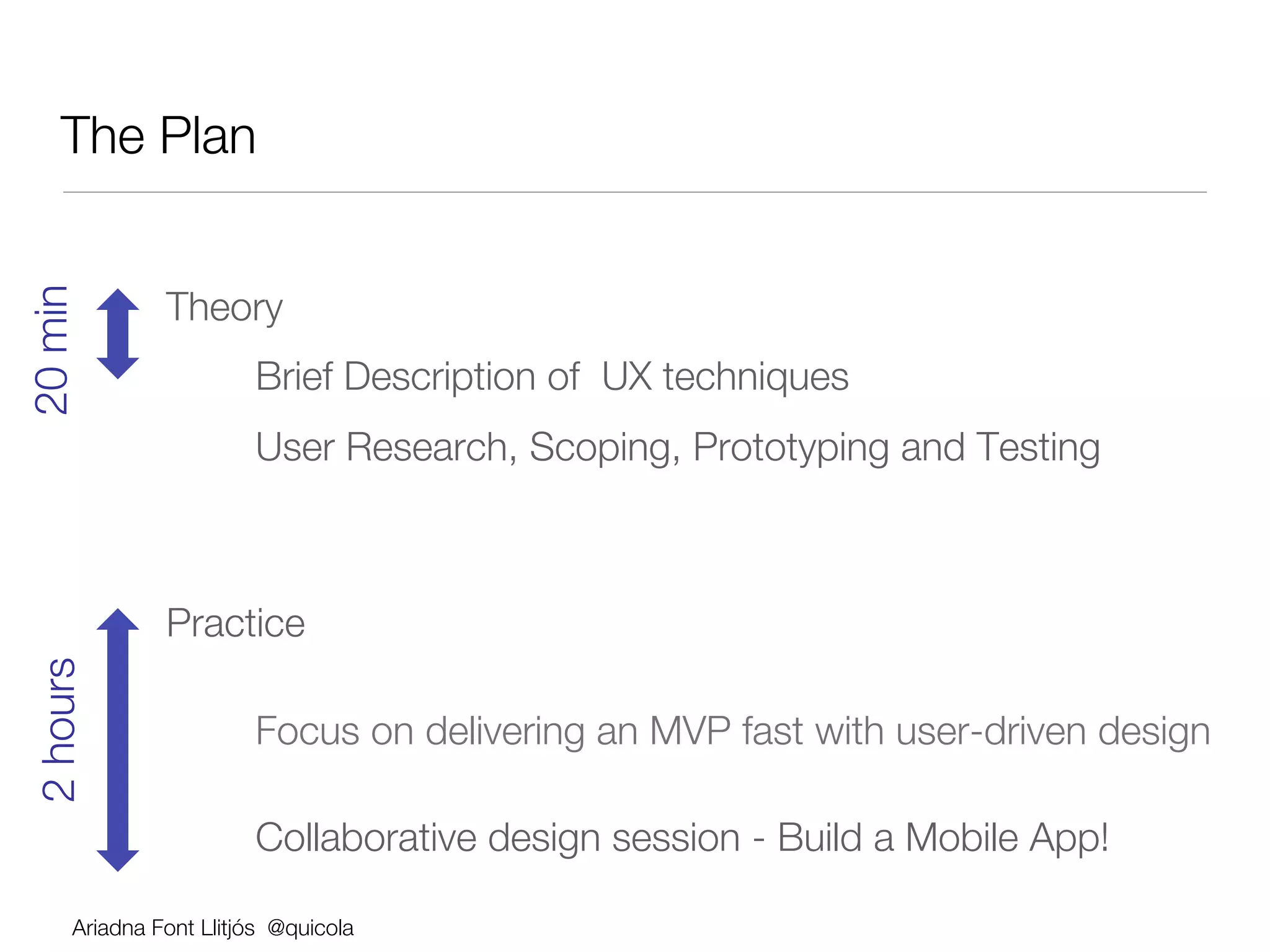
The Plan
                 
20 min 


                Theory
                        
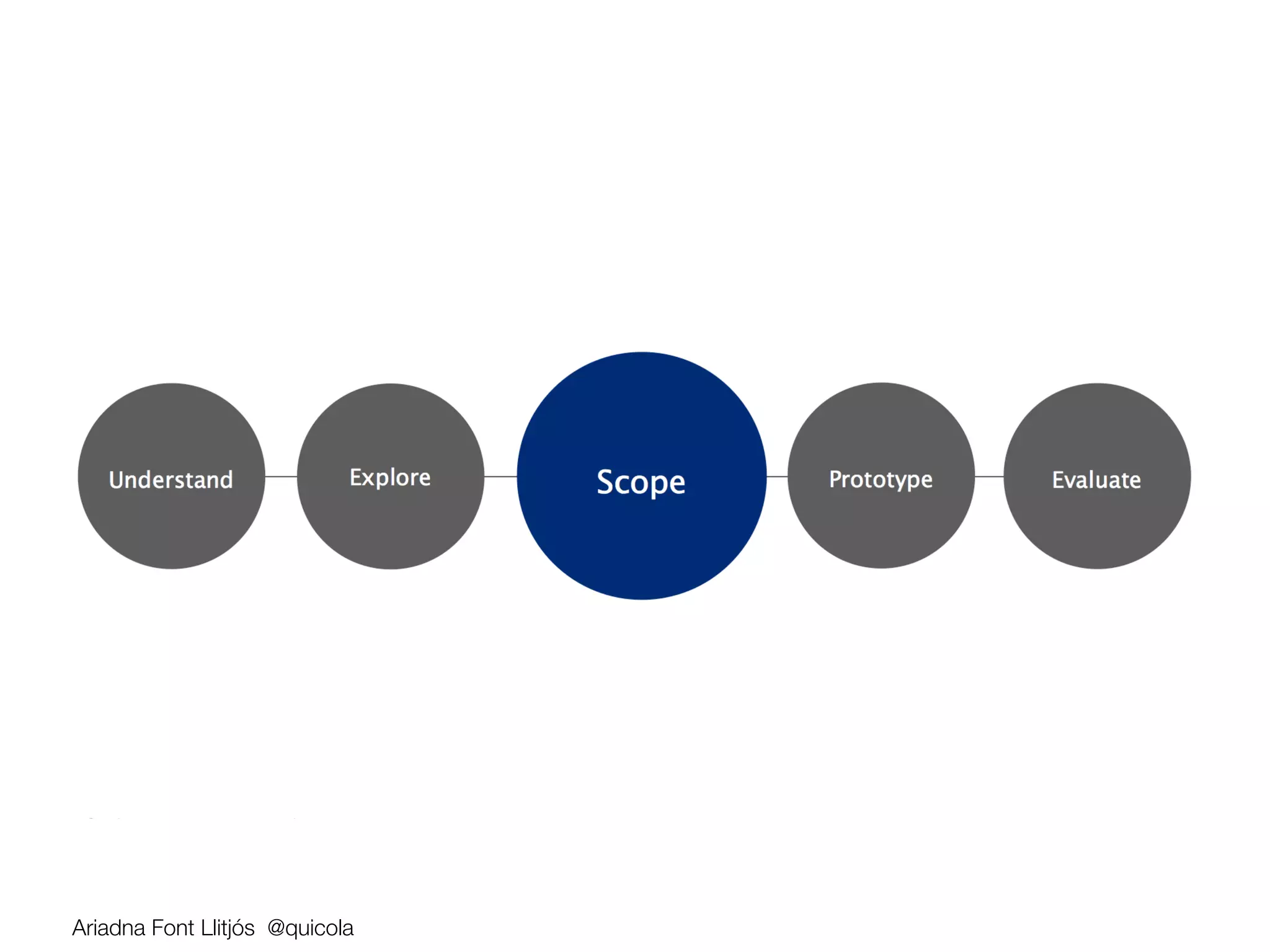
Brief Description of UX techniques
                        
User Research, Scoping, Prototyping and Testing
                

                Practice 
 2 hours


Focus on delivering an MVP fast with user-driven design

                        
Collaborative design session - Build a Mobile App!

       Ariadna Font Llitjós @quicola
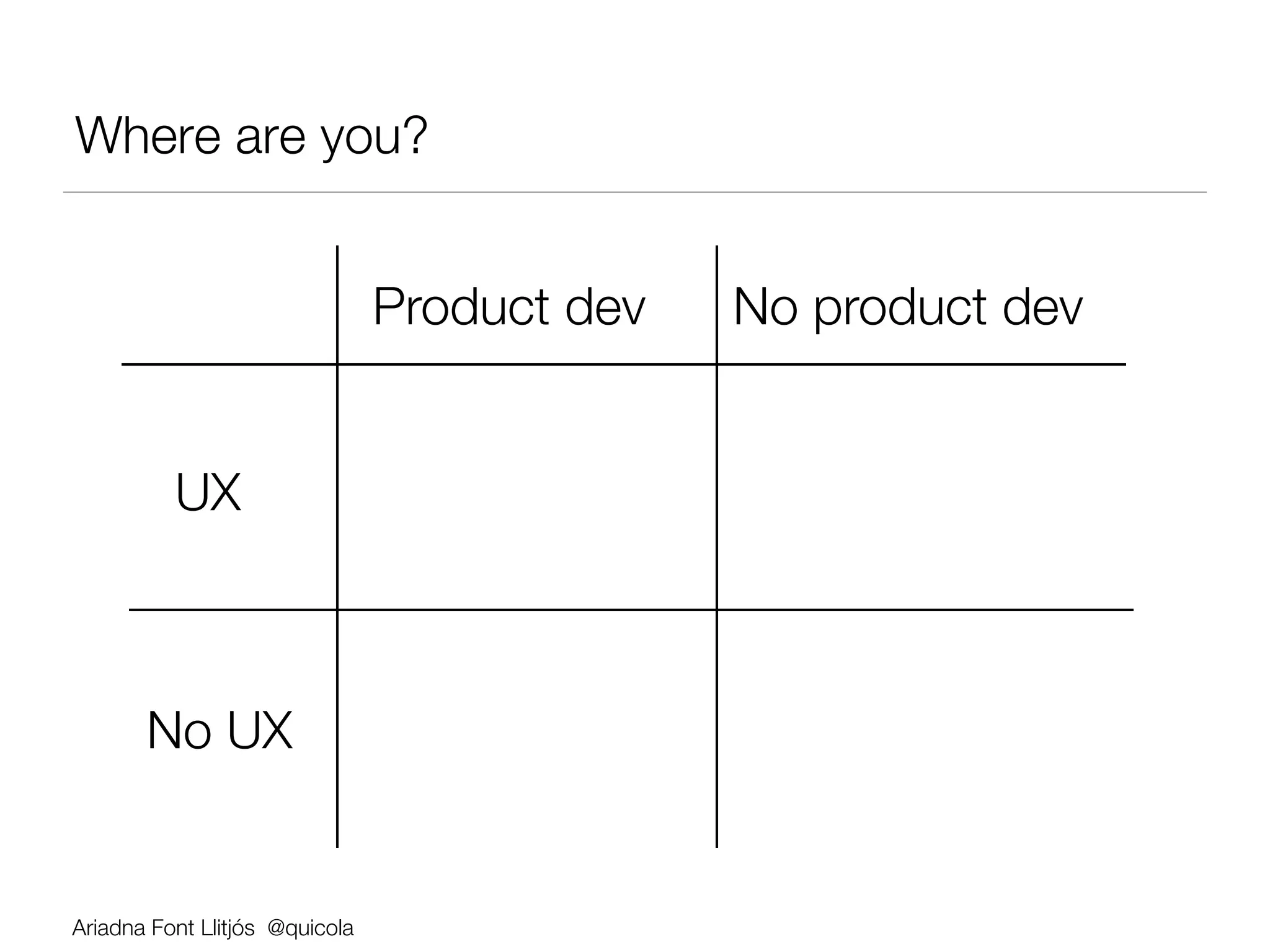
Where are you?


                                 Product dev
   No product dev


          UX


       No UX


Ariadna Font Llitjós @quicola
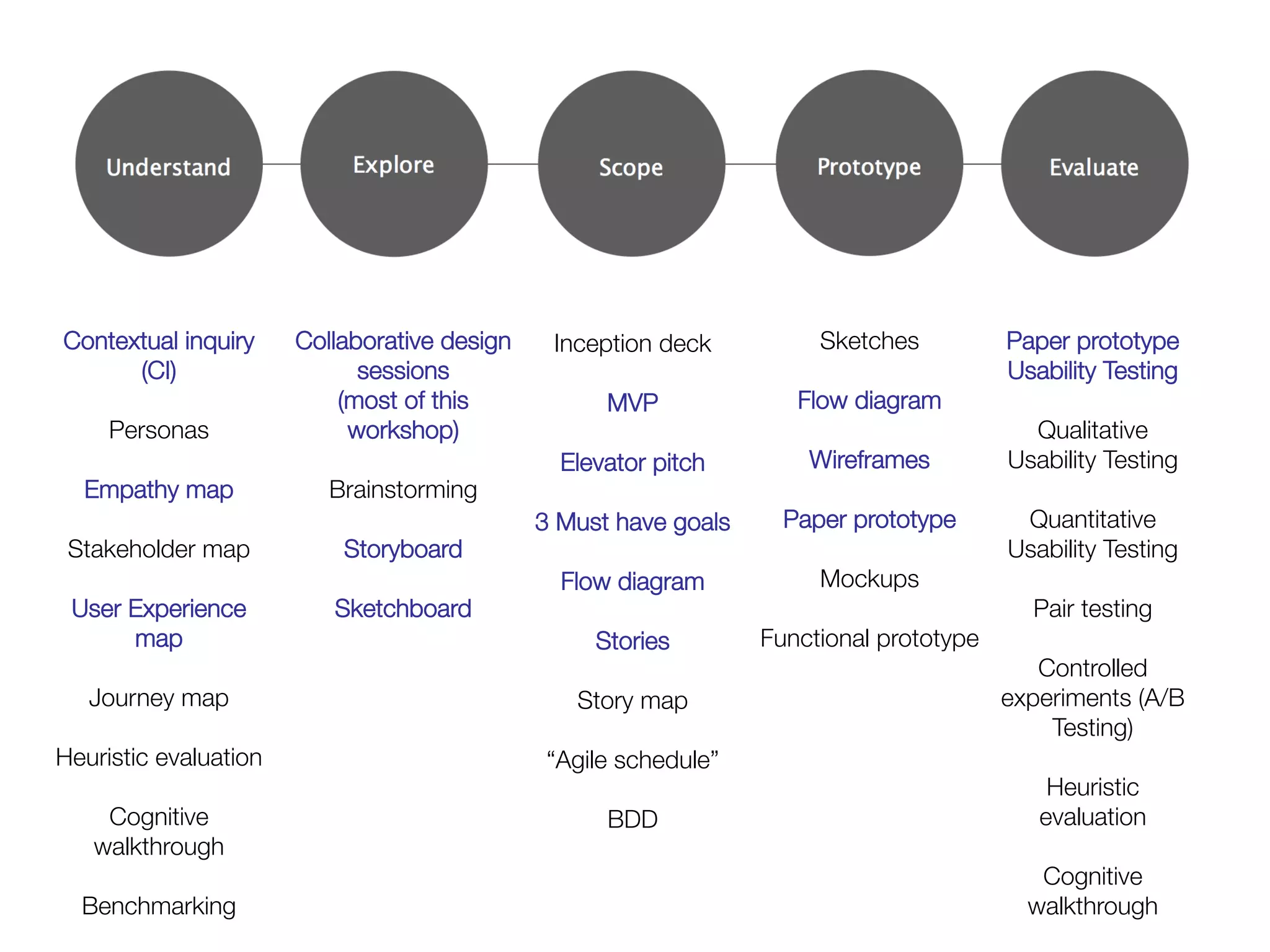
Contextual inquiry      Collaborative design   Inception deck
       Sketches
          Paper prototype
        (CI)
                 sessions 


               Usability Testing
          
                 (most of this              
                                                    MVP
           Flow diagram
                 
     Personas
               workshop)


                 Qualitative
          
                       
             Elevator pitch
     Wireframes
          Usability Testing
  Empathy map
             Brainstorming


          3 Must have goals
   Paper prototype
        Quantitative
 Stakeholder map
            Storyboard 
             
                  
               Usability Testing
          
                       
             Flow diagram
        Mockups
                    
 User Experience            Sketchboard
              
                  
                 Pair testing
        map
                      
                Stories
     Functional prototype


                                    Controlled
   Journey map
                                   Story map
                            experiments (A/B
          
                                           
                                      Testing)
Heuristic evaluation
                         “Agile schedule”


                                     Heuristic
     Cognitive                                       BDD
                                  evaluation
   walkthrough
                                                                                  
          
                                                                                 Cognitive
  Benchmarking
                                                                           walkthrough
Ariadna Font Llitjós @quicola
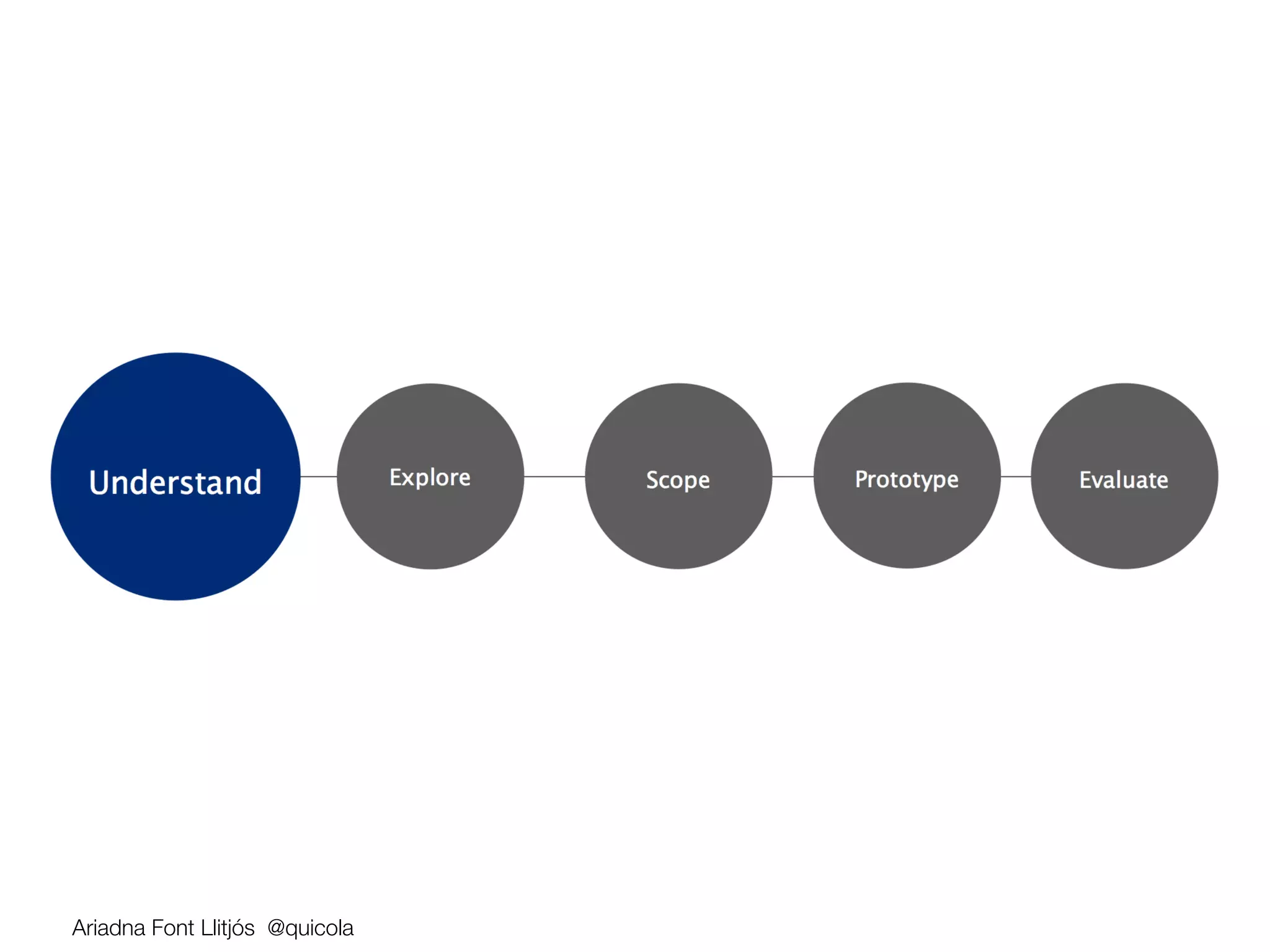
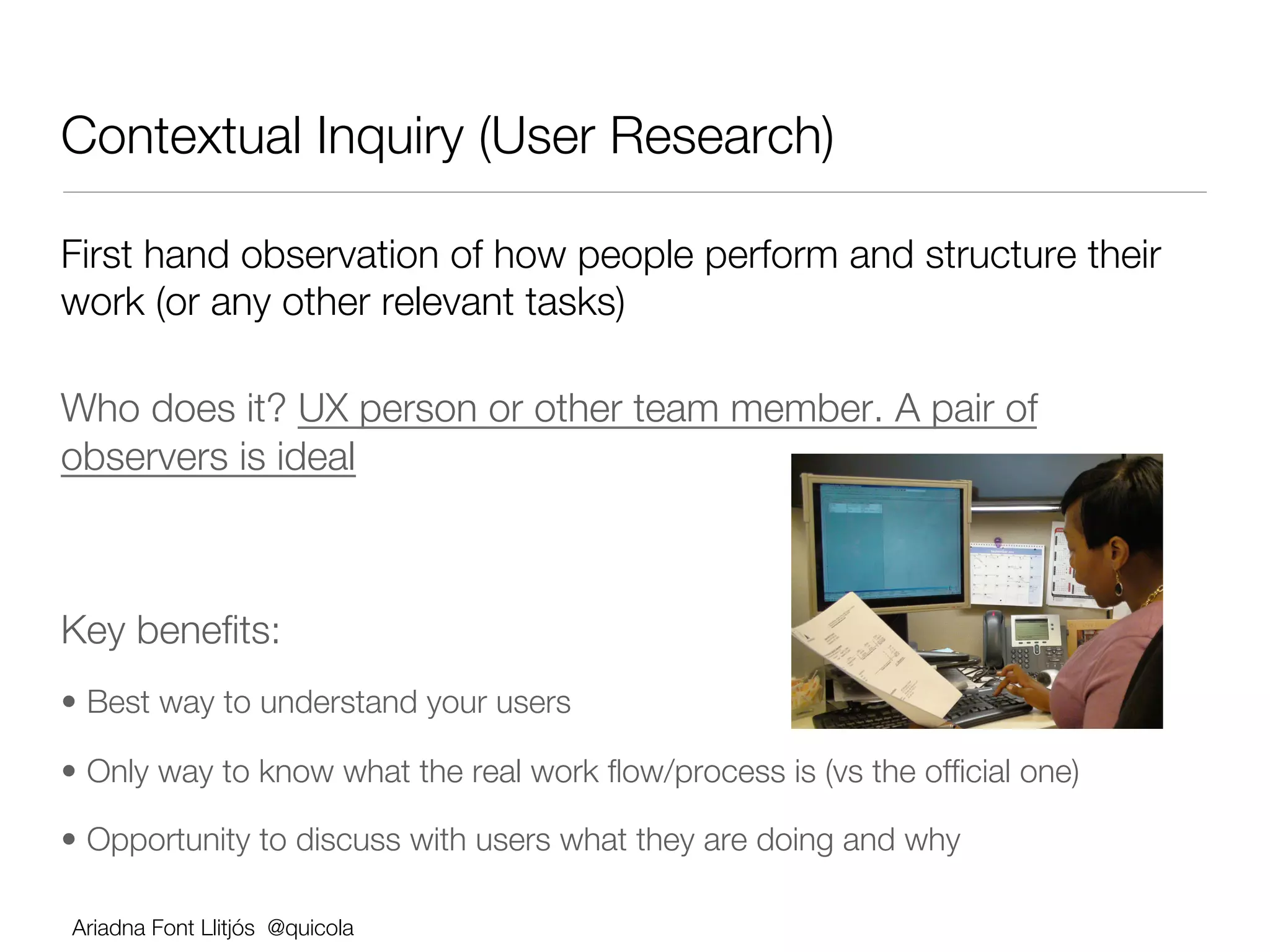
Contextual Inquiry (User Research)

First hand observation of how people perform and structure their
work (or any other relevant tasks)

Who does it? UX person or other team member. A pair of
observers is ideal


Key benefits:
•  Best way to understand your users

•  Only way to know what the real work flow/process is (vs the official one)

•  Opportunity to discuss with users what they are doing and why

    Ariadna Font Llitjós @quicola
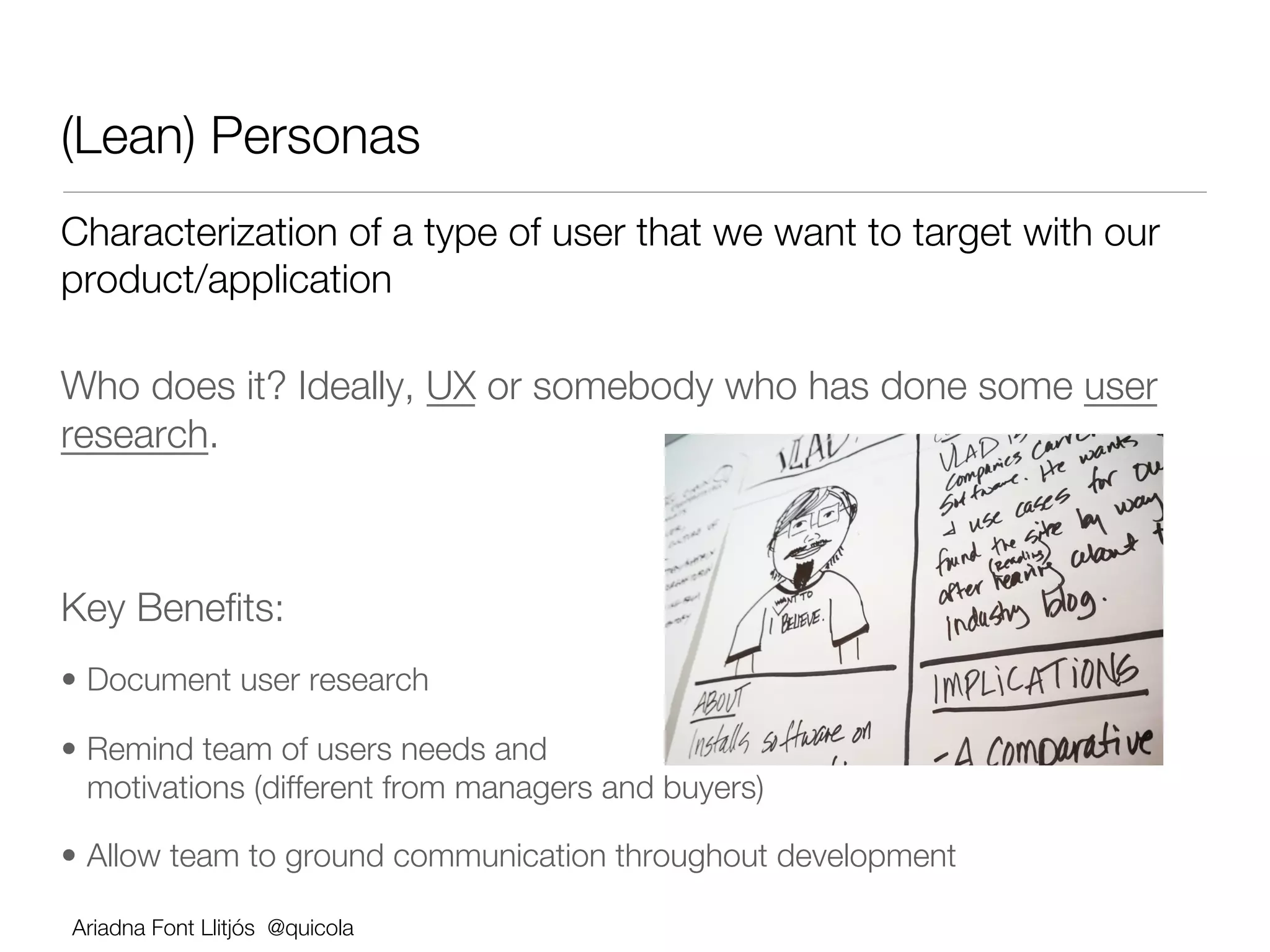
(Lean) Personas                      
Characterization of a type of user that we want to target with our
product/application

Who does it? Ideally, UX or somebody who has done some user
research.


Key Benefits:
•  Document user research 

•  Remind team of users needs and
   motivations (different from managers and buyers) 

•  Allow team to ground communication throughout development

    Ariadna Font Llitjós @quicola
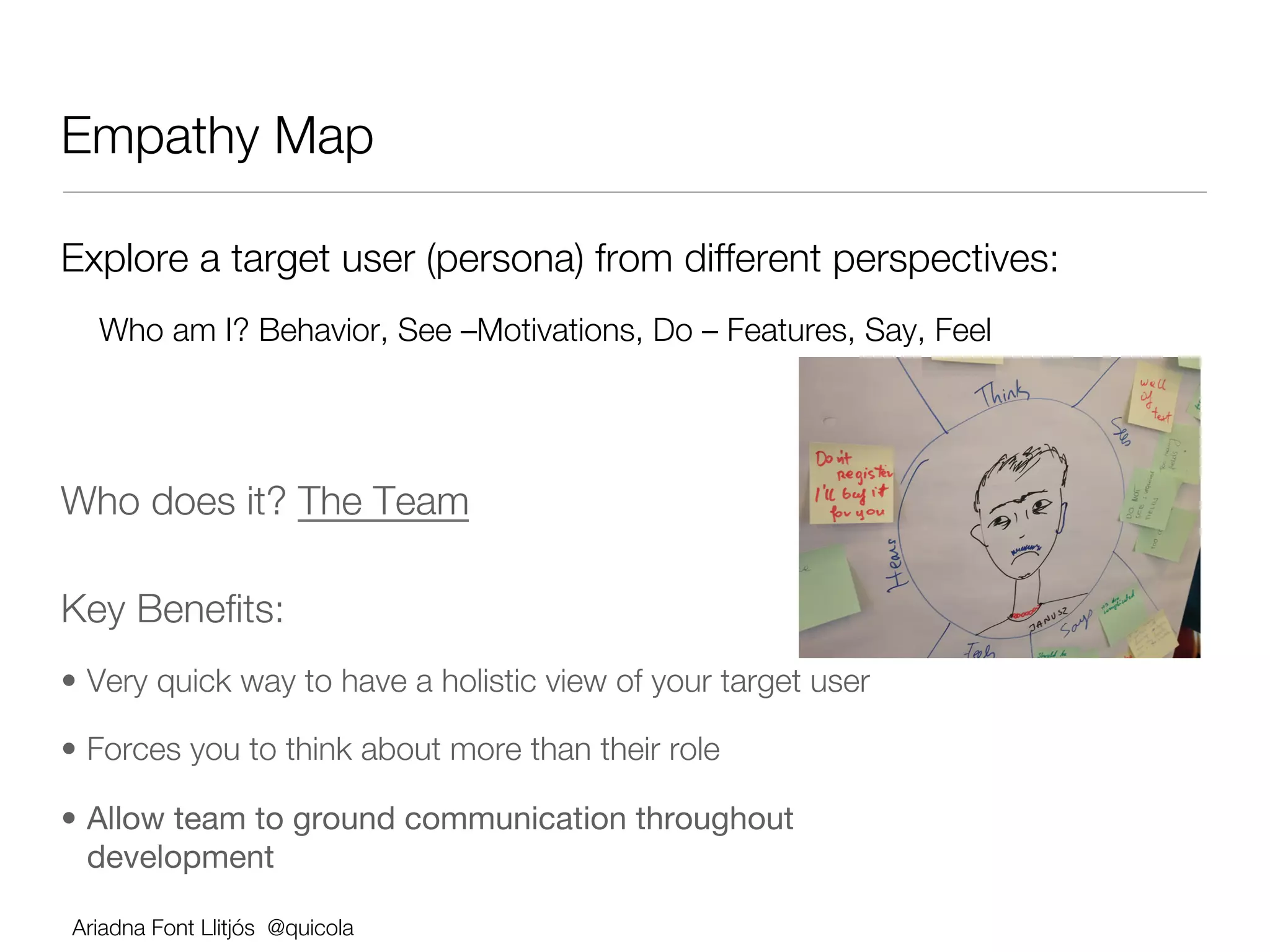
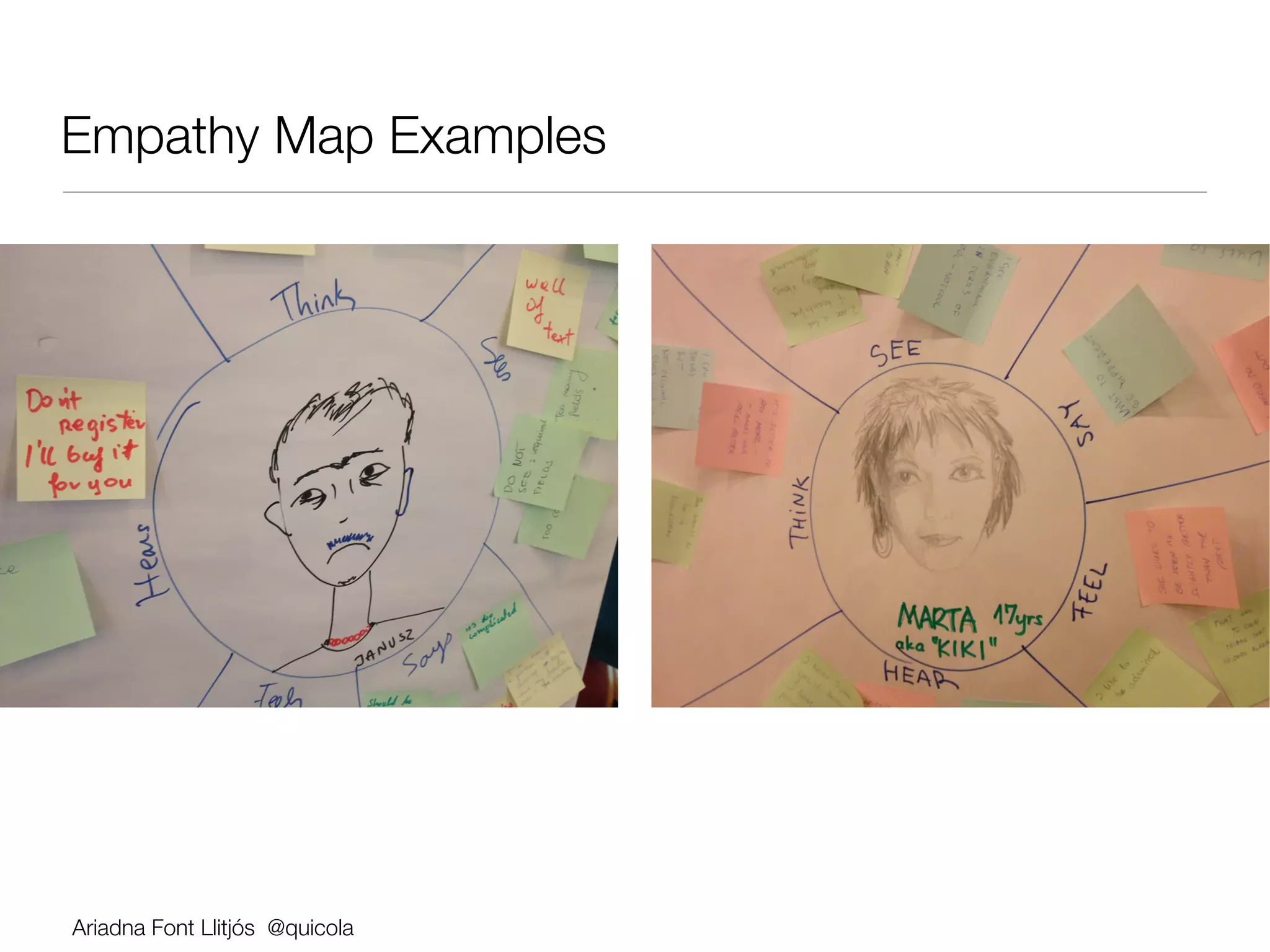
Empathy Map

Explore a target user (persona) from different perspectives:
  Who am I? Behavior, See –Motivations, Do – Features, Say, Feel


Who does it? The Team

Key Benefits:          


•  Very quick way to have a holistic view of your target user

•  Forces you to think about more than their role

•  Allow team to ground communication throughout
   development

Ariadna Font Llitjós @quicola
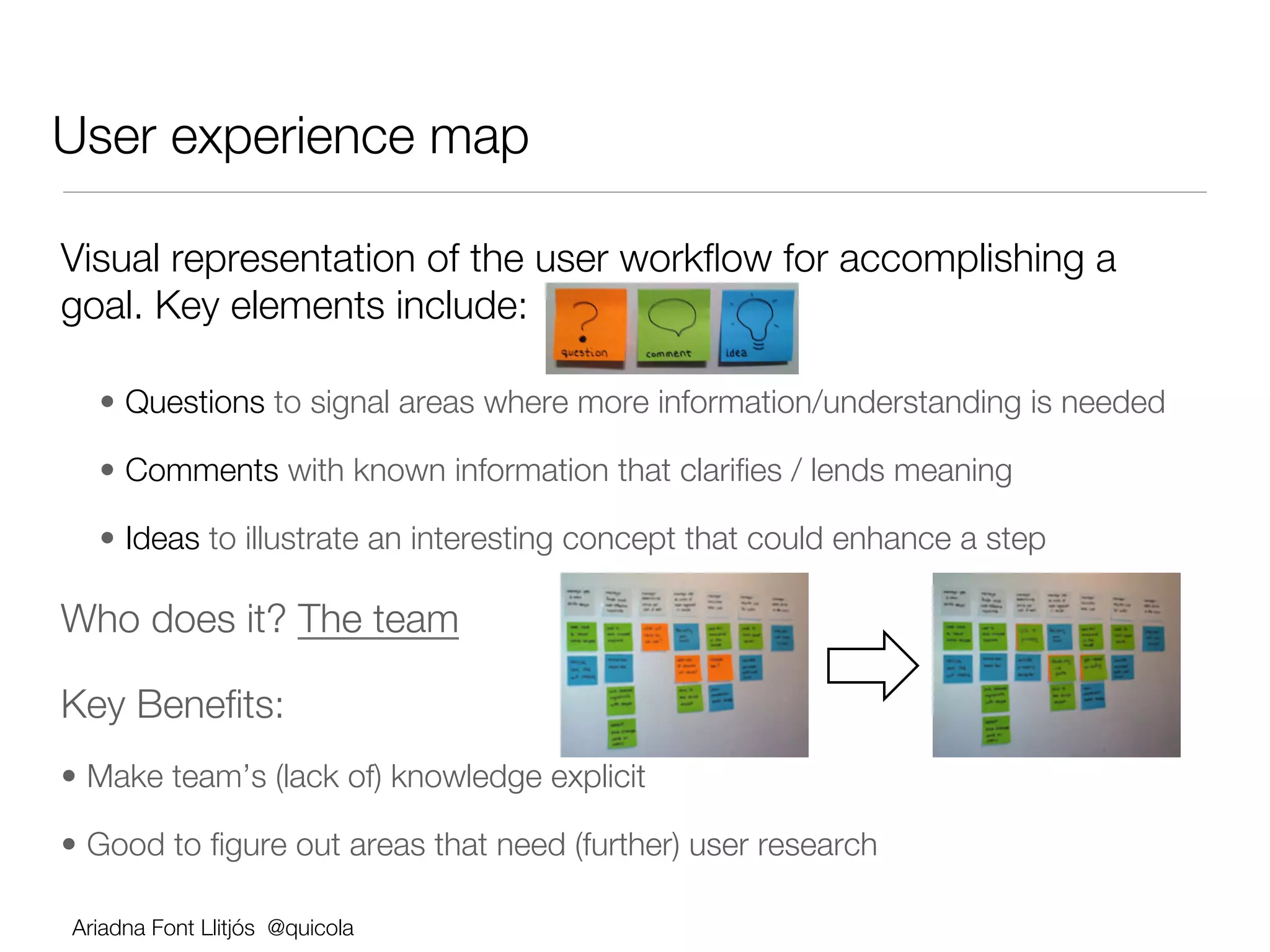
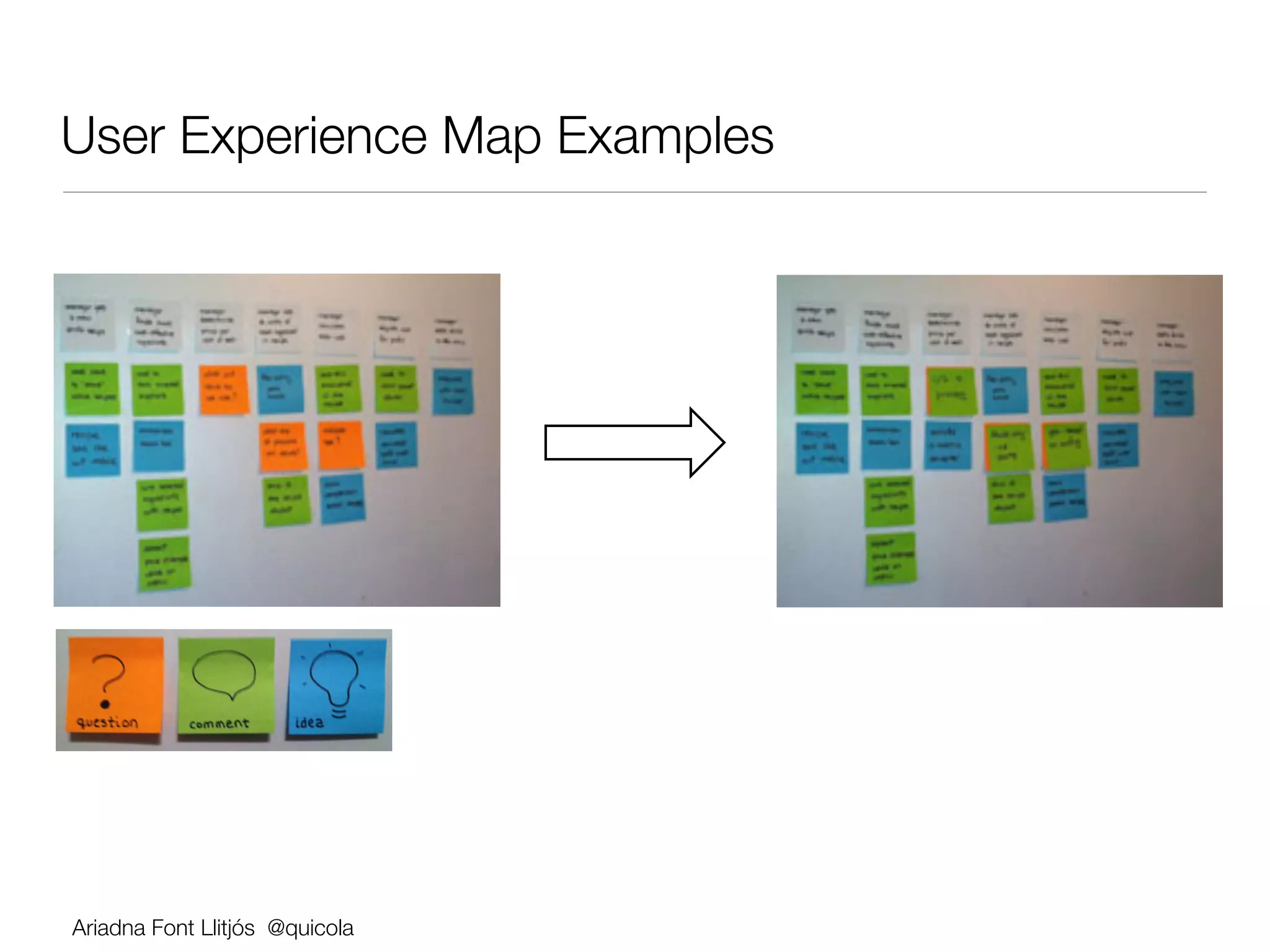
User experience map

Visual representation of the user workflow for accomplishing a
goal. Key elements include:


      •  Questions to signal areas where more information/understanding is needed

      •  Comments with known information that clarifies / lends meaning 

      •  Ideas to illustrate an interesting concept that could enhance a step

Who does it? The team

Key Benefits:
•  Make team’s (lack of) knowledge explicit 

•  Good to figure out areas that need (further) user research

    Ariadna Font Llitjós @quicola
Ariadna Font Llitjós @quicola
Rules for brainstorming

Defer judgment. 

Encourage wild ideas. 

Build on the ideas of others. 

Stay focused on the topic. 

Be visual. 

One conversation at a time. 

Go for quantity.

Ariadna Font Llitjós @quicola
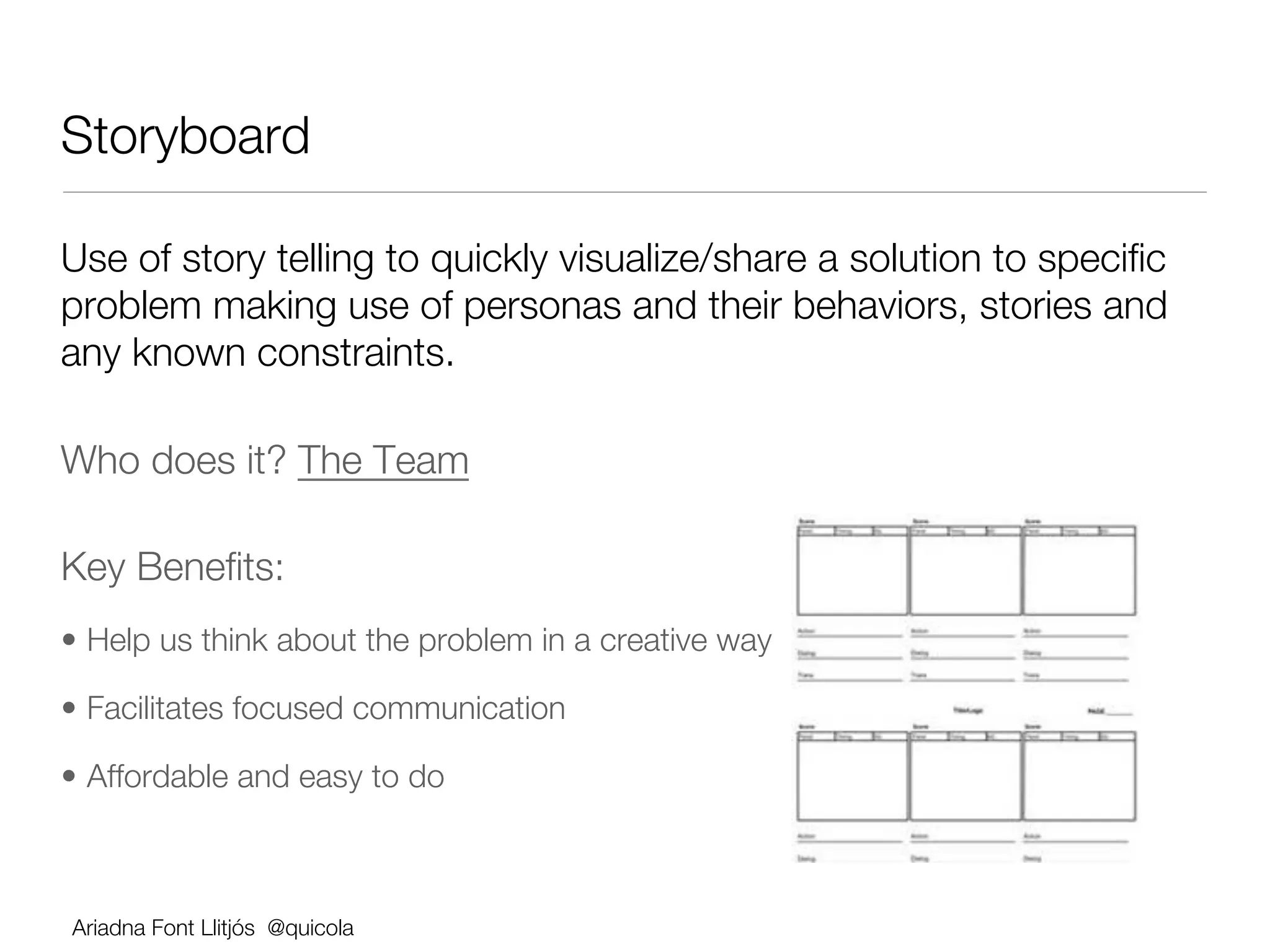
Storyboard 

Use of story telling to quickly visualize/share a solution to specific
problem making use of personas and their behaviors, stories and
any known constraints.

Who does it? The Team

Key Benefits:
•  Help us think about the problem in a creative way

•  Facilitates focused communication 

•  Affordable and easy to do 


    Ariadna Font Llitjós @quicola
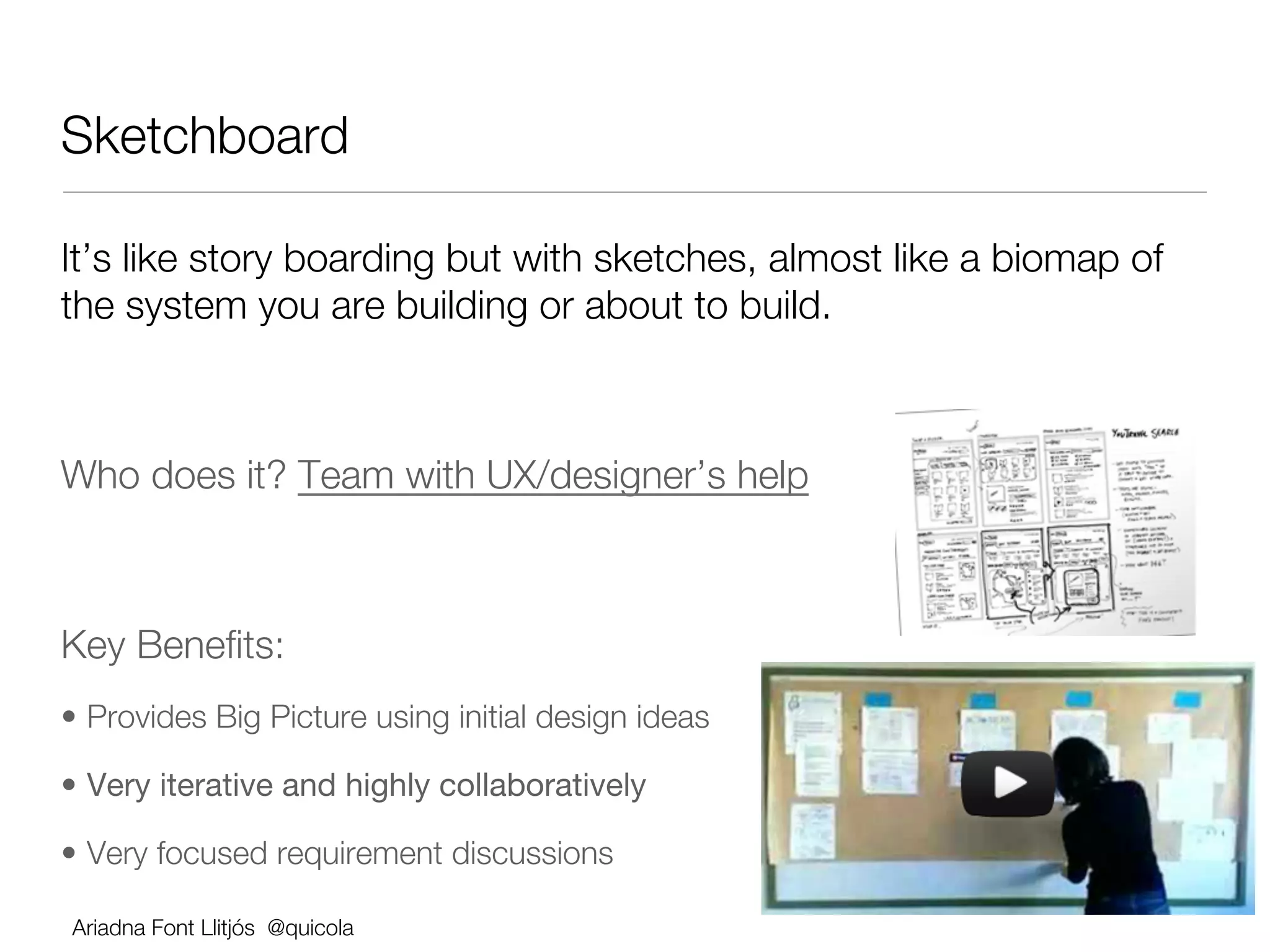
Sketchboard

It’s like story boarding but with sketches, almost like a biomap of
the system you are building or about to build.


Who does it? Team with UX/designer’s help


Key Benefits:
•  Provides Big Picture using initial design ideas

•  Very iterative and highly collaboratively

•  Very focused requirement discussions

    Ariadna Font Llitjós @quicola
Ariadna Font Llitjós @quicola
Minimal Viable Product - MVP

•  (First) product version to test our ideas as quickly and cheaply as possible.


•  An MVP has just those features that allow the product to be deployed and
   validated, and no more.


•  "The minimum viable product is that version of a new product (or feature) which
   allows a team to collect the maximum amount of validated learning about
   customers with the least effort.”


•  Is not a minimal product, it’s a strategy and process directed towards making
   and selling a product to customers.


•  The MVP works together with a build-measure-learn cycle: developing software,
   gathering customer feedback, and learning from it.

Ariadna Font Llitjós @quicola
Elevator Pitch 
For [target user] !
who [statement of need or opportunity] !
the [product/app name] is a [product category] !
that [key benefit, compelling reason to buy/use]. !
Unlike [primary competitive alternative] !
our product/app [statement of primary differentiation]!

Who does it? The Team            


Key Benefits:
•  Allows team to focus on differentiator feature(s) and direct their energy to
   features with the highest business value

•  Quick and inexpensive

Ariadna Font Llitjós @quicola
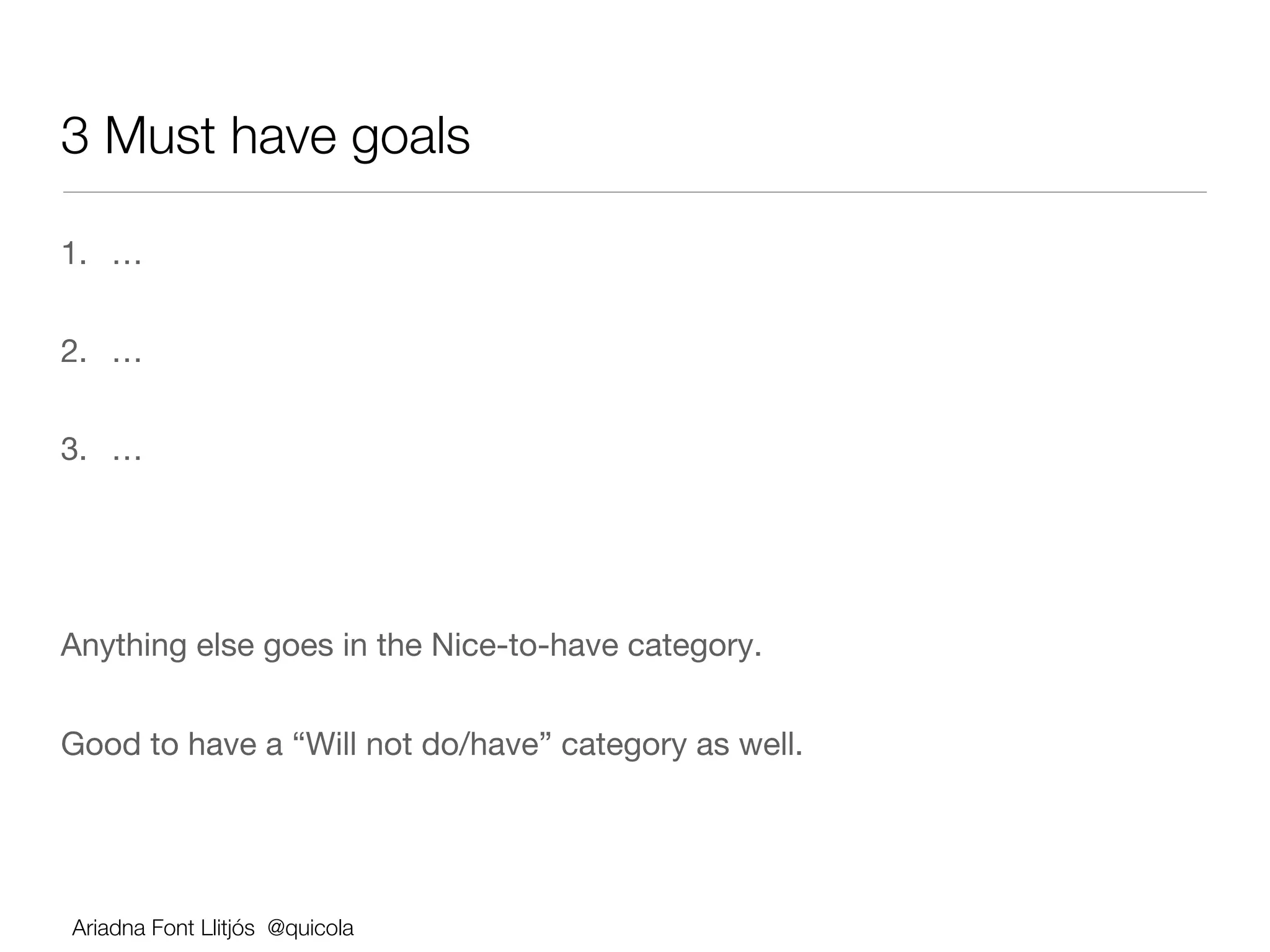
3 Must have goals

1.  …


2.  …


3.  …


Anything else goes in the Nice-to-have category.


Good to have a “Will not do/have” category as well.


Ariadna Font Llitjós @quicola
User stories 
Software system requirement formulated in one or two sentences
in everyday or business language that makes explicit the user’s
need. Example:
                As a [type of user] !

                I want to [perform some task] !

                so that I can [reach some goal]!


Who does this? The team (dev, tester, doc or UX)
Key Benefits:
    •  Provides a thinking template; token for a conversation

    •  Description of why the product needs to do what it does
Ariadna Font Llitjós @quicola
User stories 
Software system requirement formulated in one or two sentences
in everyday or business language that makes explicit the user’s
need. Example:
                As a [type of user] !

                I want to [perform some task] !

                so that I can [reach some goal]!


Who does this? The team (dev, tester, doc or UX)
Key Benefits:
    •  Provides a thinking template; token for a conversation

    •  Description of why the product needs to do what it does
Ariadna Font Llitjós @quicola
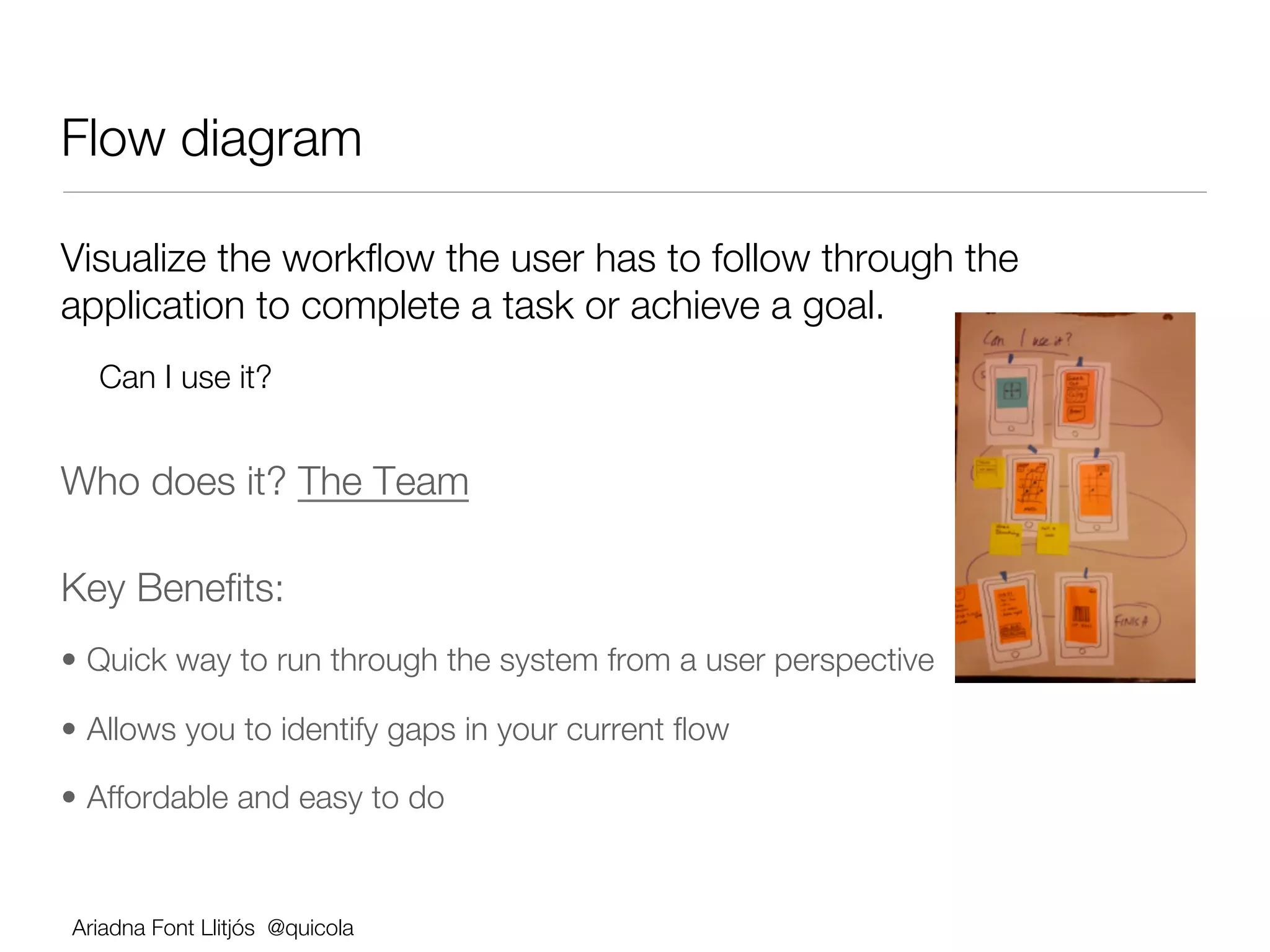
Flow diagram 

Visualize the workflow the user has to follow through the
application to complete a task or achieve a goal.
  Can I use it? 


Who does it? The Team            


Key Benefits:
•  Quick way to run through the system from a user perspective 

•  Allows you to identify gaps in your current flow

•  Affordable and easy to do 


Ariadna Font Llitjós @quicola
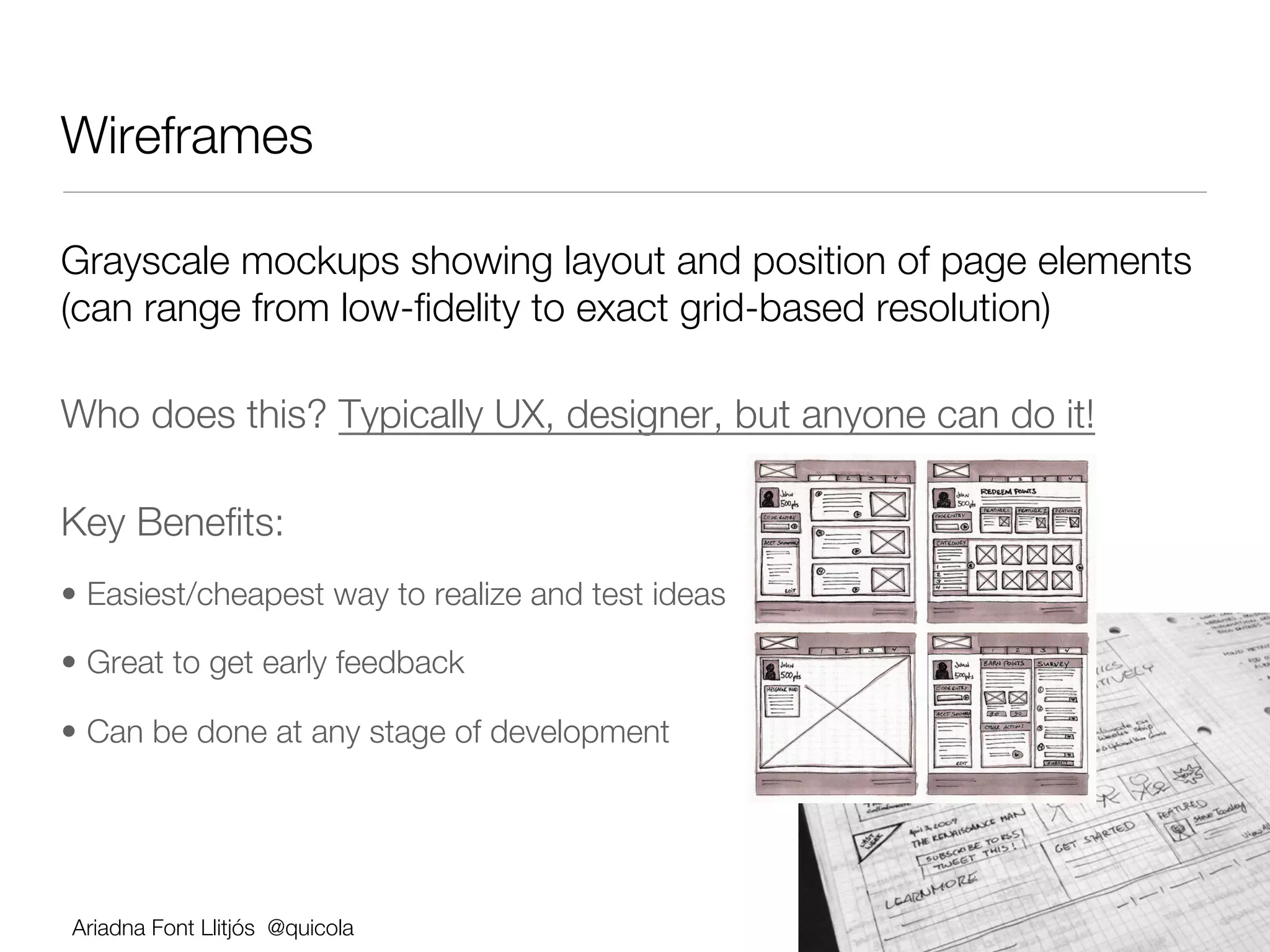
Wireframes 

Grayscale mockups showing layout and position of page elements
(can range from low-fidelity to exact grid-based resolution)

Who does this? Typically UX, designer, but anyone can do it!

Key Benefits:
•  Easiest/cheapest way to realize and test ideas

•  Great to get early feedback

•  Can be done at any stage of development


Ariadna Font Llitjós @quicola
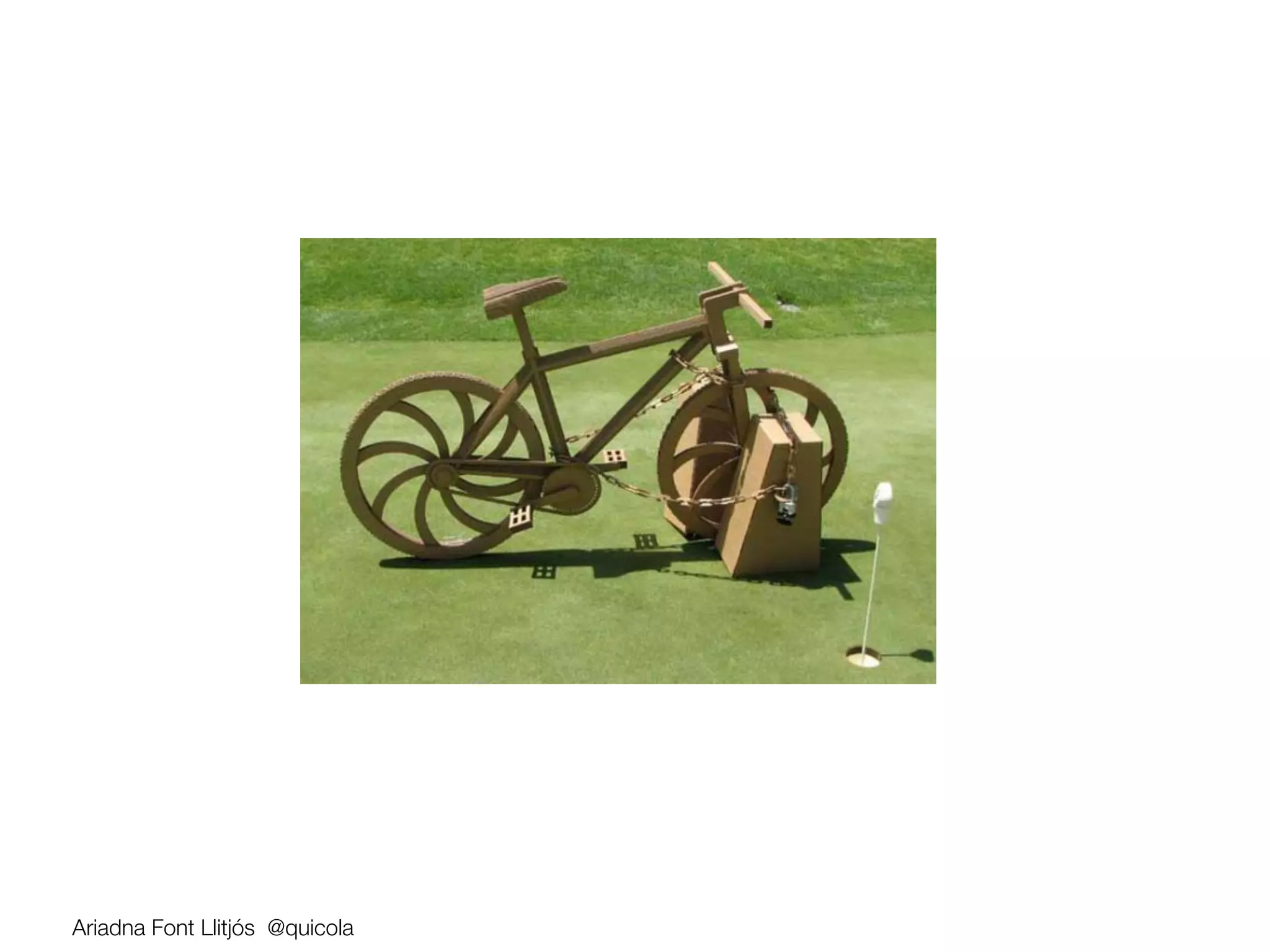
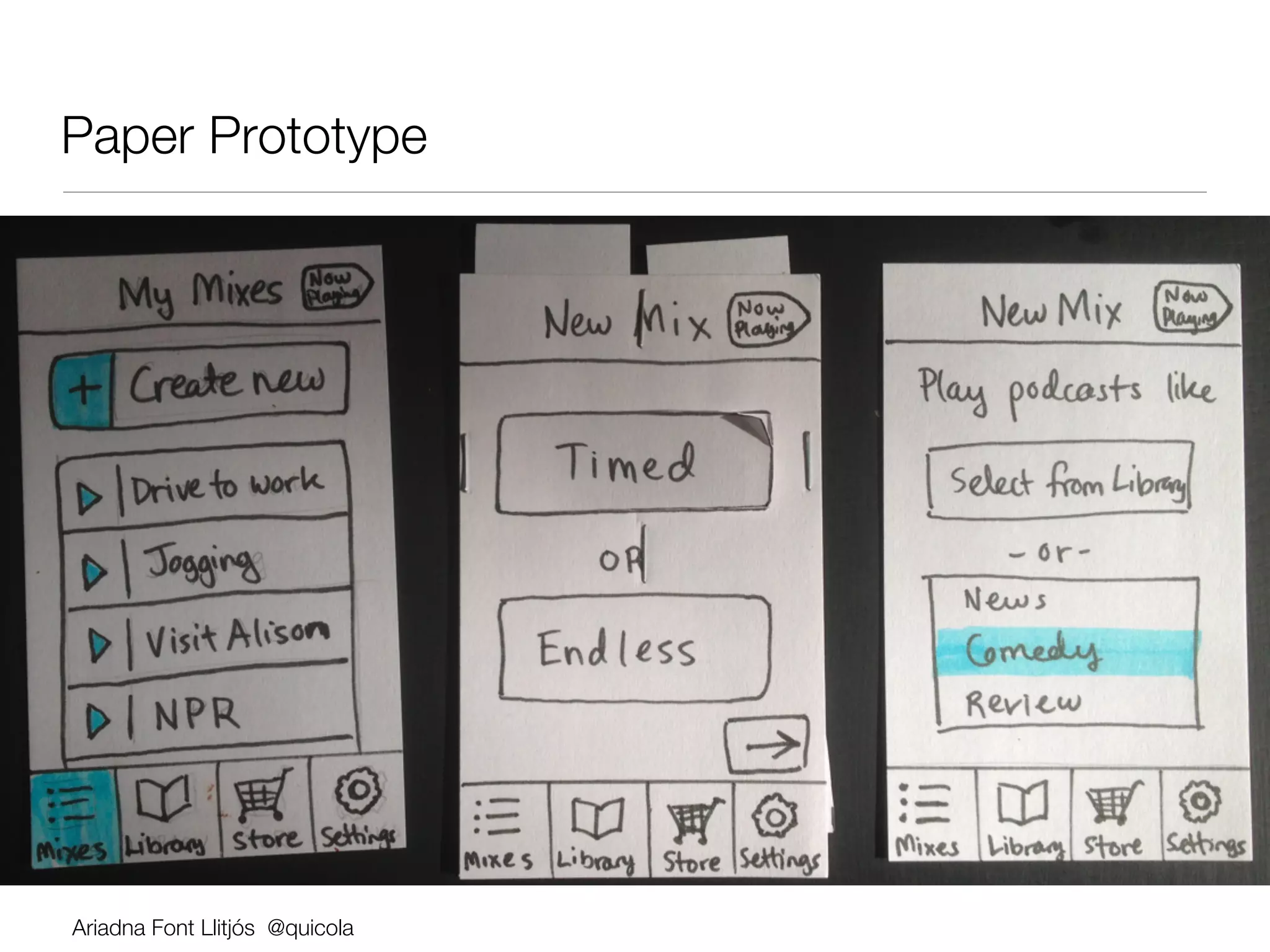
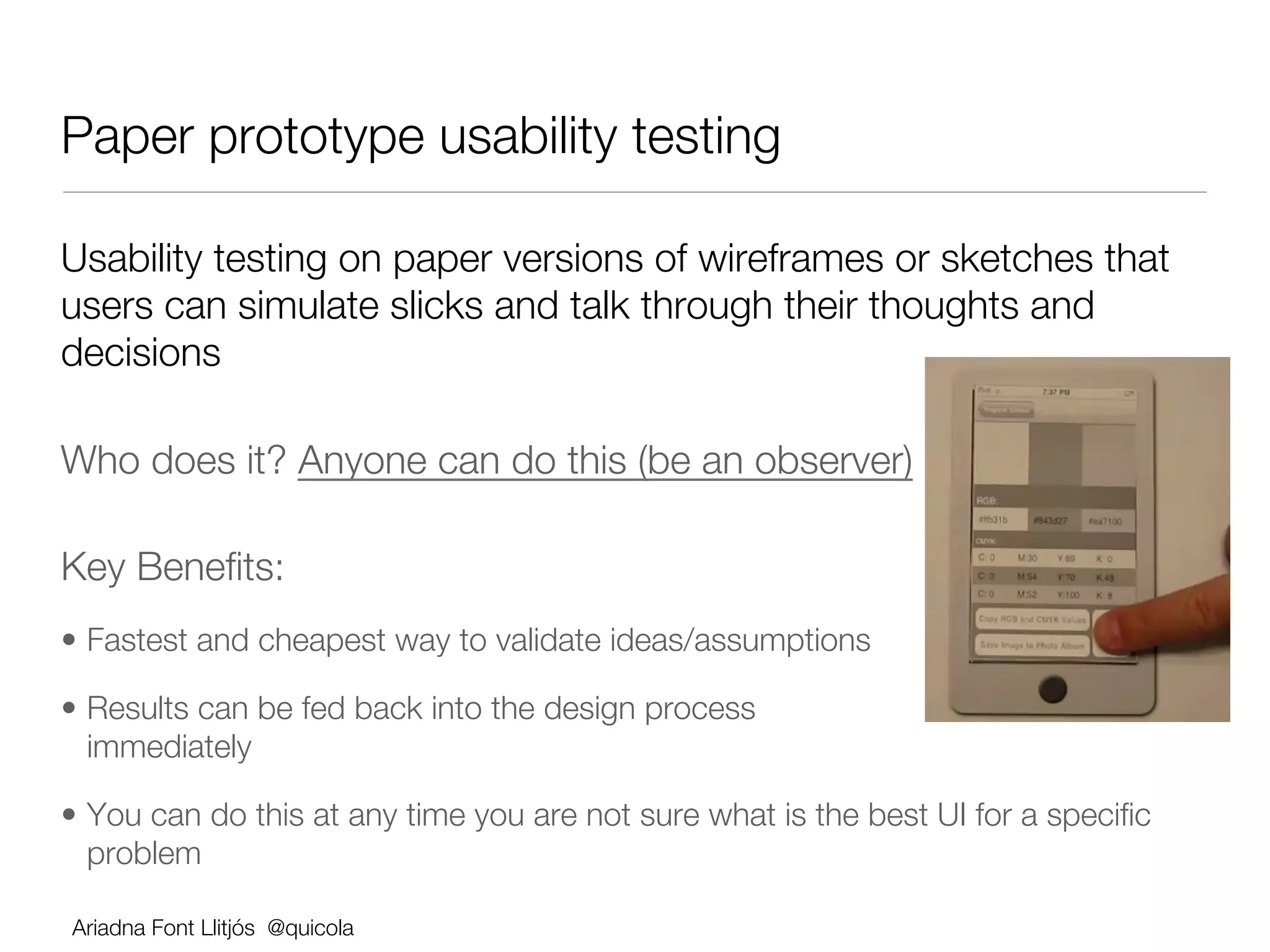
Paper Prototype


Ariadna Font Llitjós @quicola
Paper prototype usability testing

Usability testing on paper versions of wireframes or sketches that
users can simulate slicks and talk through their thoughts and
decisions

Who does it? Anyone can do this (be an observer)               


Key Benefits:
•  Fastest and cheapest way to validate ideas/assumptions

•  Results can be fed back into the design process
   immediately 

•  You can do this at any time you are not sure what is the best UI for a specific
   problem

Ariadna Font Llitjós @quicola
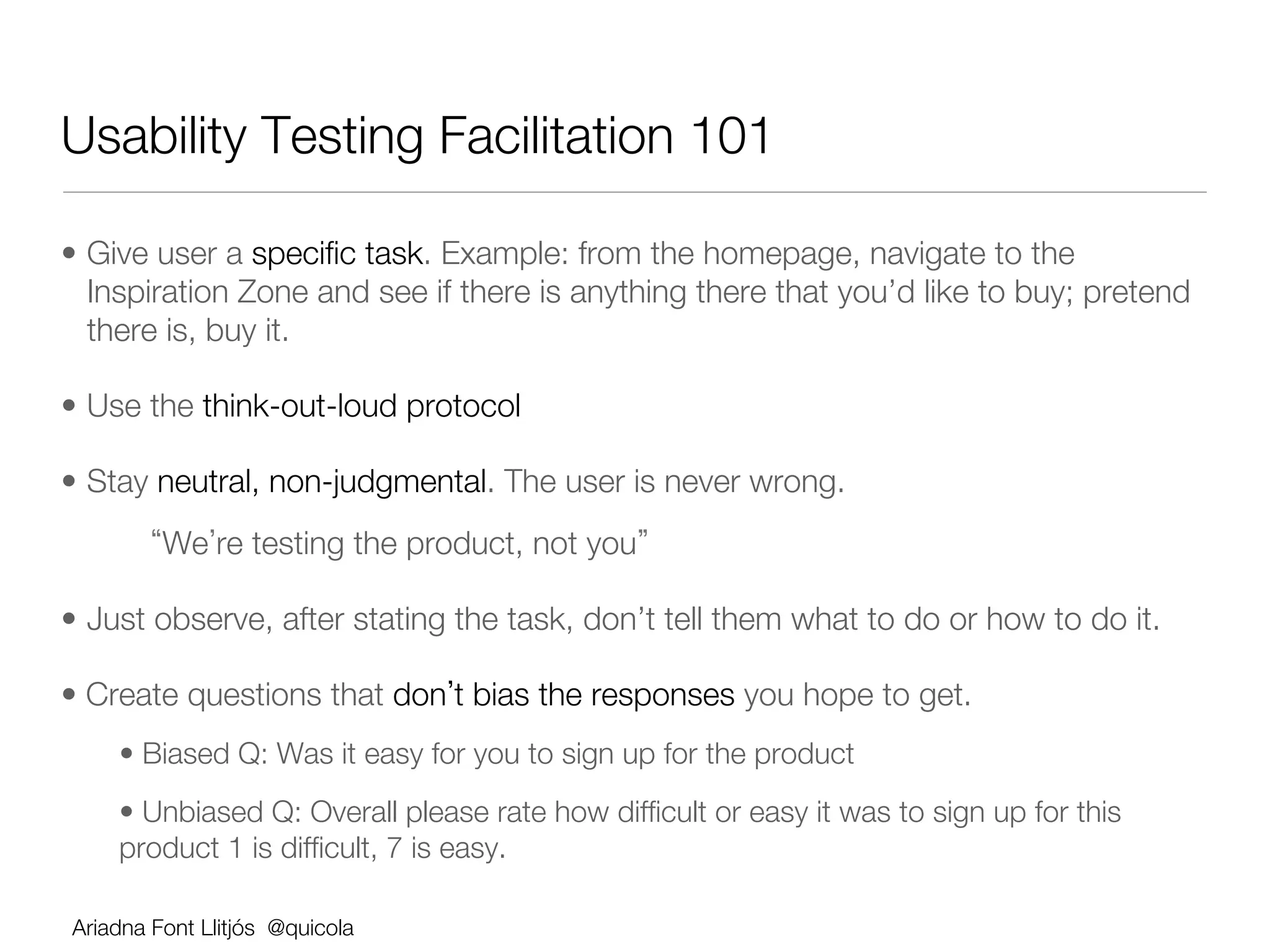
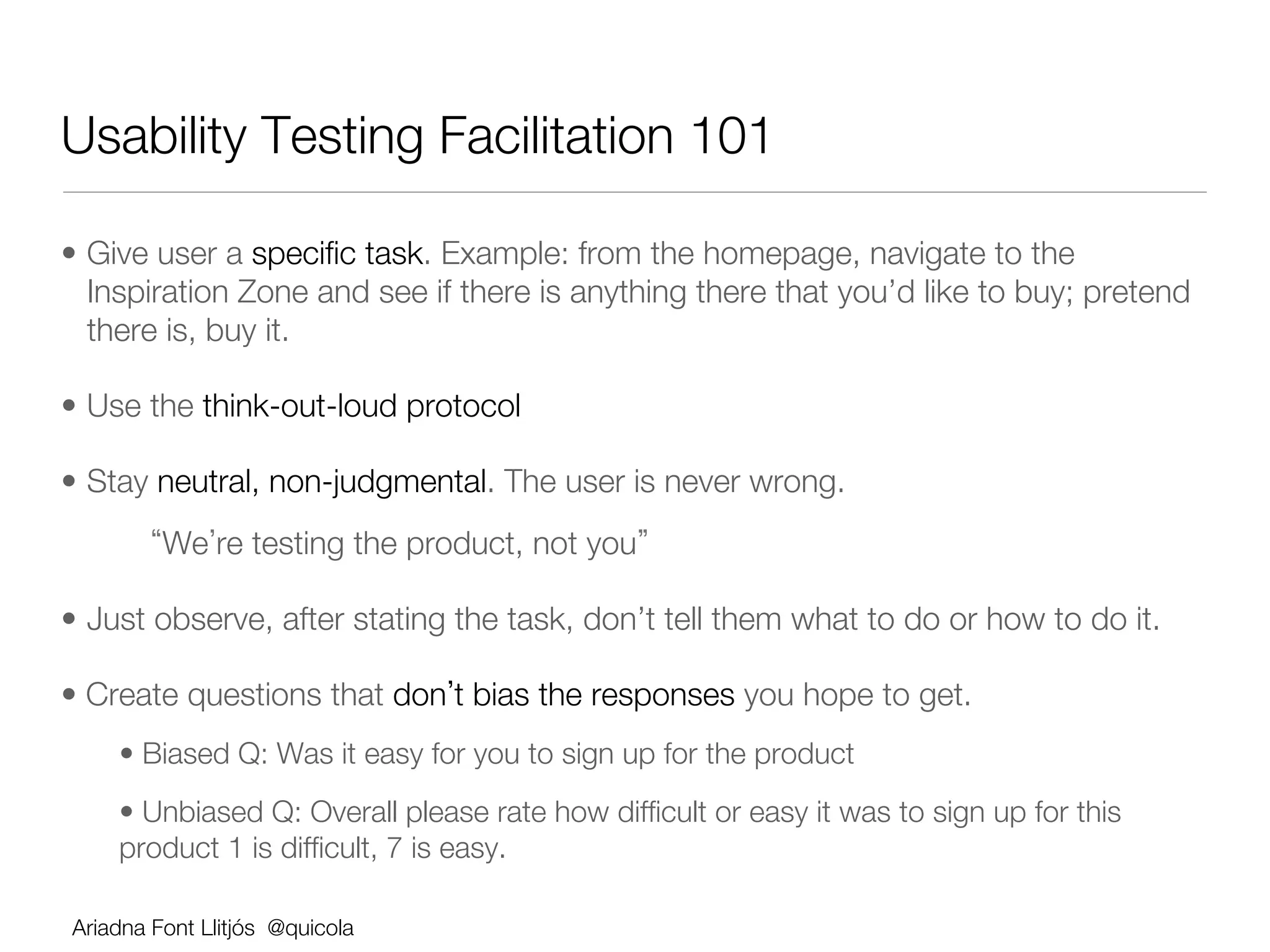
Usability Testing Facilitation 101

•  Give user a specific task. Example: from the homepage, navigate to the
   Inspiration Zone and see if there is anything there that you’d like to buy; pretend
   there is, buy it.

•  Use the think-out-loud protocol

•  Stay neutral, non-judgmental. The user is never wrong. 
       
 We re testing the product, not you 

•  Just observe, after stating the task, don’t tell them what to do or how to do it.

•  Create questions that don t bias the responses you hope to get.
    •  Biased Q: Was it easy for you to sign up for the product
    •  Unbiased Q: Overall please rate how difficult or easy it was to sign up for this
    product 1 is difficult, 7 is easy.

Ariadna Font Llitjós @quicola
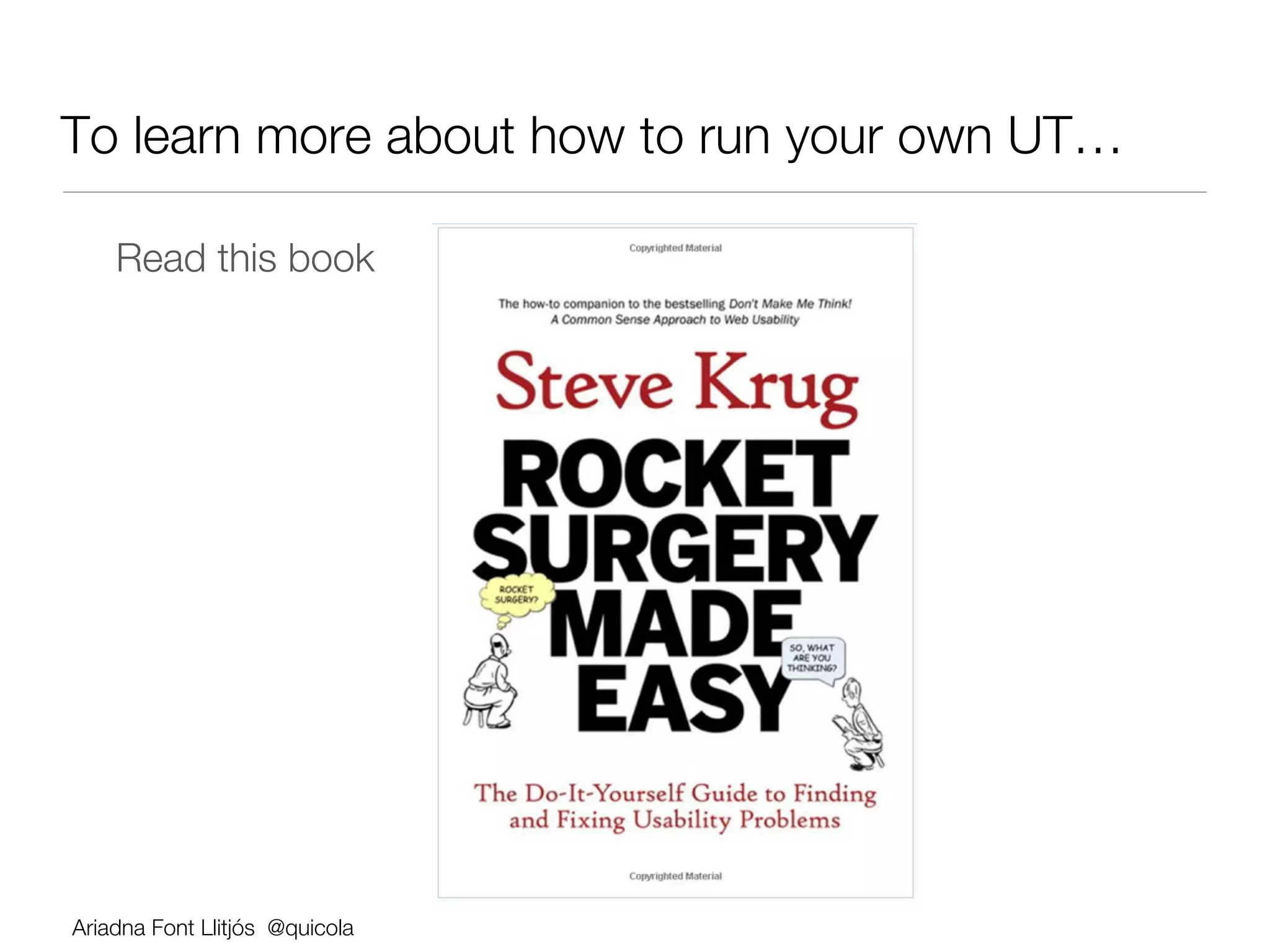
To learn more about how to run your own UT…

        Read this book


    Ariadna Font Llitjós @quicola
Let s Practice!

Collaborative Design Session


Ariadna Font Llitjós @quicola
5 min
Form teams of 4-6 people

Introduce yourself (role, something unusual)


You will collaboratively work on:
       1.  User Research and Analysis
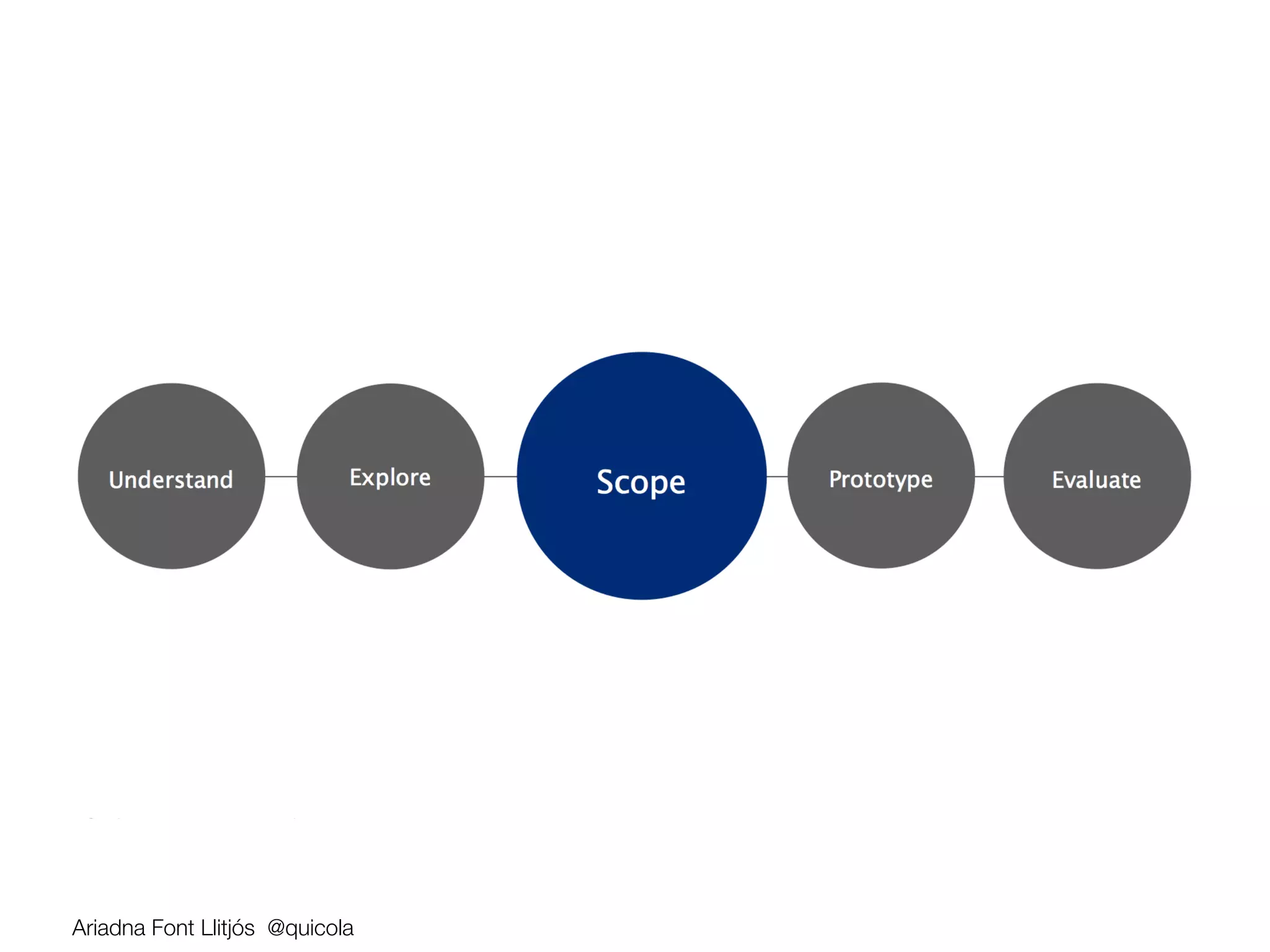
       2.  Scoping
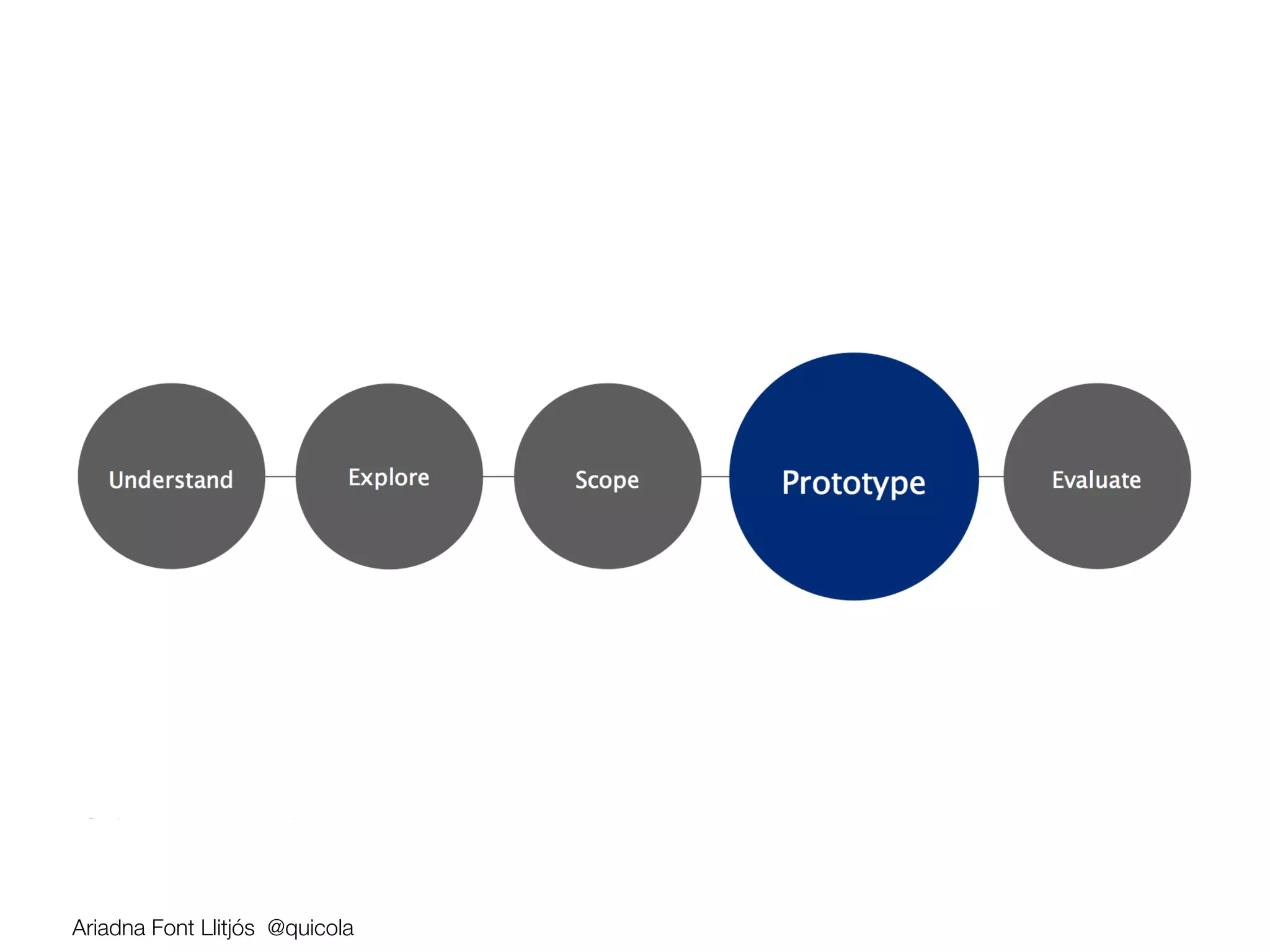
       3.  Prototyping 
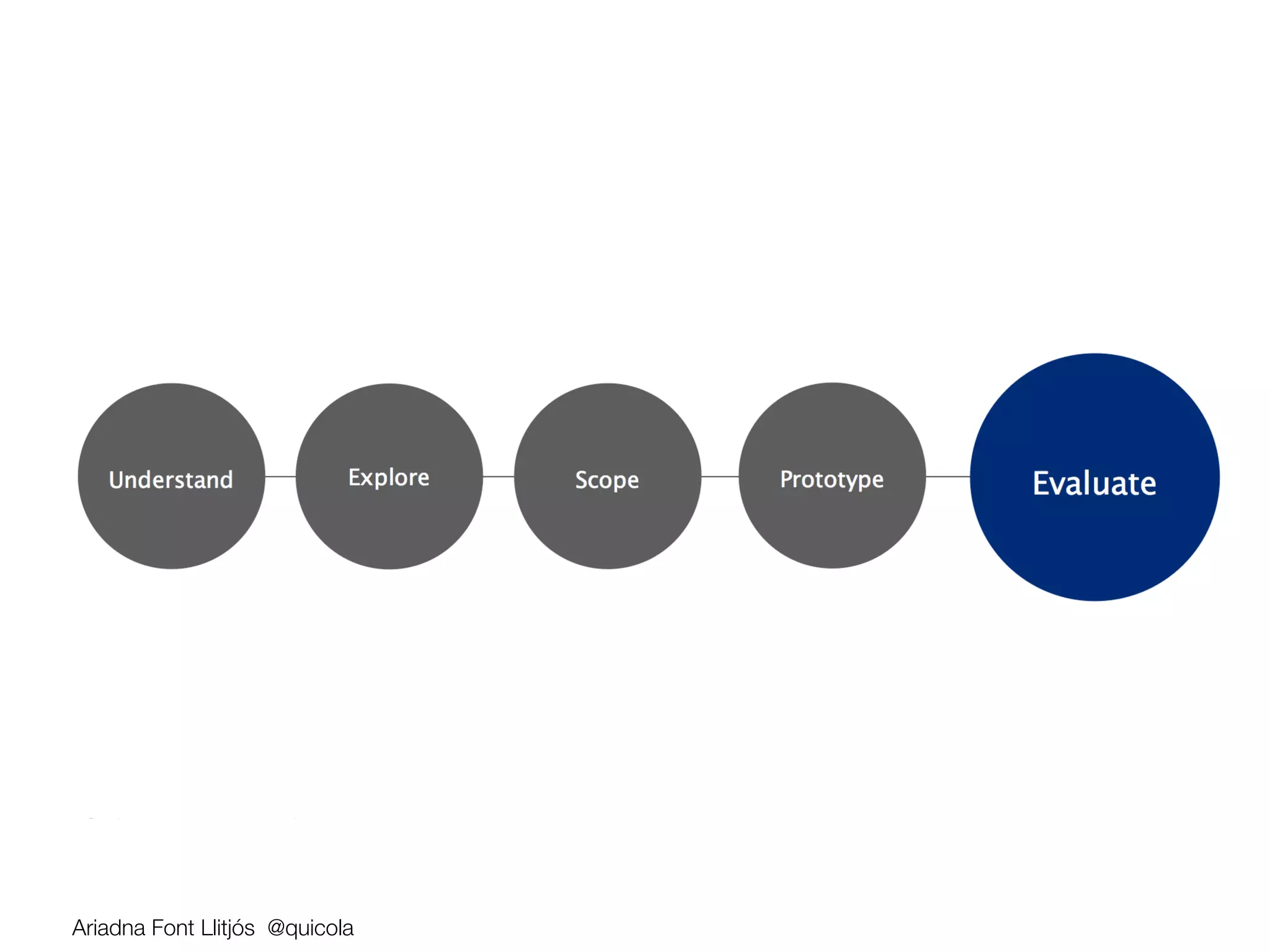
       4.  Usability Testing

    Ariadna Font Llitjós @quicola
Challenge


                      Develop a Mobile App that helps 
                  promote networking and interaction 
                     between all conference attendees


Ariadna Font Llitjós @quicola
15 min
Contextual Inquiry


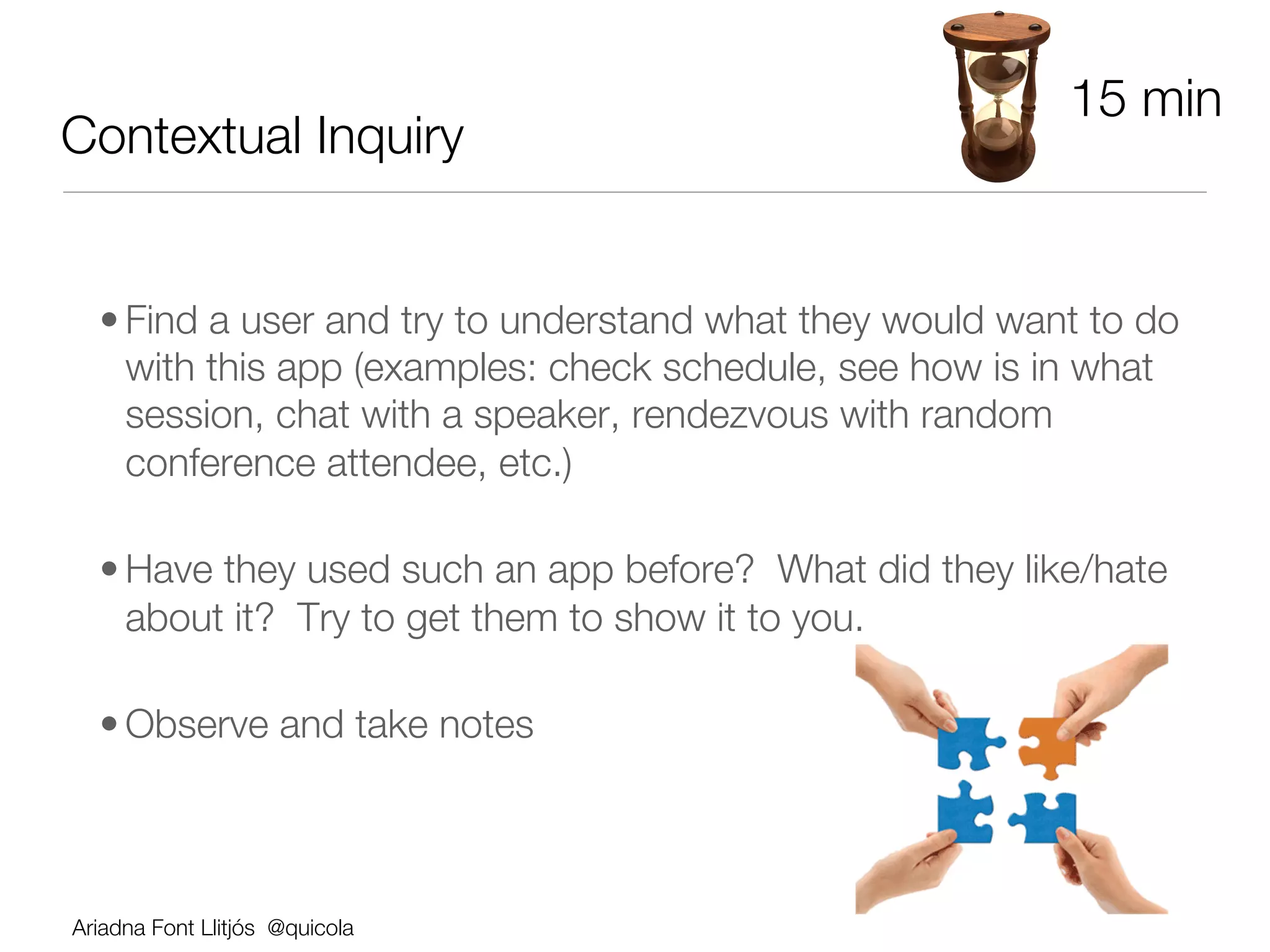
  • Find a user and try to understand what they would want to do
    with this app (examples: check schedule, see how is in what
    session, chat with a speaker, rendezvous with random
    conference attendee, etc.)

  • Have they used such an app before? What did they like/hate
    about it? Try to get them to show it to you.

  • Observe and take notes


Ariadna Font Llitjós @quicola
15 min
Empathy Map

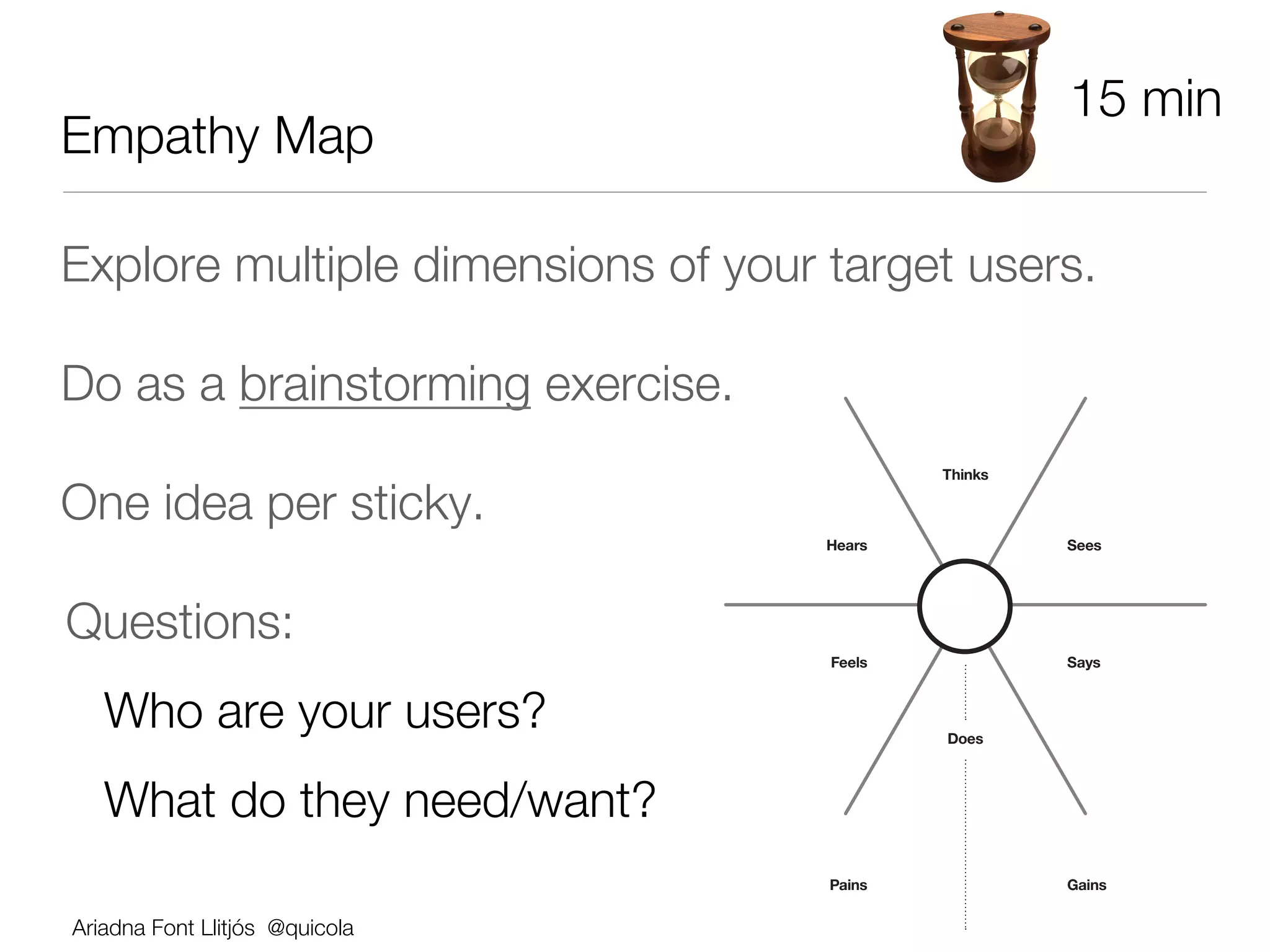
Explore multiple dimensions of your target users. 

Do as a brainstorming exercise. 
                                            Thinks

One idea per sticky.
                                    Hears            Sees


Questions: 
                                    Feels            Says


   Who are your users? 
                    Does


   What do they need/want?
                                    Pains            Gains


Ariadna Font Llitjós @quicola
Empathy Map Examples


Ariadna Font Llitjós @quicola
30 min
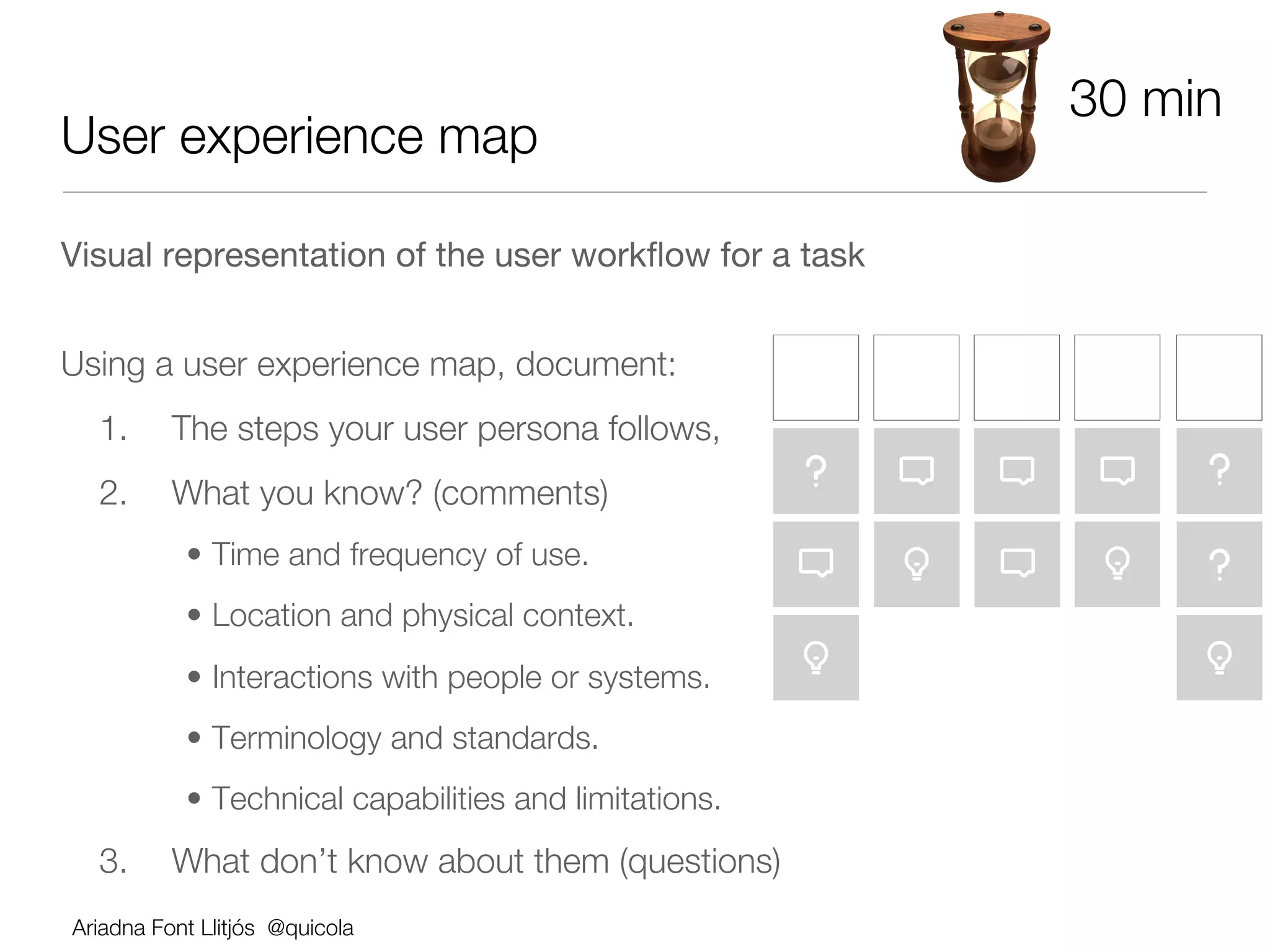
User experience map

Visual representation of the user workflow for a task


Using a user experience map, document:
      1.      The steps your user persona follows, 
      2.      What you know? (comments)
               •  Time and frequency of use.
               •  Location and physical context.
               •  Interactions with people or systems.
               •  Terminology and standards.
               •  Technical capabilities and limitations.
      3.      What don’t know about them (questions)
    Ariadna Font Llitjós @quicola
User Experience Map Examples


Ariadna Font Llitjós @quicola
UX Map - Covering up the Questions

• Talk to domain experts

• Interview more users

• Watch users in their environment

• …


Ariadna Font Llitjós @quicola
10 min
Elevator Pitch

Create an elevator pitch to define what should be
your MVP functionality.


Question: 
       What do users want to do with the app? 
       What’s our business proposition and the value
       added?
       (MUST haves vs NICE to haves)
    Ariadna Font Llitjós @quicola
Elevator Pitch 

For                 
[target user] 
who                 
[statement of need or opportunity] 
the 
               
[product/app name] is a [product category] 
that 
              
[key benefit, compelling reason to buy/use]. 


Unlike              
[primary competitive alternative] 


our product/app 
          
         
[statement of primary differentiation]

     !
    Ariadna Font Llitjós @quicola
Ariadna Font Llitjós @quicola
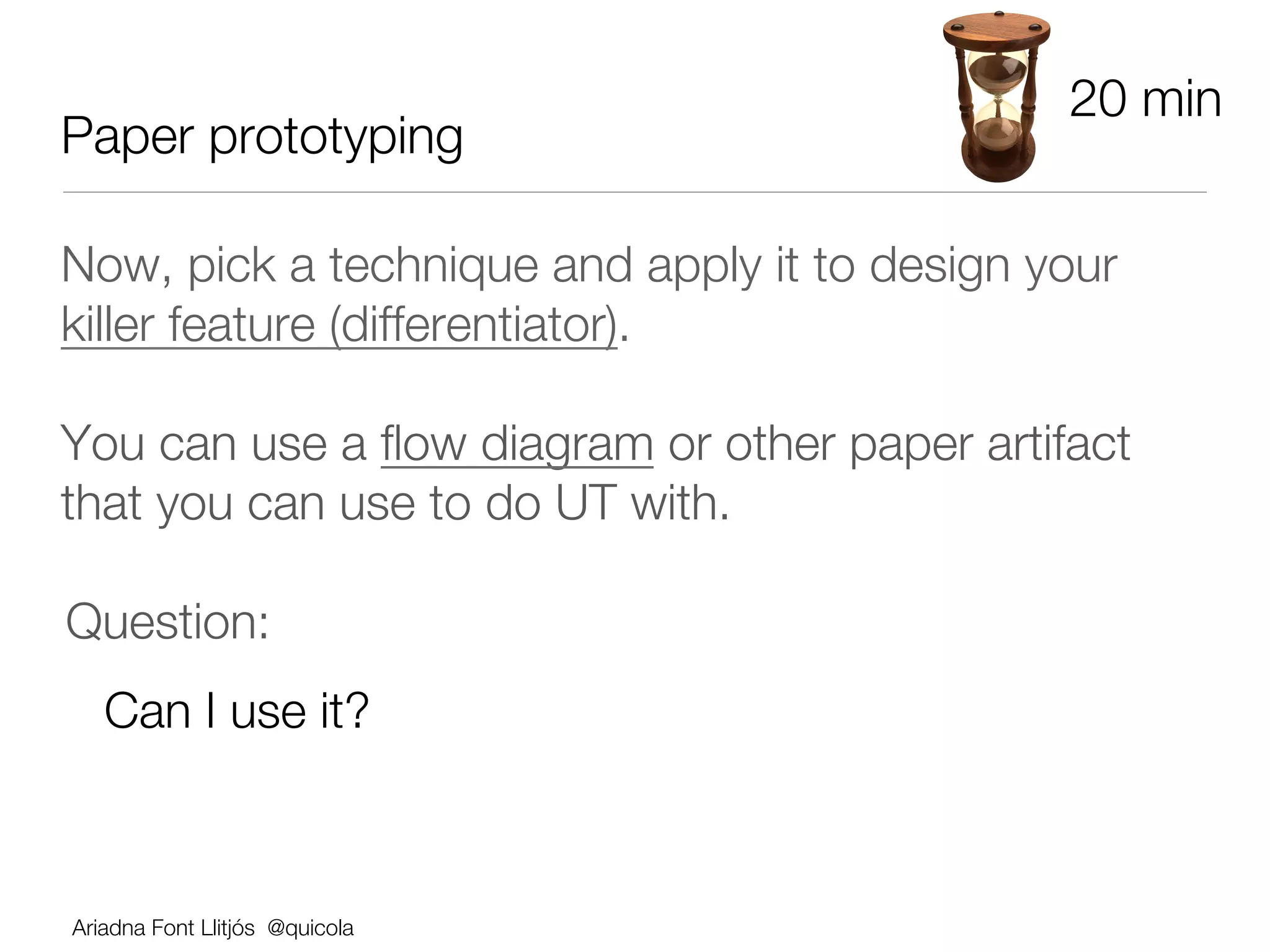
20 min
Paper prototyping

Now, pick a technique and apply it to design your
killer feature (differentiator).

You can use a flow diagram or other paper artifact
that you can use to do UT with.  


Question: 
   Can I use it?


Ariadna Font Llitjós @quicola
10 min
Guerrilla Usability Testing

Now let s test your paper prototype!

Question:
  Can somebody outside your team use it? 
       •  Do they know what they can do? and how to
        do it?
       •  Are there any big usability issues that would
        prevent your MVP from being broadly adopted?

Ariadna Font Llitjós @quicola
Usability Testing Facilitation 101

•  Give user a specific task. Example: from the homepage, navigate to the
   Inspiration Zone and see if there is anything there that you’d like to buy; pretend
   there is, buy it.

•  Use the think-out-loud protocol

•  Stay neutral, non-judgmental. The user is never wrong. 
       
 We re testing the product, not you 

•  Just observe, after stating the task, don’t tell them what to do or how to do it.

•  Create questions that don t bias the responses you hope to get.
    •  Biased Q: Was it easy for you to sign up for the product
    •  Unbiased Q: Overall please rate how difficult or easy it was to sign up for this
    product 1 is difficult, 7 is easy.

Ariadna Font Llitjós @quicola
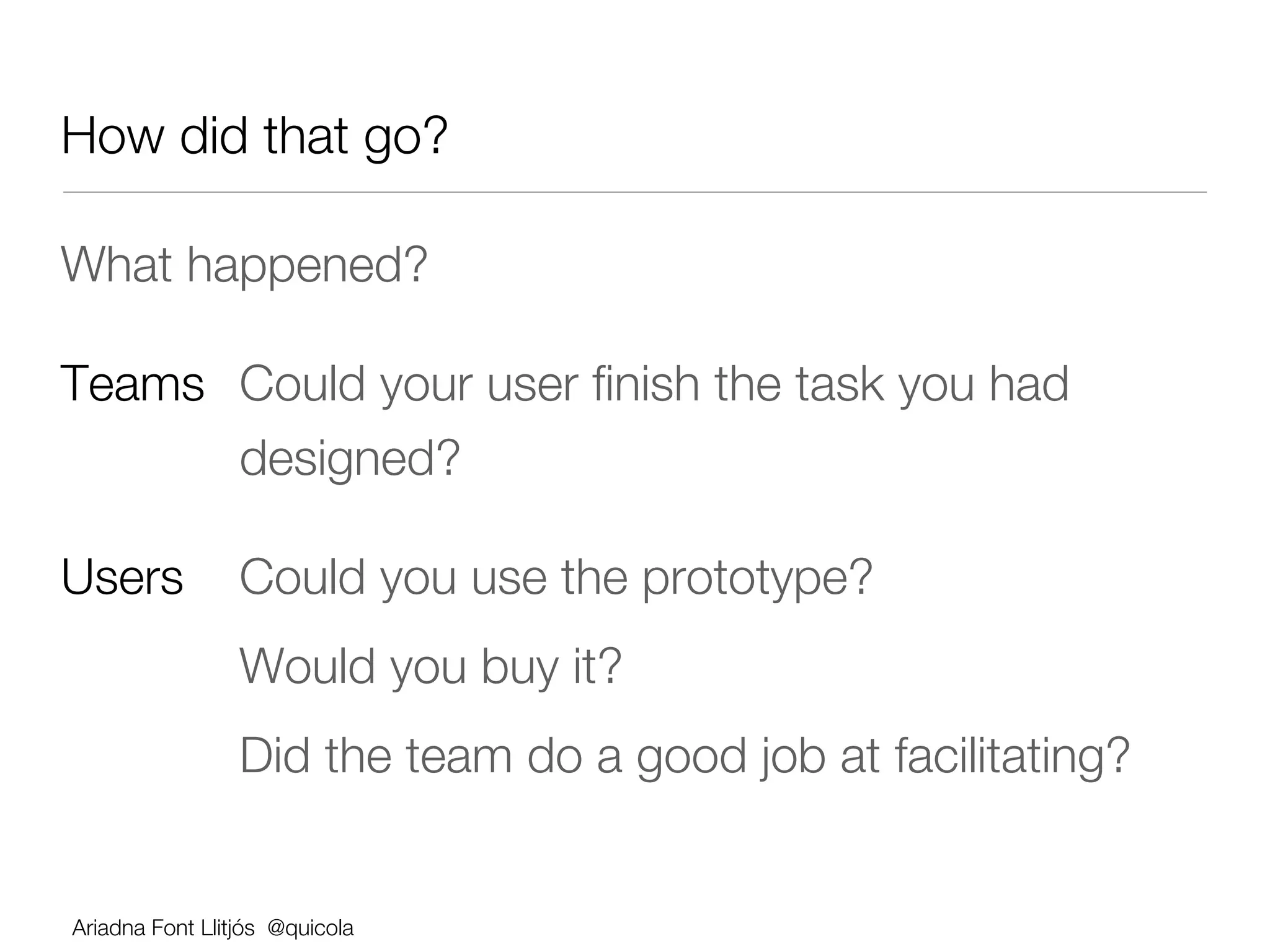
How did that go?

What happened?

Teams 
Could your user finish the task you had 
   
  
designed?

Users 
Could you use the prototype? 
      
        
Would you buy it?
      
        
Did the team do a good job at facilitating?


Ariadna Font Llitjós @quicola
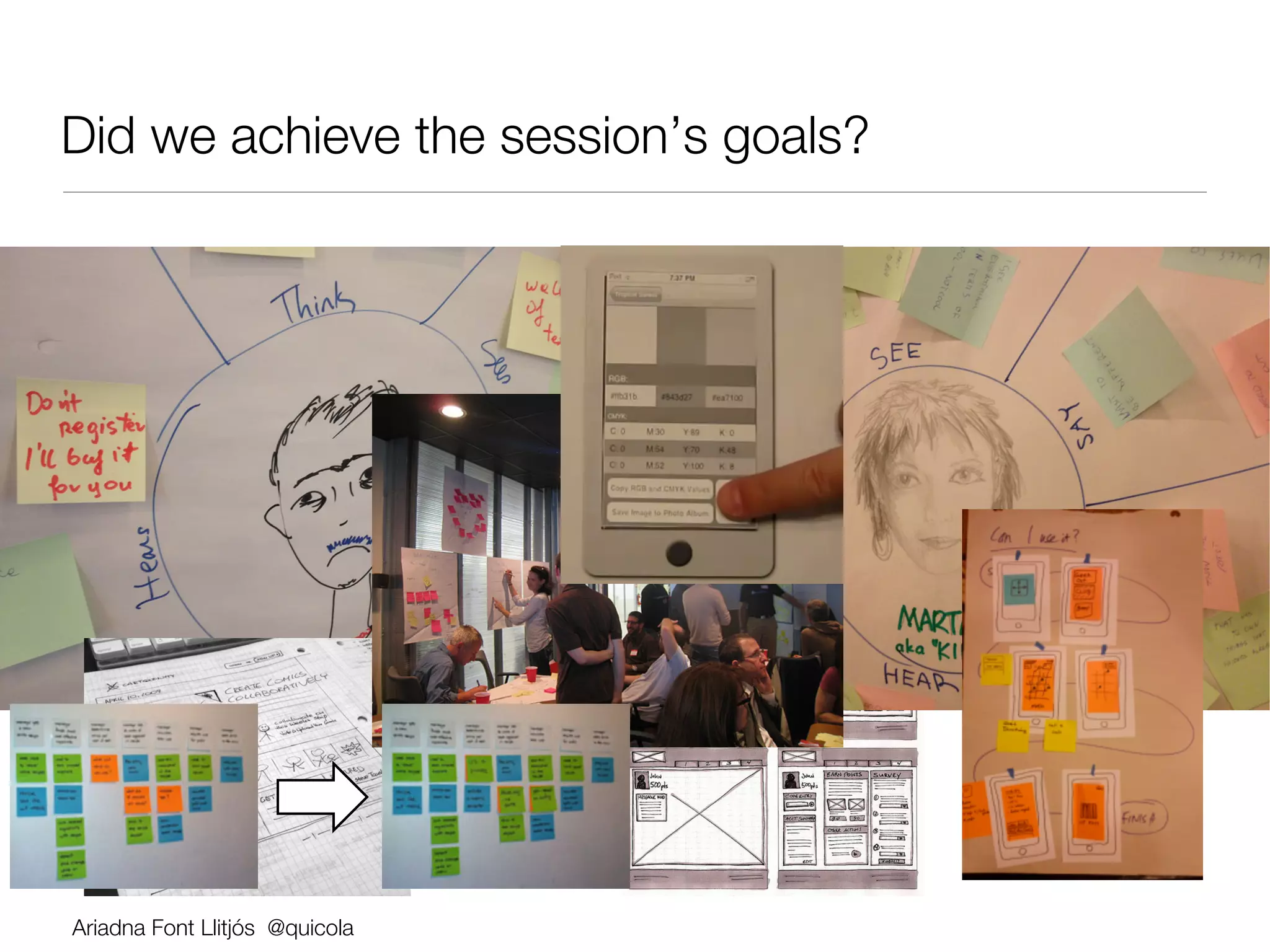
Did we achieve the session’s goals?


Ariadna Font Llitjós @quicola
Did we achieve the session’s goals?


Did it meet your expectations?


Ariadna Font Llitjós @quicola
+ & −

+ What was your favorite part of the session?

        Did you have any a-ha moments? 

        Will you be able to take something you learned in this
        session back to your work/life? (if so, what?)


− What was your least favorite part?

        
What could be improved? 


       Would make it for a better learning experience for you?   


Ariadna Font Llitjós @quicola
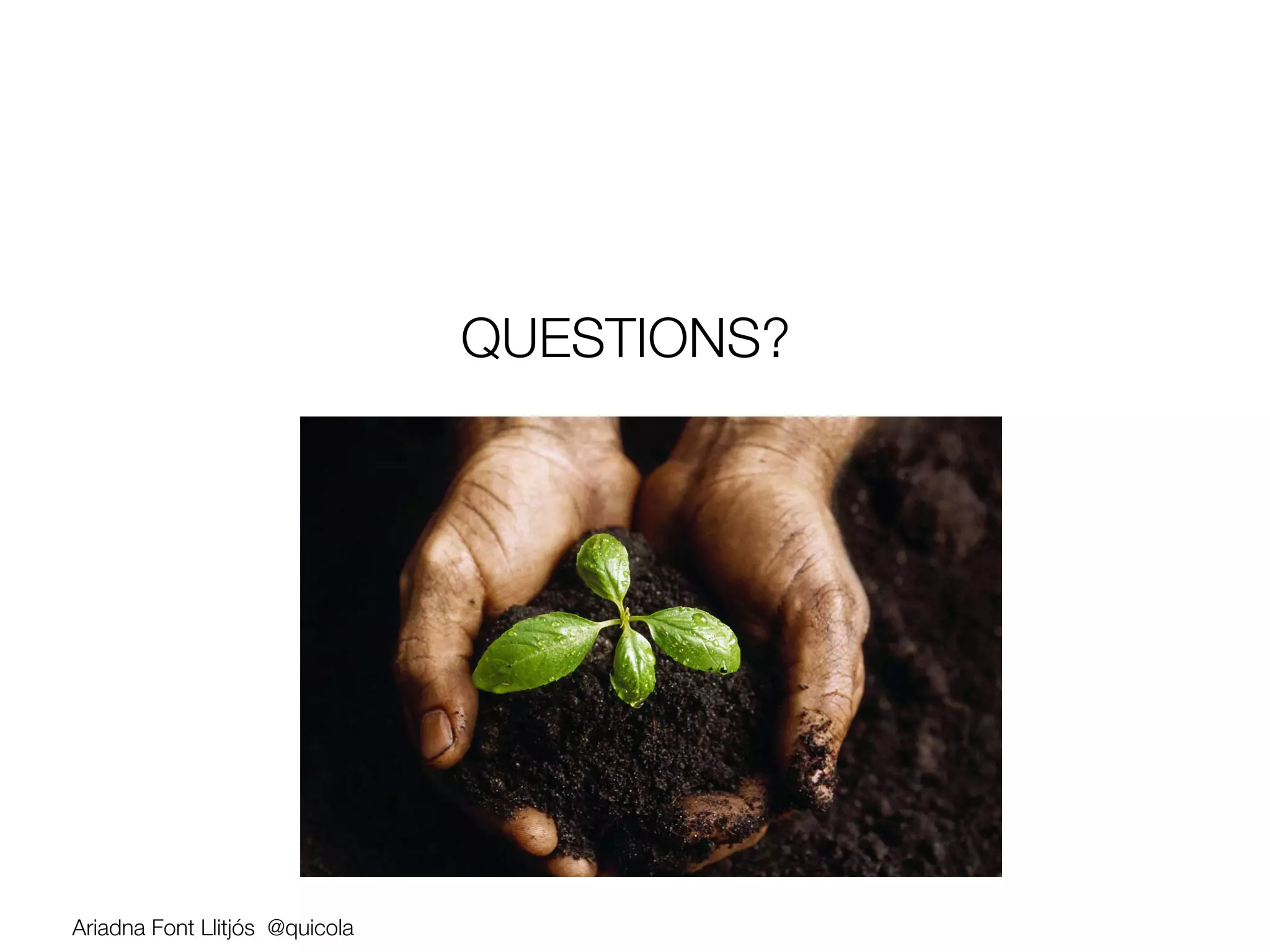
QUESTIONS?


Ariadna Font Llitjós @quicola
THANKS!


Ariadna Font Llitjós   @quicola   #LeanUXNYC   ariadna.font.cat

Designing an MVP that works for users (2 and 1/2 hours) @Lean UX NYC 2013

  • 1.
    Designing an MVPthat works for your users Ariadna Font Llitjós UX Lead & Development Manager IBM, Big Data @quicola #LeanUXNYC #LeanUX ariadna.font.cat
  • 3.
    Write your expectationsfor this session on a sticky Ariadna Font Llitjós @quicola
  • 4.
    The Plan 20 min Theory Brief Description of UX techniques User Research, Scoping, Prototyping and Testing Practice 2 hours Focus on delivering an MVP fast with user-driven design Collaborative design session - Build a Mobile App! Ariadna Font Llitjós @quicola
  • 5.
    Where are you? Product dev No product dev UX No UX Ariadna Font Llitjós @quicola
  • 6.
    Contextual inquiry Collaborative design Inception deck Sketches Paper prototype (CI) sessions Usability Testing (most of this MVP Flow diagram Personas workshop) Qualitative Elevator pitch Wireframes Usability Testing Empathy map Brainstorming 3 Must have goals Paper prototype Quantitative Stakeholder map Storyboard Usability Testing Flow diagram Mockups User Experience Sketchboard Pair testing map Stories Functional prototype Controlled Journey map Story map experiments (A/B Testing) Heuristic evaluation “Agile schedule” Heuristic Cognitive BDD evaluation walkthrough Cognitive Benchmarking walkthrough
  • 7.
  • 8.
    Contextual Inquiry (UserResearch) First hand observation of how people perform and structure their work (or any other relevant tasks) Who does it? UX person or other team member. A pair of observers is ideal Key benefits: •  Best way to understand your users •  Only way to know what the real work flow/process is (vs the official one) •  Opportunity to discuss with users what they are doing and why Ariadna Font Llitjós @quicola
  • 9.
    (Lean) Personas Characterization of a type of user that we want to target with our product/application Who does it? Ideally, UX or somebody who has done some user research. Key Benefits: •  Document user research •  Remind team of users needs and motivations (different from managers and buyers) •  Allow team to ground communication throughout development Ariadna Font Llitjós @quicola
  • 10.
    Empathy Map Explore atarget user (persona) from different perspectives: Who am I? Behavior, See –Motivations, Do – Features, Say, Feel Who does it? The Team Key Benefits: •  Very quick way to have a holistic view of your target user •  Forces you to think about more than their role •  Allow team to ground communication throughout development Ariadna Font Llitjós @quicola
  • 11.
    User experience map Visualrepresentation of the user workflow for accomplishing a goal. Key elements include: •  Questions to signal areas where more information/understanding is needed •  Comments with known information that clarifies / lends meaning •  Ideas to illustrate an interesting concept that could enhance a step Who does it? The team Key Benefits: •  Make team’s (lack of) knowledge explicit •  Good to figure out areas that need (further) user research Ariadna Font Llitjós @quicola
  • 12.
  • 13.
    Rules for brainstorming Deferjudgment. Encourage wild ideas. Build on the ideas of others. Stay focused on the topic. Be visual. One conversation at a time. Go for quantity. Ariadna Font Llitjós @quicola
  • 14.
    Storyboard Use ofstory telling to quickly visualize/share a solution to specific problem making use of personas and their behaviors, stories and any known constraints. Who does it? The Team Key Benefits: •  Help us think about the problem in a creative way •  Facilitates focused communication •  Affordable and easy to do Ariadna Font Llitjós @quicola
  • 15.
    Sketchboard It’s like storyboarding but with sketches, almost like a biomap of the system you are building or about to build. Who does it? Team with UX/designer’s help Key Benefits: •  Provides Big Picture using initial design ideas •  Very iterative and highly collaboratively •  Very focused requirement discussions Ariadna Font Llitjós @quicola
  • 16.
  • 17.
    Minimal Viable Product- MVP •  (First) product version to test our ideas as quickly and cheaply as possible. •  An MVP has just those features that allow the product to be deployed and validated, and no more. •  "The minimum viable product is that version of a new product (or feature) which allows a team to collect the maximum amount of validated learning about customers with the least effort.” •  Is not a minimal product, it’s a strategy and process directed towards making and selling a product to customers. •  The MVP works together with a build-measure-learn cycle: developing software, gathering customer feedback, and learning from it. Ariadna Font Llitjós @quicola
  • 18.
    Elevator Pitch For[target user] ! who [statement of need or opportunity] ! the [product/app name] is a [product category] ! that [key benefit, compelling reason to buy/use]. ! Unlike [primary competitive alternative] ! our product/app [statement of primary differentiation]! Who does it? The Team Key Benefits: •  Allows team to focus on differentiator feature(s) and direct their energy to features with the highest business value •  Quick and inexpensive Ariadna Font Llitjós @quicola
  • 19.
    3 Must havegoals 1.  … 2.  … 3.  … Anything else goes in the Nice-to-have category. Good to have a “Will not do/have” category as well. Ariadna Font Llitjós @quicola
  • 20.
    User stories Softwaresystem requirement formulated in one or two sentences in everyday or business language that makes explicit the user’s need. Example: As a [type of user] ! I want to [perform some task] ! so that I can [reach some goal]! Who does this? The team (dev, tester, doc or UX) Key Benefits: •  Provides a thinking template; token for a conversation •  Description of why the product needs to do what it does Ariadna Font Llitjós @quicola
  • 21.
    User stories Softwaresystem requirement formulated in one or two sentences in everyday or business language that makes explicit the user’s need. Example: As a [type of user] ! I want to [perform some task] ! so that I can [reach some goal]! Who does this? The team (dev, tester, doc or UX) Key Benefits: •  Provides a thinking template; token for a conversation •  Description of why the product needs to do what it does Ariadna Font Llitjós @quicola
  • 22.
  • 23.
  • 24.
    Flow diagram Visualizethe workflow the user has to follow through the application to complete a task or achieve a goal. Can I use it? Who does it? The Team Key Benefits: •  Quick way to run through the system from a user perspective •  Allows you to identify gaps in your current flow •  Affordable and easy to do Ariadna Font Llitjós @quicola
  • 25.
    Wireframes Grayscale mockupsshowing layout and position of page elements (can range from low-fidelity to exact grid-based resolution) Who does this? Typically UX, designer, but anyone can do it! Key Benefits: •  Easiest/cheapest way to realize and test ideas •  Great to get early feedback •  Can be done at any stage of development Ariadna Font Llitjós @quicola
  • 26.
  • 27.
  • 28.
    Paper prototype usabilitytesting Usability testing on paper versions of wireframes or sketches that users can simulate slicks and talk through their thoughts and decisions Who does it? Anyone can do this (be an observer) Key Benefits: •  Fastest and cheapest way to validate ideas/assumptions •  Results can be fed back into the design process immediately •  You can do this at any time you are not sure what is the best UI for a specific problem Ariadna Font Llitjós @quicola
  • 29.
    Usability Testing Facilitation101 •  Give user a specific task. Example: from the homepage, navigate to the Inspiration Zone and see if there is anything there that you’d like to buy; pretend there is, buy it. •  Use the think-out-loud protocol •  Stay neutral, non-judgmental. The user is never wrong. We re testing the product, not you •  Just observe, after stating the task, don’t tell them what to do or how to do it. •  Create questions that don t bias the responses you hope to get. •  Biased Q: Was it easy for you to sign up for the product •  Unbiased Q: Overall please rate how difficult or easy it was to sign up for this product 1 is difficult, 7 is easy. Ariadna Font Llitjós @quicola
  • 30.
    To learn moreabout how to run your own UT… Read this book Ariadna Font Llitjós @quicola
  • 31.
    Let s Practice! CollaborativeDesign Session Ariadna Font Llitjós @quicola
  • 32.
    5 min Form teamsof 4-6 people Introduce yourself (role, something unusual) You will collaboratively work on: 1.  User Research and Analysis 2.  Scoping 3.  Prototyping 4.  Usability Testing Ariadna Font Llitjós @quicola
  • 33.
    Challenge Develop a Mobile App that helps promote networking and interaction between all conference attendees Ariadna Font Llitjós @quicola
  • 34.
  • 35.
    15 min Contextual Inquiry • Find a user and try to understand what they would want to do with this app (examples: check schedule, see how is in what session, chat with a speaker, rendezvous with random conference attendee, etc.) • Have they used such an app before? What did they like/hate about it? Try to get them to show it to you. • Observe and take notes Ariadna Font Llitjós @quicola
  • 36.
    15 min Empathy Map Exploremultiple dimensions of your target users. Do as a brainstorming exercise. Thinks One idea per sticky. Hears Sees Questions: Feels Says Who are your users? Does What do they need/want? Pains Gains Ariadna Font Llitjós @quicola
  • 37.
    Empathy Map Examples AriadnaFont Llitjós @quicola
  • 38.
    30 min User experiencemap Visual representation of the user workflow for a task Using a user experience map, document: 1.  The steps your user persona follows, 2.  What you know? (comments) •  Time and frequency of use. •  Location and physical context. •  Interactions with people or systems. •  Terminology and standards. •  Technical capabilities and limitations. 3.  What don’t know about them (questions) Ariadna Font Llitjós @quicola
  • 39.
    User Experience MapExamples Ariadna Font Llitjós @quicola
  • 40.
    UX Map -Covering up the Questions • Talk to domain experts • Interview more users • Watch users in their environment • … Ariadna Font Llitjós @quicola
  • 41.
  • 42.
    10 min Elevator Pitch Createan elevator pitch to define what should be your MVP functionality. Question: What do users want to do with the app? What’s our business proposition and the value added? (MUST haves vs NICE to haves) Ariadna Font Llitjós @quicola
  • 43.
    Elevator Pitch For [target user] who [statement of need or opportunity] the [product/app name] is a [product category] that [key benefit, compelling reason to buy/use]. Unlike [primary competitive alternative] our product/app [statement of primary differentiation] ! Ariadna Font Llitjós @quicola
  • 44.
  • 45.
    20 min Paper prototyping Now,pick a technique and apply it to design your killer feature (differentiator). You can use a flow diagram or other paper artifact that you can use to do UT with. Question: Can I use it? Ariadna Font Llitjós @quicola
  • 46.
  • 47.
    10 min Guerrilla UsabilityTesting Now let s test your paper prototype! Question: Can somebody outside your team use it? •  Do they know what they can do? and how to do it? •  Are there any big usability issues that would prevent your MVP from being broadly adopted? Ariadna Font Llitjós @quicola
  • 48.
    Usability Testing Facilitation101 •  Give user a specific task. Example: from the homepage, navigate to the Inspiration Zone and see if there is anything there that you’d like to buy; pretend there is, buy it. •  Use the think-out-loud protocol •  Stay neutral, non-judgmental. The user is never wrong. We re testing the product, not you •  Just observe, after stating the task, don’t tell them what to do or how to do it. •  Create questions that don t bias the responses you hope to get. •  Biased Q: Was it easy for you to sign up for the product •  Unbiased Q: Overall please rate how difficult or easy it was to sign up for this product 1 is difficult, 7 is easy. Ariadna Font Llitjós @quicola
  • 49.
    How did thatgo? What happened? Teams Could your user finish the task you had designed? Users Could you use the prototype? Would you buy it? Did the team do a good job at facilitating? Ariadna Font Llitjós @quicola
  • 50.
  • 51.
    Did we achievethe session’s goals? Ariadna Font Llitjós @quicola
  • 52.
    Did we achievethe session’s goals? Did it meet your expectations? Ariadna Font Llitjós @quicola
  • 53.
    + & − +What was your favorite part of the session? Did you have any a-ha moments? Will you be able to take something you learned in this session back to your work/life? (if so, what?) − What was your least favorite part? What could be improved? Would make it for a better learning experience for you? Ariadna Font Llitjós @quicola
  • 54.
  • 55.
    THANKS! Ariadna Font Llitjós @quicola #LeanUXNYC ariadna.font.cat