Geocaching: The sport where YOU are the search engine Bridget Belardi [email_address]   blog.mtlsd.org/cybrary
What is Geocaching? A high-tech treasure hunt Need a GPS Seek a cache based on latitude and longitude coordinates  This is not just a teaching tool, it’s a lifetime activity.
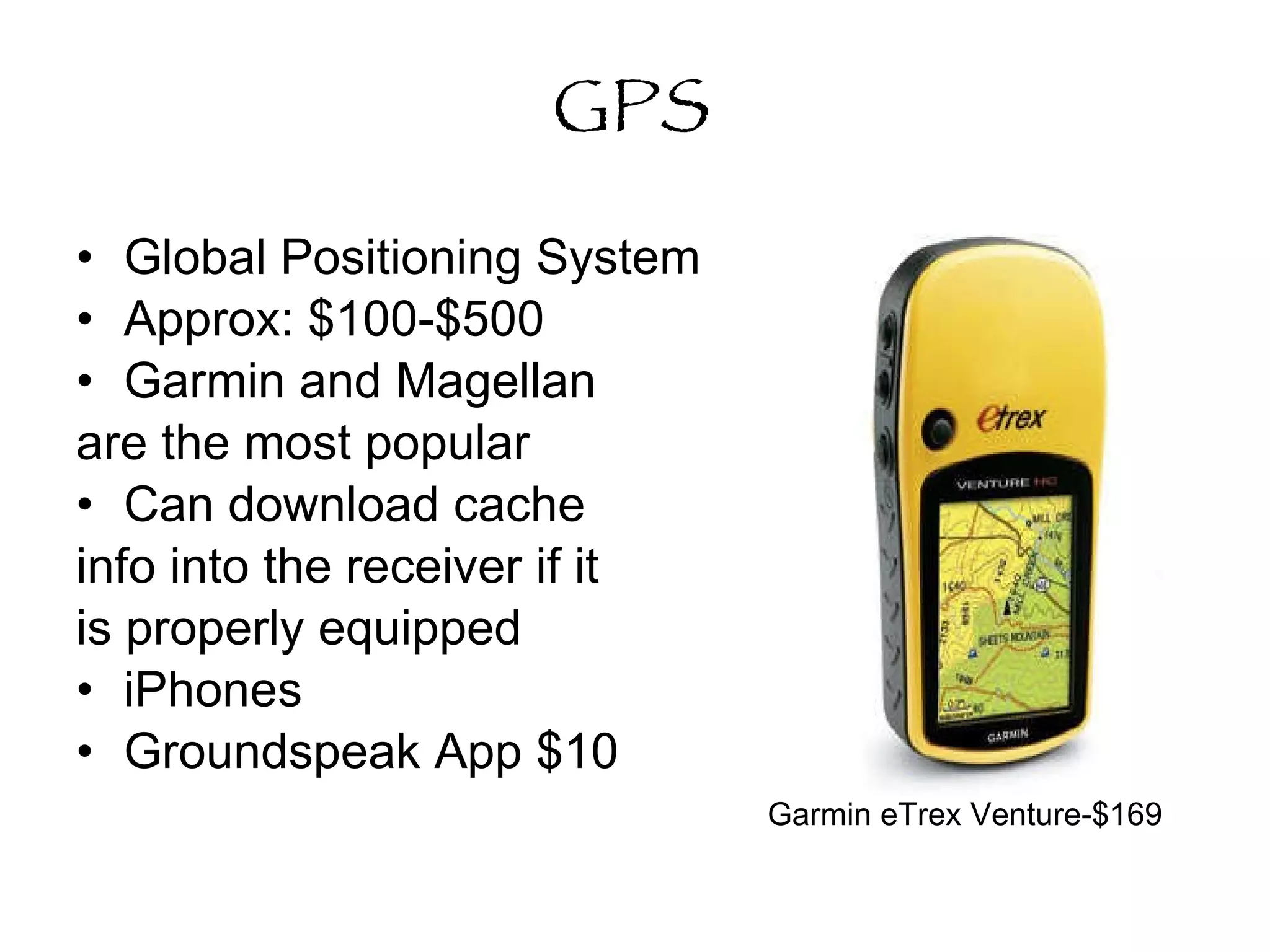
GPS Global Positioning System Approx: $100-$500  Garmin and Magellan are the most popular Can download cache info into the receiver if it is properly equipped iPhones Groundspeak App $10 Garmin eTrex Venture-$169
How Does It Work?   Using three satellites (trilateration), you should be able to determine your exact position.  Some variables include: Trees Buildings Atmospheric Interference, etc.  *A typical hand held receiver gets within 5-15 feet.
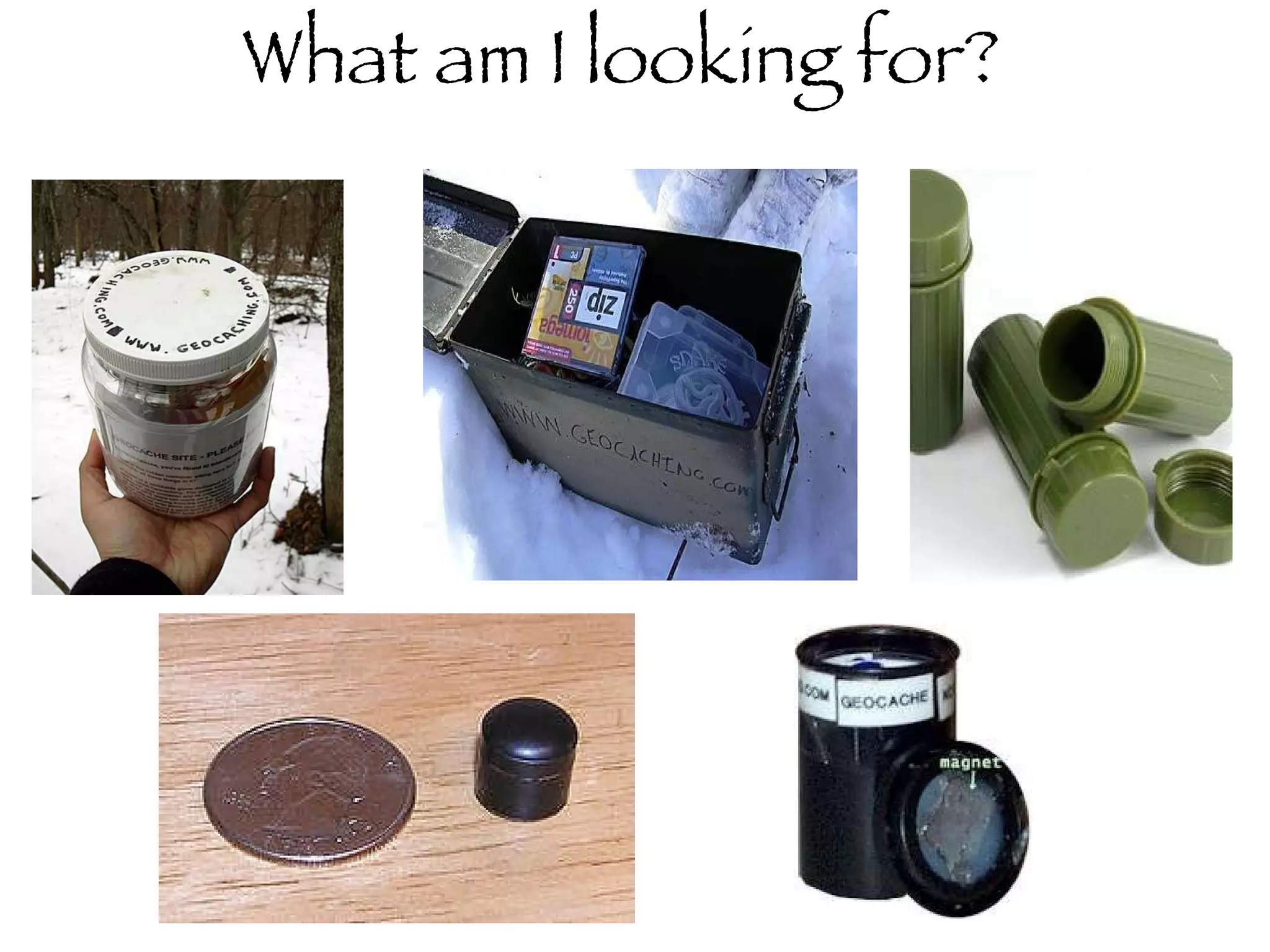
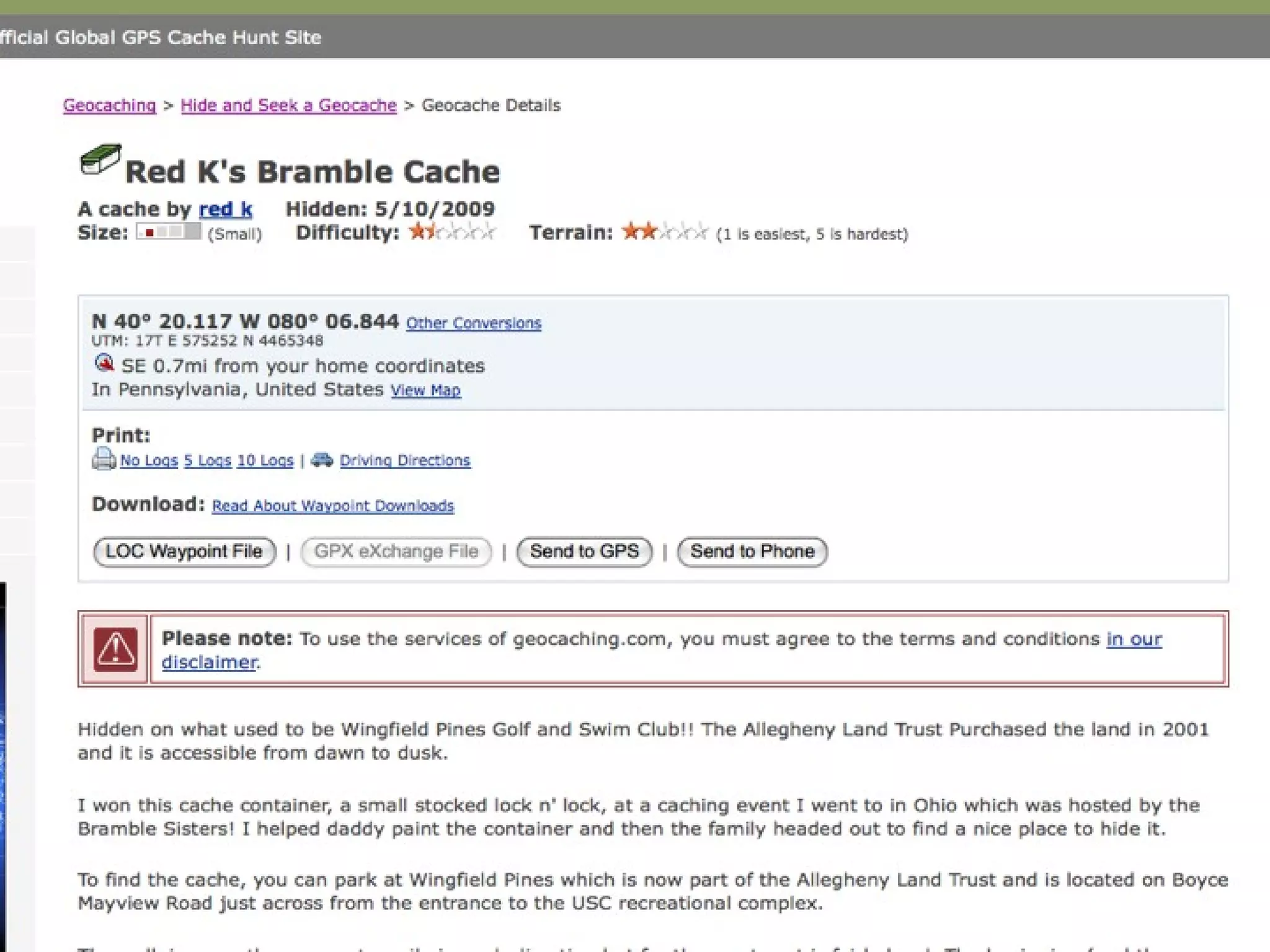
What am I looking for?
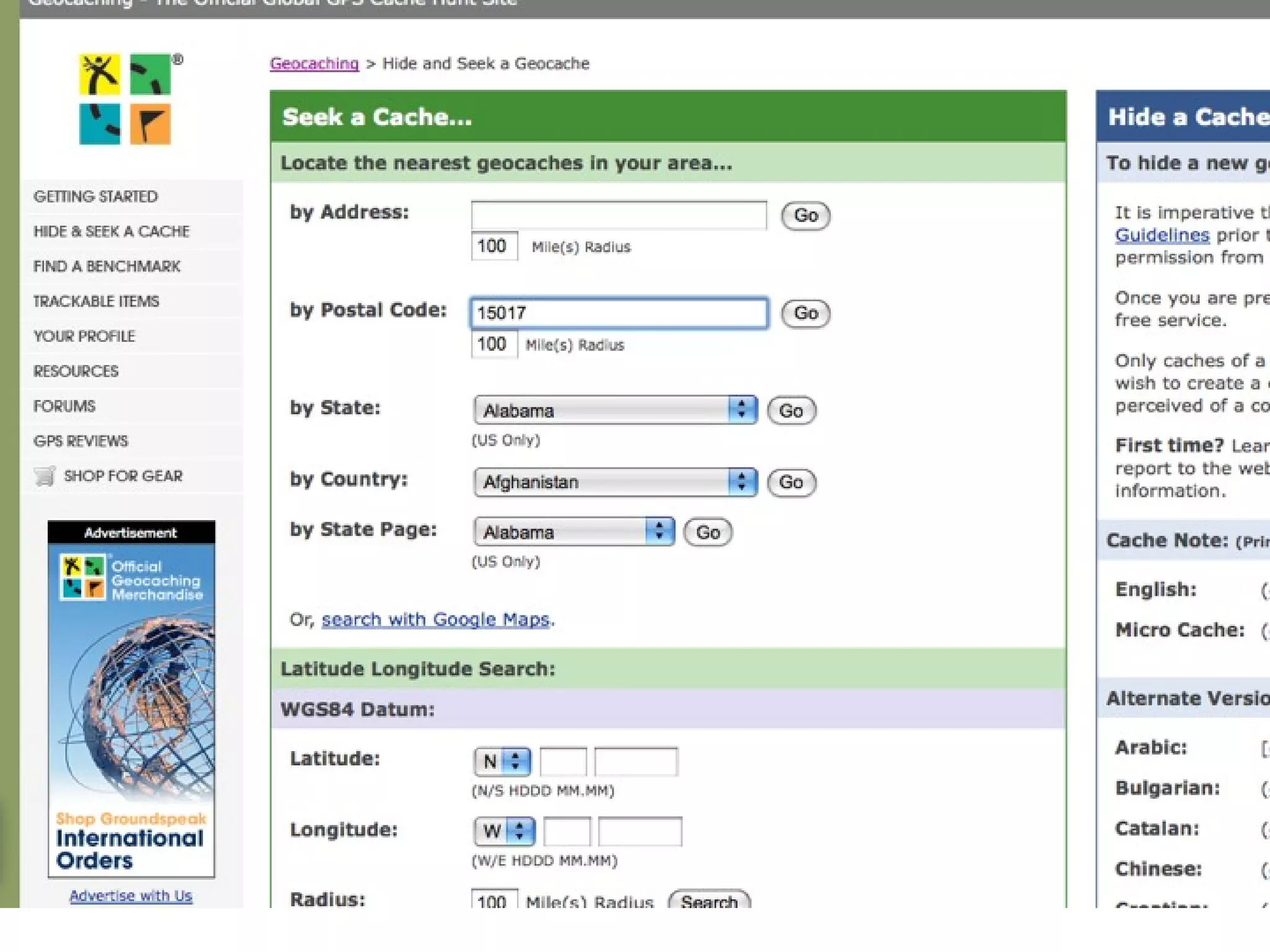
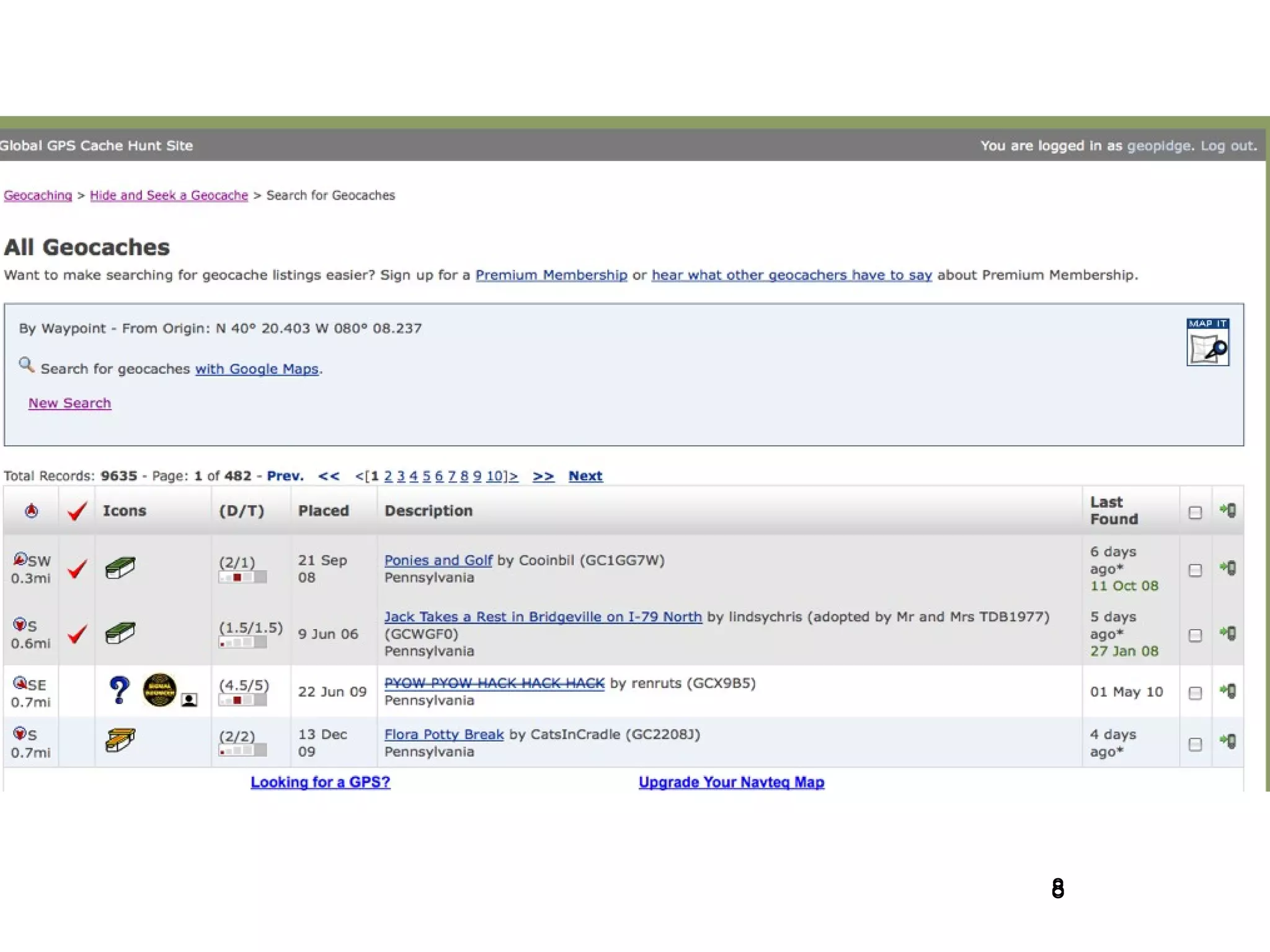
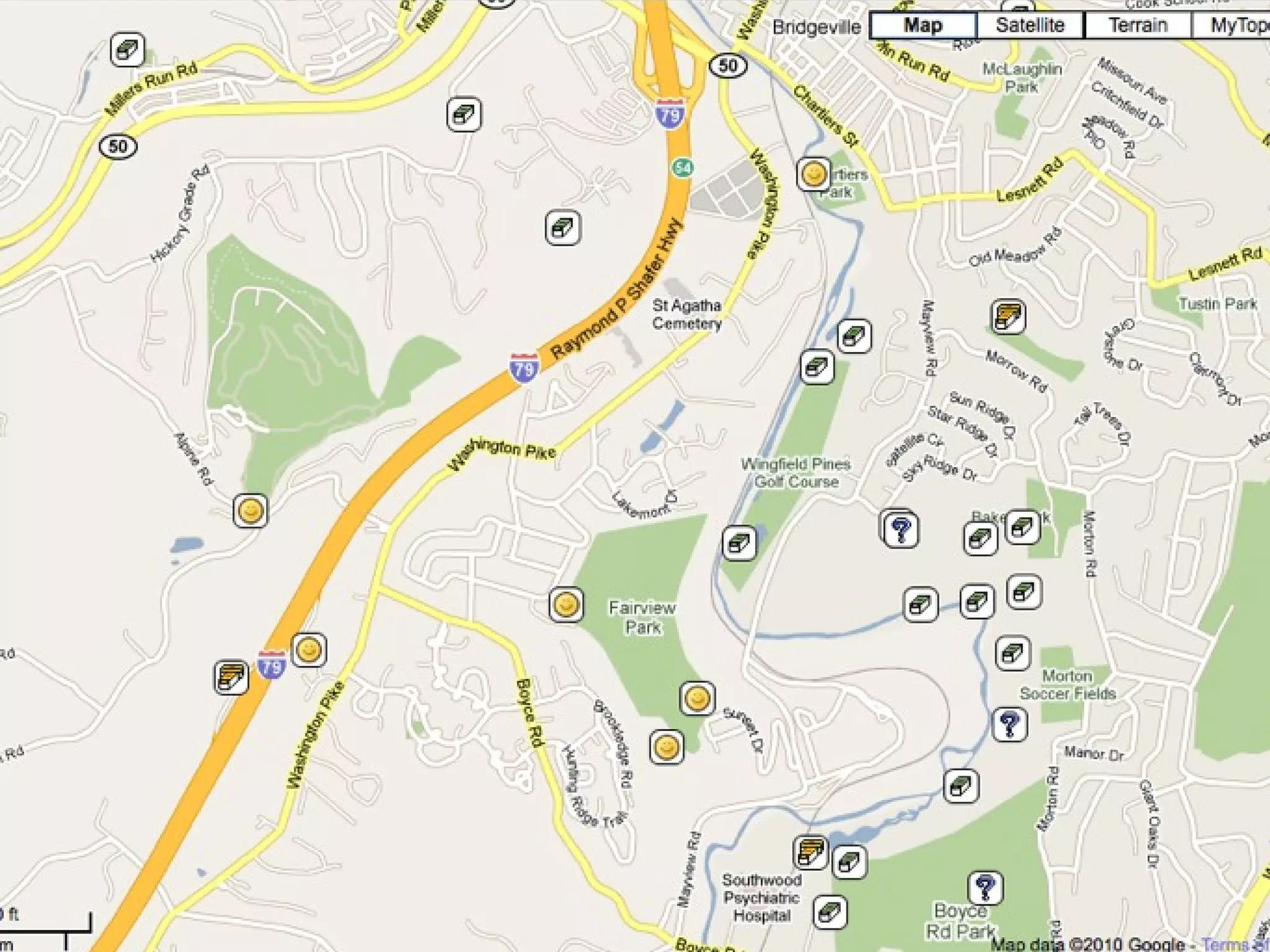
How do I find a cache?   Build an account on  www.geocaching.com   Search by city, zip code, state, driving route, etc.  (I usually search by zip code--15017) Record the latitude and longitude coordinates  and read the hints!
Then what?   Get as close to the location as you can. Insert the coordinates into the GPS.  Follow the compass until it gets to 0-10 feet.  Use your “geosense” to find the cache.
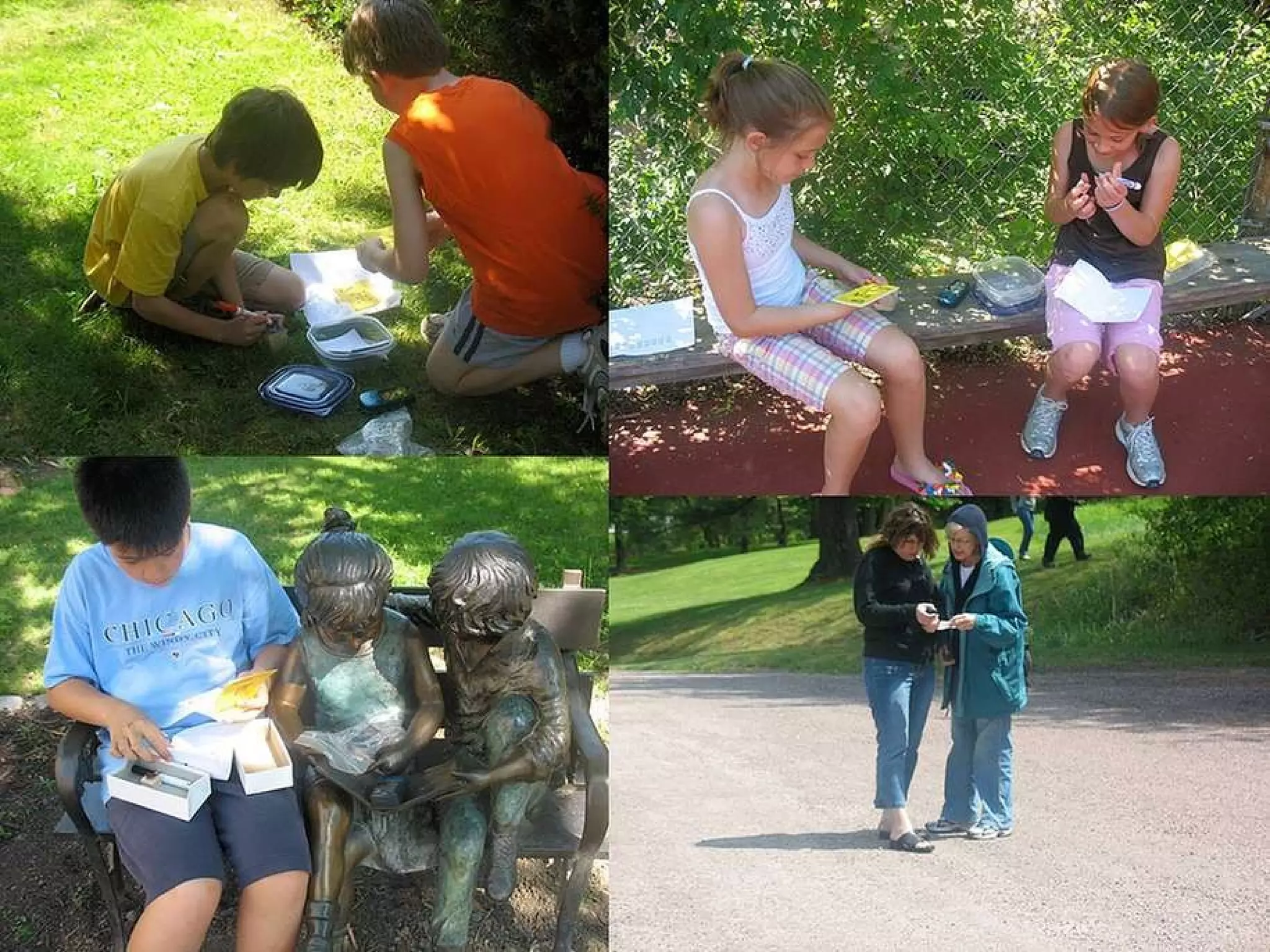
When you find the cache…   Sign the log book  Trade items—Take something, leave something Look for travel bugs and geocoins Be sure to put the cache back in the same place you found it with the appropriate amount of camouflage.
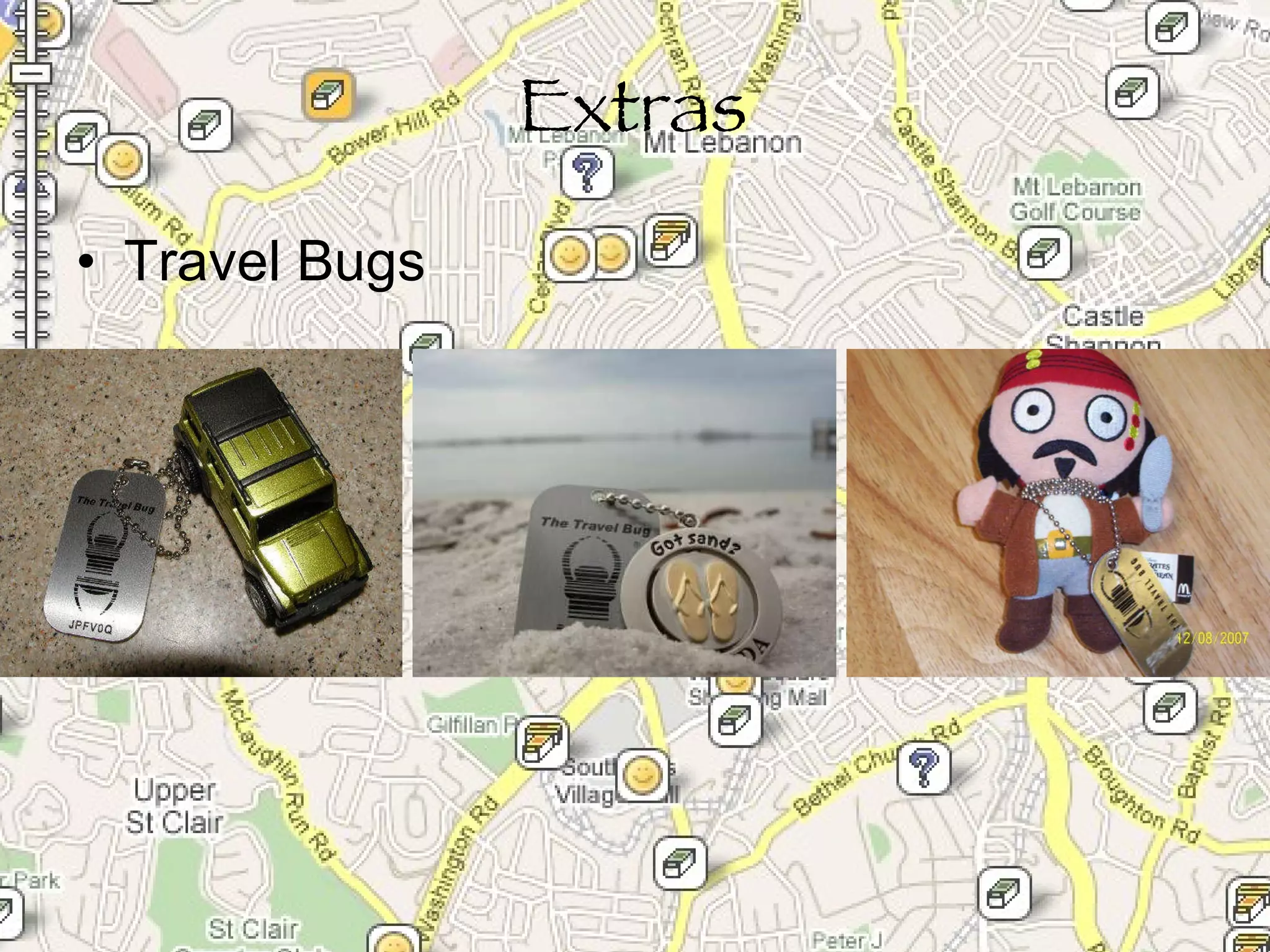
Extras Travel Bugs
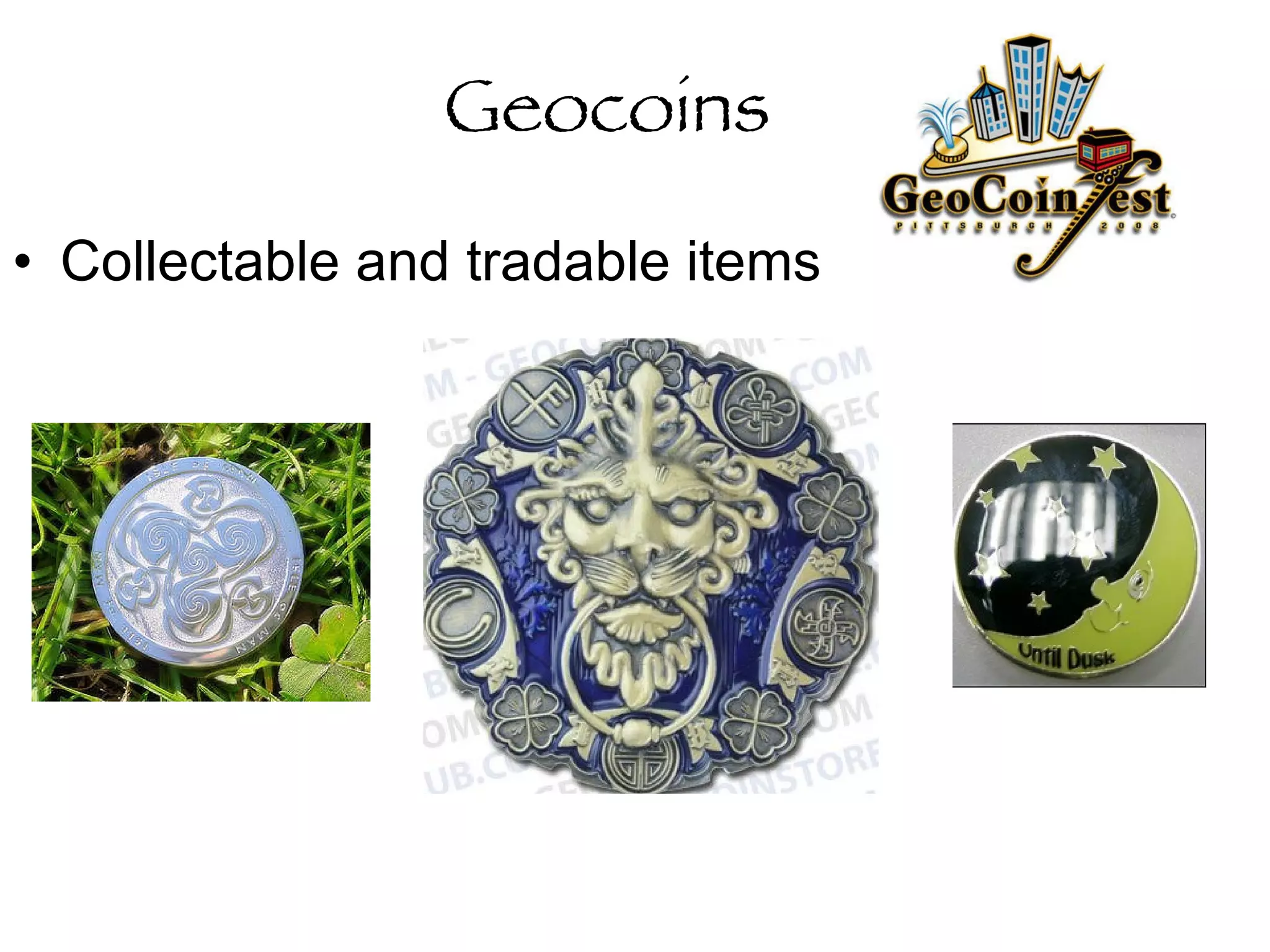
Geocoins Collectable and tradable items
Some “lingo”   Muggles:  Those who are not geocachers.  You must be careful to be stealthy around them!  TFTC:  Thanks for the Cache TFTF:  Thanks for the Find TNLN:  Took Nothing Left Nothing
“ Survival” Guide   Take a bag that includes GPS First Aid kit/bug spray Pen/Pencil Swag/Tradable items Compass
 
Educational Benefits Reading latitude and longitude Map skills Using a compass Can add a research component Cross-curricular connections Letterboxing Hybrid
Map Skills GIS (Geographic Information Software) Google Maps
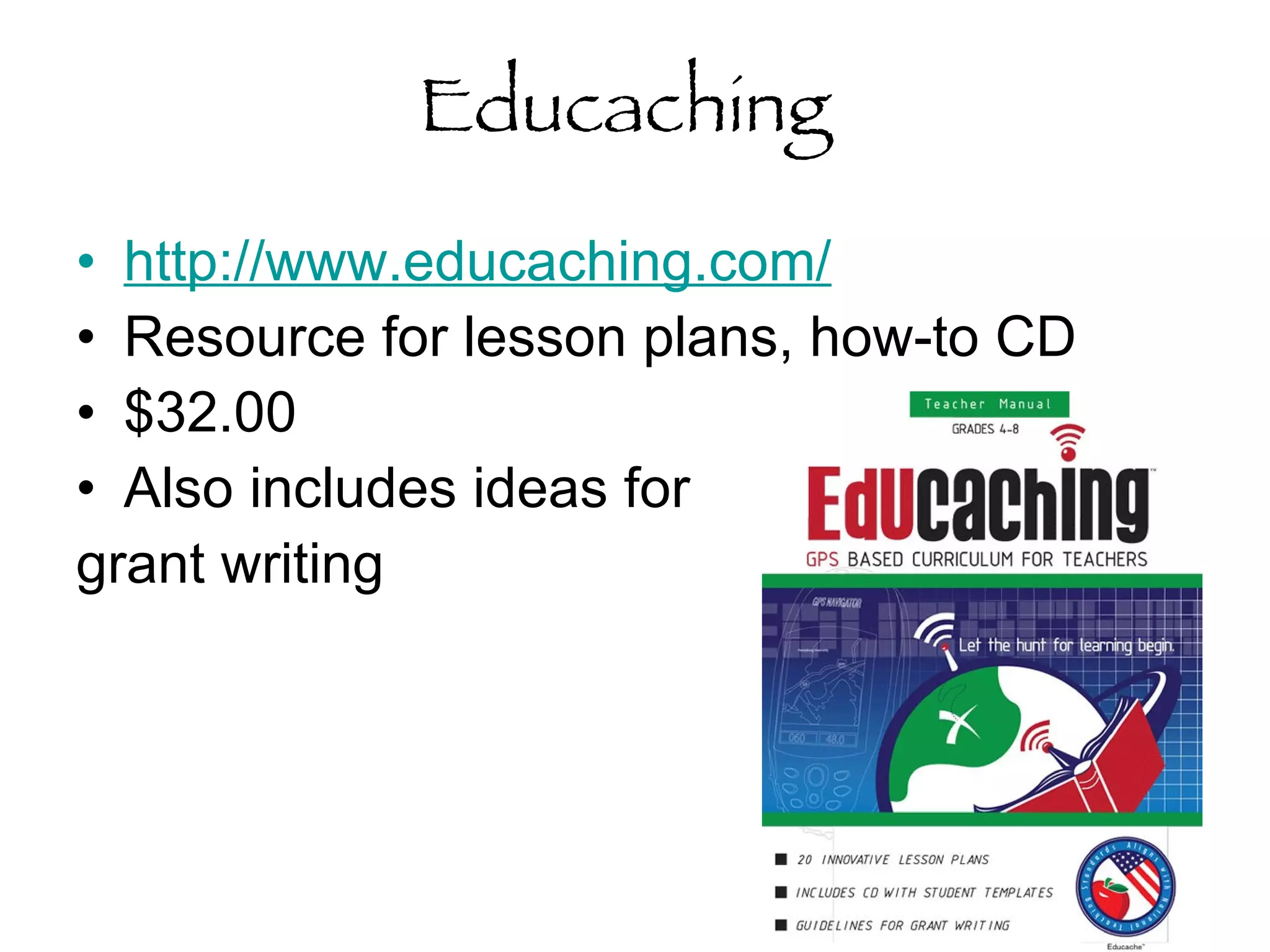
Educaching  http://www.educaching.com/   Resource for lesson plans, how-to CD $32.00 Also includes ideas for  grant writing
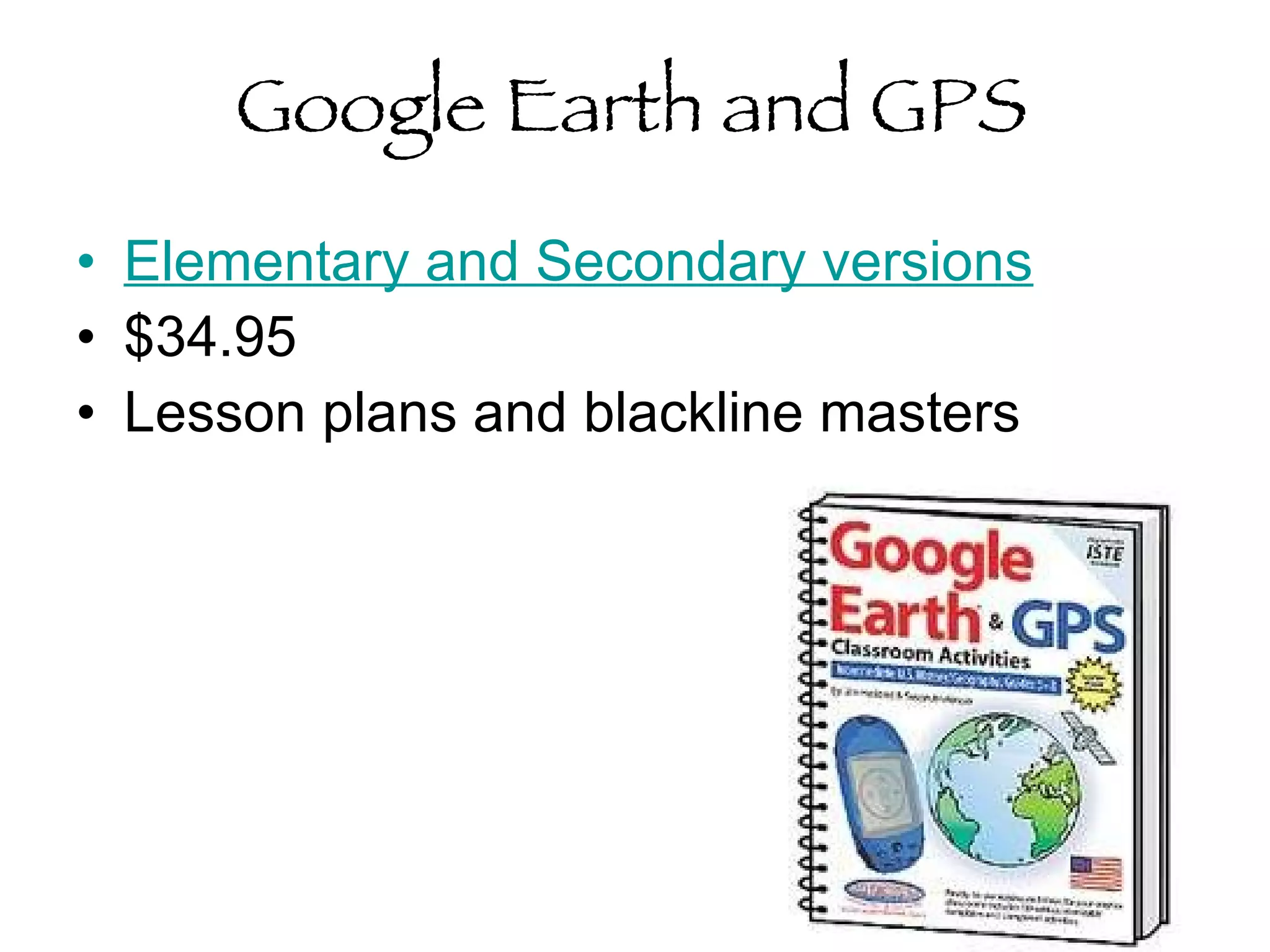
Google Earth and GPS Elementary and Secondary versions $34.95 Lesson plans and blackline masters
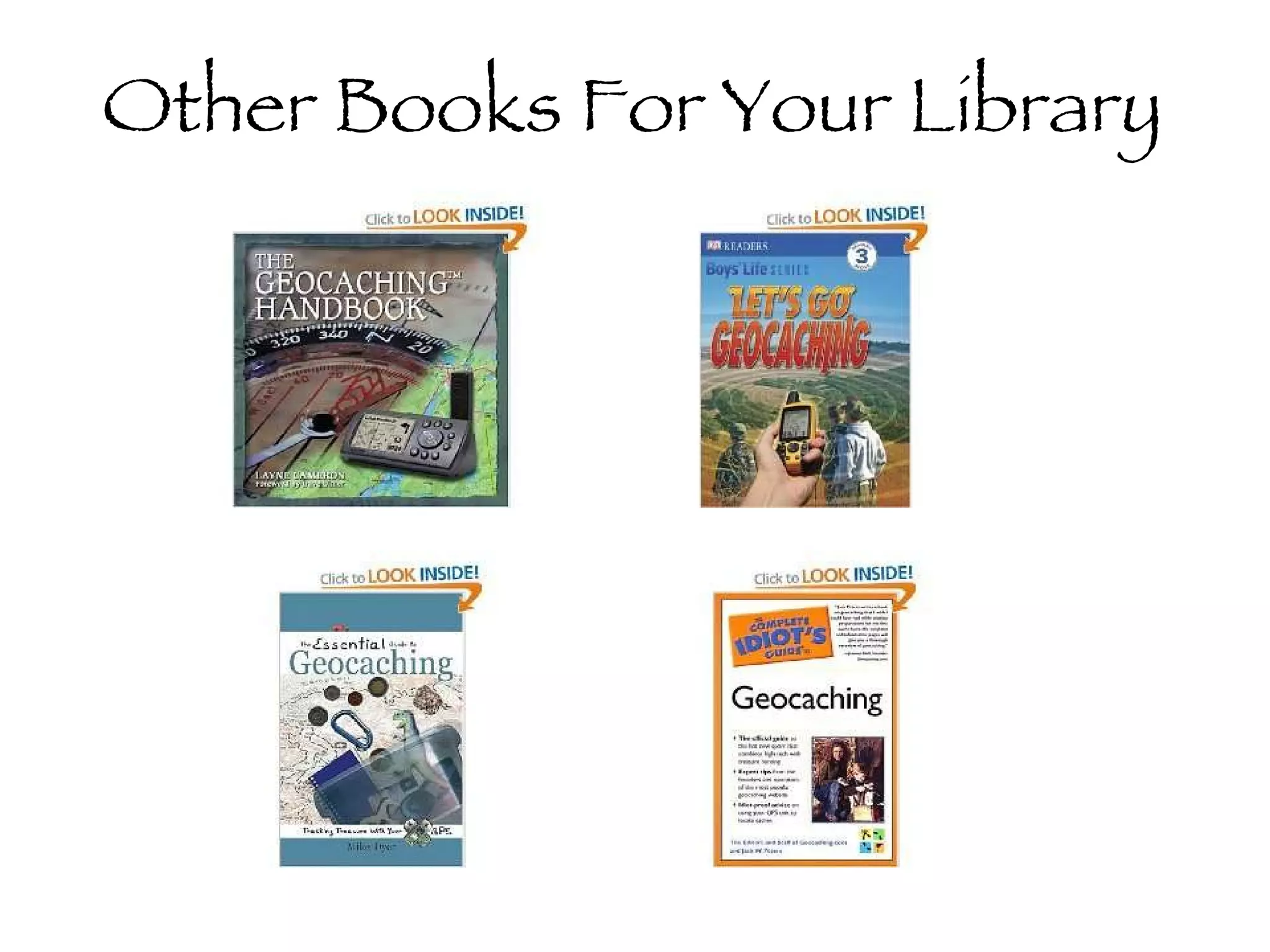
Other Books For Your Library
Other Information   Podcachers Geocaching List Serv  (For teachers) PAECT list of resources  —including GIS software Caching Teacher Blog ** Dr. Christie’s Guide for Educators
Want to find out more? www.geocaching.com  : For all your geocaching needs A site for beginners:  http://www.factsfacts.com/geocacher.htm http://en.wikipedia.org/wiki/Geocaching
Bridget Belardi [email_address]   blog.mtlsd.org/cybrary

Den 2 geocaching_day_2010[1]

  • 1.
    Geocaching: The sportwhere YOU are the search engine Bridget Belardi [email_address] blog.mtlsd.org/cybrary
  • 2.
    What is Geocaching?A high-tech treasure hunt Need a GPS Seek a cache based on latitude and longitude coordinates This is not just a teaching tool, it’s a lifetime activity.
  • 3.
    GPS Global PositioningSystem Approx: $100-$500 Garmin and Magellan are the most popular Can download cache info into the receiver if it is properly equipped iPhones Groundspeak App $10 Garmin eTrex Venture-$169
  • 4.
    How Does ItWork? Using three satellites (trilateration), you should be able to determine your exact position. Some variables include: Trees Buildings Atmospheric Interference, etc. *A typical hand held receiver gets within 5-15 feet.
  • 5.
    What am Ilooking for?
  • 6.
    How do Ifind a cache? Build an account on www.geocaching.com Search by city, zip code, state, driving route, etc. (I usually search by zip code--15017) Record the latitude and longitude coordinates and read the hints!
  • 11.
    Then what? Get as close to the location as you can. Insert the coordinates into the GPS. Follow the compass until it gets to 0-10 feet. Use your “geosense” to find the cache.
  • 12.
    When you findthe cache… Sign the log book Trade items—Take something, leave something Look for travel bugs and geocoins Be sure to put the cache back in the same place you found it with the appropriate amount of camouflage.
  • 13.
  • 14.
  • 15.
    Some “lingo” Muggles: Those who are not geocachers. You must be careful to be stealthy around them! TFTC: Thanks for the Cache TFTF: Thanks for the Find TNLN: Took Nothing Left Nothing
  • 16.
    “ Survival” Guide Take a bag that includes GPS First Aid kit/bug spray Pen/Pencil Swag/Tradable items Compass
  • 17.
  • 18.
    Educational Benefits Readinglatitude and longitude Map skills Using a compass Can add a research component Cross-curricular connections Letterboxing Hybrid
  • 19.
    Map Skills GIS(Geographic Information Software) Google Maps
  • 20.
    Educaching http://www.educaching.com/ Resource for lesson plans, how-to CD $32.00 Also includes ideas for grant writing
  • 21.
    Google Earth andGPS Elementary and Secondary versions $34.95 Lesson plans and blackline masters
  • 22.
    Other Books ForYour Library
  • 23.
    Other Information Podcachers Geocaching List Serv (For teachers) PAECT list of resources —including GIS software Caching Teacher Blog ** Dr. Christie’s Guide for Educators
  • 24.
    Want to findout more? www.geocaching.com : For all your geocaching needs A site for beginners: http://www.factsfacts.com/geocacher.htm http://en.wikipedia.org/wiki/Geocaching
  • 25.
    Bridget Belardi [email_address] blog.mtlsd.org/cybrary

Editor's Notes

  • #2 Print cache names—Print map---Set up computers---pull up poll everywhere---