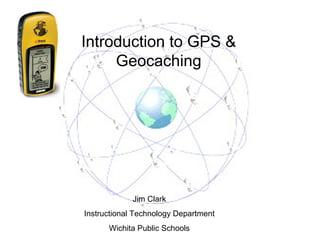
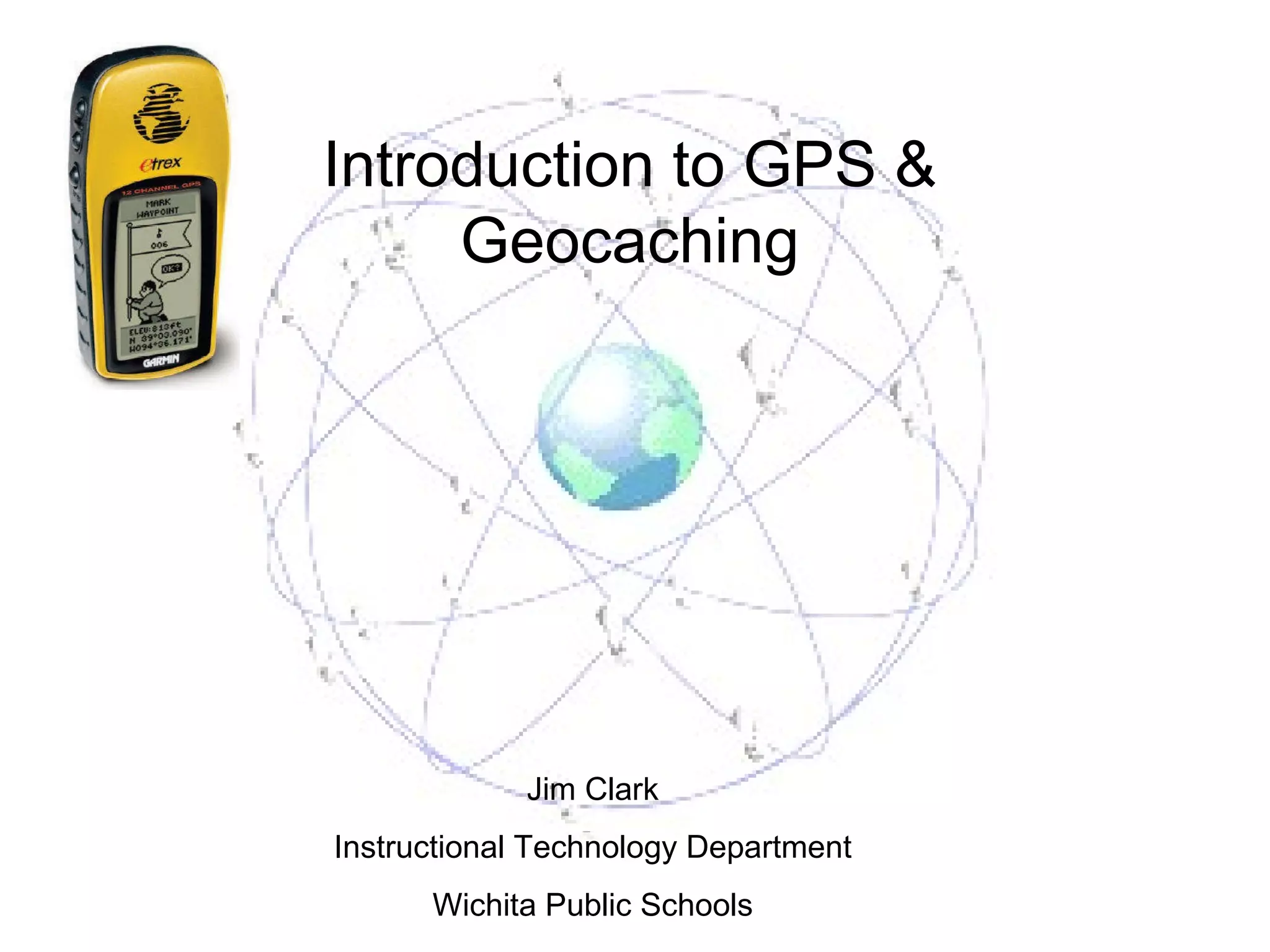
Introduction to GPS & Geocaching Jim Clark Instructional Technology Department Wichita Public Schools
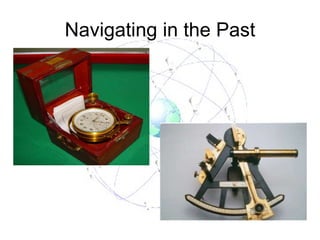
Navigating in the Past
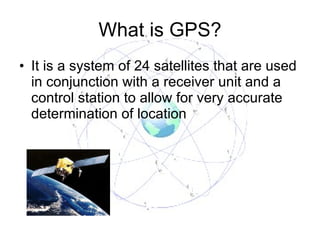
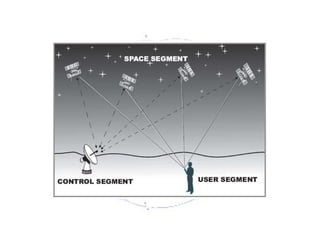
What is GPS? It is a system of 24 satellites that are used in conjunction with a receiver unit and a control station to allow for very accurate determination of location
 
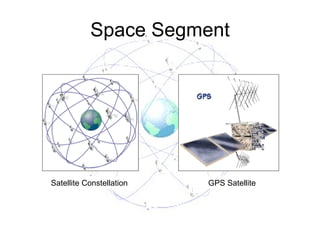
Space Segment Satellite Constellation GPS Satellite
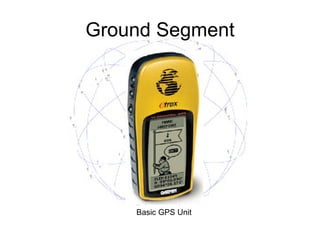
Ground Segment Basic GPS Unit
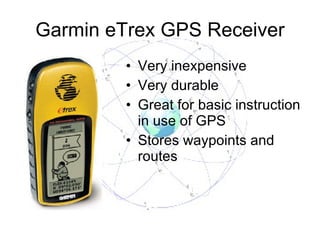
Garmin eTrex GPS Receiver Very inexpensive Very durable Great for basic instruction in use of GPS Stores waypoints and routes
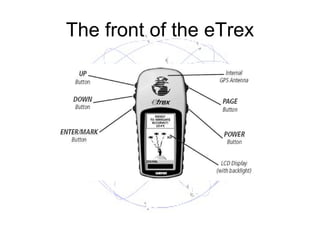
The front of the eTrex
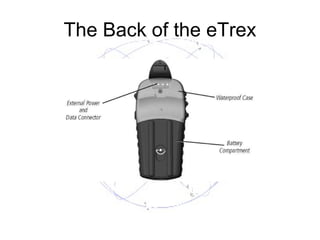
The Back of the eTrex
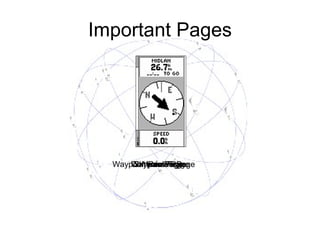
Important Pages Skyview Page Menu Page Waypoints Page Waypoint Review Page Compass Page
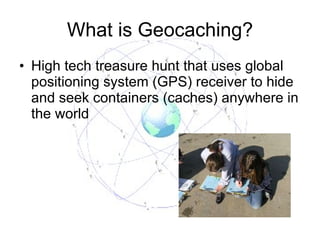
What is Geocaching? High tech treasure hunt that uses global positioning system (GPS) receiver to hide and seek containers (caches) anywhere in the world
Geocaching Go to http://www.geocaching.com  Create account  Under Search for caches… enter the latitude and longitude for location
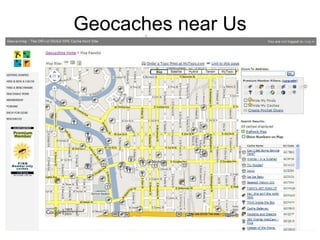
Geocaches near Us
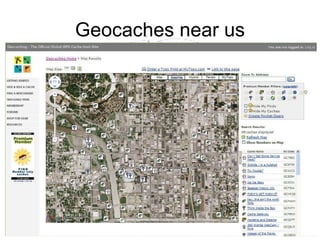
Geocaches near us
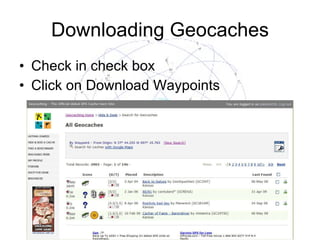
Downloading Geocaches Check in check box Click on Download Waypoints
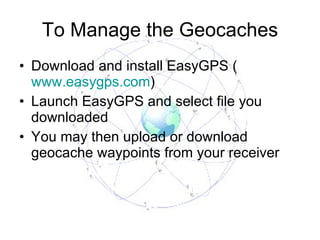
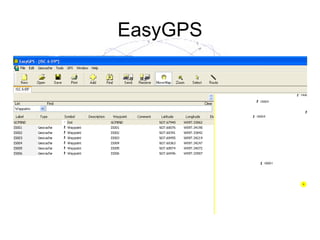
To Manage the Geocaches Download and install EasyGPS ( www.easygps.com ) Launch EasyGPS and select file you downloaded You may then upload or download geocache waypoints from your receiver
EasyGPS
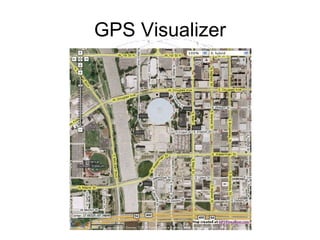
GPS Visualizer
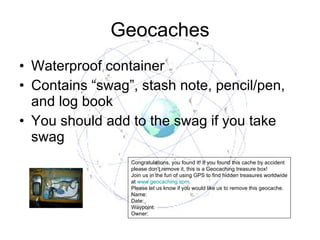
Geocaches Waterproof container Contains “swag”, stash note, pencil/pen, and log book You should add to the swag if you take swag Congratulations, you found it! If you found this cache by accident please don’t remove it, this is a Geocaching treasure box! Join us in the fun of using GPS to find hidden treasures worldwide at  www.geocaching.com . Please let us know if you would like us to remove this geocache. Name: Date: Waypoint: Owner:
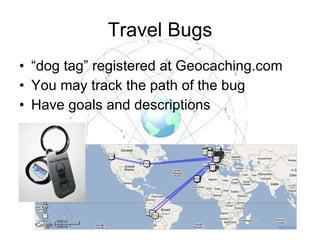
Travel Bugs “ dog tag” registered at Geocaching.com You may track the path of the bug Have goals and descriptions
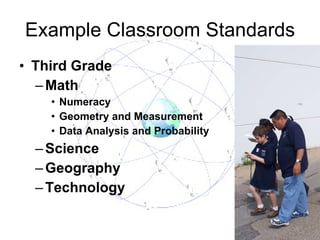
Example Classroom Standards Third Grade Math Numeracy Geometry and Measurement Data Analysis and Probability Science Geography Technology
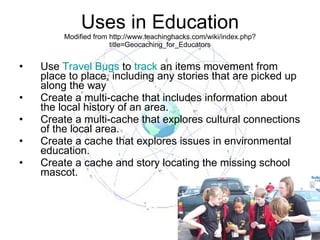
Uses in Education Modified from http://www.teachinghacks.com/wiki/index.php?title=Geocaching_for_Educators Use  Travel Bugs  to  track  an items movement from place to place, including any stories that are picked up along the way Create a multi-cache that includes information about the local history of an area.  Create a multi-cache that explores cultural connections of the local area.  Create a cache that explores issues in environmental education.  Create a cache and story locating the missing school mascot.
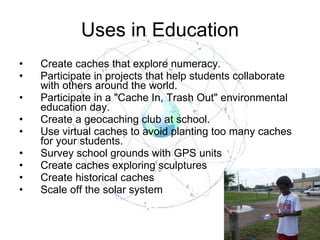
Uses in Education Create caches that explore numeracy.  Participate in projects that help students collaborate with others around the world.  Participate in a "Cache In, Trash Out" environmental education day.  Create a geocaching club at school.  Use virtual caches to avoid planting too many caches for your students.  Survey school grounds with GPS units Create caches exploring sculptures Create historical caches Scale off the solar system
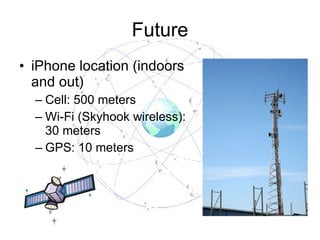
Future iPhone location (indoors and out) Cell: 500 meters Wi-Fi (Skyhook wireless): 30 meters GPS: 10 meters
Jim Clark Instructional Technology Department Wichita Public Schools [email_address] http://technology.usd259.org/resources/

Educational geocaching presentation

  • 1.
    Introduction to GPS& Geocaching Jim Clark Instructional Technology Department Wichita Public Schools
  • 2.
  • 3.
    What is GPS?It is a system of 24 satellites that are used in conjunction with a receiver unit and a control station to allow for very accurate determination of location
  • 4.
  • 5.
    Space Segment SatelliteConstellation GPS Satellite
  • 6.
  • 7.
    Garmin eTrex GPSReceiver Very inexpensive Very durable Great for basic instruction in use of GPS Stores waypoints and routes
  • 8.
    The front ofthe eTrex
  • 9.
    The Back ofthe eTrex
  • 10.
    Important Pages SkyviewPage Menu Page Waypoints Page Waypoint Review Page Compass Page
  • 11.
    What is Geocaching?High tech treasure hunt that uses global positioning system (GPS) receiver to hide and seek containers (caches) anywhere in the world
  • 12.
    Geocaching Go tohttp://www.geocaching.com Create account Under Search for caches… enter the latitude and longitude for location
  • 13.
  • 14.
  • 15.
    Downloading Geocaches Checkin check box Click on Download Waypoints
  • 16.
    To Manage theGeocaches Download and install EasyGPS ( www.easygps.com ) Launch EasyGPS and select file you downloaded You may then upload or download geocache waypoints from your receiver
  • 17.
  • 18.
  • 19.
    Geocaches Waterproof containerContains “swag”, stash note, pencil/pen, and log book You should add to the swag if you take swag Congratulations, you found it! If you found this cache by accident please don’t remove it, this is a Geocaching treasure box! Join us in the fun of using GPS to find hidden treasures worldwide at www.geocaching.com . Please let us know if you would like us to remove this geocache. Name: Date: Waypoint: Owner:
  • 20.
    Travel Bugs “dog tag” registered at Geocaching.com You may track the path of the bug Have goals and descriptions
  • 21.
    Example Classroom StandardsThird Grade Math Numeracy Geometry and Measurement Data Analysis and Probability Science Geography Technology
  • 22.
    Uses in EducationModified from http://www.teachinghacks.com/wiki/index.php?title=Geocaching_for_Educators Use Travel Bugs to track an items movement from place to place, including any stories that are picked up along the way Create a multi-cache that includes information about the local history of an area. Create a multi-cache that explores cultural connections of the local area. Create a cache that explores issues in environmental education. Create a cache and story locating the missing school mascot.
  • 23.
    Uses in EducationCreate caches that explore numeracy. Participate in projects that help students collaborate with others around the world. Participate in a "Cache In, Trash Out" environmental education day. Create a geocaching club at school. Use virtual caches to avoid planting too many caches for your students. Survey school grounds with GPS units Create caches exploring sculptures Create historical caches Scale off the solar system
  • 24.
    Future iPhone location(indoors and out) Cell: 500 meters Wi-Fi (Skyhook wireless): 30 meters GPS: 10 meters
  • 25.
    Jim Clark InstructionalTechnology Department Wichita Public Schools [email_address] http://technology.usd259.org/resources/