DeMystifying Webinars Series:
  Session 1 - Introducing Webinars
         28 January, 2010

                   Anne Bartlett-Bragg


        Shelley Gibb
Todayʼs session

• Features and functionality
• To webinar, or not to webinar
• Session design overview
• Some business case basics
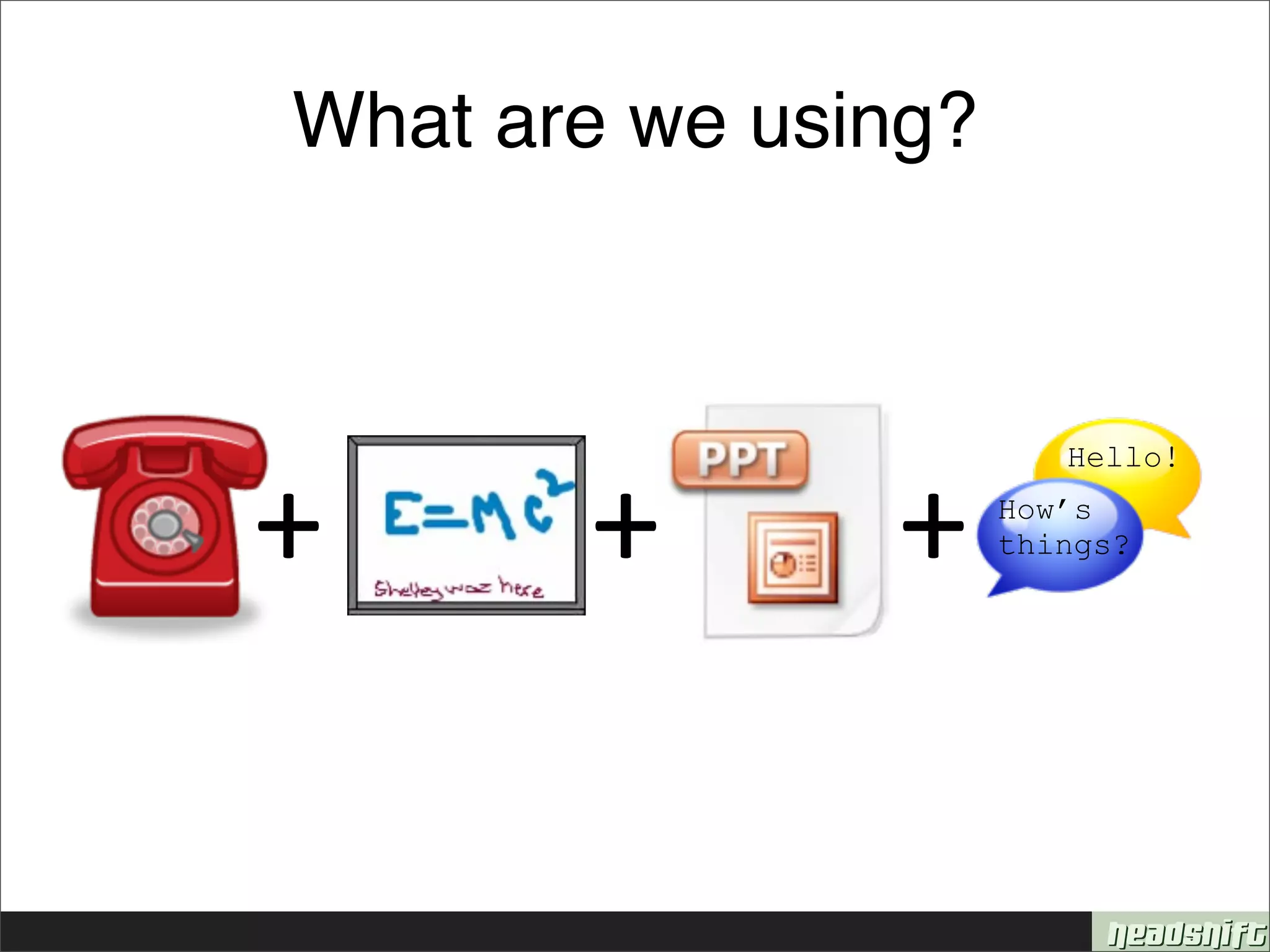
What are we using?


+      +       +
                        Hello!
                     How’s
                     things?
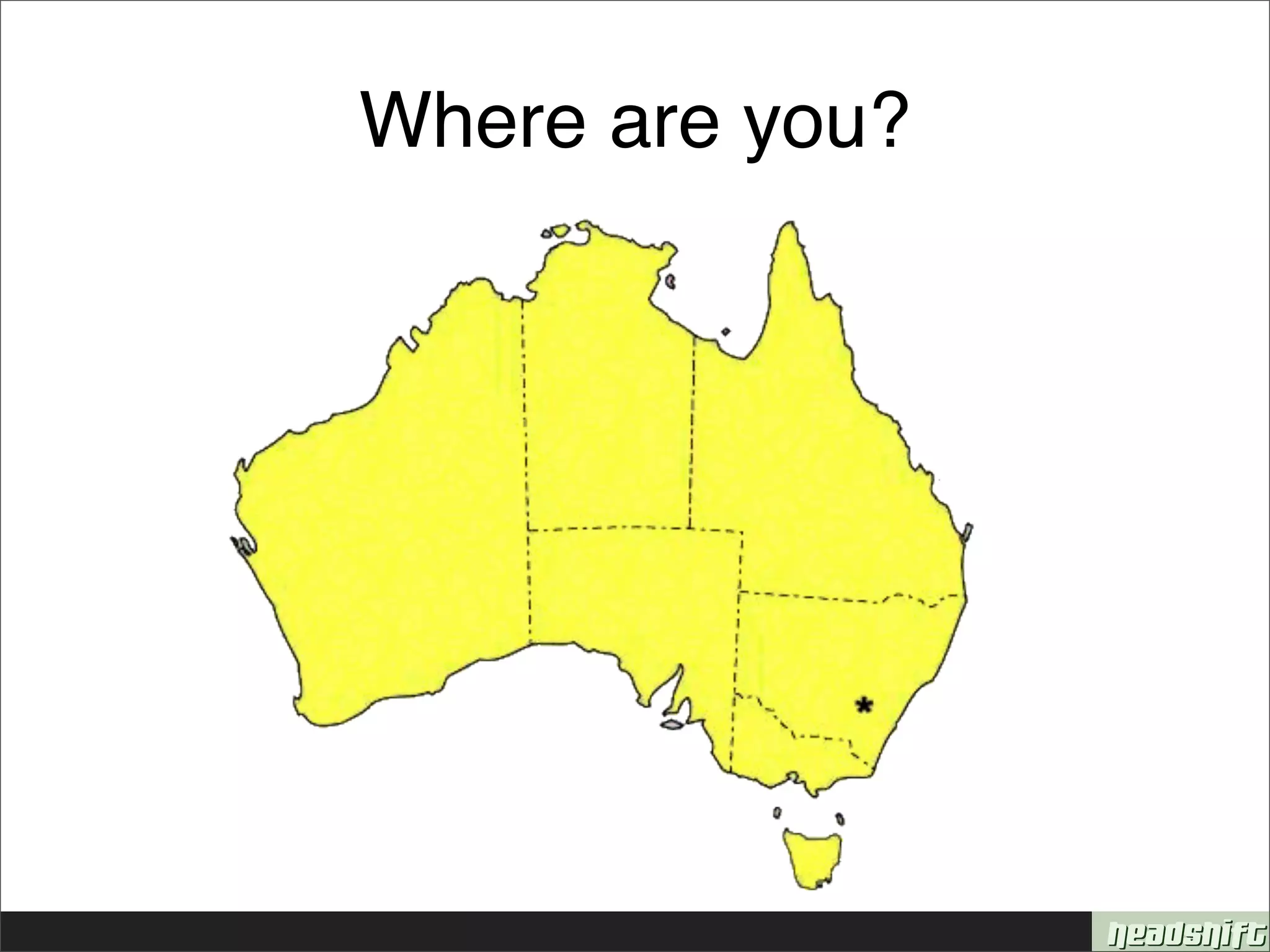
Where are you?
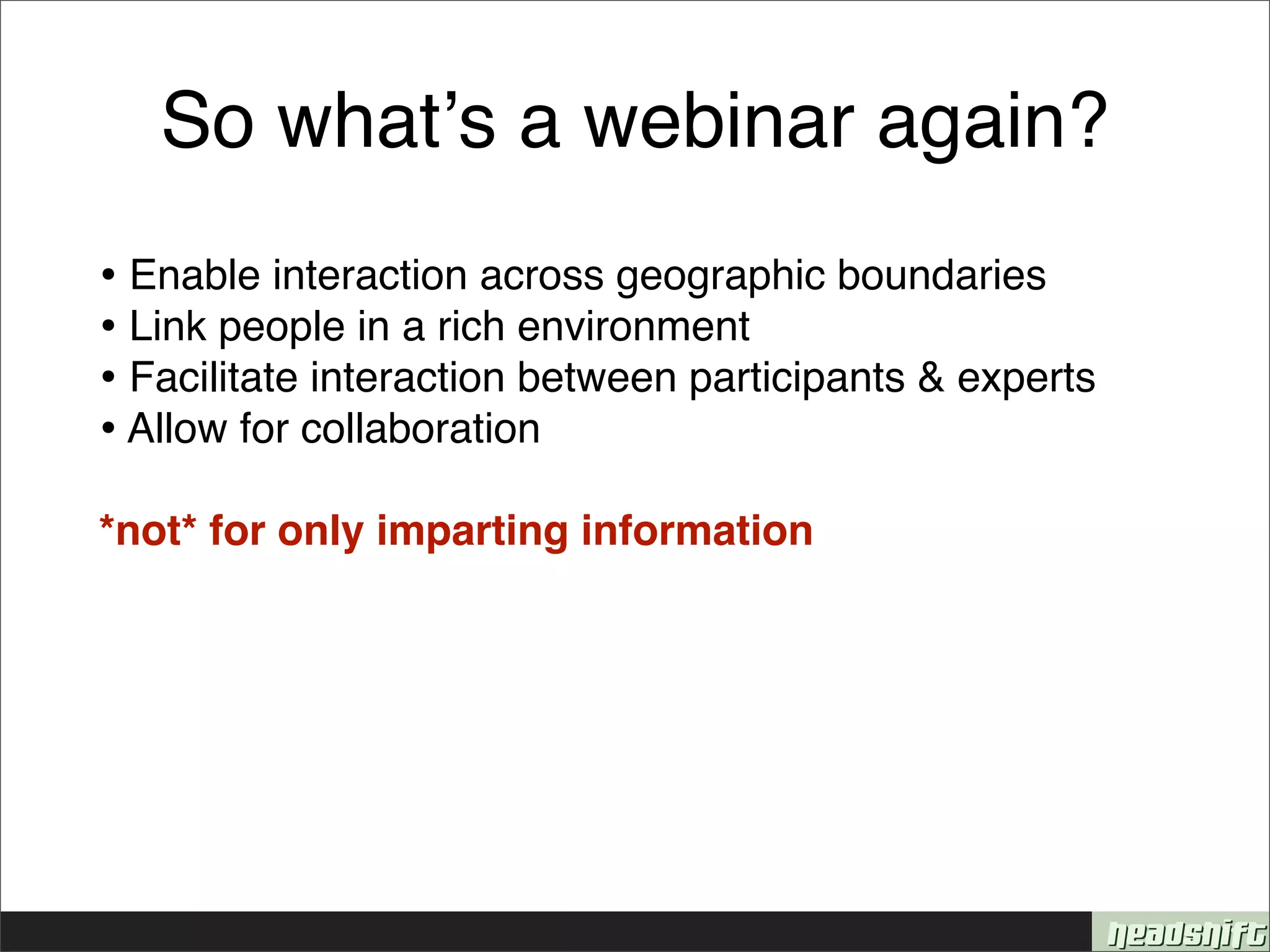
So whatʼs a webinar again?
• Enable interaction across geographic boundaries
• Link people in a rich environment
• Facilitate interaction between participants & experts
• Allow for collaboration
*not* for only imparting information
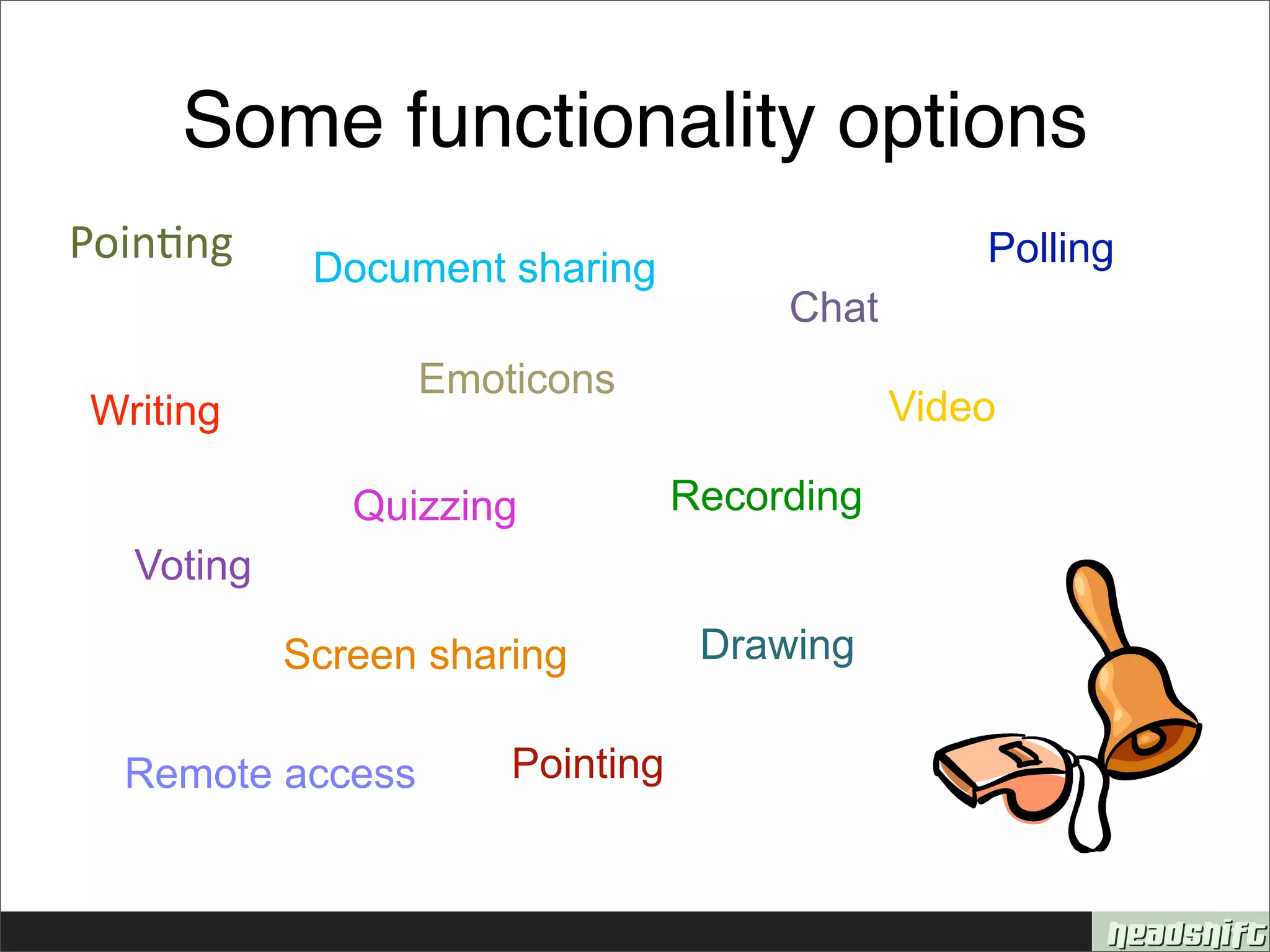
Some functionality options
Poin&ng     Document sharing                     Polling
                                      Chat
                  Emoticons
Writing                                      Video

              Quizzing           Recording
  Voting

           Screen sharing         Drawing


  Remote access       Pointing
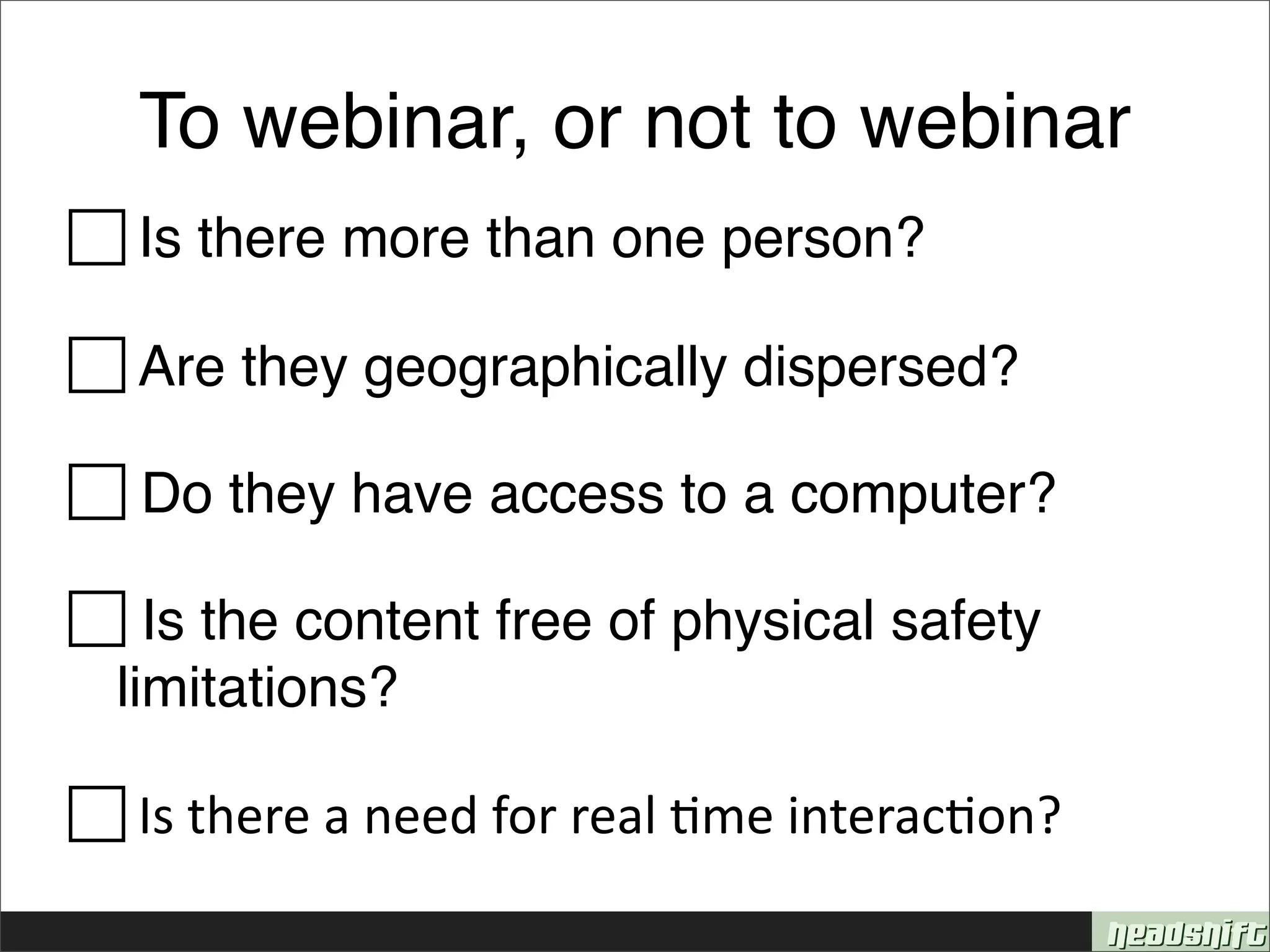
To webinar, or not to webinar

Is there more than one person?

 Are they geographically dispersed?

 Do they have access to a computer?

 Is the content free of physical safety
 limitations?


Is
there
a
need
for
real
&me
interac&on?

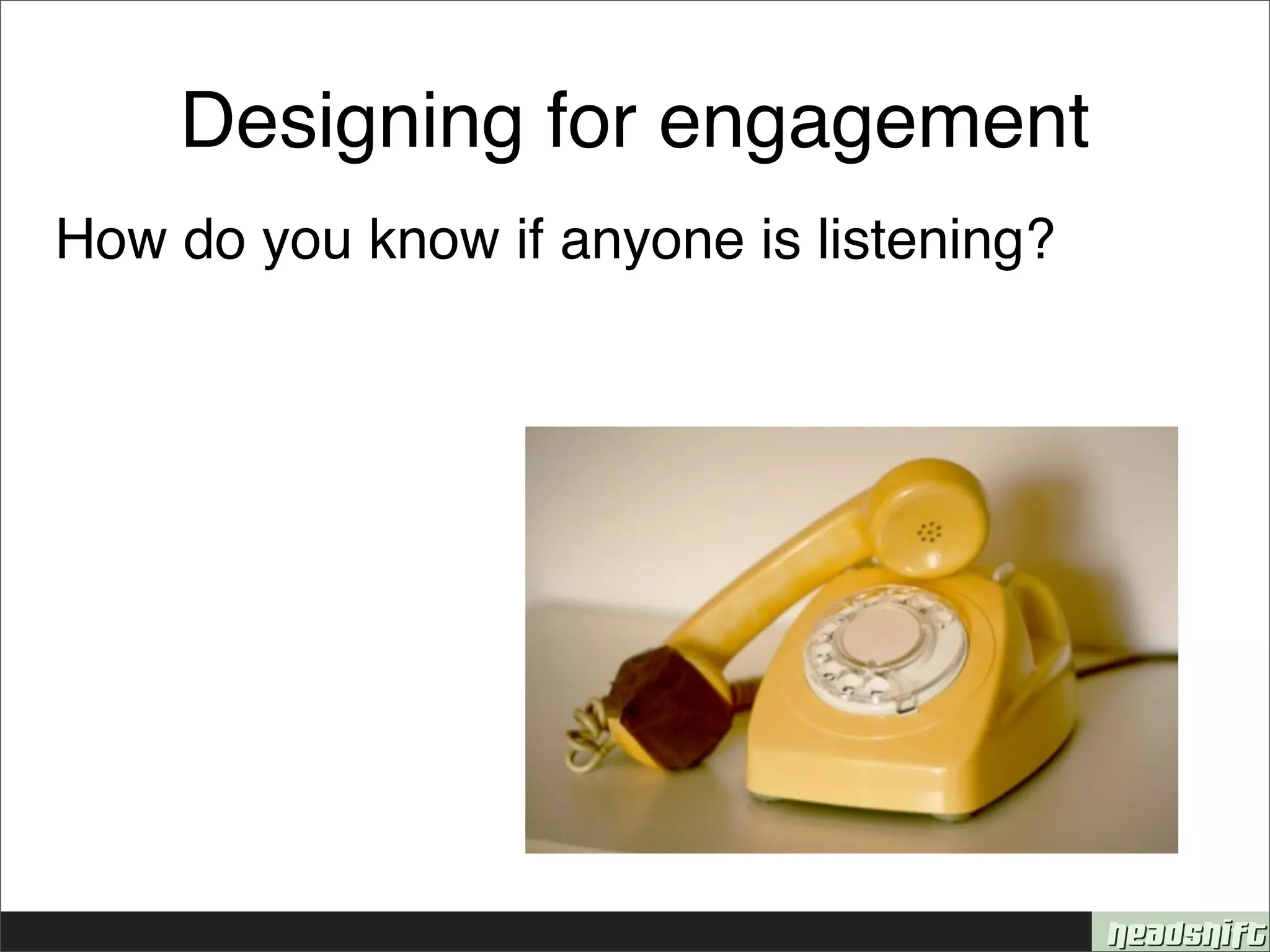
Designing for engagement
How do you know if anyone is listening?
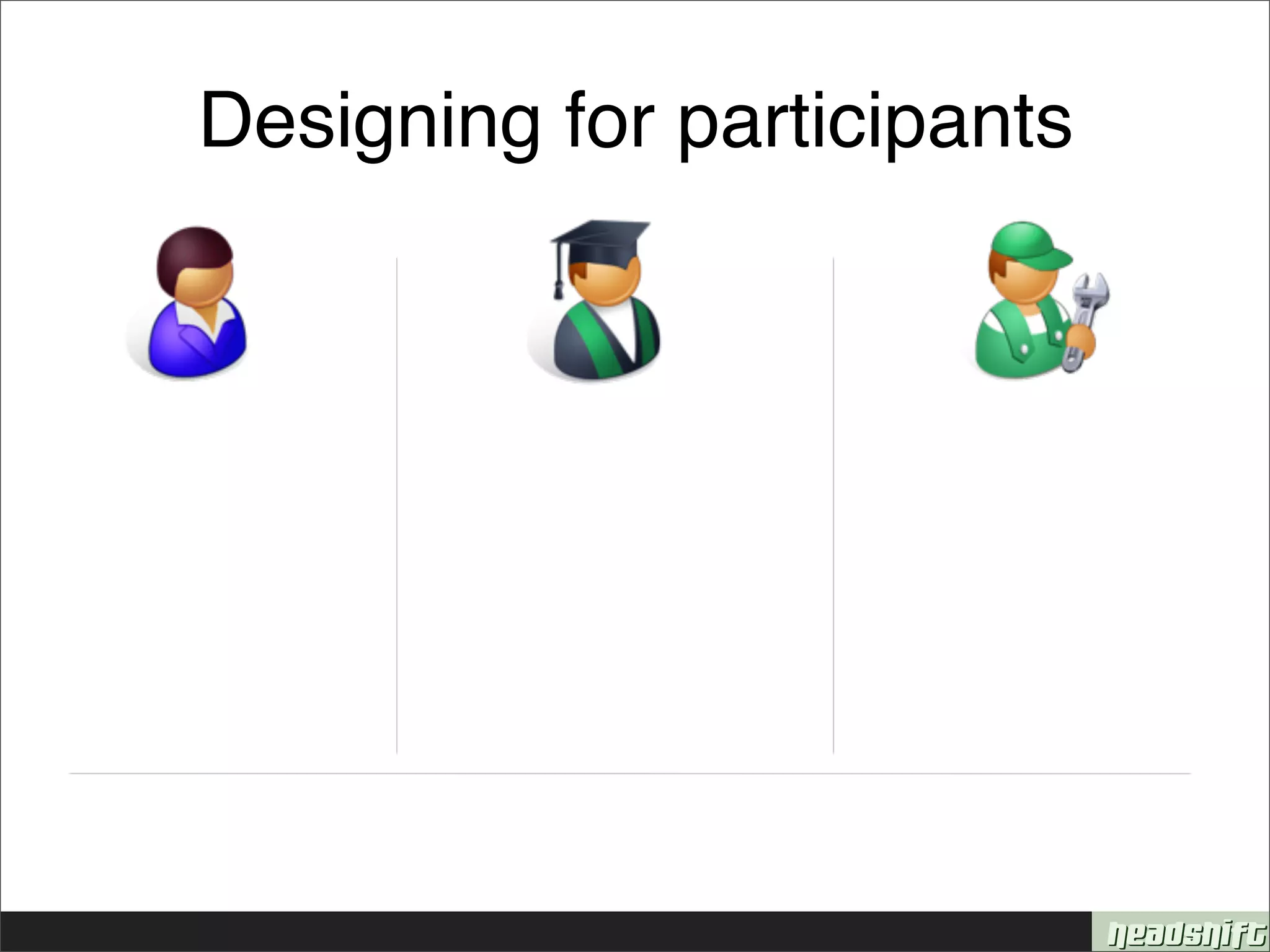
Designing for participants
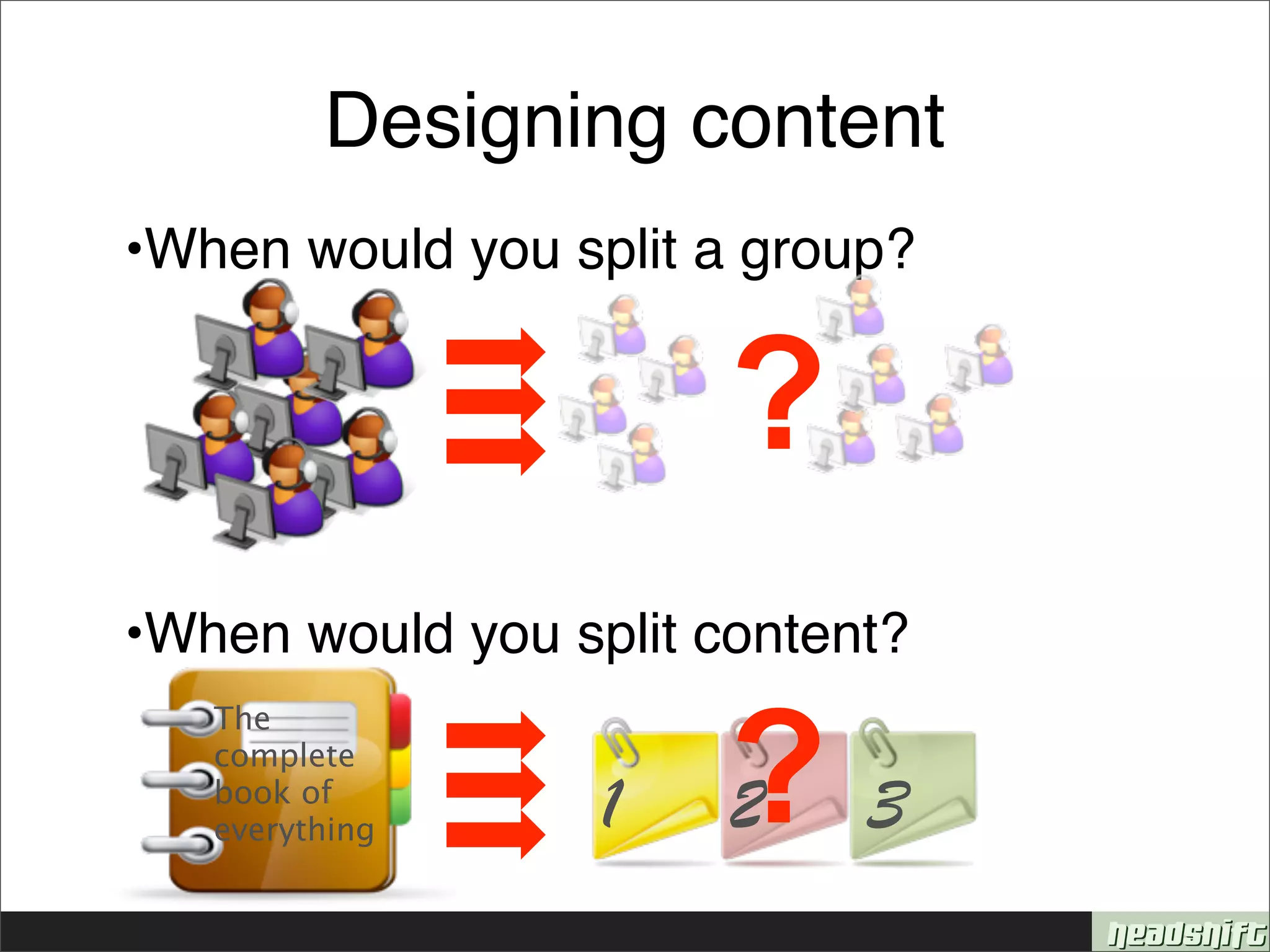
Designing content
•When would you split a group?


                       ?
•When would you split content?


                       ?3
   The
   complete
   book of
   everything     1    2
The business case
Savings            Costs
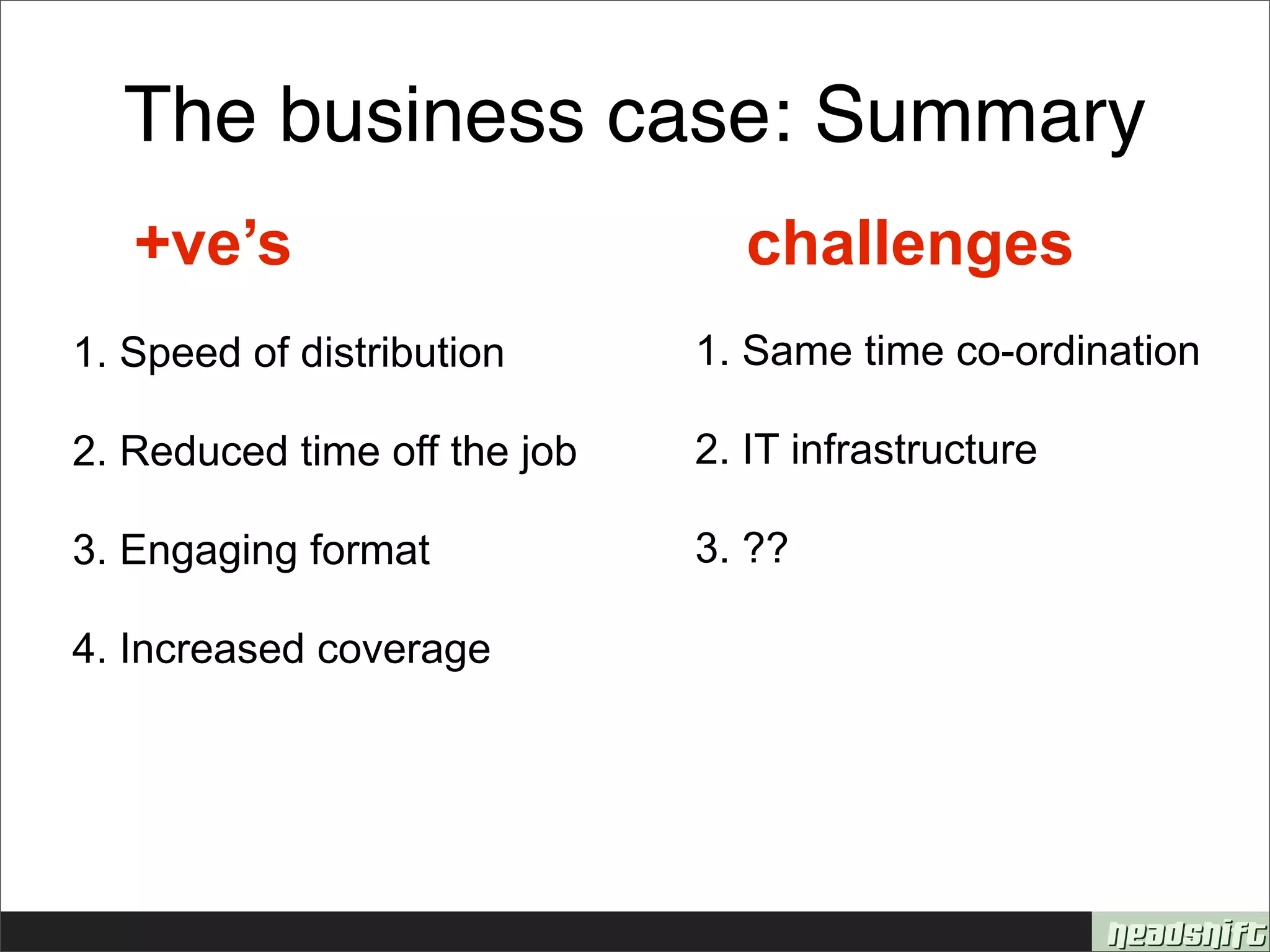
The business case: Summary
   +ve’s                        challenges
1. Speed of distribution      1. Same time co-ordination

2. Reduced time off the job   2. IT infrastructure

3. Engaging format            3. ??

4. Increased coverage
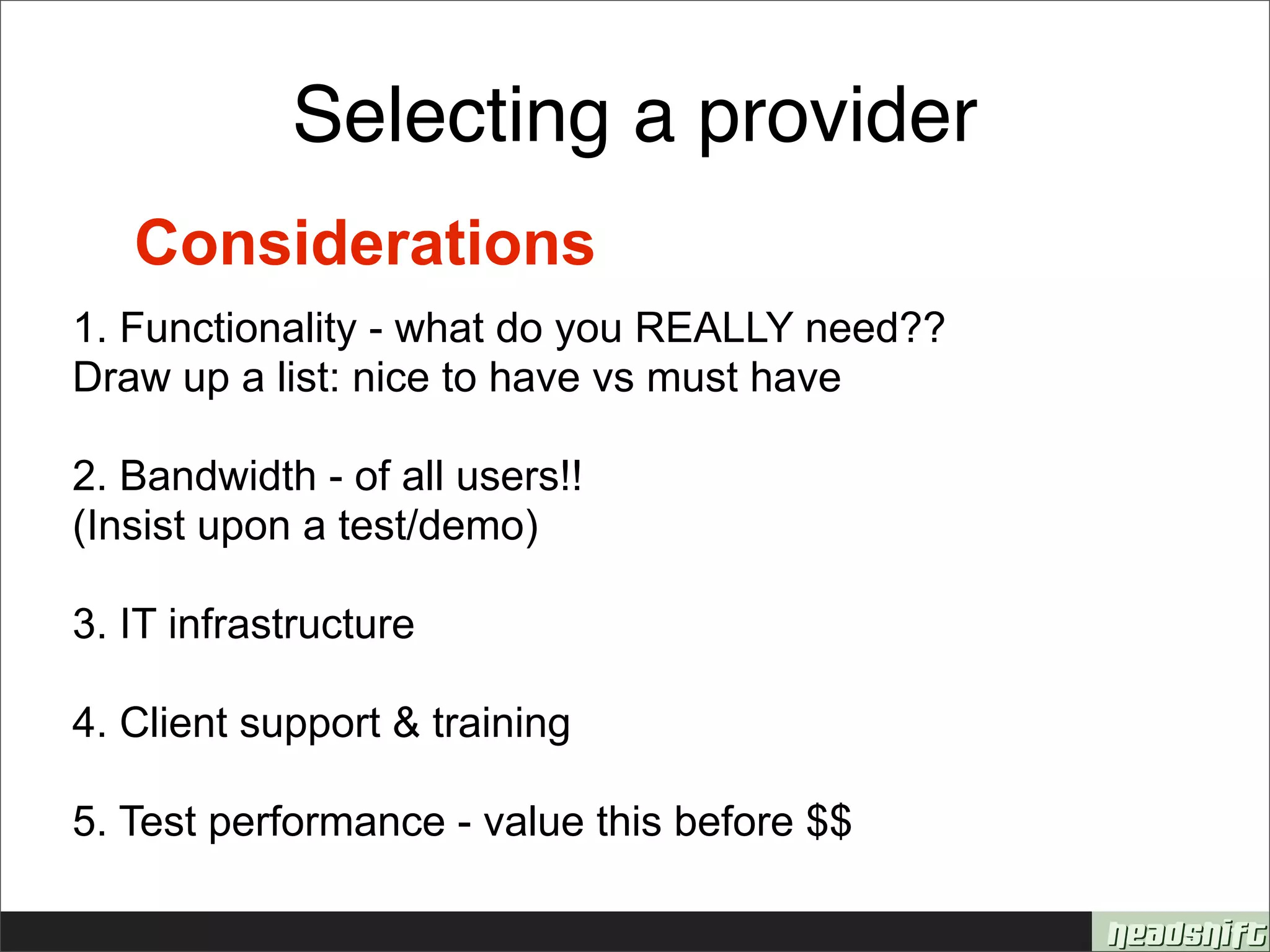
Selecting a provider
   Considerations
1. Functionality - what do you REALLY need??
Draw up a list: nice to have vs must have

2. Bandwidth - of all users!!
(Insist upon a test/demo)

3. IT infrastructure

4. Client support & training

5. Test performance - value this before $$
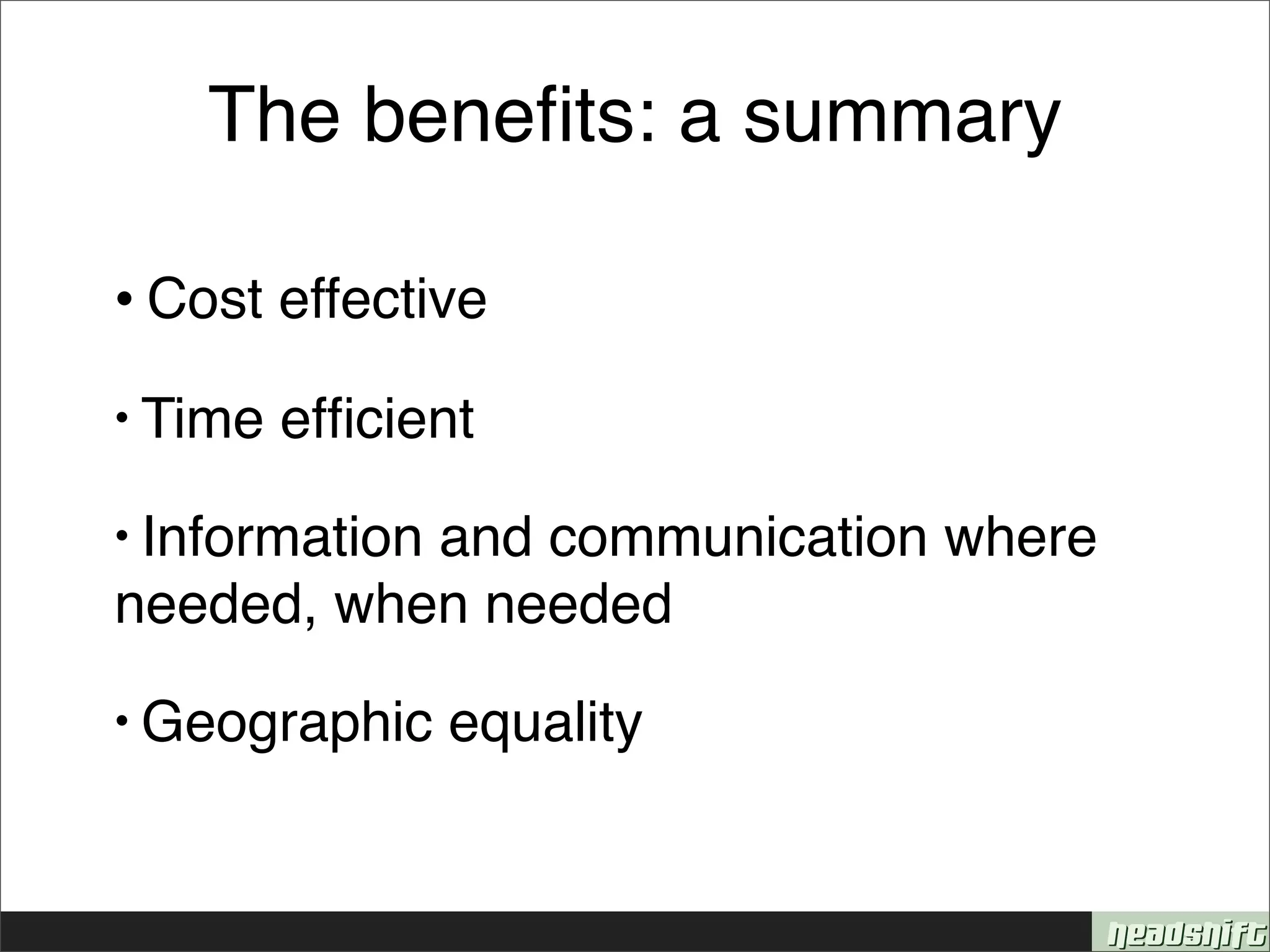
The benefits: a summary

•
Cost effective

• Time   efficient
• Information
           and communication where
needed, when needed
• Geographic    equality
http://www.flickr.com/photos/27282406@N03/4134166721/


   Next
session:
18
Feb


annebb@headshift.com                             shelley@headshift.com
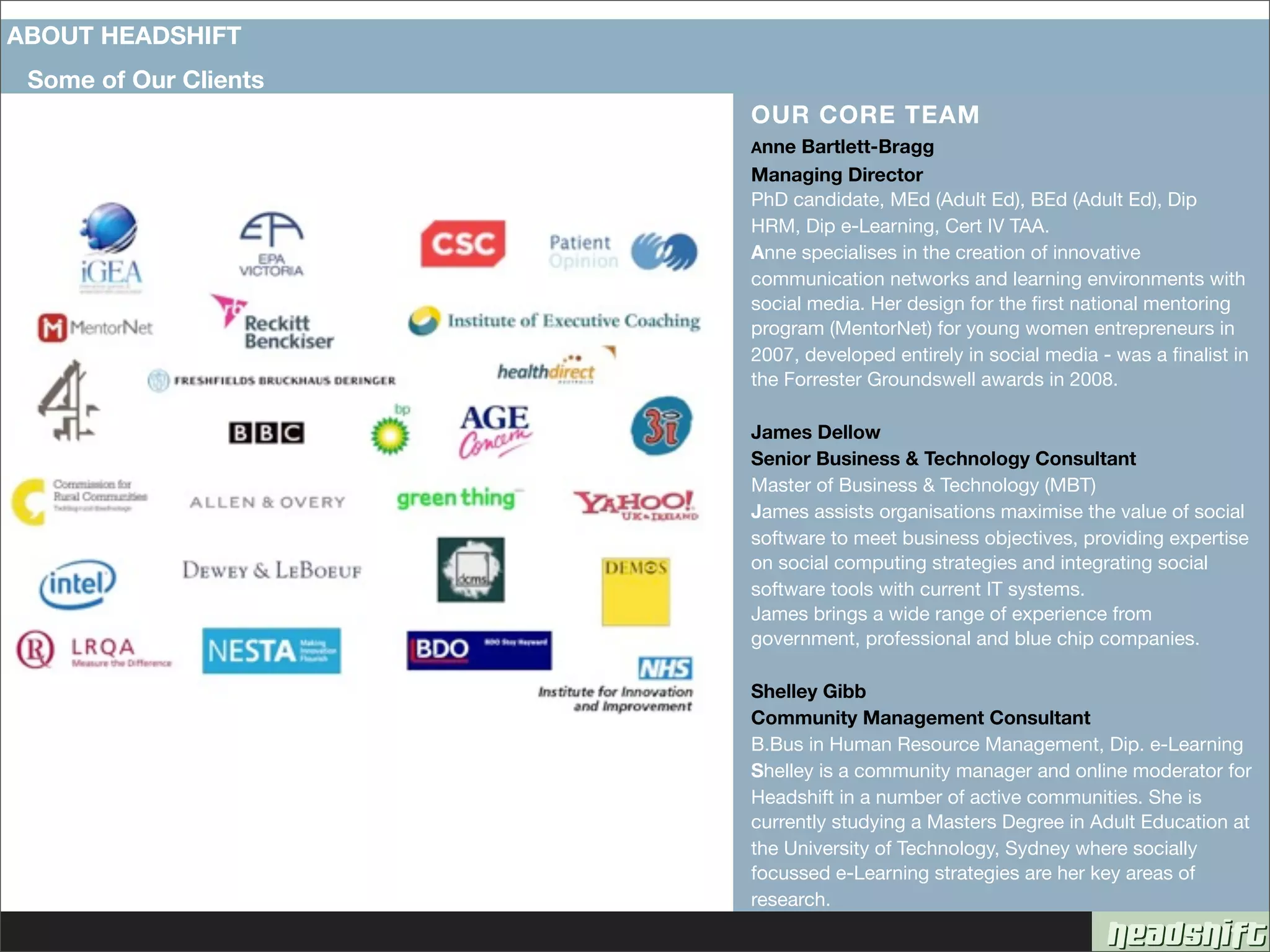
ABOUT HEADSHIFT
 Some of Our Clients
                       OUR CORE TEAM
                       Anne  Bartlett-Bragg
                       Managing Director
                       PhD candidate, MEd (Adult Ed), BEd (Adult Ed), Dip
                       HRM, Dip e-Learning, Cert IV TAA.
                       Anne specialises in the creation of innovative
                       communication networks and learning environments with
                       social media. Her design for the first national mentoring
                       program (MentorNet) for young women entrepreneurs in
                       2007, developed entirely in social media - was a finalist in
                       the Forrester Groundswell awards in 2008.

                       James Dellow
                       Senior Business & Technology Consultant
                       Master of Business & Technology (MBT)
                       James assists organisations maximise the value of social
                       software to meet business objectives, providing expertise
                       on social computing strategies and integrating social
                       software tools with current IT systems.
                       James brings a wide range of experience from
                       government, professional and blue chip companies.

                       Shelley Gibb
                       Community Management Consultant
                       B.Bus in Human Resource Management, Dip. e-Learning
                       Shelley is a community manager and online moderator for
                       Headshift in a number of active communities. She is
                       currently studying a Masters Degree in Adult Education at
                       the University of Technology, Sydney where socially
                       focussed e-Learning strategies are her key areas of
                       research.

De-Mystifying Webinars: An Introduction

  • 1.
    DeMystifying Webinars Series: Session 1 - Introducing Webinars 28 January, 2010 Anne Bartlett-Bragg Shelley Gibb
  • 2.
    Todayʼs session • Featuresand functionality • To webinar, or not to webinar • Session design overview • Some business case basics
  • 3.
    What are weusing? + + + Hello! How’s things?
  • 4.
  • 5.
    So whatʼs awebinar again?
  • 6.
    So whatʼs awebinar again? • Enable interaction across geographic boundaries • Link people in a rich environment • Facilitate interaction between participants & experts • Allow for collaboration *not* for only imparting information
  • 7.
    Some functionality options Poin&ng Document sharing Polling Chat Emoticons Writing Video Quizzing Recording Voting Screen sharing Drawing Remote access Pointing
  • 8.
    To webinar, ornot to webinar 
Is there more than one person?  Are they geographically dispersed?  Do they have access to a computer?  Is the content free of physical safety limitations? 
Is
there
a
need
for
real
&me
interac&on?

  • 9.
    Designing for engagement Howdo you know if anyone is listening?
  • 10.
  • 11.
    Designing content •When wouldyou split a group? ? •When would you split content? ?3 The complete book of everything 1 2
  • 12.
  • 13.
    The business case:Summary +ve’s challenges 1. Speed of distribution 1. Same time co-ordination 2. Reduced time off the job 2. IT infrastructure 3. Engaging format 3. ?? 4. Increased coverage
  • 14.
    Selecting a provider Considerations 1. Functionality - what do you REALLY need?? Draw up a list: nice to have vs must have 2. Bandwidth - of all users!! (Insist upon a test/demo) 3. IT infrastructure 4. Client support & training 5. Test performance - value this before $$
  • 15.
    The benefits: asummary •
Cost effective • Time efficient • Information and communication where needed, when needed • Geographic equality
  • 16.
    http://www.flickr.com/photos/27282406@N03/4134166721/ Next
session:
18
Feb
 annebb@headshift.com shelley@headshift.com
  • 17.
    ABOUT HEADSHIFT Someof Our Clients OUR CORE TEAM Anne Bartlett-Bragg Managing Director PhD candidate, MEd (Adult Ed), BEd (Adult Ed), Dip HRM, Dip e-Learning, Cert IV TAA. Anne specialises in the creation of innovative communication networks and learning environments with social media. Her design for the first national mentoring program (MentorNet) for young women entrepreneurs in 2007, developed entirely in social media - was a finalist in the Forrester Groundswell awards in 2008. James Dellow Senior Business & Technology Consultant Master of Business & Technology (MBT) James assists organisations maximise the value of social software to meet business objectives, providing expertise on social computing strategies and integrating social software tools with current IT systems. James brings a wide range of experience from government, professional and blue chip companies. Shelley Gibb Community Management Consultant B.Bus in Human Resource Management, Dip. e-Learning Shelley is a community manager and online moderator for Headshift in a number of active communities. She is currently studying a Masters Degree in Adult Education at the University of Technology, Sydney where socially focussed e-Learning strategies are her key areas of research.