@BethKahlich@BethKahlich
Demystifying
Google Analytics
@BethKahlich
Beth Kahlich
President – Search Engine Academy Texas
www.SearchEngineAcademyTexas.com
@BethKahlich
@BethKahlich
Why Google Analytics
• Business Owners
• Agencies
• Corporate
It’s FREE
@BethKahlich
Business Owners
• Where is the best place to spend my marketing dollars?
• Is XYZ service driving traffic to my site / driving sales
• What products / services are people interested in?
• Where does my website need improving?
@BethKahlich
Agencies
• Show results from activities to clients
• How to inform clients without overwhelming
• Understanding the needs of various types of clients
• Personality/Goals affect reporting needs
• Guidance for internal teams about what is working / not working
@BethKahlich
Corporate
• Are we reaching our goals for the Month / Quarter / Year
• Defining “goal” – is it sales or are we looking higher up in the funnel
• Learn about what’s working SOONER
• Activities = Results?
• Where to re-align activities of sales / marketing
• Is your content strategy driving traffic? Driving engagement?
@BethKahlich
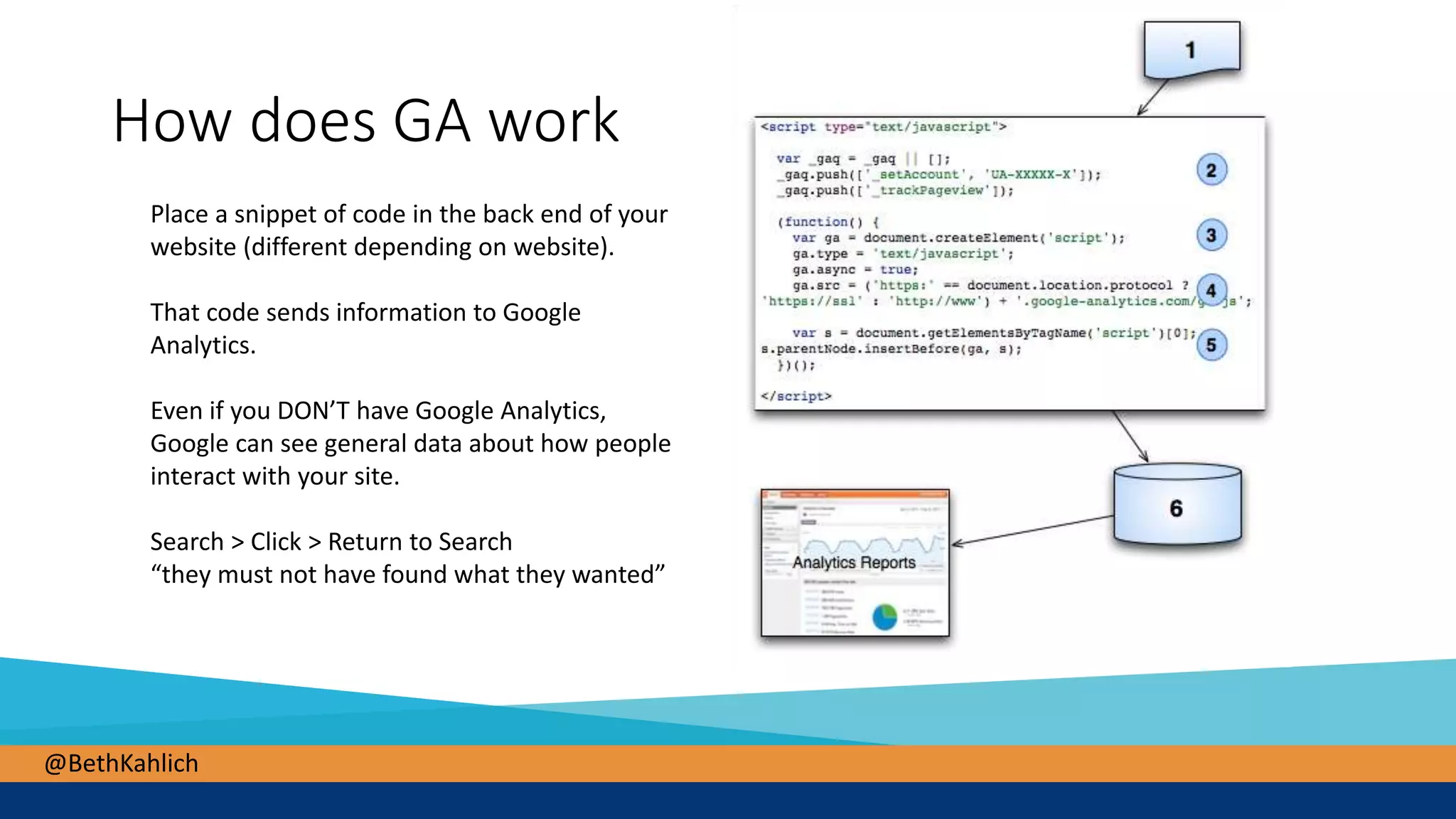
How does GA work
Place a snippet of code in the back end of your
website (different depending on website).
That code sends information to Google
Analytics.
Even if you DON’T have Google Analytics,
Google can see general data about how people
interact with your site.
Search > Click > Return to Search
“they must not have found what they wanted”
@BethKahlich
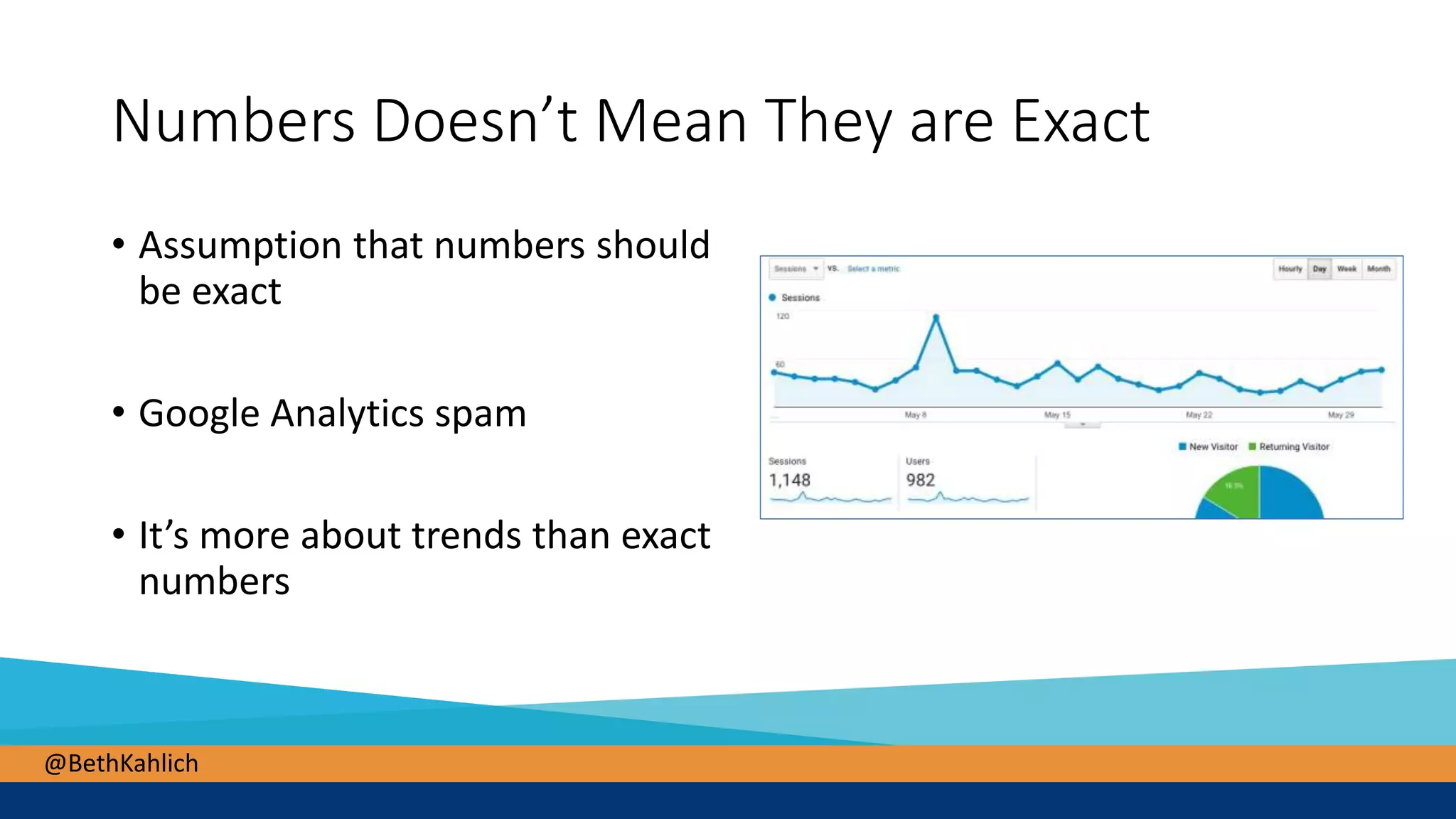
Numbers Doesn’t Mean They are Exact
• Assumption that numbers should
be exact
• Google Analytics spam
• It’s more about trends than exact
numbers
@BethKahlich
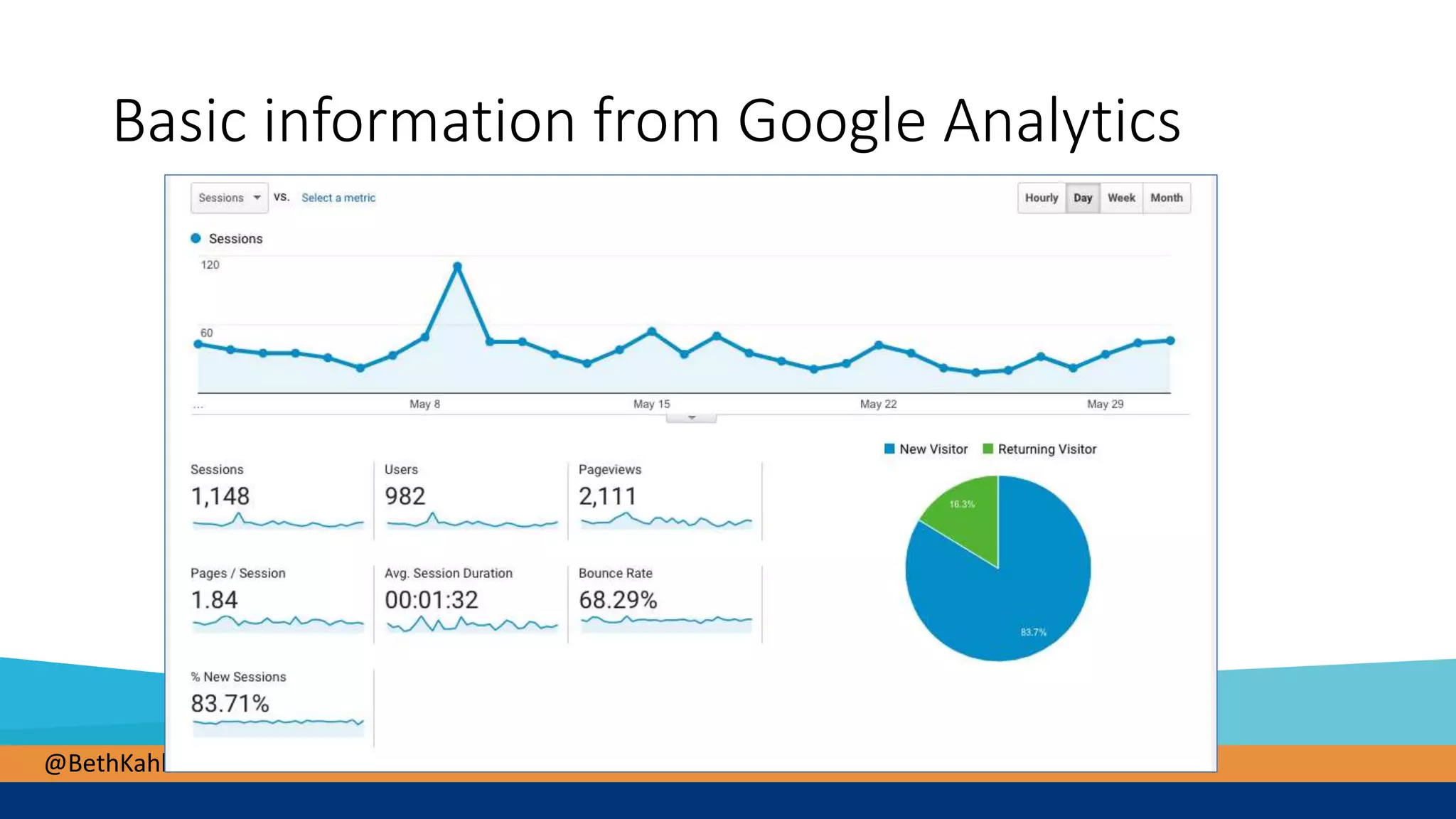
Basic information from Google Analytics
@BethKahlich
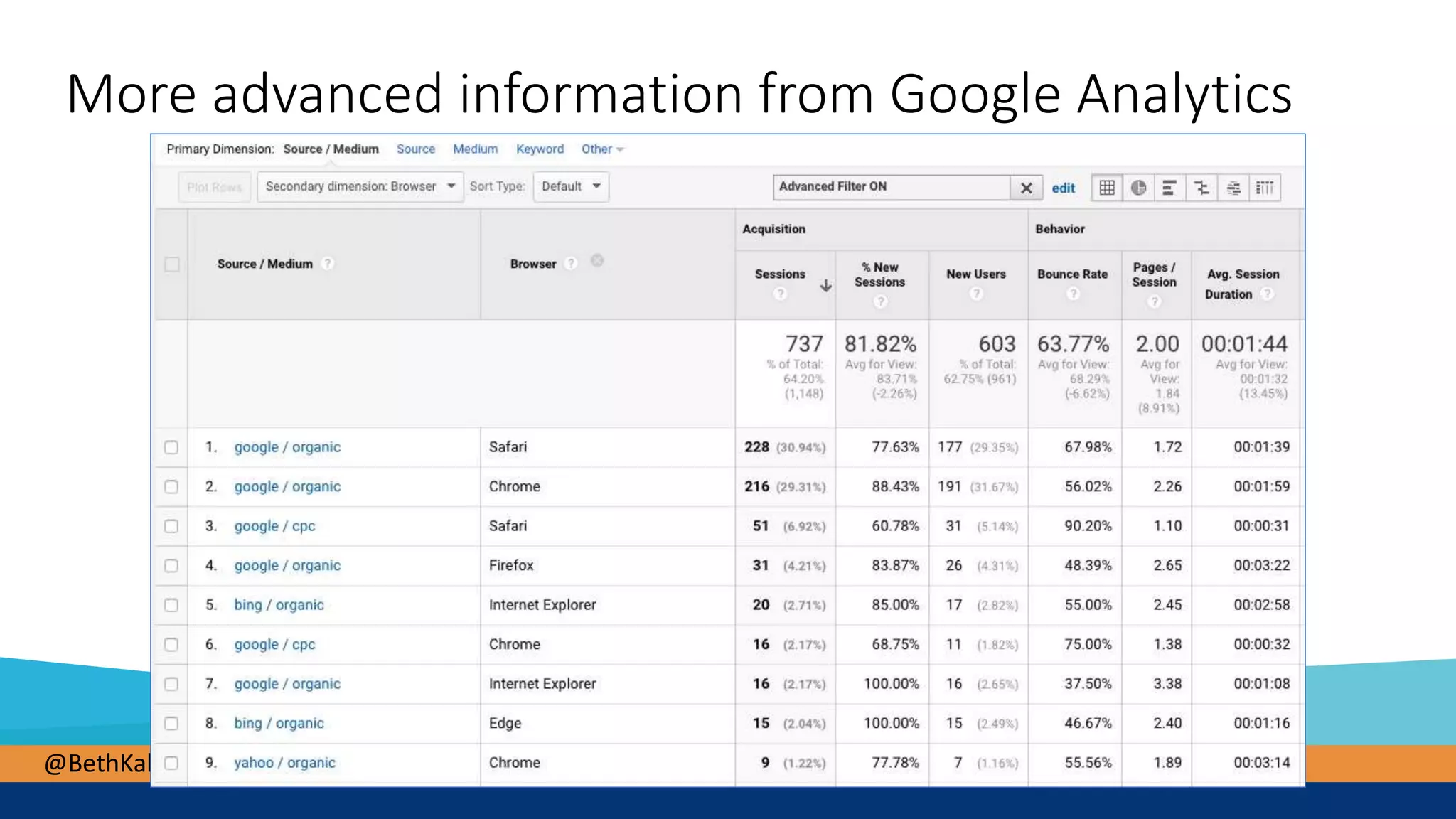
More advanced information from Google Analytics
@BethKahlich
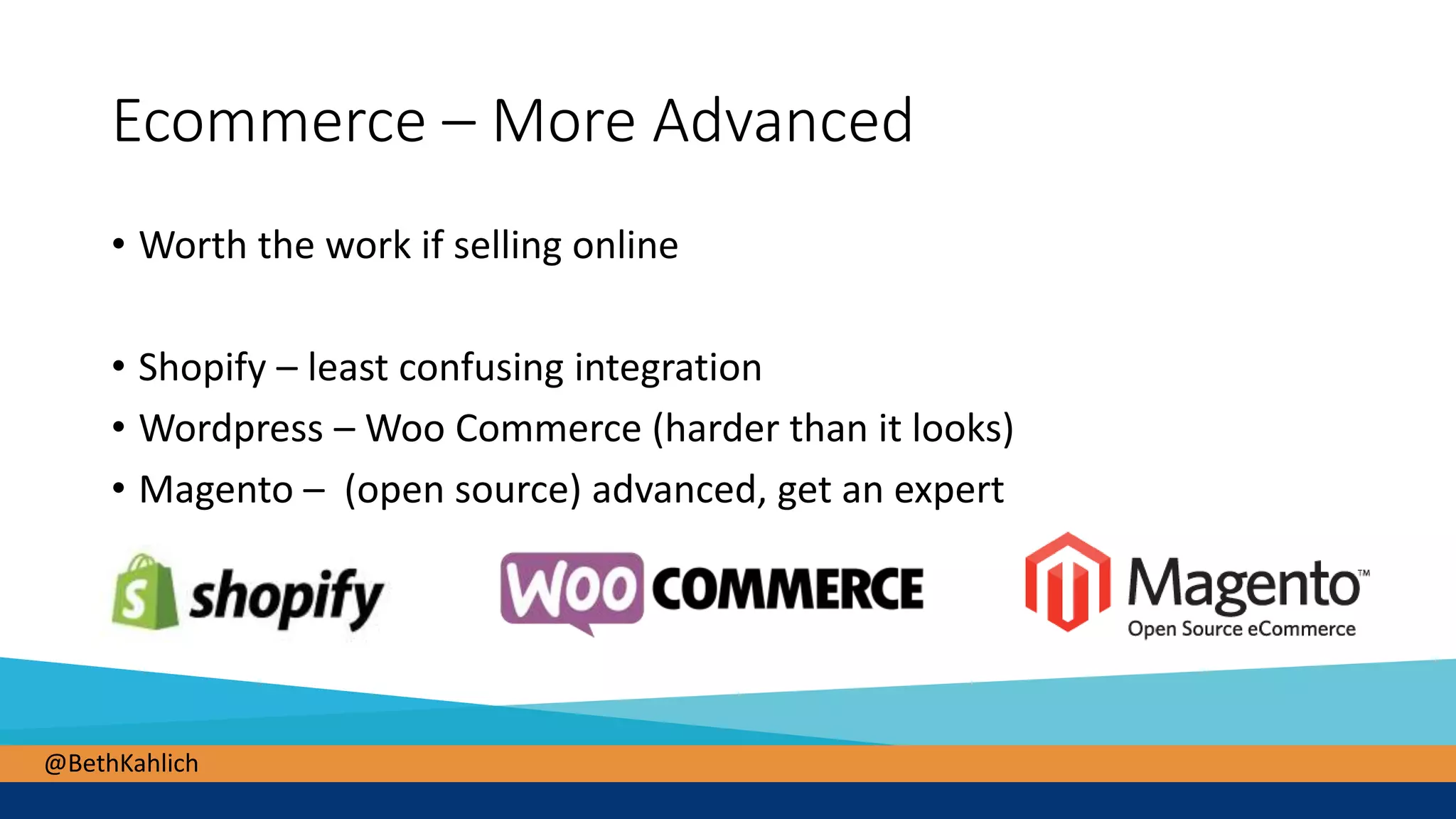
Ecommerce – More Advanced
• Worth the work if selling online
• Shopify – least confusing integration
• Wordpress – Woo Commerce (harder than it looks)
• Magento – (open source) advanced, get an expert
@BethKahlich
@BethKahlich
You Will Need Help for More Advanced
• Good data – make sure things are set up correctly
• How to find someone to help
• Rocks Digital – several great speakers that work for agencies
• Ask for consulting session with an agency, ask them for recommendations for
someone to help you.
@BethKahlich
A QuickTour Of Google Analytics
• Basic navigation
• What data is available to you in Google Analytics
@BethKahlich
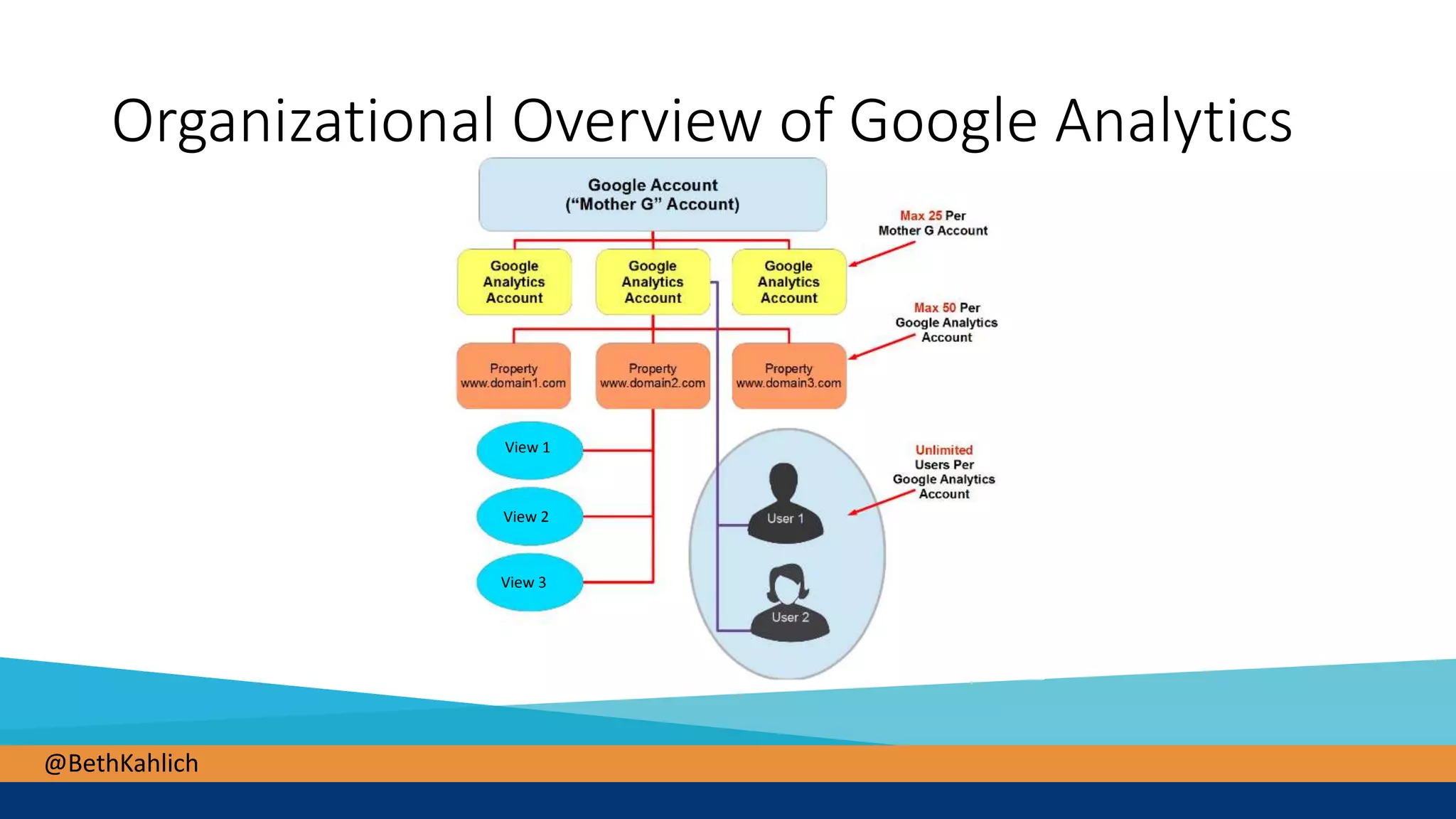
View 1
View 2
View 3
Organizational Overview of Google Analytics
@BethKahlich
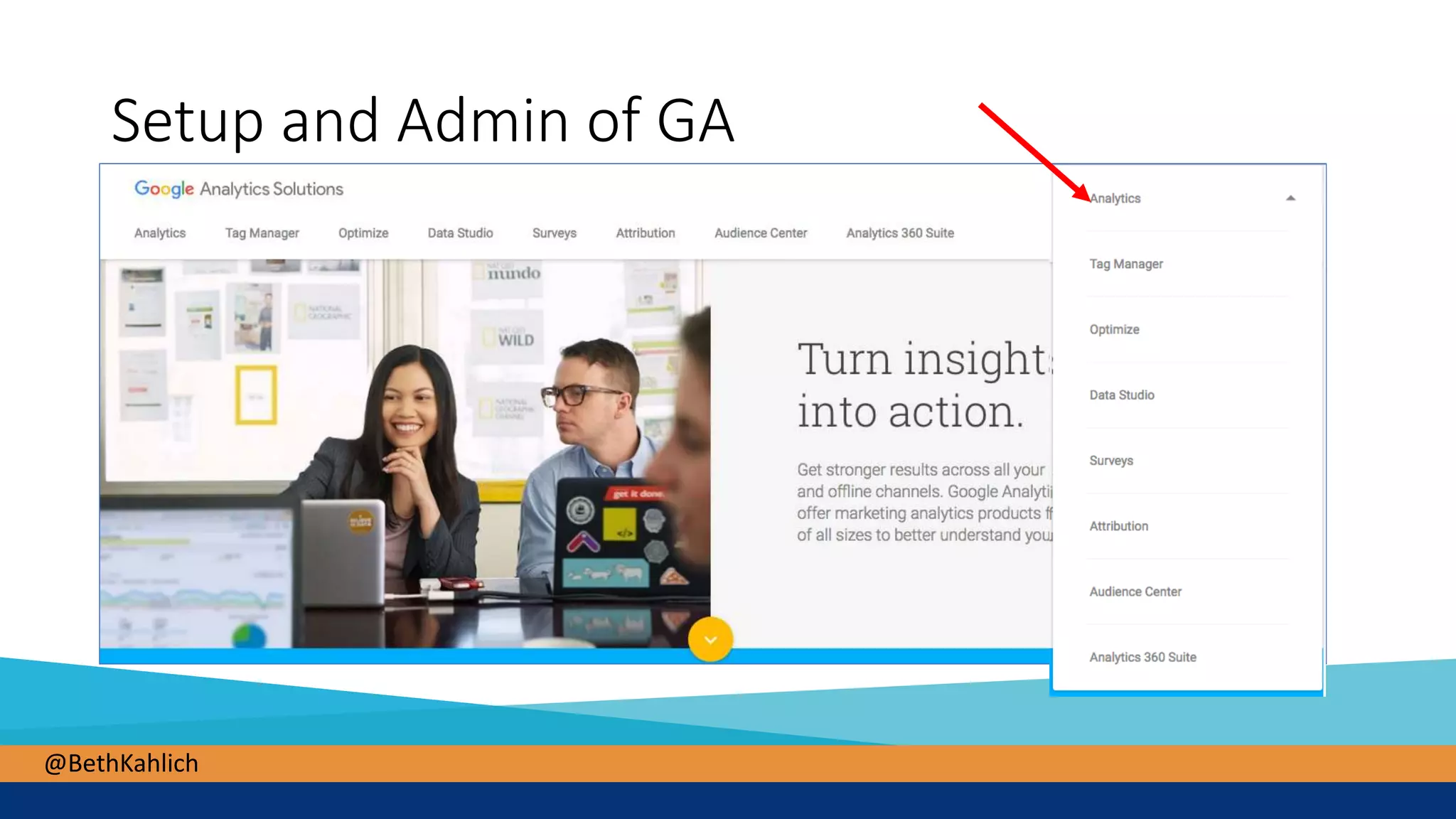
Setup and Admin of GA
@BethKahlich
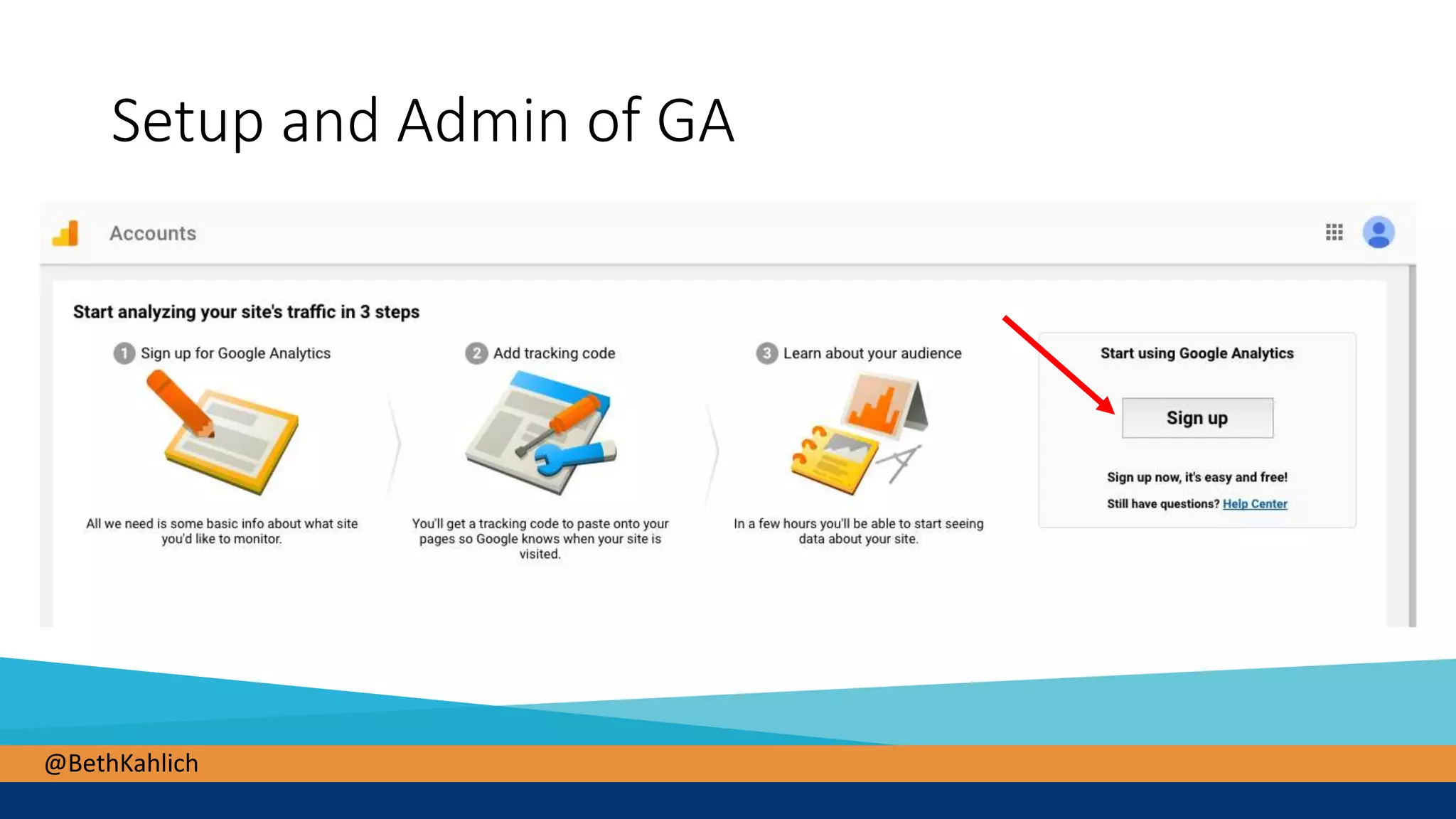
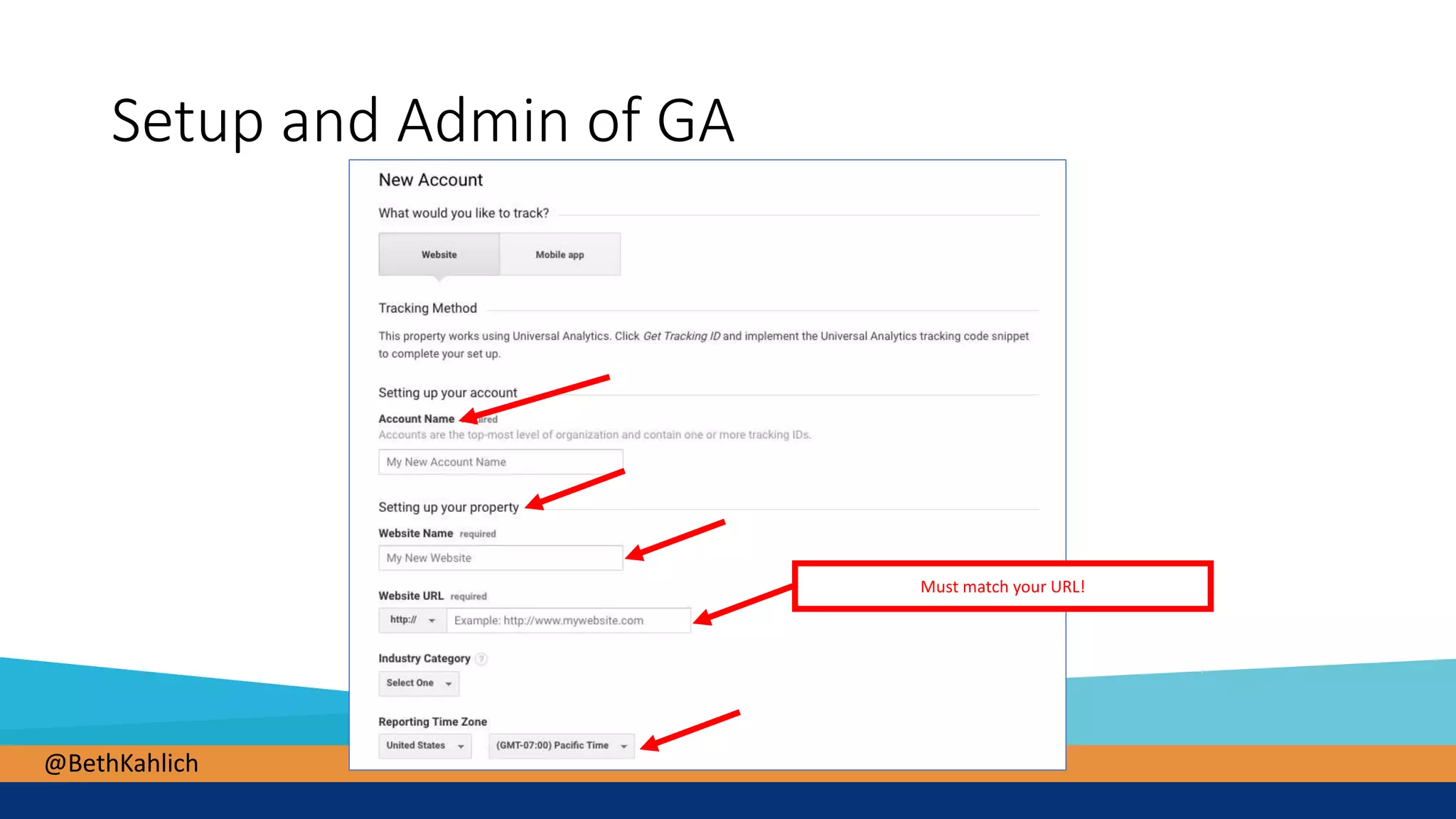
Setup and Admin of GA
@BethKahlich
Setup and Admin of GA
Must match your URL!
@BethKahlich
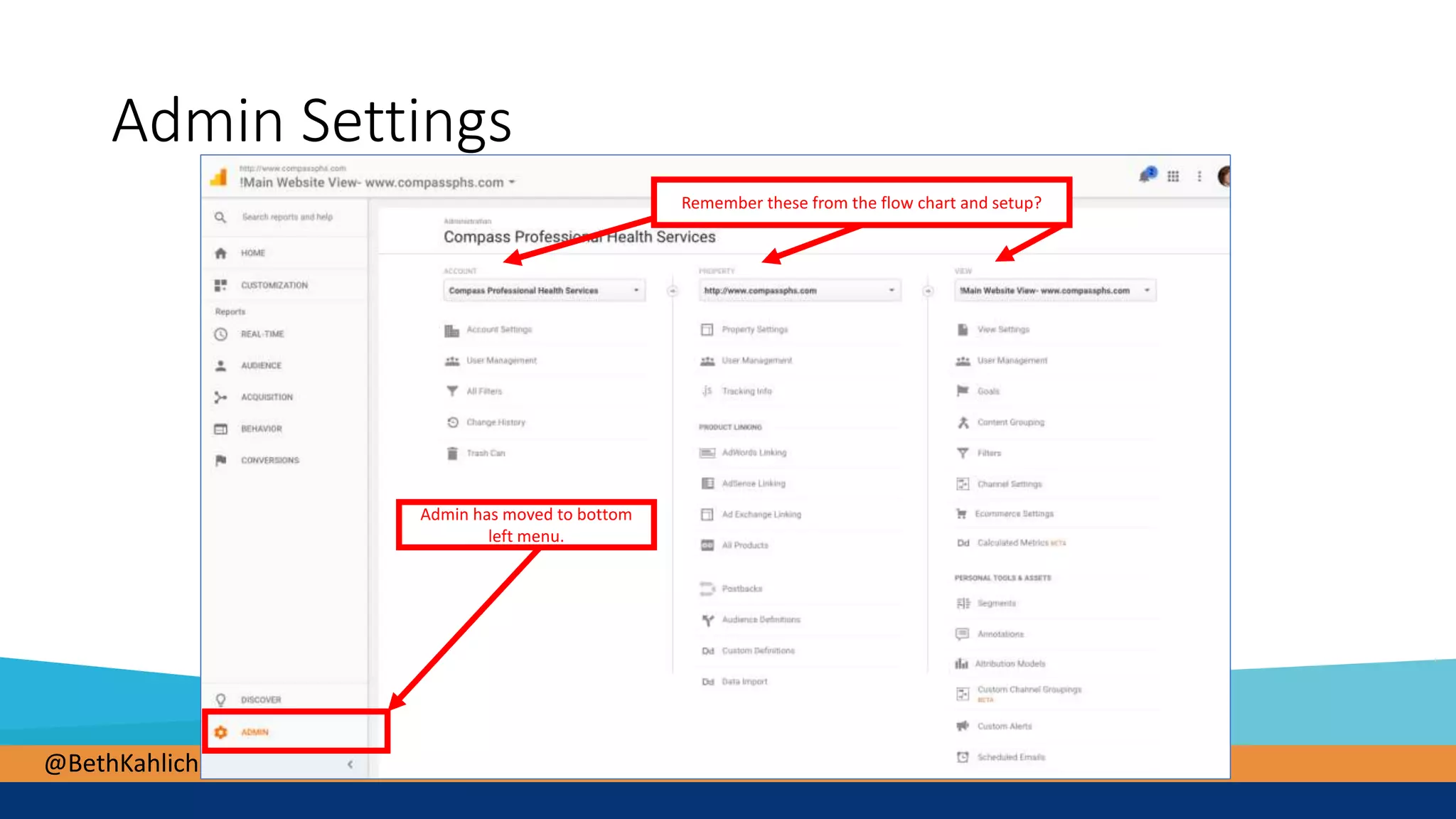
Admin Settings
Admin has moved to bottom
left menu.
Remember these from the flow chart and setup?
@BethKahlich
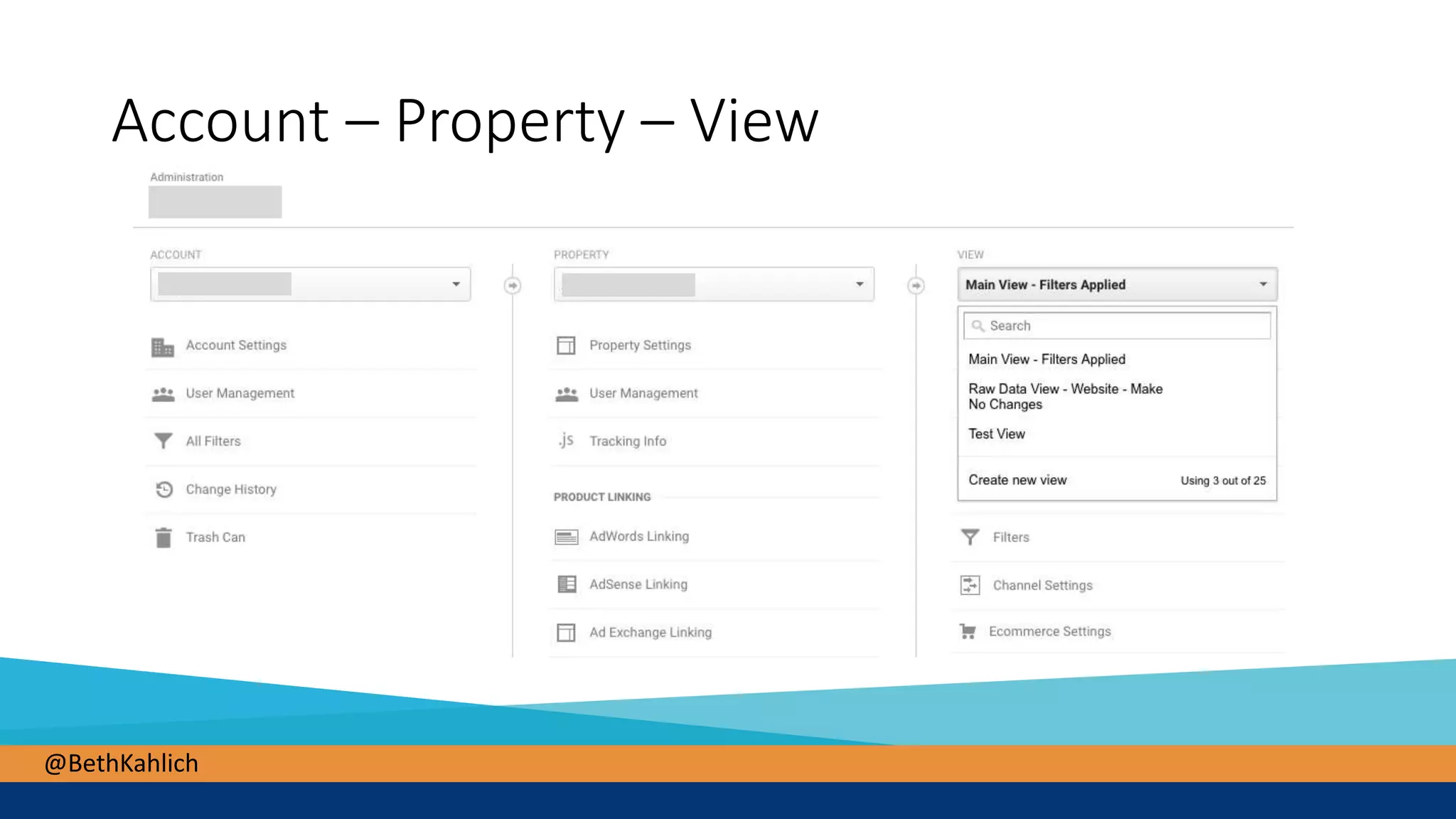
Account – Property – View
@BethKahlich
Must-have settings
• Multiple Views
• Filters
• Goals
@BethKahlich
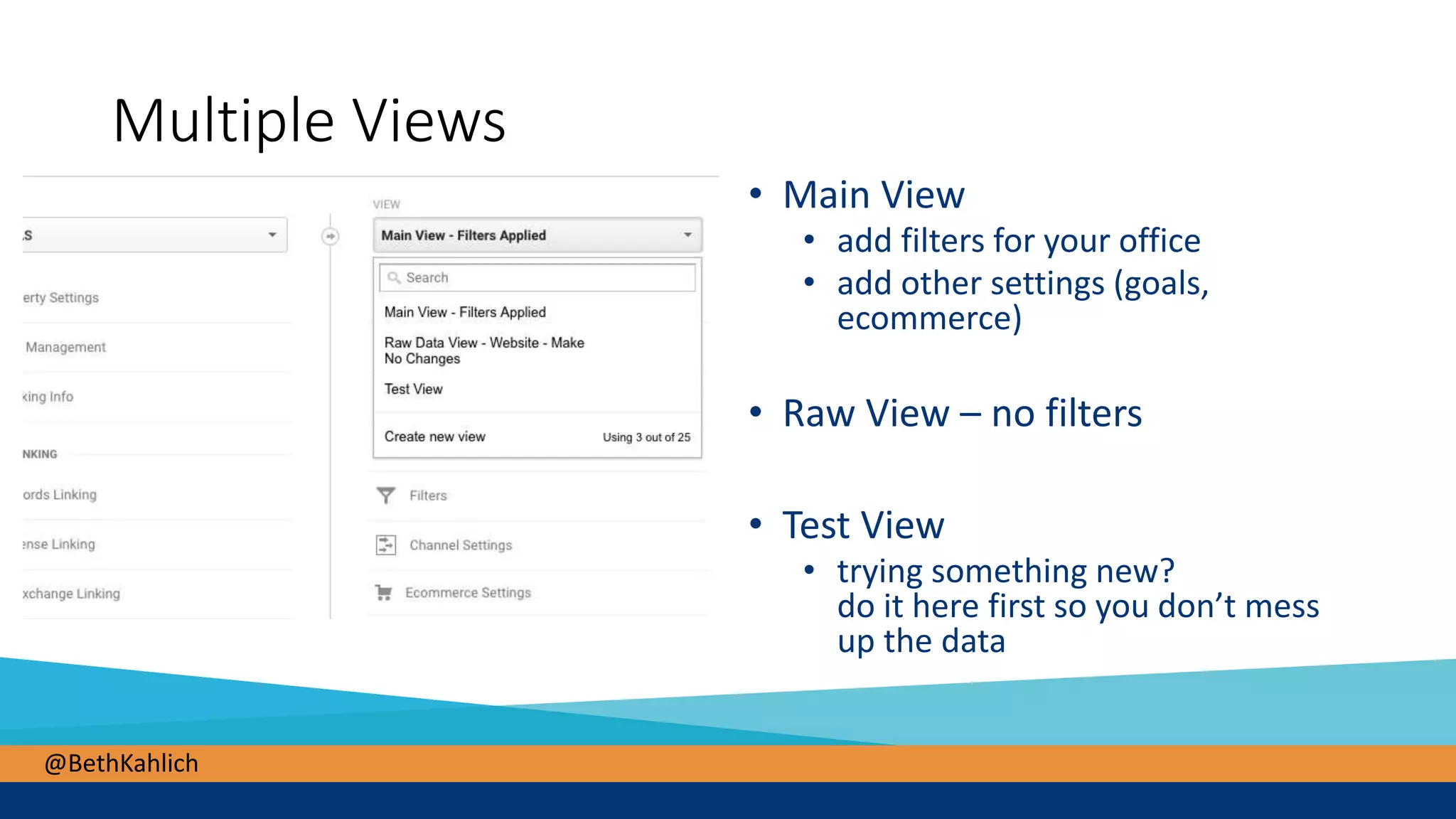
Multiple Views
• Main View
• add filters for your office
• add other settings (goals,
ecommerce)
• Raw View – no filters
• Test View
• trying something new?
do it here first so you don’t mess
up the data
@BethKahlich
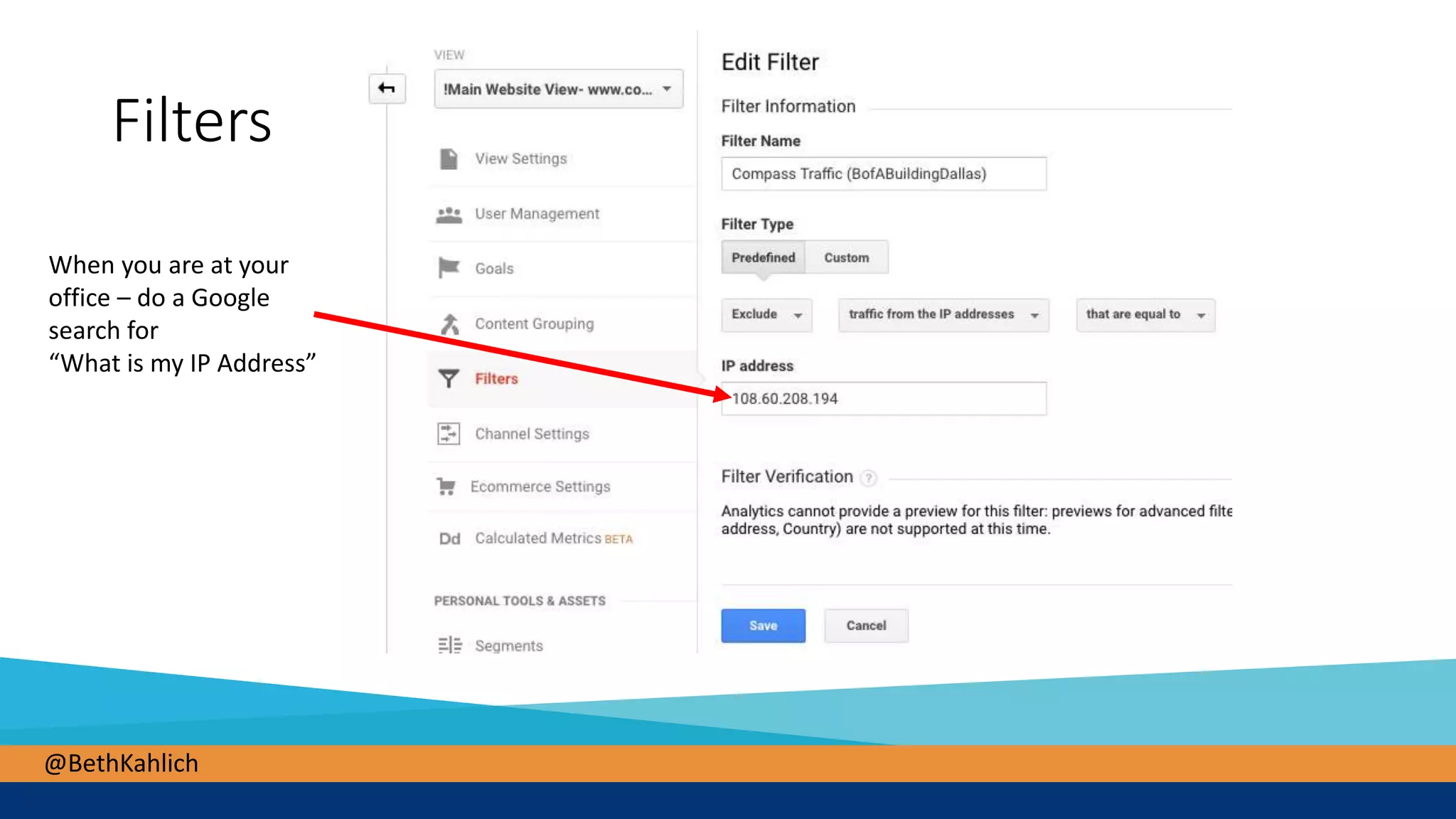
Filters
When you are at your
office – do a Google
search for
“What is my IP Address”
@BethKahlich
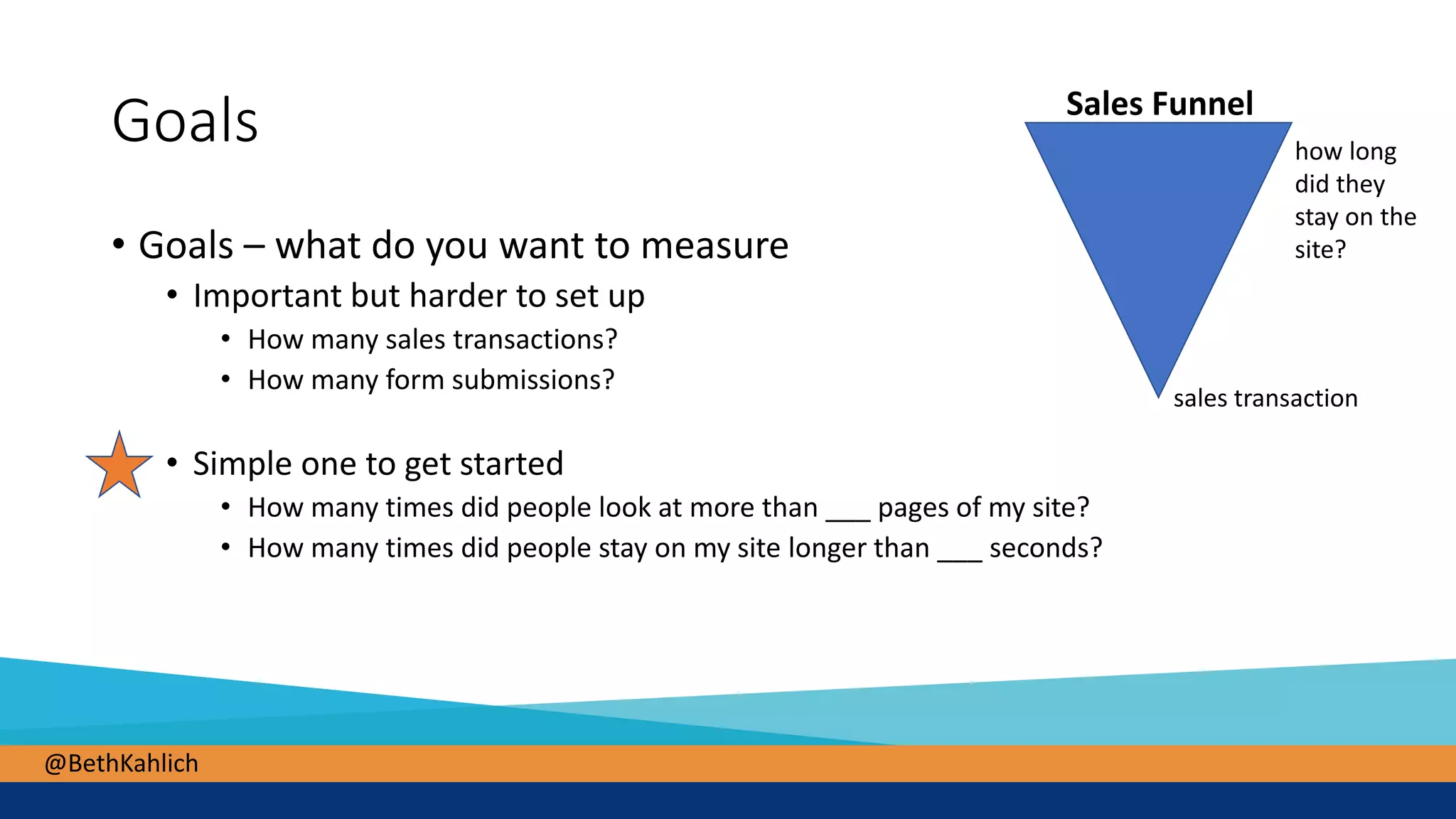
Goals
• Goals – what do you want to measure
• Important but harder to set up
• How many sales transactions?
• How many form submissions?
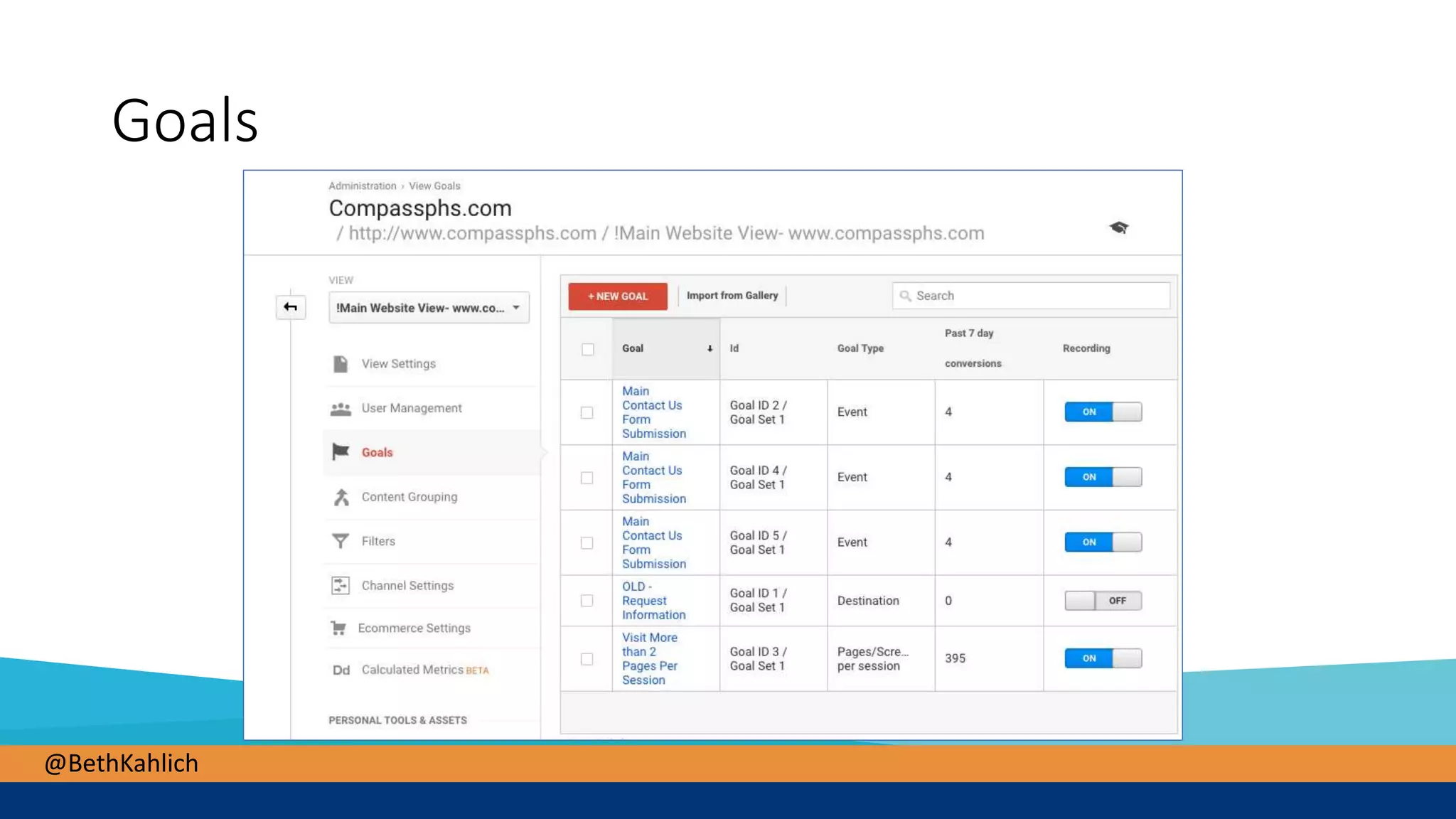
• Simple one to get started
• How many times did people look at more than ___ pages of my site?
• How many times did people stay on my site longer than ___ seconds?
Sales Funnel
sales transaction
how long
did they
stay on the
site?
@BethKahlich
Goals
@BethKahlich
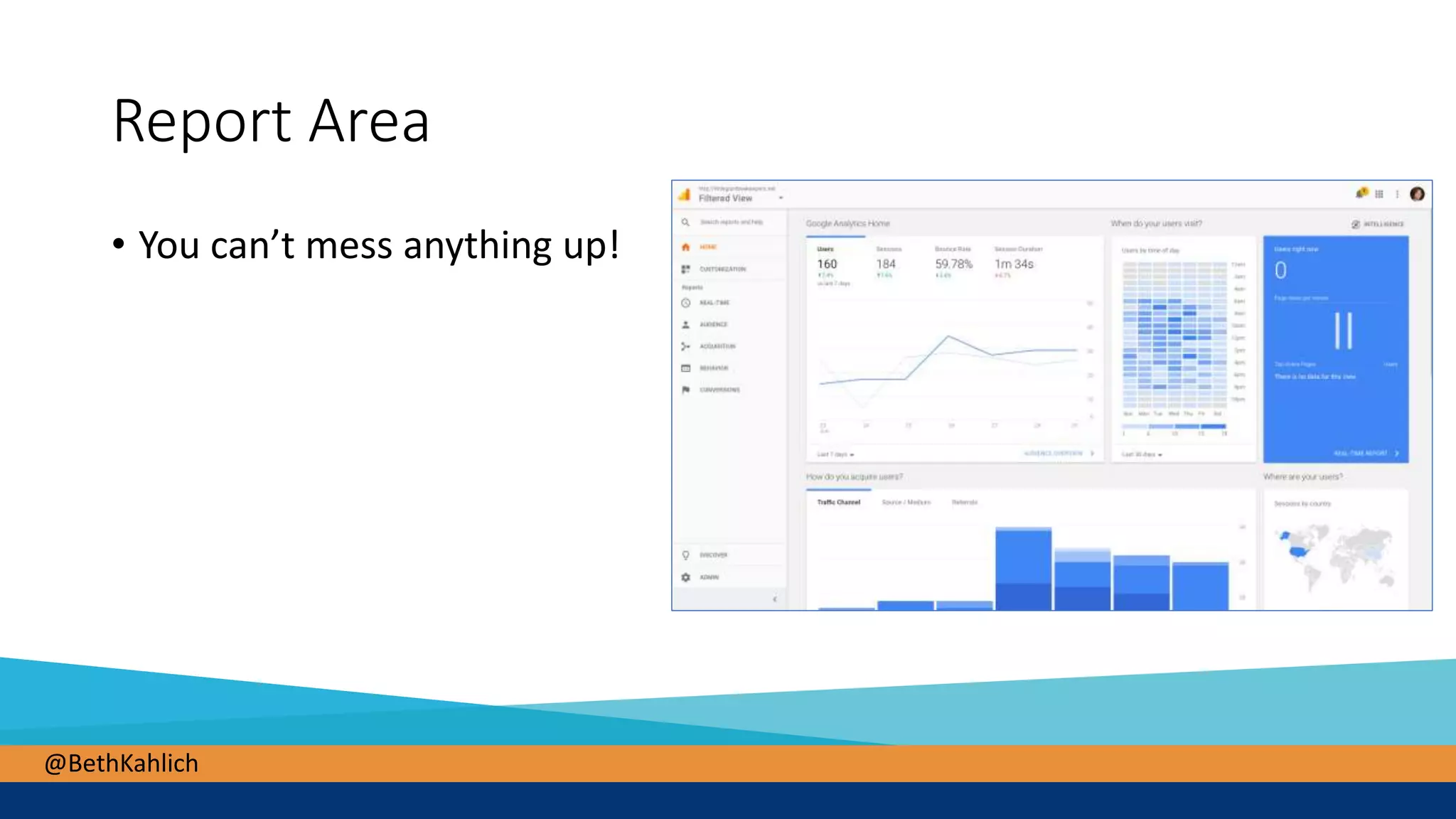
Report Area
• You can’t mess anything up!
@BethKahlich
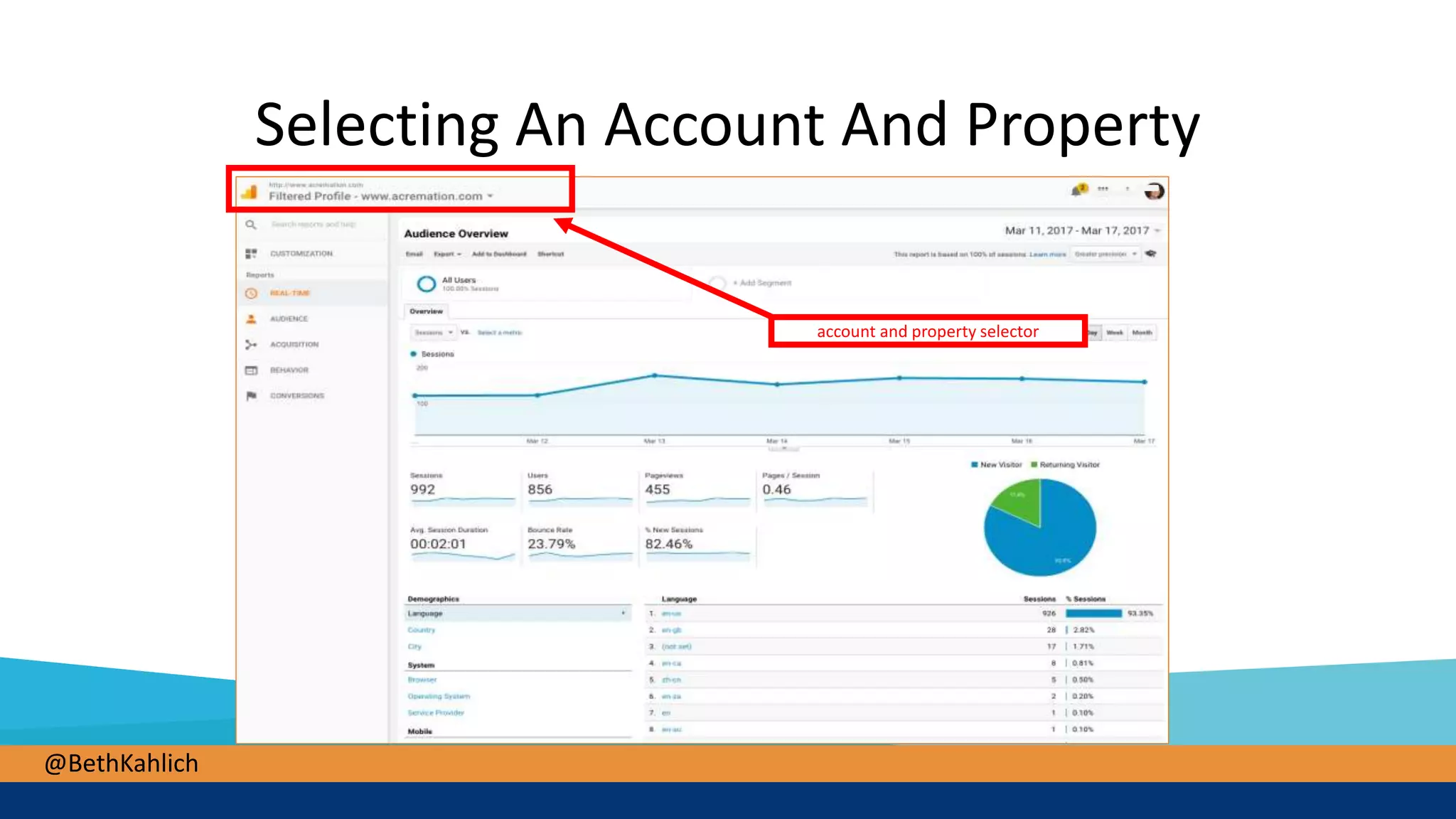
Selecting An Account And Property
account and property selector
@BethKahlich
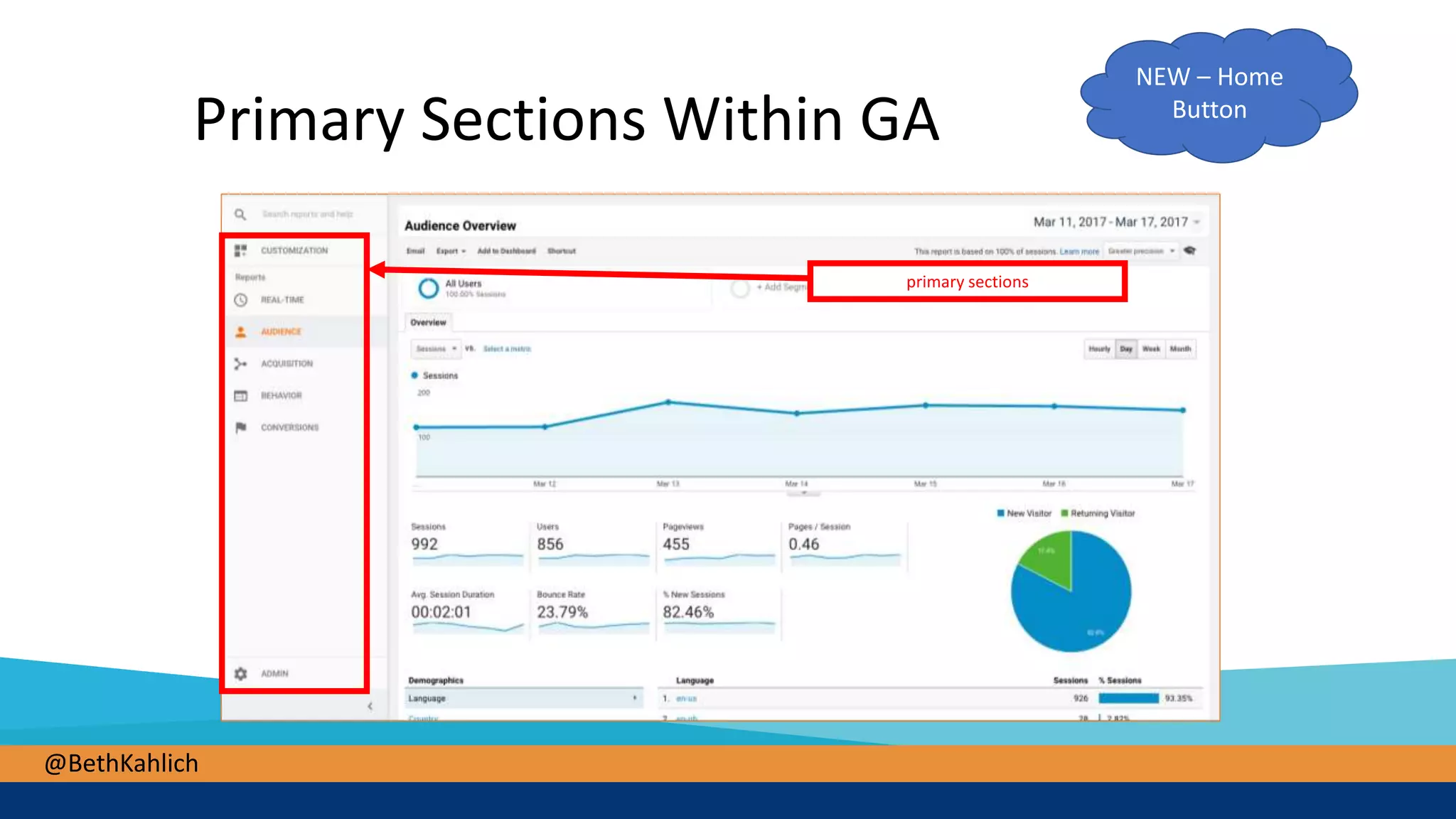
Primary Sections Within GA
primary sections
NEW – Home
Button
@BethKahlich
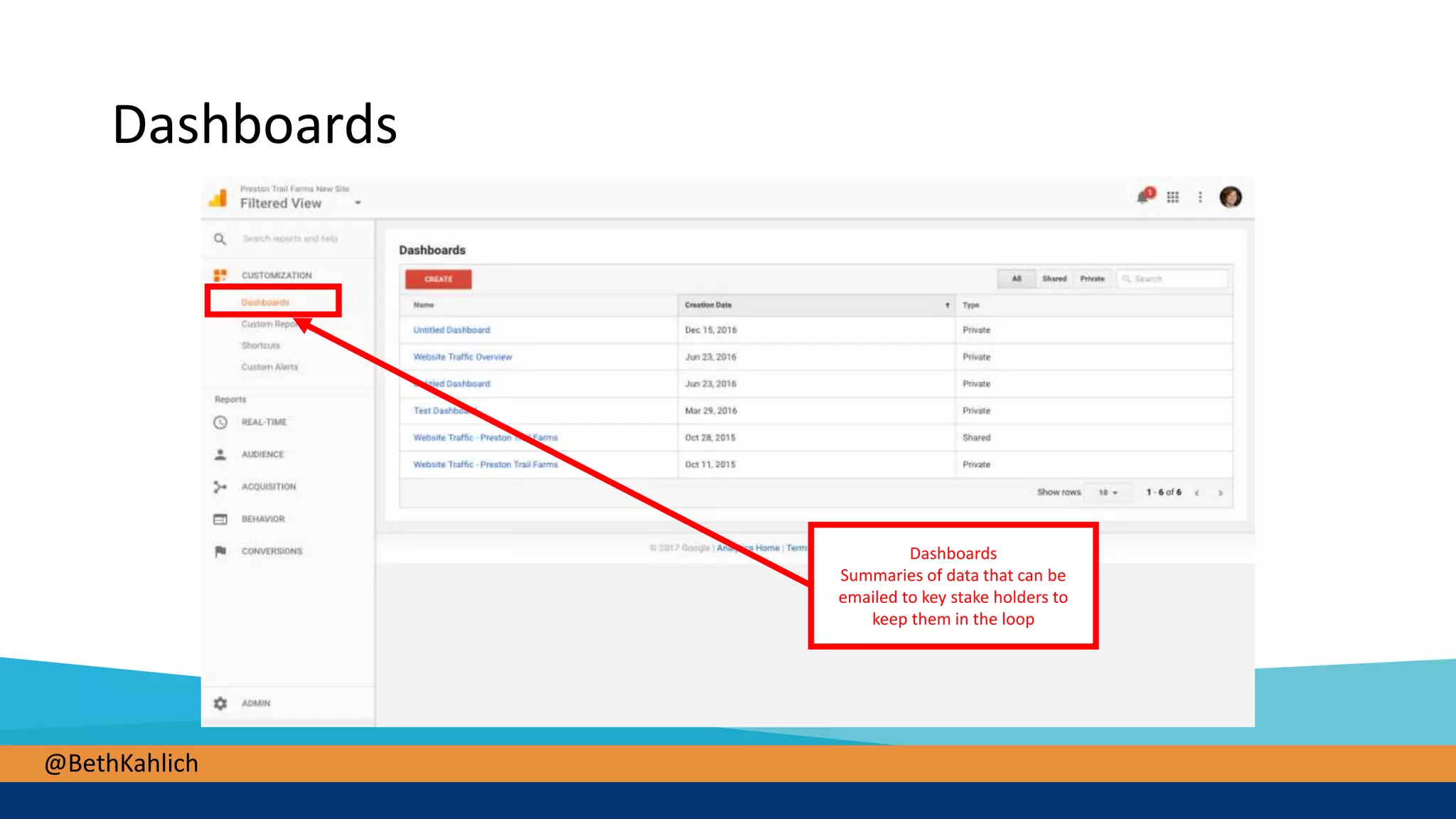
Dashboards
Dashboards
Summaries of data that can be
emailed to key stake holders to
keep them in the loop
@BethKahlich
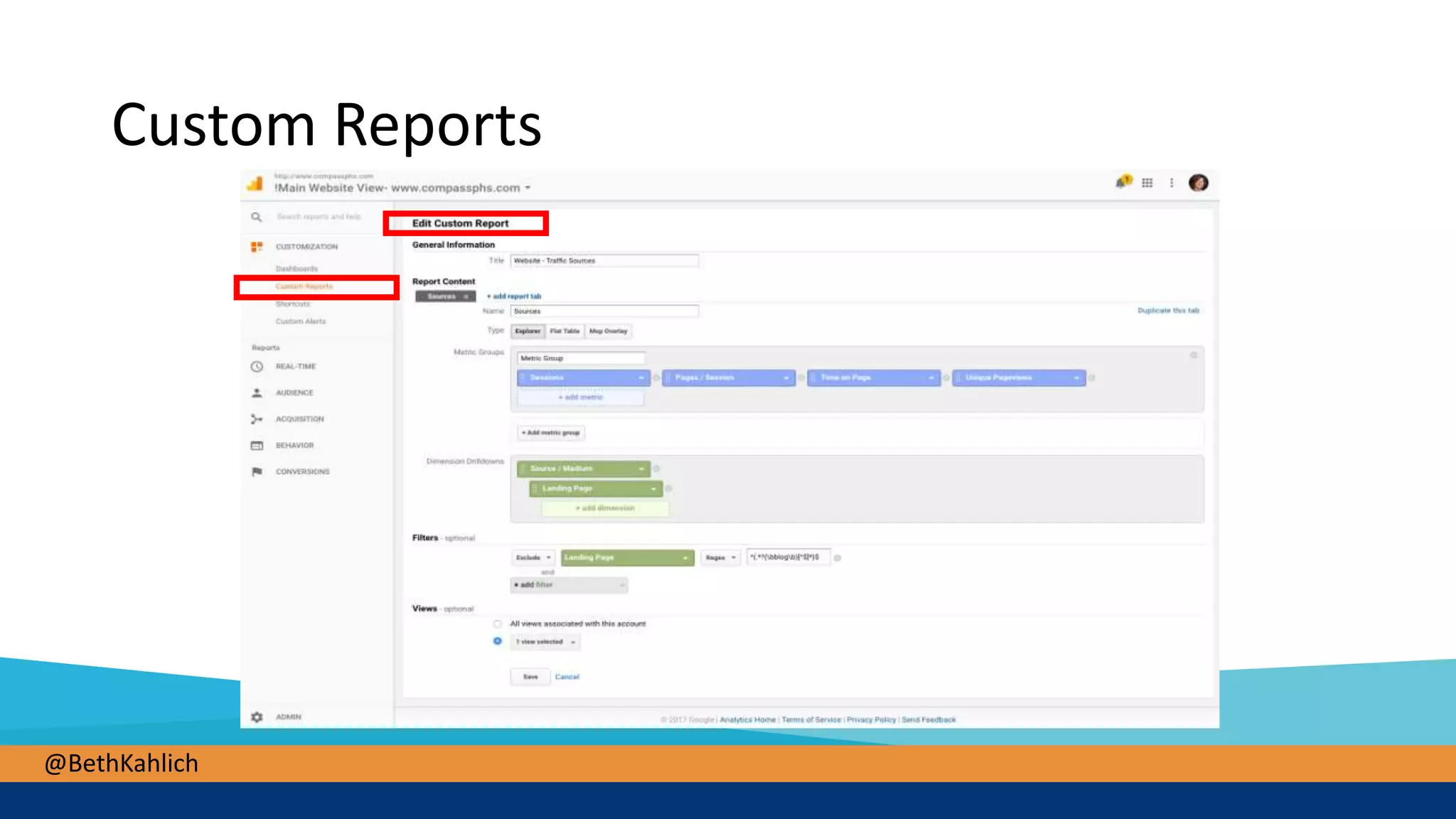
Custom Reports
@BethKahlich
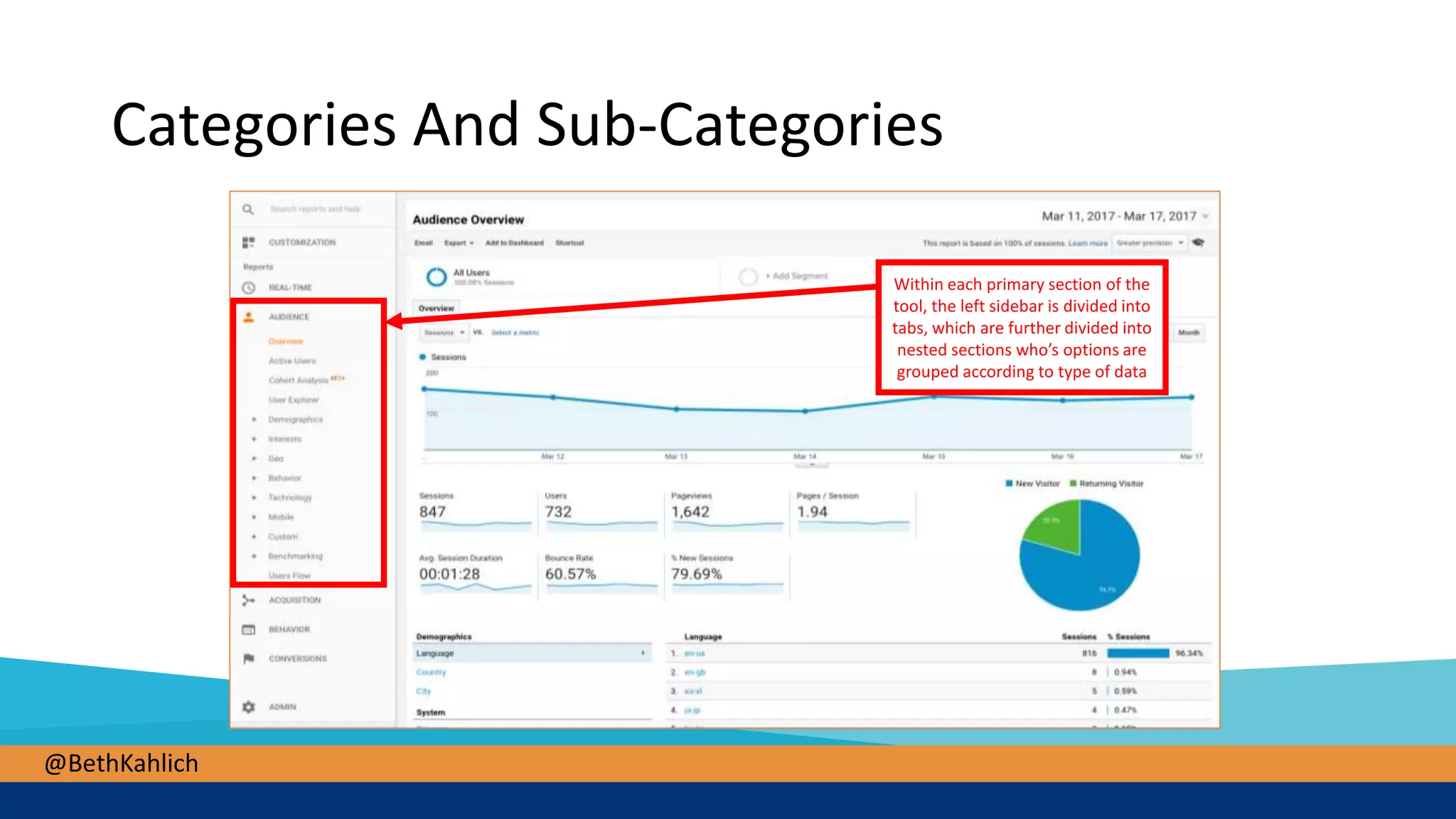
Categories And Sub-Categories
Within each primary section of the
tool, the left sidebar is divided into
tabs, which are further divided into
nested sections who’s options are
grouped according to type of data
@BethKahlich
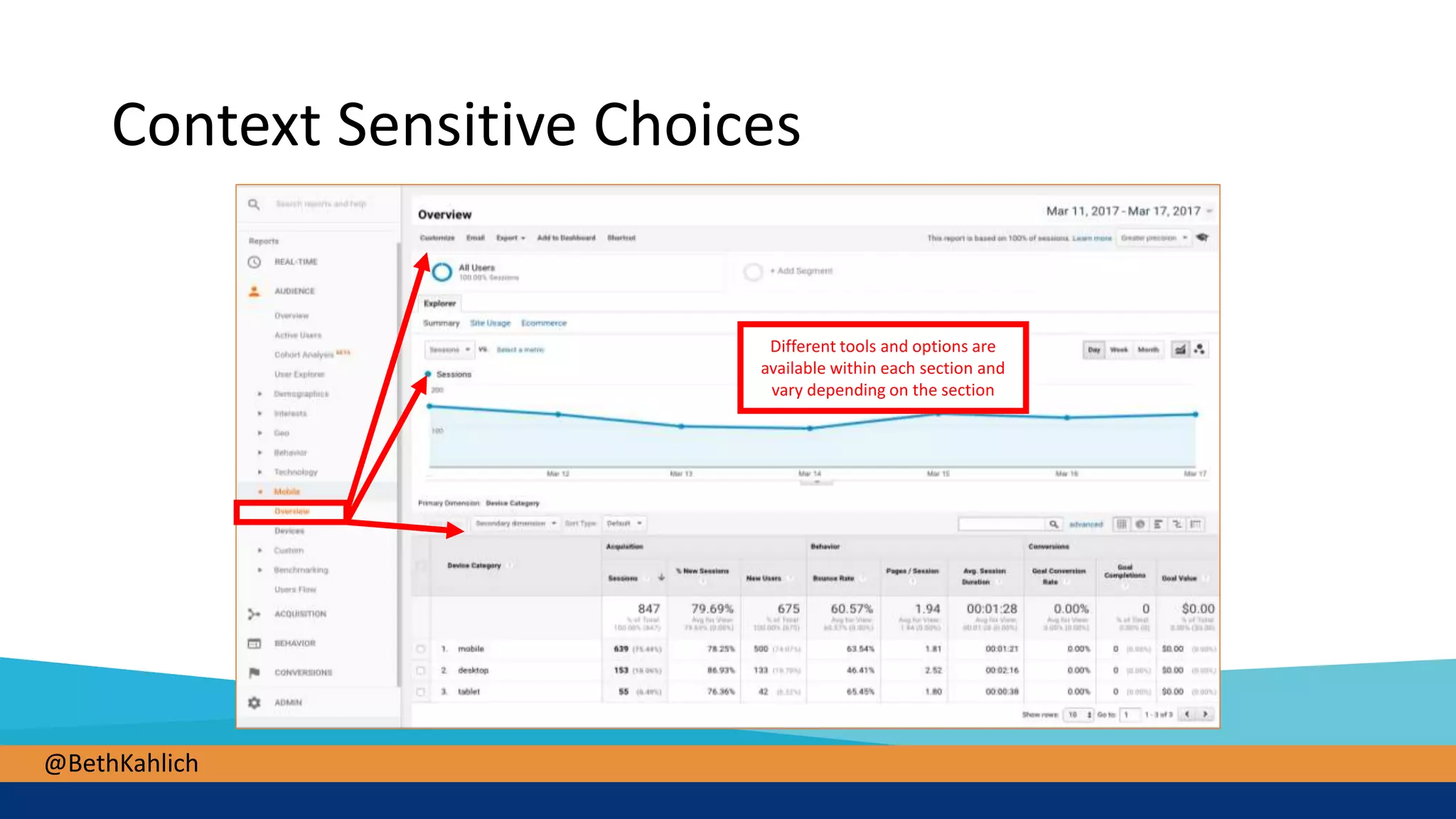
Context Sensitive Choices
Different tools and options are
available within each section and
vary depending on the section
@BethKahlich
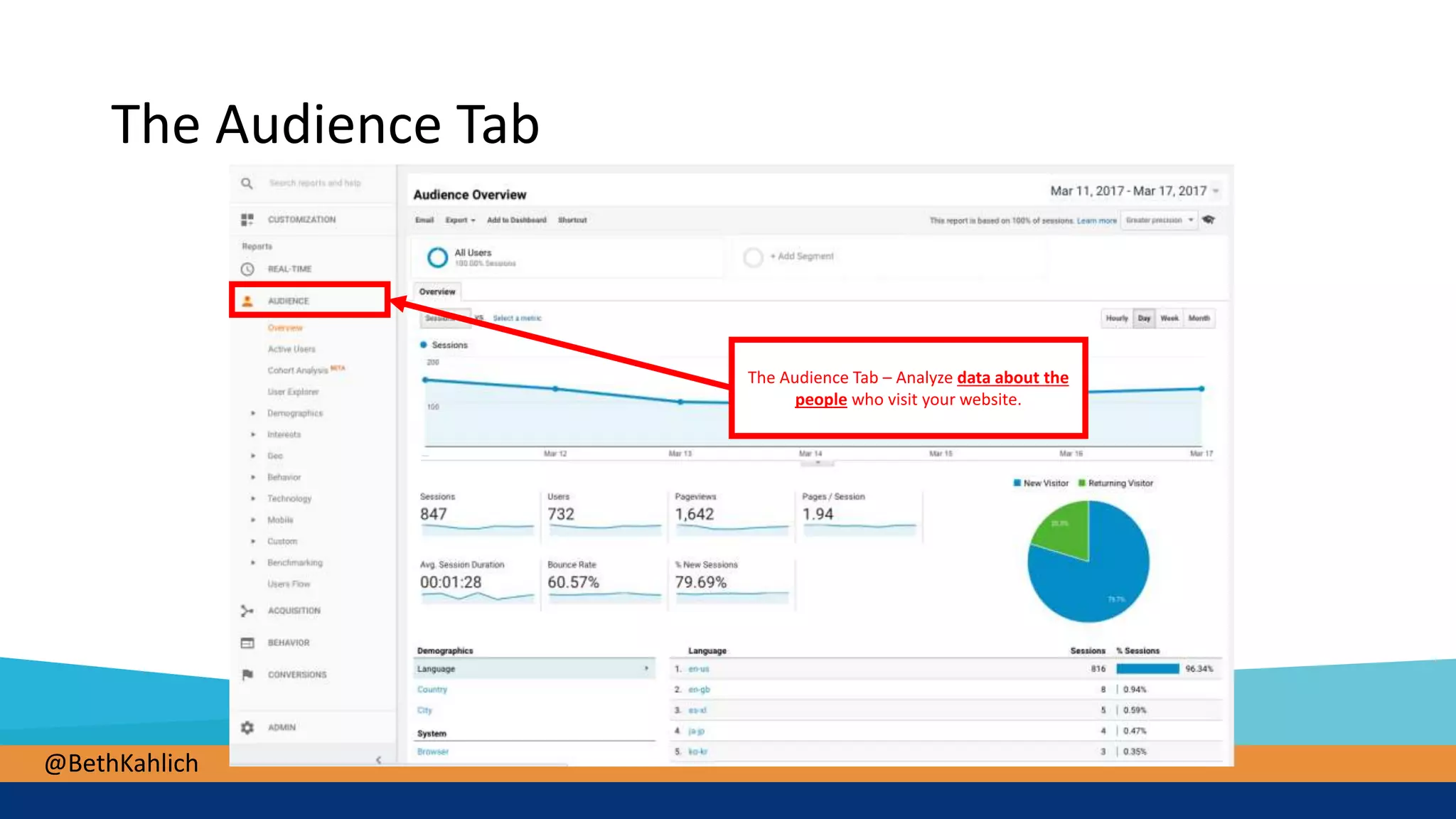
The Audience Tab
The Audience Tab – Analyze data about the
people who visit your website.
@BethKahlich
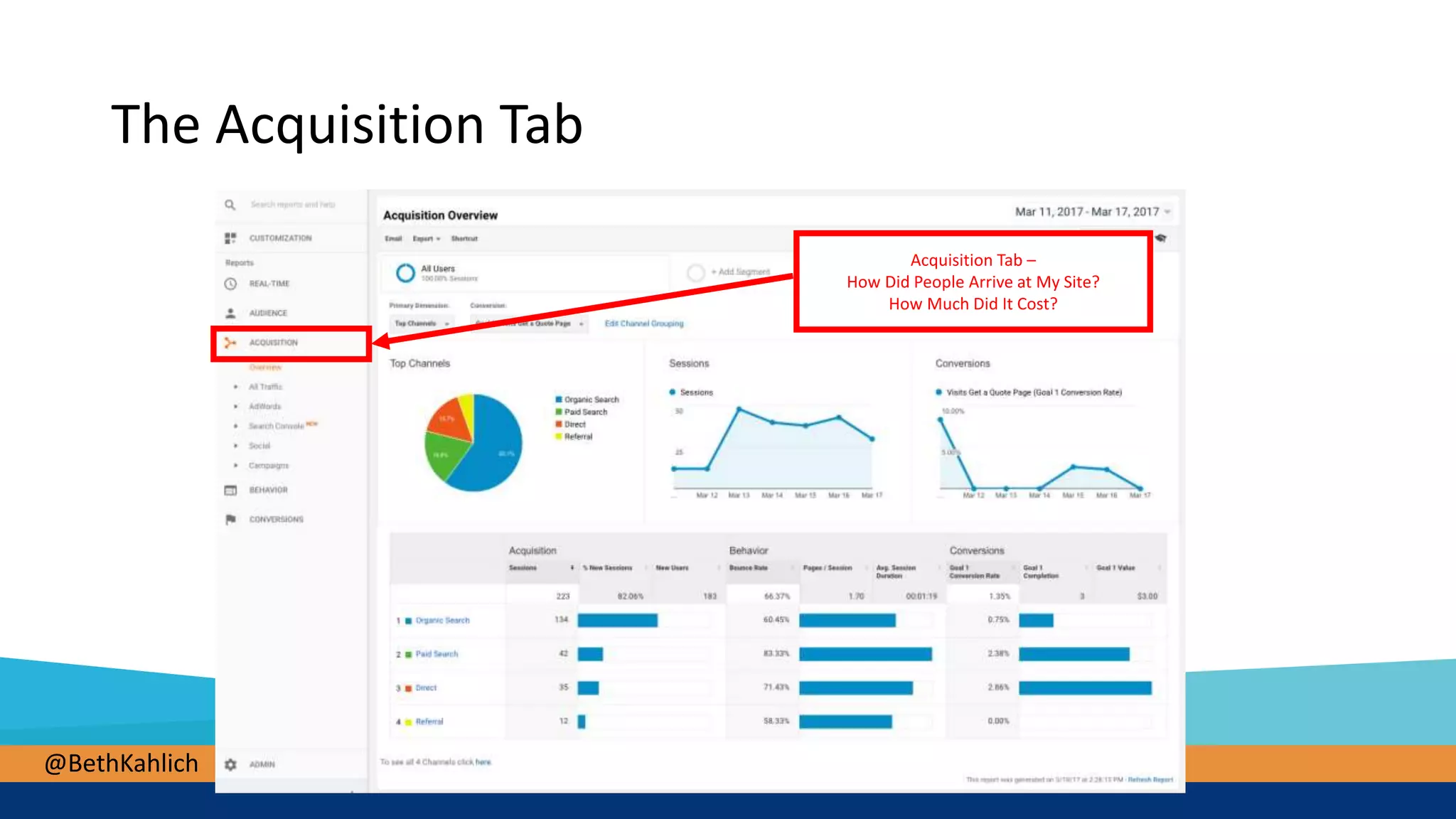
Acquisition Tab –
How Did People Arrive at My Site?
How Much Did It Cost?
The Acquisition Tab
@BethKahlich
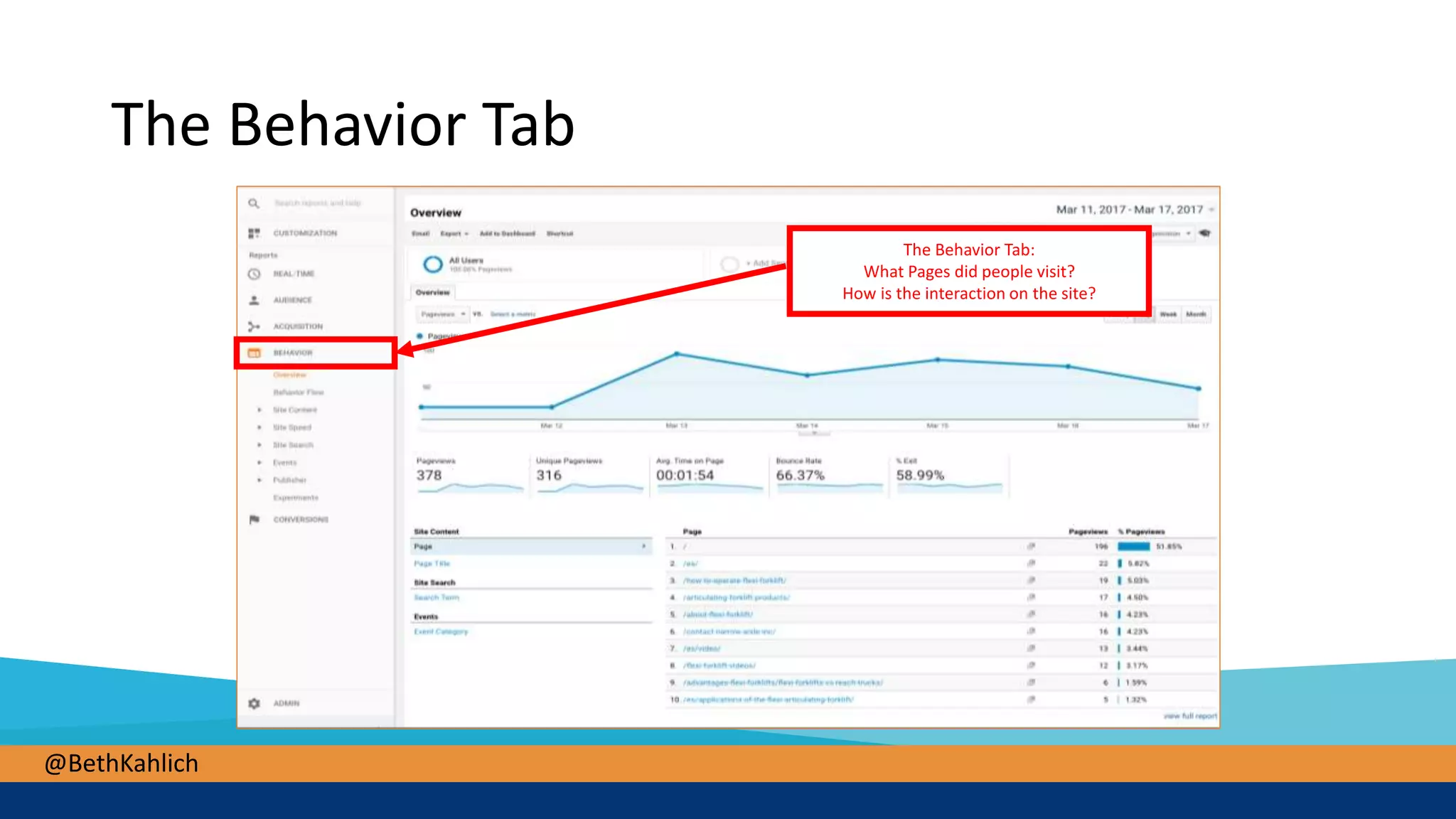
The Behavior Tab
The Behavior Tab:
What Pages did people visit?
How is the interaction on the site?
@BethKahlich
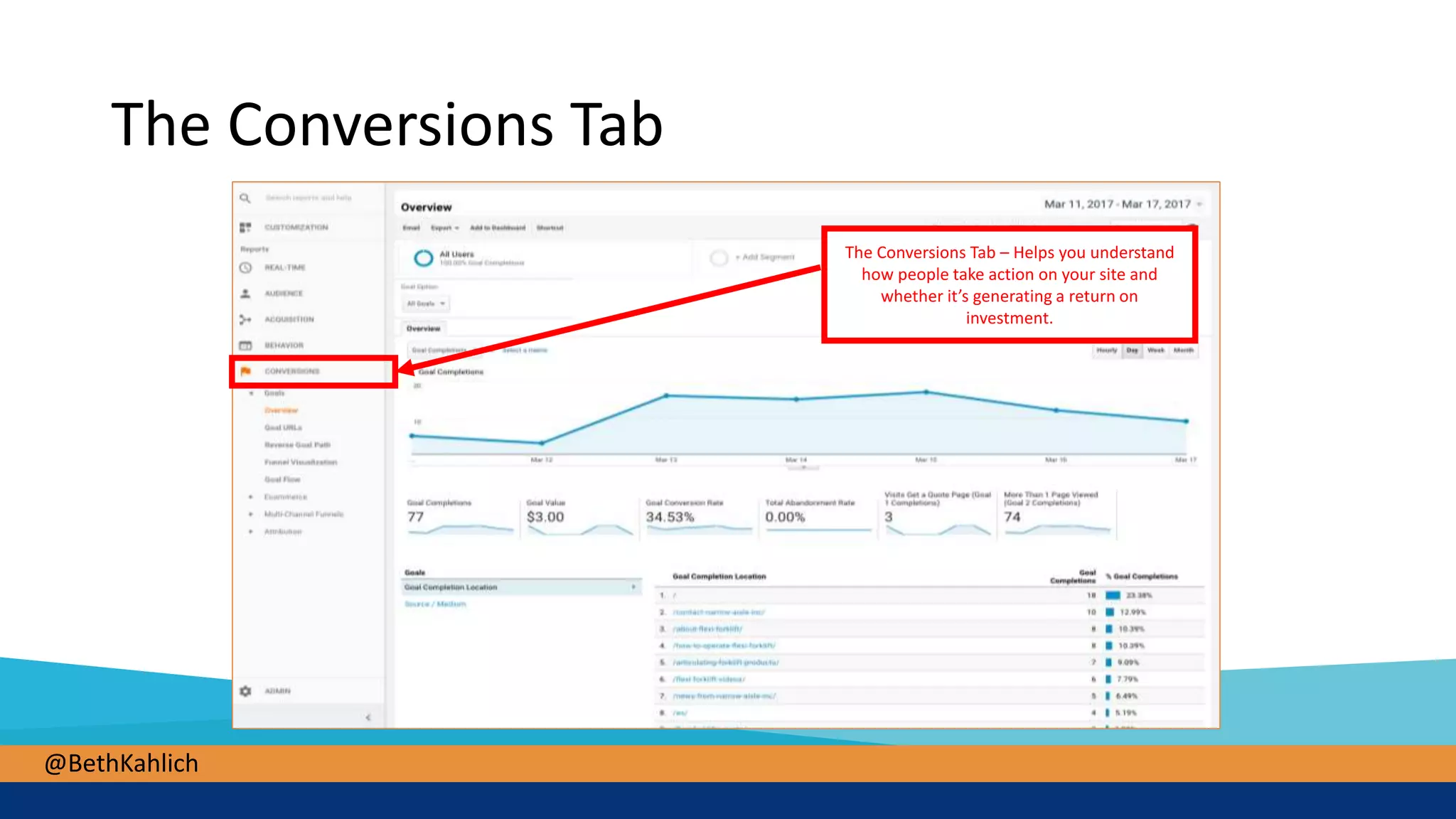
The Conversions Tab
The Conversions Tab – Helps you understand
how people take action on your site and
whether it’s generating a return on
investment.
@BethKahlich
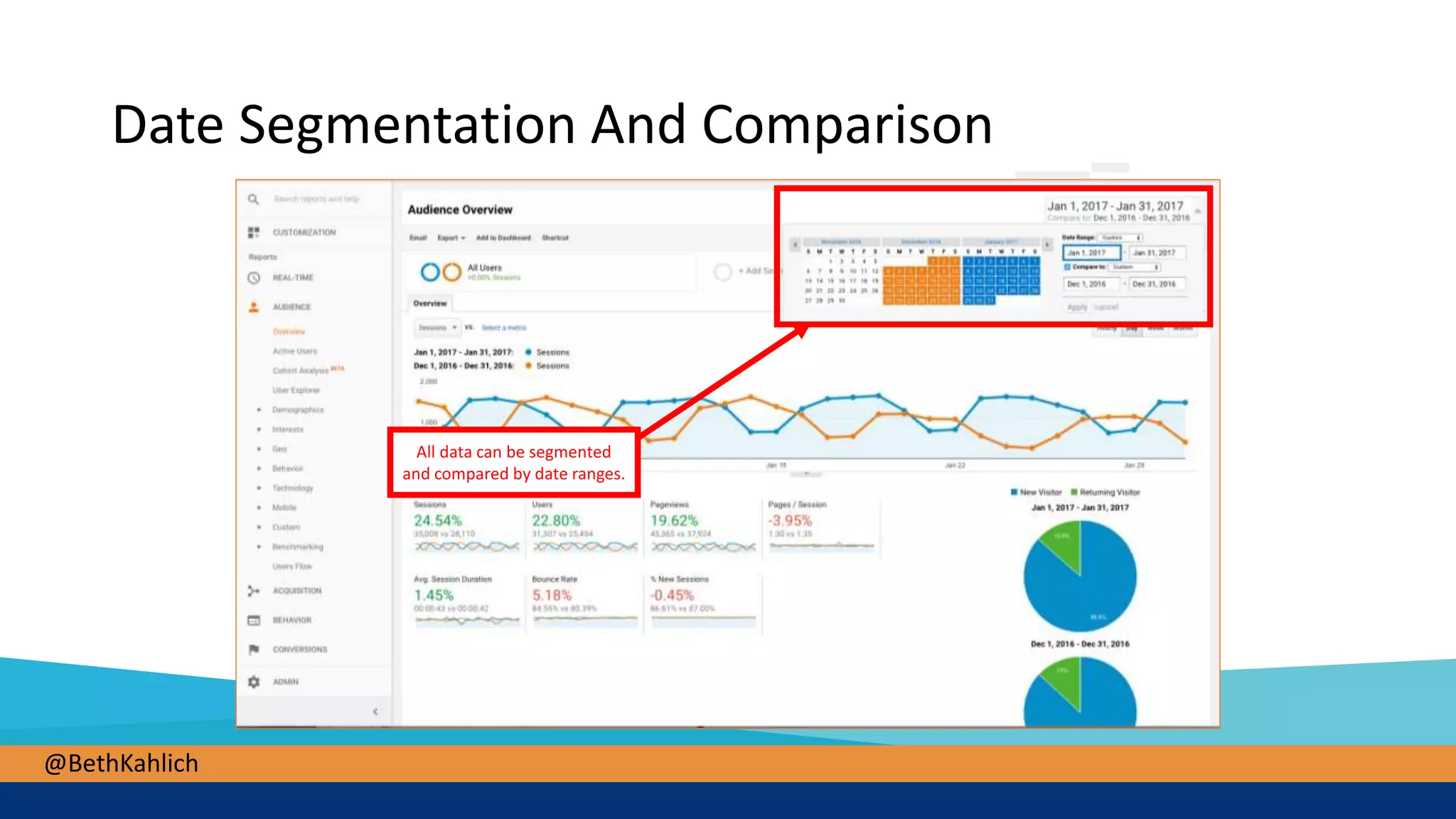
Date Segmentation And Comparison
All data can be segmented
and compared by date ranges.
@BethKahlich
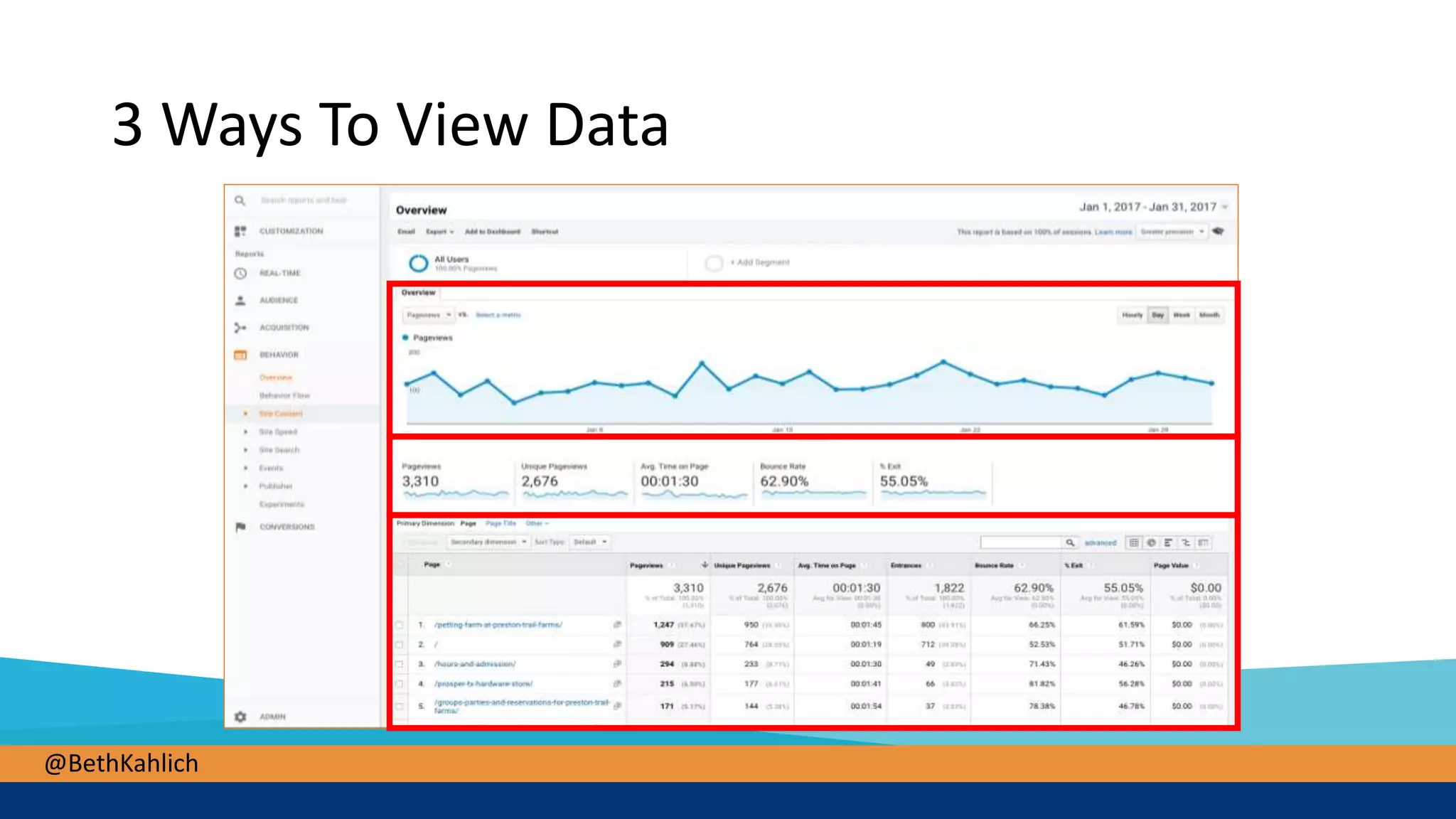
3 Ways To View Data
@BethKahlich
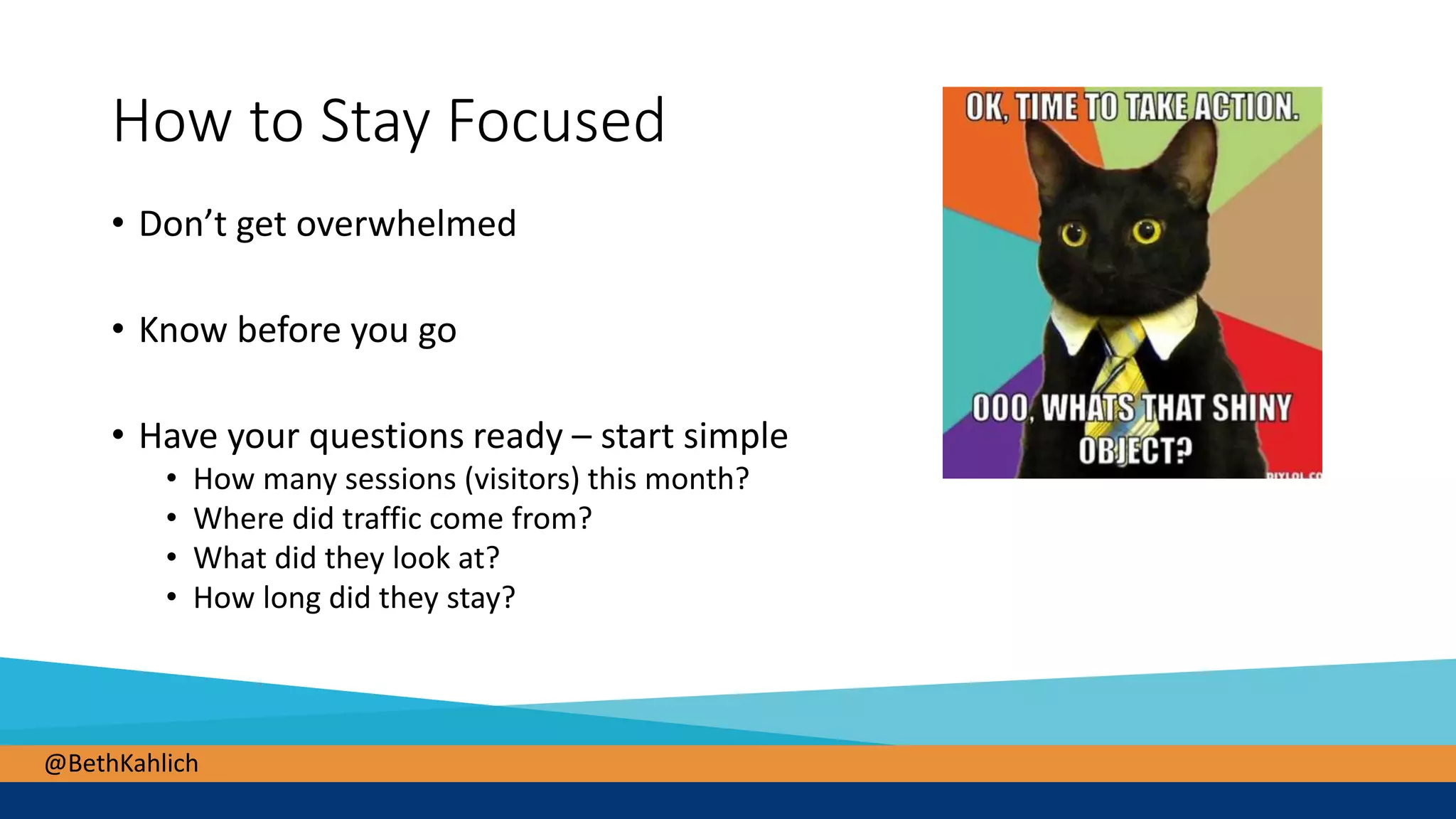
How to Stay Focused
• Don’t get overwhelmed
• Know before you go
• Have your questions ready – start simple
• How many sessions (visitors) this month?
• Where did traffic come from?
• What did they look at?
• How long did they stay?
@BethKahlich
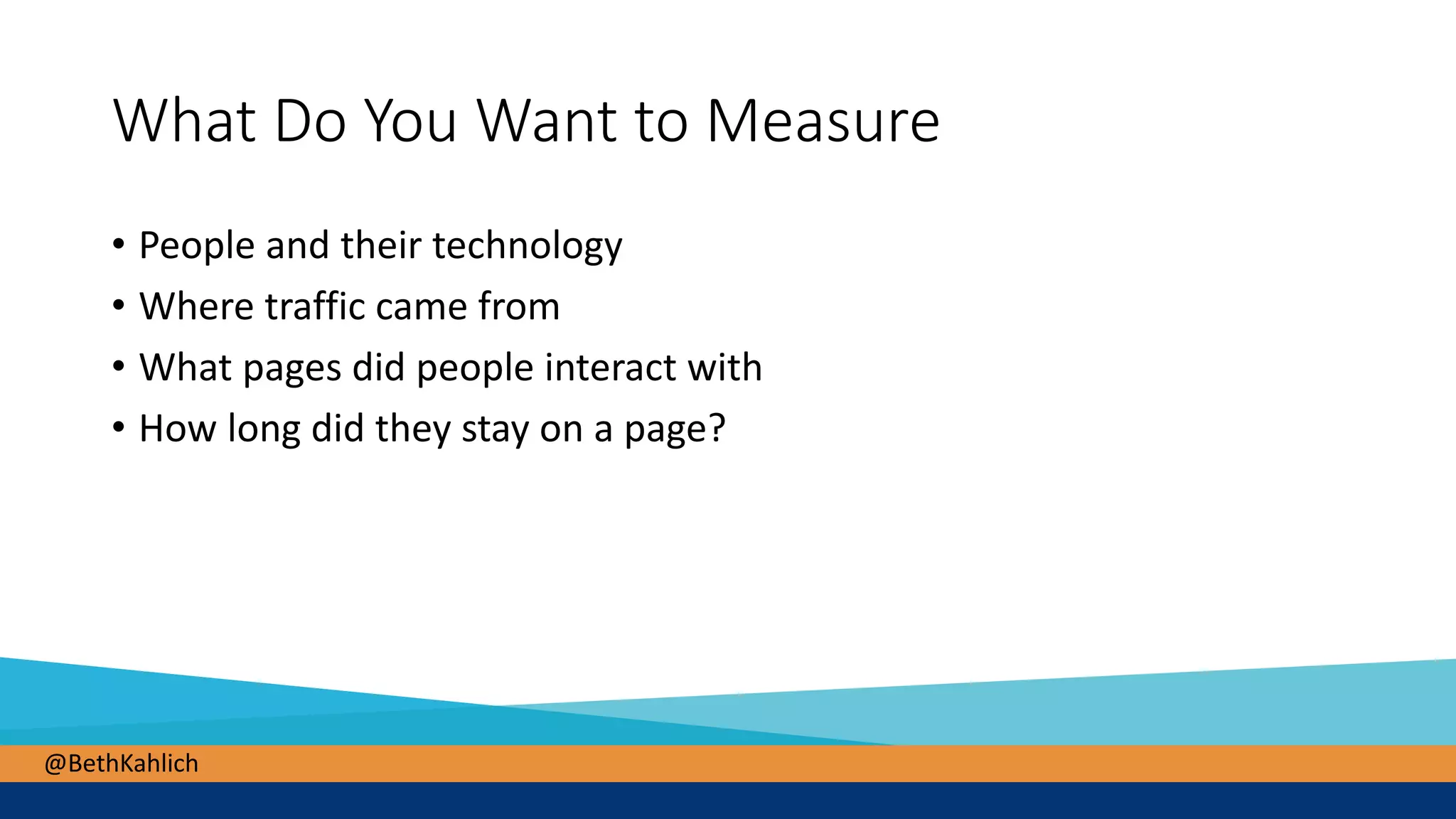
What Do You Want to Measure
• People and their technology
• Where traffic came from
• What pages did people interact with
• How long did they stay on a page?
@BethKahlich
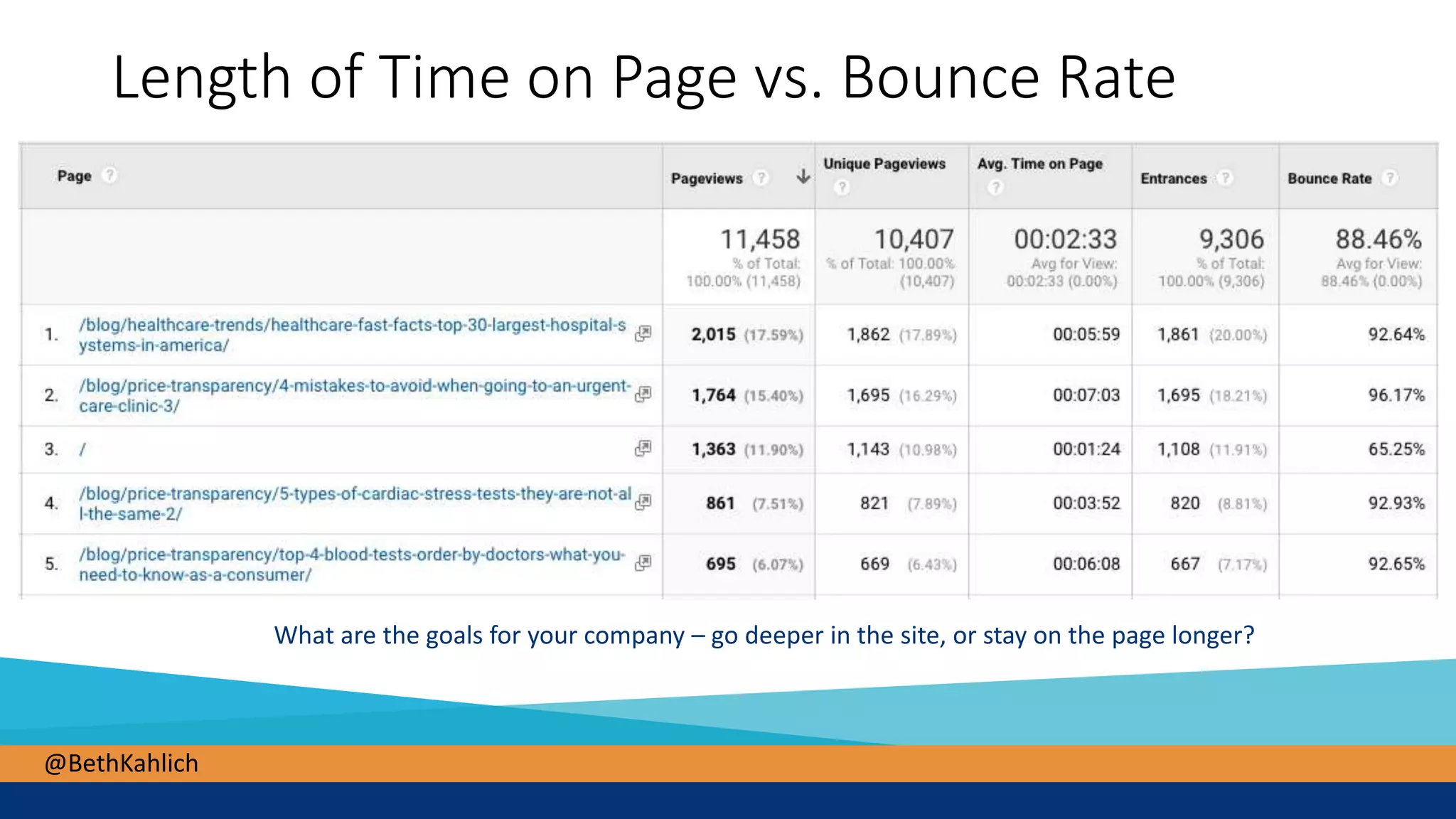
Length of Time on Page vs. Bounce Rate
What are the goals for your company – go deeper in the site, or stay on the page longer?
@BethKahlich
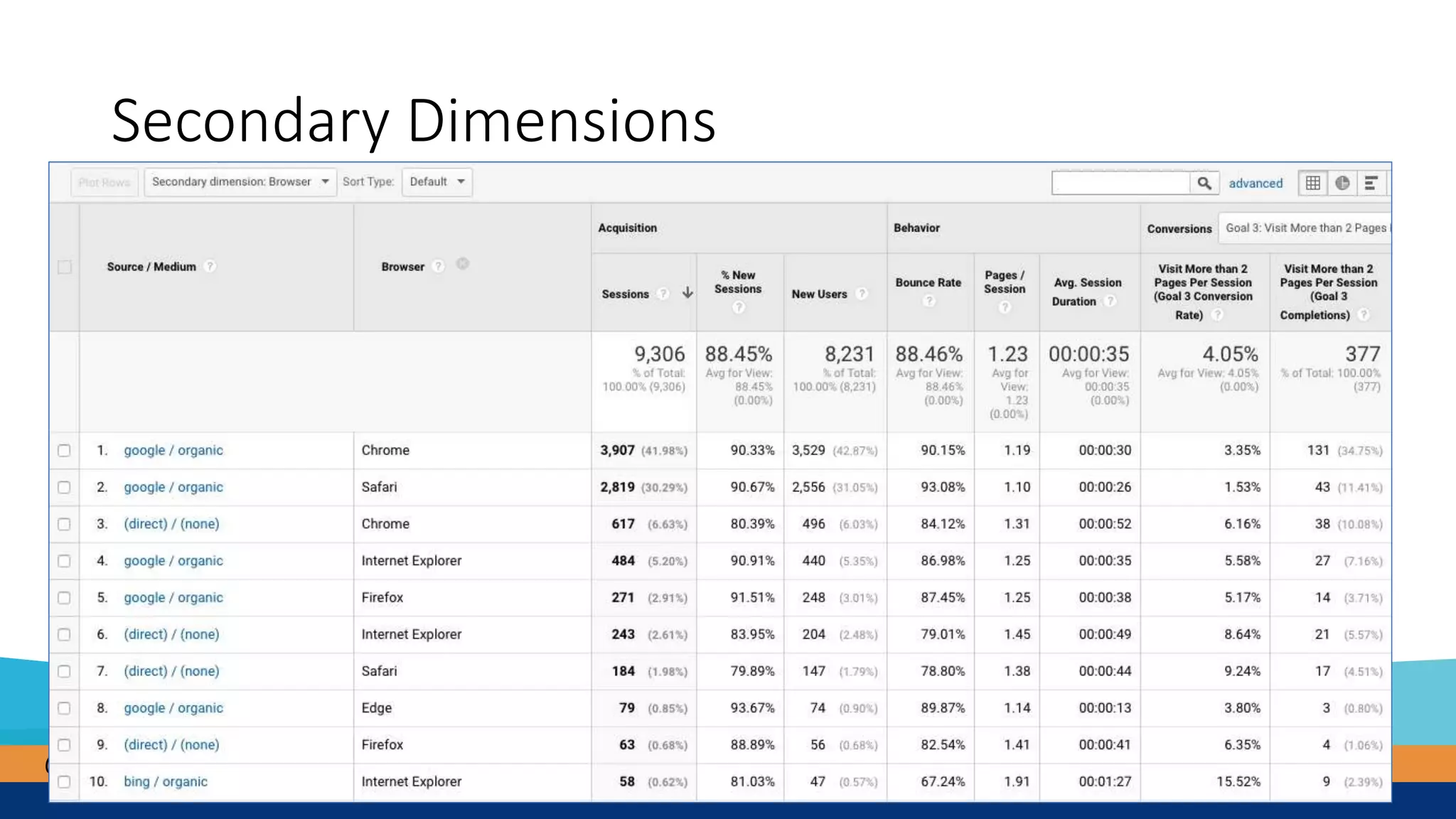
Secondary Dimensions
@BethKahlich
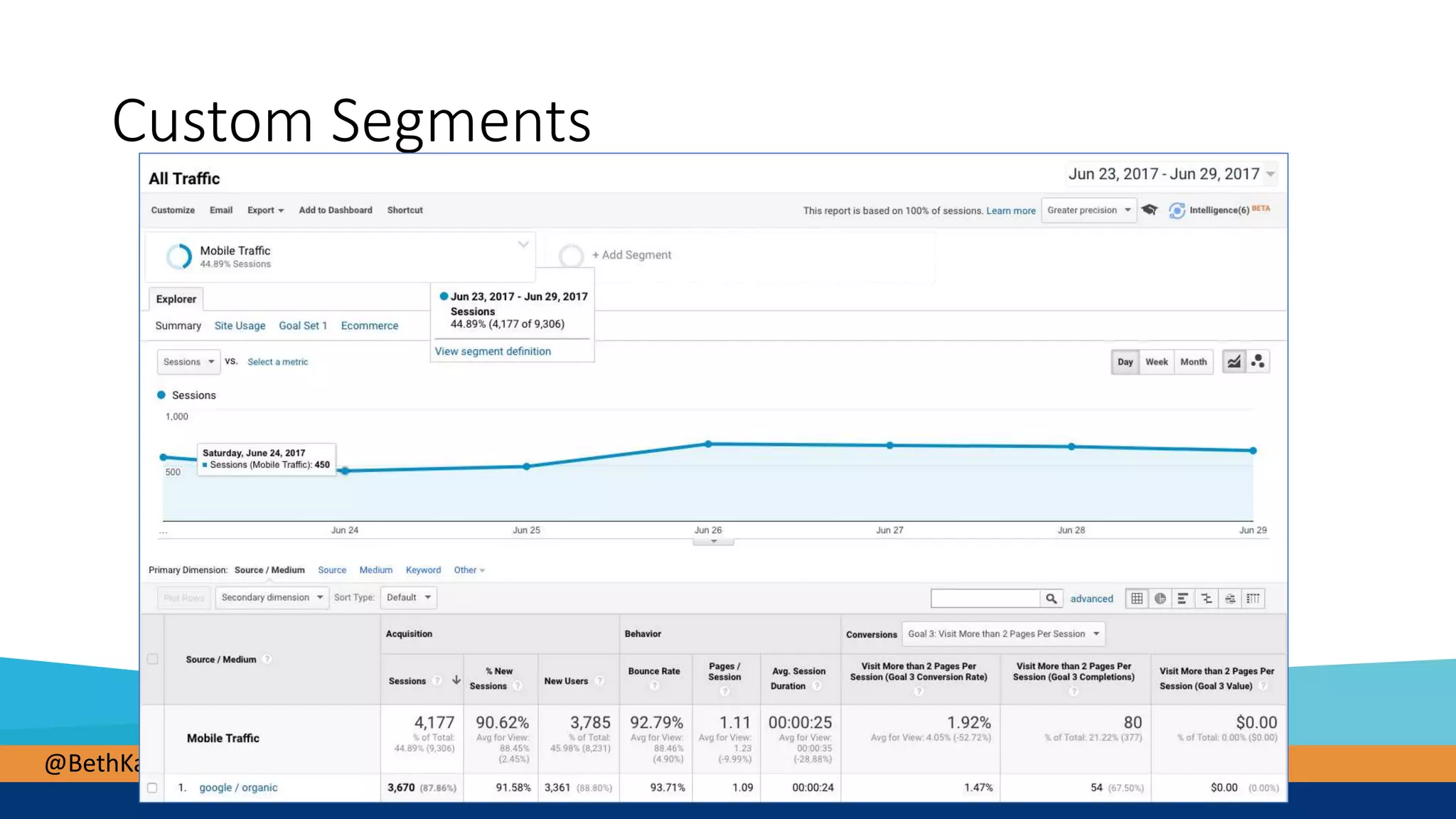
Custom Segments
@BethKahlich
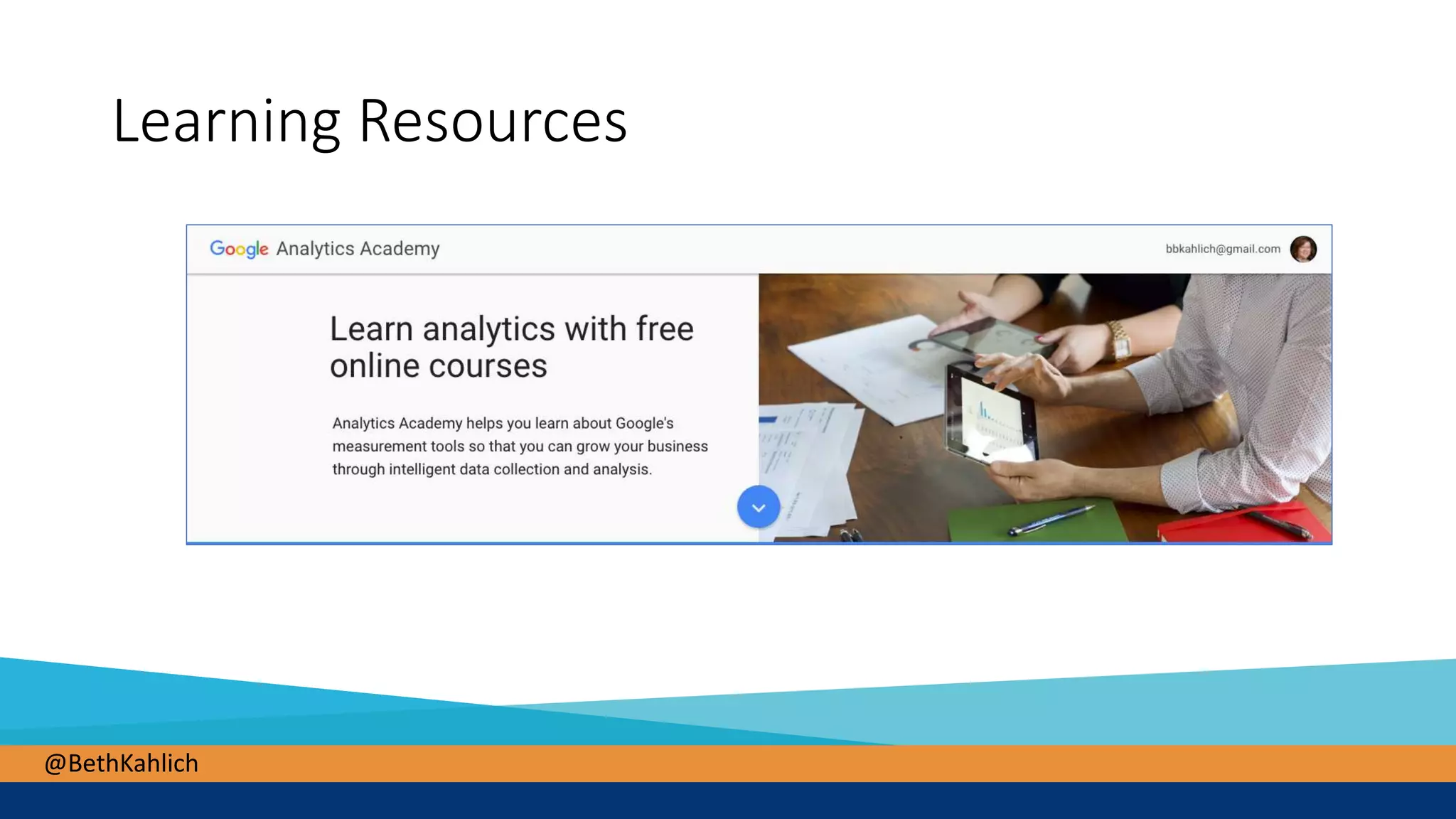
Learning Resources
@BethKahlich
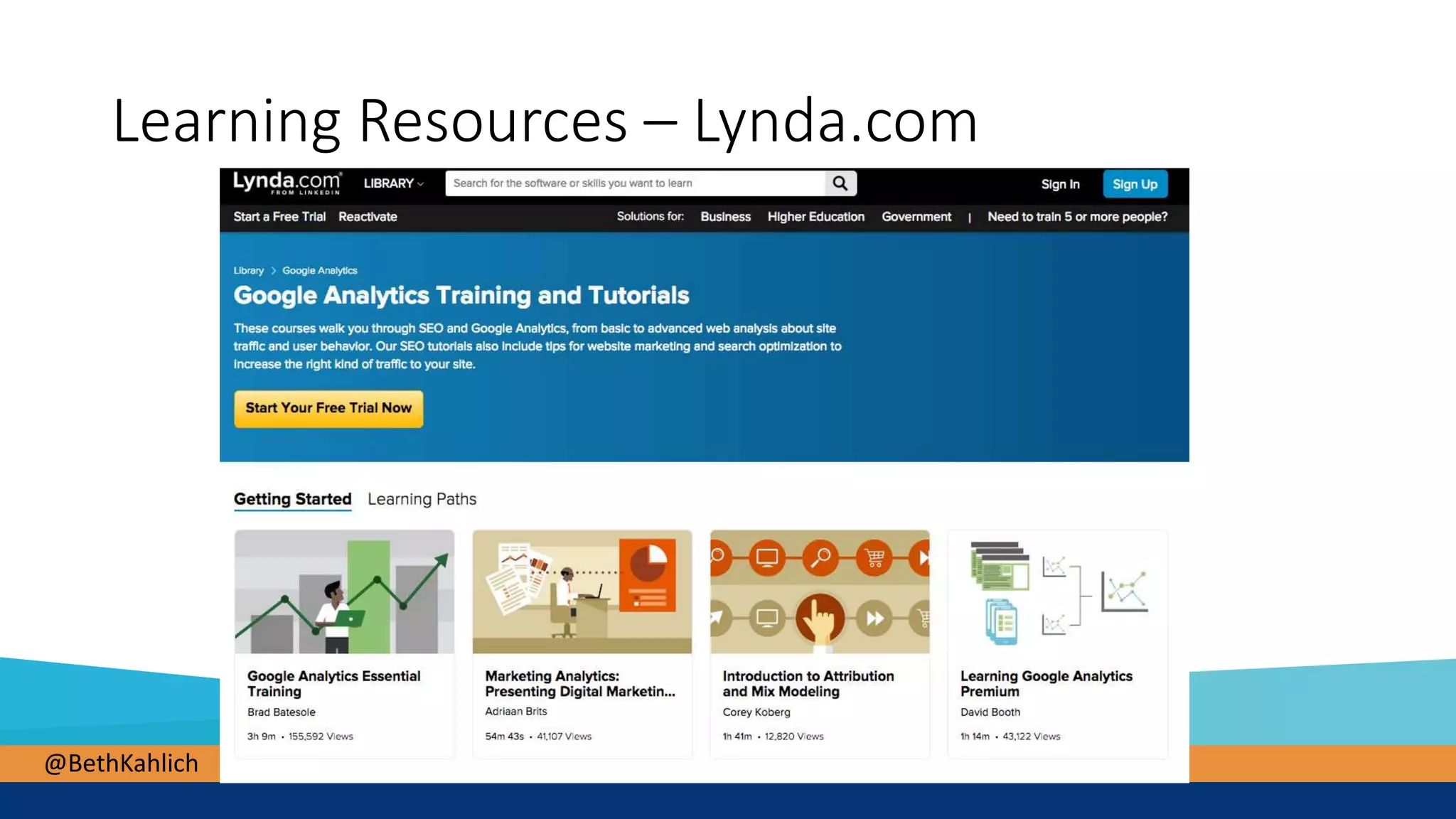
Learning Resources – Lynda.com
@BethKahlich
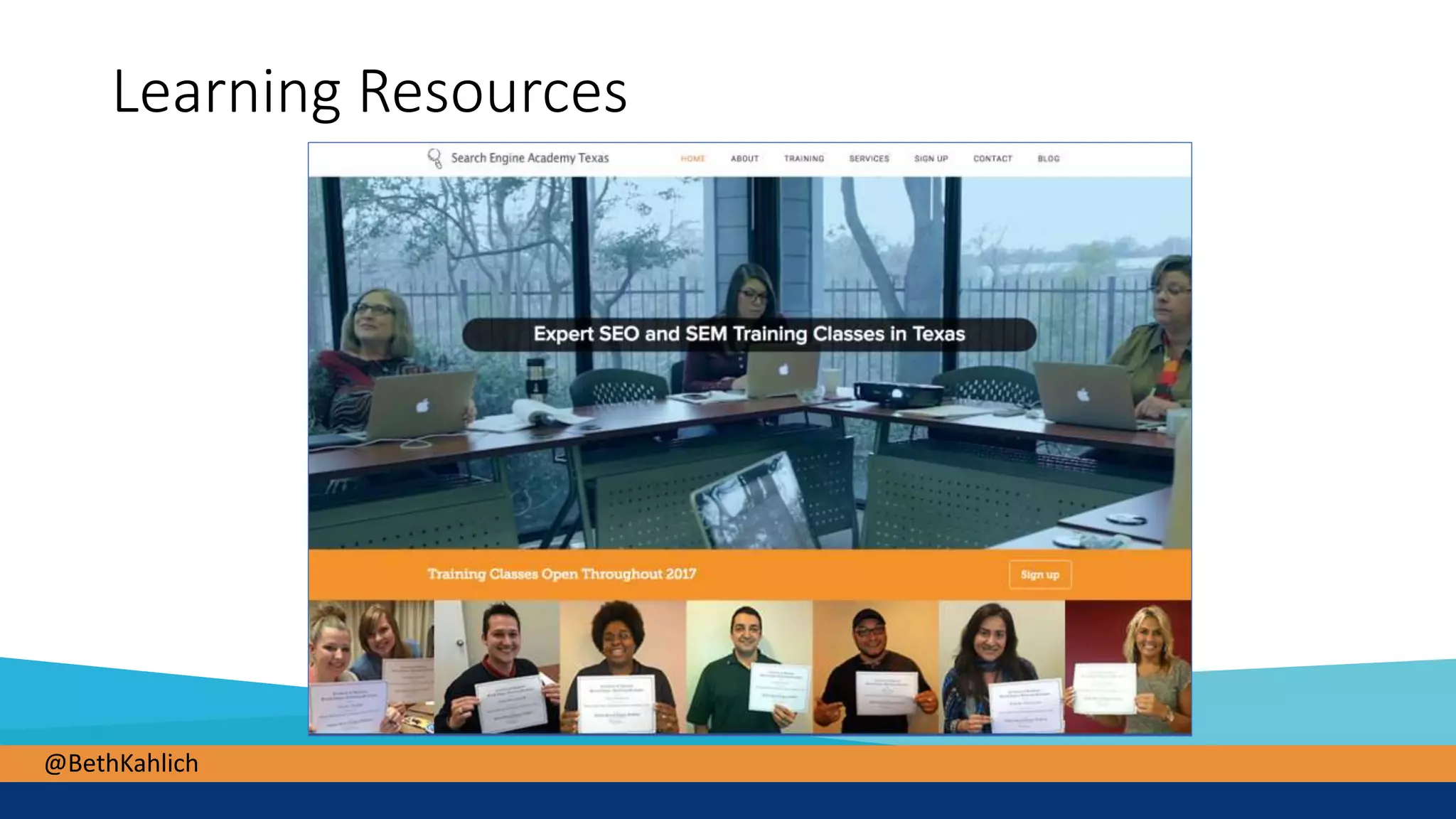
Learning Resources
@BethKahlich
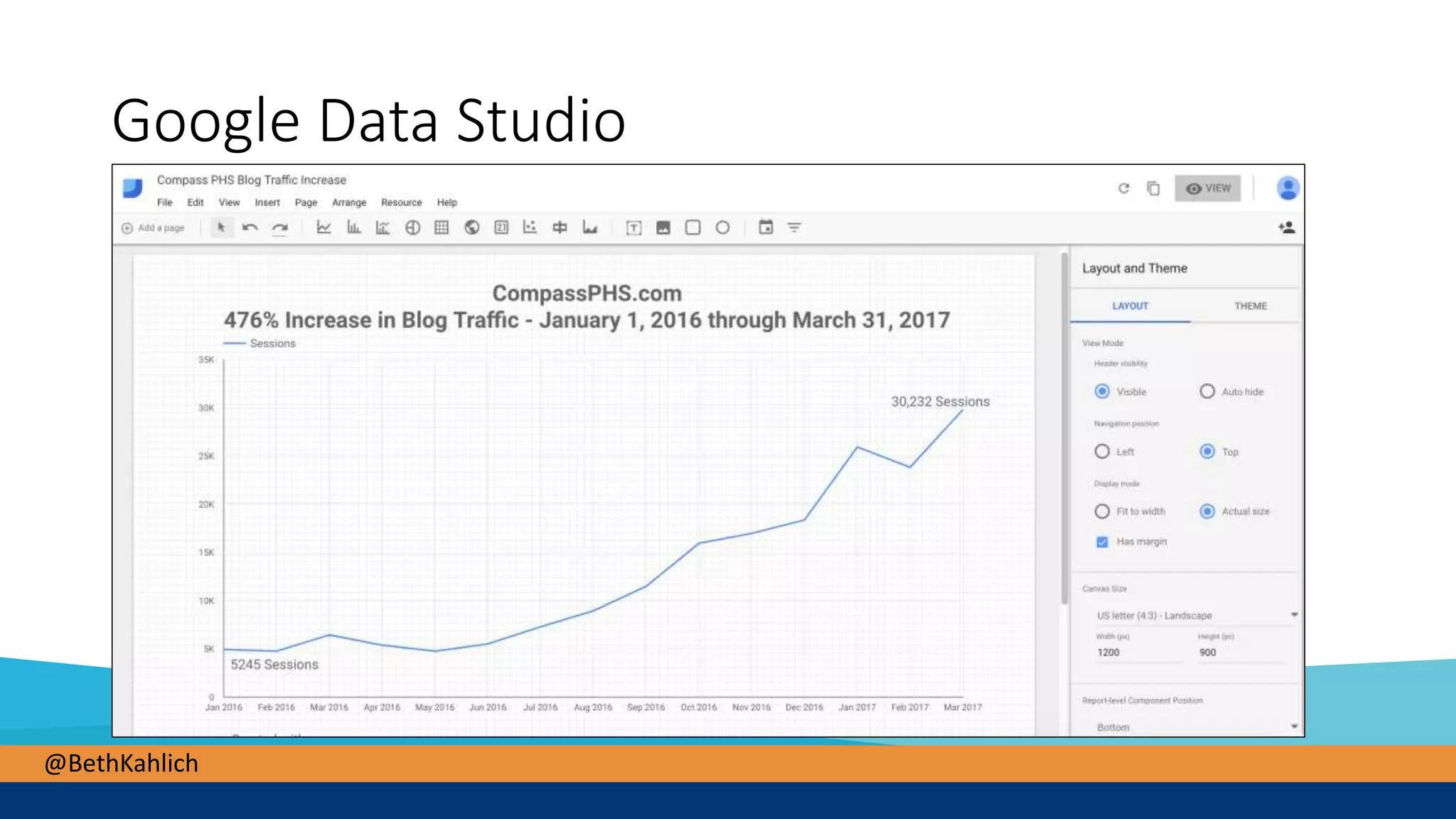
Google Data Studio
@BethKahlich
Beth Kahlich
President – Search Engine Academy Texas
www.SearchEngineAcademyTexas.com
@BethKahlich

Demystifying Google Analytics